Travel
Free Vlog Thumbnail Creation Tool Online
Vlog thumbnail creation made simple: turn your vlog into a clickable YouTube thumbnail: grab the best frame from your video, cut yourself out, pick a vlog template and add big bold text. Free, no sign up, no watermark.
Examples · pick one to start
Click an example to open it in the editor, then swap in your own photo and text.
12:34
Drag to move · corners to resize · double-click to edit · Delete to remove
Preview on YouTube
See your vlog thumbnail at real feed sizes. Keep faces and text away from the bottom right, where YouTube shows the video length.
18:42
48 Hours in Paradise (I Did Not Expect This)
Your Channel · 58K views · 3 hours ago
48 Hours in Paradise (I Did Not Expect This)
Your Channel
Vlog thumbnail templates
This vlog thumbnail creation tool has one template for each kind of vlog. Click a template to load it into the editor above, then add a frame from your video or your own photo.
Day in my life
Food
GRWM
Haul & unboxing
Moving & room tour
Study with me
Fitness
Related Tools
View all tools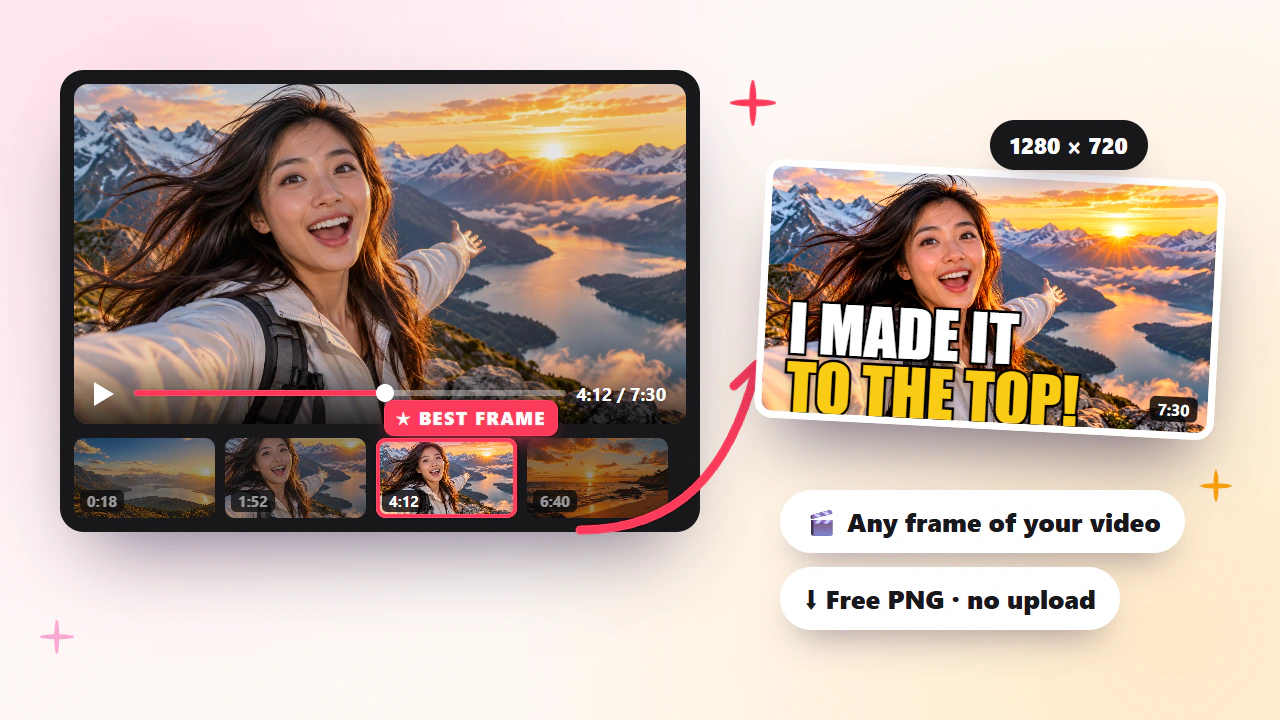
Video Thumbnail
Turn a frame of your video into a thumbnail: best frames picked for you, a bold title and free download.
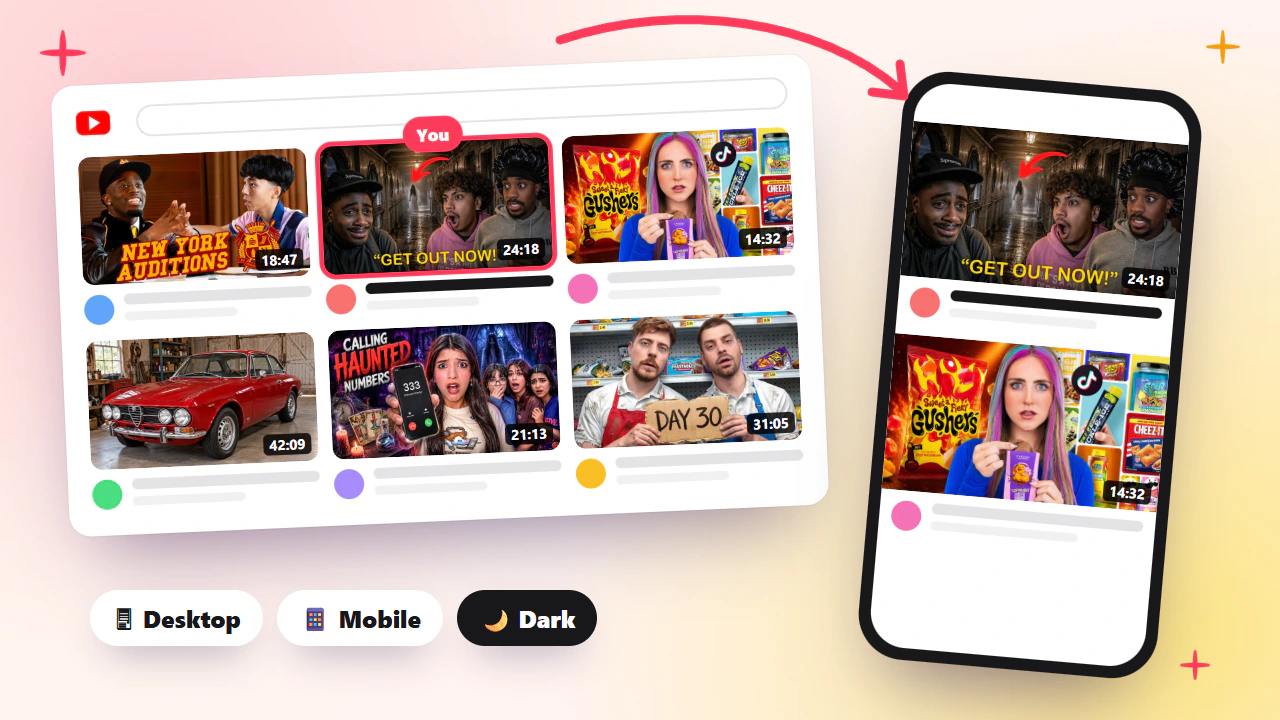
Thumbnail Tester
Preview thumbnails in a realistic YouTube feed and compare up to 4 versions before you upload.

Thumbnail Design
Design click-worthy thumbnails with niche templates, one-click cutouts, bold text and stickers.
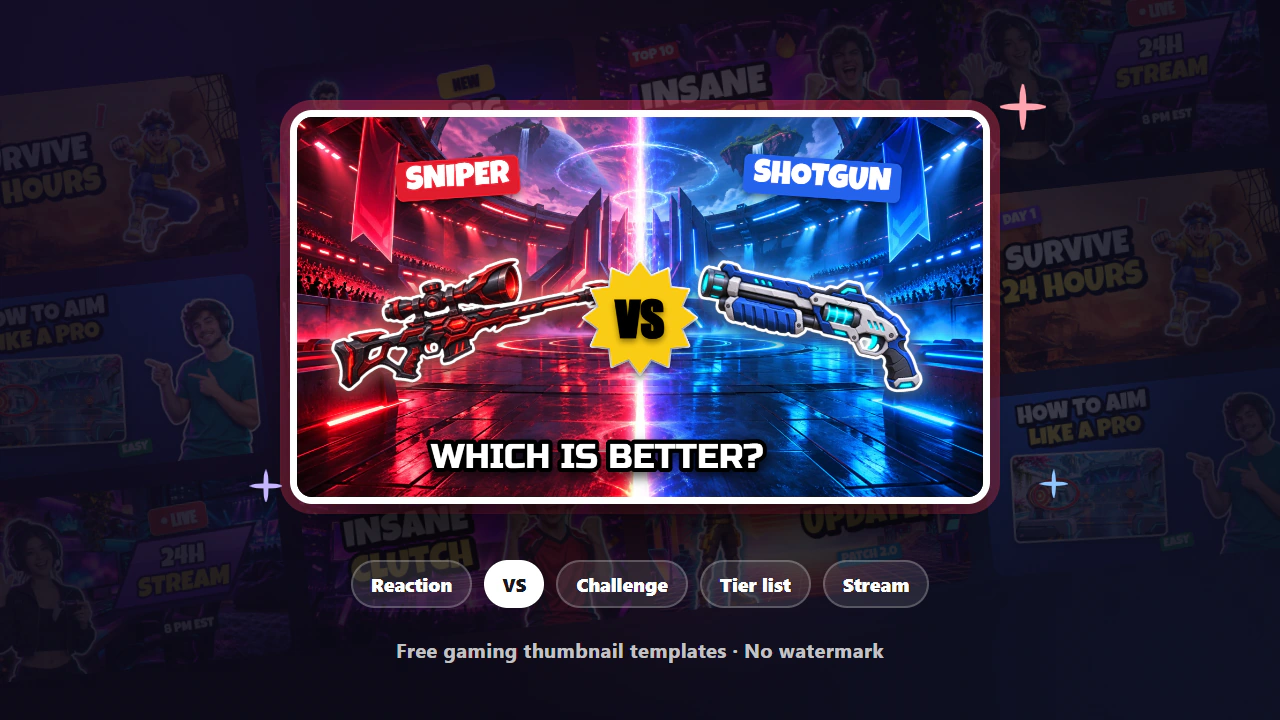
Gaming Thumbnail Maker
Gaming YouTube thumbnails from templates for reactions, VS, challenges, tier lists and streams. Cut out, outline, download.
How it works
Vlog thumbnail creation in four steps
- 01
Pick a vlog template
Start from travel, day in my life, food, GRWM, haul, moving, study or fitness. Fonts, outlines and colors are already set.
- 02
Grab a frame from your vlog
Upload your video and we suggest the sharpest, best-lit frames. Use one as the background or as your photo. Nothing is uploaded.
- 03
Cut yourself out and add text
Remove the background in one click, keep the white outline and type a hook of two to four words.
- 04
Preview and download
Check it in the YouTube feed preview, then download a 1280×720 thumbnail under 2 MB.
Ideas
Vlog thumbnail ideas for every kind of vlog
Good vlog thumbnails tell one small story. These ideas match the templates above.
Travel
Show the view and your reaction to it. A short line like 48 HOURS IN ROME beats the full itinerary.
Day in my life
A cozy room, a coffee and a time stamp such as 5AM ROUTINE. Calm colors fit the mood.
Food
Hold the dish close to the camera. Price contrasts like $1 VS $100 are easy to read at a glance.
GRWM
A soft palette, a script font and the occasion: date night, wedding guest, first day.
Haul & unboxing
An open box, a surprised face and one word: HAUL, UNBOXING or WORTH IT?
Moving & room tour
Empty room versus finished room, with an arrow pointing at the change.
Study with me
Warm desk light, a quiet title and the length of the session.
Fitness
DAY 1 or 30 DAY CHALLENGE with an energetic pose and bright accent color.
Tips
What makes a vlog thumbnail get clicks
Vlogs sell a person and a moment. These habits help both show up on a small screen.
Start from your best frame
A sharp frame with an open, expressive face works better than a pretty but blurry shot.
Two to four words
Put the hook on the thumbnail and keep the details for the title.
Cut yourself out
A cut-out with a white outline separates you from busy travel backgrounds.
Boost the colors a little
Slightly brighter, more saturated images stand out in the feed without looking fake.
Keep the bottom right clear
YouTube puts the video length there, so do not hide your face or text in that corner.
Make a series look
Reuse the same template, fonts and colors every week so viewers recognise your vlogs instantly.
Size guide
YouTube vlog thumbnail size
Vlog thumbnails follow the regular YouTube rules. This vlog thumbnail creation tool exports 1280×720 under 2 MB, which uploads from both desktop and mobile.
| Export size | 1280 × 720 pxThe standard HD thumbnail size. YouTube also accepts larger images, up to 3840 × 2160. |
|---|---|
| Aspect ratio | 16:9Same shape as the player, so nothing gets cropped. |
| Format | PNG or JPGDownloads as PNG and switches to JPG automatically if the file would be too large. |
| File size | Under 2 MBYouTube allows up to 2 MB from the mobile app and up to 50 MB from a computer. |
| Minimum width | 640 pxAnything smaller is rejected. Bigger images look sharper on TVs. |
FAQ
Vlog thumbnail creation FAQ
Is this vlog thumbnail creation tool free?
Yes. Templates, frame picking, text, stickers and downloads are free with no watermark and no sign up. Only the optional background removal uses credits.
Can I make a thumbnail from a frame of my vlog?
Yes. Upload your vlog to the vlog thumbnail creation tool and we suggest the sharpest, best-lit frames. Use a frame as the background or as your photo, then cut yourself out.
Is my video uploaded?
No. Frames are found and captured in your browser. Only an image you choose to remove the background from is sent for processing.
What size should a vlog thumbnail be?
Use 1280×720 pixels at 16:9, at least 640 pixels wide and under 2 MB. Thumbnails from this vlog thumbnail creation tool meet all of these.
What kinds of vlog templates are there?
Travel, day in my life, food, GRWM, haul and unboxing, moving and room tour, study with me and fitness. Each one sets fonts, outlines and colors for you.
What should I write on a vlog thumbnail?
Two to four words that add to the title instead of repeating it, such as 48 HOURS IN PARADISE or $1 VS $100.
Which video formats work?
Anything your browser can play, usually MP4, MOV and WebM. Very large or unusual files may not open; in that case export a shorter clip.
How do I make my vlog thumbnails look consistent?
Pick one template for your series and keep its fonts and colors. Change only the photo and the words each week.
Can I make a vertical cover for Shorts?
This tool makes 16:9 vlog thumbnails. For a 9:16 cover, use our YouTube Shorts Thumbnail Maker.