League of Legends Thumbnail Templates
Give the video one clear queue: a champion, a rank, a patch change, or the play that decided the game. Choose a League of Legends thumbnail template, customize the visual direction, and generate a cover built around your actual video.
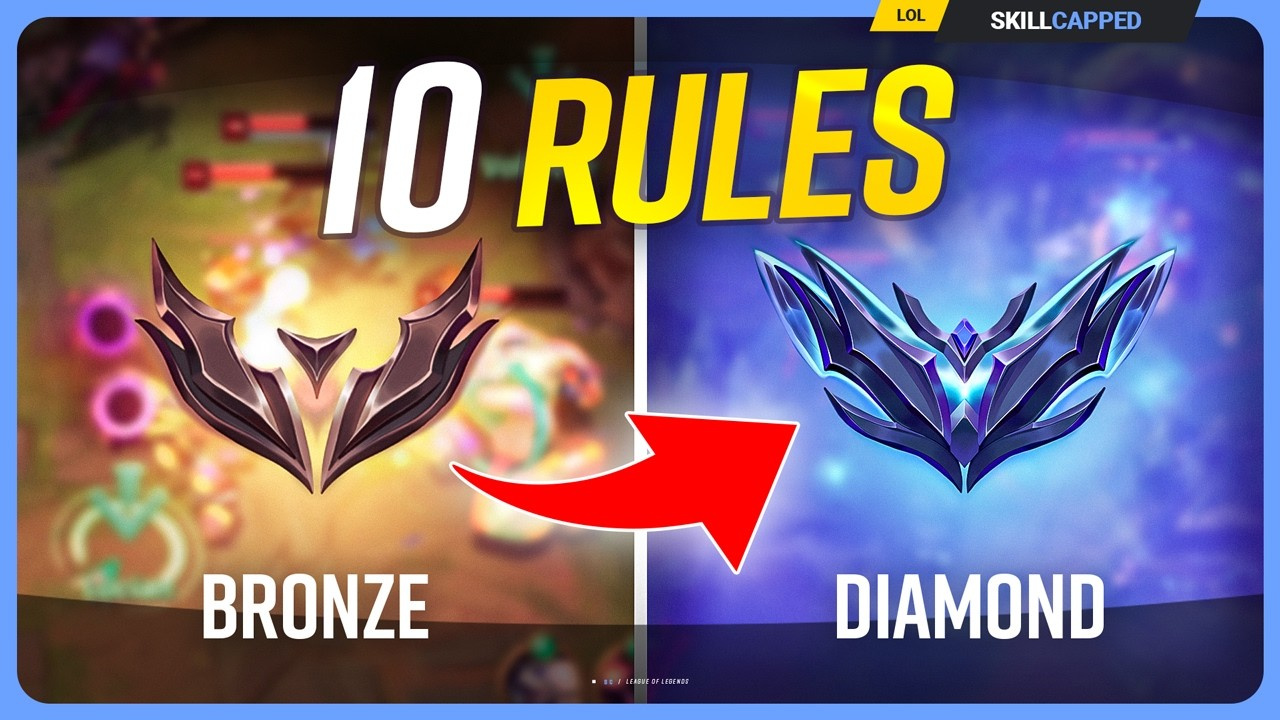
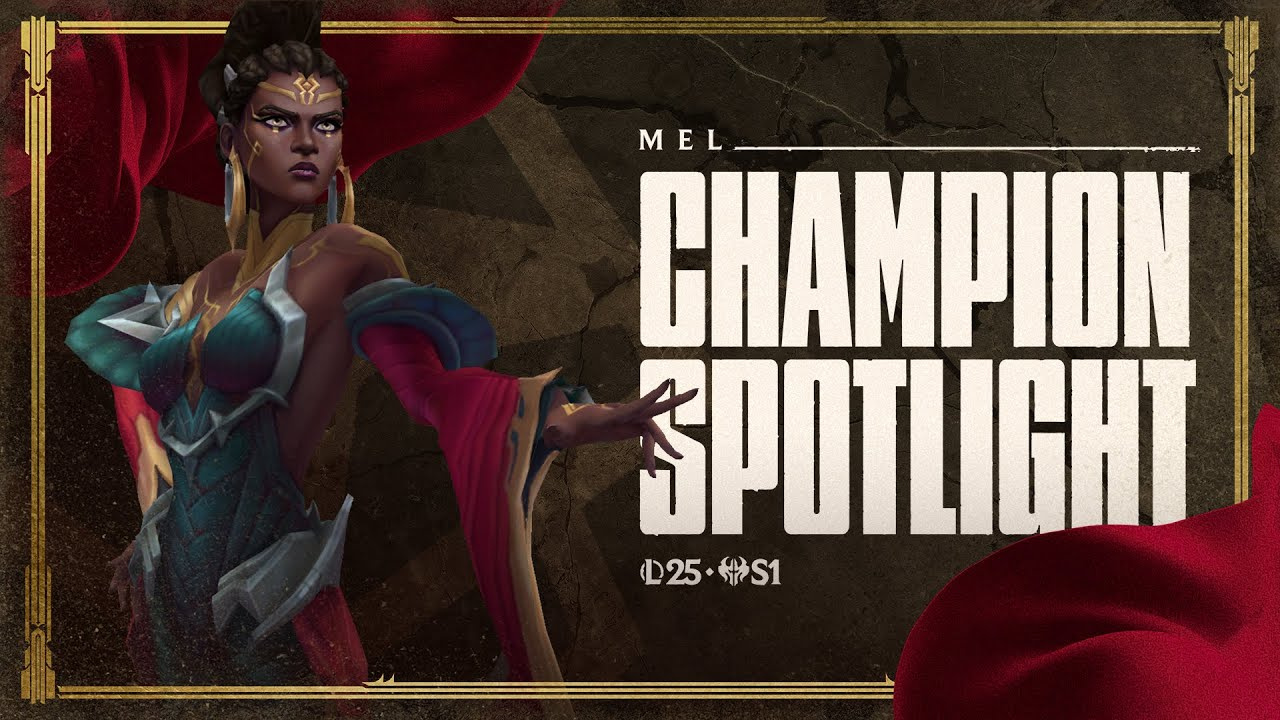
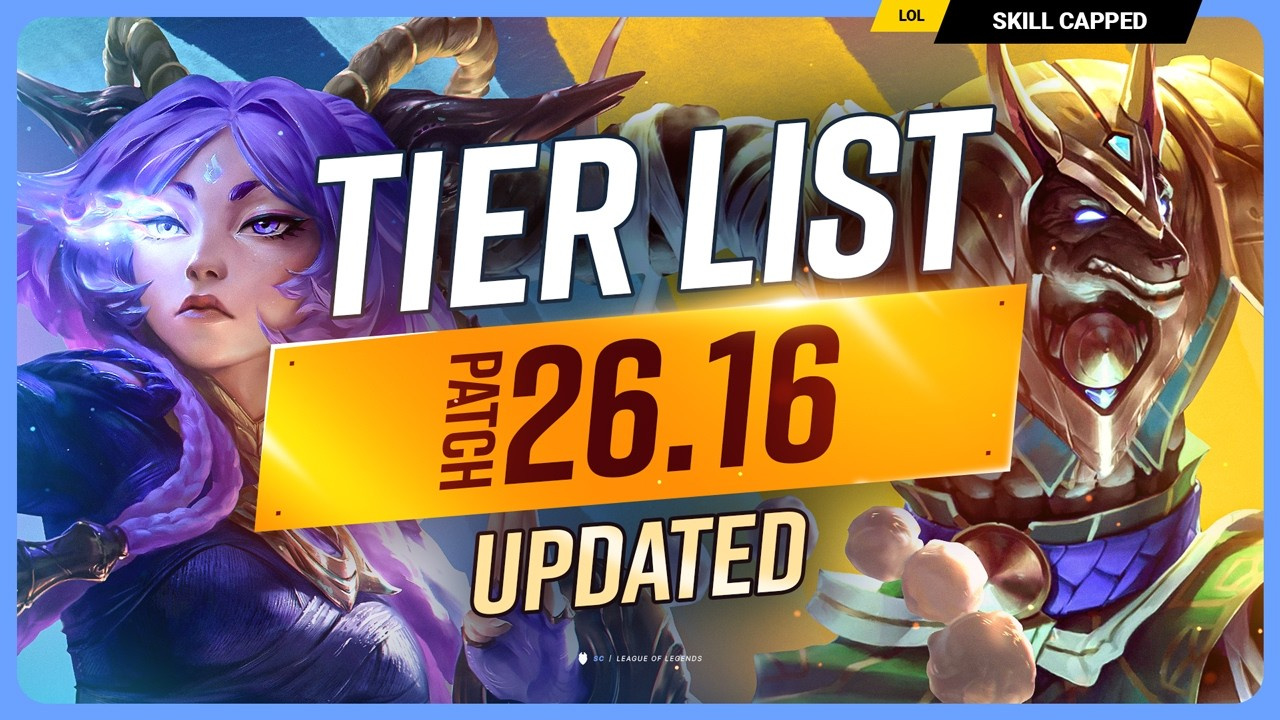
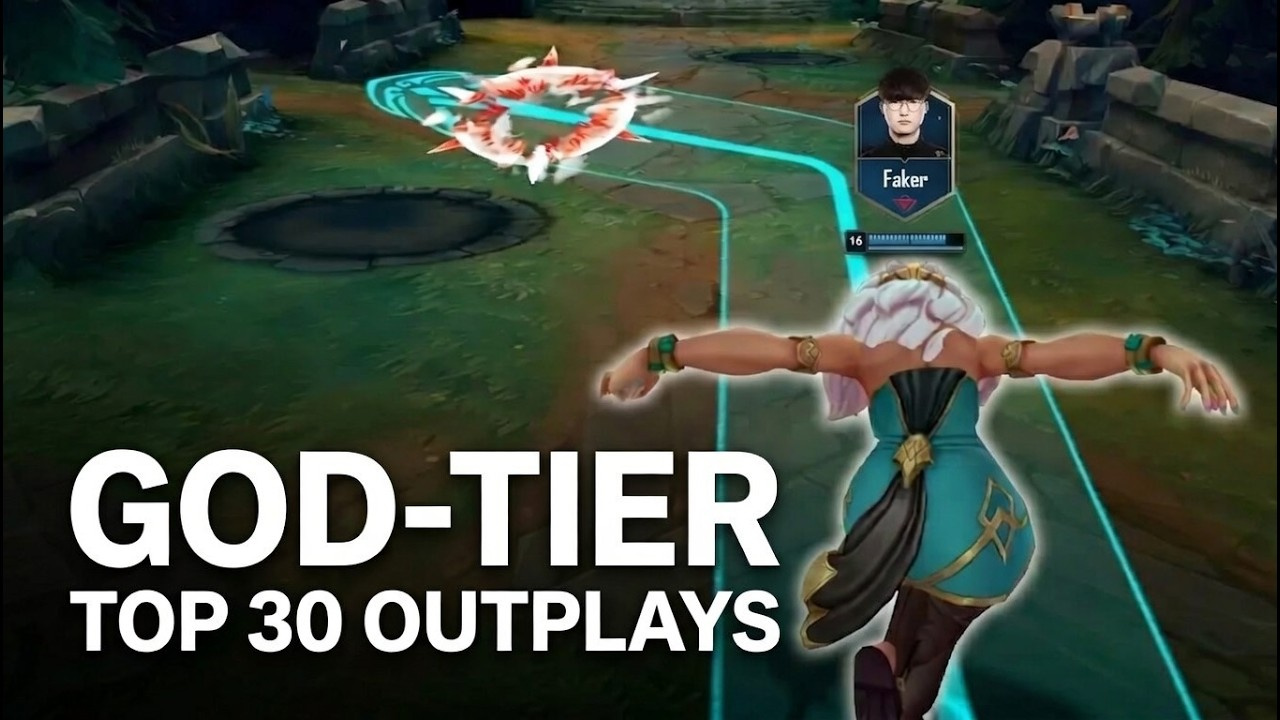
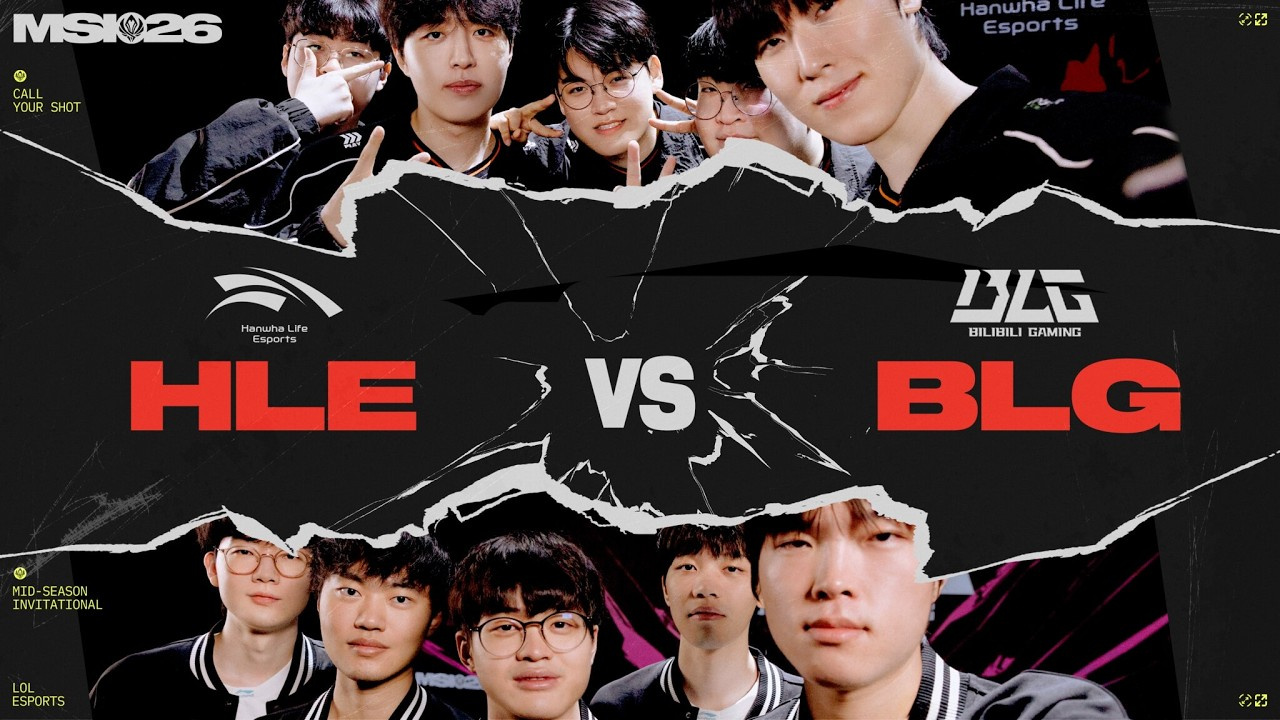
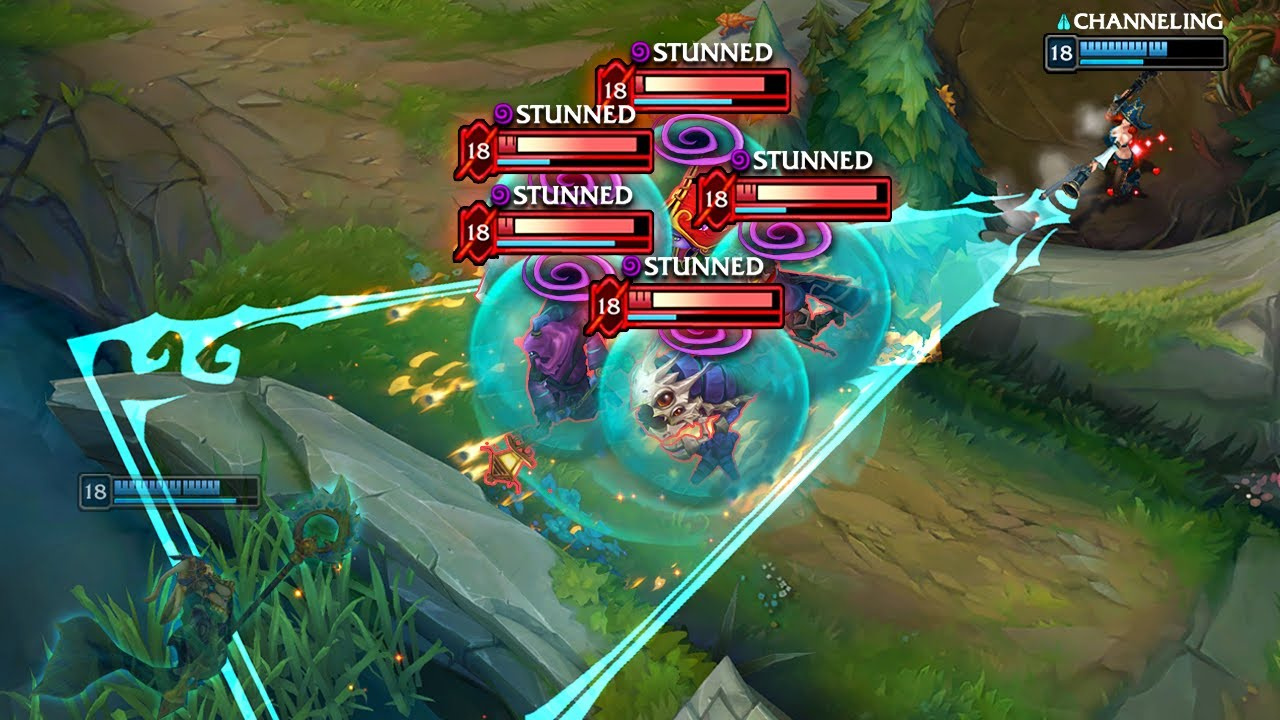
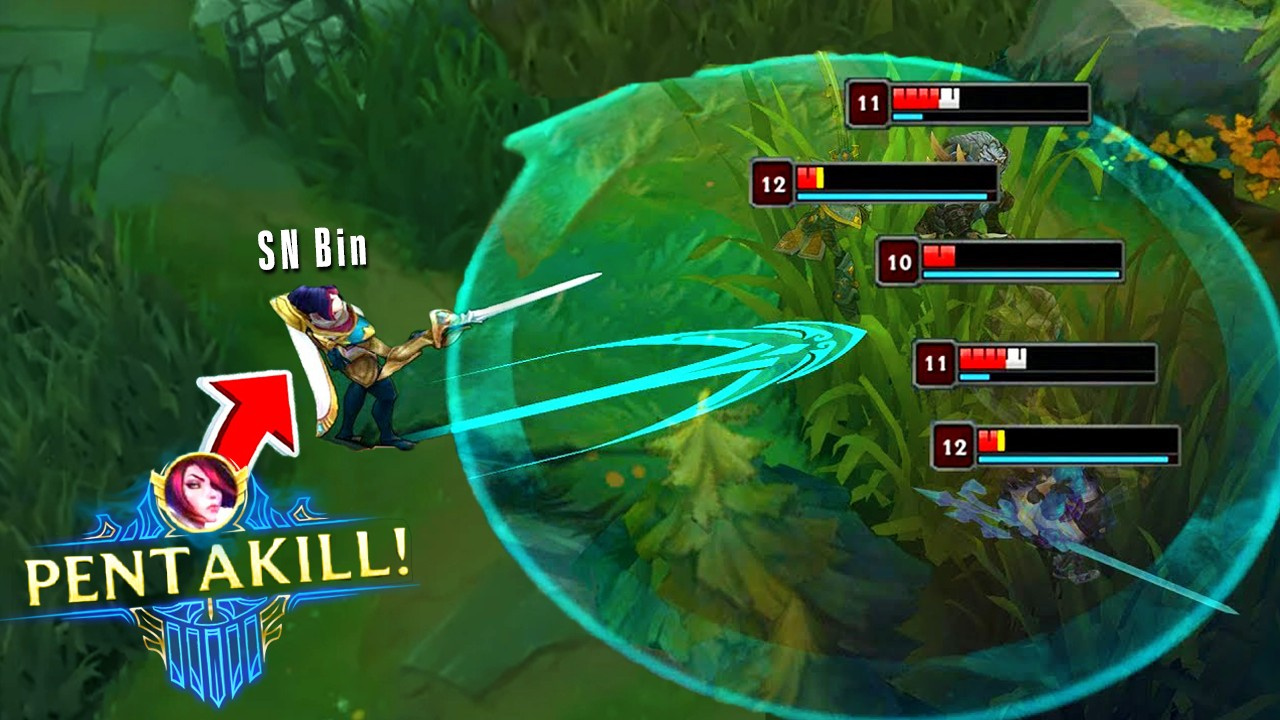
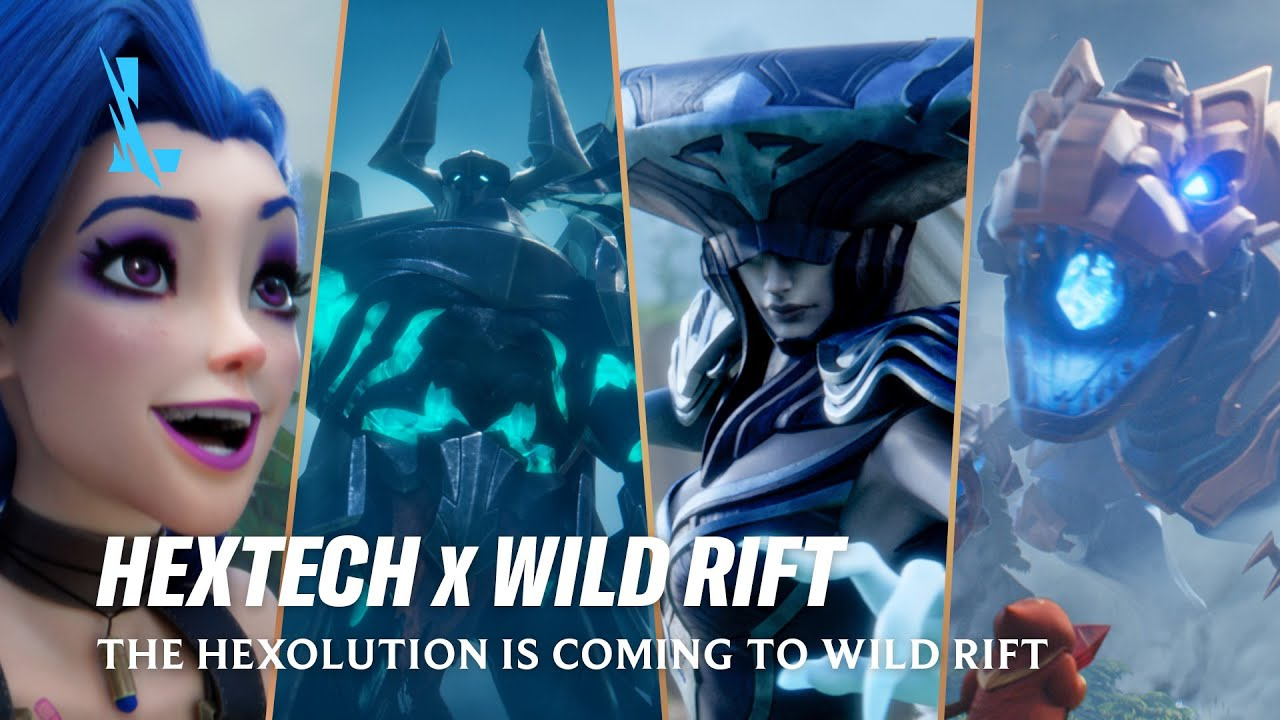
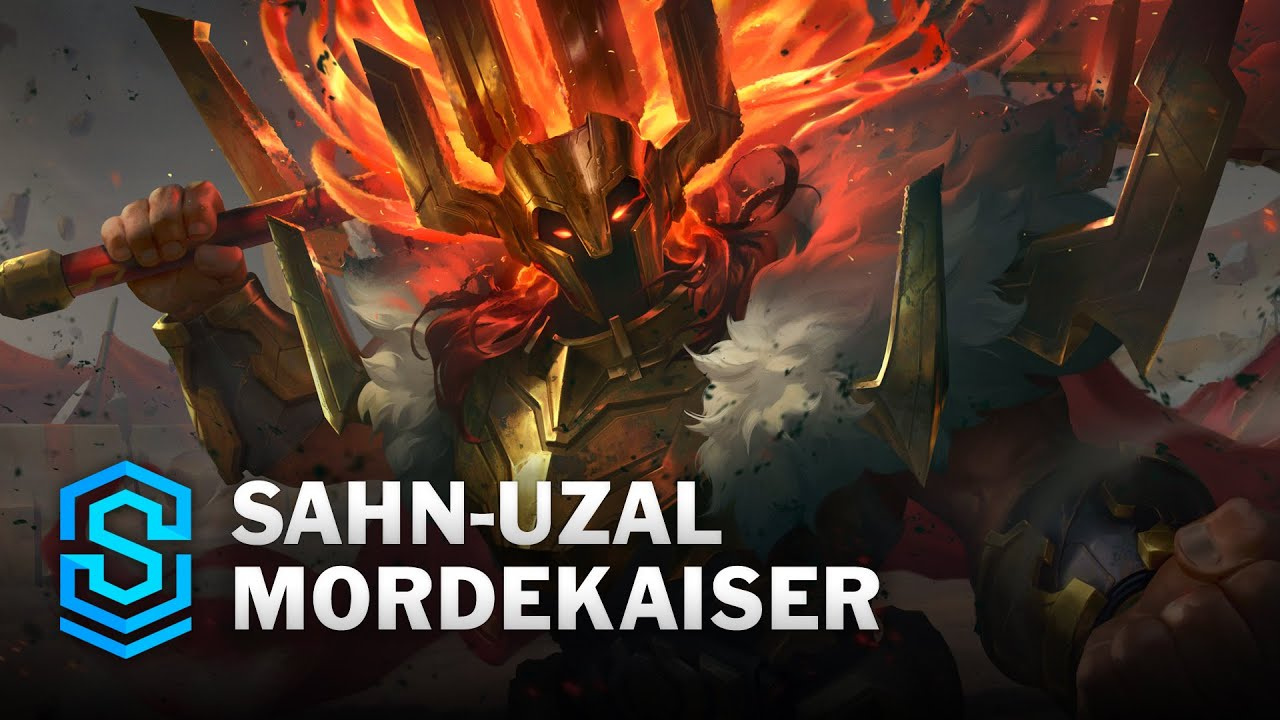
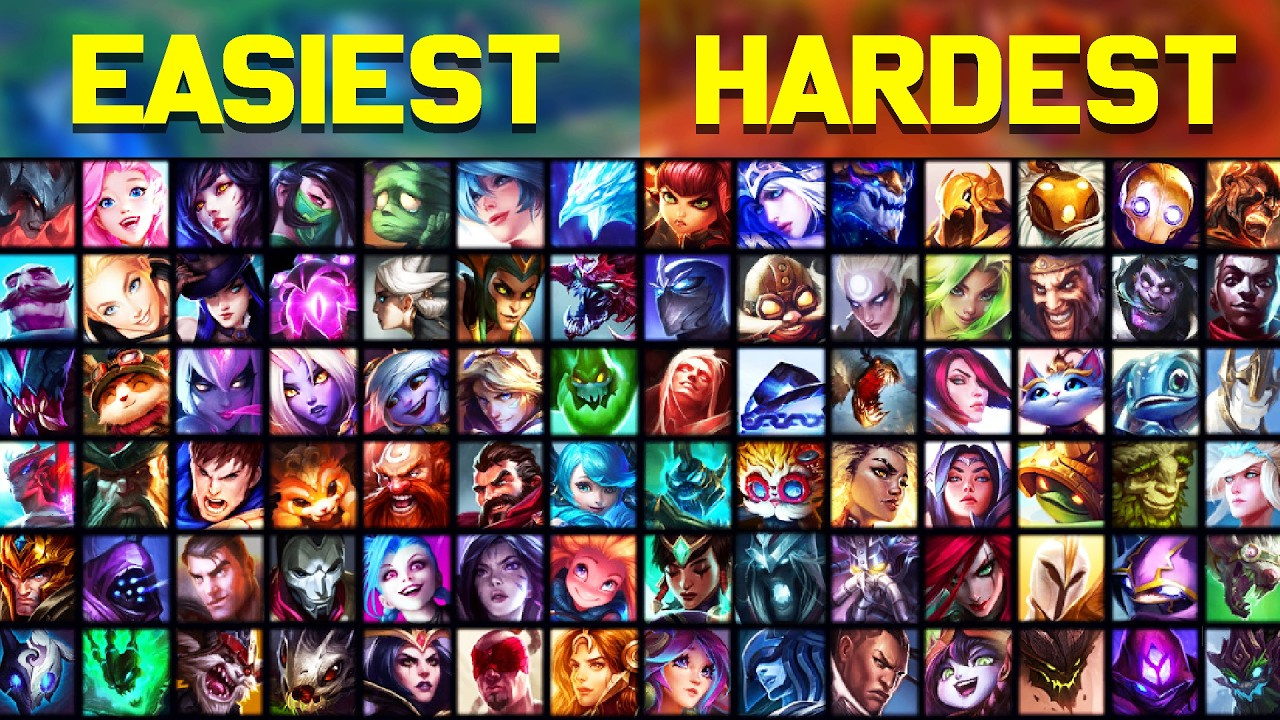
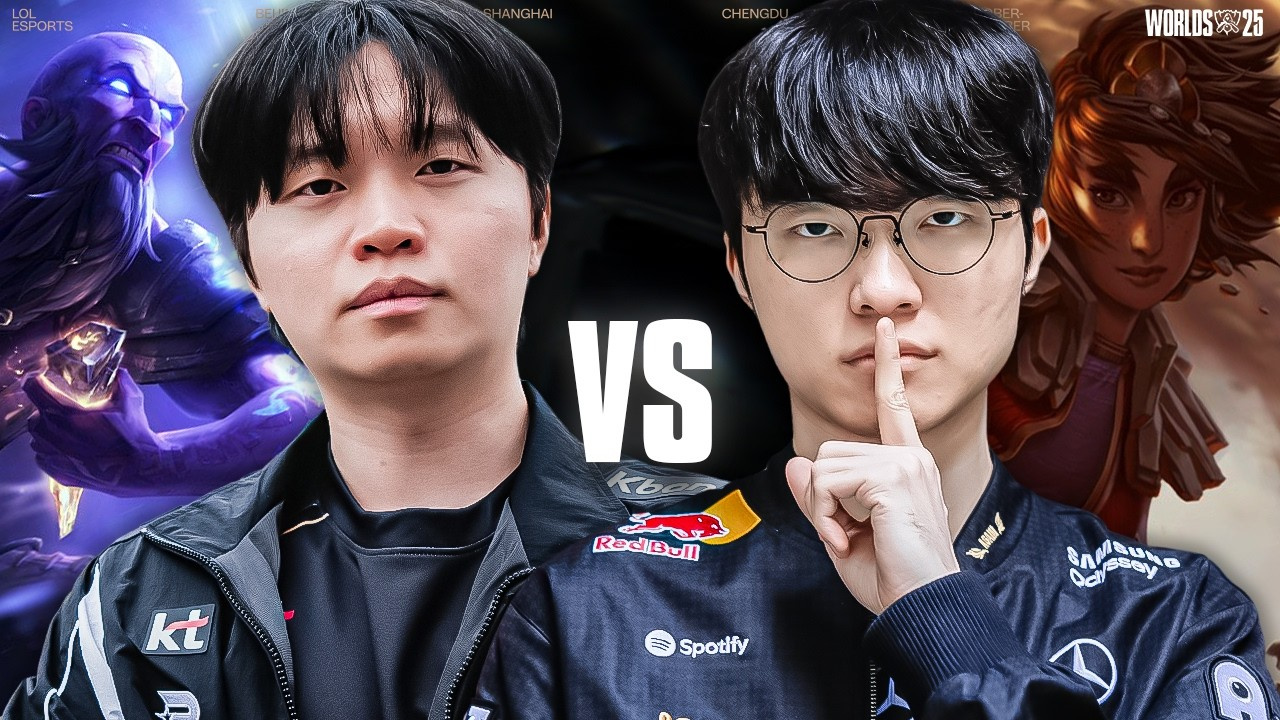
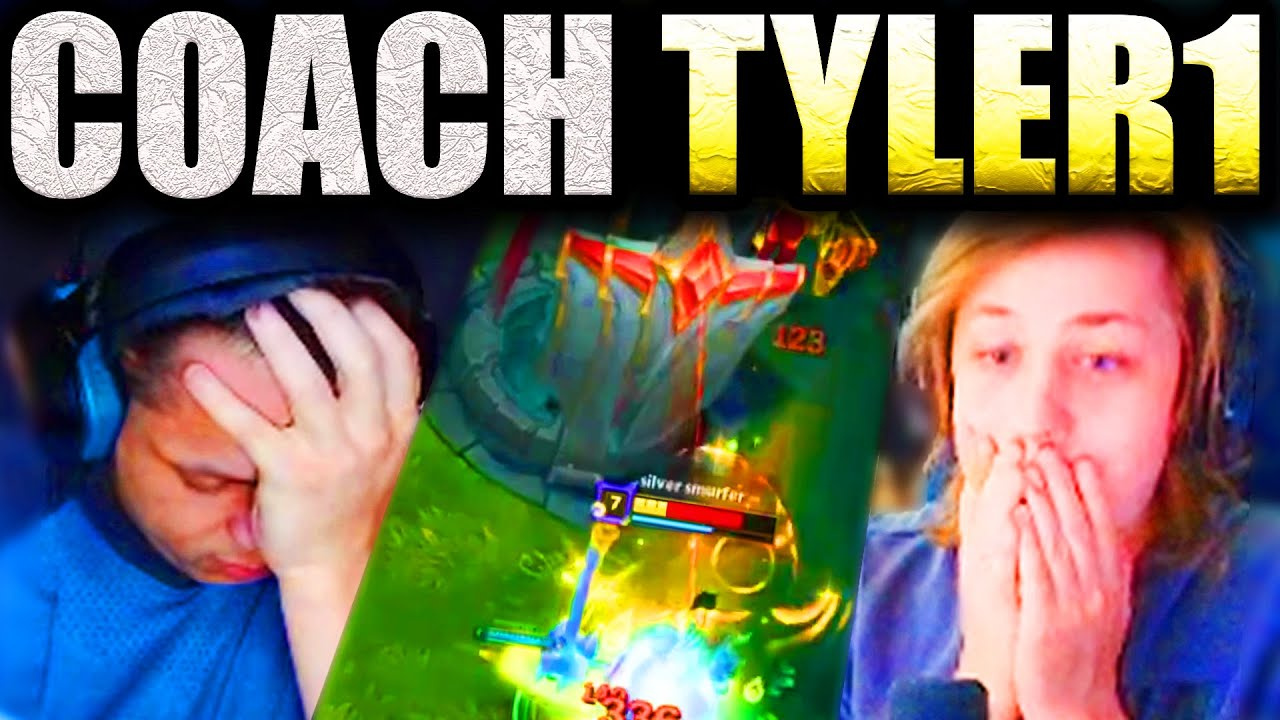
How to Make a League of Legends Thumbnail
Start with the video’s one unmistakable game story, then build the cover around that focal point.
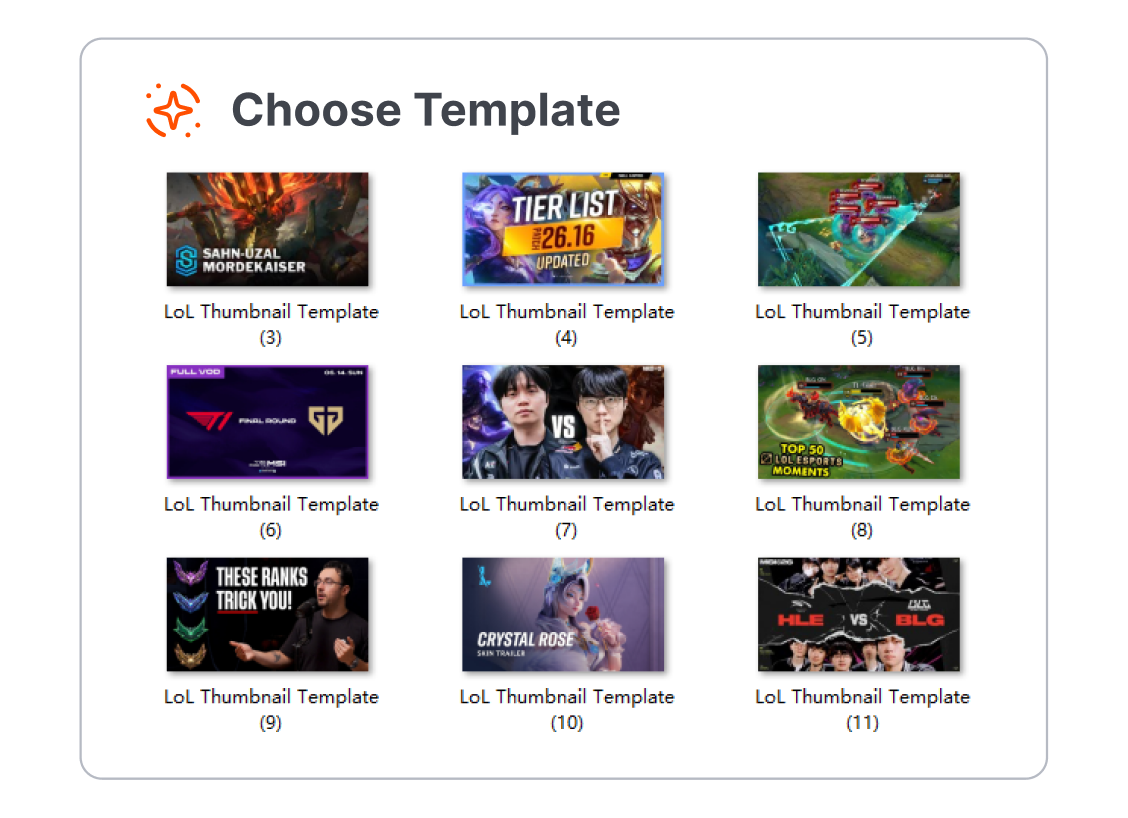
1. Choose a League Format
Pick a template for a ranked climb, champion guide, patch breakdown, highlight, livestream, or esports discussion.
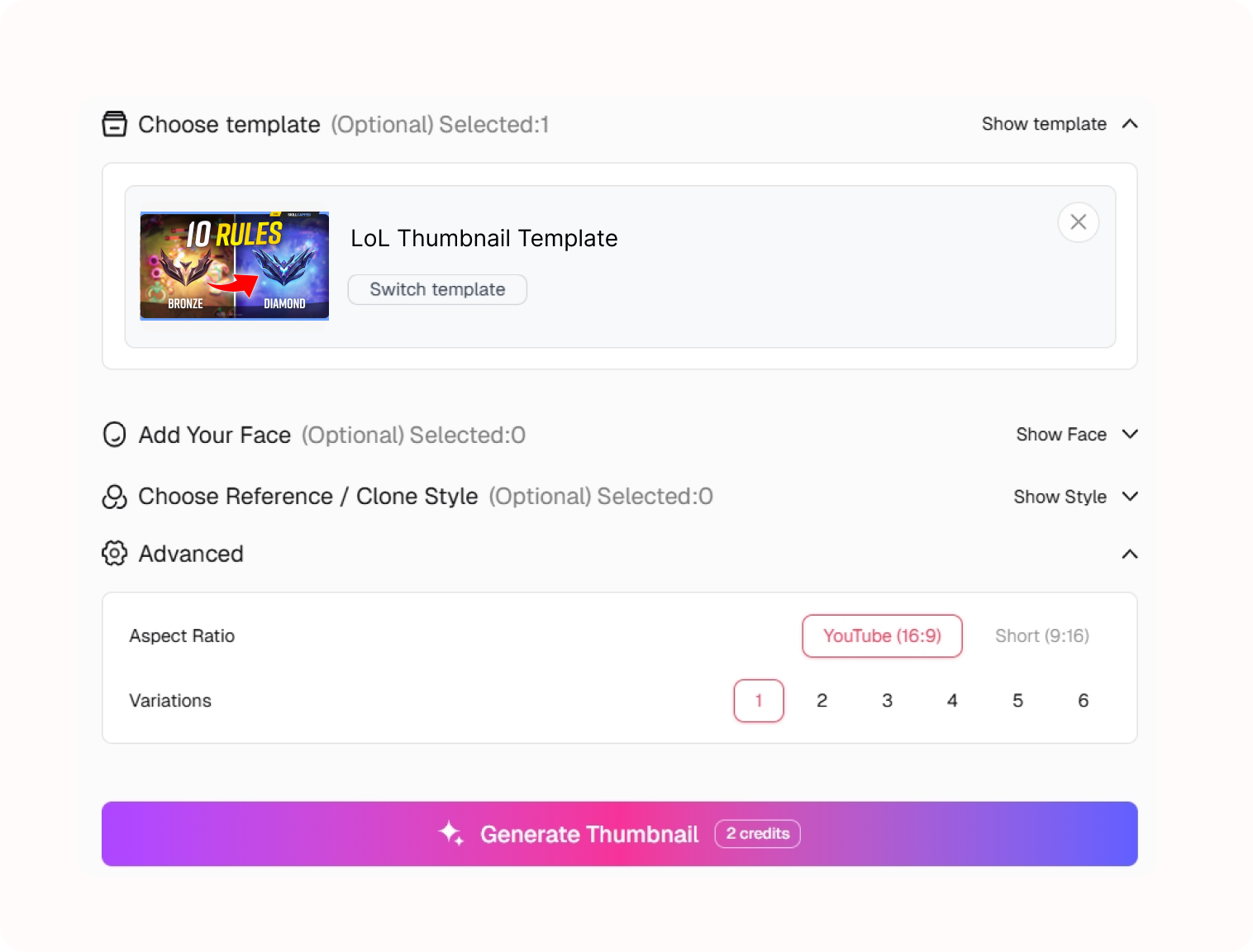
2. Set the Visual Hook
Describe the match, champion, moment, or update behind the video and adjust the visual direction.
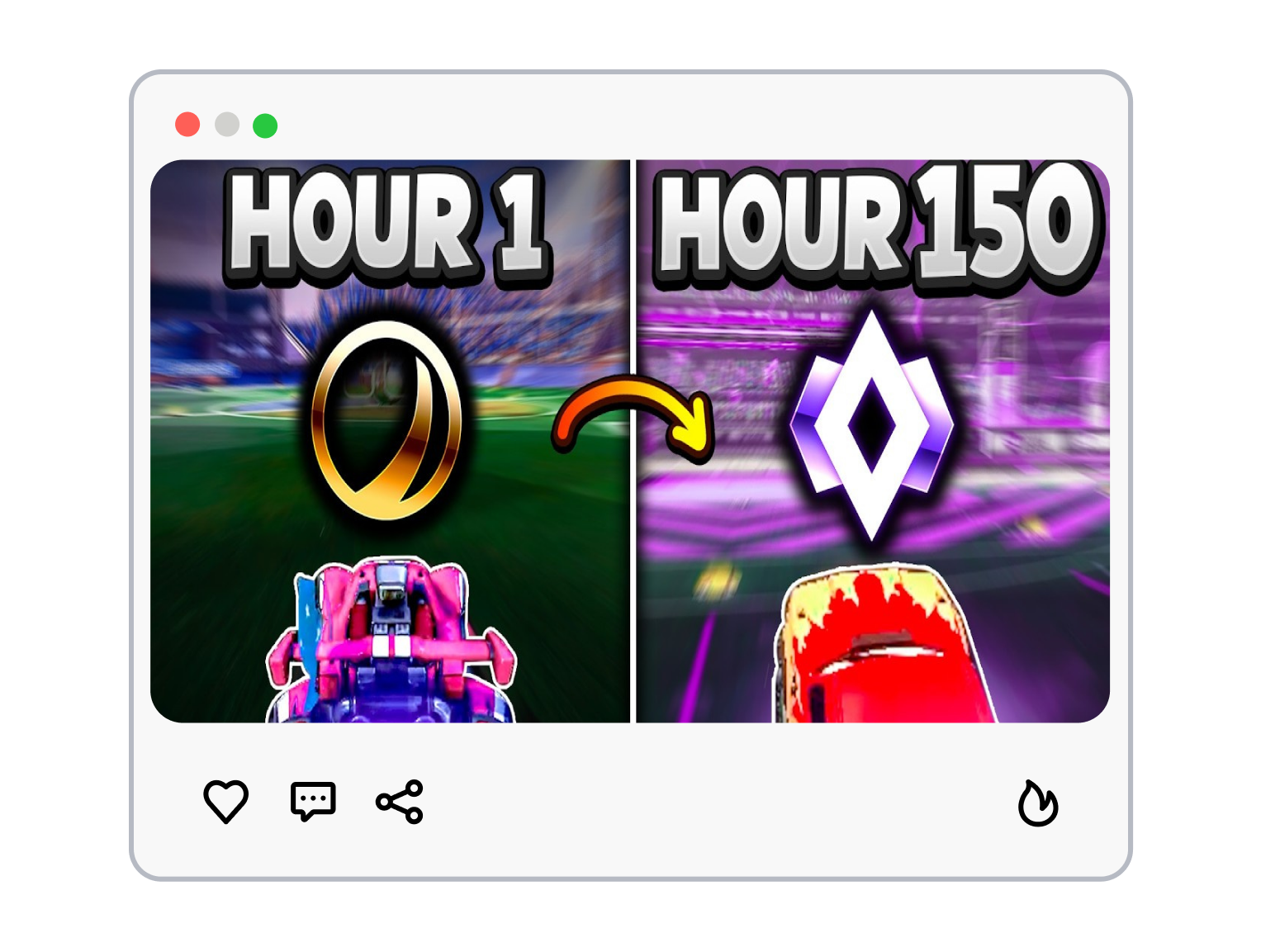
3. Generate the Video Cover
Generate a new League of Legends thumbnail, then refine the scene and short hook to match the upload.
League of Legends Thumbnail Templates for Every Queue
Build around the reason a League player would stop scrolling: a decisive play, a new answer, or a champion they already know.
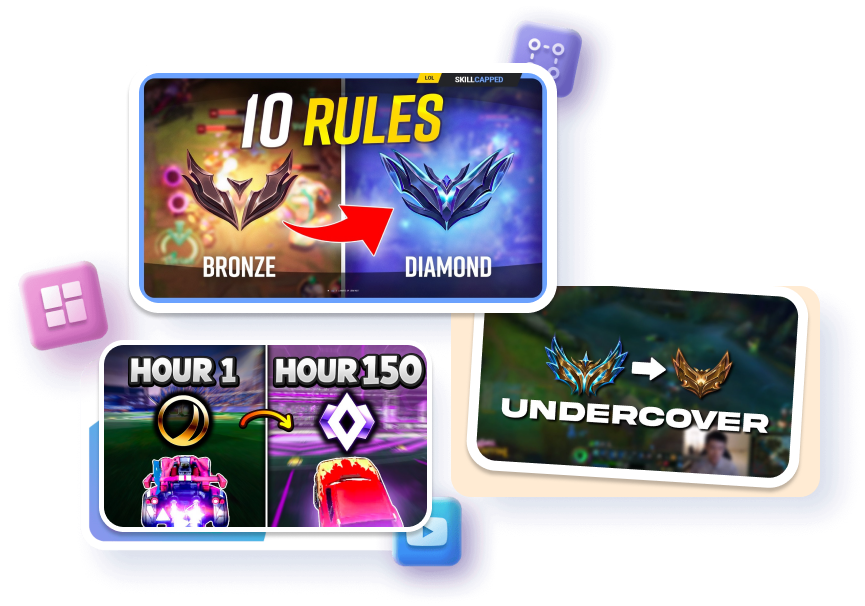
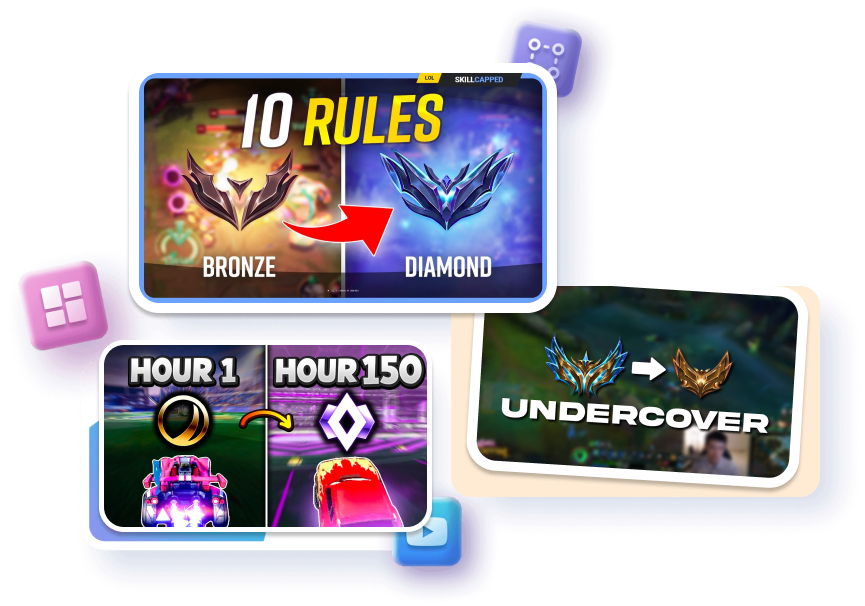
Put the Play at Center Screen
Frame one champion, one matchup, or one late-game moment as the immediate focal point. Layer a rank marker, ability cue, or item detail only when it explains the play. Keep the short hook beside the action so the matchup remains readable on mobile.
Turn a Guide Into a Clear Promise
Feature the champion players came to learn instead of a crowded five-person fight. Pair one build, rune, combo, or lane cue with a concise instructional hook. Separate the subject from the Rift scene so the lesson reads before the title.
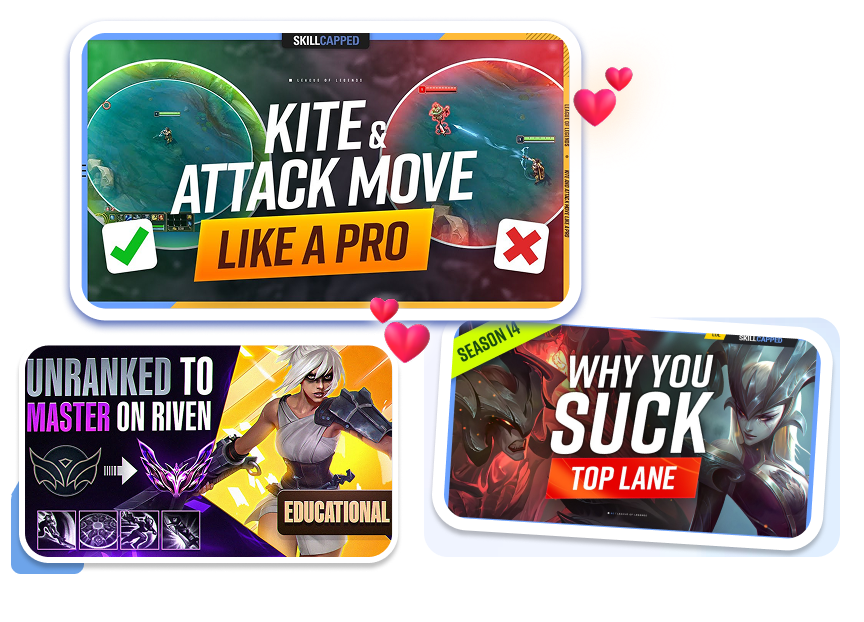
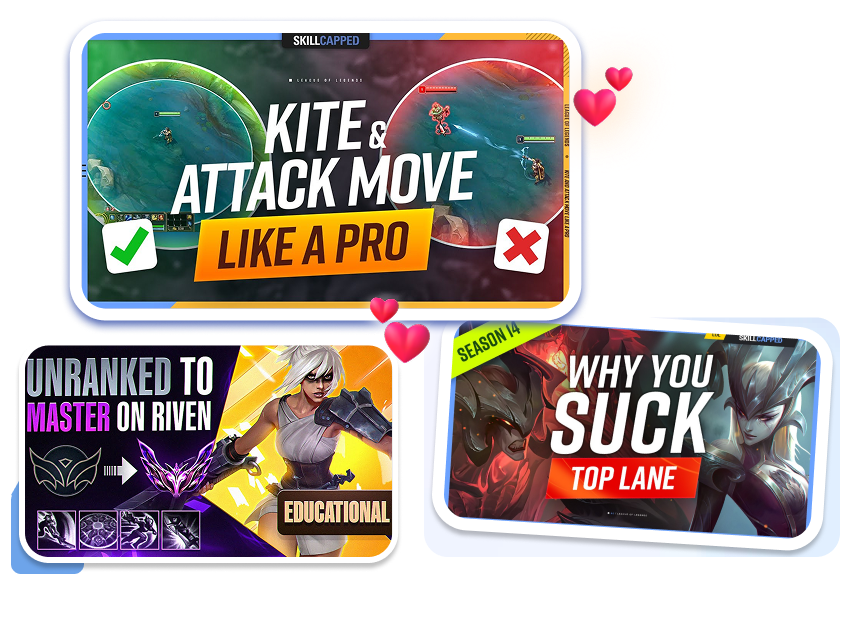


Give Patch Videos a Visual Signal
Spotlight the champion, item, or system change your breakdown actually covers. Use a restrained update label to establish urgency without inventing a result. Balance patch cues with open space so the headline does not bury the subject.
Keep a Series Recognizable
Repeat a consistent champion, rank, or reaction placement across related uploads. Swap the matchup or session angle while preserving the channel’s visual hierarchy. Refresh the scene for each episode so familiar branding does not become duplicate art.
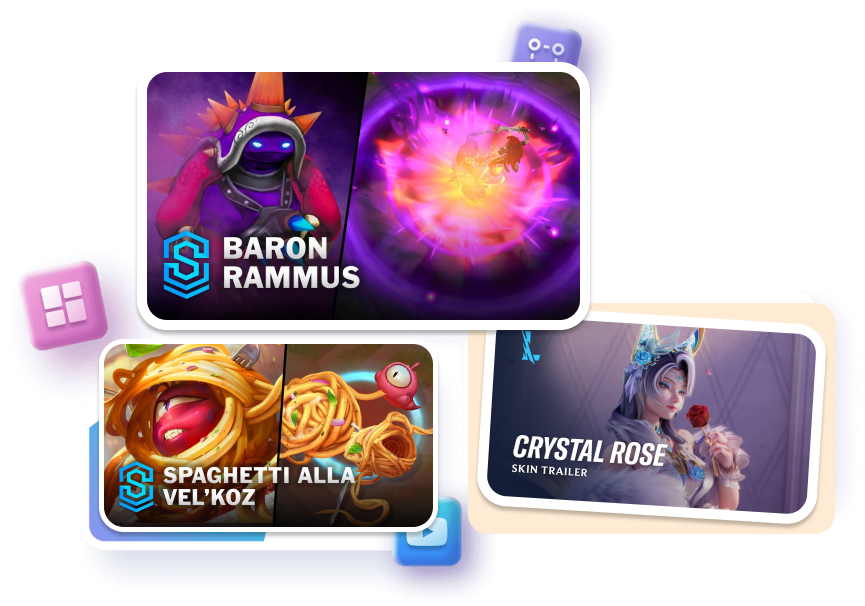
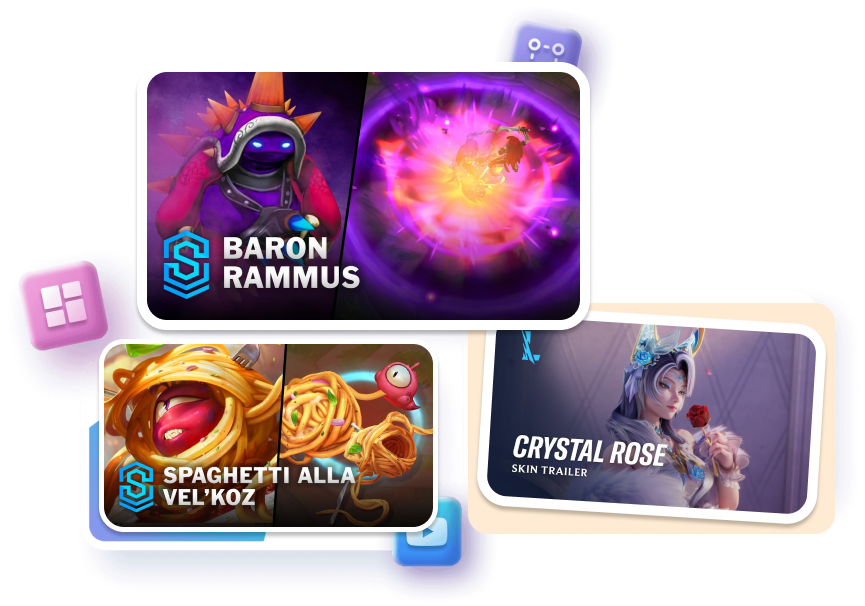
League of Legends Thumbnail Templates for Different Creators
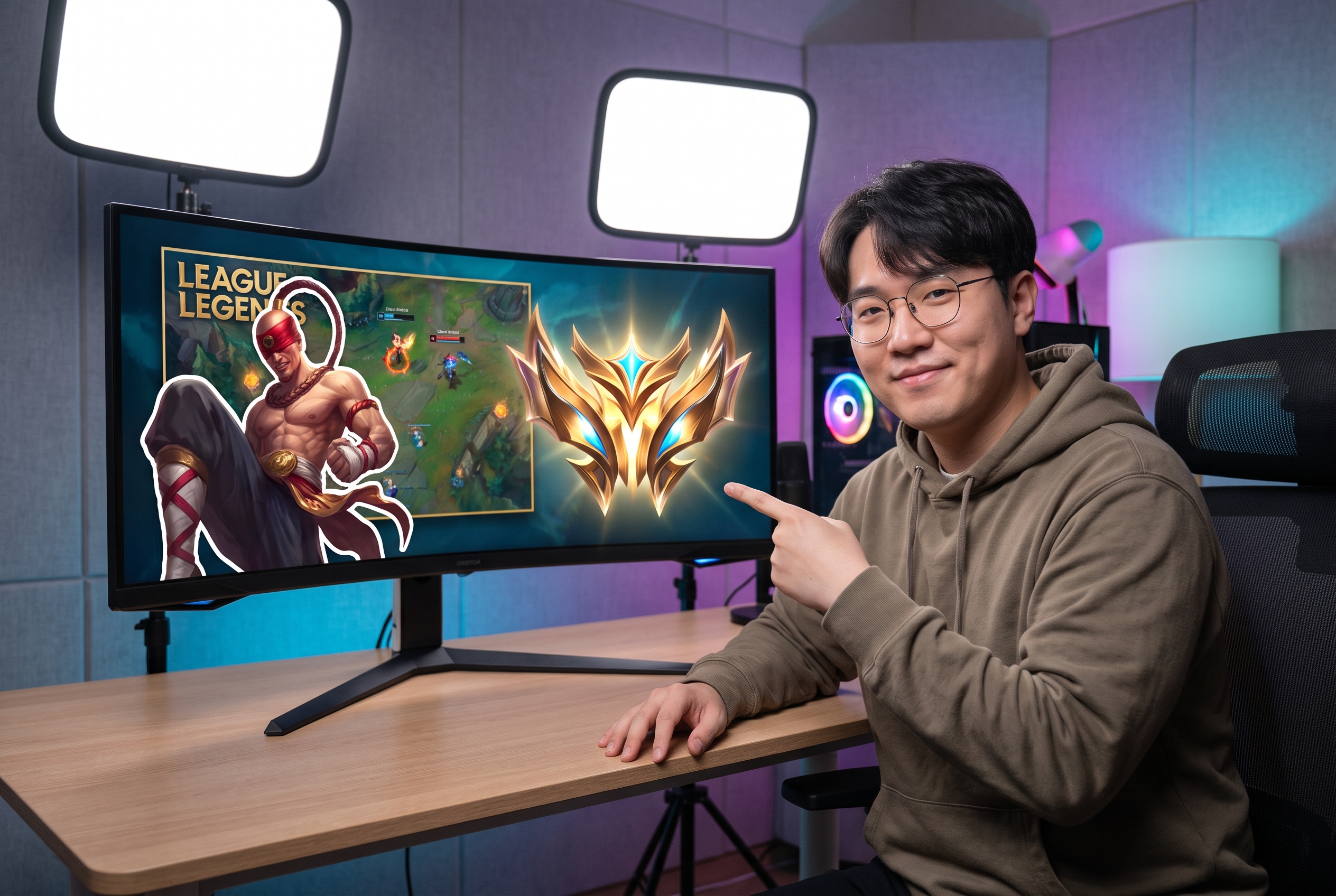
Ranked and Gameplay Creators
Use the template to make the champion, decisive moment, or rank goal the lead visual instead of trying to show every stat from the match.
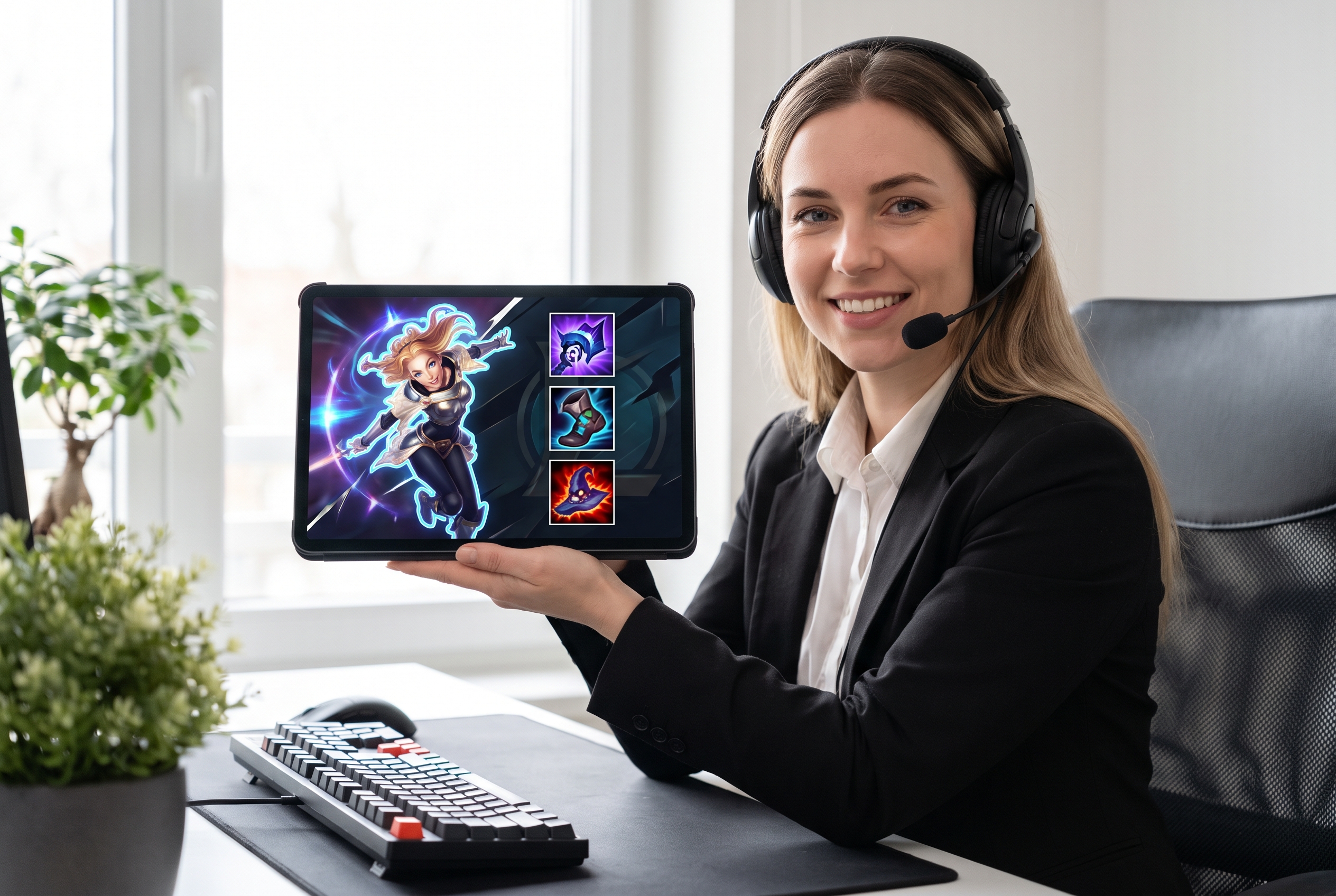
Champion Guide and Coaching Channels
Identify the champion and one specific lesson, build, or matchup without turning the cover into a full loadout screen.

Esports, News, and Livestream Hosts
Adapt the central scene and short topic cue for tournament discussion, live queues, roster news, or patch reactions.
FAQs
What is a League of Legends thumbnail?
What should a League thumbnail show first?
Can I make a League livestream thumbnail?
Can I use a League thumbnail for guides?
How much text belongs on a League thumbnail?
How do I create a high-CTR LoL thumbnail for guides and updates?
Can I design ranked climb with this AI thumbnail maker?
Make Your League of Legends Thumbnail Call the Play
Pick a League of Legends thumbnail template that gives the champion, turning point, or patch question the whole screen—not a cluttered recap. Shape a cover that tells players what queue they are entering.