Q&A Thumbnail Templates
Give the audience a question worth opening. Choose a Q&A thumbnail template, customize the speaker, topic, and visual hook, then generate a cover that tells viewers what conversation they are joining.
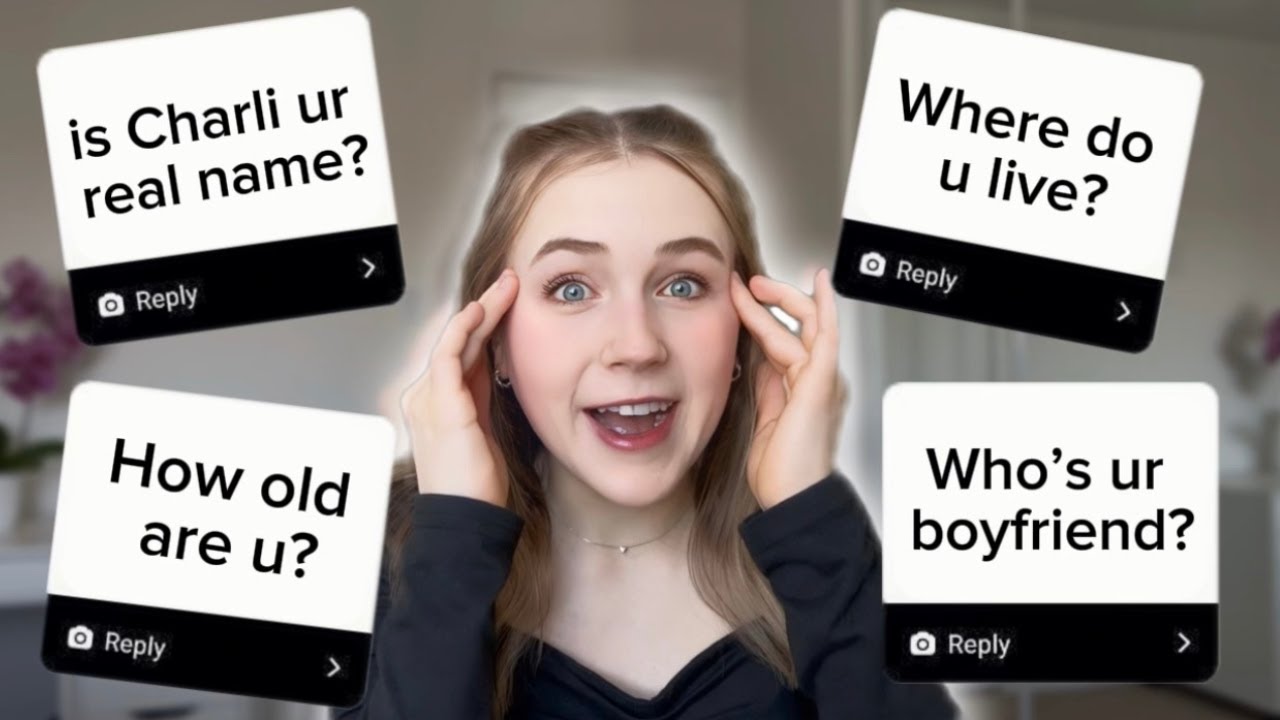
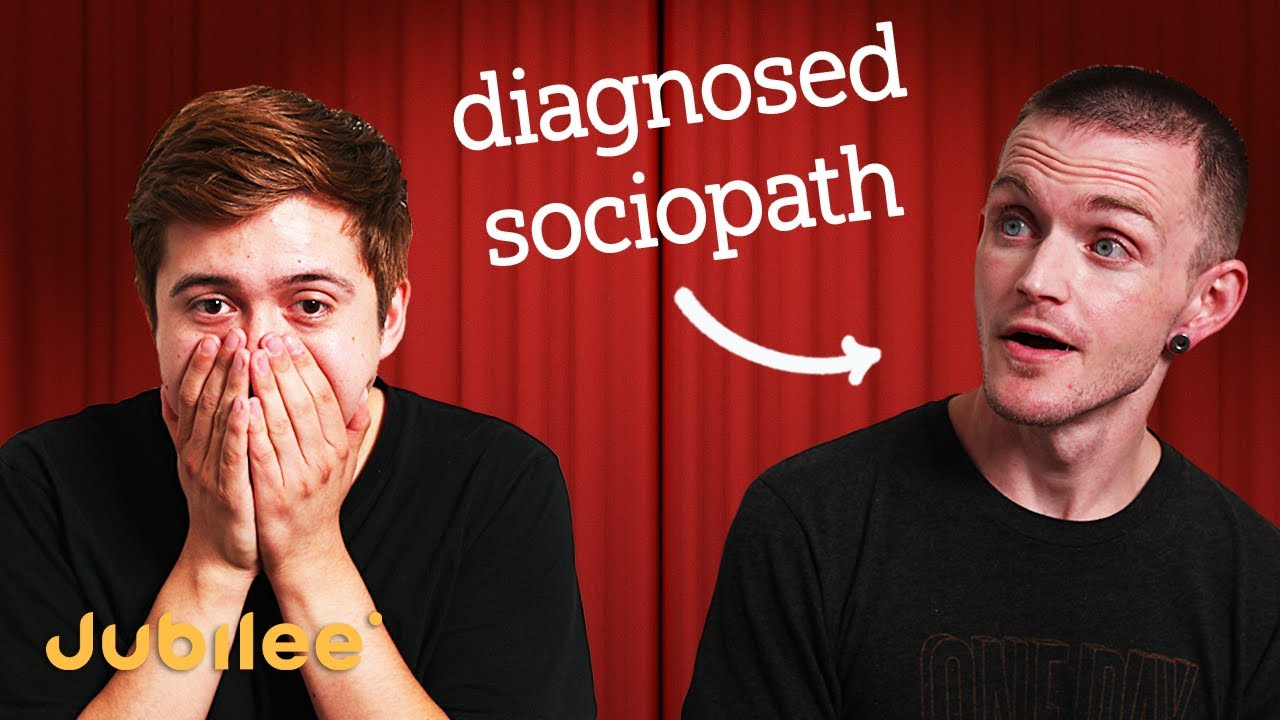
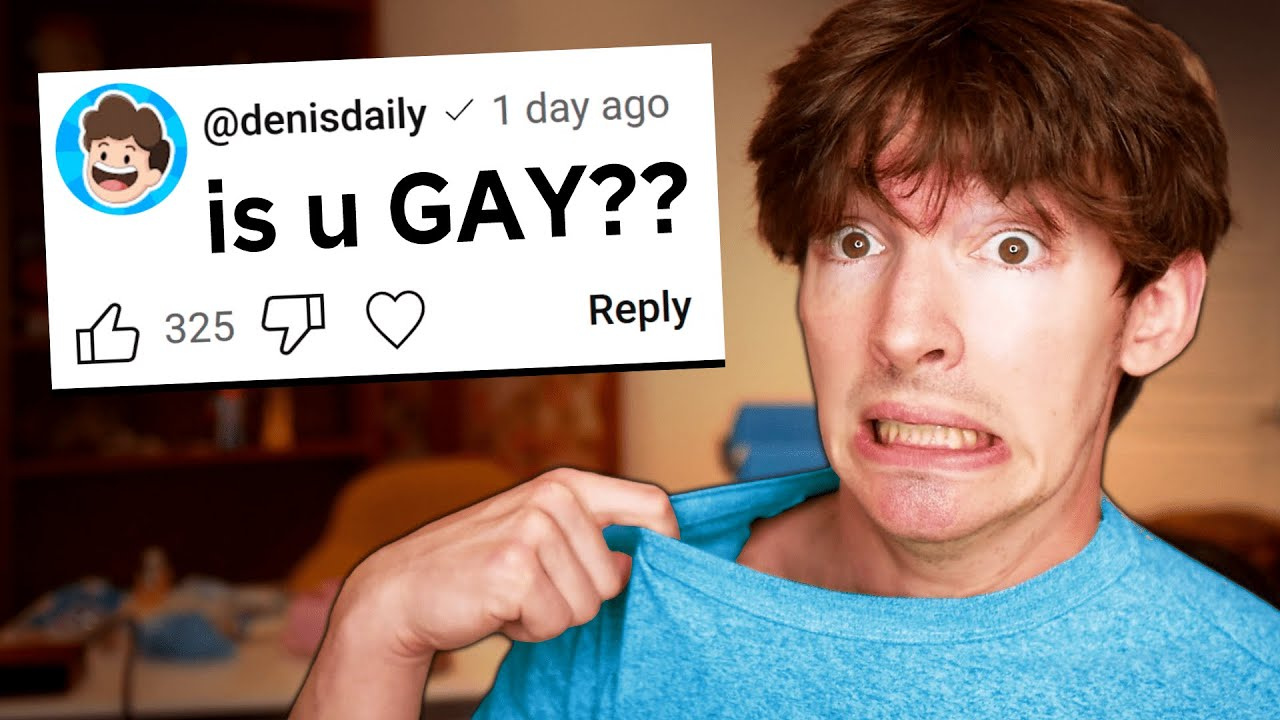
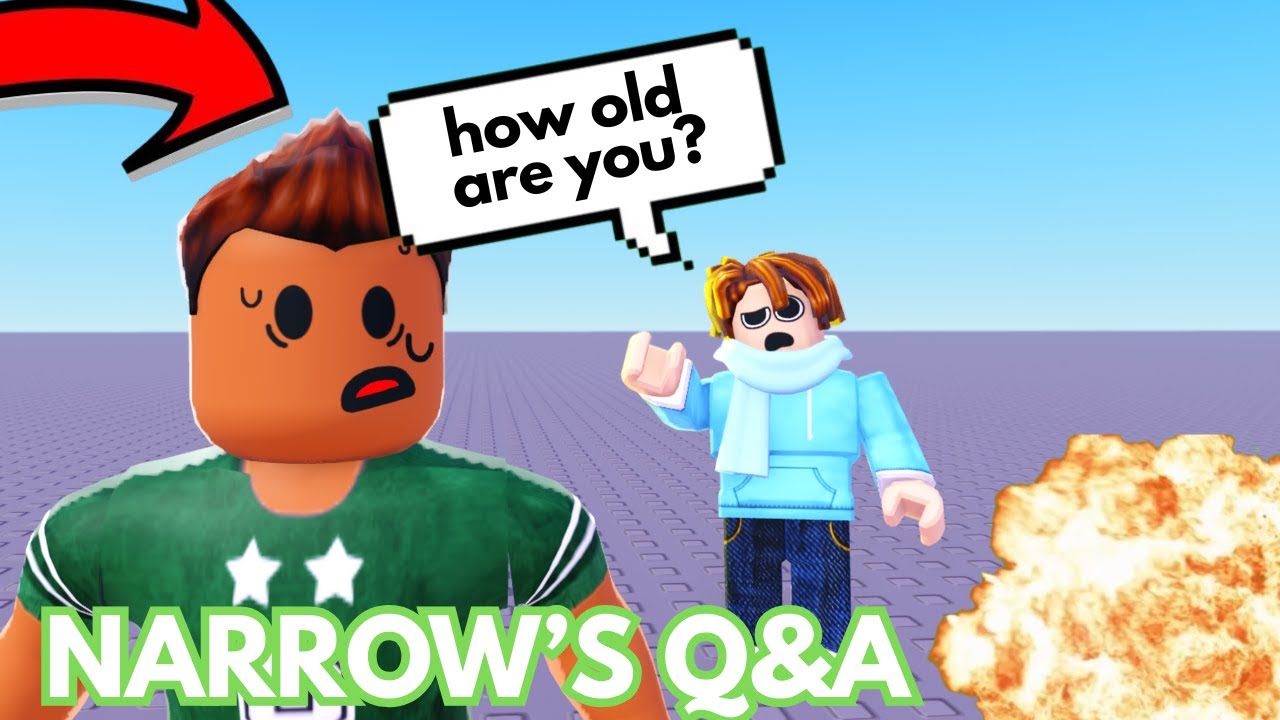
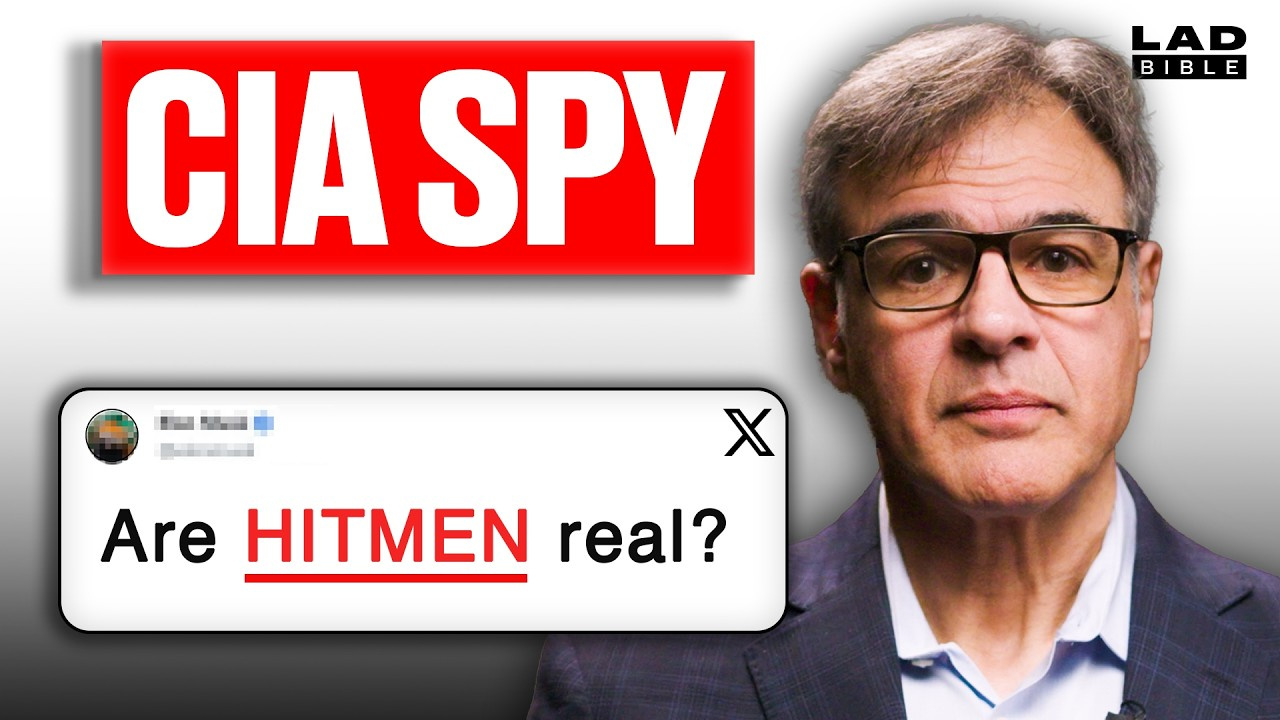
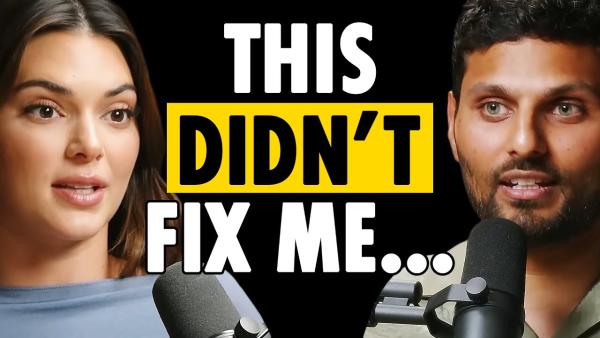
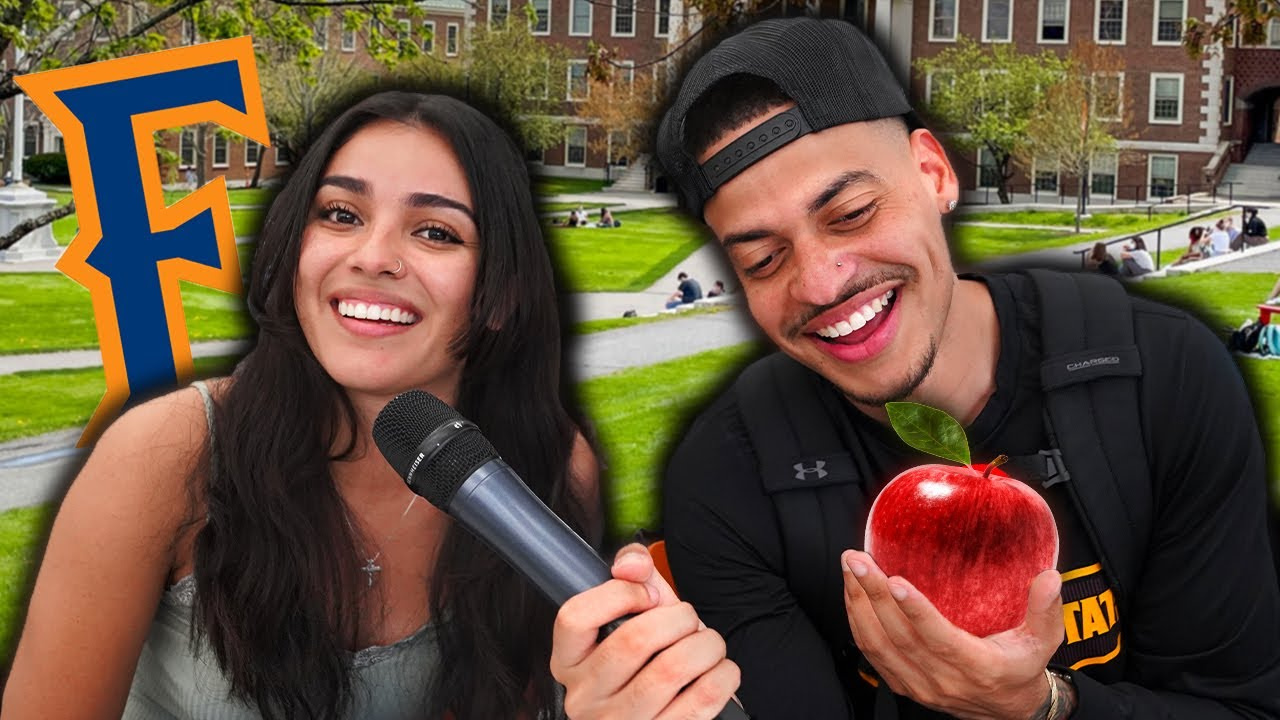
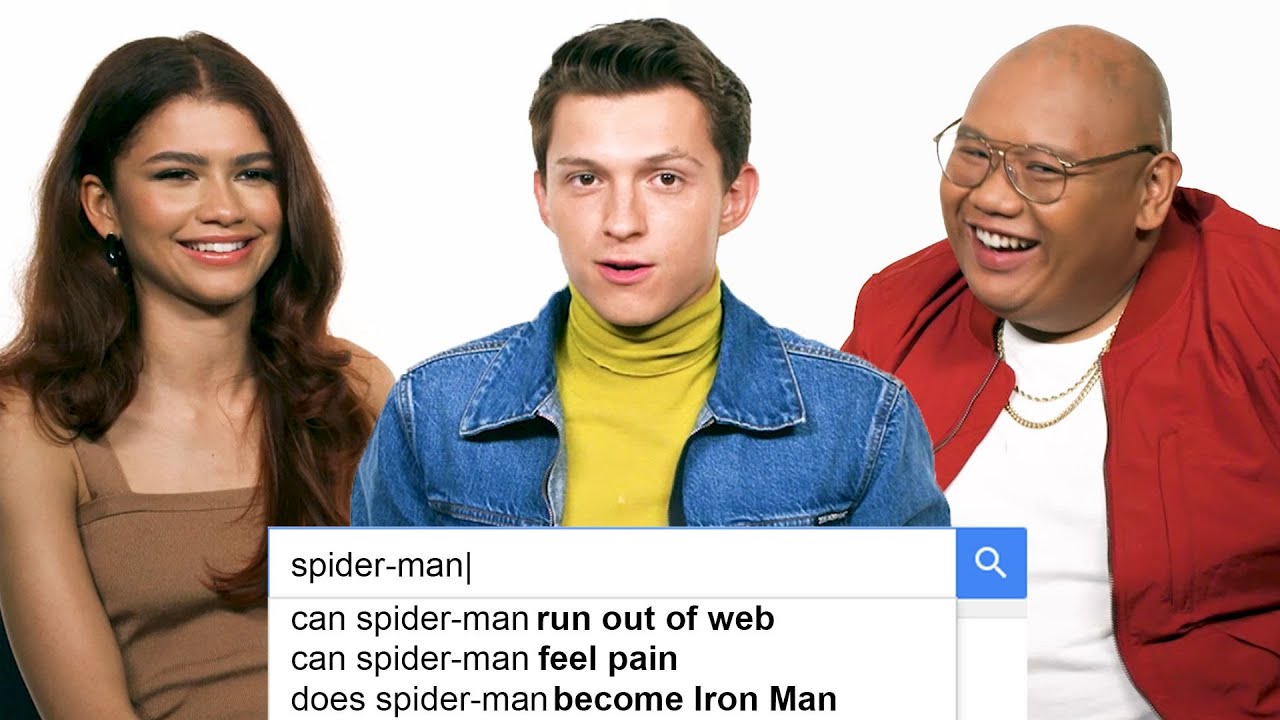
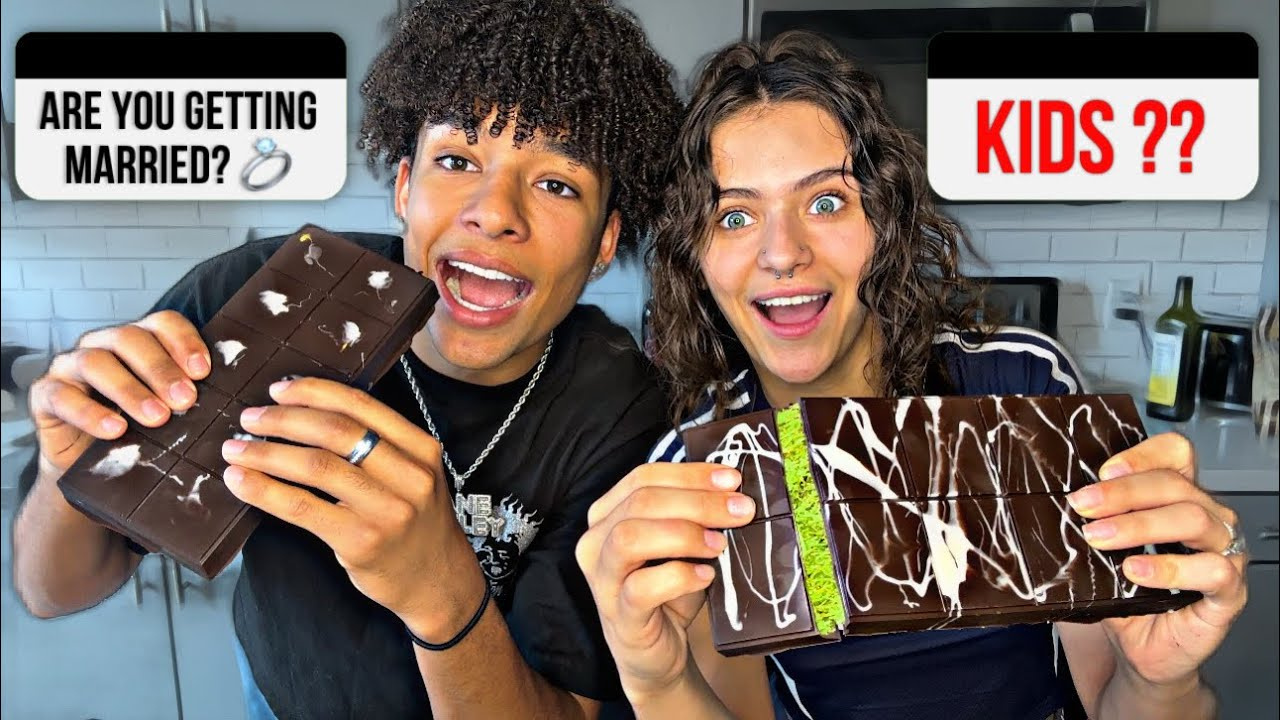
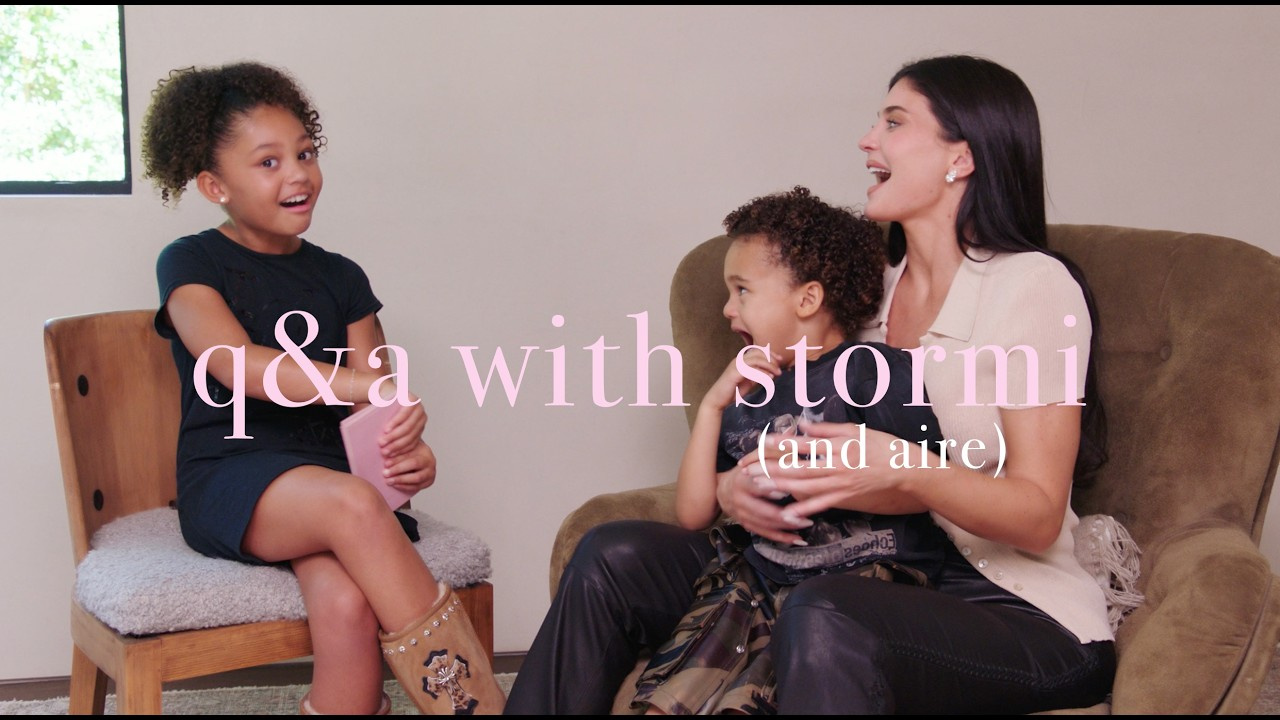
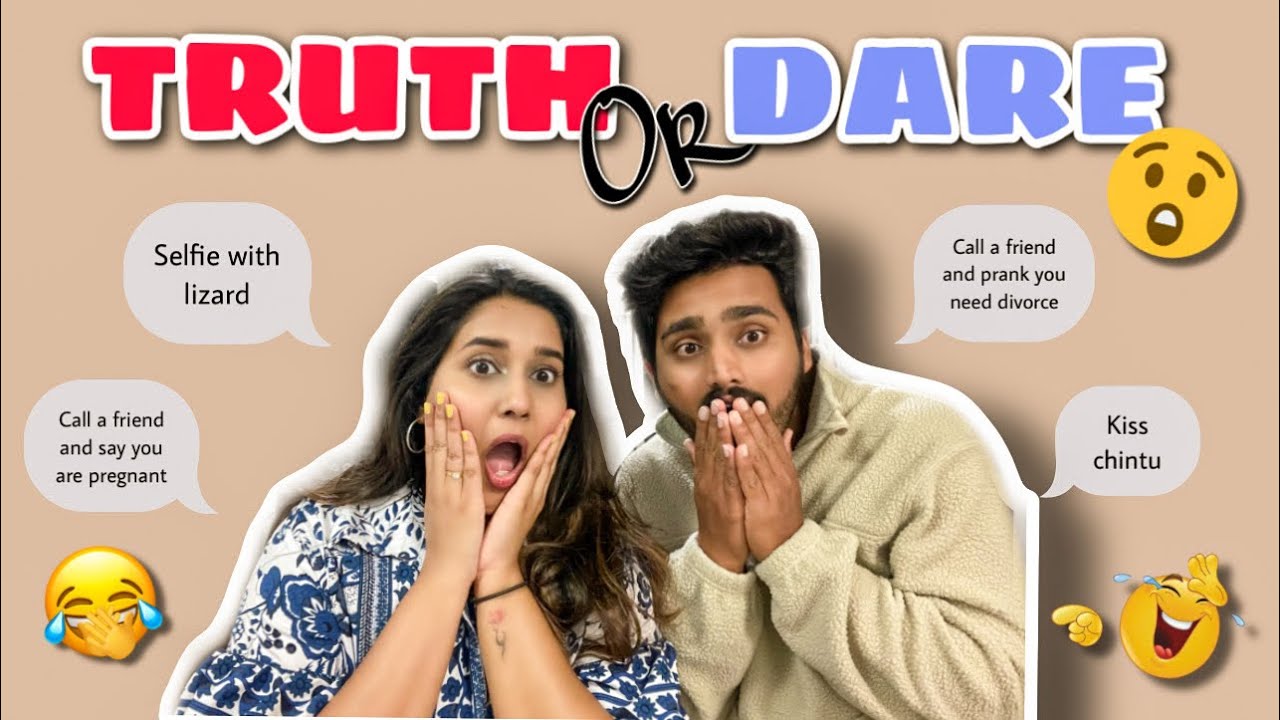
How to Make a Q&A Thumbnail in 3 Steps
Start with the one question, guest, or conversation angle that makes this Q&A worth choosing over the next video.
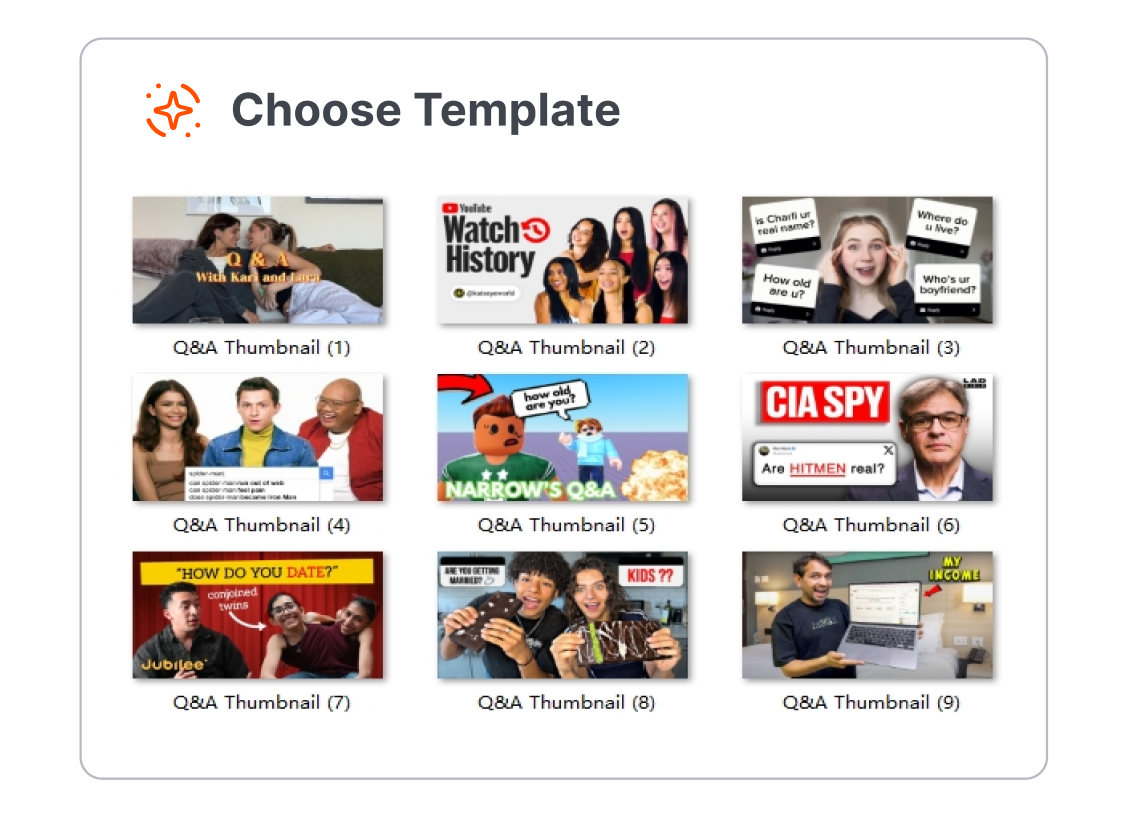
1. Choose a Q&A Format
Pick a Q&A thumbnail template for an Ask Me Anything, subscriber questions, creator update, couple video, interview, podcast, advice session, or live Q&A. Start with a layout that leaves one question or speaker easy to see.
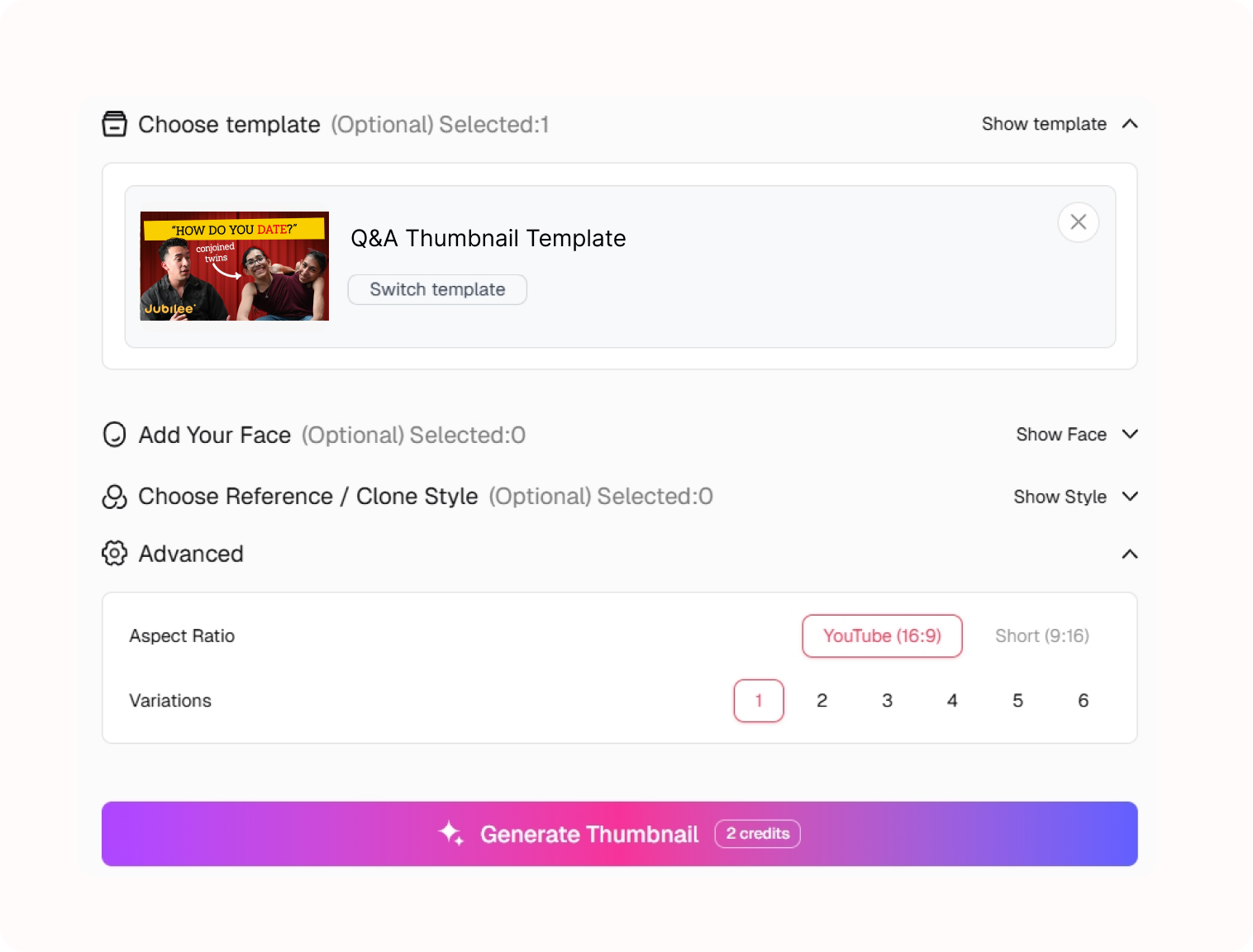
2. Shape the Question Hook
Describe the question, topic, guest, or audience prompt behind the video. Customize the scene and text direction so the cover raises a real question without giving away the full answer.
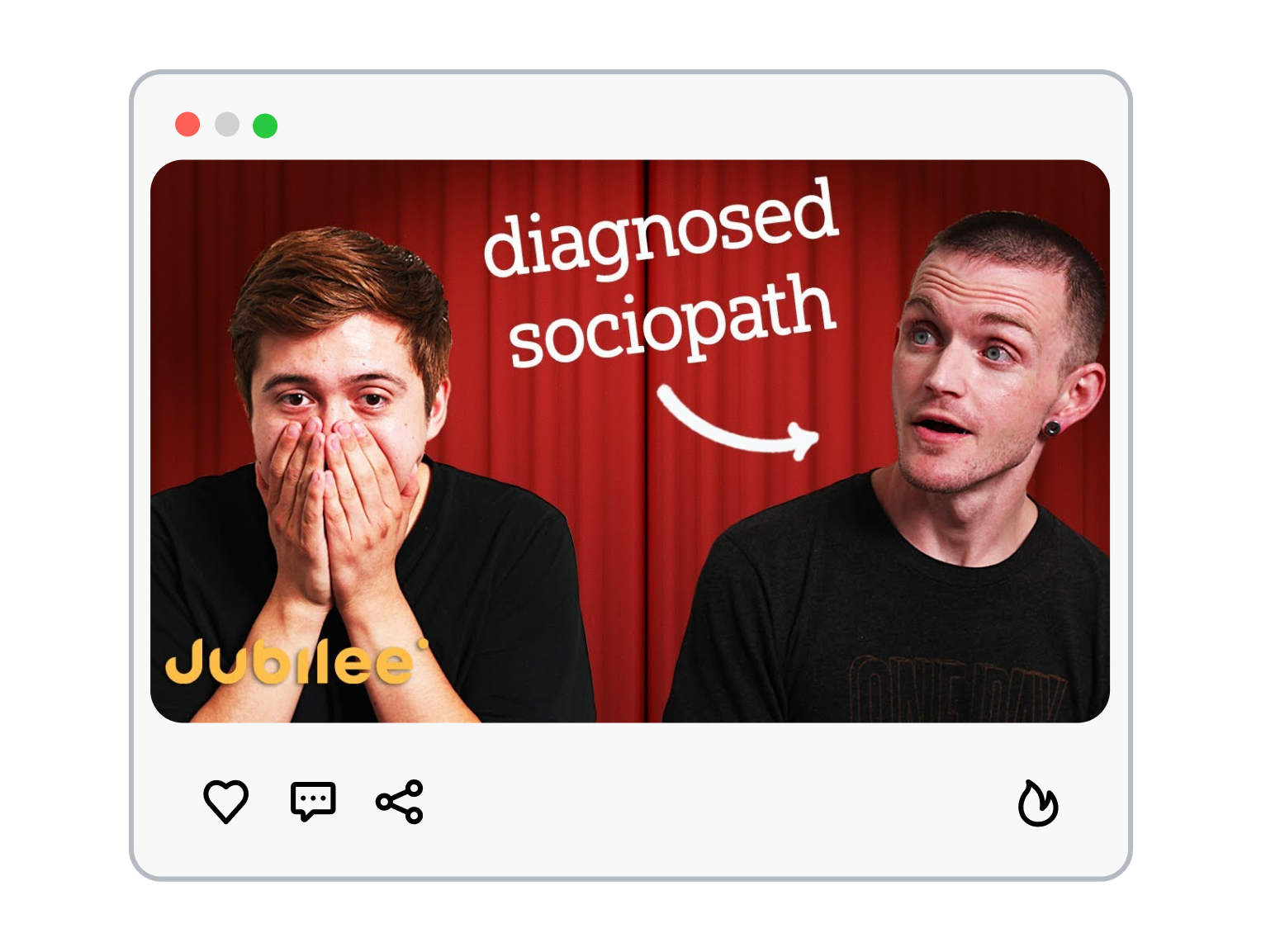
3. Generate the Conversation Cover
Generate a new Q&A YouTube thumbnail, then refine the question cue, speaker placement, and visual balance until the cover reflects the discussion in your actual video.
Q&A Thumbnail Templates That Put the Right Question First
The best Q&A covers do not list every topic. They make one unanswered question or one conversation feel impossible to ignore.
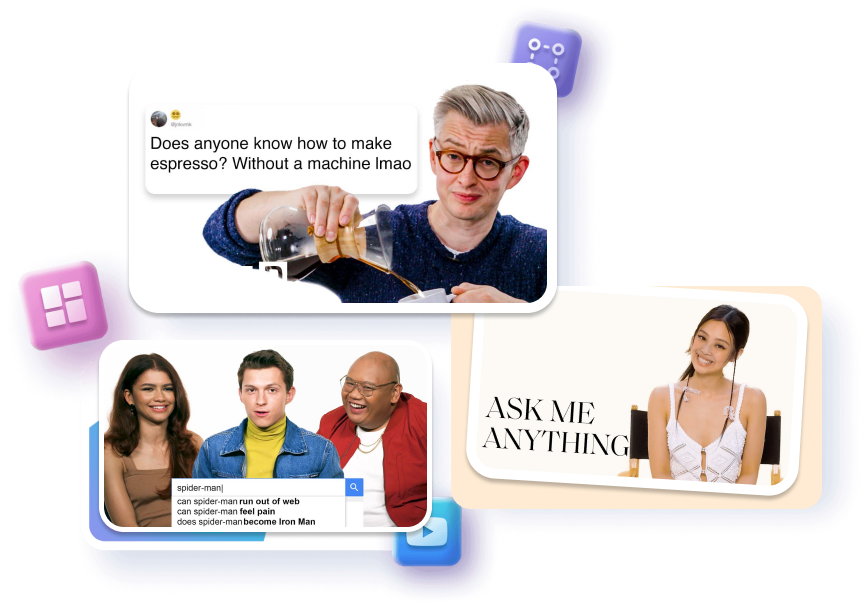
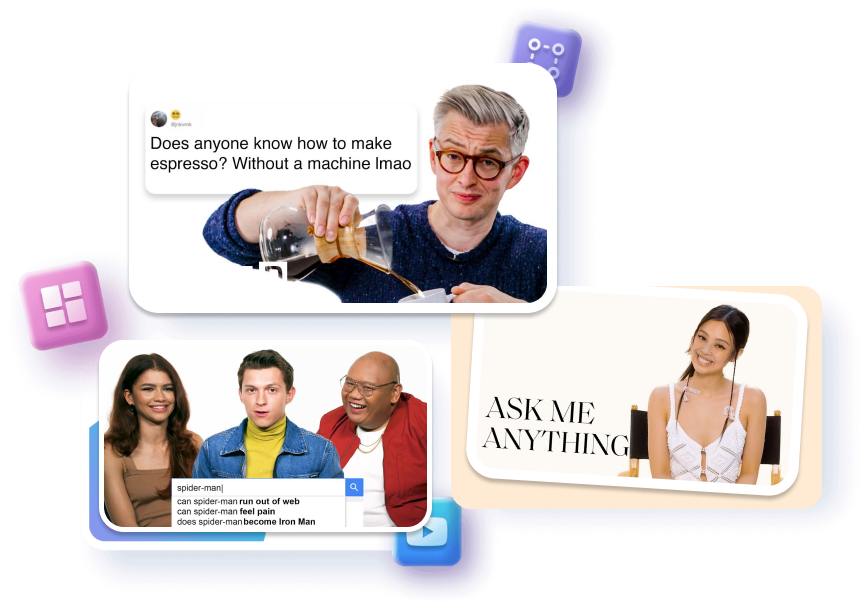
Let One Question Lead
Frame one audience question for immediate context.
Isolate one memorable phrase for fast scanning.
Leave the answer inside the video.
Make the Speaker Easy to Read
Position one creator or guest clearly.
Match expression to the real topic.
Separate faces from busy backgrounds.
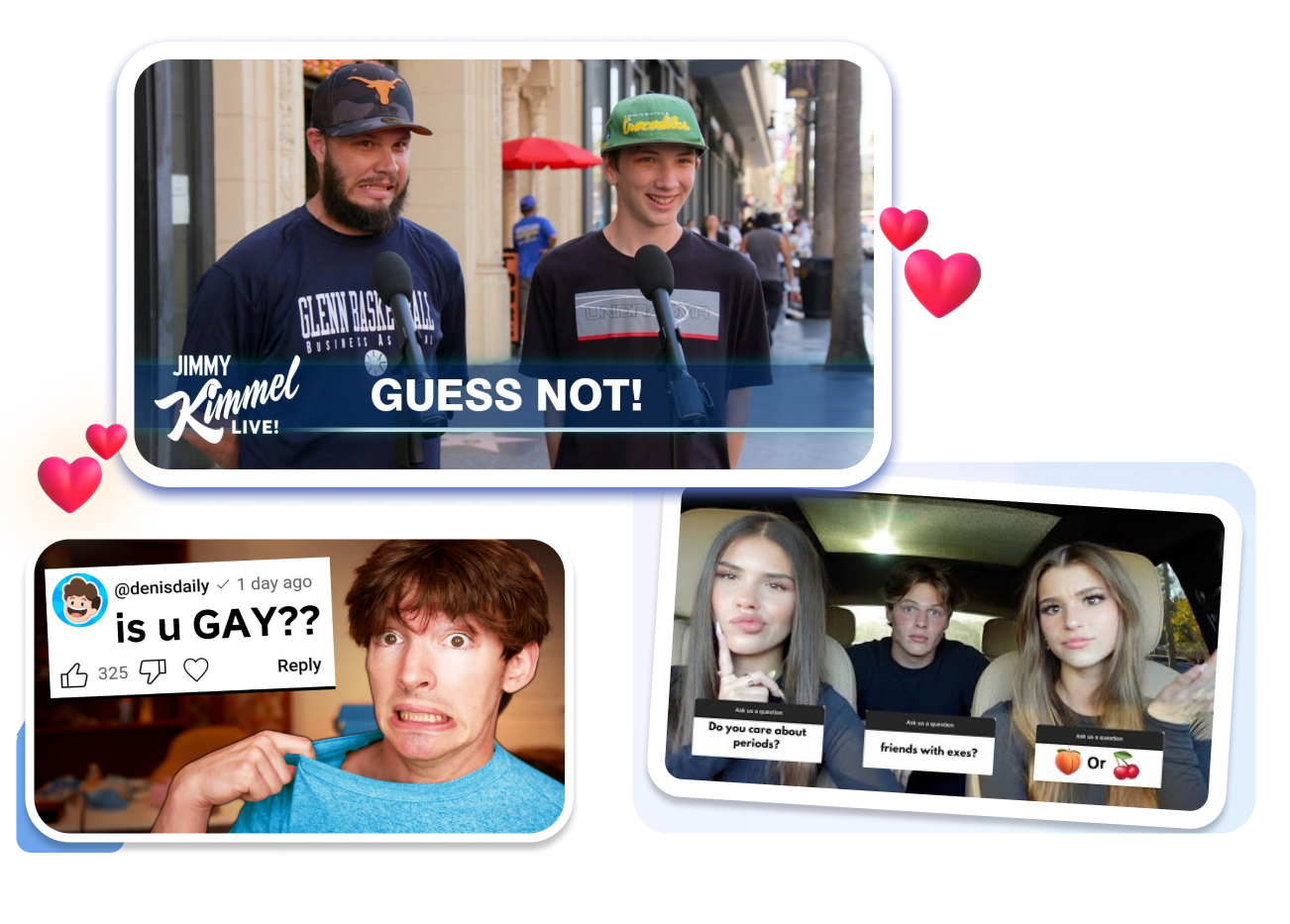
Build a Clear Conversation Scene
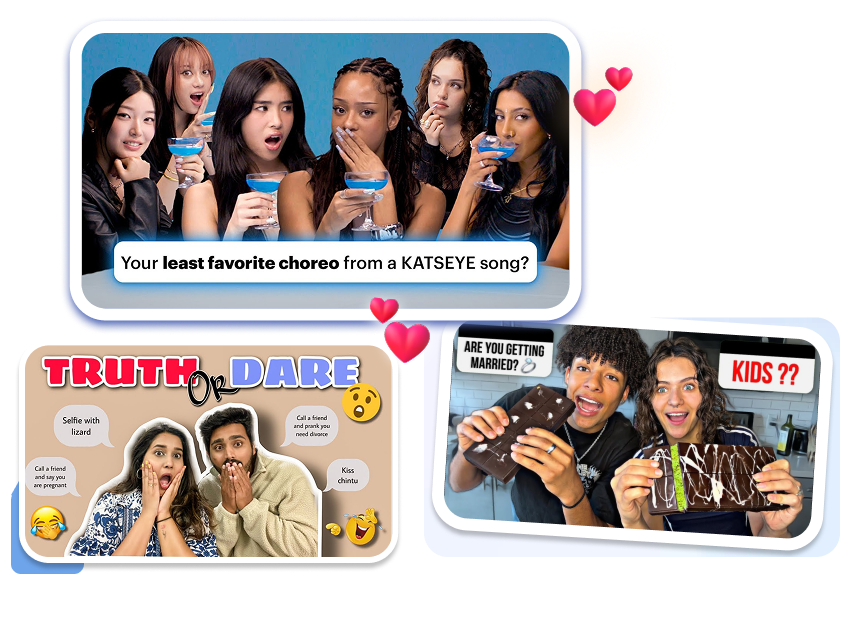
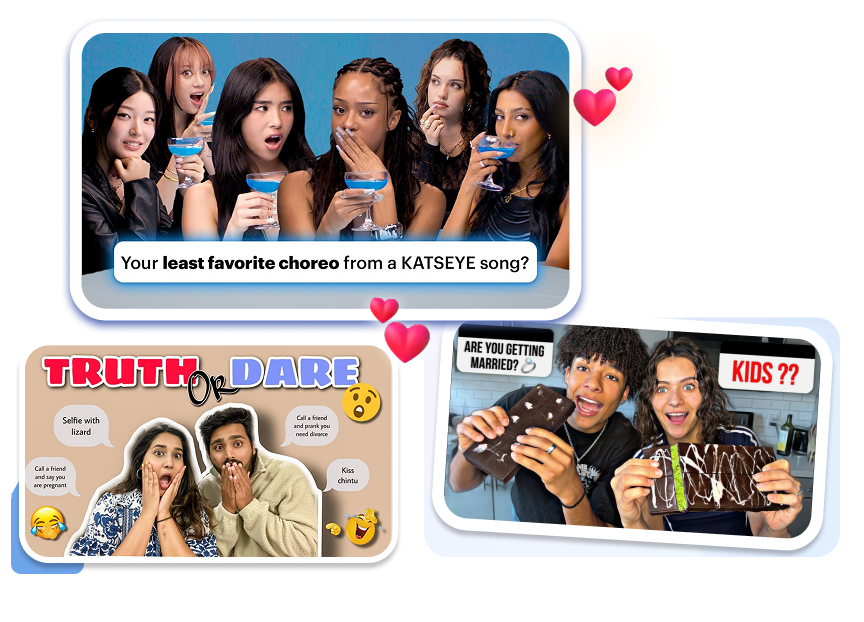
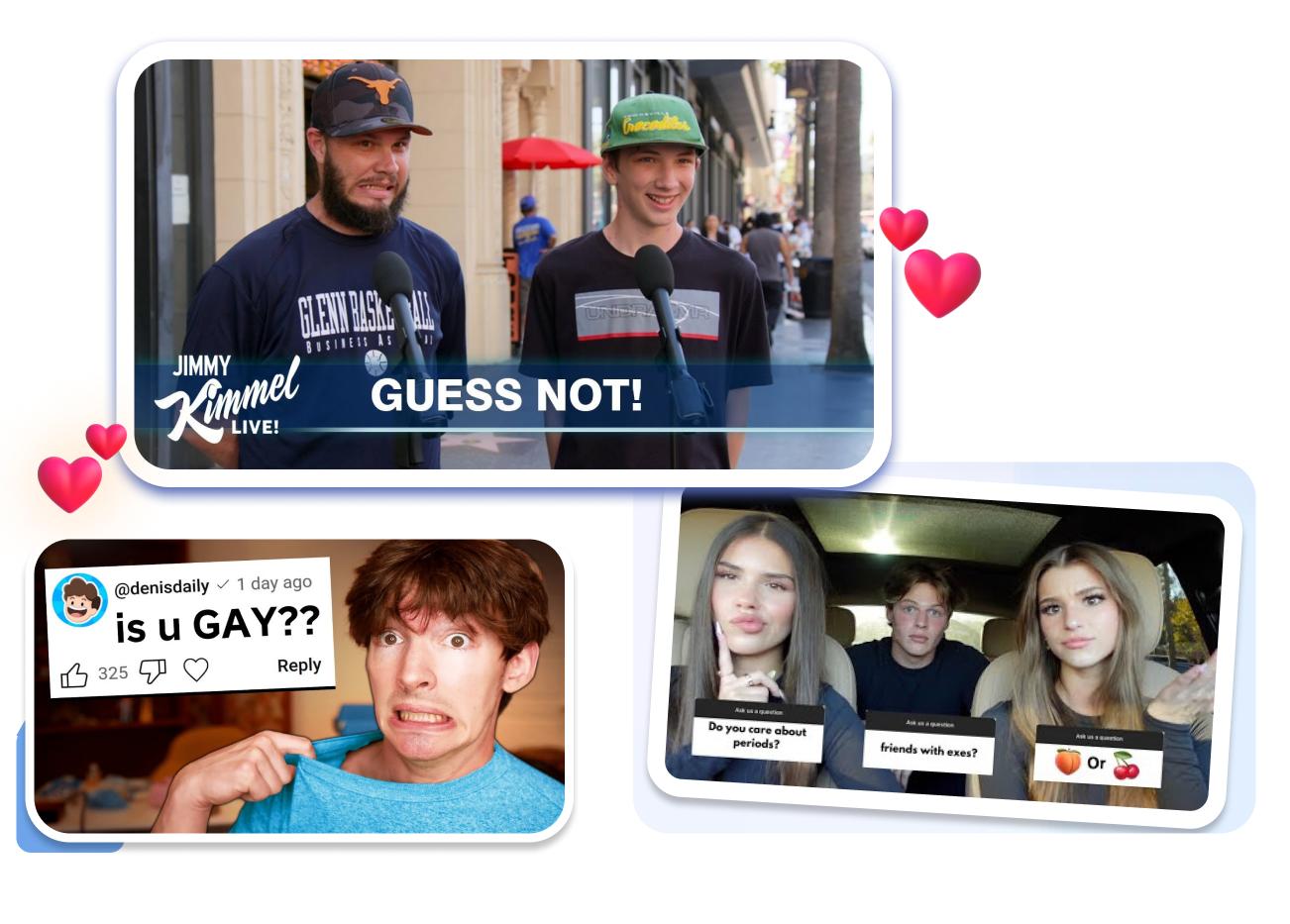
Add speech bubbles for real prompts.
Use question marks with restraint.
Pair interviewer and guest naturally.
Keep Recurring Q&As Recognizable
Repeat a stable question hierarchy.
Swap each episode’s topic cue.
Preserve room for guest imagery.
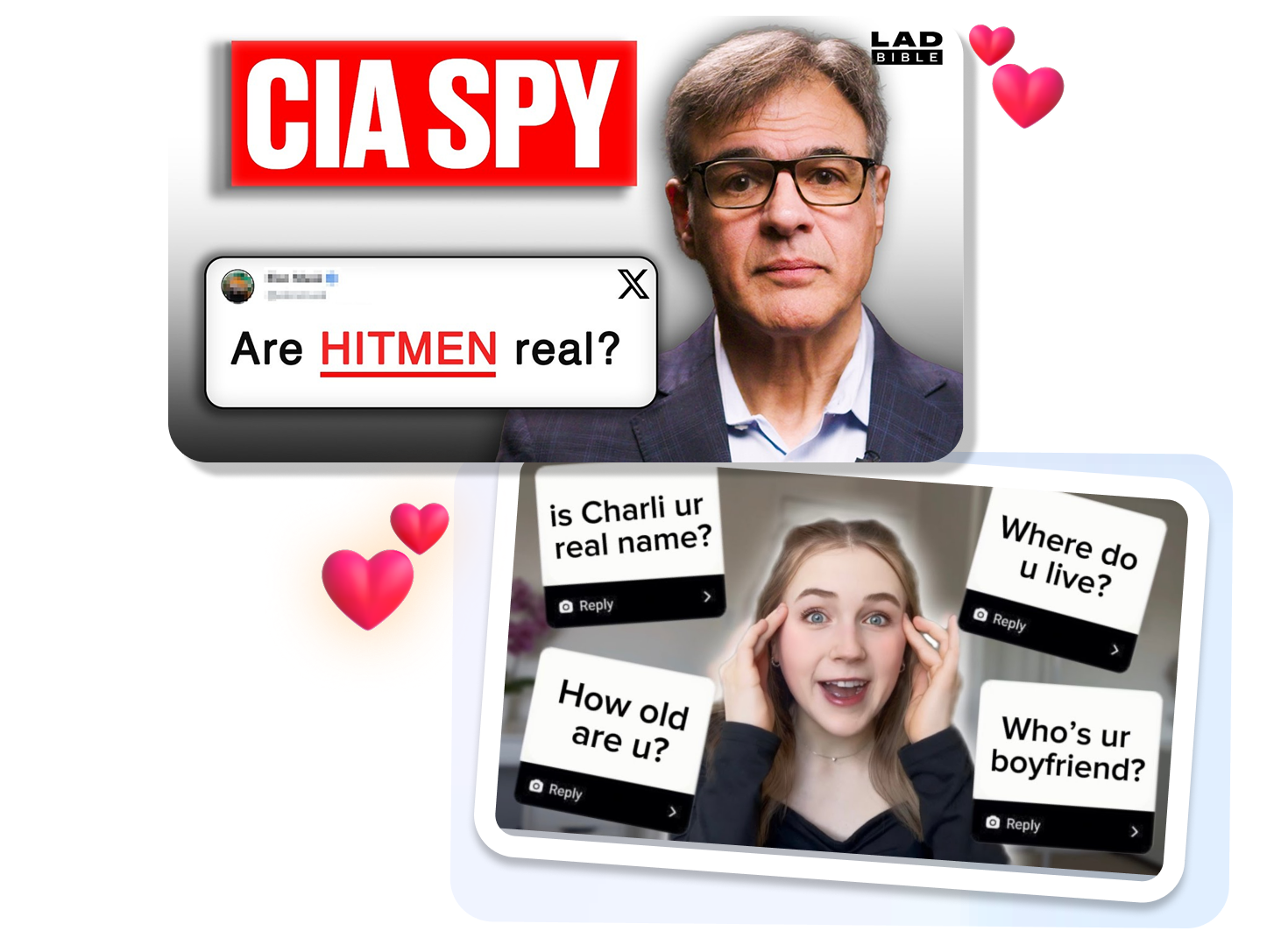
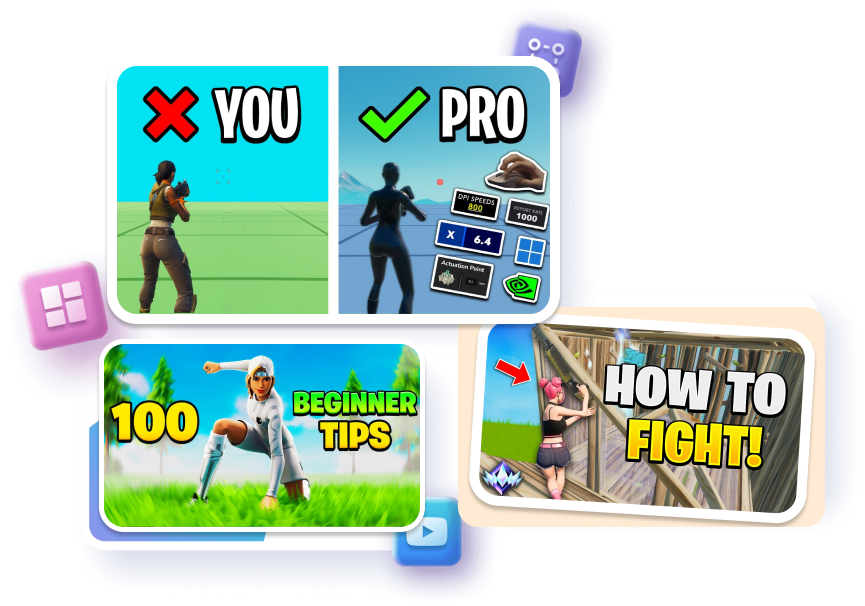
Q&A Thumbnail Templates for Different Conversations
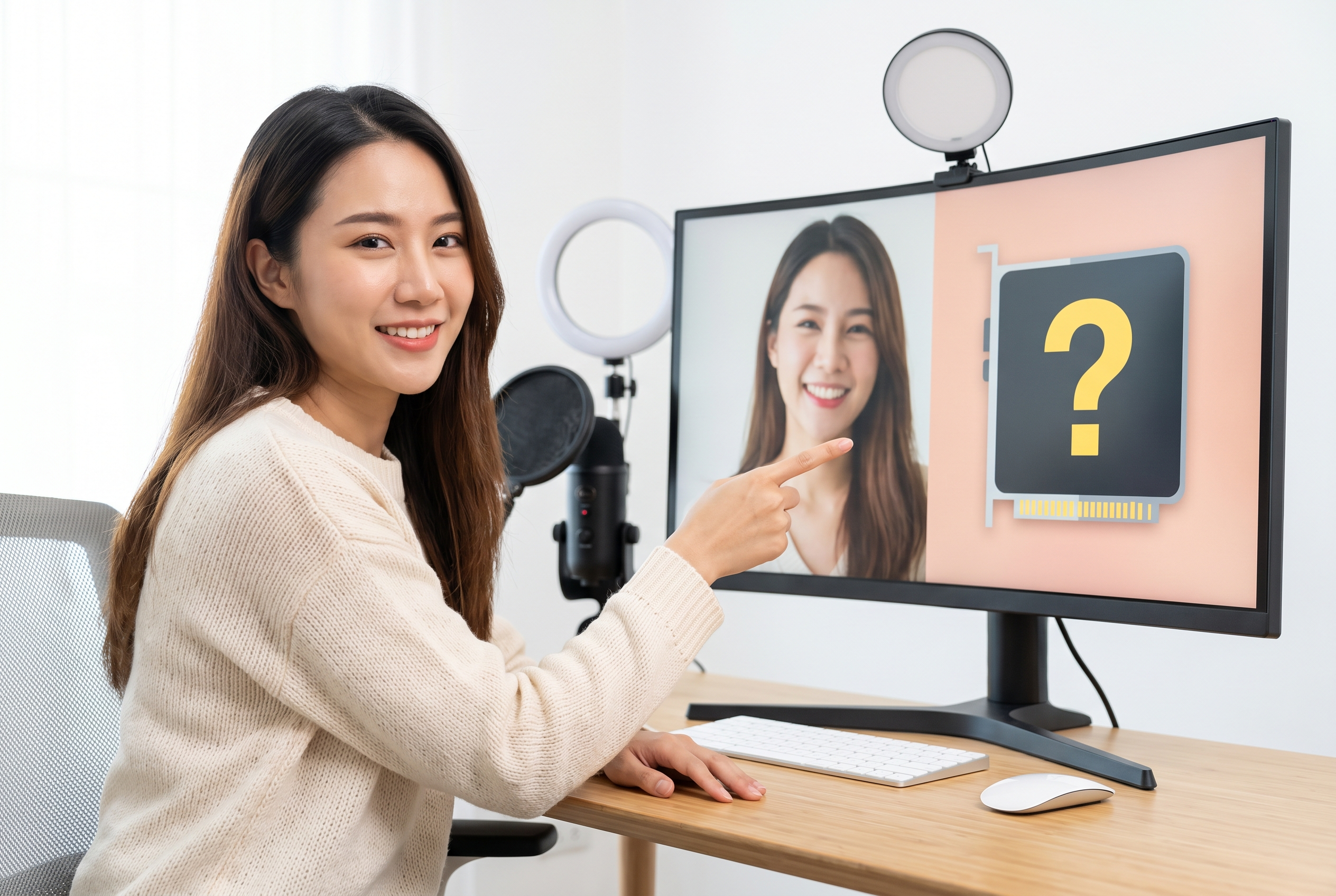
Creator and Subscriber Q&As
Audience questions can cover a lot of ground, which makes an all-topic collage tempting. Choose one question or personal theme that captures the episode, then let the video title and chapters carry the rest.
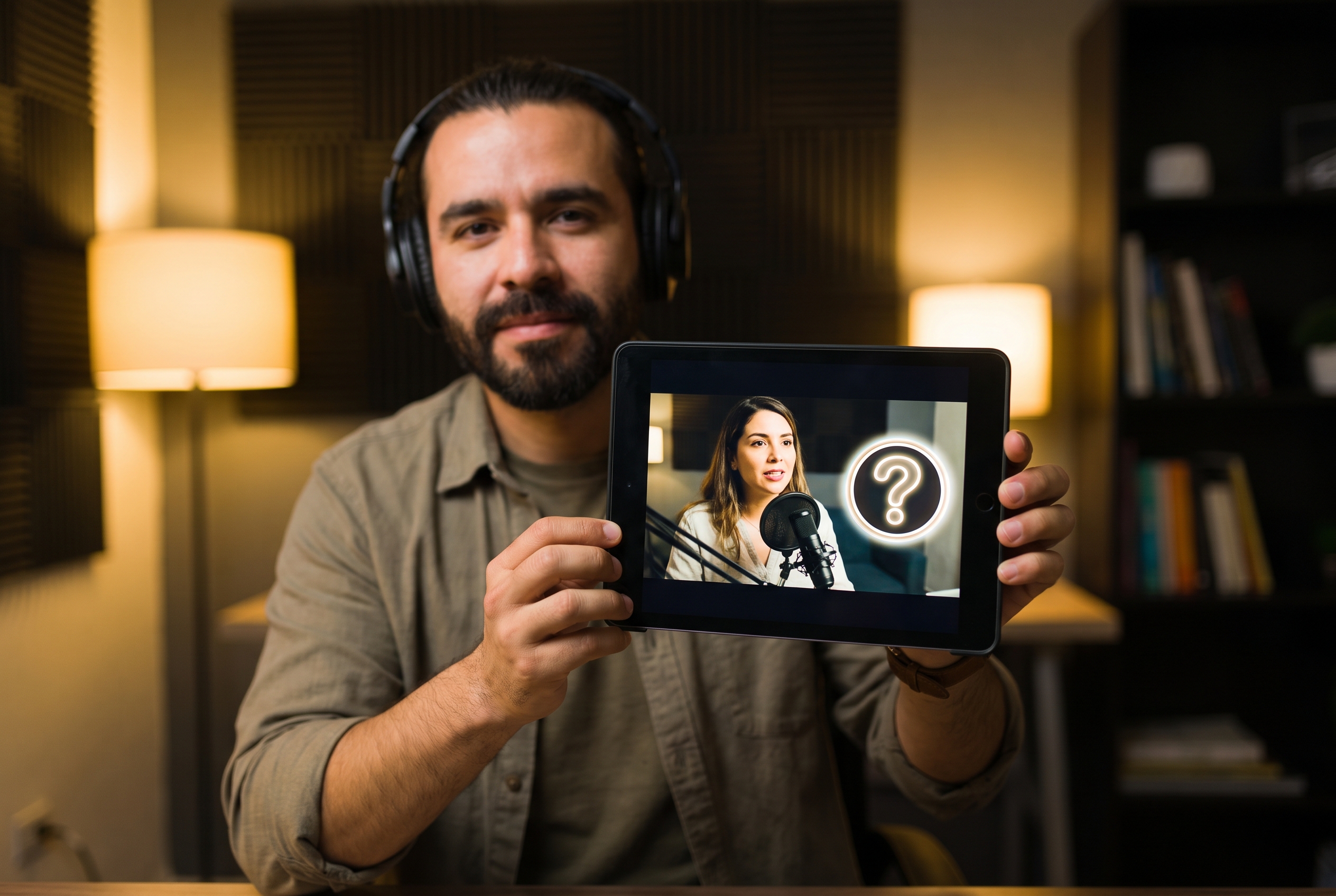
Interviews, Podcasts, and Expert Answers
When the guest is the reason to watch, make the person and their question visible before the full introduction. Keep the interview context clear without relying on a generic two-face split.

Advice, Career, and Community Channels
Advice Q&As need a direct, trustworthy entry point rather than a vague promise. Use the thumbnail to identify the dilemma, category, or perspective the video genuinely addresses.
FAQs
What is a Q&A thumbnail?
What should a Q&A thumbnail show?
Can I make a subscriber Q&A thumbnail?
Can I make an interview Q&A thumbnail?
How much text should I add?
Should I show the answer on the cover?
How do I design a click-worthy YouTube Q and A thumbnail?
Where can I discover trending Q&A thumbnail ideas online?
Make Your Q&A Thumbnail Open the Conversation
The answer may be nuanced, personal, or unexpected—but the first question should be clear in a single glance. Start with a Q&A thumbnail template, focus the frame on the prompt that matters, and invite viewers into a conversation your video is ready to answer.