

YouTube Thumbnail Before After Slider
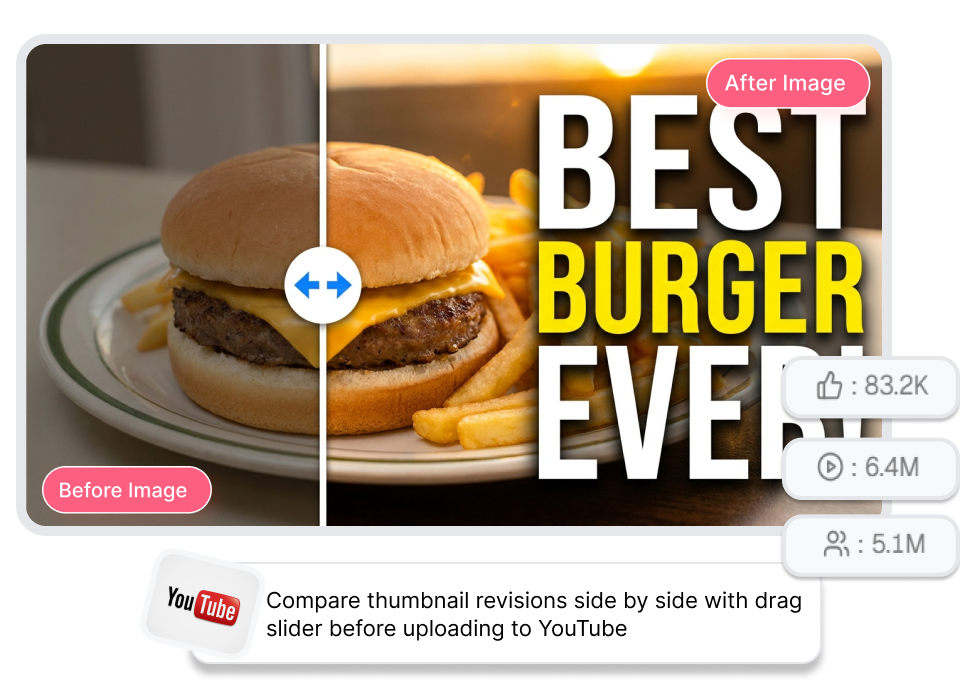
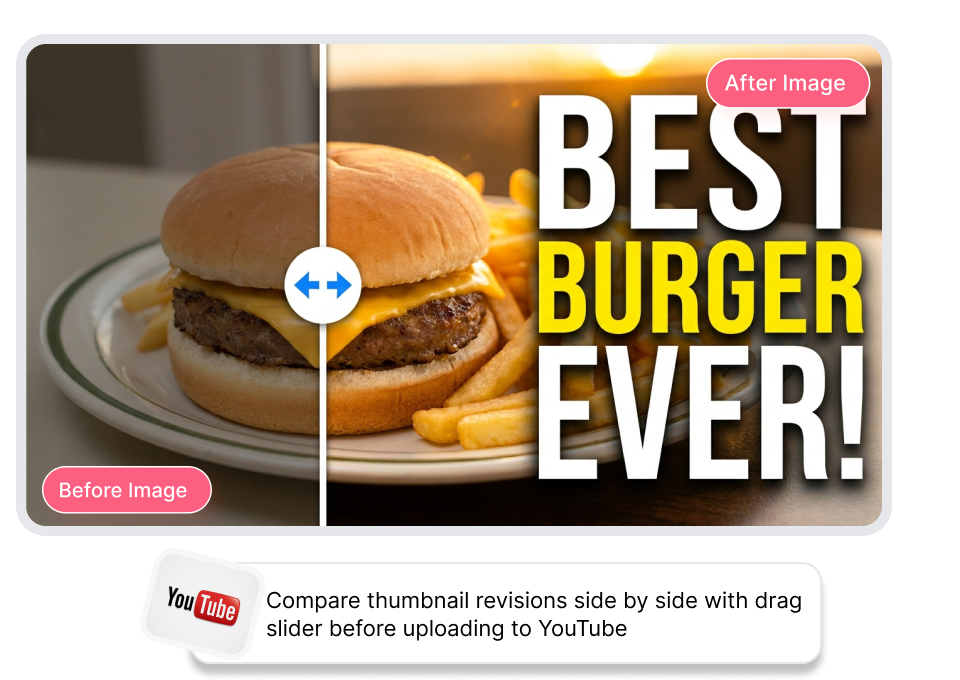
Thumbs.ai makes it easy to compare thumbnail revisions side by side with an interactive drag slider before uploading to YouTube. Pull the divider across your artwork to inspect crops, colors, and bold text so you always publish your highest-CTR cover.
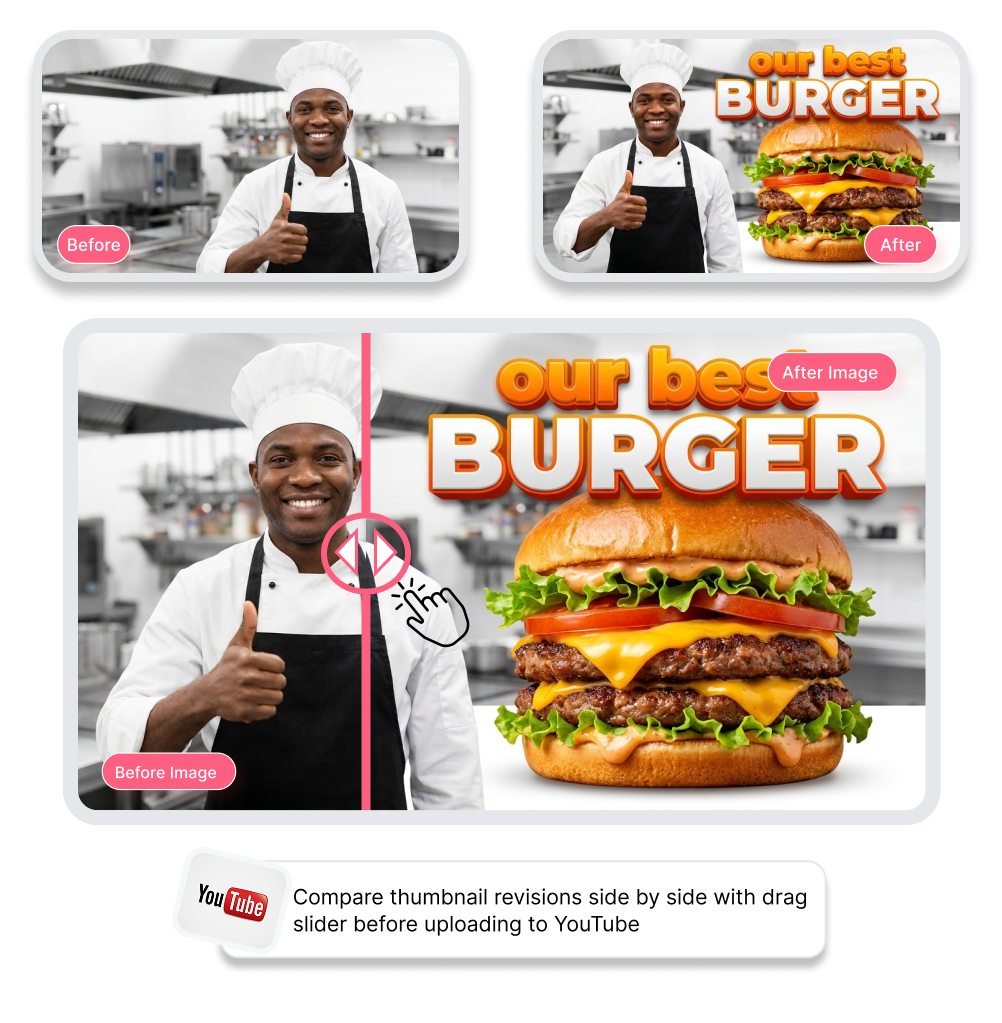
Use YouTube Thumbnail Before After Slider in Steps
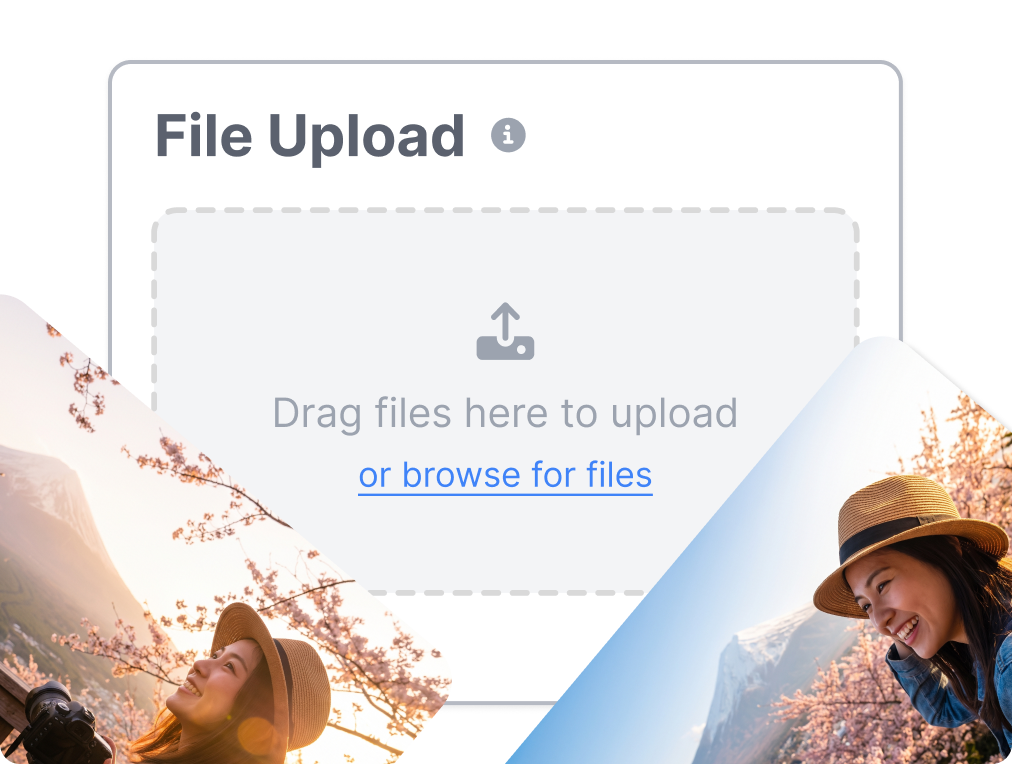
1. Upload Both Versions
Drop your baseline draft into "Before" and your revised artwork into "After" in seconds.
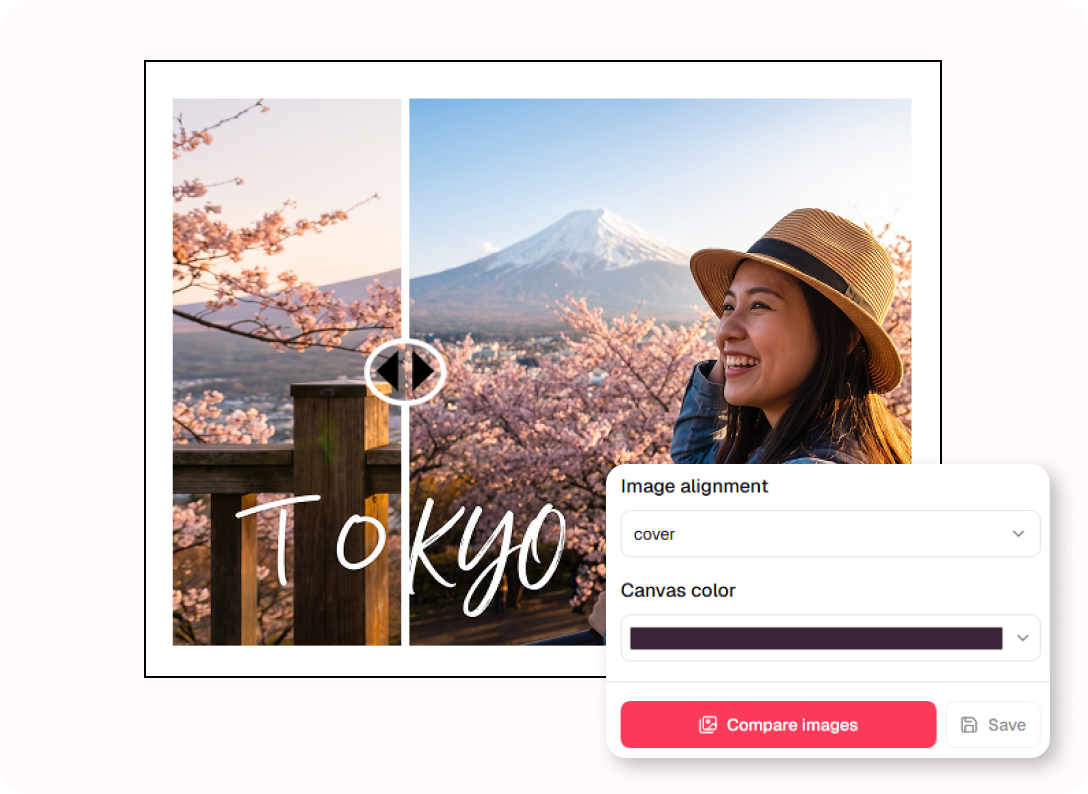
2. Drag the Split Slider
Pull the interactive divider across the canvas to inspect contrast, text, and crop changes.
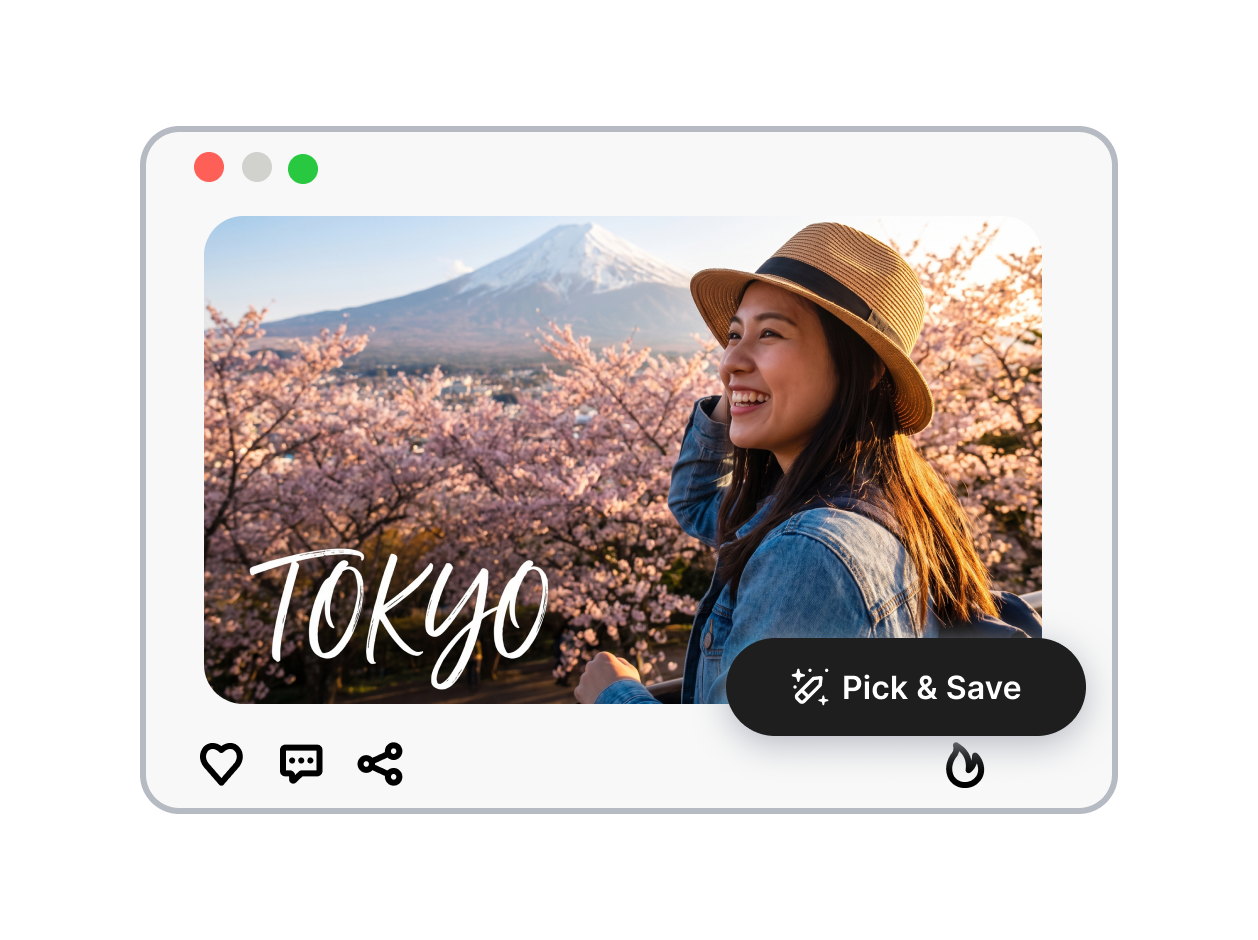
3. Pick the Winning Design
Confirm which thumbnail drives higher visual impact and export your best high-CTR cover.
Power Your Edits With YouTube Thumbnail Before After Slider
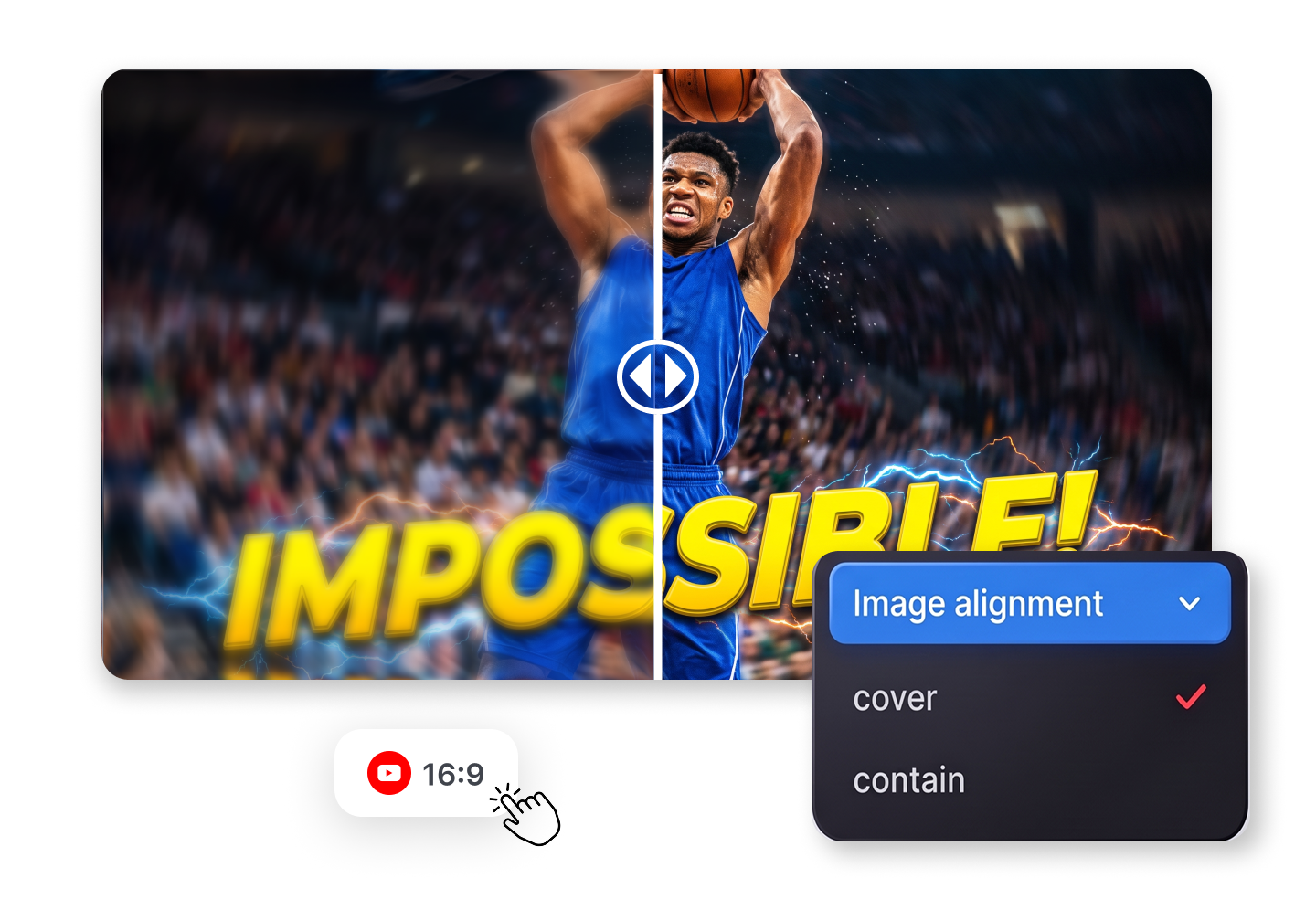
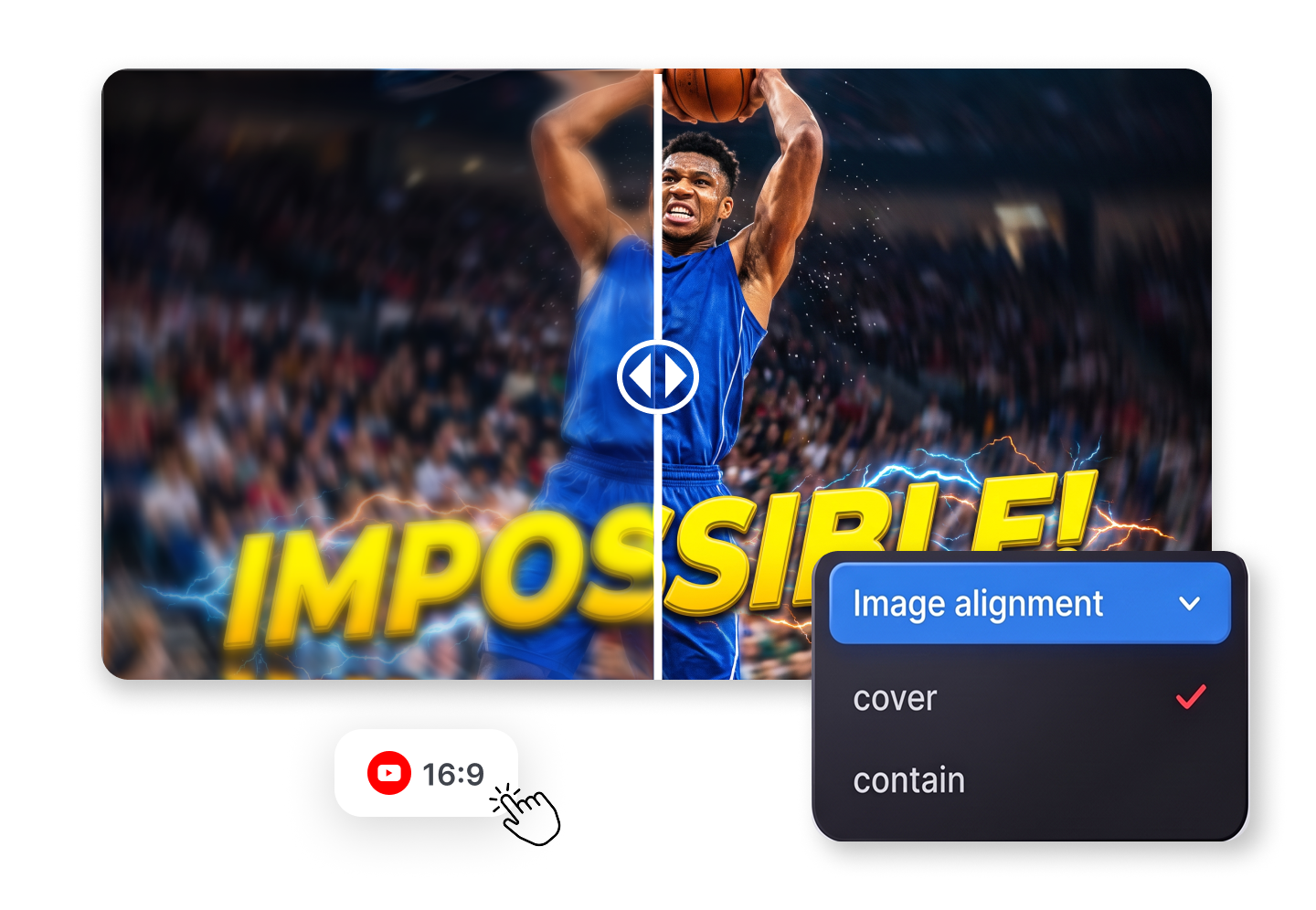
Inspect Every Small Design Tweak
Slide smoothly across your artwork to spot subtle edits. Test whether that glowing border on your gaming thumbnail actually pops, or see if removing a cluttered background object makes your main face and bold text hook viewers faster.
Align Crops With Full Control
Switch between cover and contain modes with one quick tap. Prevent awkward cropping when testing different canvas aspect ratios, ensuring your dramatic reaction face and high-contrast titles remain perfectly framed before publishing your final video thumbnail.
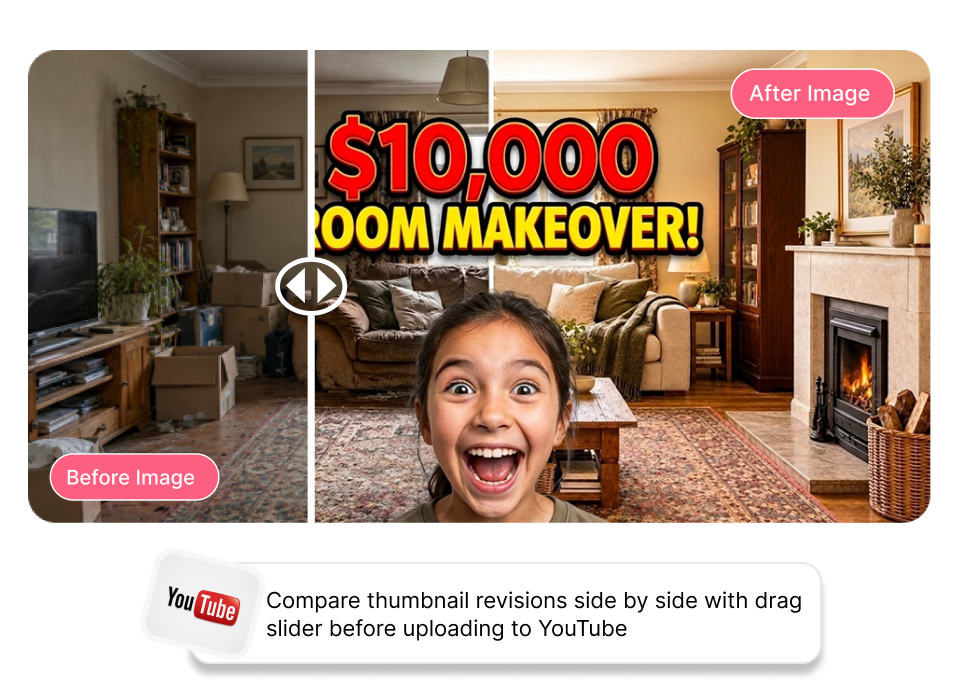
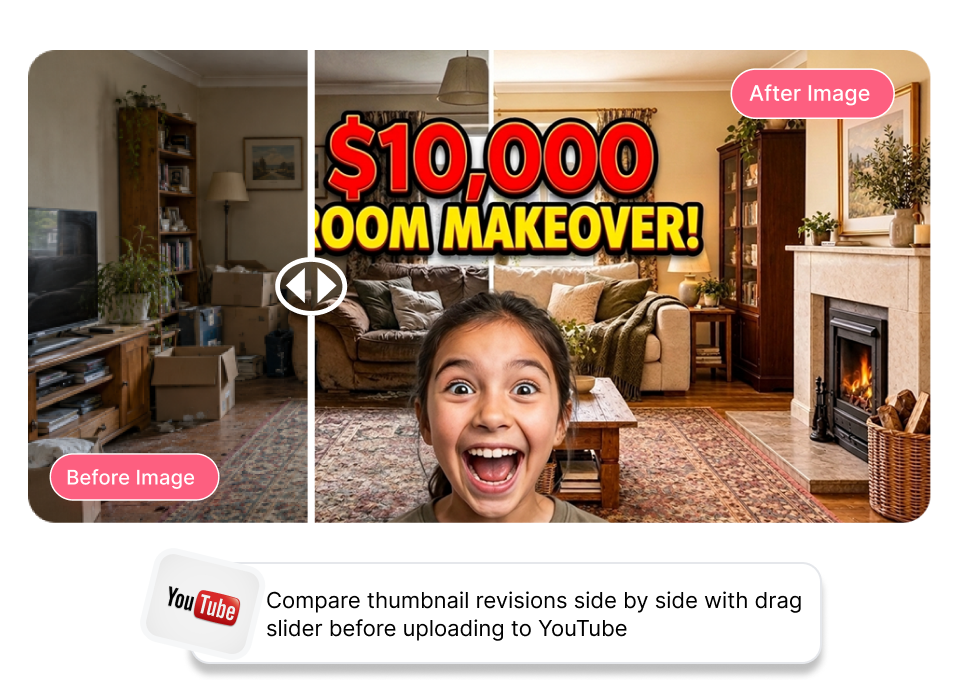
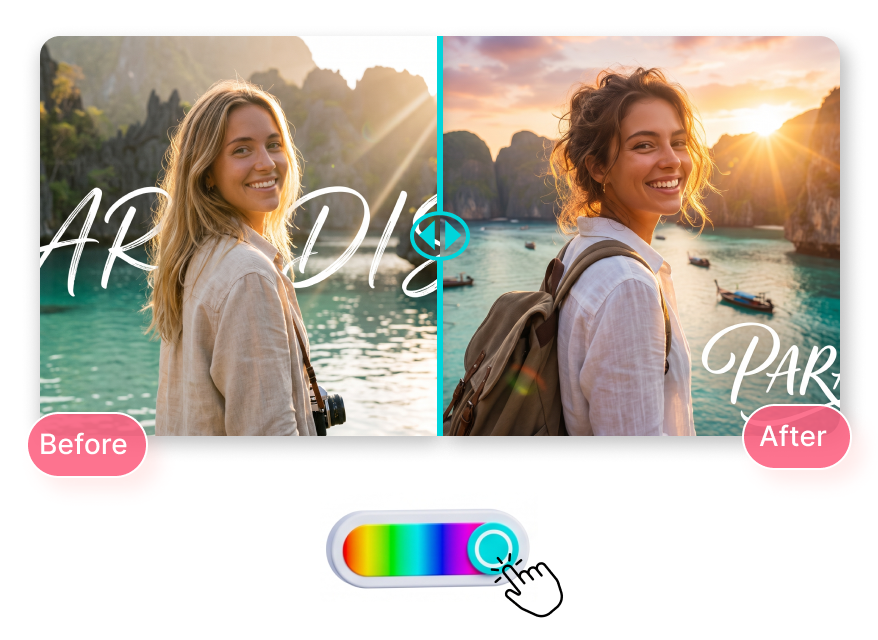
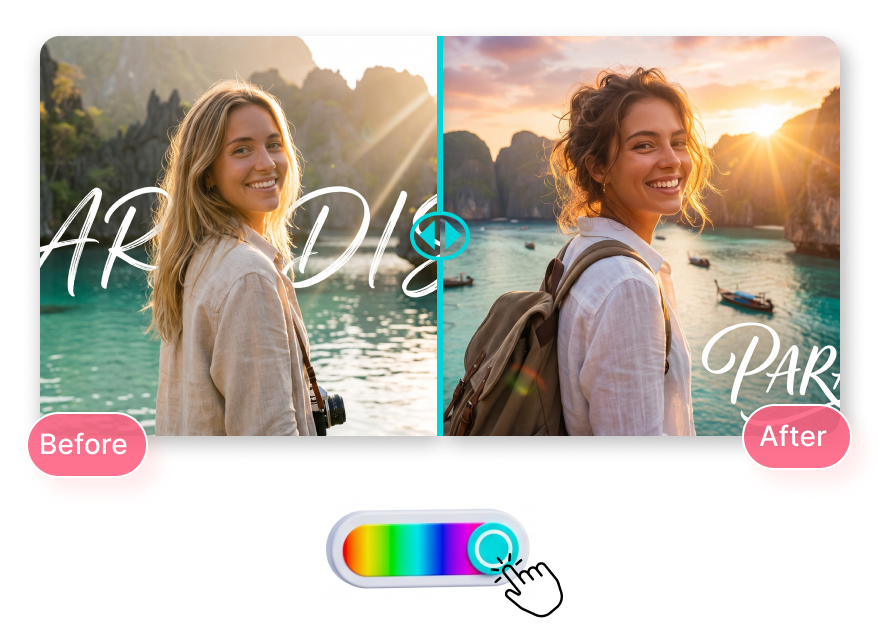
Customize Your Sliding Split Line
Change divider line colors to create clear visual separation on any graphic. Pick a bright neon bar over dark gaming frames or a subtle tone for lifestyle vlogs, making before-and-after thumbnail comparisons obvious for quick reviews.
Review CTR Upgrades With Clarity
Put your original clickbait concept directly against your clean redesign. See in real time whether enhanced saturation, sharper drop shadows, or cleaner typography create a truly clickable YouTube thumbnail before you launch an official A/B test.
Who Uses YouTube Thumbnail Before After Slider?

Solo YouTubers & Vloggers
Solo creators need a quick way to test if a thumbnail redesign actually improves clickability. Dragging the before after photo slider helps them verify that new bold text, punchy contrast, and sharper crops grab attention without cluttering the mobile feed.

Freelance Thumbnail Designers
Designers need visual proof to show clients the value of their Photoshop edits. A live split image slider lets them reveal the exact before and after thumbnail transformation side by side, making lighting fixes and dramatic upgrades obvious for instant client approval.

YouTube Agencies & Channel Managers
Content teams need objective, frame-locked feedback to pick the highest CTR concept faster. Comparing alternate clickbait drafts and gaming thumbnail revisions in one shared view eliminates guesswork and speeds up creative review meetings.
FAQs
What is a YouTube thumbnail before after slider?
How do I compare two thumbnail designs before uploading?
What is the difference between cover and contain alignment?
Can I use this slider tool for gaming and clickbait thumbnail edits?
Why should I change the slider line color?
Which image formats can I upload?
Do the images need to be the same size?
Compare Changes in Real Time With YouTube Thumbnail Before After Slider
Stop toggling between tabs. Upload your drafts to Thumbs.ai and spot the winning thumbnail in seconds.