

YouTube Thumbnail Resizer
Bring an existing image into the frame you need without guessing what will be trimmed or padded. Thumbs.ai is your ultimate solution to perfectly resize images for your channel, ensuring exact dimensions without awkward cropping.
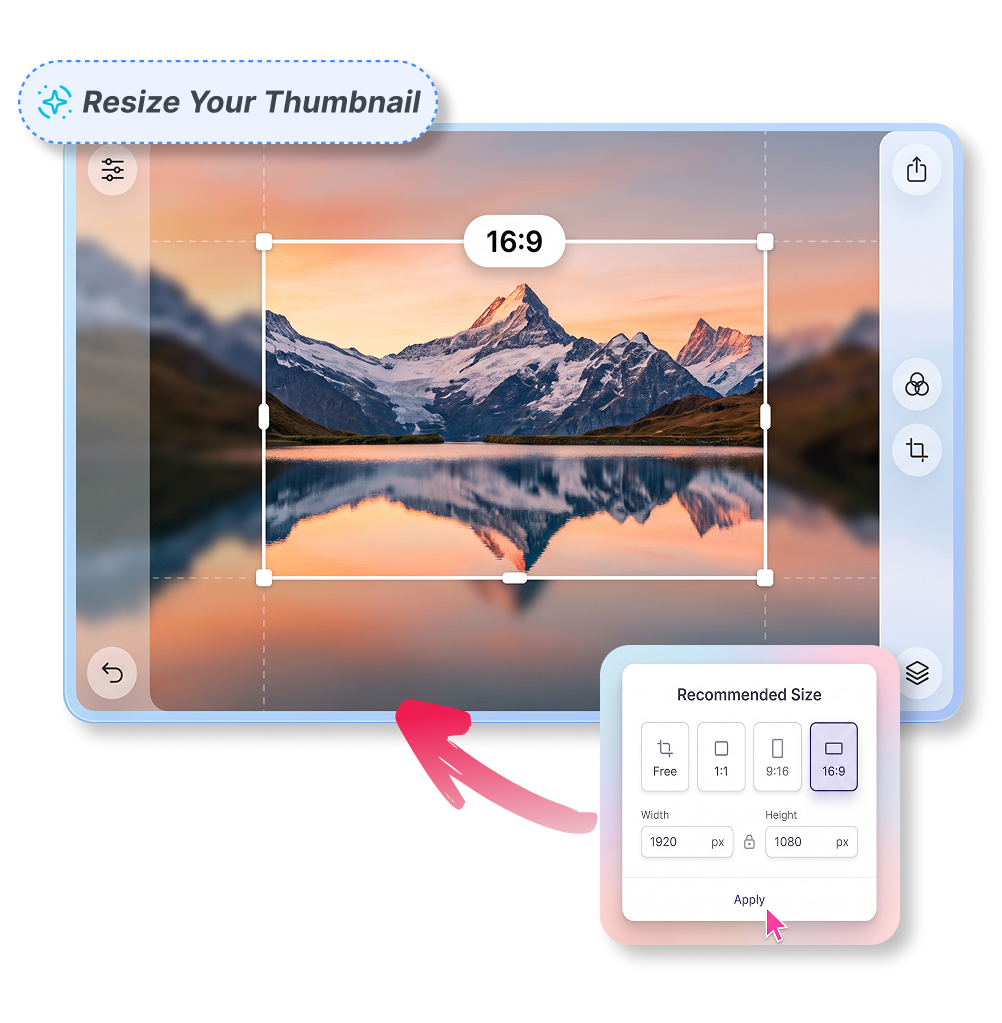
How to Use the YouTube Thumbnail Resizer in Clicks
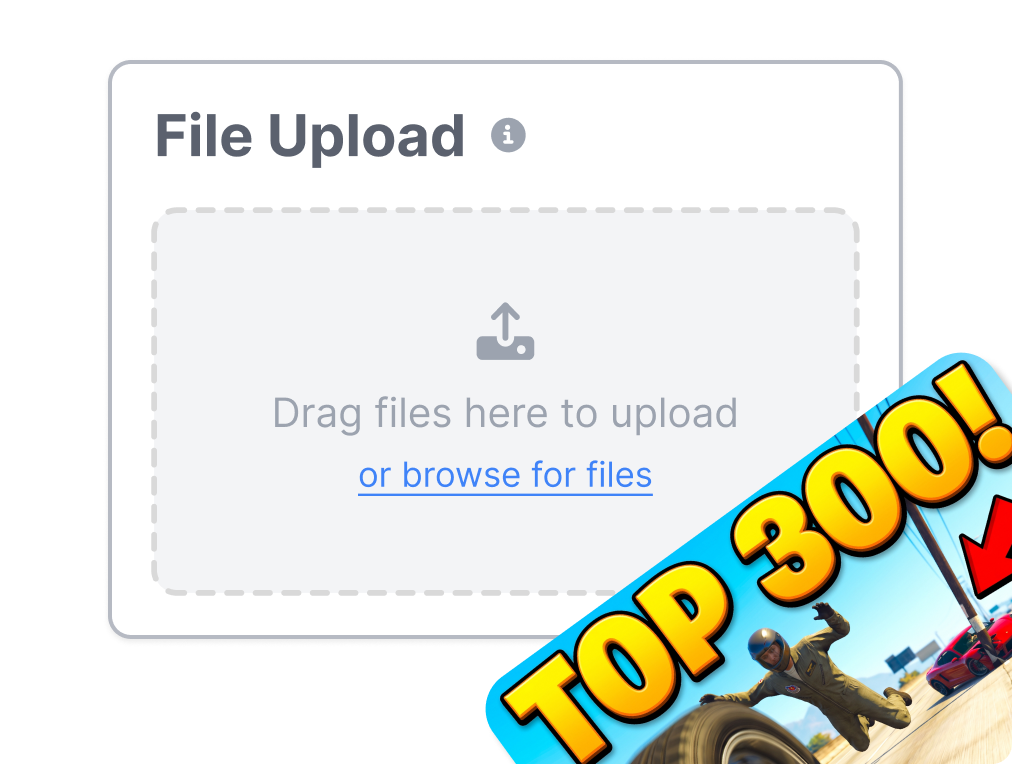
1. Add Your Image
Drag and drop your raw photo or screenshot. We support a PNG, JPG, JPEG, or WebP image up to 4 MB. Get ready to resize.
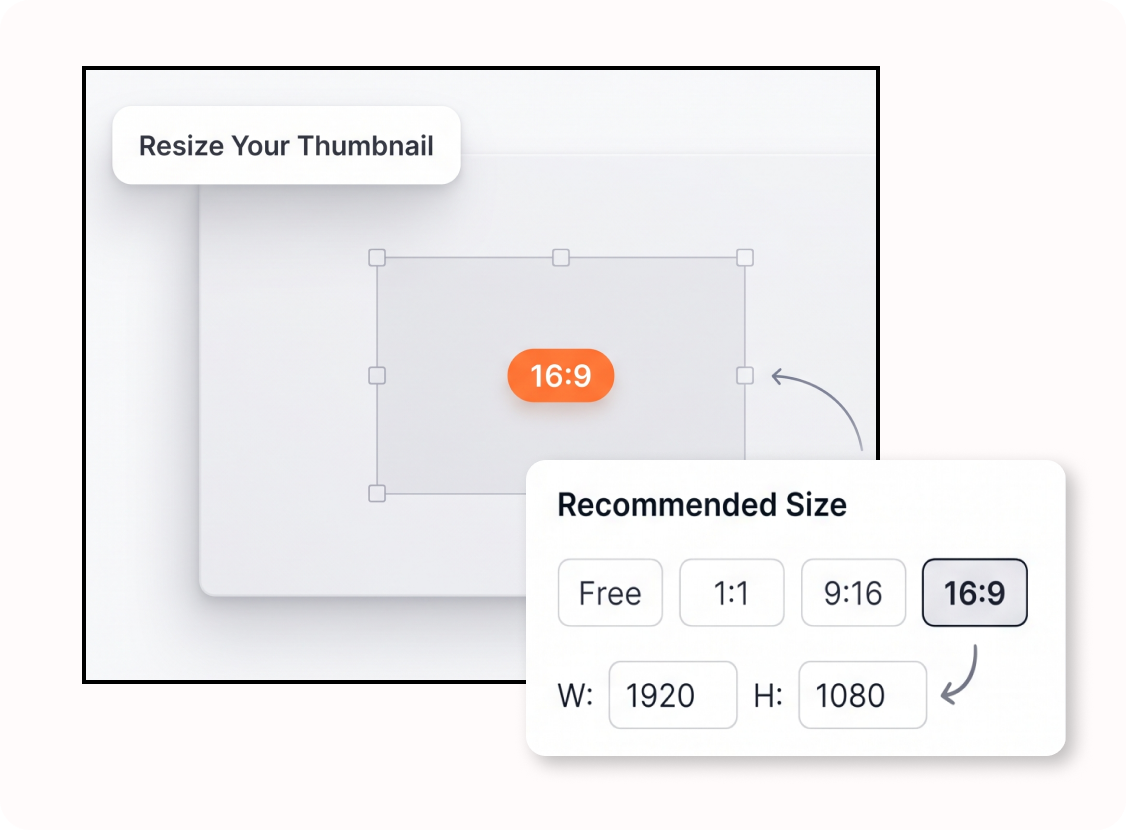
2. Set the Target Size
Choose presets like 1280×720 or adjust the specific width and height manually.
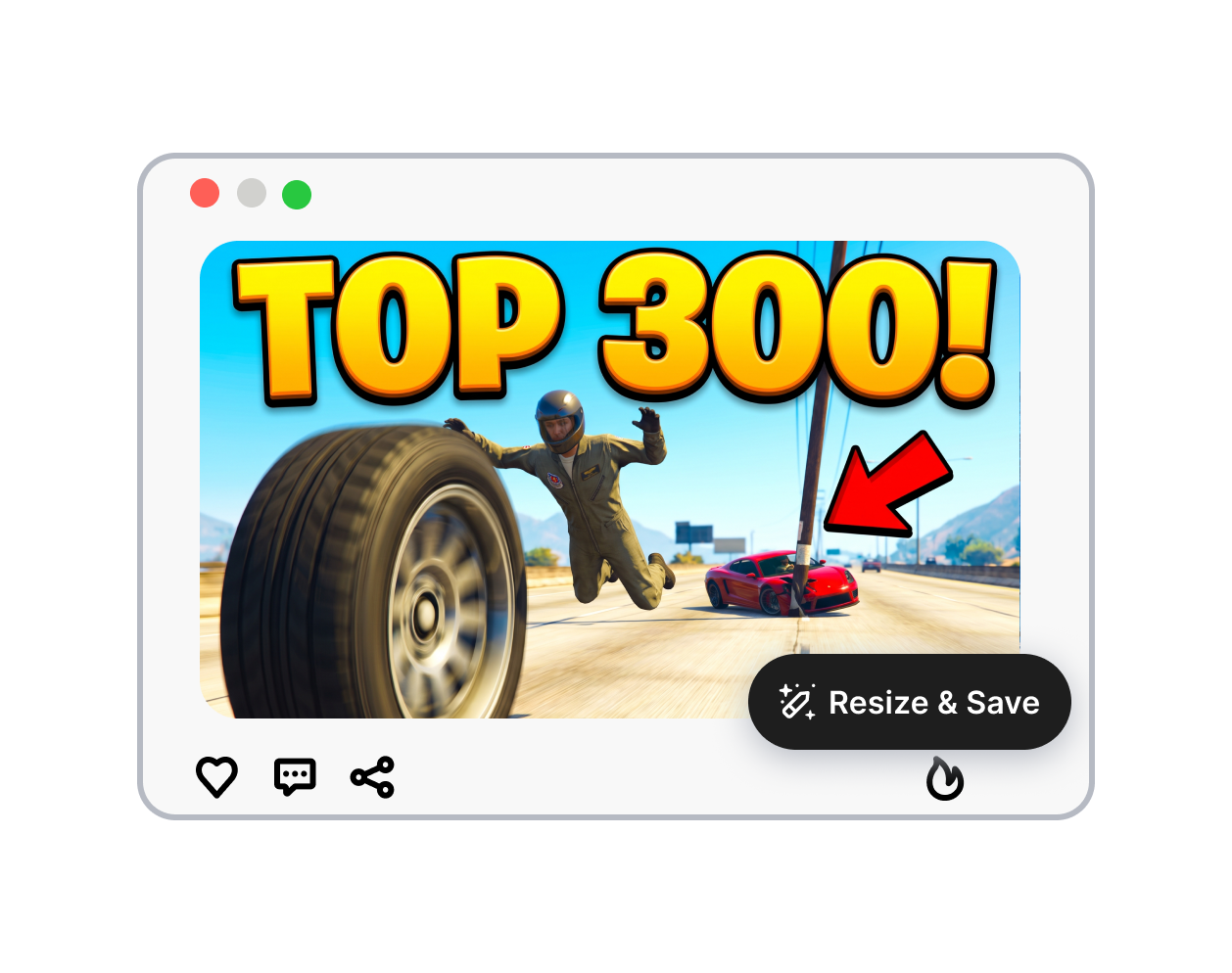
3. Download Resized Image
Select your preferred fit, preview the final look, and download your YT thumbnail instantly.
Frame the Image With a YouTube Thumbnail Resizer
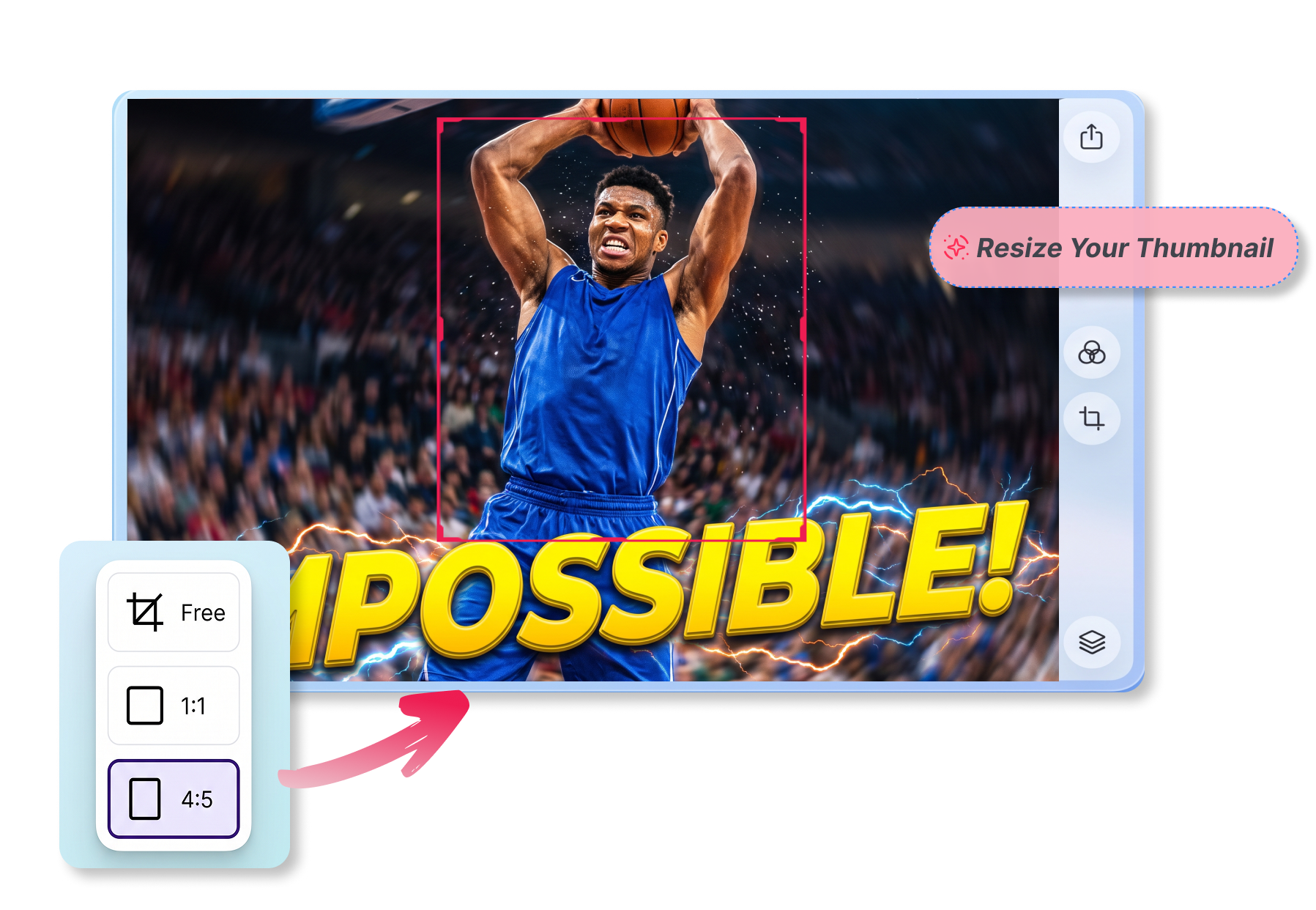
Fill the Entire Thumbnail Frame
Choose the cover option to stretch your picture seamlessly. Imagine cropping a wide action shot to perfectly highlight the central subject; this youtube thumbnail resizer guarantees your artwork fills the target screen edge-to-edge, leaving absolutely no distracting black borders behind.
Keep the Whole Image Visible
Select contain to preserve every pixel of your original artwork. When resizing an intricate infographic or a square meme for your video, this prevents text cut-offs. The remaining space becomes a sleek canvas color you control completely.
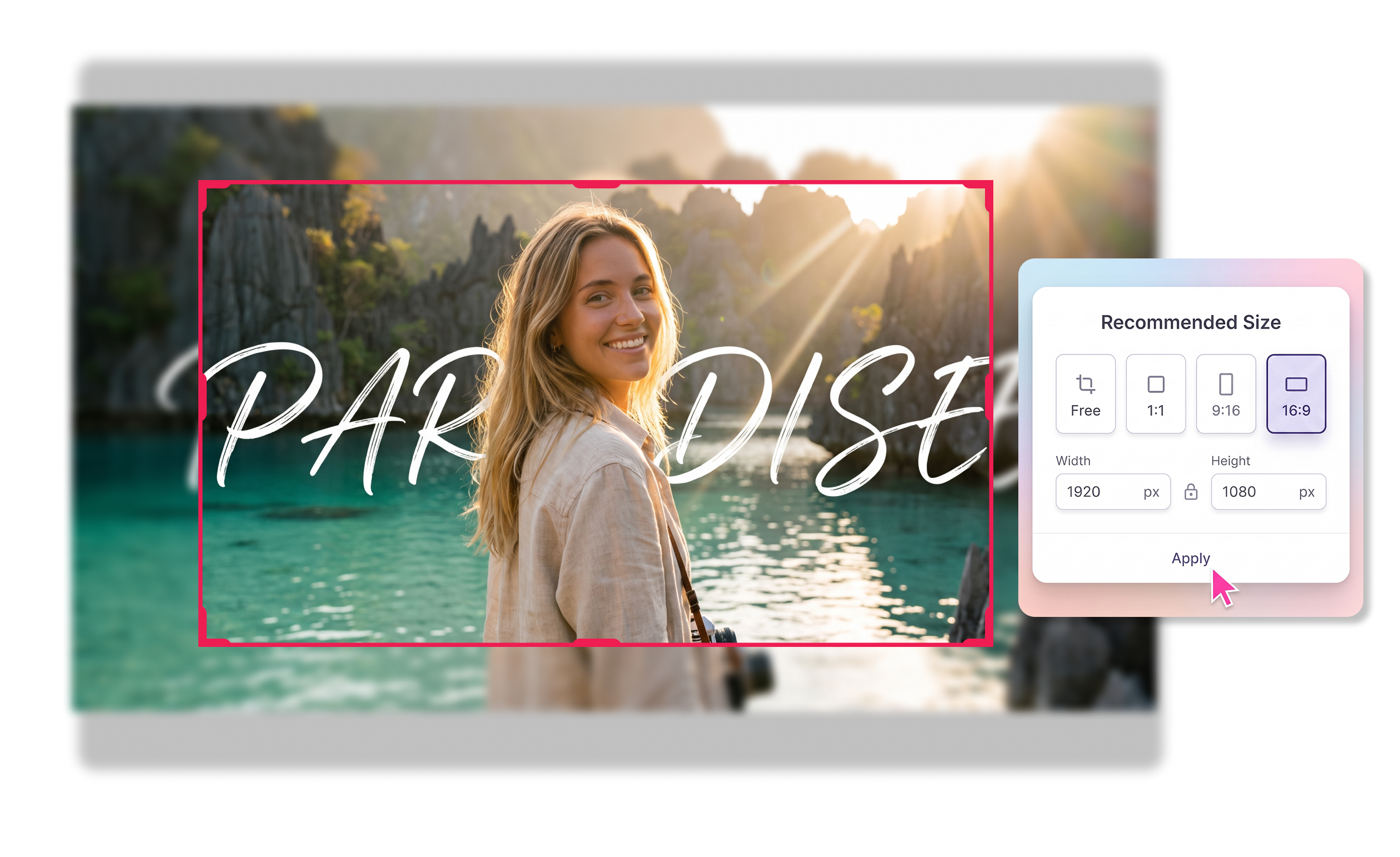
Set a Precise Canvas
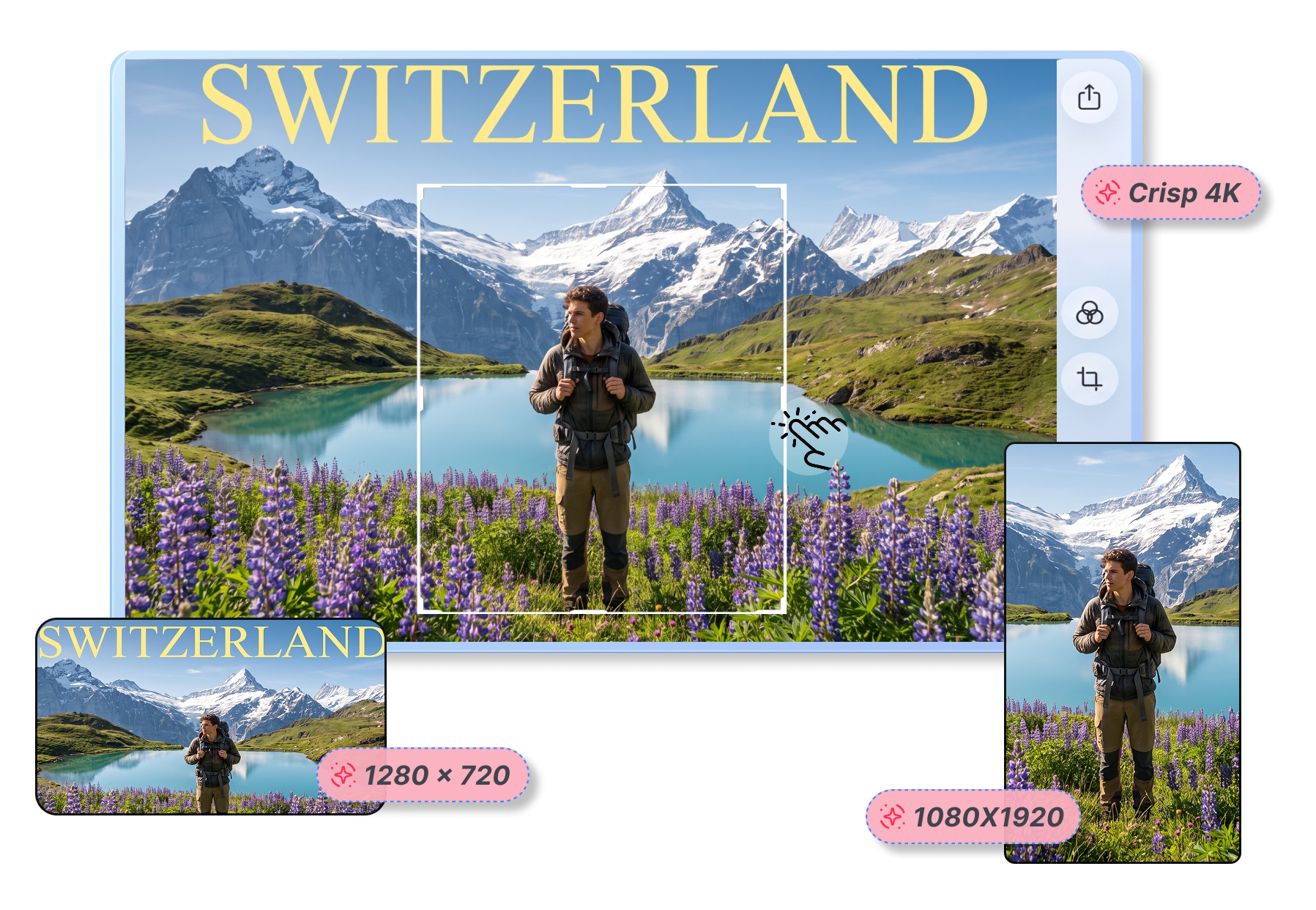
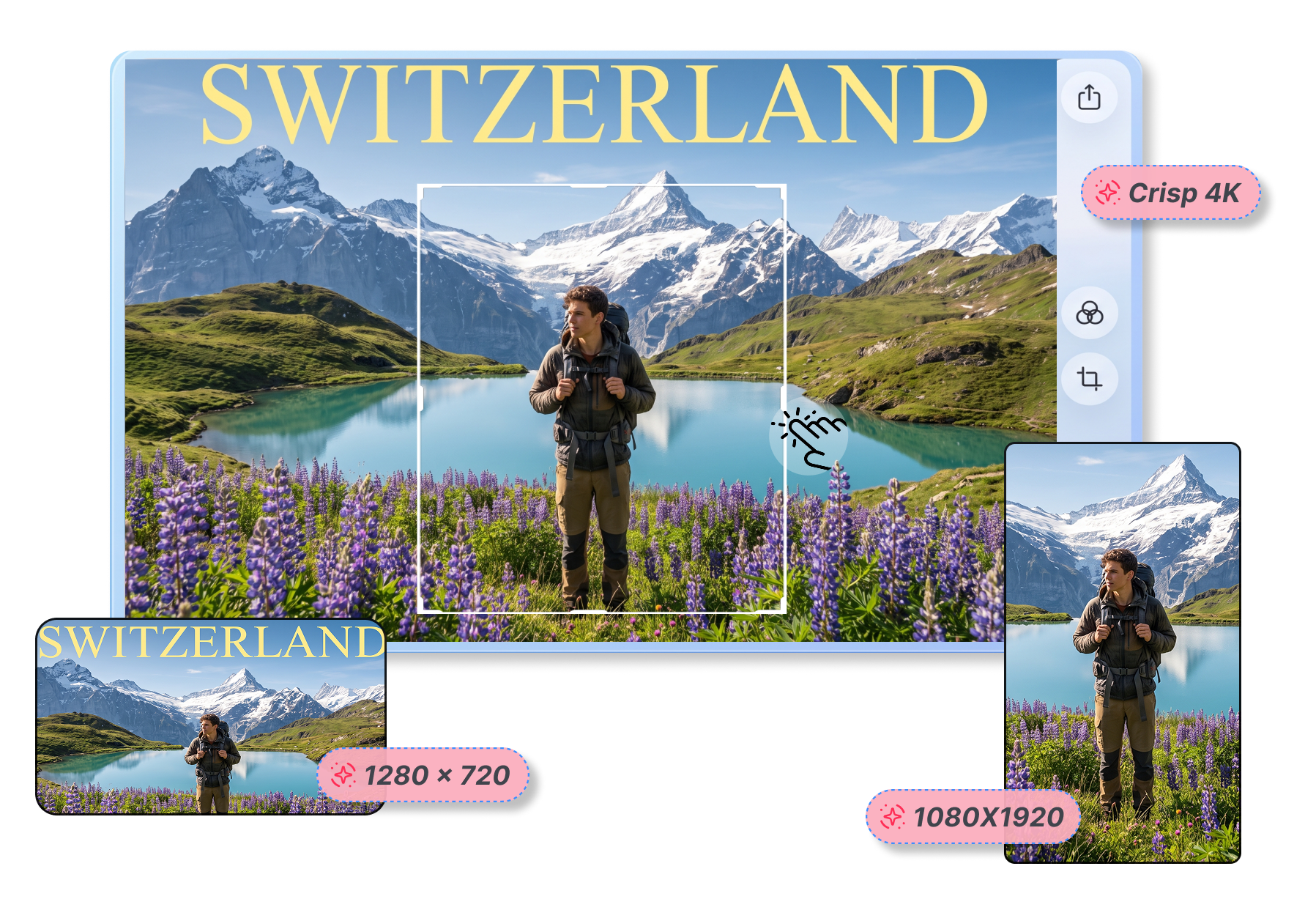
Resize any picture to exact specifications effortlessly. Whether you need standard 1280 × 720, crisp 4K, or 1080 × 1920 for Shorts, easily resize photos to thumbnails. Just click a preset to prepare visual assets for multi-platform publishing.
Guide the Exact Crop Focus
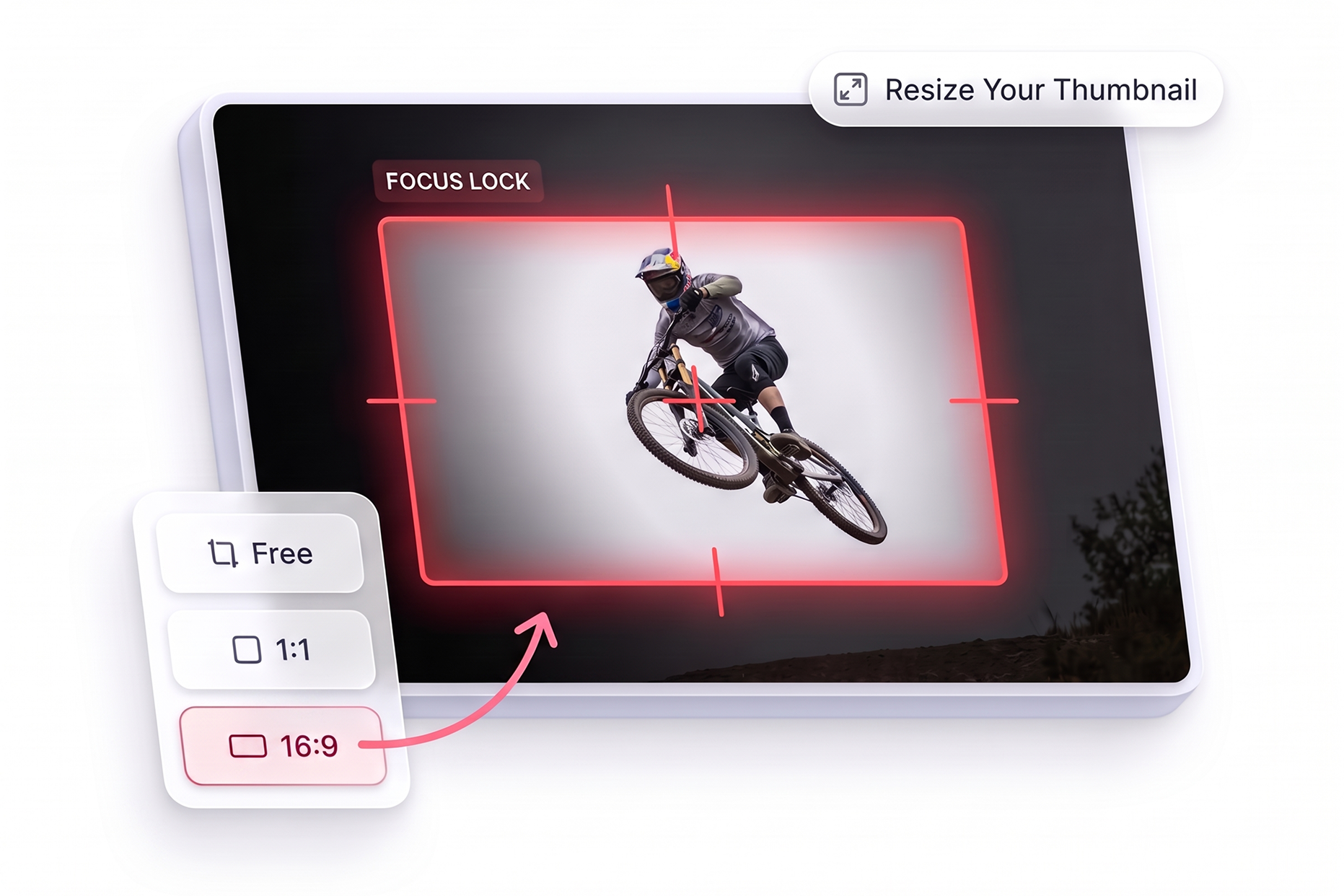
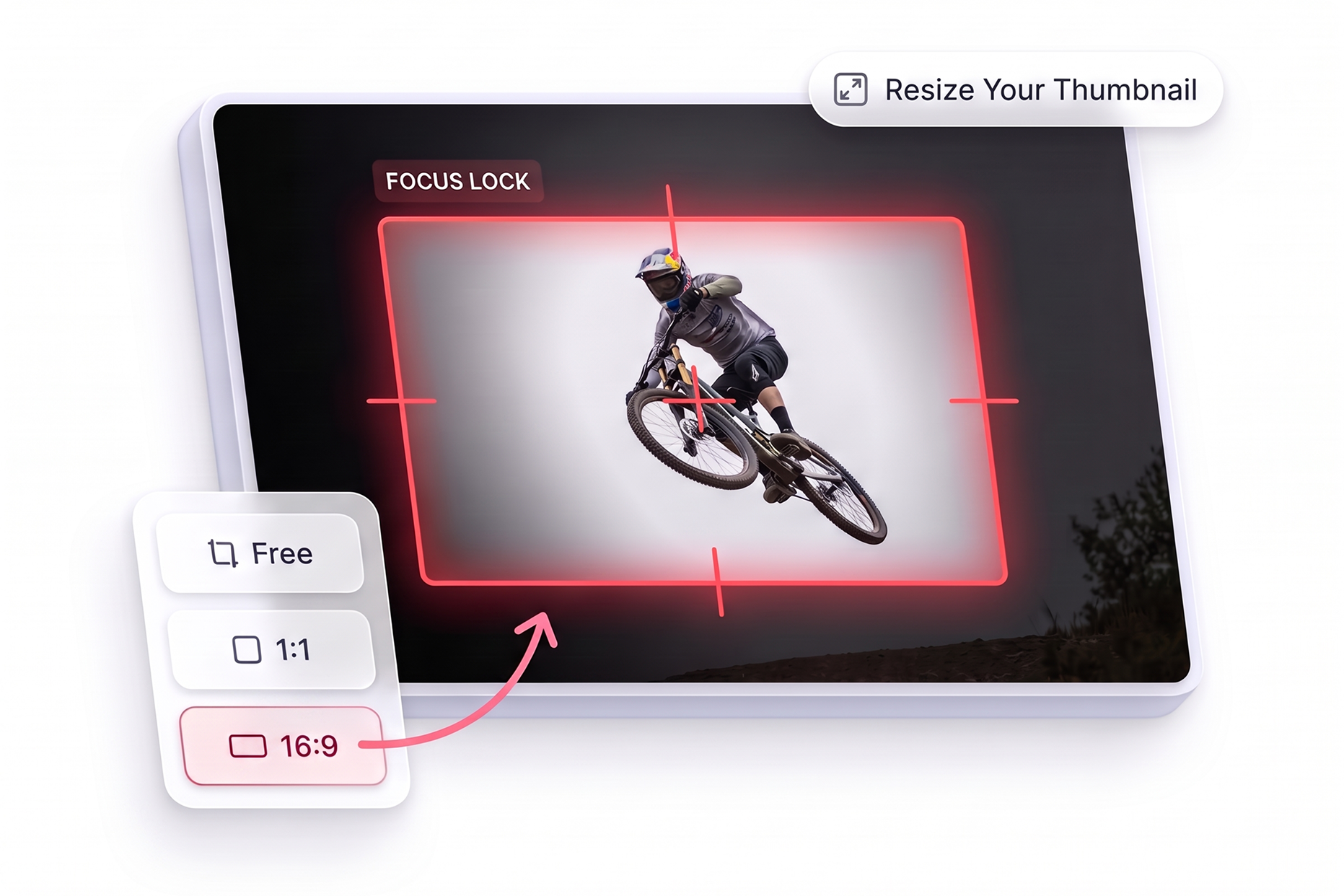
Shift vertical and horizontal sliders to protect crucial elements during a tight crop. For example, if your face or a highlighted gadget is off-center in the source screenshot, simply adjust the focus to keep it perfectly visible.
Who Uses a YouTube Thumbnail Resizer?

Content Creators
Easily reframe a draft cover or raw photograph without rebuilding artwork from scratch. Perfect when you need to quickly resize an image for a youtube thumbnail to hit your publishing deadline.

Video Editors
Protect the main subject or crucial text from getting sliced off during the adjustment phase. A reliable yt thumbnail resizer saves hours of manual tweaking for high-volume uploads.

Marketing Teams
Prepare versatile assets across multiple formats efficiently. Use this photo resizer for youtube thumbnail campaigns to turn one graphic into landscape, vertical, or square versions for diverse social platforms.
FAQs
What is a YouTube Thumbnail Resizer?
How to resize a youtube thumbnail?
Can I set custom dimensions?
What does the "cover" image fit mean?
What does the "contain" image fit mean?
Can I move the crop focus?
Can I change the canvas color?
Is this youtube thumbnail resize online free?
Finish Your YouTube Thumbnail Resizer Setup
Stop struggling with awkward cropping and instantly transform any picture into a high-converting cover for your next viral video.