YouTube Gaming Thumbnail Maker
Pick from hundreds of pro-level templates proven to get clicks. Just drop in your screenshot, swap the text, and let our Al generate a high-CTR visual hook in under 60 seconds.
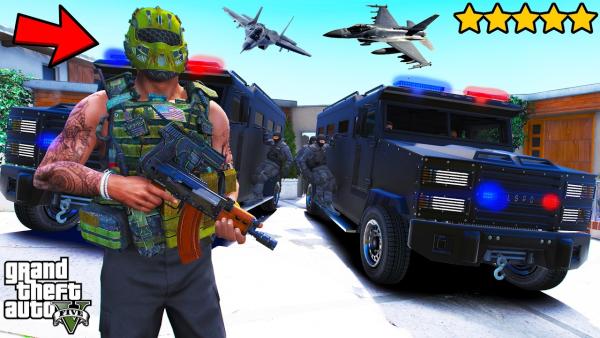
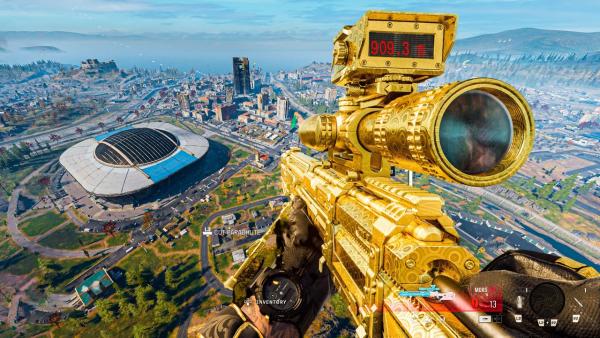
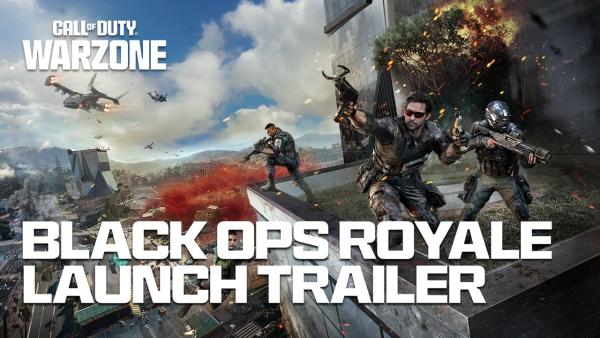
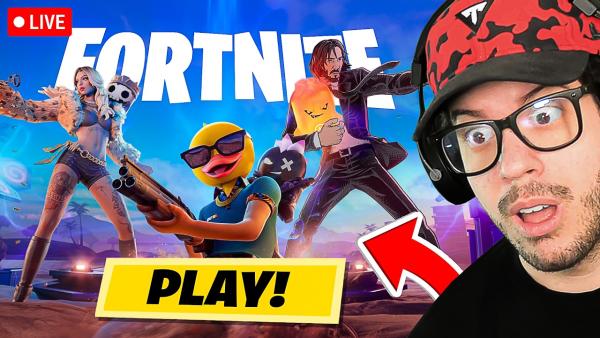
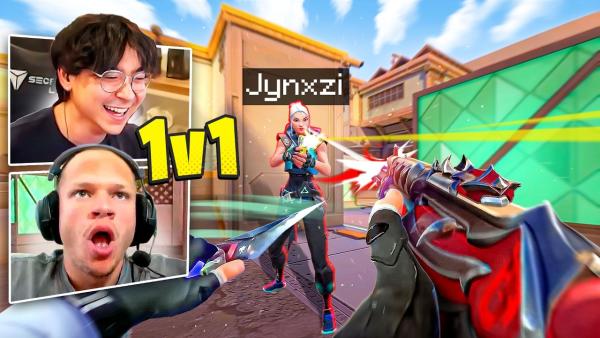
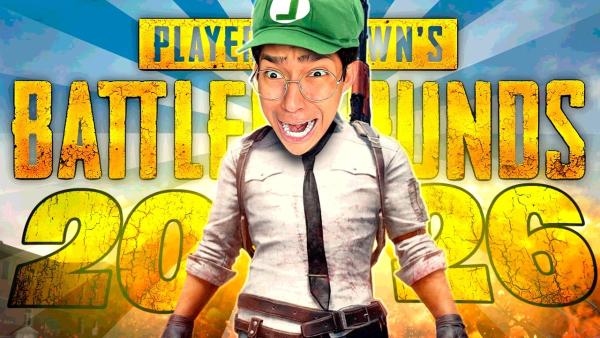
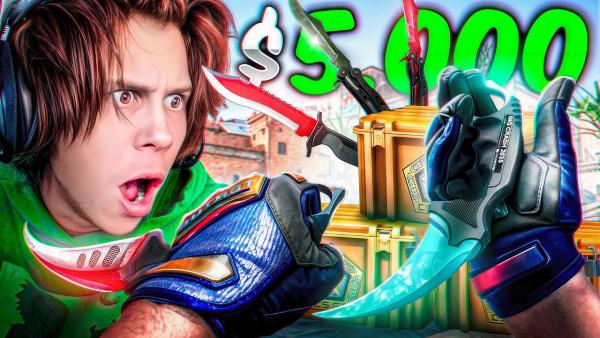
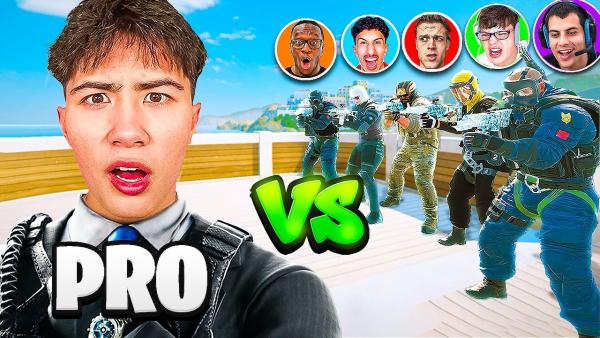
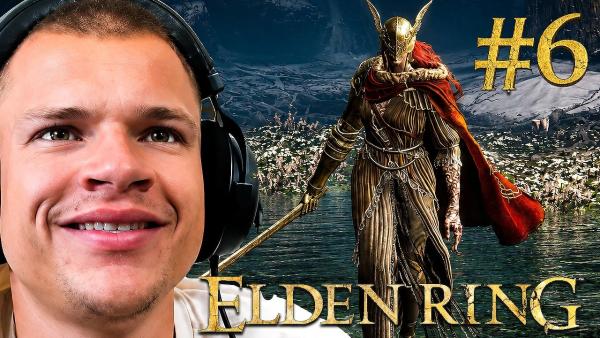
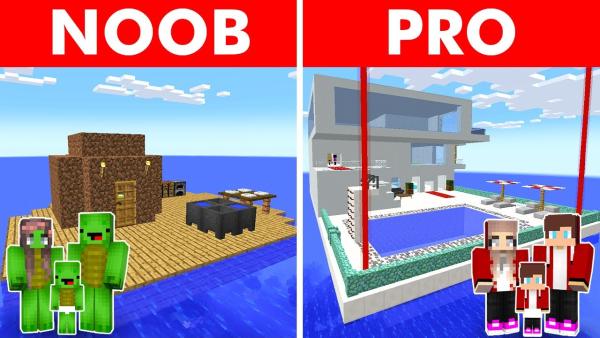
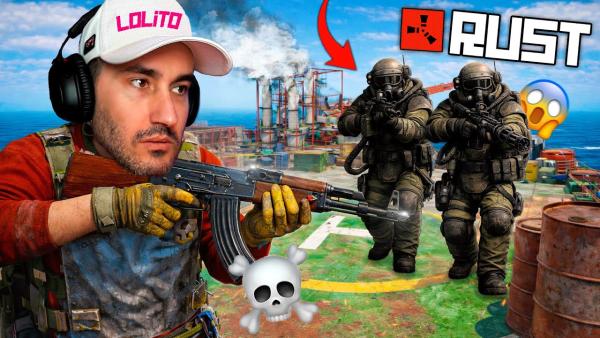
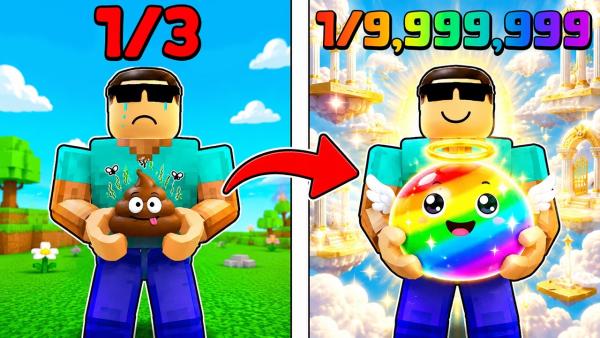
Customize Your YouTube Gaming Thumbnail in Minutes
Skip the Photoshop headaches — just pick a winning layout, swap the assets, and publish your next viral hit.
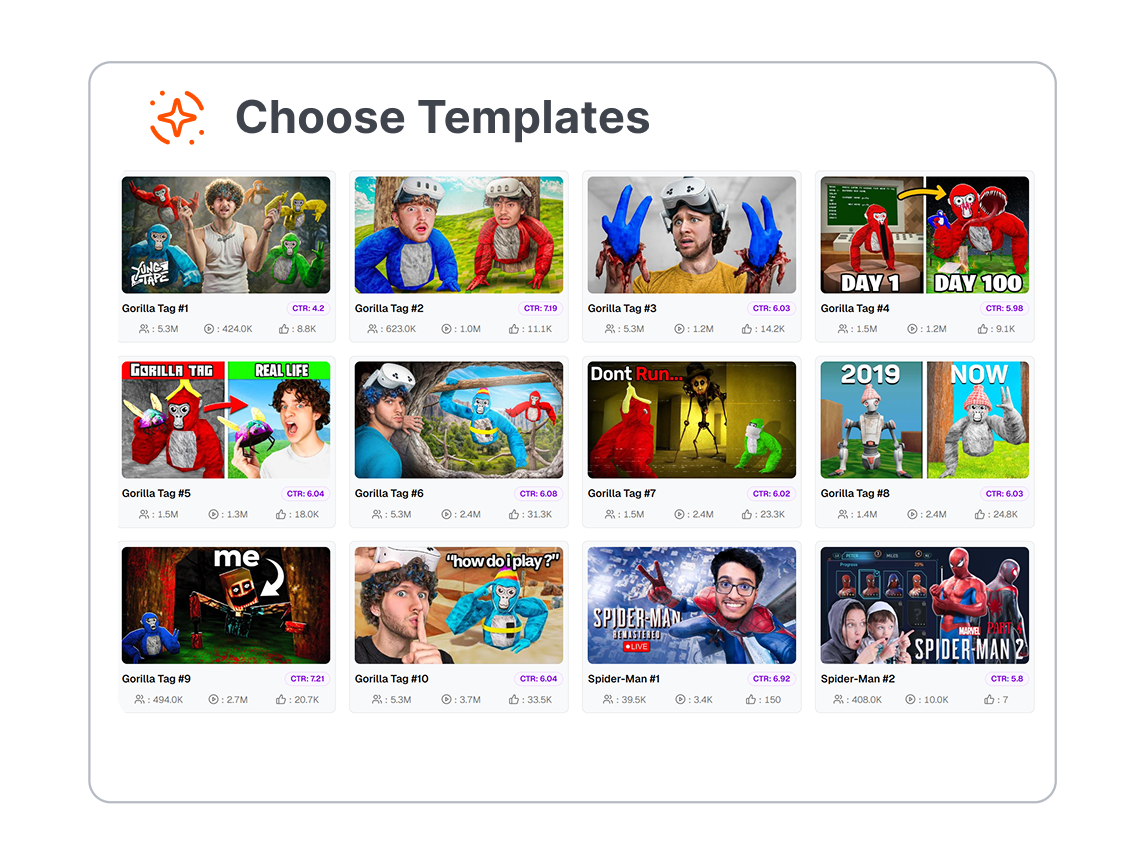
1. Pick a Viral-Ready Layout
Select a game-specific template tailored for your niche, whether it's a Call of Duty high-action shot or blocky Minecraft aesthetics.
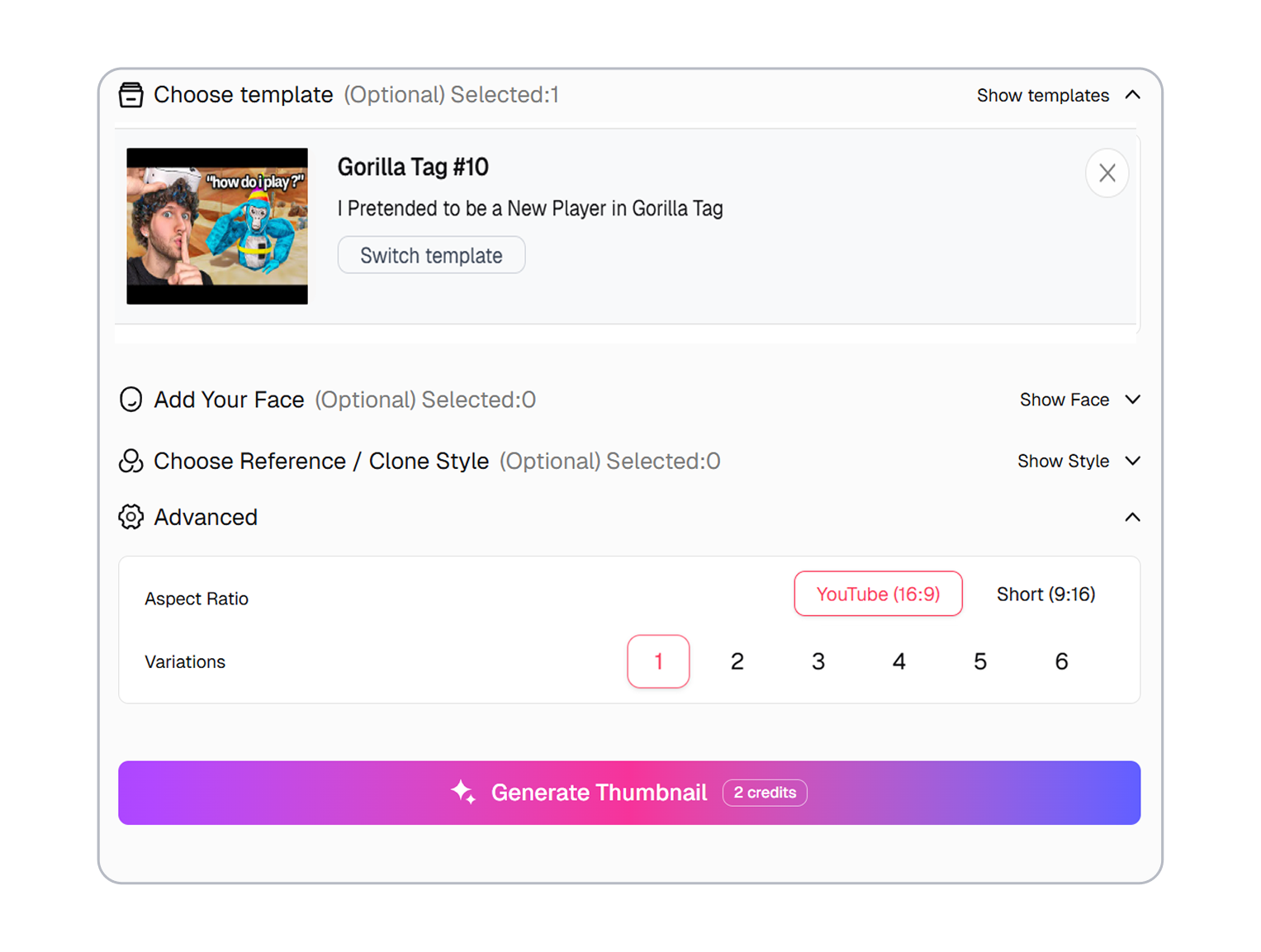
2. Auto-Cut & Enhance
Upload your reaction face and let our one-click background removal instantly isolate you, while AI naturally amplifies your exaggerated expressions.
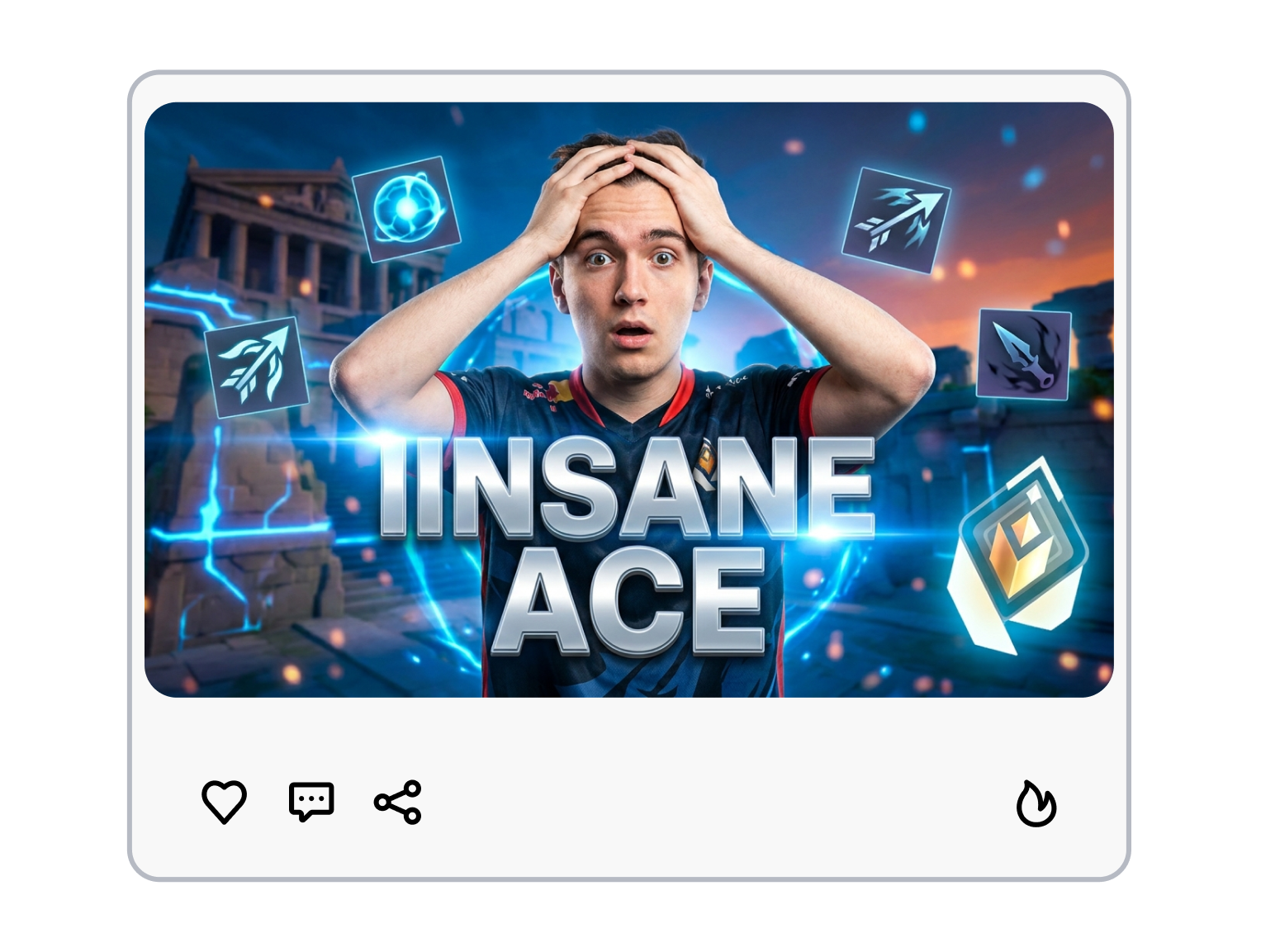
3. Download & Dominate
Tweak the neon custom fonts, hit export, and get a crisp HD pixel, no-watermark masterpiece ready for the YouTube algorithm.
YouTube Gaming Thumbnail Templates Made for Clicks
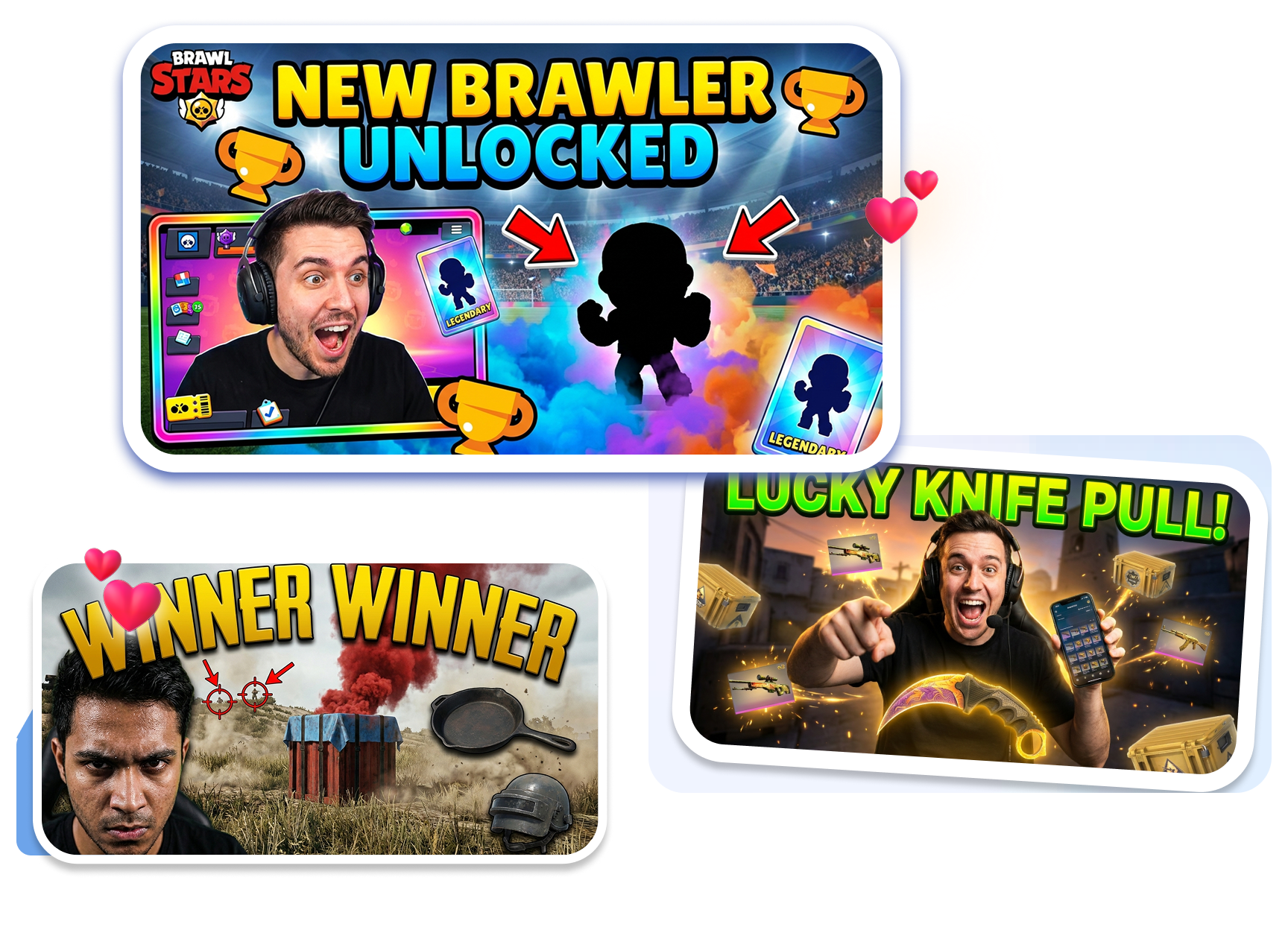
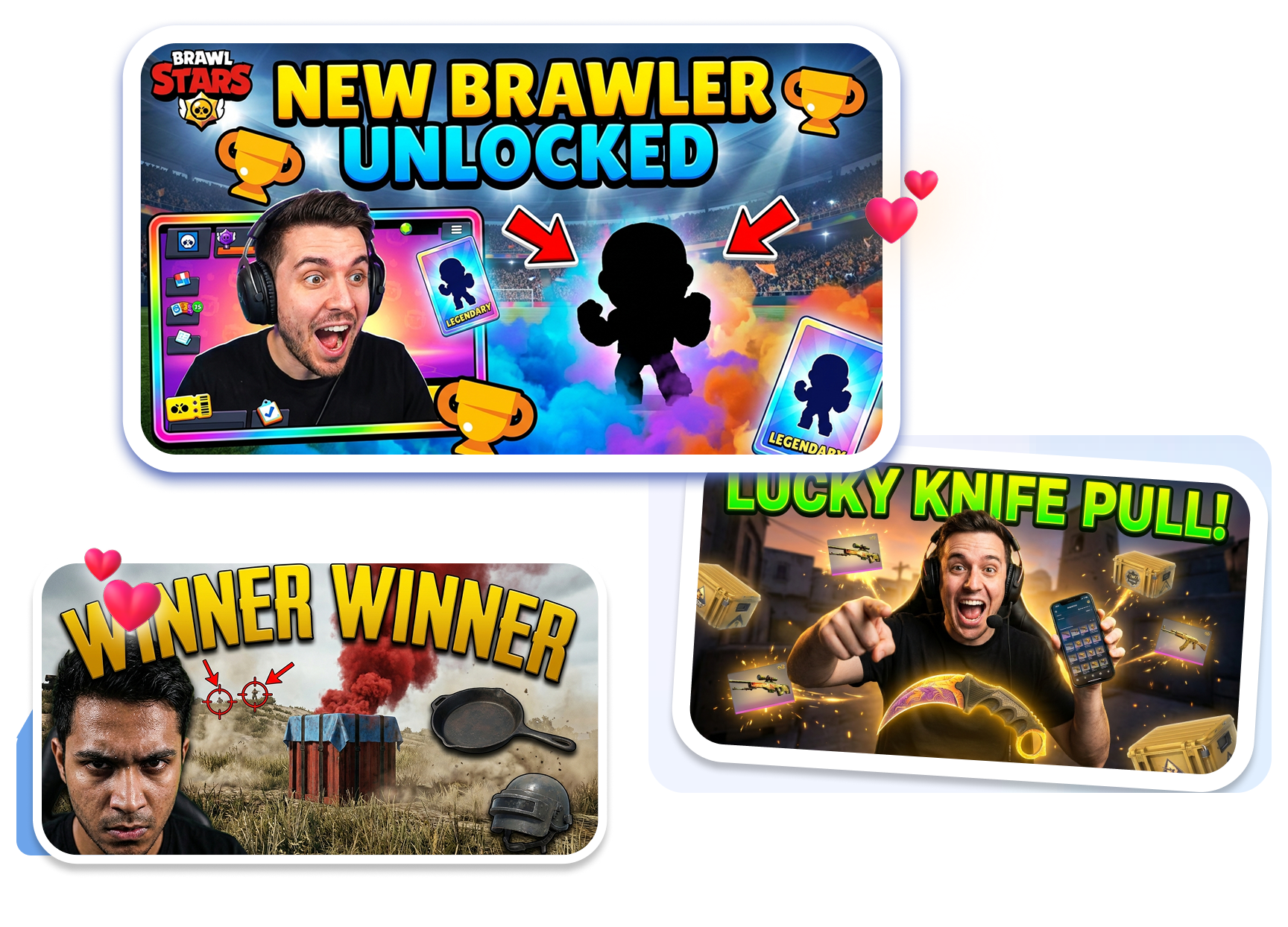
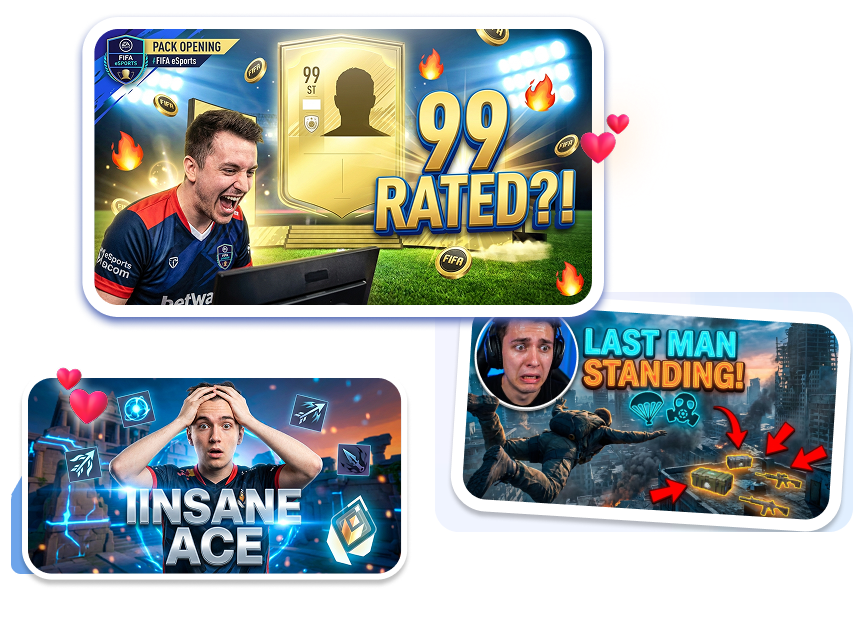
Pro Styles for Esports & Highlights
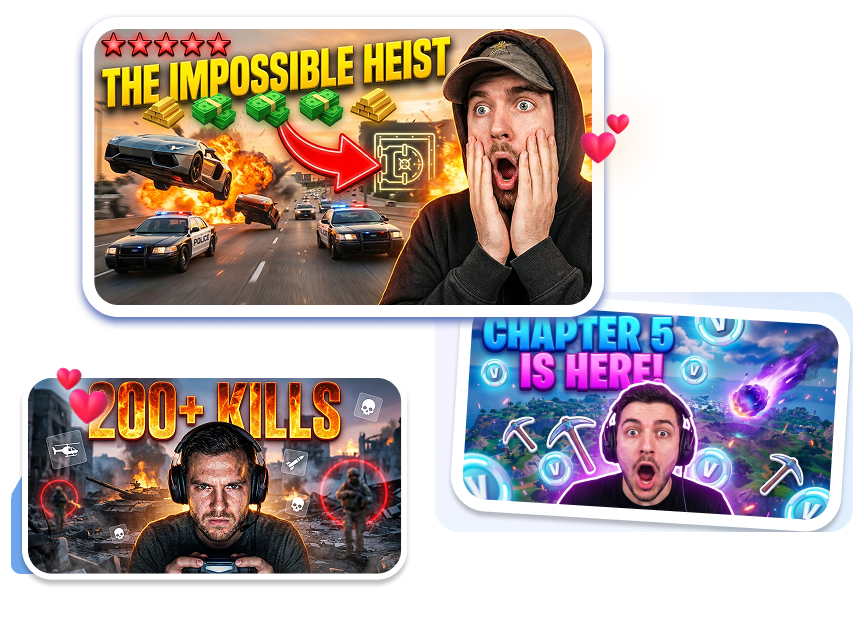
Grab templates made just for hit games like GTA 5 or Minecraft. Add Battle Royale vibes and dynamic blur with one click, no design skills needed. Turn a basic screenshot, like a clutch 1v3 or a Victory Royale, into an epic cover that pulls in massive views.
Crazy Reaction Faces for Funny Moments
Drop your face into any template using our 1-click background removal and AI enhancer. Automatically boost your expressions, like a horror game jumpscare or a funny rage-quit, so they pop off the screen. Make viewers laugh and click before the video even starts.
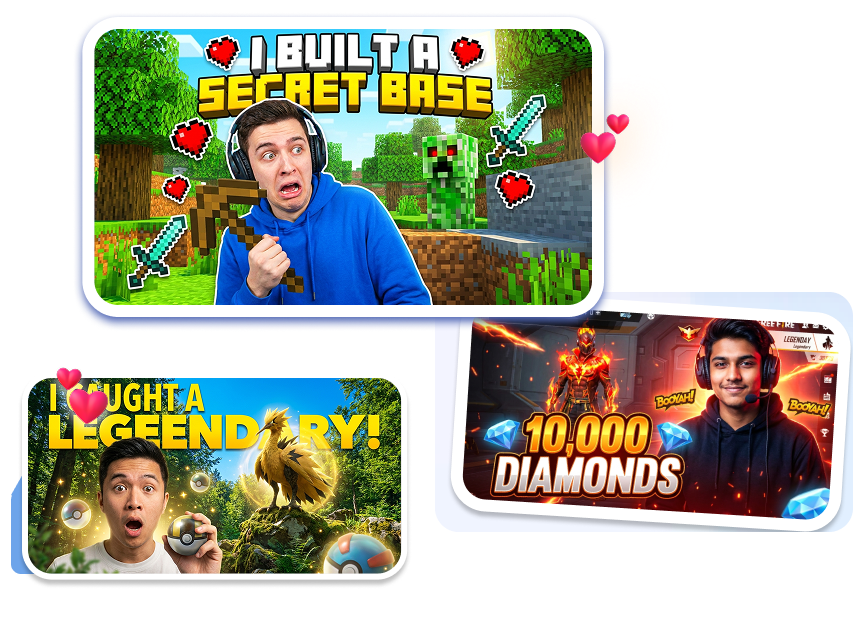
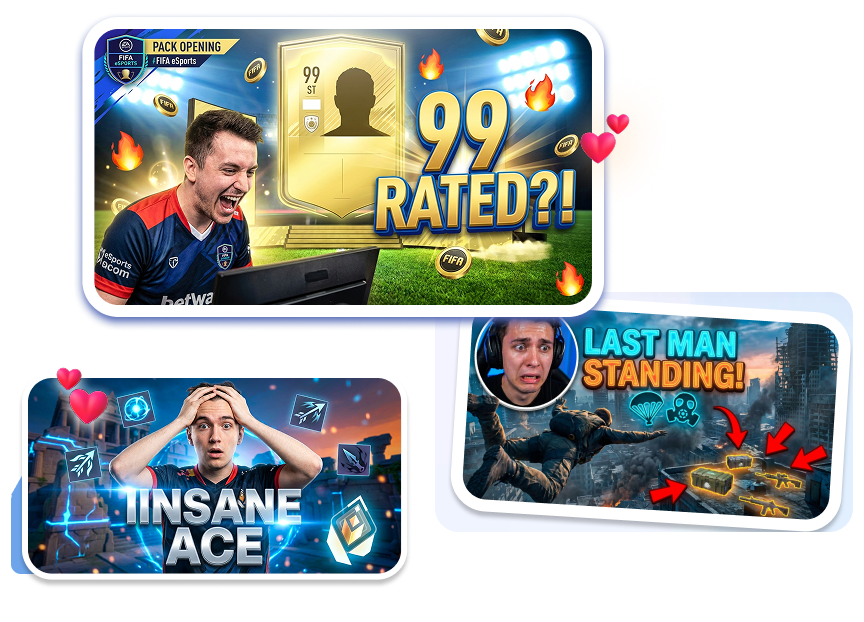
Smart Layouts for Tutorials & Guides
Use ready-to-go templates featuring custom neon gaming fonts and Beast-style compositions. Draw the eye straight to your core secret, whether it's a hidden loot location or a "Before vs. After" overpowered weapon build. Beat the competition with covers that are impossible to scroll past.
Consistent Channel Style for Let's Play Series
Save your favorite layout as a channel preset for your daily Let's Plays or Twitch stream highlights. Batch-create your thumbnails to keep your channel looking professional. Save hours of editing time while helping fans instantly spot your new uploads in the sub feed.
Who Needs a Pro-Level YouTube Gaming Thumbnail Maker?
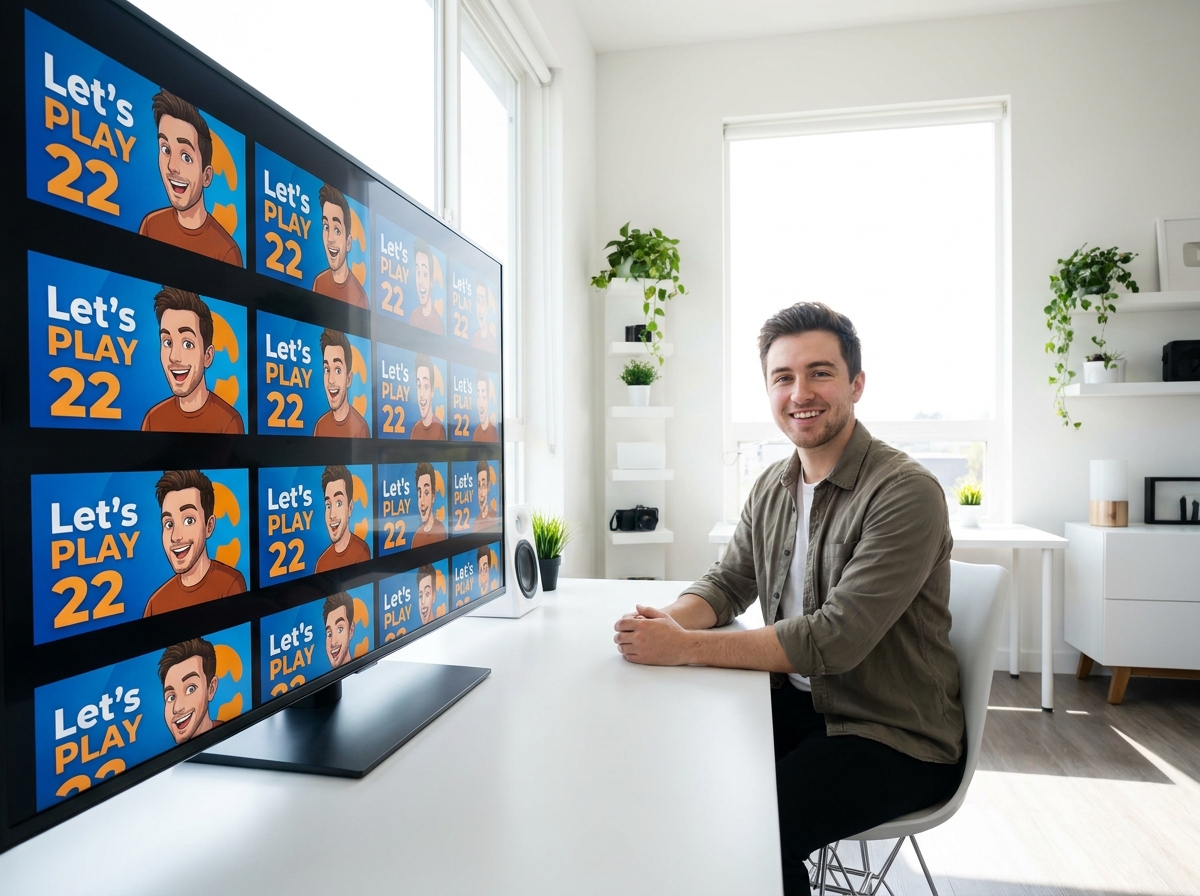
Let's Play Creators
Keep your episodic content highly recognizable. Use our signature layouts to quickly update Episode numbers while maintaining consistent branding across your entire channel.
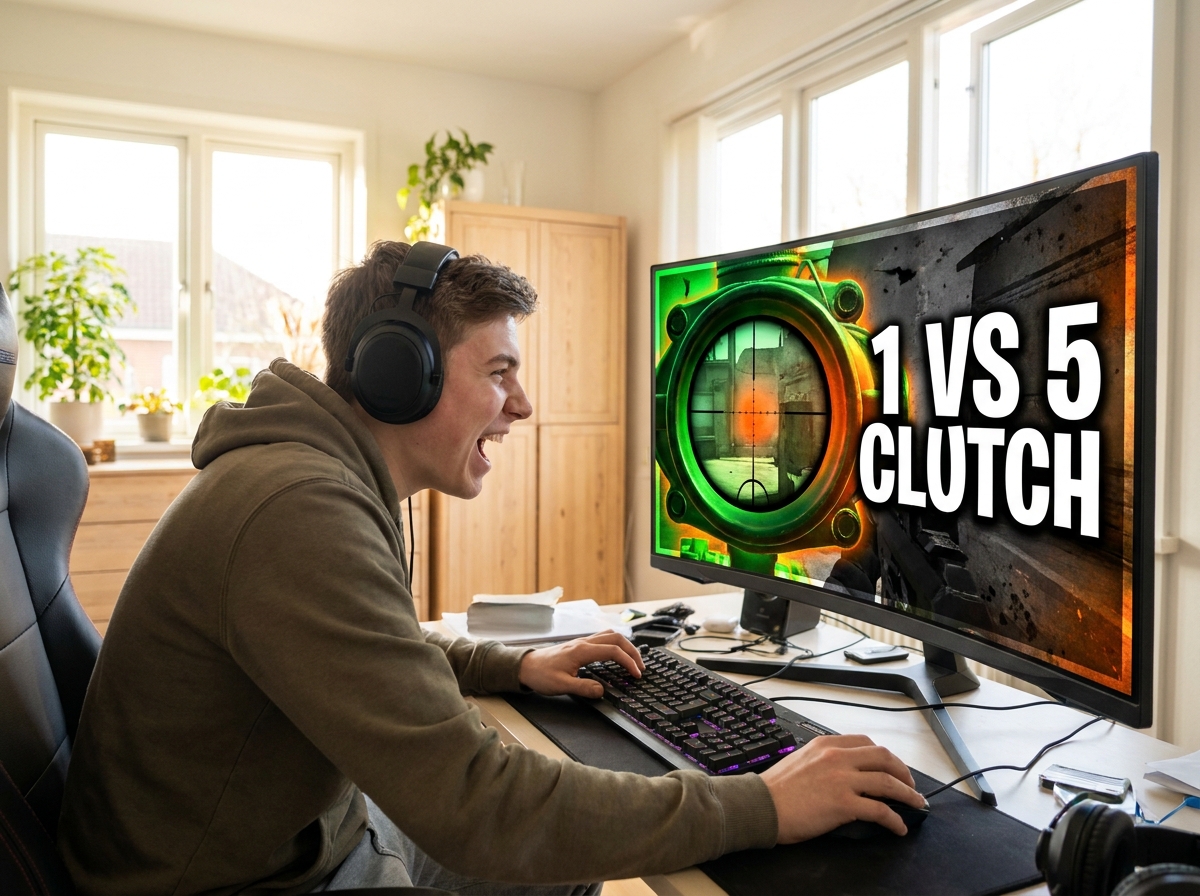
Esports & FPS Gamers
Capture the adrenaline of the clutch. Utilize high-contrast, esports aesthetics perfect for Call of Duty Warzone thumbnails or CSGO frag movies.
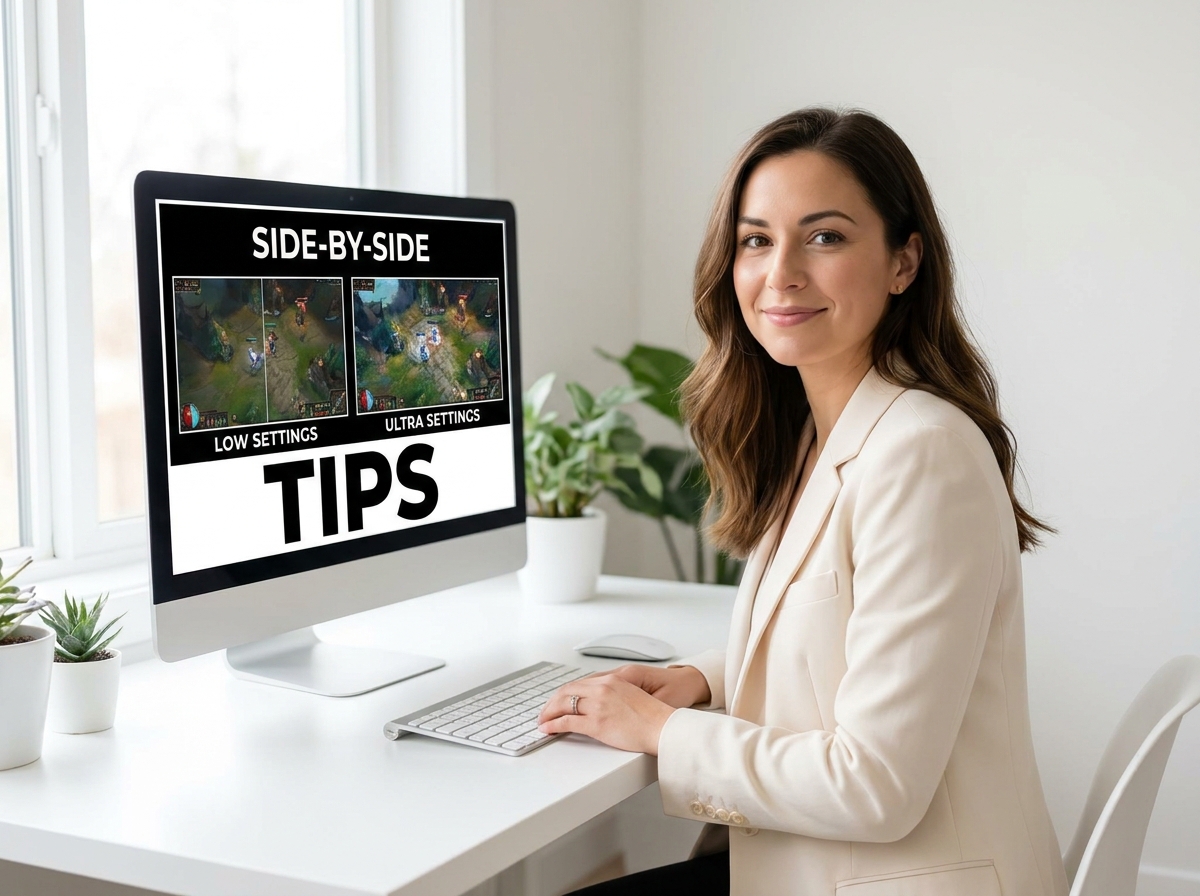
Tutorial & Guide Makers
Explain complex mechanics with visual clarity. Use simple auto-layouts featuring side-by-side comparisons and bold typography to create the best thumbnail for gaming tips.
FAQs
What makes a good YouTube gaming thumbnail?
Are these gaming templates free to use?
Does the AI thumbnail maker handle background removal?
Will these clickbait thumbnails hurt my channel?
Can I make a gaming thumbnail for YouTube without Photoshop?
Do you have Call of Duty Warzone thumbnail templates?
Can I batch create YouTube gaming thumbnails?
Why is this the best YouTube gaming thumbnail generator for creators?
Dominate the Feed with Epic YouTube Gaming Thumbnail Maker
Stop wasting hours on Photoshop while your competitors steal your views. Grab a proven template, let the AI do the heavy lifting, and watch your channel explode today.