Gorilla Tag Thumbnail Maker
Turn a juke, Ghost encounter, new update, or chaotic minigame into a clear Gorilla Tag YouTube cover. Choose a scene, add your own gameplay image or idea, and customize the Monke, map, pose, and text with Thumbs.ai.
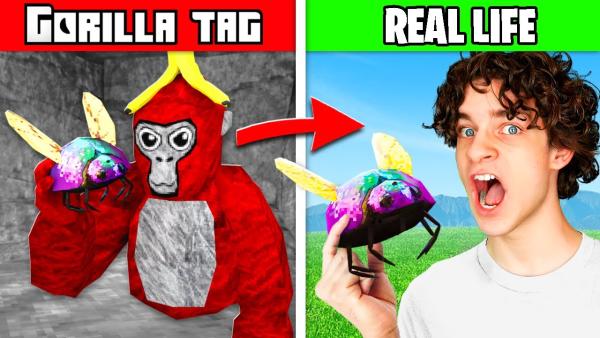
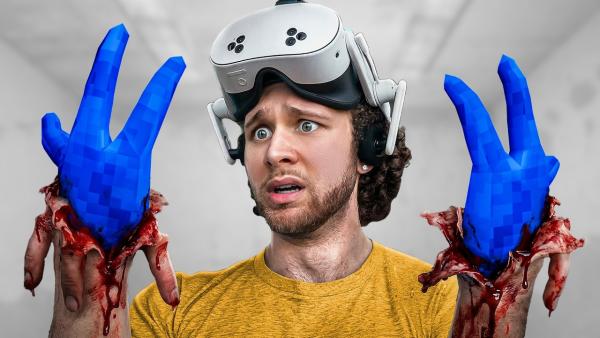
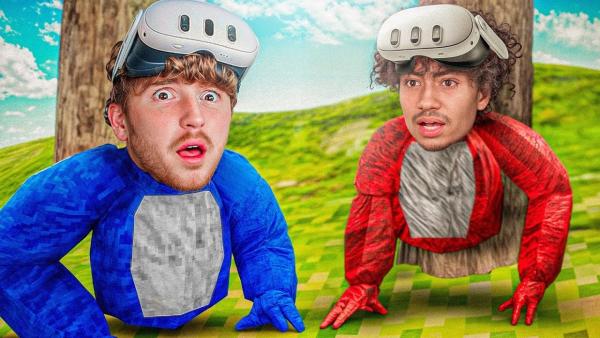
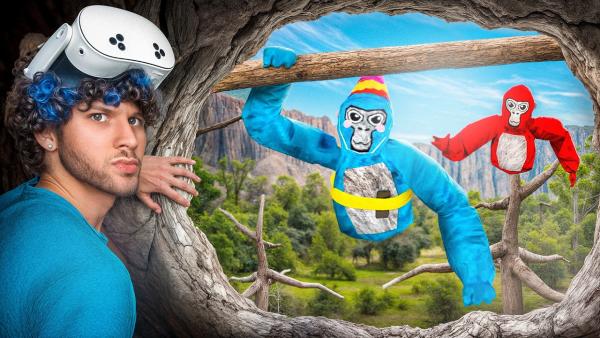
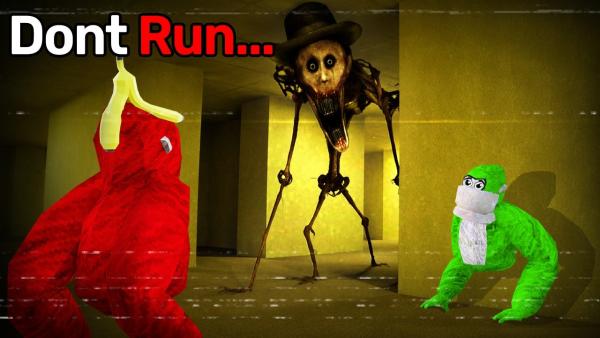
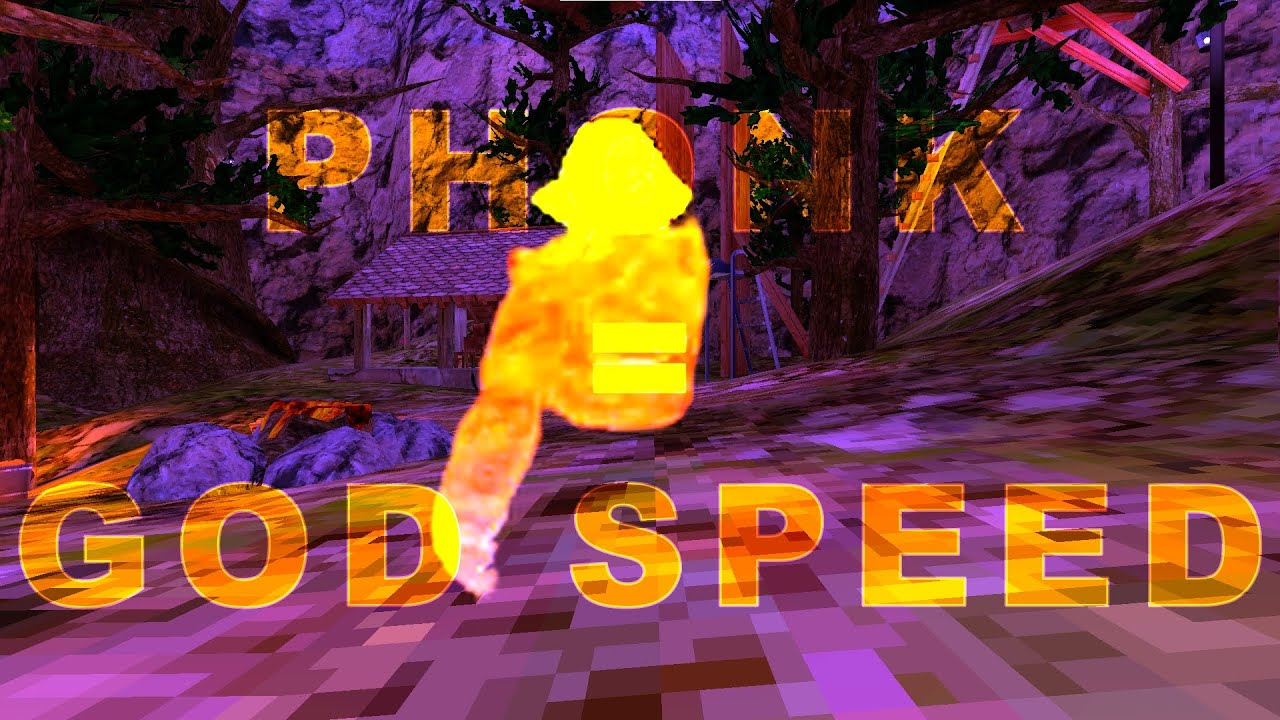
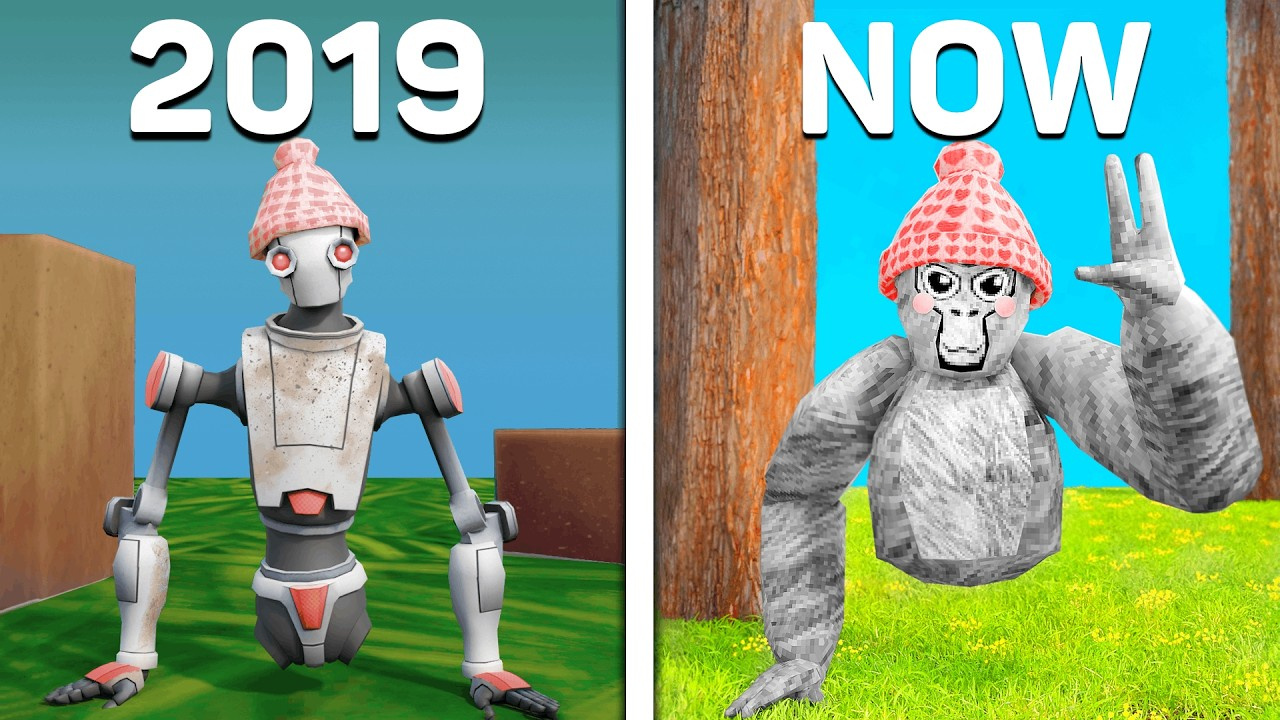
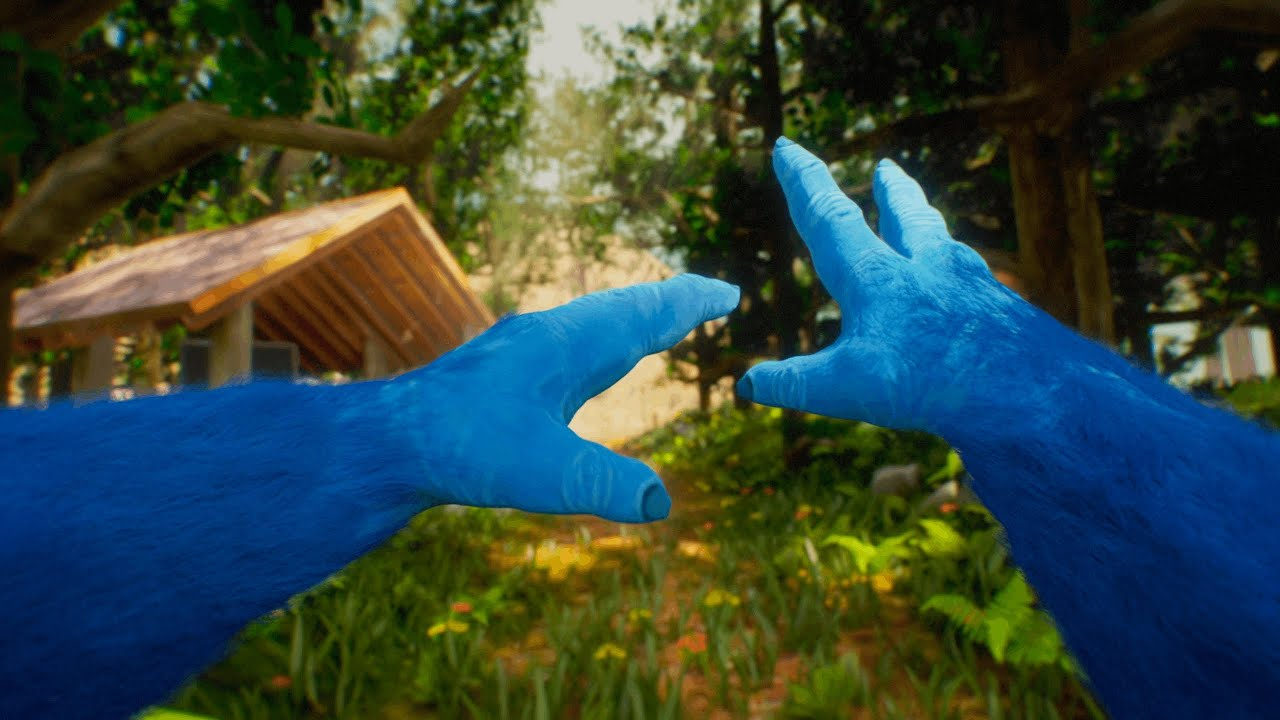
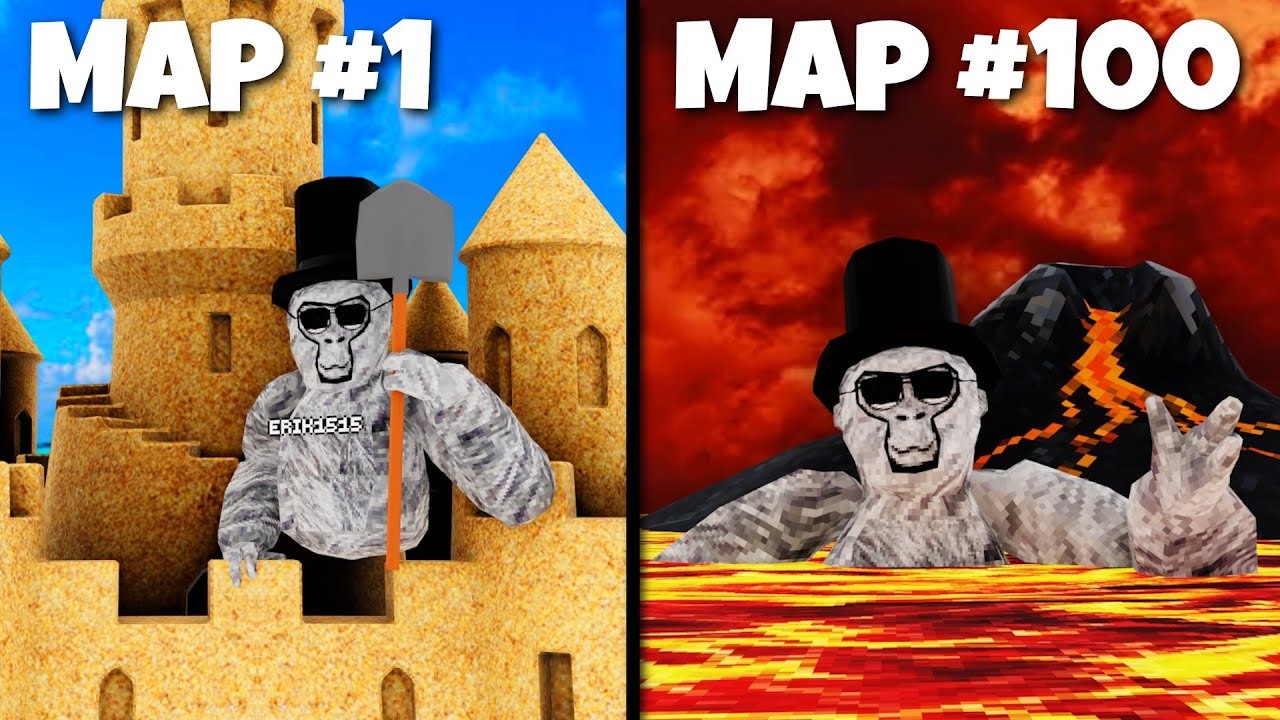
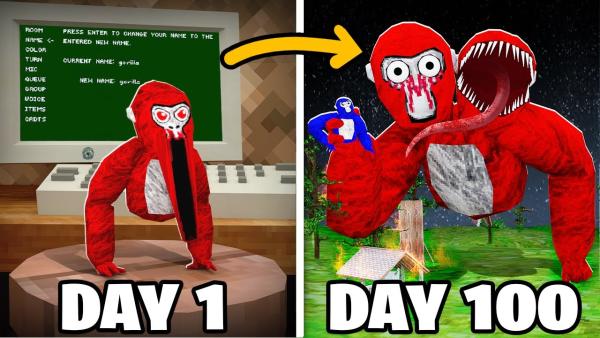
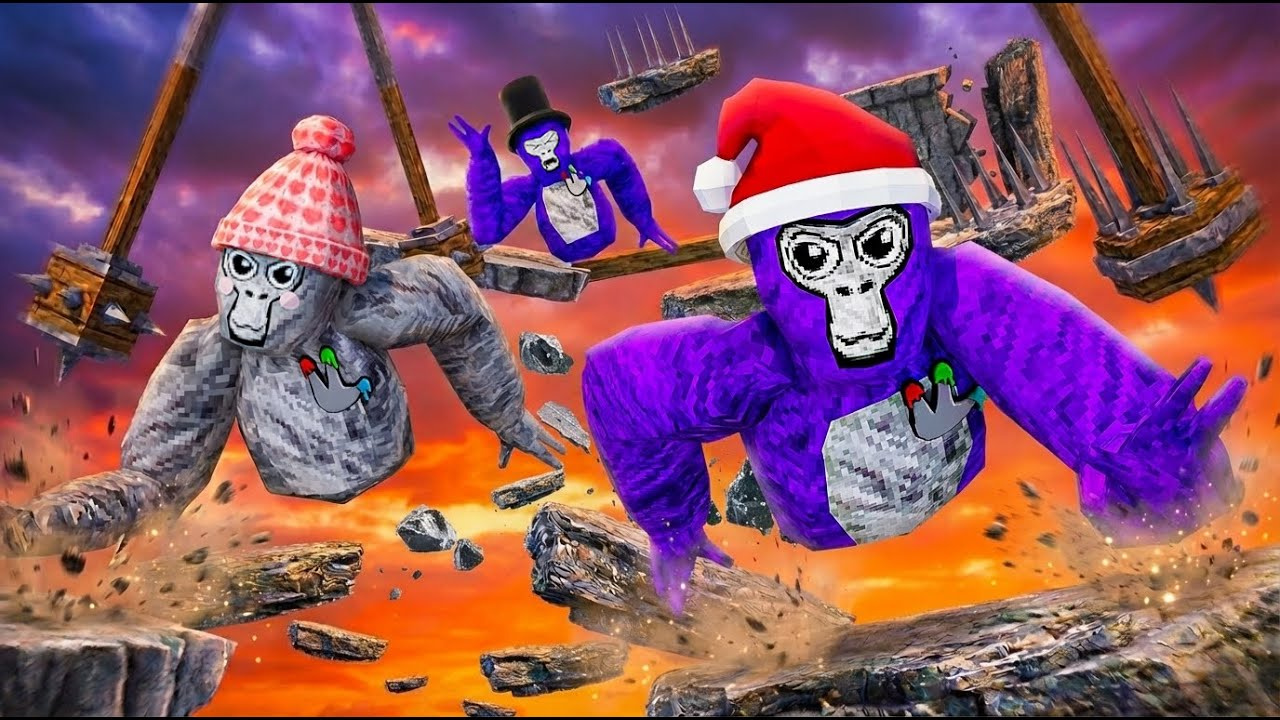
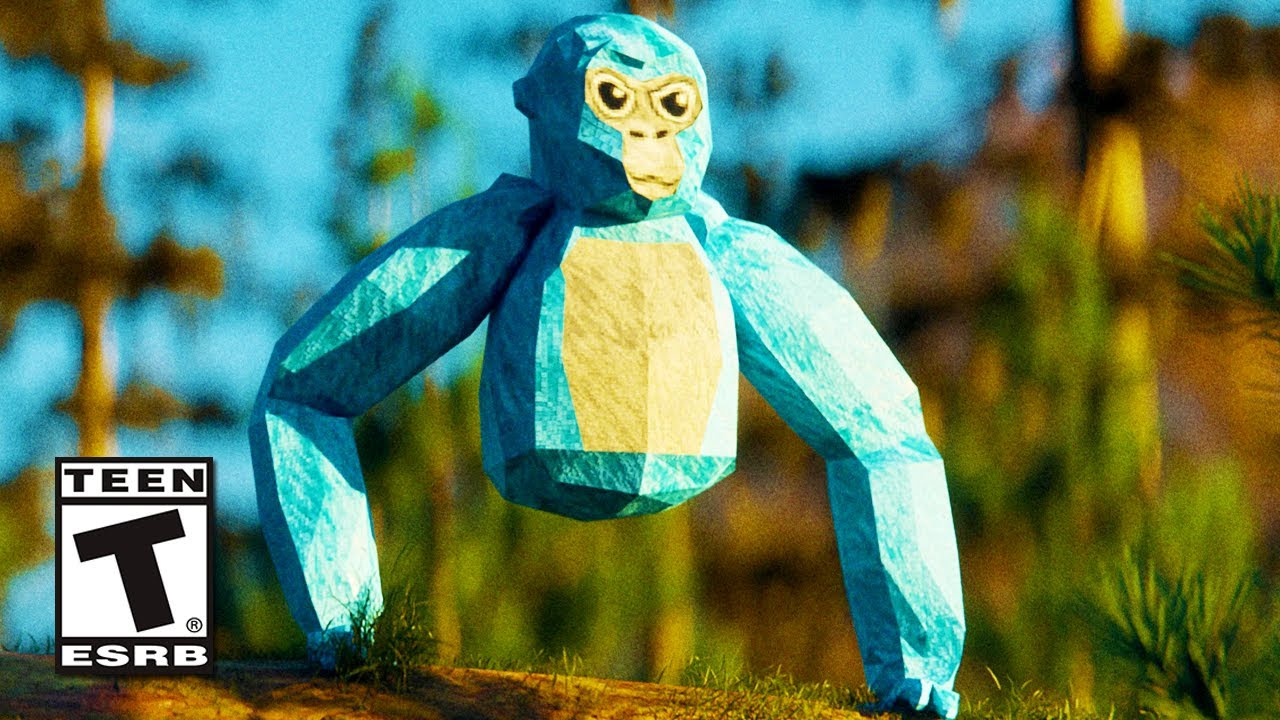
How to Customize a Gorilla Tag Thumbnail in 3 Steps
Use our AI thumbnail maker to create high-CTR YouTube gaming thumbnails for Gorilla Tag under 60 seconds.
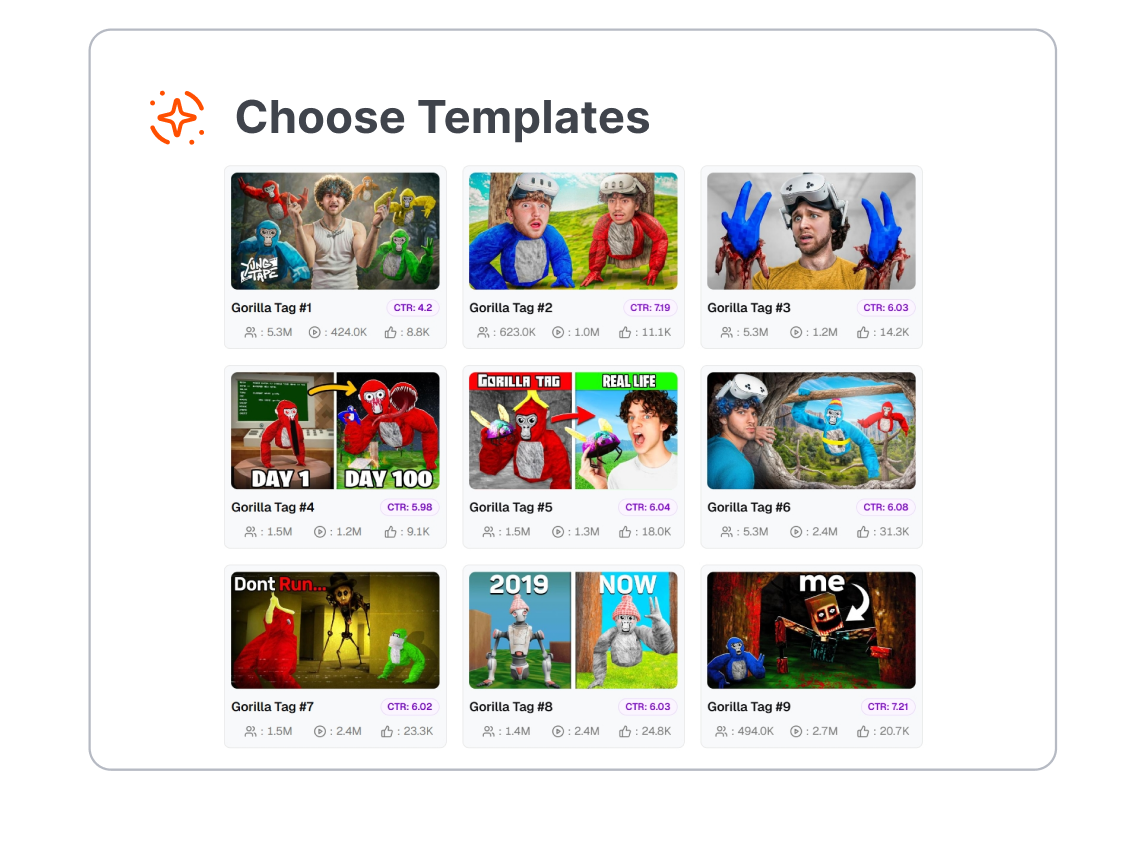
1. Pick the Right Scene
Start with a template for your video type, from movement challenges and updates to Ghost hunts, minigames, funny moments, and livestreams.
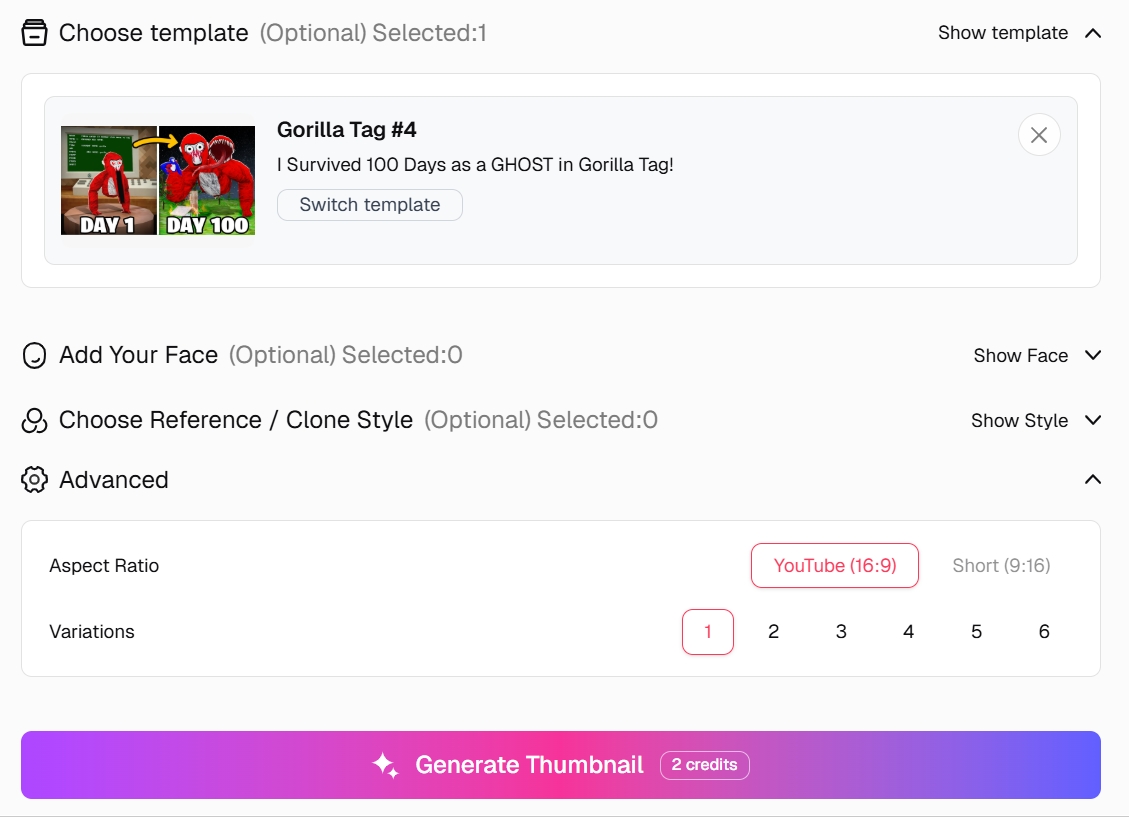
2. Add Your Monke and Moment
Describe the action or upload a gameplay screenshot. Include the Monke color, cosmetics, map, pose, and short text viewers should notice first.
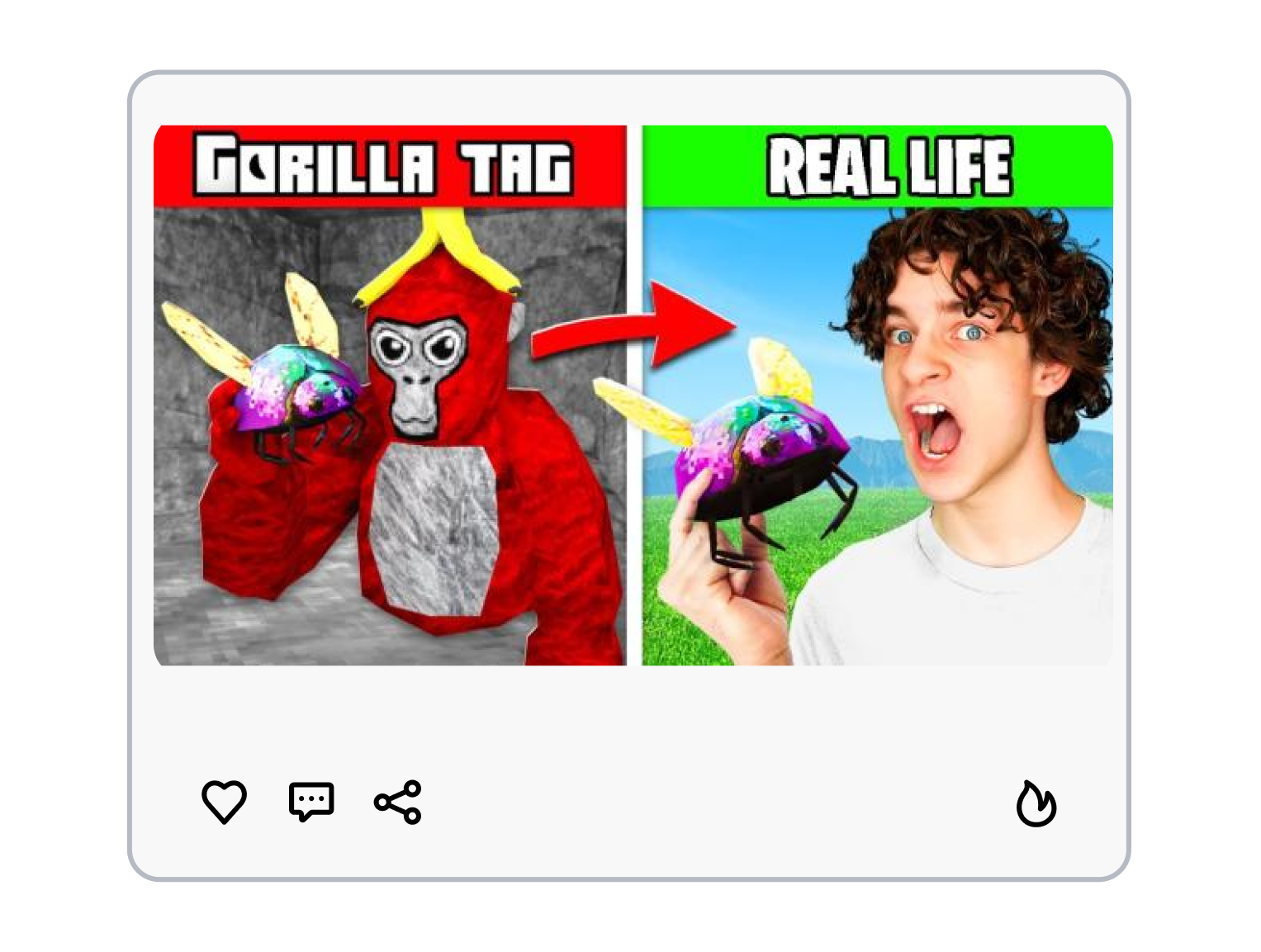
3. Generate and Choose
Create multiple Gorilla Tag video covers for YouTube, compare the focal point and mobile readability, then download the version that tells your story most clearly.
Build a Gorilla Tag Thumbnail Around One Clear Moment
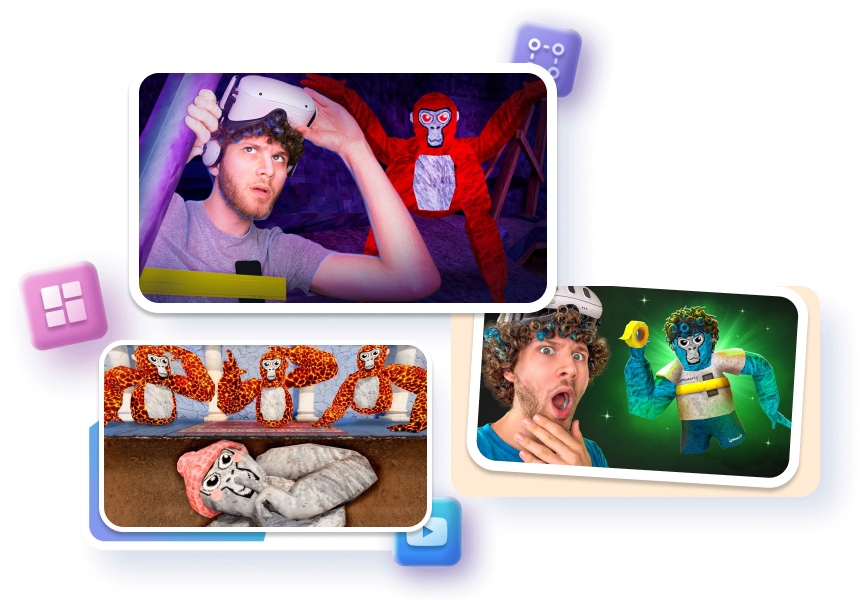
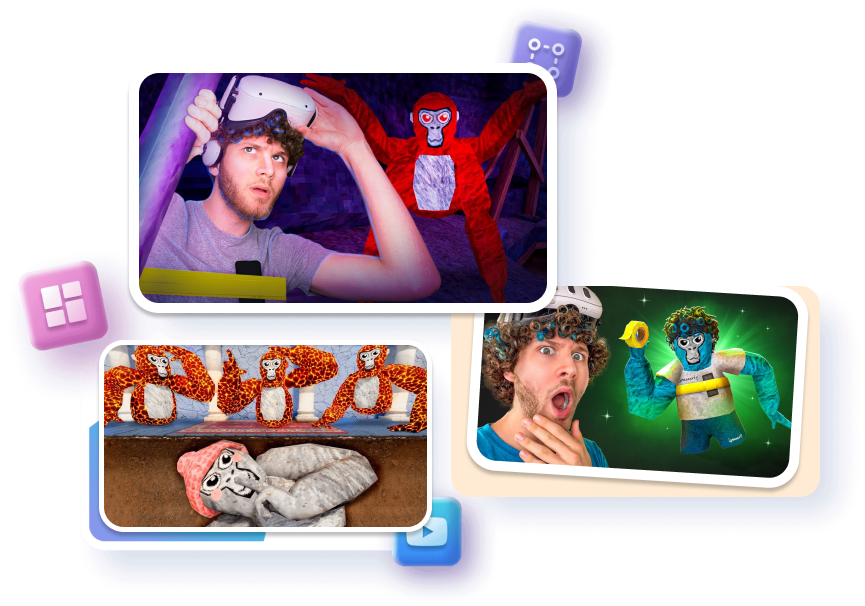
Start With a Video-Specific Layout
Match the composition to the content. Use chase depth for jukes, a single threat for horror, a highlighted object for updates, or an open invitation for community lobbies. Each layout gives the viewer a reason to understand the click.
Keep Your Monke Recognizable
Use your gameplay image or describe the color, cosmetics, and pose that identify your avatar. A clear silhouette and accurate visual details help your series feel like your channel instead of another generic gaming cover.
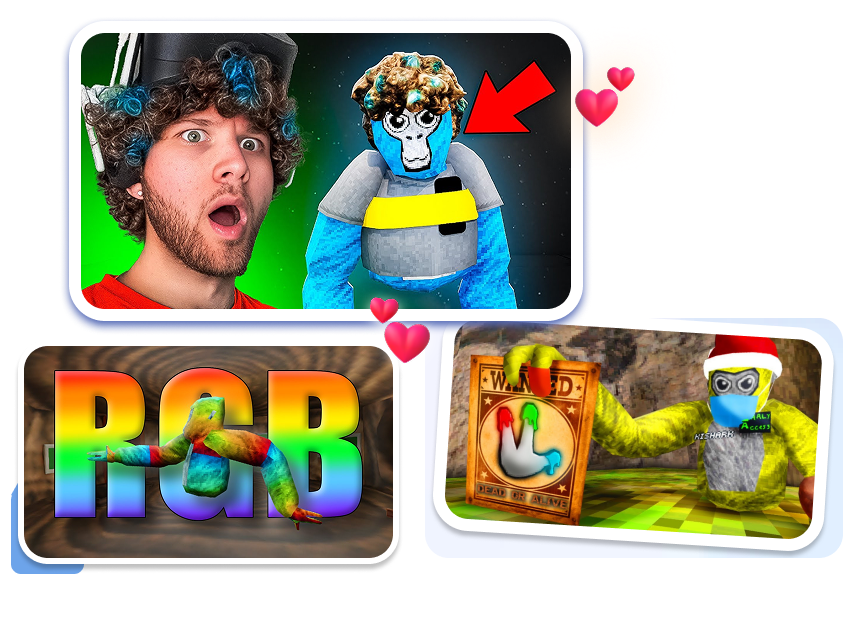
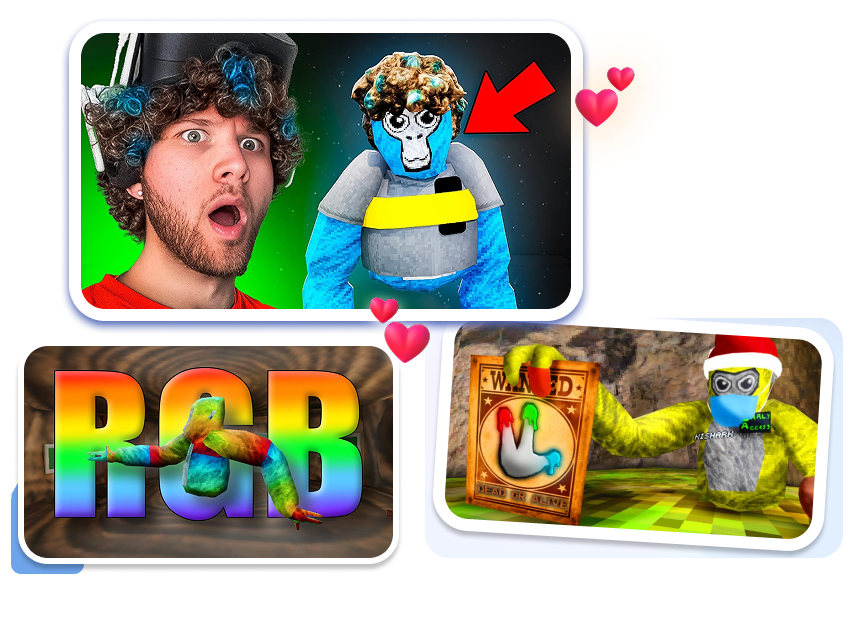
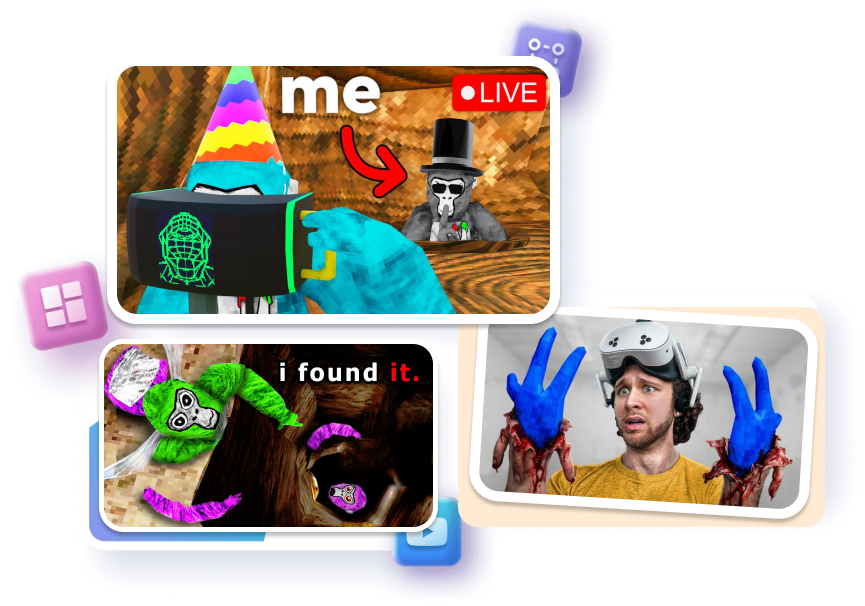
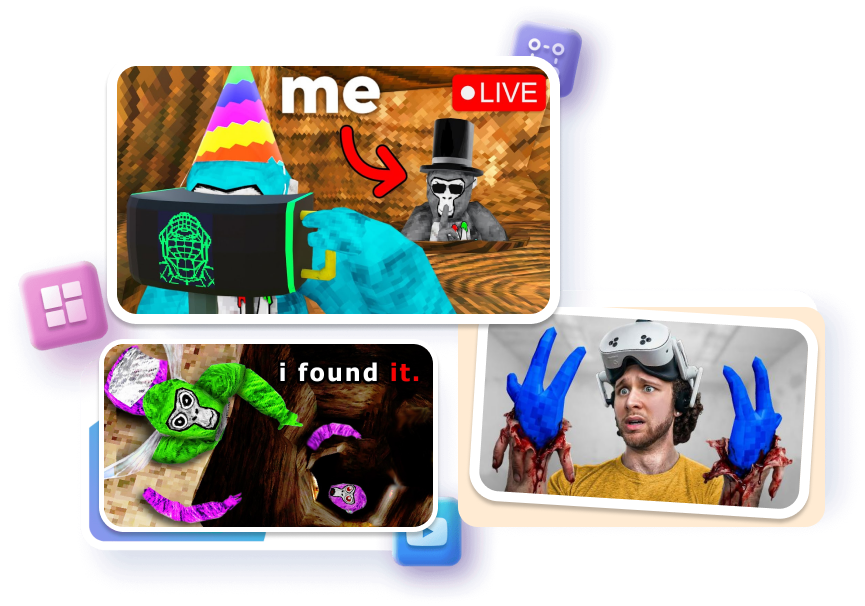
Direct Attention With Simple Contrast
Separate the main Monke from the map with outlines, lighting, color contrast, and a cleaner background. Keep text short and make the key object large enough to survive on mobile screens.
Compare Variations Without Rebuilding
Try different crops, expressions, focal points, and text hooks from the same idea. You can explore a dramatic version, a cleaner version, and a character-first version without setting up a new Blender scene each time.
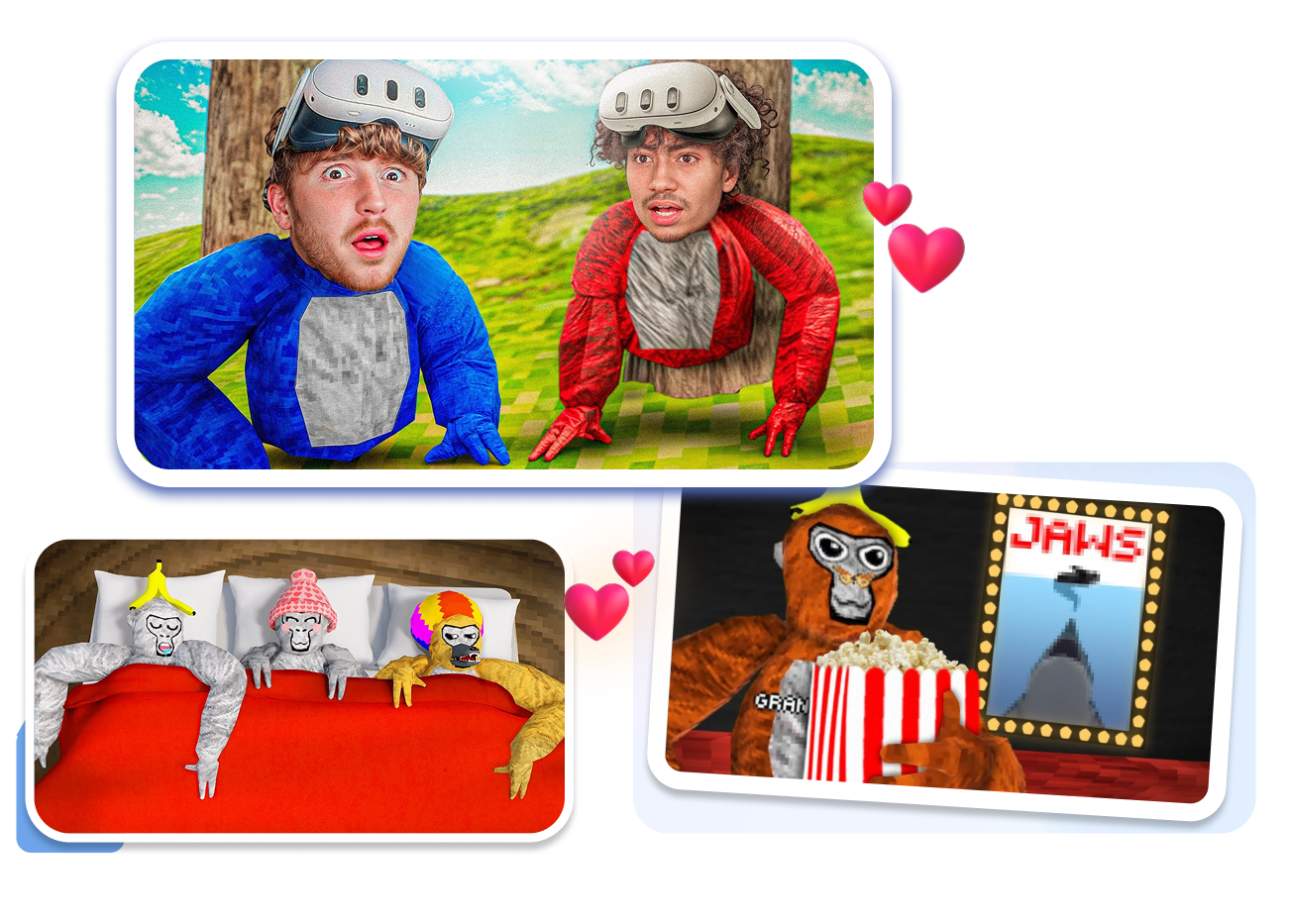
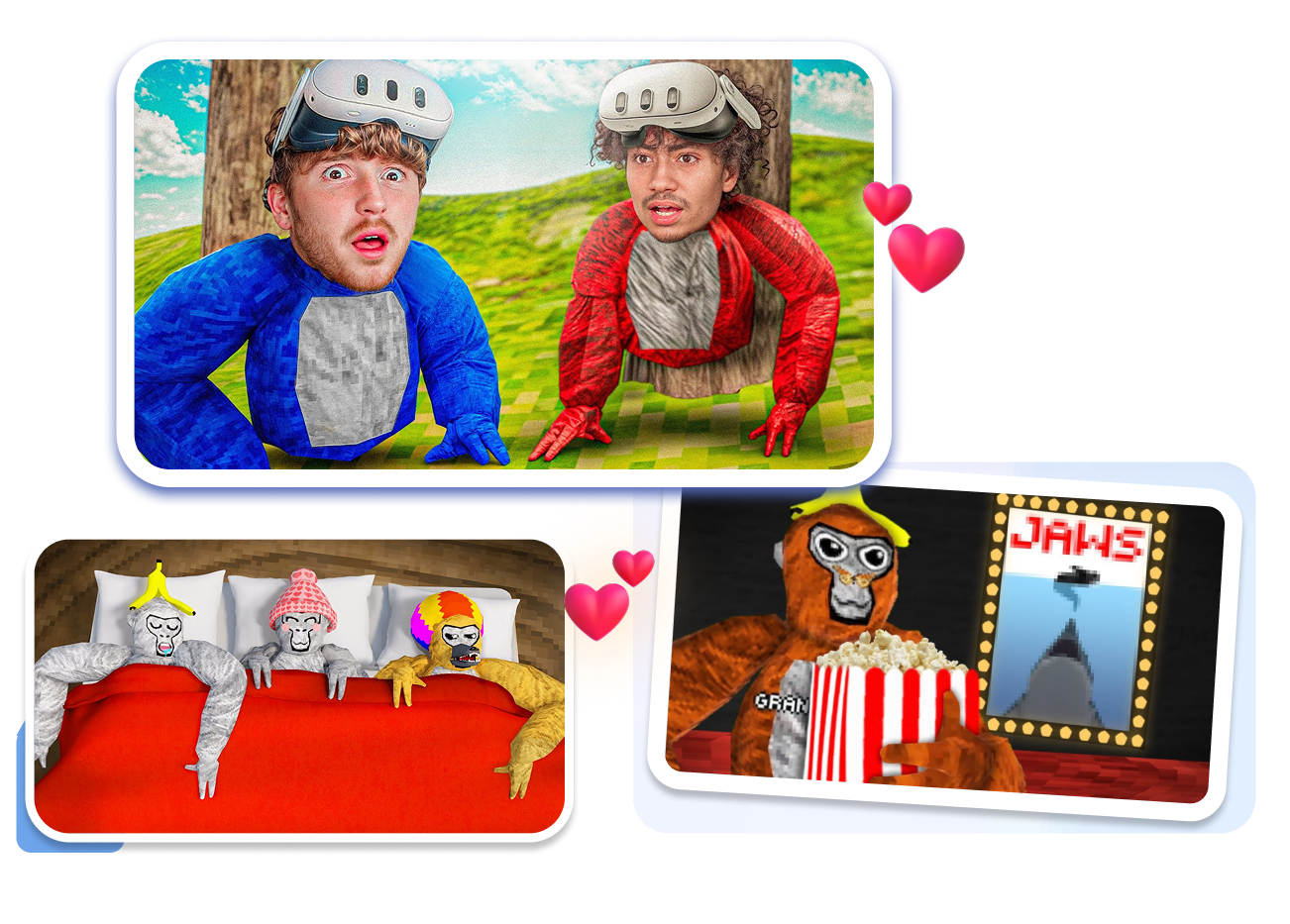
A Gorilla Tag Thumbnail Maker for Every Creator
Challenge and Movement Creators
Frame the route, opponent, or impossible escape that makes a juke, 1v9, race, or movement tutorial worth watching.
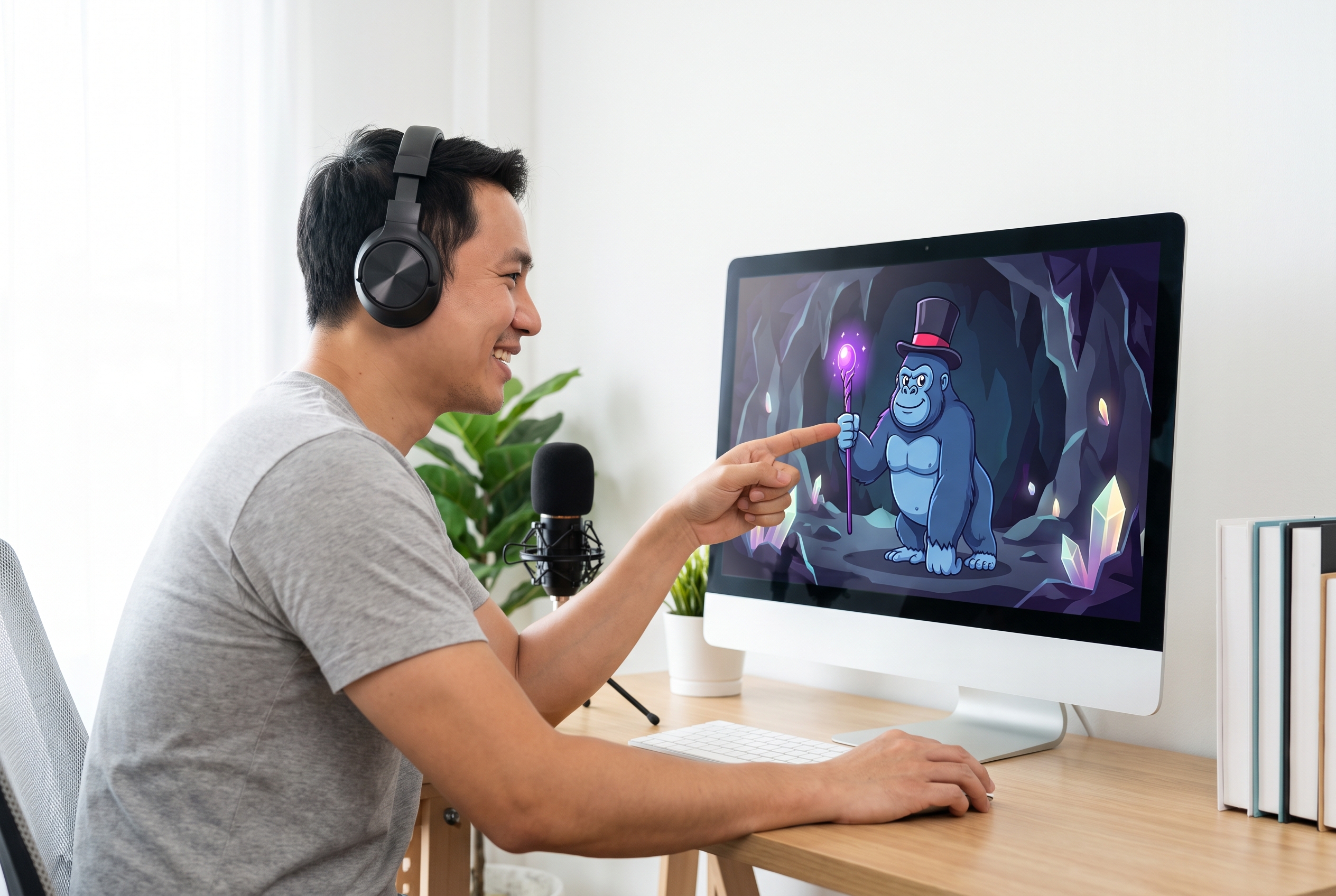
Update and Guide Channels
Make the new map area, cosmetic, mechanic, or useful tip the clearest object in the frame so viewers know what changed.
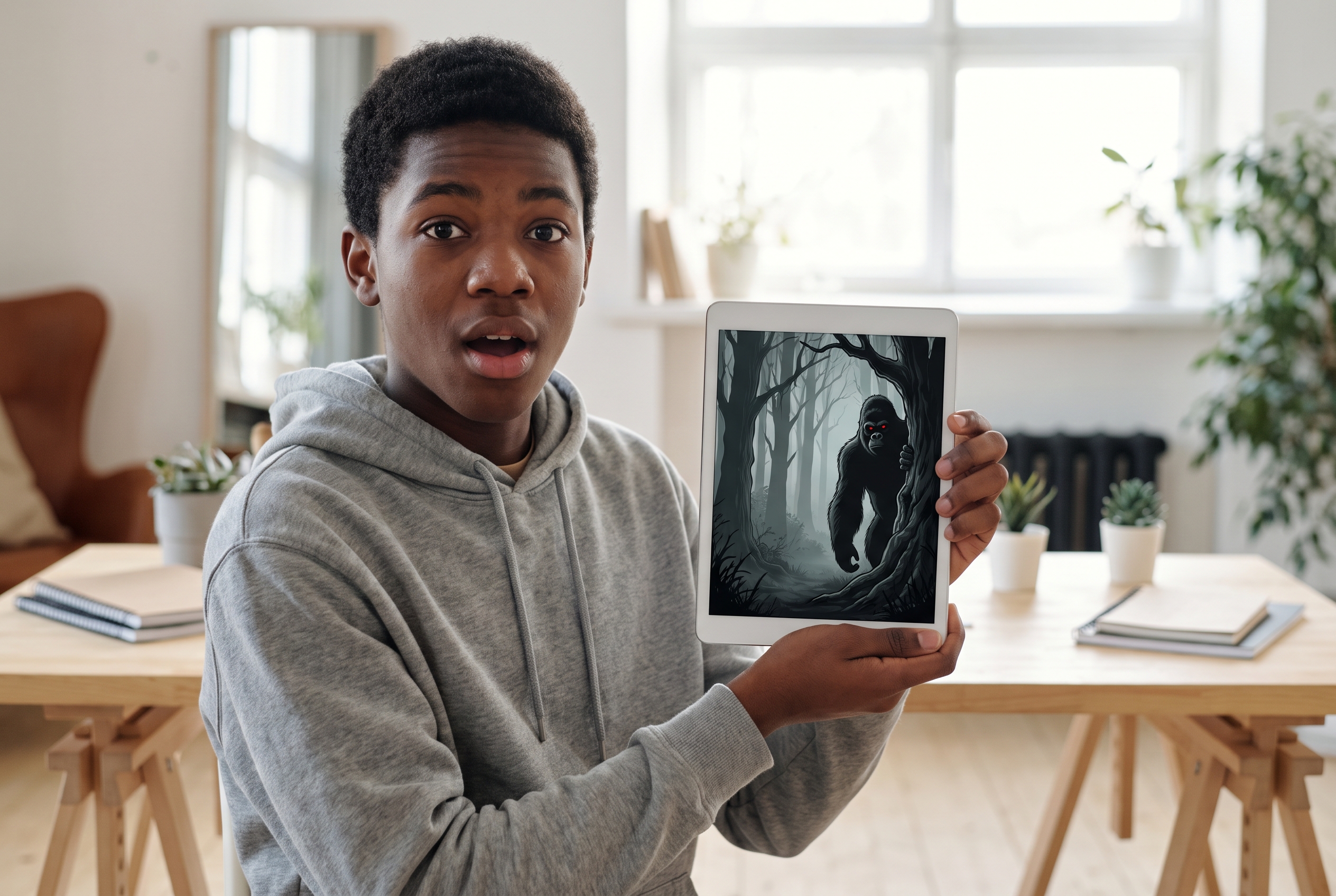
Entertainment and Community Channels
Build covers for funny moments, minigames, hide and seek, collabs, Ghost stories, and livestreams while keeping your Monke identity consistent.
FAQs
What makes a good Gorilla Tag thumbnail?
Can I start from an existing Gorilla Tag thumbnail template?
Can I upload my own Gorilla Tag gameplay screenshot?
Do I need Blender or Photoshop to use Gorilla Tag thumbnail maker?
Can I make thumbnails for Ghosts, updates, or minigames?
How do I stop an AI thumbnail from looking generic?
Can I generate several versions of one idea?
How does this AI Gorilla Tag Thumbnail Generator create high-CTR video covers?
Ready to Use Your Gorilla Tag Thumbnail Maker Now?
Choose a scene that fits the video, make your Monke easy to recognize, and generate a cover built around the moment viewers came to see.