Fortnite Thumbnail Maker
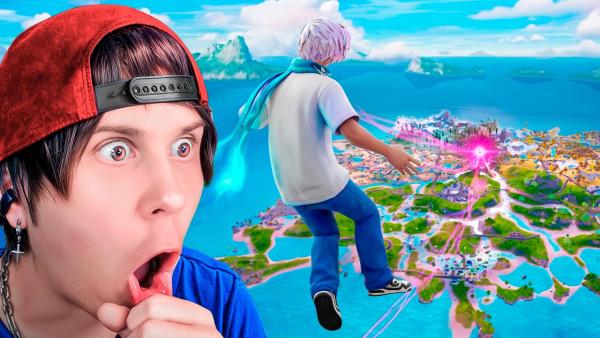
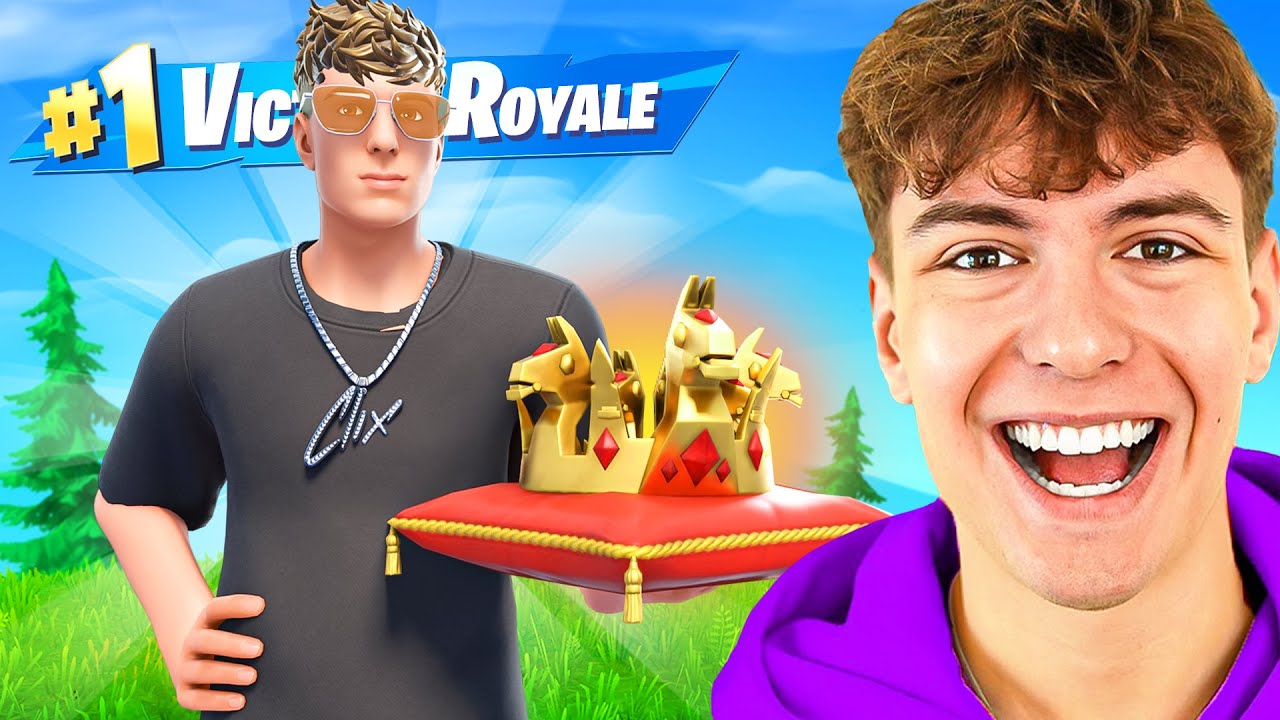
Browse 180+ proven YouTube layouts tailored for Montages, Leaks, and Challenges. Just pick a template, add glowing text or massive red arrows, and swap the map background. Get 4K Fortnite thumbnails instantly without opening Photoshop.
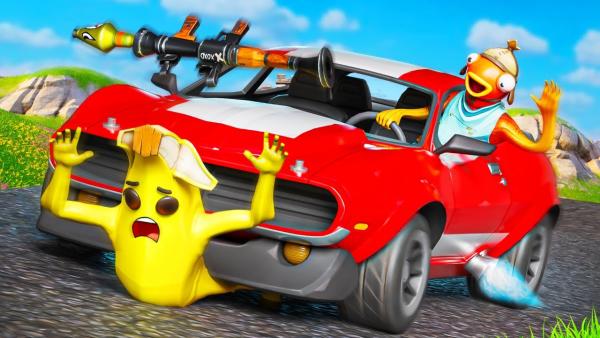
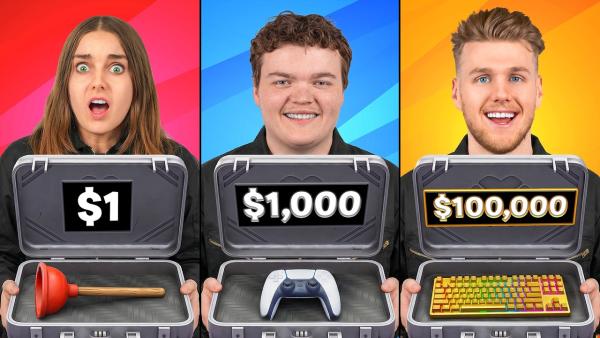
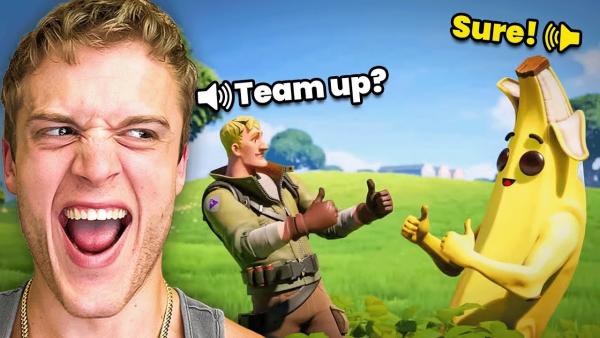
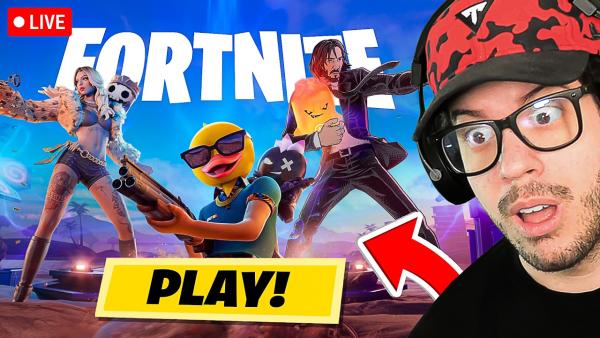
How to Use Our Free Fortnite Thumbnail Maker in 3 Steps
No 3D design skills? No problem. Drag, drop, and dominate the YouTube algorithm.
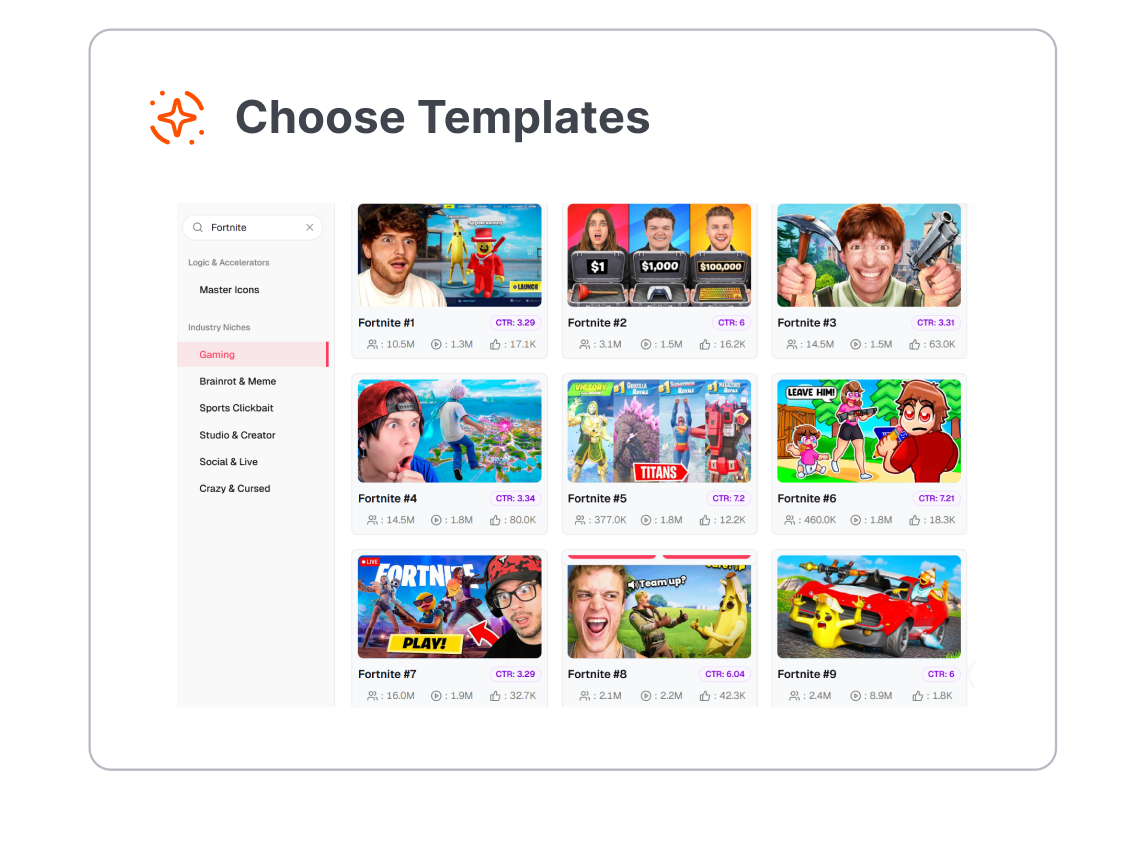
1. Pick a Viral Layout
Select a high-CTR template built specifically for Montages, Challenges, or Item Shop Leaks.
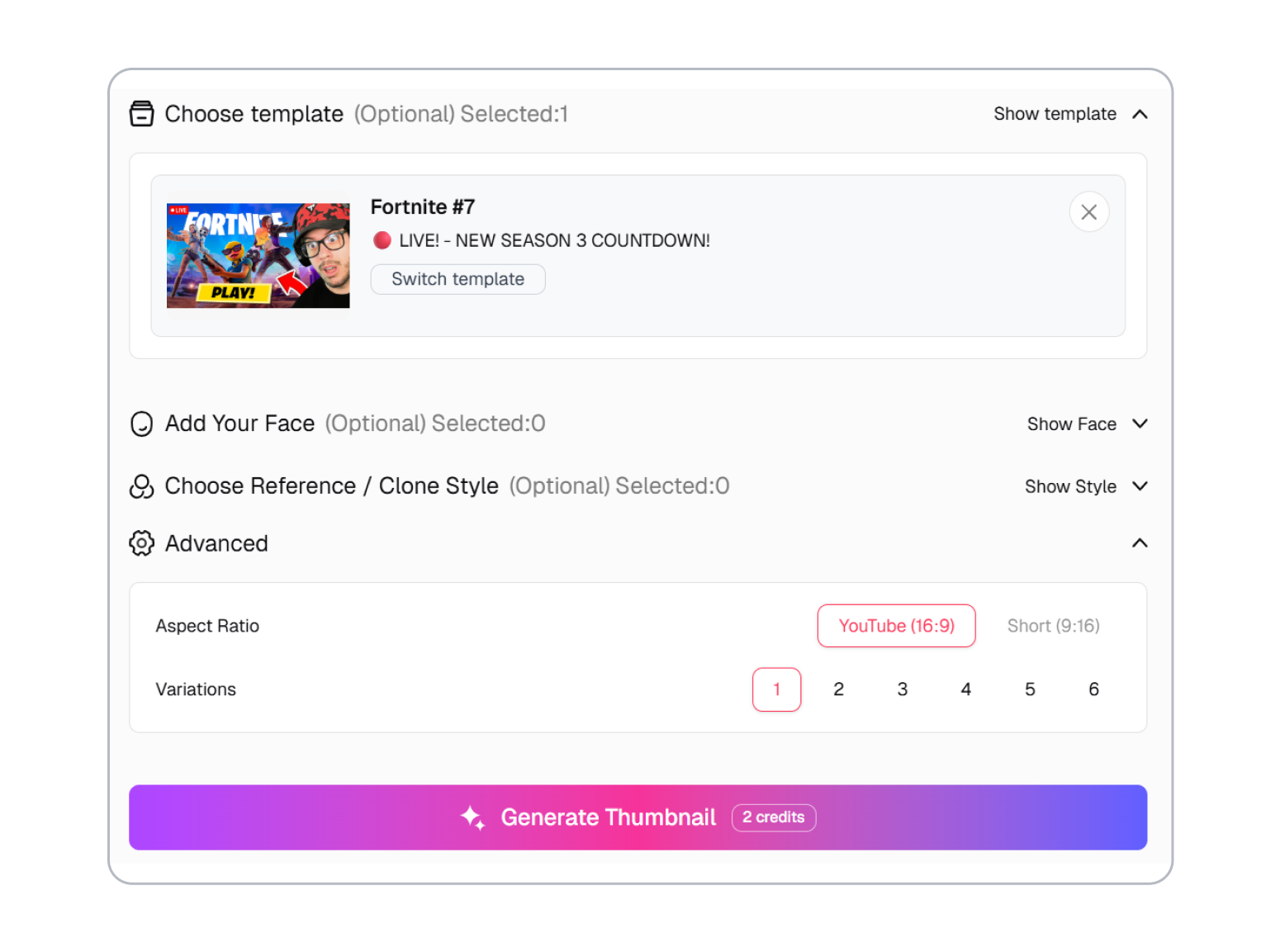
2. Swap & Customize
Drop in the latest chapter assets, tweak the typography, and adjust the cinematic lighting to perfectly match your video's vibe.
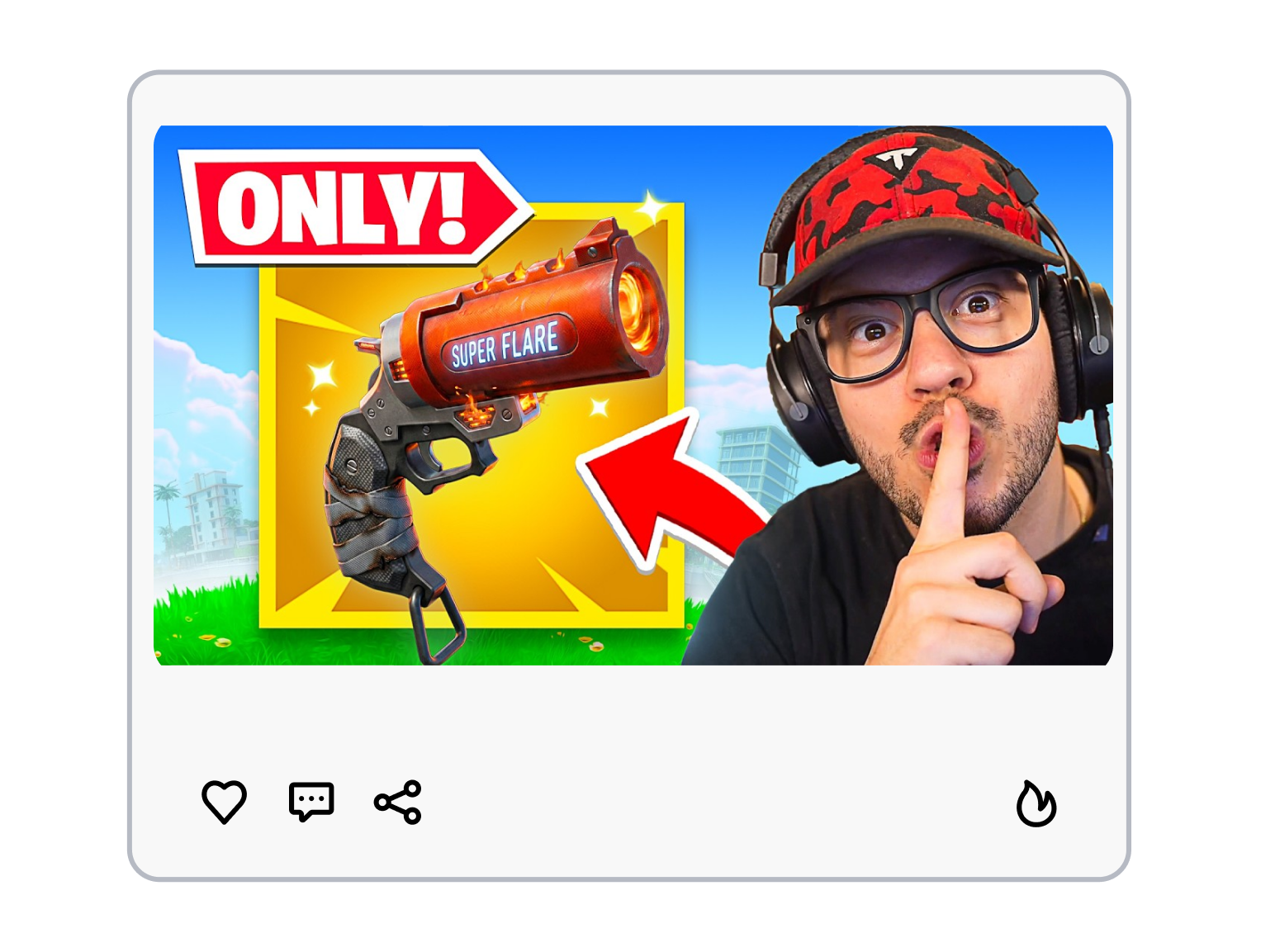
3. Export in 4K
Download your customized cover art instantly — perfectly optimized to the exact 1280x720 YouTube size.
4K Fortnite Thumbnail Maker Built for Every Viral Video
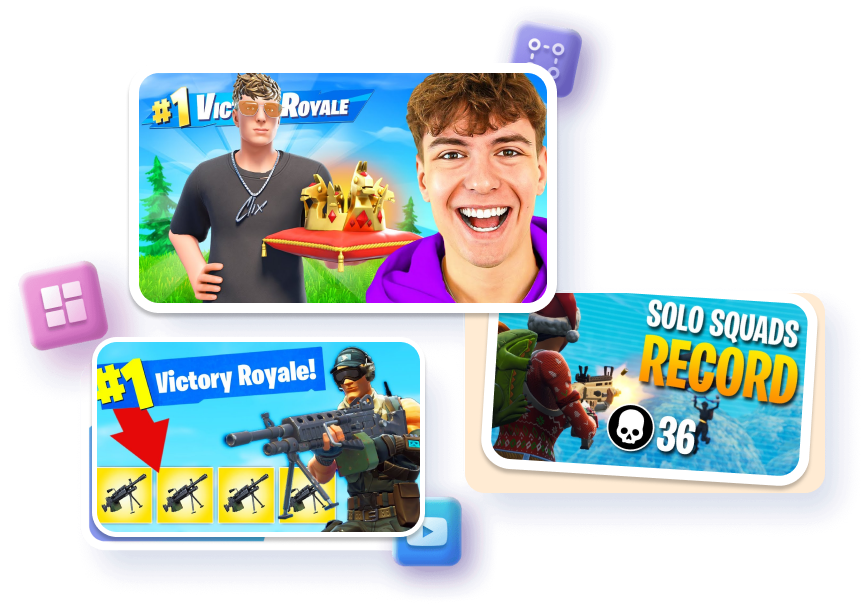
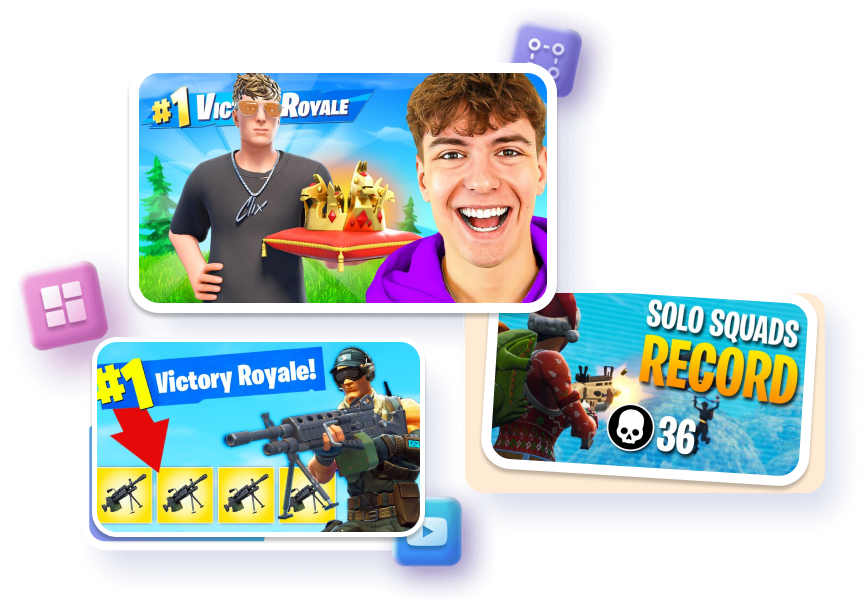
For Fast-Paced Highlights & Sweaty 1v1s
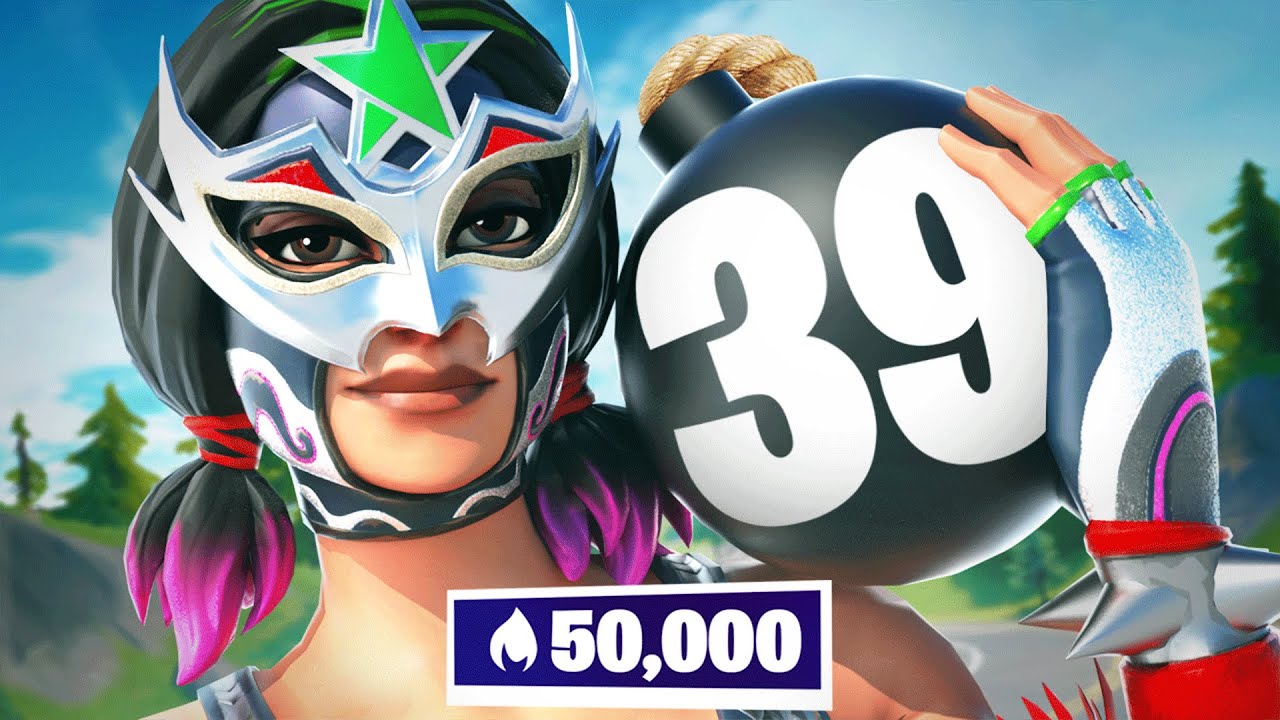
Add bright, glowing outlines to your character and weapons to make them pop instantly.
Blur or darken the storm background so your main character stands out perfectly.
Add cool, metallic text like "200 PUMP" in the corners without covering the action.
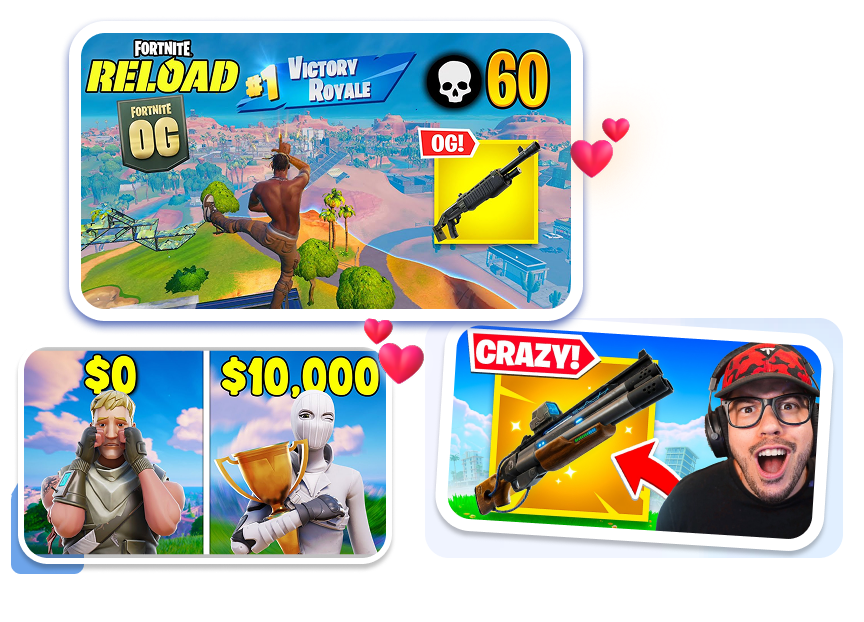
For Clickbait Challenges & Crazy Gameplay
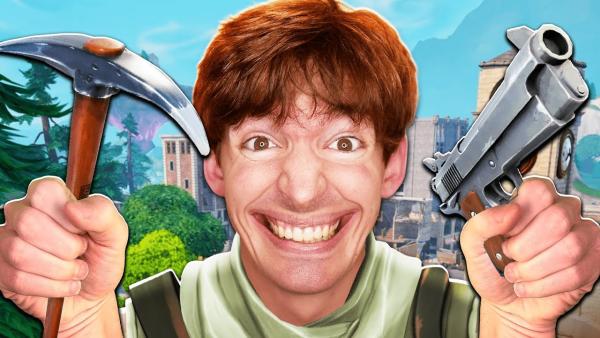
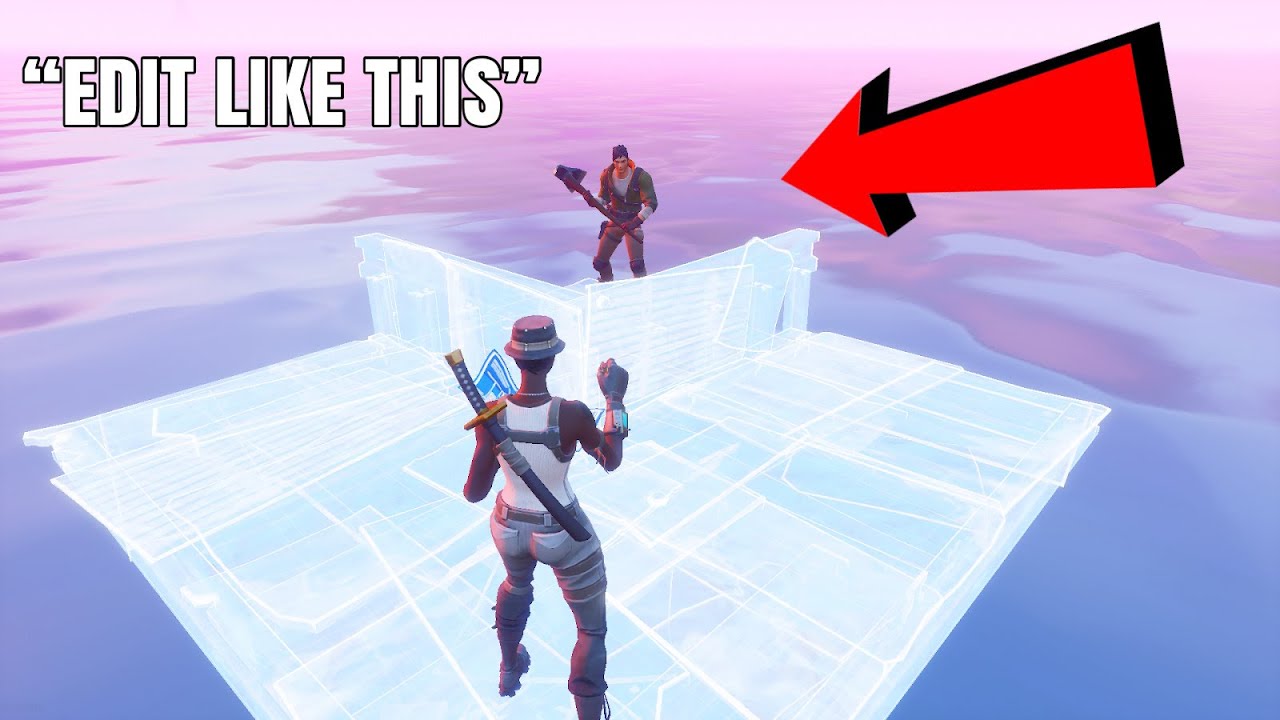
Point massive red arrows at simple items (like a grey pistol) to make viewers click.
Put a boring scene on one side and crazy mythic loot on the other to tell a story.
Drop in a shocked or surprised character face to grab attention and boost your views.
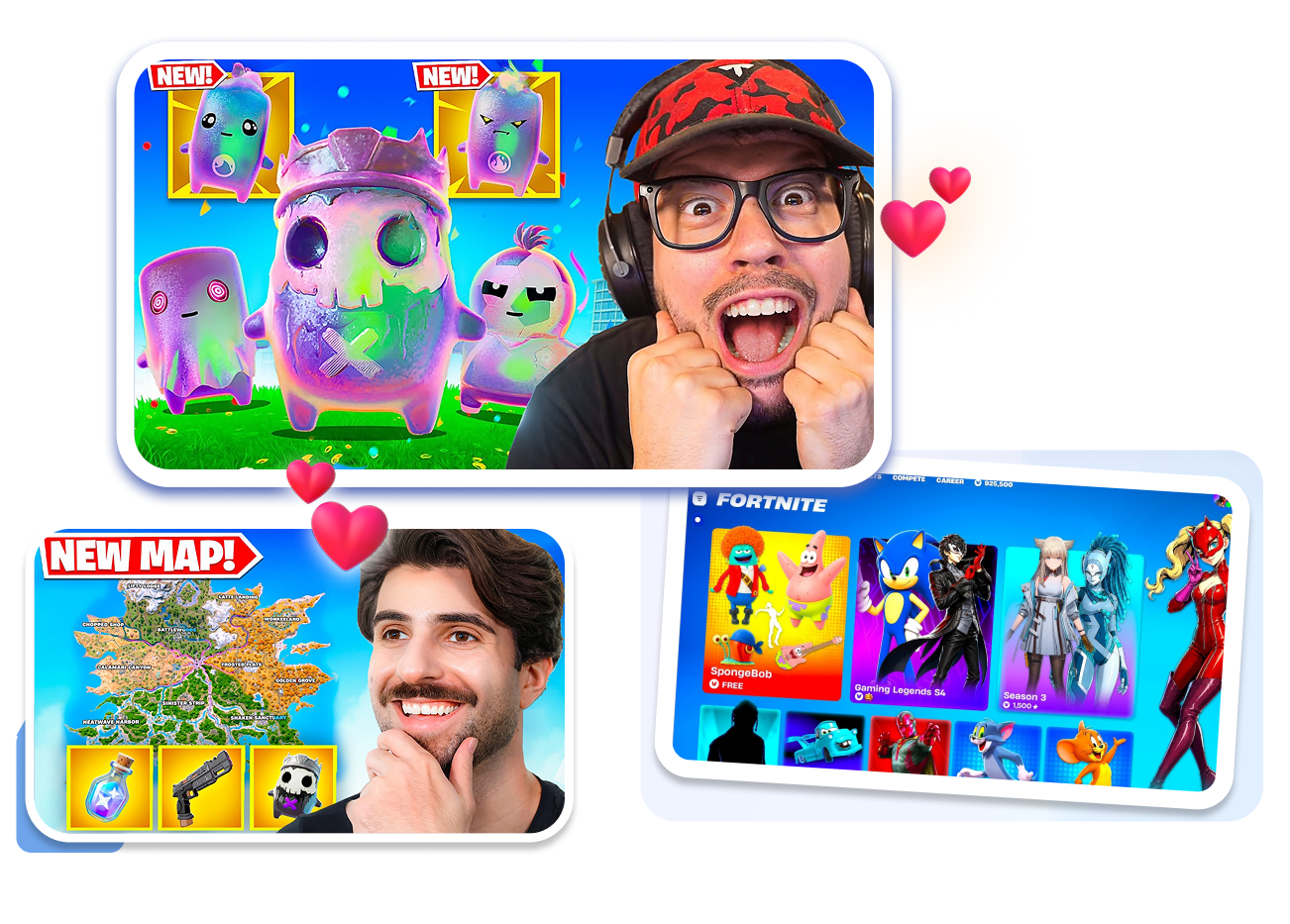
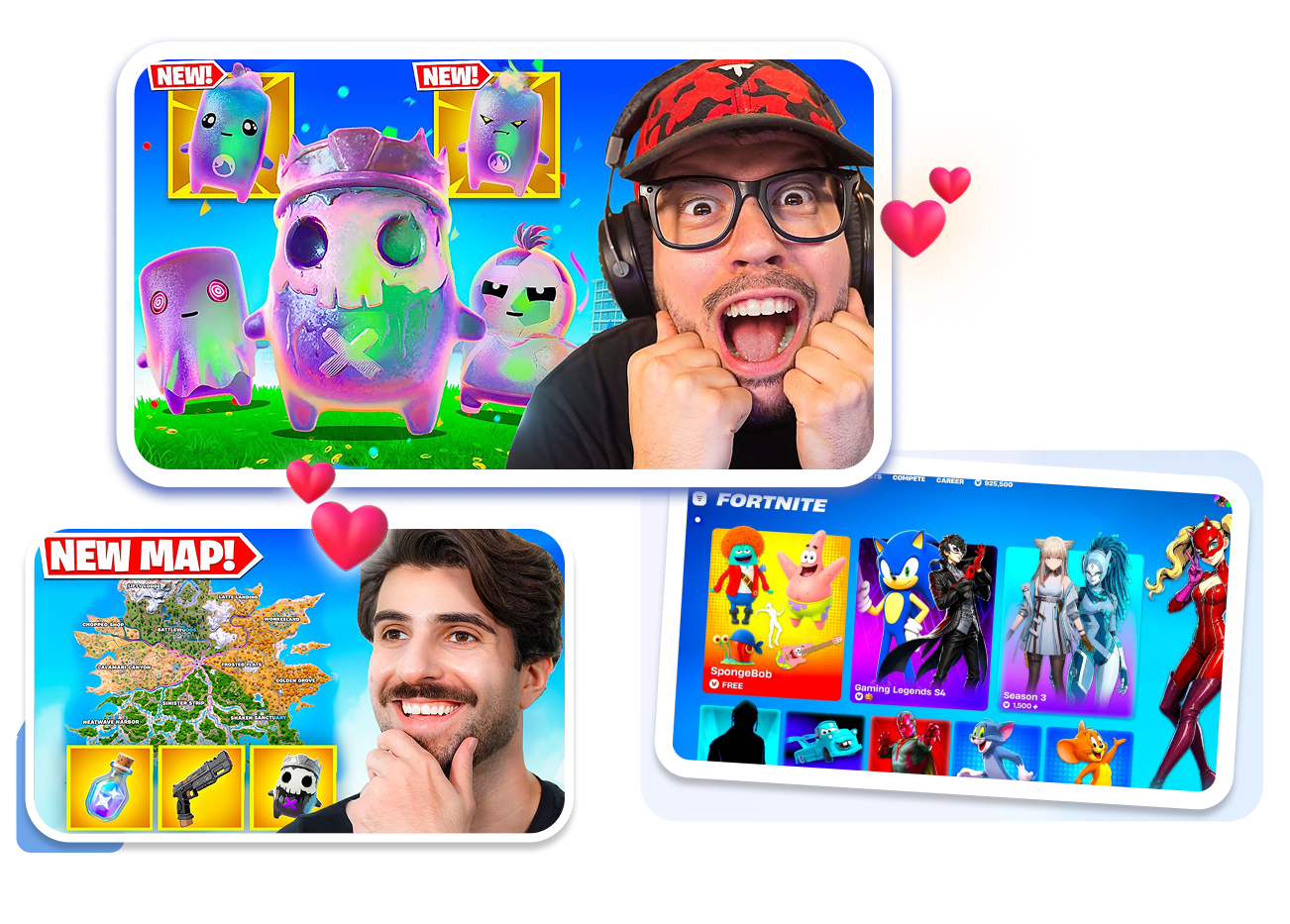
For Daily Shop Updates & New Seasons
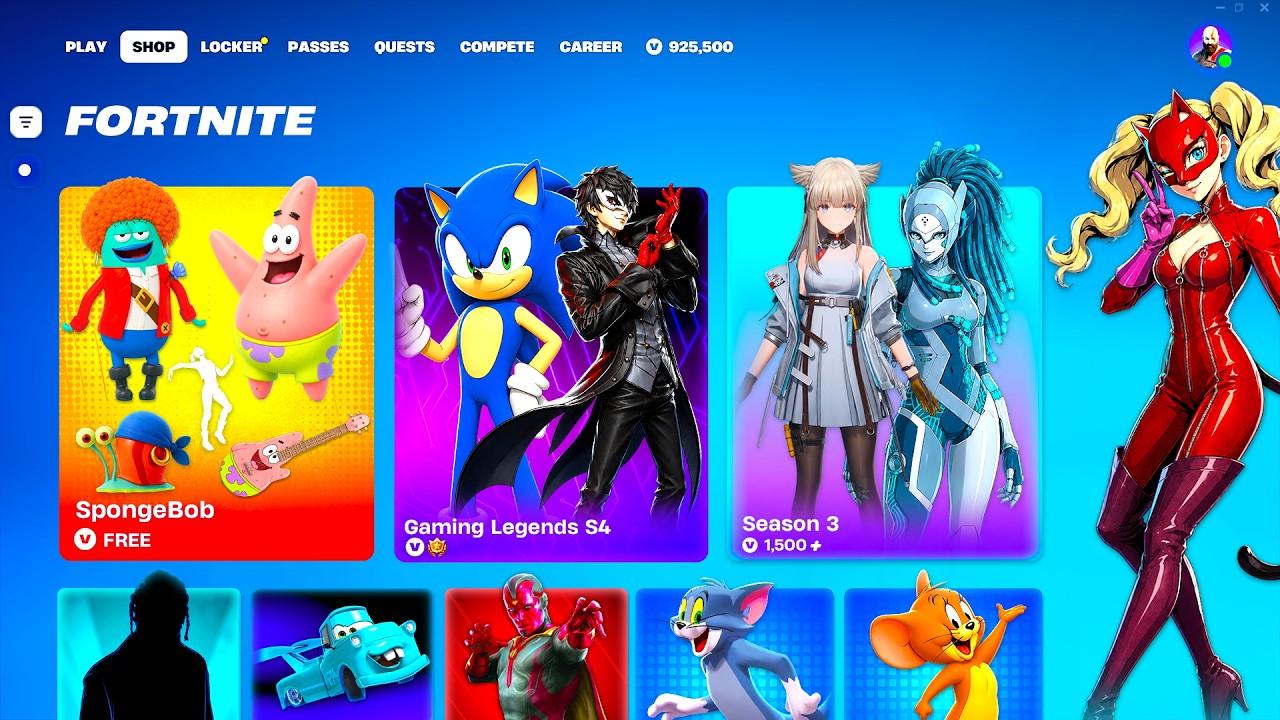
Use bold, glowing words like "NEW!" or "UPDATE" right over the newest skins.
Show off multiple returning skins or pickaxes at once using a simple layout box.
Show the newest map areas in the background, slightly blurred so the leaked skin stays in focus.
For Best Settings & How-to Guides
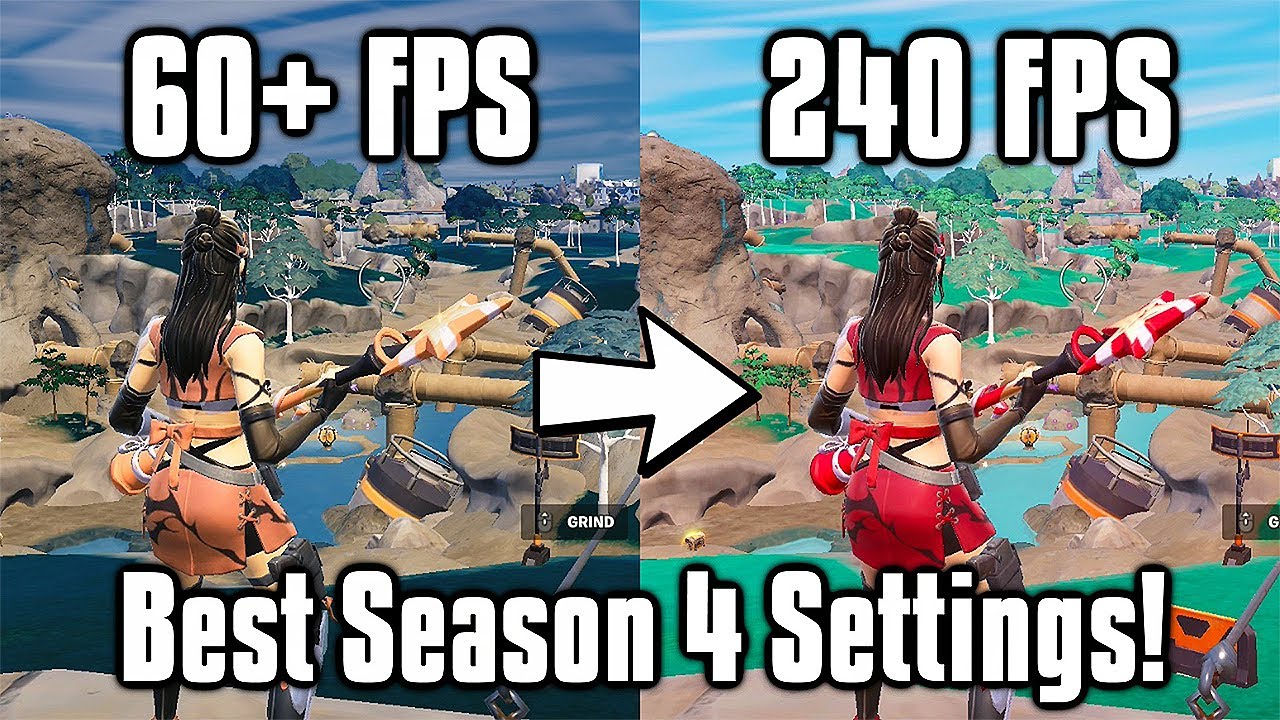
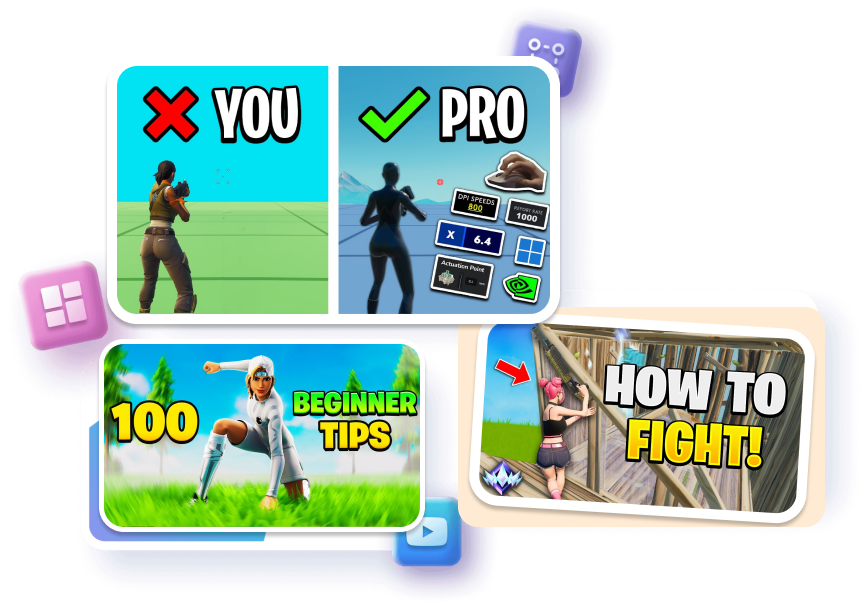
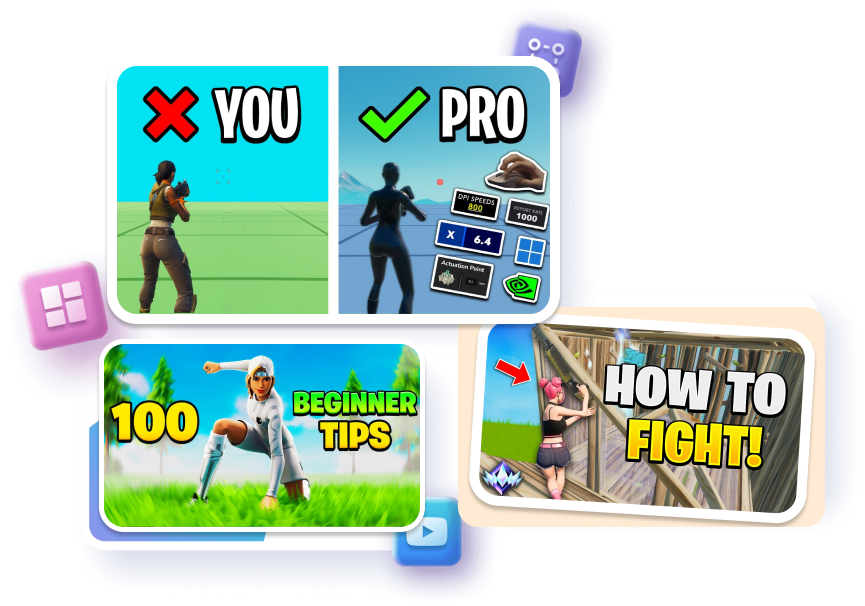
Neatly show your best controller sensitivity or crosshair settings in clean, clear boxes.
Use simple green checks and red crosses to show the difference between a noob and a pro.
Add a glowing "Unreal Rank" icon in the corner to show you are a pro and build trust instantly.
Who Needs The Pro Fortnite Thumbnails on Thumbs.ai
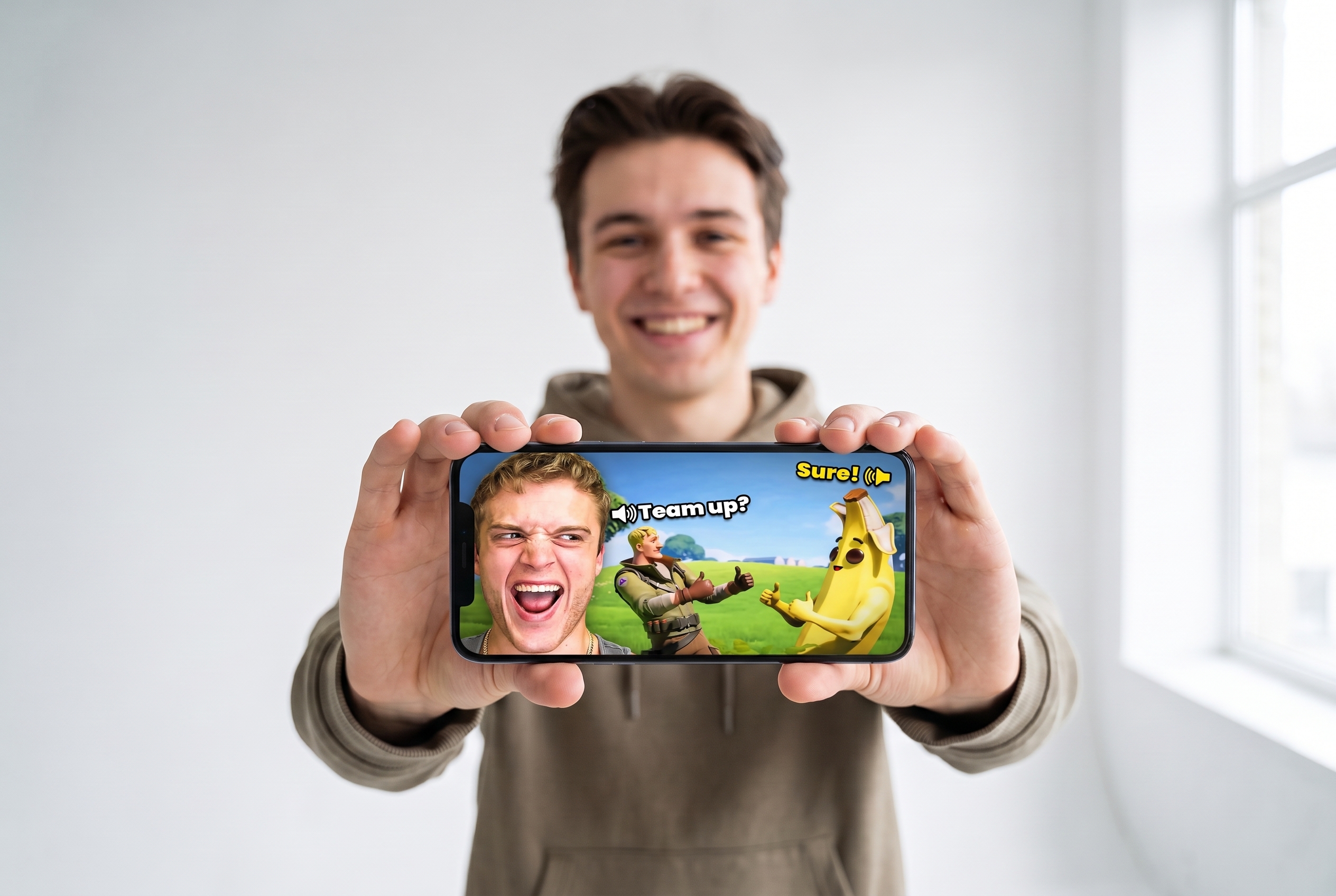
Competitive Montage Creators
Stop using flat screenshots for your high-skill edits. Build clean, sweaty-style covers using our Fortnite montage thumbnail layouts that perfectly match your insane piece control clips. Get a pro thumbnail without ever opening PS.
Live Streamers
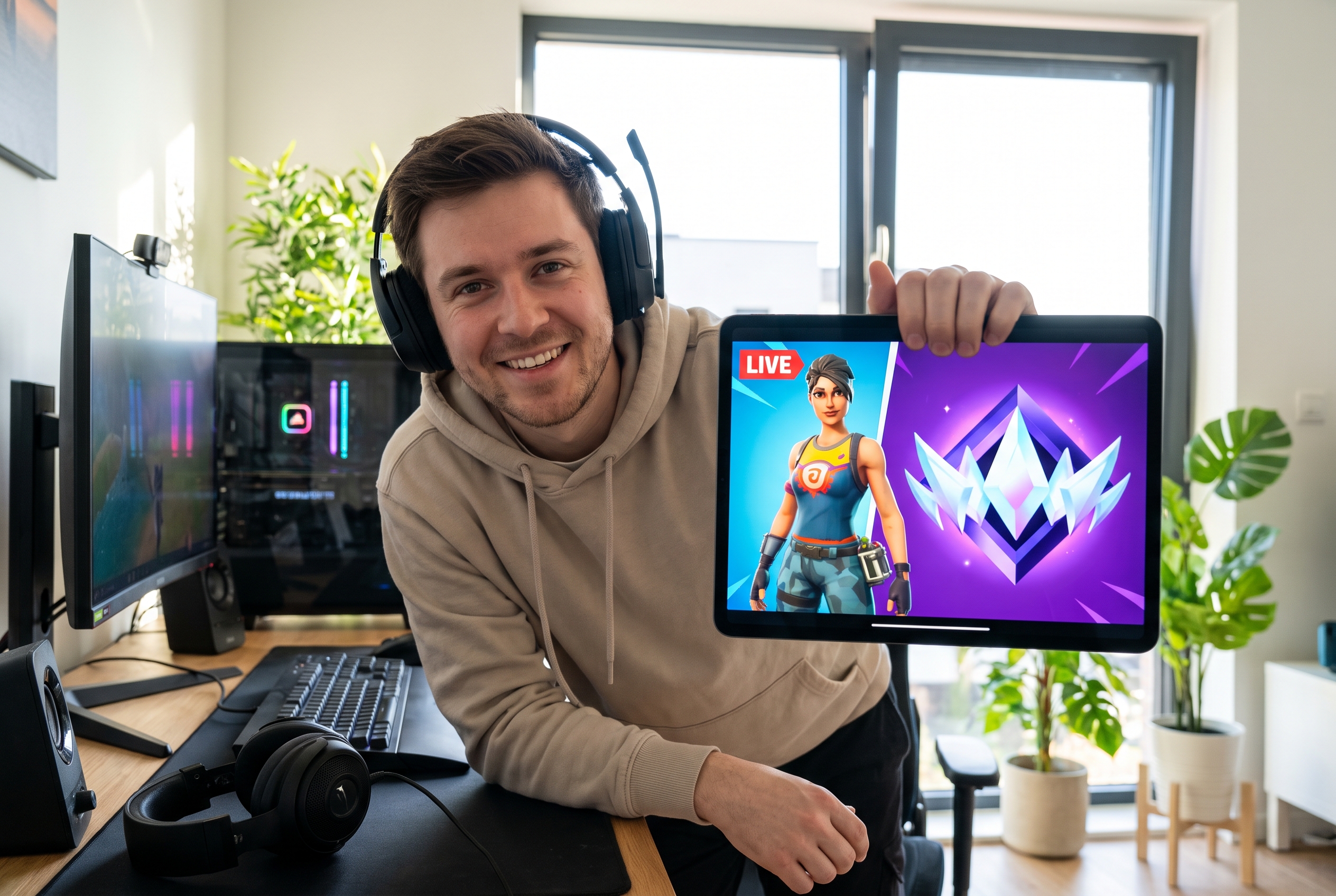
Stand out in a crowded YouTube directory before you even go live. Easily make an eye-catching Fortnite live stream thumbnail featuring your current Unreal rank, custom match codes, or gaming setup vibes to hook more viewers.
Challenge & Gameplay YouTubers
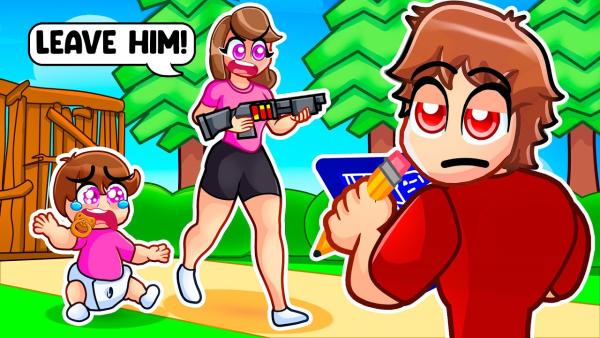
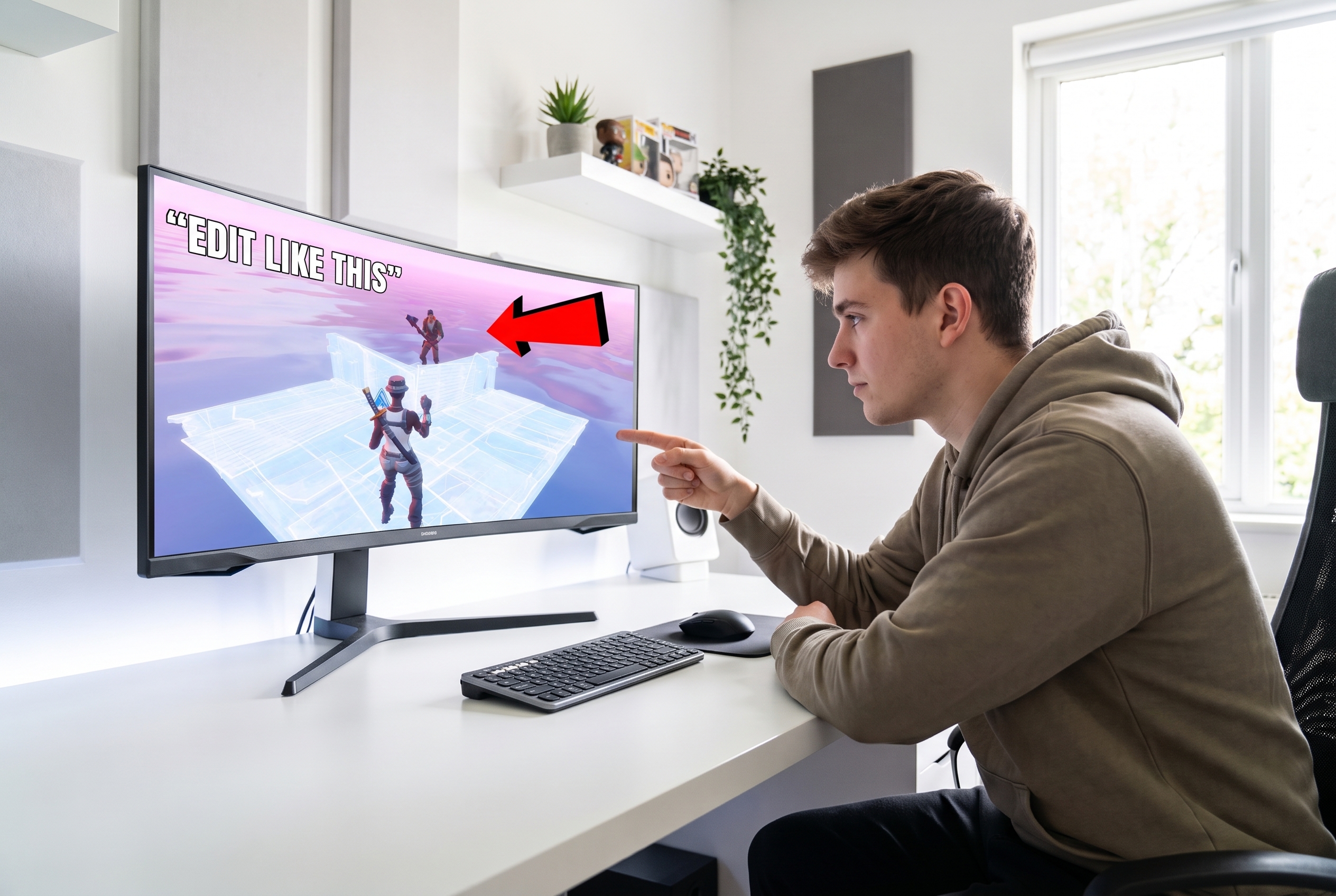
Don't let a boring cover kill the views on your massive 24-hour challenge video. Build a custom Fortnite thumbnail using proven viral layouts packed with bold arrows and mysterious silhouettes that guarantee a click.
FAQs
Is this Fortnite thumbnail maker free to use?
Do I need to use Photoshop to create a pro Fortnite thumbnail?
How to make a professional Fortnite thumbnail on mobile?
What is the perfect Fortnite thumbnail size for YouTube?
Can I use these for my Twitch or YouTube live streams?
How do YouTubers make their Fortnite thumbnails look 3D?
Can I use Thumbs.ai to make a Fortnite clickbait thumbnail?
How can I create standout visuals for my channel using these Fortnite thumbnail tools?
Lock in Your Next Viral Video with Free Fortnite Thumbnail Templates
The YouTube algorithm rewards clicks, not the hours you spent struggling in Photoshop. Level up your channel and outshine your competitors with high-converting, pro-player templates today.