

YouTube Thumbnail Mockup
Place your thumbnail inside an authentic YouTube UI mockup before you publish or present. Test real video titles, channel names, and timestamps across desktop, mobile, and dark mode in seconds.
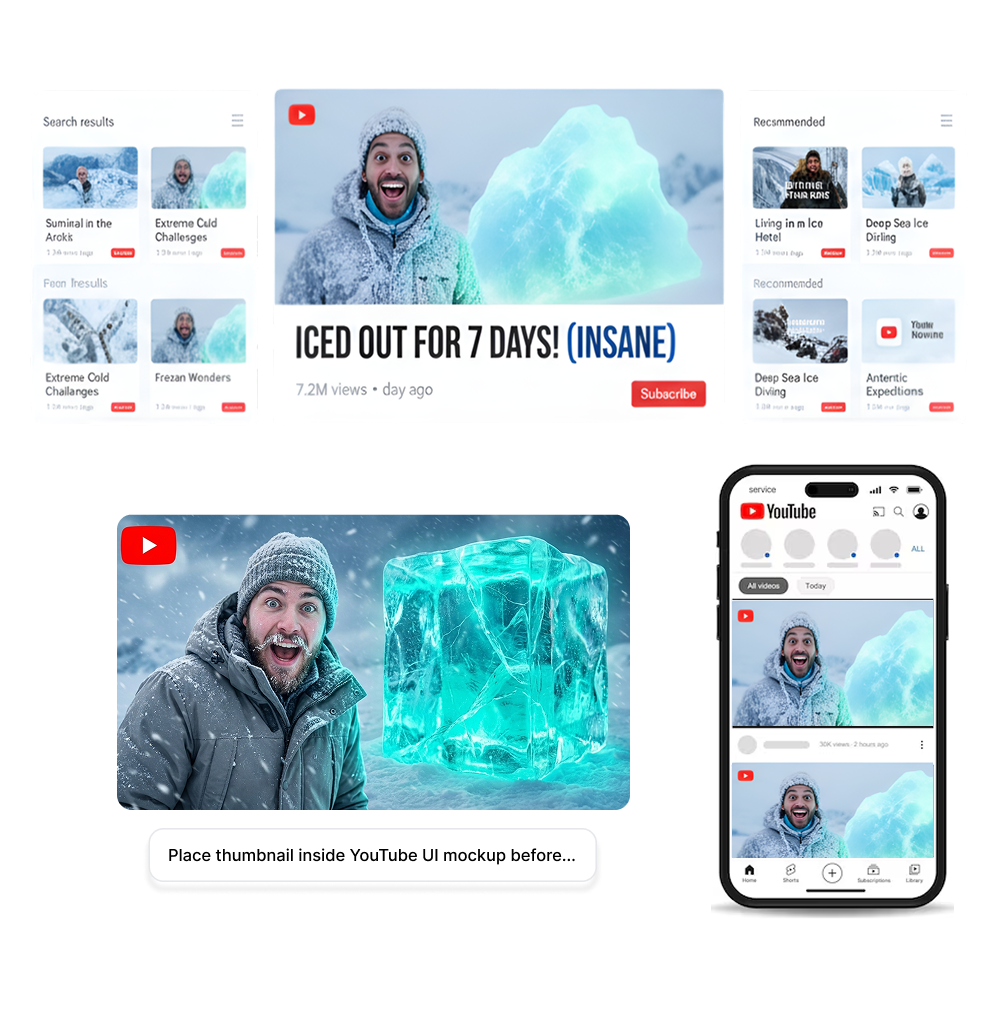
How to Use the YouTube Thumbnail Mockup
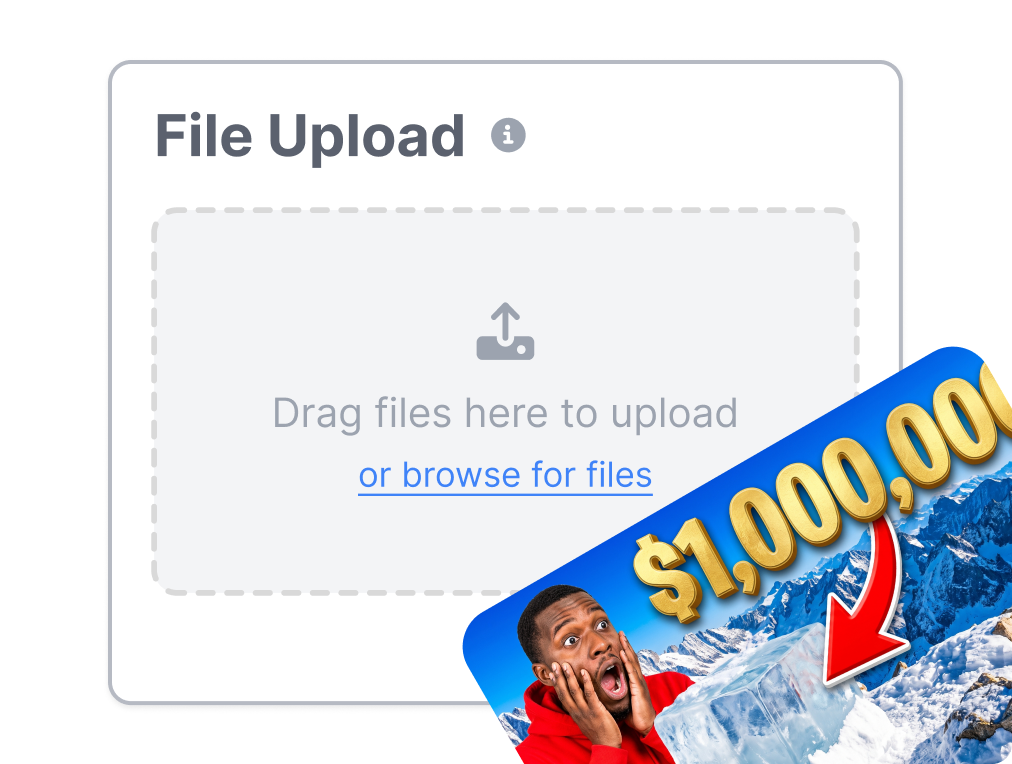
1. Upload Your Thumbnail Design
Upload your cover art directly into the Thumbs.ai canvas. We support high-res PNG, JPG, JPEG, and WebP formats (up to 4 MB).
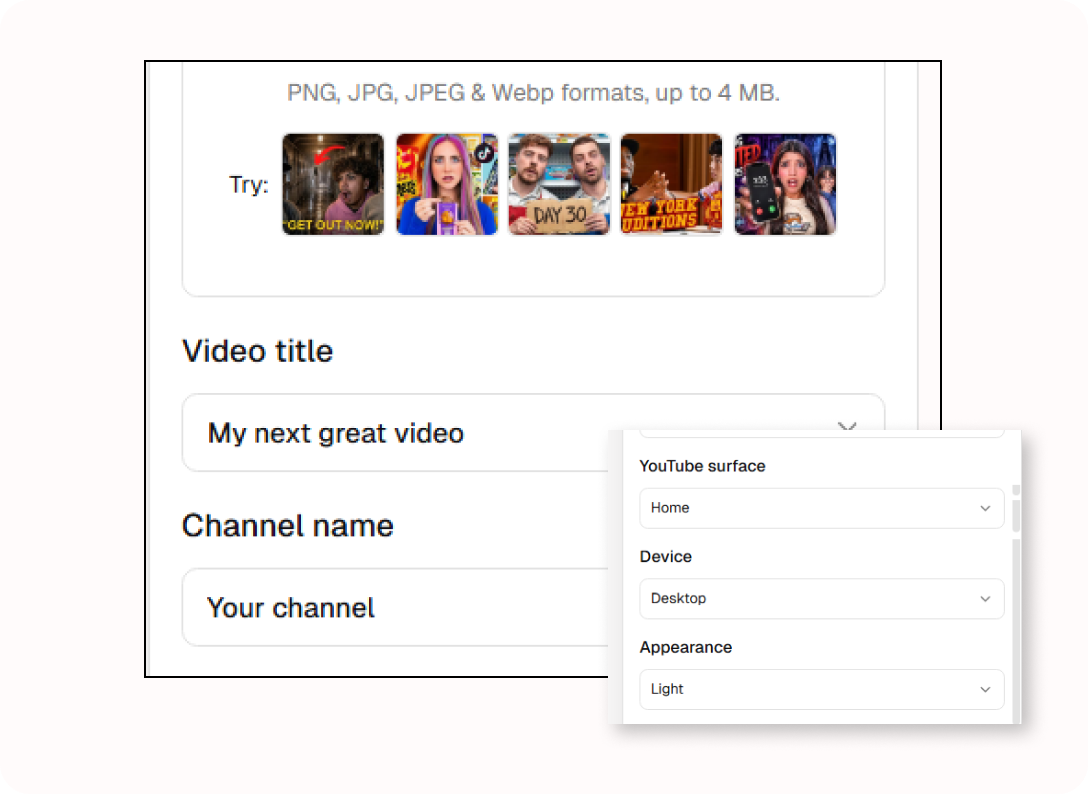
2. Add Video Context & Metadata
Pair your image with a realistic video title, channel name, verified badge, and duration. See exactly how your typography interacts with YouTube’s native layout and avoid getting key visual elements blocked by the timestamp badge.
3. Switch Viewing Surface & Device
Preview your YouTube thumbnail mockup across Home, Search, and Watch Next recommendations. Toggle between Desktop and Mobile screens in both Light and Dark themes for a bulletproof pre-launch check.
Put the YouTube Thumbnail Mockup in Its Place
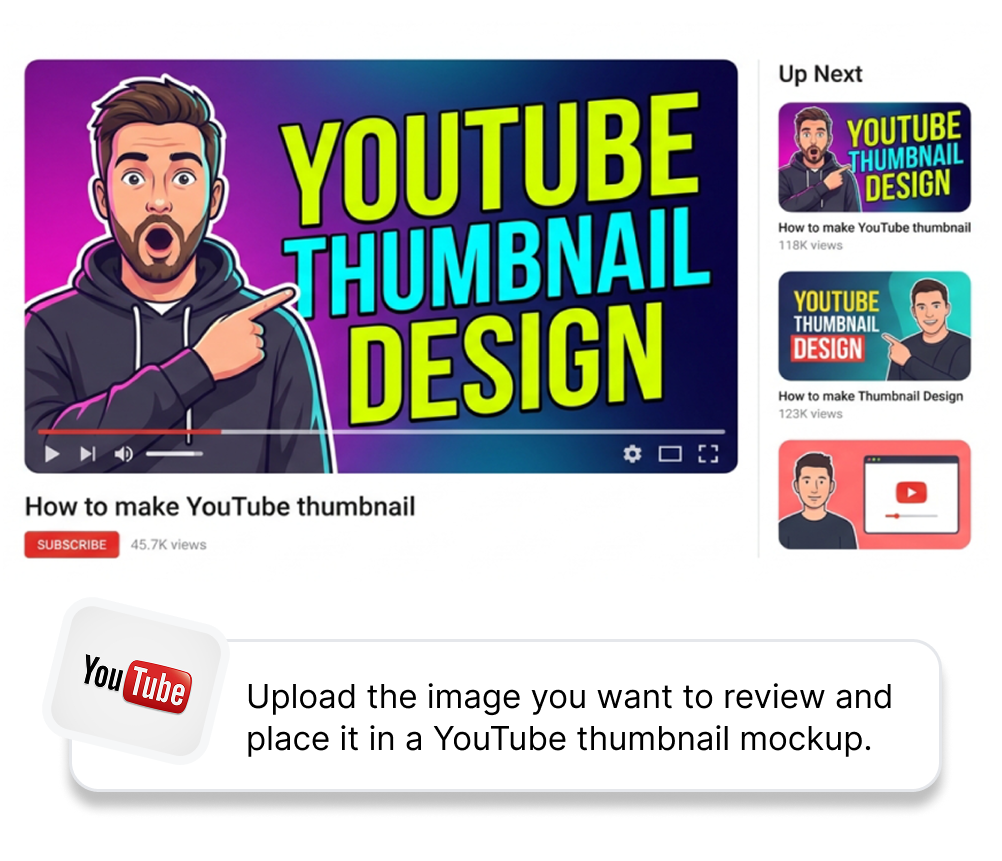
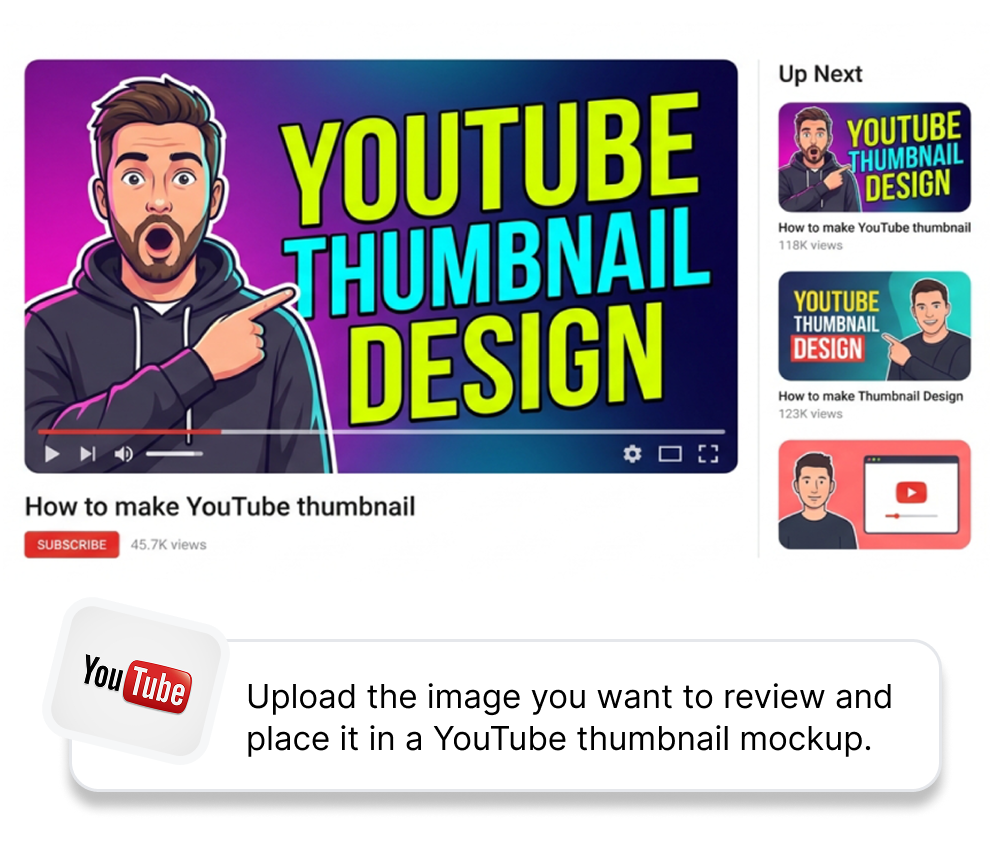
Place the Cover in a Scene
Upload the image you want to review and place it in a YouTube thumbnail mockup. Add the title, channel name, and duration so the card reads as one composed object rather than a floating image. Bring a more believable preview to a portfolio, creative brief, or internal review.
Choose a YouTube Surface
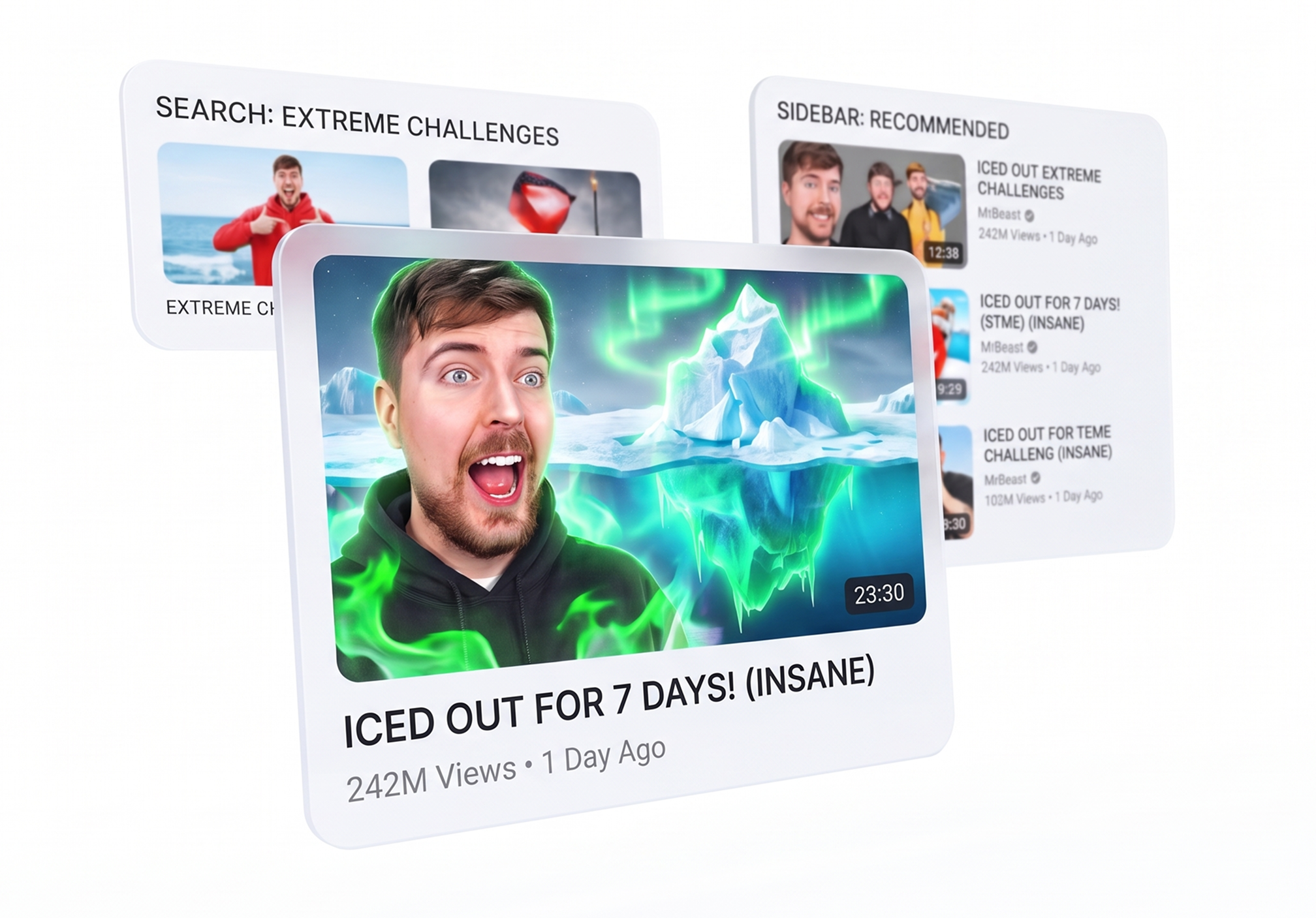
Select Home, Search, or Watch next to set the kind of display scene you want to inspect. Compare the same cover where a browse-focused title, a searchable title, or a related-video card may frame it differently. Make review conversations more concrete before a creator or client sees the final cover alone.
Check Desktop and Mobile
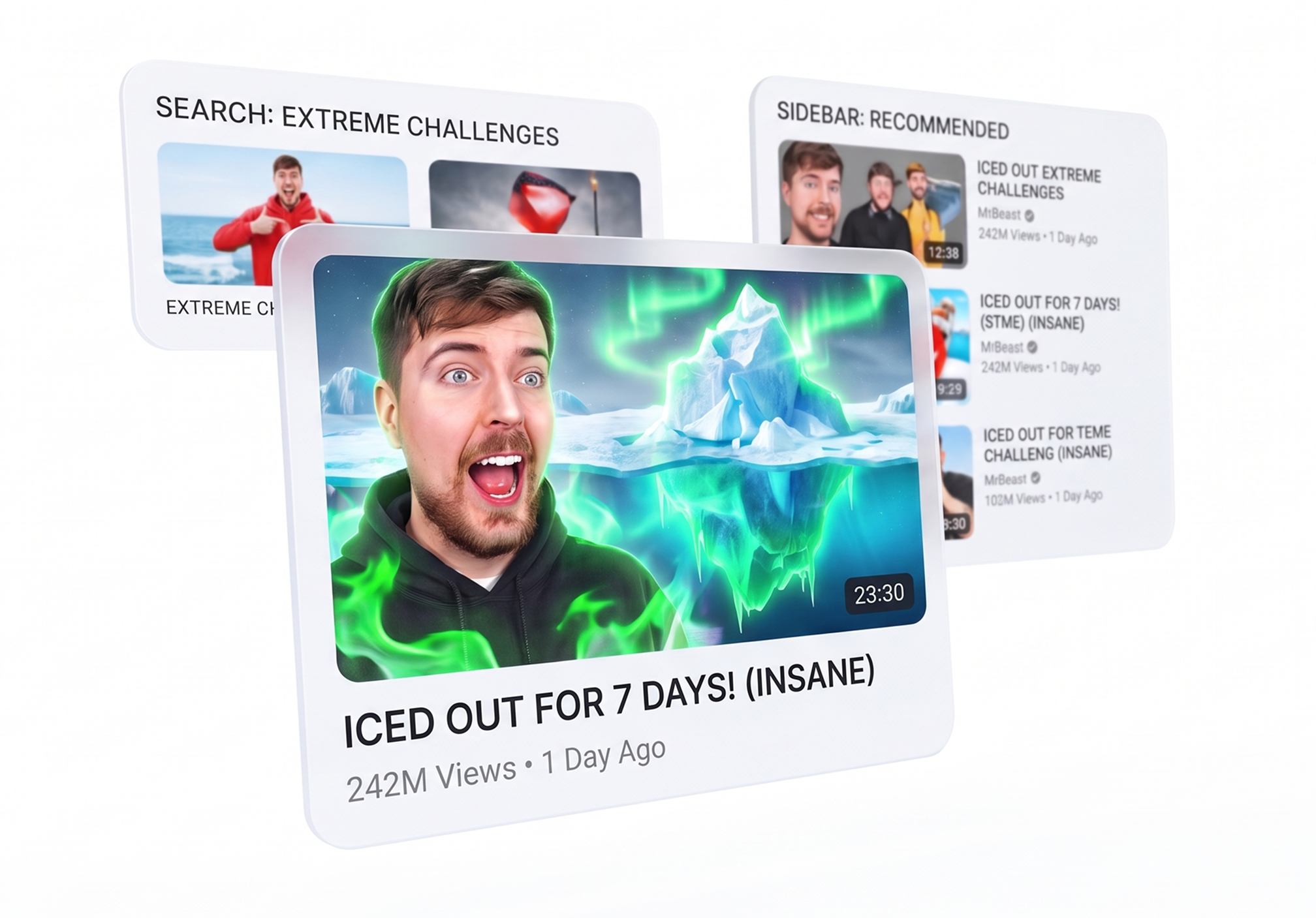
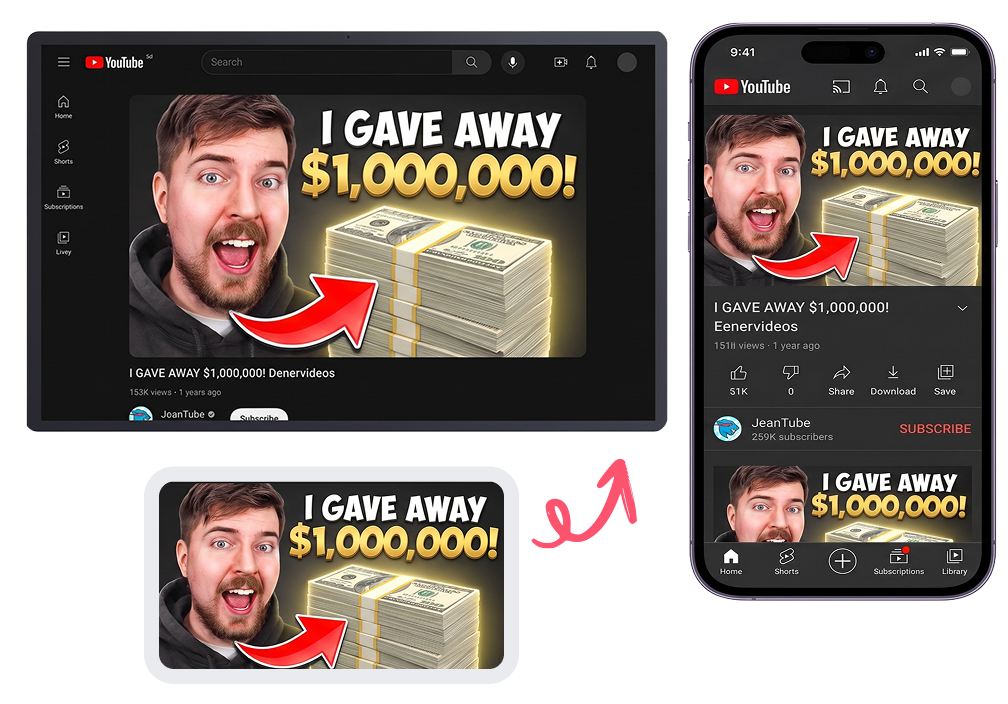
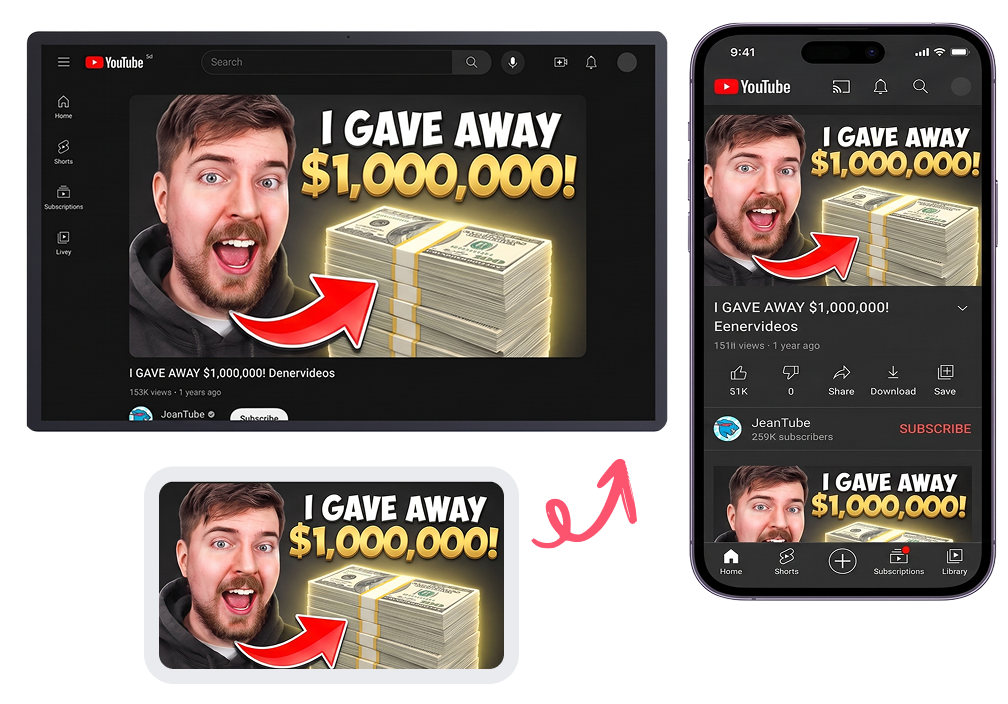
Over 70% of YouTube watch time happens on mobile devices. Switch between Desktop and Mobile YouTube mockups with a single click. Spot font readability problems, crowded graphic elements, and focal point drift before they hurt your CTR.
Try Light and Dark Surroundings
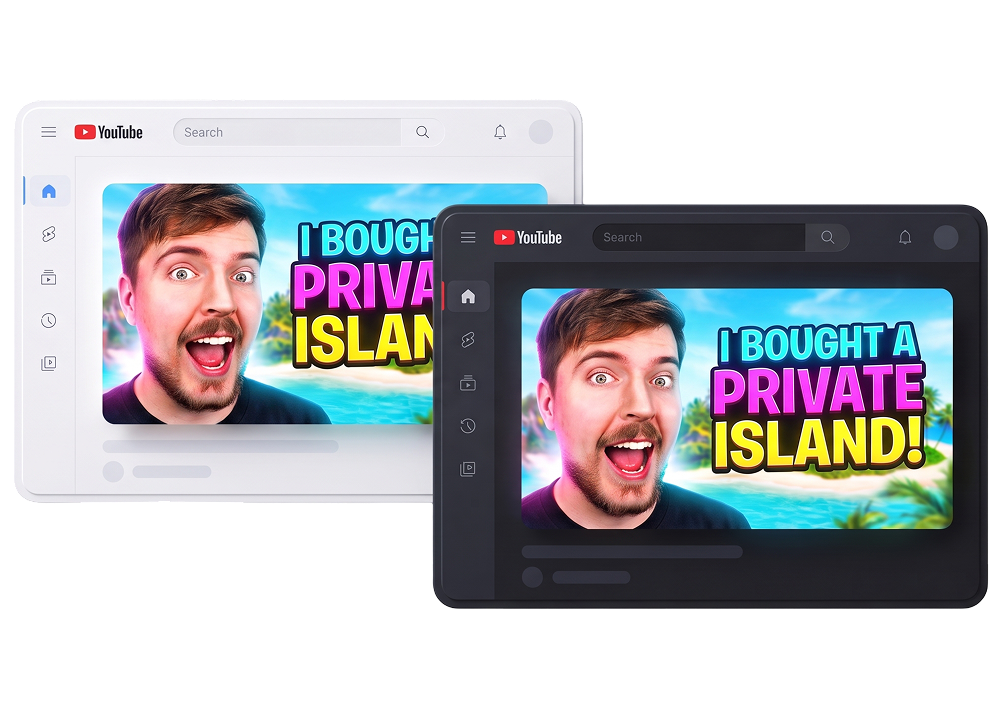
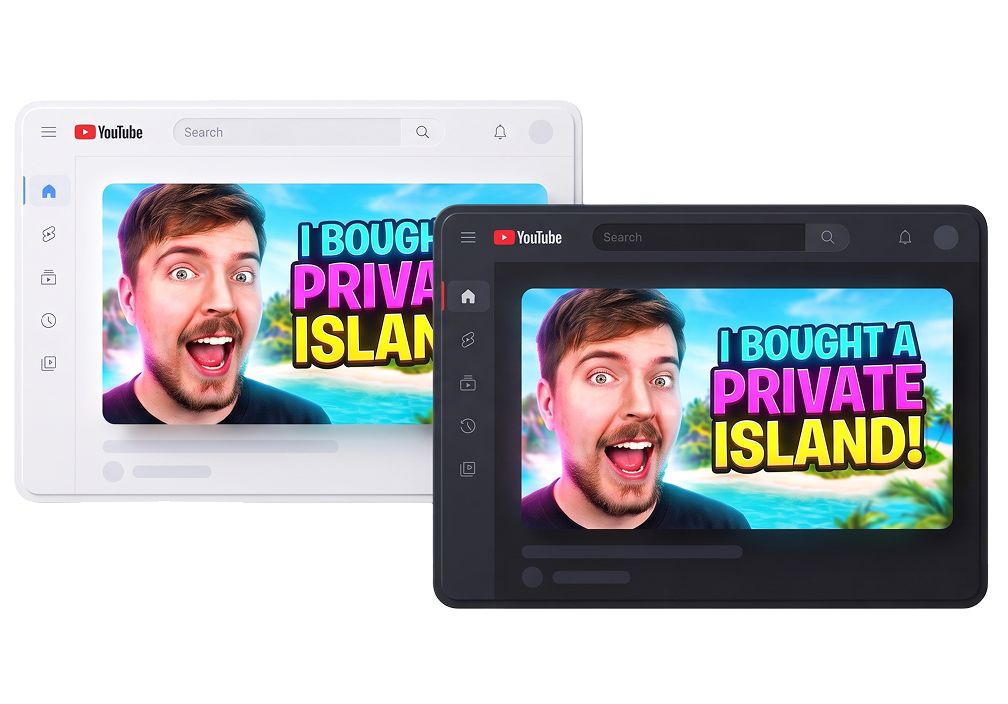
Test your cover across Light and Dark surroundings in seconds. With Thumbs.ai, see how real interface backgrounds impact your contrast and hierarchy — so you can present a solid, context-ready mockup instead of an untested guess.
Who Uses a YouTube Thumbnail Mockup?
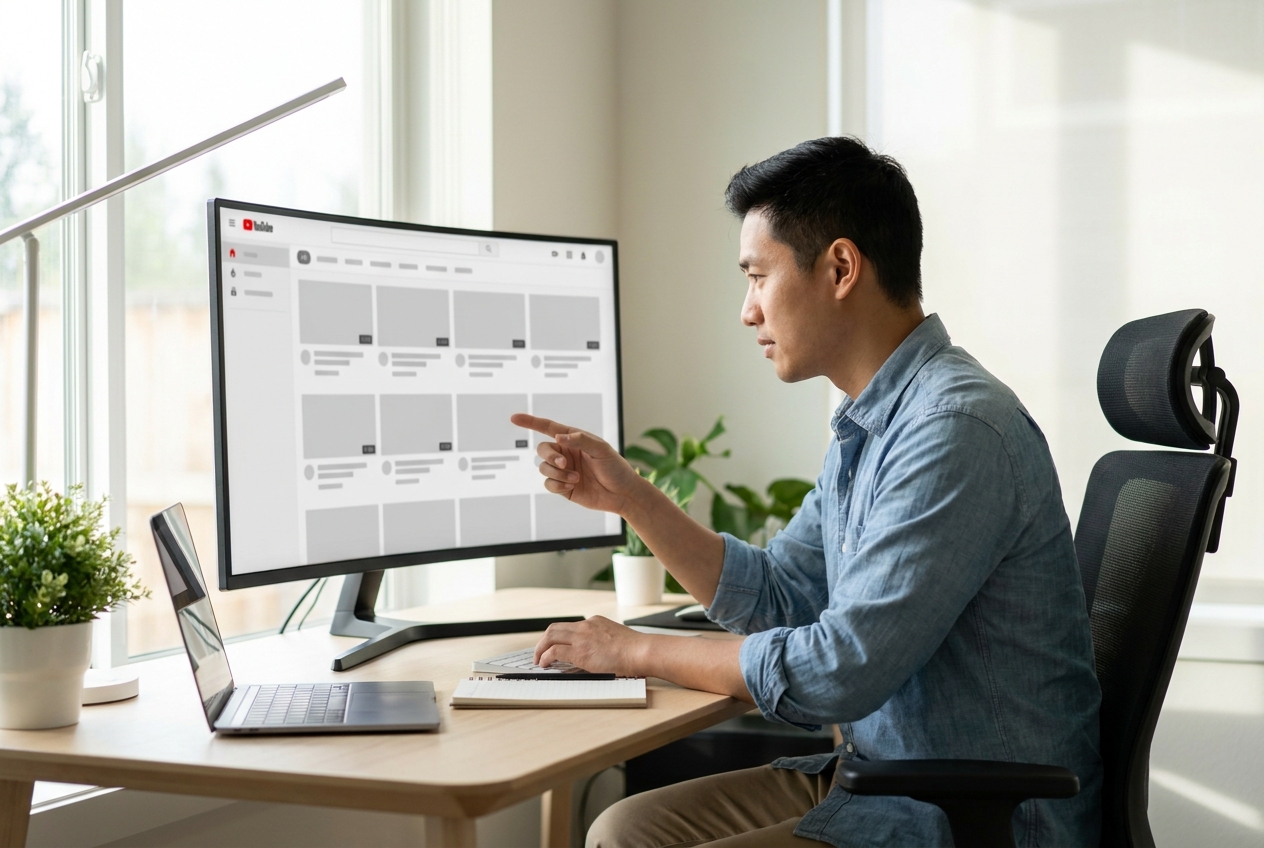
YouTube Creators & Content Strategists
Preview the complete packaging—thumbnail, hook title, and duration—before hitting "Publish". Ensure your visual story is cohesive, avoid the dreaded duration timestamp overlay, and spot flaws before your subscribers do.
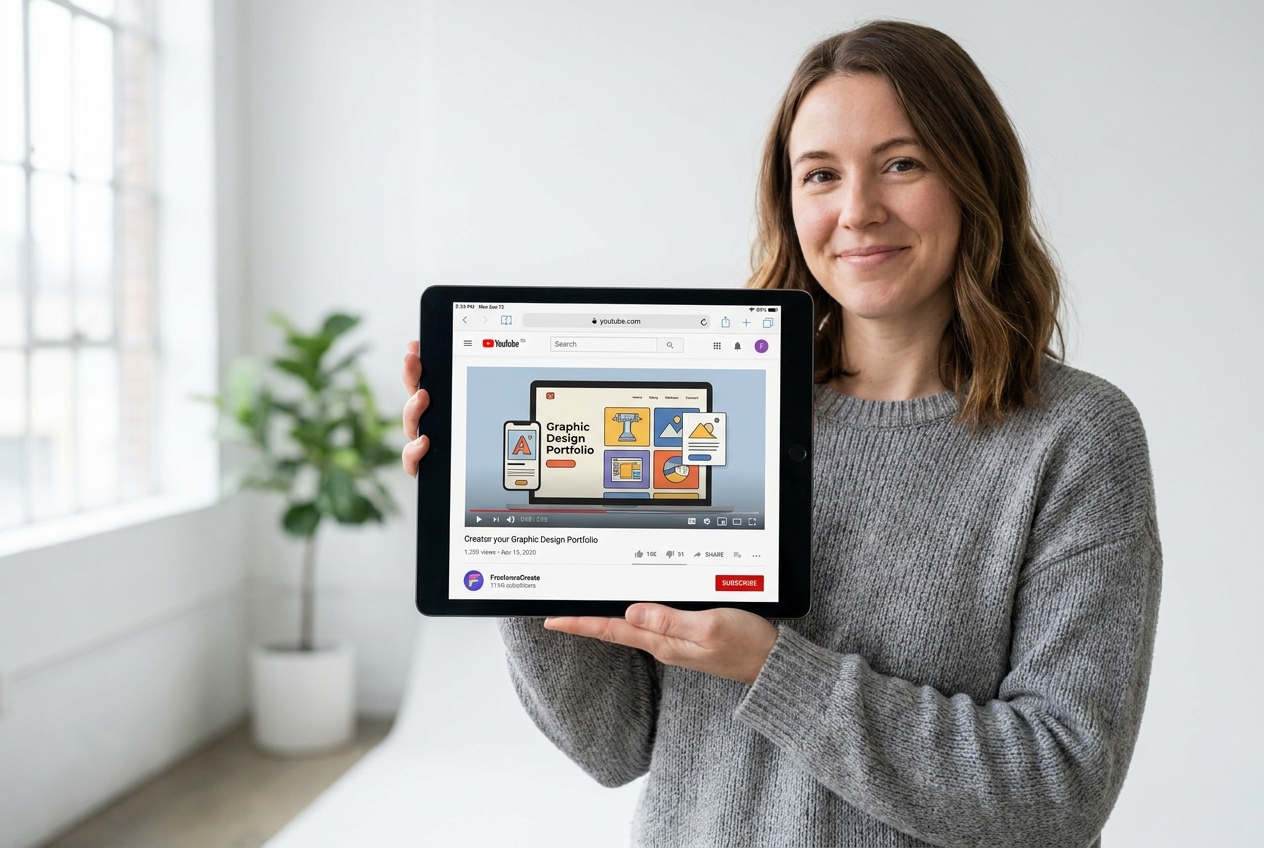
Thumbnail Designers & Creative Freelancers
Stop sending raw 1280x720 JPEGs over Slack or email. Deliver your concepts inside a sleek, professional YouTube UI presentation mockup. Show clients exactly how your design commands attention in a real browser feed.

Media Agencies & Multi-Channel Studios
Review multi-episode batches side by side. Align thumbnail templates, logo placements, and typography hierarchy across your entire production team with standardized review mockups.
FAQs
What is a YouTube thumbnail mockup?
Does this tool create a new thumbnail?
Which YouTube surfaces can I choose?
Can I preview a thumbnail on mobile?
Can I switch between light and dark mode?
Why add a title, channel name, and duration?
Which image files can I upload?
Will a YouTube thumbnail mockup predict CTR?
Review Your YouTube Thumbnail Mockup Before the Handoff
See how your next video looks in the real world before it goes live. Generate professional YouTube thumbnail mockups with Thumbs.ai in under 30 seconds.