

YouTube Thumbnail Viewer
Instantly extract, inspect, and download any YouTube video cover in high quality. Just paste a public video link to view all available resolutions, zoom in on design details, and save your reference image — no account required.

How to Use the YouTube Thumbnail Viewer
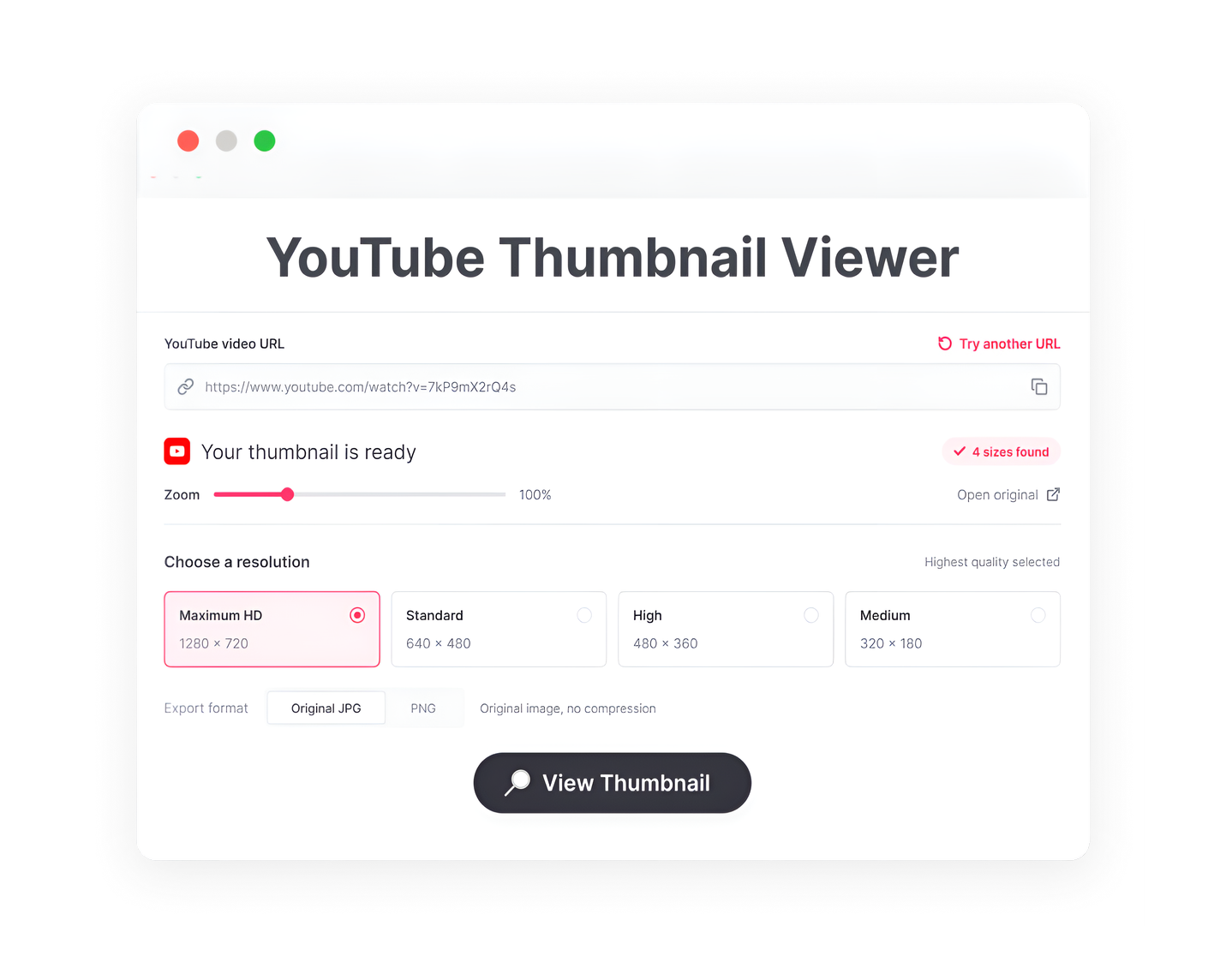
1. Paste a video link
Copy a public YouTube video URL or enter its video ID. There is no need to connect your YouTube account.
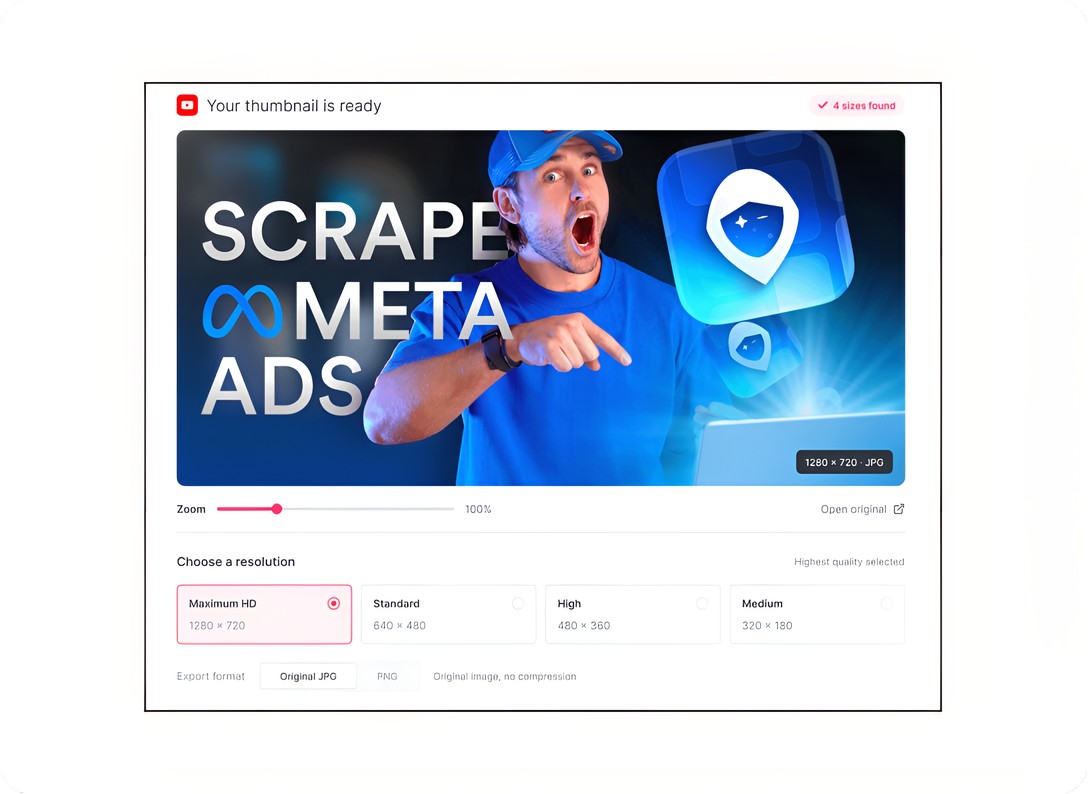
2. Choose an available size
Select from the thumbnail resolutions the video actually provides. A max-resolution image may not be available for every video.
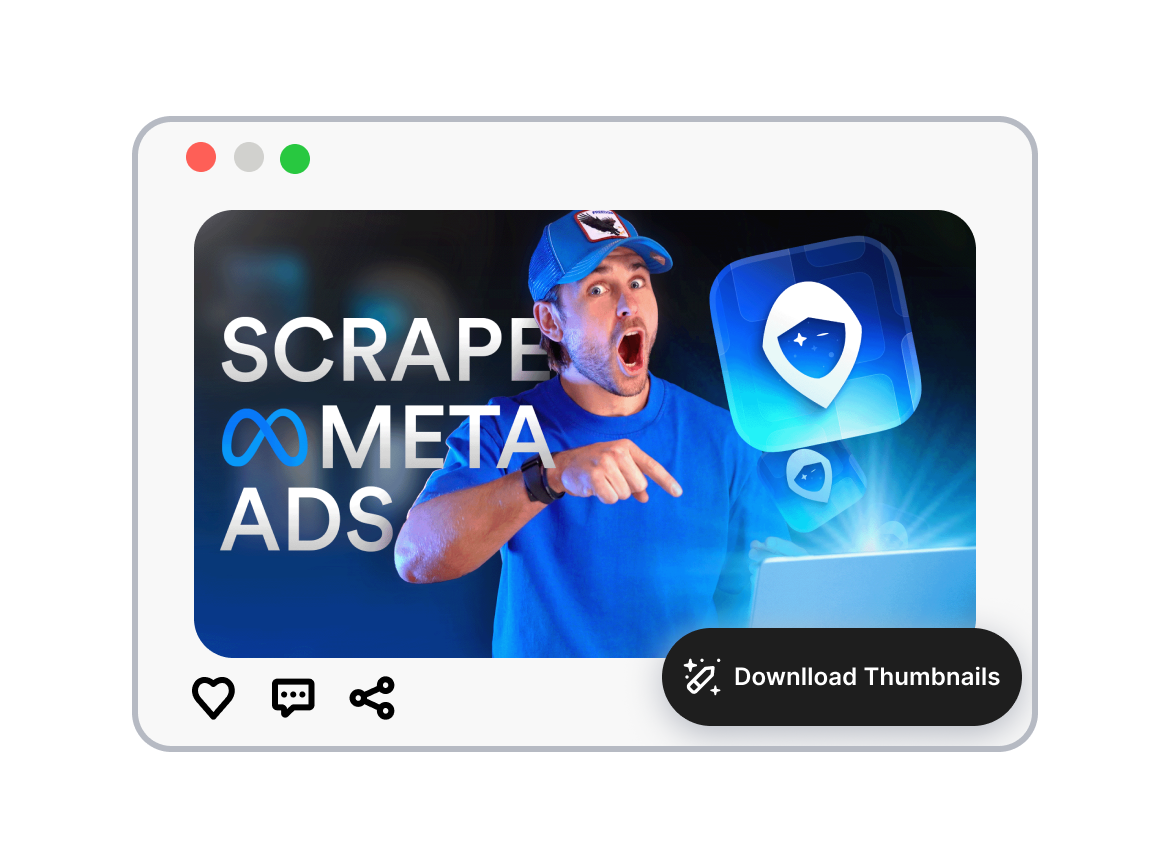
3. Zoom in and save
Enlarge the thumbnail to inspect its subject, text, and composition. Download the selected image when you need a reference copy.
Look Closer With the YouTube Thumbnail Viewer


Open a Cover Directly From Its Video Link
Use our YouTube thumbnail viewer to extract the cover art into a dedicated, distraction-free viewing mode. Skip the video playback entirely and focus purely on the visual design and storytelling of the thumbnail.
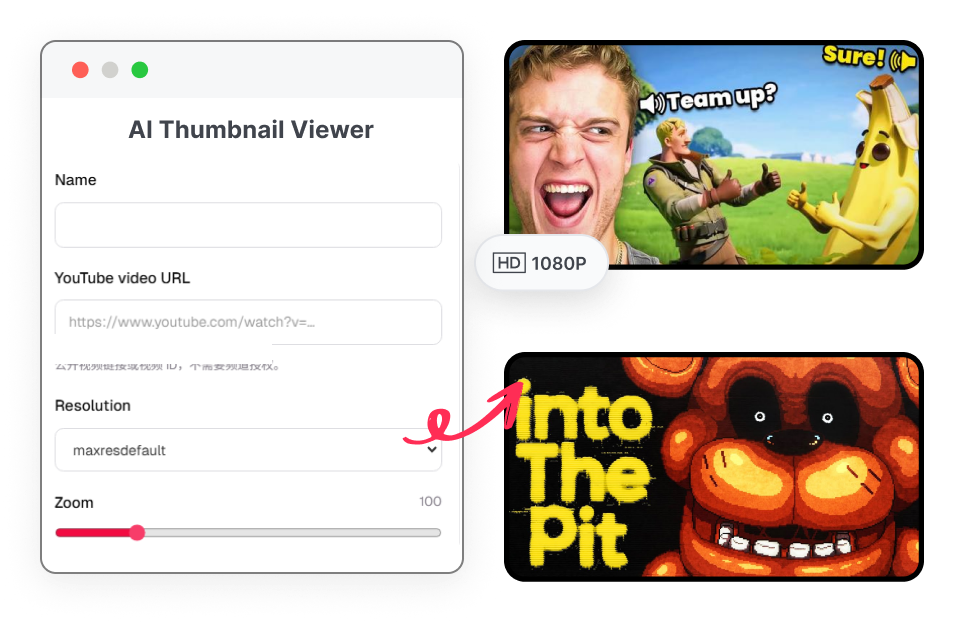
Pick the Perfect Image Size, HD to Standard
Switch seamlessly among all hidden thumbnail versions hosted by YouTube. Instantly check if a high-def version is available. Our tool helps you preview and extract the exact resolution you need — whether it's maxresdefault, hqdefault, mqdefault, or standard size.
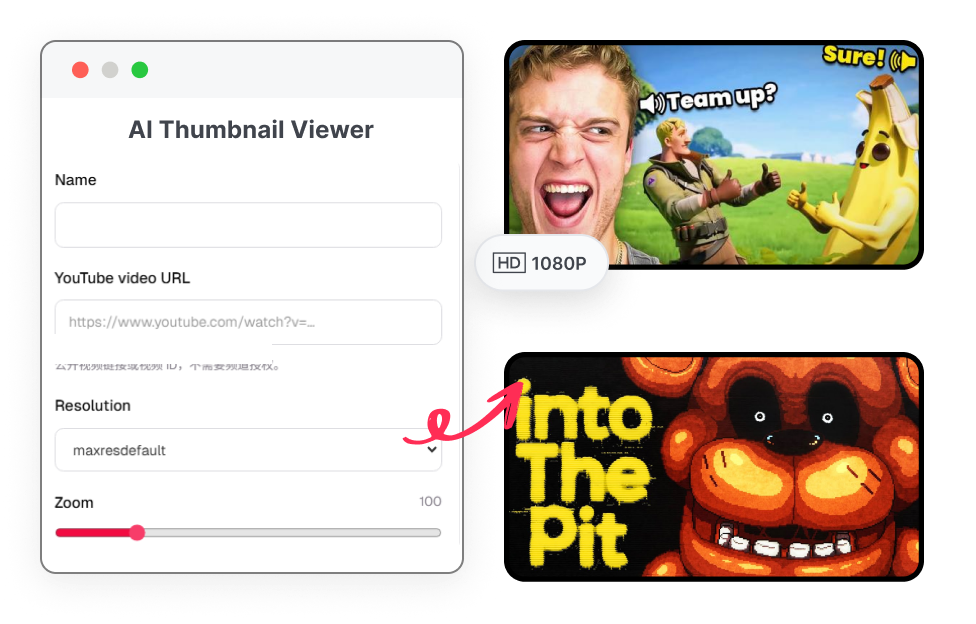
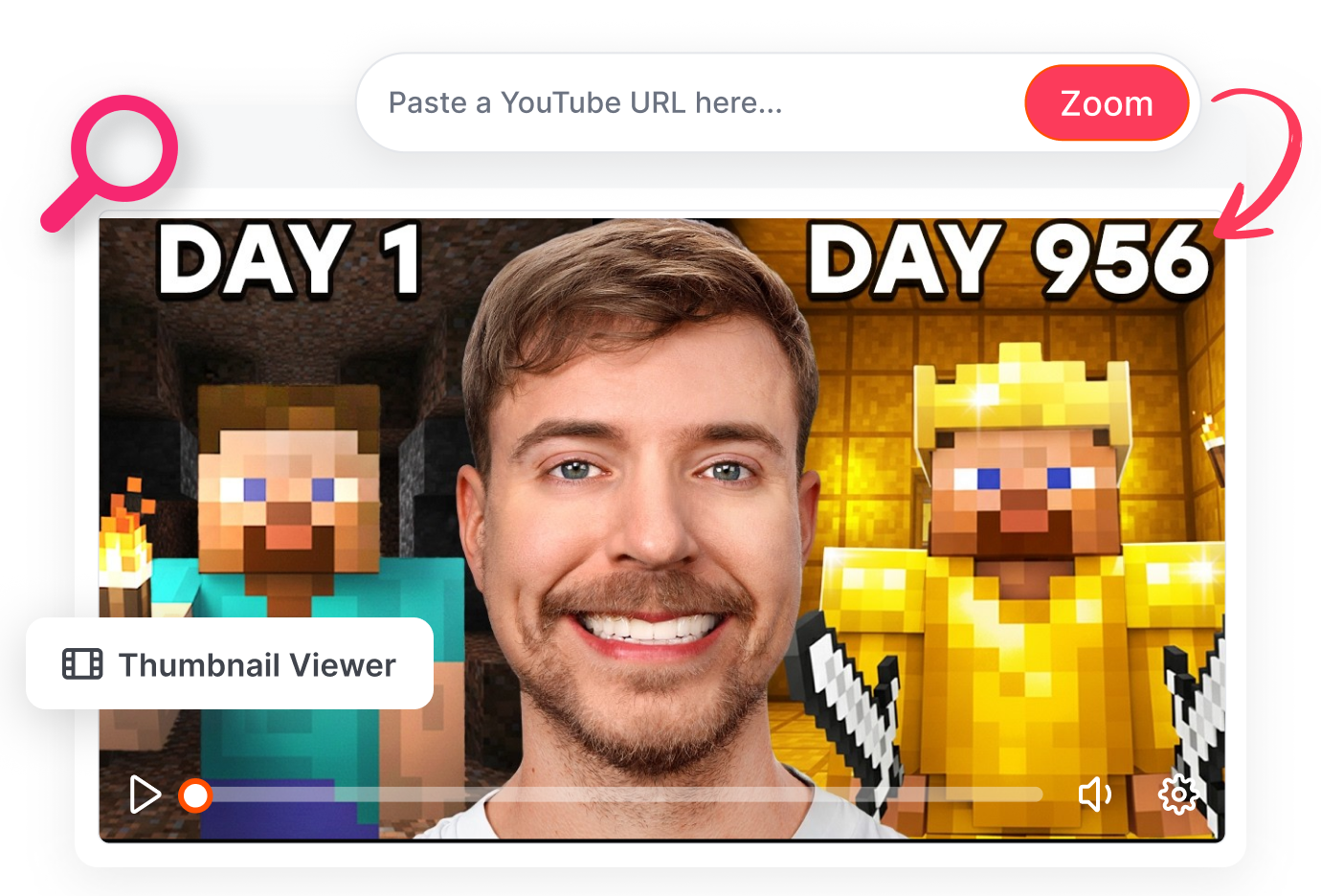
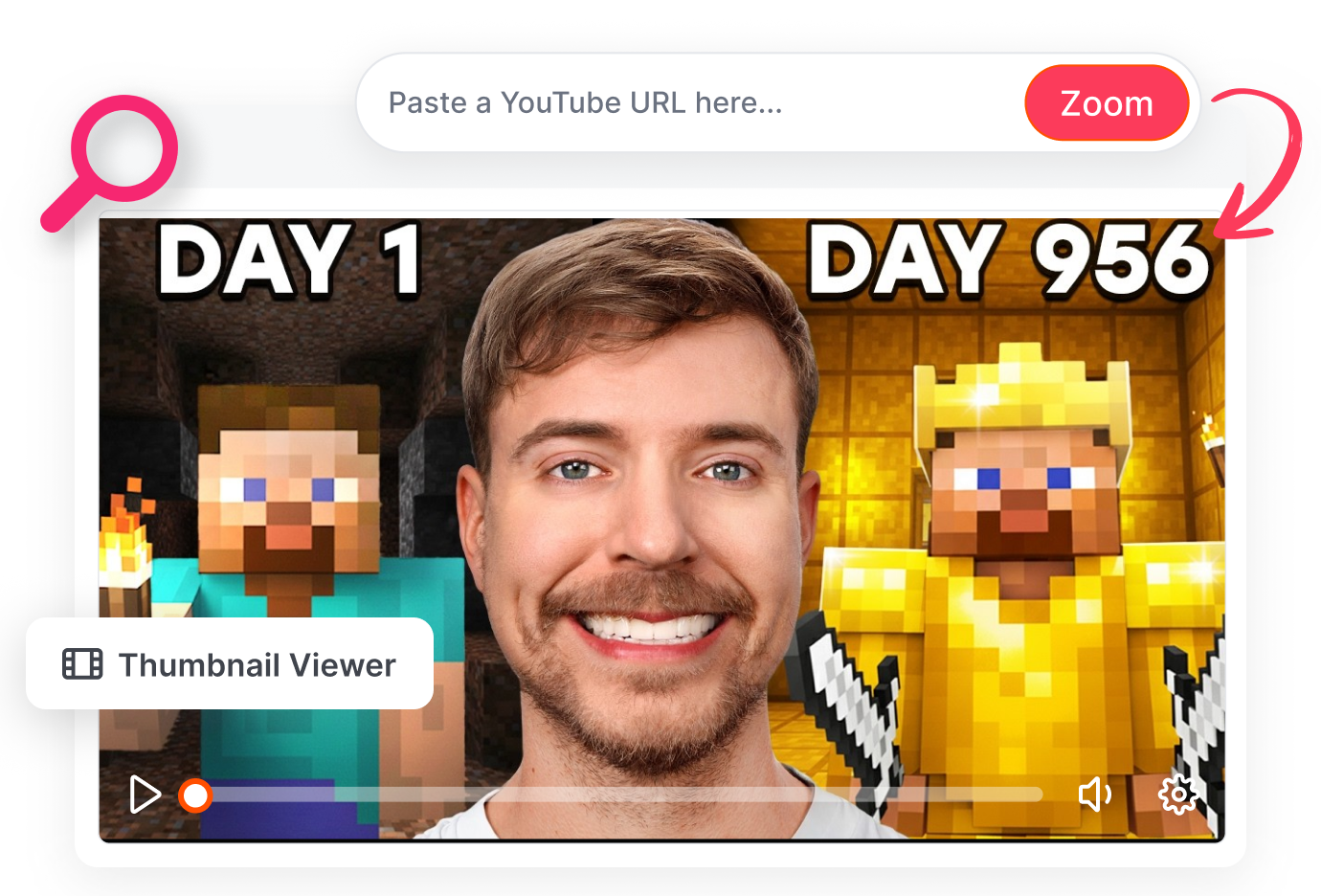
Catch Every Detail at Full View
Zoom deep into any YouTube thumbnail to reverse-engineer viral designs. Analyze font choices, subject lighting, and micro-expressions that drive high CTR. Take these precise observations directly into your next creative brief.
Save High-Quality Thumbnail References
Download the currently viewed thumbnail with a single click. Build a swipe file of highly clickable covers, gather visual inspiration for your design team, or keep a backup of your own back catalog.


Who Uses a YouTube Thumbnail Viewer?

Video Creators
Open a published video's cover without hunting through project folders. Inspect whether the headline, face, and focal point still read clearly when you enlarge the available image.

Visual Designers
Look closely at how a cover arranges color, text, and subject. Save permitted reference images for discussion, then build an original design rather than copying someone else's artwork.
YouTube Channel Teams
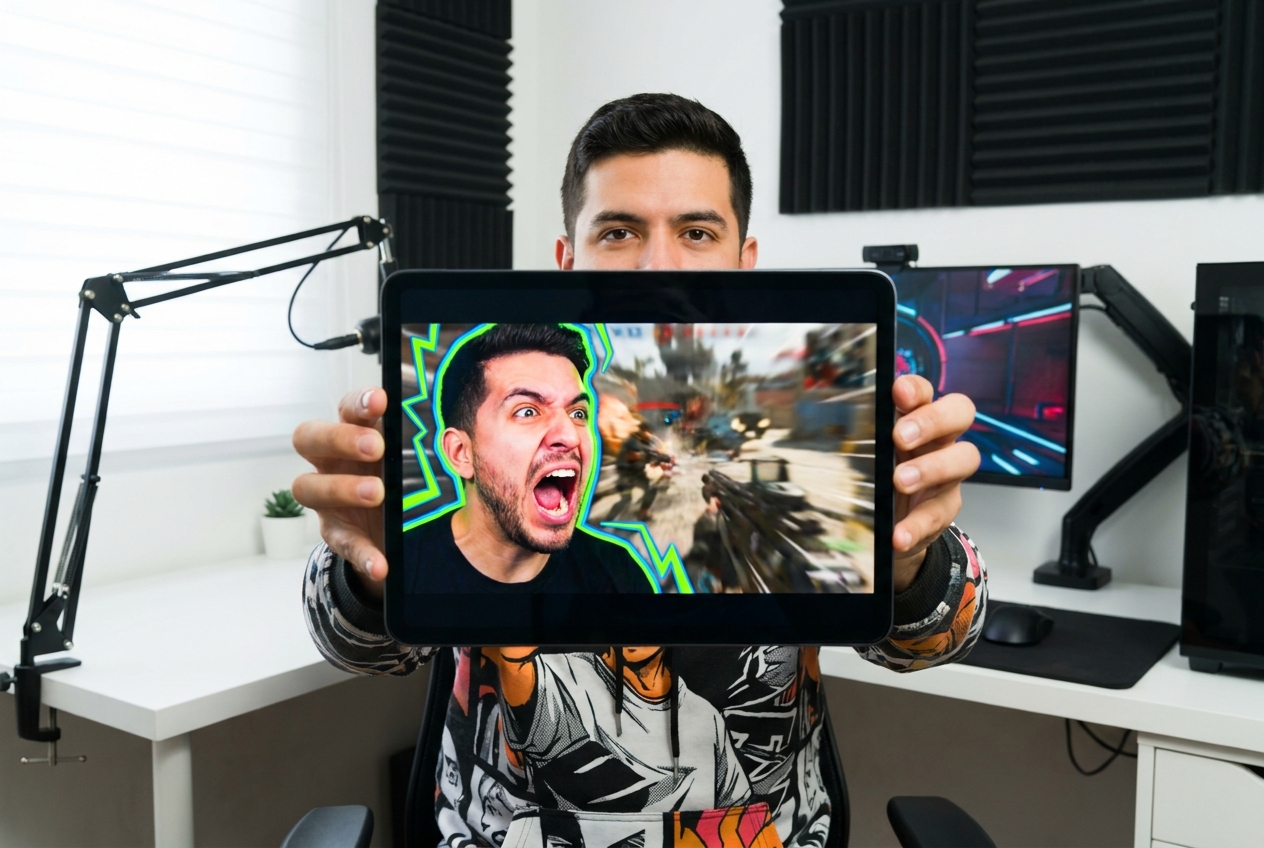
Pull up individual public video covers during an editorial review. Switch image sizes and zoom levels to document what is actually visible before deciding whether to revise a cover in YouTube Studio.
FAQs
How do I view a YouTube thumbnail in full size?
Can I view a thumbnail without playing the video?
Why is maxresdefault missing for some videos?
What do the resolution choices mean?
Can I zoom in on thumbnail text and details with the YouTube thumbnail viewer?
Can I download the thumbnail image?
Do I need to sign in to YouTube while using thumbnail viewer?
Is this a YouTube thumbnail history viewer?
See More With the YouTube Thumbnail Viewer
A tiny video card can hide the choices that make a cover feel clear or crowded. Paste the link, inspect the available image, and take a better-informed look before your next design decision.