

YouTube Thumbnail Preview
YouTube thumbnail preview helps you visualize your cover alongside the title and duration before publishing to maximize click-through rates.
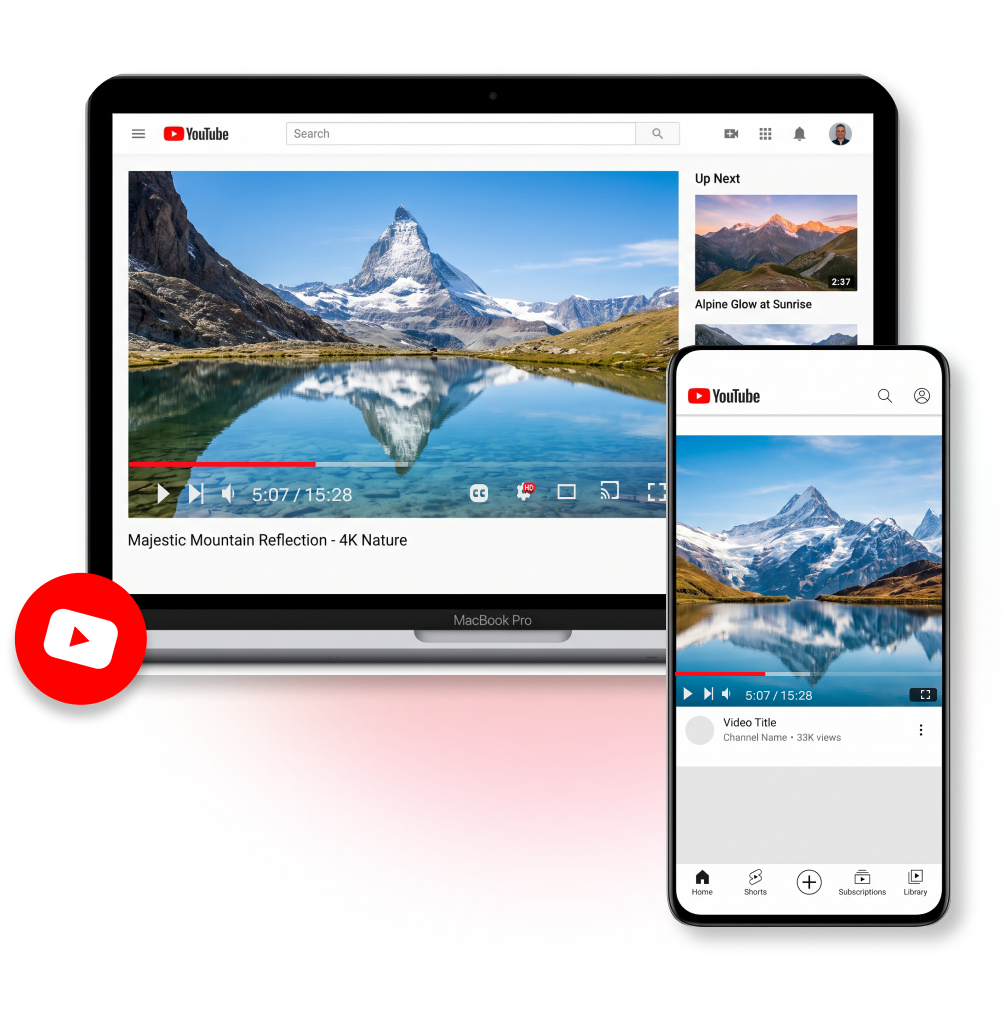
How to Use Our YouTube Thumbnail Preview Tool
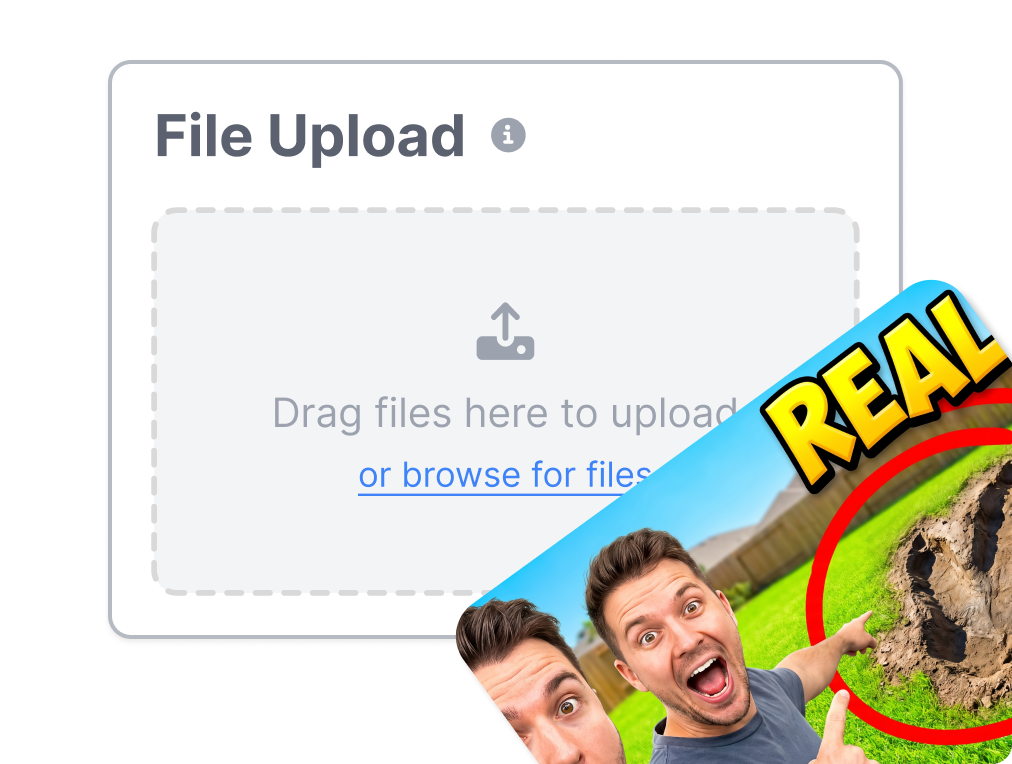
1. Upload Your Cover Image
Drop your design to start. Get an instant baseline for your visual check.
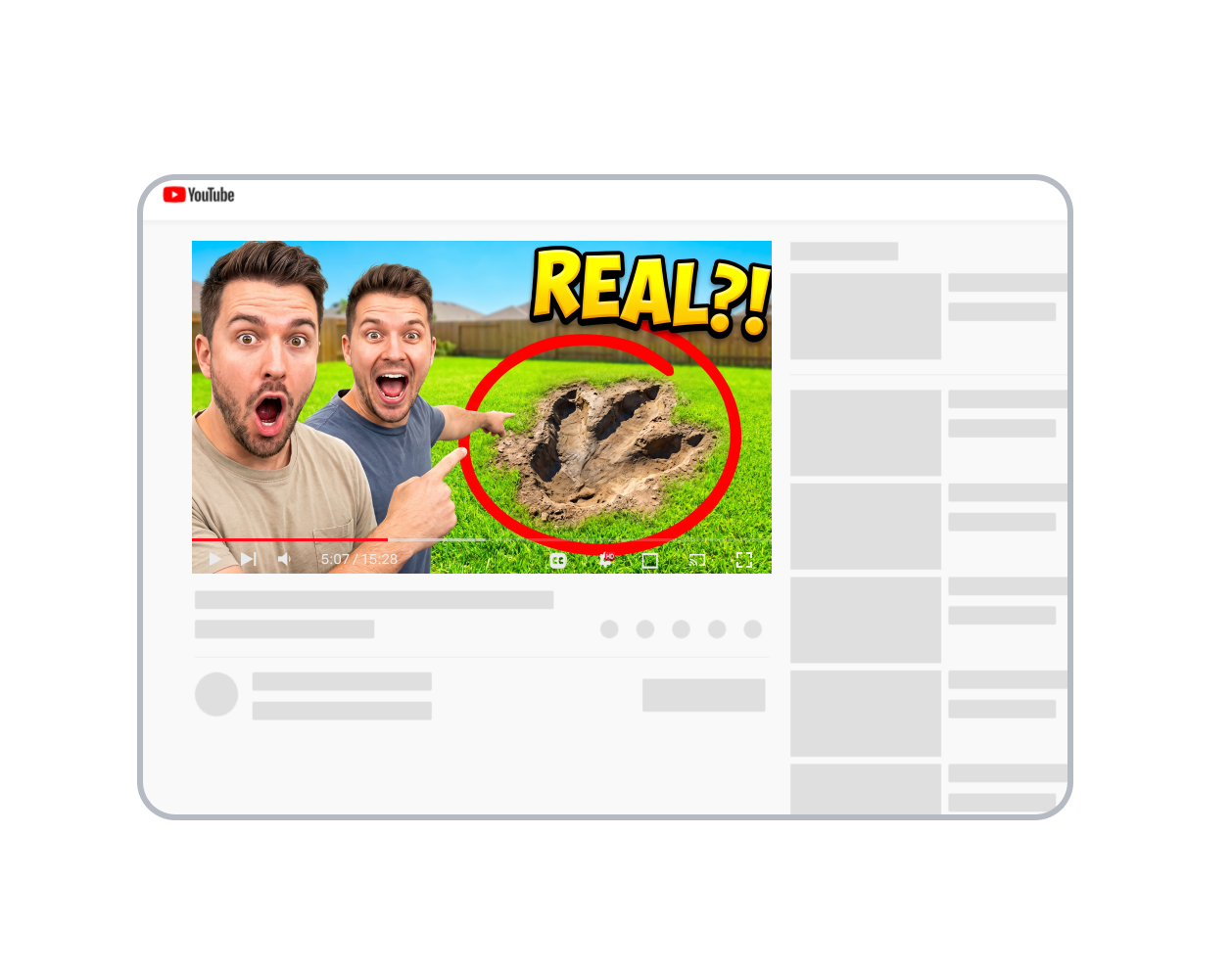
2. Add Video Metadata
Enter your title, channel name, and duration to create a complete video card.
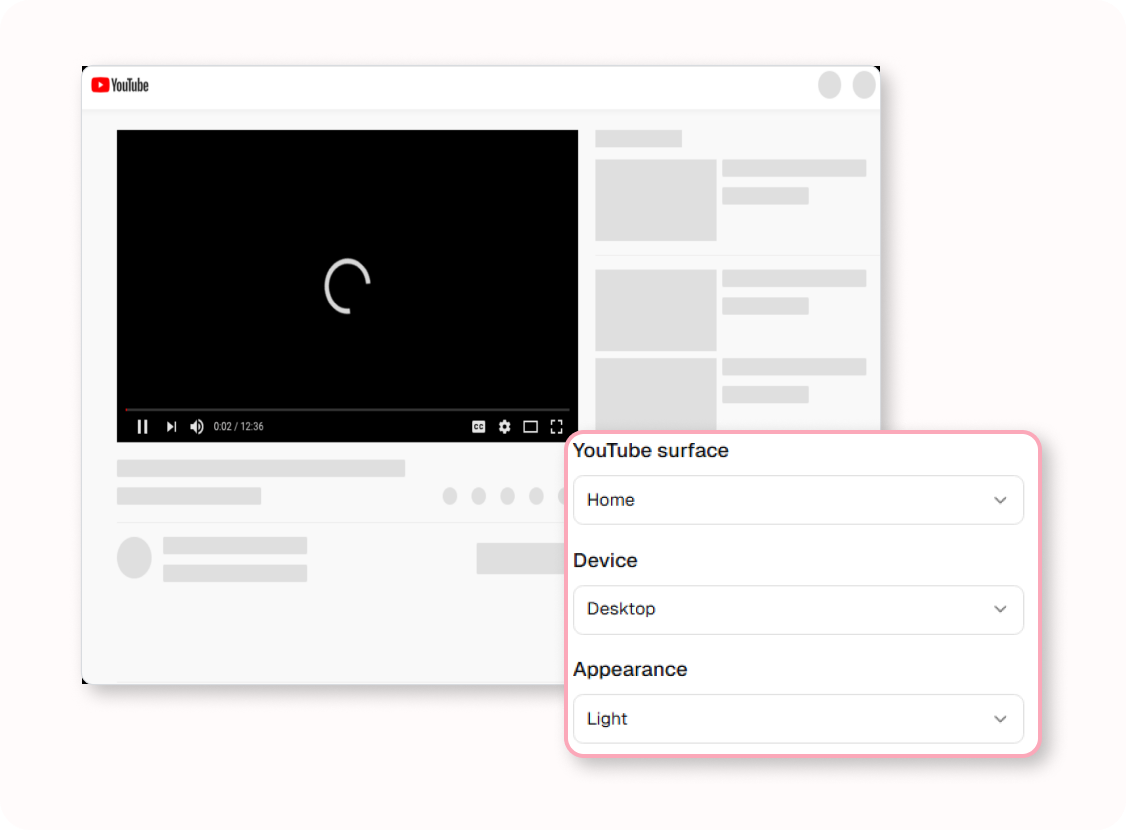
3. Set the Viewing Context
Toggle between Home, Search, Desktop, or Mobile to see exactly what your audience will see.
Easily Read the Full YouTube Thumbnail Preview
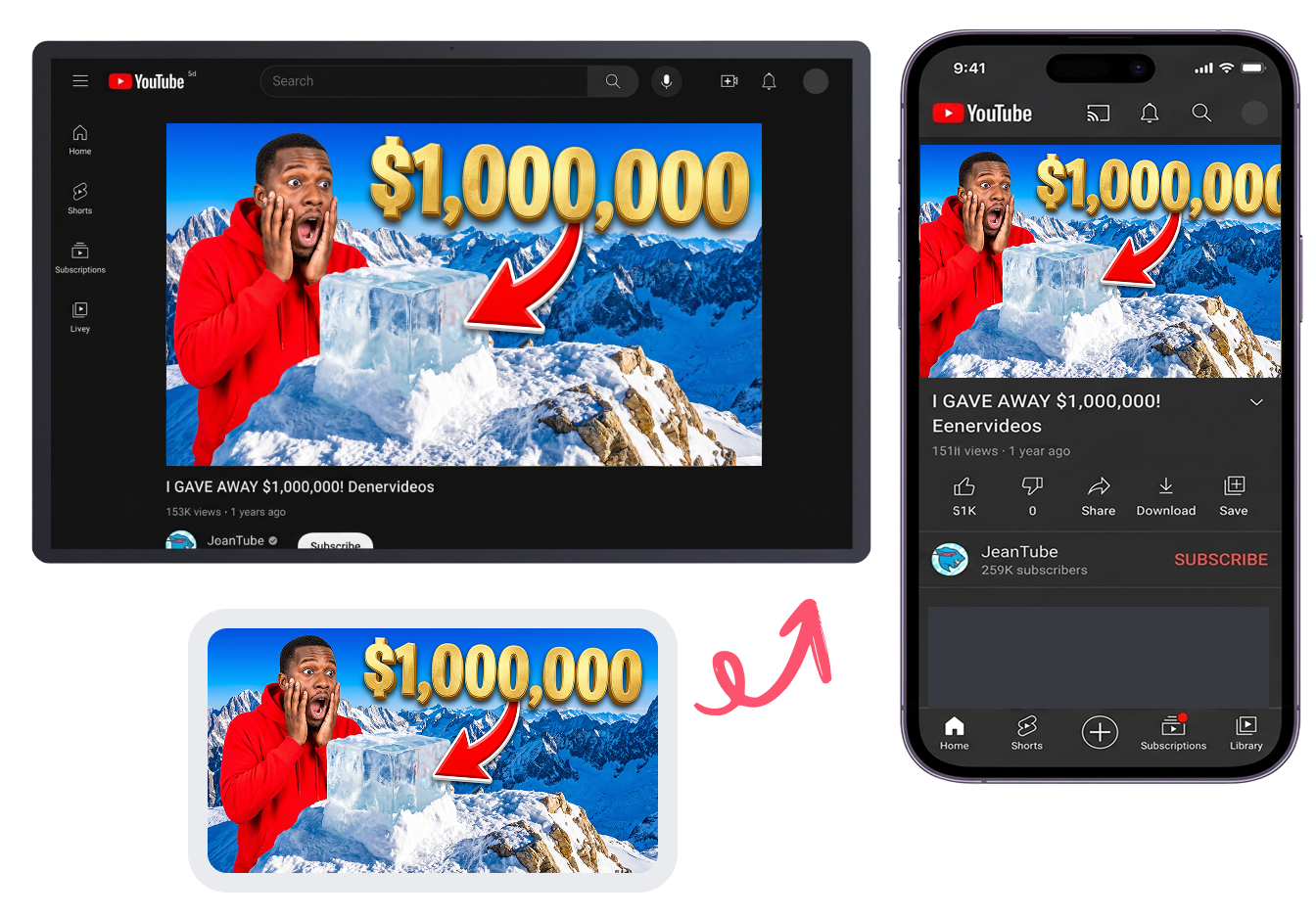
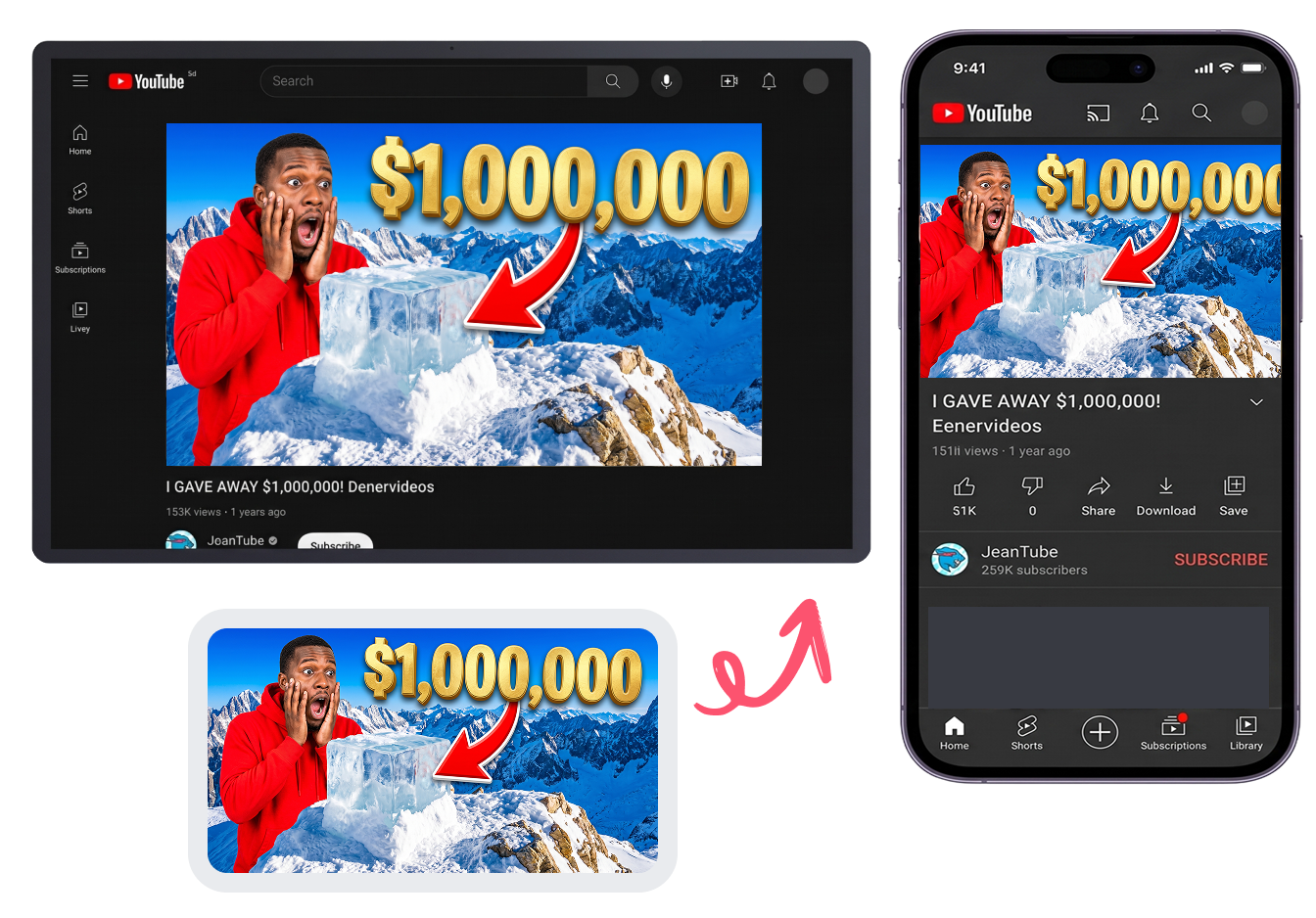
Pass the Tiny Phone Test
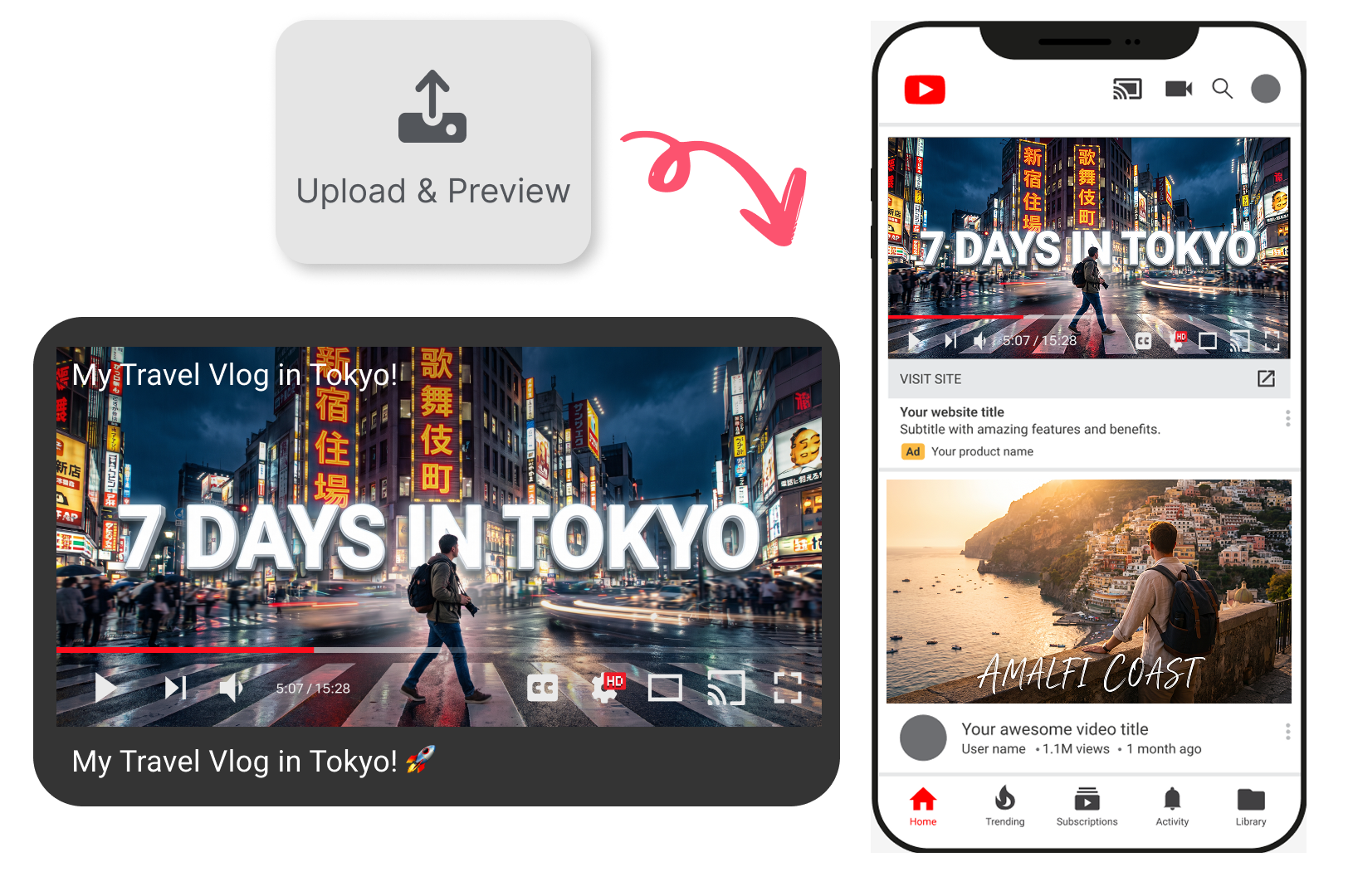
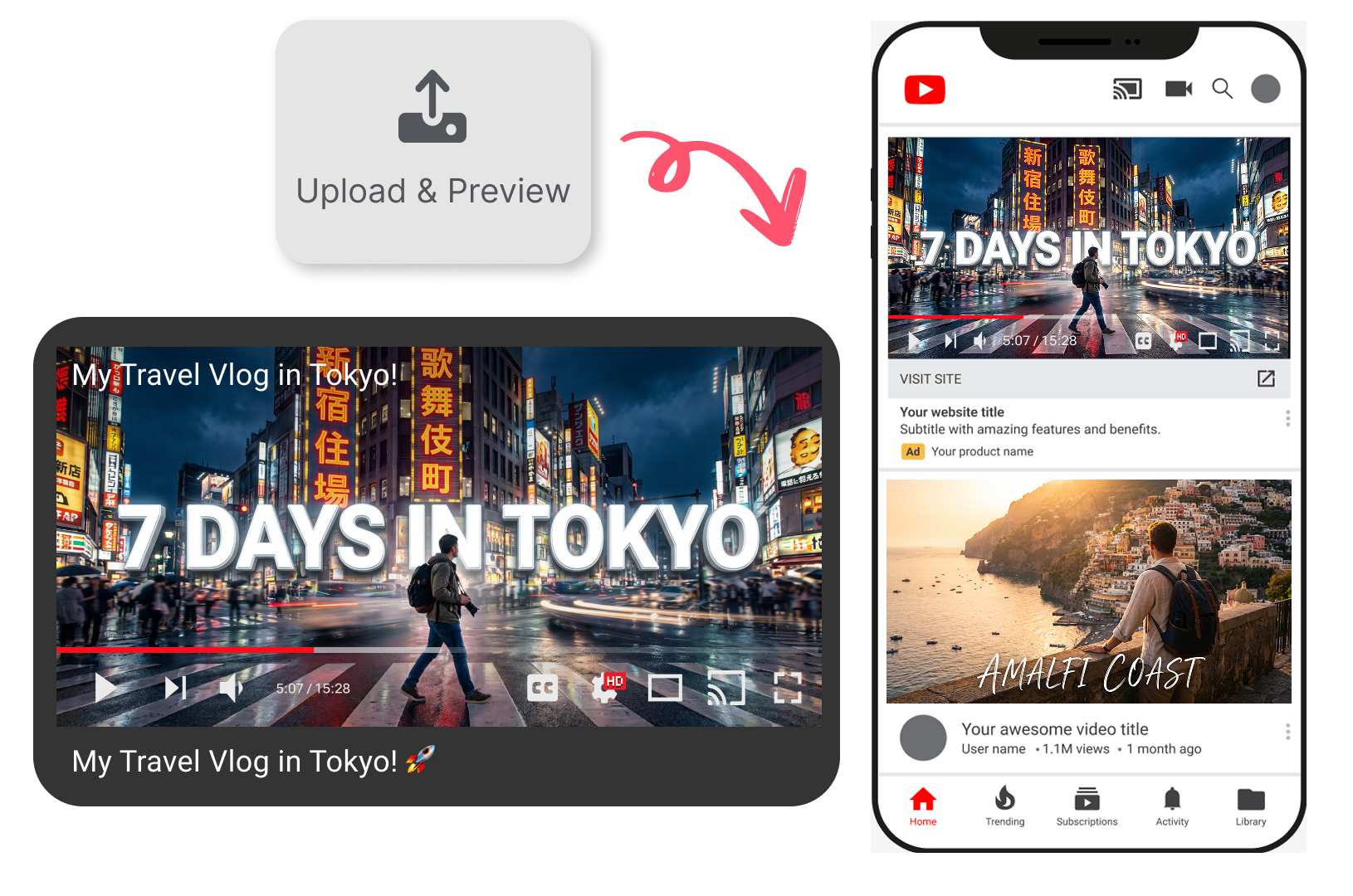
What looks perfect on your large editing monitor can easily become unreadable on a smartphone. Shrink your design to ensure your bold text, red arrows, and dramatic faces remain instantly recognizable when viewers scroll through their tiny mobile feeds.
Stand Out in Crowded Feeds
Your thumbnail never lives alone. Preview how your new food challenge looks when squished into the tiny "Up Next" sidebar. See if your shocked expression and bold text still grab attention when surrounded by other creators fighting for clicks.
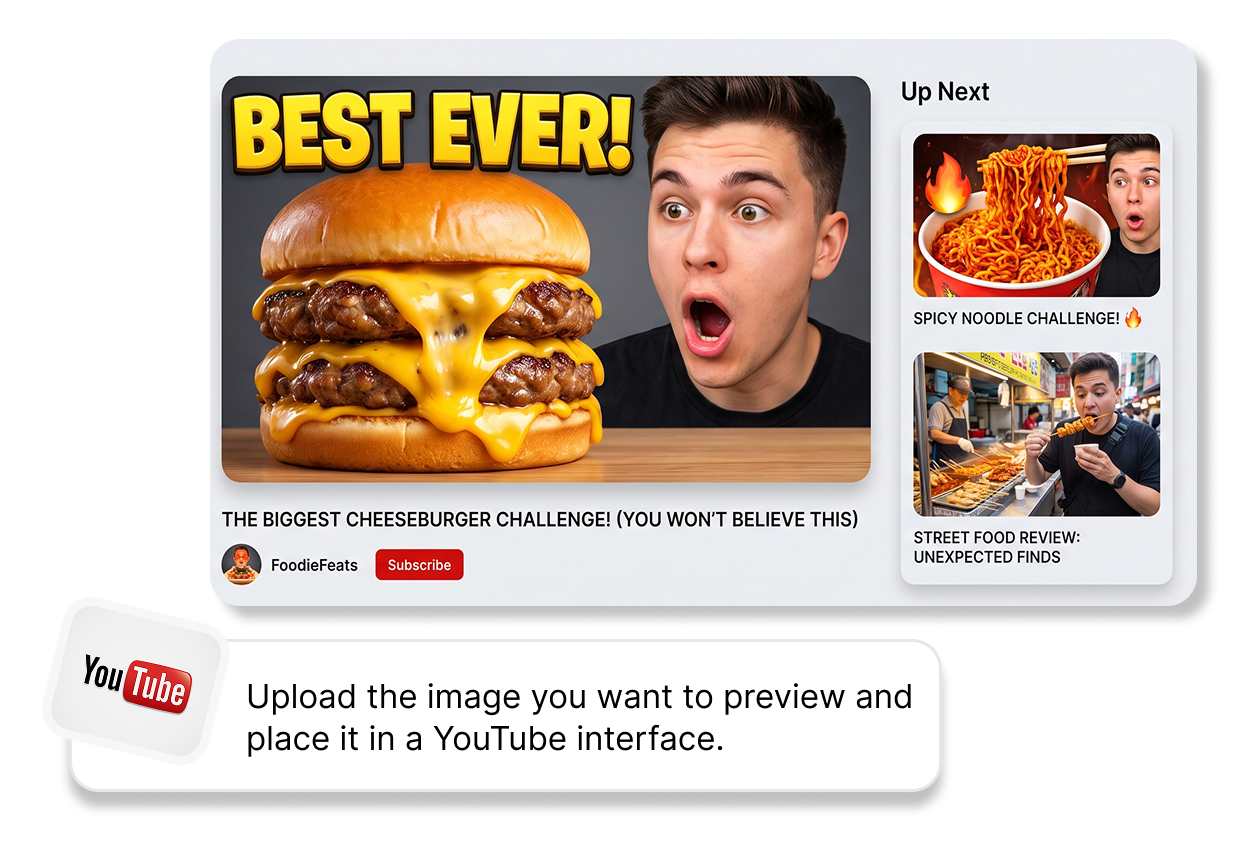
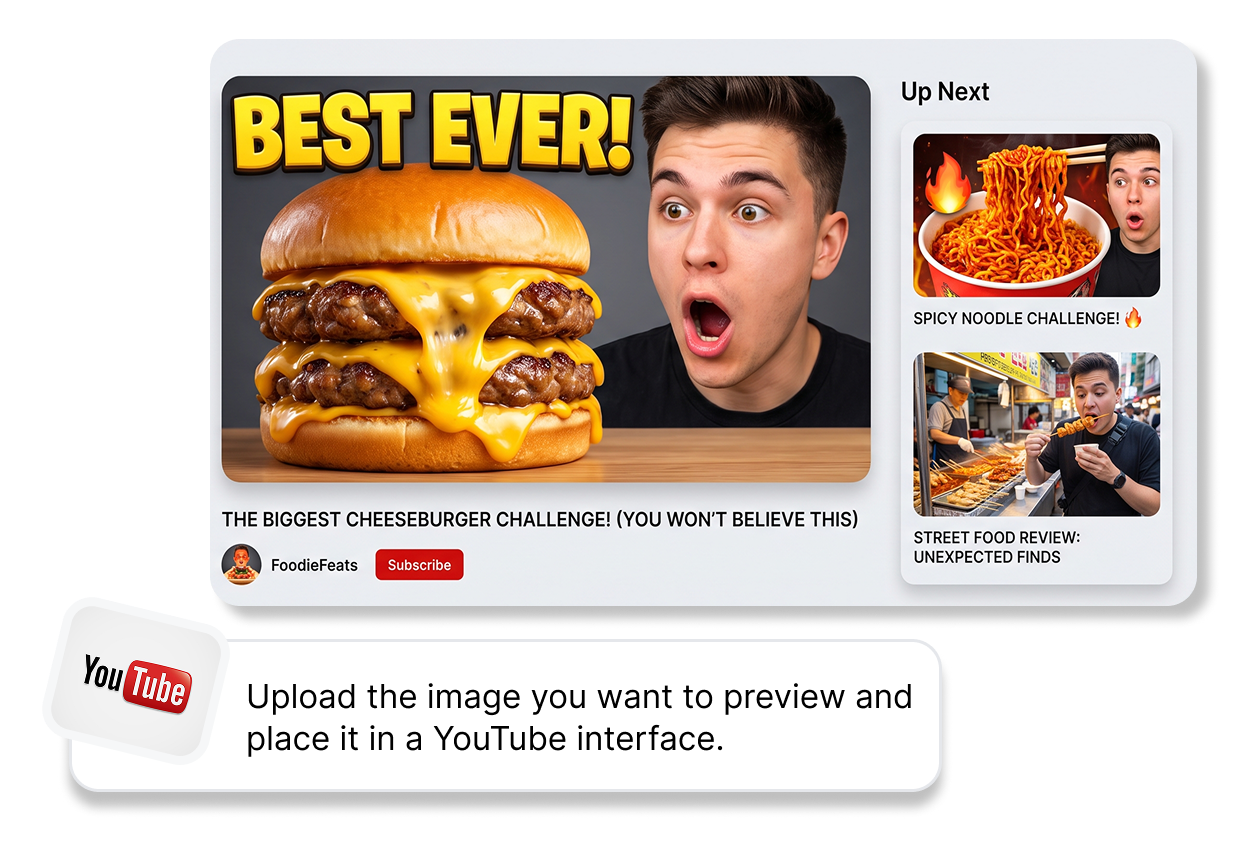
Avoid Annoying Time Stamp Overlaps
YouTube slaps a black time box on the bottom right of every video. Test your cover here first so you don't accidentally hide your winning reaction face or crucial text behind that little black box.
Prevent Disappearing in Dark Mod
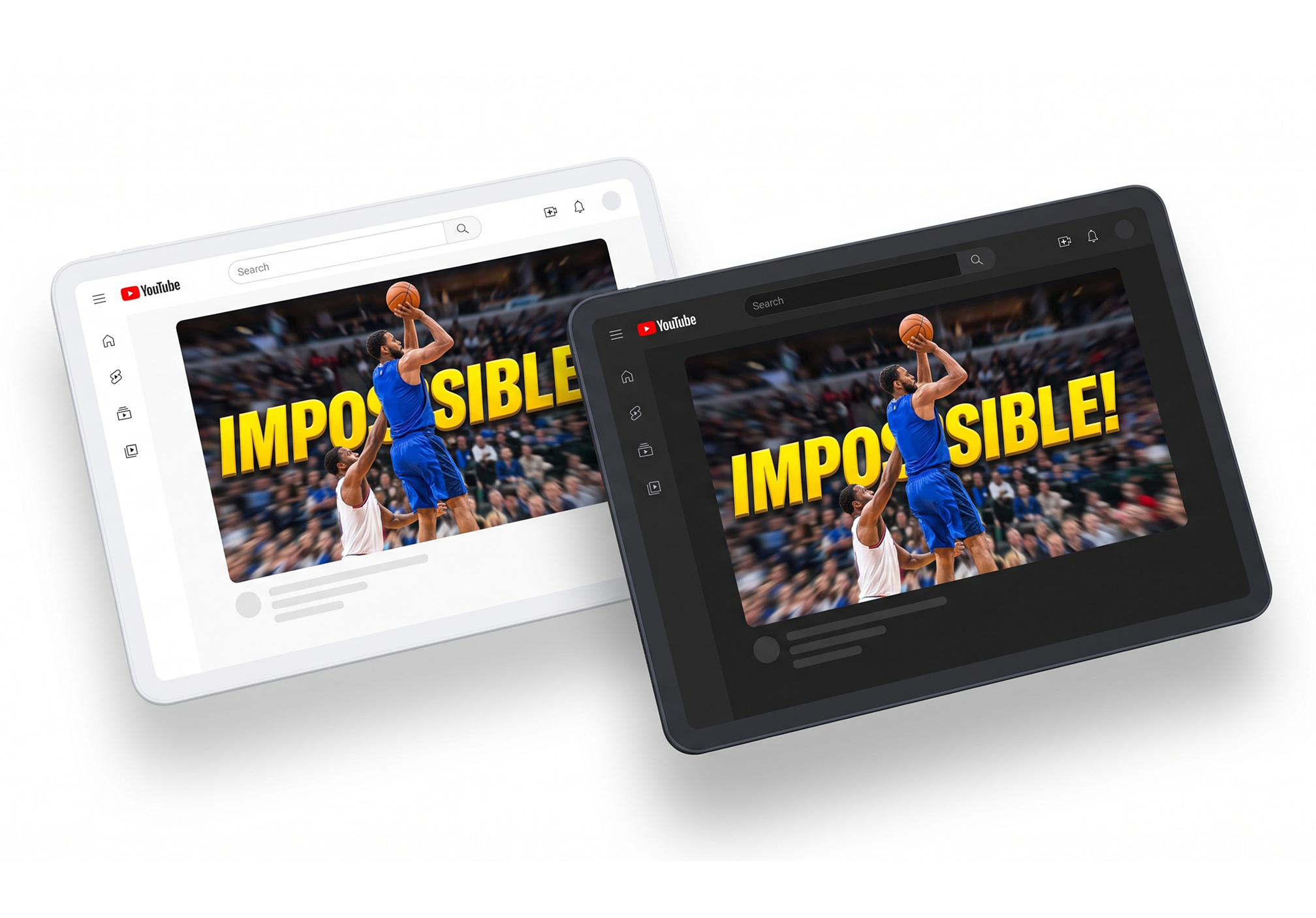
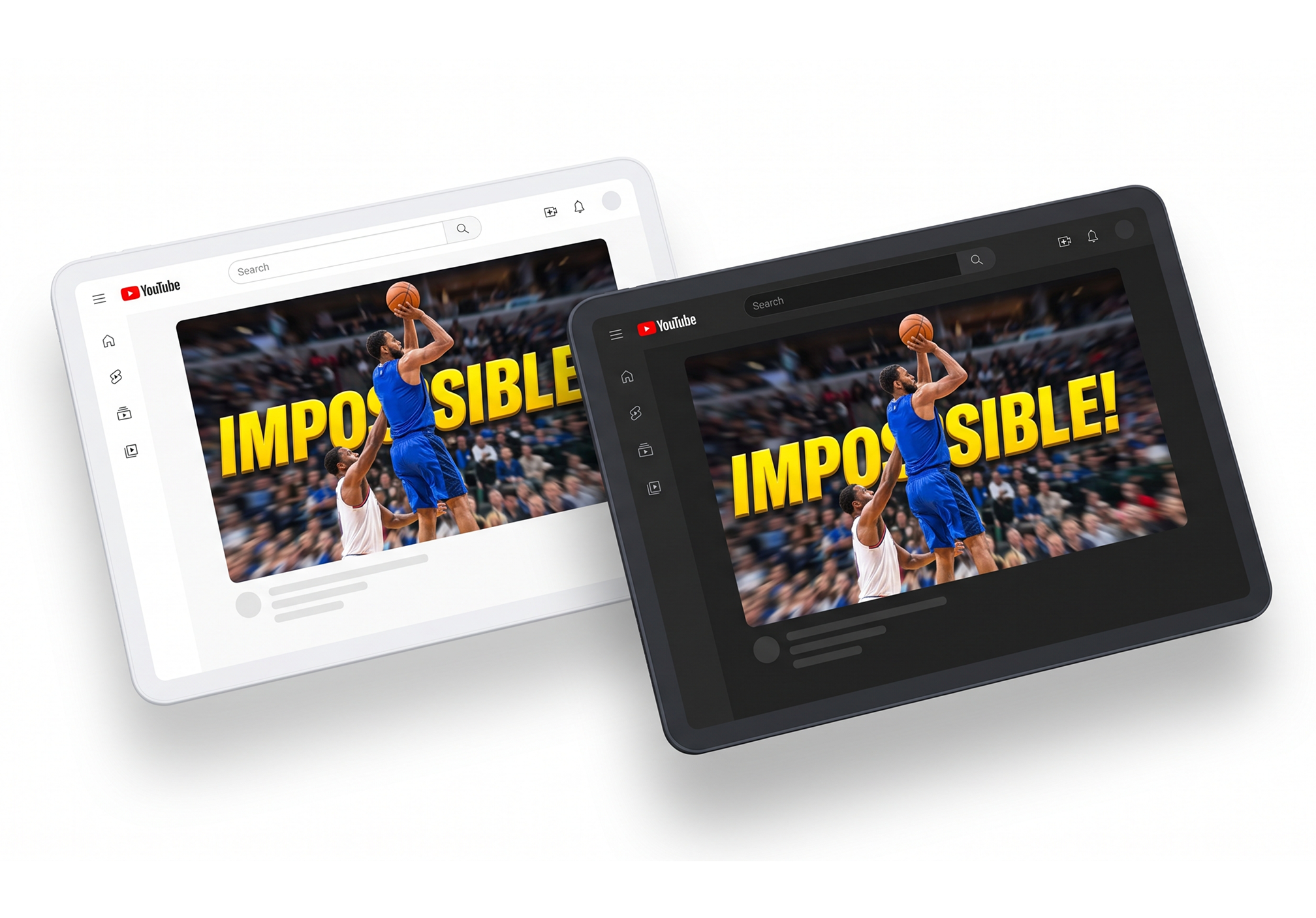
Millions of users browse YouTube late at night. If your scary story thumbnail relies on dark edges, check it against the dark UI to make sure it doesn't just melt into the background and vanish.
Who Uses a YouTube Thumbnail Preview?
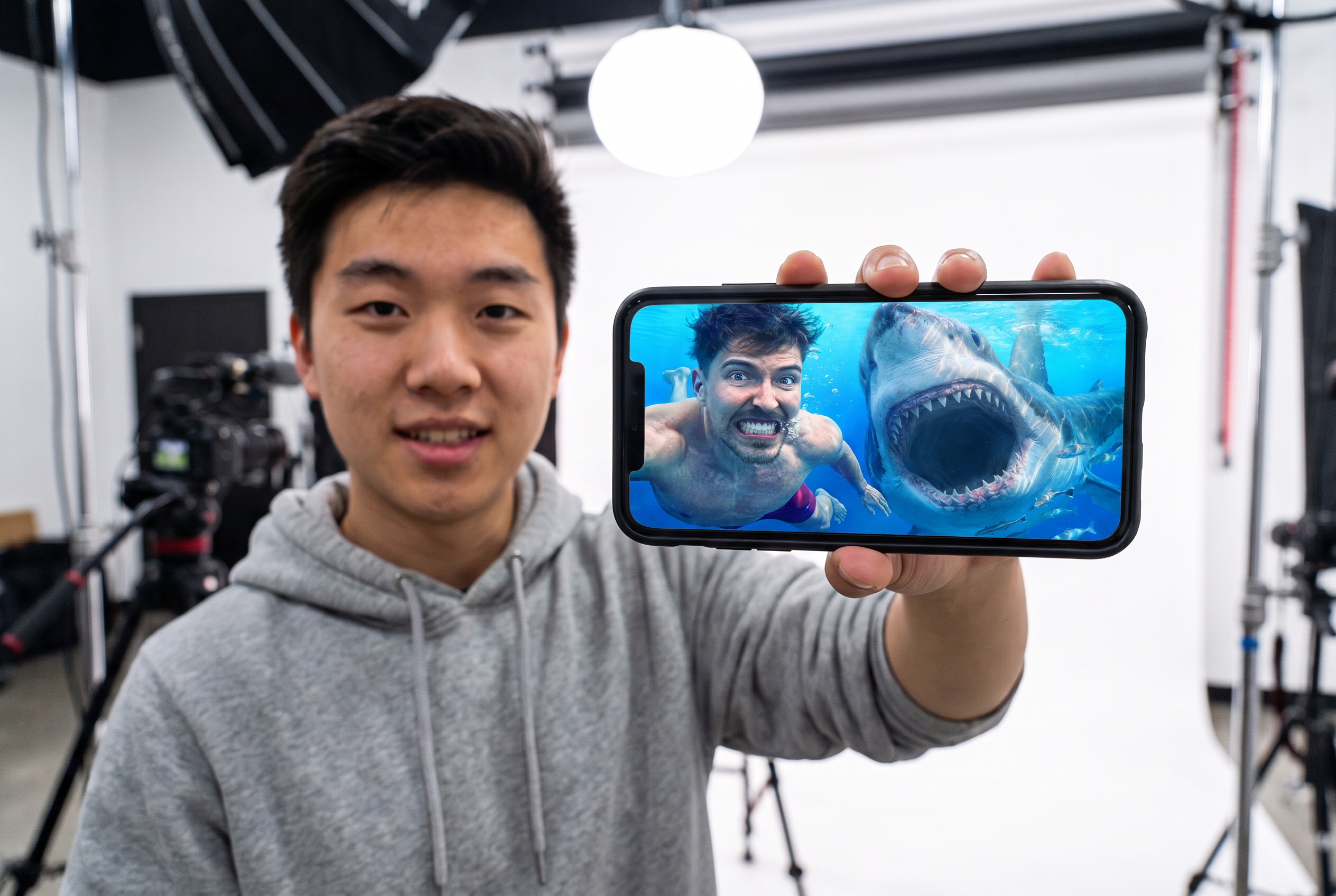
Solo YouTubers
Avoid the guesswork of uploading. Use this website to preview YouTube thumbnails alongside your titles, ensuring your hard work isn't ruined by a badly placed timestamp.
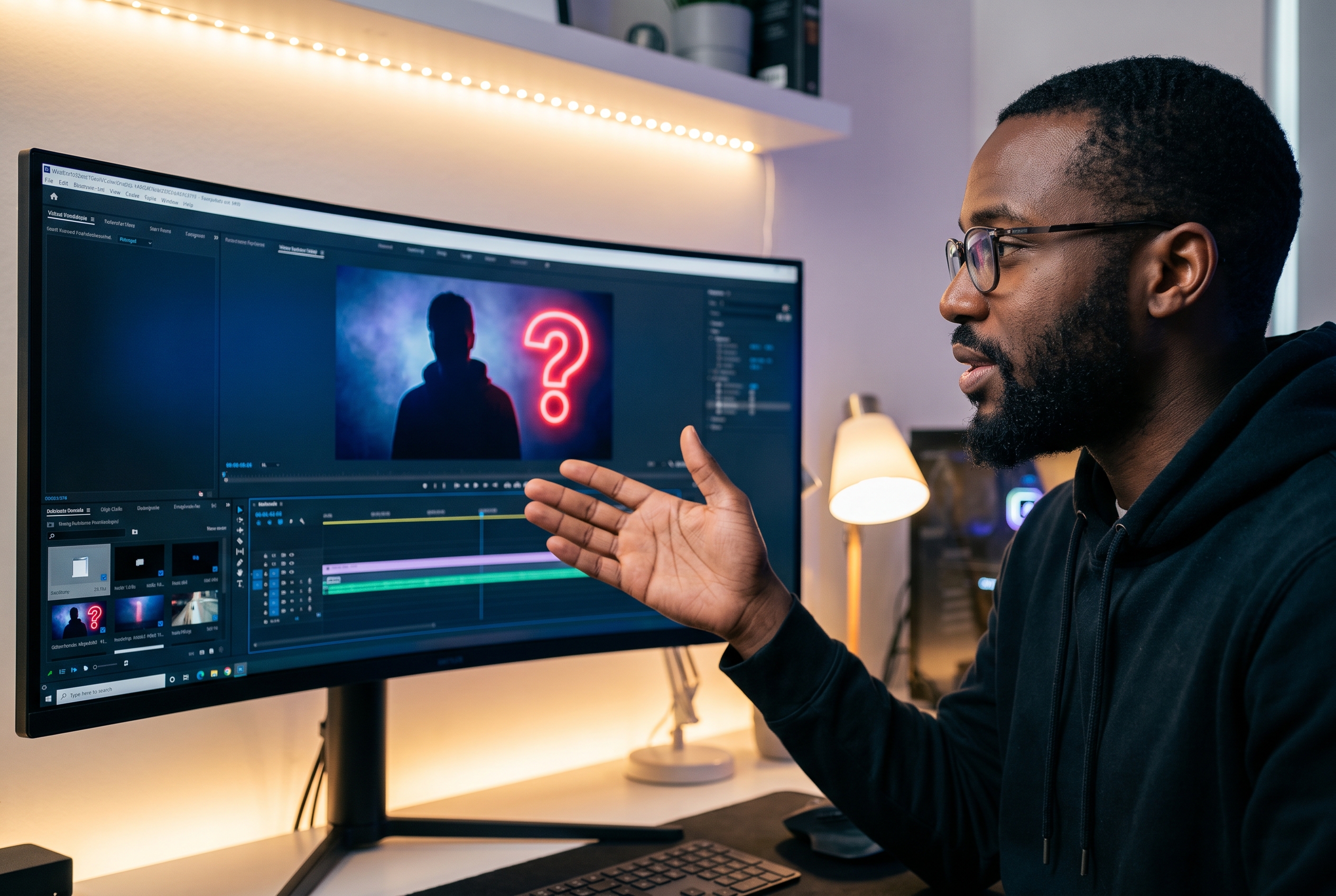
Content Editors
Streamline your workflow as a YouTube thumbnail tester and previewer. Verify readable text hierarchy on updated drafts before sending the final visual assets to your clients.
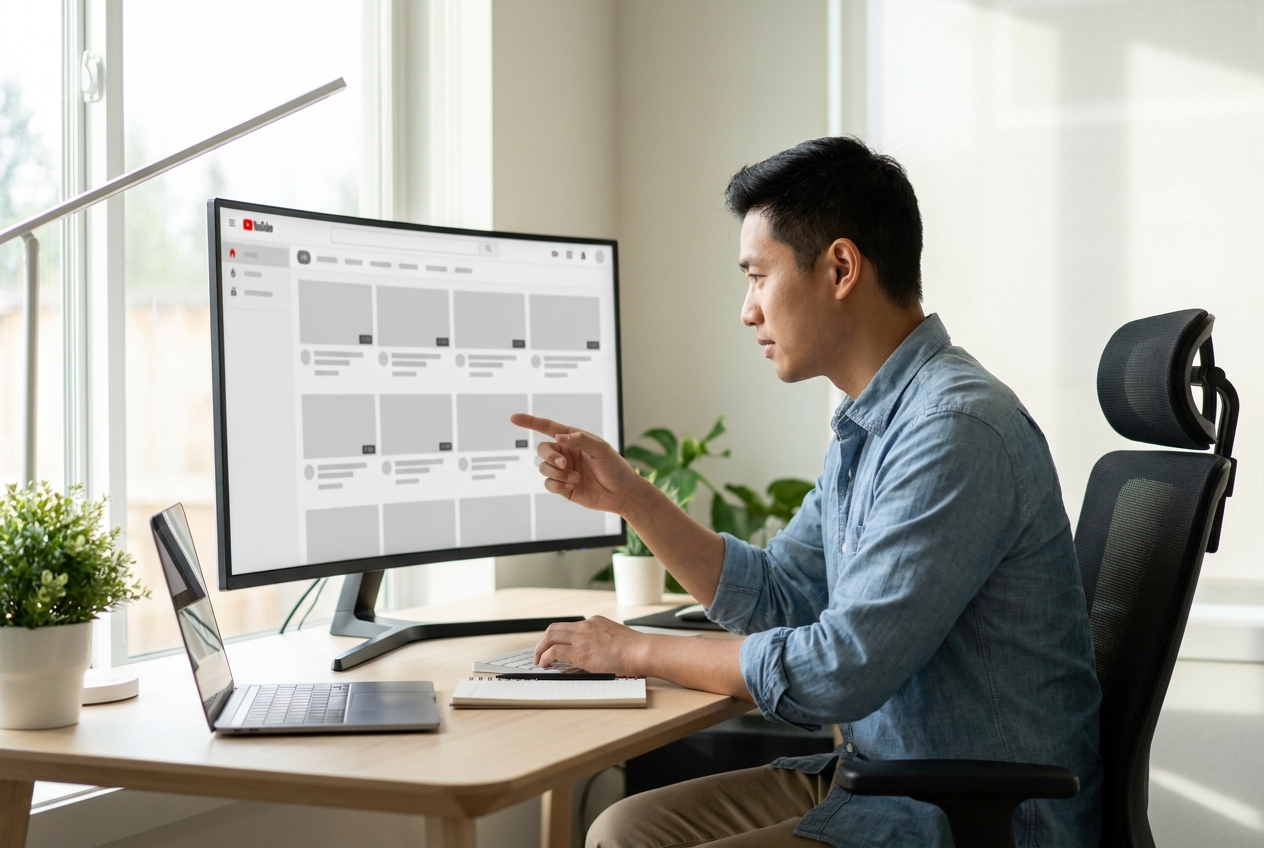
Channel Managers
Maintain series consistency effortlessly. You can preview YouTube thumbnail online to guarantee brand alignment across episodes, whether the content appears on desktop monitors or mobile screens.
FAQs
What is a YouTube thumbnail preview?
Is there a website to preview YouTube thumbnails?
Which YouTube surfaces can I select?
Can I preview a thumbnail on desktop and mobile?
Can I switch between light and dark appearance?
Why should I add a title, channel name, and duration?
Which image files can I upload?
Does the preview reproduce every current YouTube interface detail?
Give Your YouTube Thumbnail Preview a Final Check
Stop guessing how your cover will look — test it in real-world contexts and publish with absolute confidence today.