Free Banner Maker Online
An online banner maker that handles the sizing for you: choose a template, type your channel name and download. Every banner is 2560 × 1440 and safe-area checked for TV, desktop and mobile, ready in seconds.
Related Tools
View all tools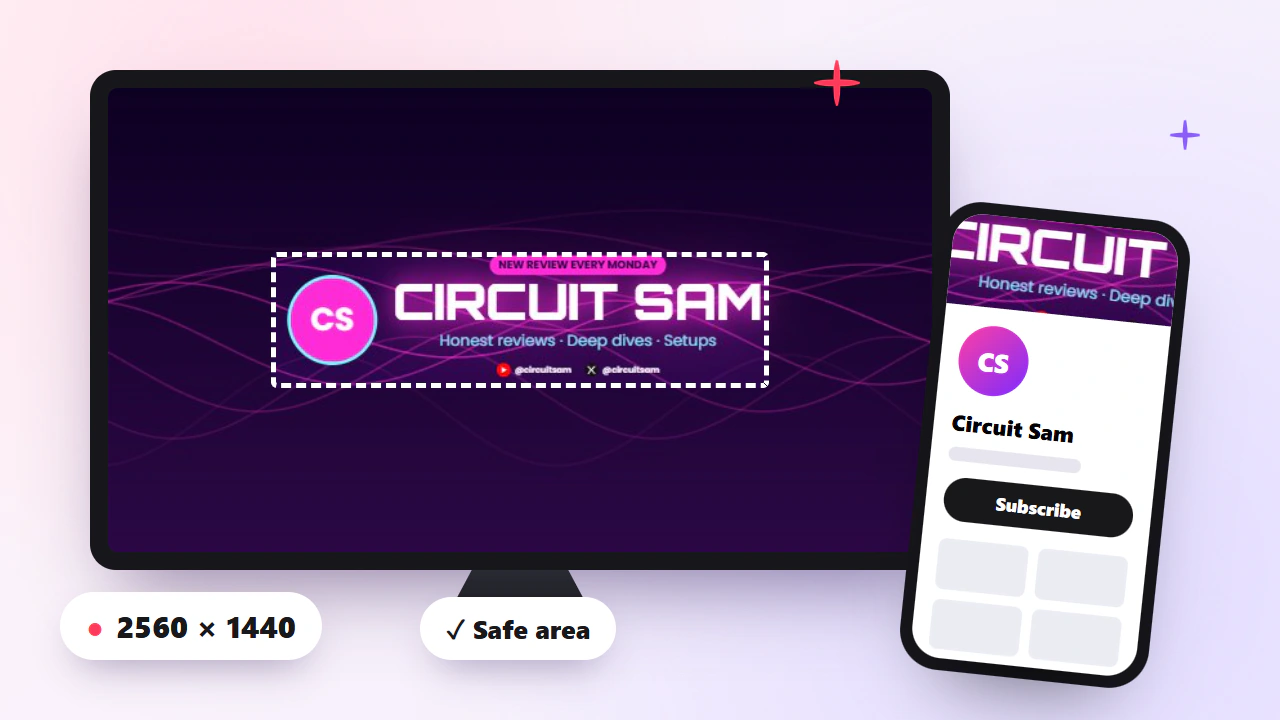
YouTube Banner
Create a 2560×1440 banner with safe-area guides and device previews.
YouTube Banner Template
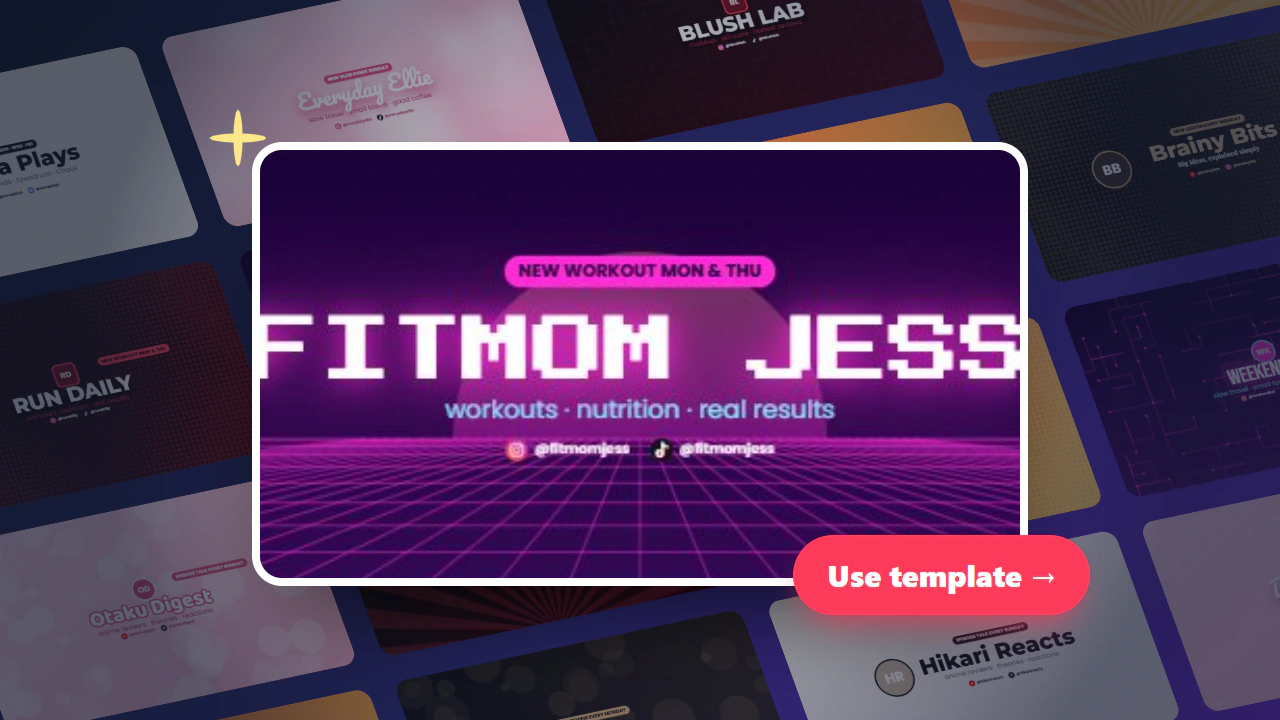
240+ free templates that update live with your channel name.
YouTube Channel Background
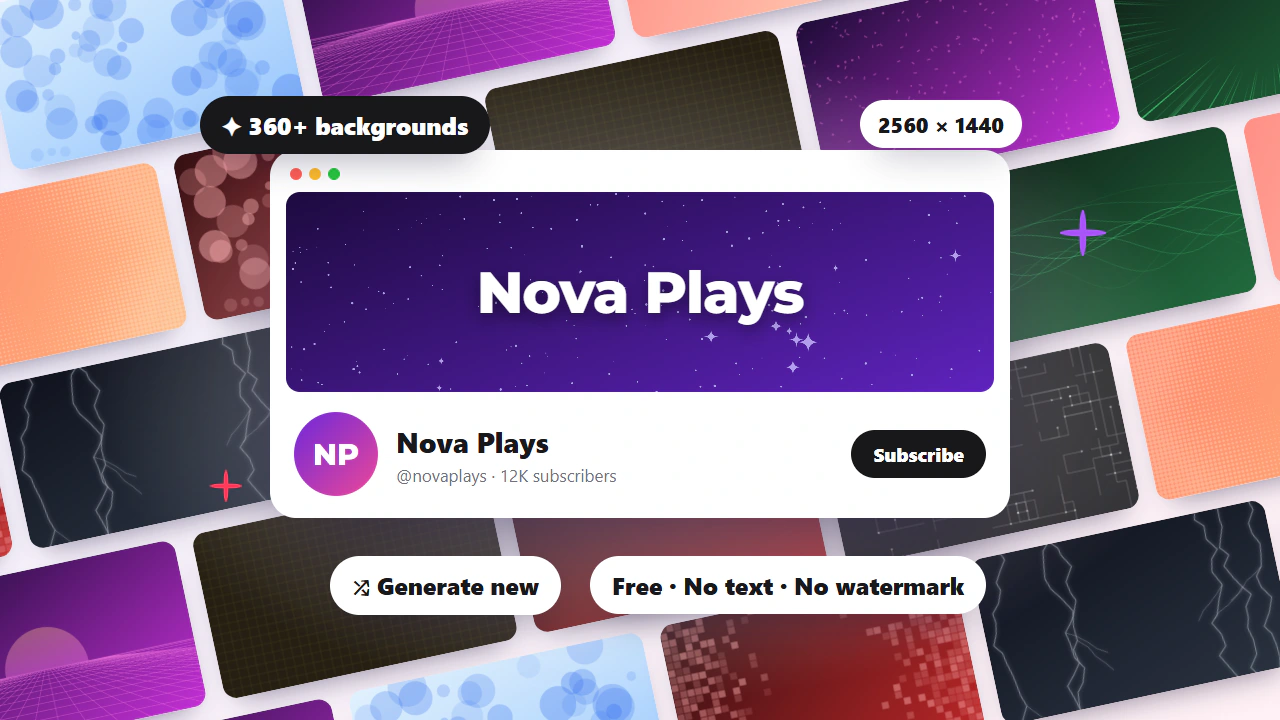
Generate free, text-free 2560×1440 backgrounds for your channel banner.
YouTube Channel Mockup
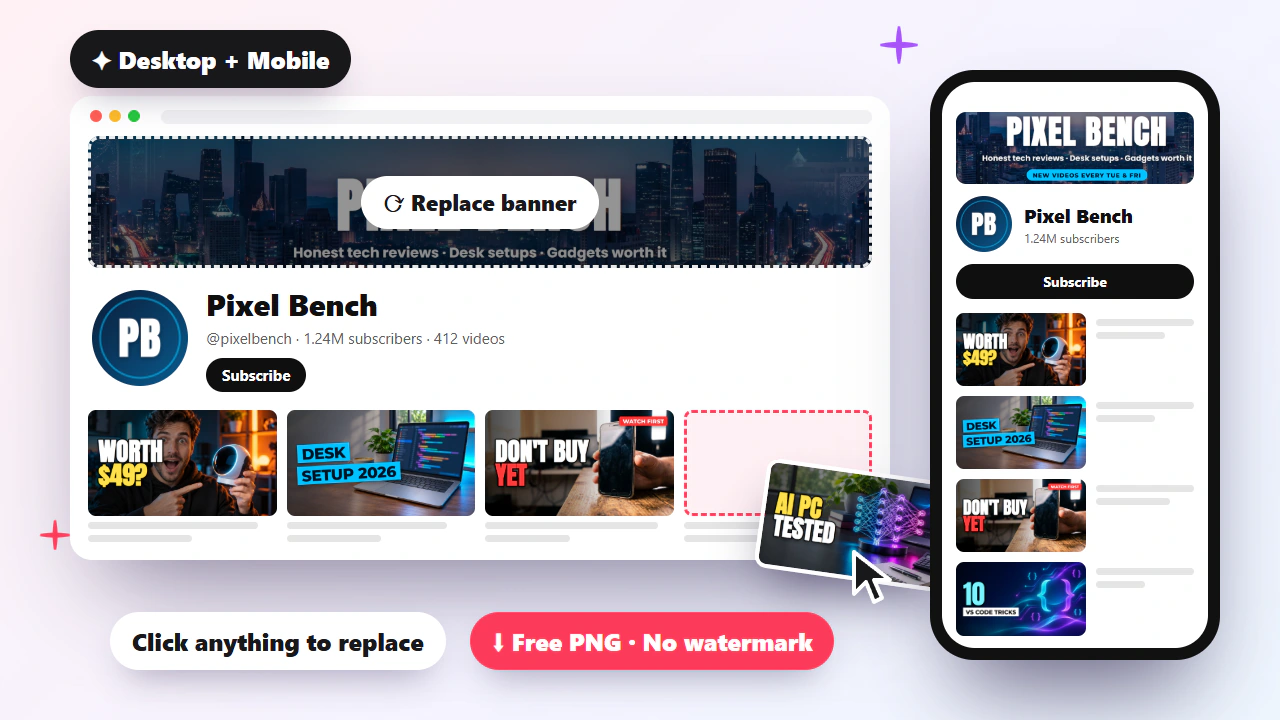
Preview your banner, profile picture and thumbnails on a realistic channel page before you upload.
How it works
How to use the banner maker in three steps
- 01
Pick a template
Browse 240 templates in six styles. Each one is already 2560 × 1440 with the text placed inside YouTube’s safe area.
- 02
Add your name and tagline
Type your channel or brand name and an optional tagline. The live preview updates as you type, with TV, desktop and mobile views.
- 03
Download or customize
Download a free PNG at the exact YouTube size. Want more control? Open the full banner editor to add a logo, background or social icons.
Why this banner maker
One online banner maker for your YouTube channel
The right YouTube size, every time
Every banner exports at 2560 × 1440, the size YouTube recommends, so it stays sharp on TVs and large screens.
Safe areas built in
A live safe-area guide and TV, desktop and mobile previews keep your name visible on every device before you download.
240 ready-made banner templates
Gaming, vlog, beauty, tech, music and more, in minimal, cute, dark, neon, retro and luxury styles.
Free banner maker, no watermark
Download without signing up. The banner maker keeps every file under YouTube’s 6 MB limit automatically.
FAQ
Banner maker FAQ
Is this banner maker really free?
Yes. This online banner maker is free: make and download YouTube banners without an account, and downloads have no watermark.
What size should my YouTube banner be?
YouTube recommends 2560 × 1440 pixels, with a 1546 × 423 safe area in the center that shows on every device. The banner maker uses this size automatically.
Will my banner look right on phones and TVs?
Yes. TVs show the full 2560 × 1440 image, while desktops and phones show only the center strip. Switch between TV, desktop and mobile in the preview to see exactly what each device shows.
How do I stop my text from being cut off?
Keep important text inside the dashed safe area. The banner maker places template text there automatically, and the editor warns you if anything moves outside it.
Can I add my own logo or background photo?
Yes. Click “Customize in editor” to upload a logo or background, change fonts and colors, and add social icons — everything a full banner creator offers.
What file format does the banner maker export?
A PNG at 2560 × 1440. If a PNG would exceed YouTube’s file size limit, the banner maker saves a high-quality JPG instead.