

Thumbnail Background Generator
Generate the perfect YouTube thumbnail background in seconds. Whether you need an aesthetic YouTube thumbnail background, a cinematic scene, or a vivid studio backdrop, our AI helps your subject stand out and drives more clicks.
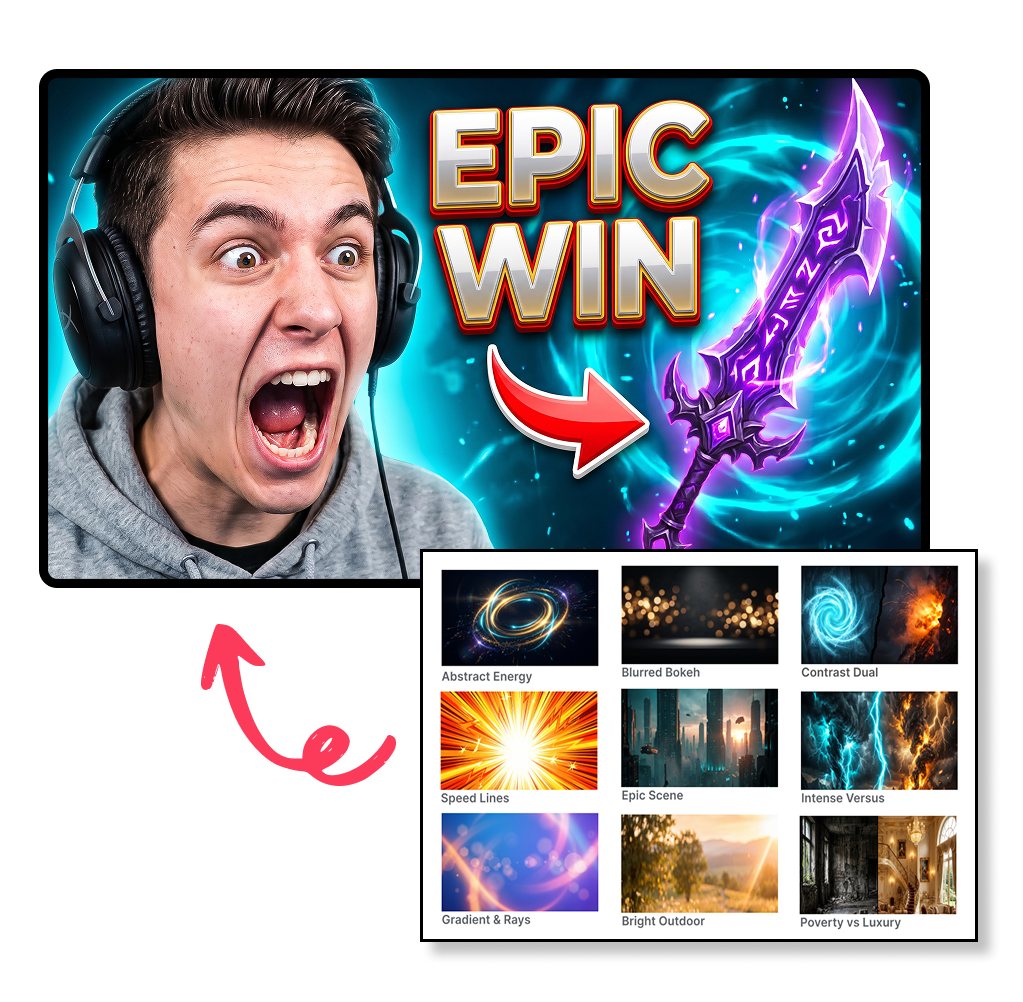
How to Turn a Thumbnail Background Into a Finished YouTube Cover
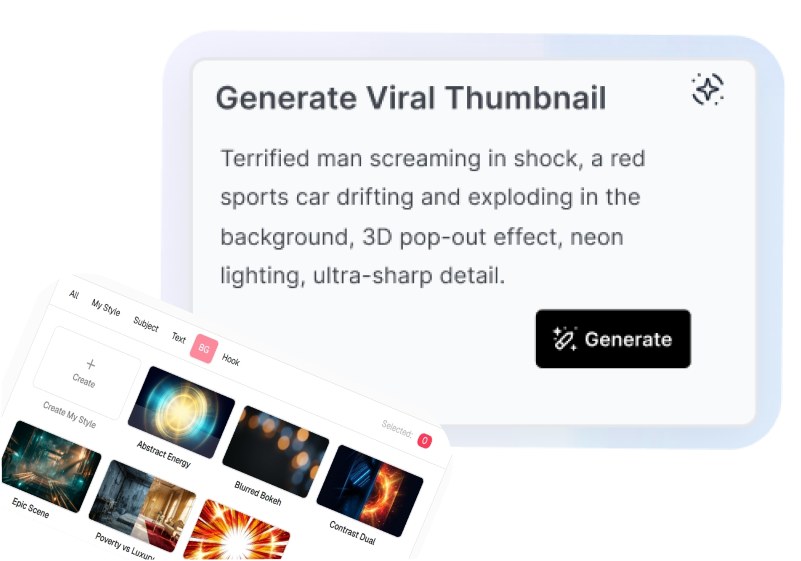
1. Describe the Scene
Enter your topic and mood. Name specific details like a dark background for thumbnail, neon lighting, or a blue sky thumbnail background.
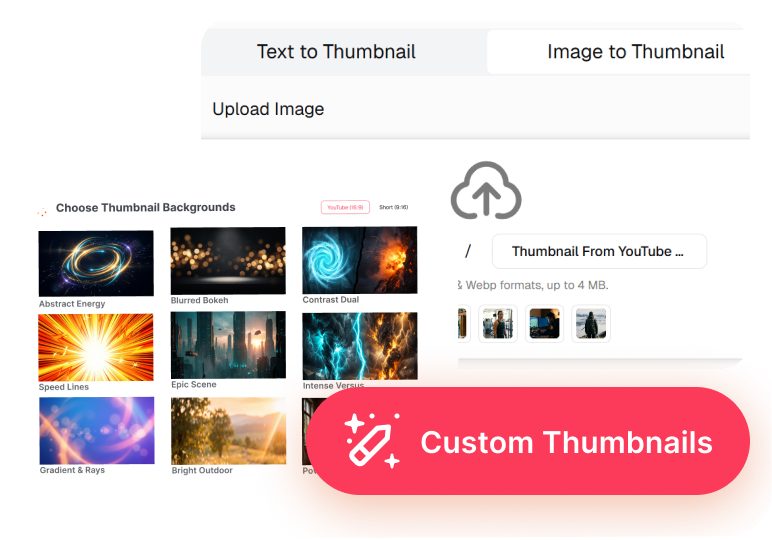
2. Add a Reference and Pick a Style
Upload a reference image. Choose a style from cinematic, minimal, to a dynamic gaming thumbnail background that fits your concept.

3. Set the Format and Generate
Choose the aspect ratio and generate your high-res image. Perfect for creating a crisp 4K thumbnail background where your headline remains clear at feed size.
Use a YouTube Thumbnail Background to Drive More Views
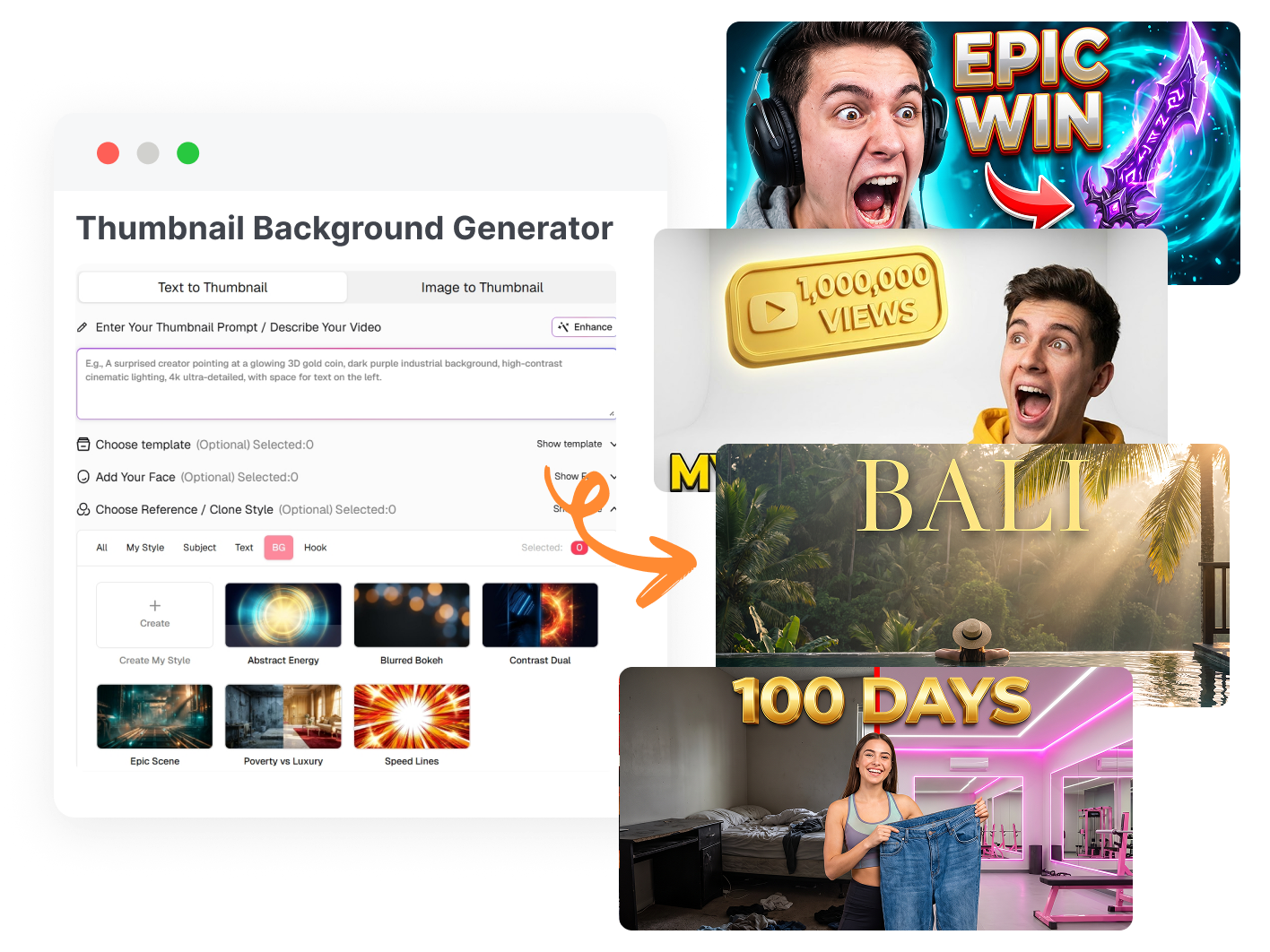
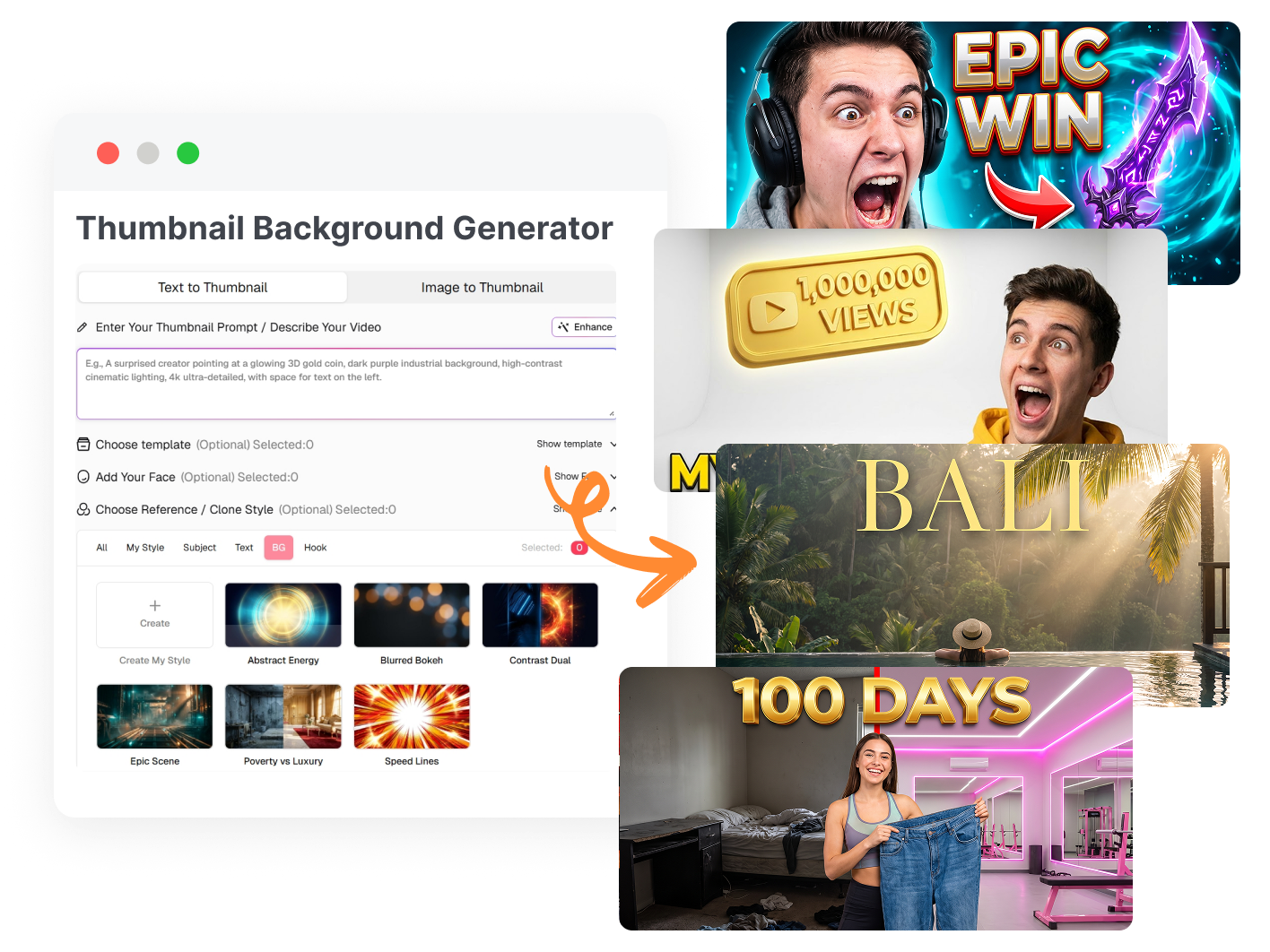
Set the Right Mood for Your Video
Make sure your background tells people what your video is about right away. A gaming video needs a different vibe than a daily vlog or a news update. Just pick the best background color for YouTube thumbnail that fits your topic, so viewers instantly know your style before they even click.
Make Your Face and Text Pop
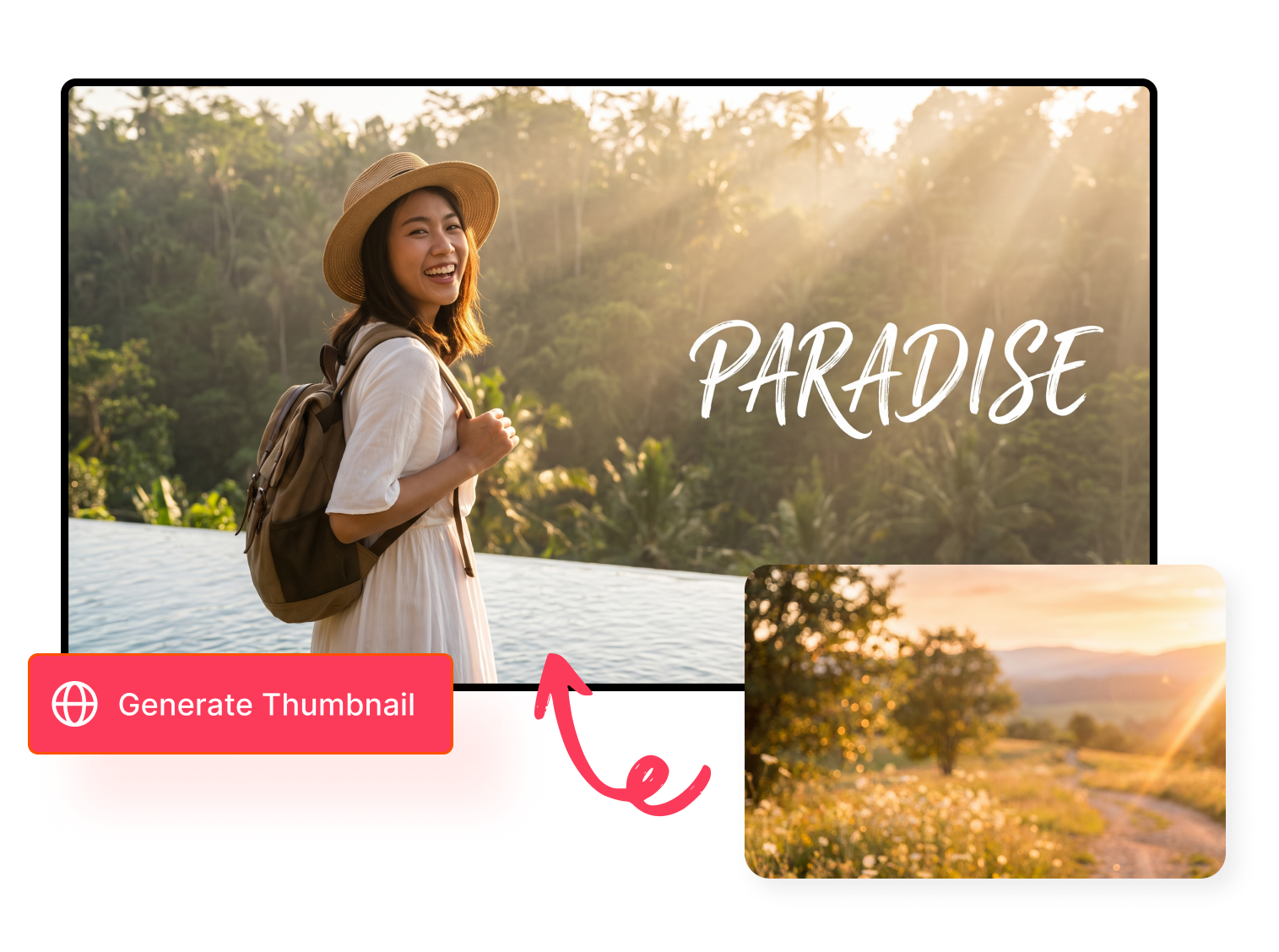
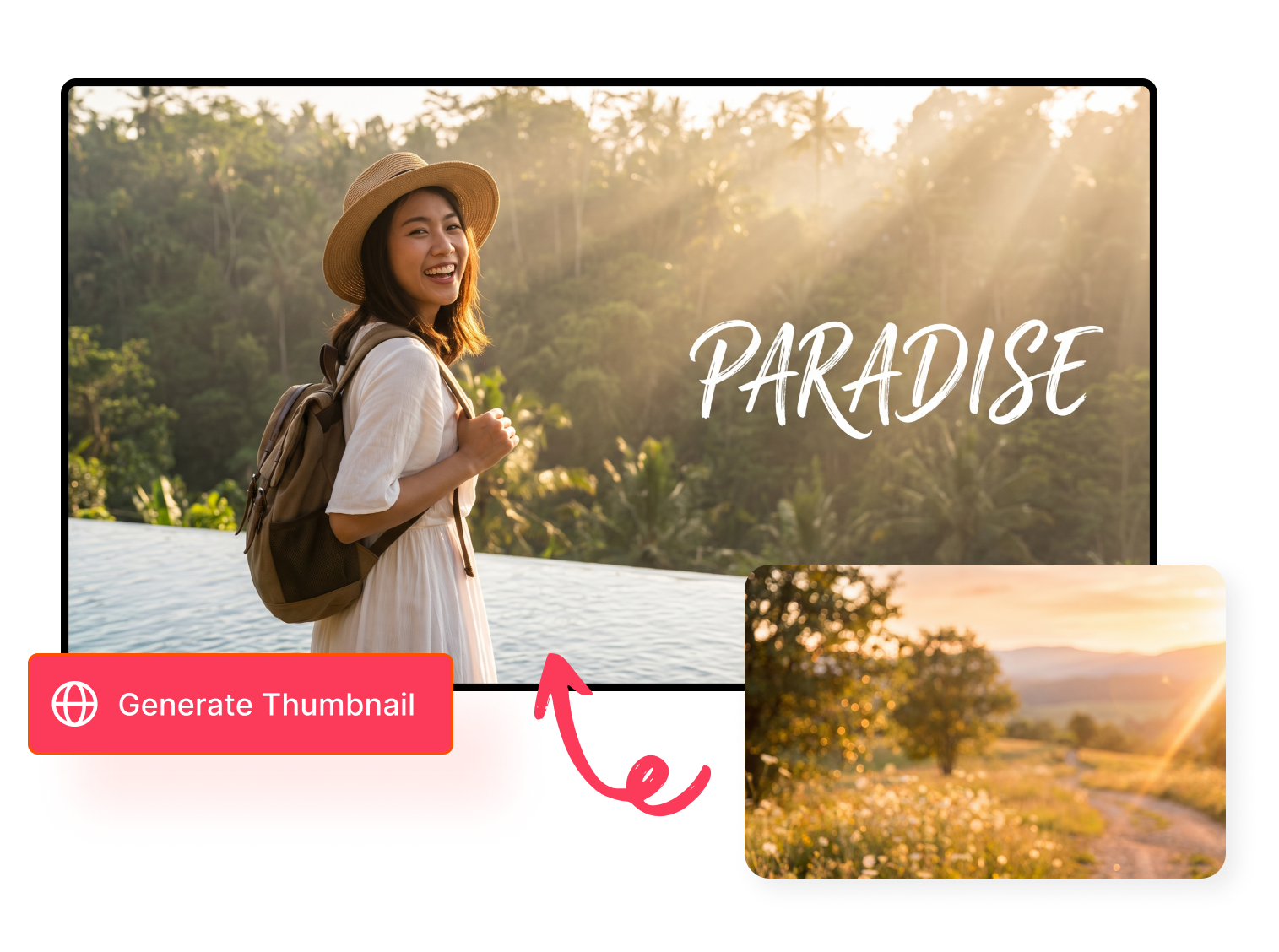
Don't let a messy background hide your face, product, or catchy text. Easily create a blur background for thumbnail to separate your main subject from the scenery. This keeps the focus exactly where you want it and makes your thumbnail easy to read on small phone screens.
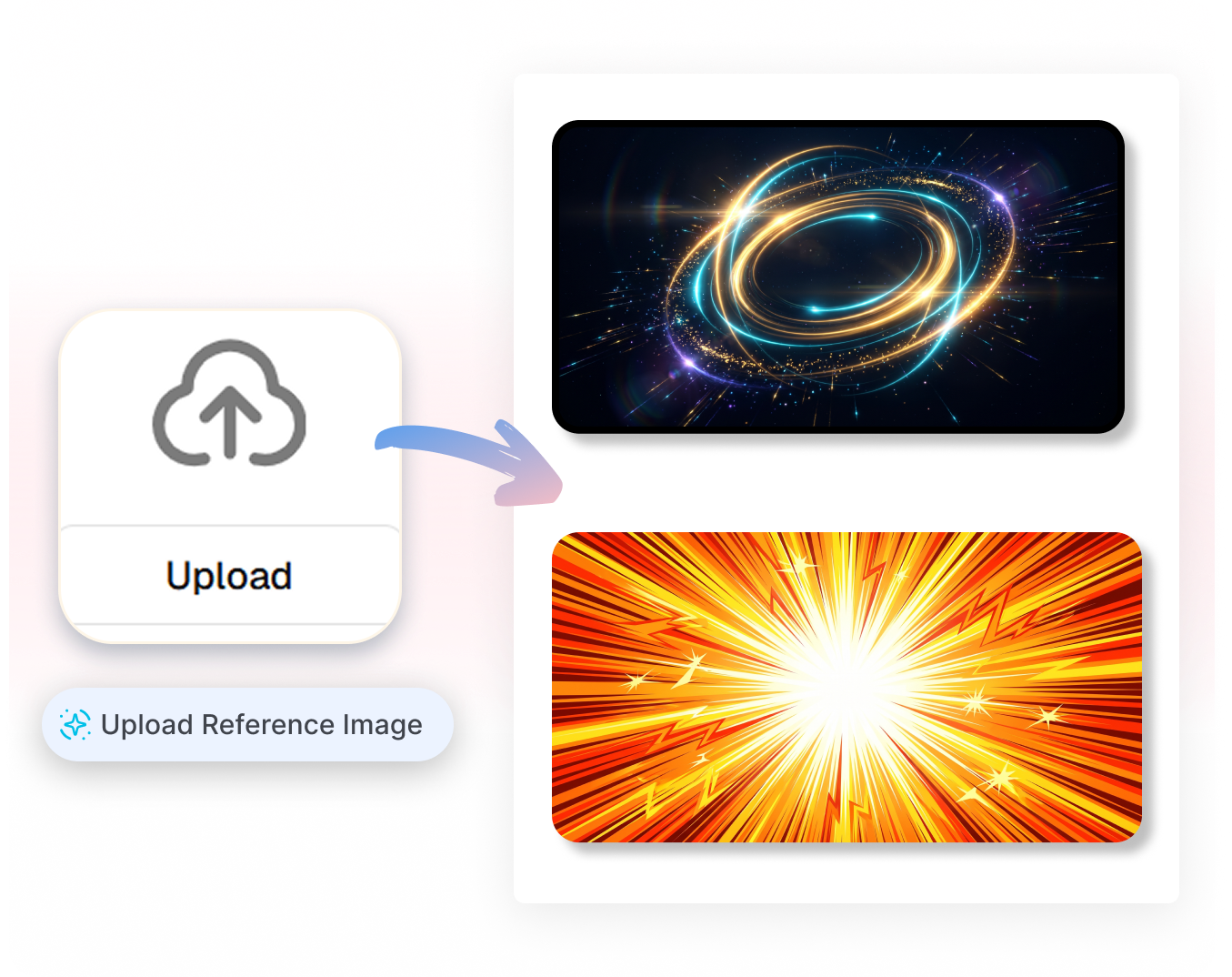
Copy a Vibe, Keep It Uniqu
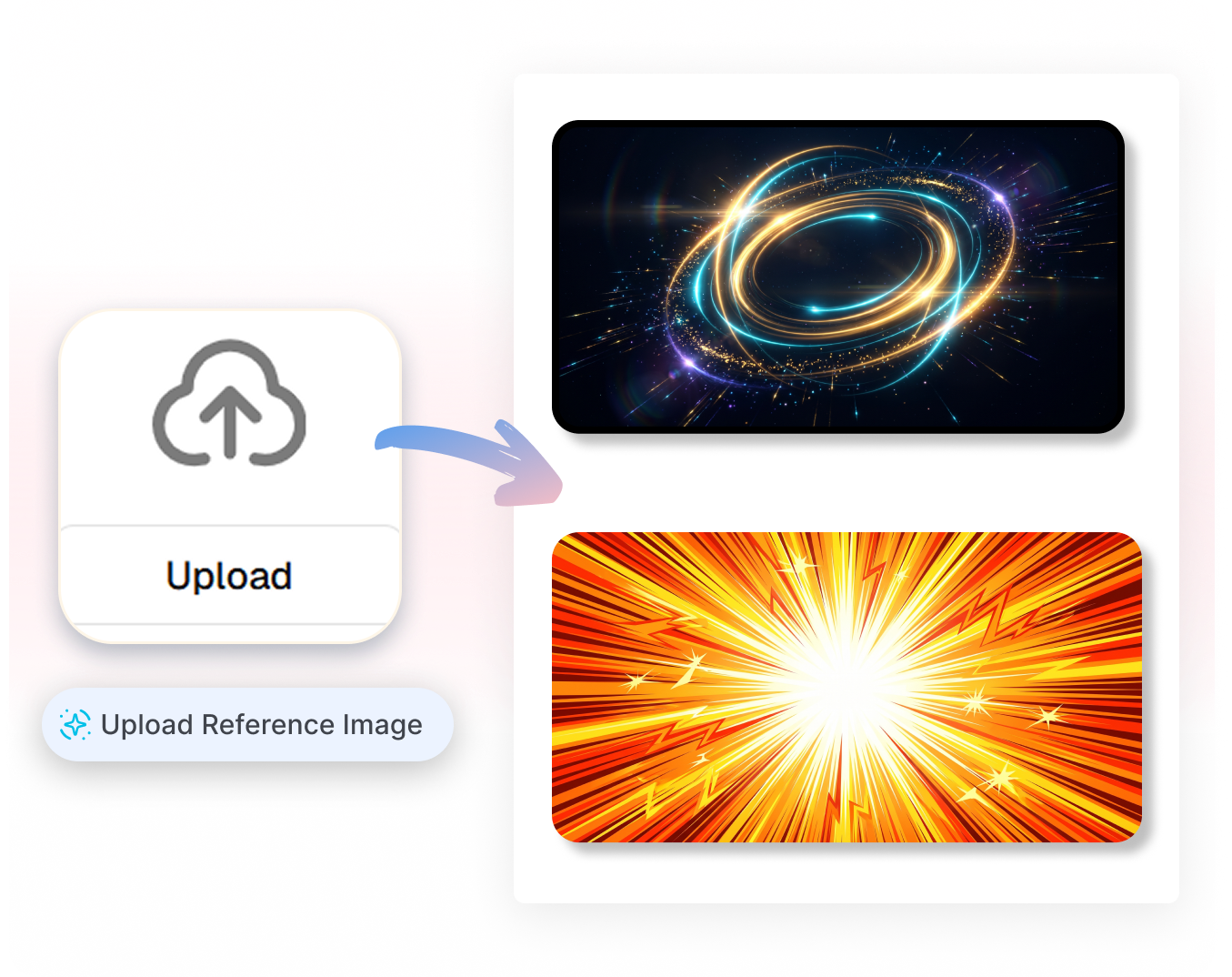
See a cool background for YouTube thumbnail that you really like? Just upload it as a reference! Our AI will look at the colors and style to generate a completely new, copyright-free thumbnail background for you. You get the same awesome look without copying anyone else.
Bring Your Whole Cover Together
Once your perfect YouTube thumbnail background is ready, the hard part is done. Just drop in your bold text, your cutout picture, and some fun stickers. Everything will fit naturally together to give you a clean, click-worthy final cover.
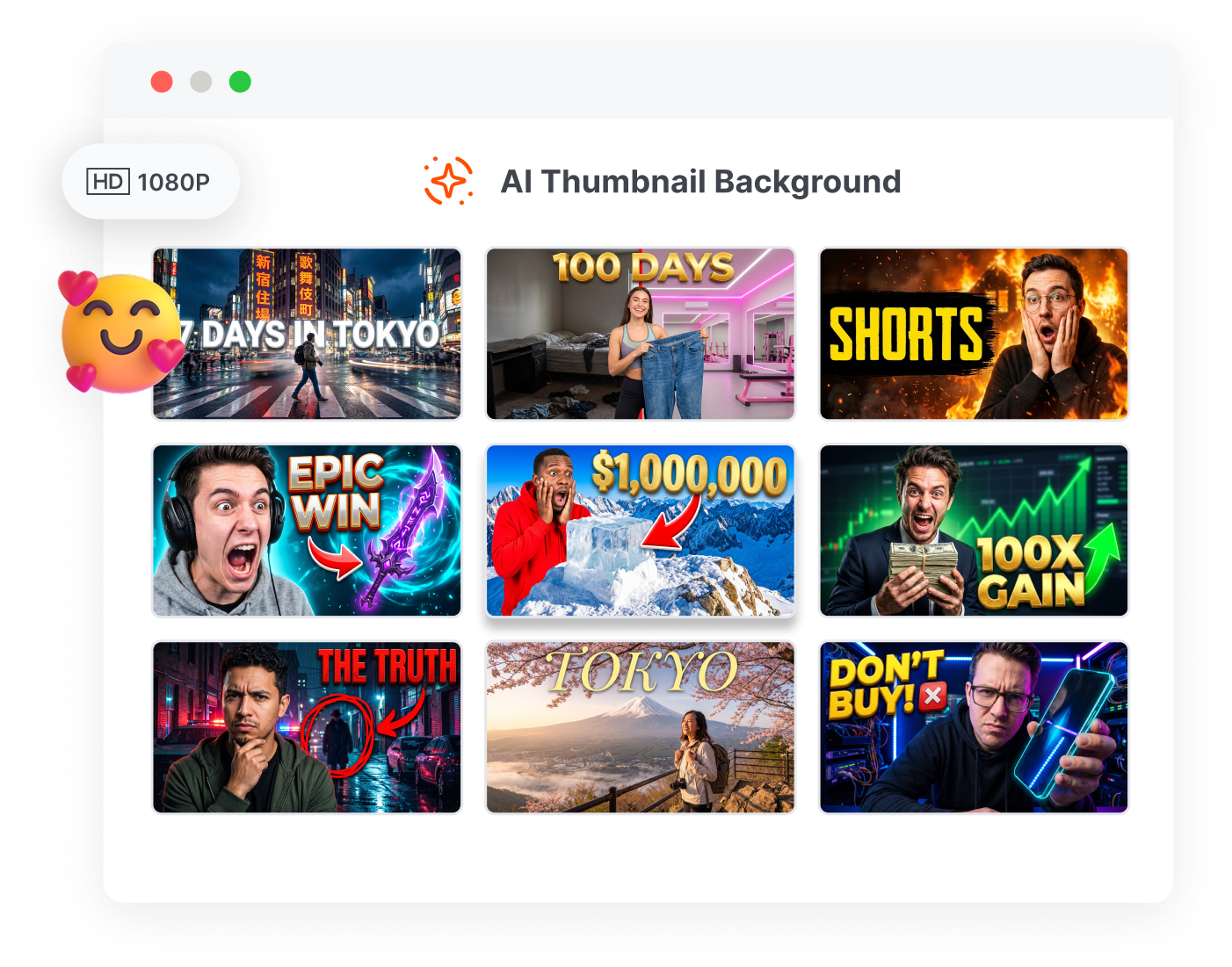
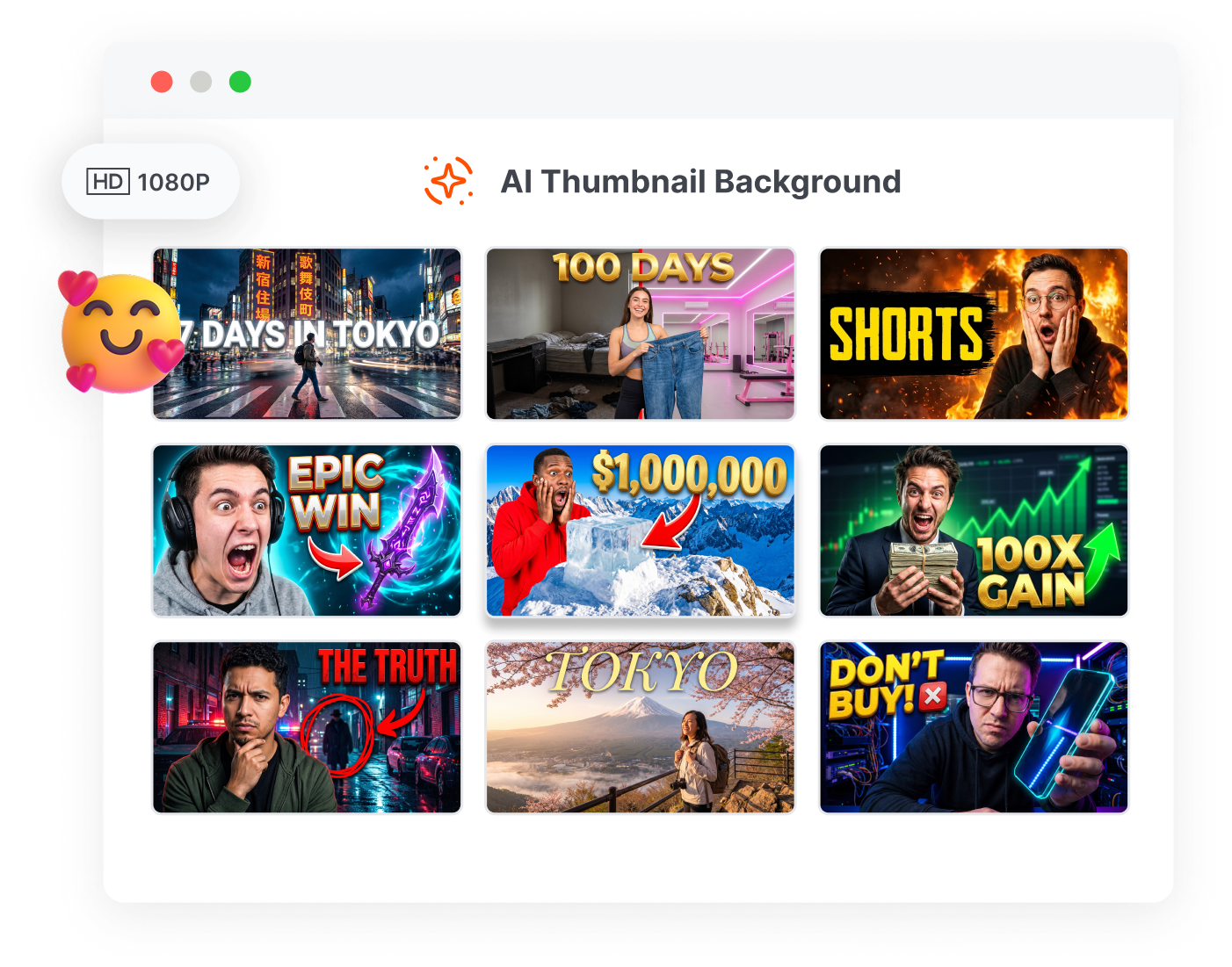
Who Needs an AI Thumbnail Background Generator?
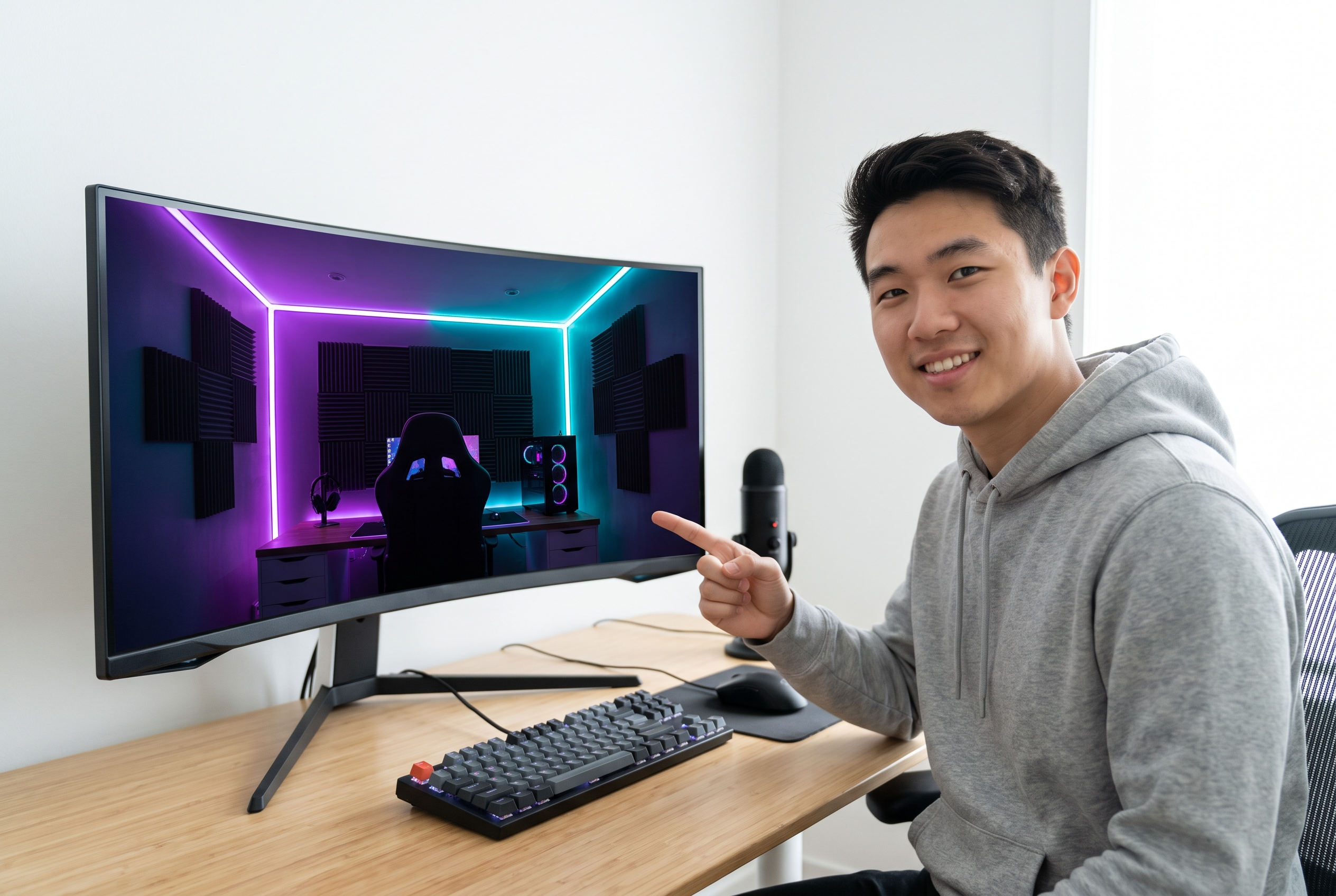
Gaming and Livestream Creators
Need an epic map or action mood? Easily generate a Minecraft thumbnail background, a Fortnite background for thumbnail, or scenes for Roblox and Apex Legends without swallowing the character.

Vlog, Fitness, and Lifestyle Channels
Use an aesthetic background for thumbnail, cozy nature scenes, or a bright white background for thumbnail to keep the creator visually dominant.

Education, News, and Commentary Teams
Choose clean, dark YouTube thumbnail backgrounds with controlled contrast to ensure text and speakers remain easy to understand on smaller mobile screens.
FAQs
What is a thumbnail background generator?
How do I choose a YouTube thumbnail background?
What are the best background colors for YouTube thumbnails?
Which background works for gaming thumbnails?
Should I blur the background?
Are the images generated copyright-free?
Does Thumbs.ai generate only the background?
Can I get a 4K resolution image?
Stop Letting the Thumbnail Background Fight the Subject
The face, product, and headline already have work to do. Give them a cool background for thumbnail that creates contrast, carries the mood, and leaves the story easy to read.