PUBG Thumbnail Templates
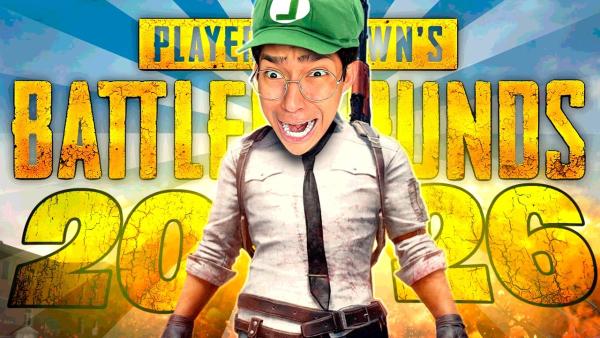
Compare templates for rank pushes, clutch highlights, streams, and montages. Choose a direction, tailor the details, and generate a fresh cover around your own video.
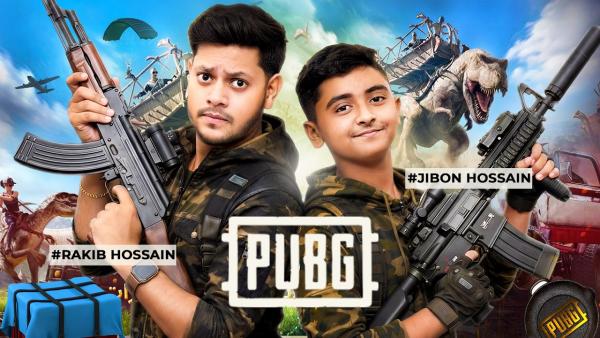
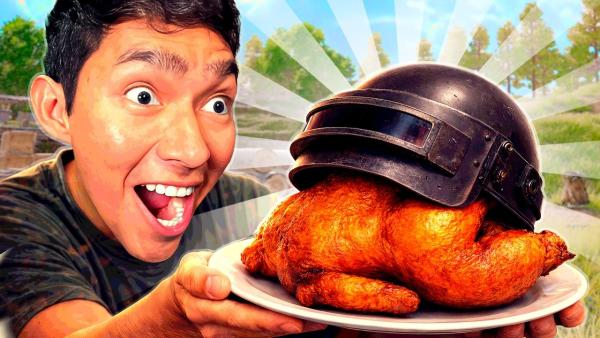
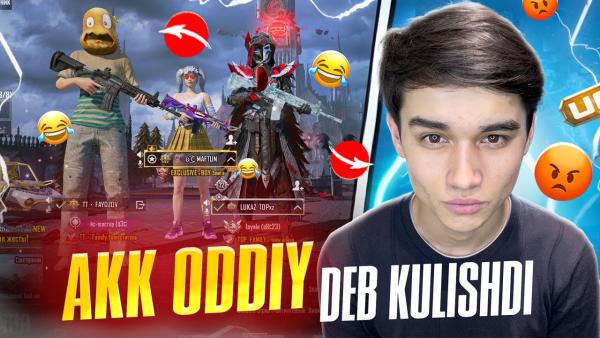
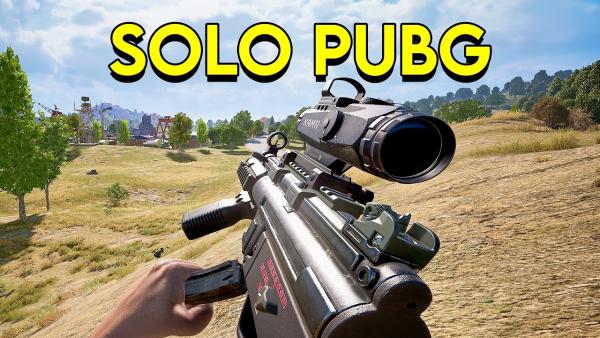
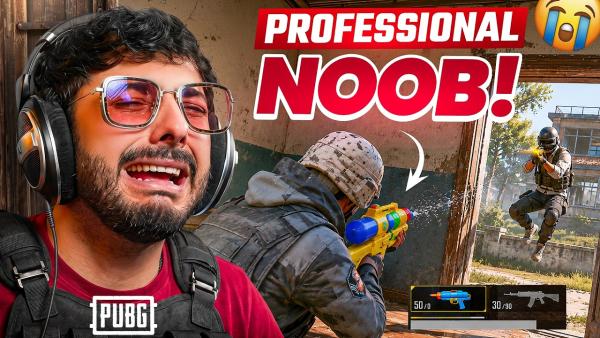
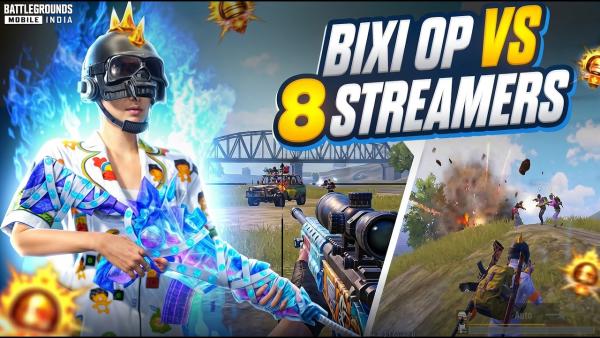
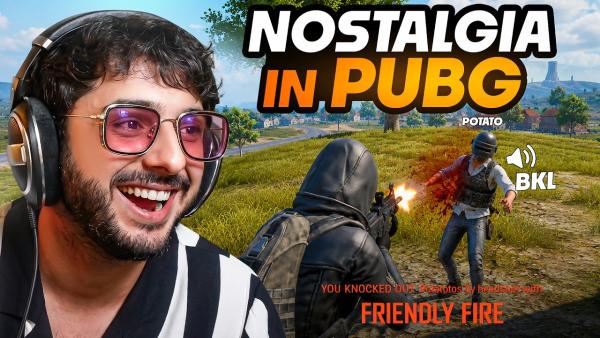
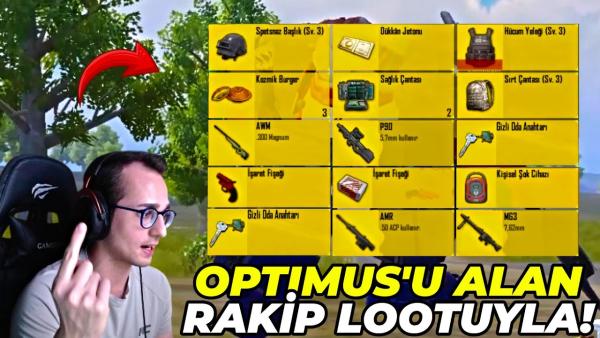
How to Build a PUBG Thumbnail in 3 Steps
Start with the video moment you want viewers to understand first.
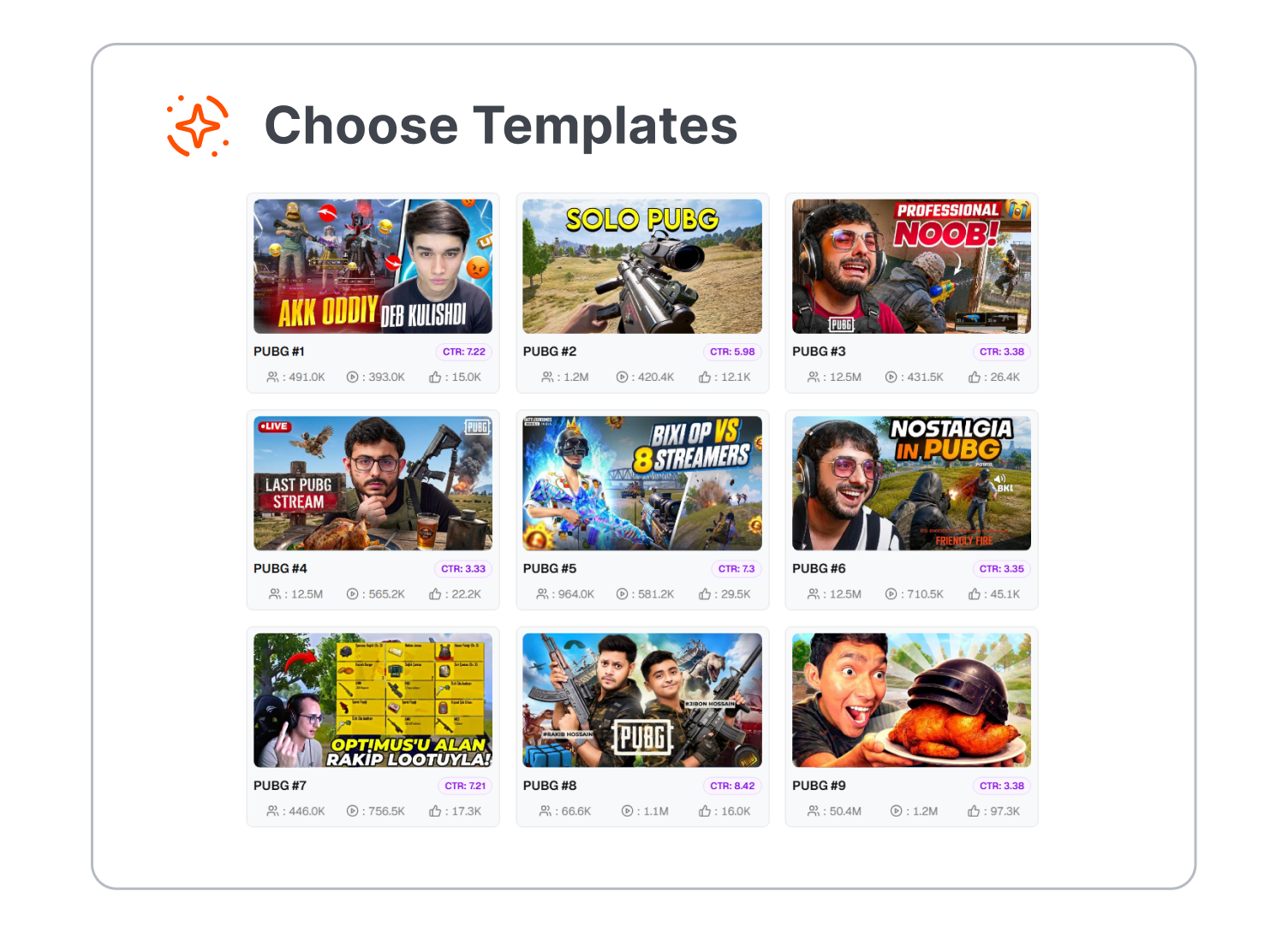
1. Pick the Match Story
Choose a template for a clutch, rank push, live stream, montage, or gameplay challenge. Let the video format lead the visual direction.
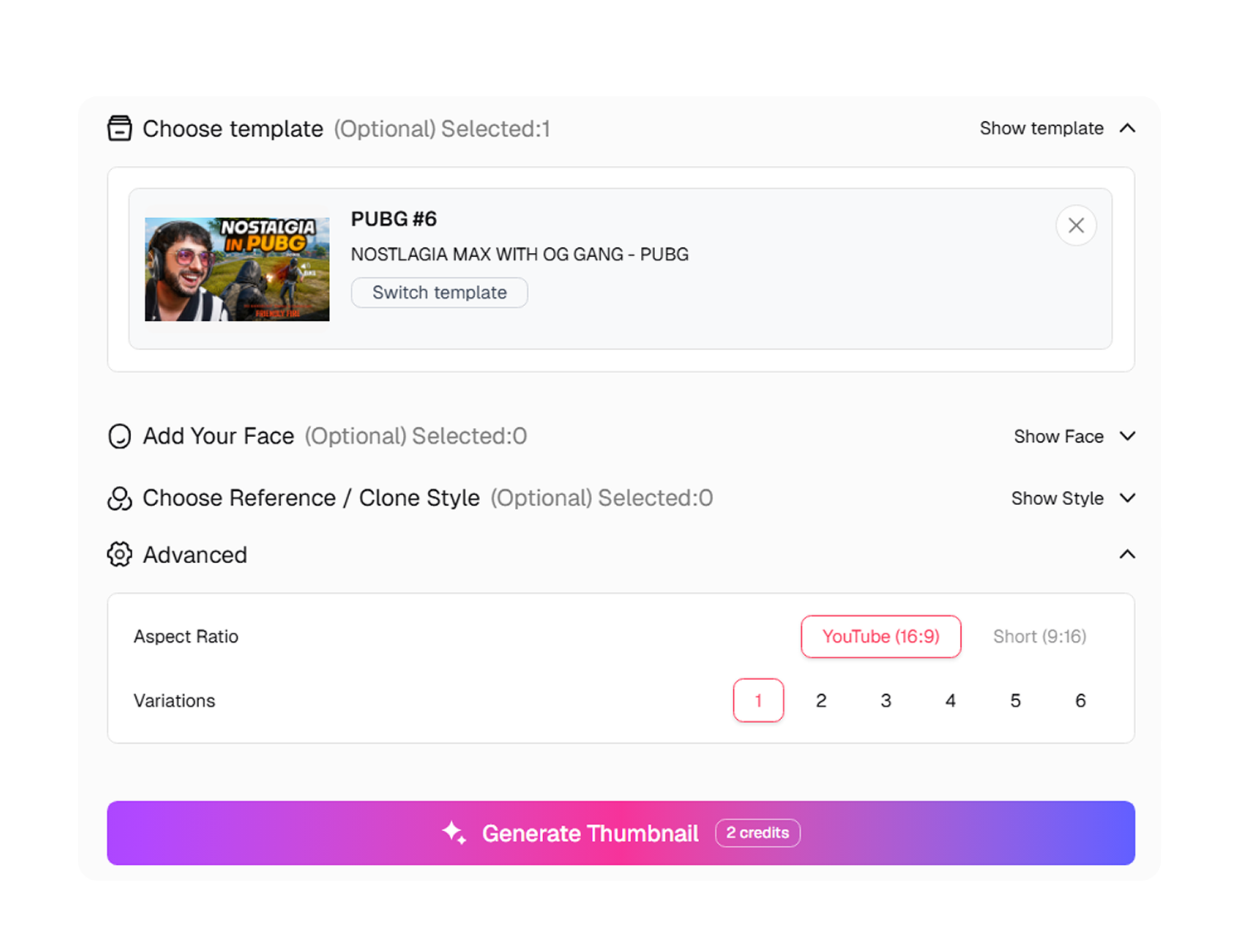
2. Make the Hook Yours
Adjust the template around your own gameplay, title idea, and channel style. Keep the key subject easy to spot at a glance.
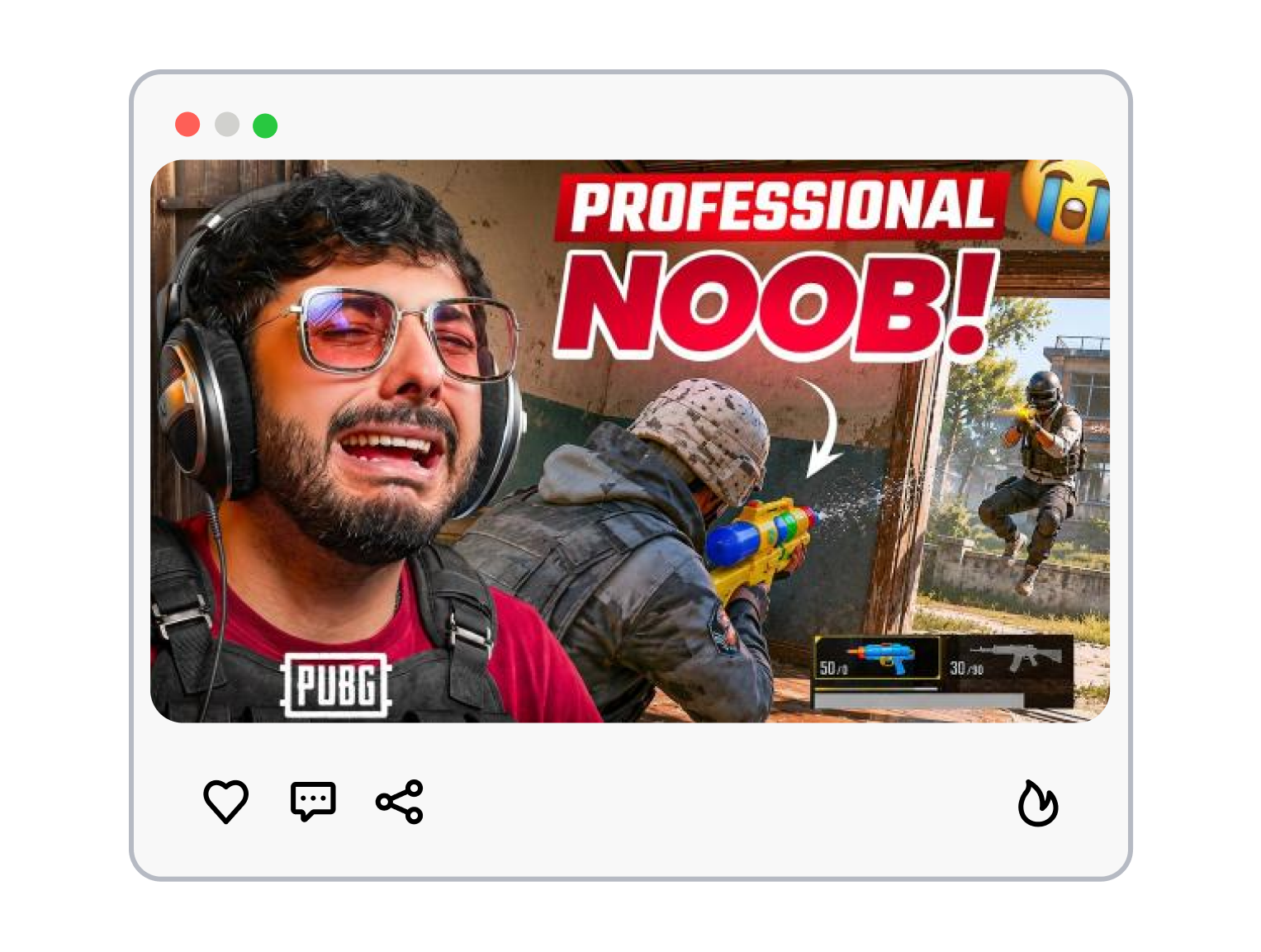
3. Generate a New Cover
Use the selected direction as a starting point, then generate a unique version for your upload. Review it beside your video title before publishing.
Make Every PUBG Thumbnail Tell One Match Story
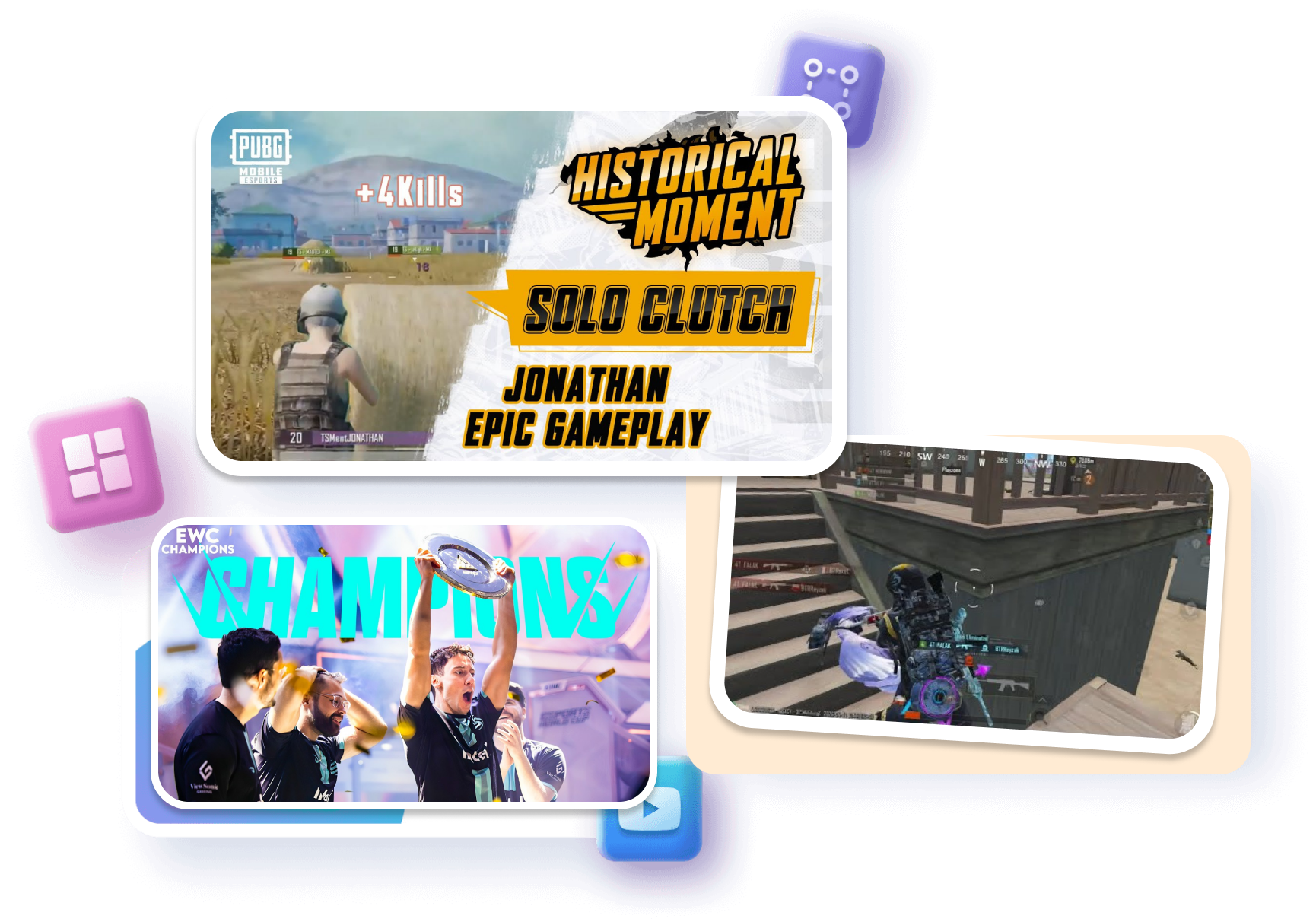
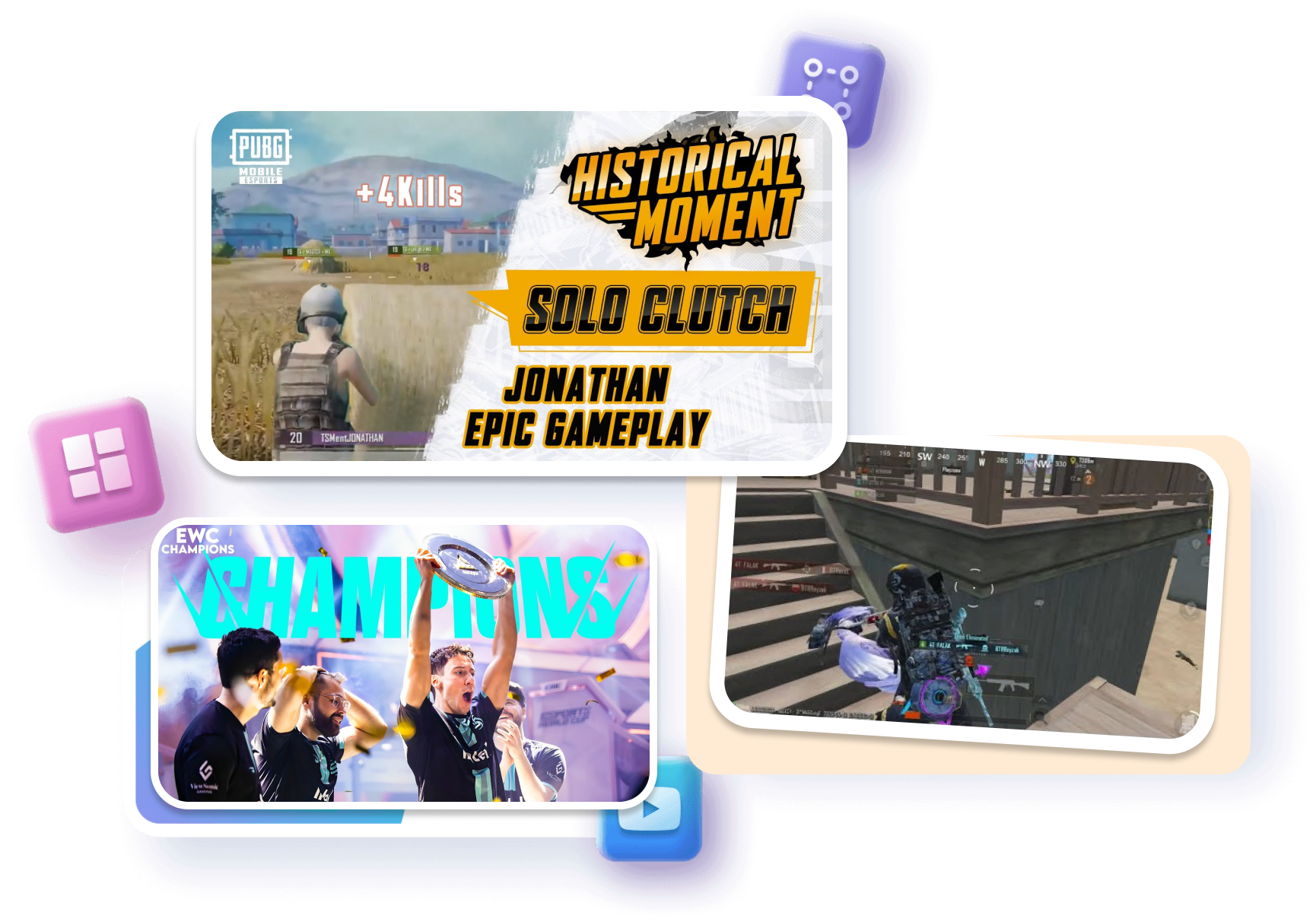
Give the Match a Main Event
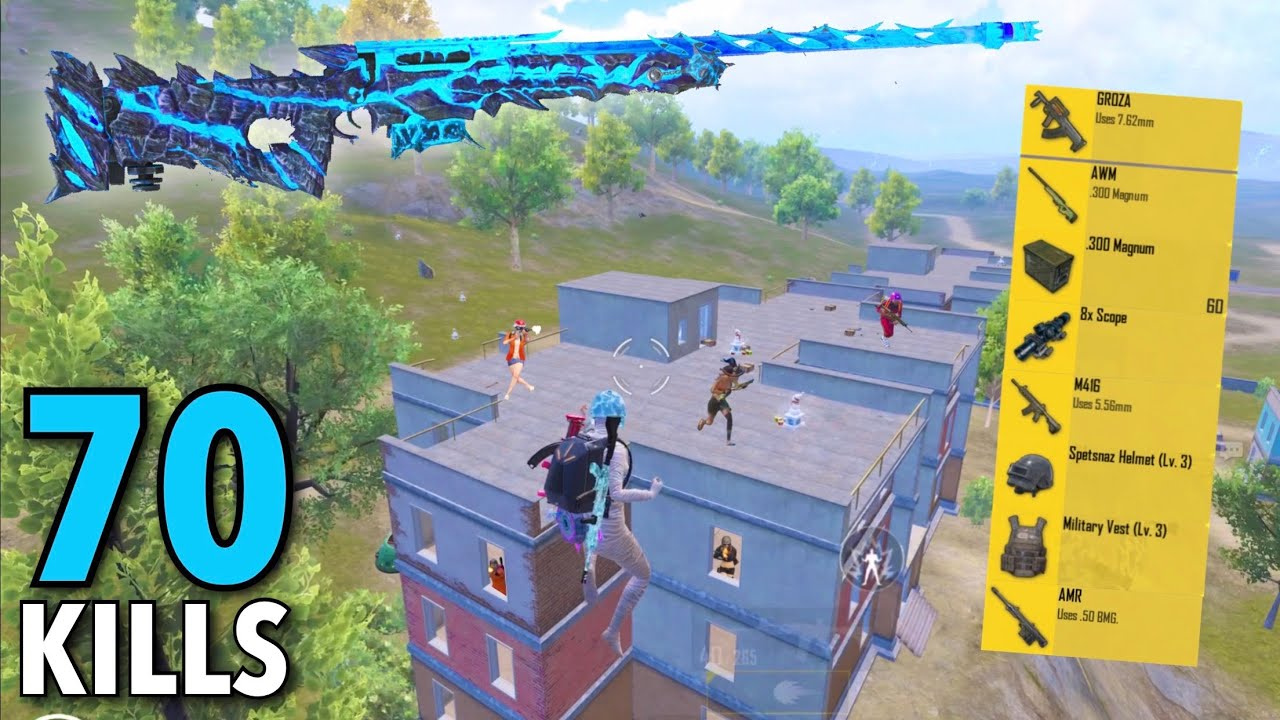
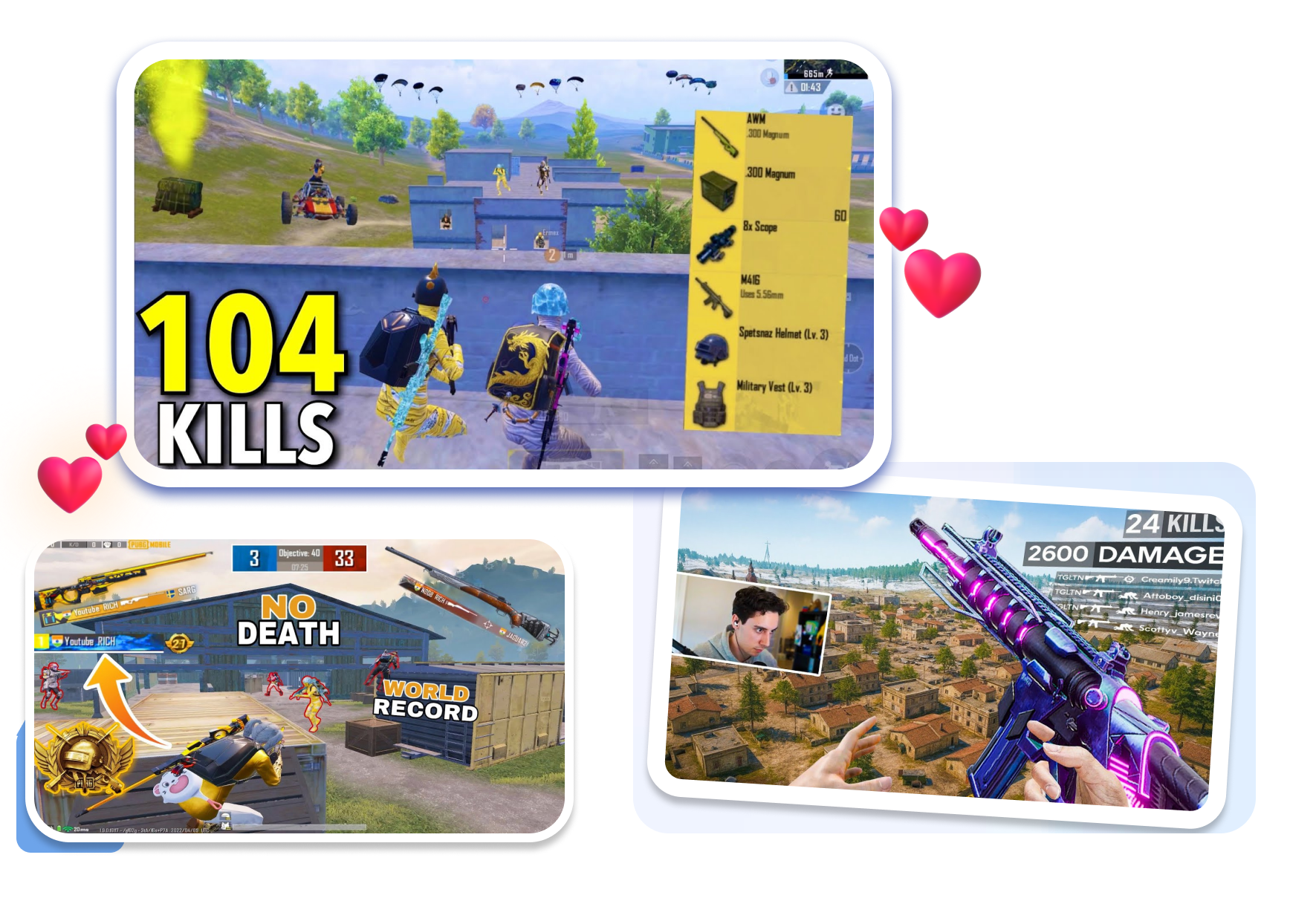
Build a PUBG Thumbnail around one decisive moment from the video. Frame a final-circle fight, rare item, or hard-won result as the main scene. Let the cover signal why this match deserves attention.
Shape a Montage Into a Moment
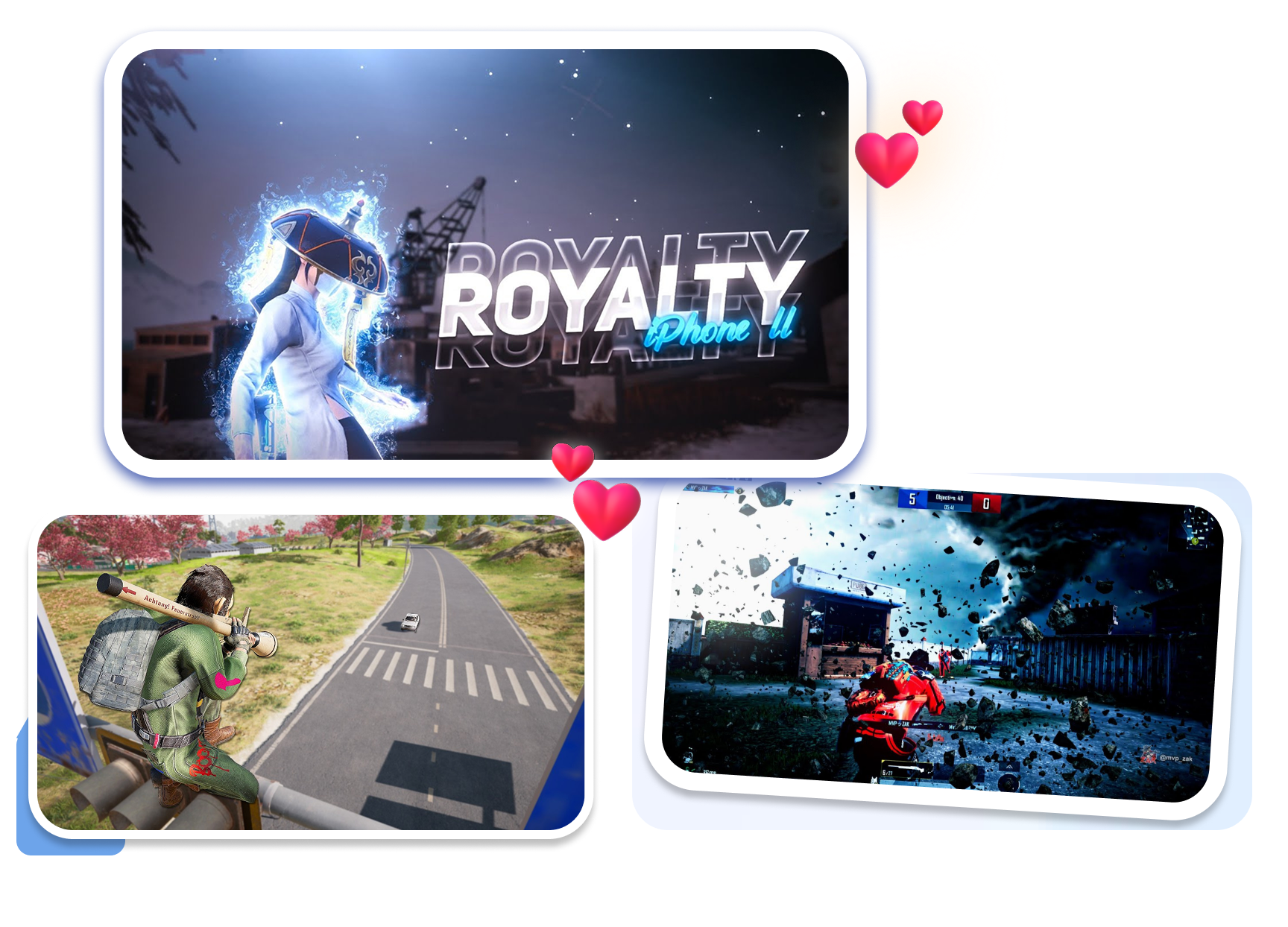
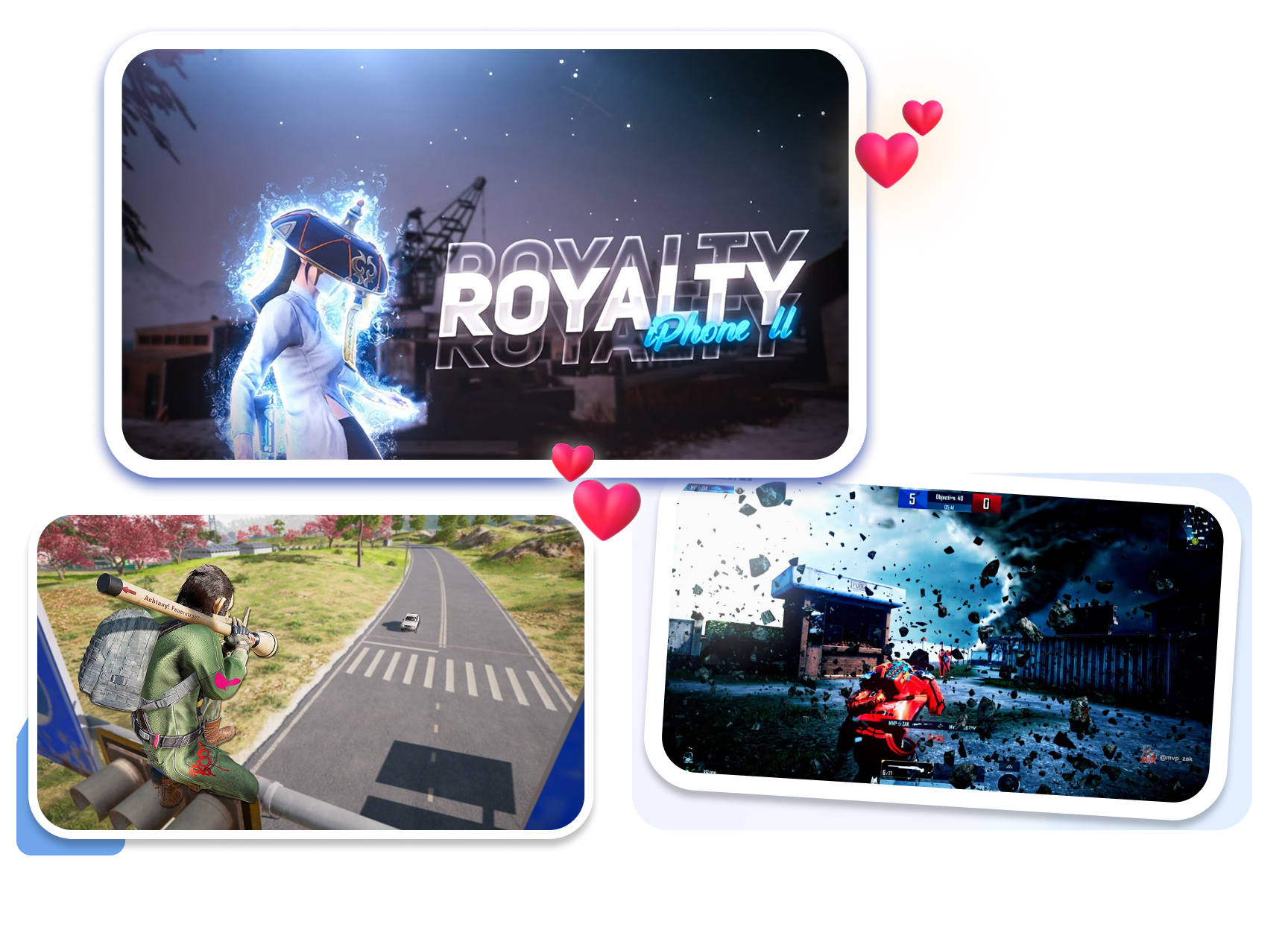
Choose a style that fits a fast PUBG montage without copying a single highlight frame. Pair one action cue with a short, readable hook. Make the video feel intentional before the first clip plays.
Set Up a Stream Identity
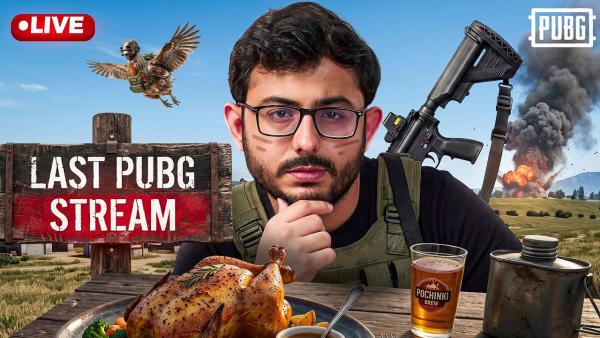
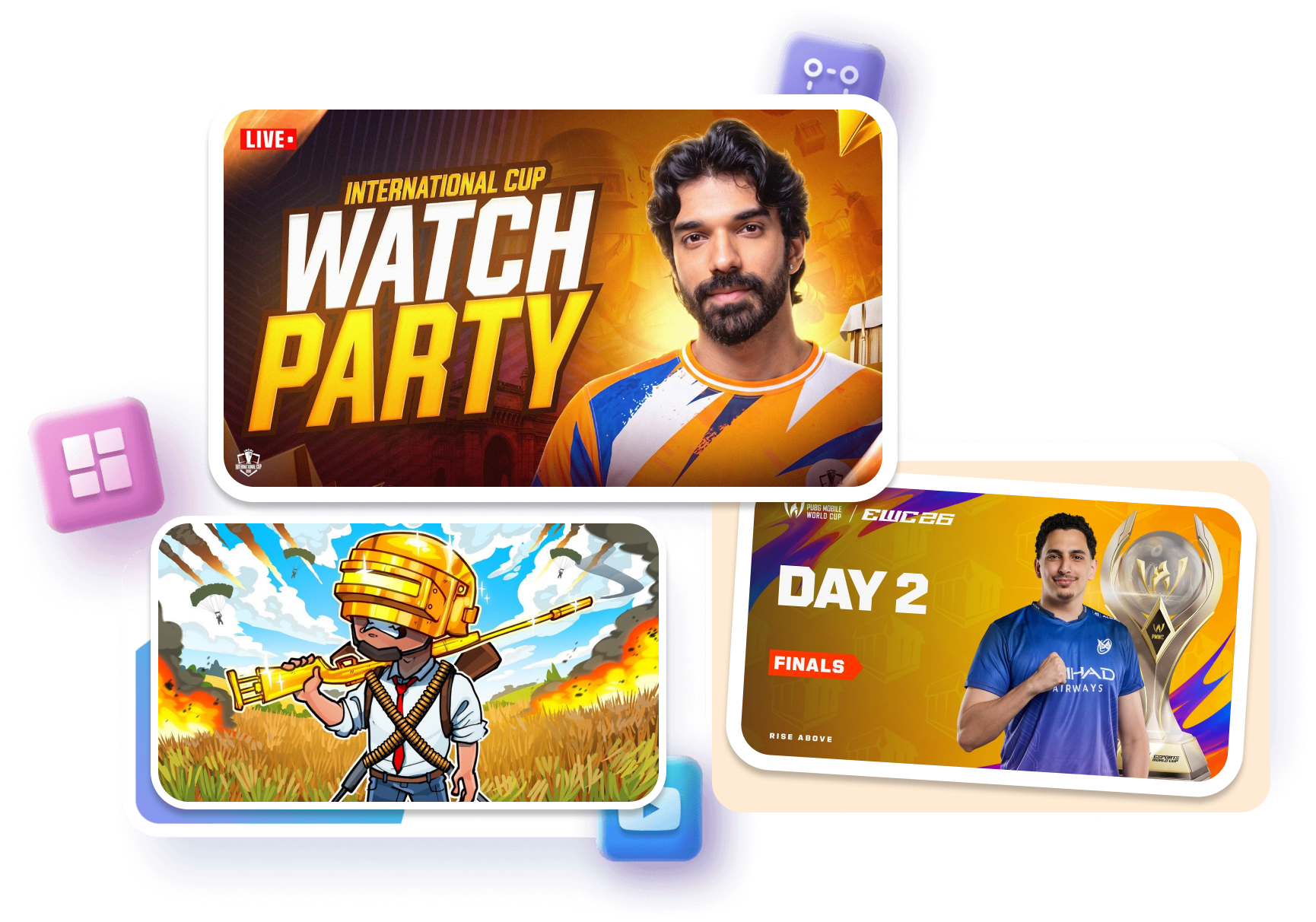
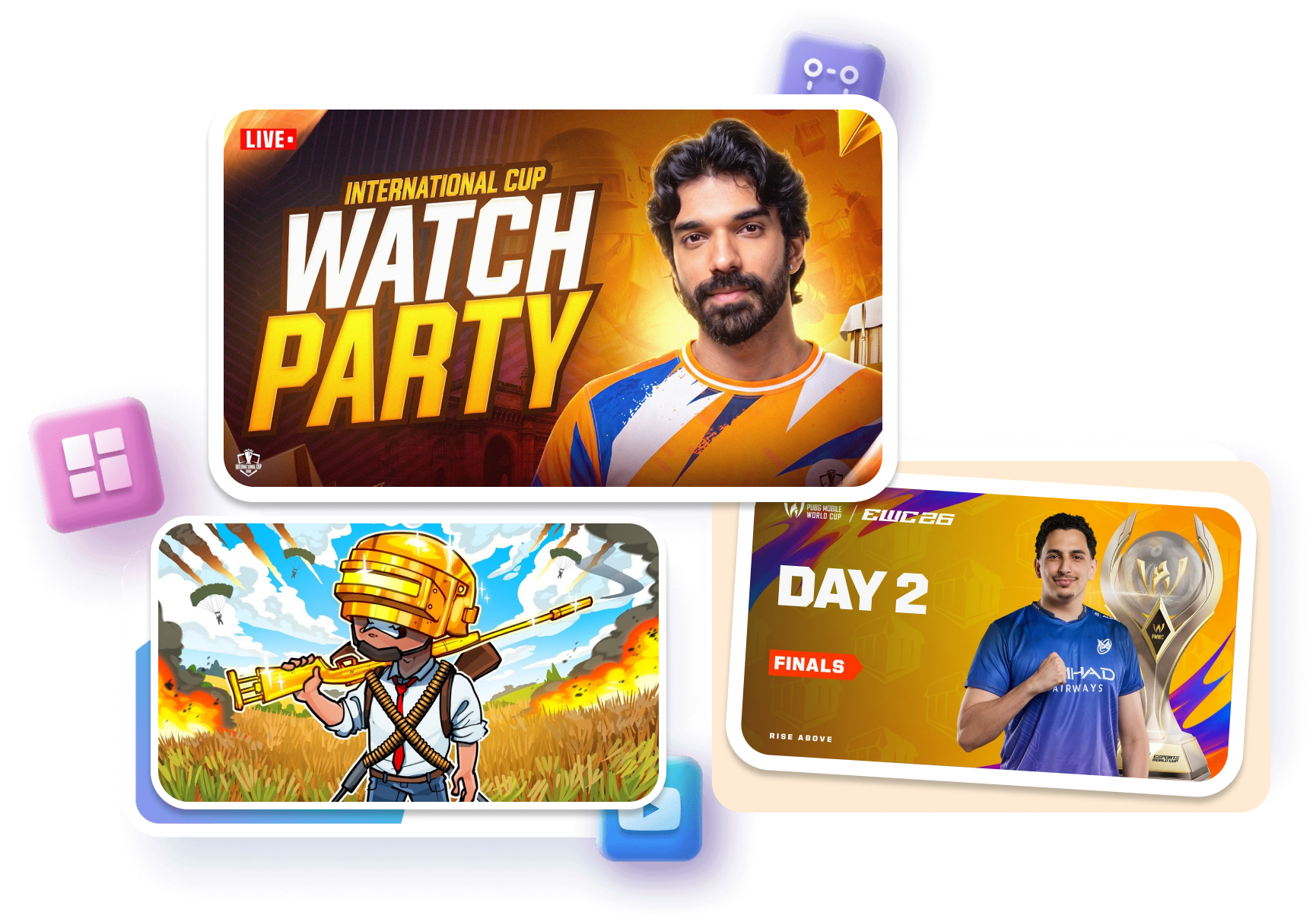
Adapt a PUBG Thumbnail for a recurring live stream series. Reserve the strongest space for the stream topic, challenge, or event. Help returning viewers recognize the series without making every cover identical.
Keep a Series Visually Coherent
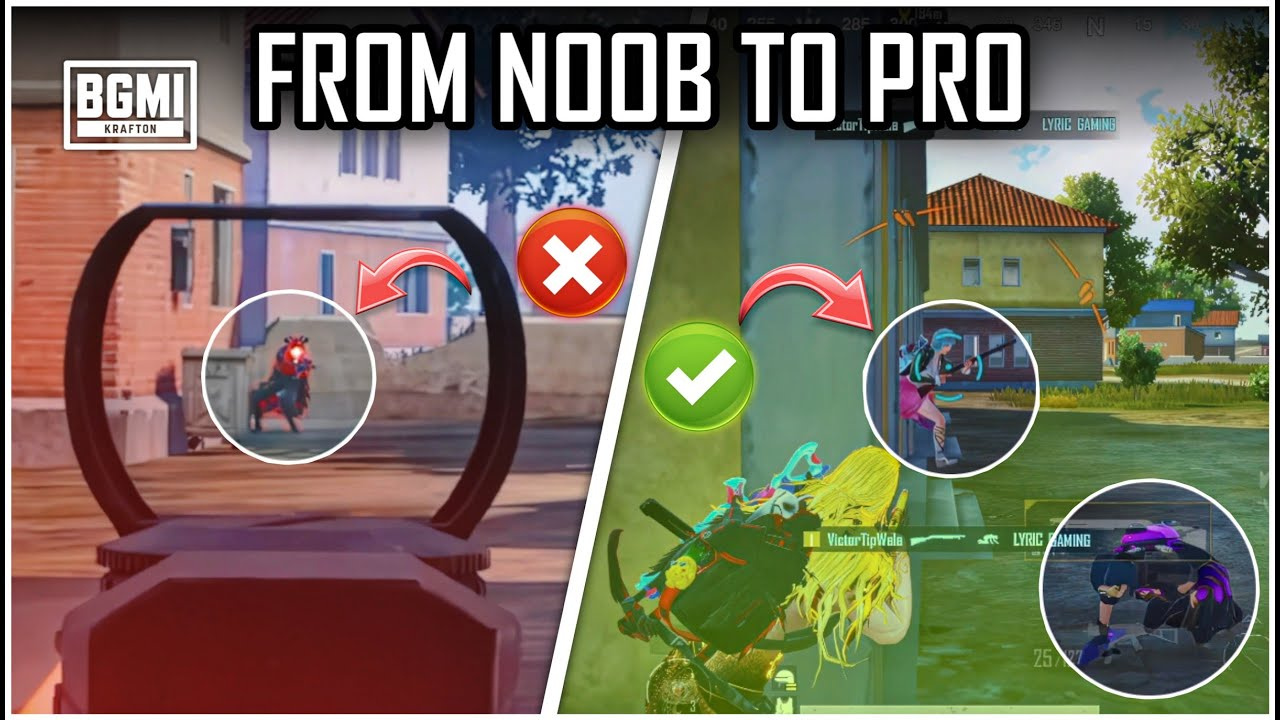
Reuse a visual direction across PUBG Mobile uploads while changing the story cue each time. Match the layout to guides, ranked sessions, or squad challenges. Give your channel a more consistent shelf of videos.
PUBG Thumbnail Templates for Gaming Creators
Ranked Gameplay Creators
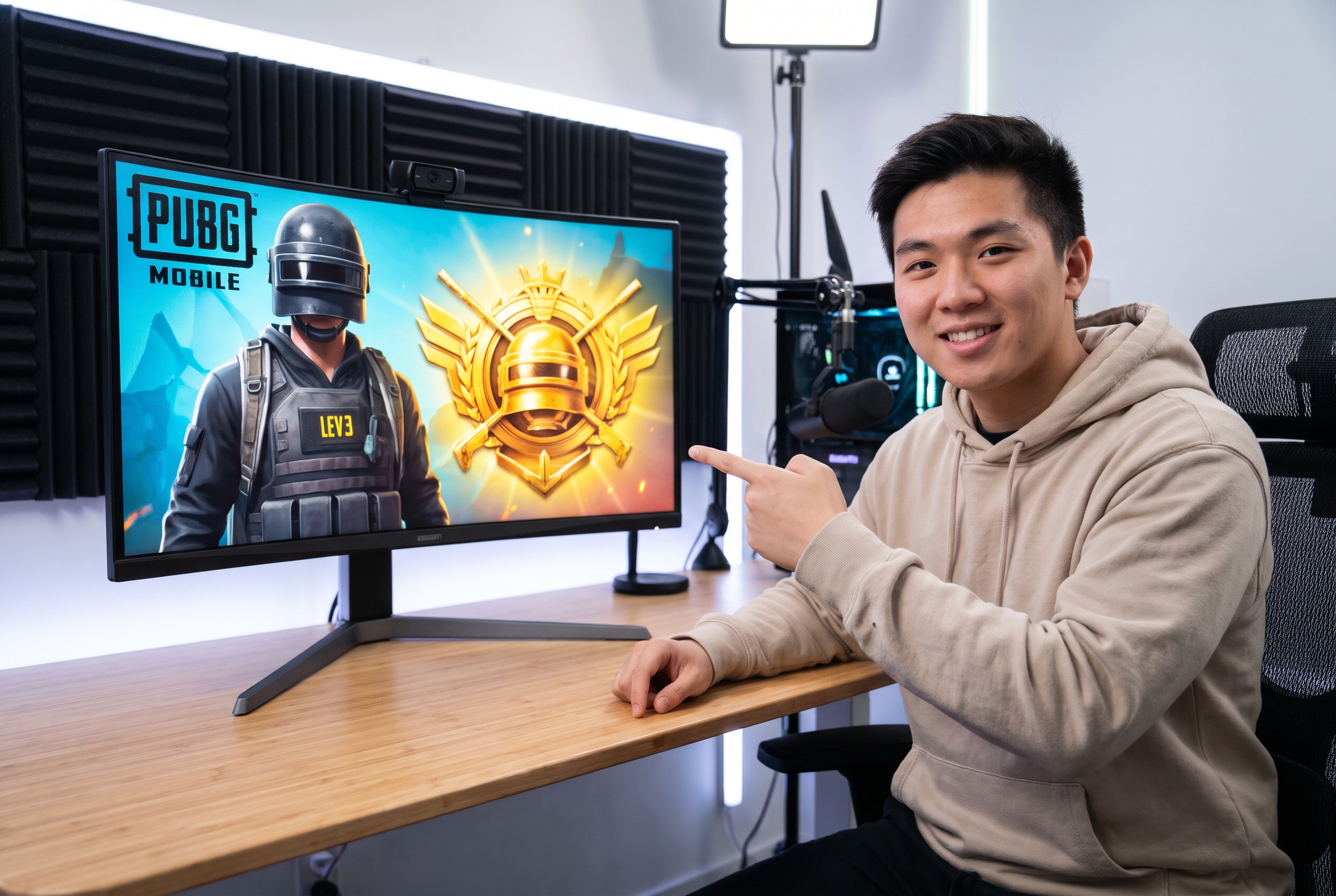
Turn an Ace or Conqueror push into a focused cover when the match result is the whole story. A selected template gives the key moment a clear place to start.
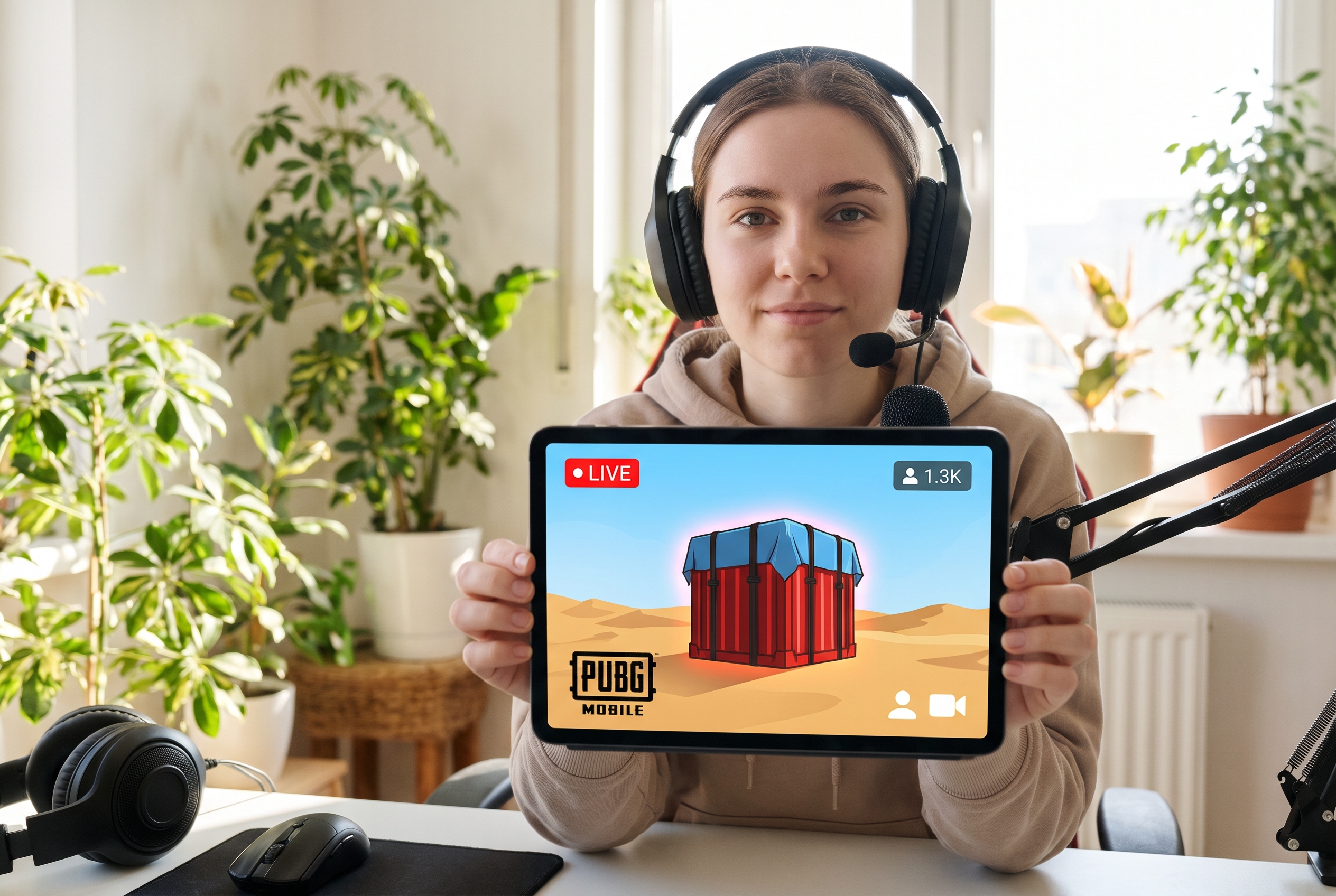
PUBG Mobile Streamers
Build a repeatable look for scheduled streams without beginning from an empty canvas every time. Adjust the topic and match cue while keeping your channel recognizable.
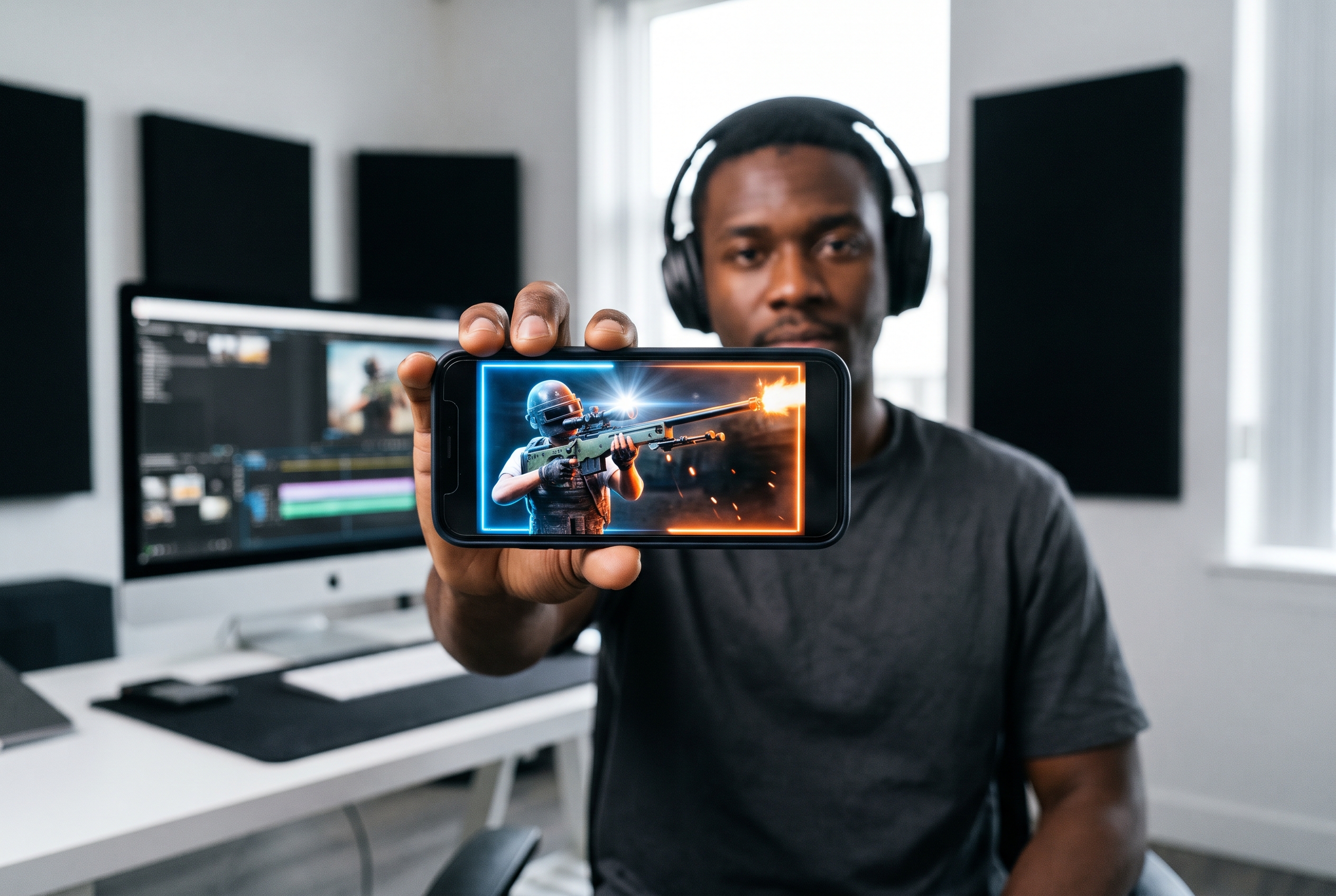
Montage Editors
Choose a stronger setup for clutches, sniper plays, or squad highlights. Templates help you compare different visual directions before generating a new version.
FAQs
What is a PUBG thumbnail?
Can I use a PUBG thumbnail template for YouTube?
How do I make a PUBG gameplay thumbnail?
What works in a PUBG montage thumbnail?
How should a PUBG live stream thumbnail differ?
Can I adapt a PUBG Mobile thumbnail for YouTube?
Does a PUBG thumbnail need text?
Give Your PUBG Thumbnail a Match-Specific Hook
Pick a visual starting point that makes the next video easier to understand at a glance.