Podcast Thumbnail Templates
Turn guests, bold opinions, and standout episode moments into Podcast Thumbnails made for the feed. Browse templates, choose a layout, adjust it to the episode, and regenerate a fresh cover.
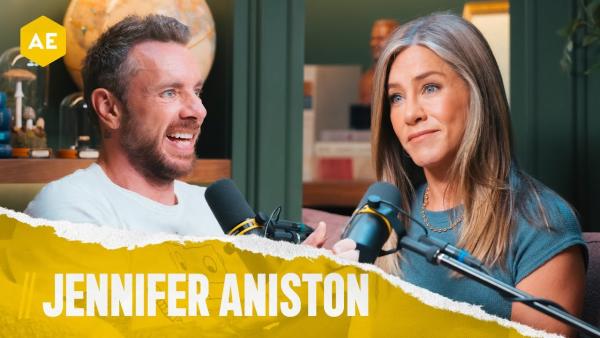
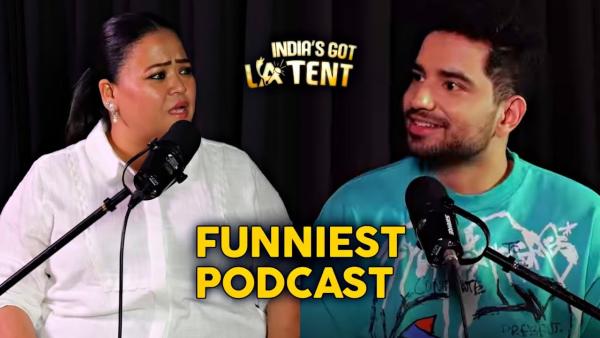
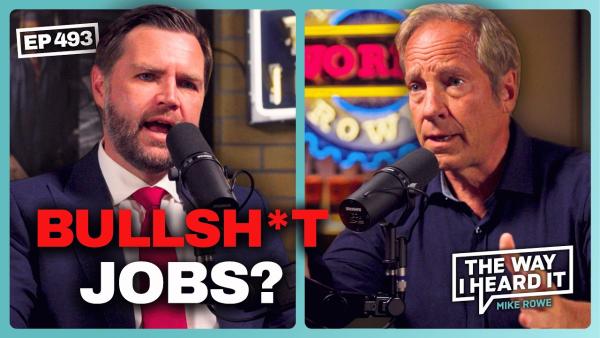
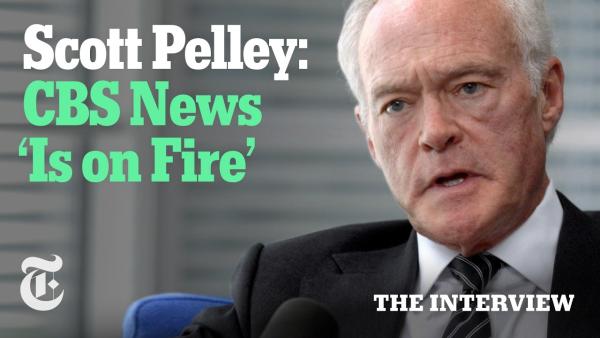
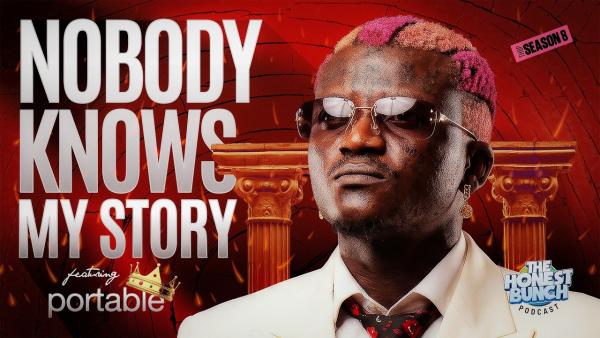
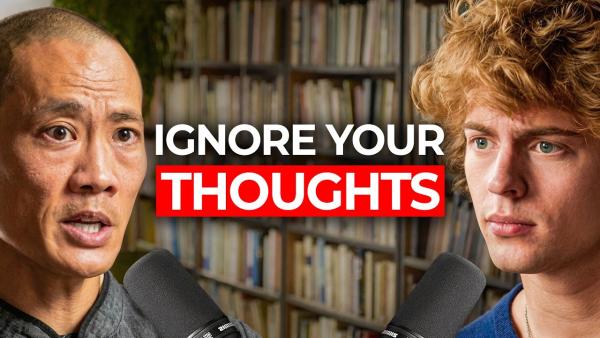
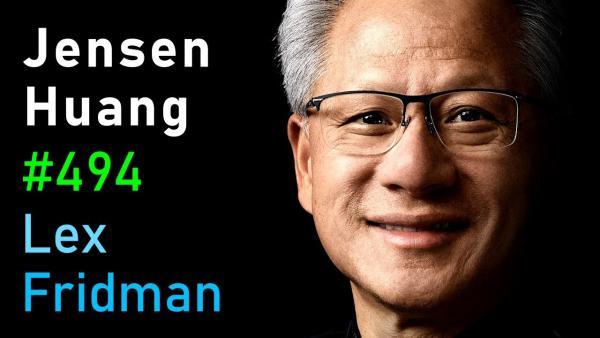
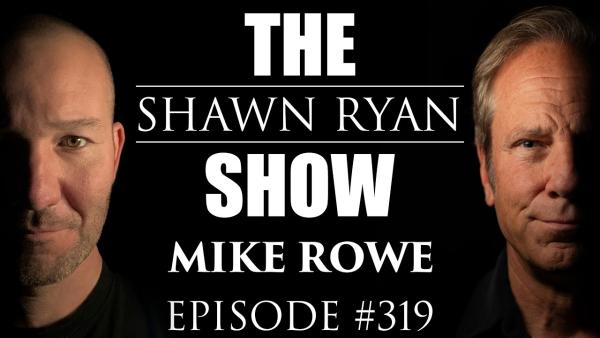
How to Create Podcast Thumbnails with AI
Move from a full conversation to a focused visual hook in three simple steps.
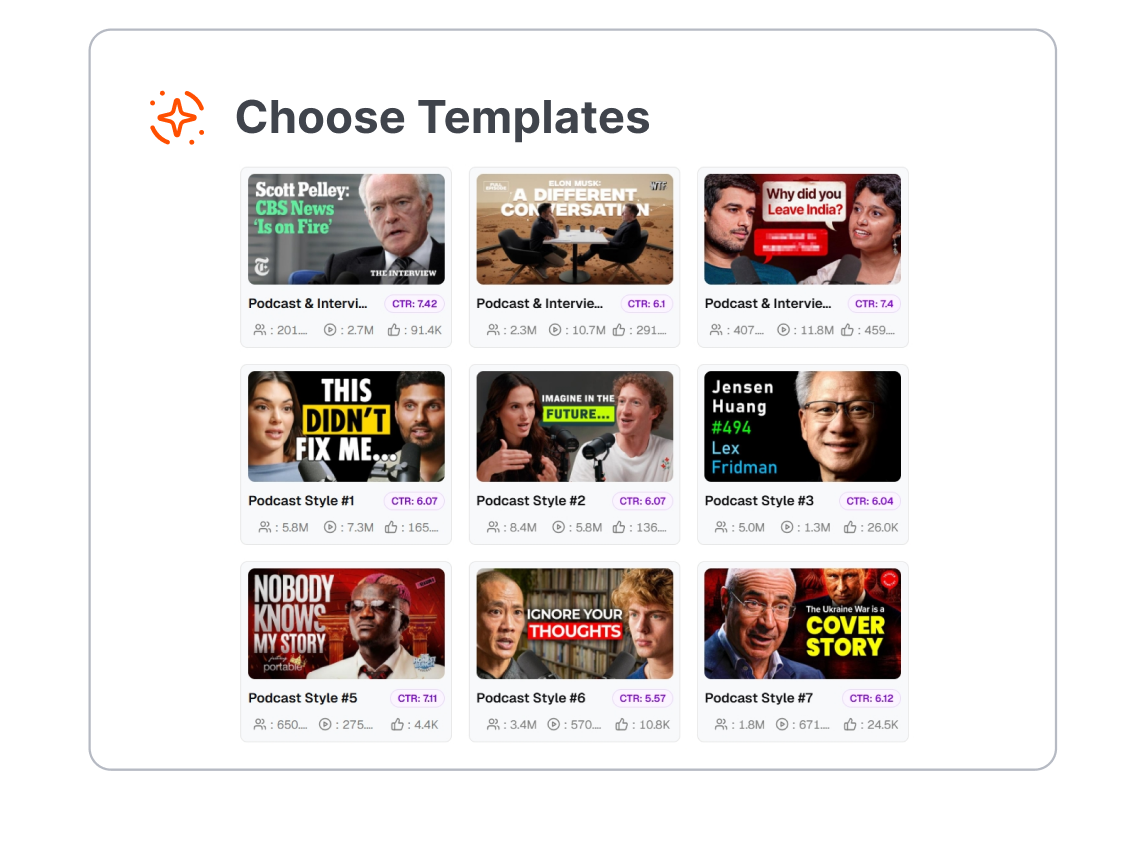
1. Add Your Podcast Visuals
Upload a host or guest photo, choose a podcast thumbnail template, or paste a link to an existing episode.
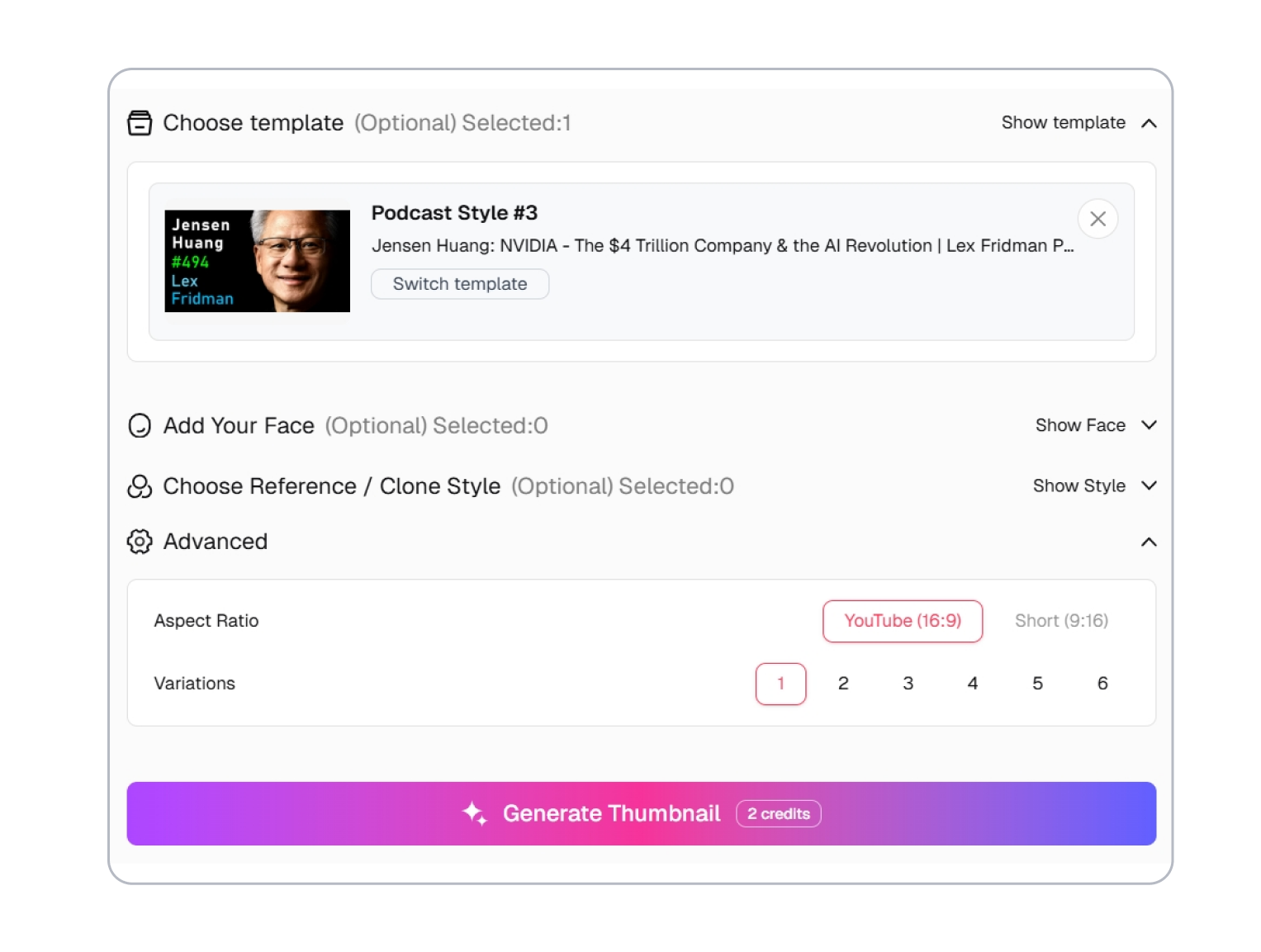
2. Describe the Moment
Enter the guest, topic, quote, mood, or turning point you want viewers to notice first.
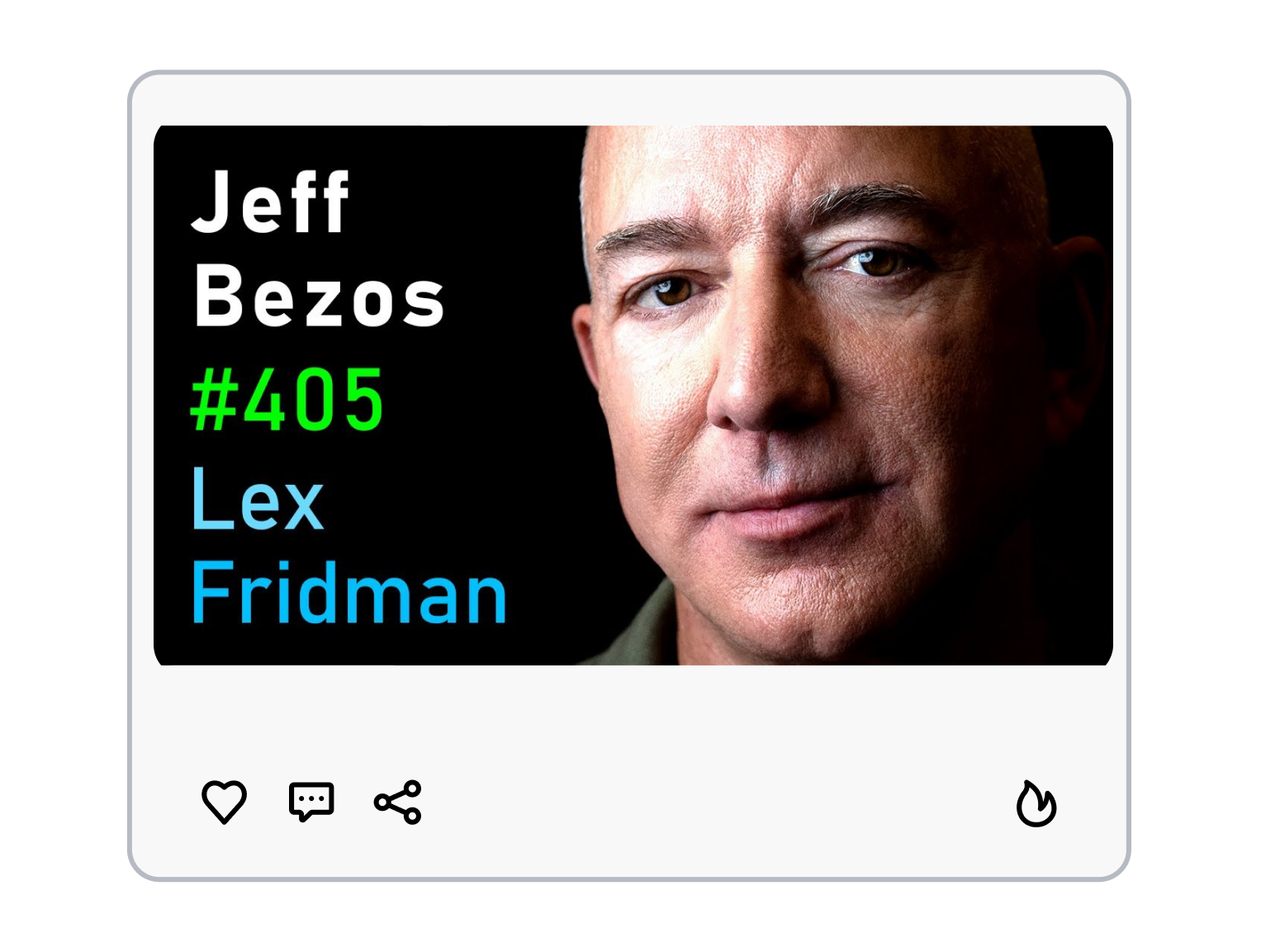
3. Choose a Format and Generate
Select 16:9 for full YouTube episodes or 9:16 for podcast clips, then generate up to six thumbnail directions to compare.
Thumbs.ai: Make Every Podcast Thumbnail Compete for the Click
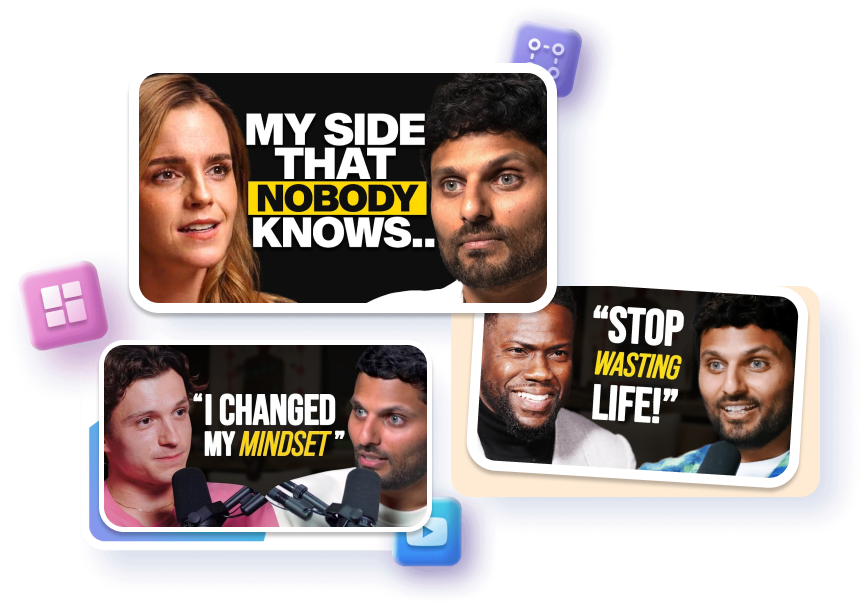
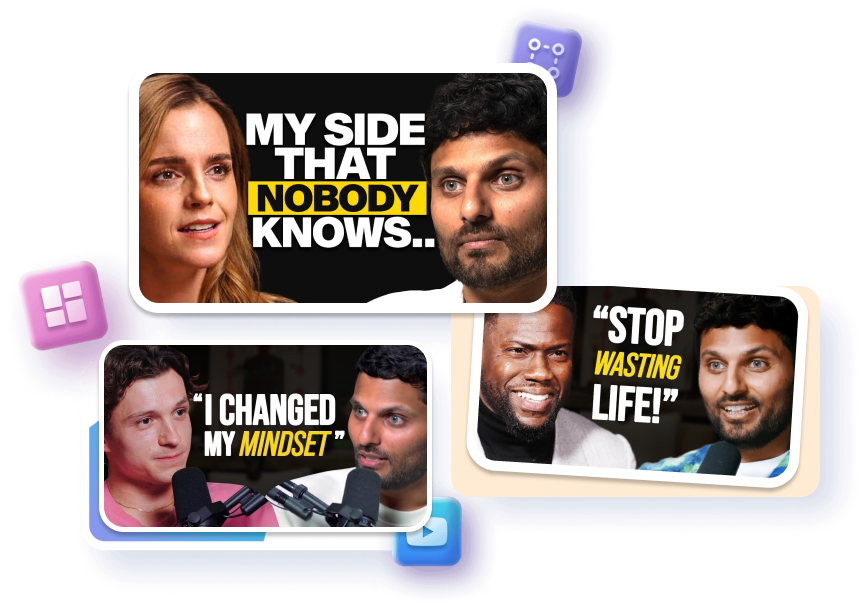
Keep the Show, Change the Guest
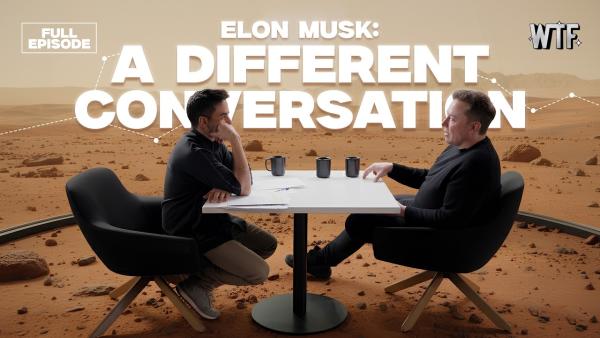
Choose a template with a recurring frame, color direction, and show identifier, then adapt it for each episode. Change the guest and hook while preserving the structure viewers associate with the series. Regenerate from that direction when the next release needs a related but distinct cover.
Pull the Moment People Need to See
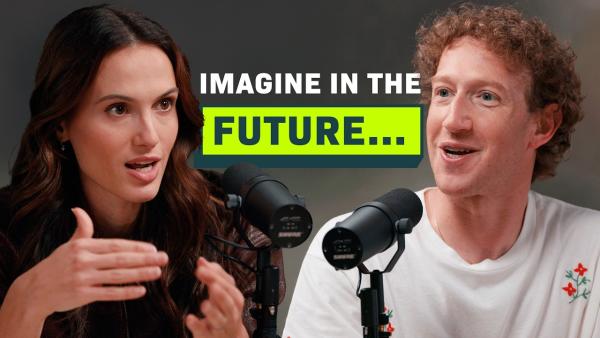
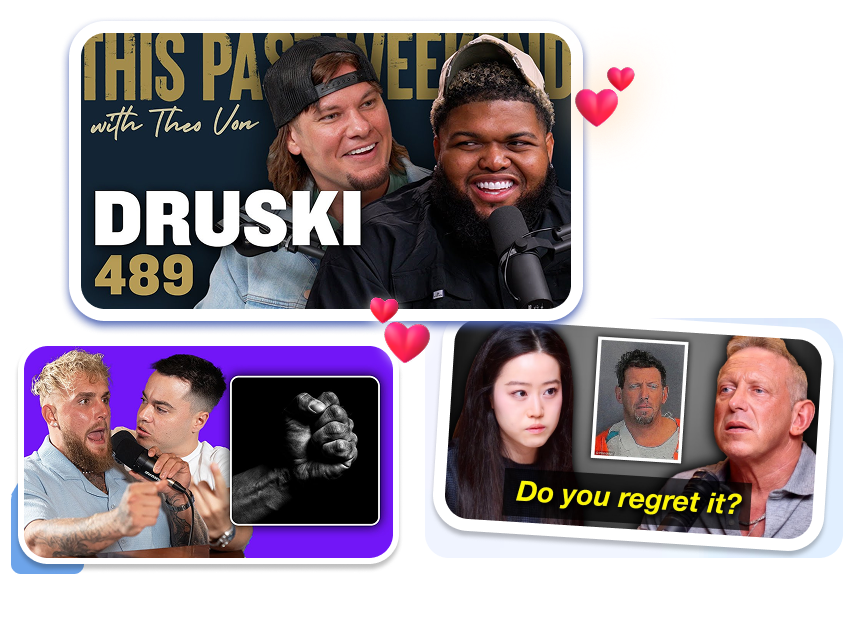
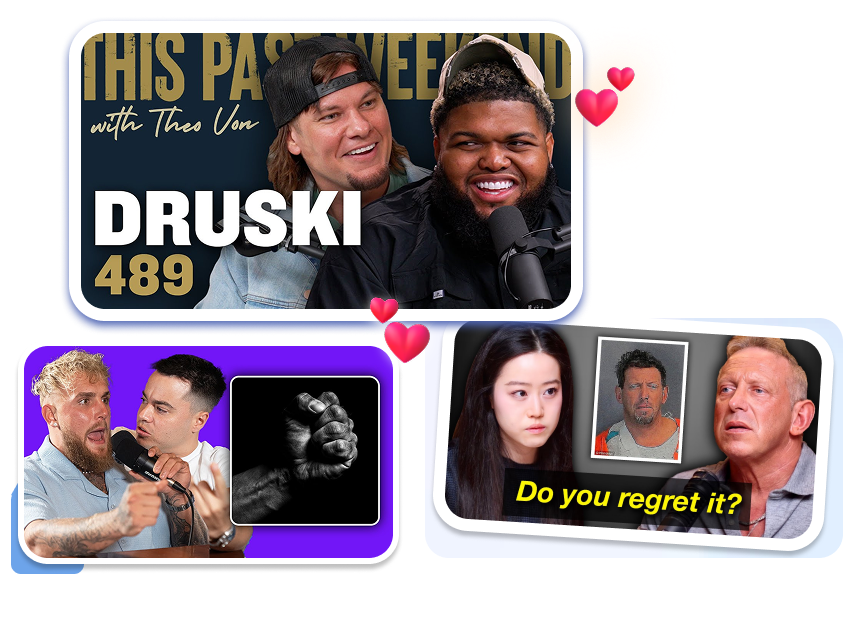
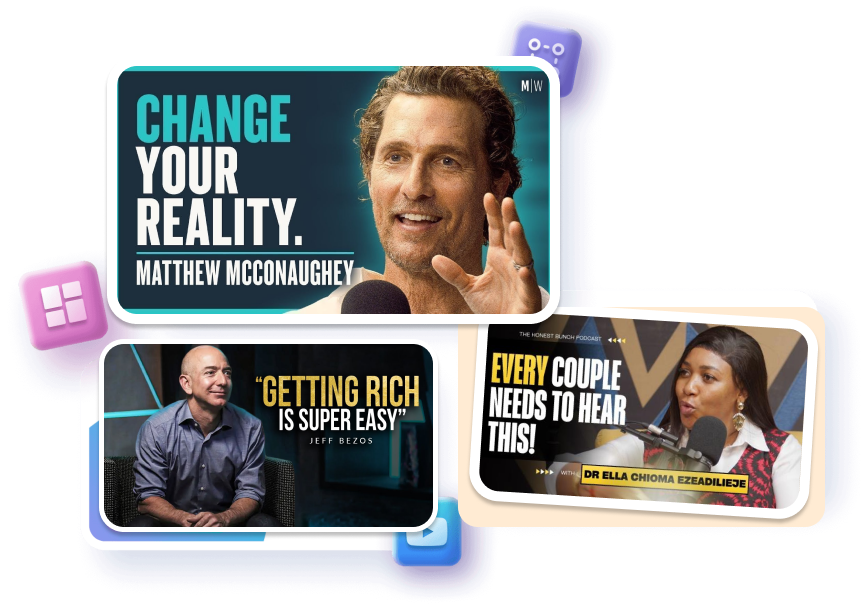
Pick a guest-led or conversation-led template and center it on the laugh, disagreement, confession, or turning point that defines the episode. Keep the host and guest hierarchy clear. Adjust the visual emphasis so one moment in the entire conversation drives the cover.
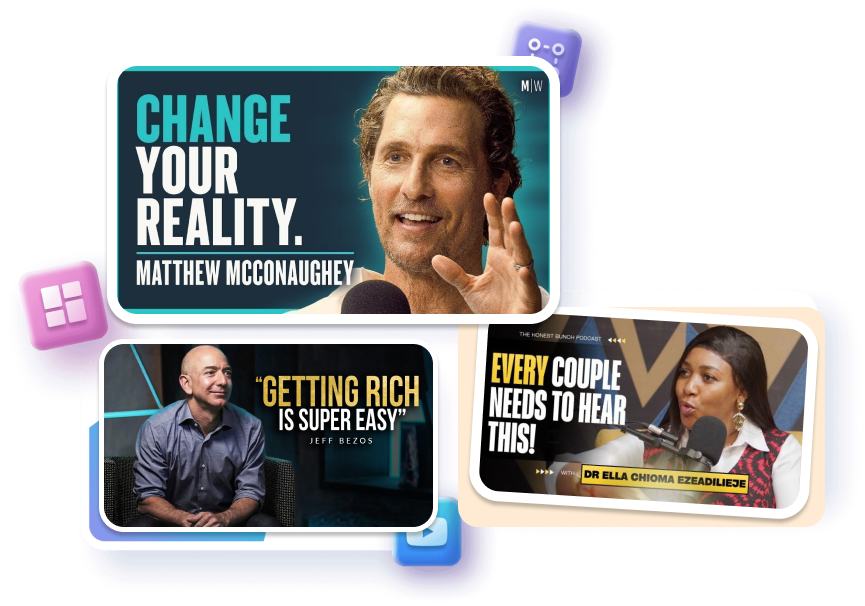
Turn the Best Quote into the Hook
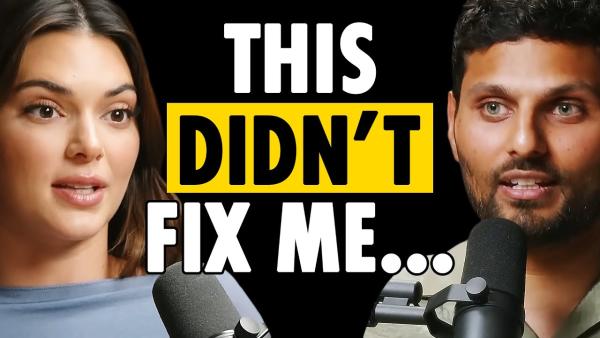
Select a quote-led layout when one line captures the episode's tension or takeaway. Keep the wording short and let the title explain the wider topic. Adjust the visual direction around the speaker and quote, then regenerate the cover from that concept.
Compare Before You Publish
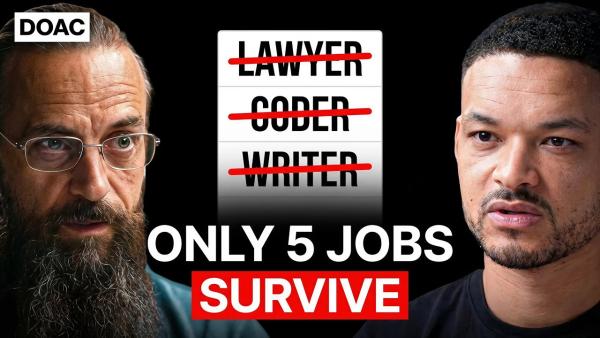
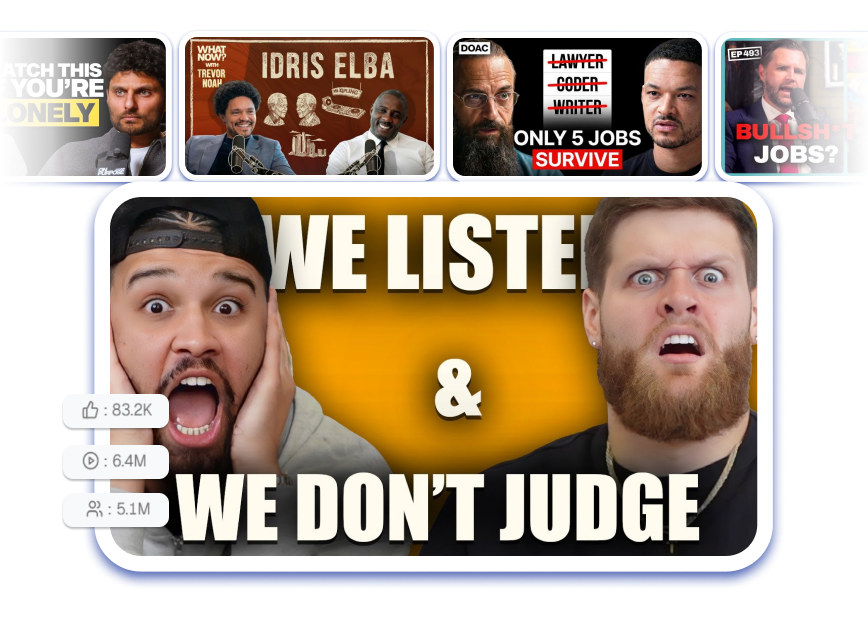
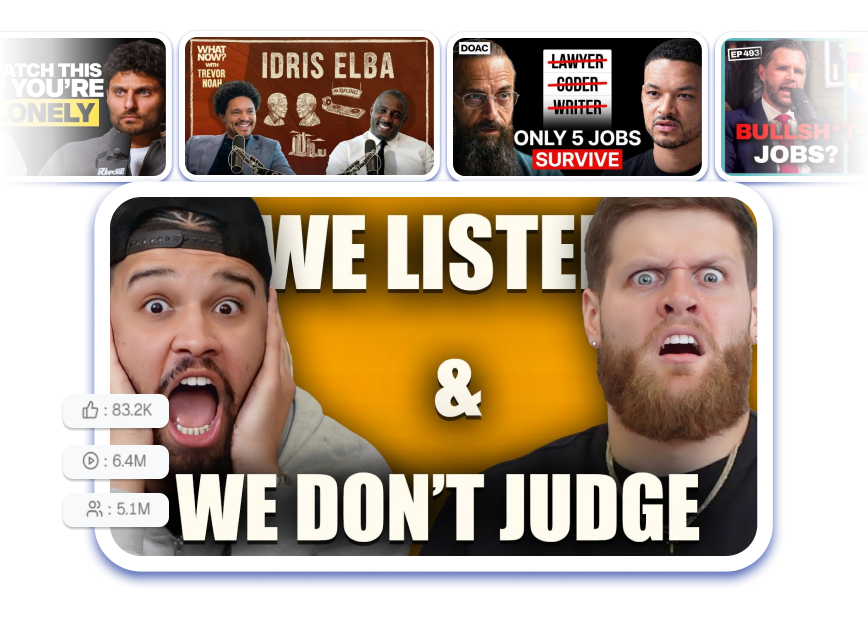
Preview up to six options in a YouTube-style feed before choosing the final design. Compare guest crops, expressions, headline treatments, CTR signals, and attention heatmaps side by side. Publish the version that communicates the episode fastest instead of relying on guesswork.
Podcast Thumbnails for Every Kind of Show
Video Podcast Hosts
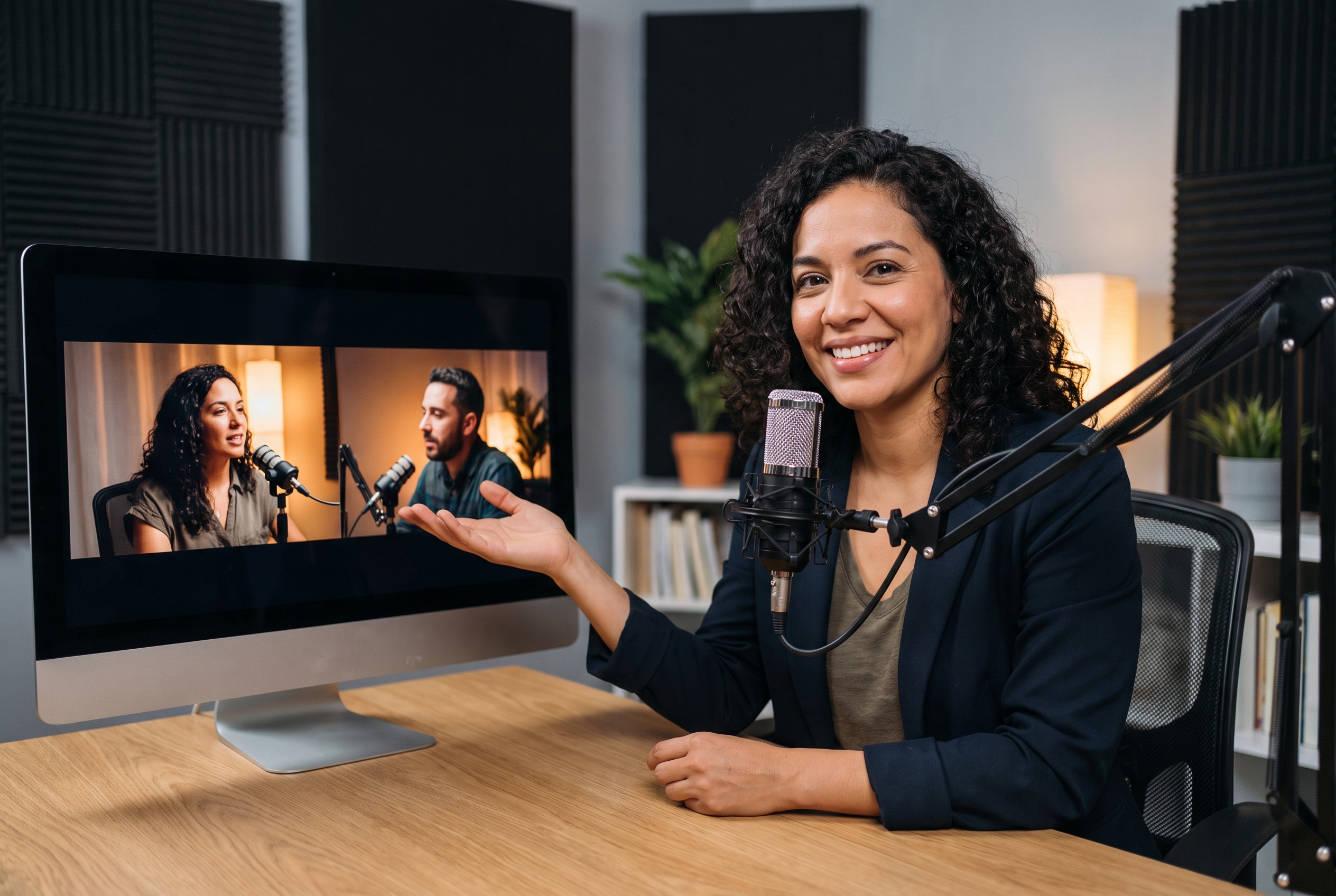
Give every full episode a clear reason to click. Highlight the guest, topic, or strongest exchange while keeping your show’s visual identity consistent.

Interview and Clip Editors
Turn long recordings into focused episode covers and vertical clip thumbnails. Find the quote, reaction, or debate moment that carries the story.

Podcast Teams and Marketers
Create multiple visual directions for recurring releases, guest promotions, and social cutdowns. Compare options quickly without rebuilding every design from a blank canvas.
FAQs
How do I create a podcast thumbnail with AI?
What is the best YouTube podcast thumbnail size?
Can I upload a photo of my podcast guest?
How much text should a podcast thumbnail include?
Can I keep the same style across podcast episodes?
Can I create thumbnails for podcast clips?
Can I compare several podcast thumbnail designs?
How can I easily create a professional podcast thumbnail for my show?
Give Your Next Episode a Podcast Thumbnail Worth the Click
Choose a podcast template, shape it around the guest, topic, or defining quote, and regenerate a cover that represents the episode clearly before viewers press play.