Reaction
Free Gaming Thumbnail Maker Online
In this gaming thumbnail maker, pick a template by video type, type your title, swap in your gameplay and facecam, then download a 1280×720 thumbnail. Free, no watermark, no sign up.
Examples · pick one to start
Click an example to open it in the editor, then swap in your own photo and text.
12:34
Drag to move · corners to resize · double-click to edit · Delete to remove
Preview on YouTube
See your gaming thumbnail at real feed sizes. Placeholders are hidden, just like in the download.
18:42
I Survived 24 Hours in the Wasteland (Hardest Challenge Ever)
Your Channel · 58K views · 3 hours ago
I Survived 24 Hours in the Wasteland (Hardest Challenge Ever)
Your Channel
Gaming thumbnail templates
Every template in this gaming thumbnail maker is built for one kind of video. Filter by video type, click a card and it opens in the editor above.
VS
Challenge
Tier list
Update
Highlights
Tutorial
Stream
Update
Highlights
Challenge
VS
Tutorial
Challenge
Related Tools
View all tools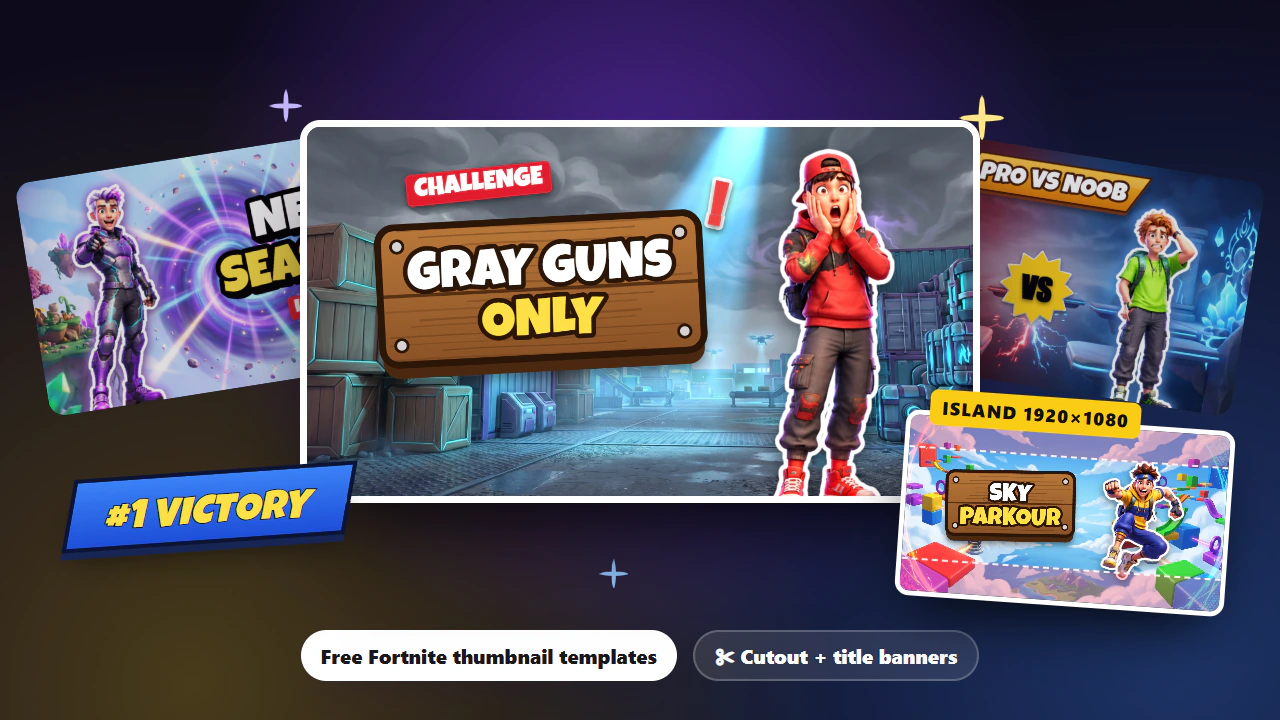
Fortnite Thumbnail Maker
Fortnite-style YouTube thumbnails and 1920×1080 island thumbnails with character cutouts and title banners.
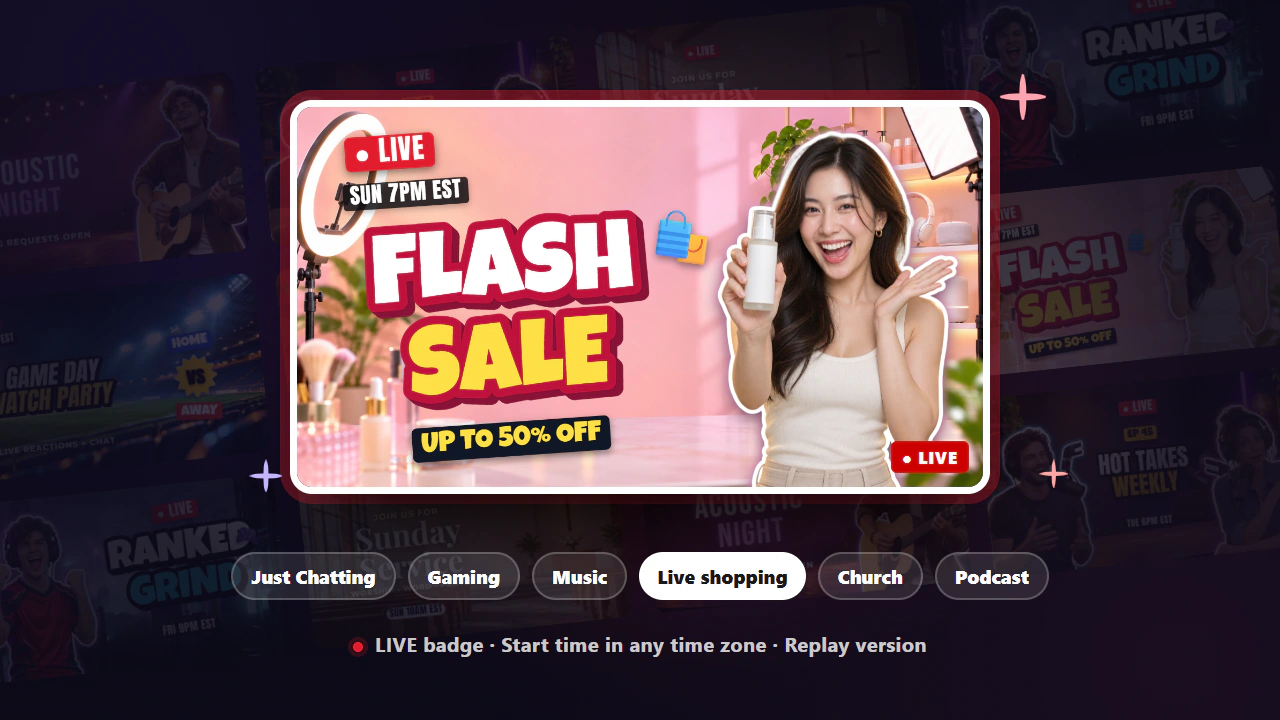
Live Stream Thumbnail
YouTube live stream thumbnails with LIVE badges, start time in any time zone and a one-click replay version.
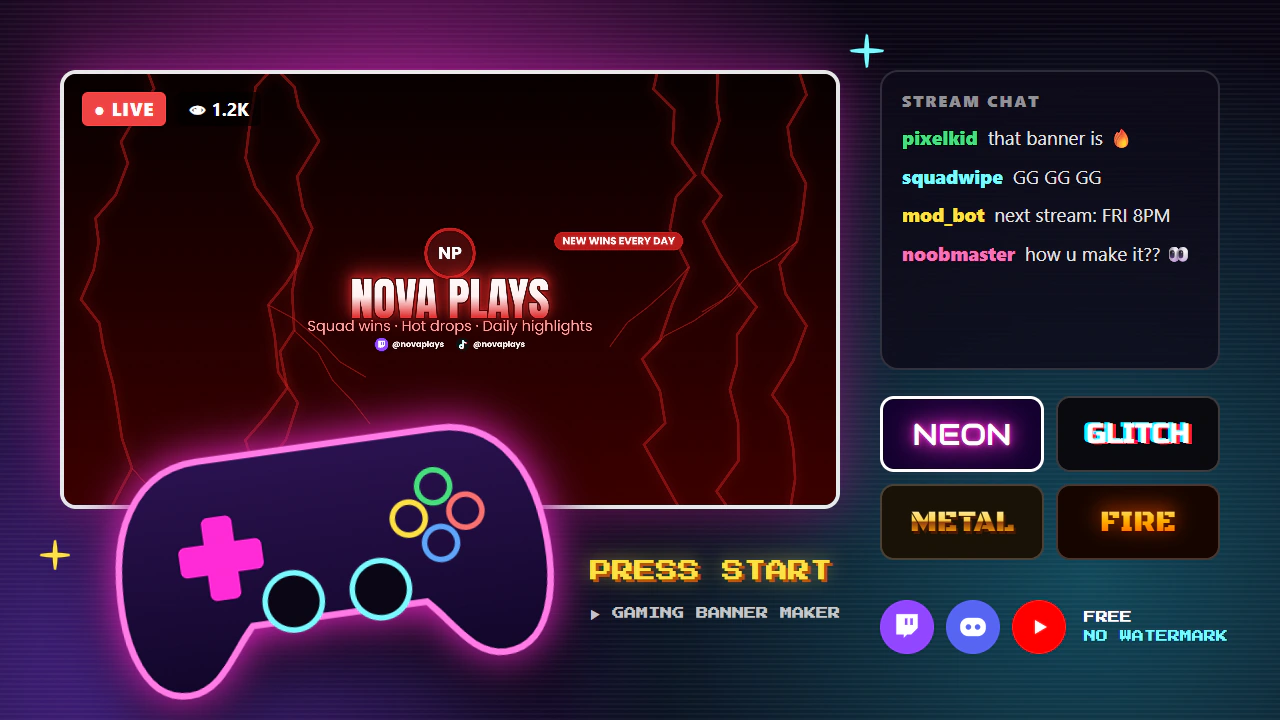
YouTube Gaming Banner Maker
Gaming templates, neon and glitch text effects, your character and stream schedule.
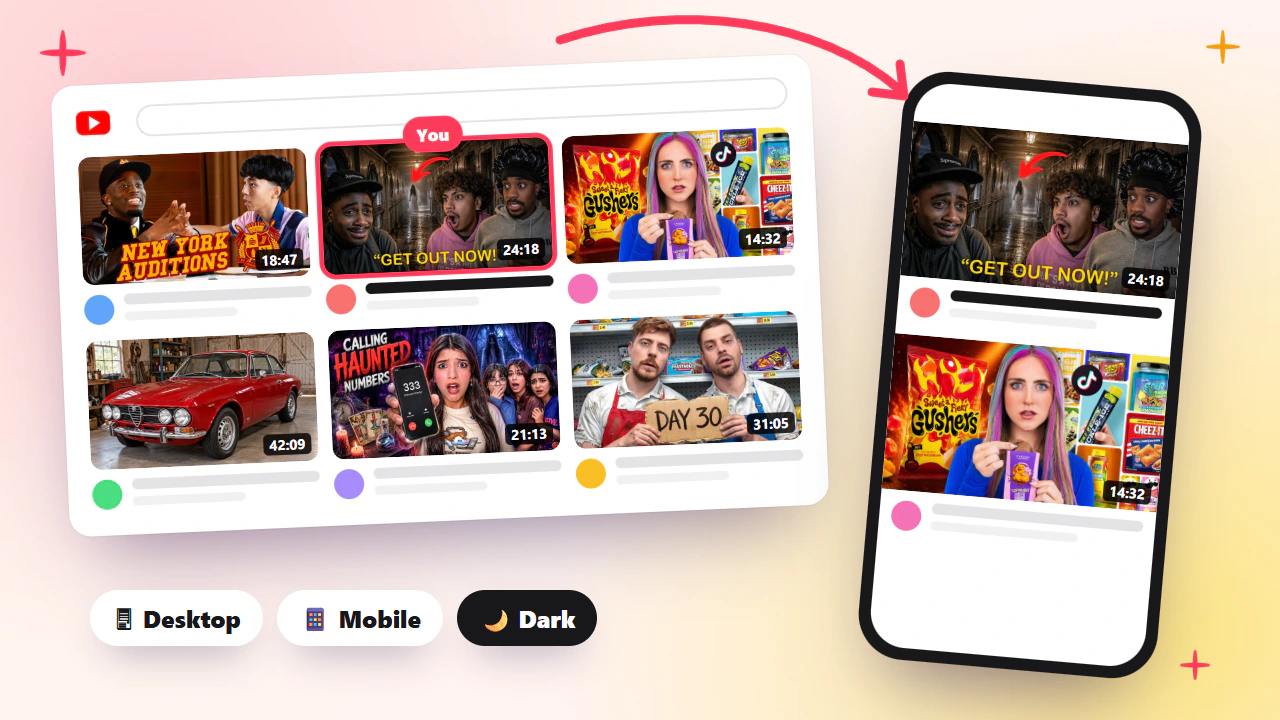
Thumbnail Tester
Preview thumbnails in a realistic YouTube feed and compare up to 4 versions before you upload.
How it works
Make a gaming thumbnail in 4 steps
- 01
Pick a video type
Start the gaming thumbnail maker with a template for your video: reaction, VS, challenge, tier list, update, highlights, tutorial or stream.
- 02
Type your title
Edit the words right in Quick edit. Keep it to 2–4 big words; the video title does the rest.
- 03
Swap in your images
Replace the background with a gameplay screenshot or a video frame, and the character with your facecam or skin. Remove the background and pick an outline.
- 04
Download
Check the YouTube preview below, then download a 1280×720 PNG. Files over 2 MB are saved as JPG automatically.
Tips
How to make gaming thumbnails people click
Most gaming thumbnails are seen at phone size. These habits matter more than any effect.
Show one big reaction
A clear face or character with a strong expression, taking up a third of the frame, beats a busy collage.
Use 2–4 words
Short, bold words read at small sizes. Put the rest in the video title instead of repeating it.
Keep strong contrast
Light text with a thick dark outline, or dark text on a bright board, stays readable on any gameplay.
Outline your cutout
A white outline or colored glow separates your character from a detailed game background.
Leave the bottom-right free
YouTube covers the bottom-right corner with the video length. Keep faces and key words away from it.
Match the video
Show something that really happens in the video. Misleading thumbnails hurt watch time and can break YouTube policies.
Size
Gaming thumbnail size for YouTube
The gaming thumbnail maker exports at the size YouTube recommends, so you can upload it directly.
| Size | 1280 × 720 pxYouTube's recommended custom thumbnail size. |
|---|---|
| Aspect ratio | 16:9The same ratio works for Twitch video thumbnails. |
| Format | PNG or JPGDownloads start as PNG and switch to JPG only when needed. |
| File size | Under 2 MBYouTube's upload limit; the download is compressed to fit. |
| Minimum width | 640 pxSmaller images are rejected by YouTube. |
FAQ
Gaming thumbnail maker FAQ
Is this gaming thumbnail maker free?
Yes. Templates, text, stickers and PNG downloads are free with no watermark and no sign up. Only removing the background from a photo uses credits and needs an account.
What size should a gaming thumbnail be?
1280×720 pixels (16:9), under 2 MB, in JPG or PNG. The gaming thumbnail maker exports exactly that.
Can I use screenshots from games in my thumbnail?
Many publishers allow gameplay footage and screenshots in videos, but rules differ by game. Check the publisher's video or fan content policy. Avoid official logos and key art unless the policy allows it.
Can I use the thumbnails commercially?
Yes, you can use what you make on monetized channels. The sample art in the templates is original and can be downloaded as is; your own screenshots follow the game's rules.
How do I put my facecam or character on the thumbnail?
In the gaming thumbnail maker's Quick edit, click Replace next to the character, upload your image, then click Remove background. Pick a white outline or a glow so it stands out.
Can I use a frame from my gameplay recording?
Yes. Click Add → Photo and choose a frame from your video. The video stays in your browser and is never uploaded.
Do the templates include official game characters?
No. All characters and backgrounds are original artwork. Swap them for your own footage, skin or facecam.
Can I make a vertical thumbnail for Shorts?
This page makes 16:9 video thumbnails. For vertical 9:16 covers, use the YouTube Shorts Thumbnail Maker.
How do I check if my thumbnail works?
Use the YouTube preview under the editor to see it at phone and sidebar sizes. If the title is hard to read there, use fewer words or a thicker outline.
Game names and trademarks belong to their owners. This gaming thumbnail maker is not affiliated with any game publisher. Templates use original artwork only.