Free Video Thumbnail Generator Online
Grab the best frame from your video, add a bold title and download a ready-to-upload thumbnail — your video never leaves your browser.
Drop your video here
MP4, WebM or MOV · up to 2 GB
Processed in your browser — never uploaded
Related Tools
View all tools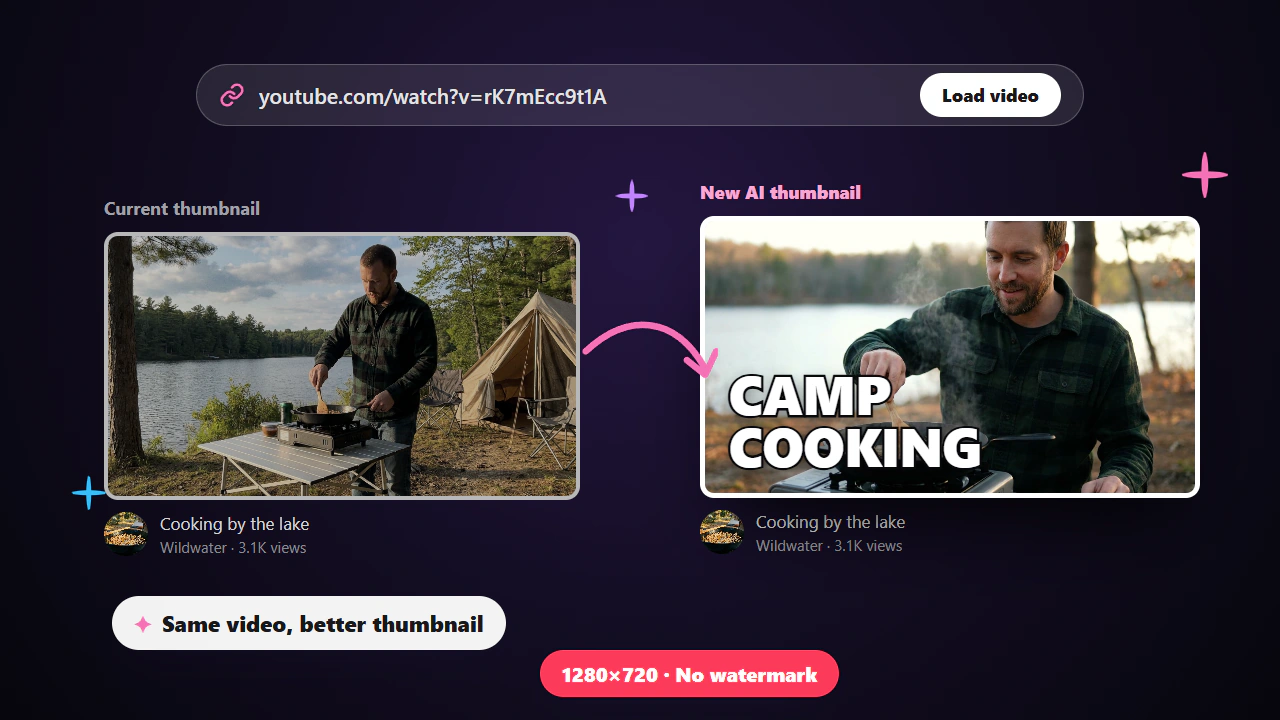
AI Thumbnail from YouTube Link
Paste a video link and turn a real frame from it into a new AI thumbnail.
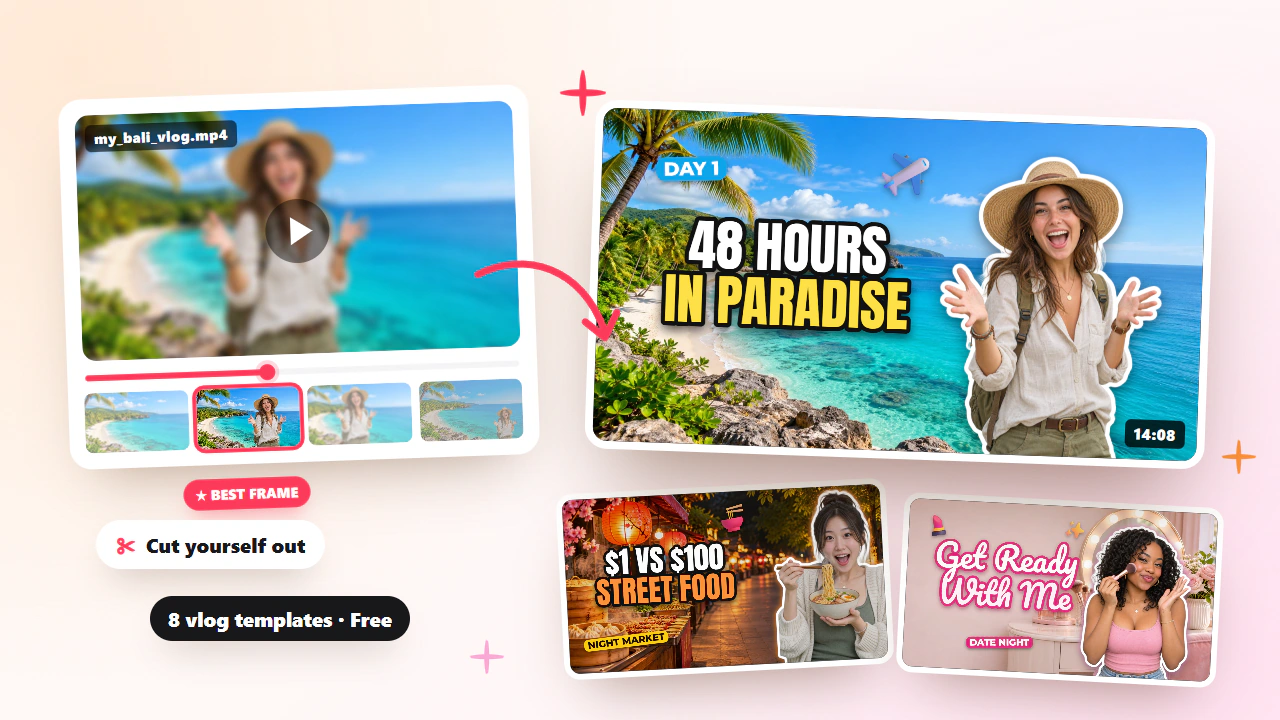
Vlog Thumbnail Creation
Pick the best frame from your vlog, cut yourself out and drop it into travel, food, GRWM and day-in-my-life templates.

Thumbnail Design
Design click-worthy thumbnails with niche templates, one-click cutouts, bold text and stickers.
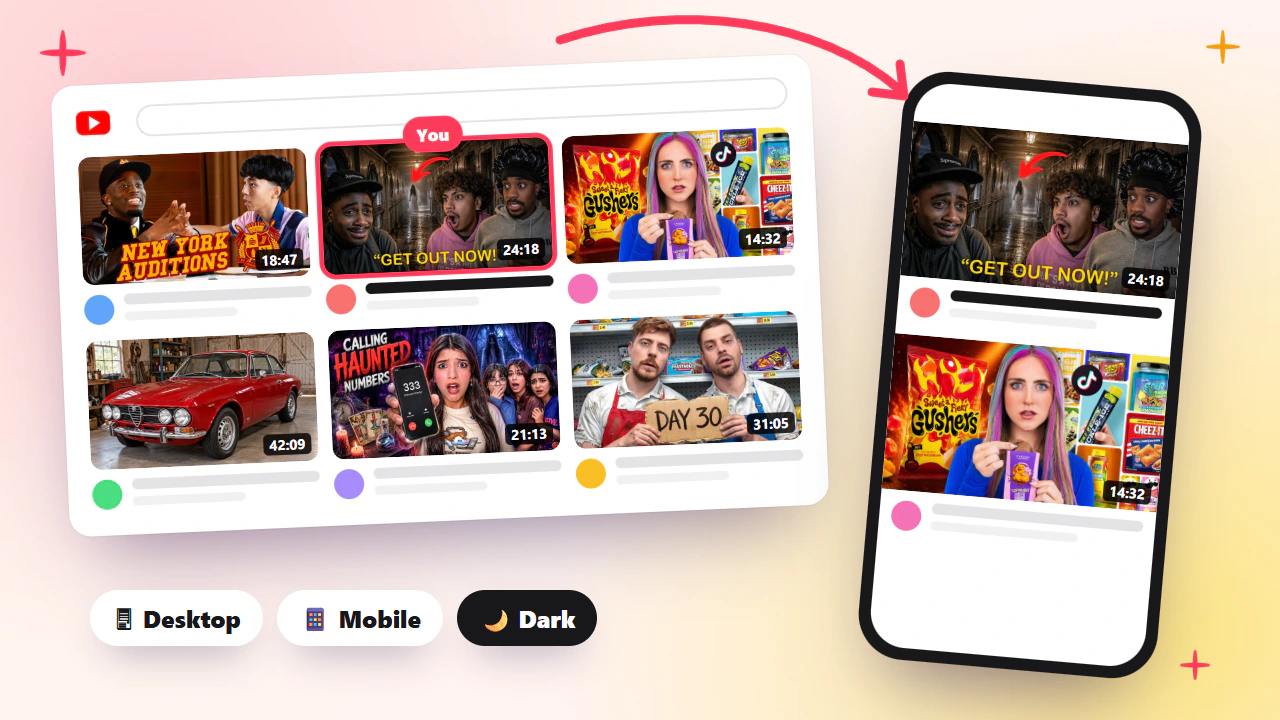
Thumbnail Tester
Preview thumbnails in a realistic YouTube feed and compare up to 4 versions before you upload.
How it works
How to make a video thumbnail from your video
No editing software needed. Make a video thumbnail right in your browser, usually in about a minute.
- 01
Upload your video
Drop in an MP4, WebM or MOV file. It is read locally by your browser, so even long videos open quickly and stay private.
- 02
Pick the best frame
Start from four suggested frames, or scrub the timeline and step frame by frame to catch the exact expression or action.
- 03
Add a title and polish
Type a short title, choose a bold text style, then fine-tune brightness, contrast and framing.
- 04
Download and upload
Get a 1280×720 PNG video thumbnail for YouTube (kept under 2 MB automatically), a 1080×1920 vertical cover or a 1200×630 social image.
Best frames
Let the tool find your best video thumbnail frames
Scrubbing through a 20-minute video for one good still is slow. The generator samples moments across the whole video and ranks them, so you start from a shortlist instead of a blank timeline.
Sharp, not blurry
Frames caught mid-motion are blurred. Each candidate is checked for detail, and nearby frames are compared so the crispest one wins.
Well exposed
Black screens, fades and blown-out shots are skipped. Frames with balanced brightness read better at small sizes.
Strong contrast
Flat, low-contrast frames disappear in a busy feed, so higher-contrast frames rank higher.
Different moments
Suggestions are spread across the video and near-duplicates are removed, so you see four genuinely different options.
Frame tips
What makes a good video thumbnail frame
The right frame does most of the work of a video thumbnail before you add any text.
Show a clear face
If you appear in the video, choose a frame where your face is large, in focus and showing a clear emotion.
Pause on the peak moment
Step frame by frame around the key action — the jump, the reveal, the reaction — and stop at its peak.
Leave room for text
Pick a shot with a calm area at the top or bottom, so a short title doesn't cover the subject.
Think small
Most people see your thumbnail at phone size. Simple shots with one subject and strong contrast stay readable.
Stay consistent
Use the same text style and position across a series, so viewers recognize your videos at a glance.
Match the video
Choose a frame that really appears in the video. Misleading thumbnails hurt watch time and can break platform policies.
Sizes
Video thumbnail sizes by platform
Pick the matching size in the tool and your image is cropped and sized for you.
| Platform | Size (px) | Ratio | Notes |
|---|---|---|---|
| YouTube videos | 1280 × 720 | 16:9 | Under 2 MB, JPG or PNG. Minimum width 640 px. |
| Shorts, TikTok and Reels covers | 1080 × 1920 | 9:16 | Keep the title away from the bottom, where captions and buttons sit. |
| LinkedIn, Facebook, X and websites | 1200 × 630 | 1.91:1 | Used for link previews and video posts on social media and blogs. |
| Vimeo and course platforms | 1280 × 720 | 16:9 | Match your video's aspect ratio; 16:9 fits most players. |
FAQ
Video thumbnail FAQ
How do I make a thumbnail from my video?
Upload your video above, choose one of the suggested frames or pick any frame on the timeline, add a short title if you like, and click Download PNG. Your thumbnail is ready to upload in about a minute.
Is my video uploaded to your servers?
No. The video is opened and processed entirely in your browser, and frames are captured on your device. Nothing is uploaded unless you later choose an AI feature such as background removal in the full editor, which uploads only that image.
Which video formats are supported?
Any format your browser can play. MP4 (H.264) and WebM work everywhere. MOV files recorded on iPhone often use HEVC, which some browsers on Windows can't decode — if a file won't open, convert it to MP4 or try Safari or Edge.
How are the best frames chosen?
The tool samples 24 moments across the video and scores each one on sharpness, exposure and contrast. Black, blurry and transition frames are skipped, near-duplicates are removed, and nearby frames are compared to find the crispest one.
How do I add a custom thumbnail on YouTube?
In YouTube Studio, open Content, click the video's Details, then under Thumbnail choose Upload file and select your image. In the YouTube Studio mobile app, open the video, tap Edit and then the pencil icon on the thumbnail.
Why can't I upload a custom thumbnail on YouTube?
Custom thumbnails need a verified channel. Verify your phone number under Settings → Channel → Feature eligibility in YouTube Studio, then try again after it takes effect. Channels with Community Guidelines strikes can also lose the option.
What size should a video thumbnail be?
For YouTube, 1280×720 pixels (16:9) under 2 MB. Use 1080×1920 for vertical Shorts, TikTok and Reels covers, and 1200×630 for social link previews. The tool exports each size and keeps YouTube files under the 2 MB limit automatically.
Can I use frames from a YouTube link?
Yes. Switch to YouTube link and paste the URL to load the video's current thumbnail and three frames YouTube captured automatically. They are lower resolution than the original file, so upload the video itself when you can — and only use videos you own or have permission to use.
Is this video thumbnail generator free?
Yes. Capturing frames, adding a title, adjusting colors and downloading are free, with no watermark and no sign-up. Only optional AI features in the full editor, like background removal, use credits.