Elden Ring Thumbnail
Explore popular Elden Ring thumbnail styles, find the right visual direction, and customize your favorite designs with AI. Turn your gaming video ideas into eye-catching YouTube thumbnails without starting from scratch.
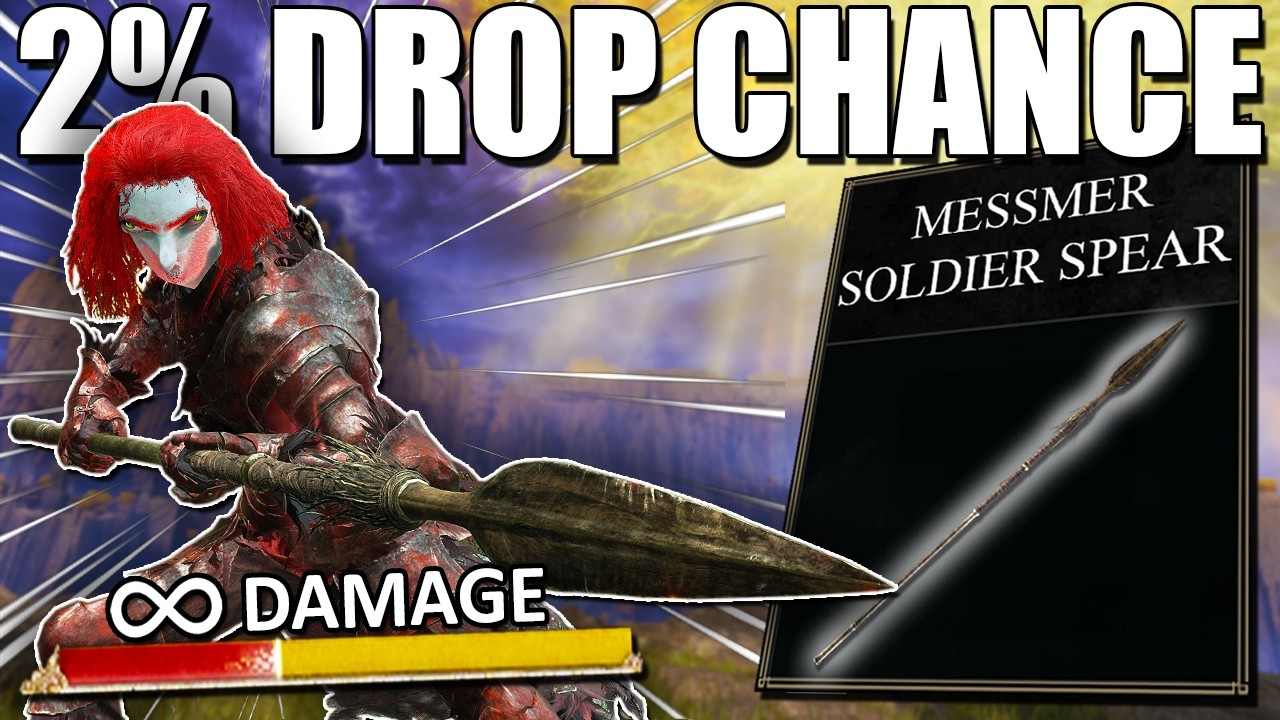
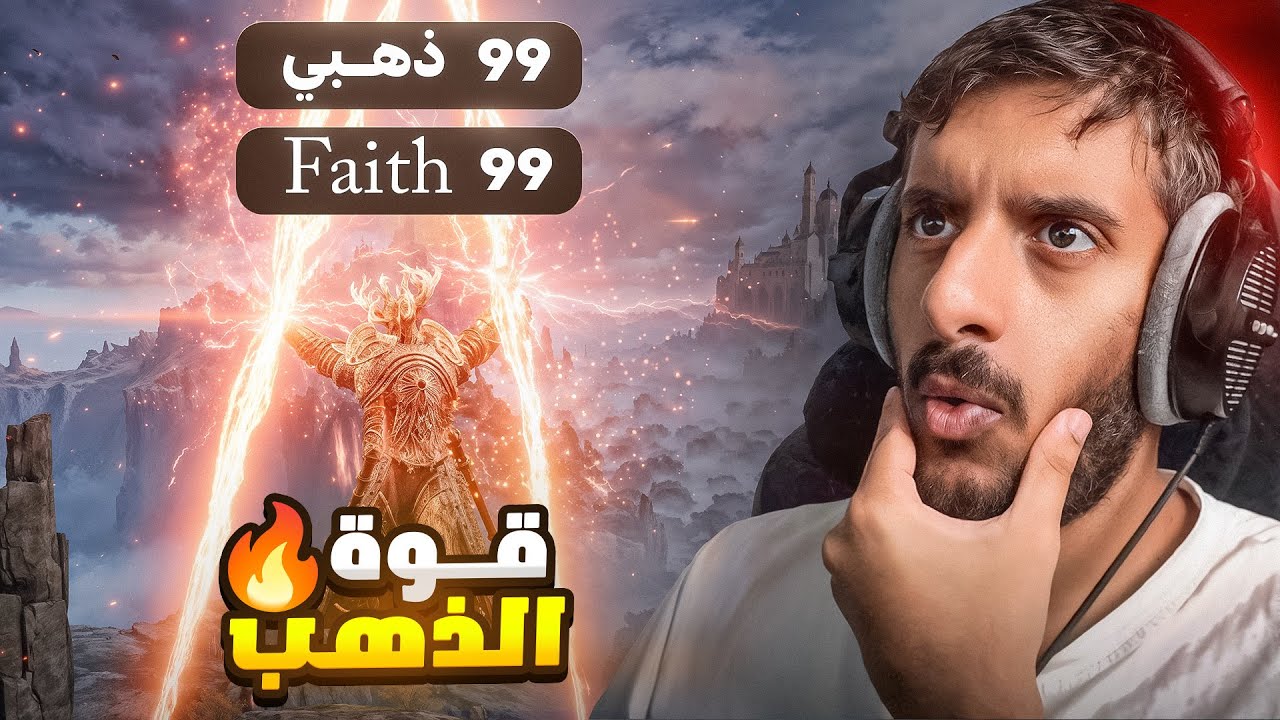
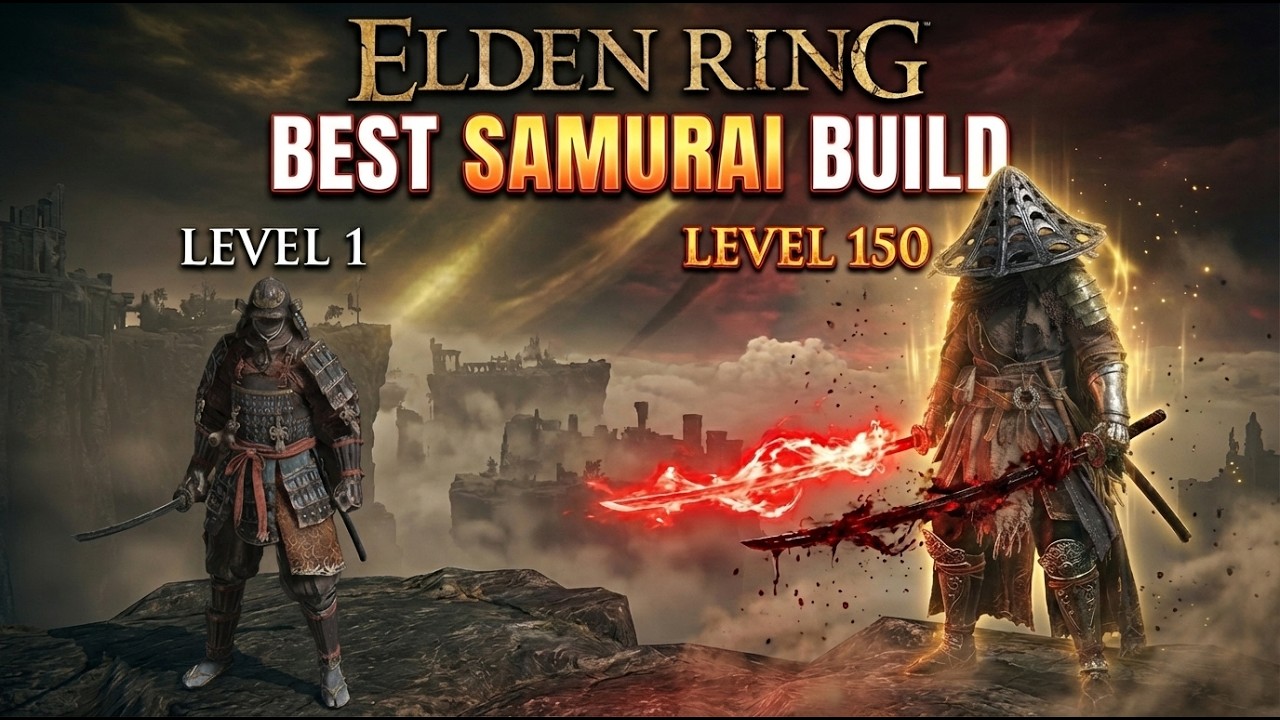
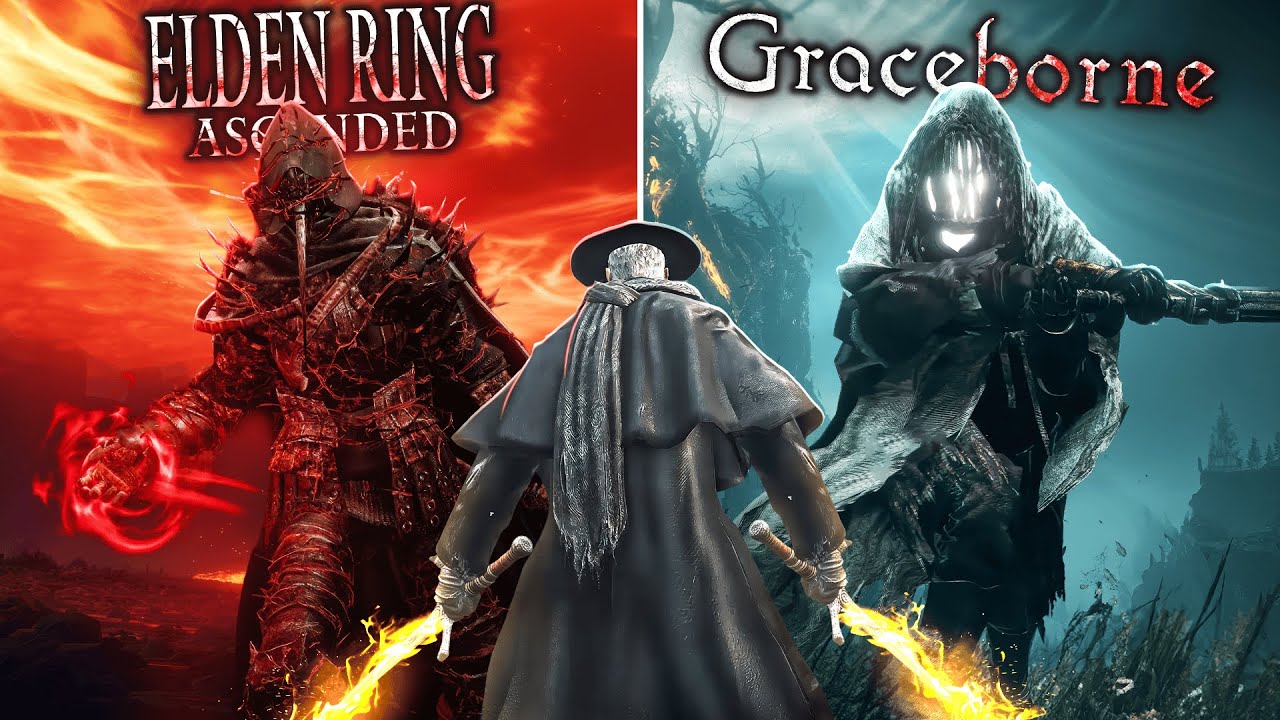
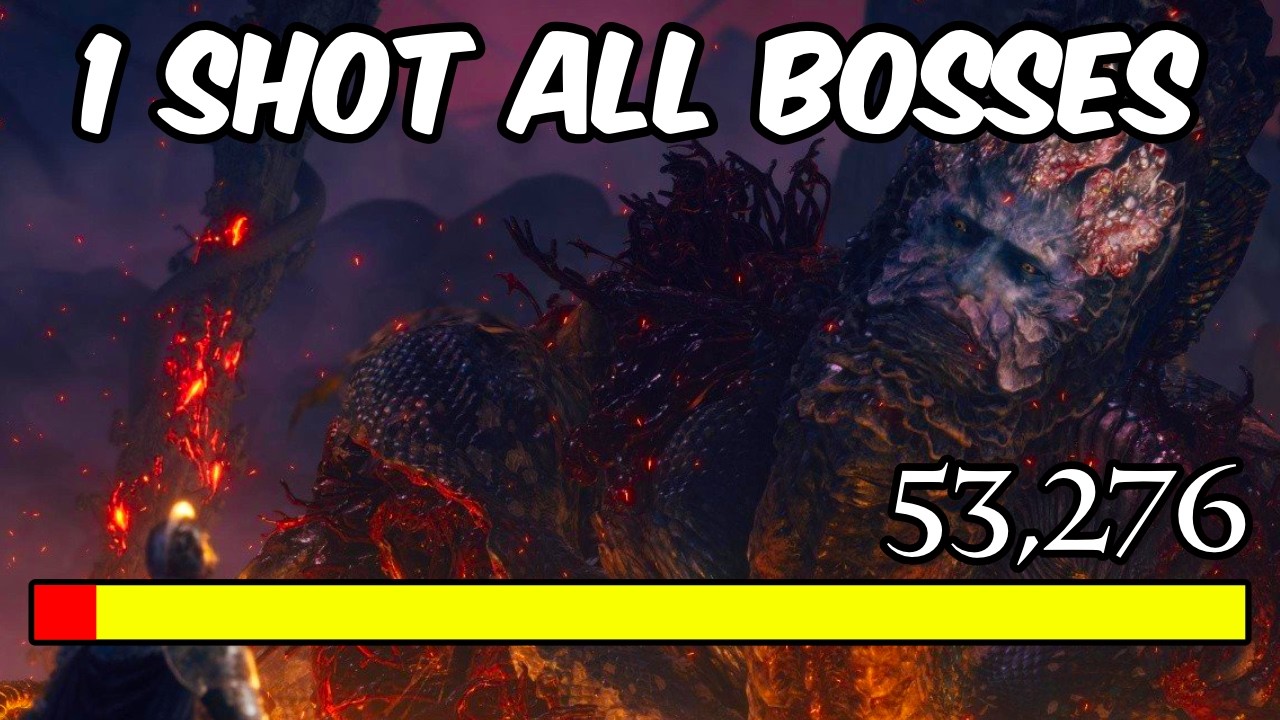
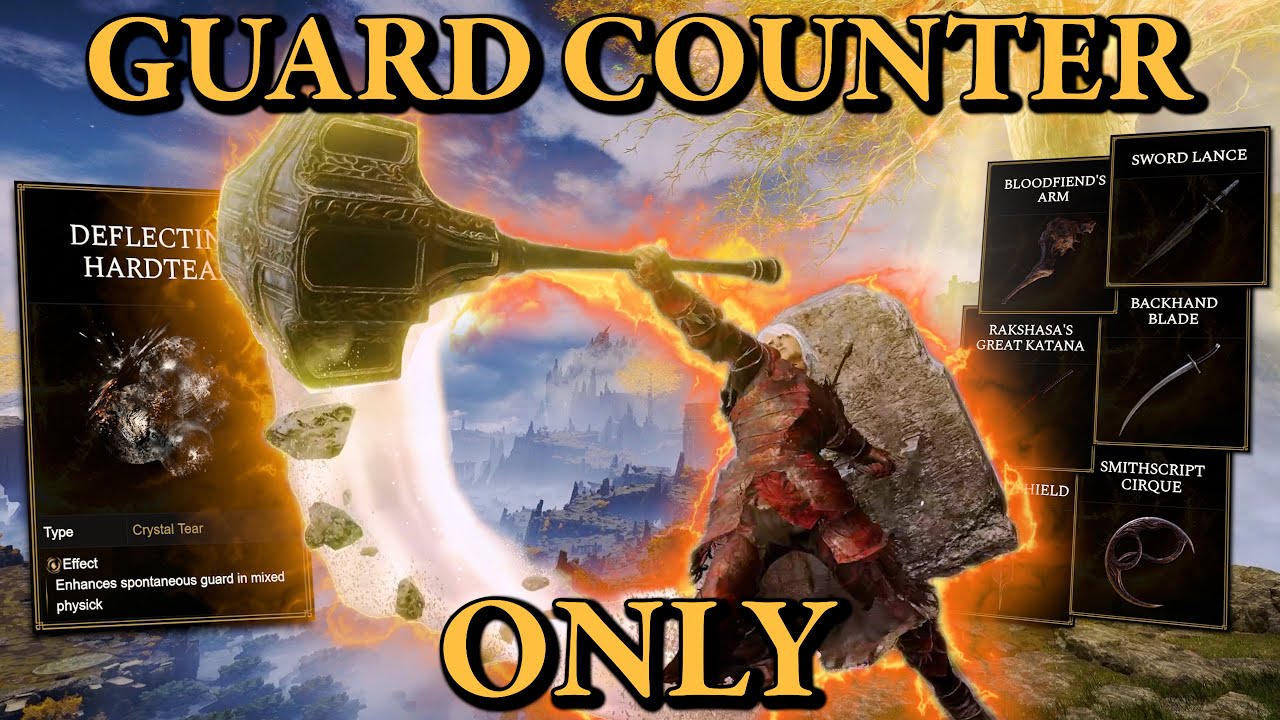
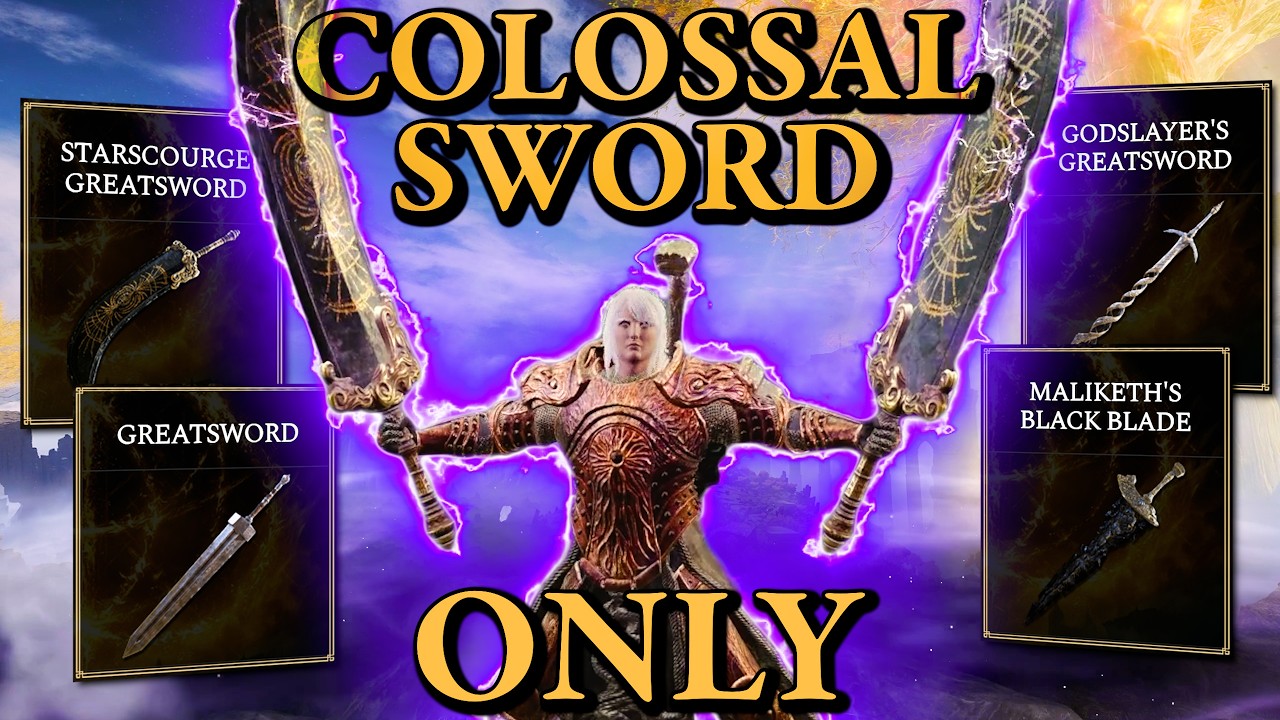

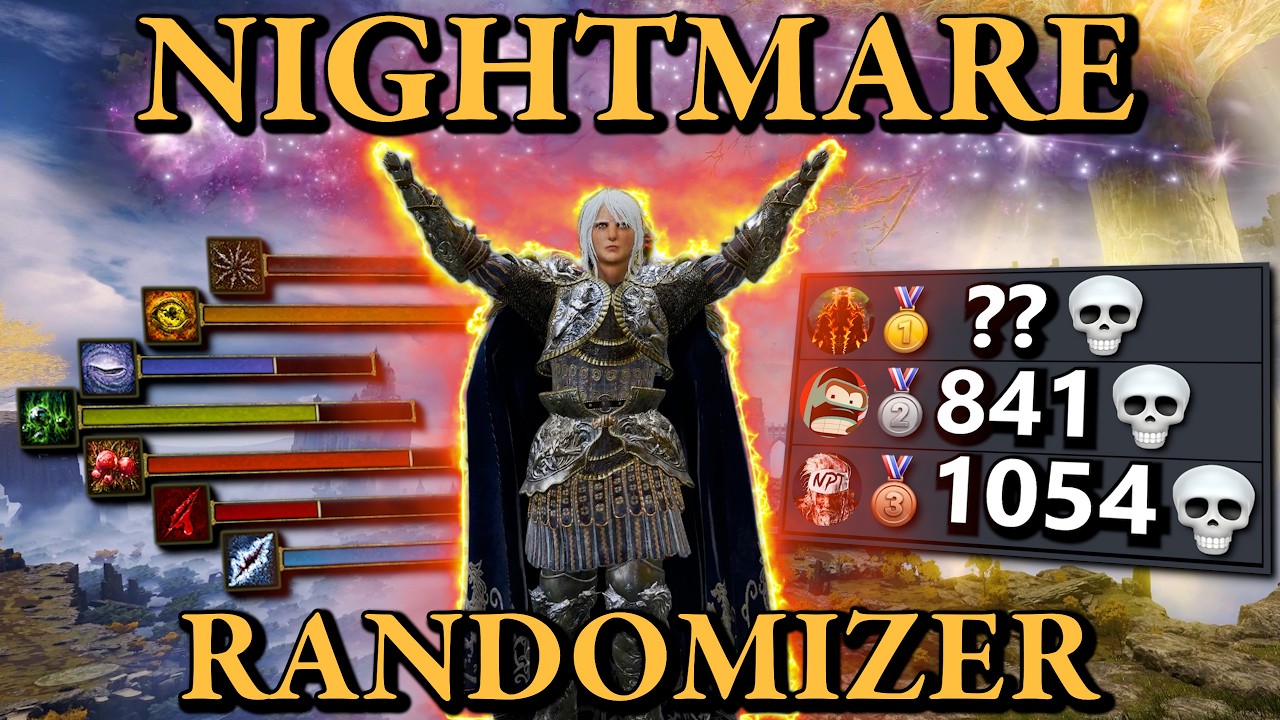
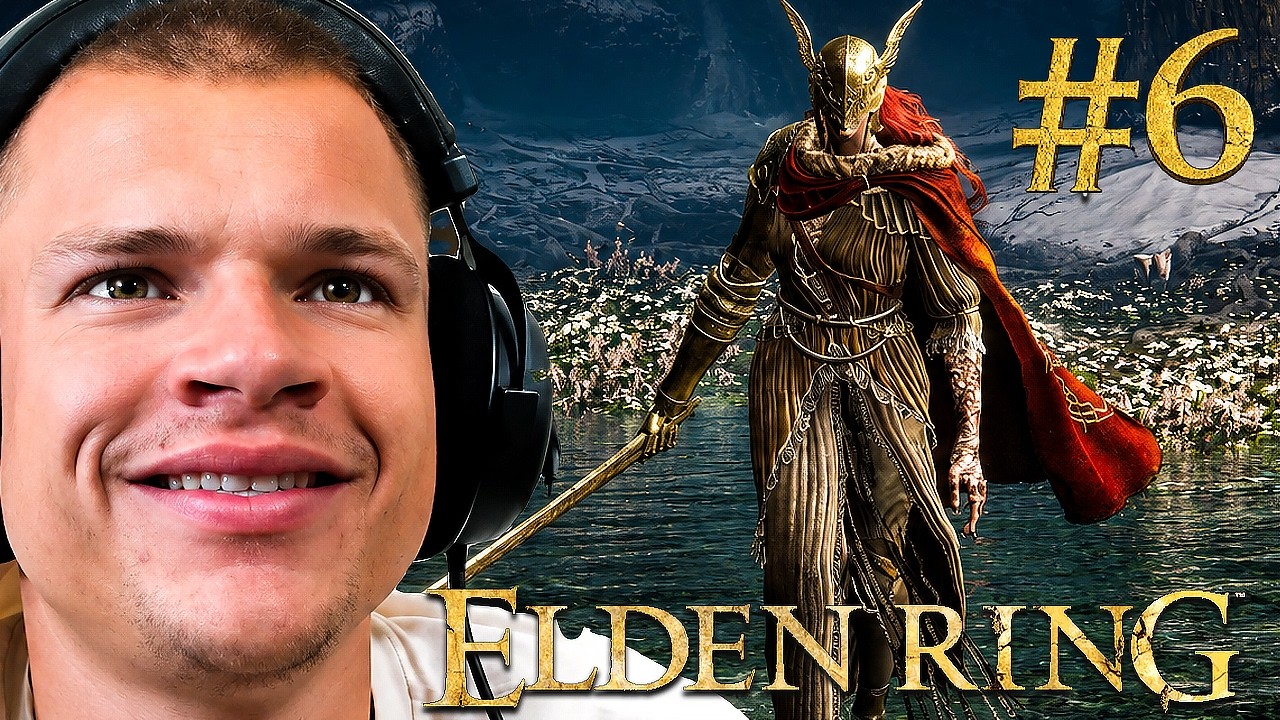
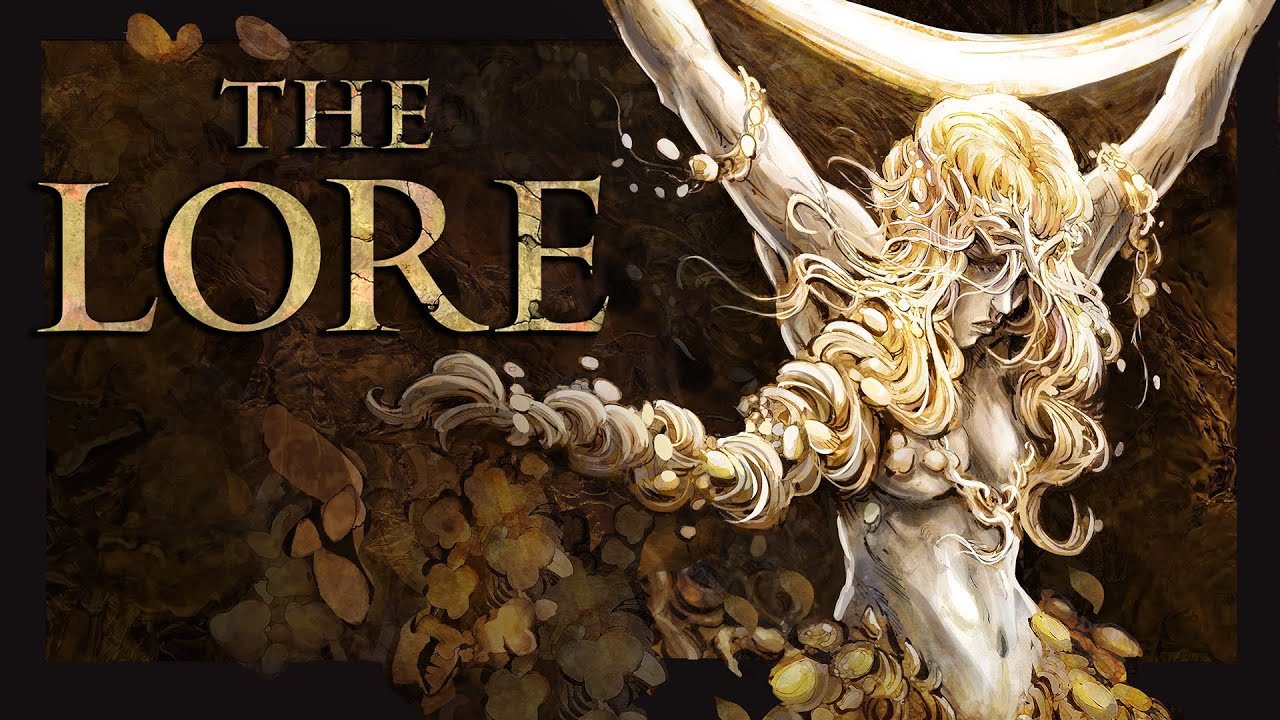
Create Your Elden Ring Thumbnail in 3 Simple Steps
Find a visual style that fits your gameplay, personalize the composition, and let AI turn your ideas into a finished gaming thumbnail.
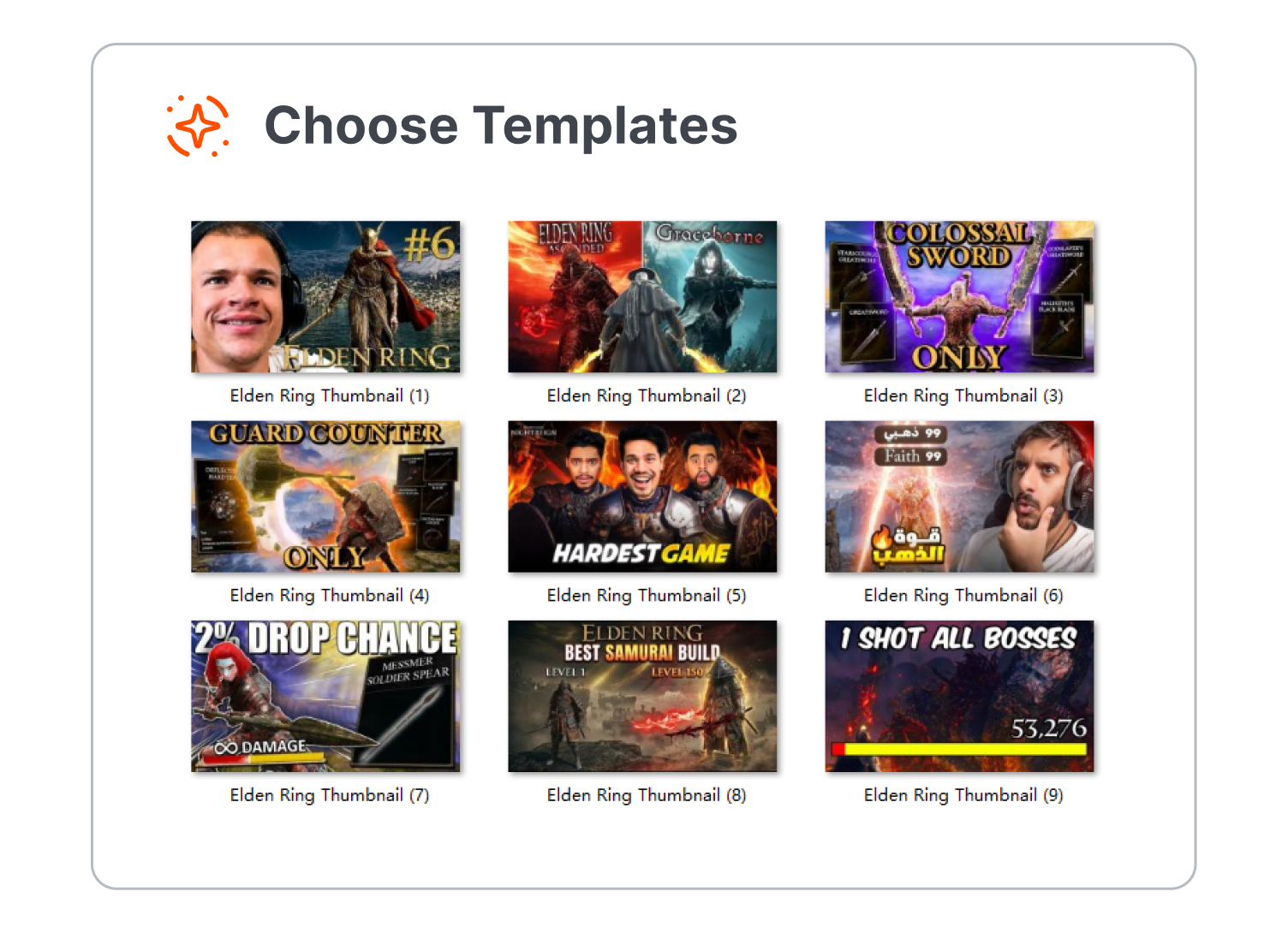
1. Browse and Compare Templates
Explore a collection of Elden Ring thumbnail designs inspired by popular gaming video styles. Compare different characters, boss encounters, backgrounds, and visual compositions to find a direction that matches your content.
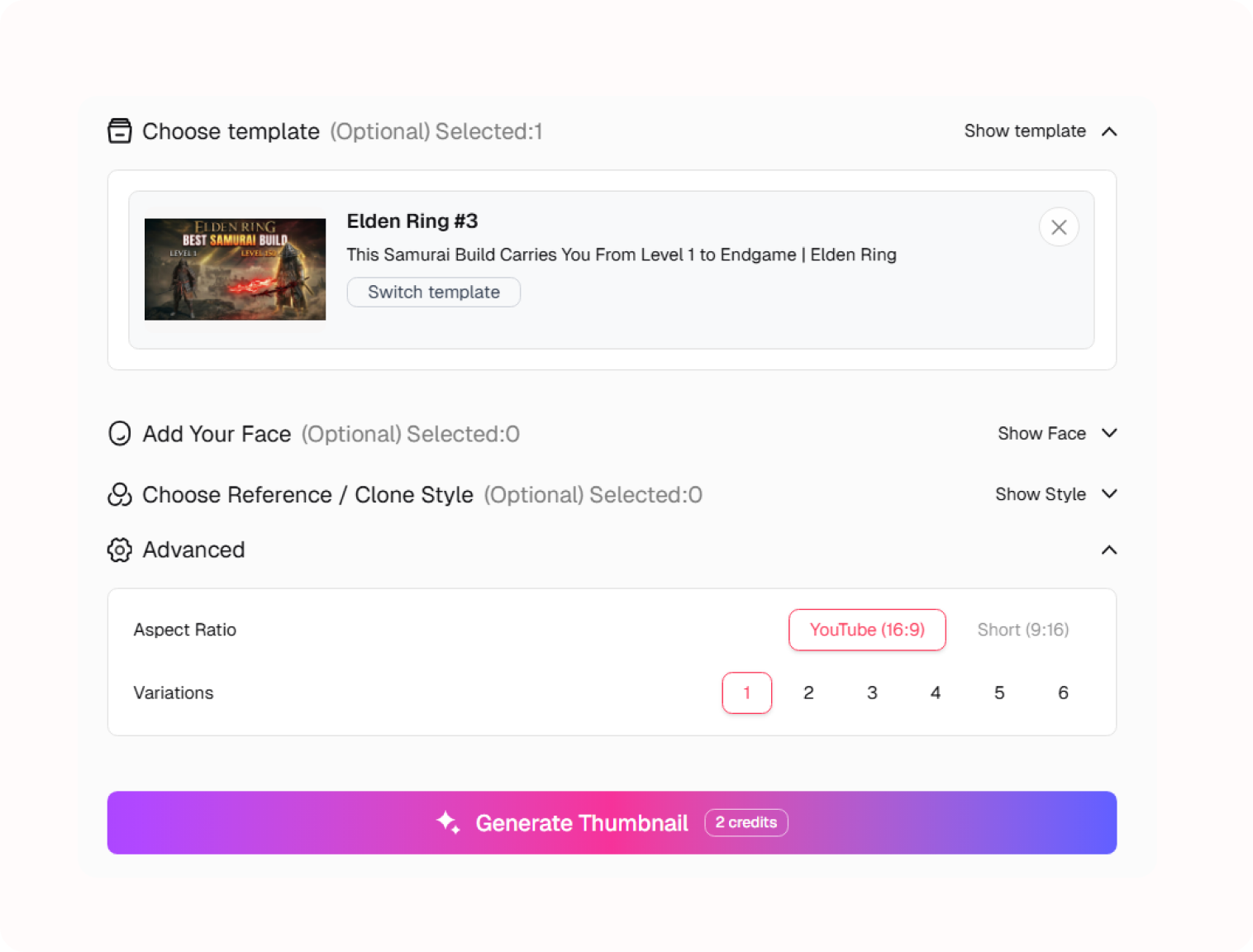
2. Customize Your Favorite Design
Choose a template and adjust the visual elements to fit your video. Refine the composition, change the focal point, personalize the text, and make the design feel like your own.
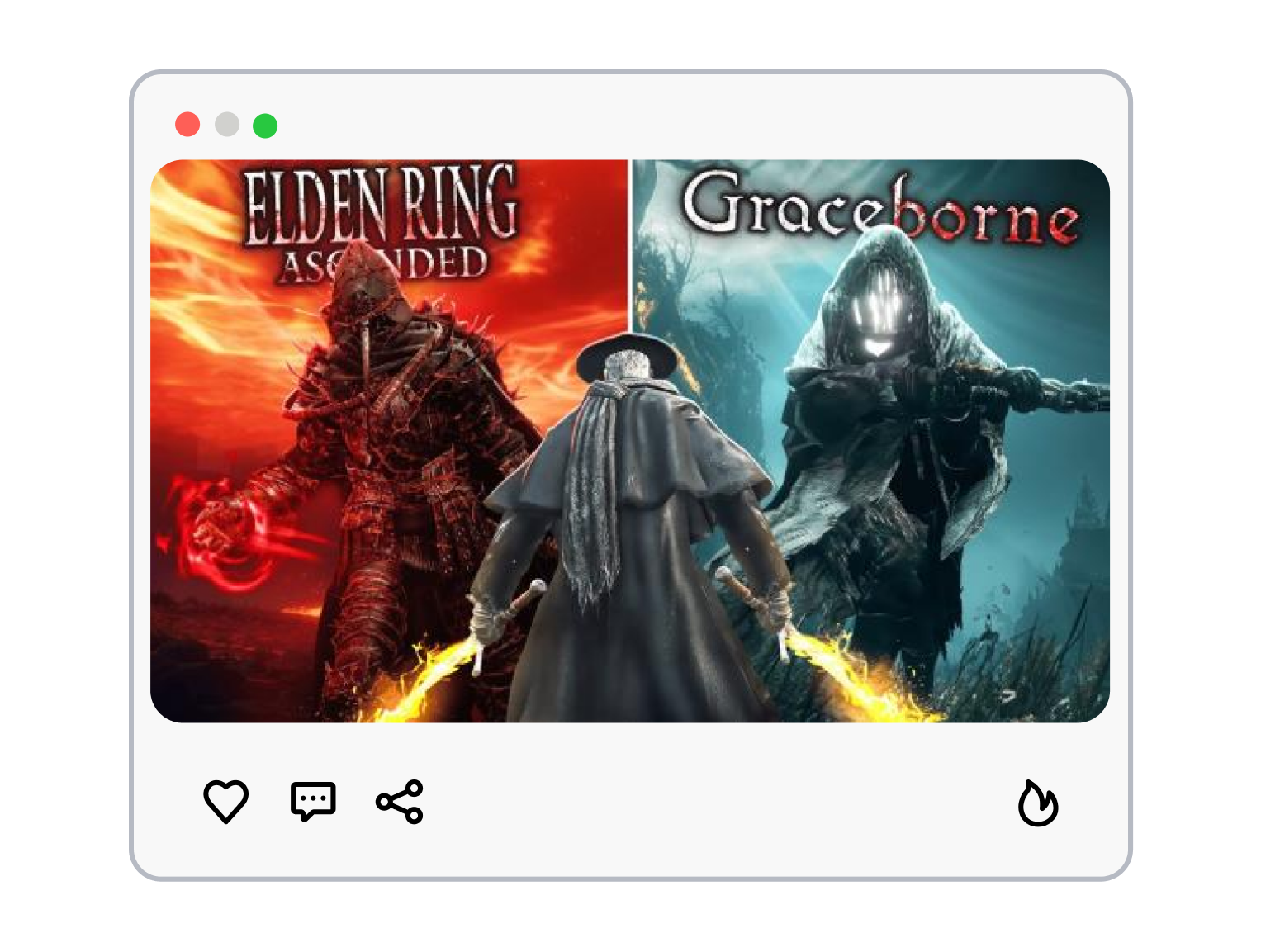
3. Generate Your Unique Thumbnail
Let AI transform your customized direction into a distinctive YouTube thumbnail. Create a visual that captures your video's main idea and gives viewers a reason to take a closer look.
Create Your Own Gaming Style With Elden Ring Thumbnail Templates
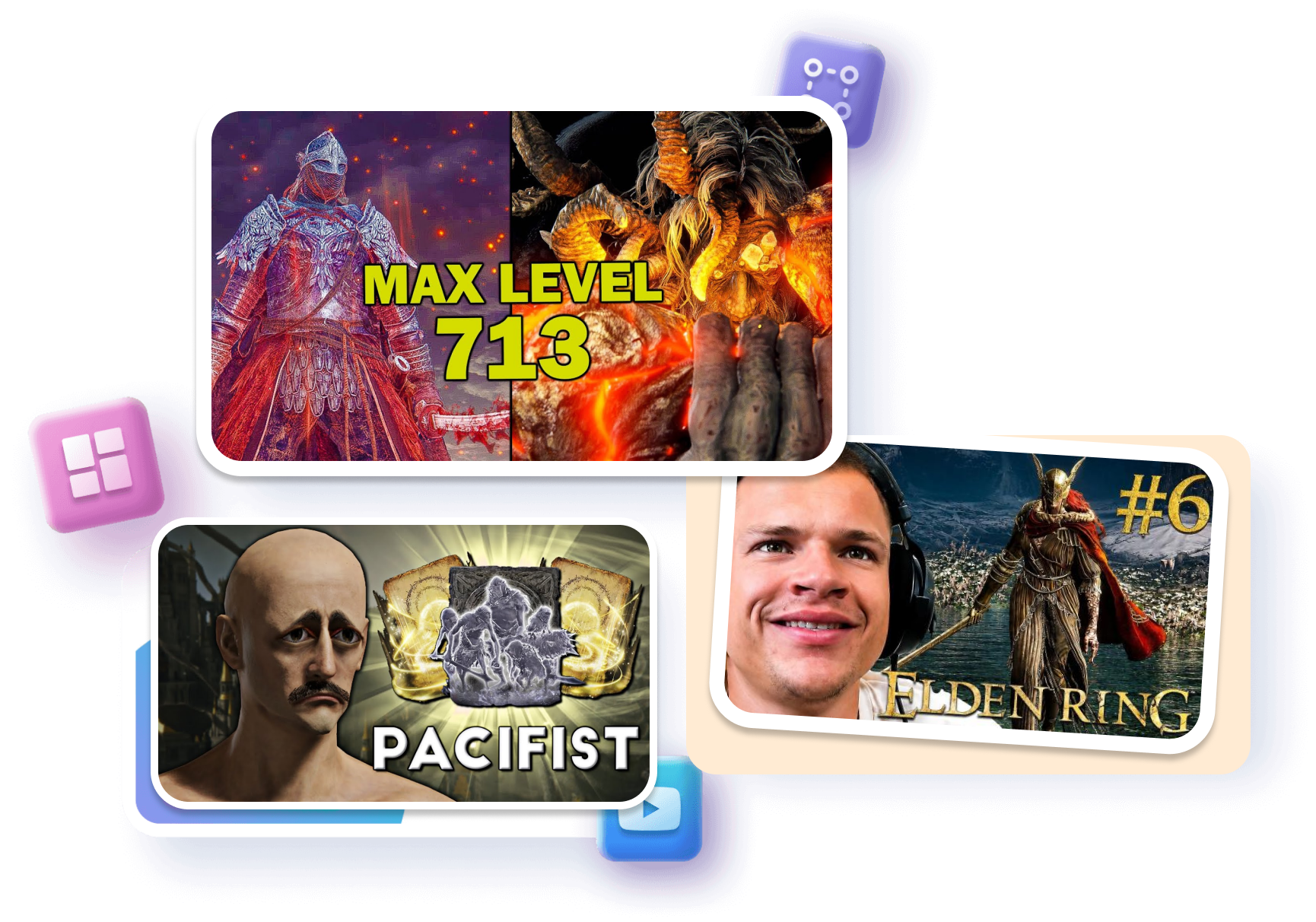
Find Inspiration from Popular Gaming Styles
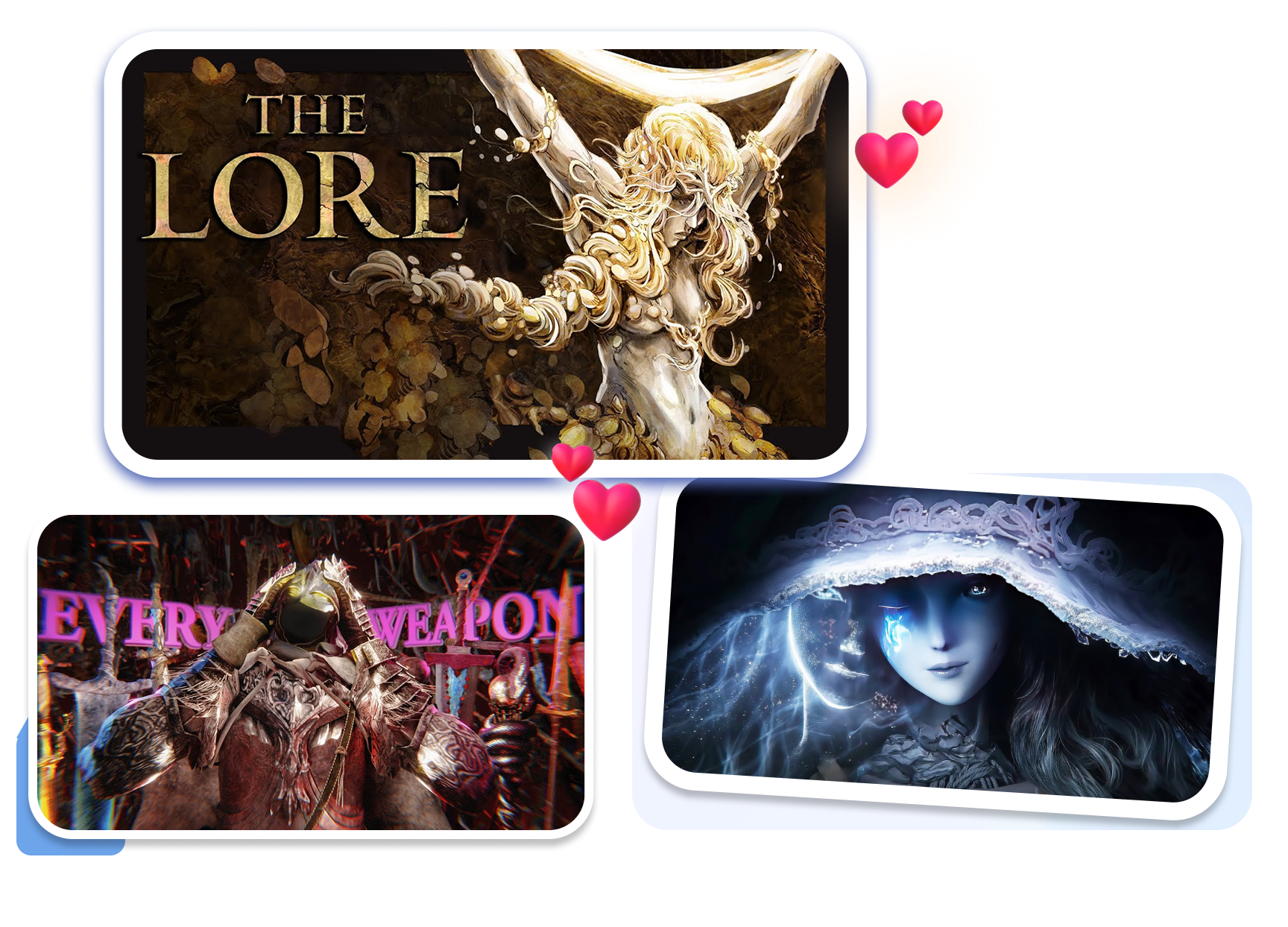
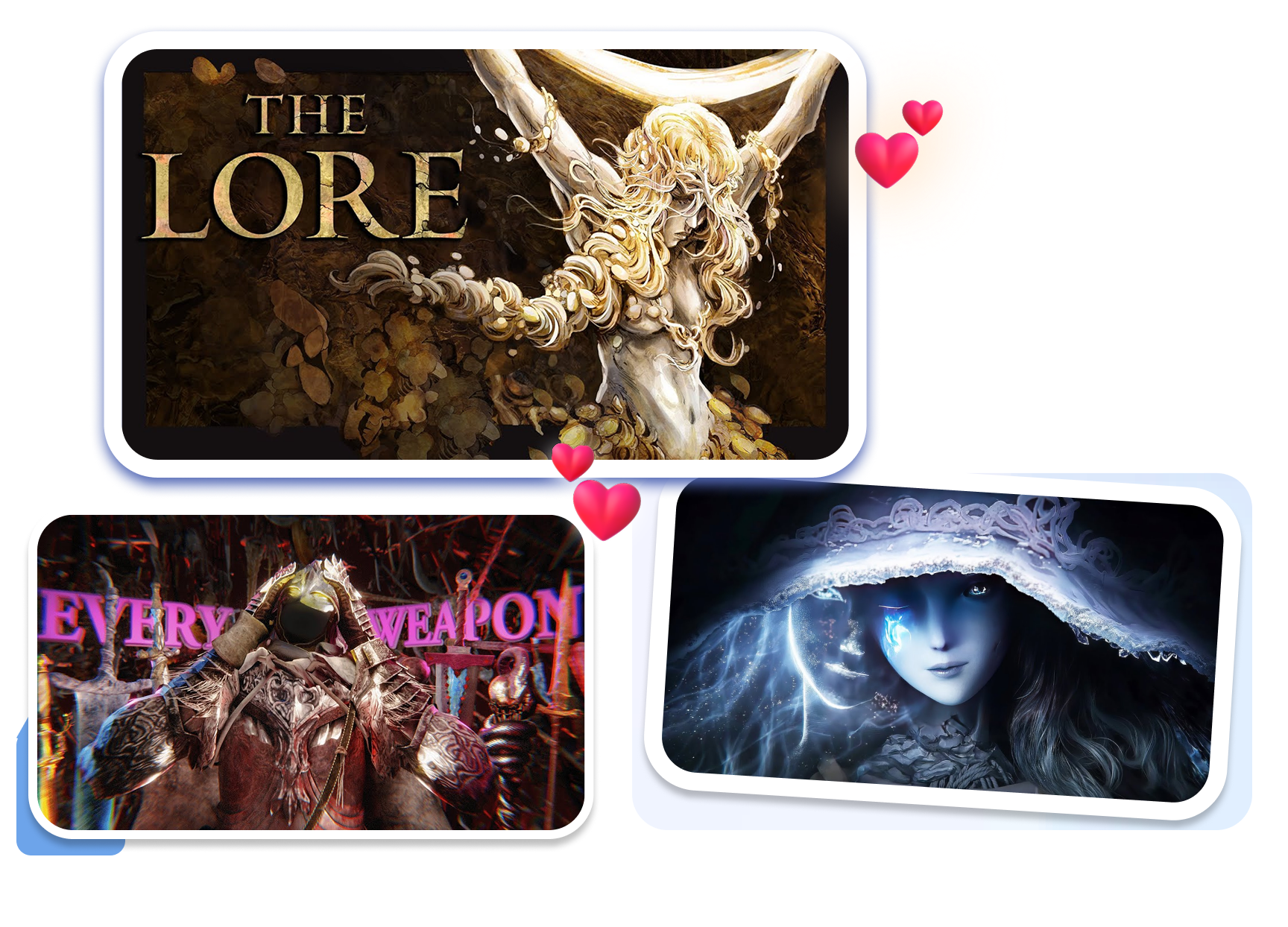
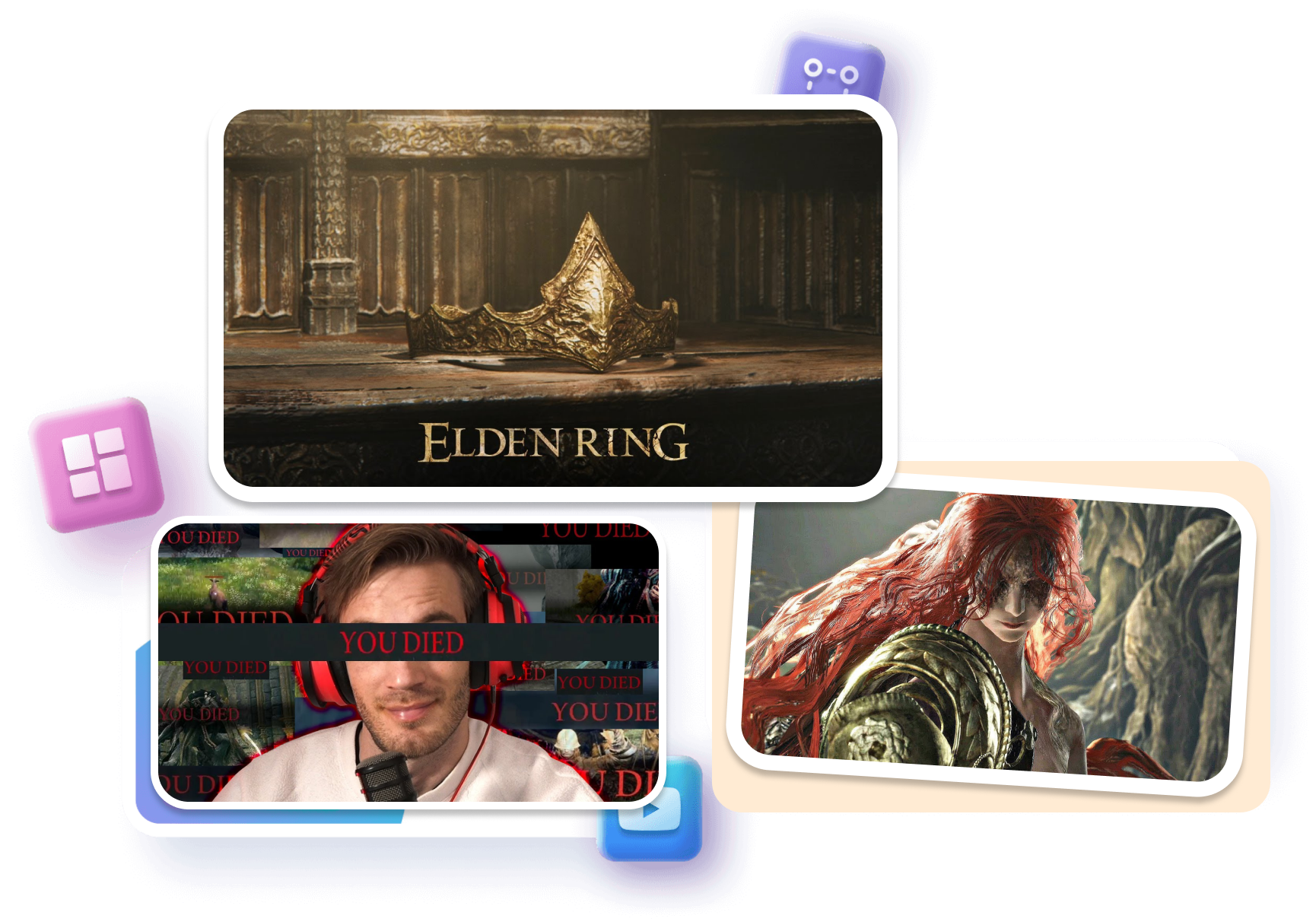
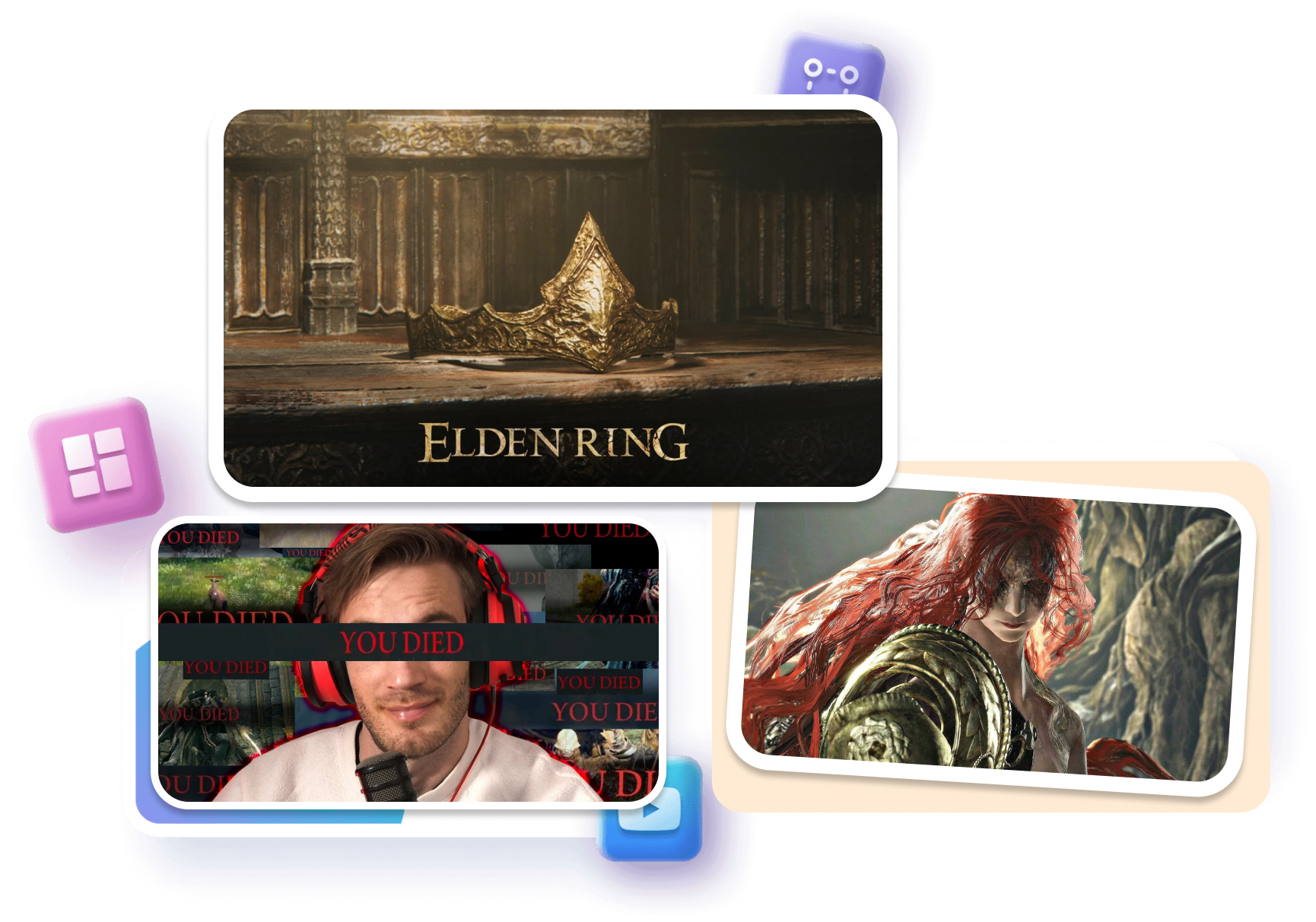
Explore thumbnail styles inspired by popular gaming creators and discover visual ideas for your next Elden Ring video.
Browse boss fight and character designs.
Compare cinematic and fantasy styles.
Discover eye-catching gaming compositions.
Match the Visuals to Your Video
Customize your chosen template with characters, weapons, backgrounds, and text that fit your video's theme.
Adjust the main subject and focal point.
Personalize backgrounds and visual elements.
Create layouts around your video topic.
Turn Epic Battles into Eye-Catching Covers
Highlight intense combat moments with dramatic compositions, cinematic lighting, and striking visual contrasts.
Feature iconic bosses and characters.
Explore dramatic lighting effects.
Create epic boss fight covers.
Generate a Design That Feels Like Yours
Turn your customized ideas into original gaming thumbnails with AI, giving every video its own visual identity.
Transform concepts into unique visuals.
Experiment with different design variations.
Build a consistent channel aesthetic.
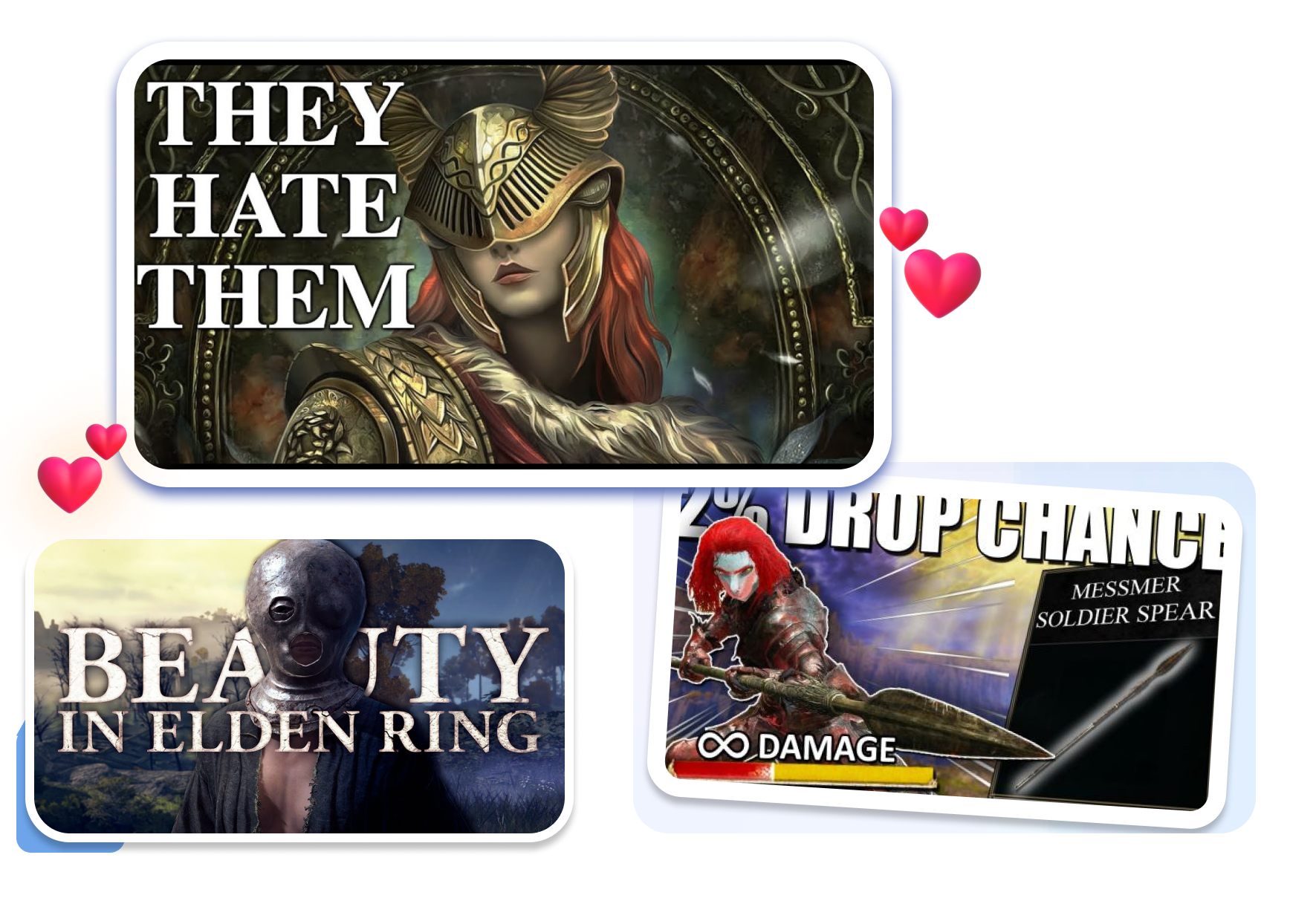
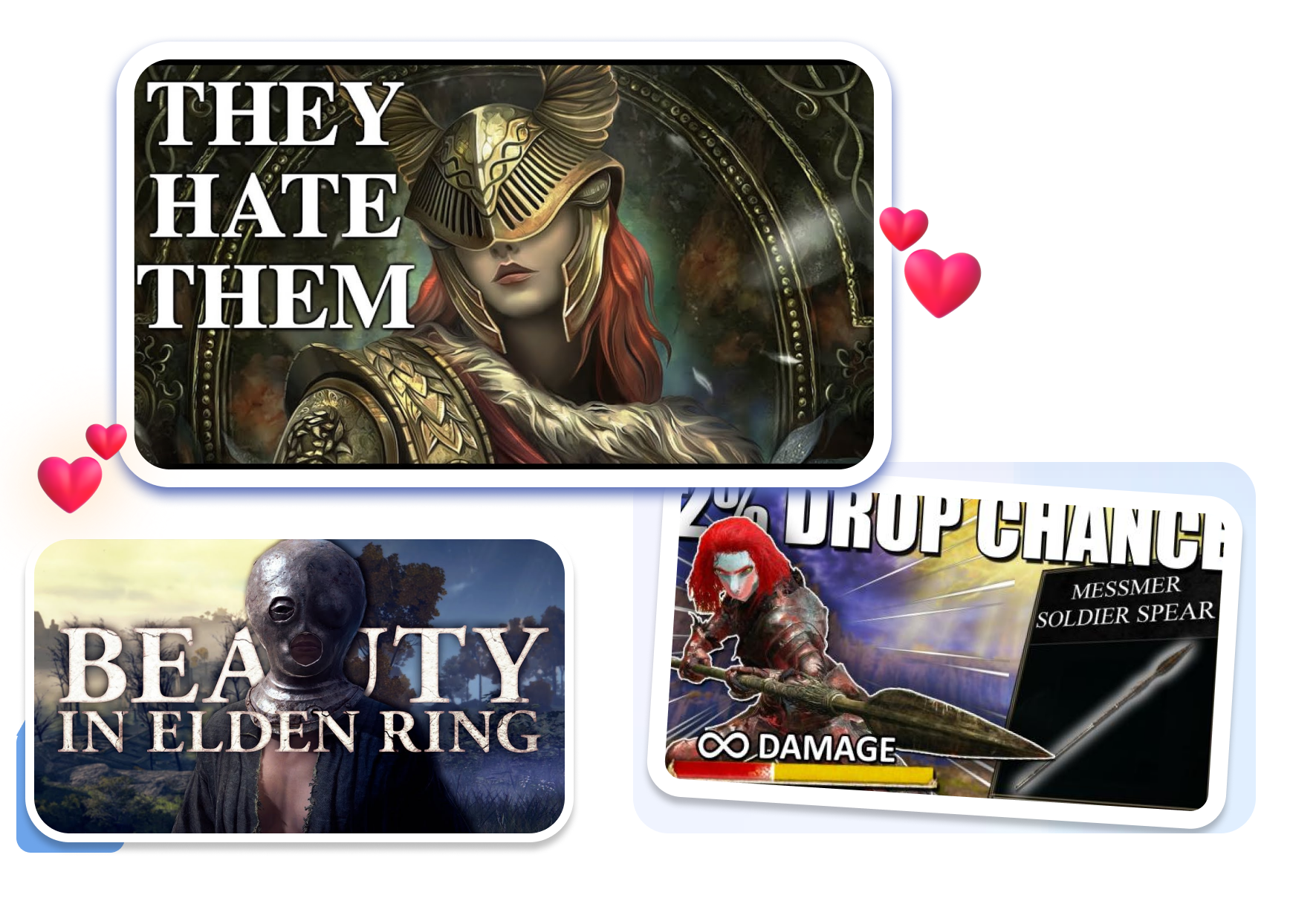
Find the Right Elden Ring Thumbnail for Every Creator
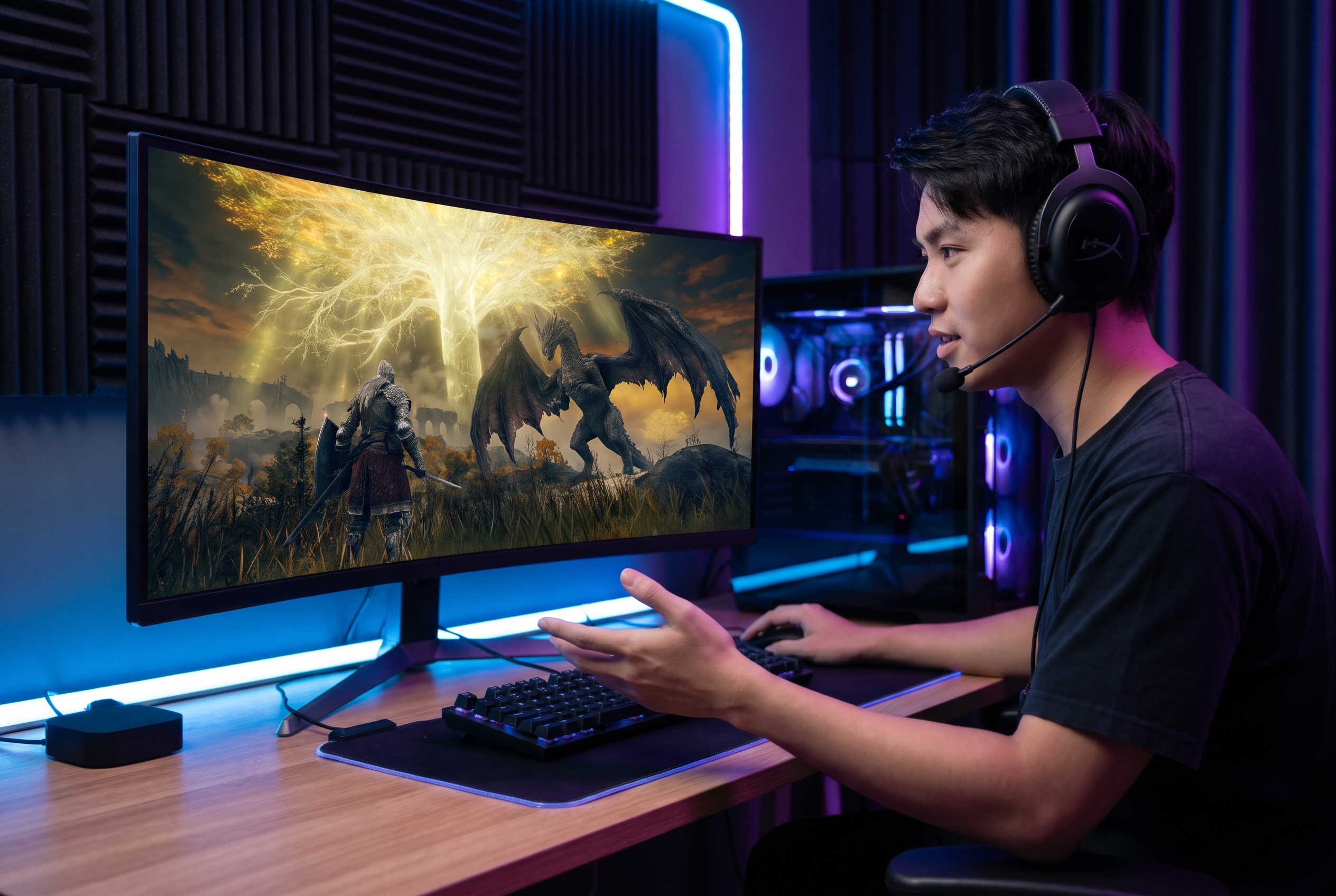
Elden Ring YouTubers and Boss Creators
Give every gameplay upload a visual identity, then make legendary encounters the center of attention. Compare layouts for the most exciting moments and explore dramatic battle compositions for boss fight videos.
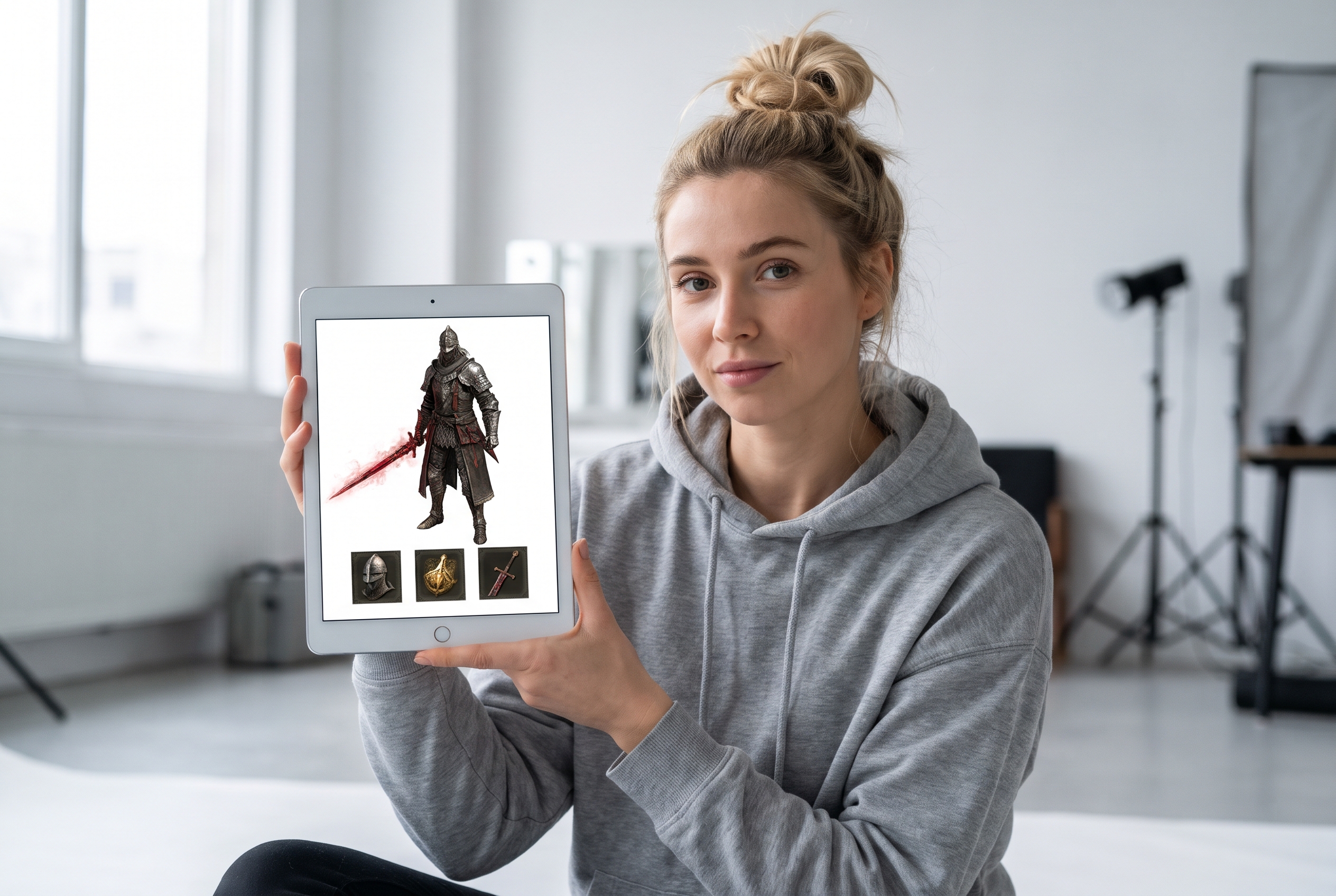
Guide Creators and Streamers
Make walkthroughs, builds, boss attempts, and stream highlights easier to recognize. Highlight the character, weapon, equipment, or challenge that tells viewers what the video offers.
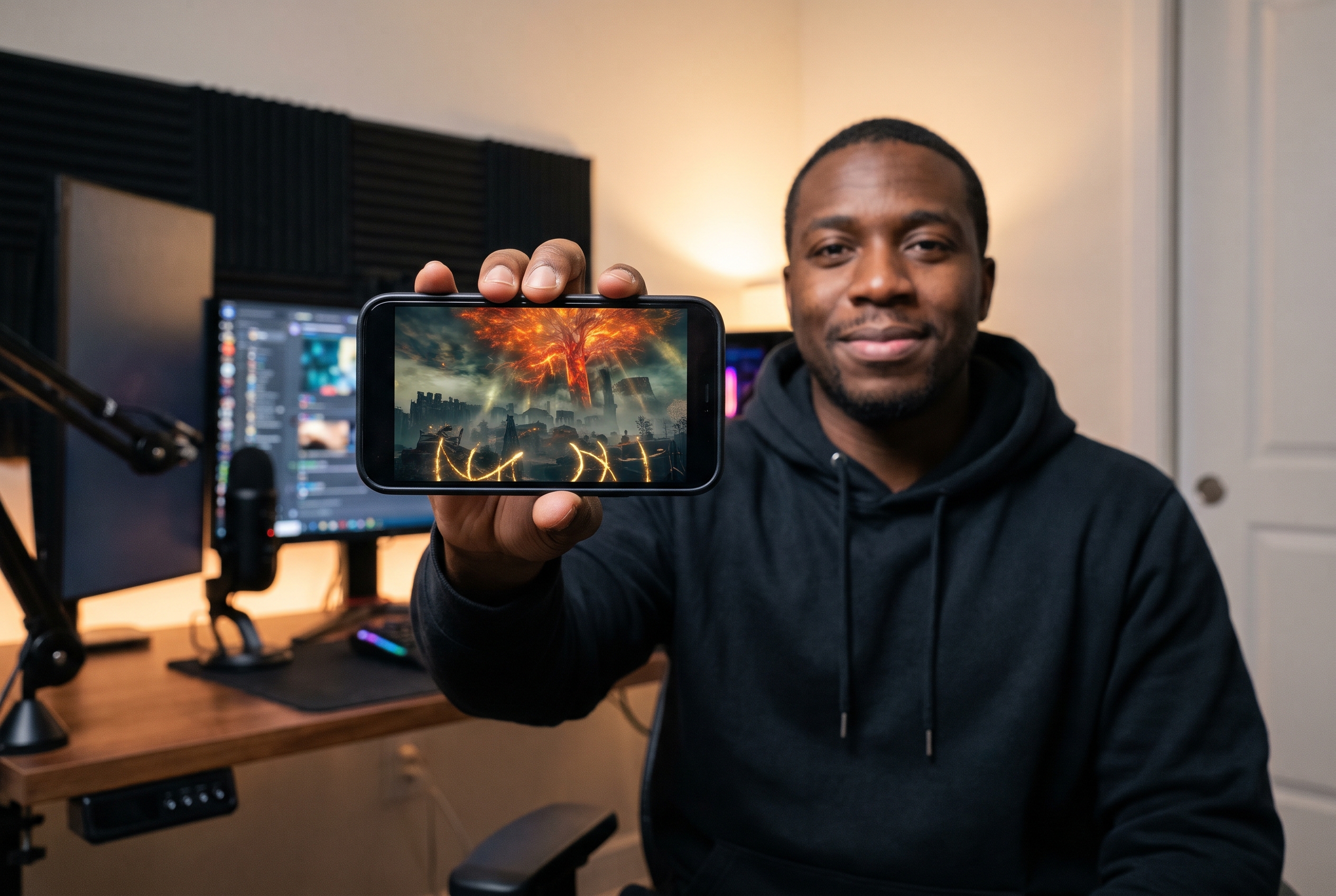
Designers and Gaming Channels
Use Elden Ring thumbnail templates as starting points for composition, color, lighting, and character placement. Adapt directions for gameplay, reviews, lore, and DLC content while keeping the channel presentation consistent.
FAQs
How can I create an Elden Ring Thumbnail with Thumbs.ai?
Can I customize Elden Ring thumbnail templates?
Can I create Elden Ring boss fight thumbnails?
Does Thumbs.ai support Elden Ring DLC thumbnails?
Can I make Elden Ring YouTube thumbnails without design experience?
Can I create thumbnails for different Elden Ring video types?
Can I create Elden Ring thumbnails in 4K?
Can I use Elden Ring thumbnail designs for YouTube gaming videos?
Your Next Elden Ring Thumbnail Starts Here
Explore popular thumbnail styles, test visual ideas, and use AI to create an Elden Ring cover that feels uniquely yours.