

Thumbnail Arrow Generator
Boost your YouTube video's Click-Through Rate in seconds. Generate the perfect YouTube thumbnail arrow with a transparent background. No Photoshop needed.

Build a High-Click Thumbnail Arrow in 3 Easy Steps

1. Upload or Start Fresh
Upload your video cover image to Thumbnail Arrow Generator, or start with a blank canvas.
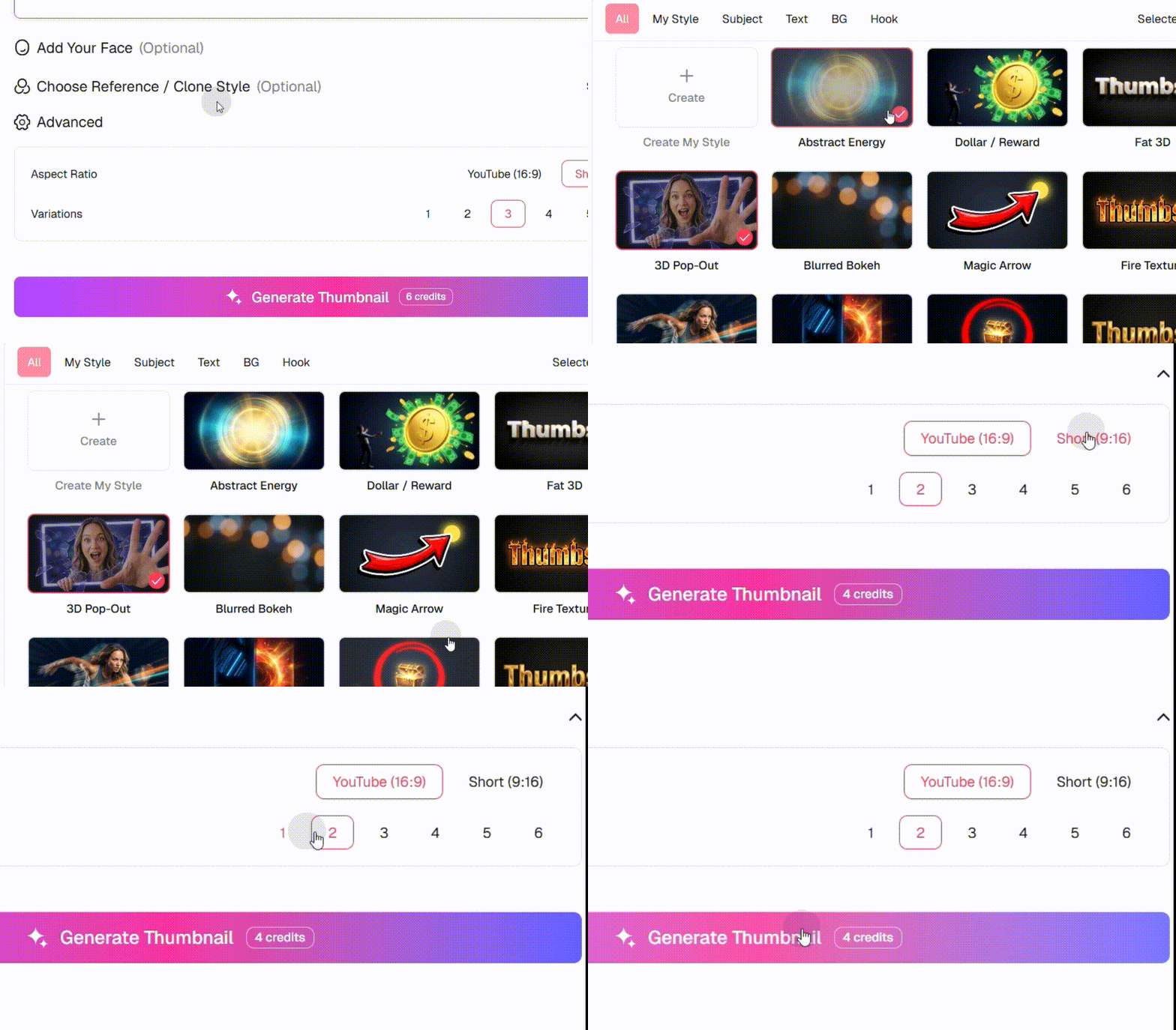
2. Customize Your Style
Choose a curved or straight shape. Add a classic red thumbnail arrow, tweak the outline color, and adjust the rotation to point directly at your story hook.
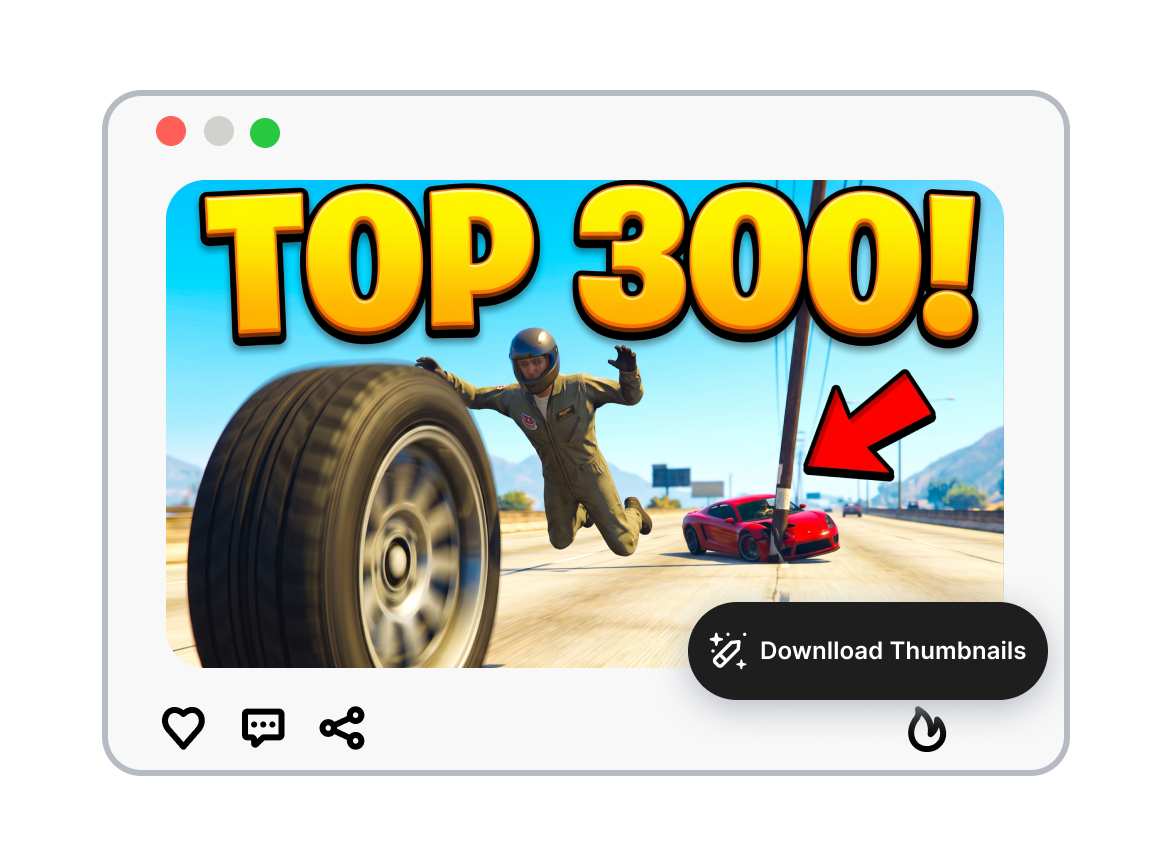
3. Download & Go Viral
Export your design as a high-quality thumbnail arrow PNG with a fully transparent background, ready to generate your YouTube video covers.
Make Every Thumbnail Arrow Point With Purpose

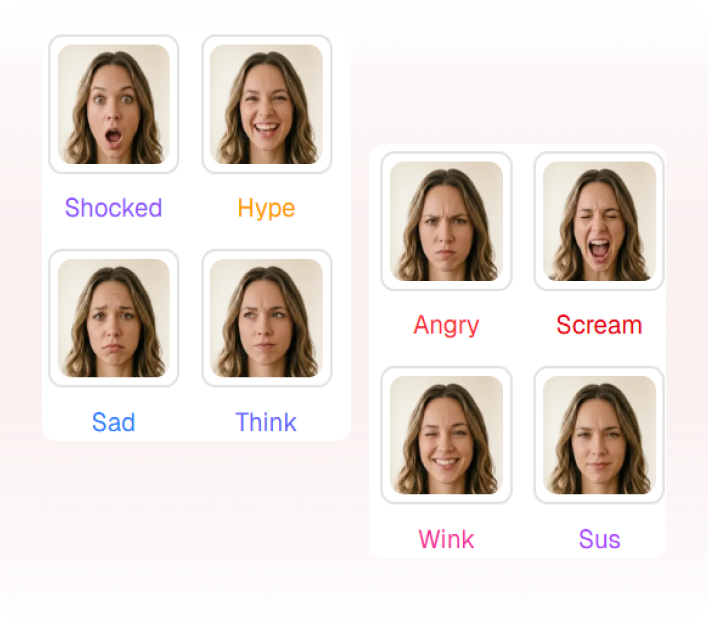
Lead the Eye to One Target
Point directly at the clue, face, result, or product detail that carries the story. Keep one arrow and one visual target working together. Make the cover easier to understand before the headline is read.
Shape the Arrow Around the Scene
Choose a straight, curved, hand-drawn, glowing, or 3D arrow treatment. Match color contrast, outline weight, and arrow direction to the background. Keep the marker visible without letting it overpower the subject.




Rework a Reference Into Your Cover
Upload a useful reference image and identify the attention path worth preserving. Change the subject, headline, palette, and composition around your own video. Build a distinct design instead of tracing someone else's finished thumbnail.
Compare More Than One Direction
Generate variations with different arrow curves, placements, colors, and focal points. Review the full cover at mobile feed size instead of judging the arrow alone. Choose the version that communicates the video most clearly.
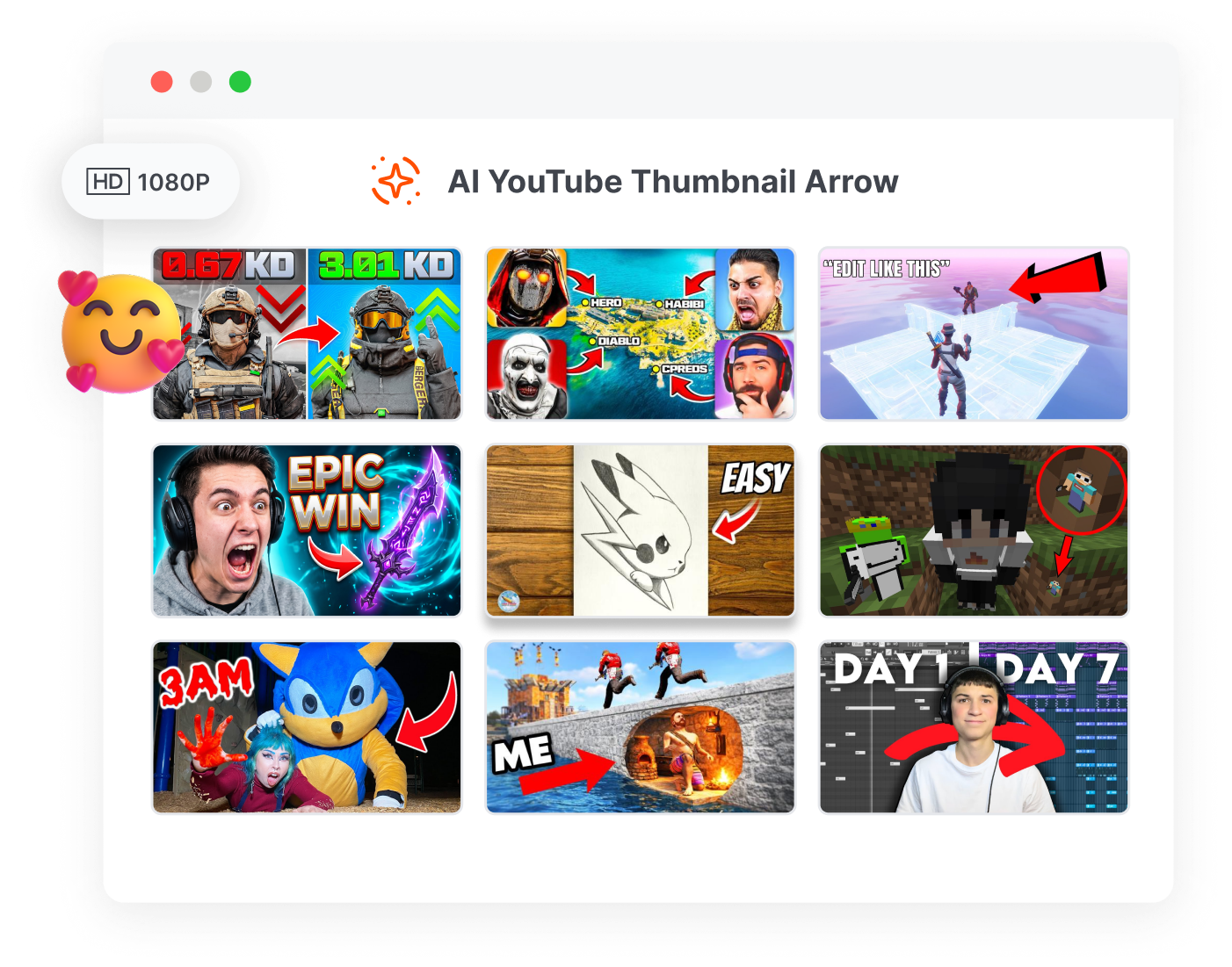
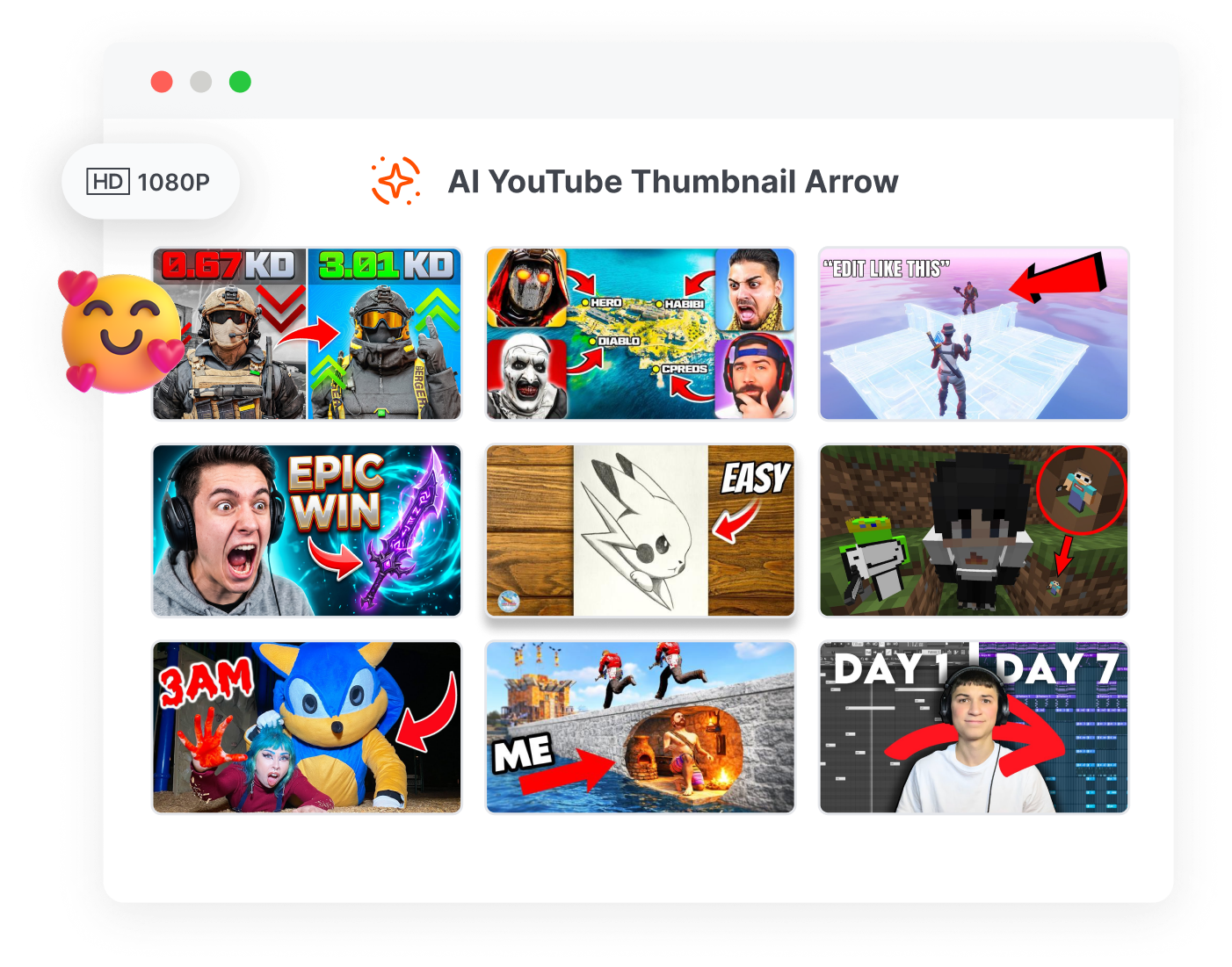
Who Uses a Thumbnail Arrow Generator?

Gaming and Challenge Creators
Direct attention toward a hidden enemy, rare item, failed move, map change, or challenge result inside a busy gameplay scene.

Tutorial and Review Channels
Point to a setting, product feature, error, or before-and-after change so viewers immediately understand what the video will explain.

Commentary and Marketing Teams
Highlight the evidence, reaction, number, or offer that anchors the story while keeping the arrow honest about what the video contains.
FAQs
What is a thumbnail arrow generator?
Why use arrows in YouTube thumbnails?
What is the best color for an arrow on a thumbnail?
Can I create a curved YouTube thumbnail arrow?
How many arrows should a YouTube thumbnail use?
How do I get a transparent background arrow for my thumbnail?
Do I need Photoshop to add an arrow to my YouTube thumbnail?
Give the Thumbnail Arrow Something Worth Following
An arrow aimed at empty space only adds noise. Put the real clue at the end of the line, give it enough contrast to survive the feed, and generate a cover that earns curiosity with a clear visual promise.