Free Thumbnail Design Tool Online
Pick a proven template, drop in your photo or a frame from your video, cut yourself out and add big bold text – then check it at phone size before you export.
Examples · pick one to start
Click an example to open it in the editor, then swap in your own photo and text.
Drag to move · corners to resize · double-click to edit · Delete to remove
Related Tools
View all tools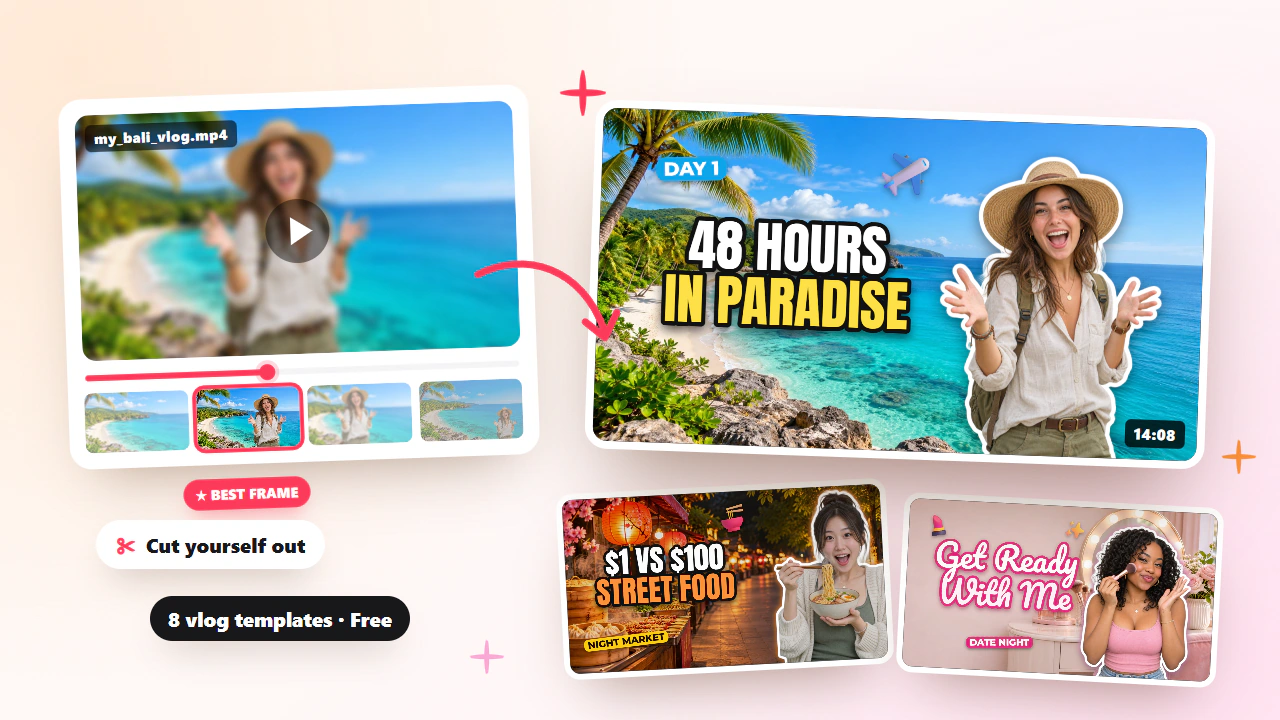
Vlog Thumbnail Creation
Pick the best frame from your vlog, cut yourself out and drop it into travel, food, GRWM and day-in-my-life templates.
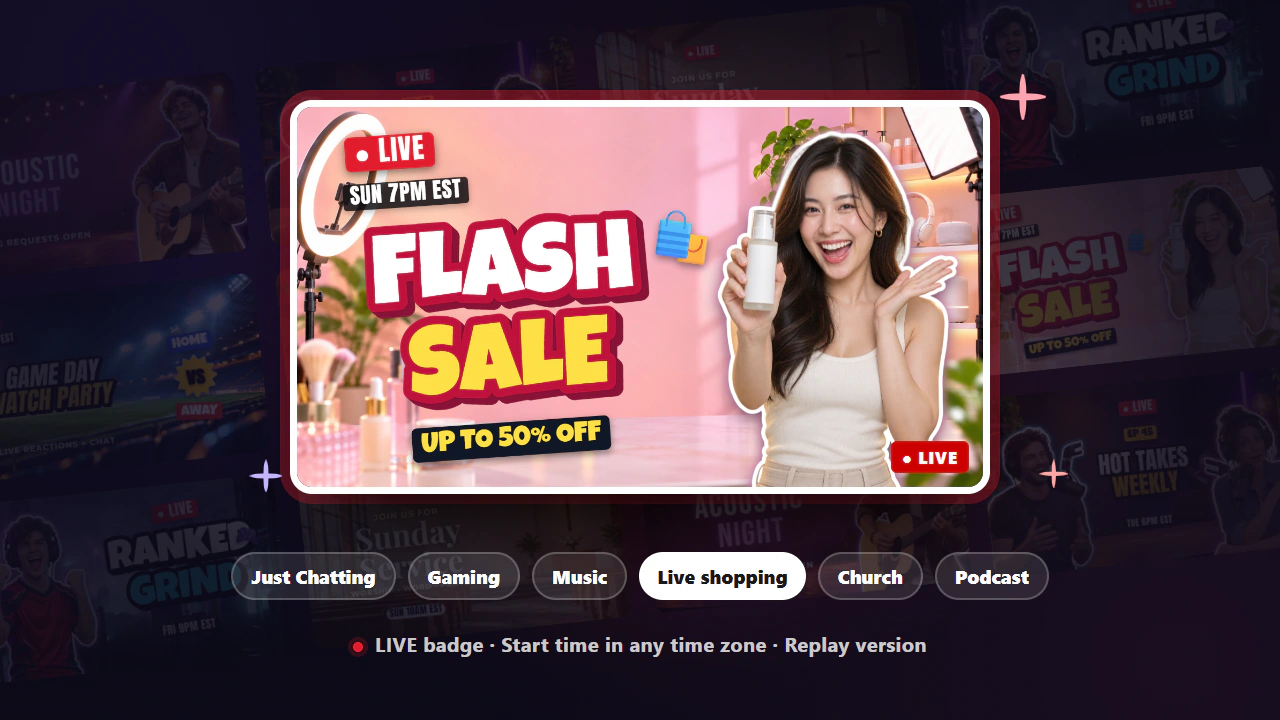
Live Stream Thumbnail
YouTube live stream thumbnails with LIVE badges, start time in any time zone and a one-click replay version.
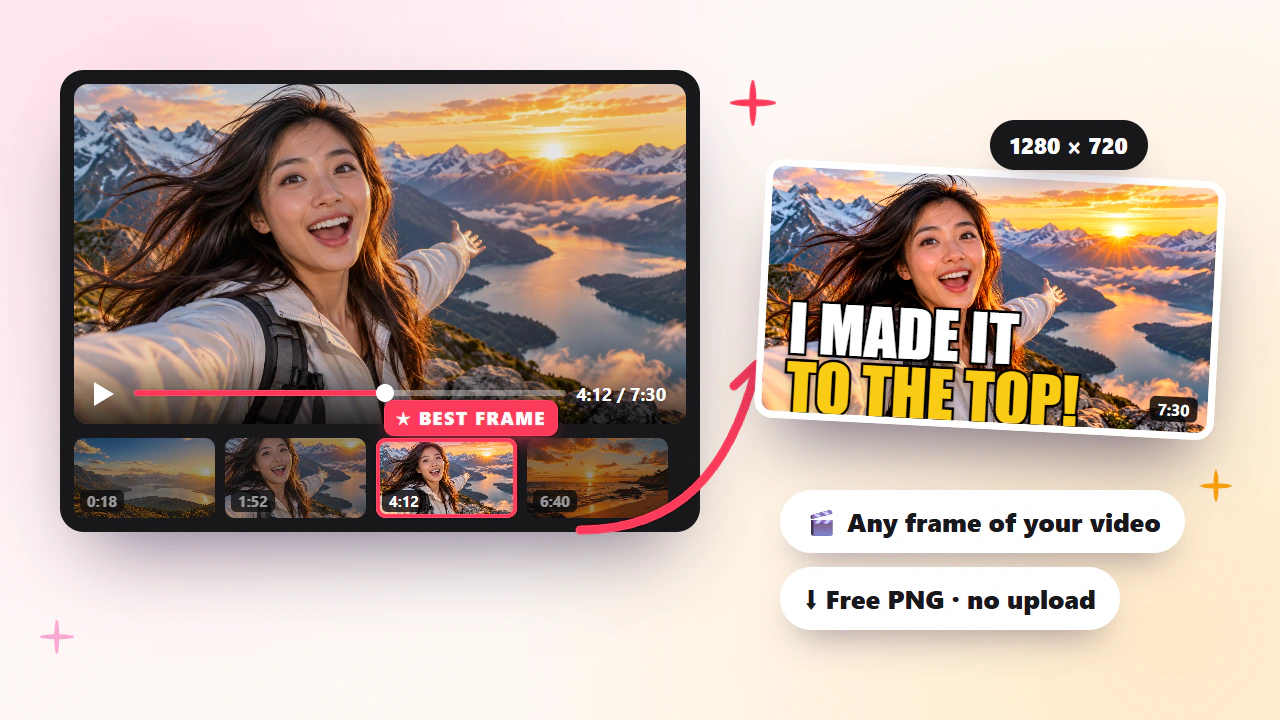
Video Thumbnail
Turn a frame of your video into a thumbnail: best frames picked for you, a bold title and free download.
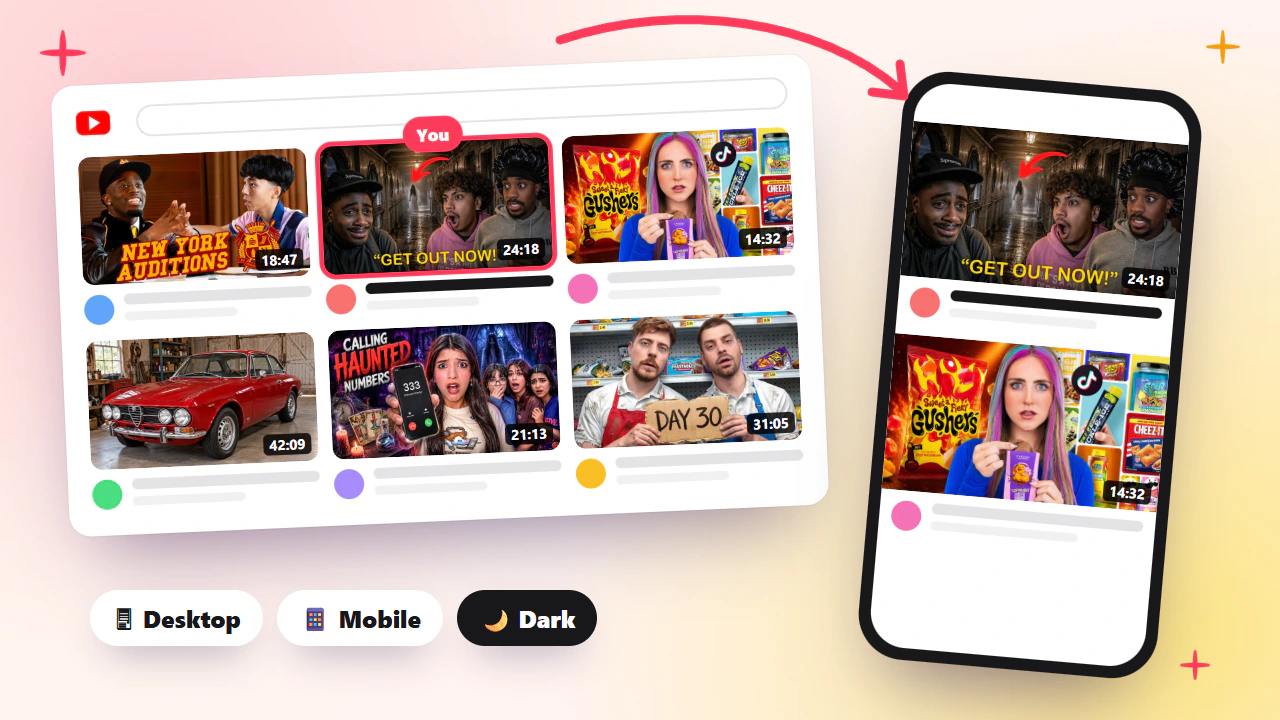
Thumbnail Tester
Preview thumbnails in a realistic YouTube feed and compare up to 4 versions before you upload.
How it works
How to design a thumbnail in four steps
- 01
Start from a template
Pick a template for your niche and format – before/after, top list, challenge, versus and more.
- 02
Add your photo or a video frame
Upload a photo, capture a frame from your video, or import the thumbnail of a video you want to redesign.
- 03
Cut out and add bold text
Remove the background in one click, add a white outline, then 3–4 words of outlined text and an arrow or circle.
- 04
Check it small, then export
Watch the live phone-size preview, keep clear of the length badge and download a 1280×720 file under 2 MB.
Templates by niche
Thumbnail design templates for every niche
Every niche has its own visual language. Start from the style your audience already clicks on – then make it yours.
Gaming
Neon glow, a framed gameplay shot and a 2-word hype line.
Tech review
Product front and center, a red circle on the detail and one bold question.
Education
Clean light background, “How to” label and a promise of a result.
Vlog & travel
A wide, saturated location shot with a short story hook.
Food
Close-up of the dish, warm colors and a verdict in stars.
Fitness
Strong body shot, a challenge number and a deadline.
Reaction
Your shocked face next to what you are reacting to, plus an arrow.
Thumbnail design ideas
Six thumbnail design ideas that keep getting clicks
Most high-performing thumbnails follow a handful of formats. Use these ideas as a starting point and pick the one that matches your video’s promise.
Before / after
Split the frame: the problem on the left, the result on the right.
Top list
A giant number does the talking. Great for “Top 5” and “Best of” videos.
Challenge
“I tried X for 30 days” – show the day count and the goal.
Versus
Two sides, two colors and a VS badge in the middle.
Shock
An exaggerated expression, a red circle and an arrow pointing at the reason.
Tutorial
Promise the outcome with a “How to” label and a clean layout.
Thumbnail design tips
Thumbnail design tips that actually move click-through rate
Good thumbnail design is less about decoration and more about being understood in half a second, at the size of a stamp. Follow these tips every time you design a thumbnail.
1280×720
Design for the small screen
Export at 1280×720, but judge it at 160–360 pixels wide. If it doesn’t read on a phone, it doesn’t work.
3–4 words
Fewer, bigger words
Thumbnail text should add to the title, not repeat it. Short phrases set huge beat full sentences every time.
Heavy
Thick fonts with an outline
Condensed, heavy fonts like Anton or Bebas with a dark outline stay readable over any photo.
2–3 colors
High contrast, few colors
Yellow on black, white on red, green for money. Stand out from the feed – check what competitors use first.
30–40%
A big, expressive face
A face that fills a third of the frame, cut out with a white outline, is the fastest way to grab attention.
5 mistakes
Common thumbnail design mistakes
Too much text, low contrast, a busy background, details hidden under the length badge, and copying the title word for word.
Thumbnail sizes
Thumbnail size for every platform
Switch the canvas size in the toolbar – your design is resized automatically and exported at the exact size below.
| Use | Size (px) | File limit |
|---|---|---|
| YouTube video thumbnail | 1280 × 720 | 2 MB |
| YouTube Shorts, TikTok & Reels cover | 1080 × 1920 | 2 MB |
| Podcast cover art | 3000 × 3000 | 10 MB |
| Online course image | 750 × 422 | 2 MB |
| Blog header & link preview | 1200 × 630 | 5 MB |
FAQ
Thumbnail design FAQ
What makes a good thumbnail design?
One clear subject, 3–4 big words, strong contrast and a promise that matches the title. It must still be readable at phone size – that is why this tool shows a live small preview while you edit.
Is this thumbnail design tool free?
Yes. Templates, text, stickers, video frames, previews and exports are free with no watermark. Only one-click background removal uses credits, because it runs on our servers.
What size should a YouTube thumbnail be?
1280×720 pixels (16:9), under 2 MB, as JPG or PNG. The editor exports exactly that and switches to JPG automatically if a PNG would be too large.
Can I use a frame from my video?
Yes. Upload the video, scrub or click the timeline to the moment you want, then use that frame as the background or as a photo layer – it is captured at the video’s full resolution. The video never leaves your browser.
How does the cutout and white outline work?
Select a photo and click Remove background. The person or product is cut out on our servers, then the outline, glow and shadow are drawn around its exact shape – you can change the color and thickness any time.
Can I make Shorts, TikTok or podcast covers?
Yes. Switch the canvas to Shorts/TikTok (1080×1920), Podcast (3000×3000), Course (750×422) or Blog (1200×630). Your layers are resized to fit.
How do I know if my thumbnail will get clicks?
Check it at actual size here, then put it next to competitor videos in our Thumbnail Tester to see whether it stands out in a real-looking YouTube feed before you upload.
Do I need design skills to use this thumbnail design tool?
No. Every template already follows proven YouTube thumbnail rules – big text, strong contrast and one clear subject. Swap in your photo and words; outlines, shadows and text styles are one click each.
Where can I find thumbnail design inspiration?
Browse the templates by niche and format above, then look at the top videos in your own niche. Note what they share – face size, word count, colors – and use our Thumbnail Tester to check that your thumbnail still stands out next to them.