

Convert to YouTube Thumbnail
Turn a phone photo, product shot, screenshot, or existing graphic into a thumbnail-ready image. Set the target dimensions, decide how the original picture should appear on the canvas, and make the surrounding space look intentional.
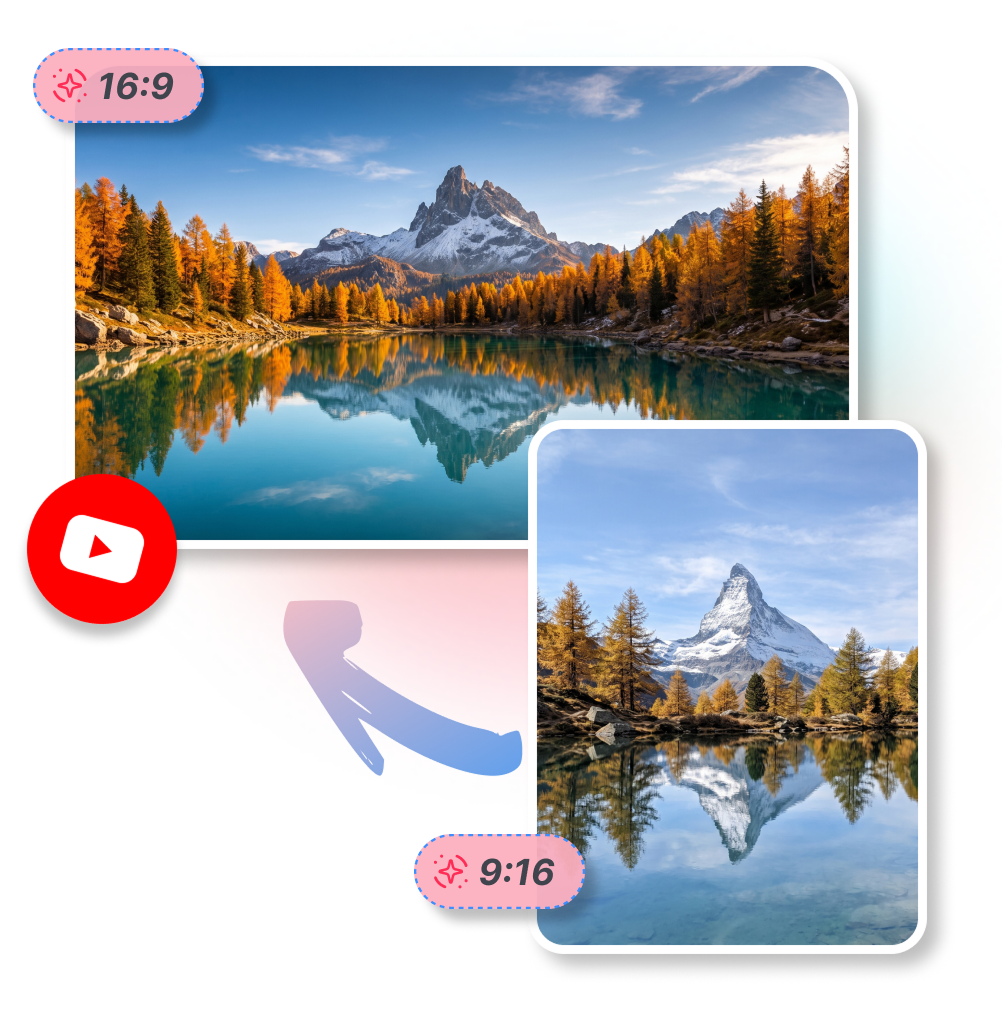
How to Convert to YouTube Thumbnail in 3 Steps
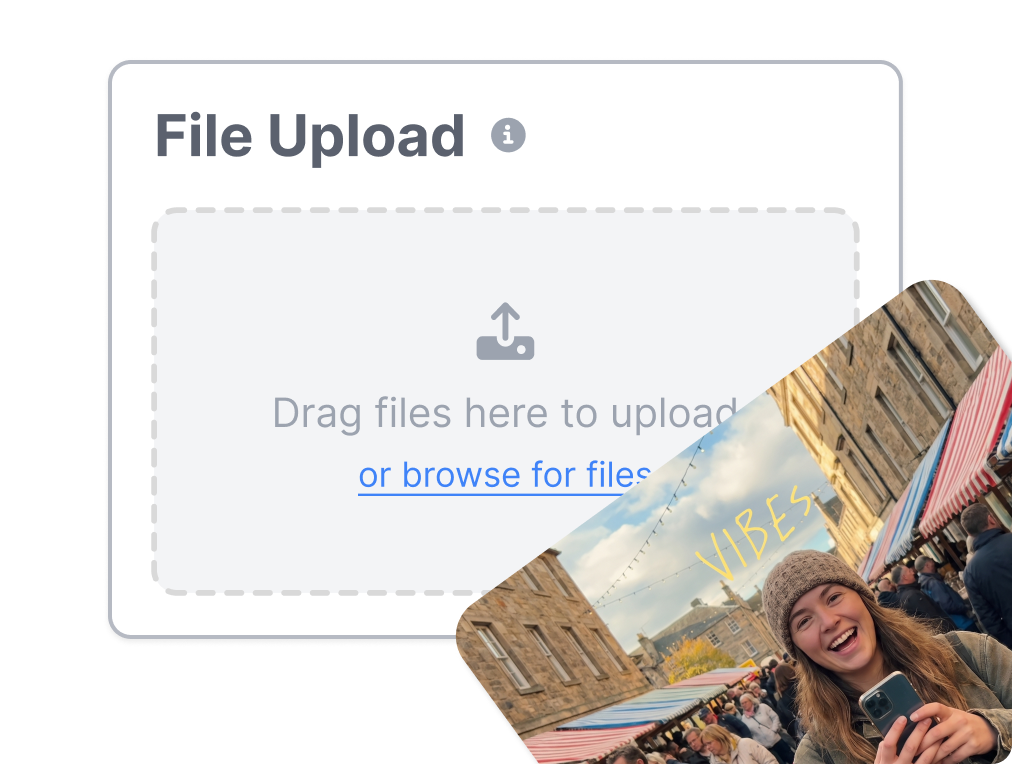
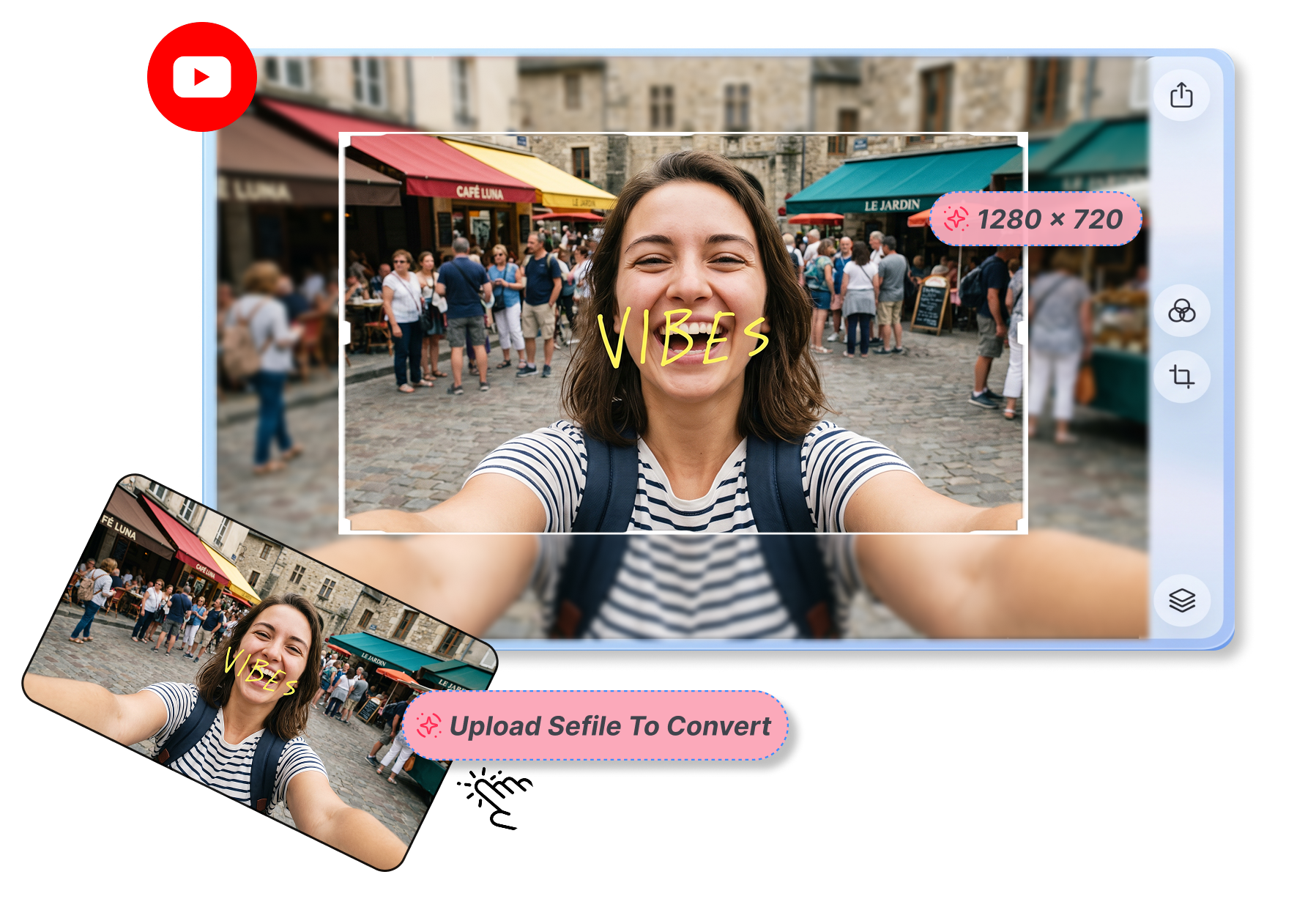
1. Upload Your Source File
Add any JPG, PNG, or WebP picture to our YouTube thumbnail free tool.
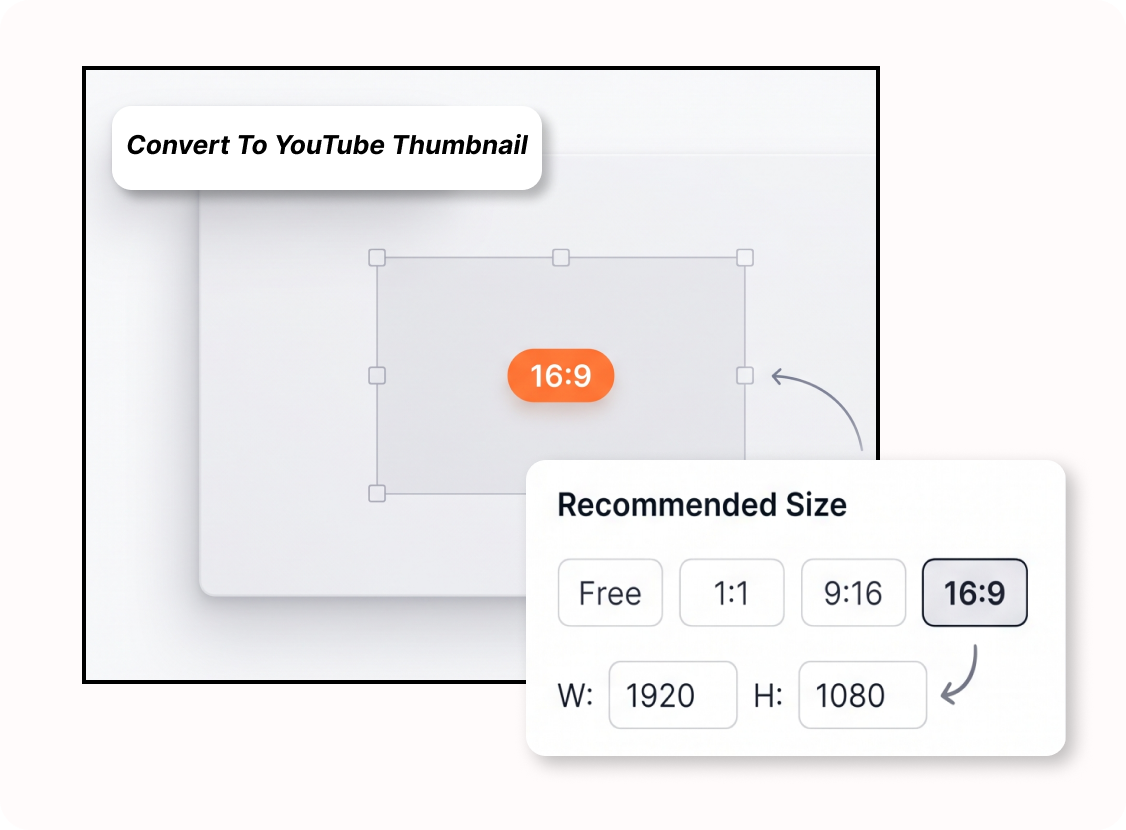
2. Select Target Dimensions
Pick the best YouTube thumbnail size preset or enter custom dimensions for your project.
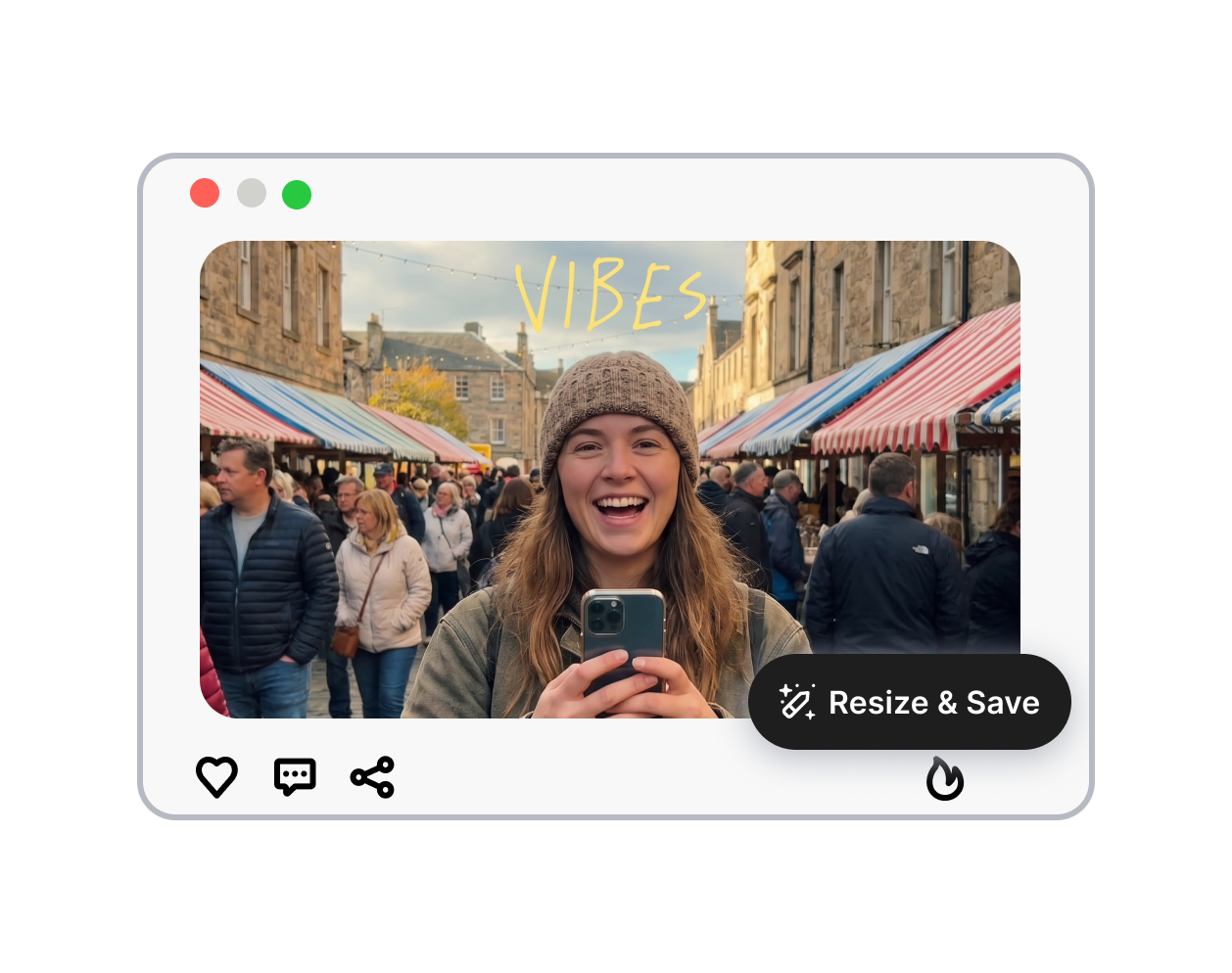
3. Export the Ready Asset
Adjust the crop focus, set a YouTube thumbnail background, and download your finished cover.
Convert to YouTube Thumbnail: Turn Random Snaps into Click Magnets
Turn Phone Snaps Into Covers
Convert picture to YouTube thumbnail formats without weird stretching. Easily change a casual vertical travel selfie into a full-screen lifestyle vlog cover. This keeps your face looking completely natural while filling the entire wide screen beautifully.
Match Colors For Product Reviews
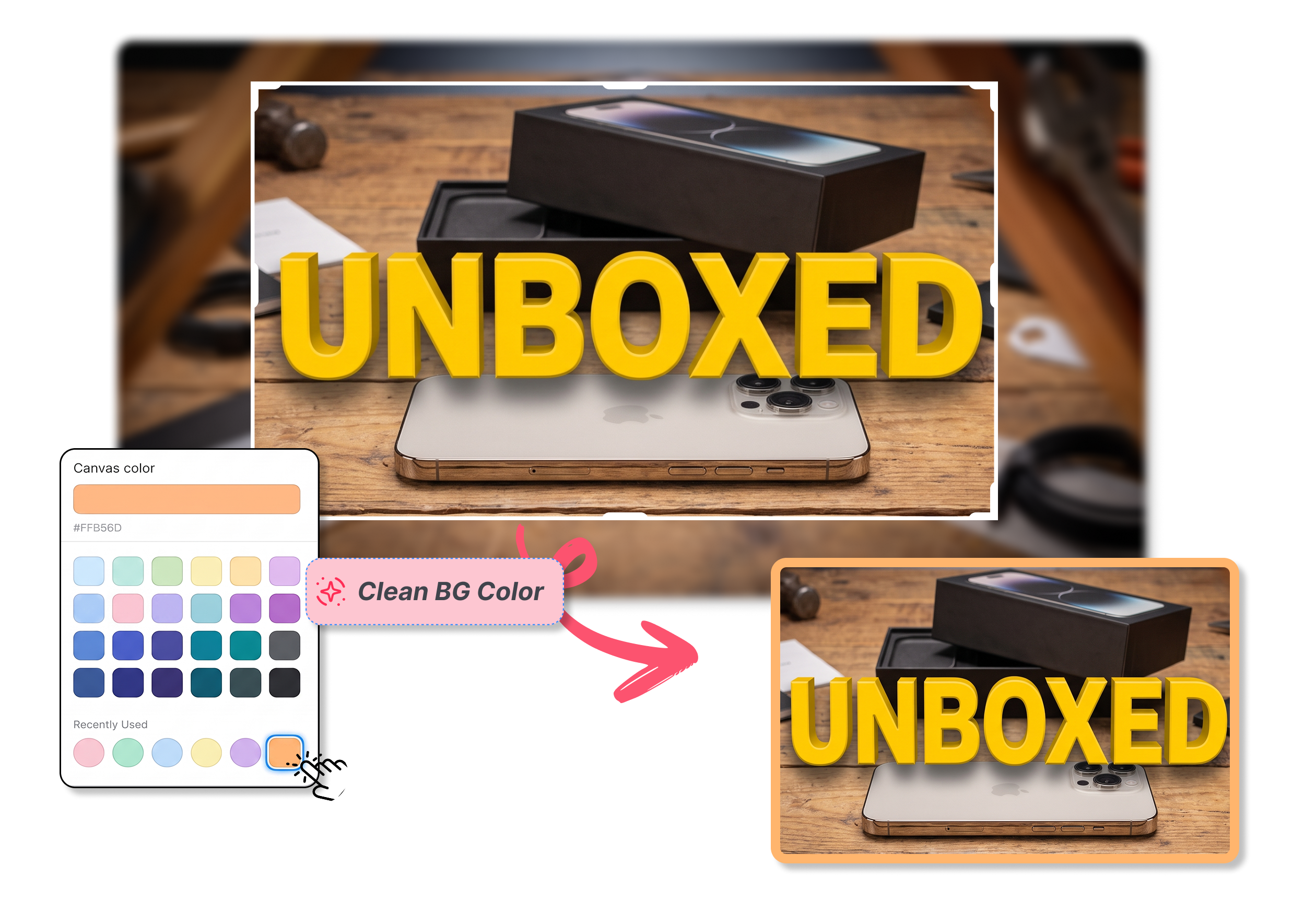
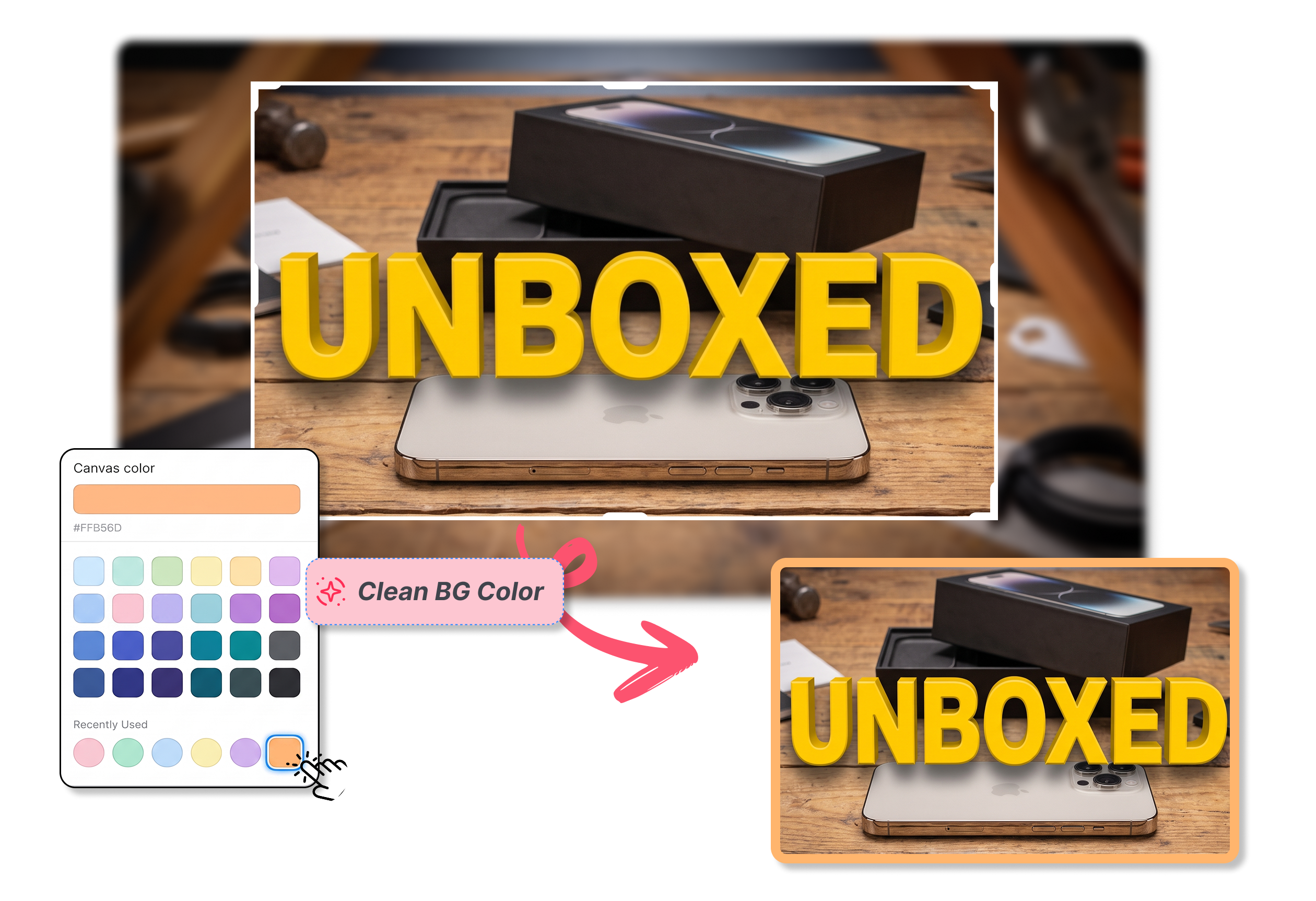
Convert photo to YouTube thumbnail layouts by adding a clean YouTube thumbnail background. If you have a square gadget picture for a tech review video, easily add matching side colors so the whole unboxed product stays visible.
Create Standard Sizes For Videos
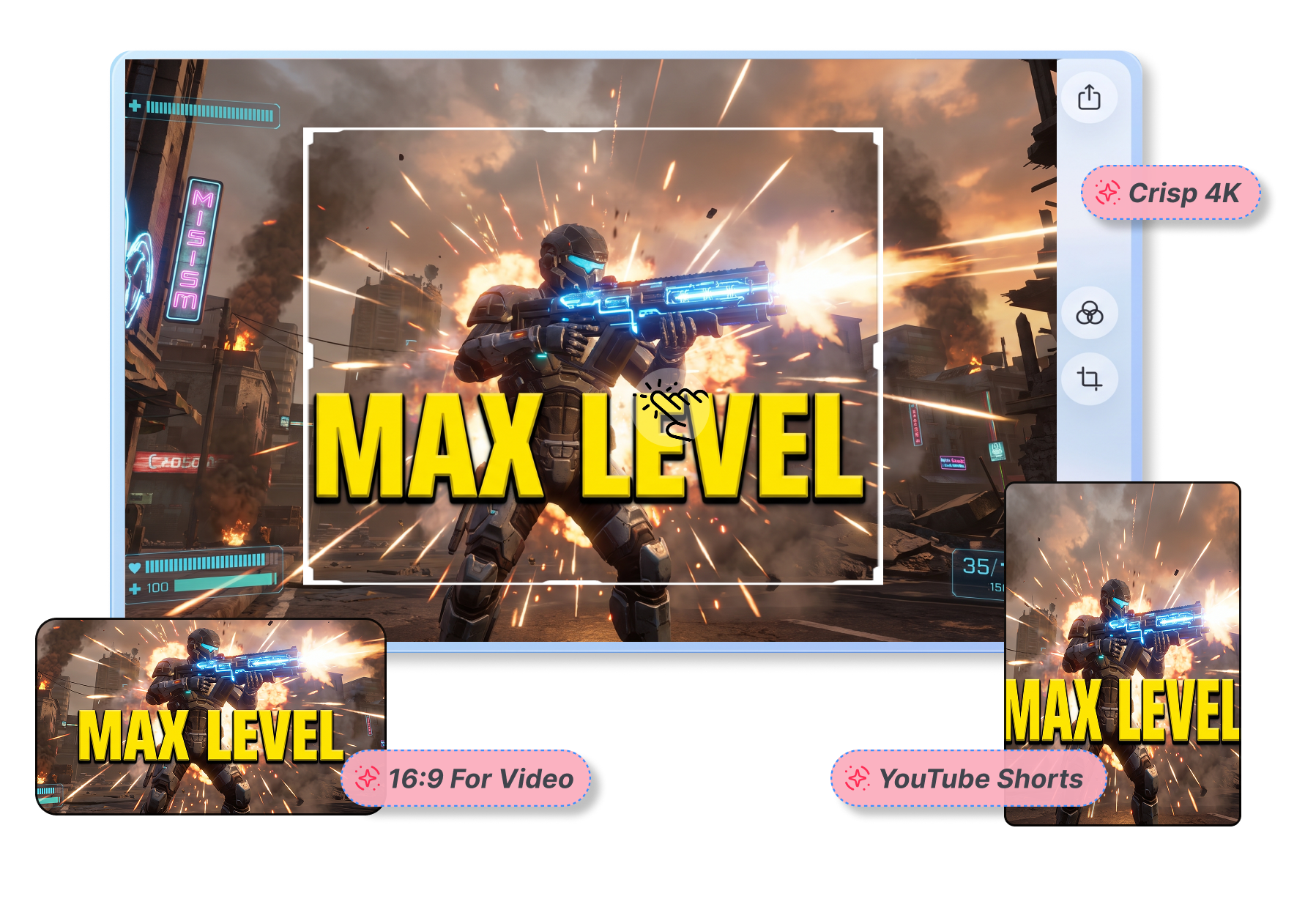
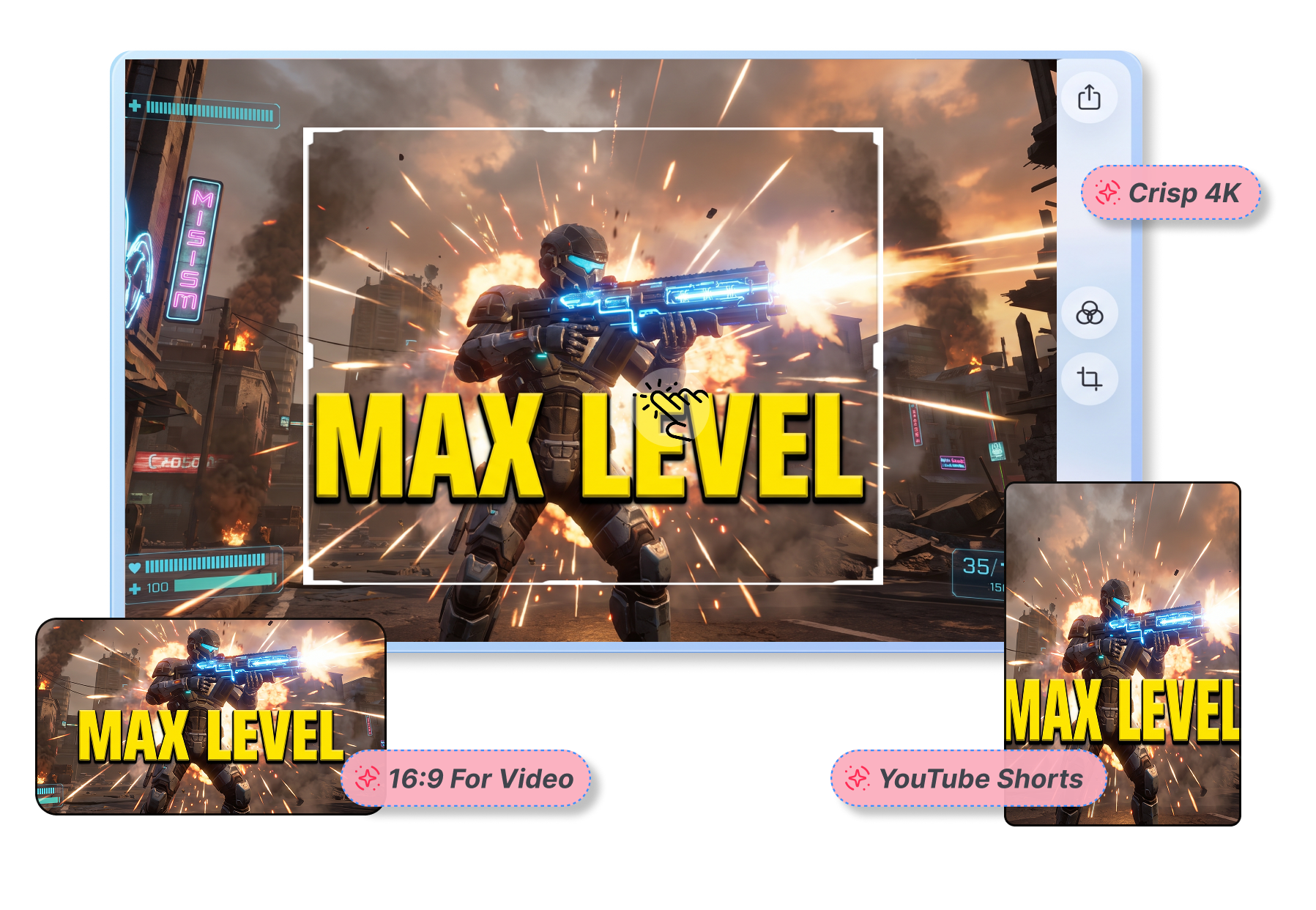
Stop guessing the best YouTube thumbnail size before uploading. Convert image to YouTube thumbnail size in one click. Whether you use a massive 4K gaming screenshot or a funny meme, quickly format it perfectly for your channel.
Center Faces For Reaction Videos
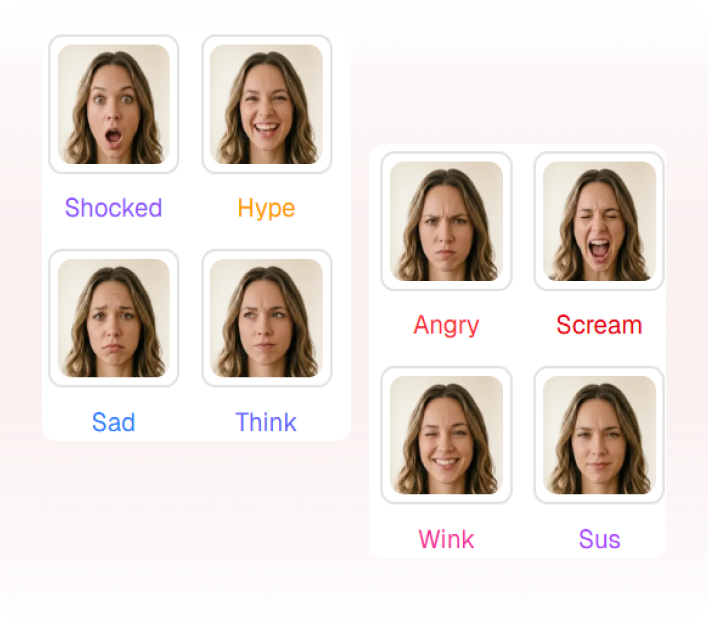
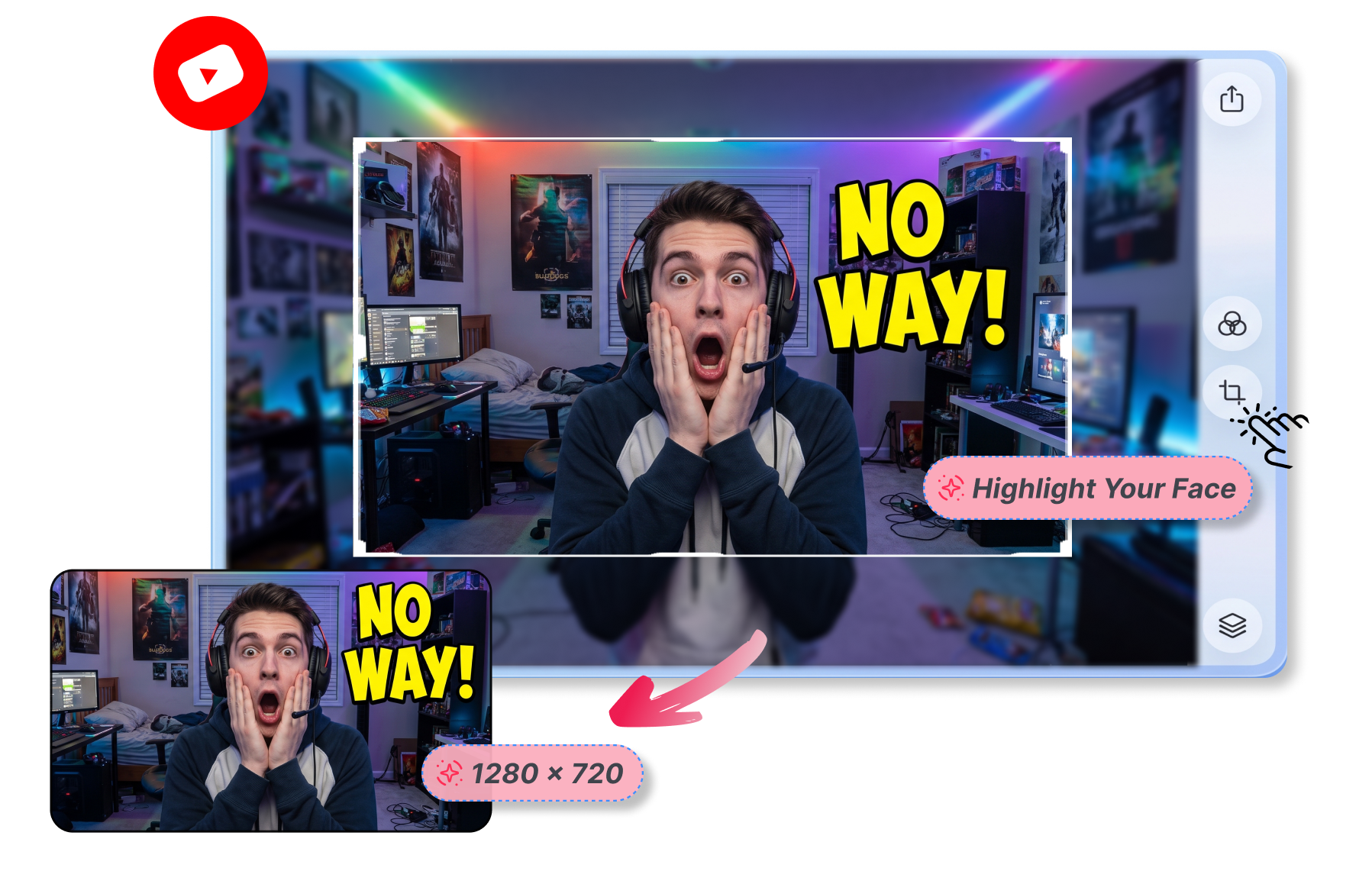
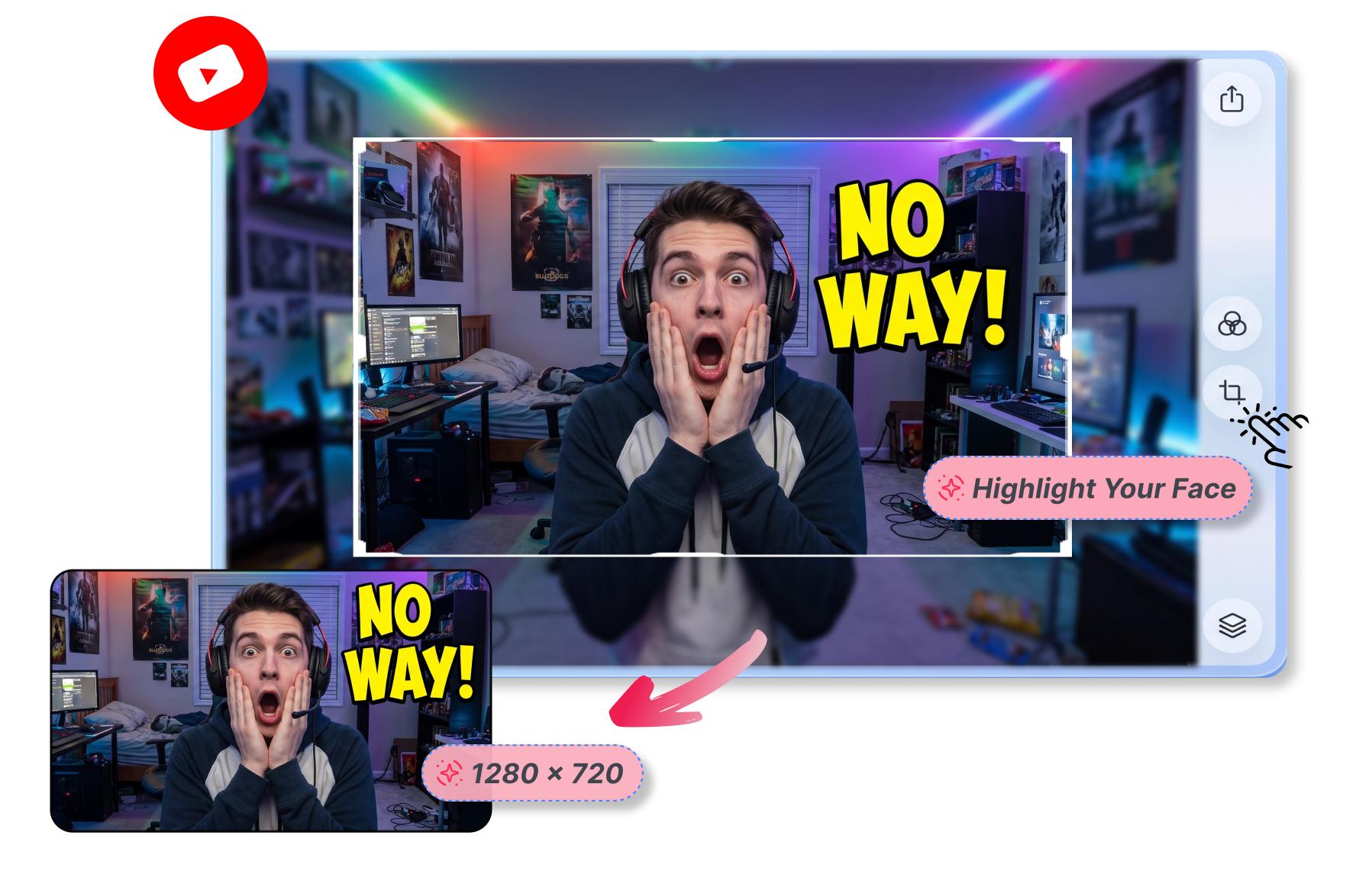
Shift the view to what matters. Convert PNG to YouTube thumbnail shapes by keeping crazy expressions centered. If you use a wide room photo, simply move the crop to highlight your face before adding bold youtube thumbnail text.
Who Needs Convert to YouTube Thumbnail?
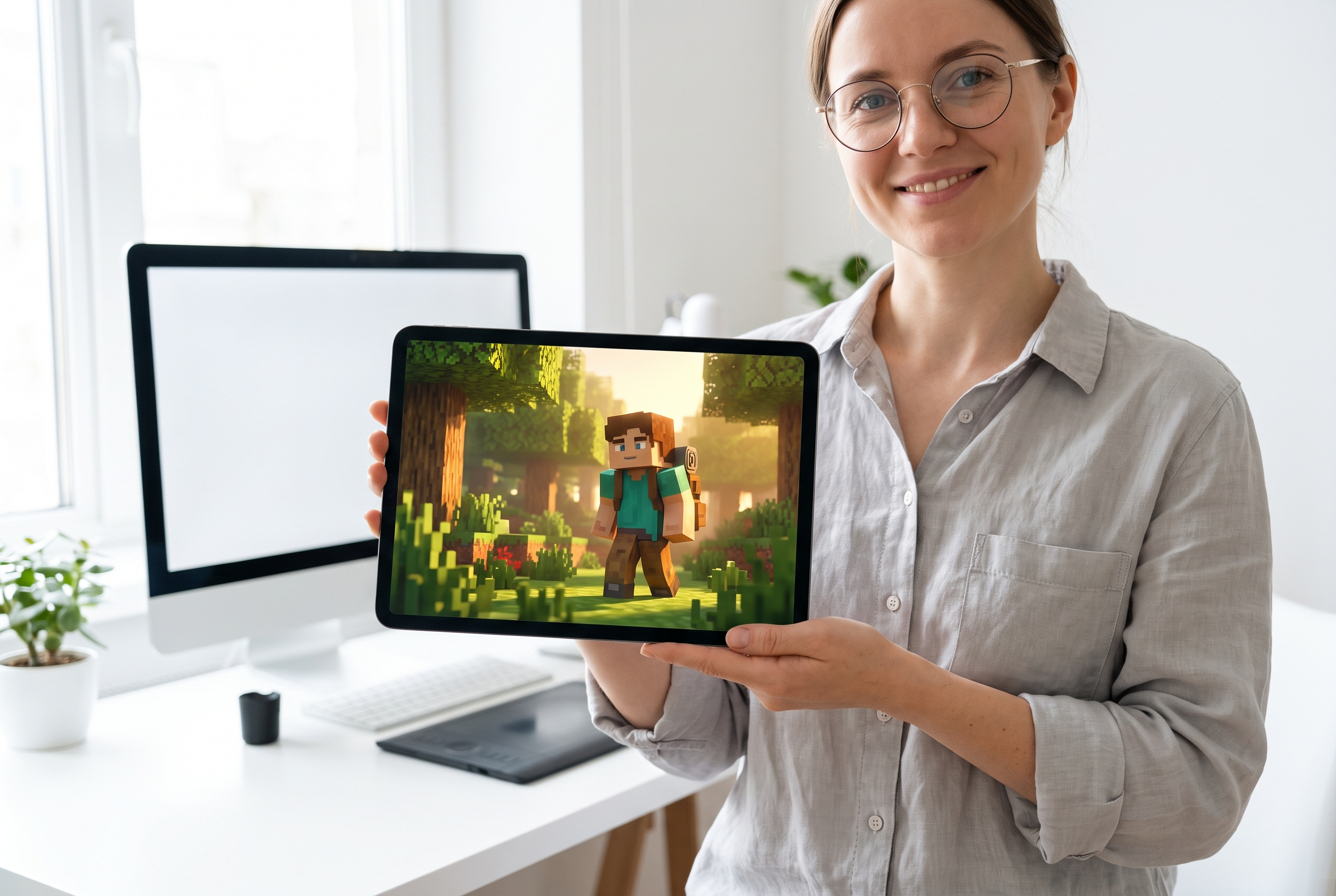
Independent YouTubers
Quickly convert photo to youtube thumbnail after a vlog shoot. Stop worrying about the best YouTube thumbnail size and focus on creating engaging content.
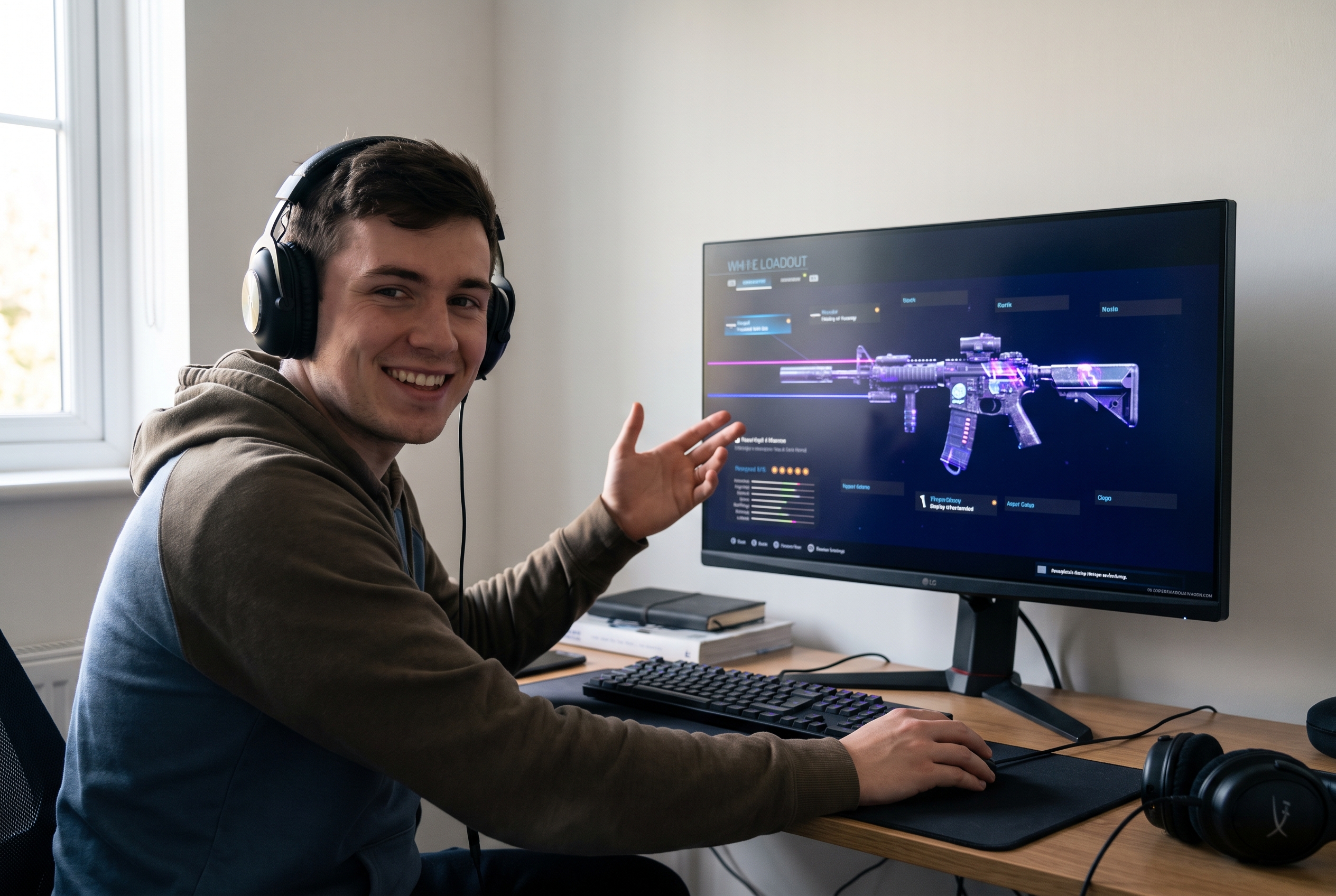
Video Editors
Streamline your workflow when clients send random assets. Use this online image converter to create a perfect youtube thumbnail template from standard B-roll frames.
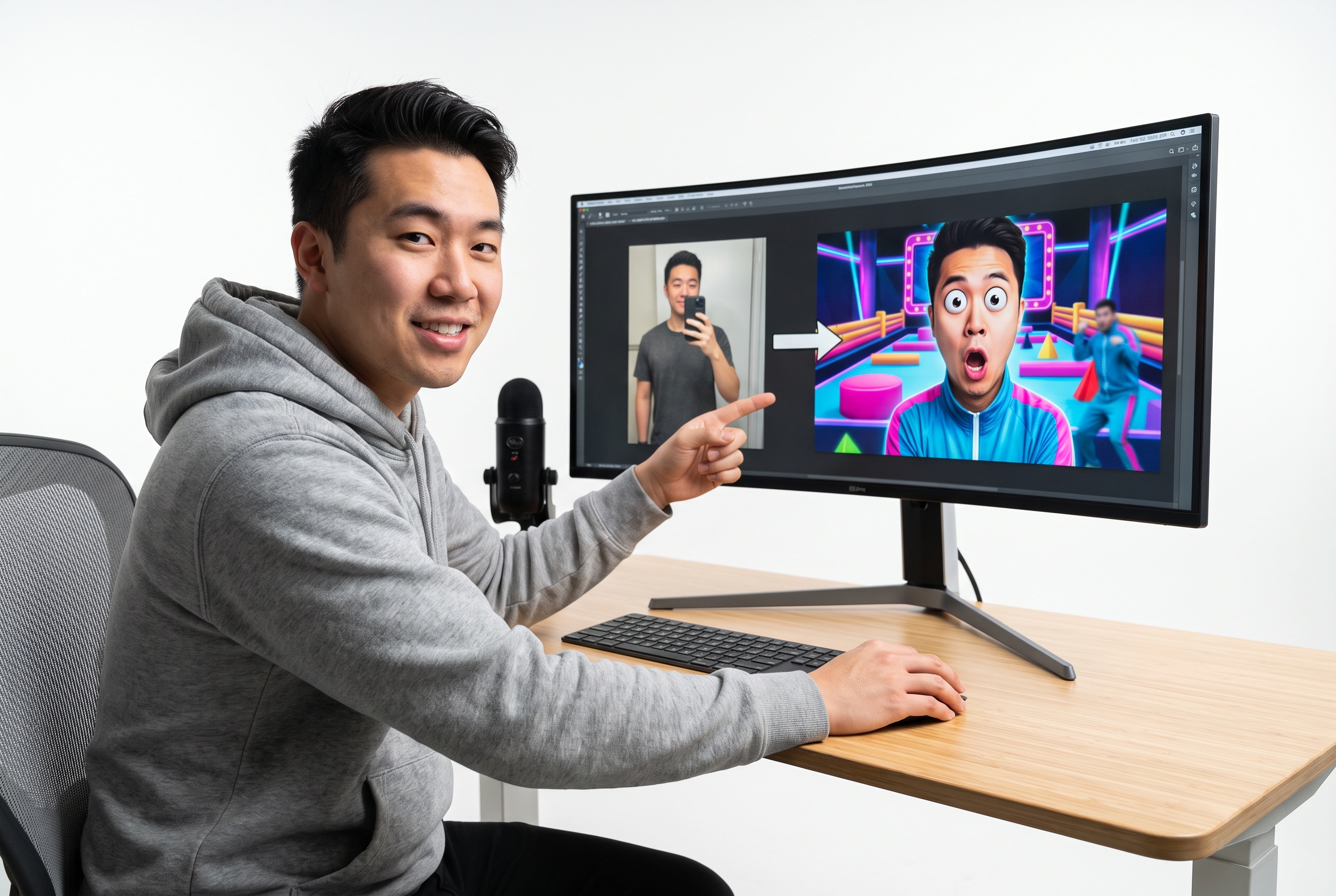
Thumbnail Designers
Prepare clean base layers before adding youtube thumbnail text or heavy effects. Effortlessly convert png to youtube thumbnail size to speed up your advanced Photoshop workflow.
FAQs
What does a YouTube thumbnail converter do?
Can convert image to YouTube thumbnail use a portrait photo?
Which canvas presets can I use?
Can a YouTube thumbnail converter move the crop area?
How to convert image to YouTube thumbnail size?
Can I convert picture to YouTube thumbnail for free?
What files does this YouTube thumbnail converter accept?
How to add a YouTube thumbnail background?
Ready to Convert to YouTube Thumbnail Now
Upload your raw files today and let Thumbs.ai instantly craft high-converting, perfectly sized video covers for your channel.