ASMR Thumbnail Templates
Make the sensory promise visible before the sound begins. Choose an ASMR thumbnail template, customize the trigger, mood, or roleplay setting, and generate a cover that matches the experience in your video.
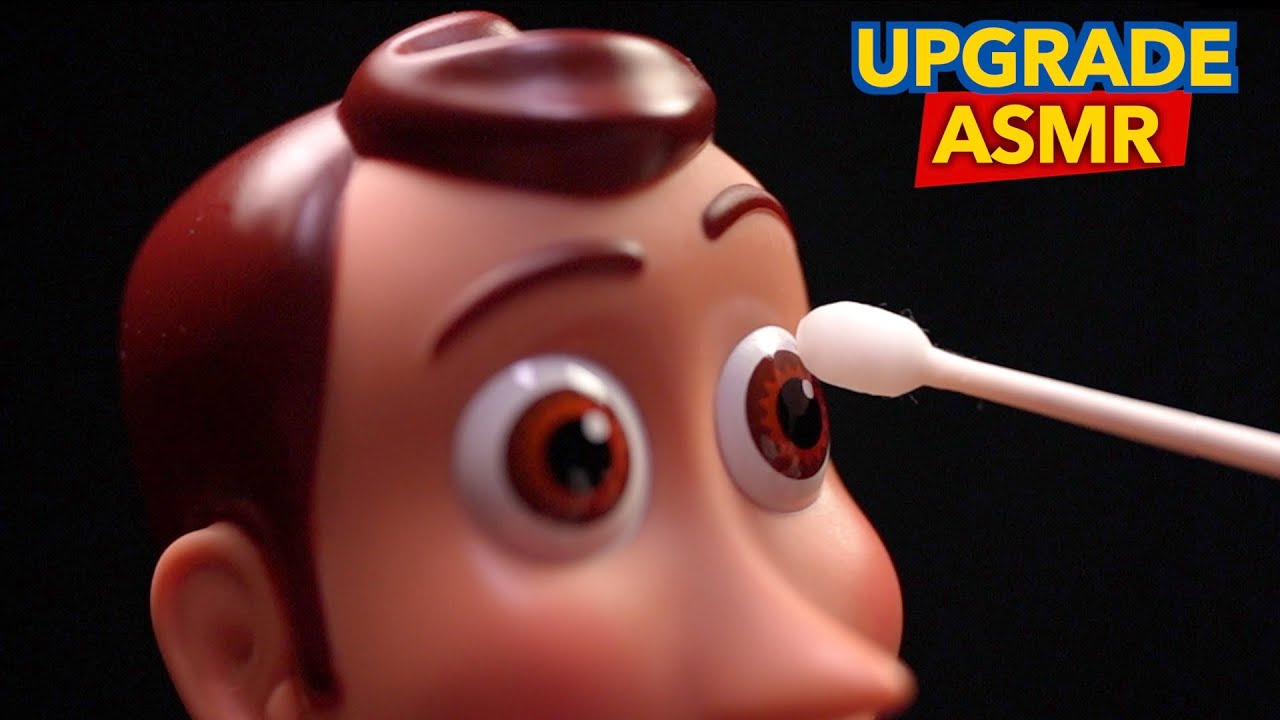

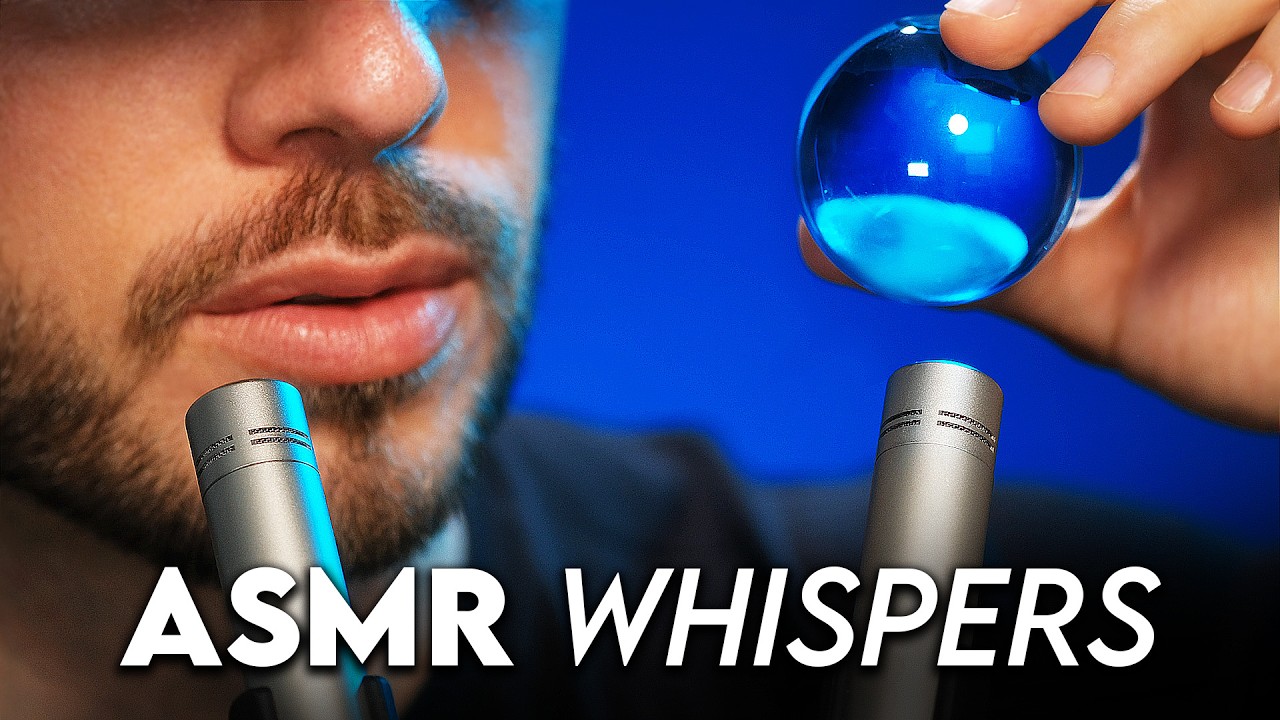

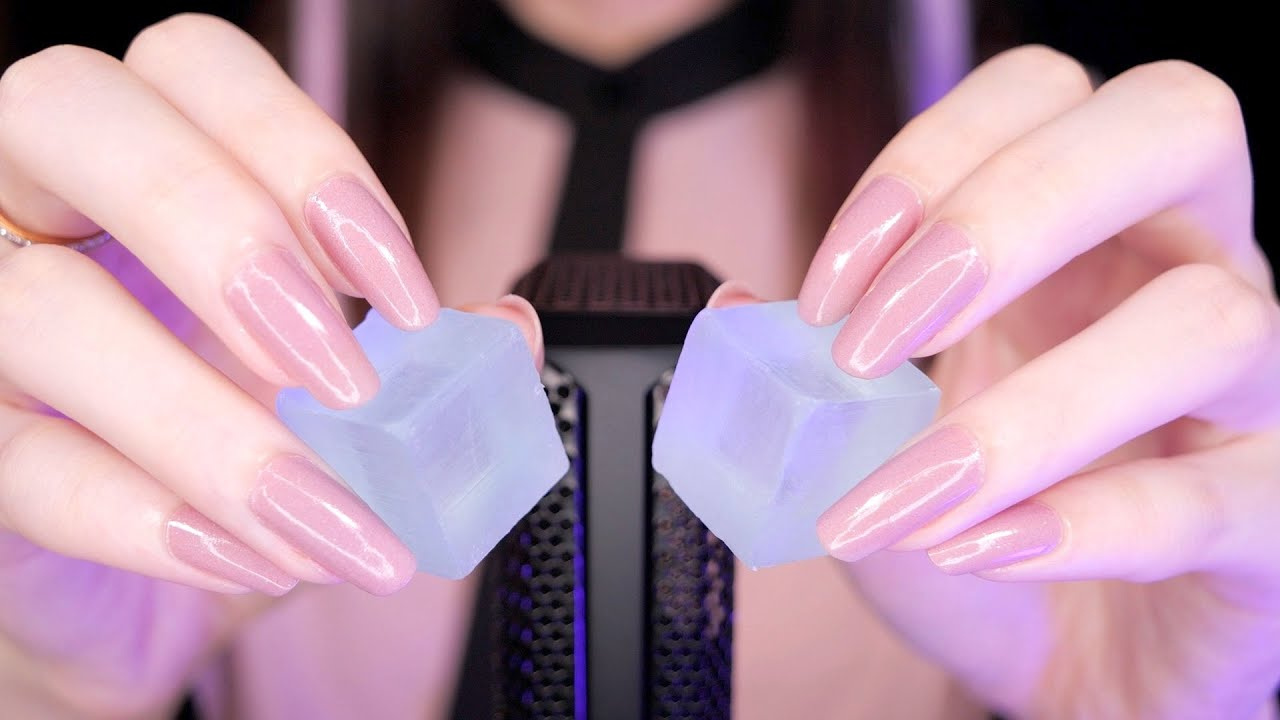
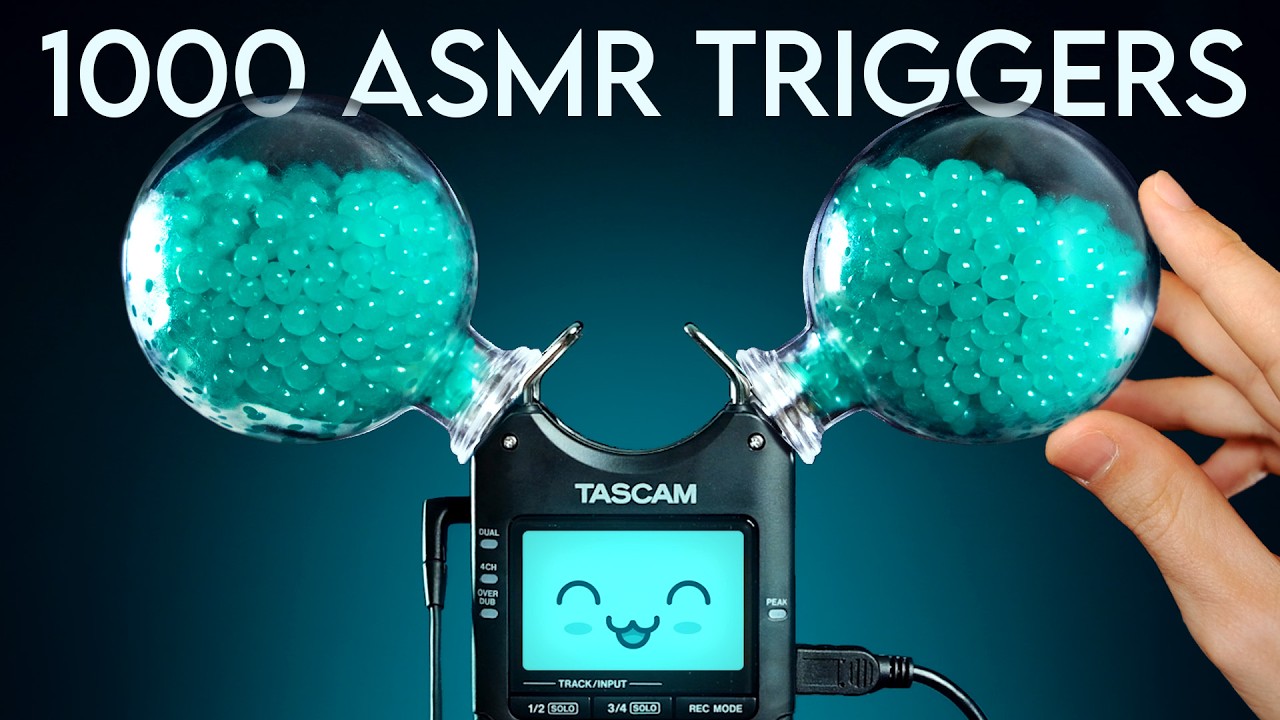
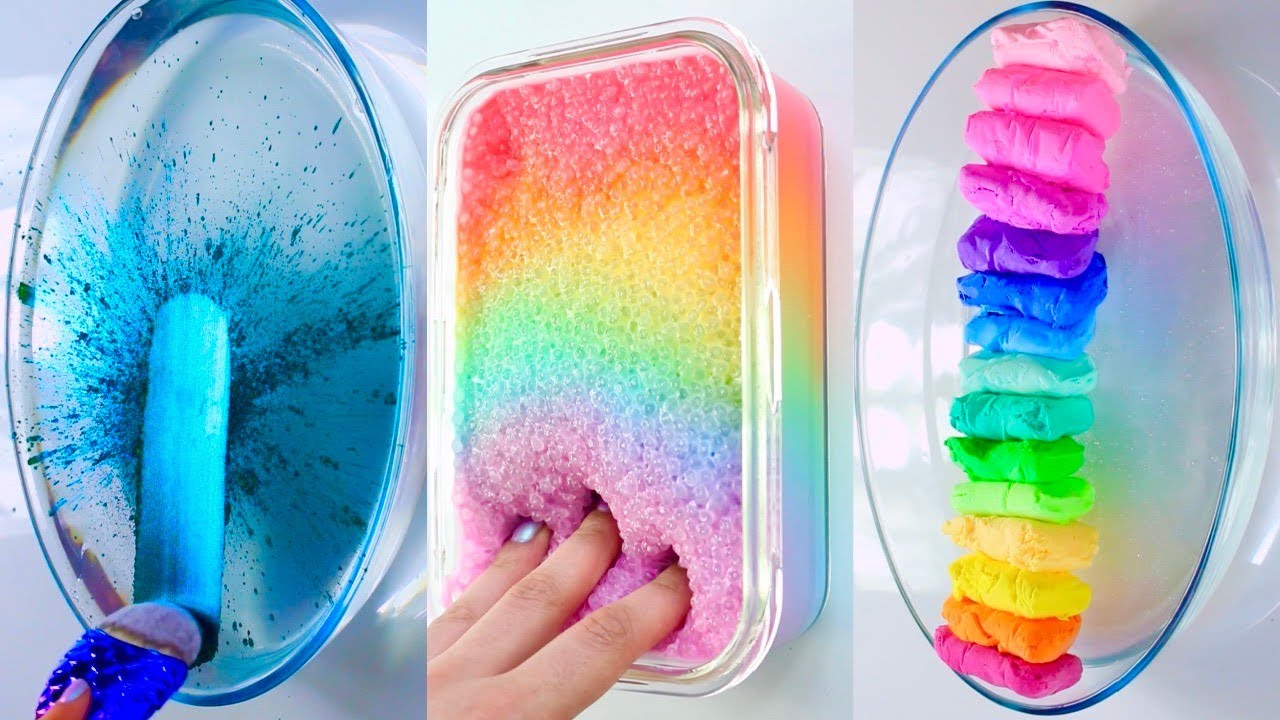



How to Make an ASMR Thumbnail
Start with the one sound, texture, setting, or calming routine that gives viewers a reason to choose this video.
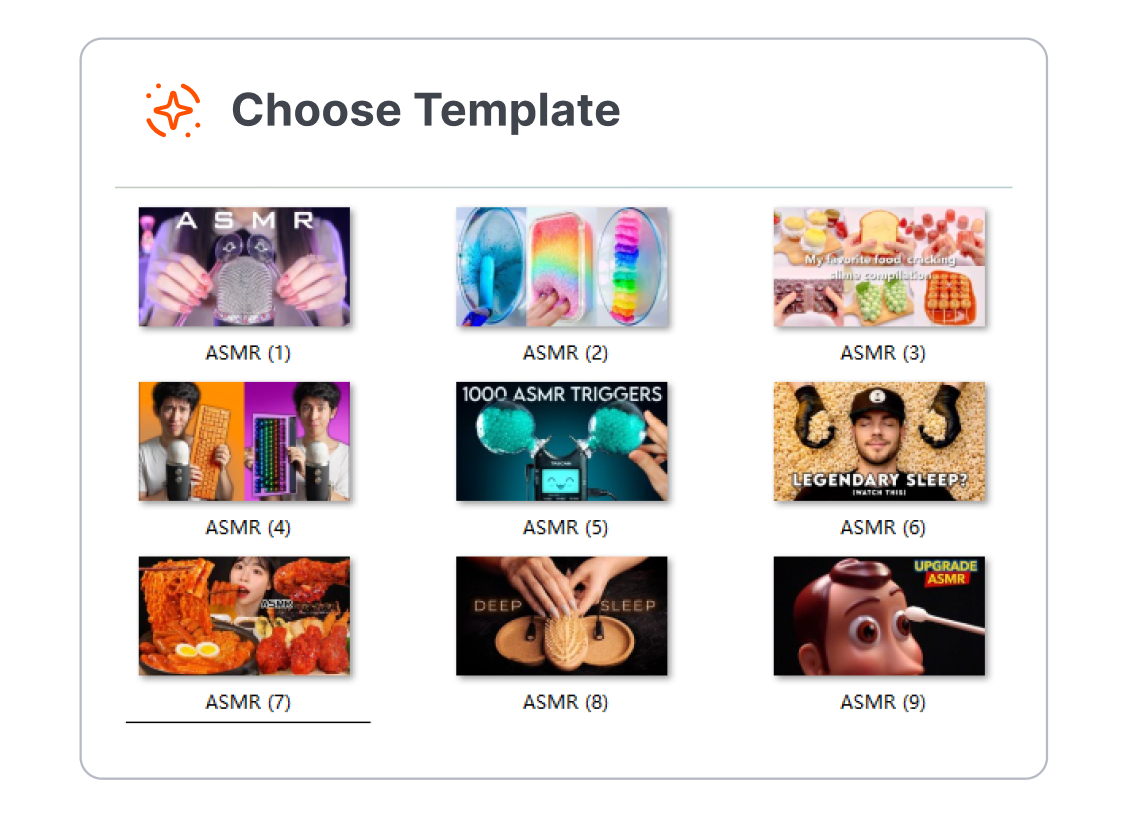
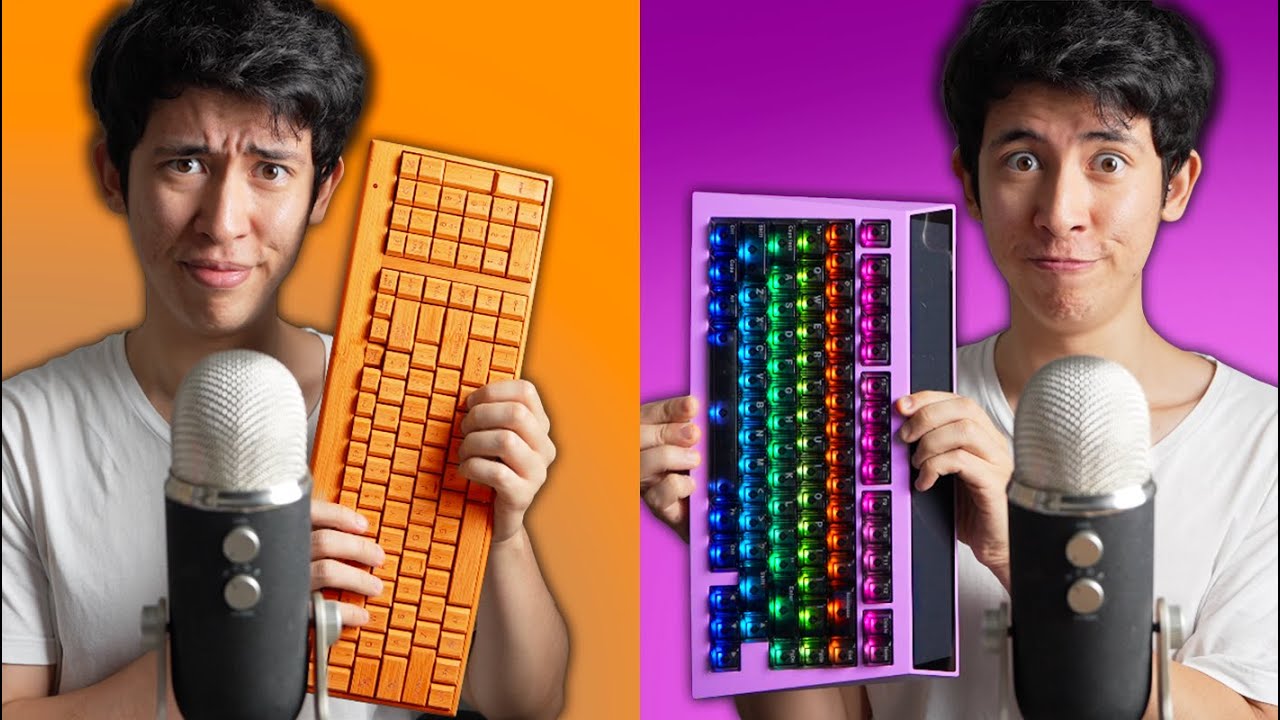
1. Choose an ASMR Format
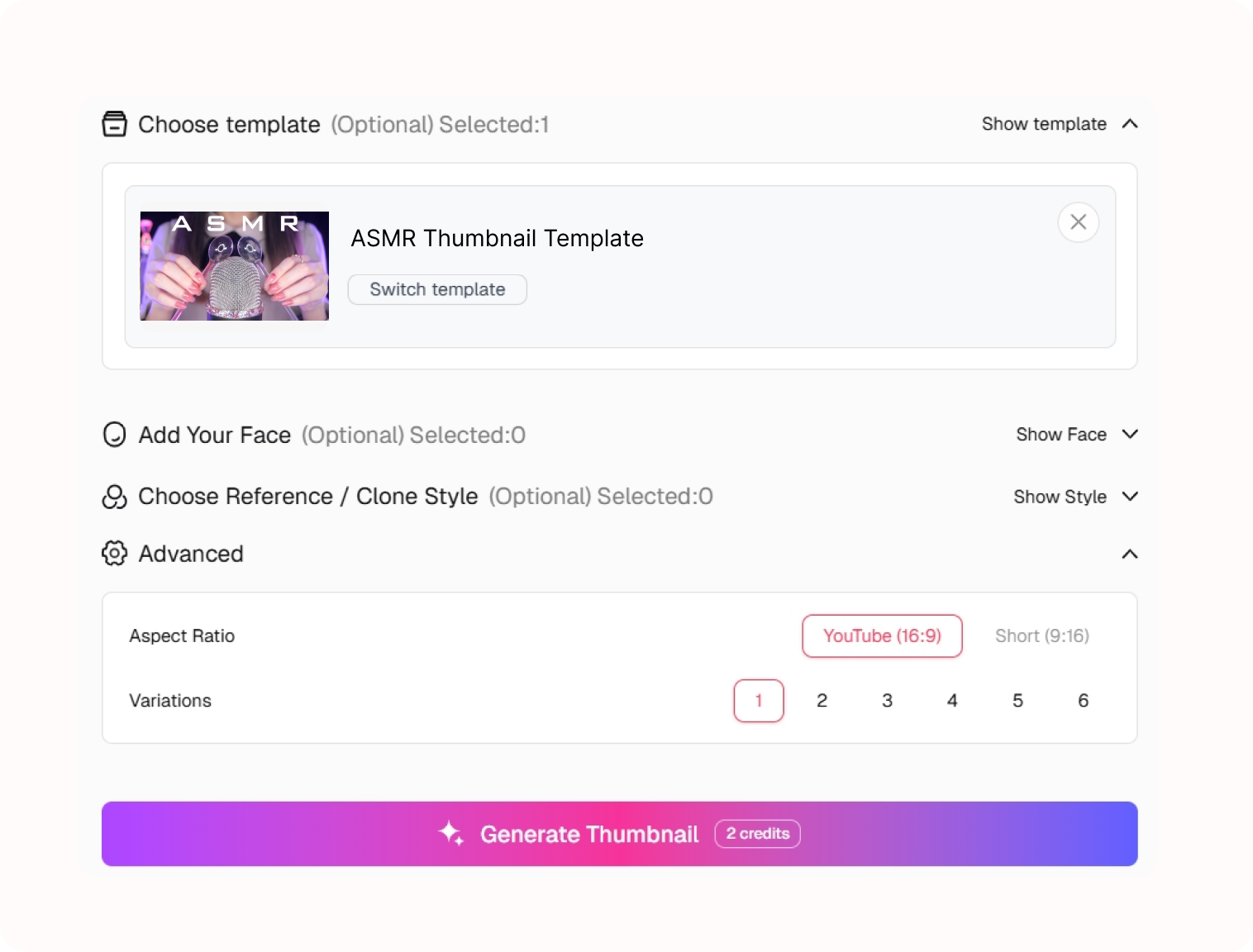
Pick a template for sleep sounds, whispering, tapping, a trigger assortment, roleplay, food sounds, or a quiet study session.
2. Set the Sensory Scene
Describe the trigger, microphone setup, texture, or roleplay scenario in the video and customize the visual direction.
3. Generate the ASMR Cover
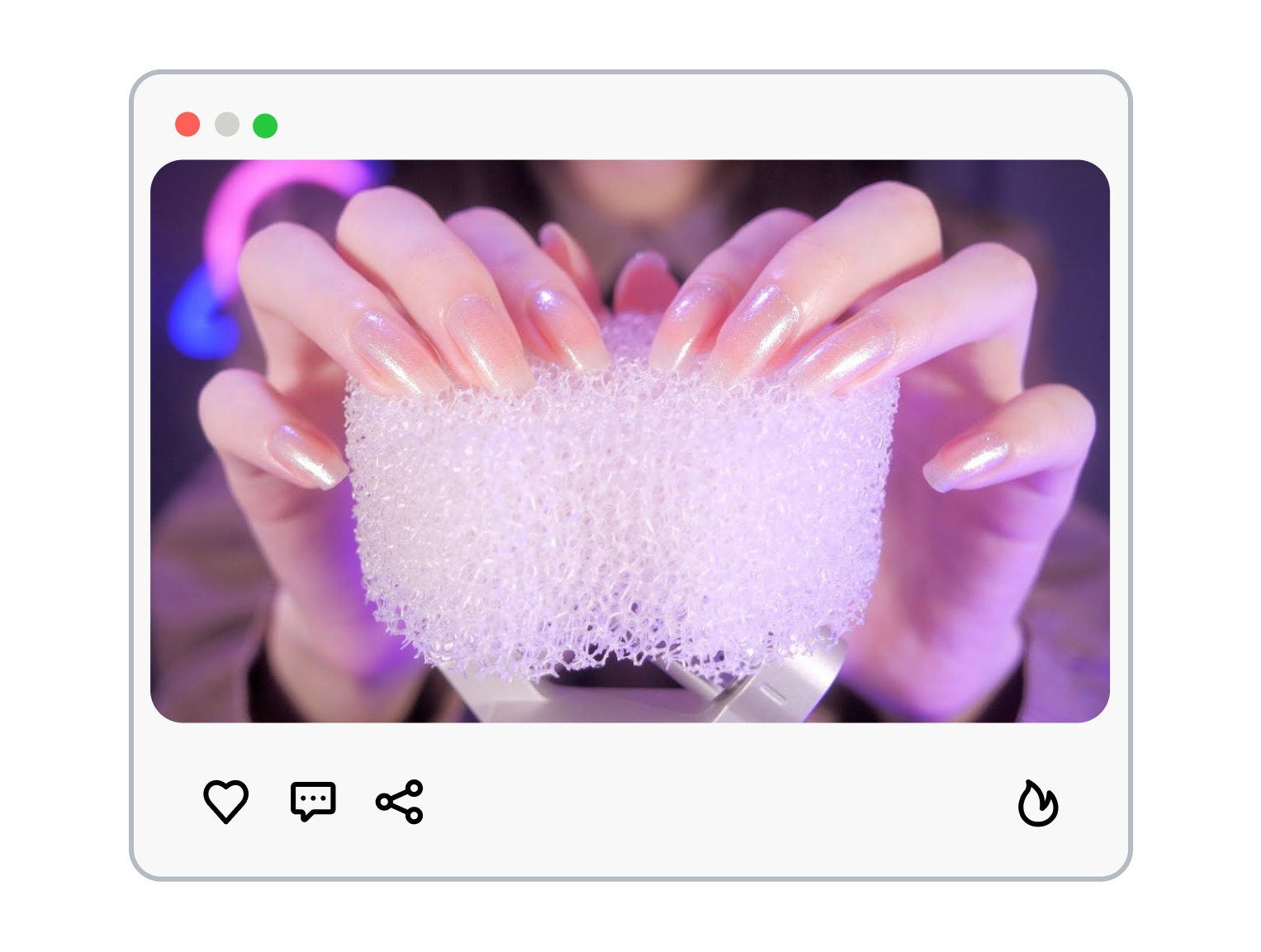
Generate a new ASMR video thumbnail, then refine the main object, lighting mood, and short label to match the recording.
ASMR Thumbnail Templates That Let the Trigger Lead
Viewers choose ASMR by the experience they want. Let the cover make that choice feel immediate and calm.
Put the Trigger in Focus
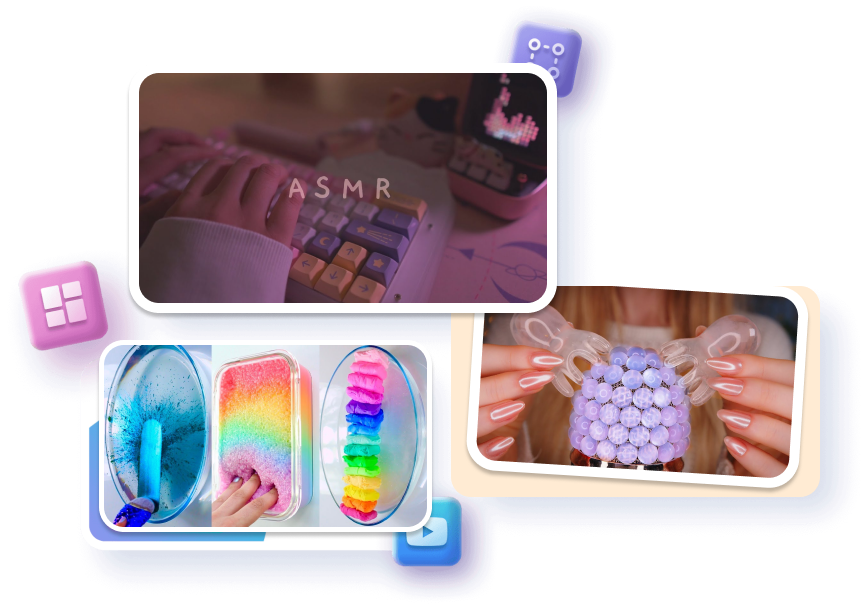
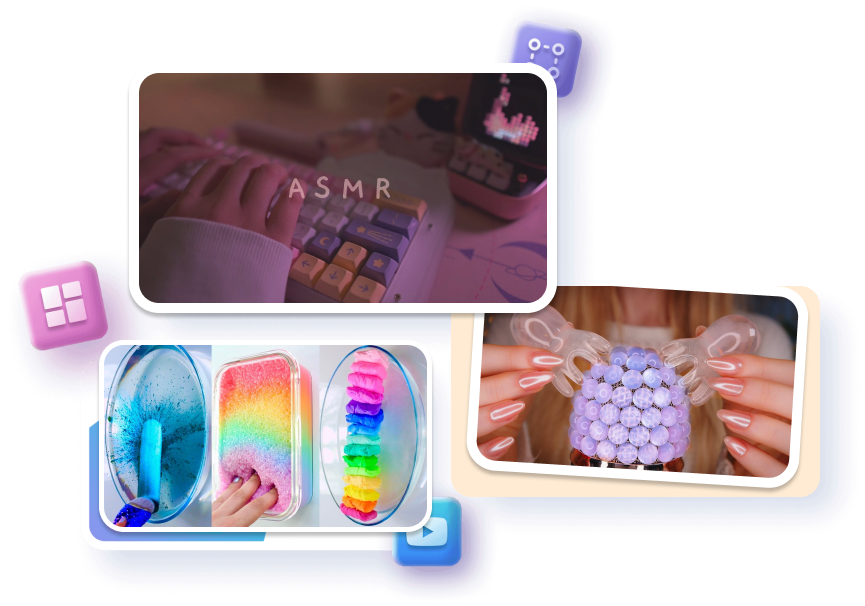
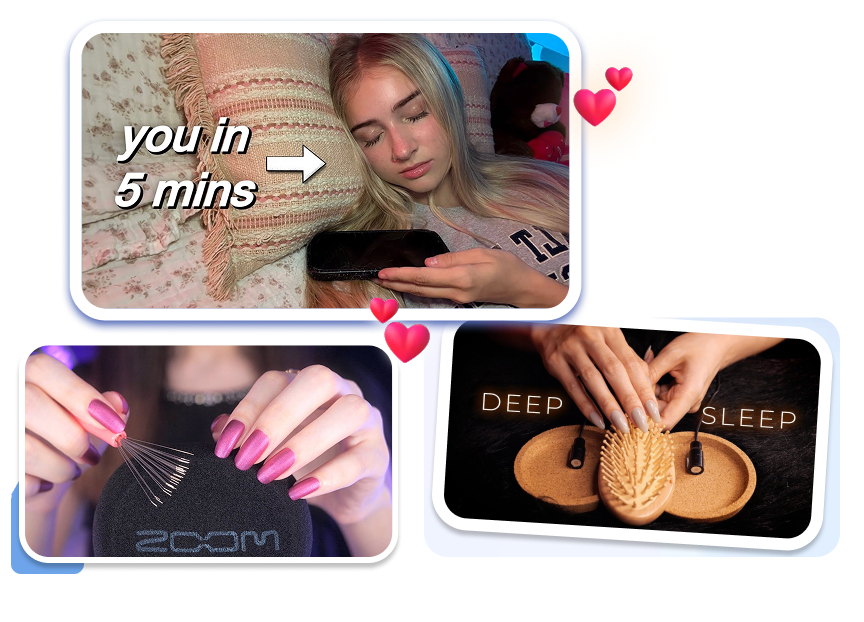
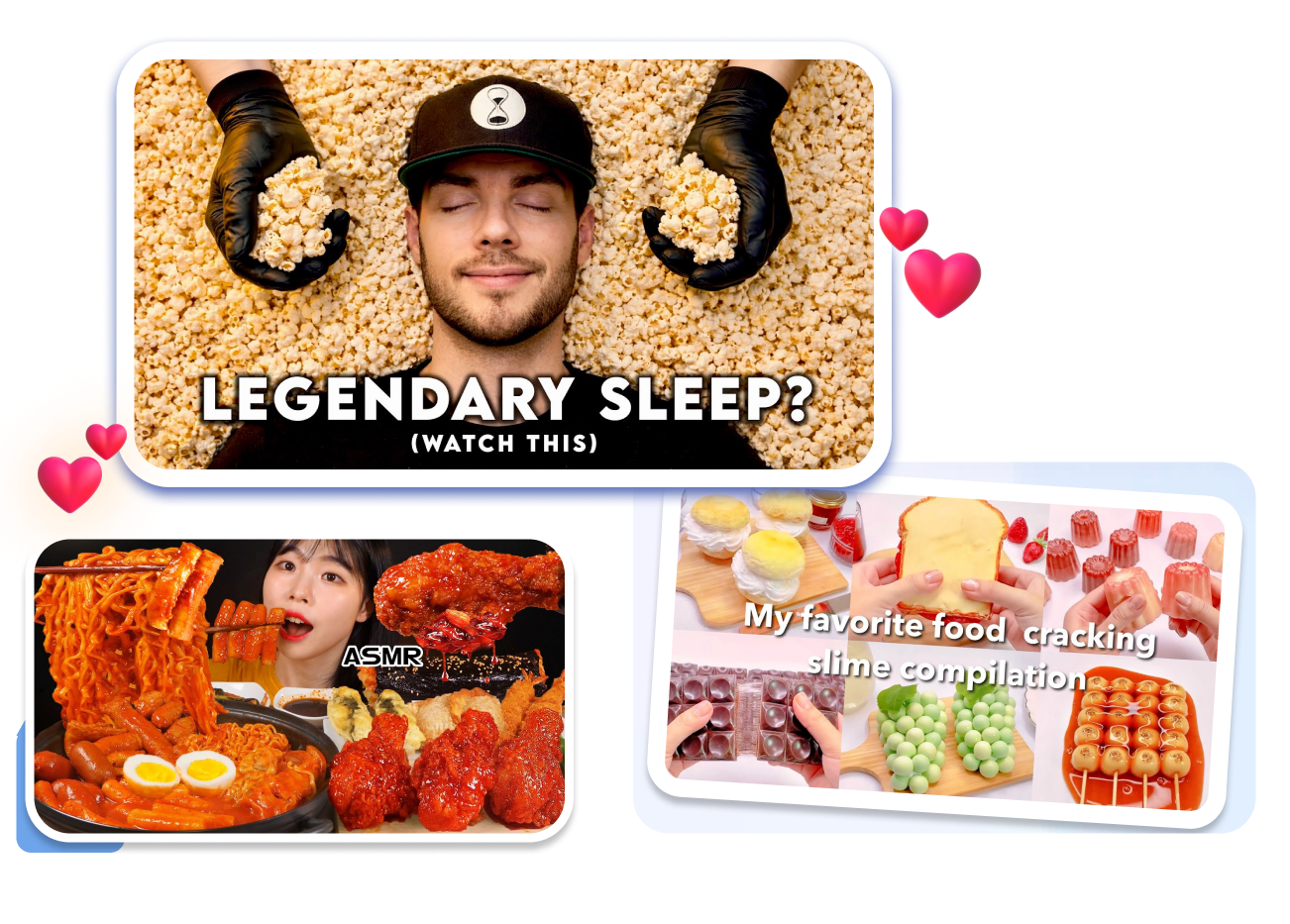
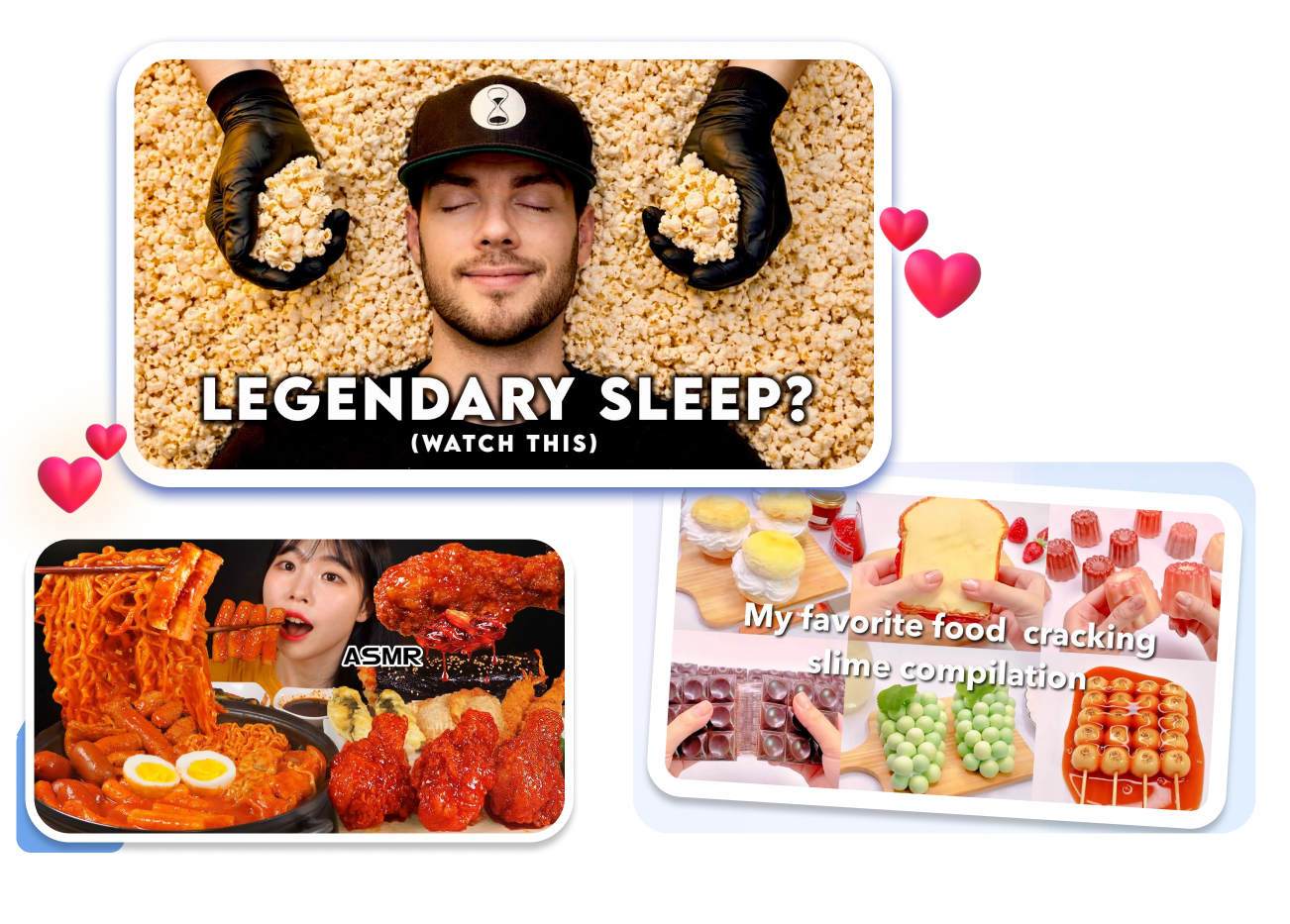
Show the sound object before the viewer has to decode the title. Center a microphone, brush, keyboard, glass, page, or texture that actually appears in the recording. Keep surrounding props quiet so the trigger stays legible at feed size.
Match the Mood to the Session
Set a visual mood that belongs to the video instead of borrowing an unrelated high-energy look. Use a sleep setup, soft lighting, or low-key color direction to support a quiet session. Give the scene enough breathing room to feel restful rather than empty.

Establish the Roleplay Gently
Frame one roleplay setting so the viewer understands the scenario without needing a long caption. Use a relevant prop, setting, or welcoming creator pose that matches the actual recording. Keep close-up framing appropriate to the video and intended audience.
Build a Recognizable Quiet Series
Keep a repeatable visual system across sleep, trigger, and roleplay uploads without making every cover identical. Reuse a restrained type treatment or color family while changing the hero trigger. Give returning viewers a familiar channel signal and a fresh reason to open each episode.
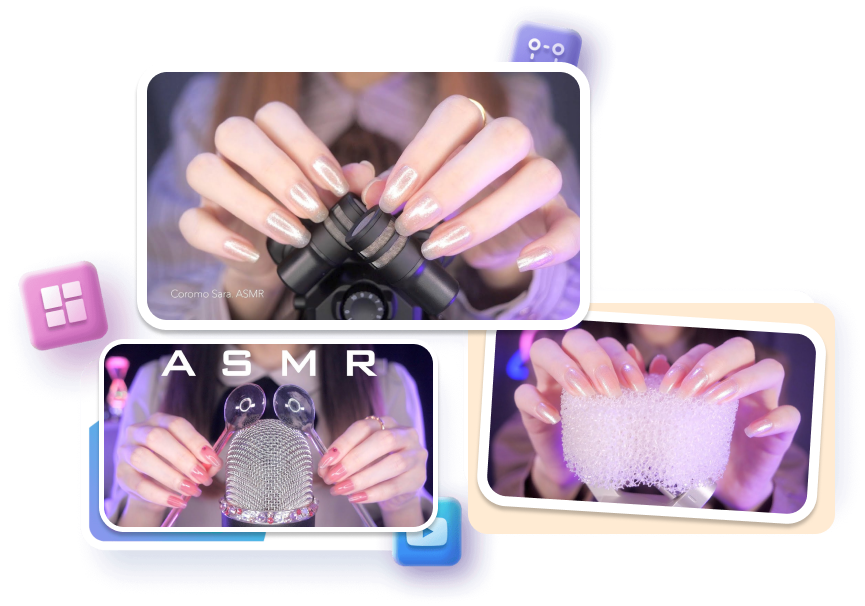
ASMR Thumbnail Templates for Different Video Experiences
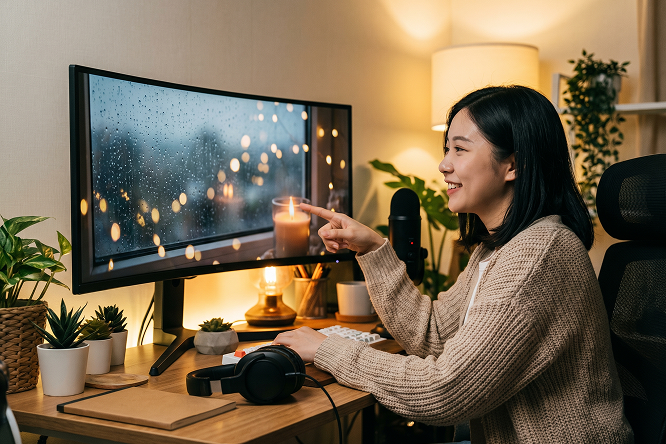
Sleep and Relaxation Creators
Start with one peaceful scene or object, then keep the copy minimal so the intended mood stays intact for sleep sounds, rain, and calming routines.
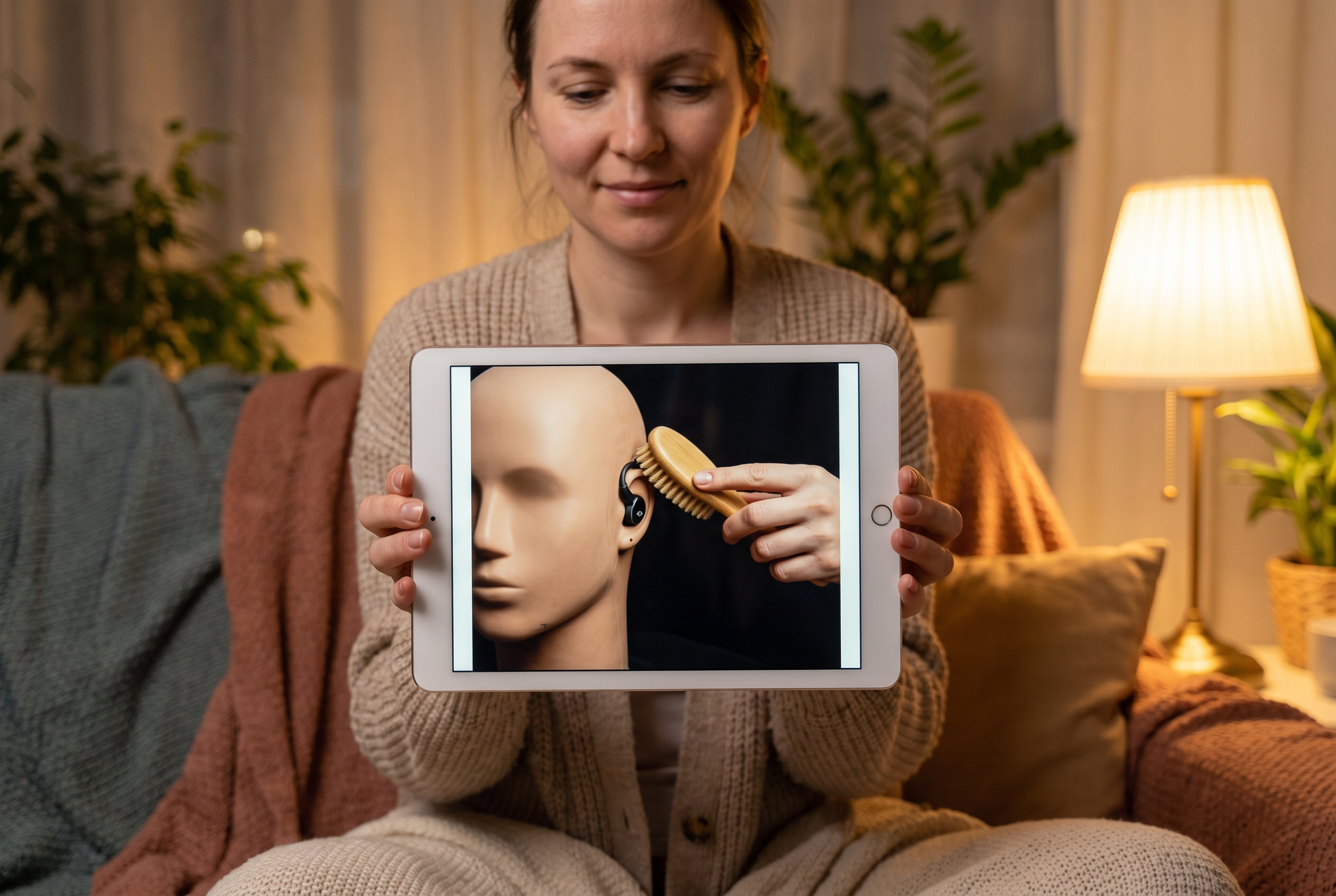
Trigger and Sound Test Channels
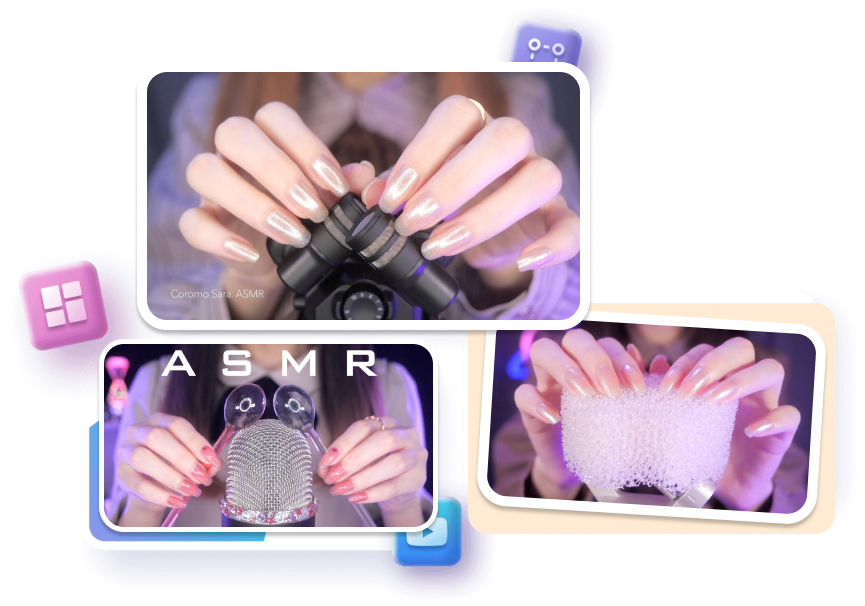
Place the main trigger and its relationship to the microphone where viewers can recognize it without reading a list of objects.
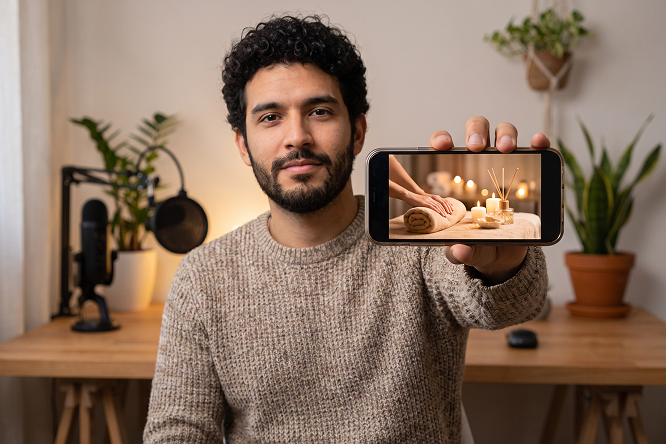
Roleplay and Character Creators
Adapt a template around the role and the actual recording while keeping spa, haircut, doctor, library, or other episode concepts visually consistent.
FAQs
What is an ASMR thumbnail?
What should an ASMR thumbnail show?
Can I make a sleep ASMR thumbnail?
Can I make a no-talking ASMR thumbnail?
How much text should an ASMR thumbnail use?
Can I make an ASMR roleplay thumbnail?
How do I create a calming ASMR thumbnail that attracts more listeners?
Give Your ASMR Thumbnail a Feeling Before the First Sound
The right viewer is looking for a particular moment of calm: a brush on a mic, rain at night, a soft-spoken roleplay, or a familiar trigger. Start with an ASMR thumbnail template that makes that experience visible, then let the video deliver exactly what the cover promised.