

YouTube Thumbnail Face Swap
Join Thumbs.ai to instantly edit face in thumbnail layouts and create viral YouTube thumbnail designs without booking an expensive photoshoot. Simply upload your selfie, pick from high-CTR reaction expressions, and swap seamlessly into winning covers to boost your clicks in seconds.
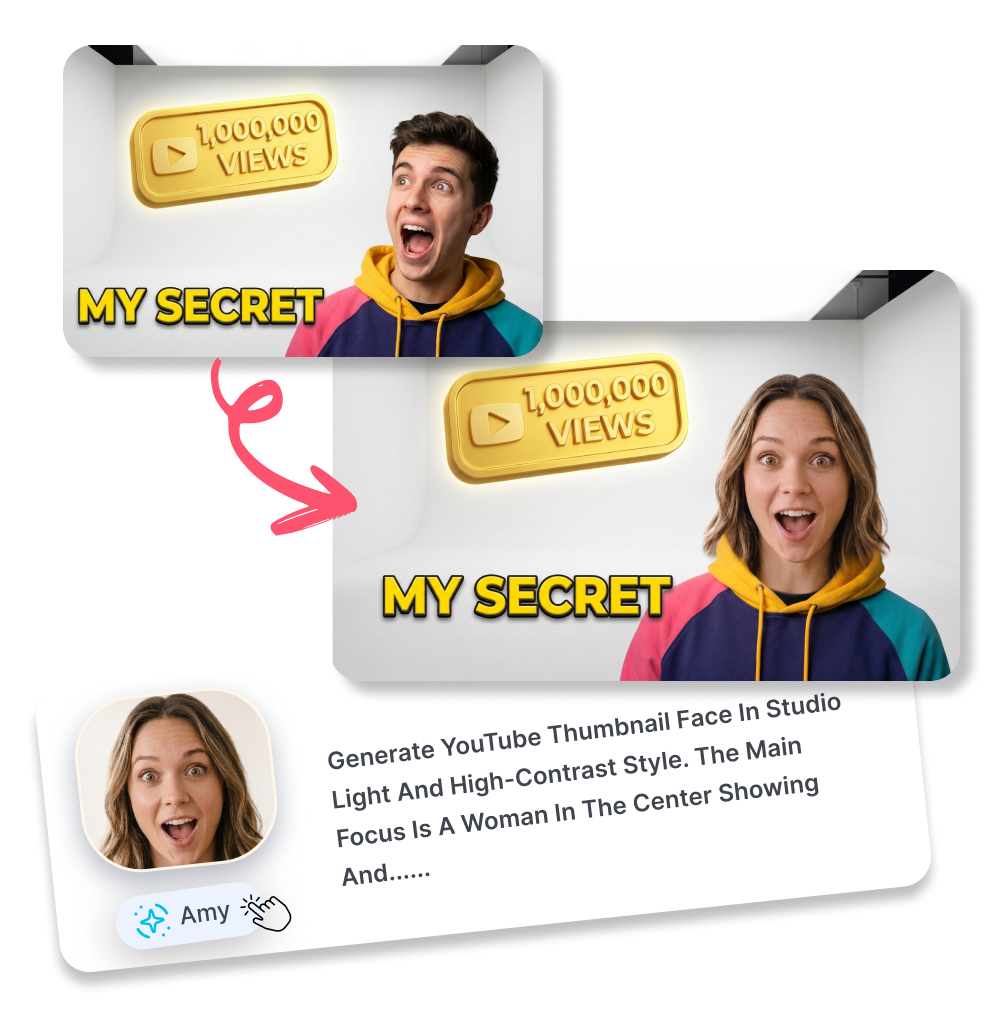
Use YouTube Thumbnail Face Swap AI in 3 Steps
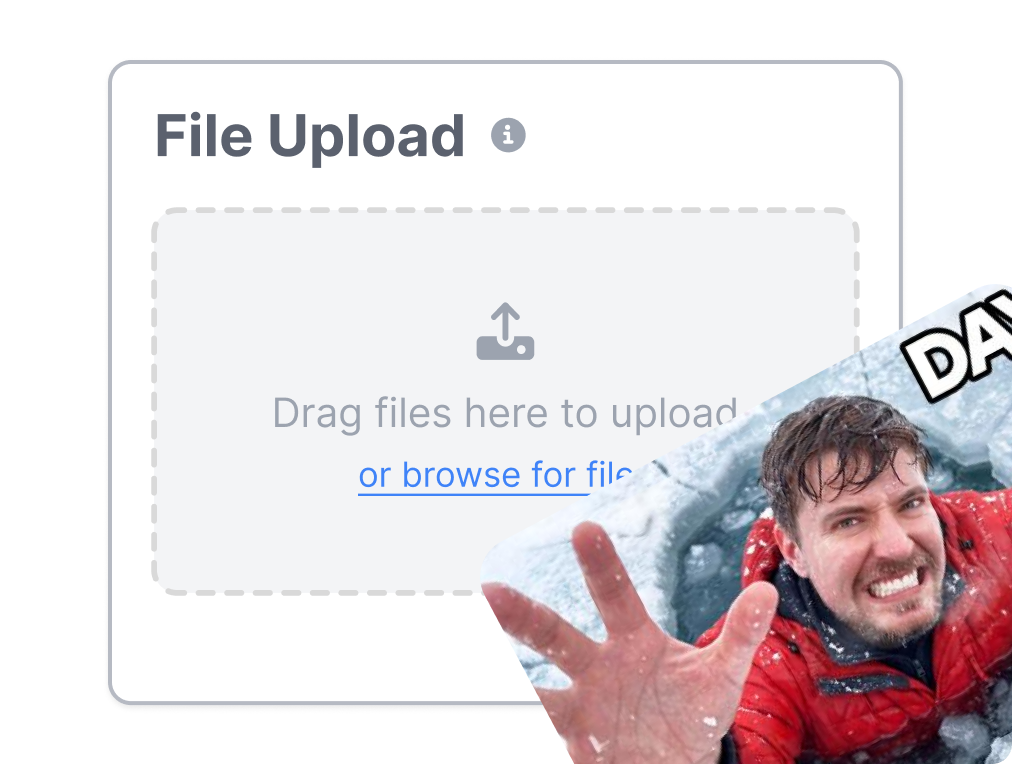
1. Upload Your Target Cover
Drop the background image you want to edit. We accept PNG, JPG, and WebP files up to 4MB for your face swap thumbnails.
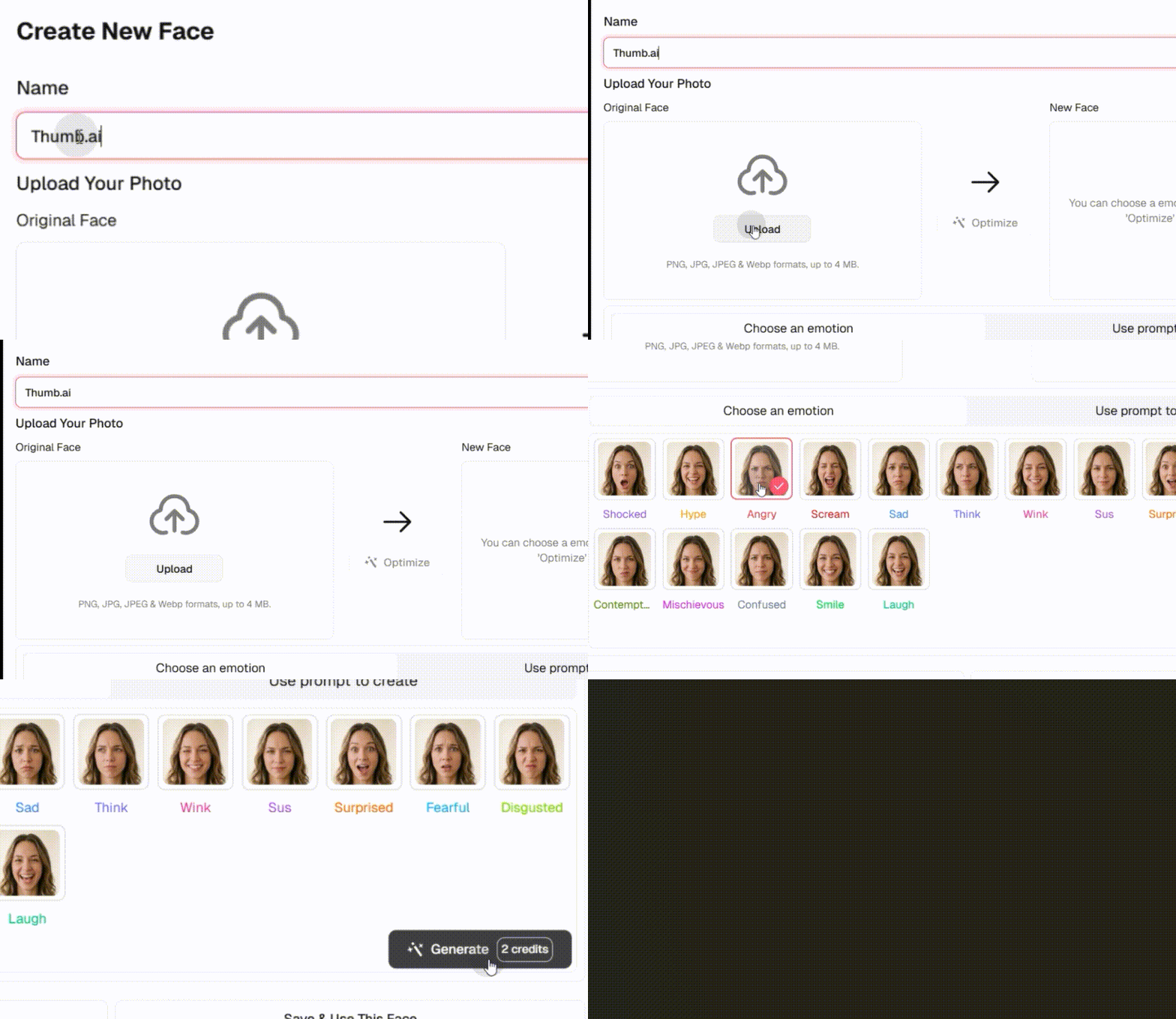
2. Add the Source Face
Upload a clear selfie or choose from your saved faces. You can even pick an AI-generated emotion like "Shocked" or "Hype."
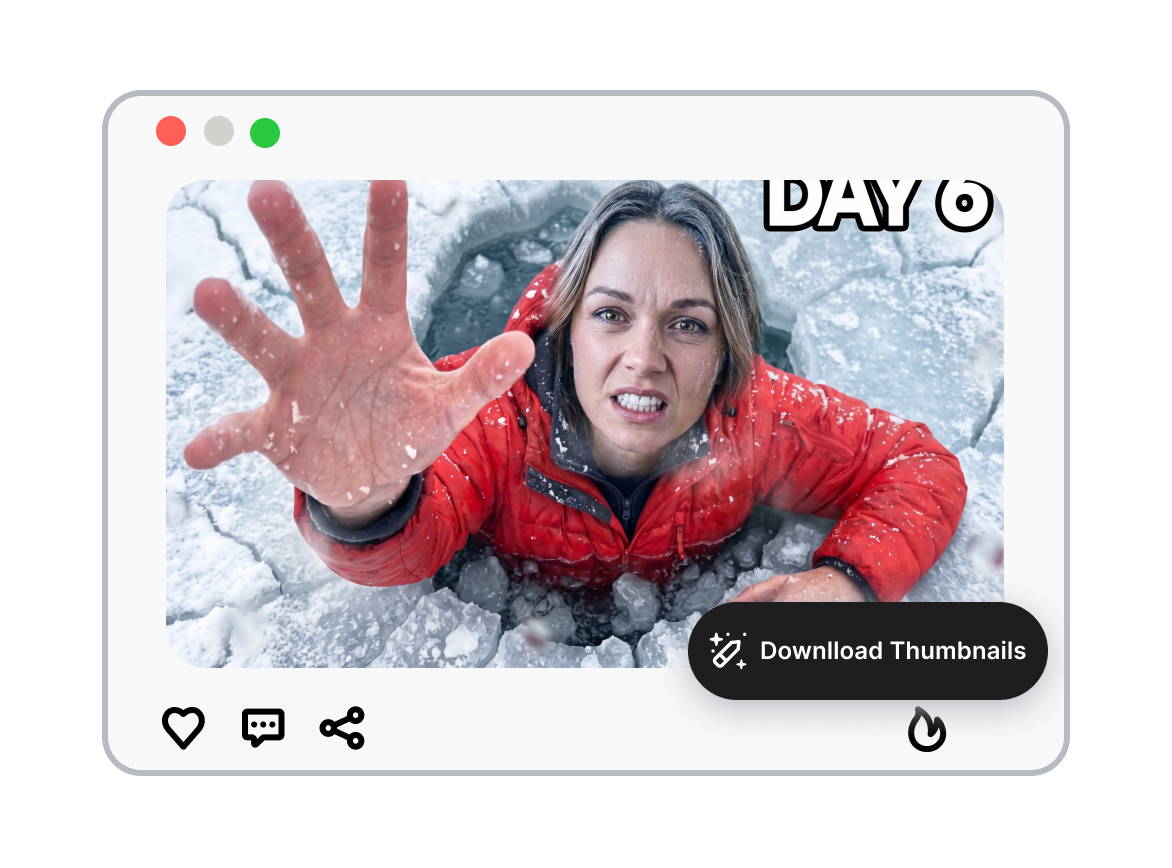
3. Swap Face and Download
Tell the AI who to replace. Click generate and download your new thumbnail face swap online in seconds.
Everything You Can Do with Our YouTube Thumbnail Face Swap AI
Swap Faces into Target Thumbnails
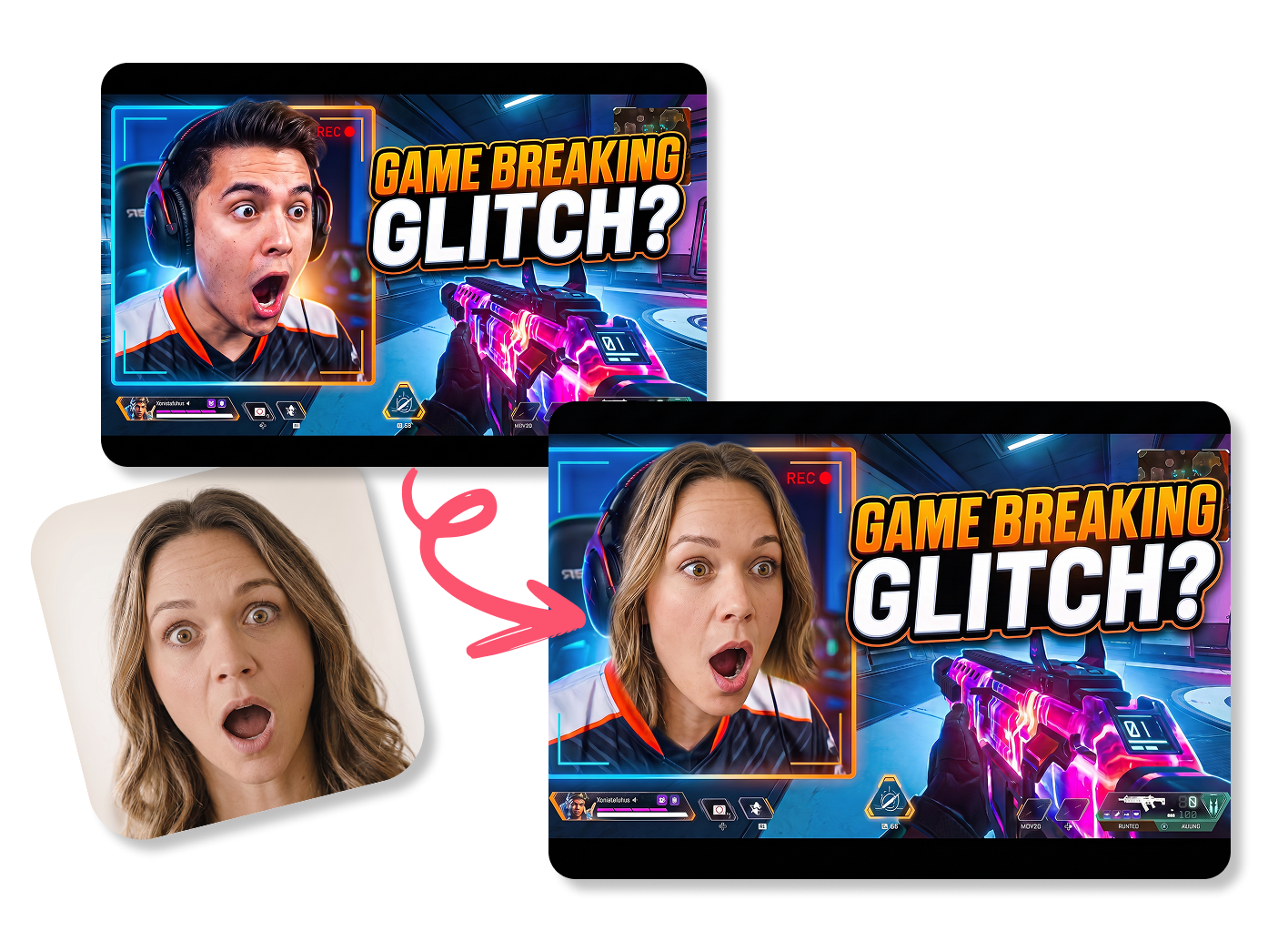
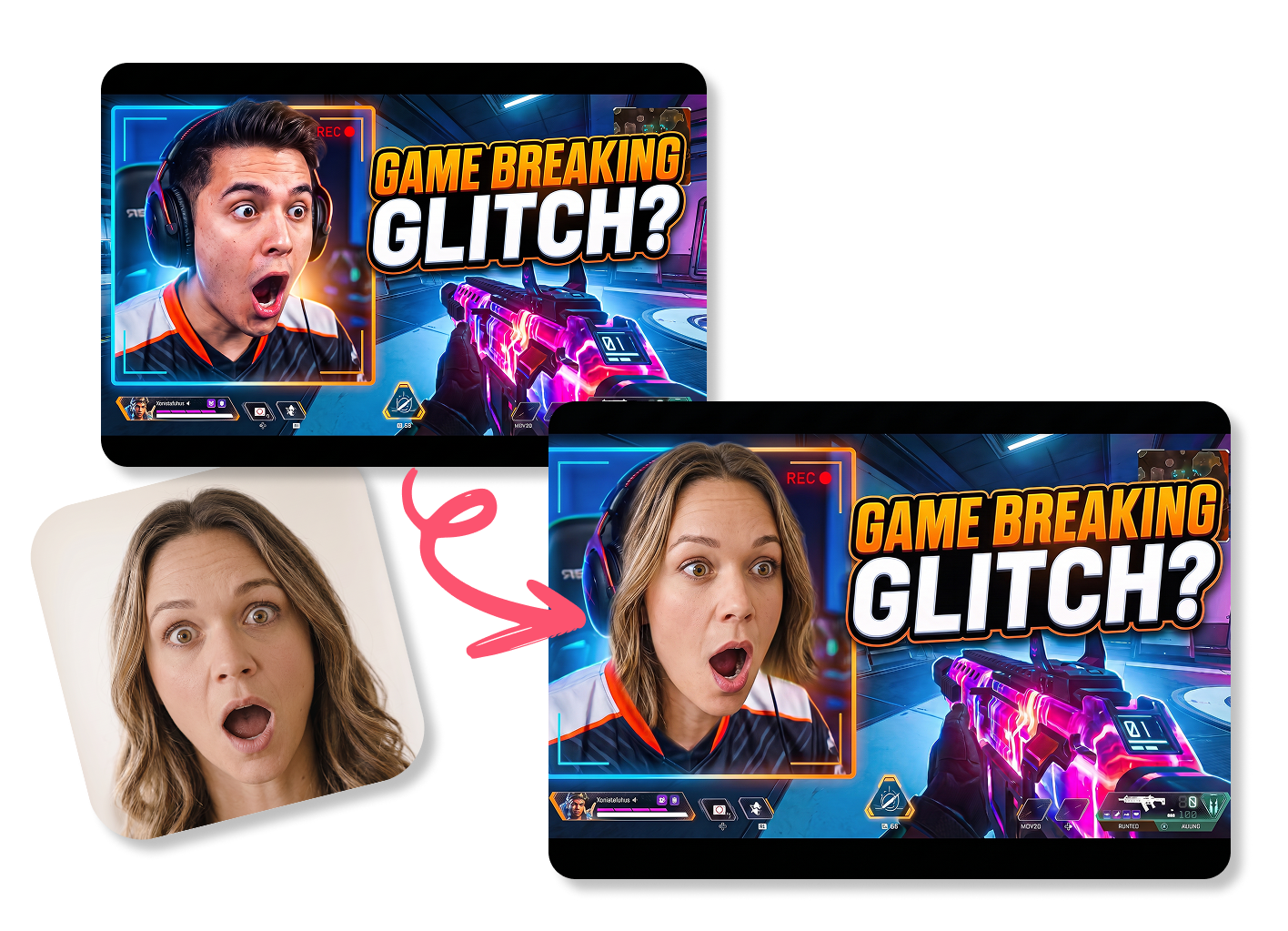
Thumbs.ai lets you paste your head onto any proven video layout within seconds. Upload a popular target cover and your selfie to create viral YouTube thumbnail designs, keeping the original pose and background intact for your gaming or vlog videos.
Pick High-CTR Facial Expressions Easily
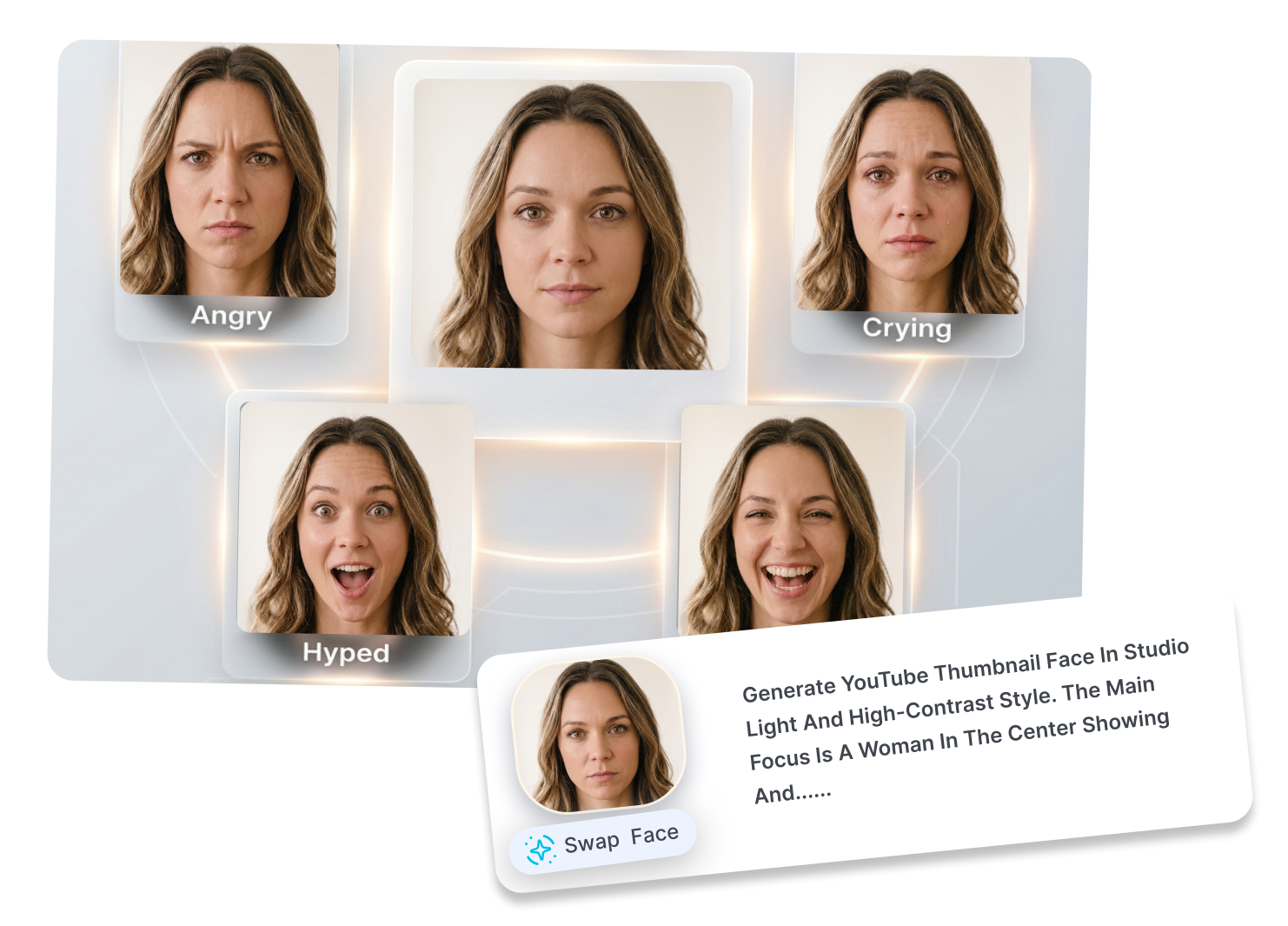
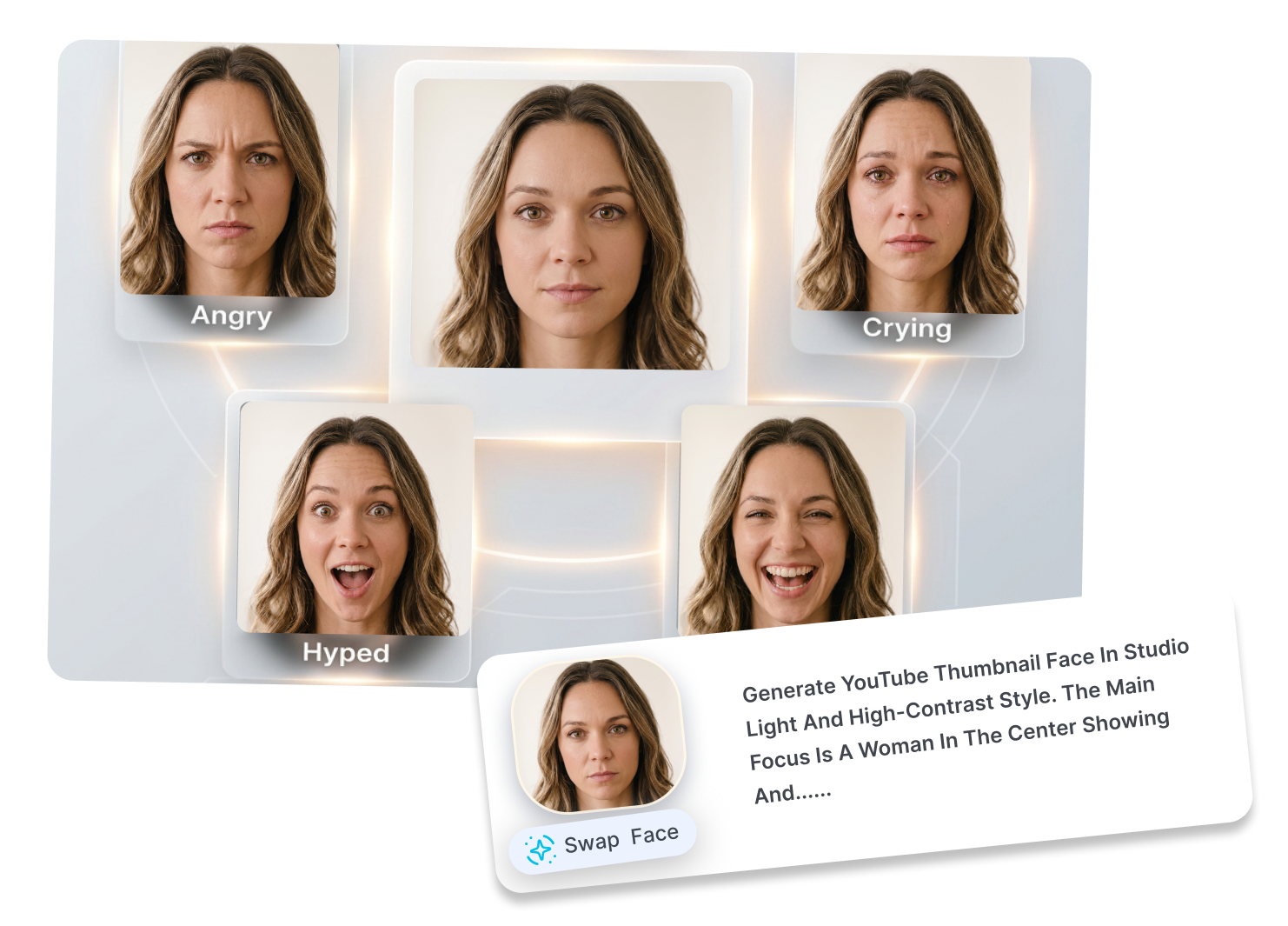
Turn a simple flat headshot into 16+ exaggerated YouTube expressions with our built-in AI thumbnail face editor. Select popular reaction moods like "Shocked," "Scream," or "Hype" to make a catchy face-swap meme thumbnail that grabs viewers' attention in crowded feeds.
Target Specific People with Prompts
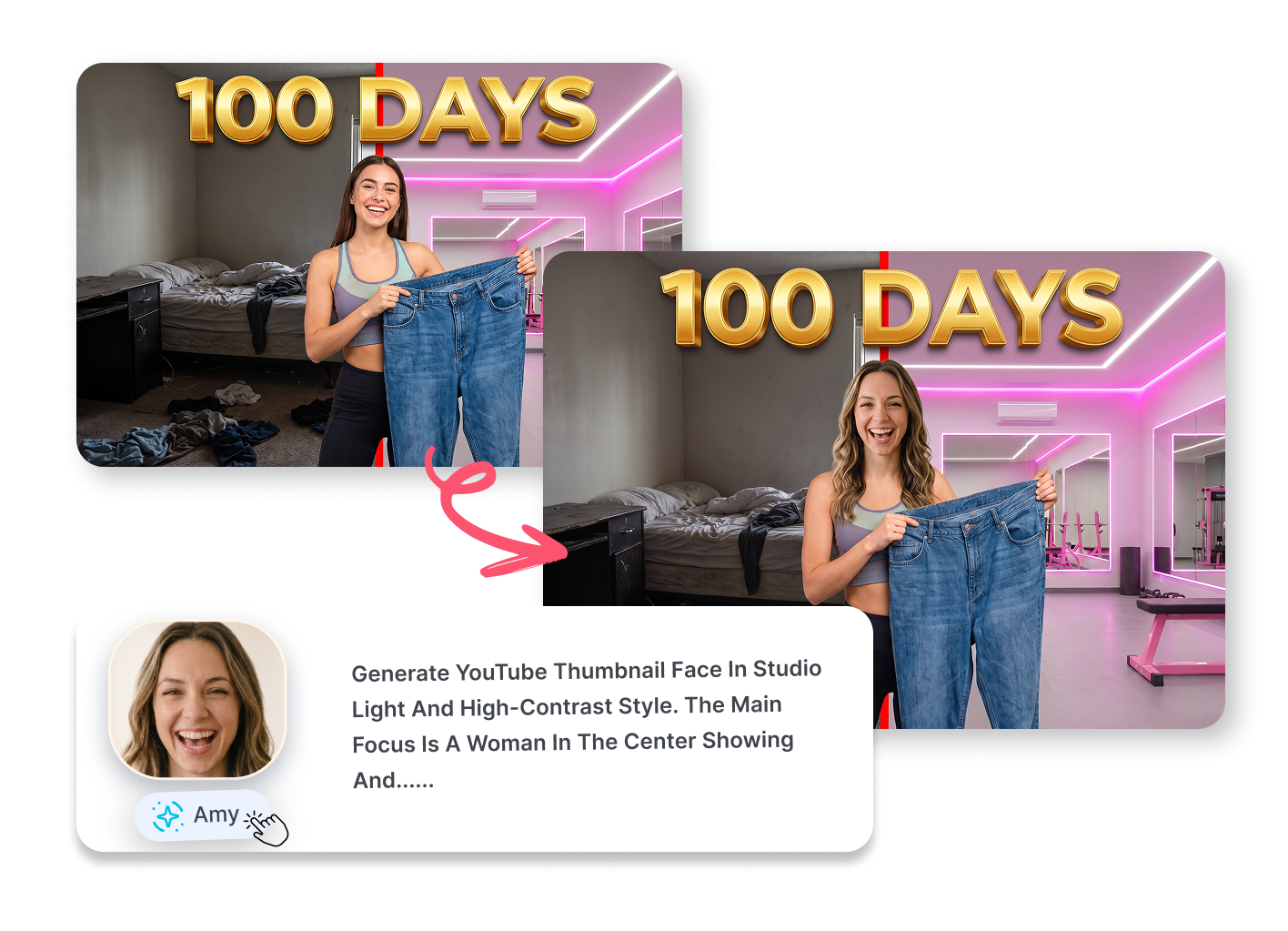
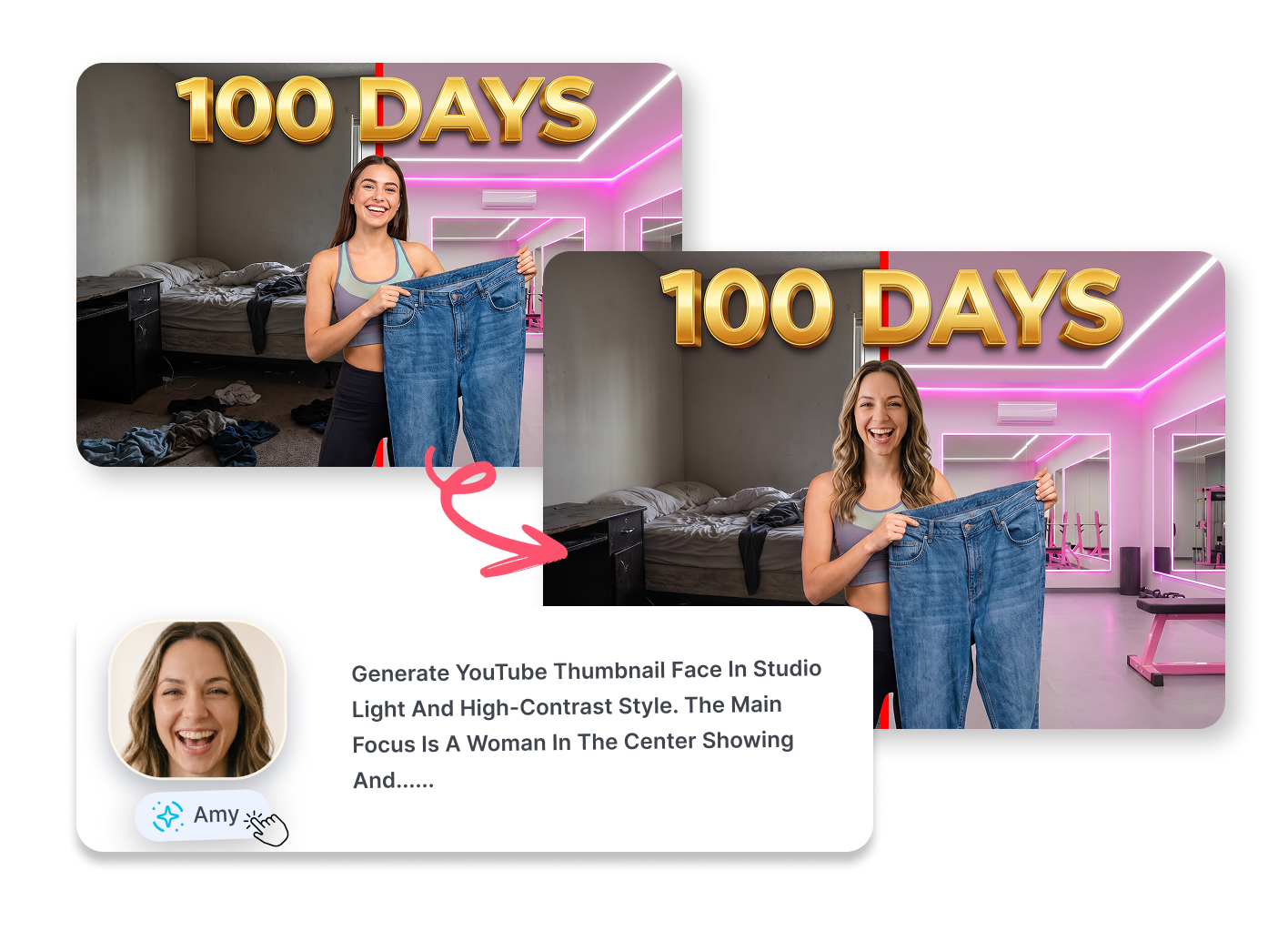
Tell the tool exactly who to change in group scenes without disturbing other creators. Type a short description in the replacement box, add custom styling notes, and our thumbnail face swap AI will update only the selected character on screen.
Blend Natural Lighting for Testing
Match the new face with the original cover's lighting, skin tone, and contrast automatically. This best face swap for thumbnails looks natural rather than photoshopped, allowing you to generate clean variations for click-through rate A/B testing on your channel.


Who Uses YouTube Thumbnail Face Swap AI?
Solo YouTubers & Vloggers
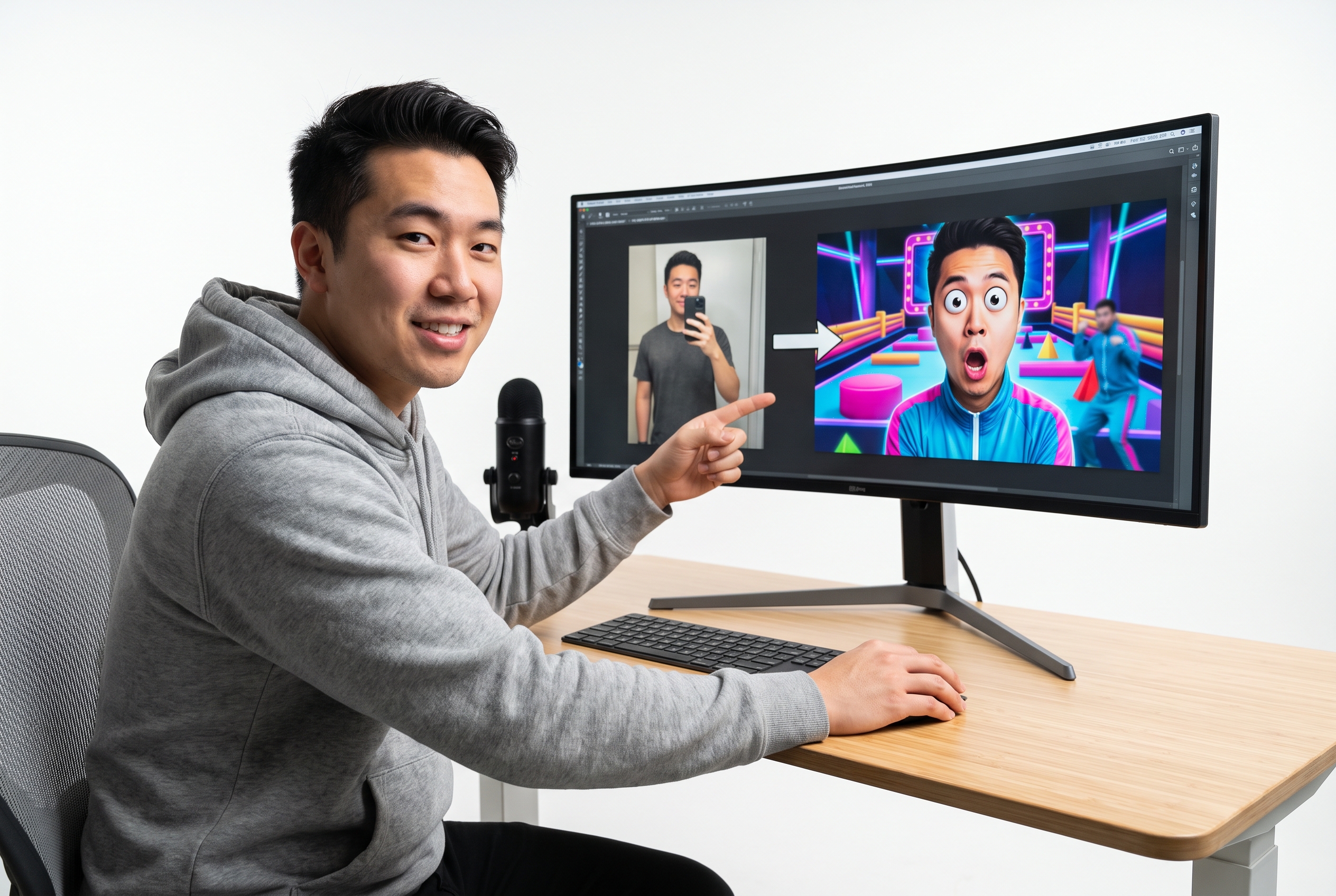
Take one basic selfie and use our tool as your go-to thumbnail creator with face swap. Easily put your newly generated "excited" face onto a high-quality MrBeast-style background layout in one click.
Freelance Thumbnail Designers
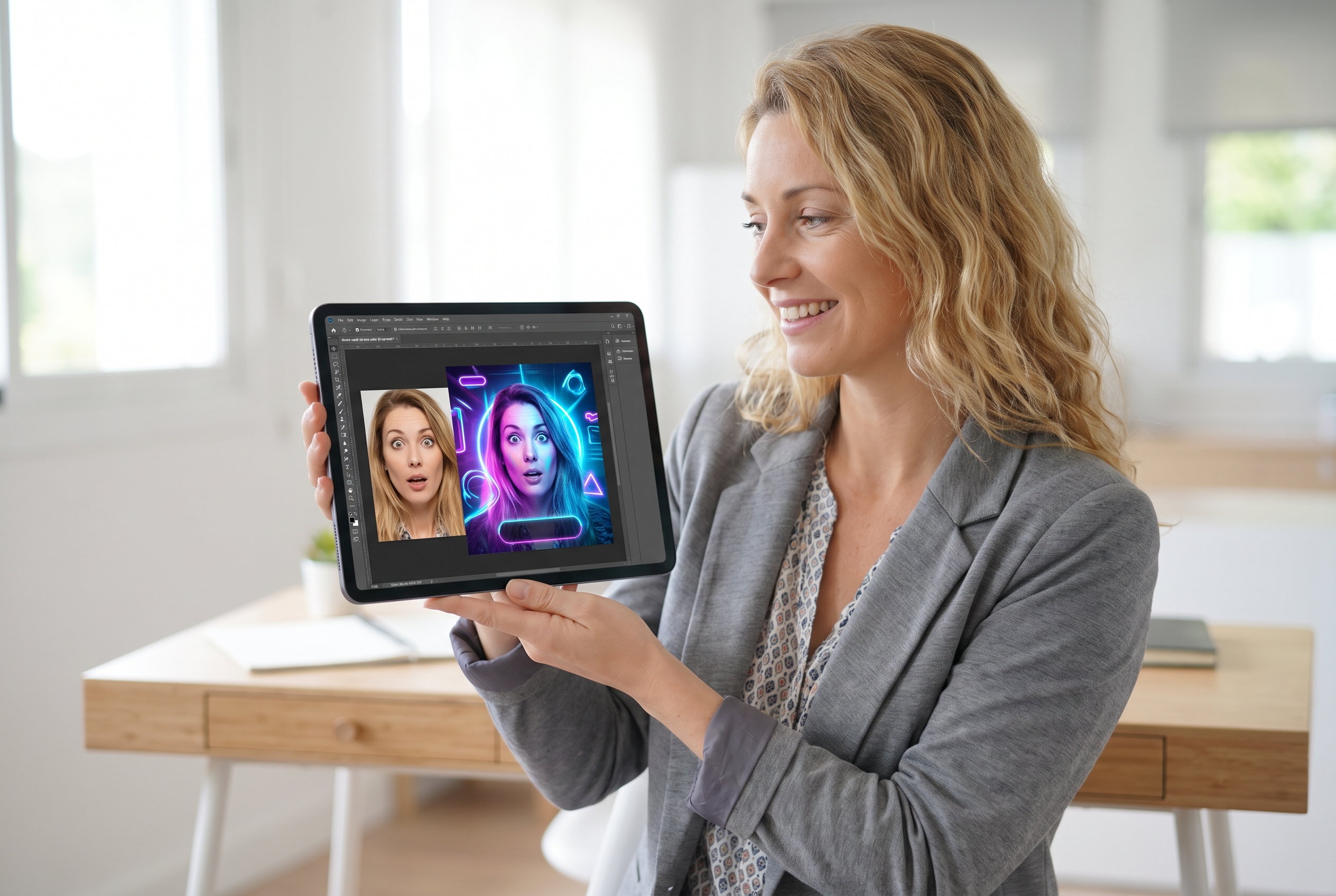
Use AI face swap tools for youtube thumbnail creation. Just take the client's flat profile picture, apply a "Surprised" emotion filter inside our app, and blend it perfectly into that loud, high-contrast gaming or crypto finance edit.

YouTube Channel Management Teams
As a powerful youtube thumbnail maker with face swap, our platform lets your team reuse approved creator faces. Update expressions on older videos to revive dead content, saving time and avoiding the hassle of asking the busy creator to shoot new pictures.
FAQs
What is YouTube Thumbnail Face Swap?
How do I swap face on youtube thumbnail for free?
Can I use this YouTube thumbnail AI generator to change my expression?
What is the source face?
What is the target thumbnail?
Which image files can I upload to the thumbnail face swap AI?
Ready for Your Next YouTube Thumbnail Face Swap?
Stop wasting hours posing for the camera or wrestling with complex editing software. Upload your first thumbnail to Thumbs.ai right now, customize high-energy reaction faces, and download click-ready covers in just two clicks.