Free YouTube Channel Mockup Tool Online
Click anything on the channel page to replace it with your own banner, profile picture, thumbnails and text. See exactly how your YouTube channel mockup looks on desktop and mobile, then download it as a PNG.

Related Tools
View all tools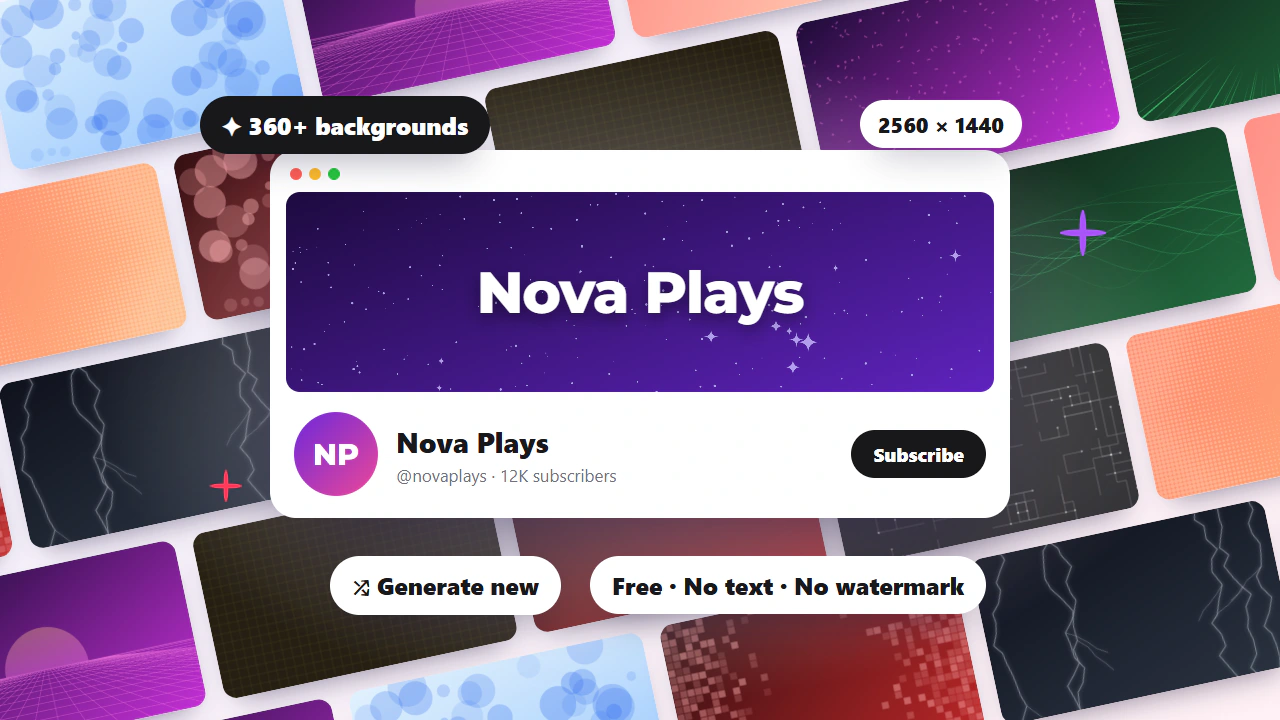
YouTube Channel Background
Generate free, text-free 2560×1440 backgrounds for your channel banner.
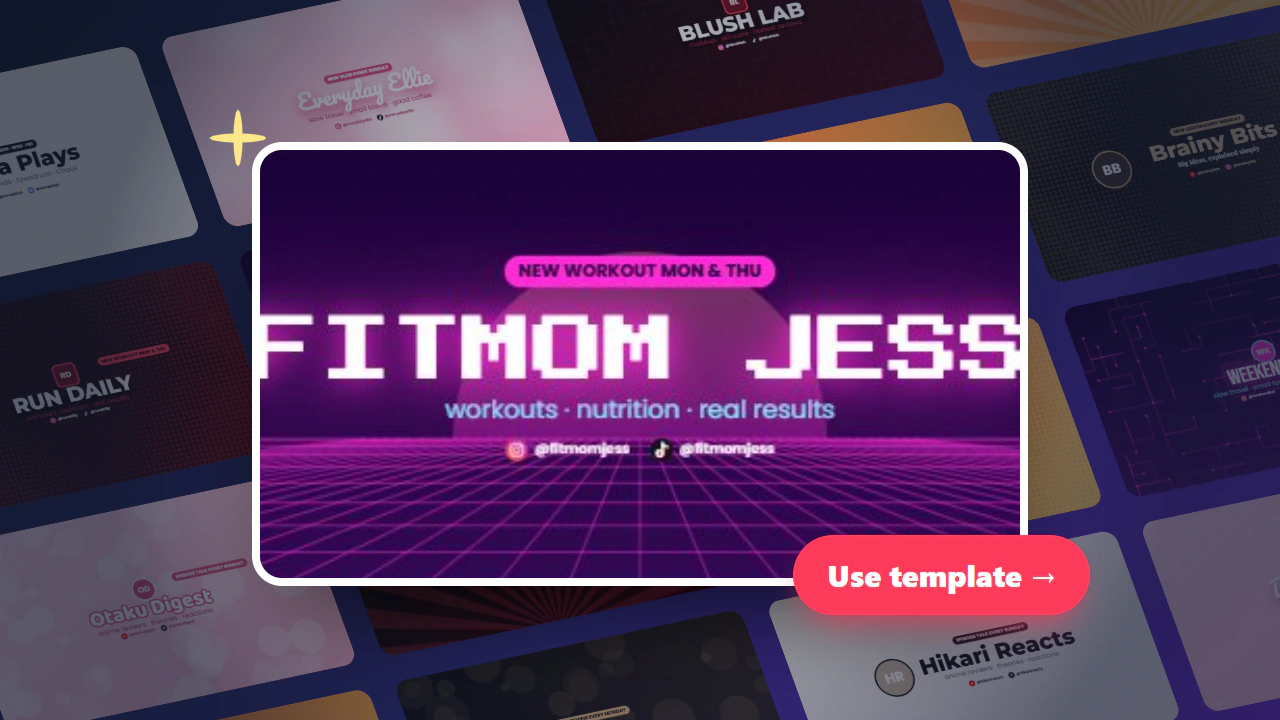
YouTube Banner Template
240+ free templates that update live with your channel name.
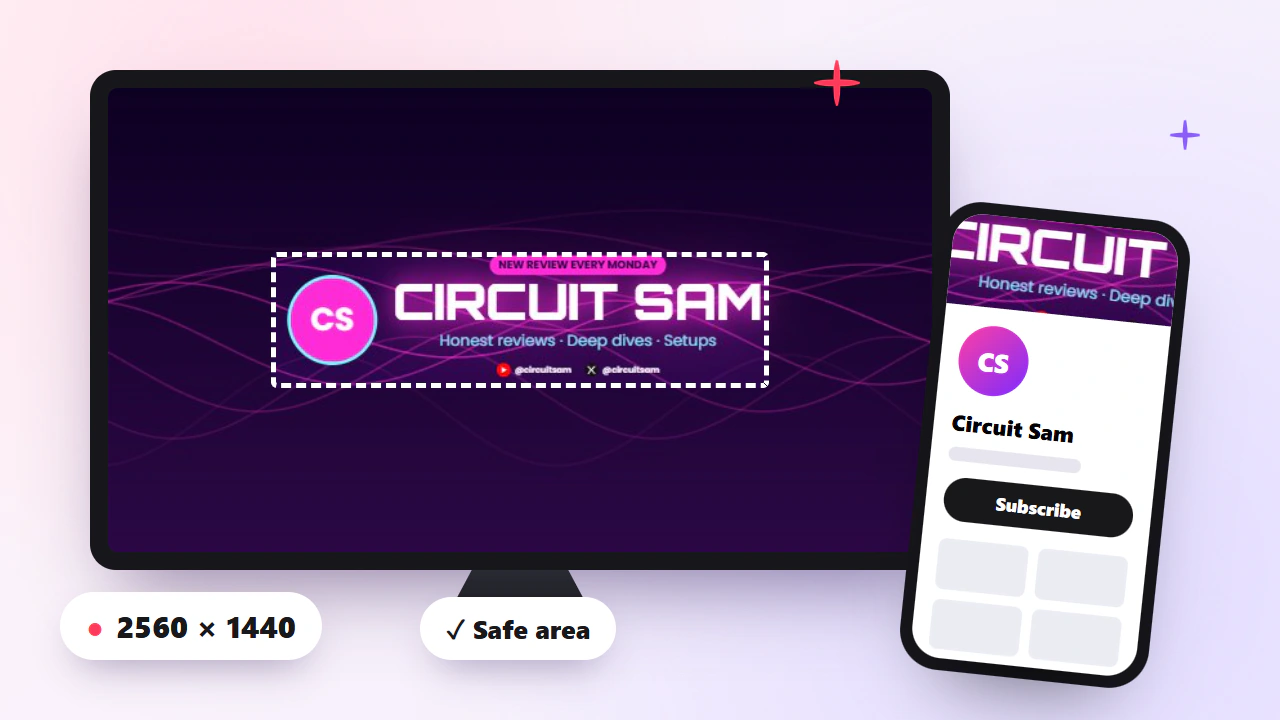
YouTube Banner
Create a 2560×1440 banner with safe-area guides and device previews.
Thumbnail Tester
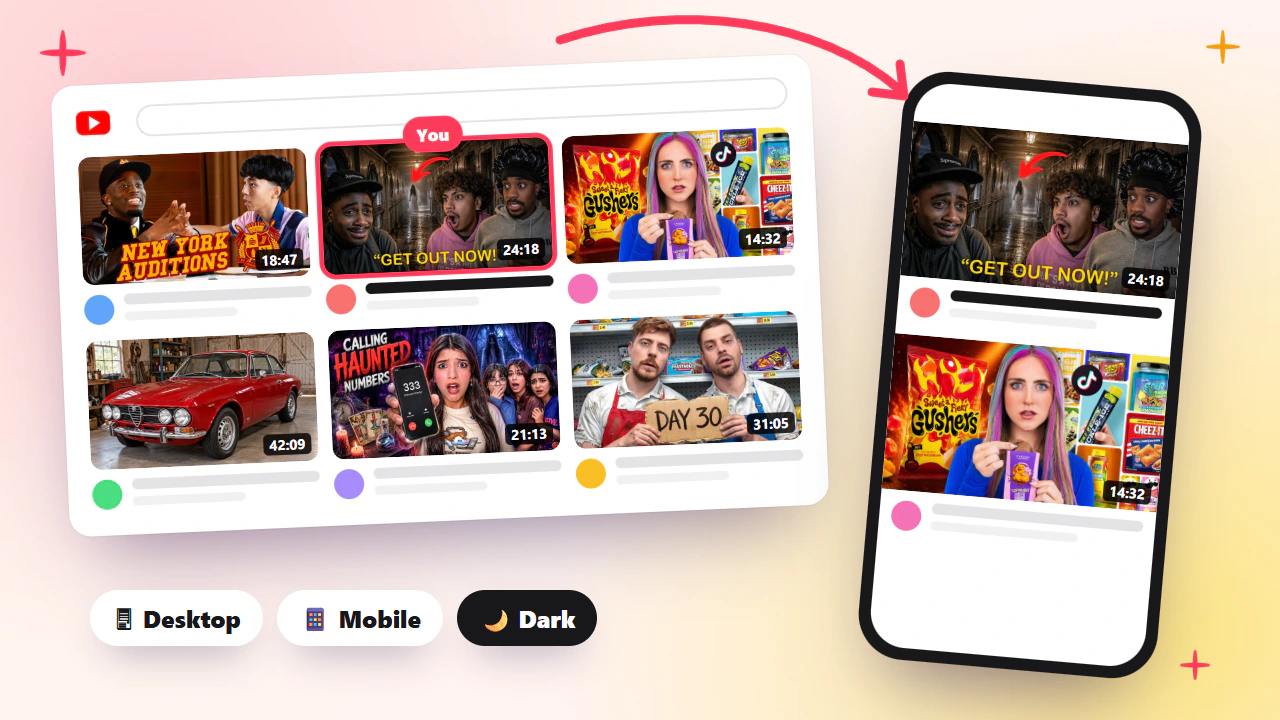
Preview thumbnails in a realistic YouTube feed and compare up to 4 versions before you upload.
Examples
Example YouTube channel mockups
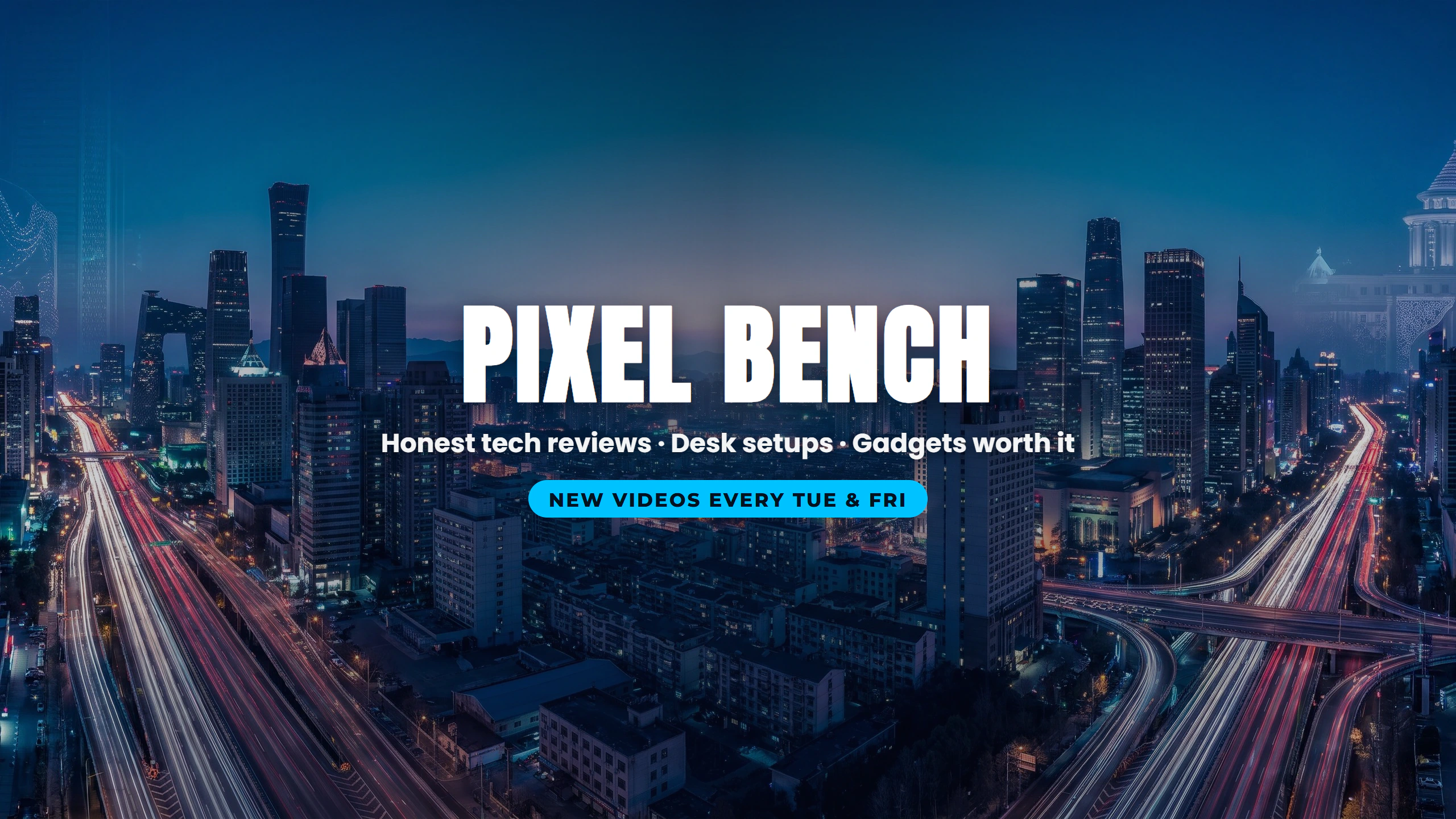
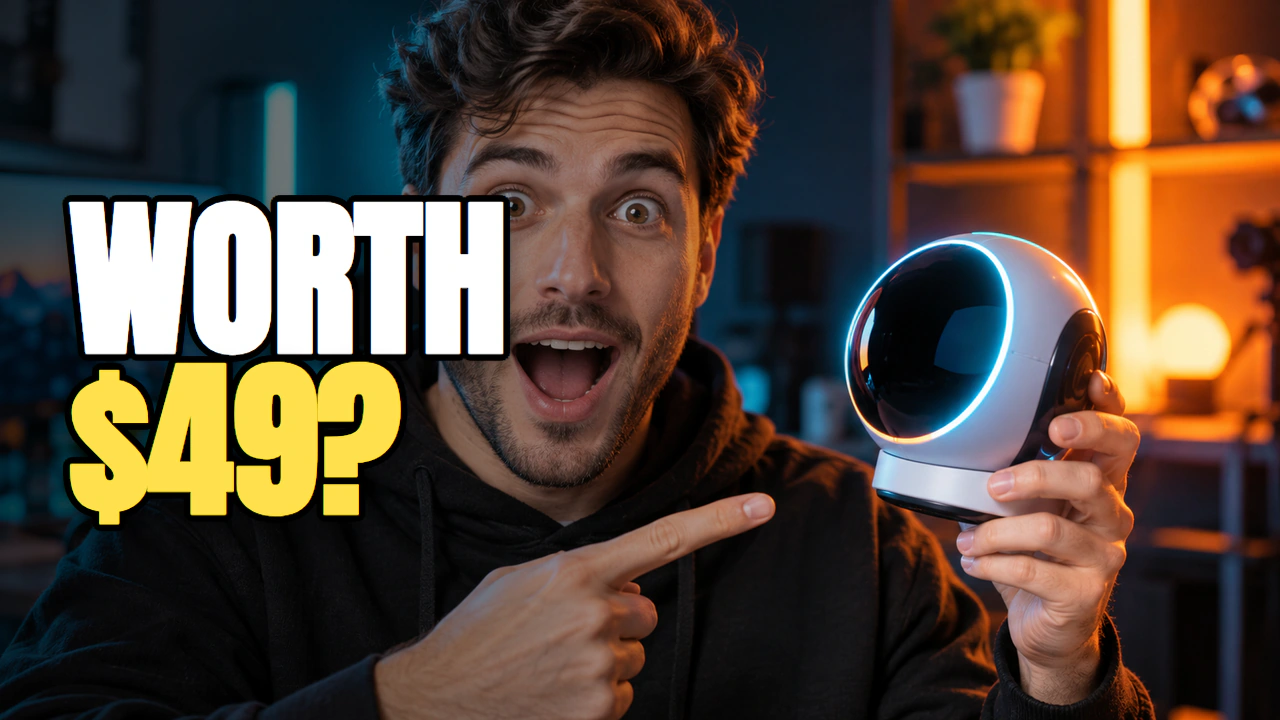
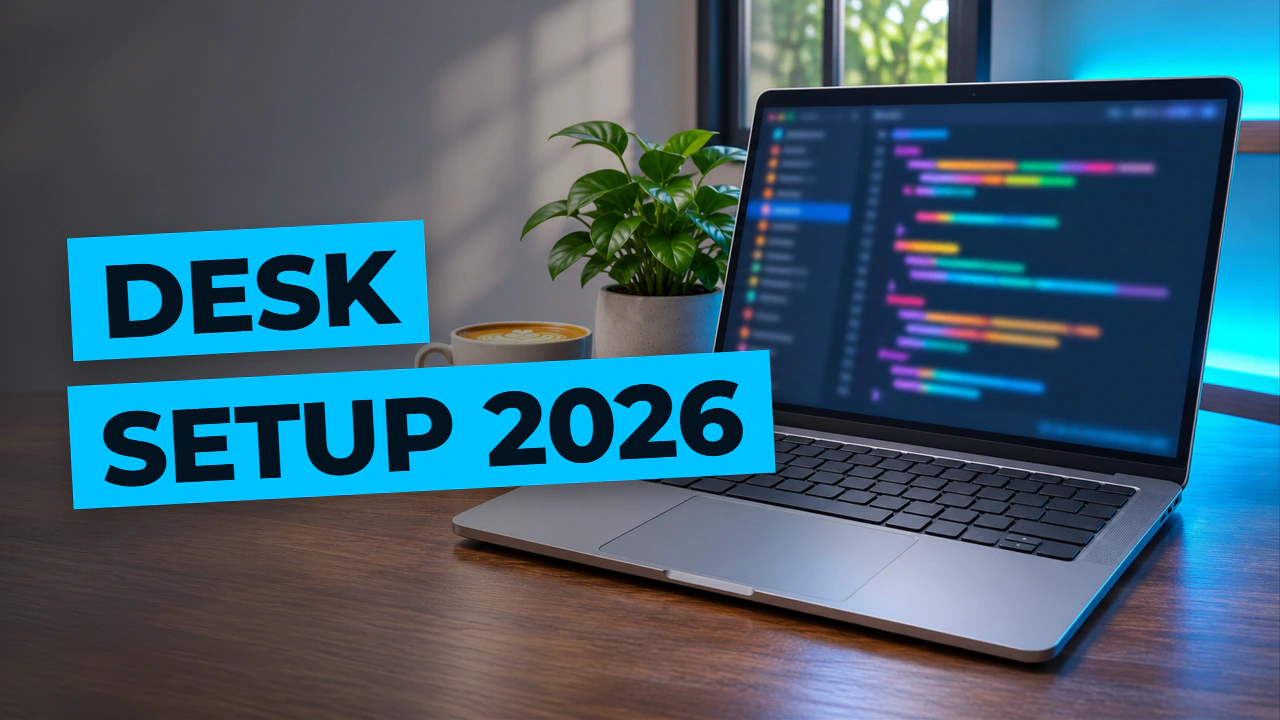
Five complete channels – banner, profile picture and eight thumbnails each. Load one into the YouTube channel mockup above, then swap in your own images piece by piece.
How it works
Make a YouTube channel mockup in 3 steps
- 01
Replace anything on the page
Click the banner, profile picture or any thumbnail to upload your own, or drop several thumbnails at once. Click any text to change the channel name, handle, subscribers or video titles.
- 02
Check desktop and mobile
Switch devices to see how YouTube crops your banner, turn on the safe area to spot text that gets cut off, and compare light and dark mode.
- 03
Download a clean PNG
Preview hides every editing guide. Download a high-resolution YouTube channel mockup for your portfolio, client pitch or team review.
Sizes
What each device shows of your banner
You upload one 2560 × 1440 image, but only TVs show all of it. Desktop, tablet and mobile show a thin strip from the middle – that's why a YouTube channel mockup is the quickest way to catch cropping problems.
2560 × 1440
Banner
Minimum 2048 × 1152, 16:9, up to 6 MB.
1546 × 423
Banner safe area
The center strip visible on every device.
800 × 800
Profile picture
Shown as a circle – keep your logo away from the corners.
1280 × 720
Video thumbnail
16:9, at least 640 px wide, up to 2 MB.
Common problem
Why is my YouTube banner cut off on mobile?
YouTube shows the same banner on very different screens. A TV fills the whole 16:9 image, a desktop shows a wide strip, and a phone shows only the 1546 × 423 px center. Text placed near the edges looks fine in your design app but disappears on mobile.
The profile picture adds another trap: you upload a square, but YouTube crops it to a circle and places it under the banner, so corner details are lost and colors sit right next to your banner.
This YouTube channel mockup applies the same crops, so you can fix the layout before you upload. Turn on Safe area to see exactly which part of your banner survives on every device.
Who it's for
One mockup, three jobs
Creators
Check that your new banner, profile picture and thumbnails look like one brand before you change your channel.
Designers
Show clients a realistic YouTube channel mockup of the branding you designed, on desktop and mobile, light and dark.
Marketers
Mock up a new channel for a pitch deck with your own name, subscriber count and video titles.
Free, no sign-up
Every feature works without an account.
No watermark
Download clean PNGs for any project.
Private by design
Images are processed in your browser and never uploaded.
FAQ
YouTube channel mockup FAQ
Is this YouTube channel mockup generator free?
Yes. You can replace every image and text, switch devices and download PNGs for free, without signing up and without a watermark.
Are my images uploaded to your servers?
No. Your banner, profile picture and thumbnails are read and resized in your browser only. Closing the page removes them.
How do I change the text on the channel page?
In Edit mode, click any text – channel name, handle, subscriber count, description, link, video titles, views or upload dates – and type. Press Enter or click outside to finish.
Can I add several thumbnails at once?
Yes. Drop several images anywhere on the page or on the Add videos card. They replace the example videos in order, then add new ones, up to 12 videos.
Why does my banner look different on mobile?
YouTube crops your 2560 × 1440 banner to a 1546 × 423 px strip on phones. Switch to Mobile and turn on Safe area in the YouTube channel mockup to see what is cut off.
What size should my banner and profile picture be?
Banner: 2560 × 1440 px (minimum 2048 × 1152), up to 6 MB. Profile picture: 800 × 800 px, shown as a circle. When you upload, the mockup checks the size and file weight for you.
How do I download the mockup without the editing guides?
Download PNG always exports the clean Preview version: dashed outlines, buttons and the Add videos card are left out. Switch to Preview first if you want to see it on screen.
Can I use the mockup in a client presentation or portfolio?
Yes. The downloads are yours to use. Make sure you have the rights to the images you place in it, and remember the page imitates the YouTube interface for preview purposes only.
Does it show dark mode?
Yes. Turn on Dark mode to check how your banner edges, profile picture and thumbnails look on YouTube's dark theme, which many viewers use.