Valorant Thumbnail Maker
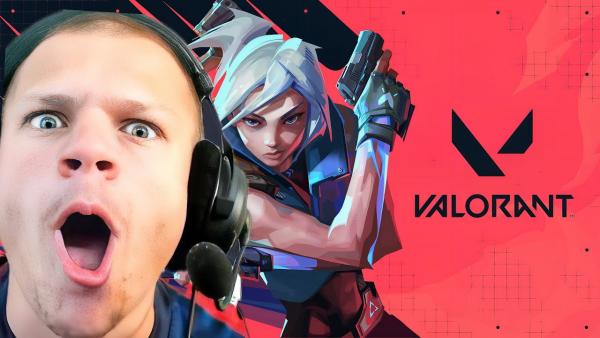
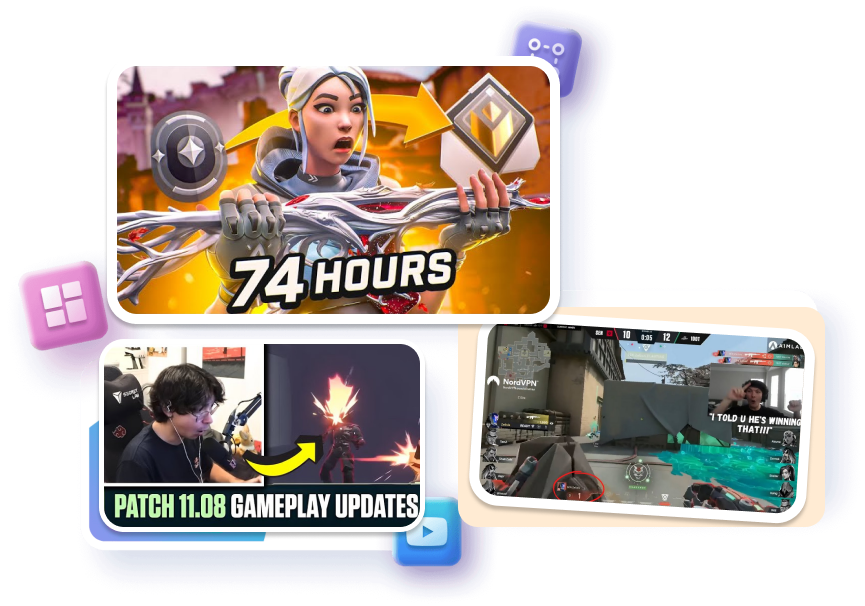
Pick a free Valorant thumbnail that matches your video — ranked grind, clean ace, agent guide, montage, or live stream. Change the hook, adjust the visuals, and regenerate a cover that feels true to the play.
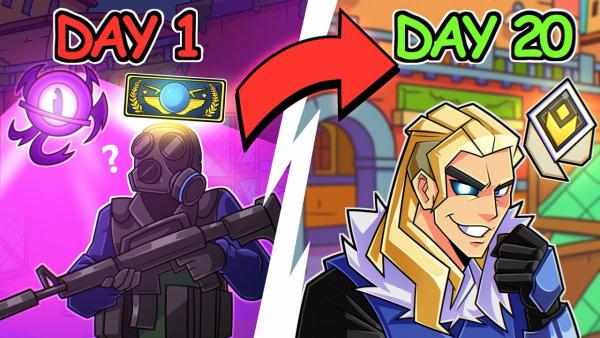
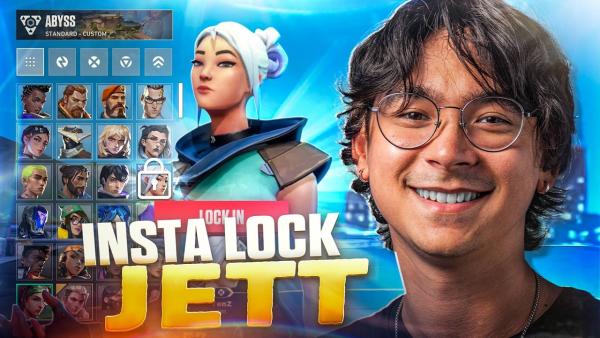
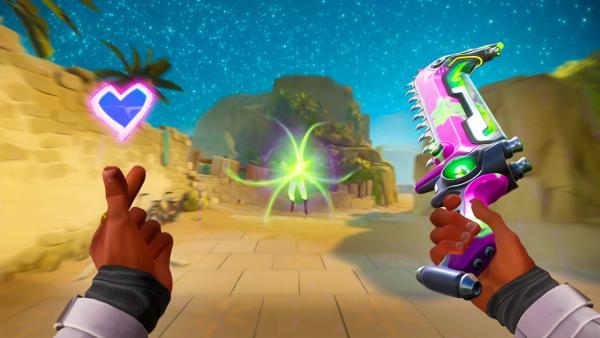
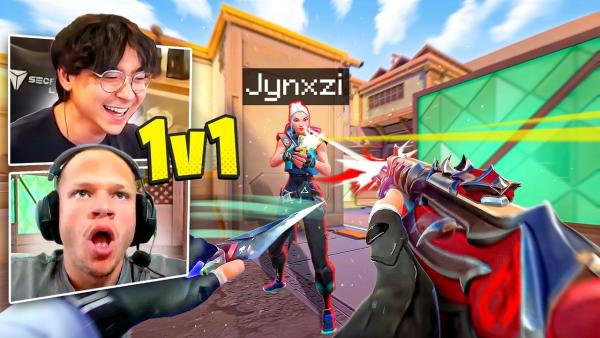
Customize a 4K Valorant Thumbnail in Three Steps
Move from a proven layout to your own cover without rebuilding every glow, crop, and text treatment.
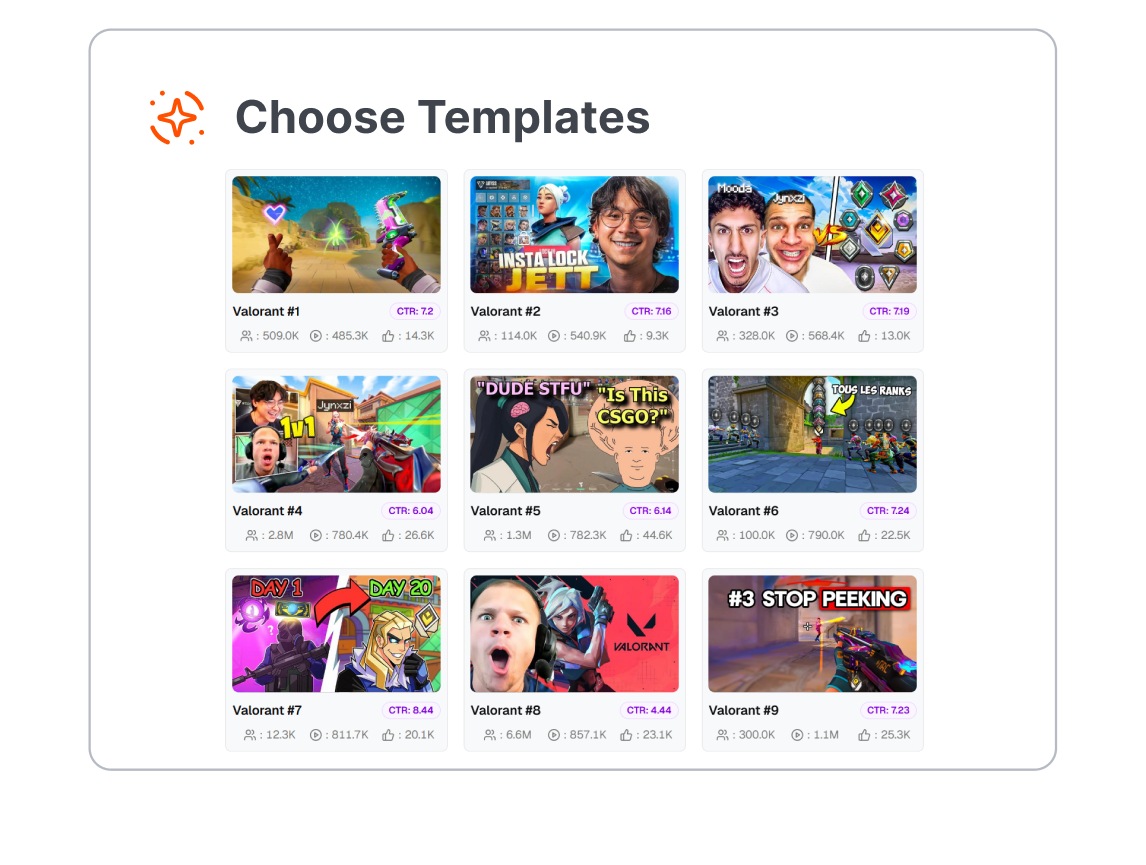
1. Choose the Story
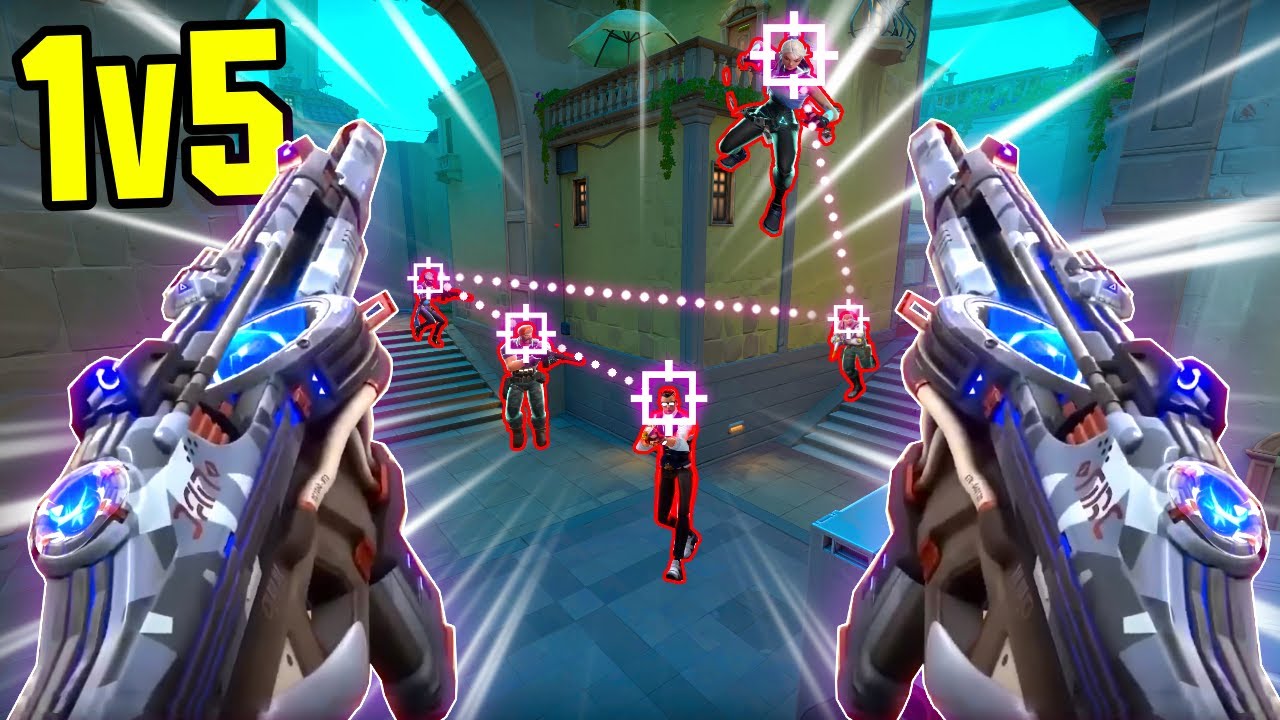
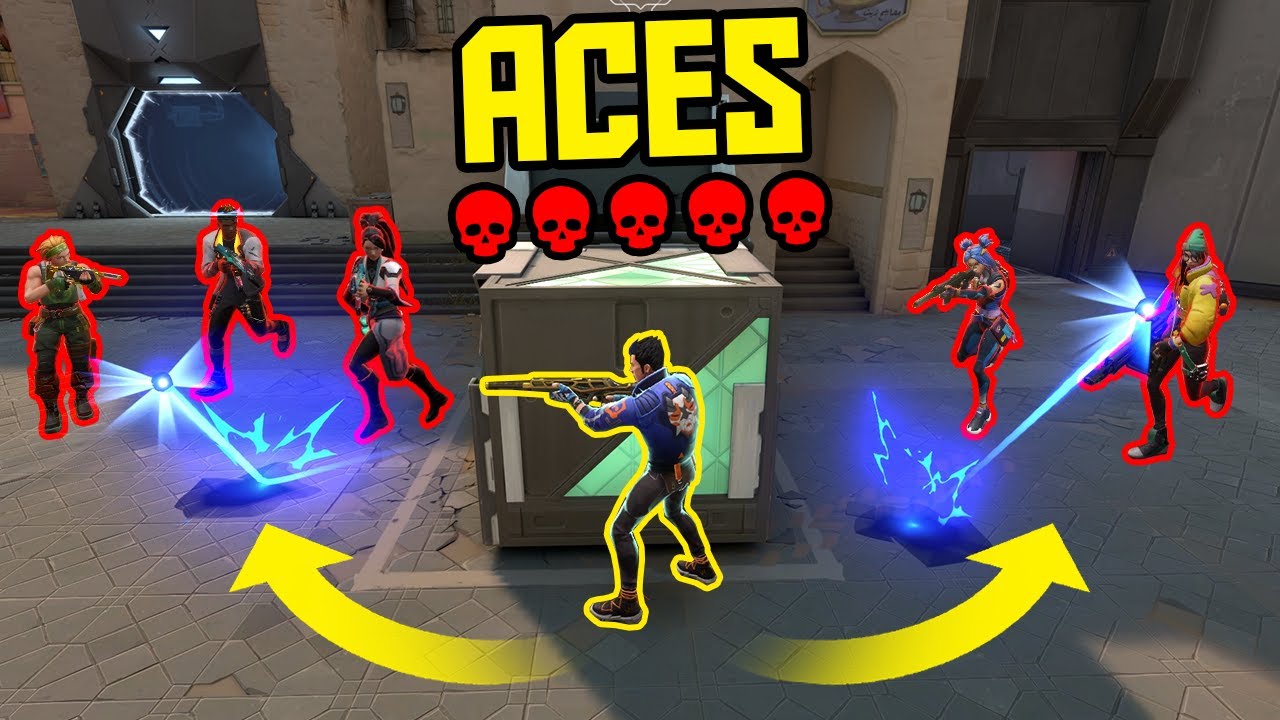
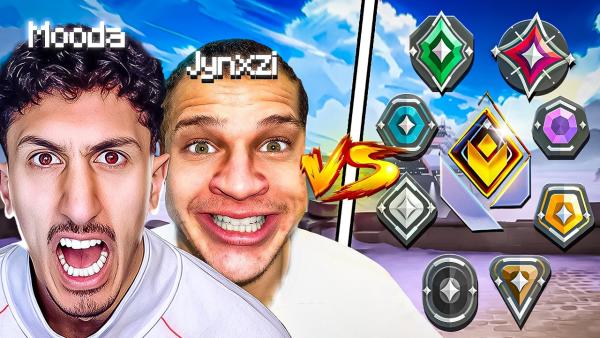
Select a template for a ranked climb, 1vX clutch, agent guide, montage, live stream, or esports recap. The right starting composition makes the video idea clear before you edit a detail.
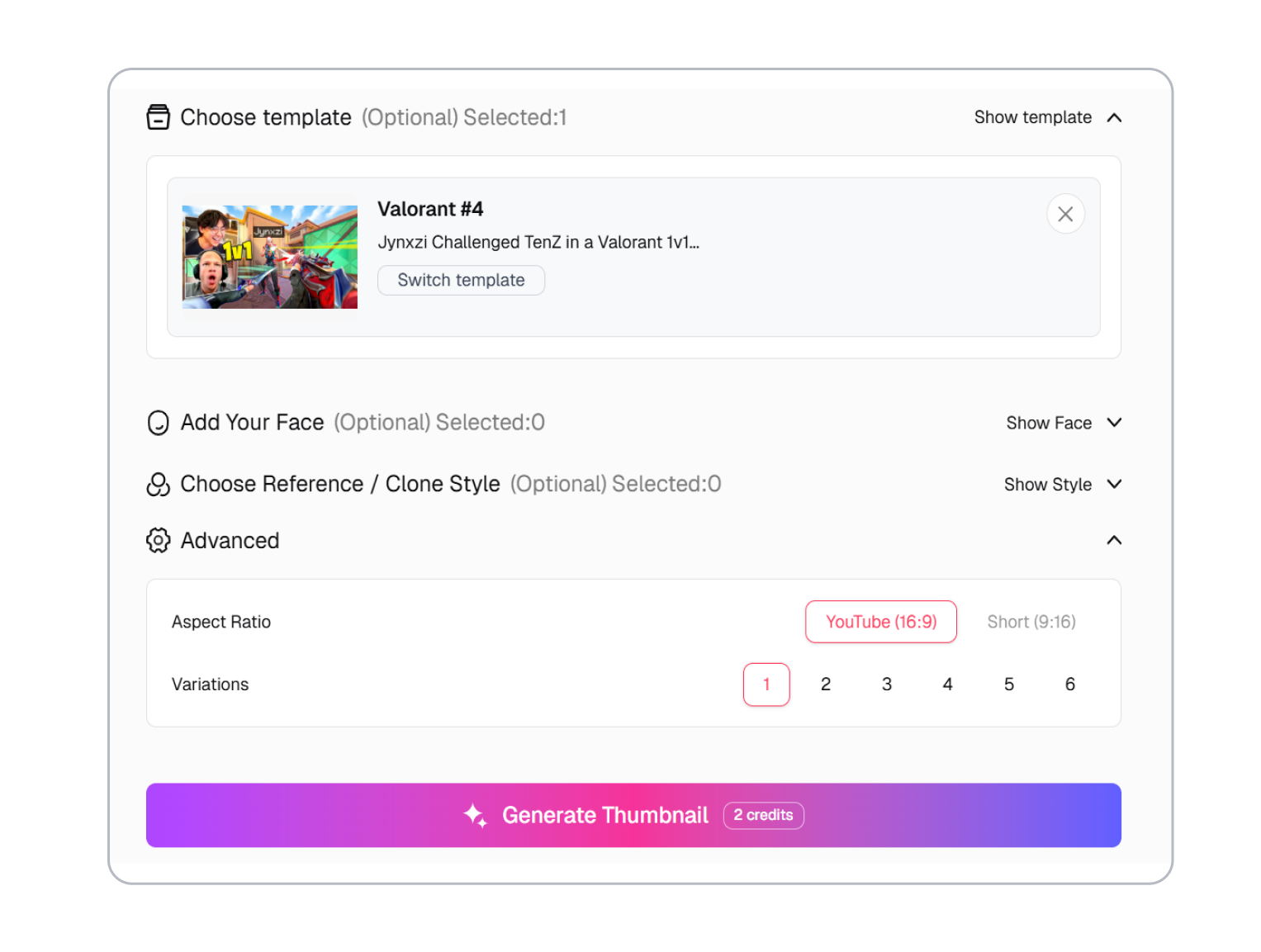
2. Add Your Hook
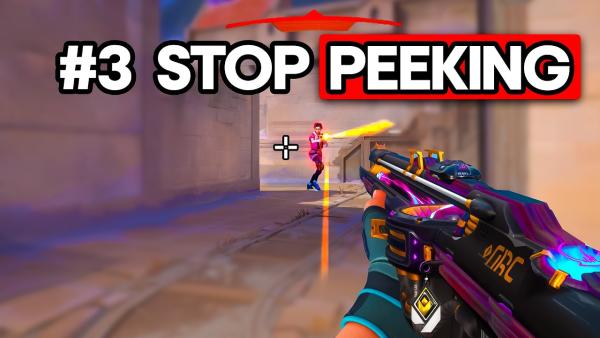
Replace the headline, choose the agent or gameplay focus, and add your own screenshot or creator image. Keep one dominant subject and a short promise that supports the video title.
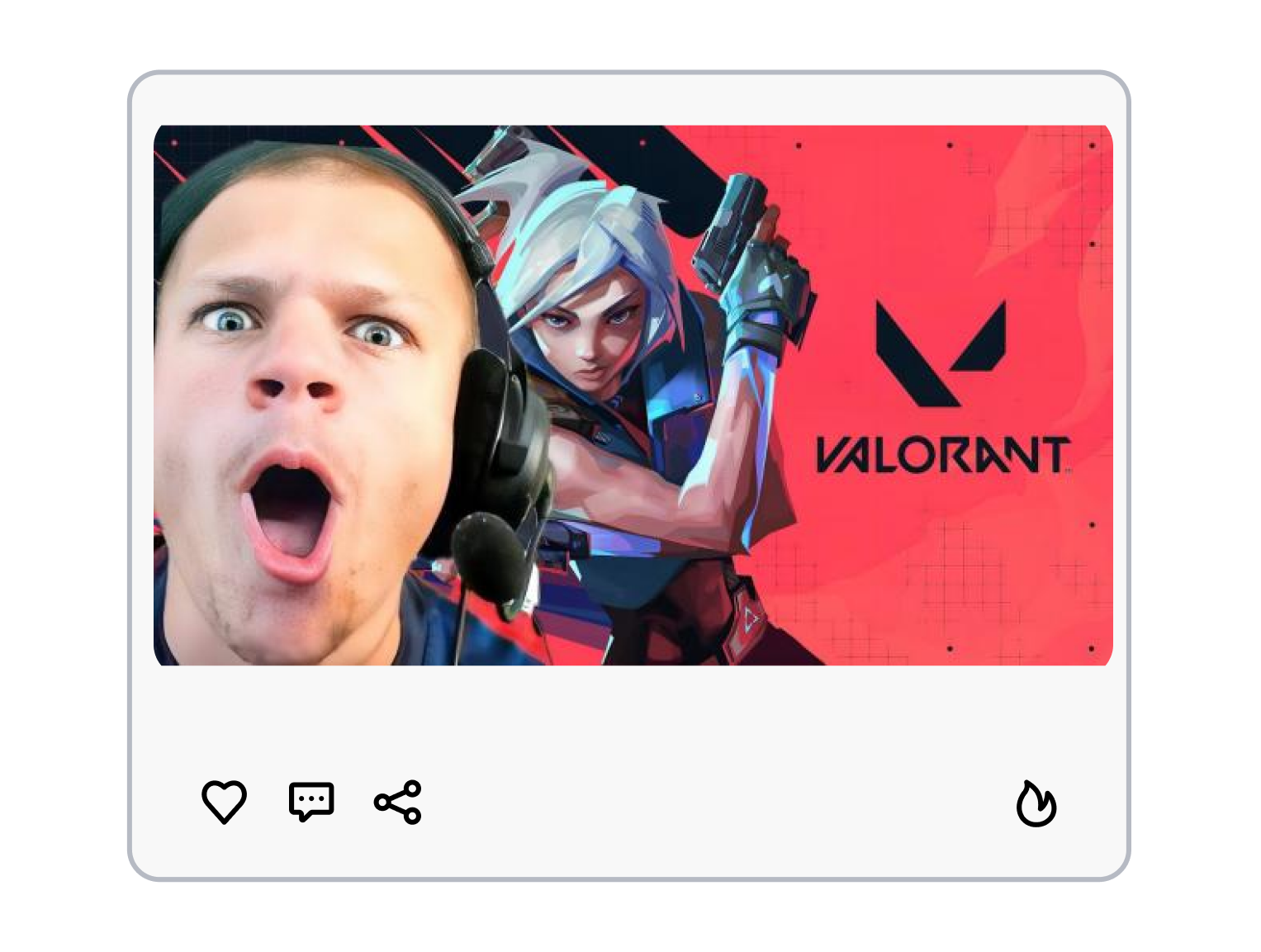
3. Adjust and Regenerate
Refine the color, crop, emphasis, or prompt. Regenerate alternatives until the agent, rank badge, weapon, and hook form one readable visual, then download the version that fits your upload.
Make Your Valorant Thumbnail Read at a Glance
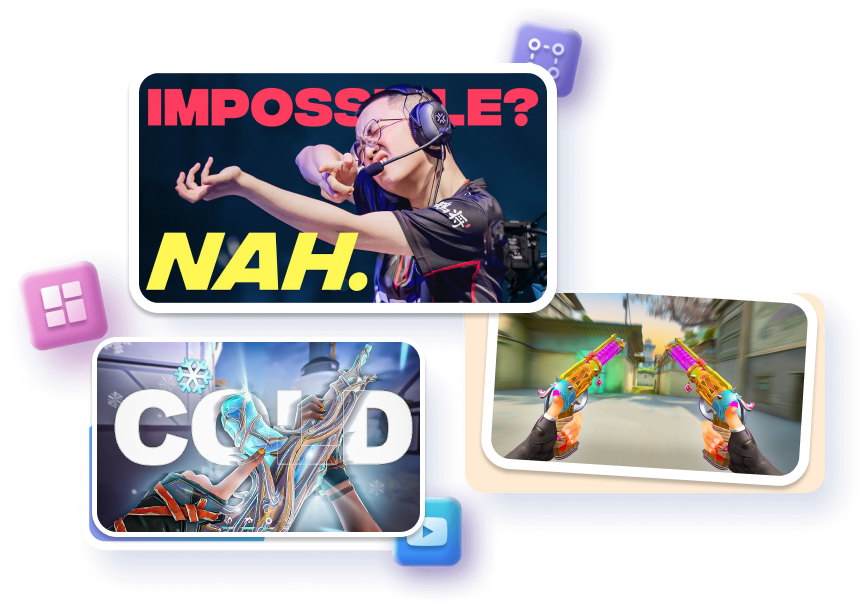
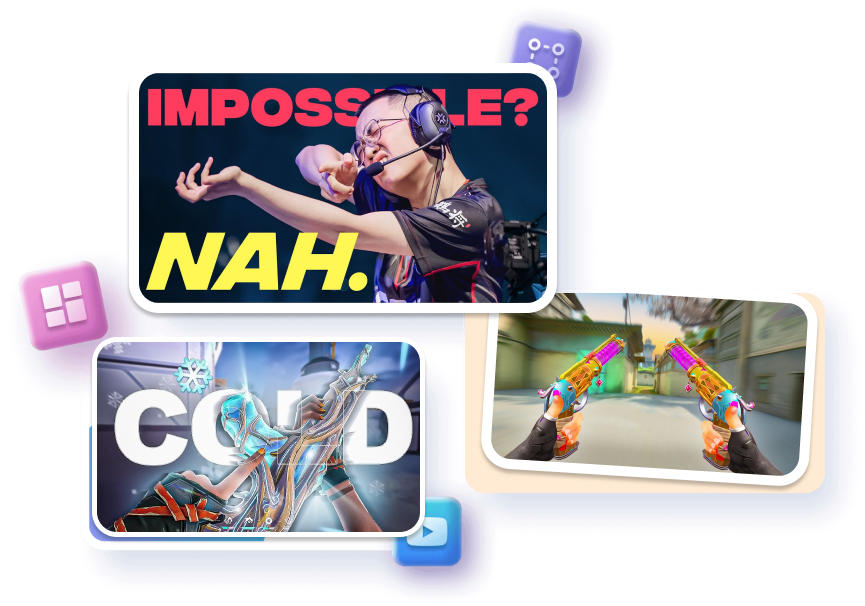
Frame the Moment That Earned the Replay
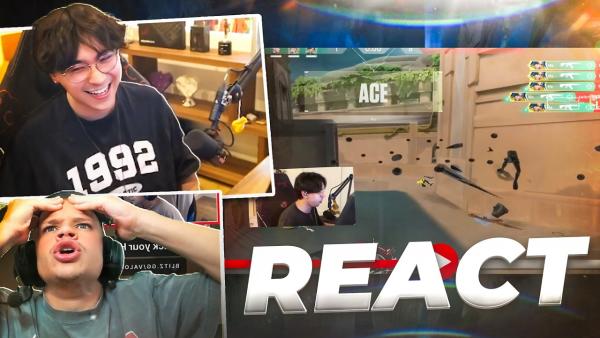
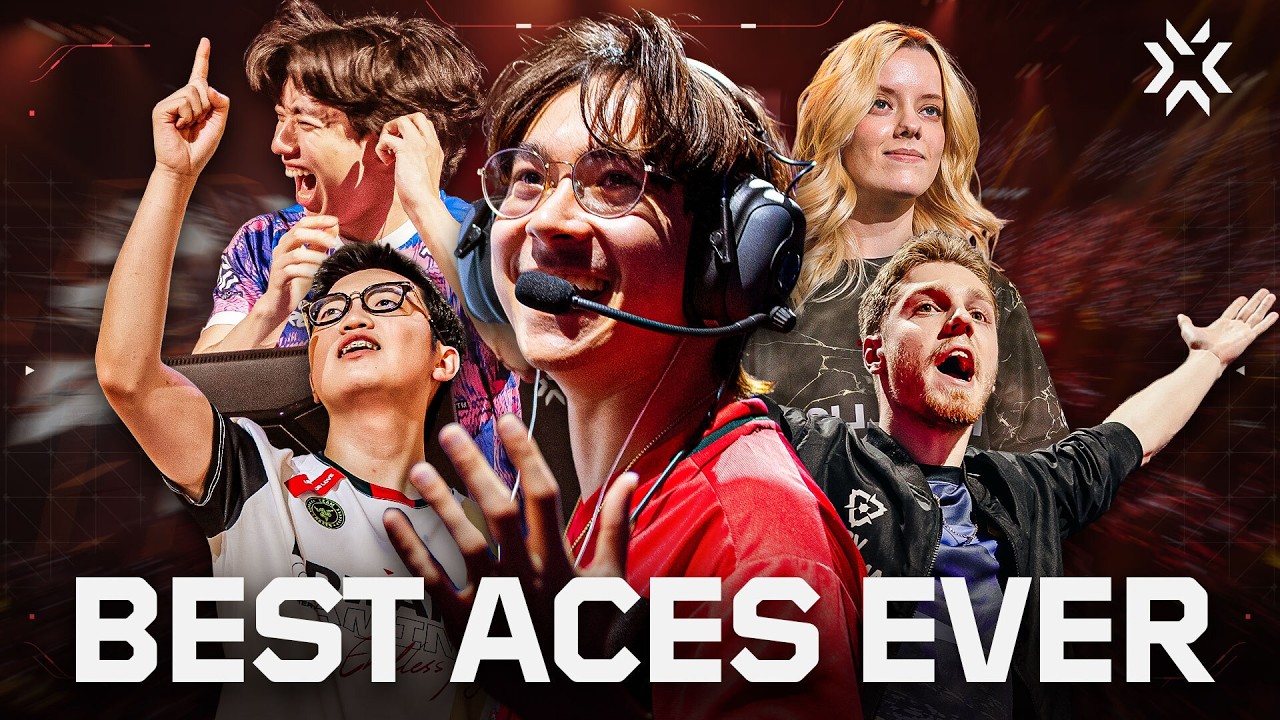
Turn an ace, flick, or impossible retake into the center of the composition. Use motion, weapon focus, score cues, and cinematic contrast to signal the payoff without explaining the whole round. Your cover promises a specific highlight instead of generic gameplay.
Put the Agent and Ability First
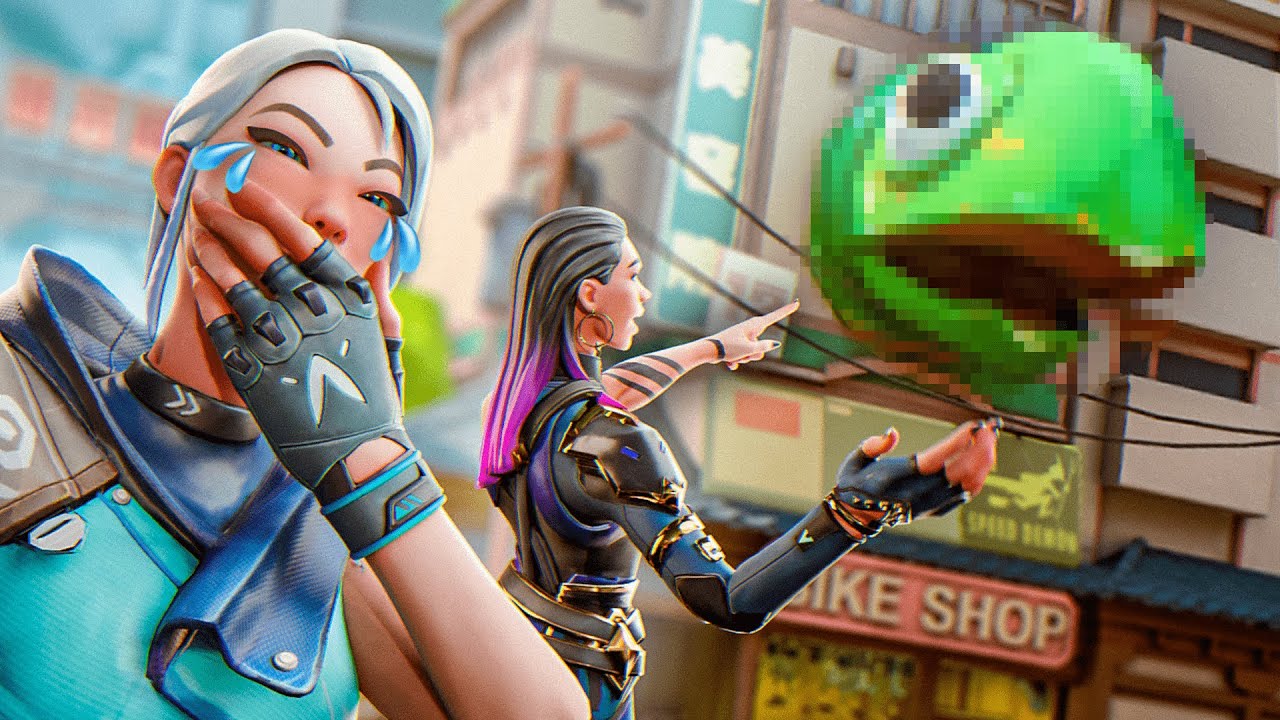
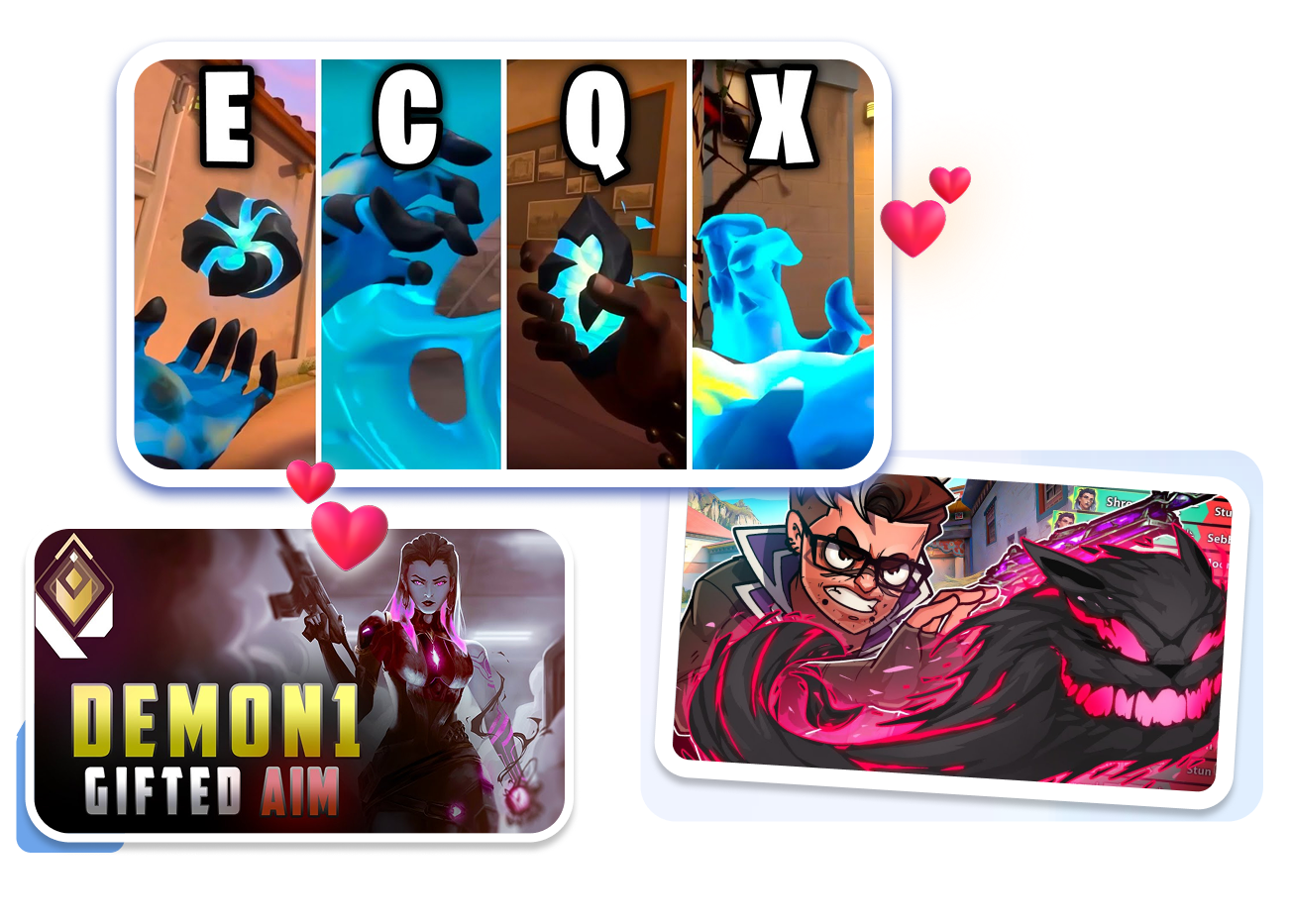
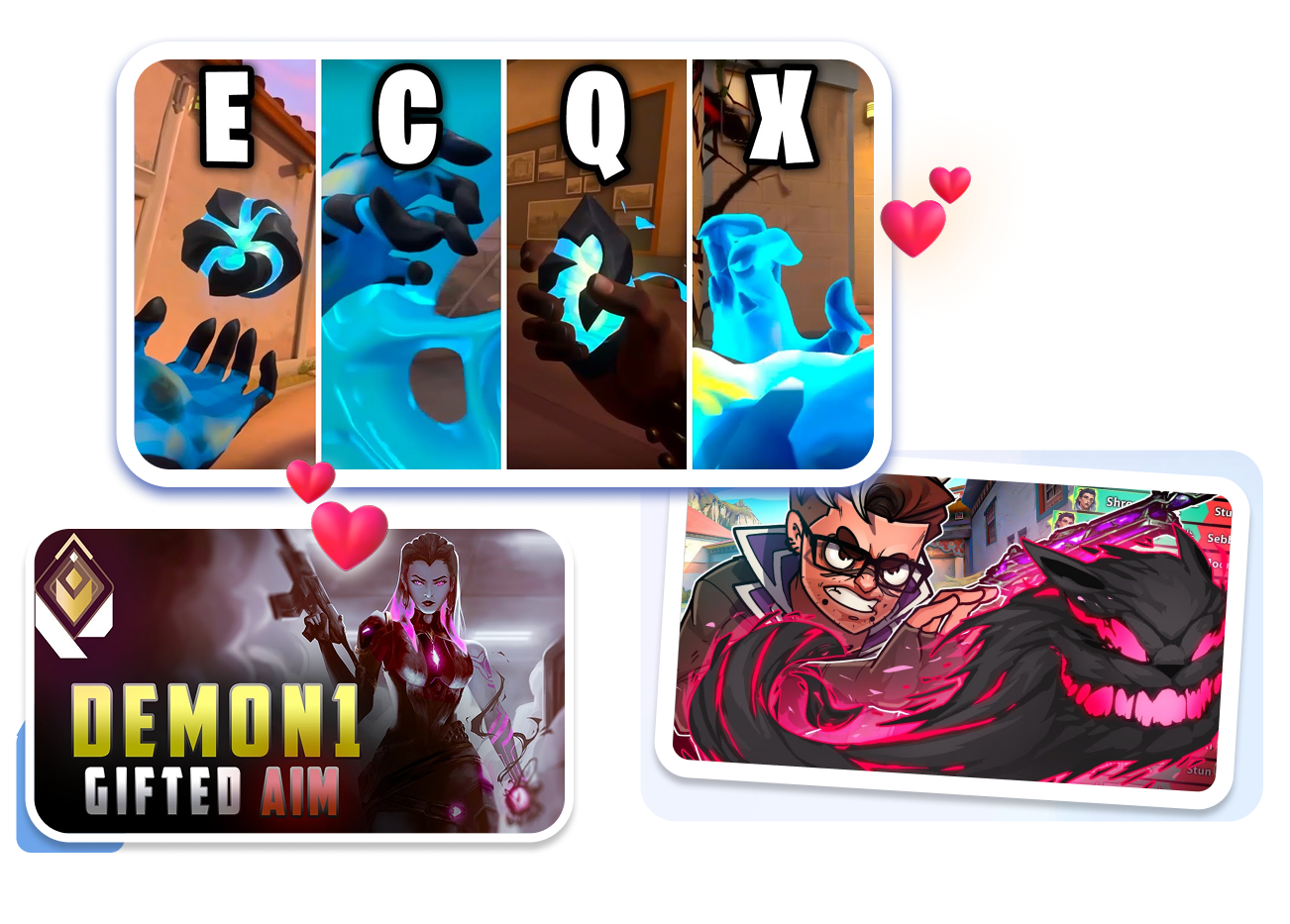
Lead with Jett, Reyna, Omen, Sage, or the agent your video actually covers. Adjust the crop, background, ability accents, and map context so a lineup guide does not look like a frag movie. Viewers can identify the subject before reading the title.
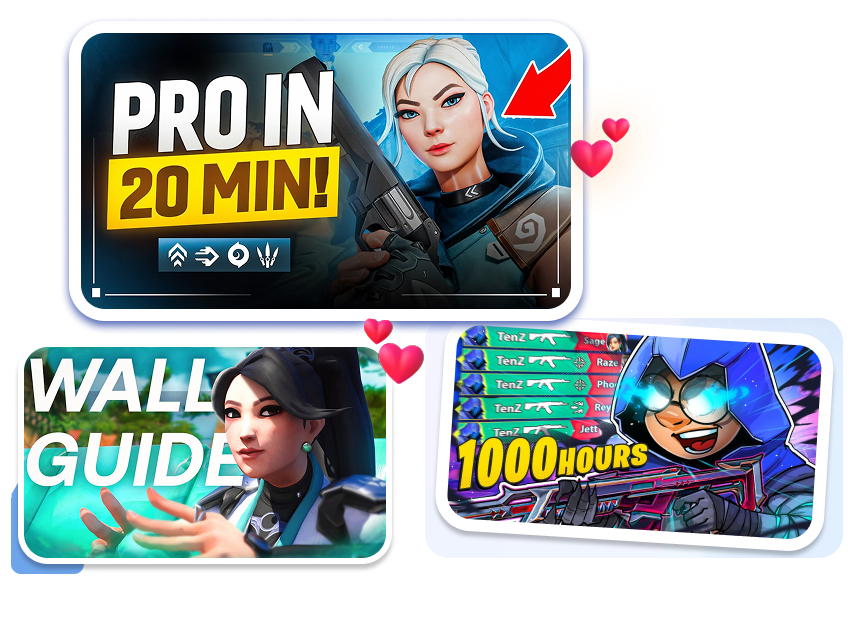
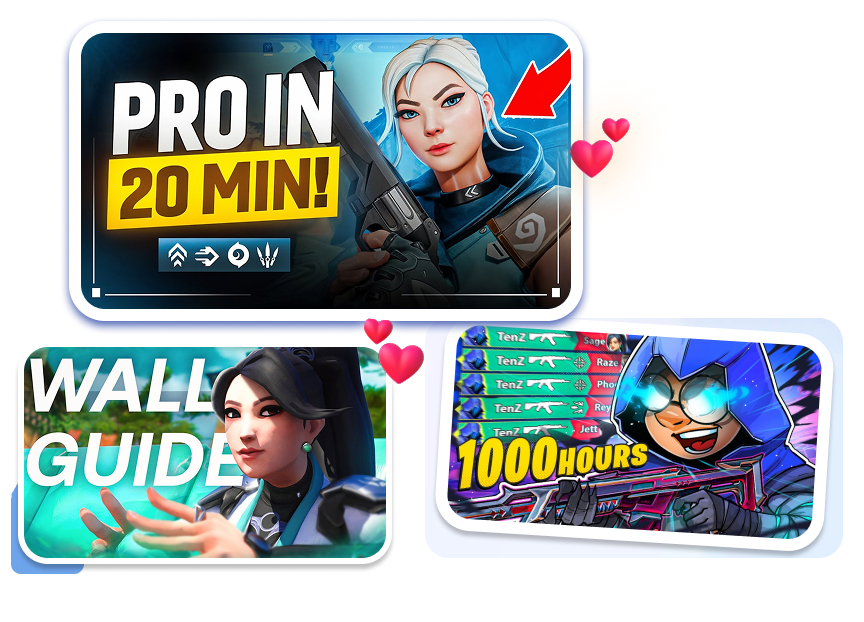
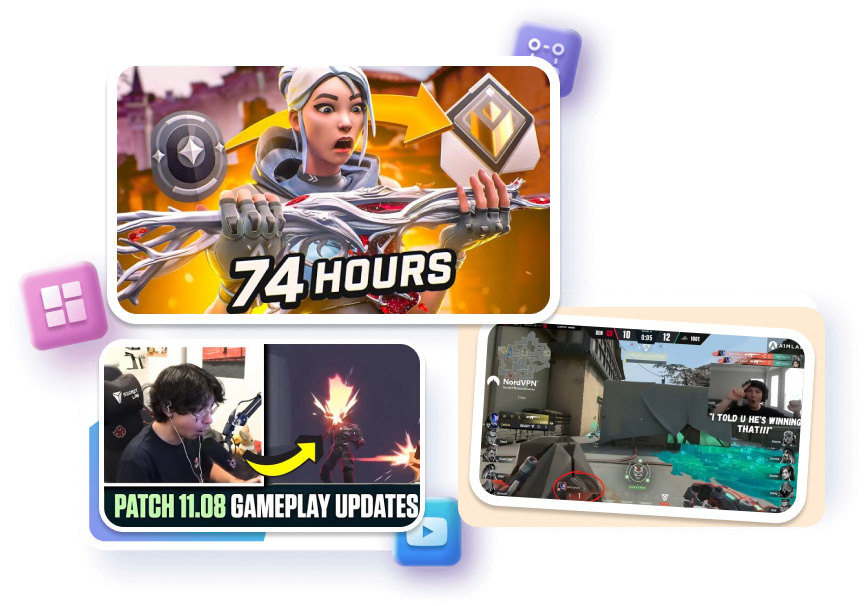
Regenerate the Hook, Not the Whole Design
Keep the structure you like while exploring a stronger headline, color direction, focal crop, or action cue. Create alternatives for “Road to Radiant,” a 1 HP clutch, or a patch reaction without rebuilding the cover from zero. Compare the ideas and keep the clearest promise.
Build a Repeatable Look for Every Queue
Use a consistent frame for daily ranked streams, weekly montages, or an agent-guide series. Change the rank, map, episode hook, and featured player while preserving the visual pattern your regular viewers know. Each upload stays distinct without making the channel grid feel random.
Best Valorant Thumbnail Maker for Every Creator
Montage Editors
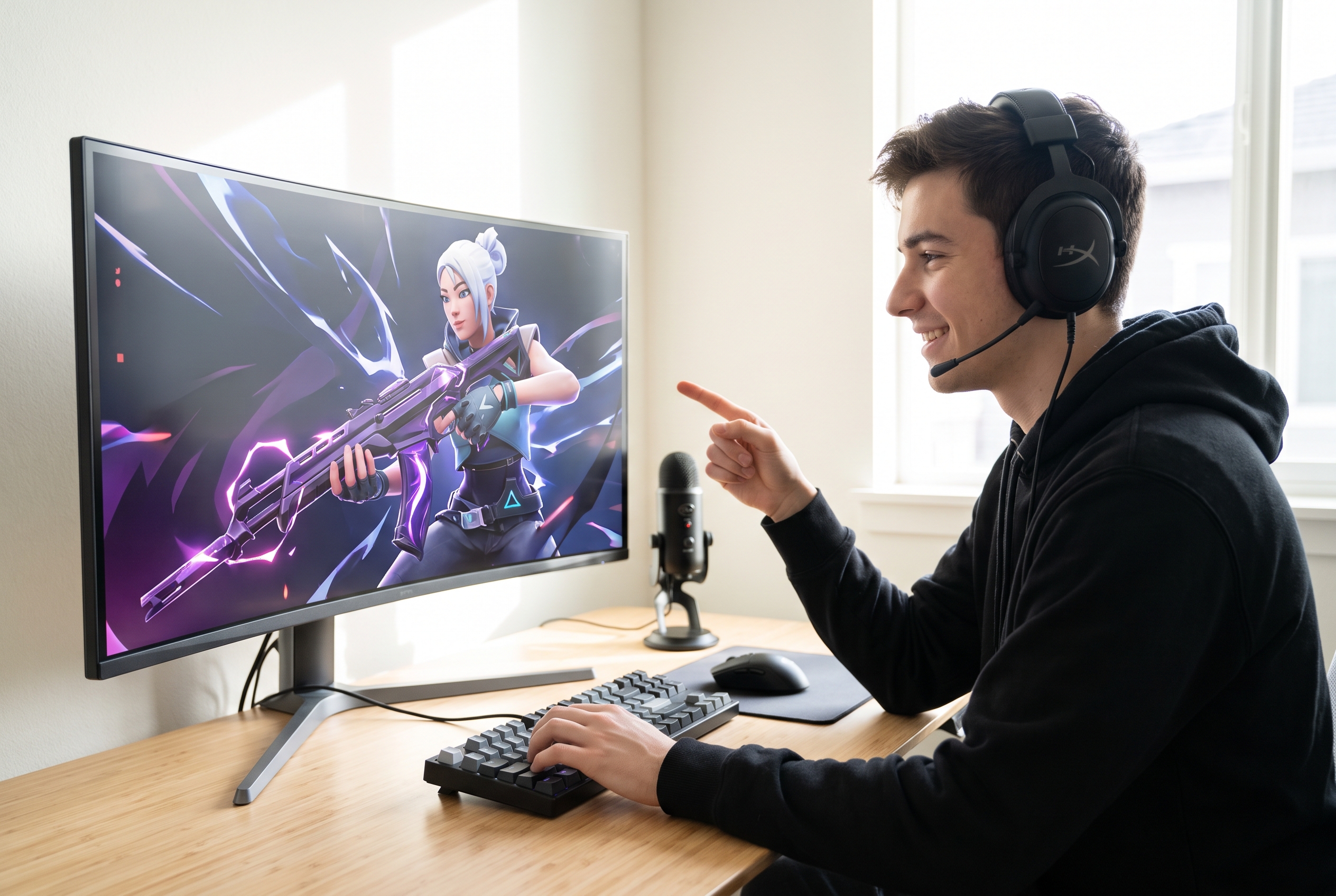
You hit insane flicks, but your click-through rate is dead. Stop fighting Blender and grab a Valorant 3D thumbnail template to slap a glowing Reaver skin onto your agent in 3 clicks.
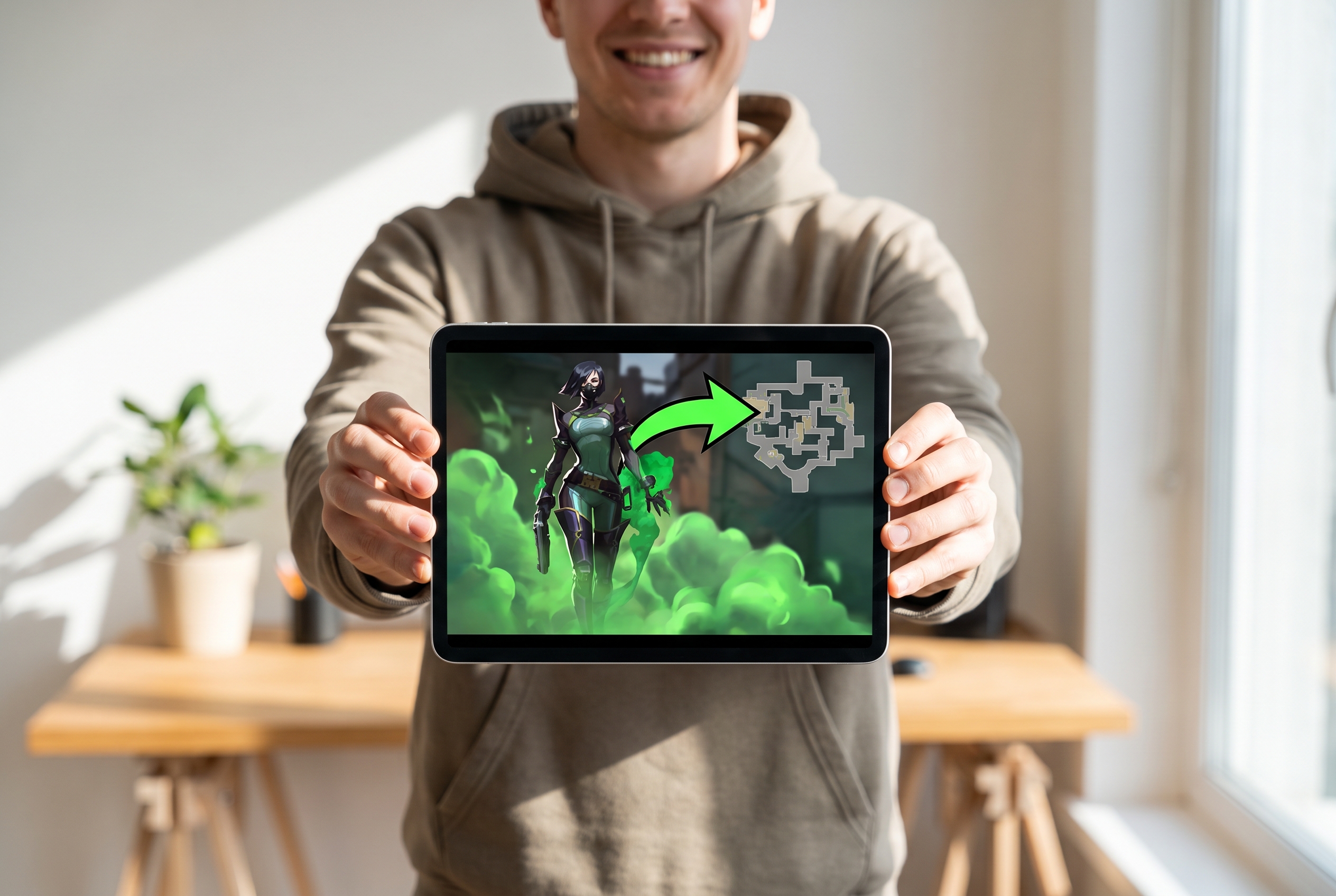
Lineup Nerds
Nobody watches a 10-minute guide if the cover looks like a messy screenshot. Pick our Valorant agent thumbnails, highlight your toxic Viper setups, and show viewers exactly what they get in seconds.
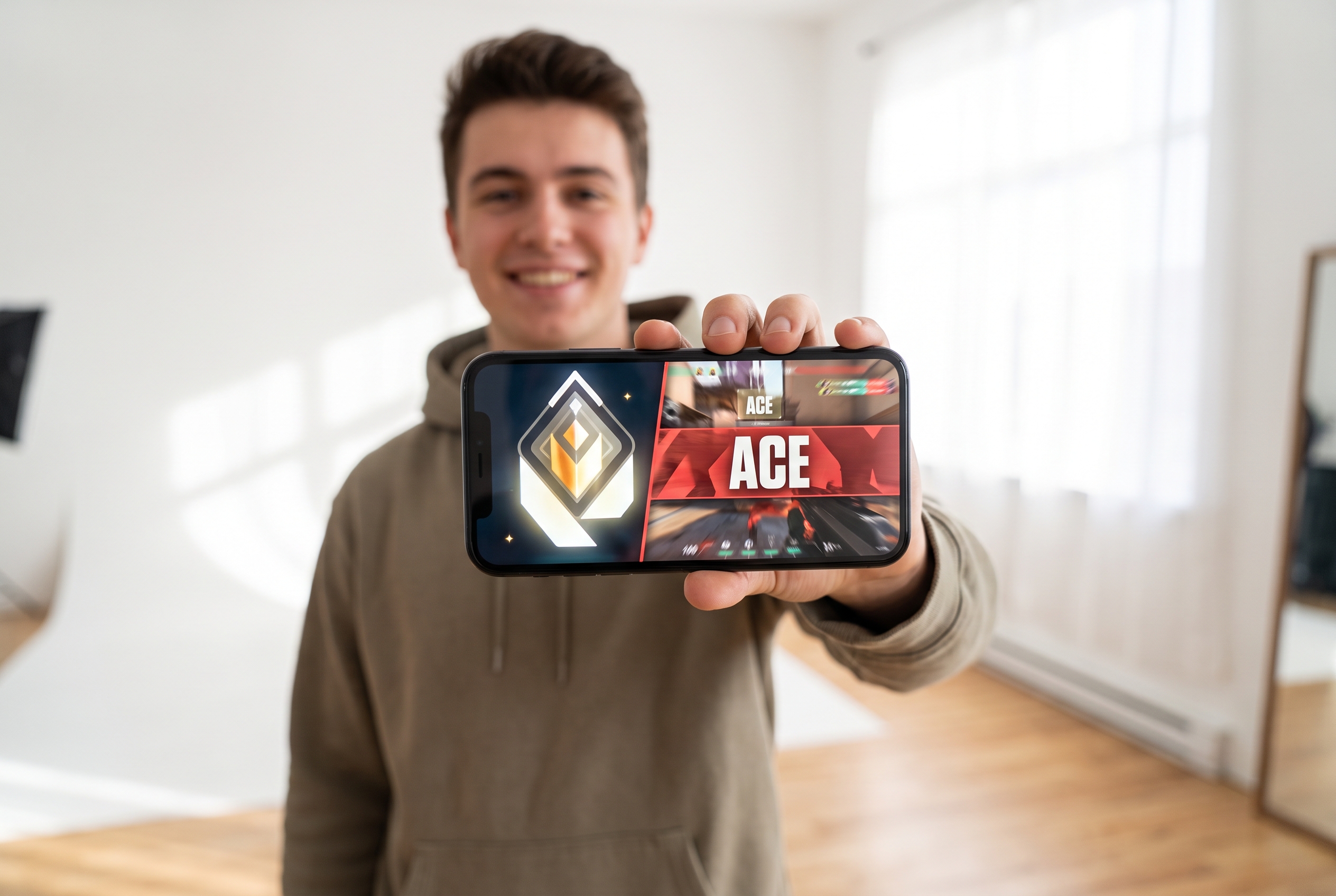
Ranked Grinders
Your sweaty push to Radiant deserves millions of eyeballs. Use this Valorant thumbnail maker to drop a shiny rank icon next to a massive kill banner and trap those viewers instantly.
FAQs
What makes a good Valorant thumbnail?
Can I customize the agent, text, and background?
Can I use my own gameplay screenshot or face?
Do I need Photoshop to edit a Valorant thumbnail template?
What size should a YouTube gaming thumbnail be?
Can I make montage and live-stream thumbnails?
Can I try Valorant thumbnail maker for free?
How can I create the Best Valorant Thumbnail 4K for my channel?
Create Your Next Valorant Thumbnail Now!
Choose a Valorant thumbnail template, add the moment your video is really about, and regenerate the design until the story reads at a glance.