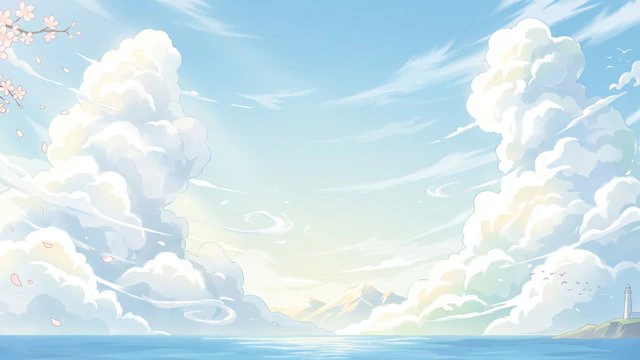
 In generator
Summer Sky
Anime scene
Generate a clean, text-free YouTube channel background in 2560×1440. Pick a style and color, shuffle until you love it or fit your own image, then download it free or add your channel name.
Downloads are always the clean, text-free background. The green box is visible on every device; the white lines show what desktops see.
380 free, text-free backgrounds in 2560×1440, including 20 hand-picked scenes. Click one to load it into the generator above, or download it straight away.
380 backgrounds · free · no watermark · no text
In generatorAnime scene
Space
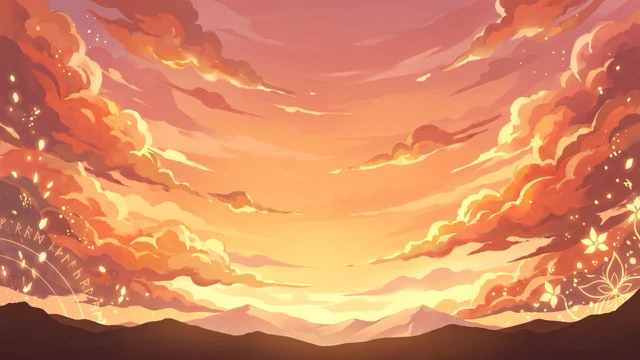
Anime scene
Space
Neon
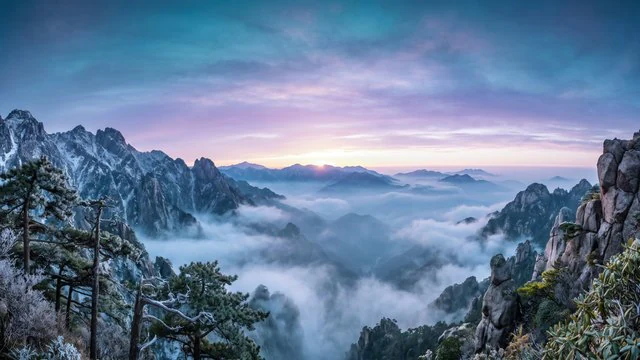
Nature scene
Synthwave
Dreamy
Nature scene
Gaming
Waves
City scene
Abstract
Geometric
City scene
Pixel
Tech
Space scene
Space
Neon
Space scene
Synthwave
Dreamy
Aesthetic scene
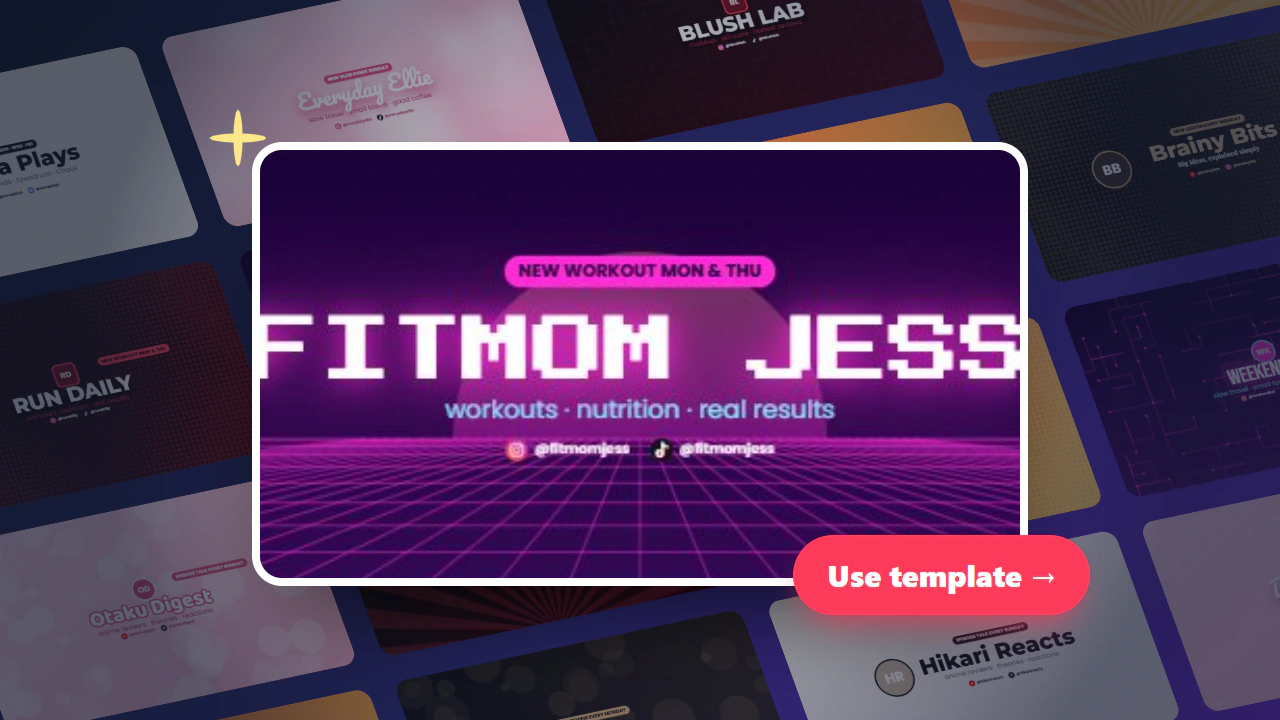
240+ free templates that update live with your channel name.
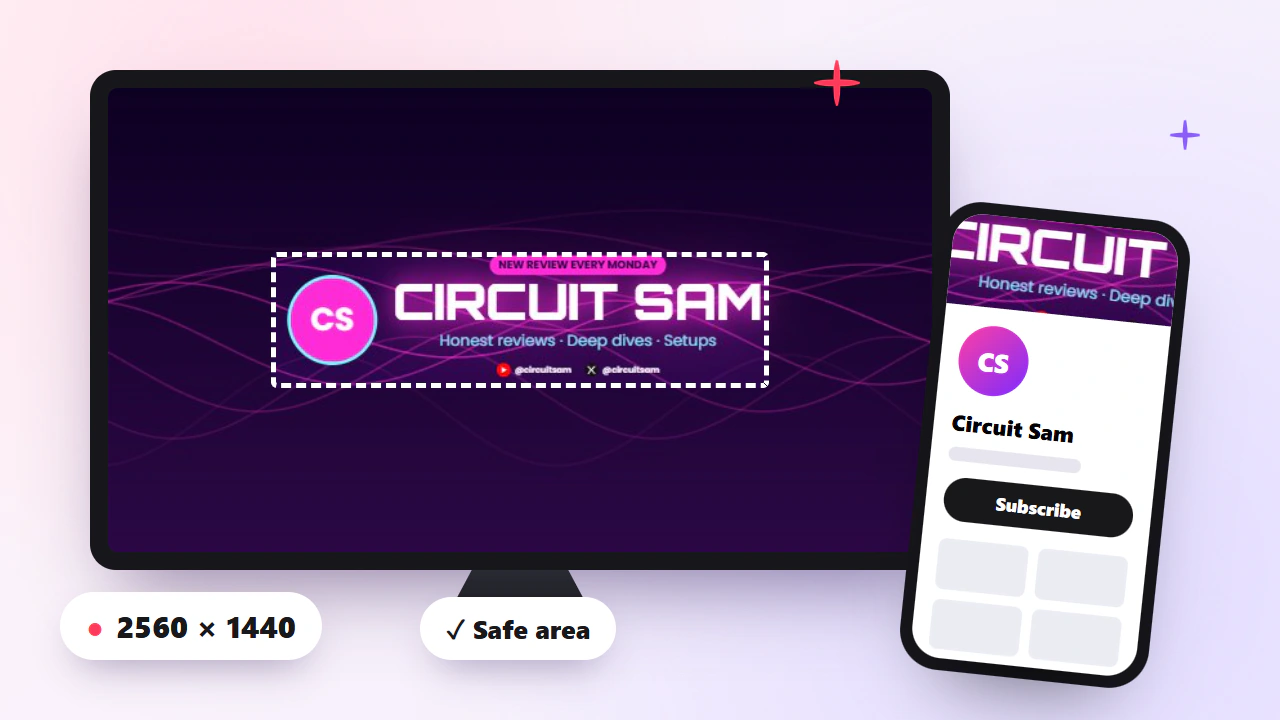
Create a 2560×1440 banner with safe-area guides and device previews.
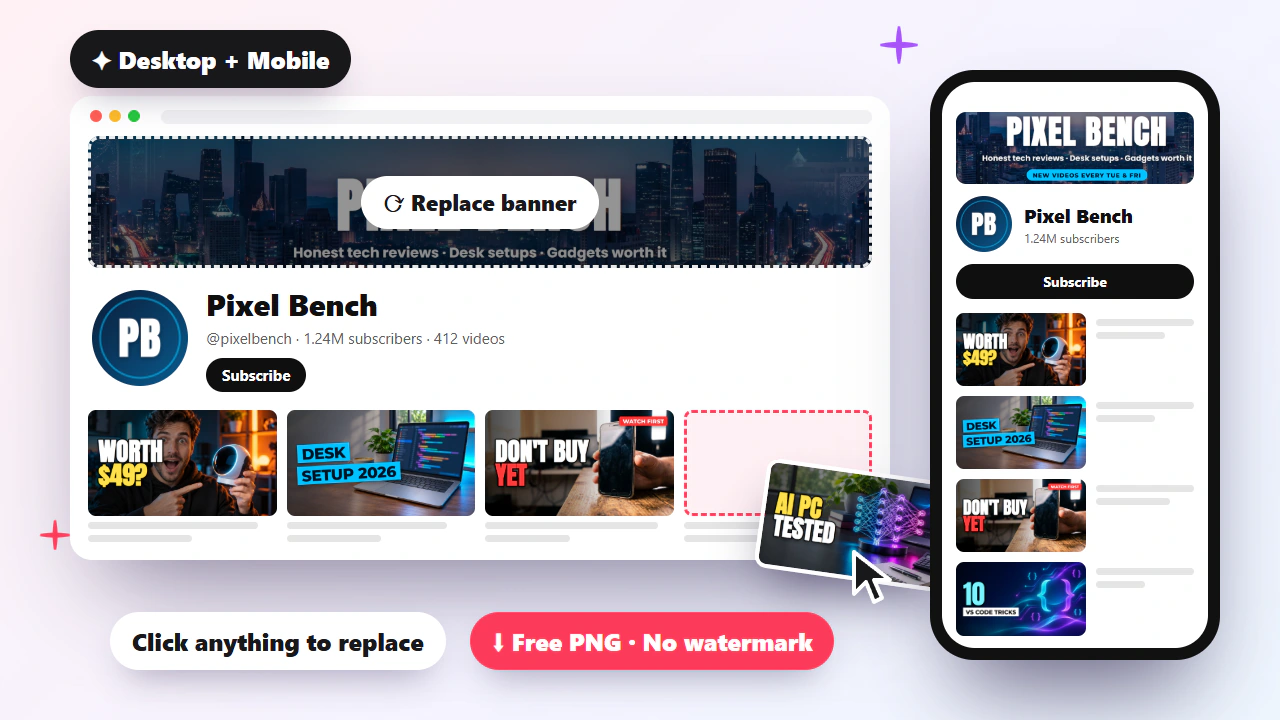
Preview your banner, profile picture and thumbnails on a realistic channel page before you upload.
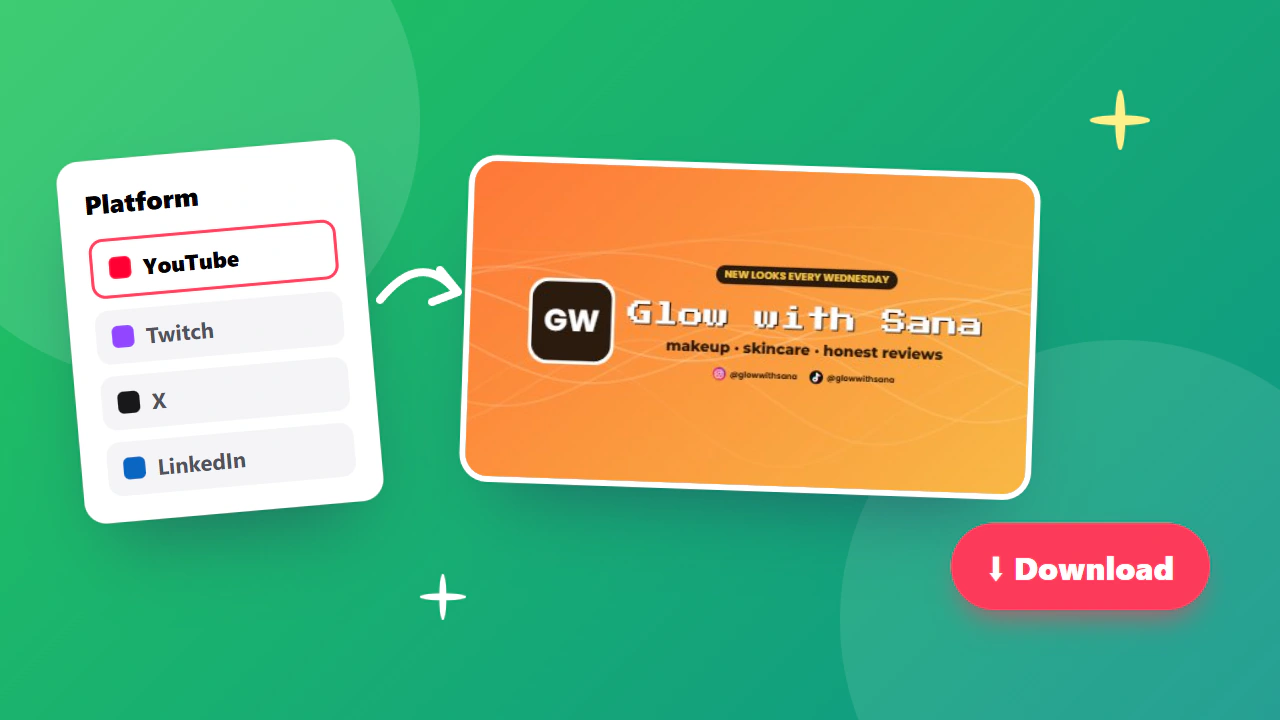
Make a 2560×1440 YouTube channel banner in three steps.
How it works
Start from the background in the generator or any of the 380 below, including anime, nature and city scenes. Change the style and color, or press Generate new for a fresh layout.
Turn on Preview channel name and switch between TV, desktop, tablet and phone to see how your background is cropped.
Download the text-free 2560×1440 PNG for free, or click Add channel name to finish a full banner with your name, socials and schedule.
Good to know
Years ago YouTube let you set a full-page background behind your channel. That option is gone, and it has not come back. Today, when people talk about a YouTube channel background, they mean the image behind their channel banner, the wide art at the top of the channel page.
That banner is uploaded as one 2560 × 1440 image. Most creators want a background that looks good on its own and leaves space in the middle for their channel name, which is exactly what this generator makes: clean, text-free YouTube channel backgrounds with a calm center.
Prefer a finished design with text and layout already in place? Pick a template instead. Want the background only, so your banner does not look like everyone else’s? Generate one here and add your own name in a click.
Styles
Twelve styles, eighteen color palettes and endless random layouts. Pick a style to jump to its backgrounds below.
Size guide
Your channel background is shown in full on TV and cropped to a thin strip on phones and desktops. Every background here is made at the full size, with the busiest details kept near the edges.
2560 × 1440
Upload size
The full image TVs show. YouTube’s minimum is 2048 × 1152.
1546 × 423
Safe area
The center strip every device shows. Keep your name and logo here.
Under 6 MB
File size
PNG or JPG. Downloads switch to JPG automatically if a PNG is too large.
Free to use
Generated styles are drawn in your browser from our own shapes and colors, and scenes and AI backgrounds are created with AI for this tool. You can use all of them freely on your channel.
Use the backgrounds on your YouTube channel, including monetized channels, and on your other social profiles. No credit needed.
Download full-size PNGs without a watermark and without creating an account.
Images you upload are fitted right in your browser. They are not uploaded or saved to your account.
FAQ
Not a full-page one. YouTube removed custom channel page backgrounds years ago. Today the YouTube channel background is the image in your channel banner at the top of the page, and this generator makes that image in the right size.
Upload 2560 × 1440 pixels (at least 2048 × 1152) under 6 MB. Only the center 1546 × 423 is visible on every device, so keep your name and logo there. Every download here is already the right size.
Yes. They are free to download with no watermark and no sign-up, and you can use them on your channel, including monetized channels, and on other social profiles without giving credit. Only the optional AI features, like generating a background or Make it mine, use credits.
Click Add channel name. The background opens in the banner editor with your name, tagline, social icons and an upload schedule ready to edit, plus safe-area checks for every device.
Yes. Choose Upload image, then crop it to fill the banner or keep the whole photo with blurred edges. You can zoom and move it, and the image never leaves your browser.
Phones and desktops only show a thin strip across the middle of the banner. Use the device buttons above the preview to see each crop, and keep anything important in the green safe area.
Generated styles get a new random layout every time you press Generate new. Scenes are shared by everyone, but Make it mine turns any scene into a one-of-a-kind AI version, and backgrounds you generate with AI are yours alone.
A channel background has no text, so it fits any name and layout you add yourself. A banner template is a finished design with text, icons and a layout already placed.
In YouTube Studio, open Customization, then Branding, and upload the image under Banner image. Check the crop preview, then click Publish.