Create Video Covers with Thumbnail Blaster
Thumbnail Blaster is a cloud-based thumbnail maker built around editable templates for video platforms. Choose a niche layout, customize the text and graphics, then download the result or use the available YouTube publishing workflow.

Start with your video link / raw image
Support png, jpeg, jpg, bmp, webp format image
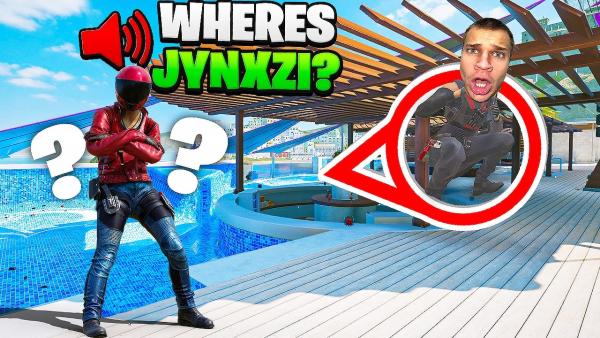
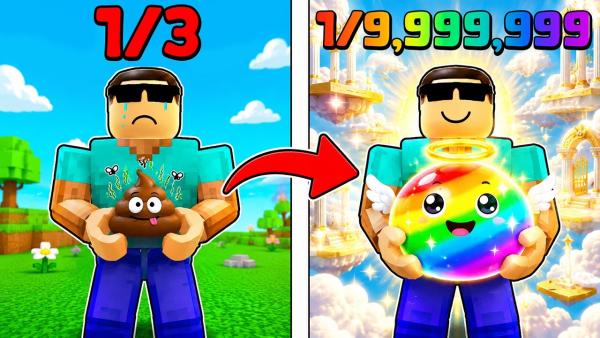
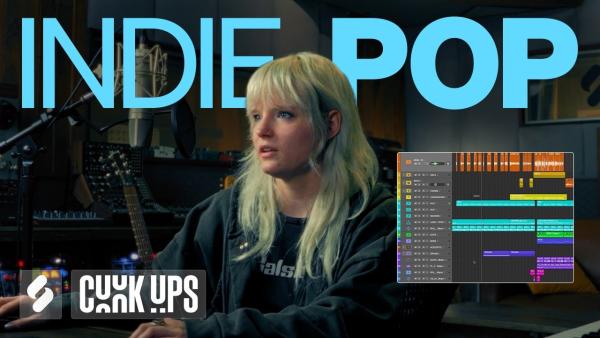
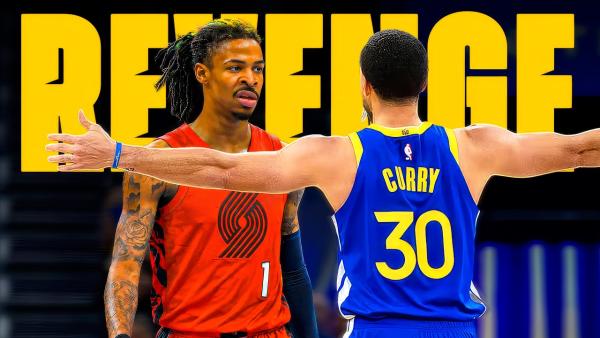

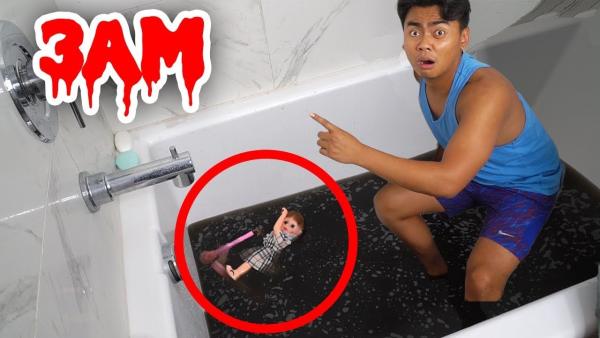
Build Video Covers with Thumbnail Blaster
Thumbnail Blaster brings template selection, canvas editing, and publishing options into one cover-design workflow.
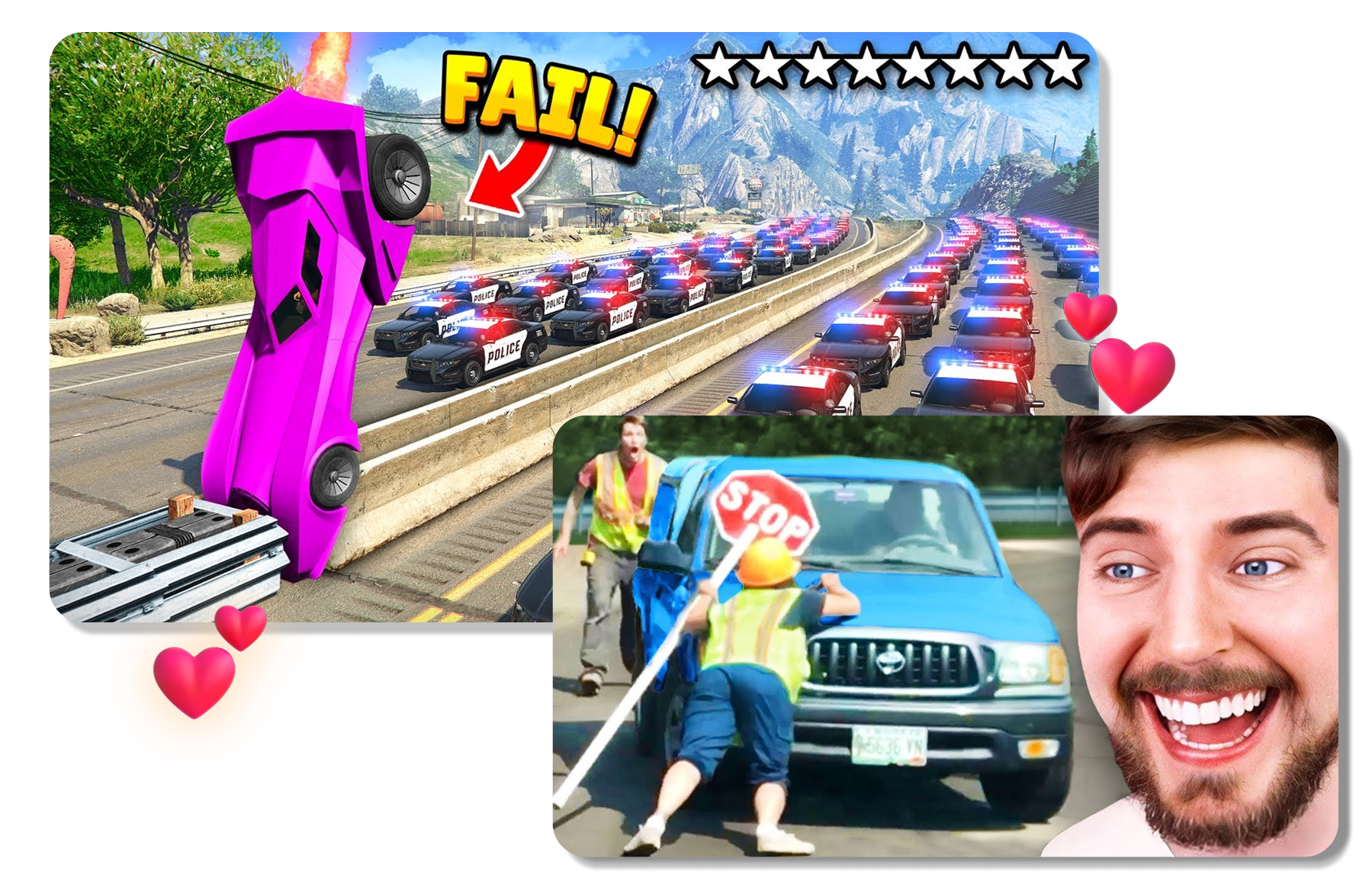
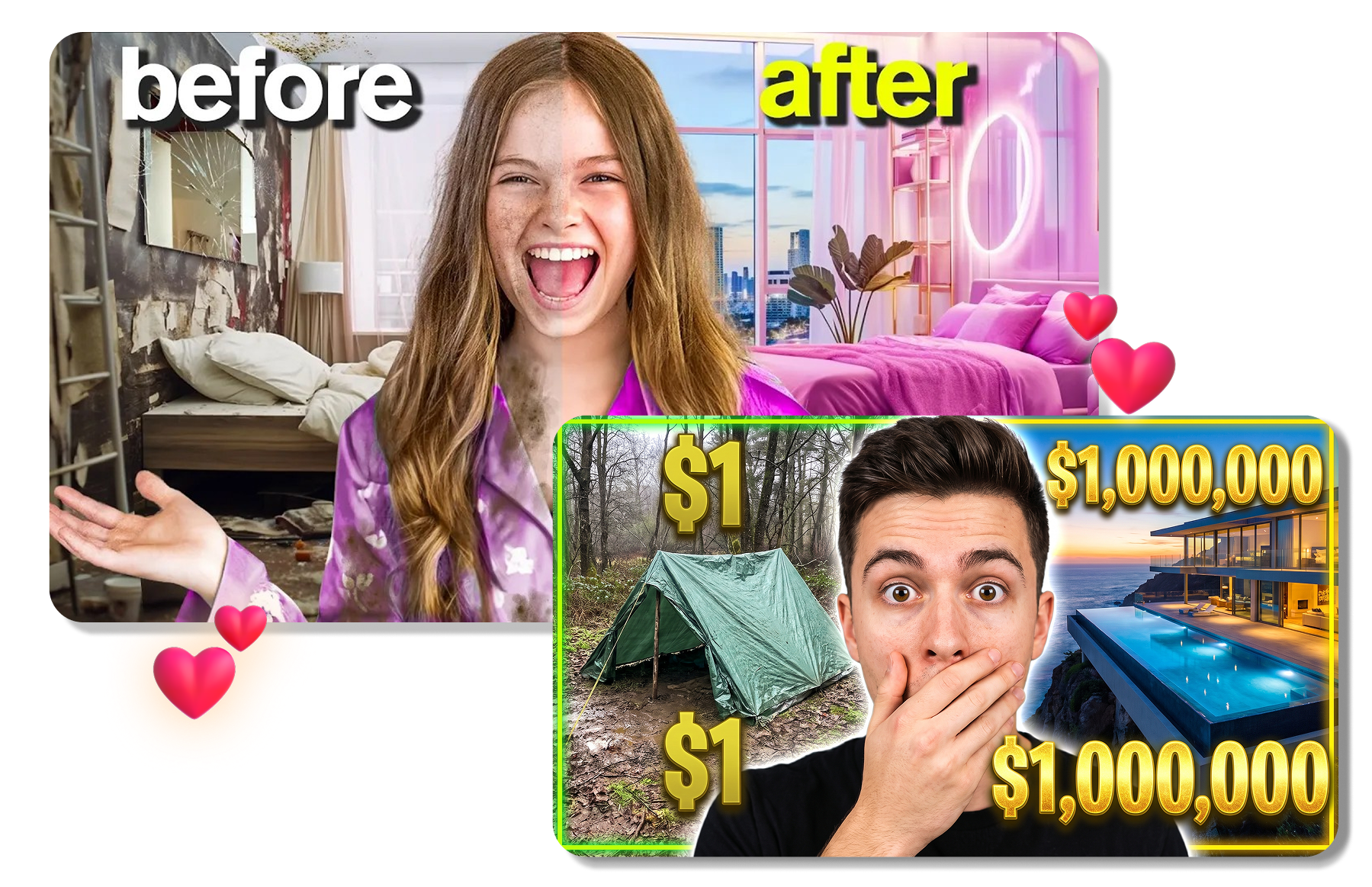
Start with a Niche Template
Thumbnail Blaster offers a template-led starting point for several video niches. Choose a layout yourself or let its AI select a starting design. Begin with a gaming, travel, review, or real-estate format. This gives the thumbnail a clear structure before detailed editing.
Customize the Full Canvas
The Thumbnail Blaster editor allows each template element to be changed on the canvas. Replace the headline, adjust fonts and colors, resize objects, or add arrows and shapes. Choose 16:9, 4:5, or a custom canvas size. These controls help one layout fit a specific video and platform.




Finish with Publishing Options
Thumbnail Blaster connects finished designs with download and YouTube publishing options. Export an image as JPG or PNG, or send it to a linked YouTube video. When the split-test module is available, compare two thumbnail versions through the connected channel. This keeps design and publishing decisions in one workflow.
Use Thumbnail Blaster in 3 Steps
Move from a ready-made layout to a finished video cover through a simple template workflow.
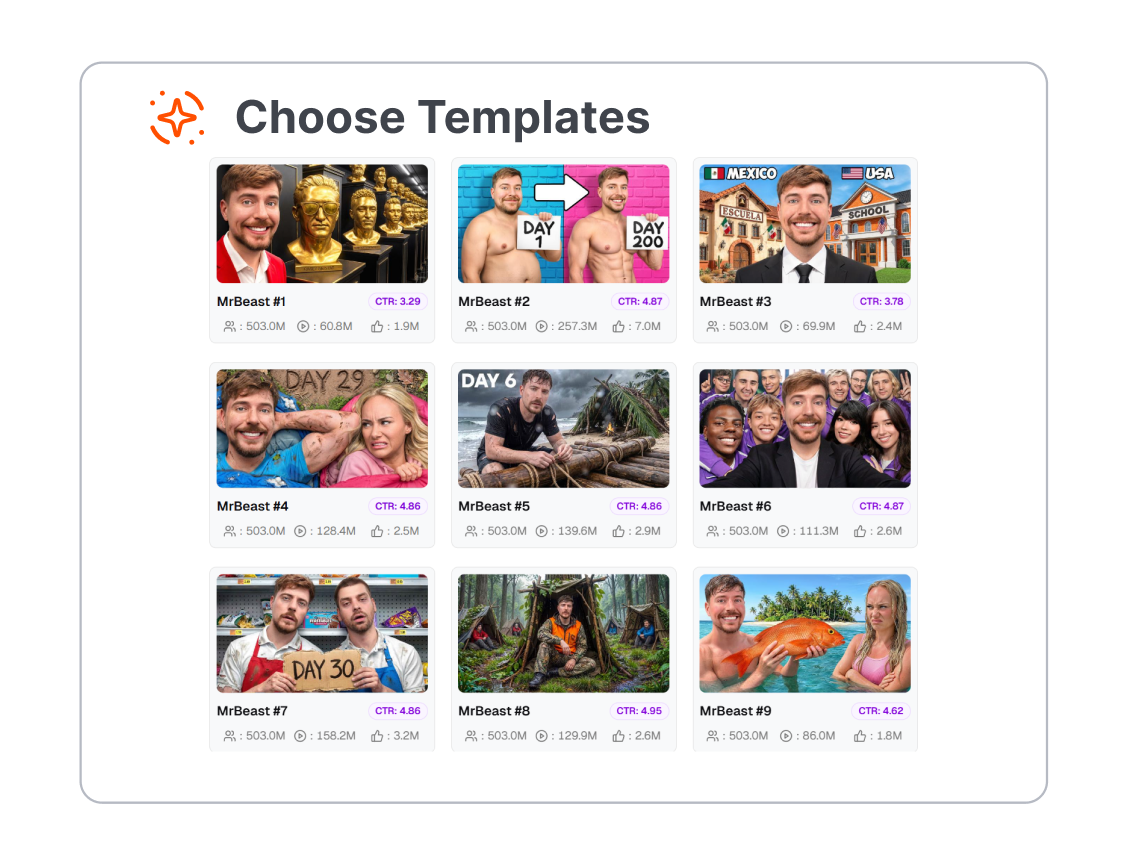
1. Choose a Starting Template
Browse the available layouts or let Thumbnail Blaster suggest a design. Pick a category that matches the video's topic and tone.
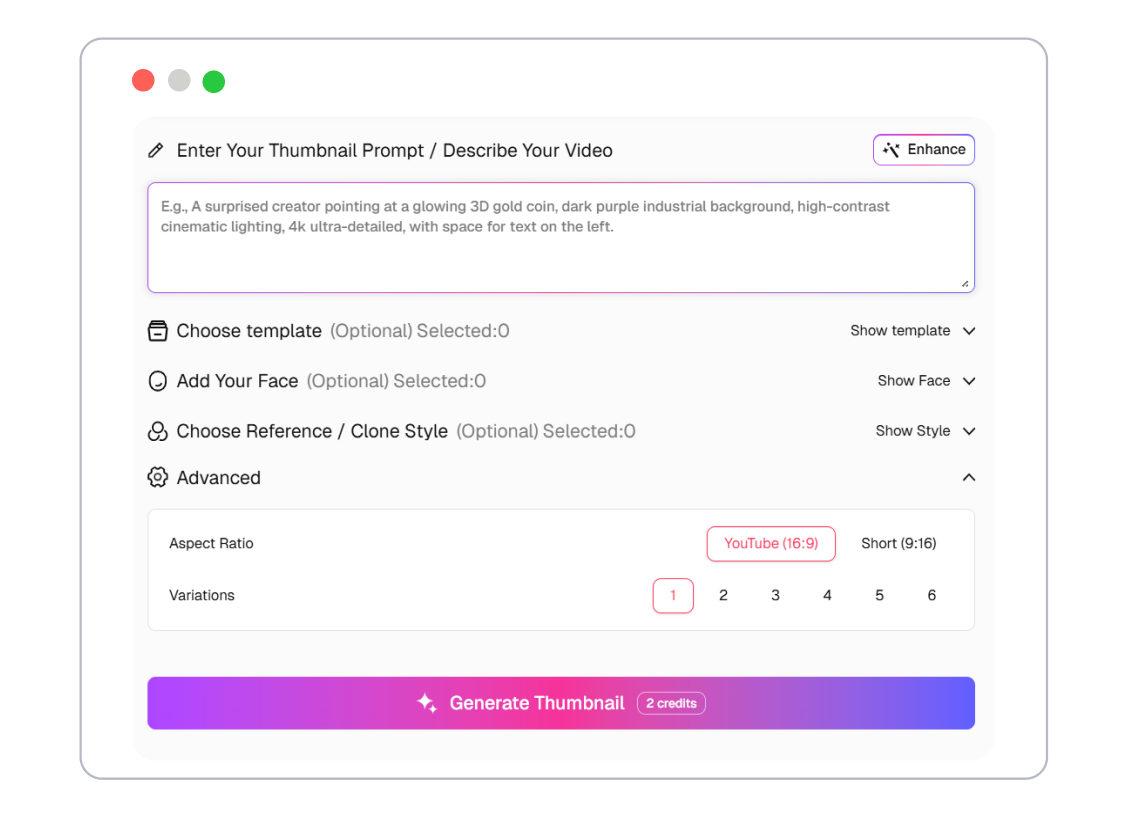
2. Edit the Design
Replace the text, images, colors, and other elements on the canvas. Resize or reposition each part until the subject and message are easy to read.
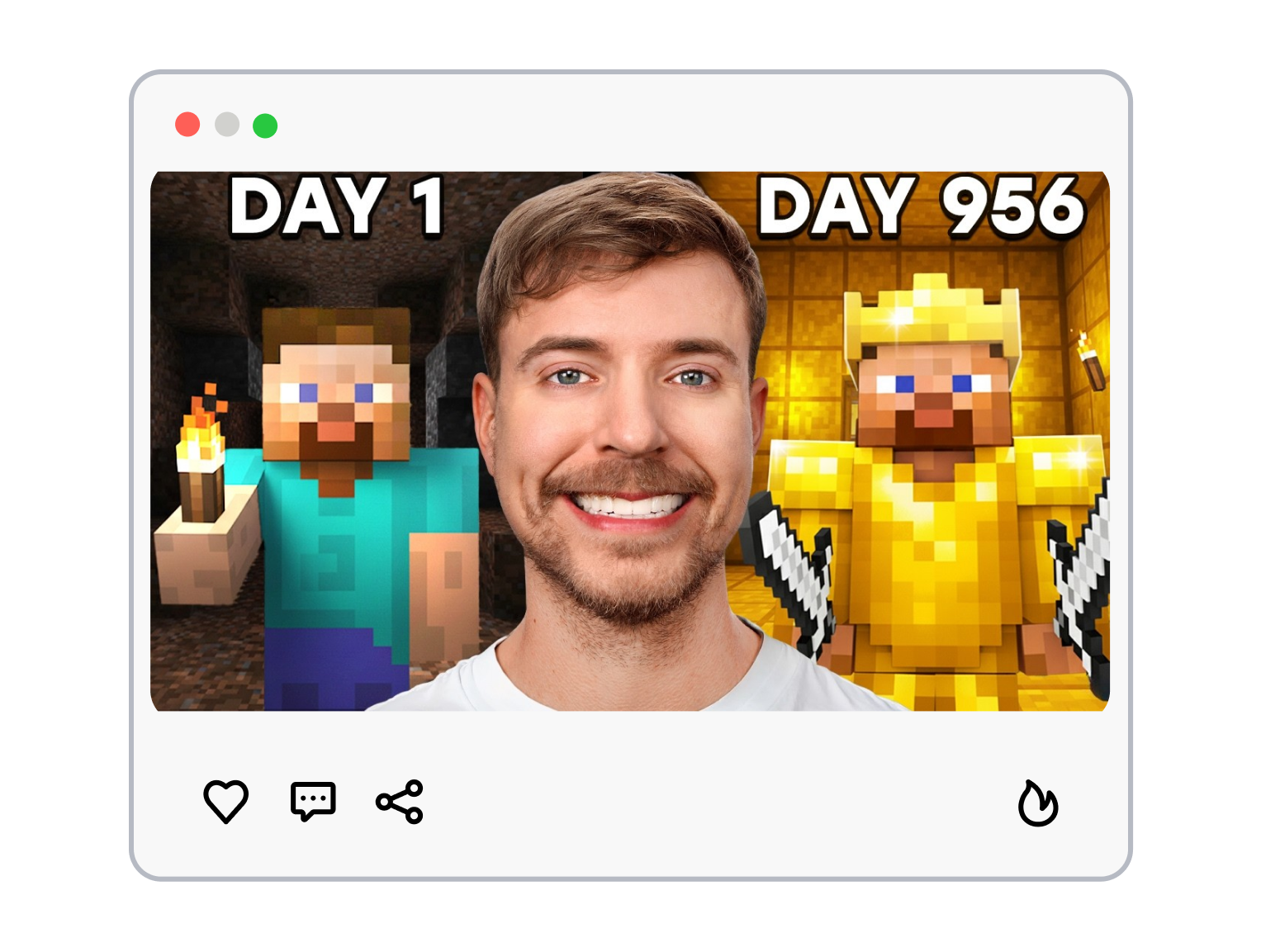
3. Download or Publish
Review the finished thumbnail and export it as JPG or PNG. If the connected account supports it, publish the design to YouTube or compare two versions.
Who Can Use Thumbnail Blaster?
Use Thumbnail Blaster to prepare video covers for channels, campaigns, clients, and recurring content.
YouTube Creators
Build covers for tutorials, reviews, gaming videos, and vlogs. Start with a template when a blank canvas would slow down the design.
Small Businesses
Create thumbnails for product videos, local promotions, and educational content. Adapt the colors, message, and visual elements to fit each topic.
Social Video Teams
Resize video artwork for different placements and campaign needs. Keep the core design while changing the layout for another format.
Agencies and Assistants
Prepare thumbnail drafts for several videos or client channels. Use repeatable templates to keep the handoff and approval process organized.
Frequently Asked Questions
What is Thumbnail Blaster?
How does Thumbnail Blaster work?
What templates does Thumbnail Blaster include?
What sizes and formats does Thumbnail Blaster support?
What is a good alternative to Thumbnail Blaster?
Looking for Another Option? Explore Thumbs.ai as a Thumbnail Blaster Alternative.
Use Thumbs.ai to generate thumbnails from text or images, recreate a design from a reference or YouTube link, and explore reusable templates in one workspace.