Thumbmagic Thumbnail Generator
Thumbmagic is an AI thumbnail maker for turning video content into YouTube and short-form covers. Feed it a YouTube link, uploaded file, or script, then choose a layout and refine the generated design.
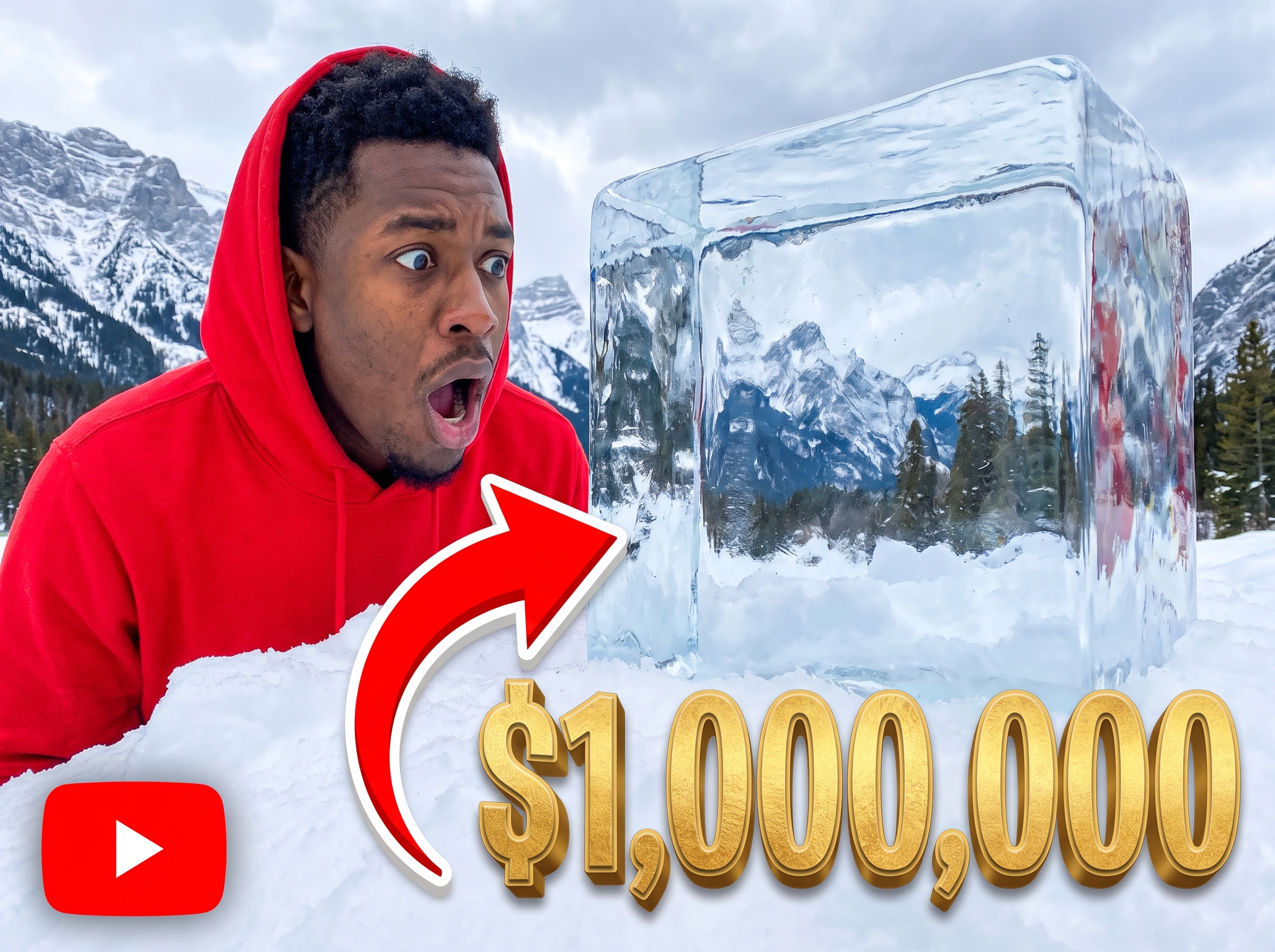
Start with your video link / raw image
Support png, jpeg, jpg, bmp, webp format image
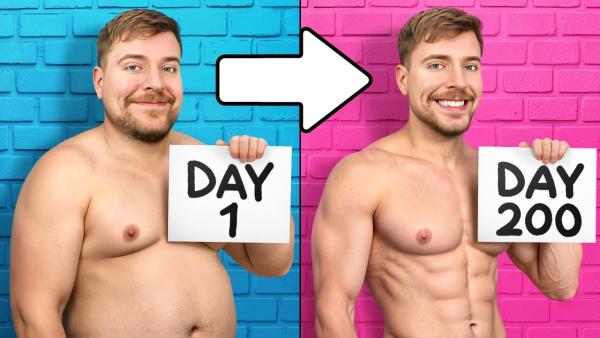
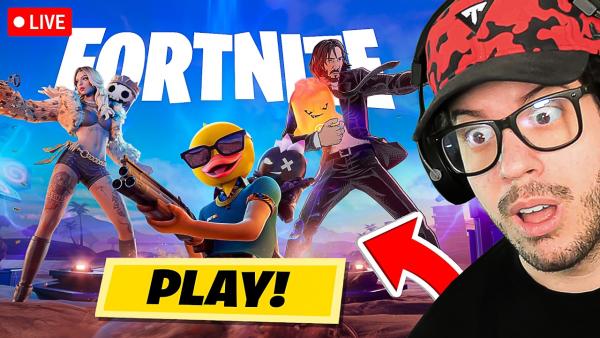
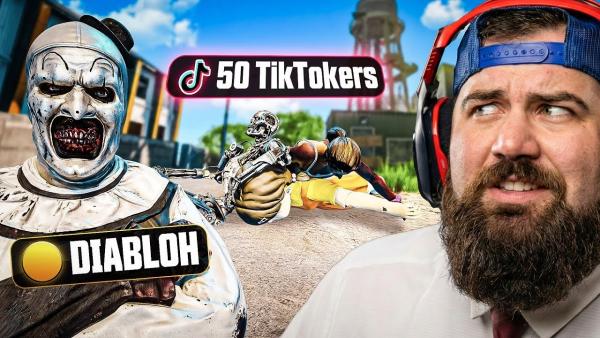
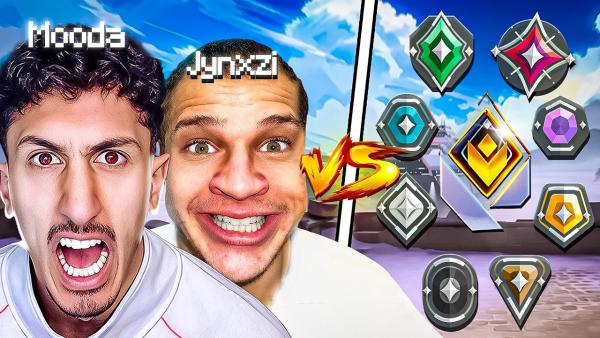
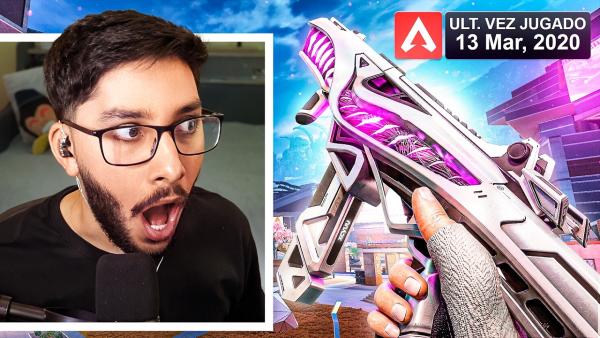

Create Viral YouTube Cover with the Thumbmagic Thumbnail Maker
Thumbmagic connects video-based generation, editable layouts, and face controls in one thumbnail workspace.


Build Around the Video
Thumbmagic can begin with a public YouTube link, an uploaded video, or a script. Let the generator pull key moments from the content instead of describing every visual from scratch. Choose a layout that fits the topic before moving into the editor.
Bring a Familiar Layout Into Your Version
Thumbmagic offers a Replicate workflow for rebuilding a thumbnail layout. Paste a thumbnail URL when you already know which structure you want to explore. Replace the subject and message with your own avatar and text so the new cover fits your video.



Change the Details After Generation
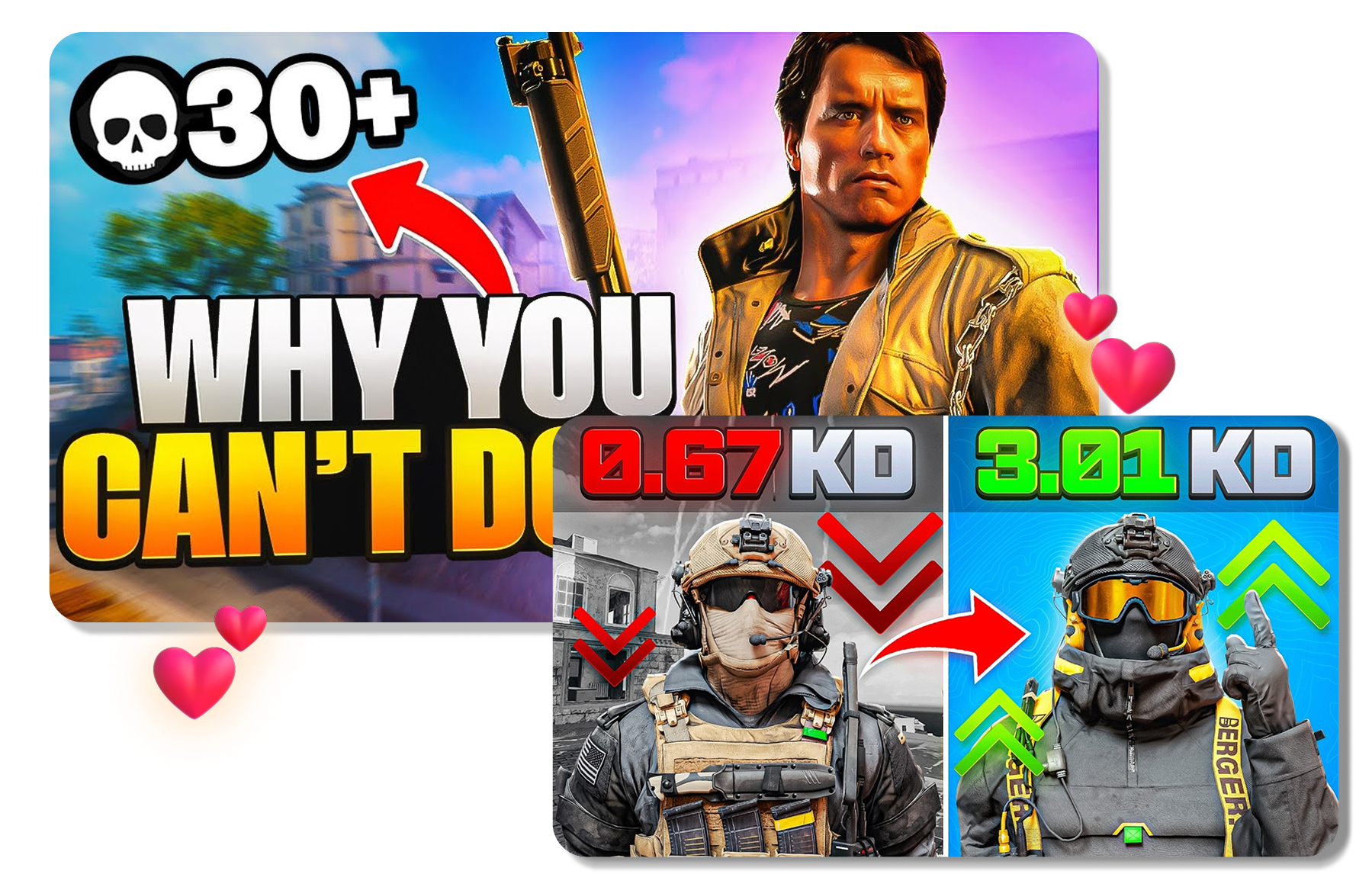
Thumbmagic keeps image edits, text controls, and available expression changes inside the generated-thumbnail workflow. Select an area and describe a new background, color, item, or clothing detail. Switch to Text mode or try another face direction when the headline or expression needs a different look.
Use Thumbmagic Thumbnail Maker in 3 Steps
Bring video context into the generator, settle on a direction, and finish the cover in the editor.
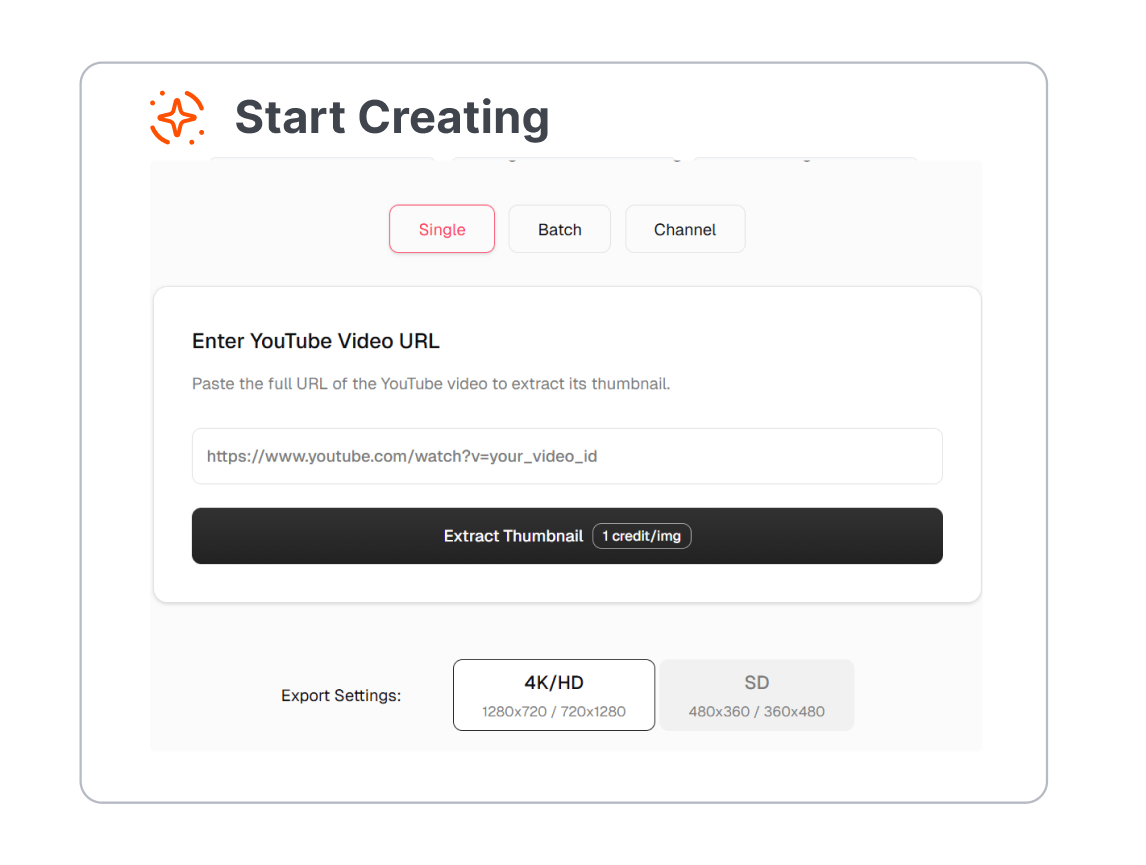
1. Add the Video Context
Paste a public YouTube URL, upload a supported video file, or enter a script. Use the source that gives Thumbmagic the clearest picture of the video topic.
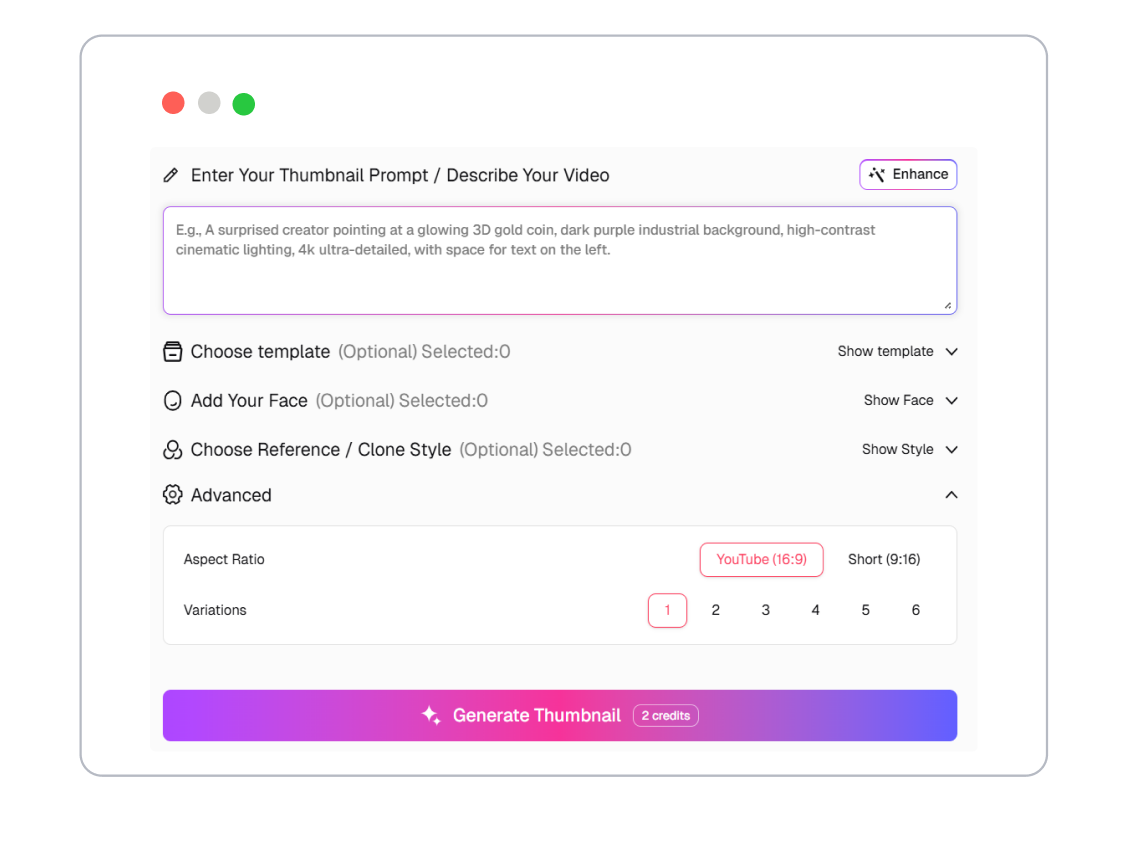
2. Set the Starting Direction
Pick a layout and add the avatar or visual cues needed for the cover. A reference thumbnail can also guide the structure when Replicate is available on the account.

3. Edit and Download
Adjust the text, background, objects, or facial expression where the current plan allows it. Compare the versions, then download the generated thumbnail you want to publish.
Thumbmagic Thumbnail Workflows for Different Creators
Use Thumbmagic to prepare video covers for recurring uploads, short-form posts, gaming content, and client channels.
YouTube Creators
Build a cover from the video link when the upload is already online, or work from the source file before publishing. Fine-tune the generated design so it matches the topic and channel style.
Gaming Channels
Create covers for Fortnite, Minecraft, Roblox, Valorant, and other gaming videos. Bring the key character, reaction, or match moment forward without laying out every element by hand.
Short-Form Creators
Use a script or video file to explore covers for Shorts, TikTok, and Instagram content. Keep the central face or subject easy to read on a smaller screen.
Agencies and Channel Teams
Prepare several directions for a client video from the same source material. Compare versions and make focused edits before sharing the preferred cover.
Frequently Asked Questions
What is Thumbmagic?
Can Thumbmagic use a YouTube link?
Can I upload a video or script to Thumbmagic thumbnail generator?
Can I edit a generated thumbnail on Thumbmagic?
Can Thumbmagic thumbnail maker recreate a thumbnail layout?
Is the Thumbmagic thumbnail maker free?
What is a useful alternative to Thumbmagic?
Looking for Another Option? Explore Thumbs.ai as a Thumbmagic Alternative.
Thumbs.ai brings text, images, YouTube links, templates, references, and face tools into a thumbnail-focused workspace for creating and refining new cover directions.