Minecraft Thumbnail Downloader
Found a Minecraft build, SMP battle, 100 Days challenge, or tutorial cover worth studying? Paste the video URL to retrieve the cleanest thumbnail YouTube makes available—without taking a screenshot.


Paste the public YouTube URL of the Minecraft video to extract its thumbnail.
Extract Minecraft ThumbnailHow the Minecraft Thumbnail Downloader Works
Move from a public Minecraft video link to a clean reference image in three direct steps.
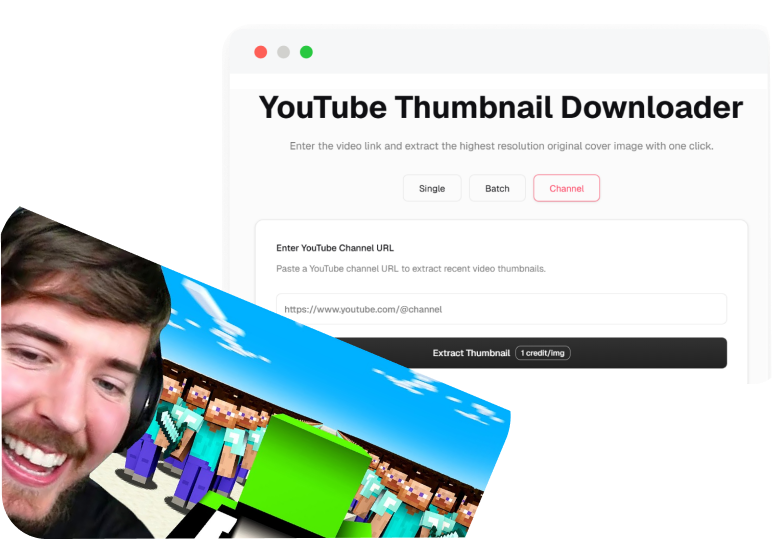
1. Paste the Minecraft Video Link
Copy the YouTube URL for the survival run, Hardcore challenge, SMP story, build reveal, PvP match, or tutorial you want to examine.
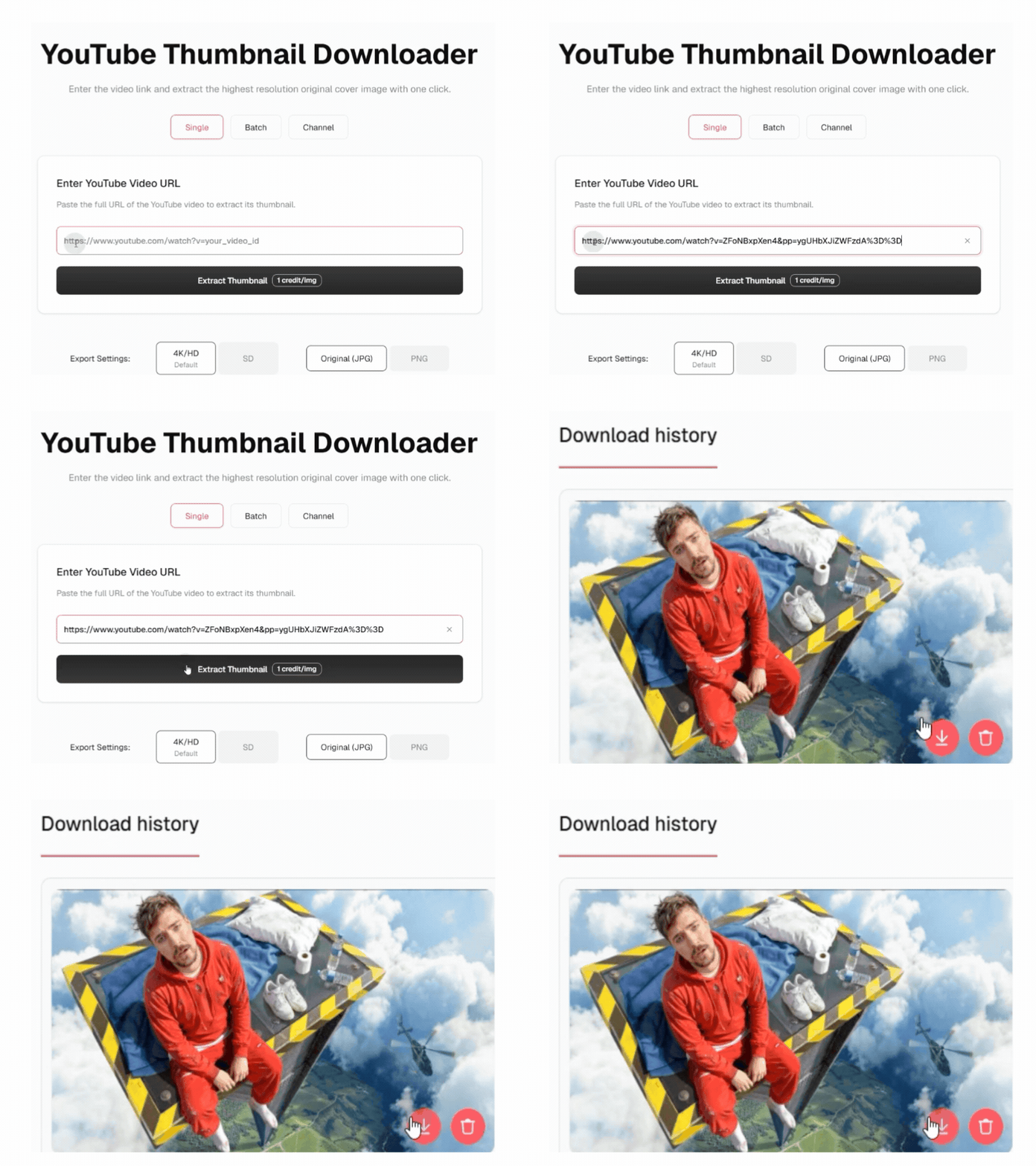
2. Fetch the Best Available Thumbnail
Paste the link into the downloader and extract the highest-quality thumbnail version YouTube exposes for that video.
3. Download or Start a New Design
Save the image in one click, or send it into Thumbs.ai as a reference and build a different cover around your own Minecraft story.
What the Minecraft Thumbnail Downloader Gives You Beyond a Screenshot
Retrieve the useful visual evidence while keeping the YouTube player and unsupported quality promises out of the way.
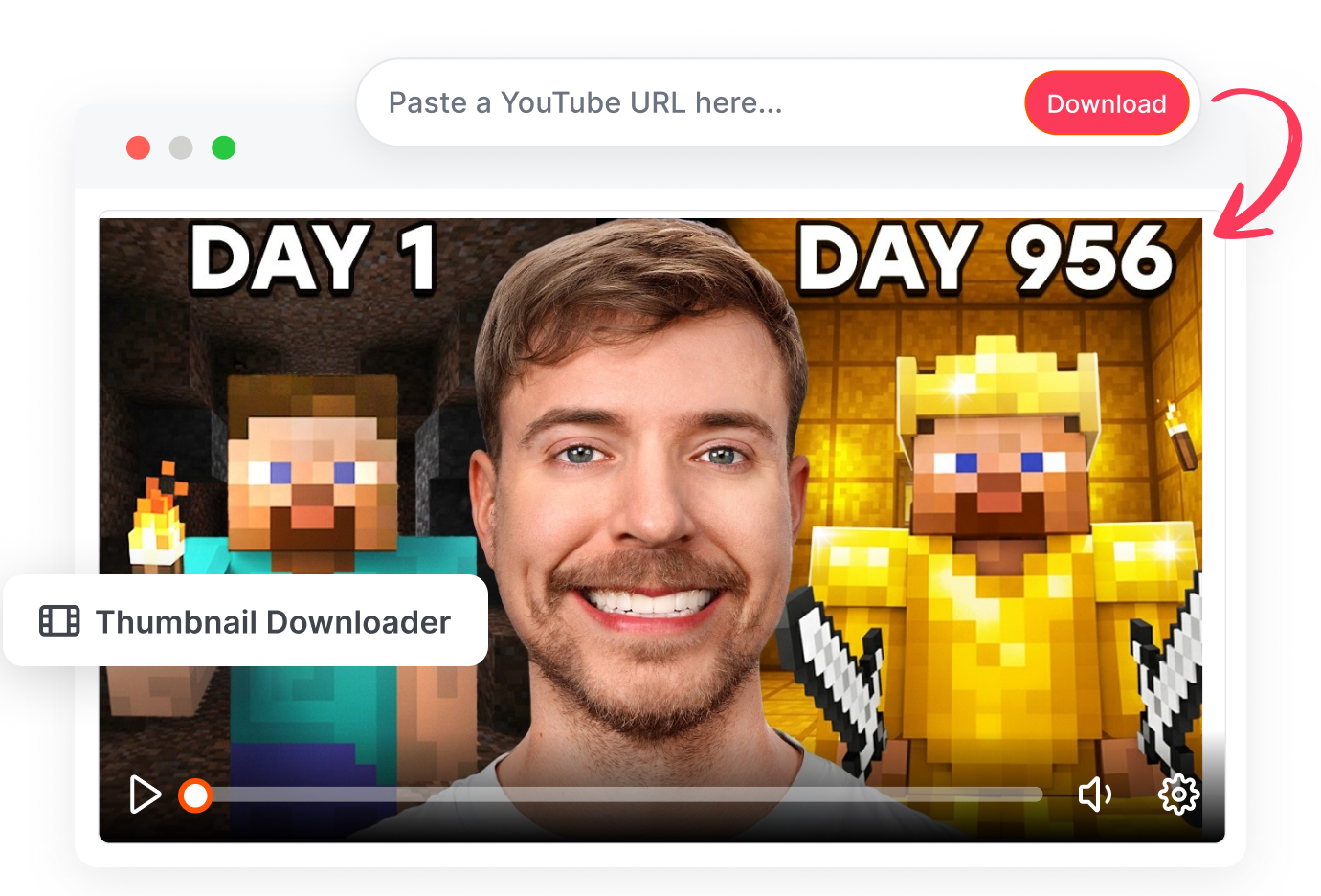
YouTube Thumbnail Extractor Online
Pull the Clean Cover, Not the Player
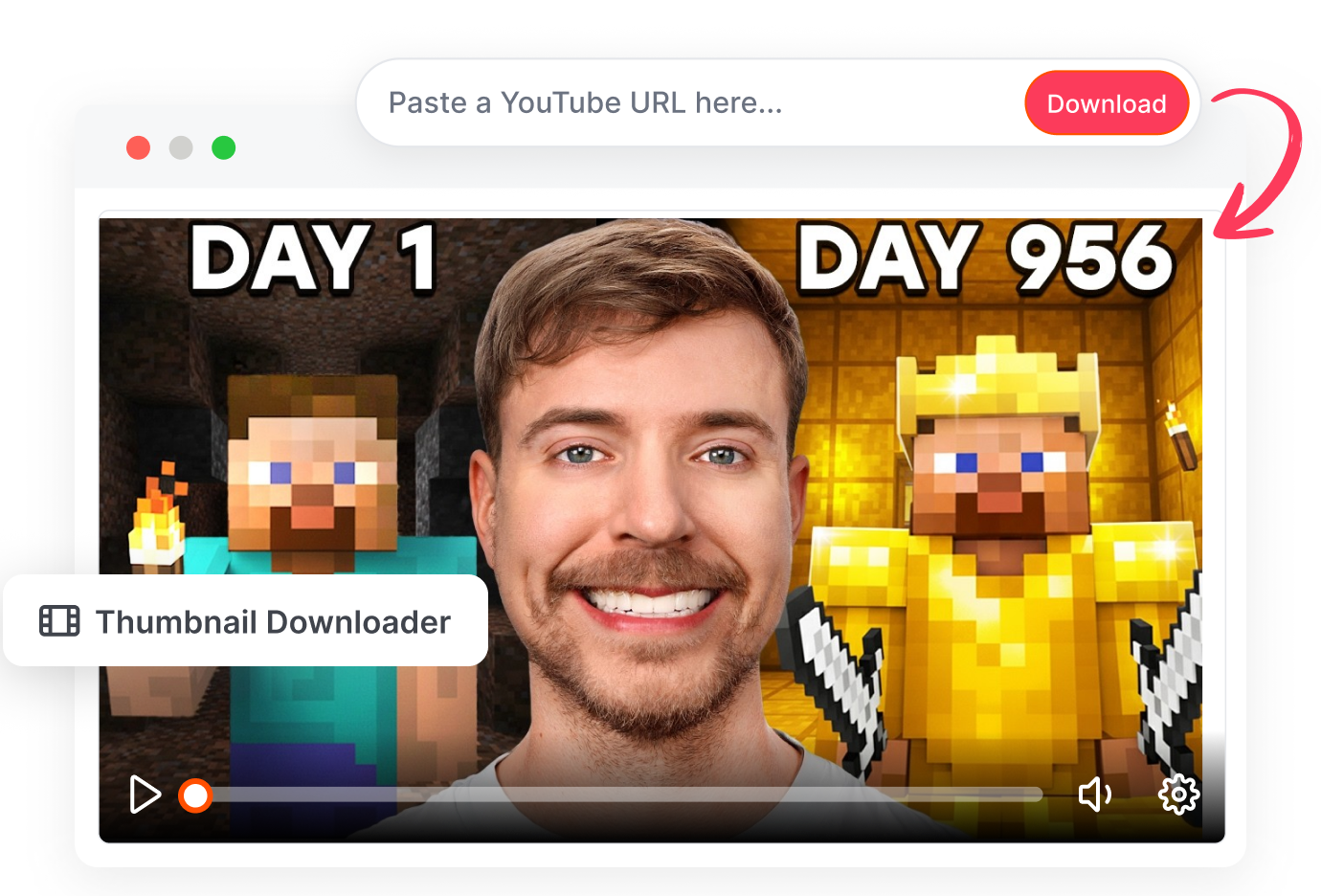
Pull the source thumbnail that YouTube exposes for the Minecraft video. Keep play buttons, progress bars, timestamps, and browser chrome out of the image. Save a cleaner asset for analysis, archiving, or a creative brief.
HD YouTube Thumbnail Download
Keep the Best Available Block Detail
Retrieve the highest available image version instead of enlarging a feed screenshot. Compare block textures, skins, mobs, lighting, and short text without extra interface blur. Preserve the useful detail the source video actually provides.
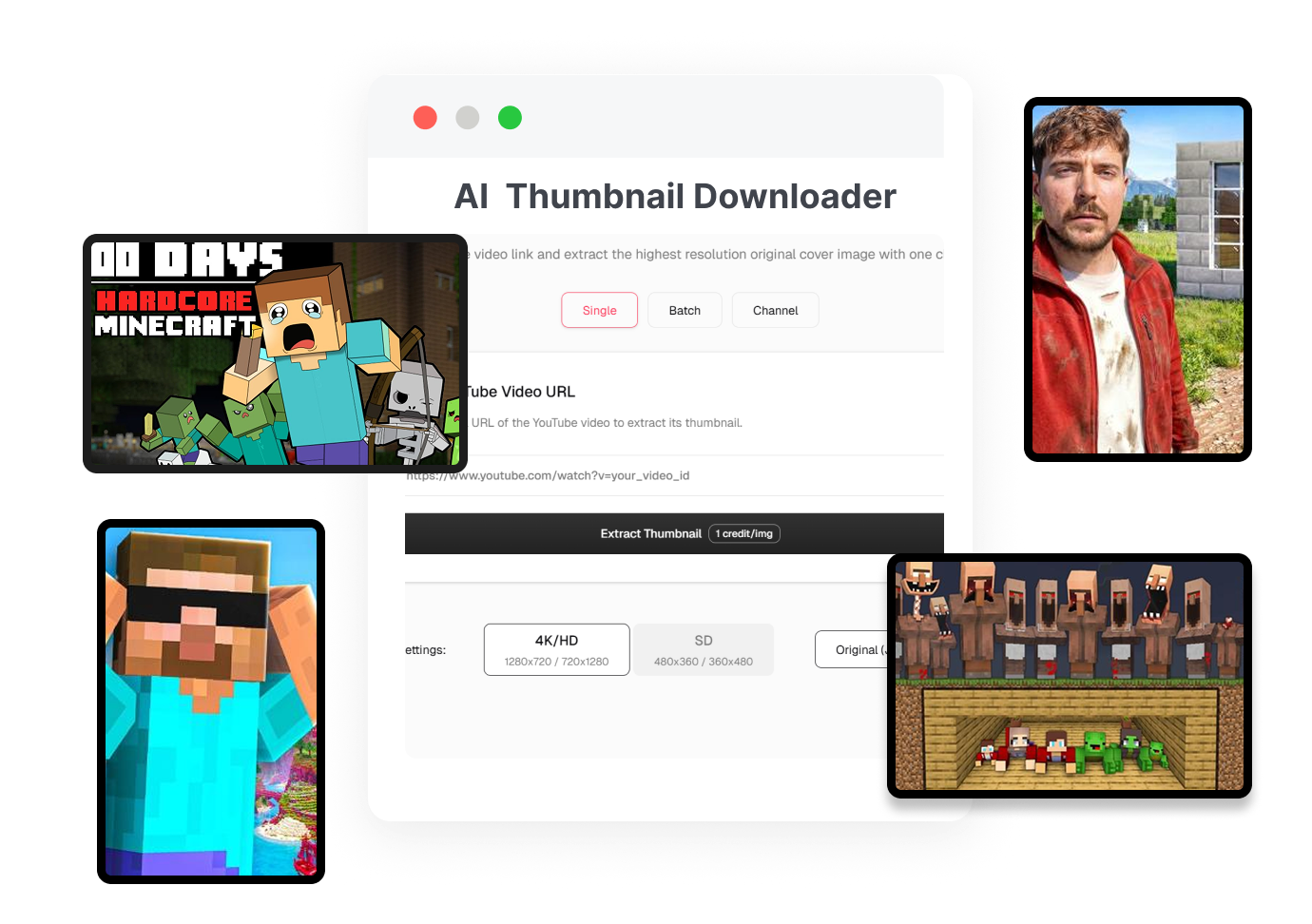
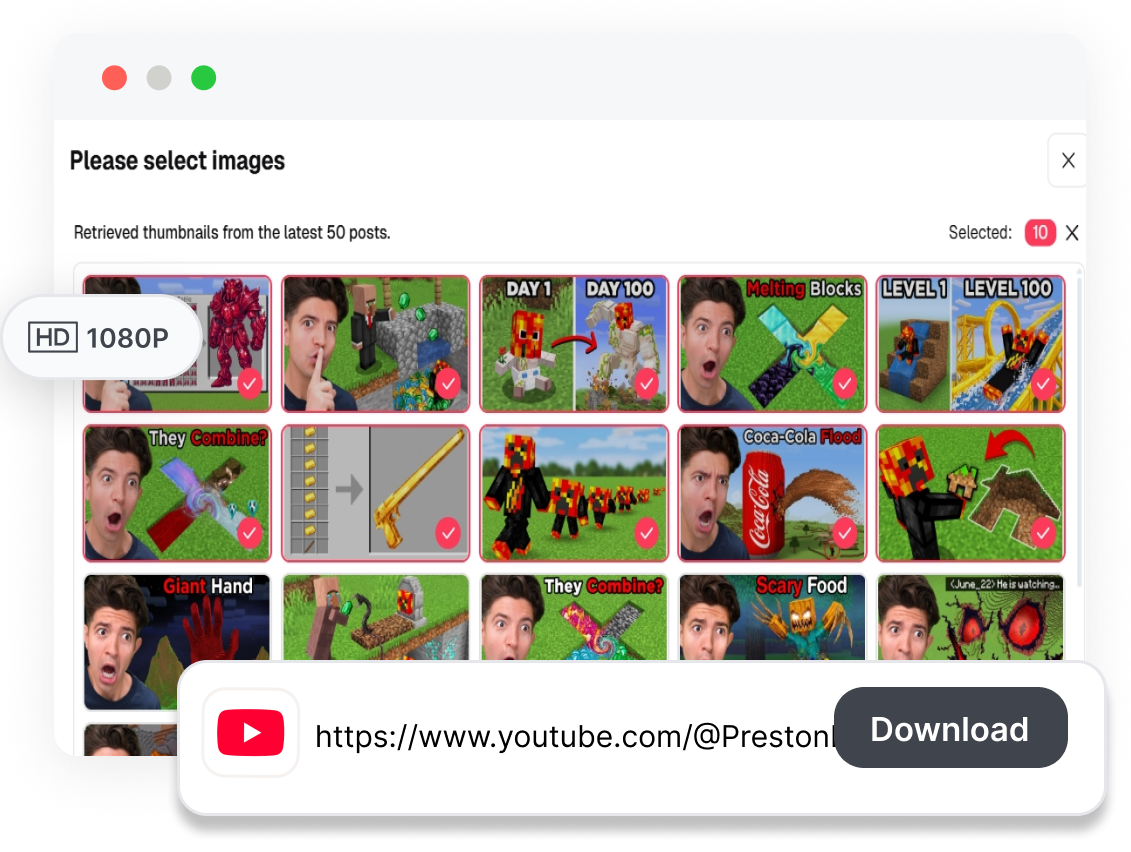
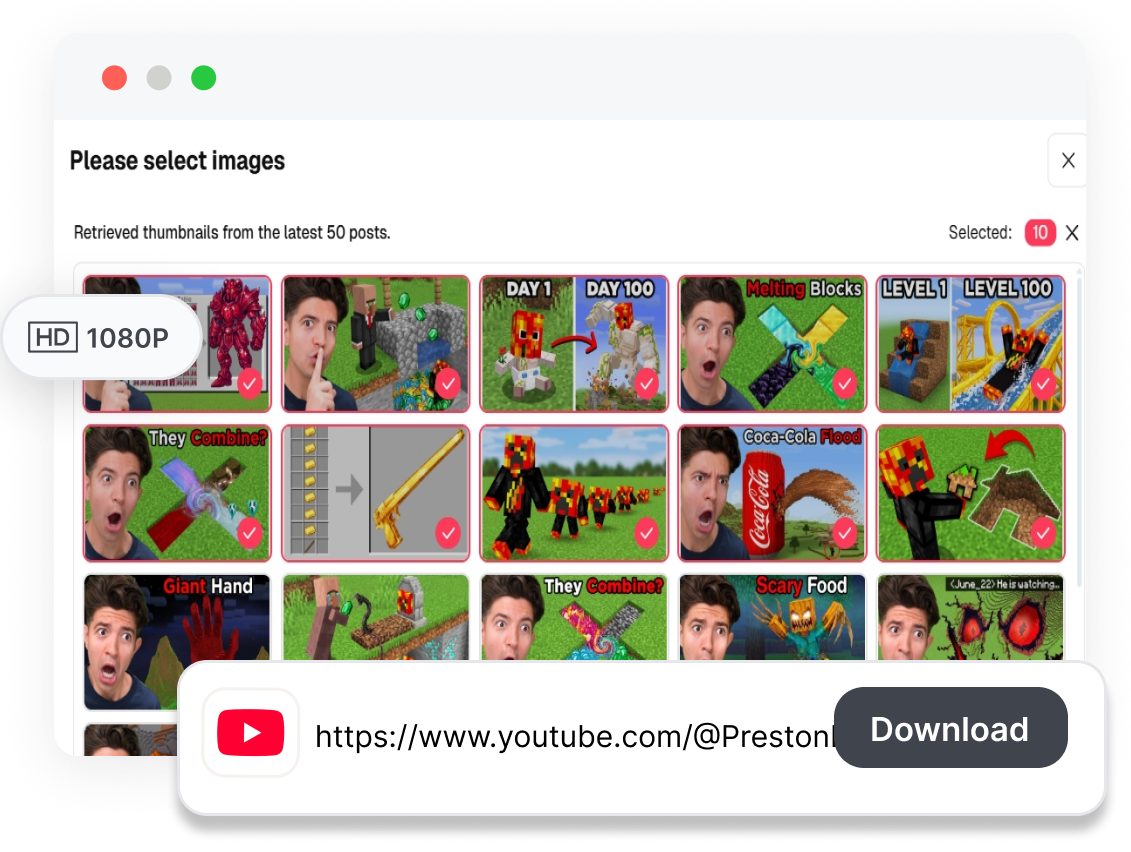
Minecraft Thumbnail Reference Library
Build a Minecraft Reference Library
Organize covers by survival, Hardcore, SMP, PvP, builds, tutorials, or update videos. Sort composition, color, focal point, and visual hook before planning your next design. Build a reference board that reveals patterns without copying someone else's finished work.
AI Minecraft Thumbnail Generator
Move From Reference to a New Cover
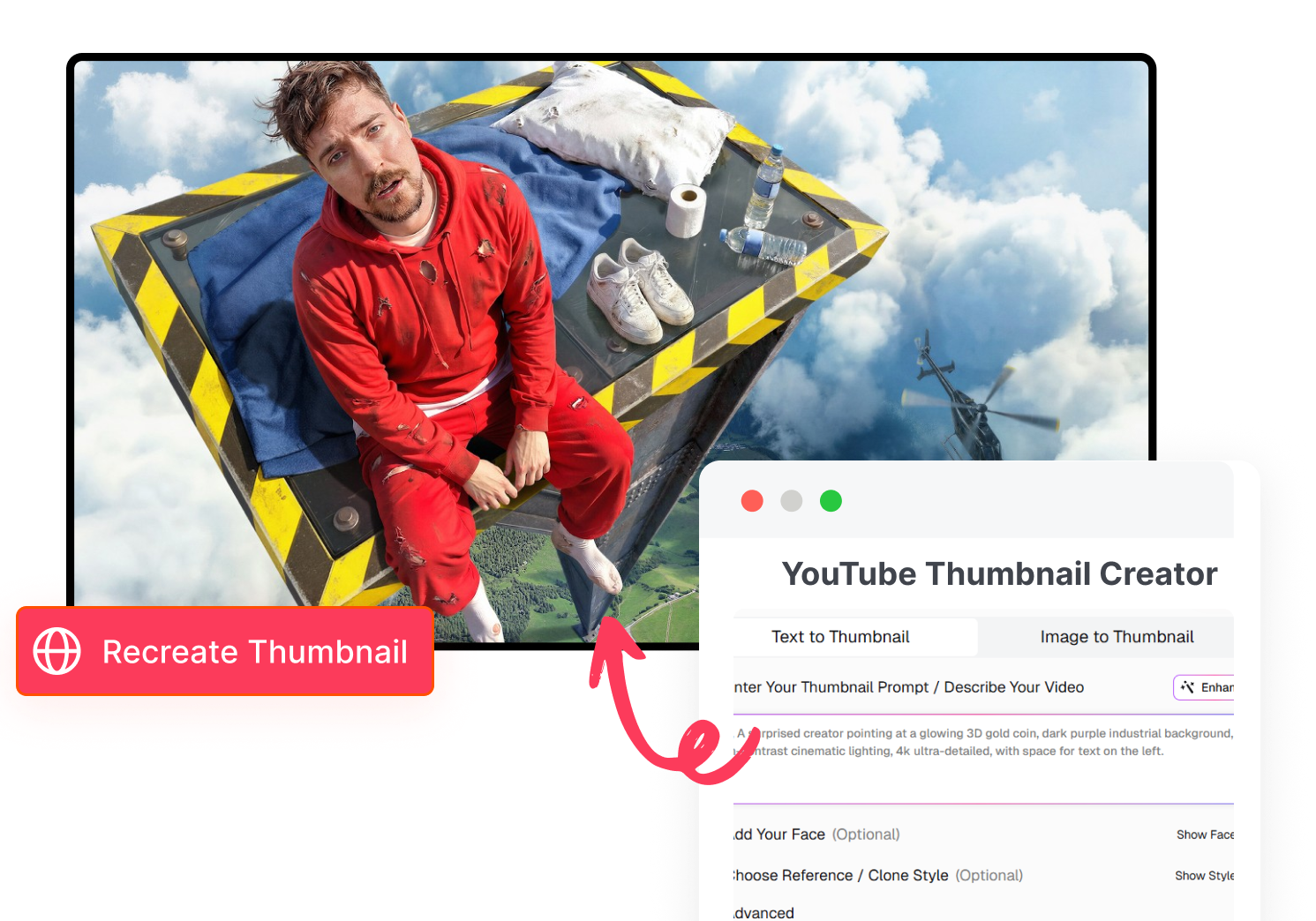
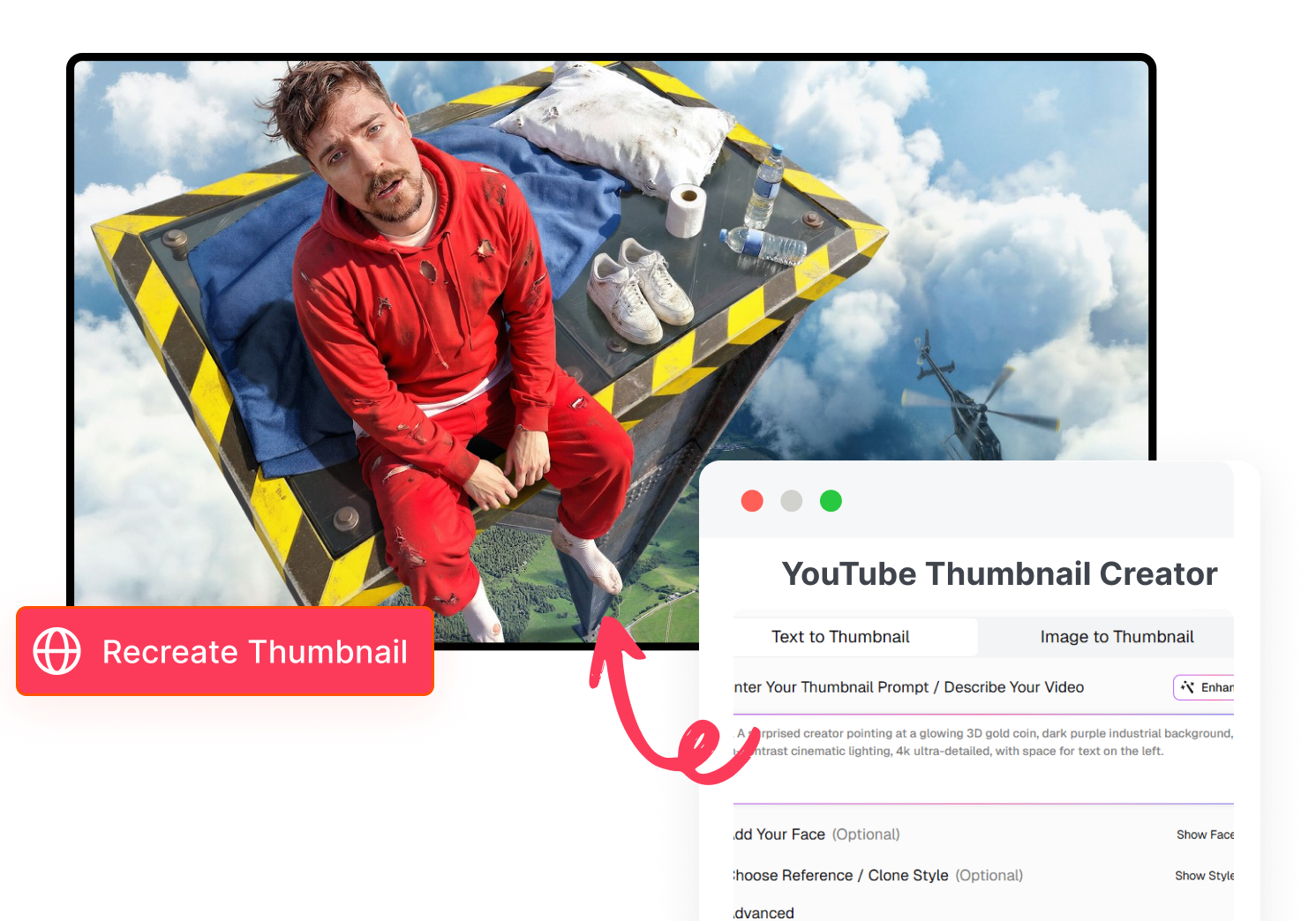
Send the downloaded image into Thumbs.ai as a visual reference. Change the scene, characters, text, framing, and story hook around your own Minecraft video. Produce a fresh direction instead of republishing another creator's thumbnail.
Who Uses a Minecraft Thumbnail Downloader?
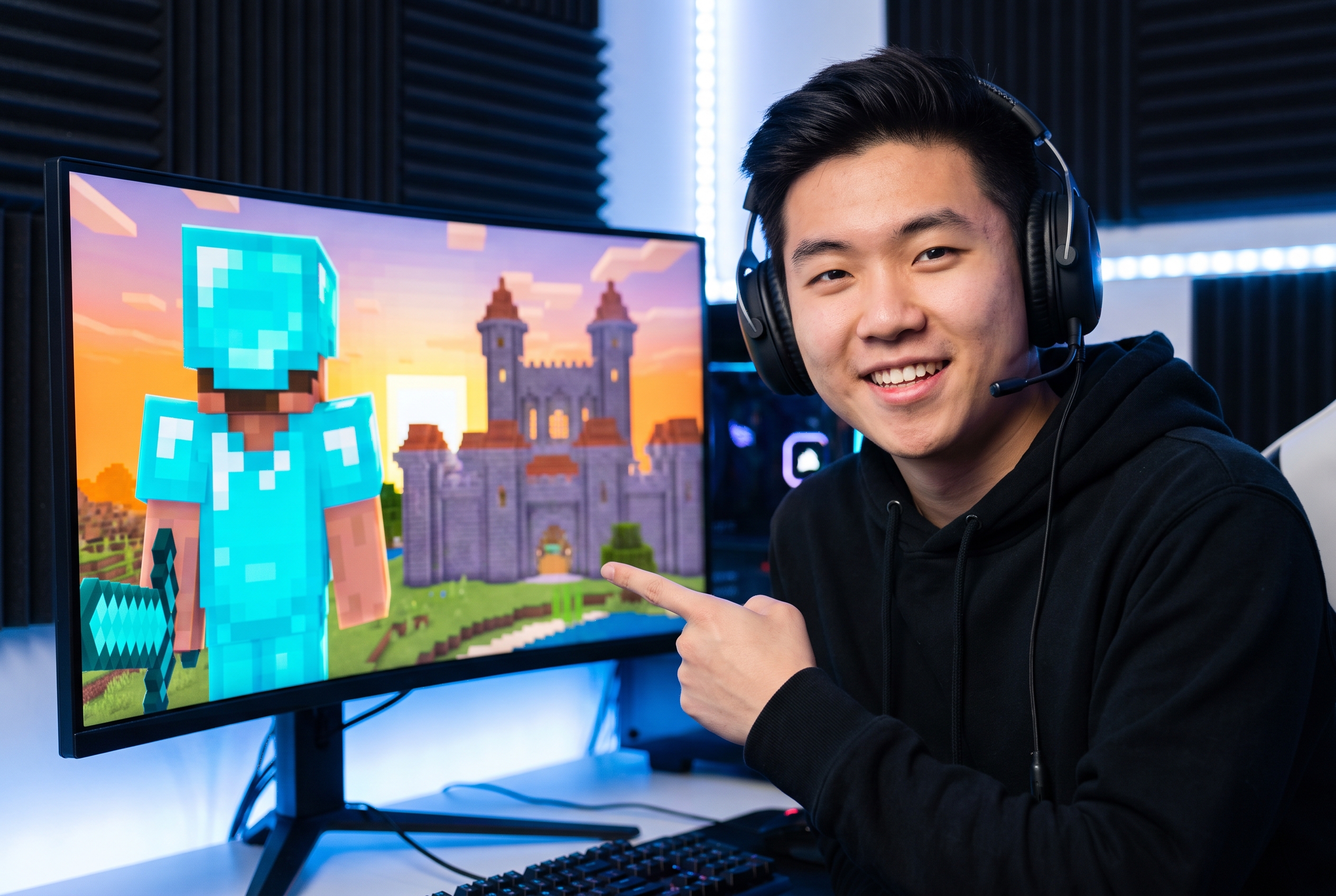
Minecraft YouTubers Planning a Series
Archive your own covers or study how survival, 100 Days, Lifesteal SMP, Bedwars, and update videos signal their topic before planning the next episode.
Thumbnail Designers Building Reference Boards
Collect clean examples without player overlays, then compare character scale, environment, lighting, text restraint, and the single event each cover chooses to emphasize.

Editors, Researchers, and Commentary Channels
Save the source image for a creative brief, an authorized project, or analysis of a Minecraft video while keeping ownership and reuse permissions in mind.
FAQs
What is a Minecraft thumbnail downloader?
How do I download a Minecraft YouTube thumbnail?
Will I get the highest available resolution?
Can it retrieve private Minecraft videos?
What about Minecraft screenshots and game assets?
Can I use the image to generate a new cover?
Do I need to take a screenshot first?
Turn One Find Into a Better Brief With the Minecraft Thumbnail Downloader
The useful part of a strong Minecraft cover is not the right-click—it is the clue it gives you. Pull the clean image, study the build, mob, lighting, and hook, then carry only the right ideas into a cover made for your own video.