Educational Thumbnail Templates
Put the lesson’s most interesting question, visual proof, or finished result at the center of the frame. Choose an educational thumbnail template, customize the subject and visual direction, then generate a cover that makes the lesson easy to identify.
PNG, JPG, JPEG & Webp formats, up to 4 MB.
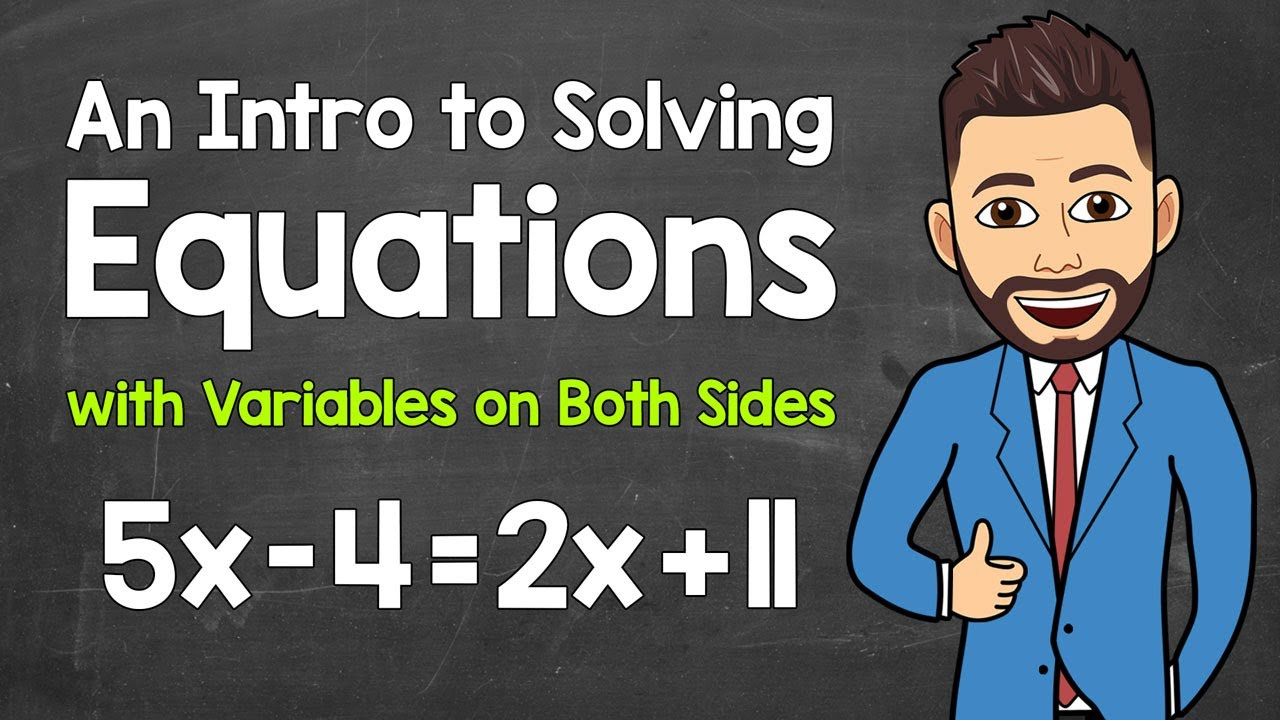
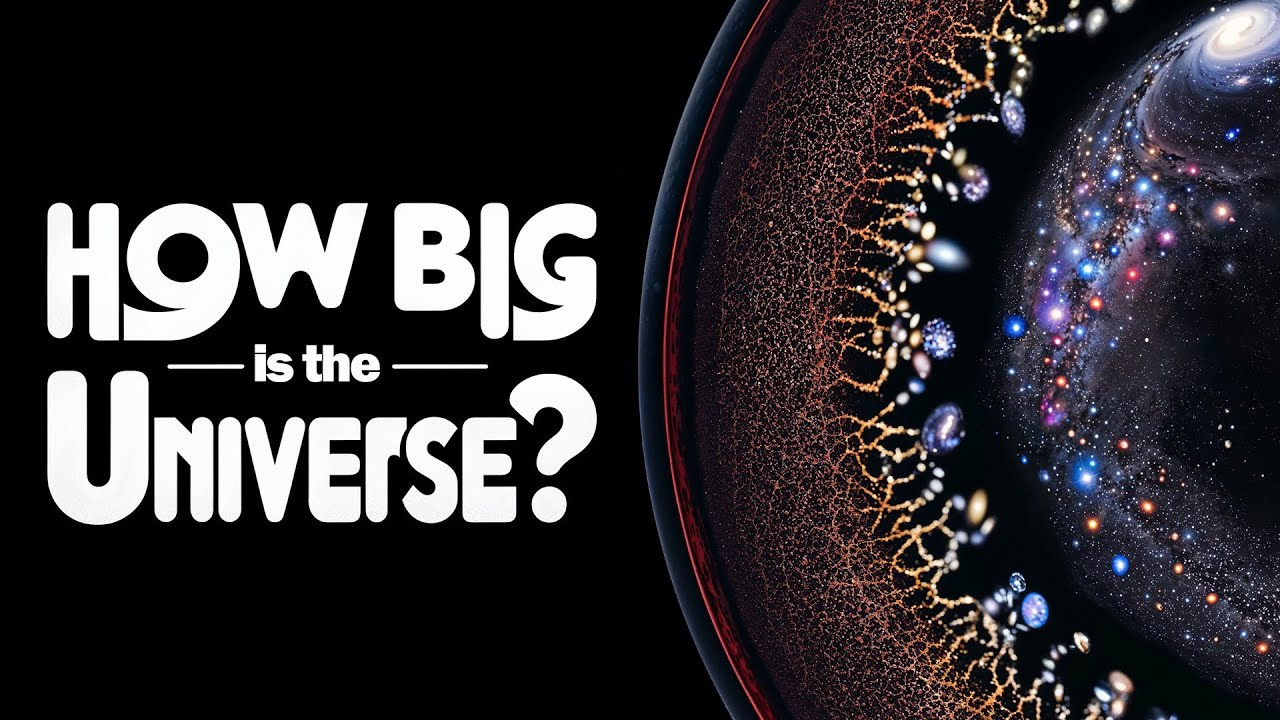
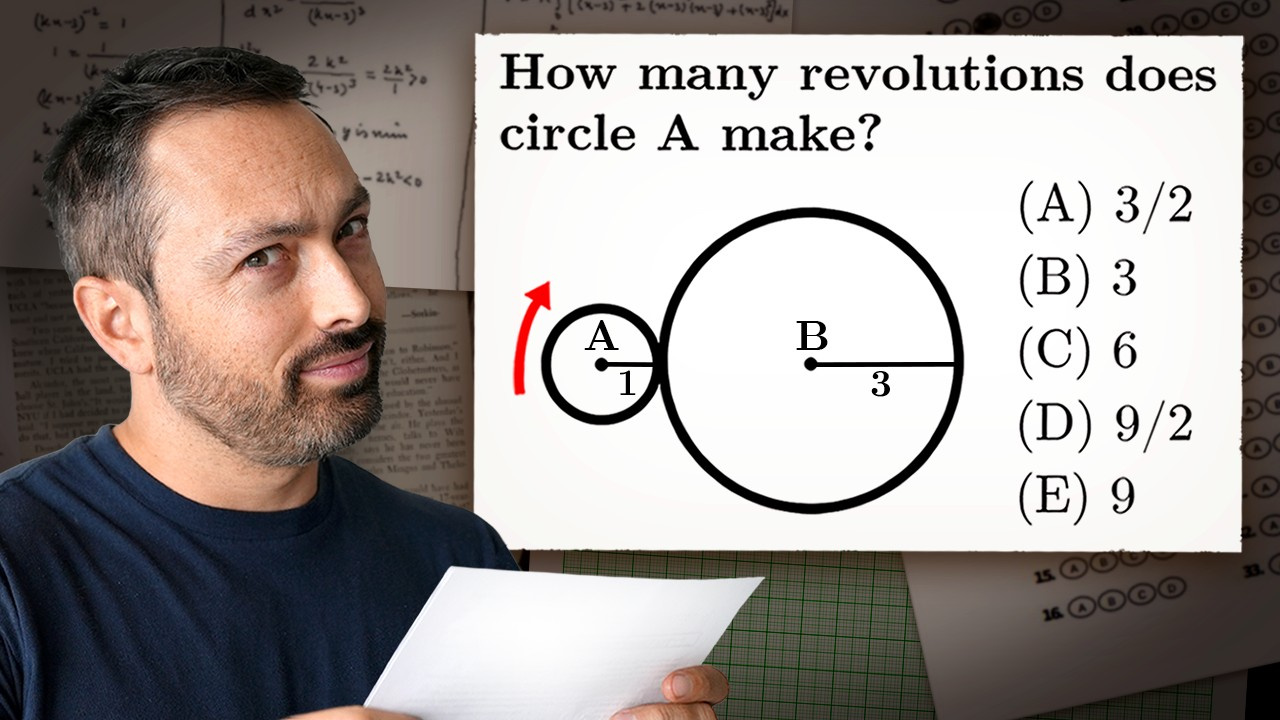
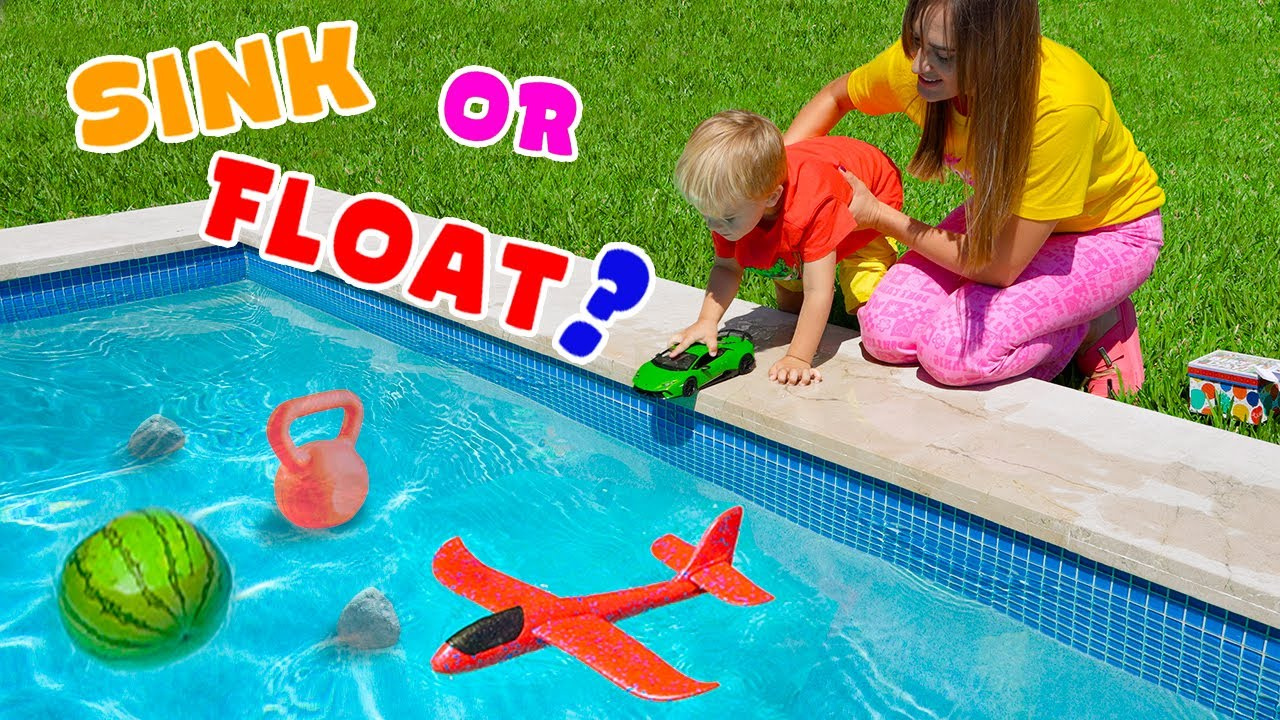

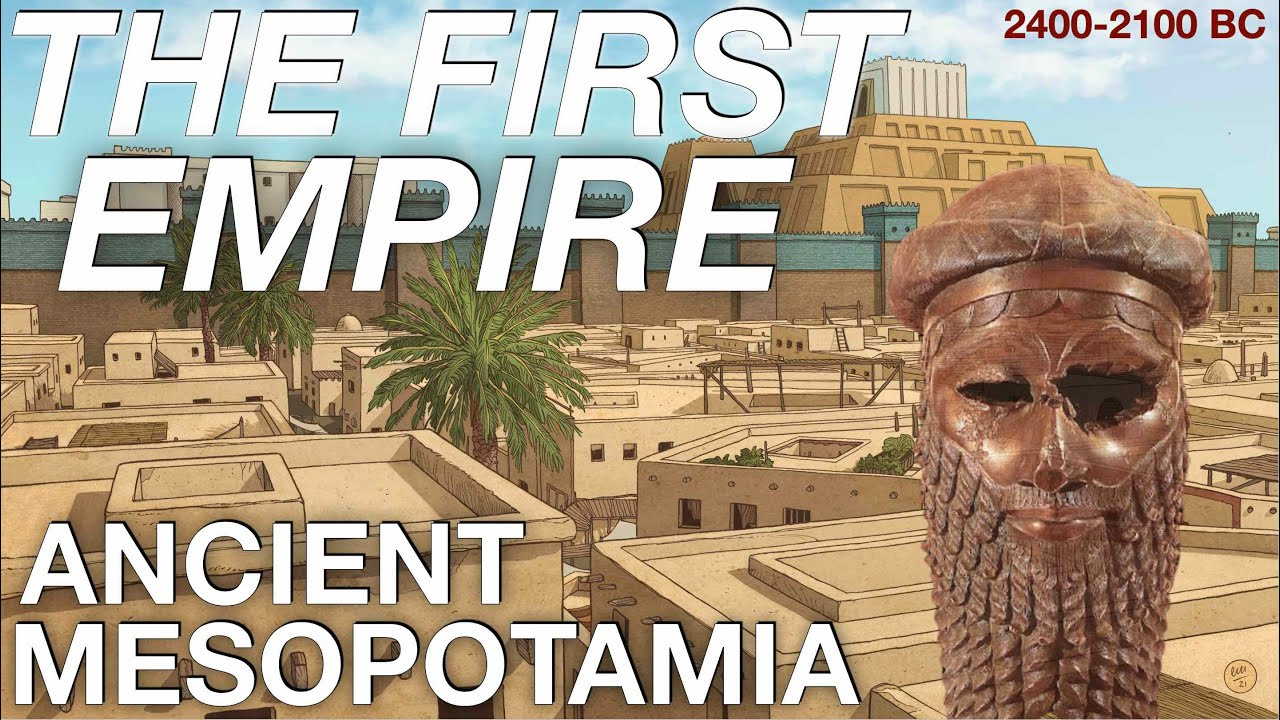





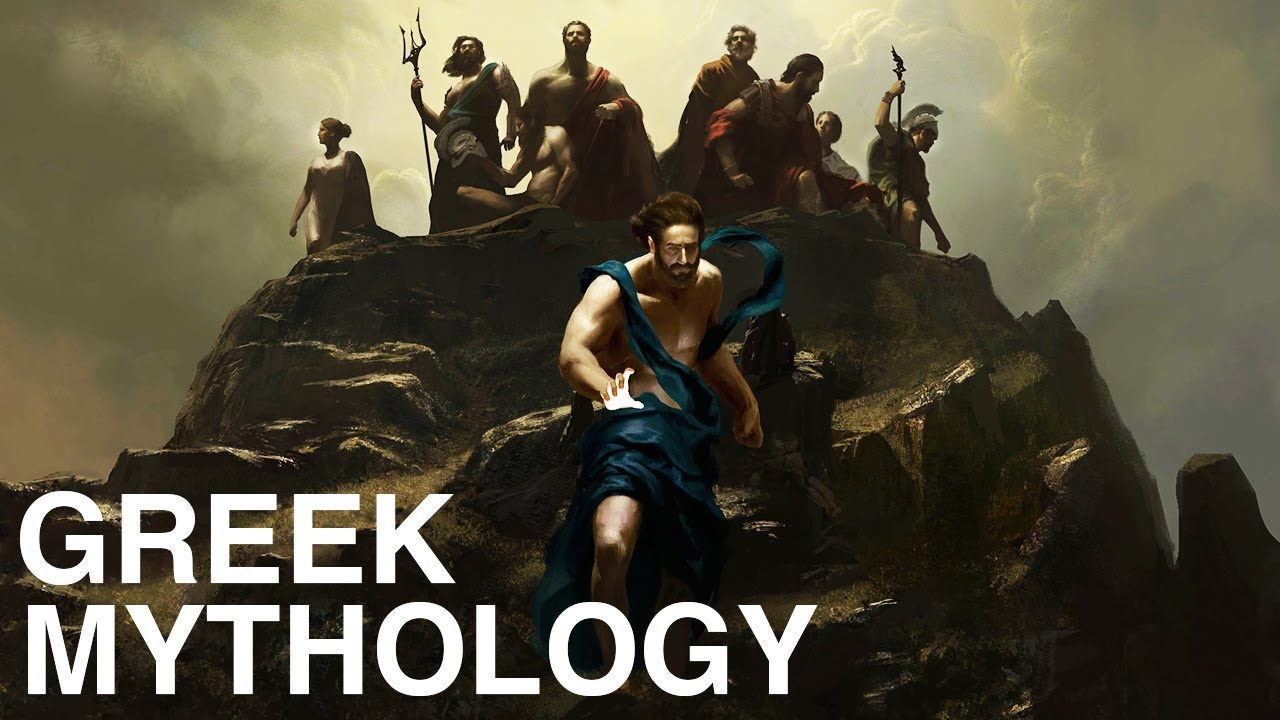
How to Make an Educational Thumbnail
Choose one learning promise first, then shape the thumbnail around the question or outcome your video genuinely explains.
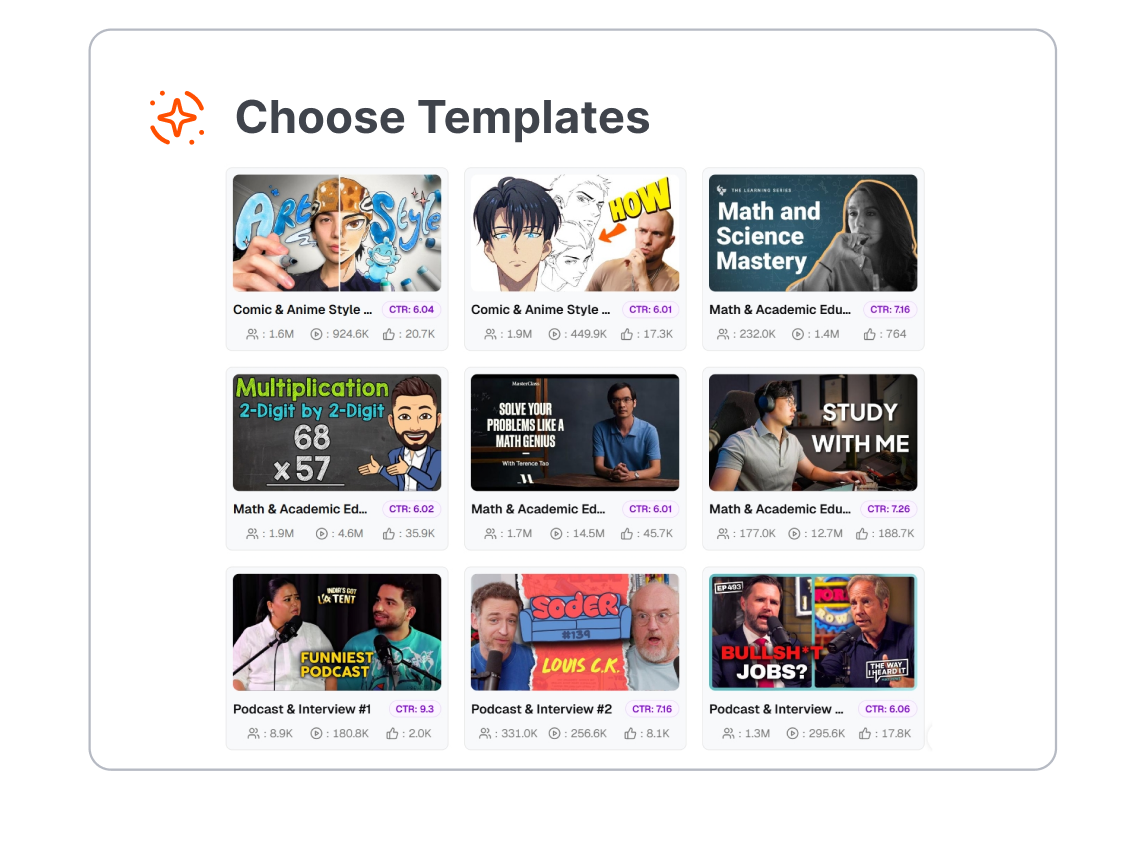
1. Choose a Lesson Format
Pick a template for a science experiment, math lesson, language class, history topic, software tutorial, study guide, or online course.
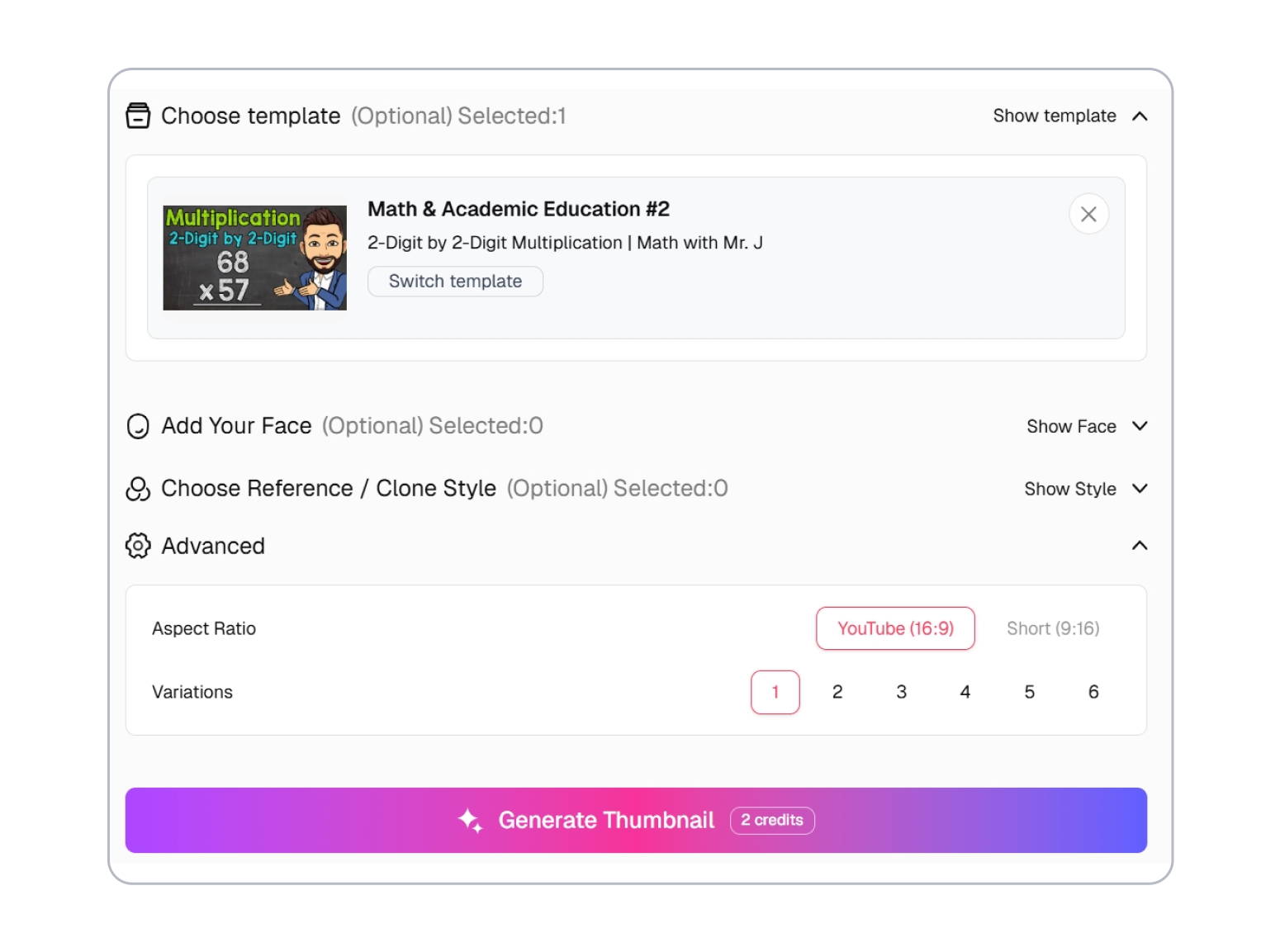
2. Set the Teaching Hook
Describe the question, misconception, comparison, result, or skill behind the video and customize the visual direction.
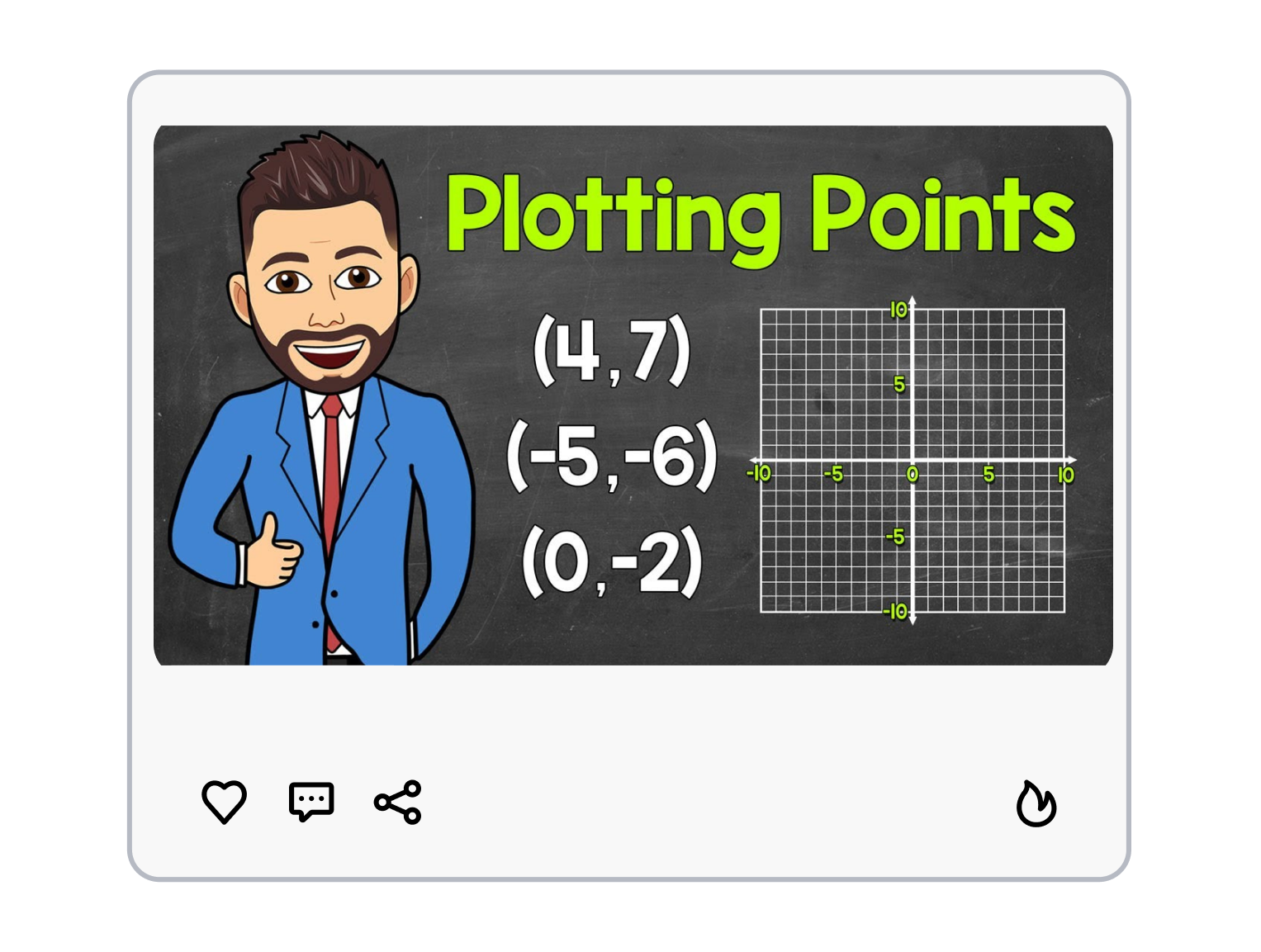
3. Generate the Lesson Cover
Generate a new educational video thumbnail, then refine the scene and short hook to match the lesson.
Educational Thumbnail Templates That Make Lessons Easier to Choose
Good learning content should feel clear before it feels complicated. Give viewers one visible idea to follow into the lesson.
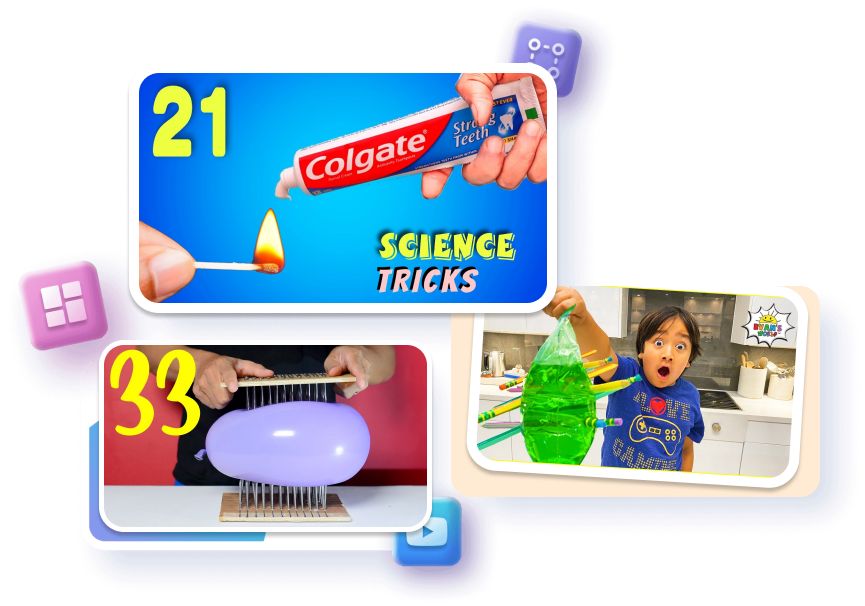
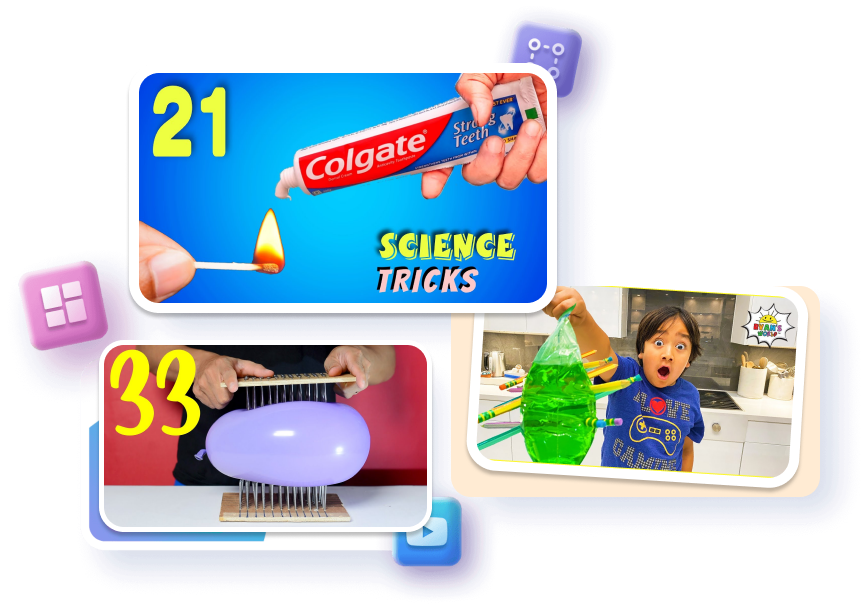
Make the Question Visible
Turn a broad lesson into one immediate question learners can recognize before they read the full title.
Question-style hook placement
One highlighted diagram detail
Focused subject-background contrast
Show the Concept, Not Every Fact
Complex science, math, and history topics need a visual anchor instead of a miniature slide filled with labels.
Simplified concept illustrations
One comparison or scale cue
Clear space around text




Lead With the Learning Outcome
Tutorial and course videos become easier to understand when the finished skill or result appears before the process.
Finished project preview
Skill-specific visual subject
Short outcome-led wording
Keep a Series Coherent
An educational channel can look consistent without making each lesson feel like the same episode repeated.
Repeatable title hierarchy
Subject-led color direction
Flexible lesson topic space
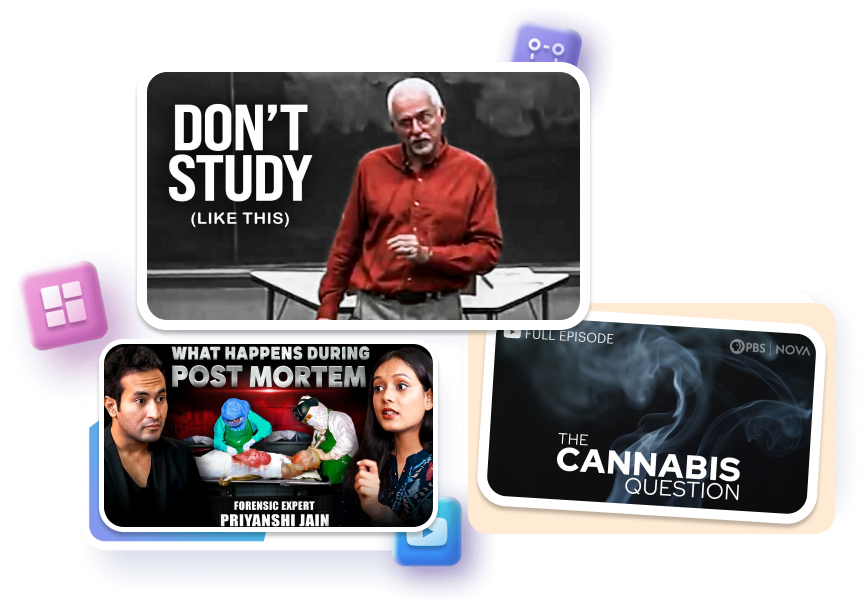
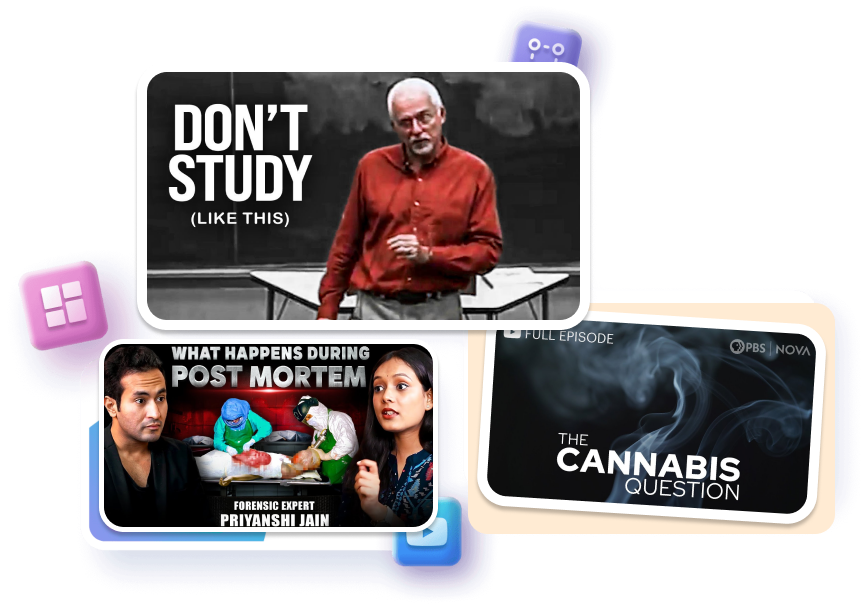
Educational Thumbnail Templates for Different Teaching Formats

Course and Tutorial Creators
Use one finished project, visible skill, or specific question to distinguish the lesson without listing every module on the cover.

Science, Math, and History Educators
Choose a layout that clarifies one diagram, object, map, formula, or scale comparison and leaves the explanation for the video.

Language, Study, and Academic Channels
Adapt the lesson subject and hook while keeping a recognizable structure across study tips, language lessons, and academic talks.
FAQs
What is an educational thumbnail?
What should an educational thumbnail show?
Can I use a template for science videos?
How much text should I use?
Can I make a math lesson thumbnail?
Can I make a language learning thumbnail?
Should tutorial thumbnails show the final result?
How do I create an engaging educational thumbnail for my lessons?
Give Your Educational Thumbnail a Real Teaching Hook
Learners do not need a louder promise; they need to see what question, skill, or idea the video will make clearer. Start with an educational thumbnail template and put the lesson’s strongest visual proof in view.