My First Video Thumbnail Template
A first upload is a beginning, not a design test. Turn your raw selfie or video topic into a click-worthy first thumbnail in seconds. No Photoshop skills needed — just smart, friendly AI templates that make you proud to hit “Publish.”
PNG, JPG, JPEG & Webp formats, up to 4 MB.
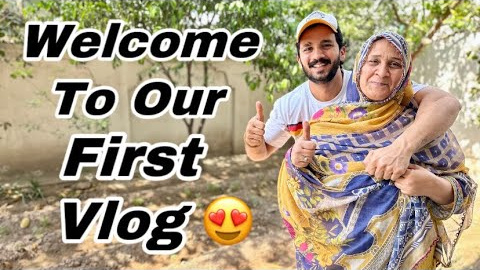
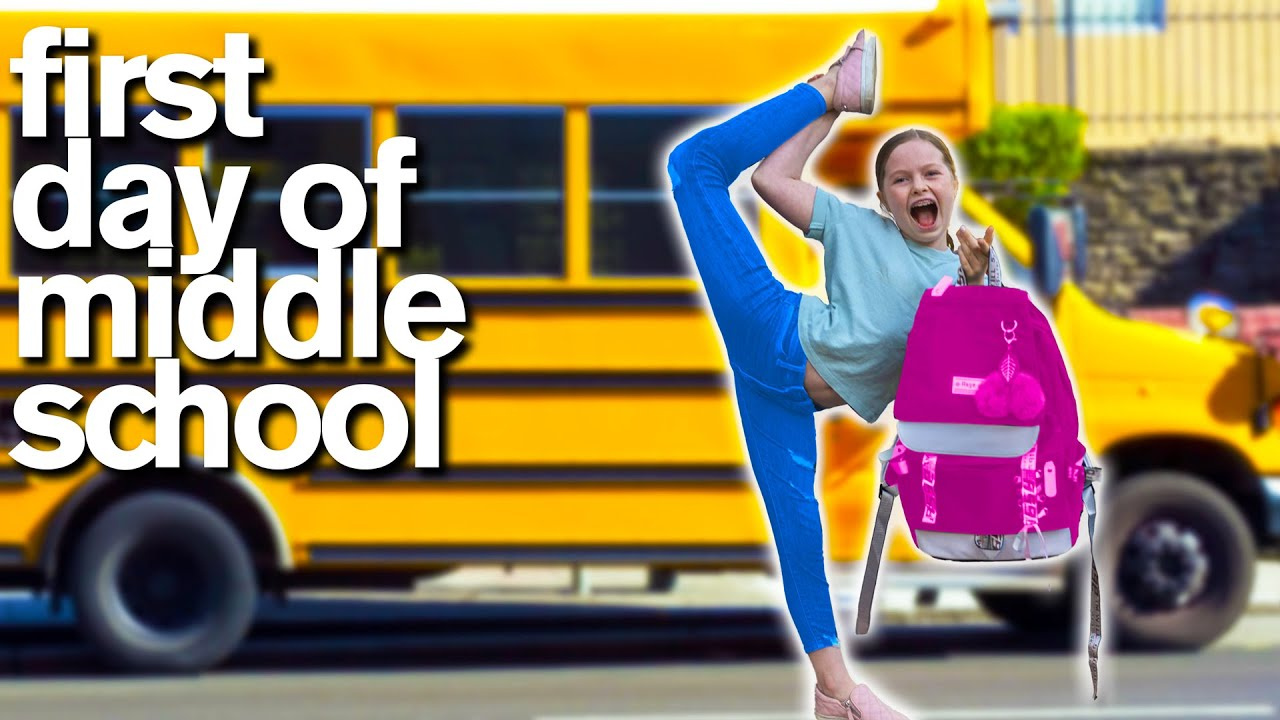
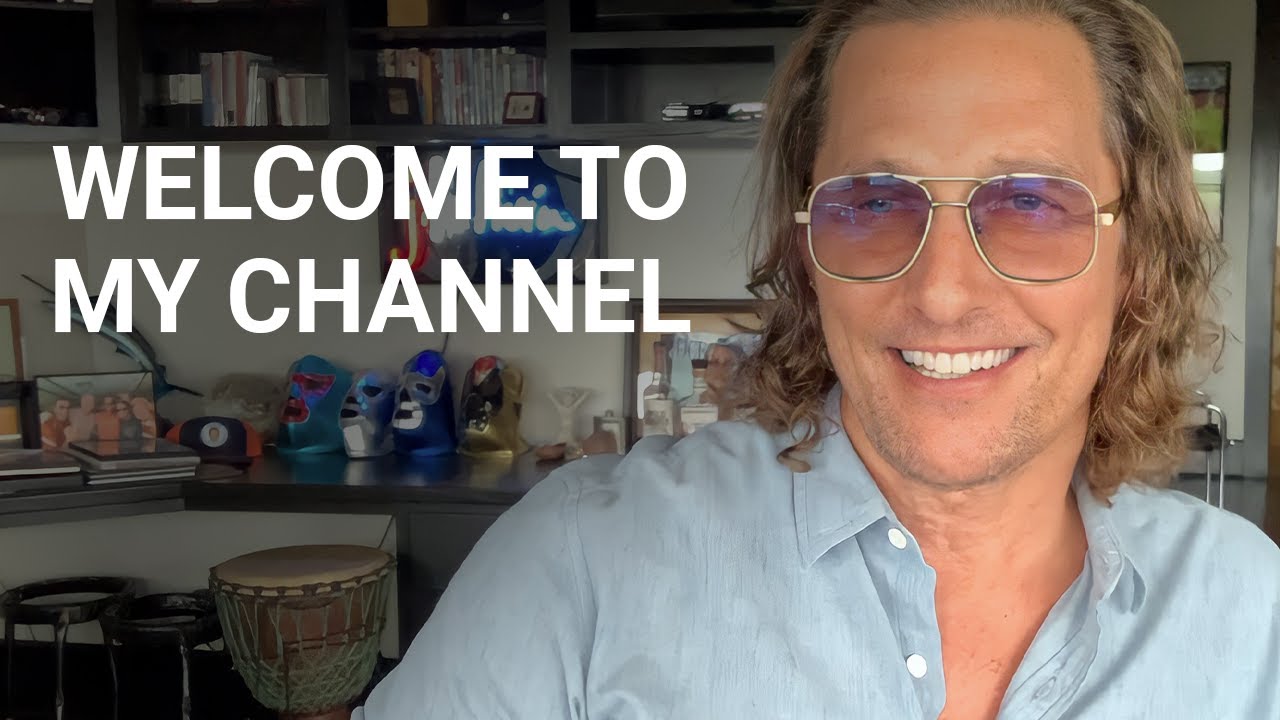
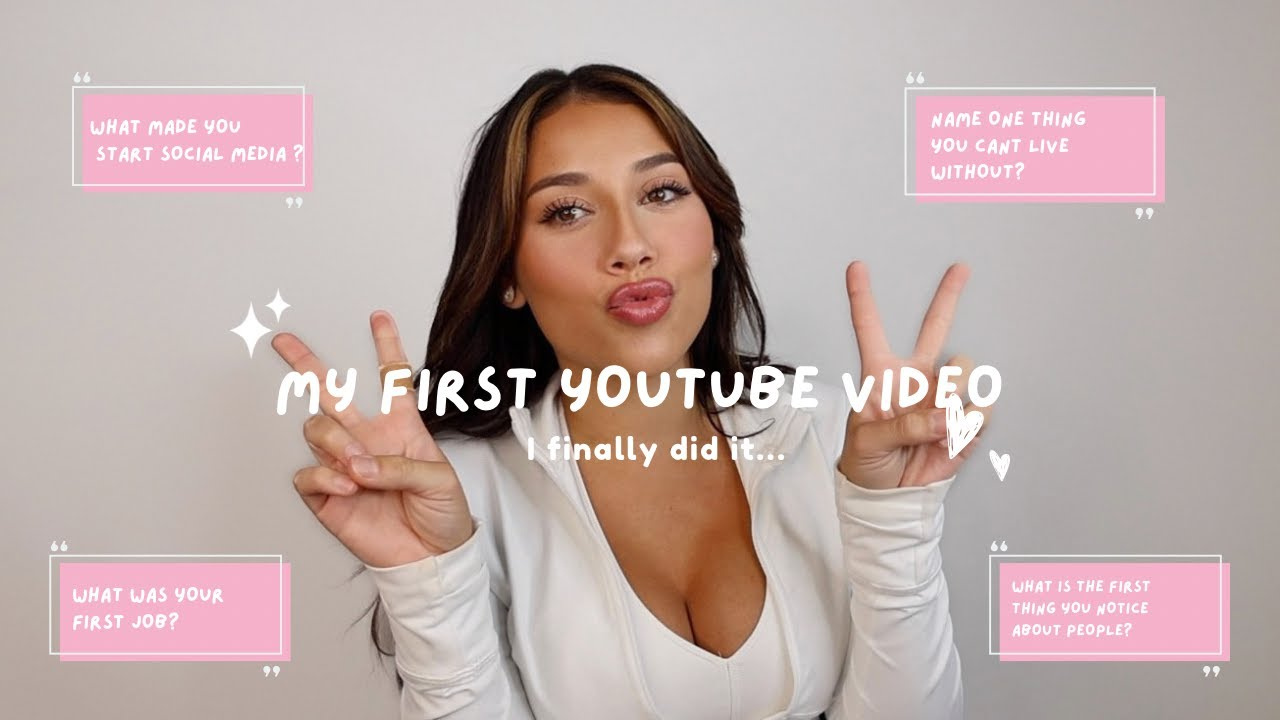
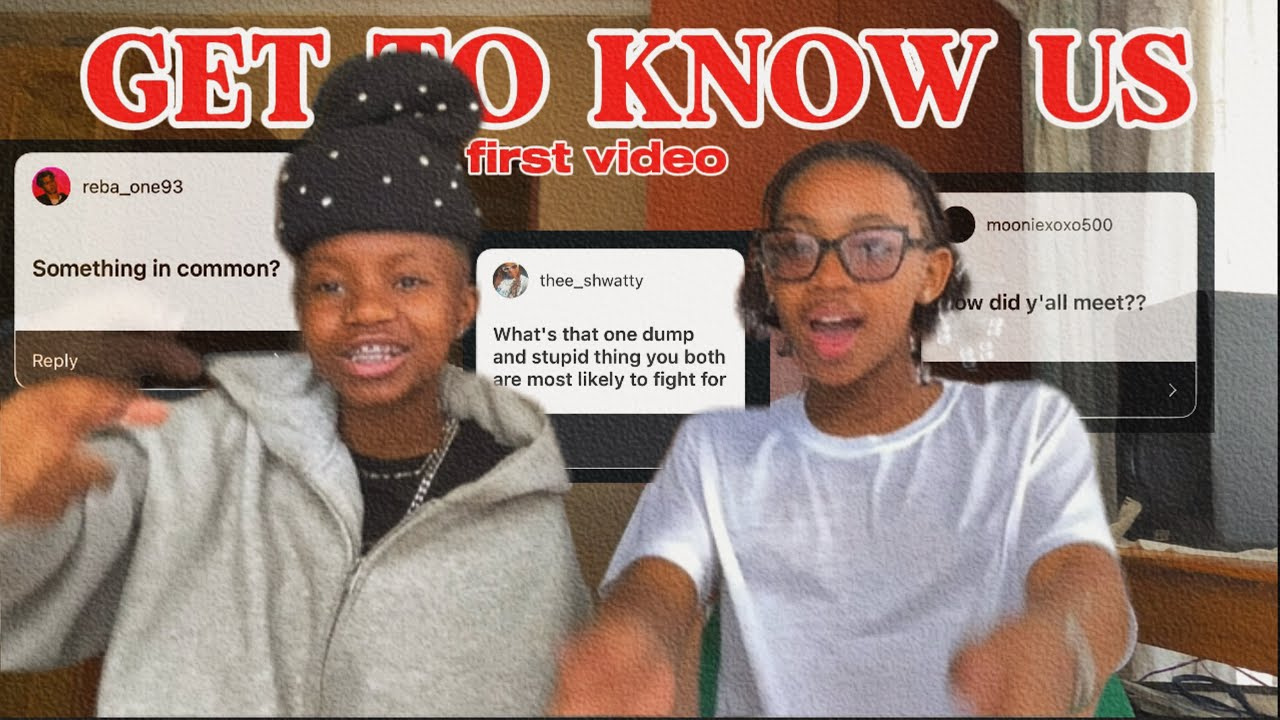
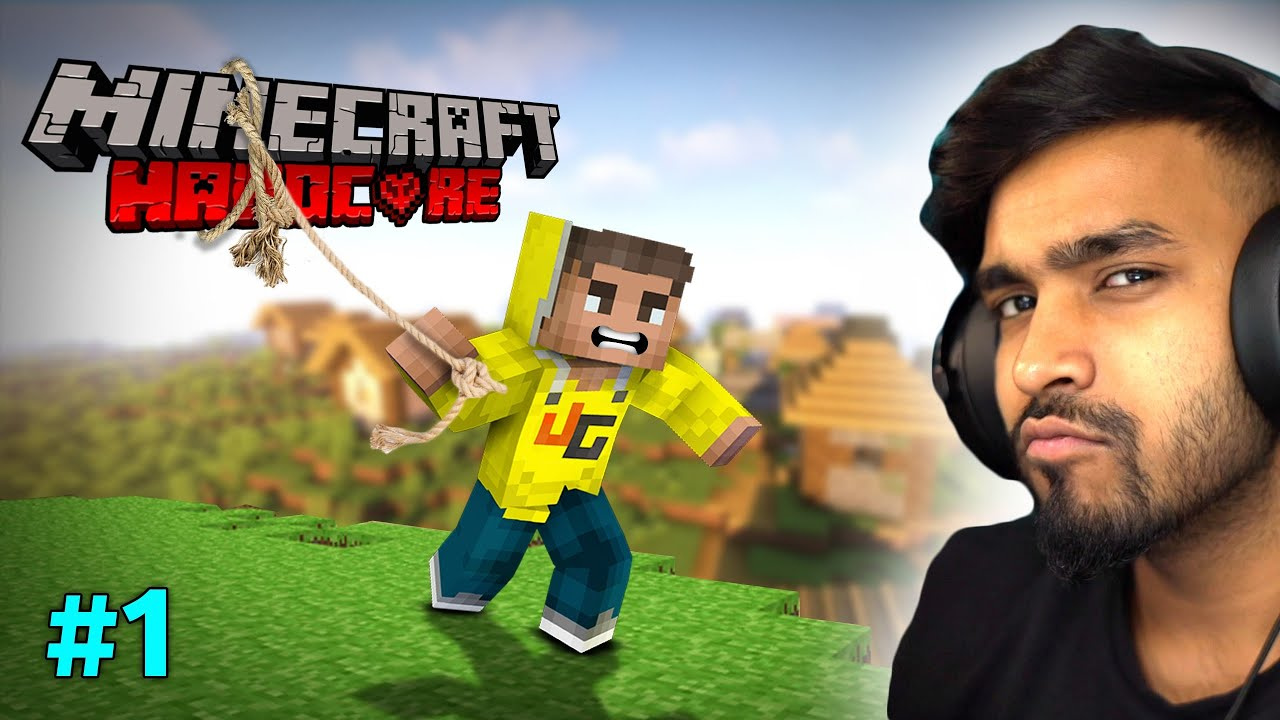
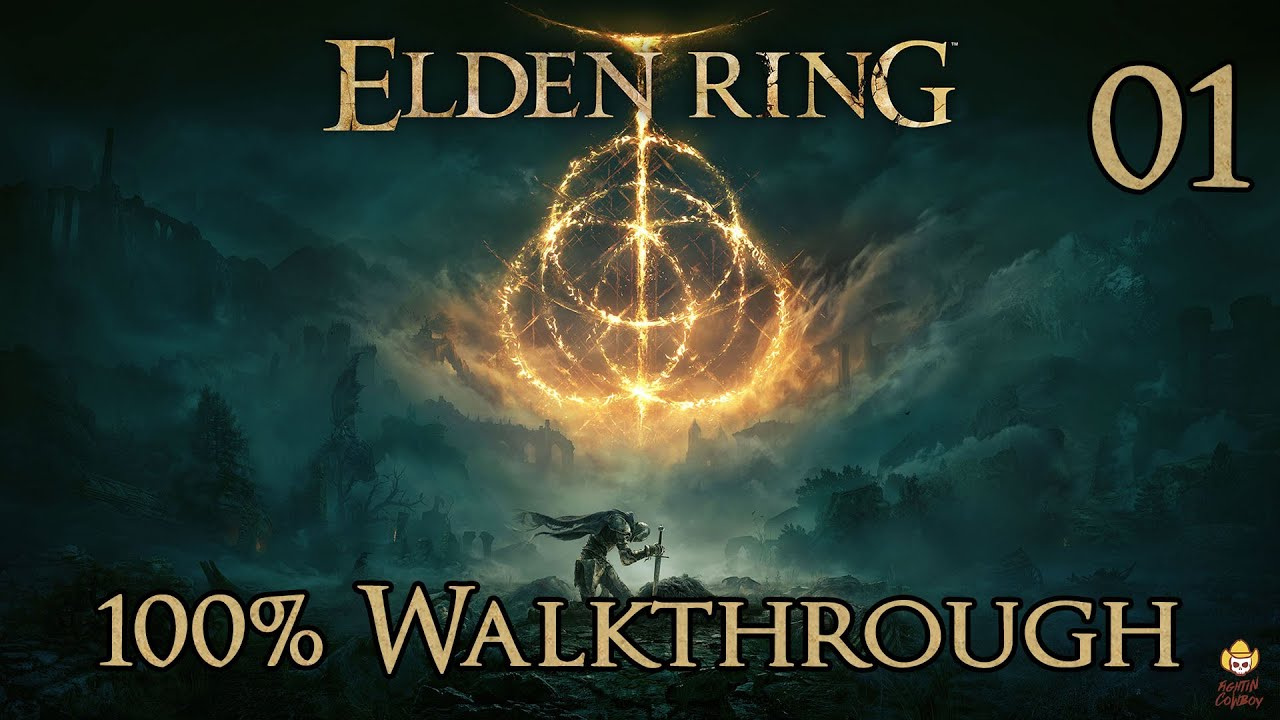
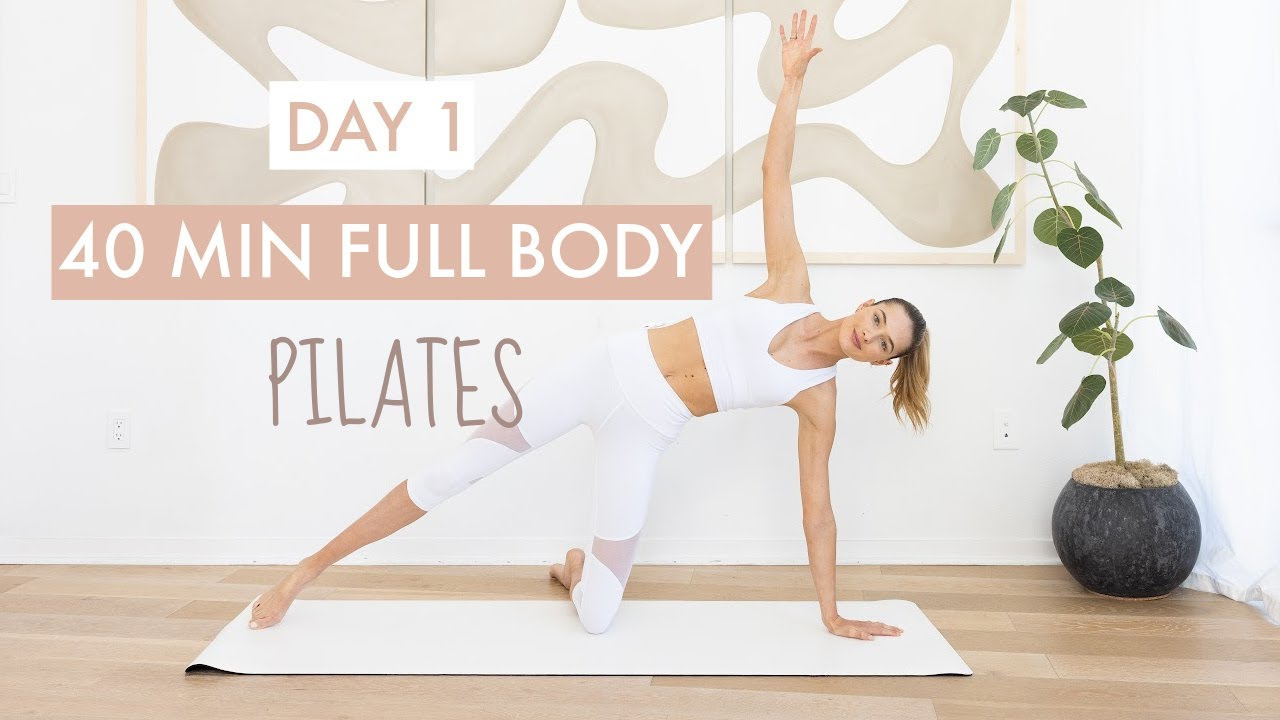
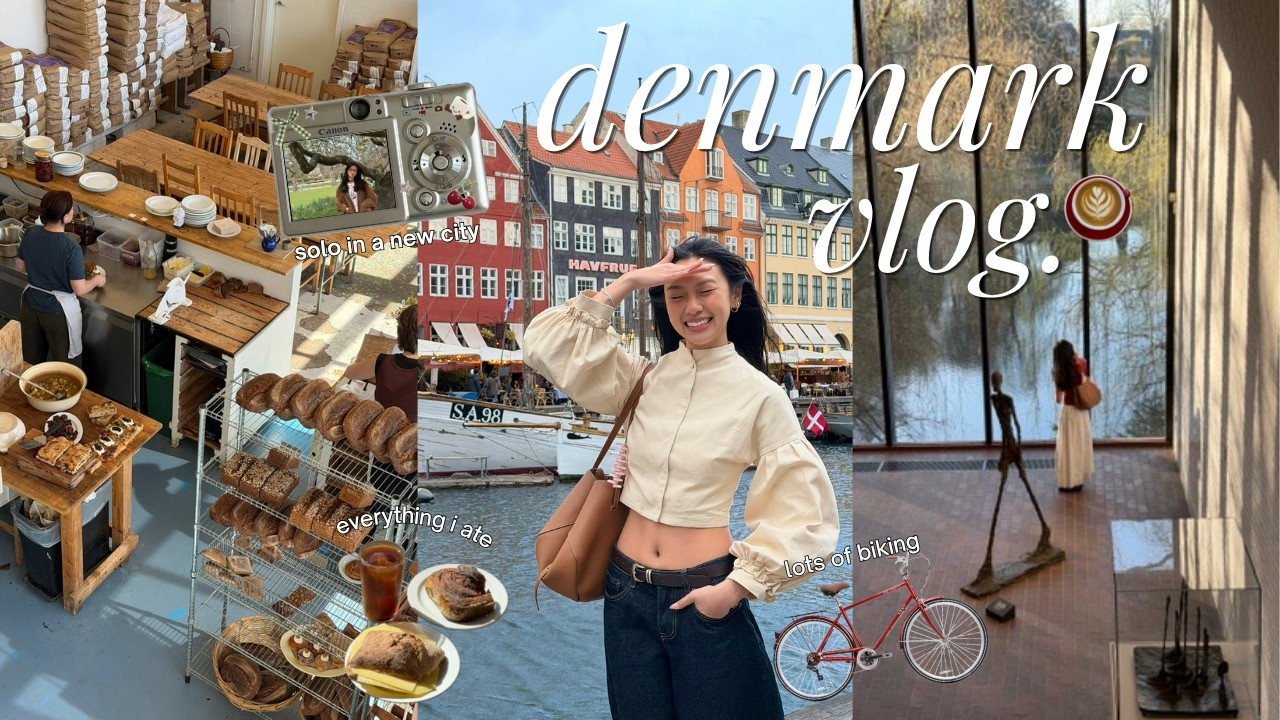
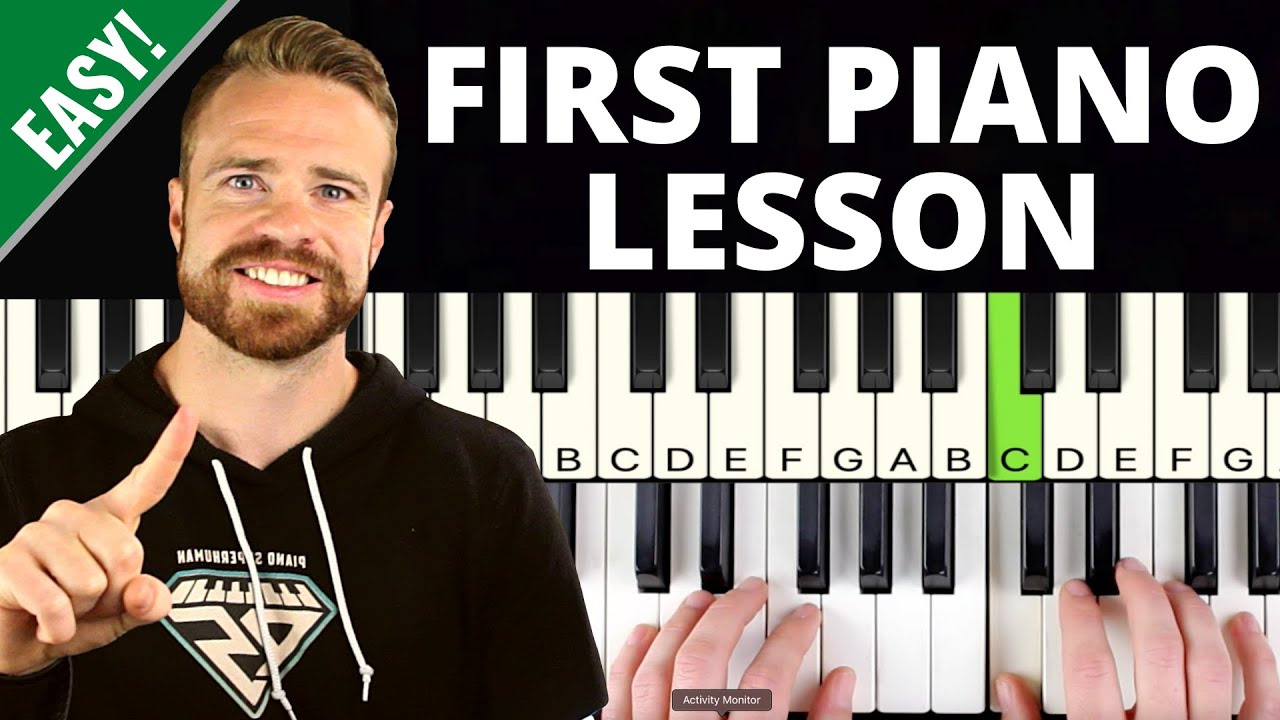
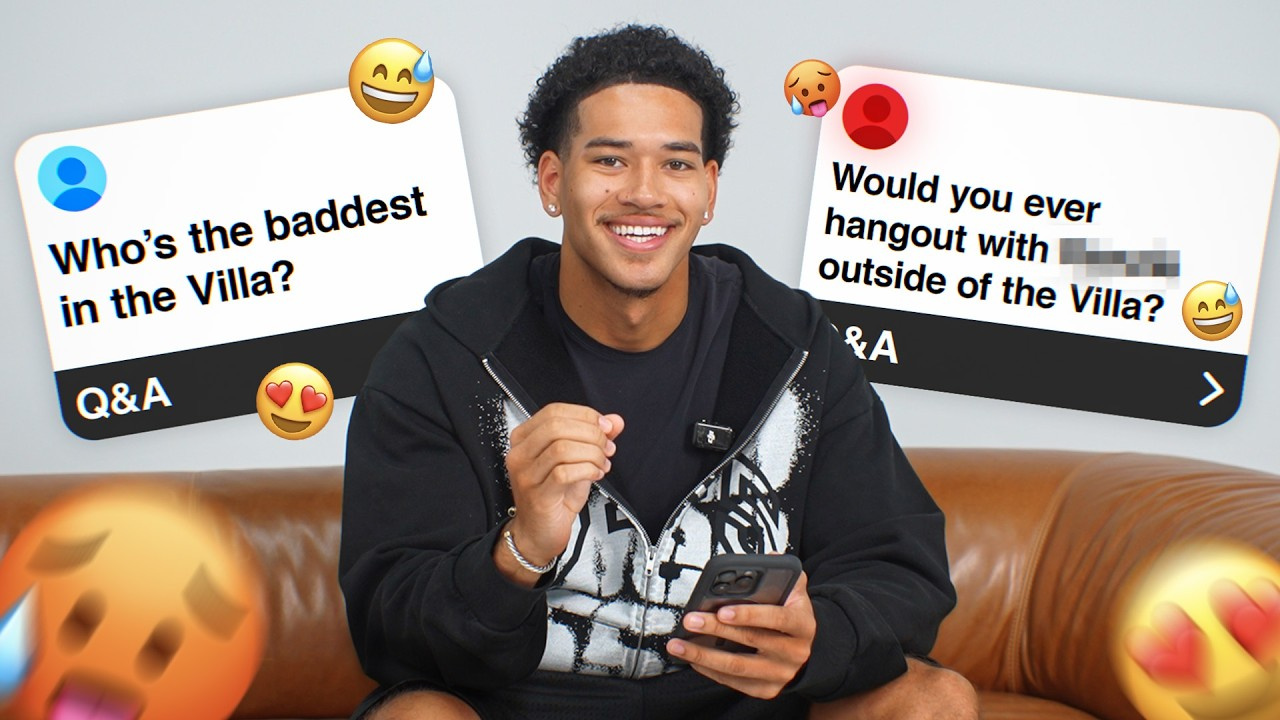
Create My First Video Thumbnail in 3 Simple Steps
You only need a clear idea of what your first video is about. The template gives you a place to begin.
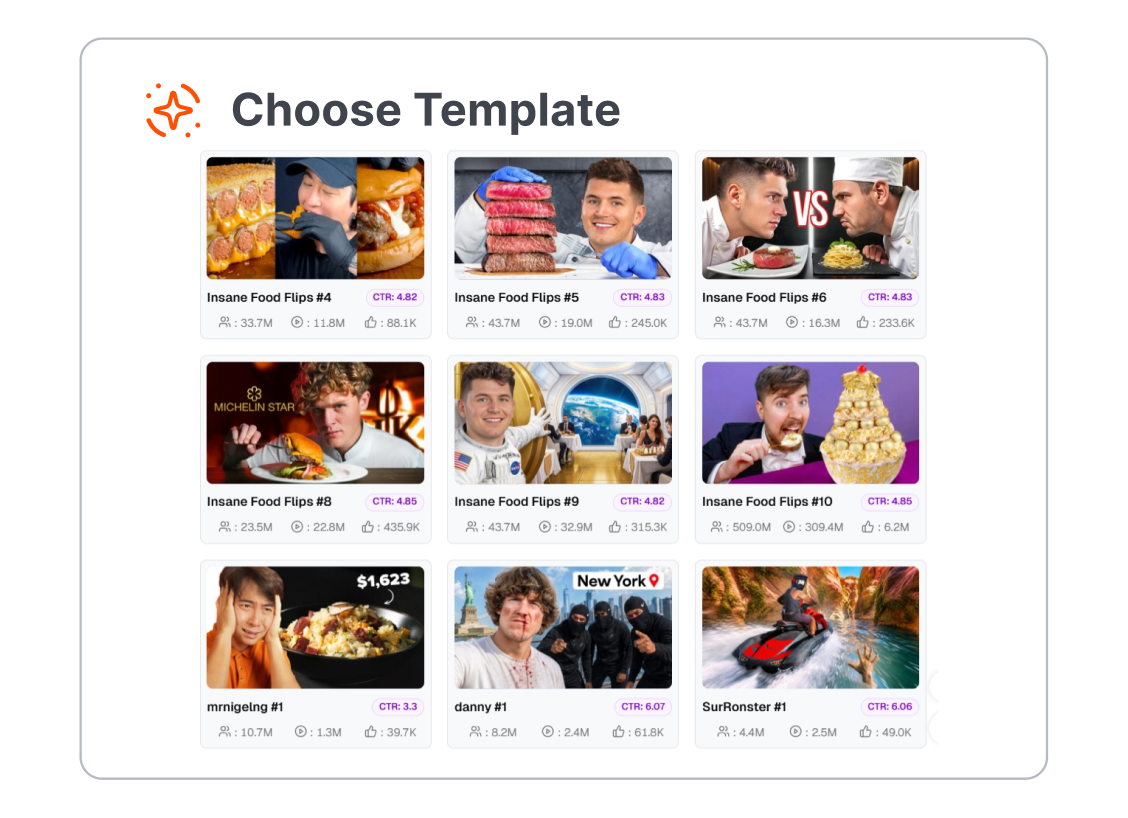
1. Pick a First-Video Look
Choose from friendly vlogs, gaming reveals, introduction videos, or challenge layouts. There is no need to start from a blank page.
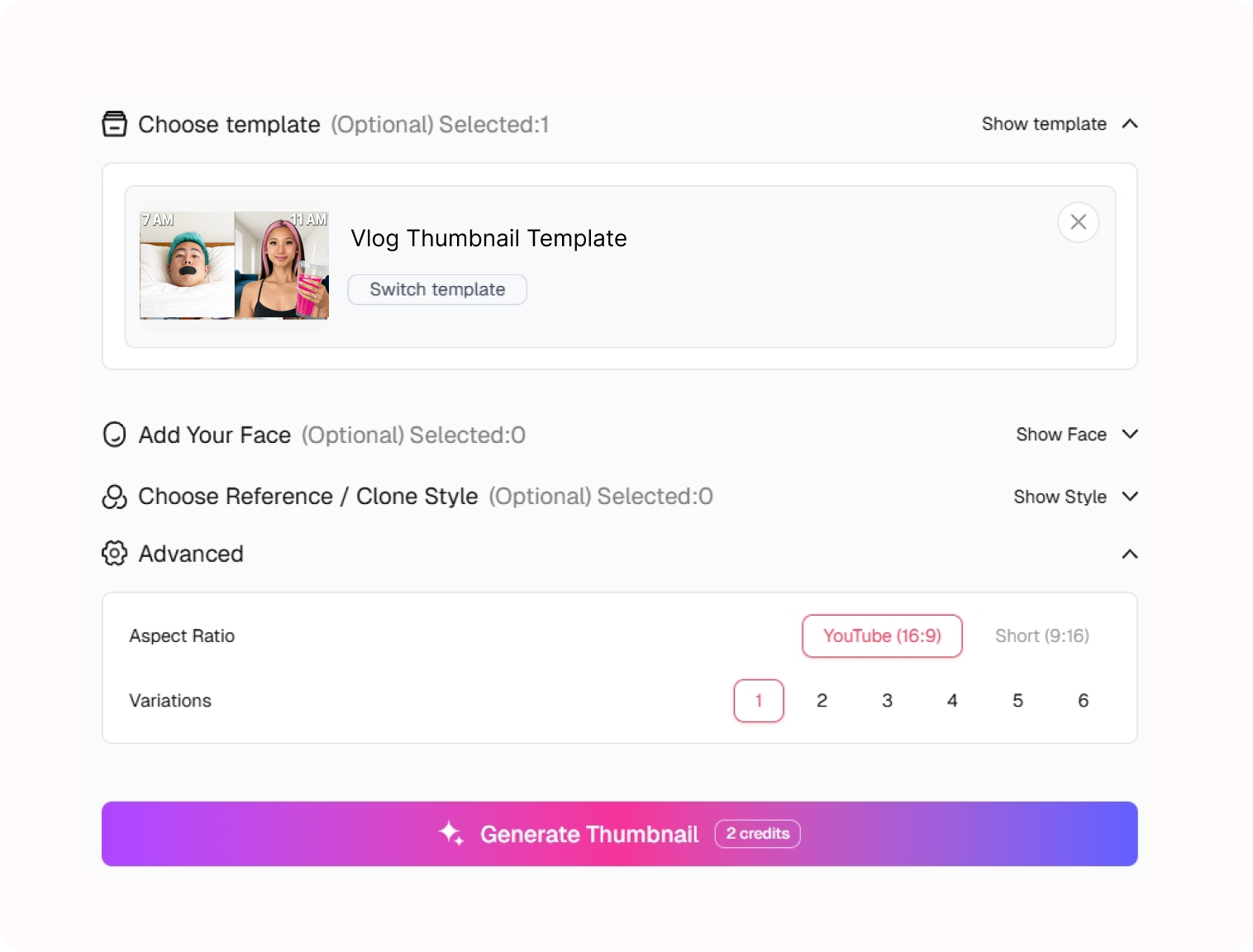
2. Make It About Your Video
Add a short idea, name, or photo reference, then adjust the details until the cover feels like your own first upload.
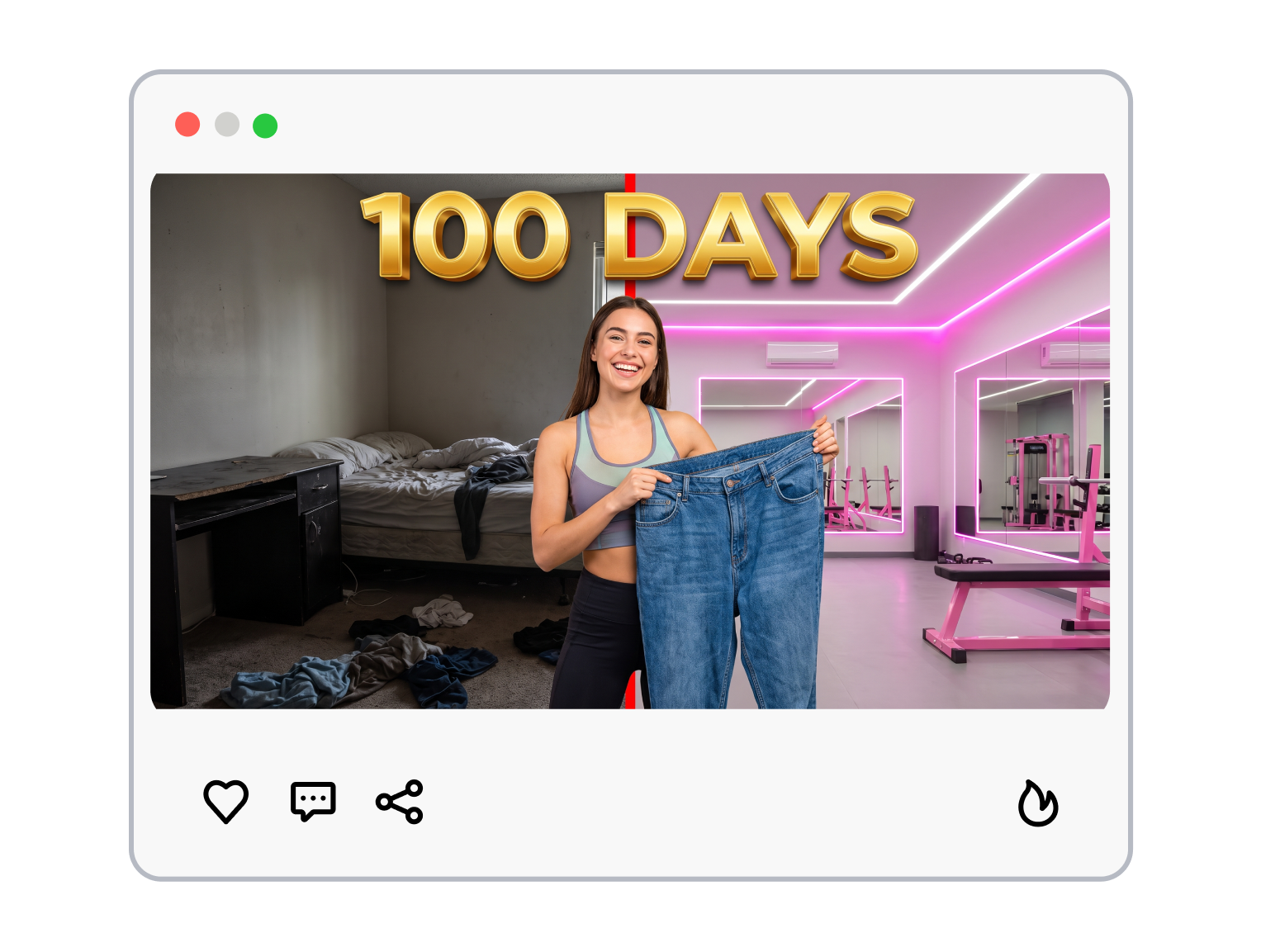
3. Generate and Post
Generate the cover, download your crisp 1280x720 thumbnail — perfectly sized and ready for YouTube Studio.
A My First Video Thumbnail Can Stay Simple
You do not need to learn a design vocabulary before you publish. Give one idea room to be seen.
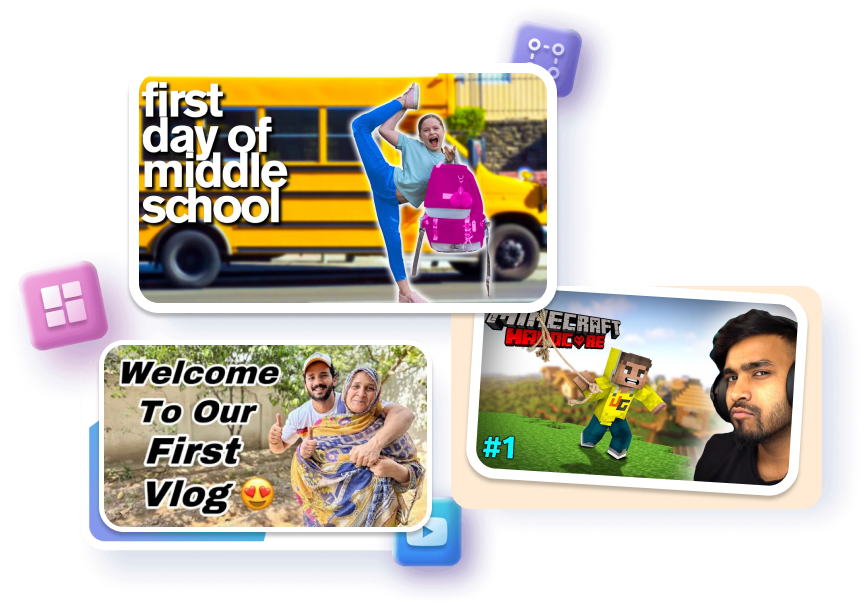
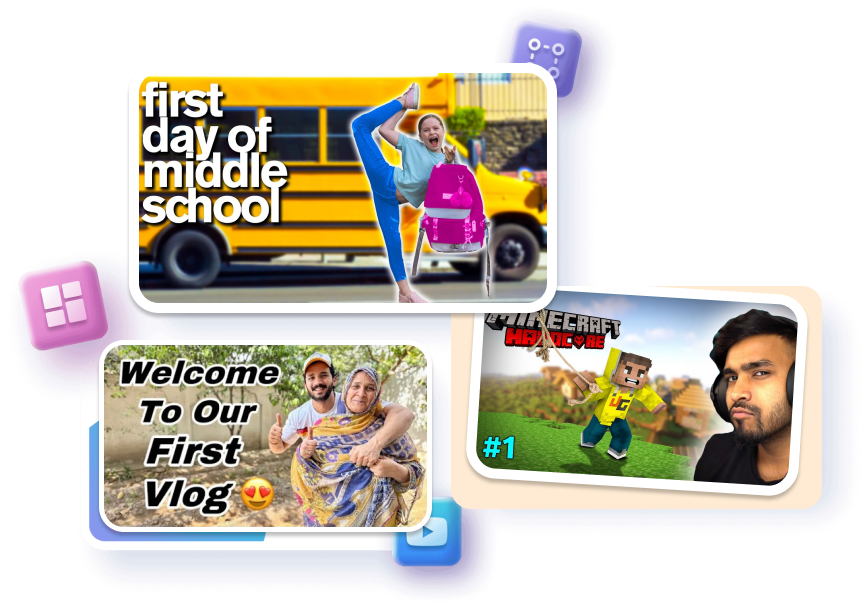
Begin With a Familiar Frame
Choose a ready-made frame for a vlog, intro, game, or day out. Place one subject or simple scene where it reads first. Start with a cover that has a clear job.
Say Less, Show More
Write a short phrase that names the moment. Pair it with a photo, a screenshot, or the subject of the video. Keep the first impression easy to understand.
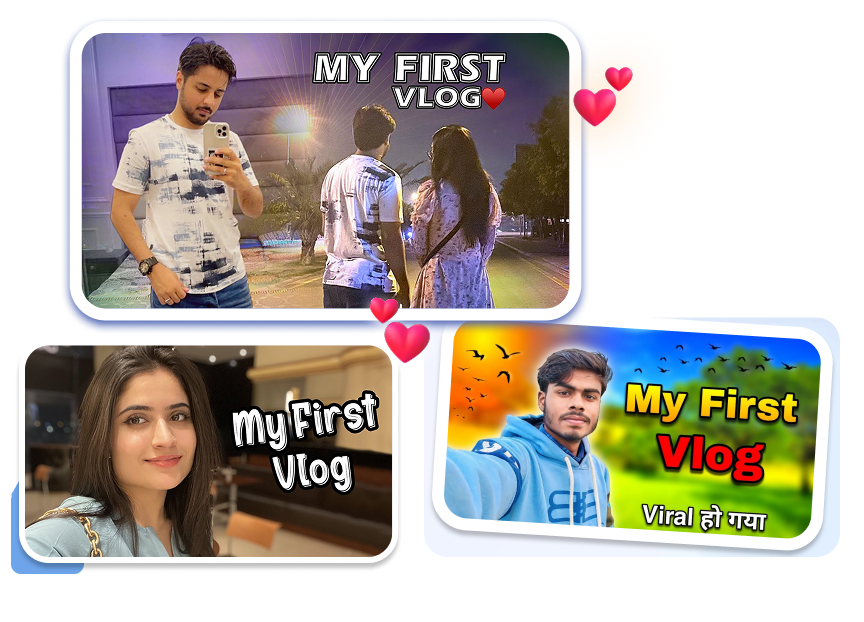
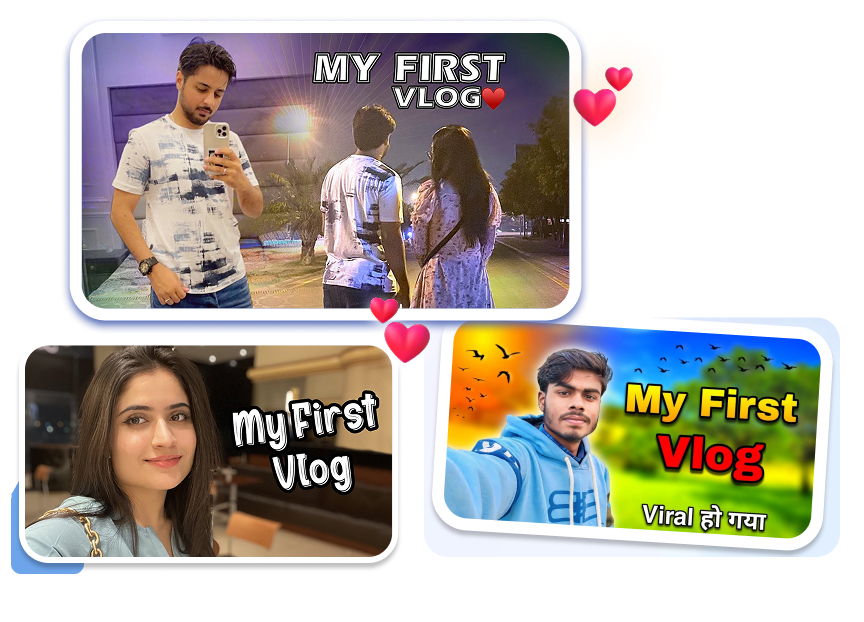
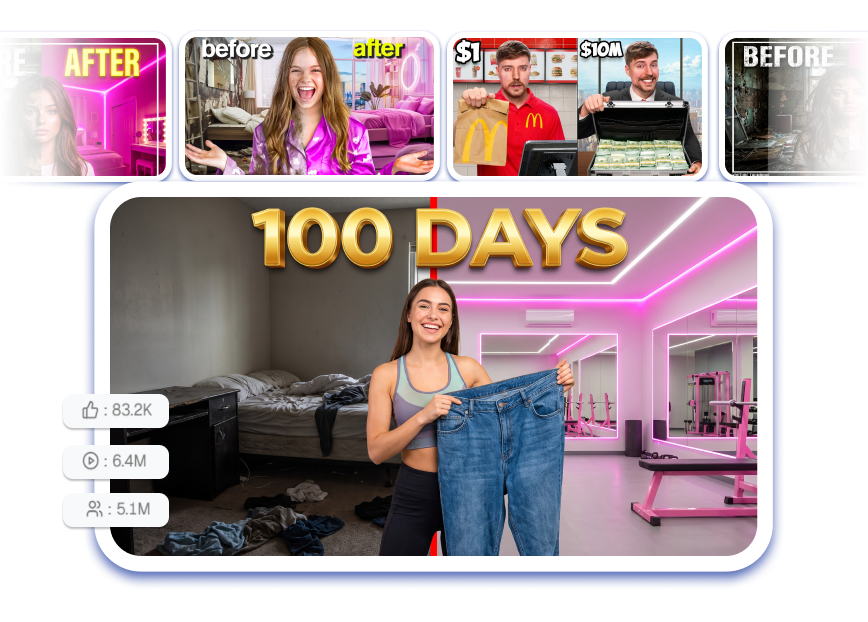
Make the Page Yours
Adjust the topic, image direction, and overall look. Match the color mood to the video you actually made. Turn a starting template into something that feels personal.
Finish Without Second-Guessing
Generate a cover after the key idea is in place. Check that the main subject and short wording still fit together. Publish a first video with a cover you chose on purpose.


My First Video Thumbnail Templates for New Channels
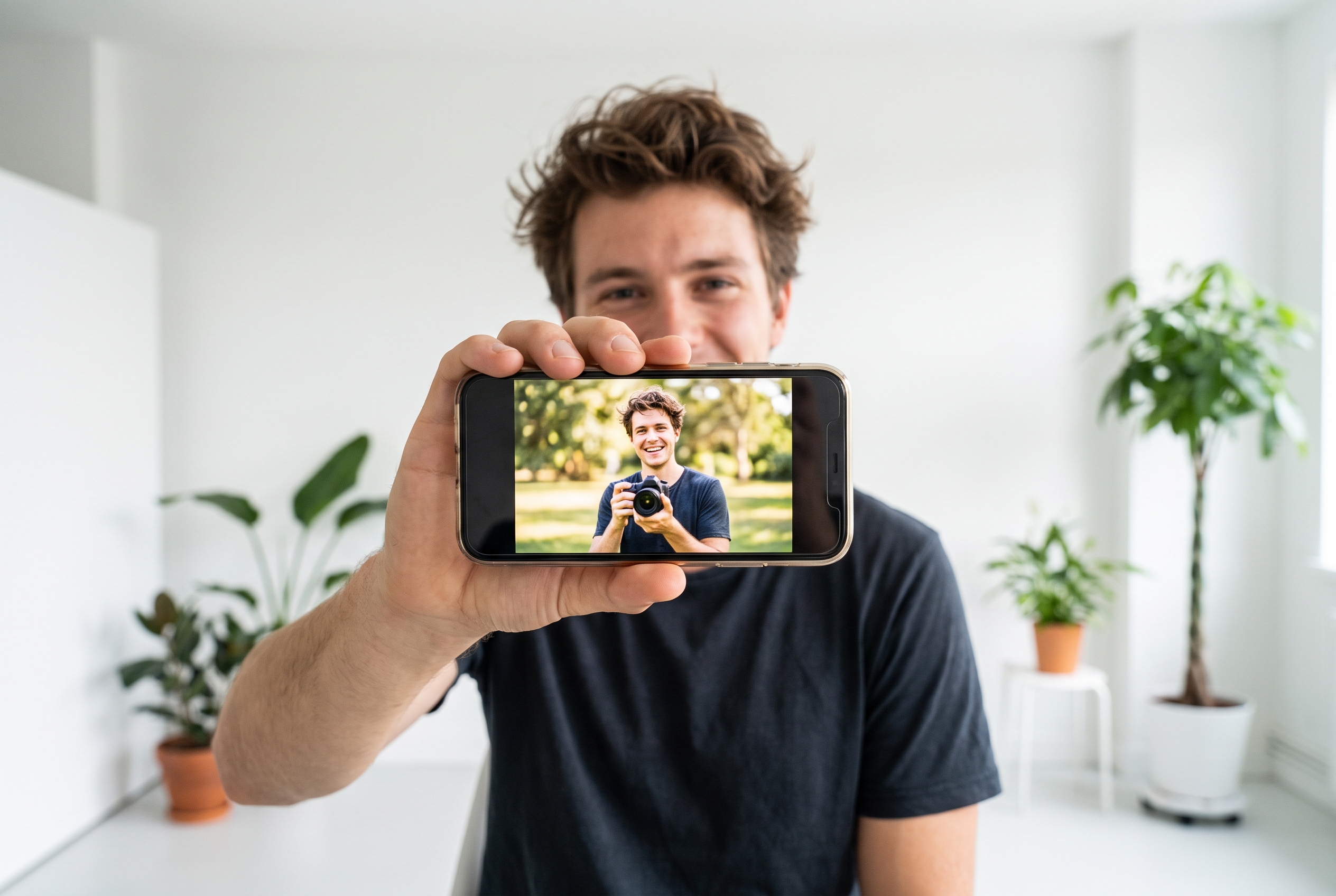
First-Time YouTubers
The first video often carries a channel introduction, a personal story, or one small idea worth sharing. Start from a clear layout, make one topic visible, and avoid turning the cover into a list of everything you want to say.

First Vlog Creators
A first vlog can be a day out, a routine, a trip, or a welcome to the channel. Use a My First Vlog Thumbnail direction that makes the day or moment recognizable before viewers read the title.
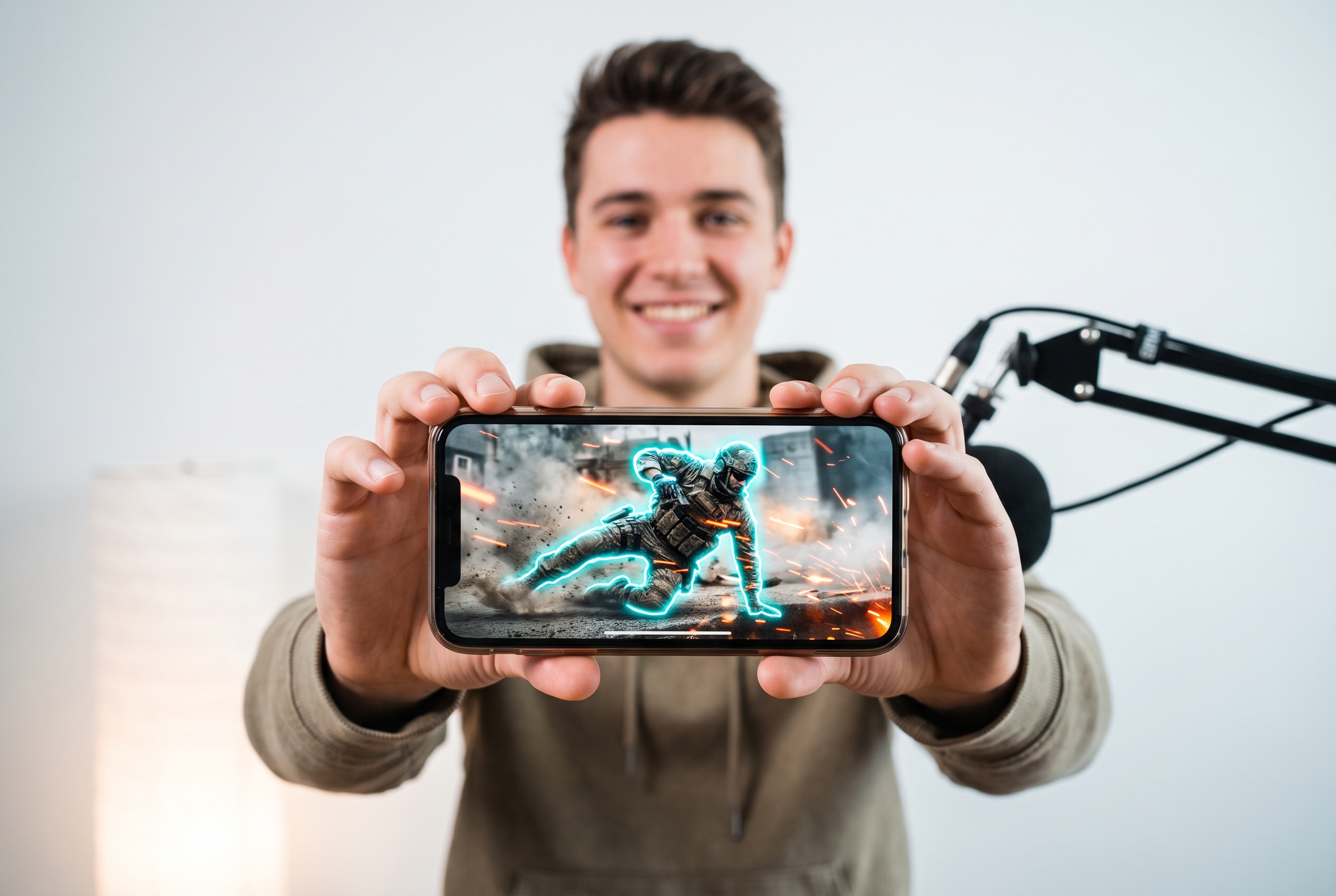
New Gaming and Casual Channels
Your first gaming video may have one match, one build, one reaction, or one new game. Choose an image-led starting point that lets the gameplay moment speak without pretending every upload needs a tournament-level design.
FAQs
What is a My First Video Thumbnail?
Do I need design skills for my first thumbnail?
What should my first video thumbnail show?
Can I use a photo of myself?
How much text should I use?
Can I make a My First Vlog Thumbnail?
Can I make a first gaming video thumbnail?
What size should I use for YouTube?
Your My First Video Thumbnail, Made Simple
The video is already your point of view—your cover only needs to introduce it. Choose a first-video template, give it one real moment from your upload, and make the first step feel possible.