

YouTube Thumbnail Placeholder Creator
Plan your video cover's text, subject layout, and visual balance in seconds with a YouTube thumbnail placeholder creator before spending hours on final designs.
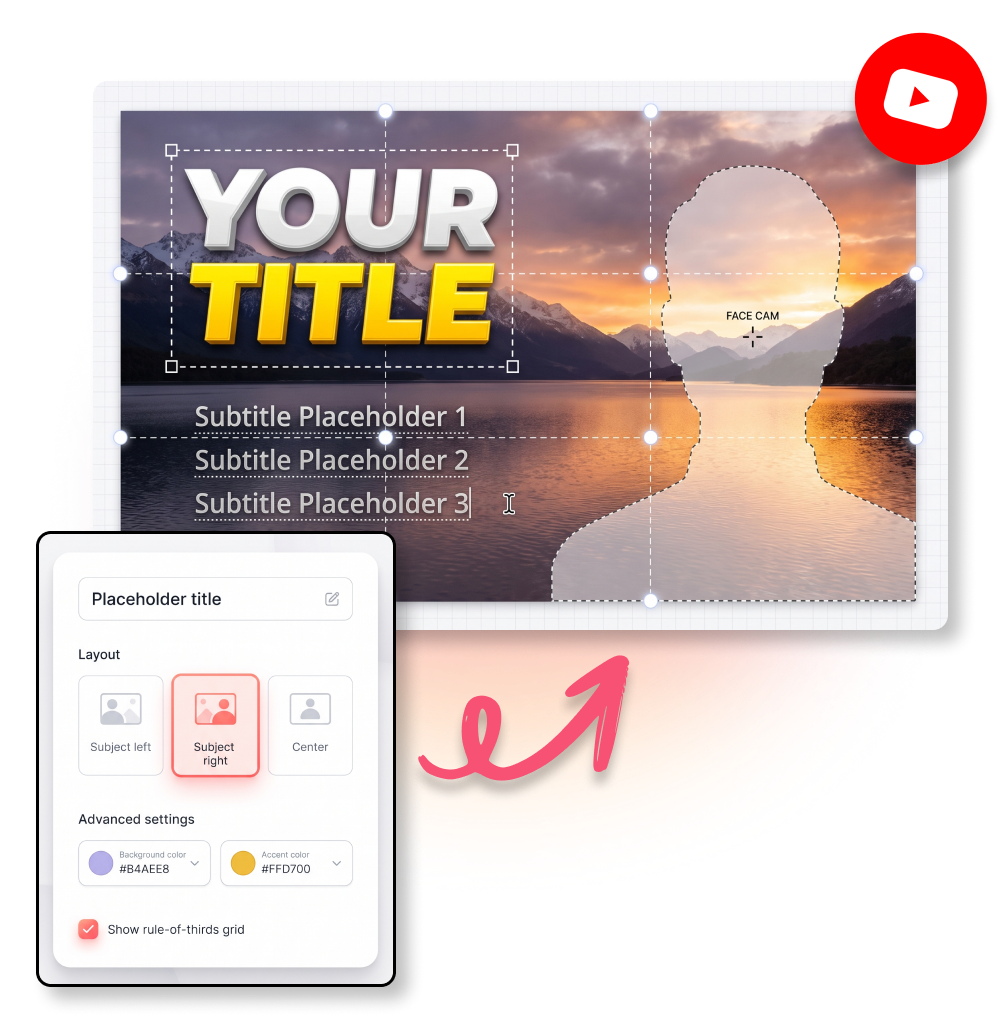
How to Use the YouTube Thumbnail Placeholder Creator in Steps
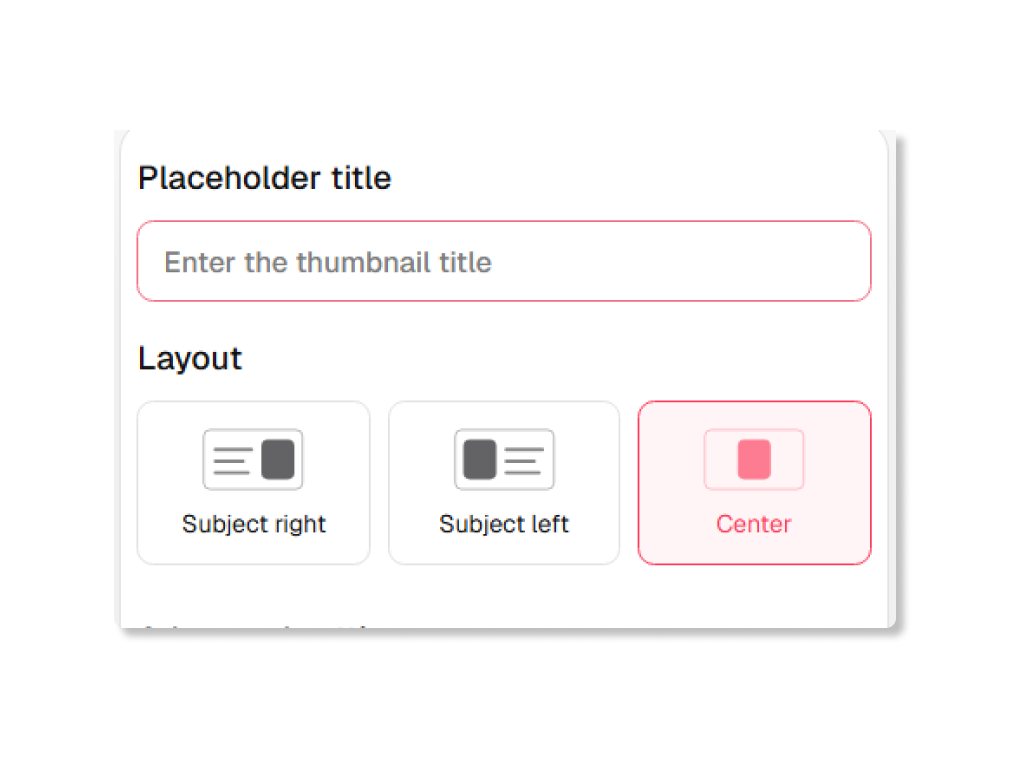
1. Name Your Draft
Give the draft a name and add the title you want the thumbnail to carry. The title field is a planning prompt, not a final promise about the finished video cover.
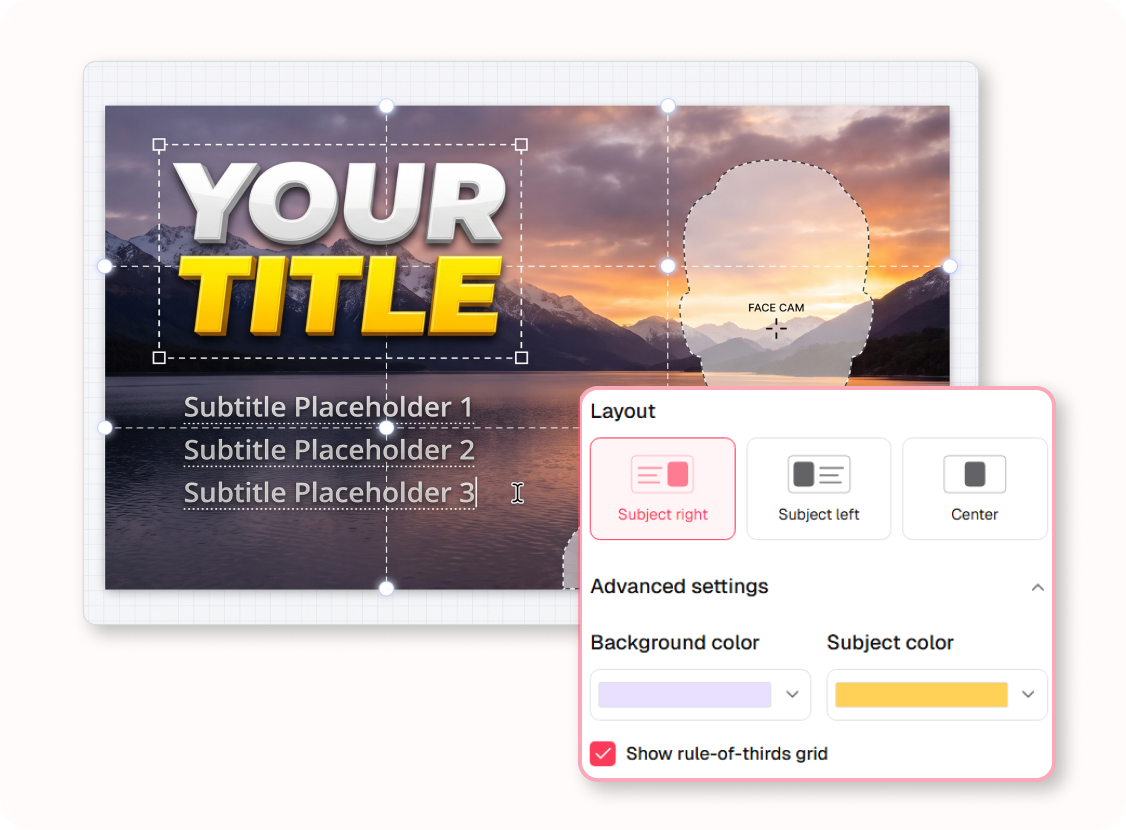
2. Place the Subject
Select a right, left, or center layout. Quickly establish the visual breathing room without needing real photo assets.
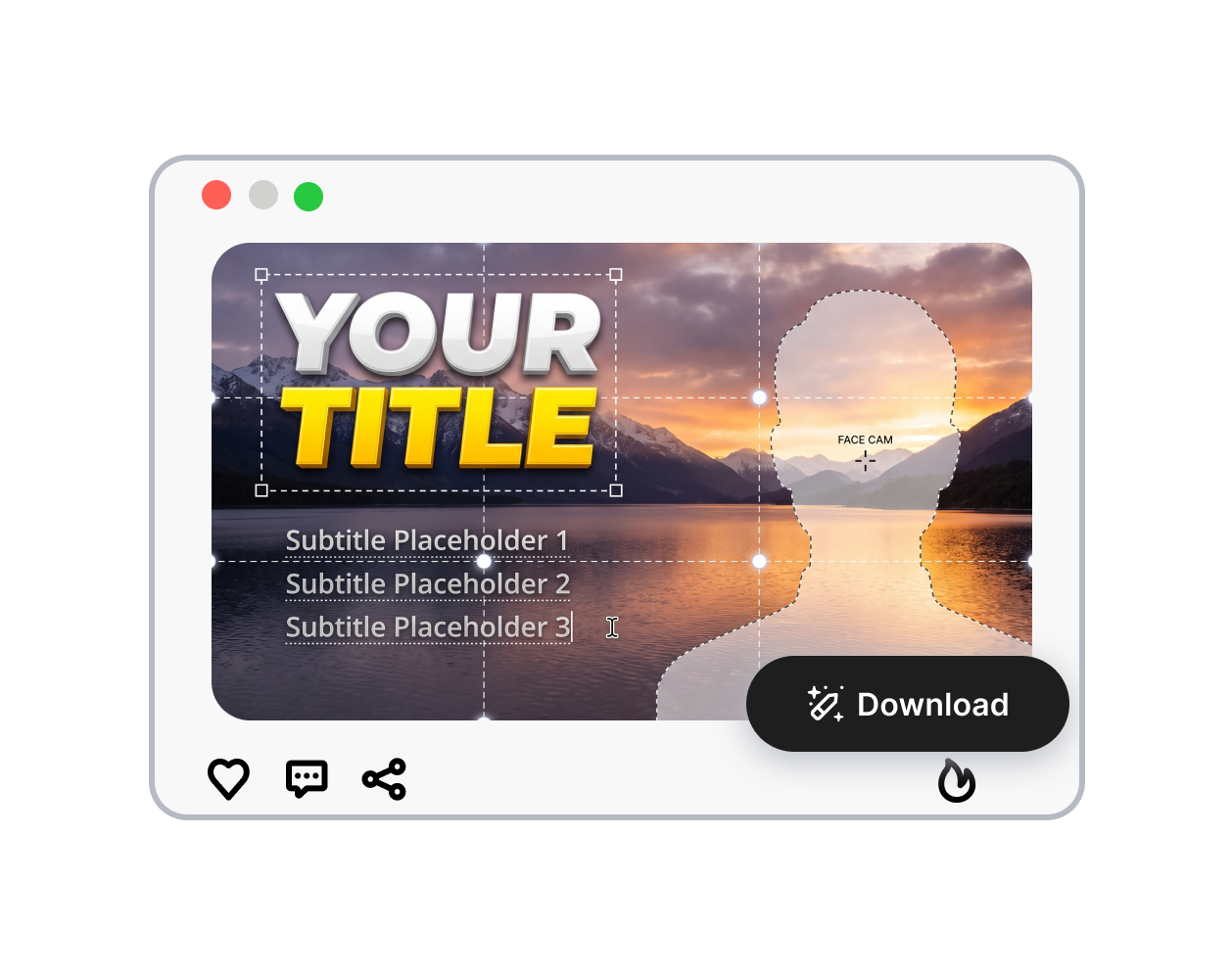
3. Export the Blueprint
Apply structural colors, save the file, and hand a perfectly aligned visual guide to your design team.
What the YouTube Thumbnail Placeholder Creator Helps You Decide
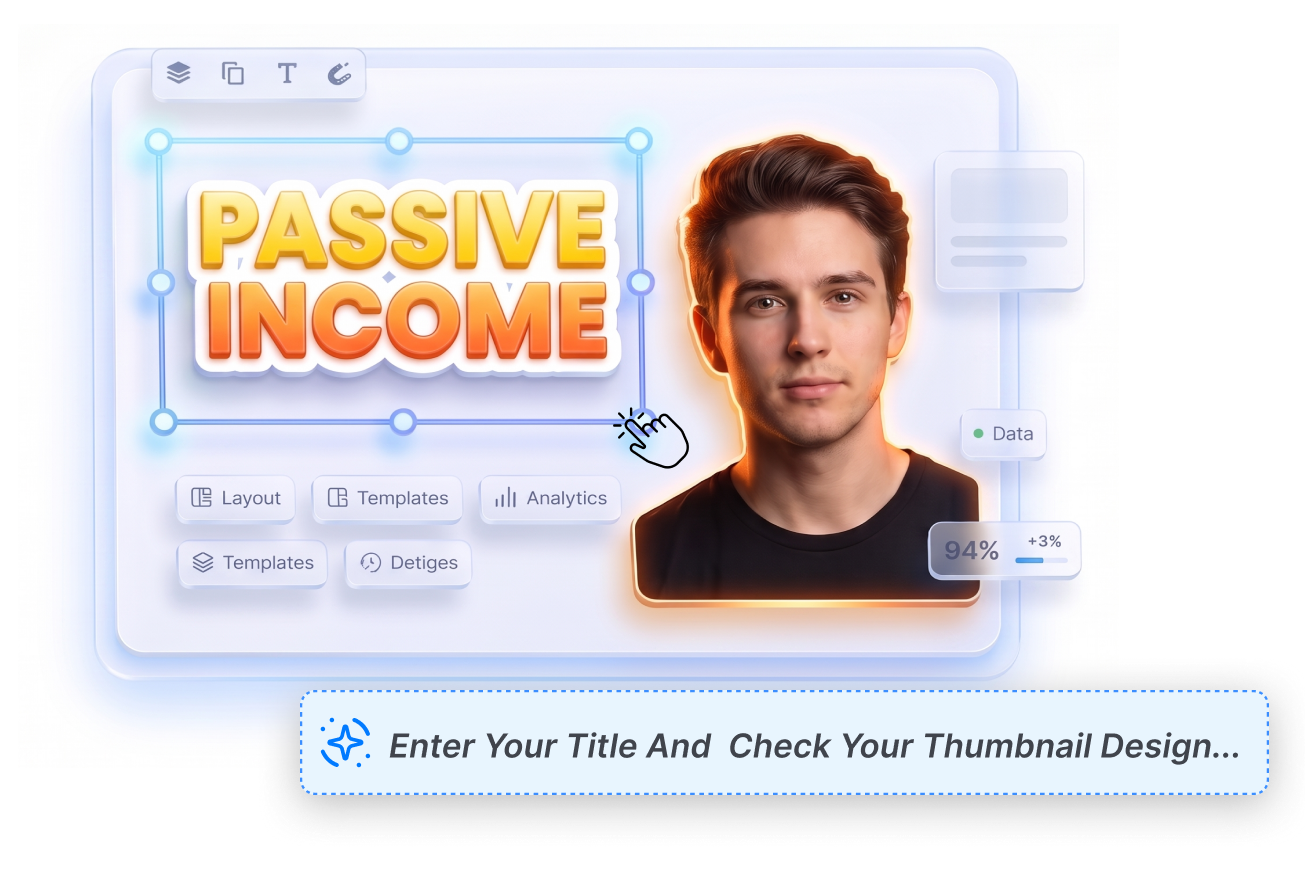
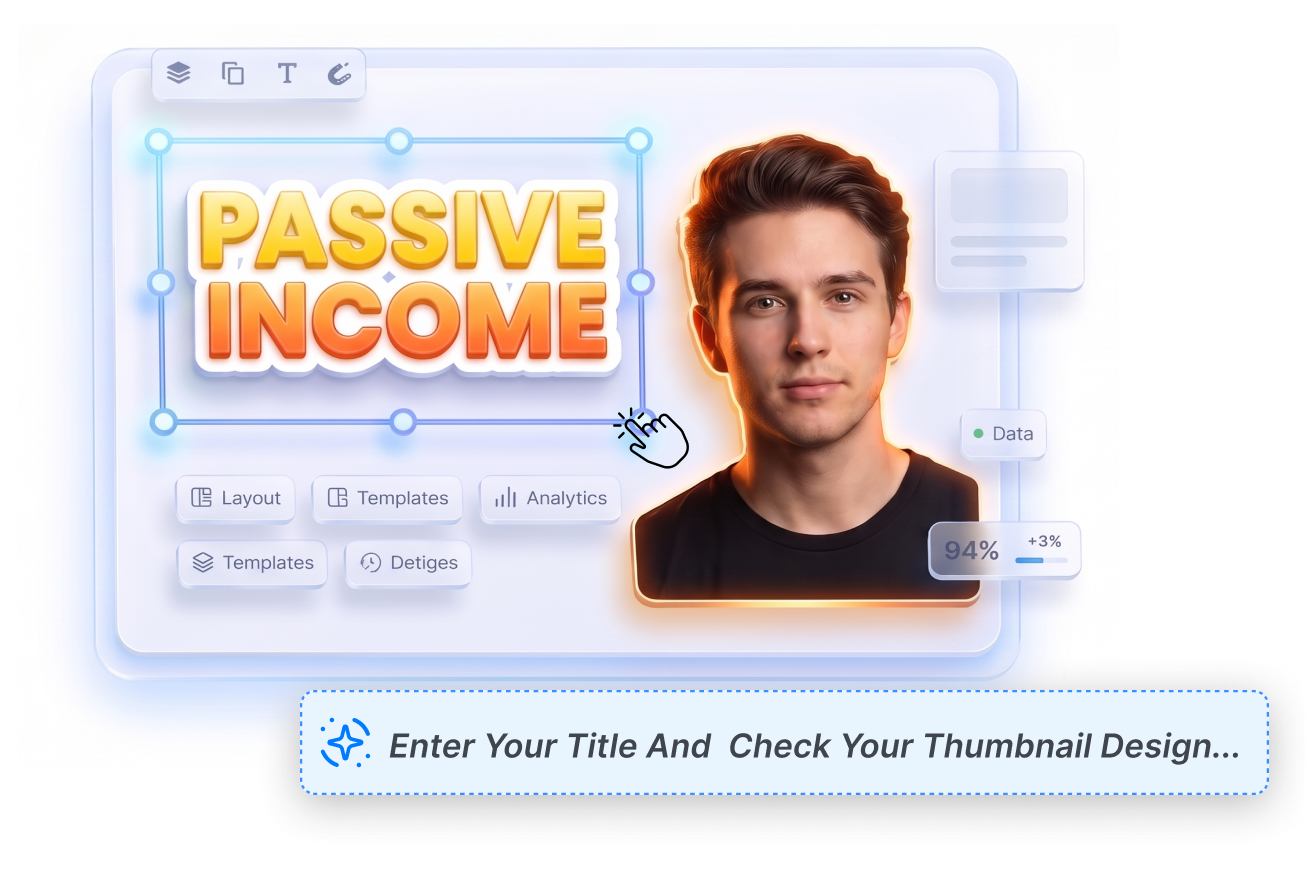
Reserve Space for the Title
Lock in typography zones before shooting content. If you plan a bold three-line title about "Passive Income," this thumbnail concept template ensures your face won't accidentally cover the text when snapping the final cover photo.
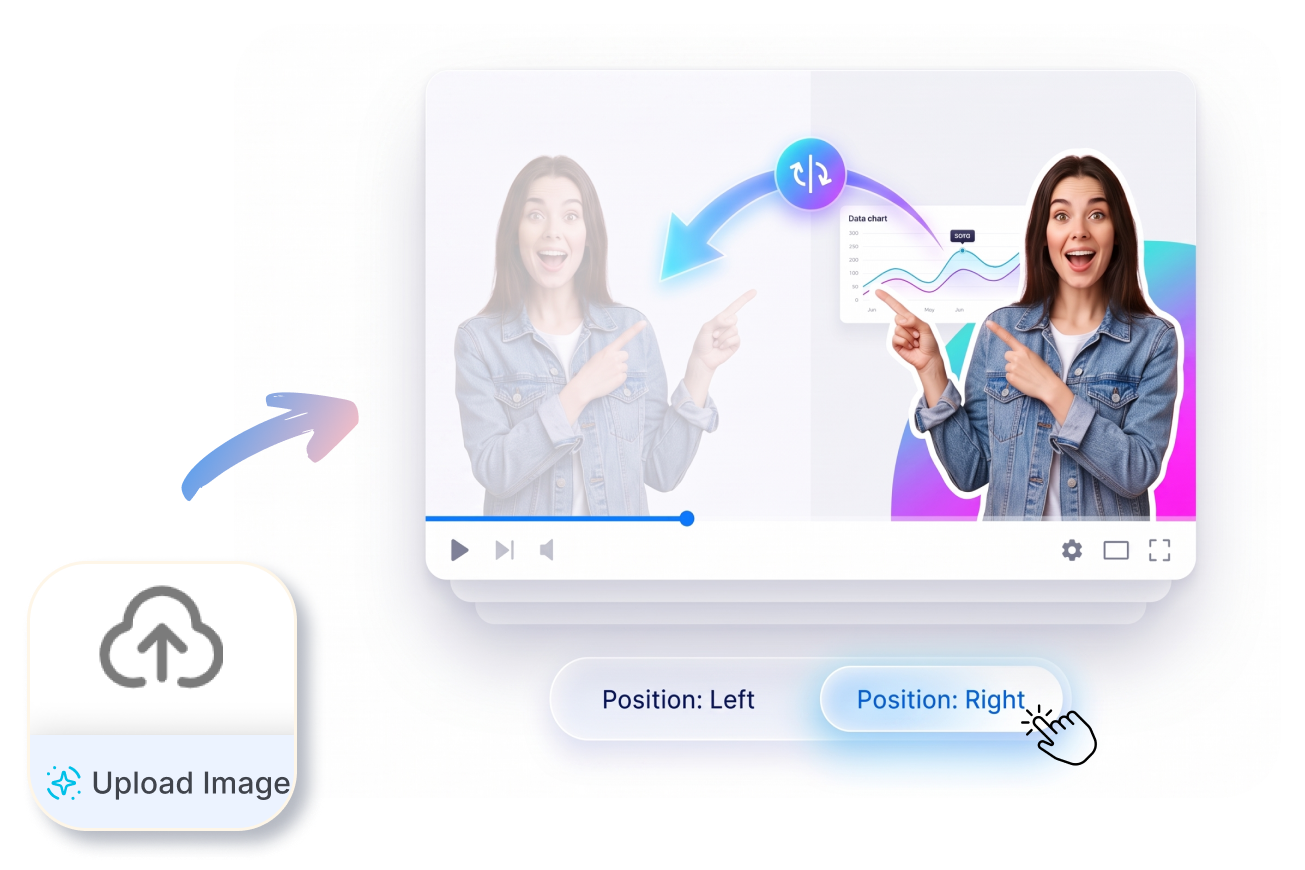
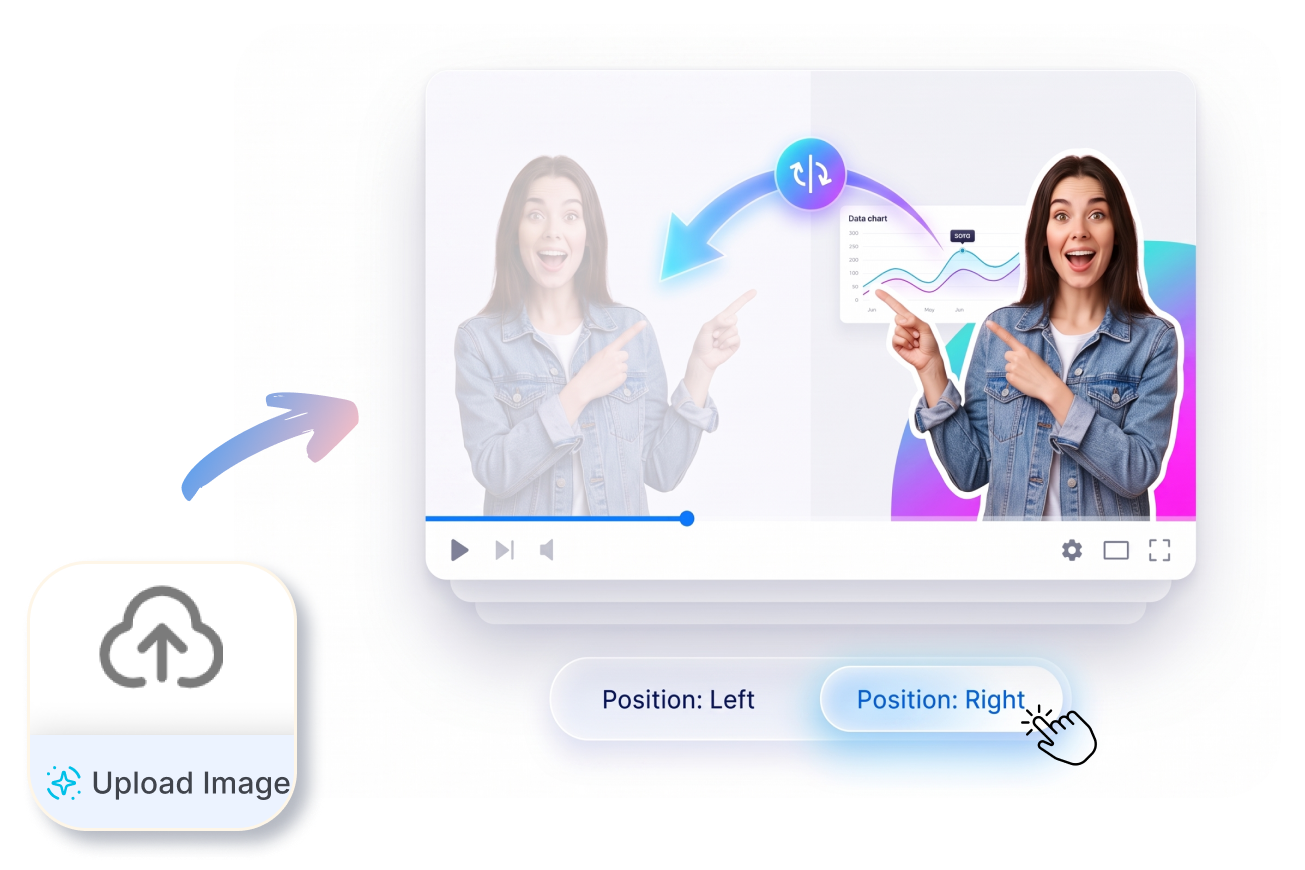
Test Different Subject Positions Quickly
Evaluate the visual flow without touching Photoshop. Try placing your subject on the right to point at a chart, then instantly flip it left to see if the blank YouTube thumbnail layout feels far more balanced.
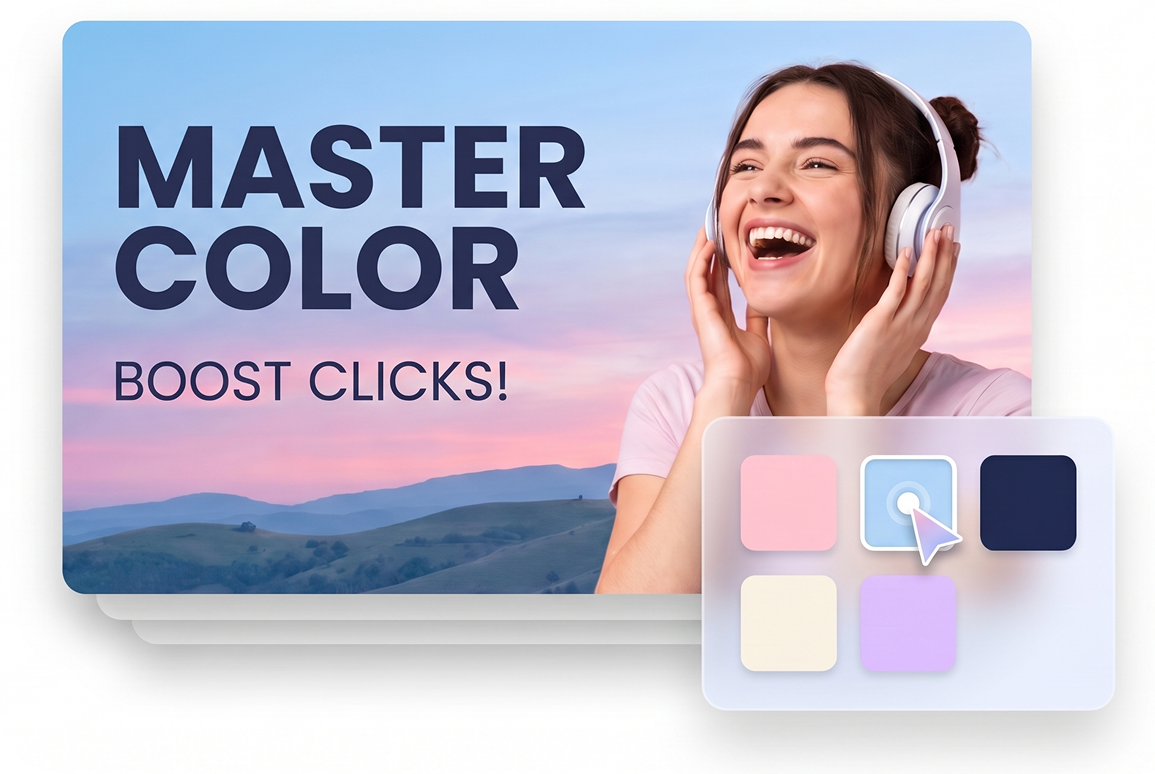
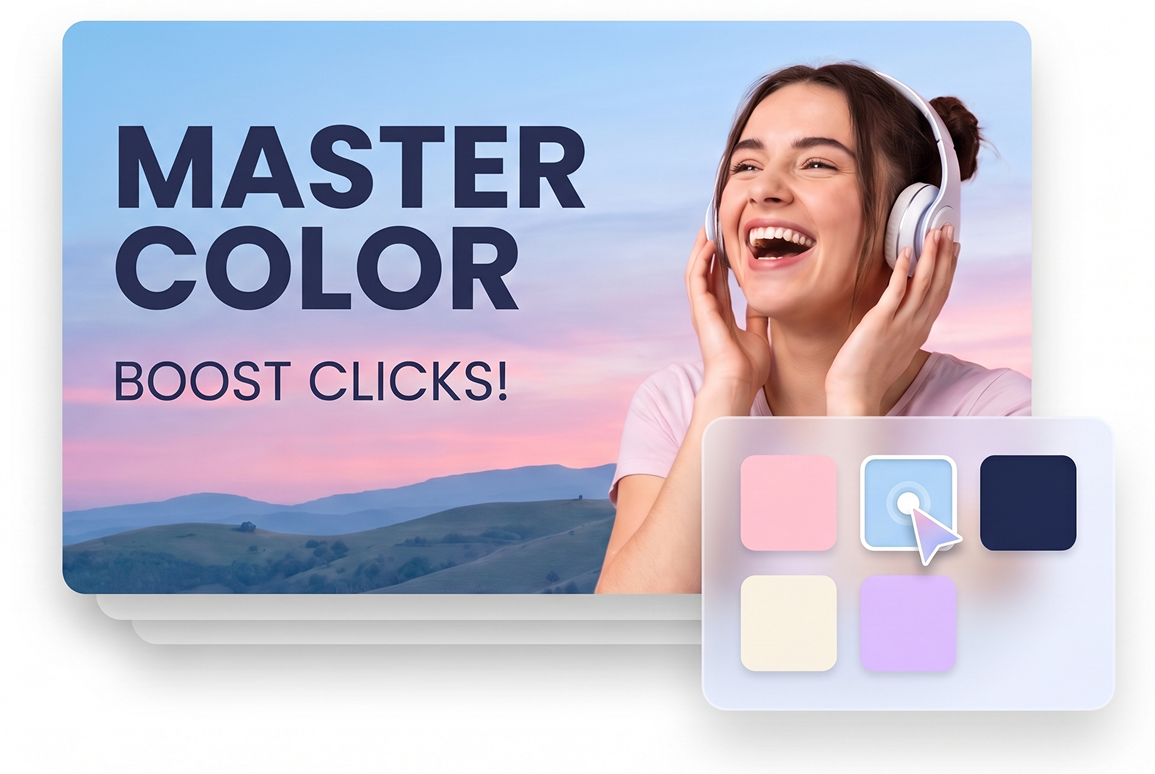
Test Colors for Maximum Contrast
Don't let crucial words vanish into a busy background. Preview how your bold dark text actually reads against a soft pastel gradient. Try testing different color swatches to guarantee your subject pops off the screen before you finally hit publish.
Check the Thirds Before Detail
Turn on the rule-of-thirds grid to perfectly align focal points. Prevent awkward placements, like putting a crucial product exactly where the YouTube timestamp badge sits, ensuring your default video thumbnail placeholder remains perfectly legible always.


Who Needs Our YouTube Thumbnail Placeholder Creator?
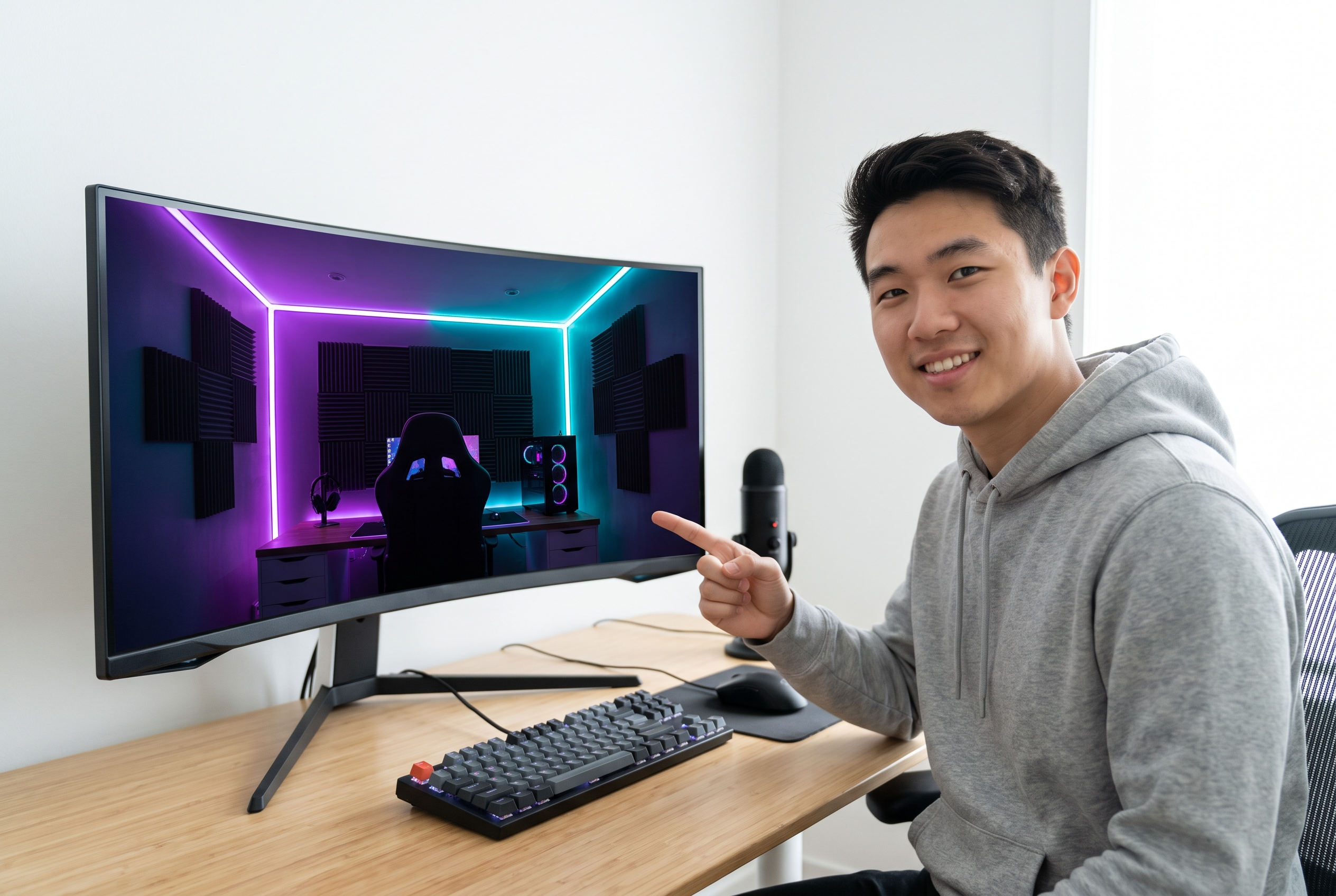
Solo YouTubers & Vloggers
Before filming a video, you can generate a quick thumbnail placeholder image to decide exactly where to stand in the frame, ensuring your face never gets covered by large, clickbaity titles.

Online Course Educators
Teachers can build an educational video thumbnail placeholder before recording a series to lock in the layout for chapter text and headshots. This fast course thumbnail placeholder guarantees a unified brand design across your entire curriculum.
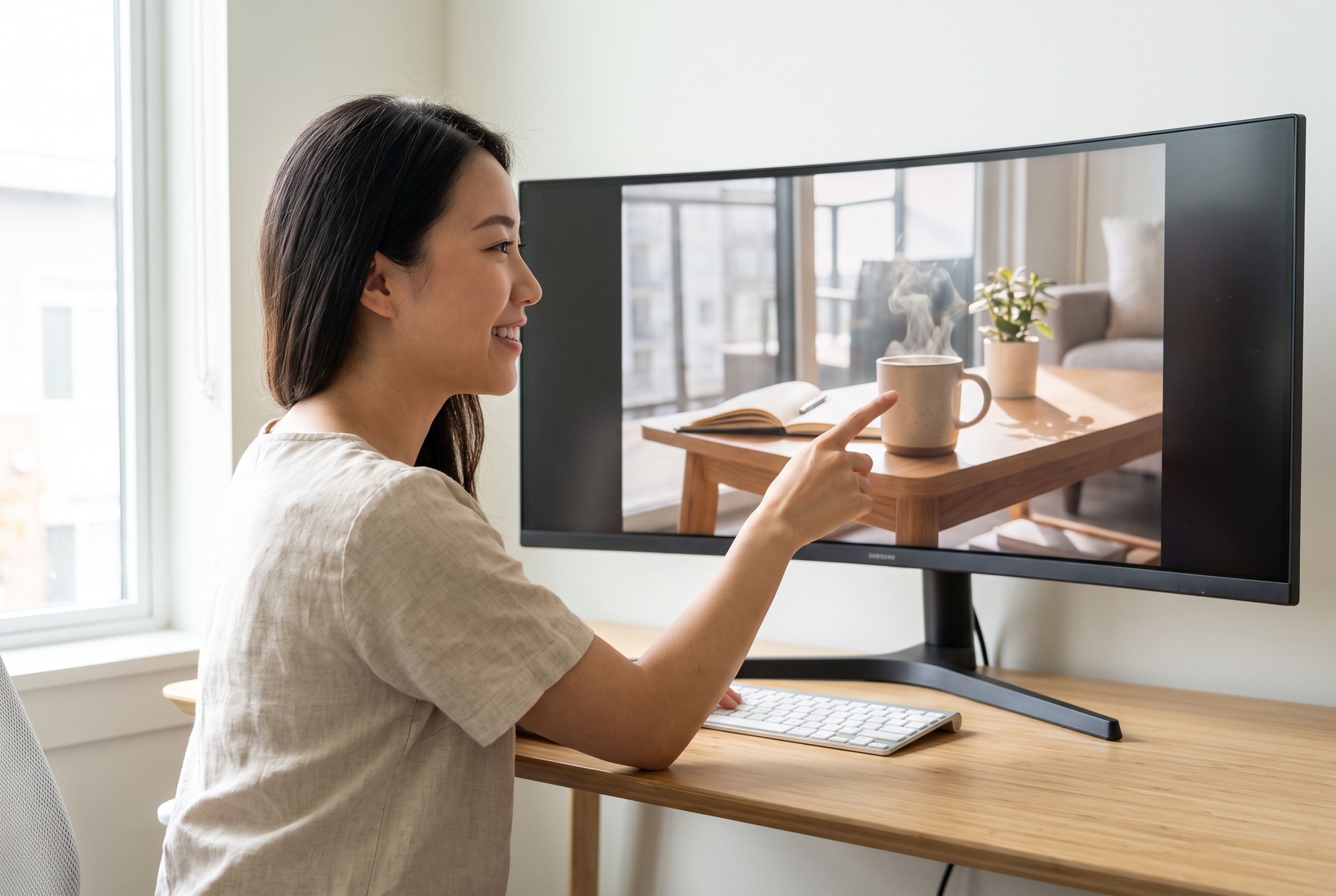
News Editors & Media Agencies
While waiting for live event photos to arrive, editors can prepare a news article thumbnail placeholder to secure the exact space for breaking headlines, so the final image can be dropped in instantly later.
FAQs
What is a YouTube Thumbnail Placeholder Creator?
Is this a YouTube thumbnail template?
Which subject layouts are available?
What does the placeholder title field do?
Why use a rule-of-thirds grid?
Can I choose background and subject colors?
Can I use it for an educational video thumbnail?
Ready to Try the YouTube Thumbnail Placeholder Creator?
Stop guessing your visual balance — build your structural blueprint today and streamline your entire video publishing workflow.