Music Video Thumbnail Templates
Before a listener hears the first note, the cover should already feel like the release. Start with a visual direction for the track, artist, and mood—not a generic video frame. Choose a music video template, customize the creative direction, and generate a cover that belongs to the song.
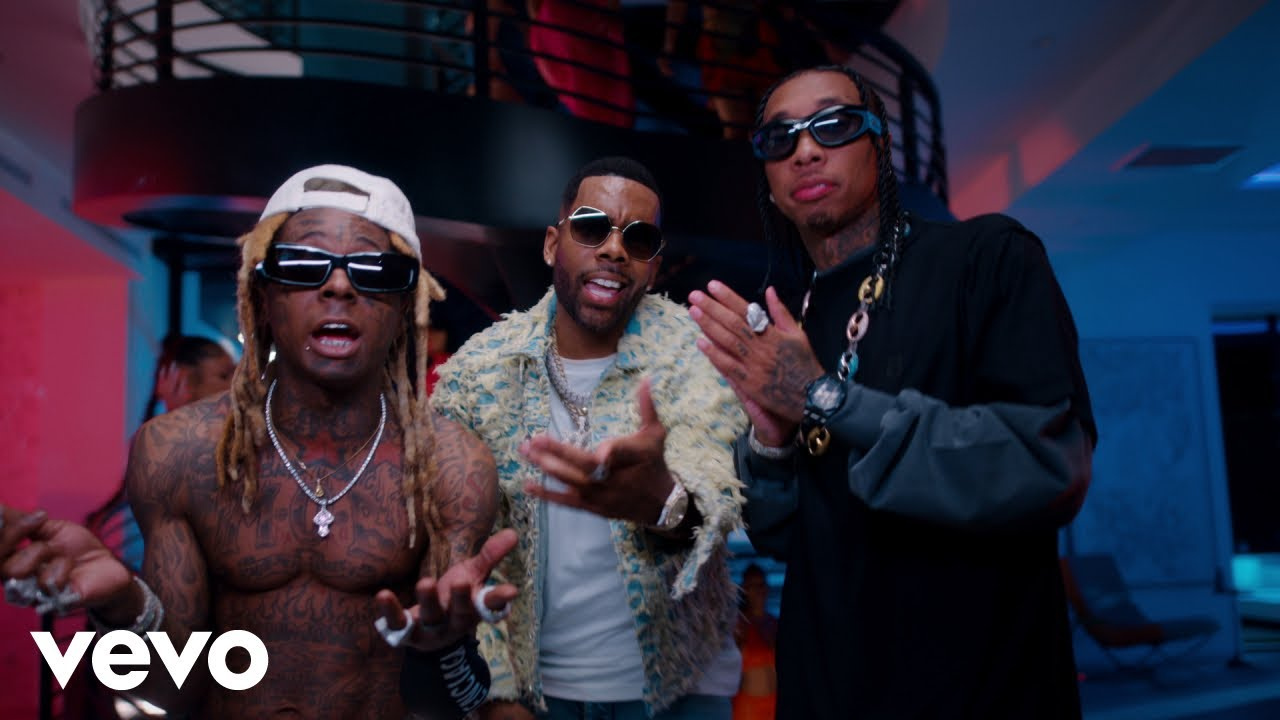

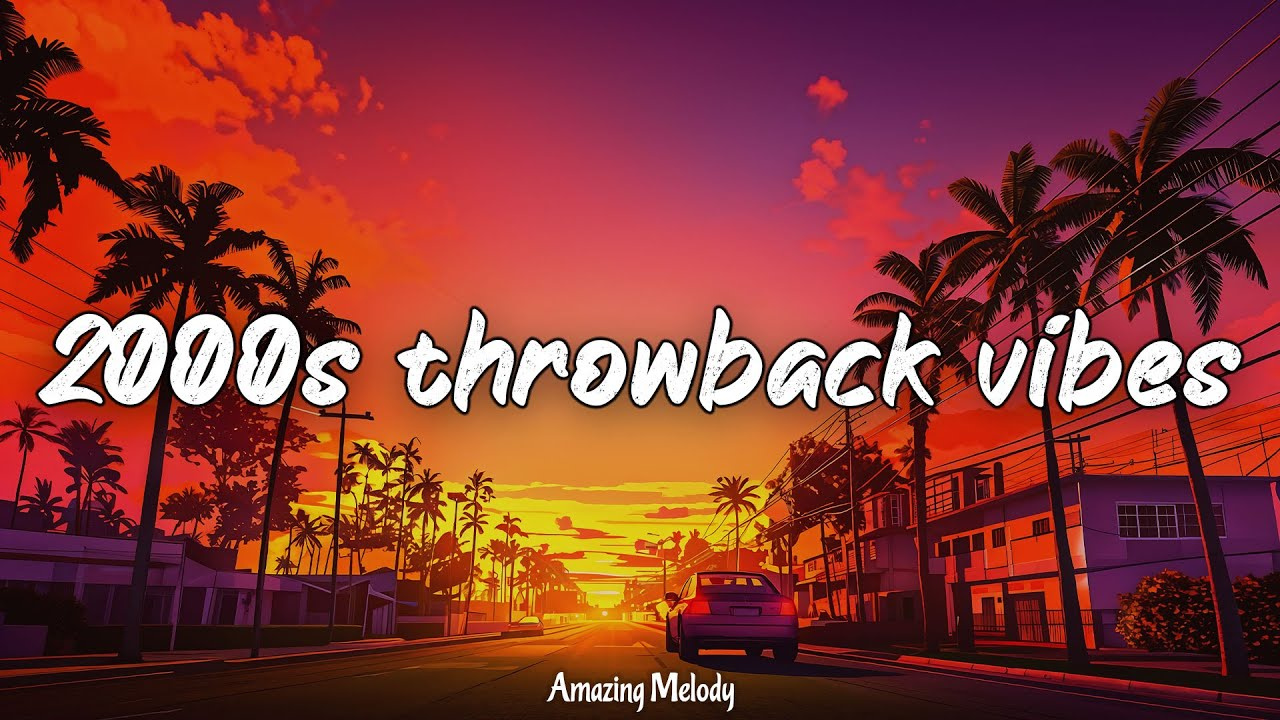
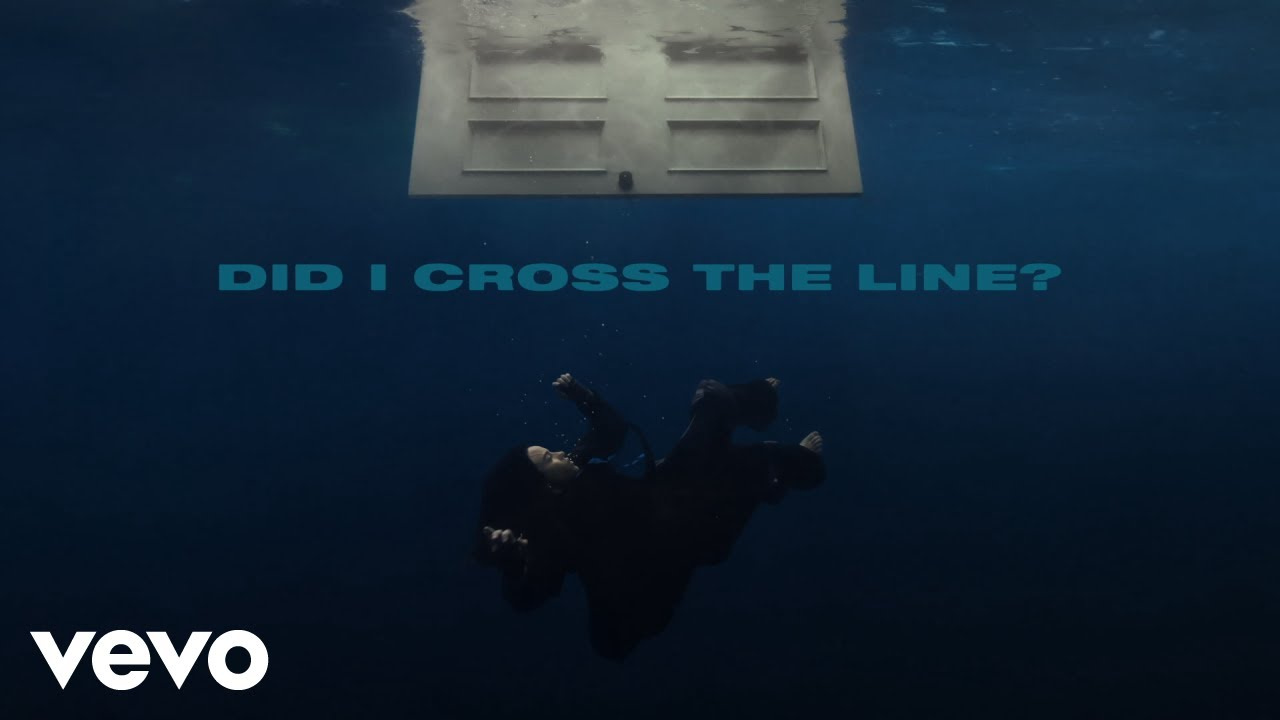
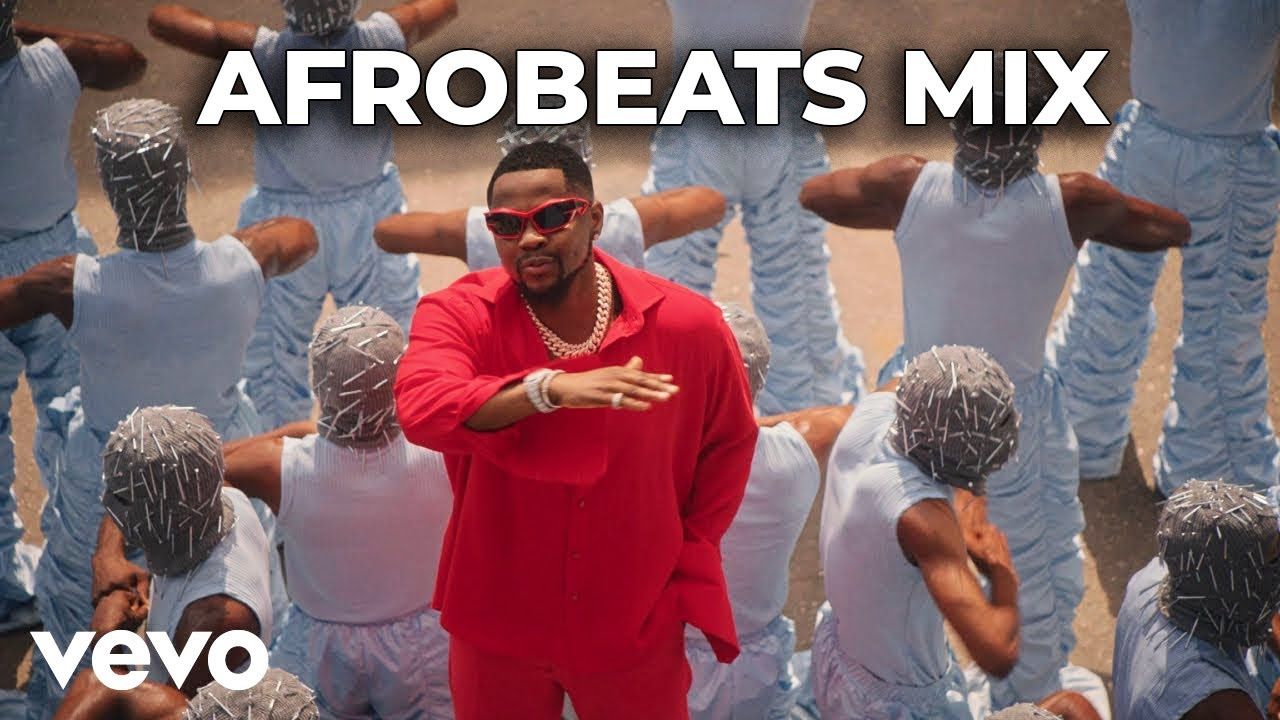
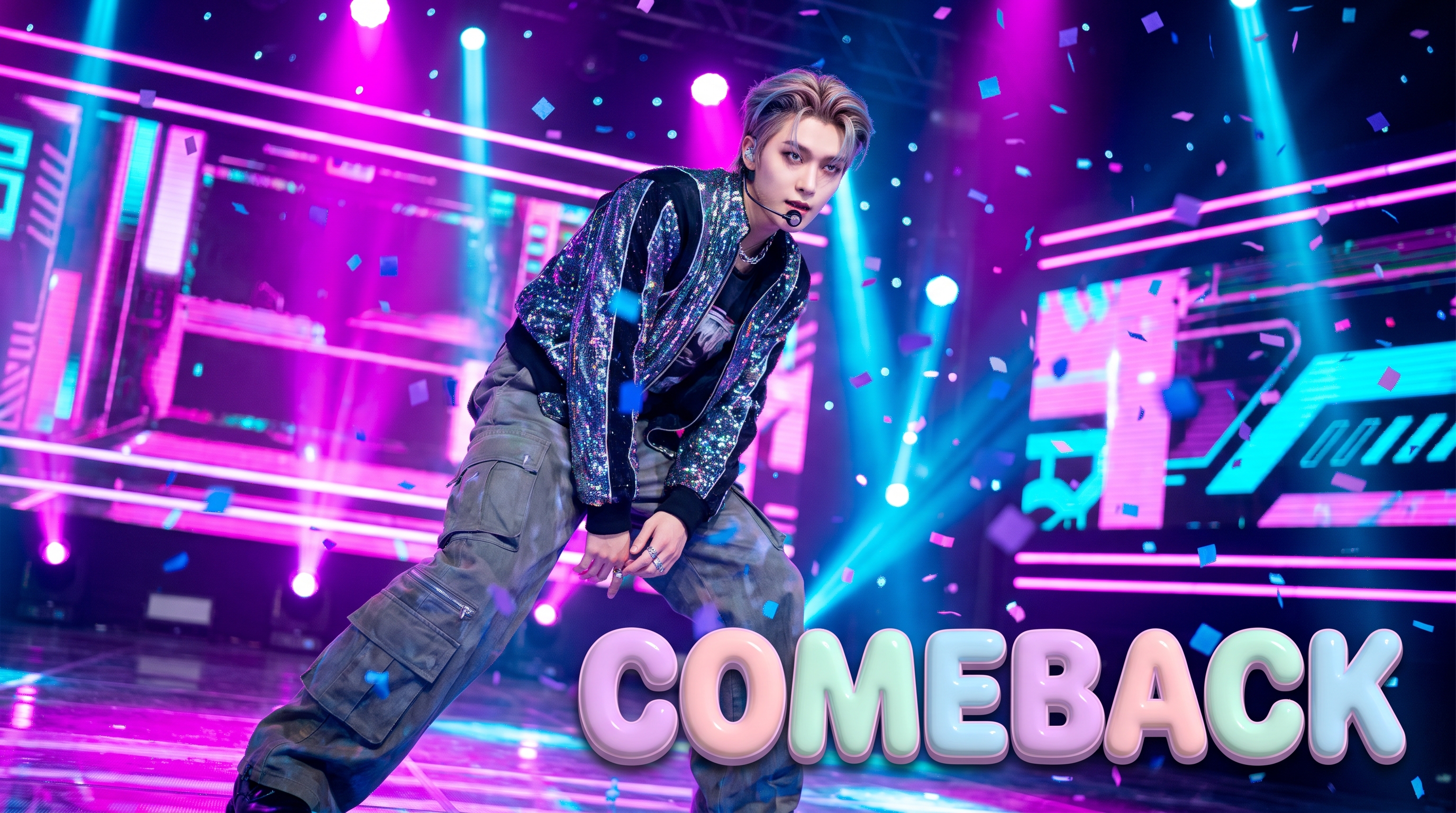
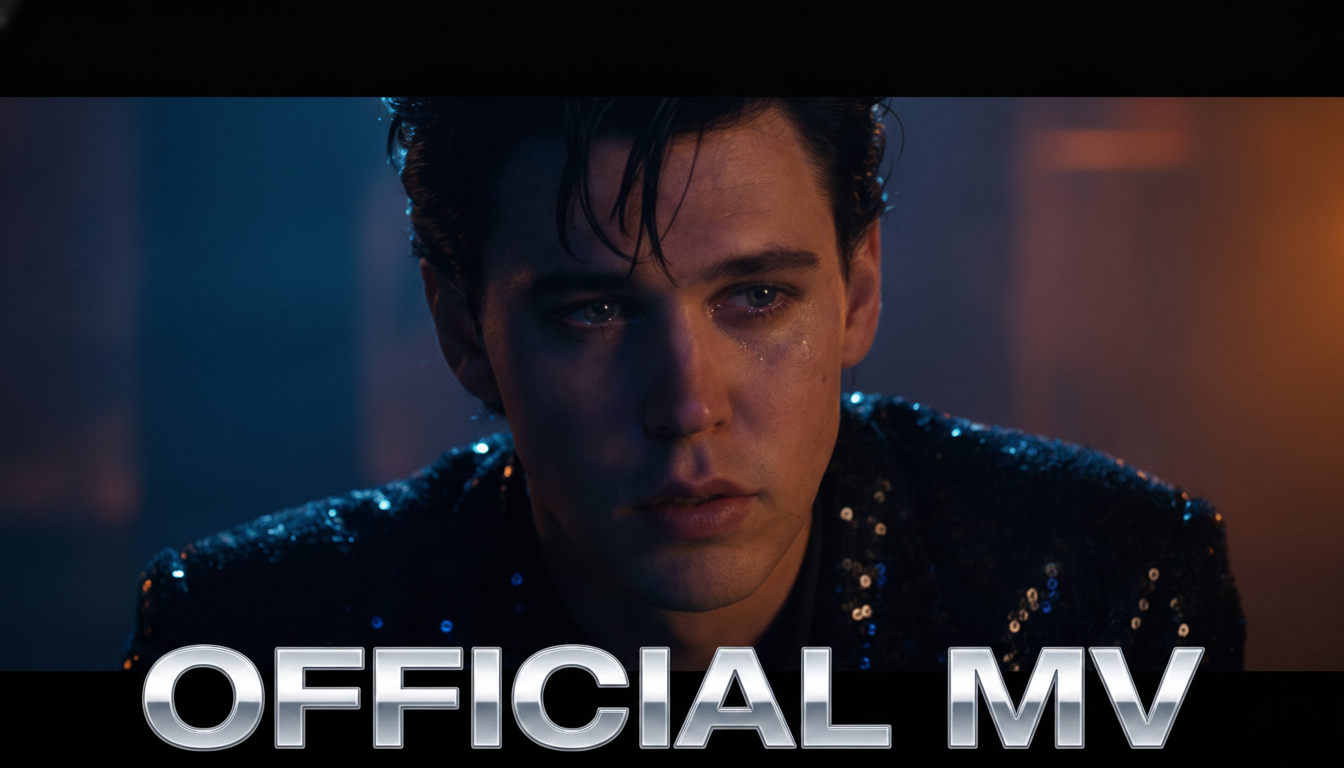


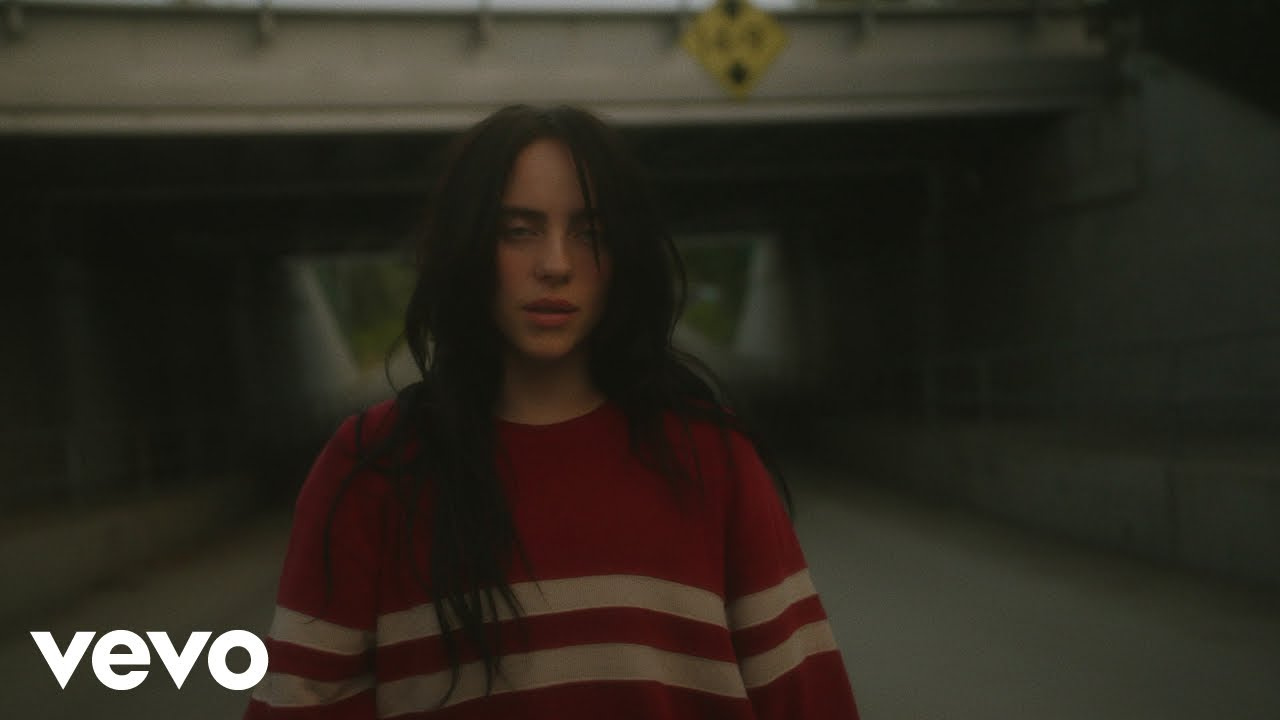
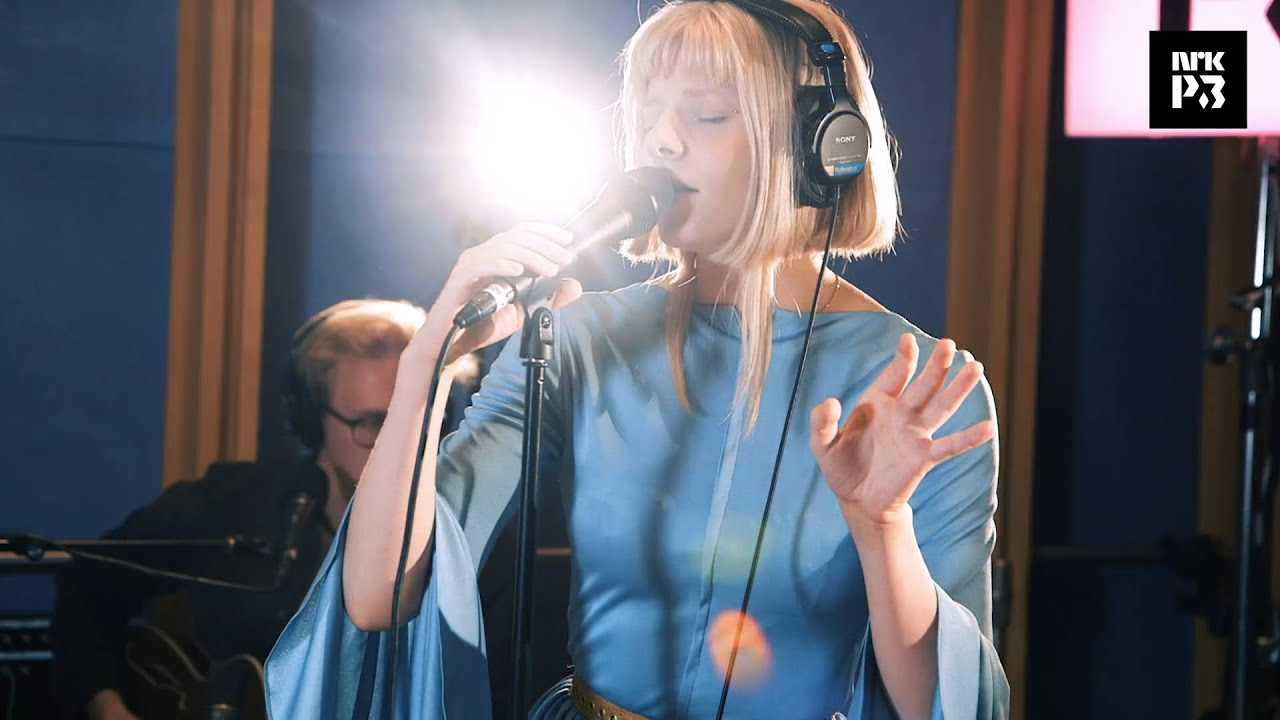

How to Make a Music Video Thumbnail
Start with the release format, then shape the cover around the mood that listeners should recognize before they press play.
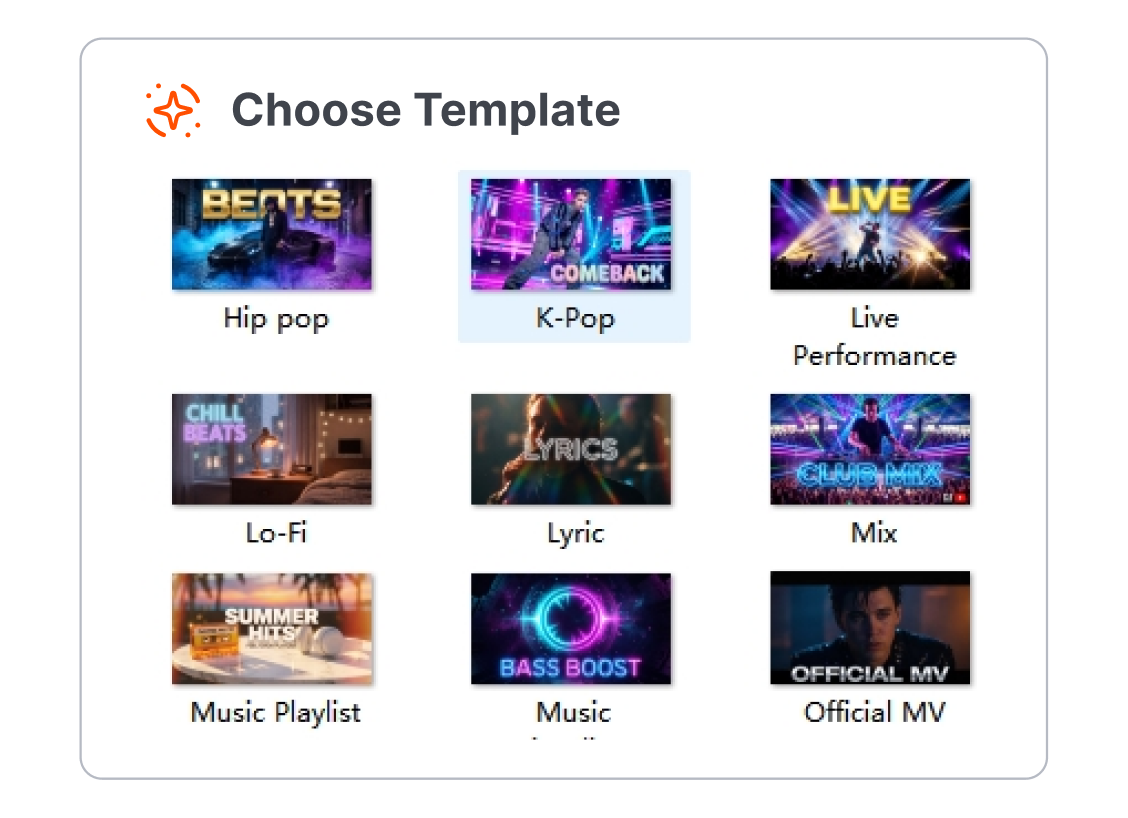
1. Choose the Release Style
Pick a template for an official video, lyric video, DJ mix, live performance, or cover song. Begin with a composition that suits the way the track will be experienced.
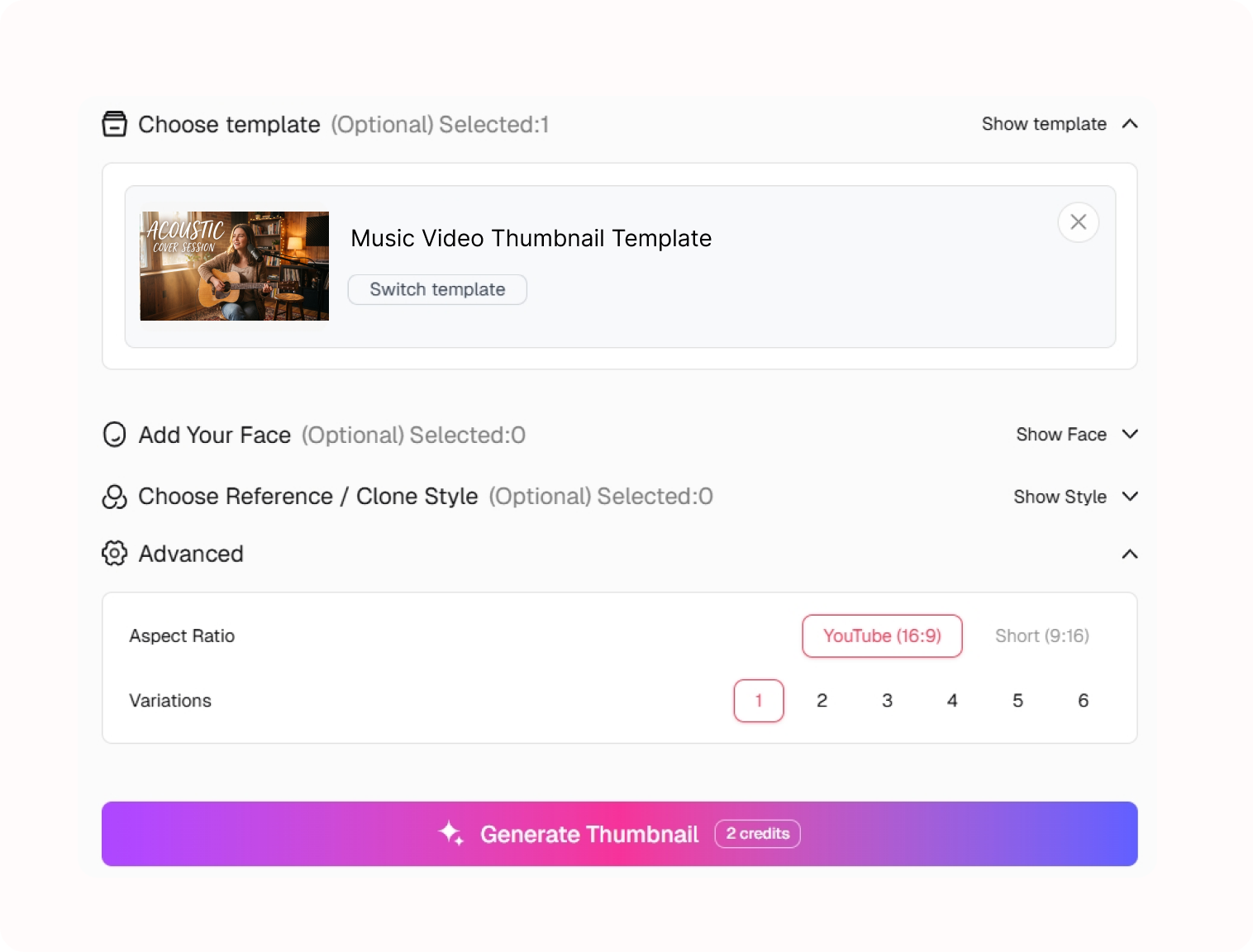
2. Set the Creative Direction
Describe the artist, track title, genre, and feeling of the release. Adjust the visual direction until the template reflects the music rather than a random still.
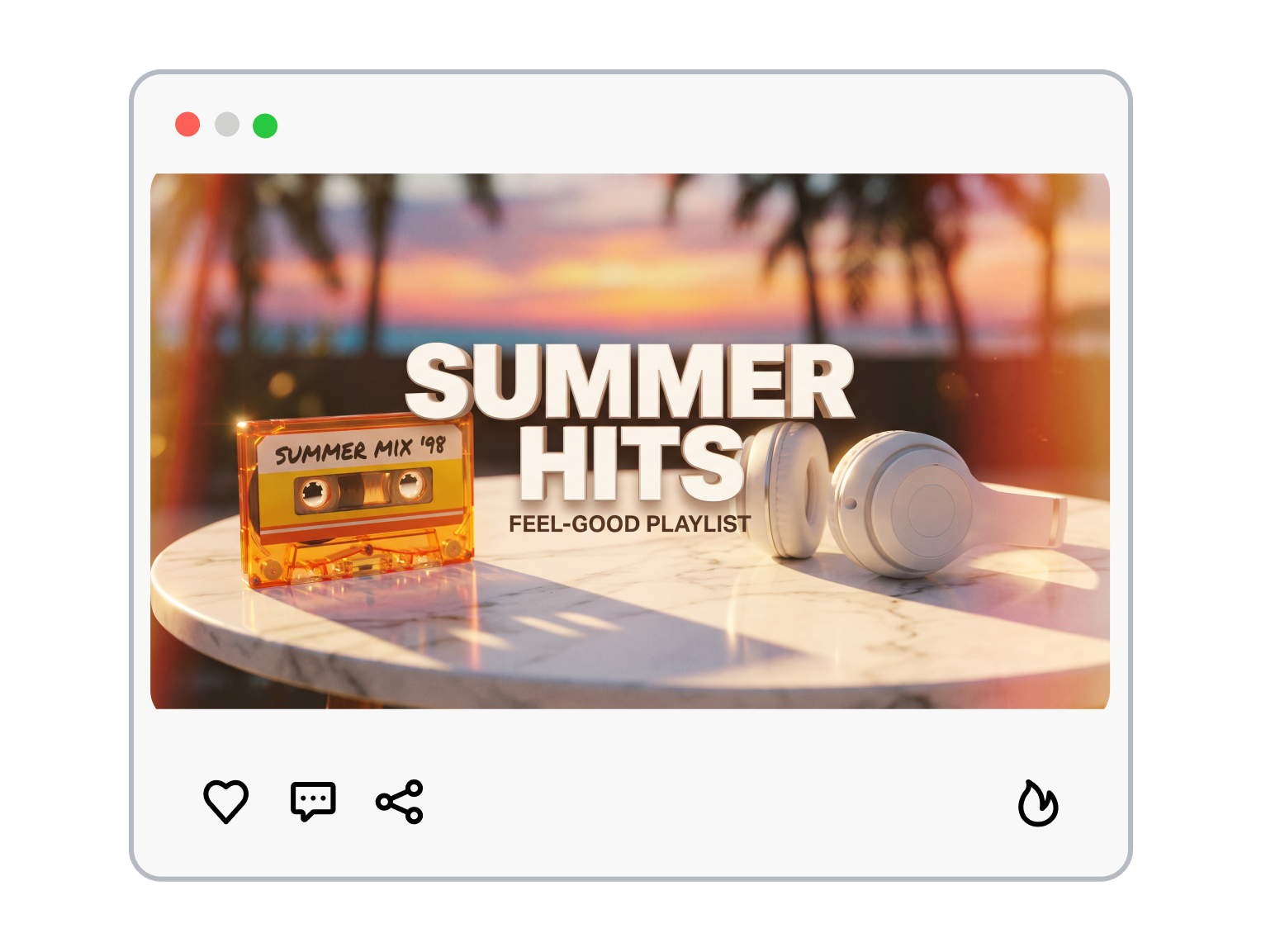
3. Generate the Music Cover
Generate a new cover, then keep refining the direction until the artist, track, and image tell one consistent story.
Music Video Thumbnail Templates That Sound Visual
Music covers need a clear focal point before they need more decoration.
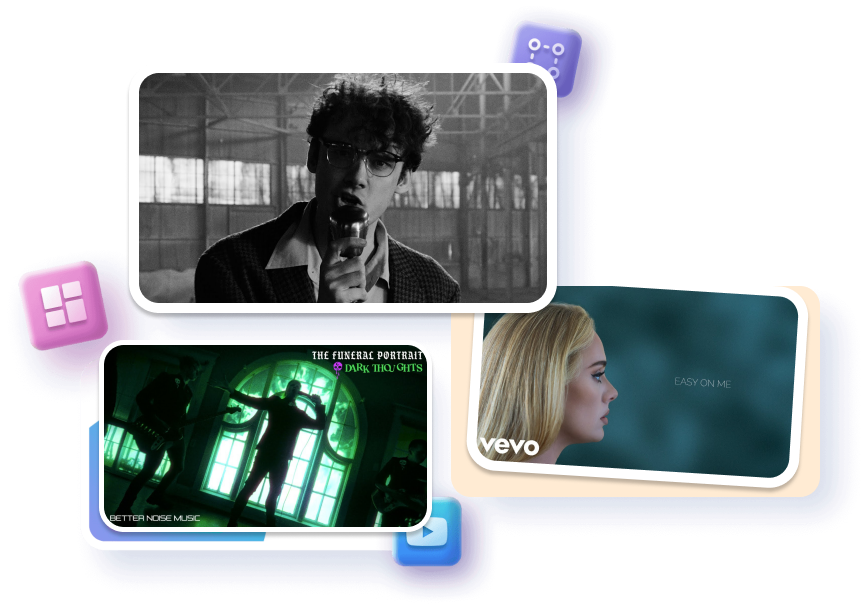
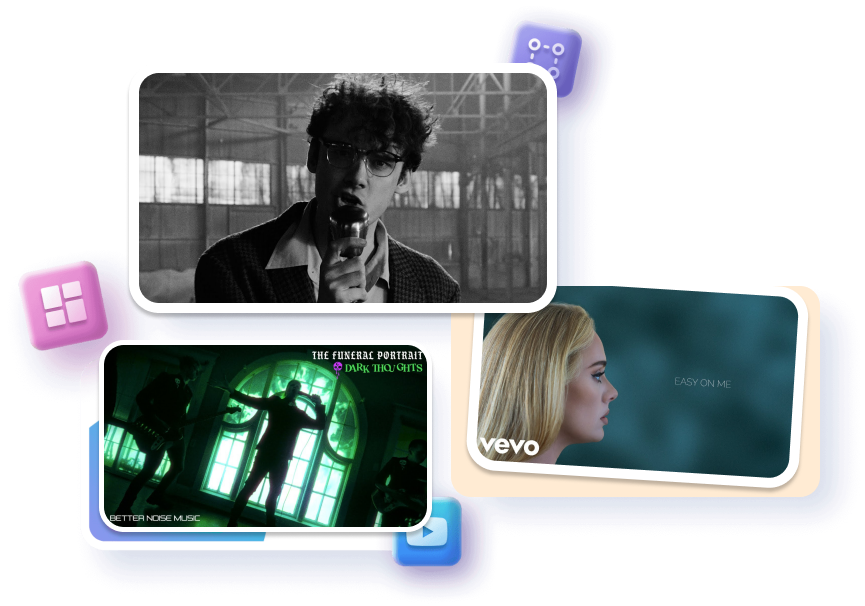
Turn the Track Into a Scene
Frame the release around one image that gives the song a visual world. Choose a focal subject, a symbol, or a setting that carries the mood without explaining every lyric. Make the cover feel intentional before the video begins.
Let the Artist Stay Recognizable
Place the artist or performance moment where returning listeners can find it quickly. Set the track name as a clean supporting cue instead of filling the frame with release details. Keep the visual identity familiar across singles without making every cover identical.


Match the Genre's Energy
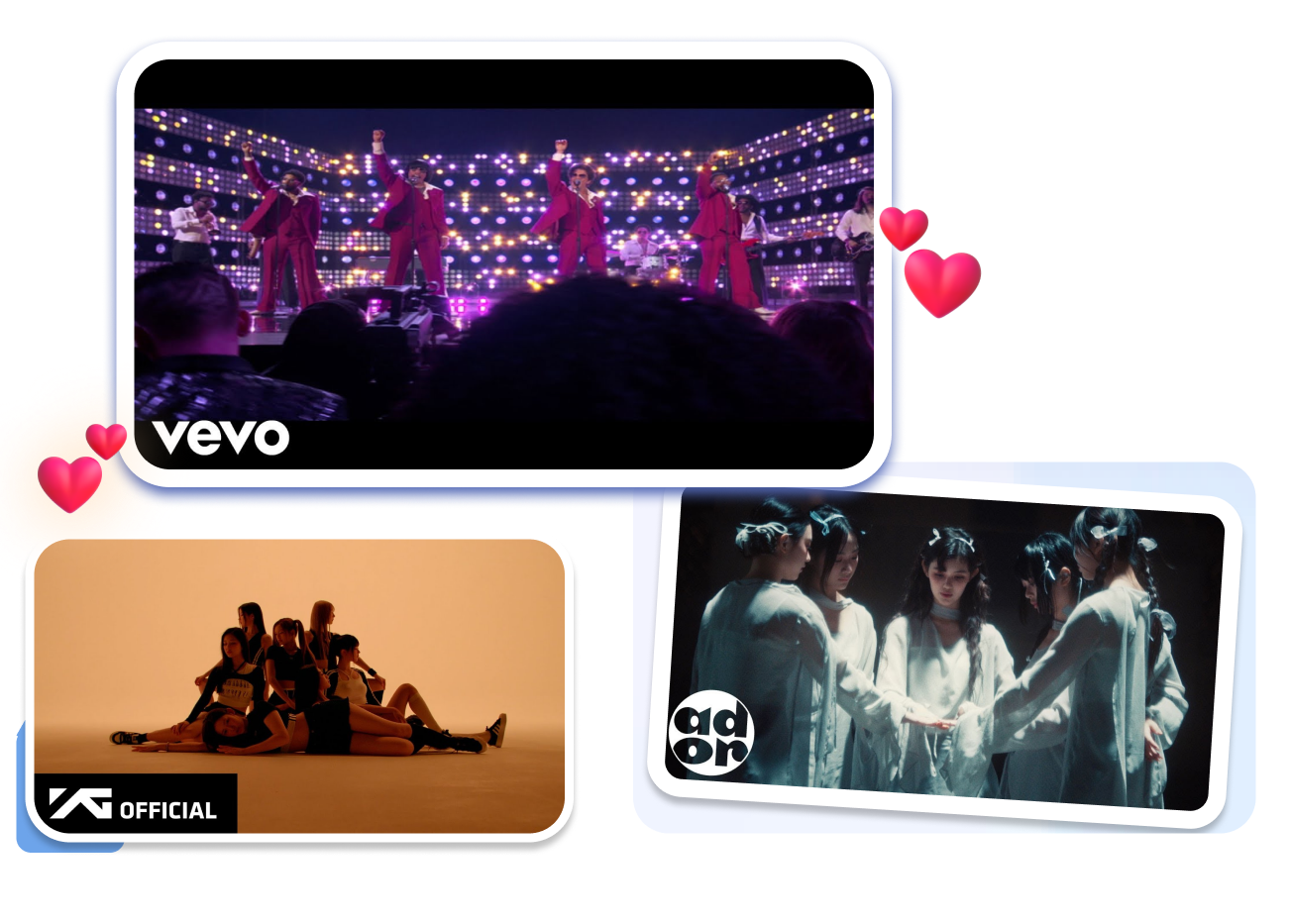
Choose a visual direction that fits the sound, from intimate acoustic sessions to neon electronic mixes. Use color, atmosphere, and scale to suggest the genre without relying on a cliché reaction face. Give the artwork room to carry the emotional tone of the release.
Keep Releases Part of One World
Build a repeatable visual language for a project, channel, or recurring mix. Change the scene, title treatment, and mood for each track while retaining a recognizable creative thread. Make the next release feel connected without making it look copied.


Music Video Thumbnail Templates for Every Release Type

Independent Artists
An independent release needs to introduce both the song and the person behind it. Use a Music Video Thumbnail template to give the artist image, track identity, and release mood a shared visual direction.

Cover and Performance Musicians
Cover songs and live sessions need to show what viewers will hear and see. Start with a layout that keeps the performer, instrument, or performance setting easy to understand at a glance.

DJs, Producers, and Mix Channels
Mixes can look interchangeable when every upload uses the same artwork. Build a recognizable series system, then change the genre cue, mix title, and atmosphere to distinguish each set.
FAQs
What makes a good music video thumbnail?
Should I include the song title?
Can I use album art as a thumbnail?
Can I make a cover-song thumbnail?
Are lyric video templates included?
Should I show the artist's face?
Can I customize a music video template?
How do I create a professional music video thumbnail for my song release?
Give Your Music Video Thumbnail a Release-Ready Look
The strongest cover does not try to explain the entire track. Pick the image, atmosphere, and artist cue that make this release feel immediately recognizable—then shape a Music Video Thumbnail around that first impression.