MKBHD Thumbnail Templates
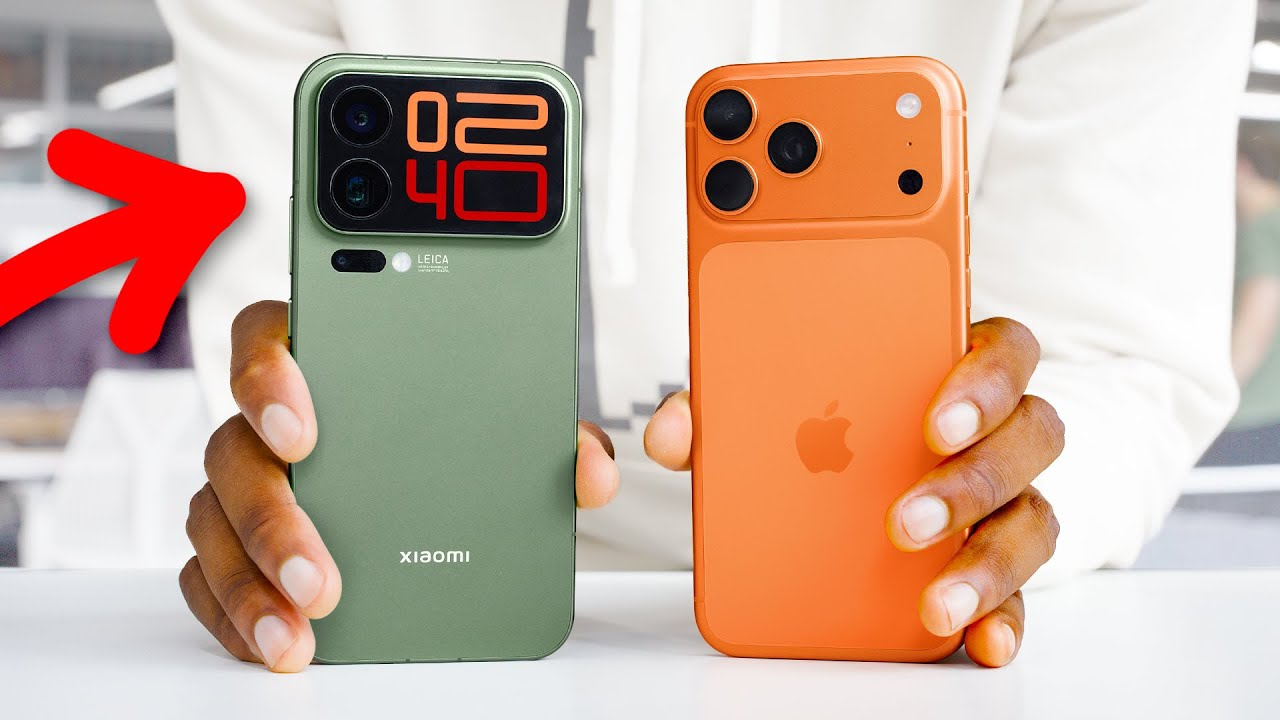
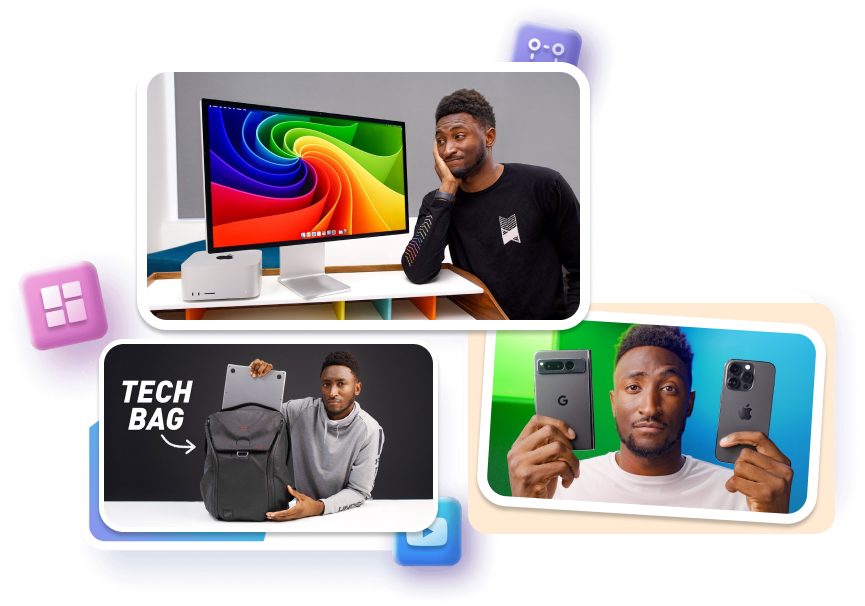
Let the product carry the frame. Compare MKBHD-inspired tech-review layouts, adjust the subject, text, and backdrop, then generate a cover shaped around your own take, not a copied upload.
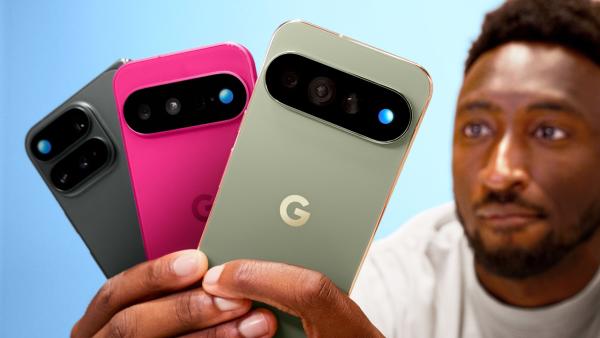
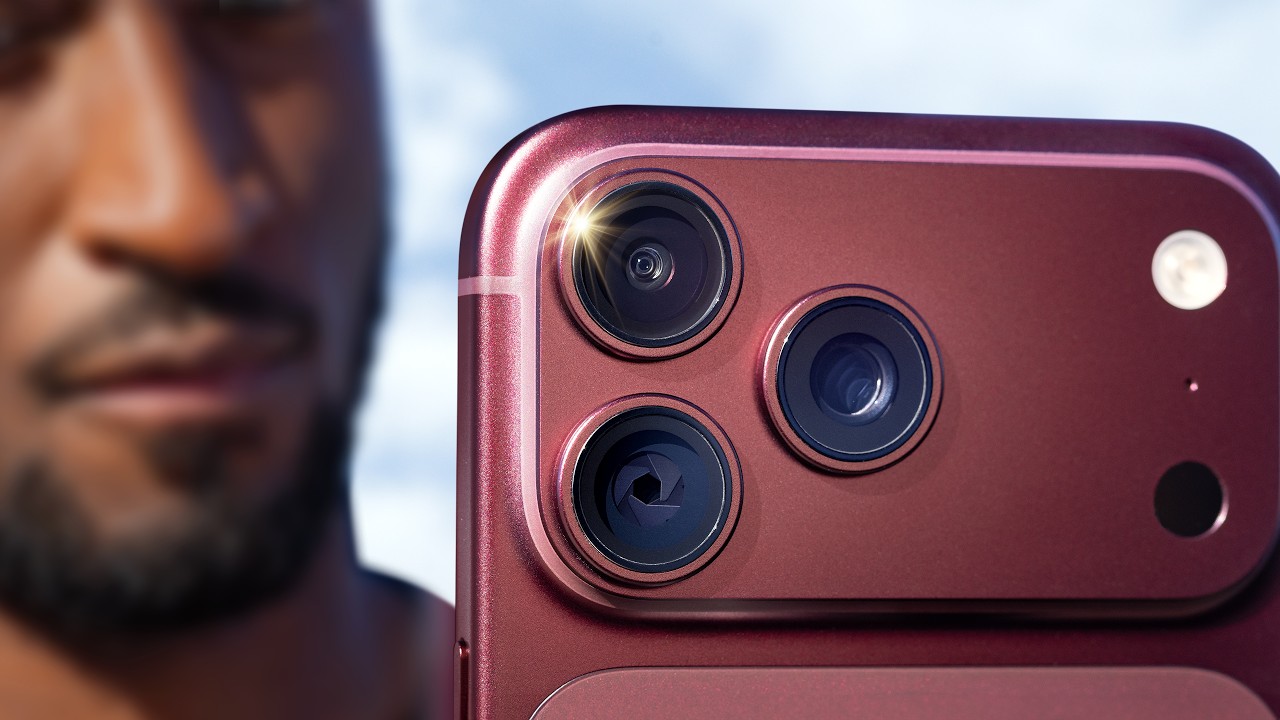
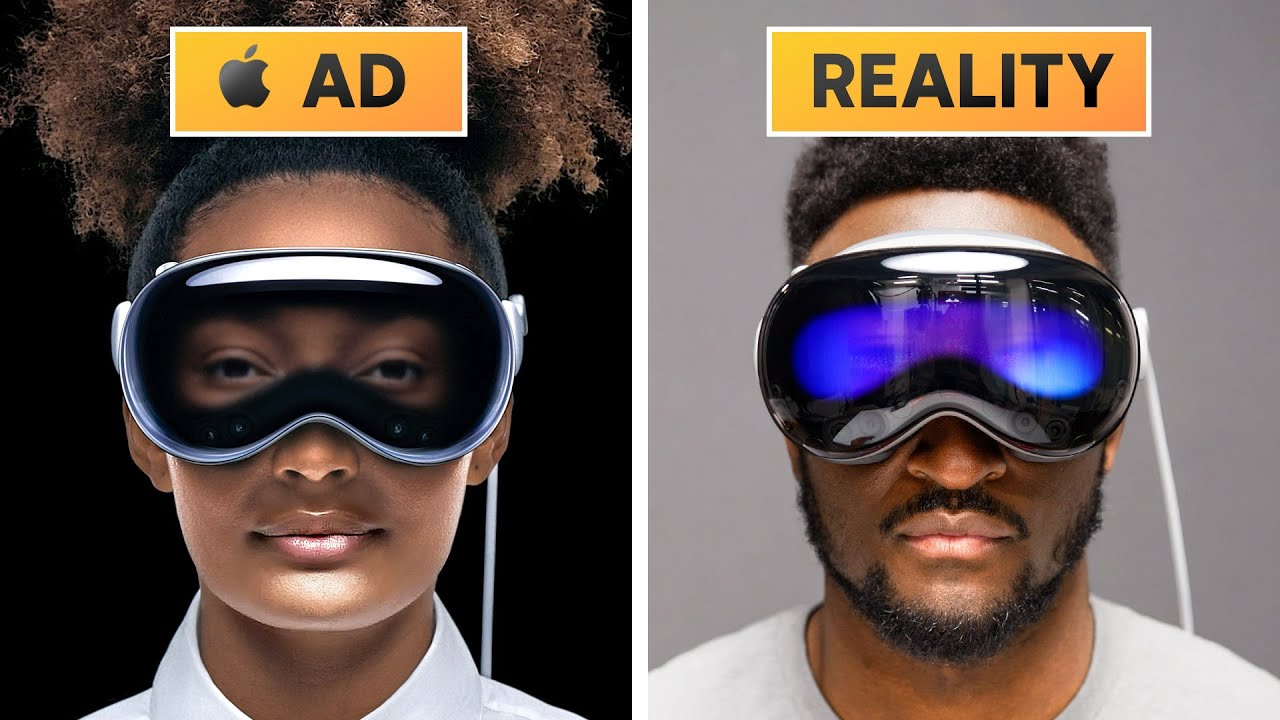
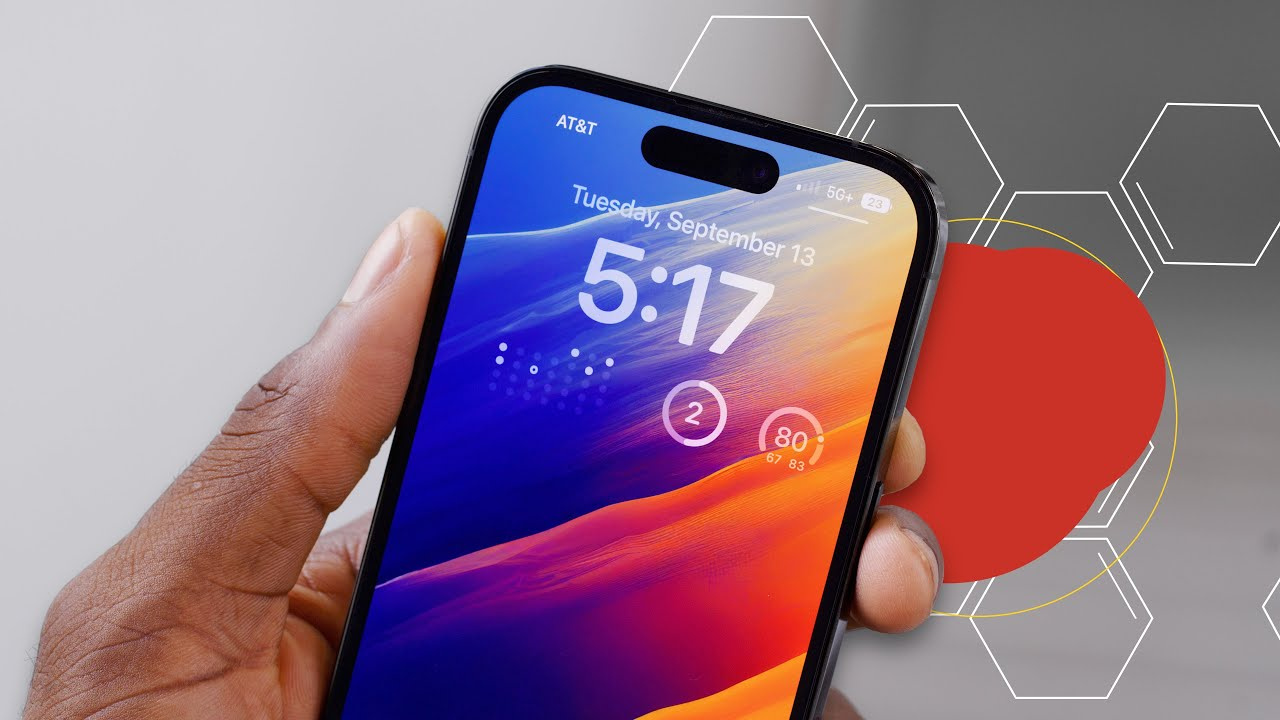

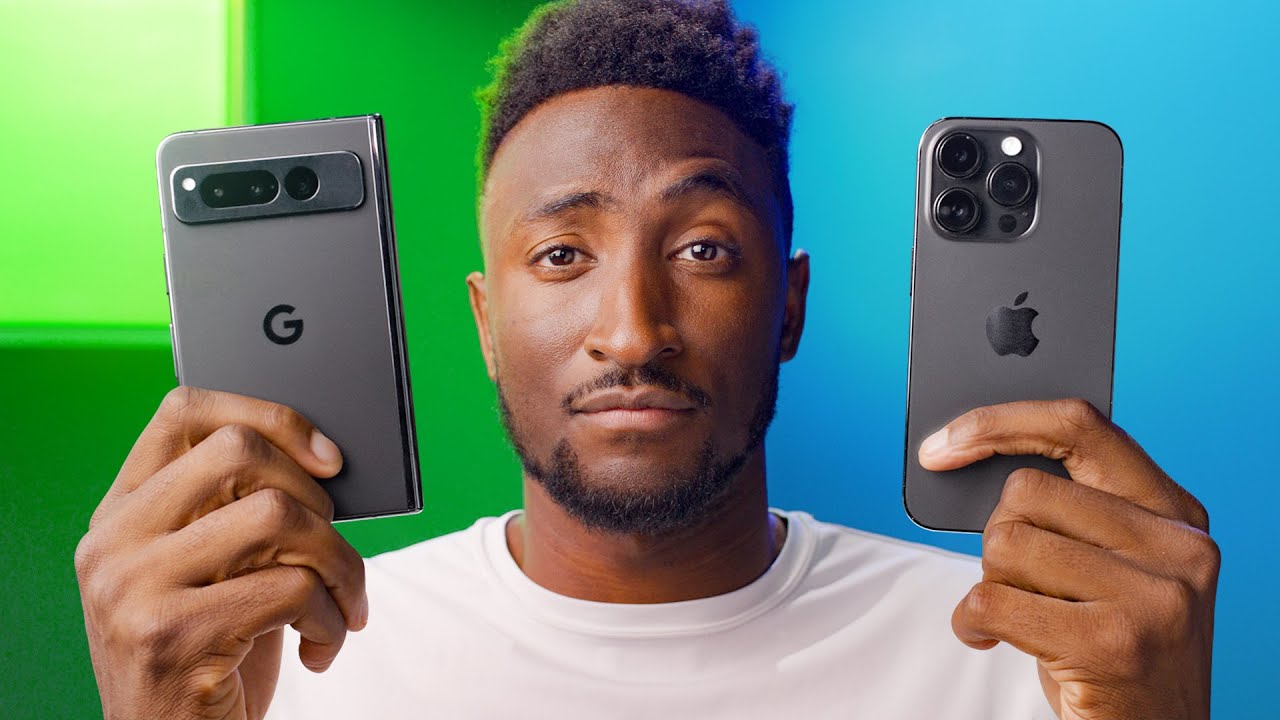

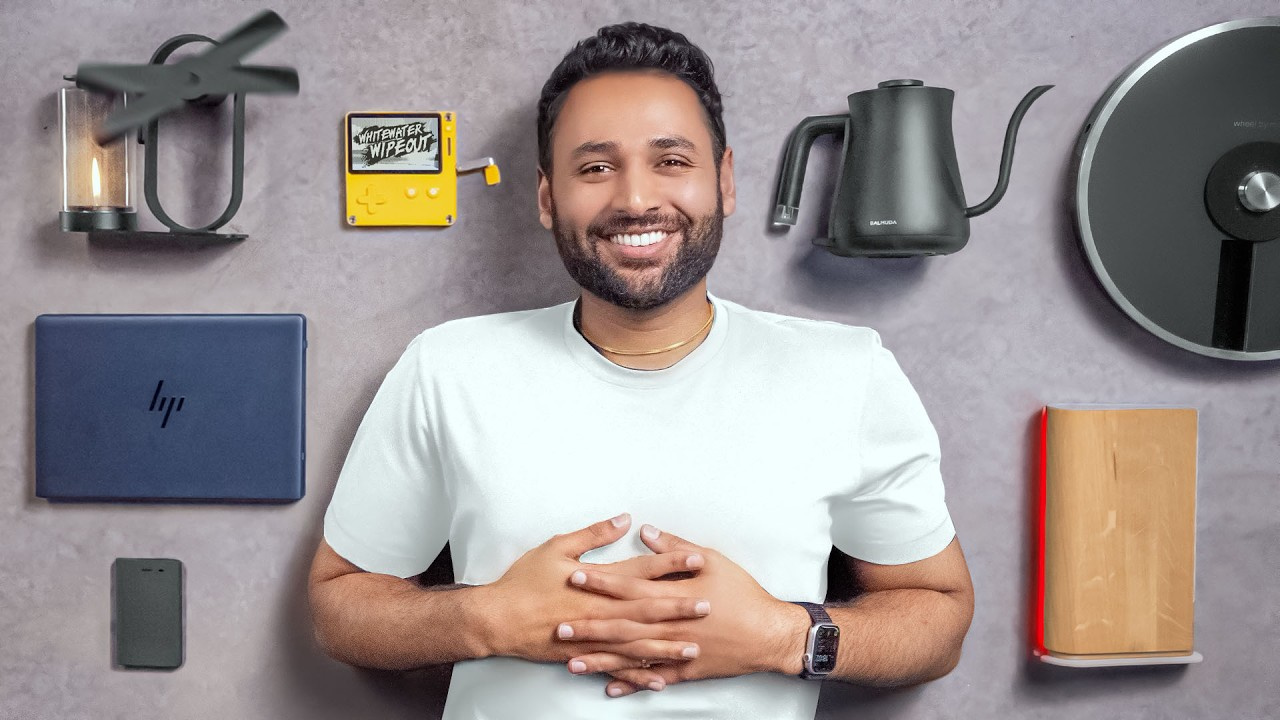
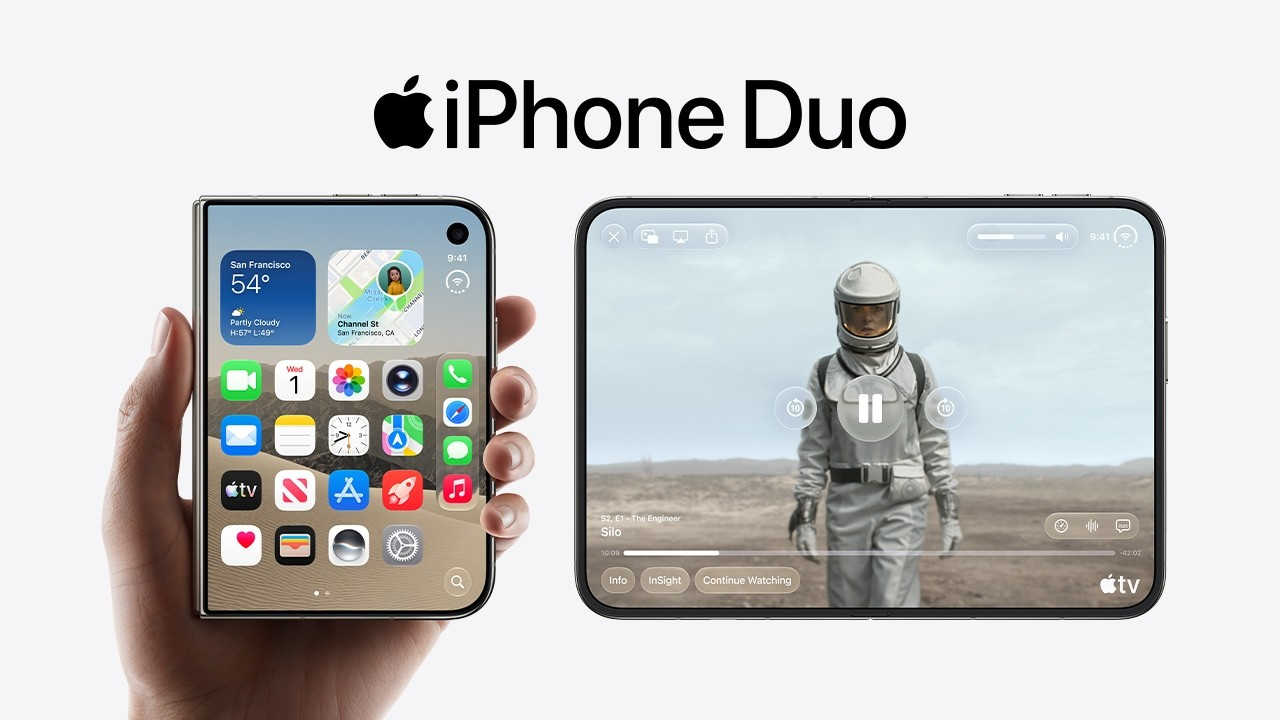

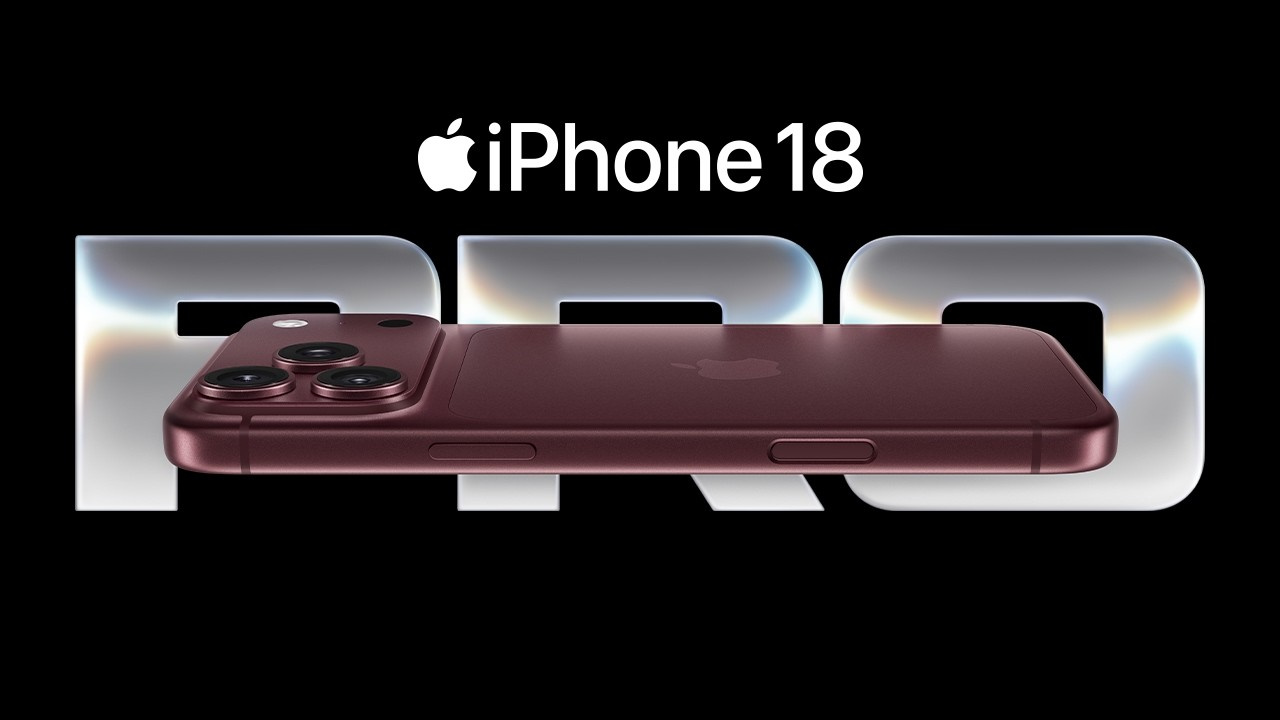
How to Create an MKBHD Thumbnail in 3 Steps
Start with the product and the one judgment your video is ready to make.
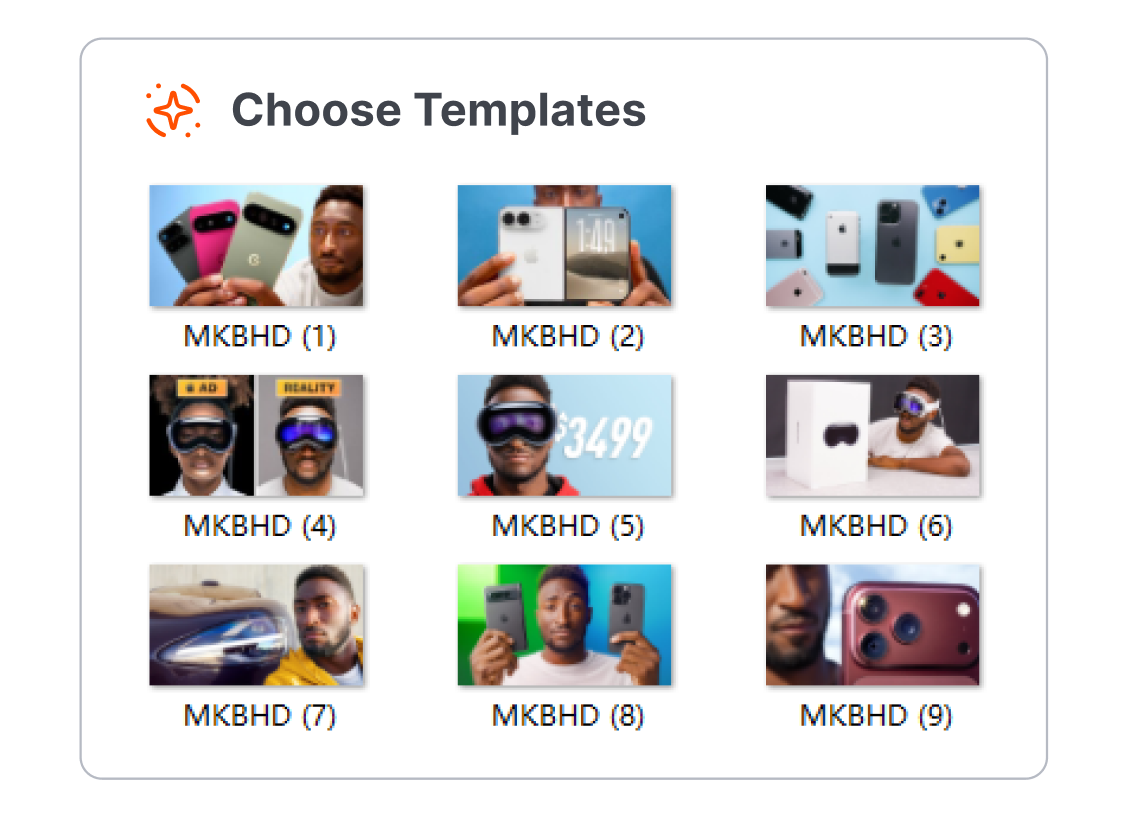
1. Compare Product-Led Layouts
Browse tech-review starting points that give the phone, laptop, camera, or other device a clear role in the frame.
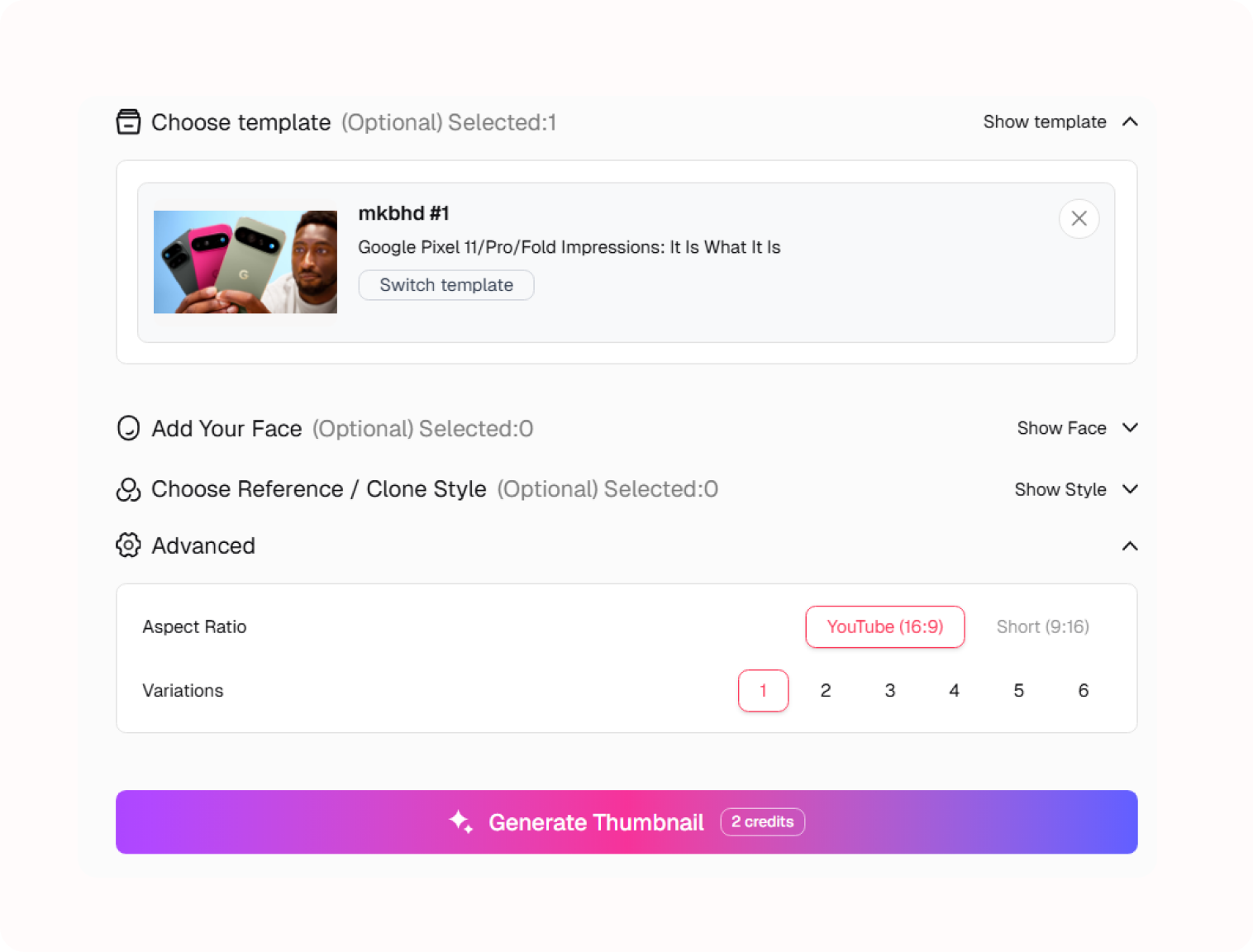
2. Set the Review Question
Adjust the product, background, and short text so the cover hints at a real comparison, test, or opinion from your video.
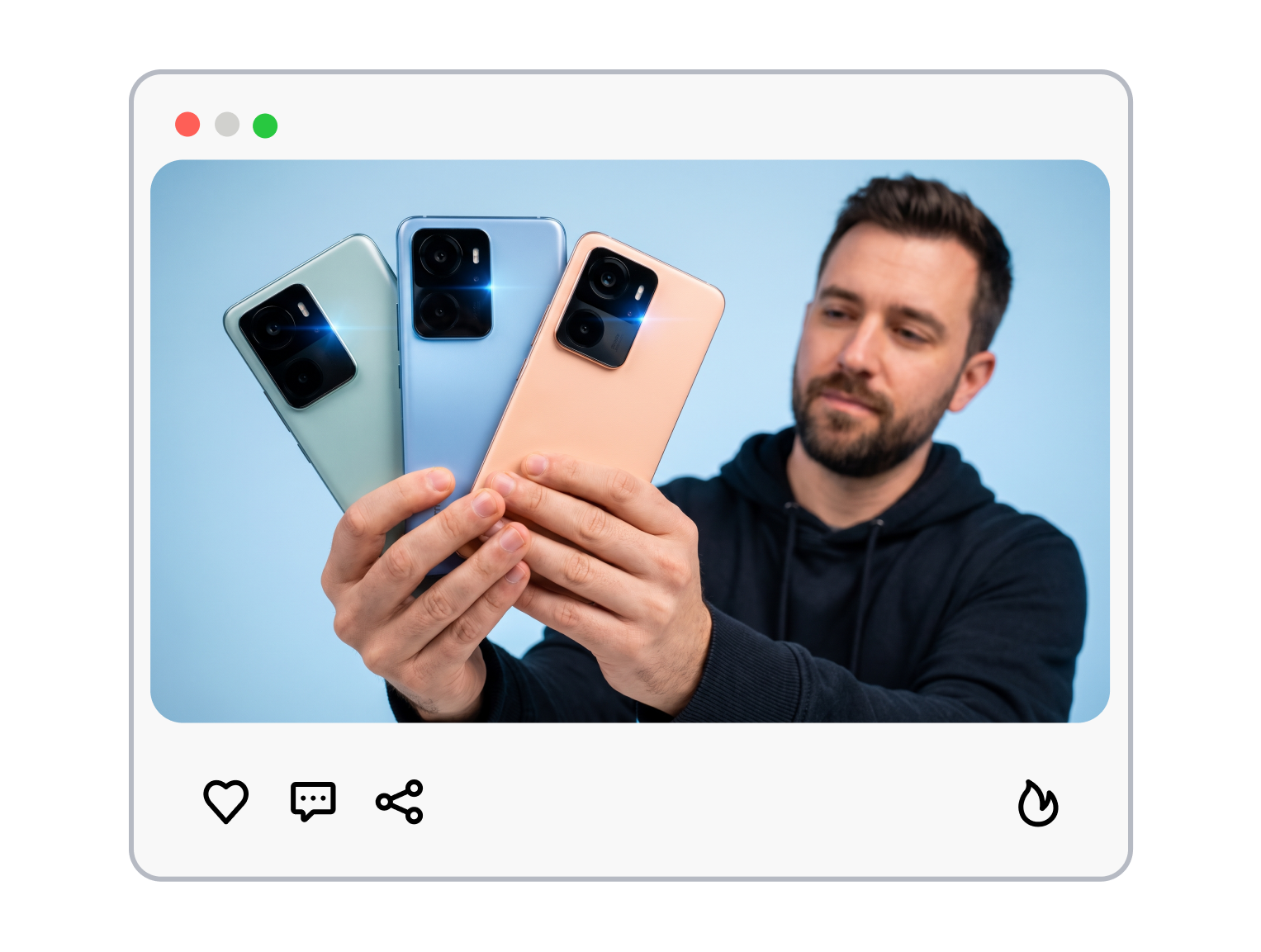
3. Generate Your Own Direction
Use the template as a starting point, then generate a cover that reflects your footage, review angle, and channel identity.
MKBHD Thumbnail Templates for Product-First Reviews


Put the Product First
Give a new device one unmistakable role in the frame, so viewers can recognize what your review is about before reading the title.
Oversized product focal point
Clean backdrop separation
Compact review text placement
Leave Space for the Verdict
Turn one price, comparison, test result, or opinion into a visual question without crowding the product.
One model or price callout
Controlled negative space
Quiet supporting visual cues




Show the Detail Worth Reviewing
Make the camera bump, display, hinge, port, or screen moment earn its place in the scene.
Close product detail crop
Feature-specific comparison cue
Purposeful supporting props
Keep Every Upload Recognizable
Build a repeated reading order for a tech series while giving each product a distinct visual story.
Consistent product hierarchy
Episode-specific accent color
Flexible title space
MKBHD Thumbnail Templates for Tech Creators
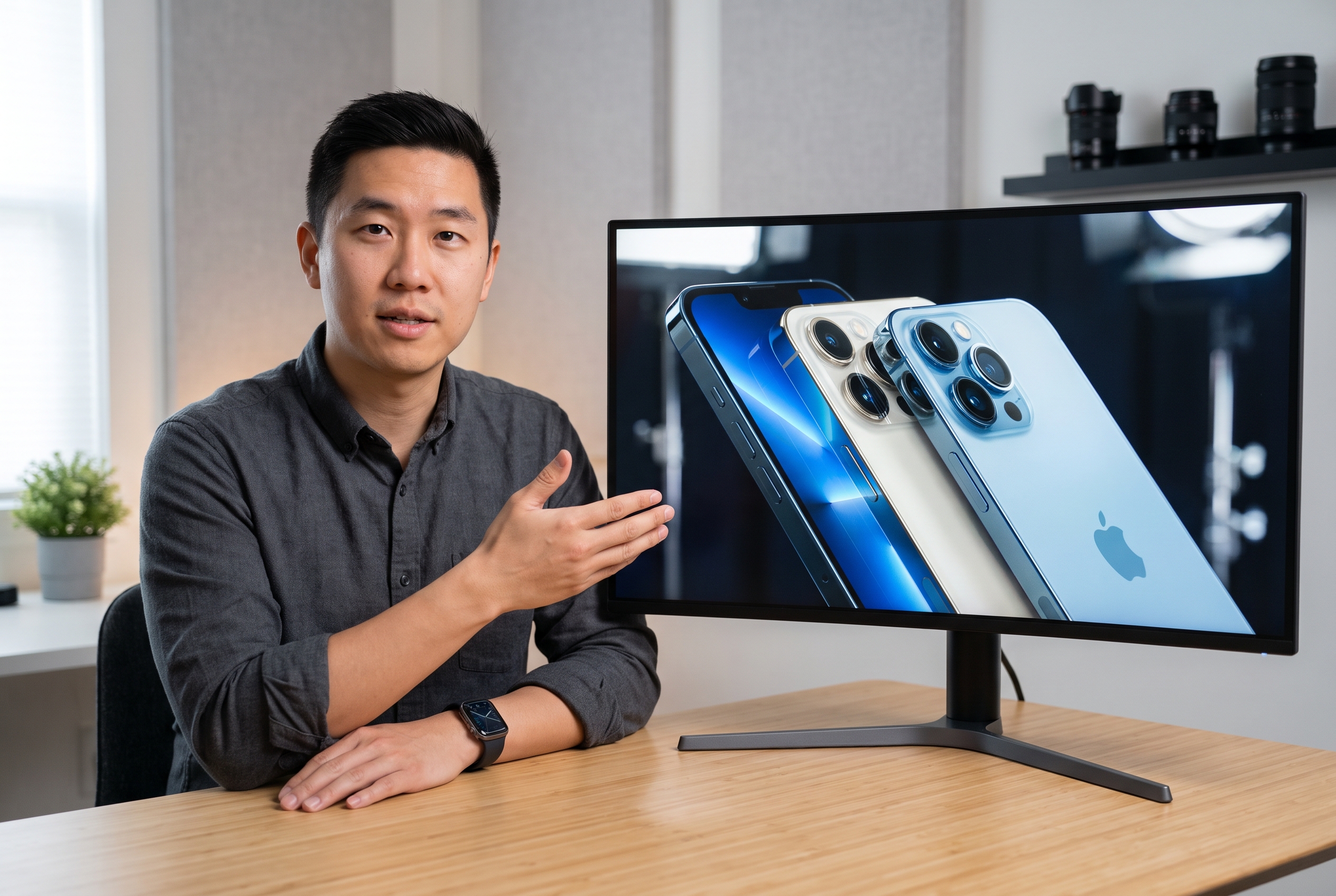
Phone and Gadget Reviewers
Show the device, the difference, or the concern without turning every review into a crowded spec sheet. Start from a product-led layout and adjust the scene around the point you actually tested.

Tech Tutorial Creators
Pair a useful device or screen with one clear outcome, such as a setup change, camera setting, or feature walkthrough. Keep the visual promise aligned with the practical answer in the video.
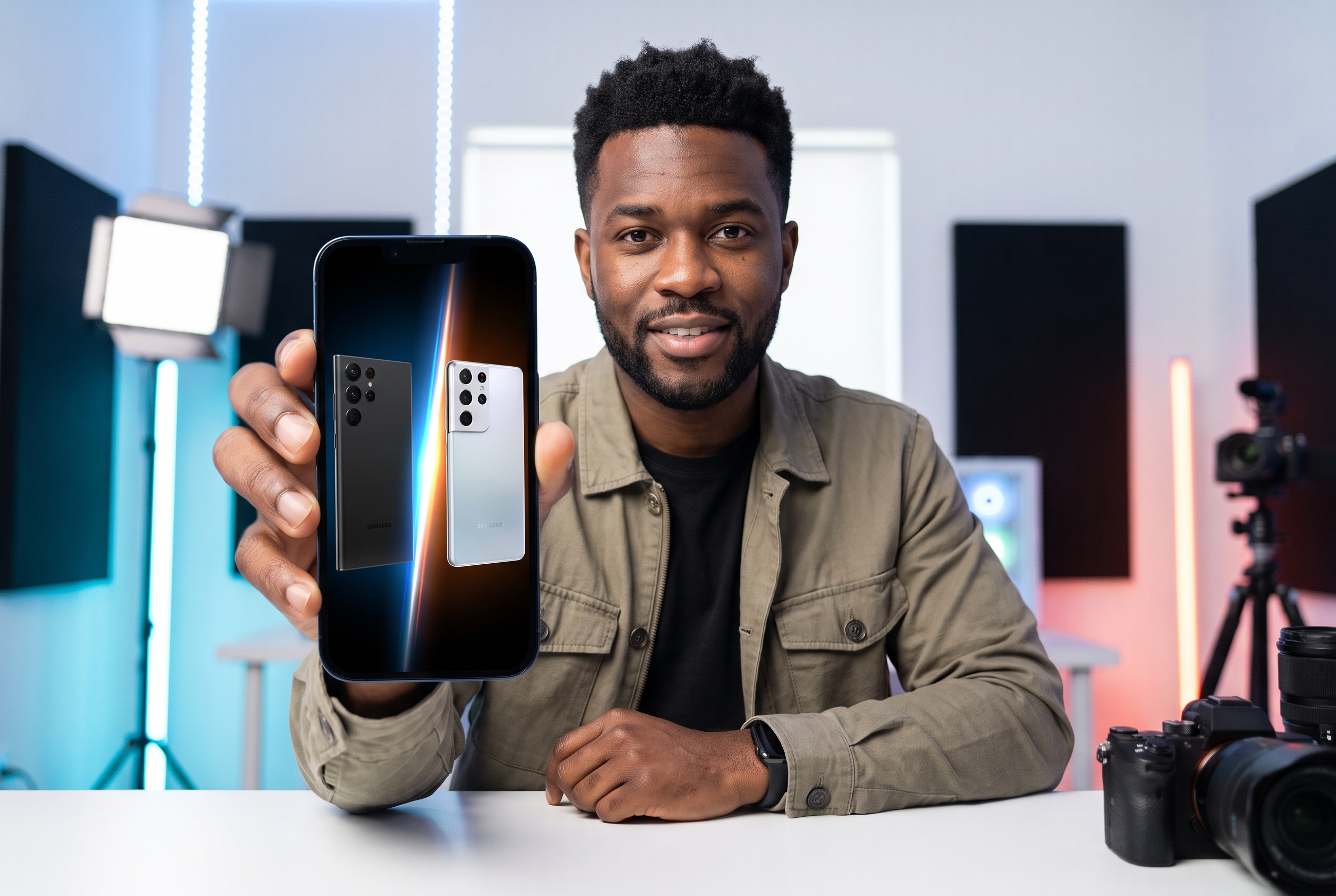
News and Comparison Channels
Use a focused frame for launch reactions, head-to-head comparisons, and opinion pieces. The template gives each episode a familiar visual order while the product and premise remain specific.
FAQs
What is an MKBHD thumbnail style?
What should lead a tech review thumbnail?
How much text should a tech thumbnail use?
Can I make a MKBHD-style thumbnail for laptops, cameras, or EVs?
Should I include my face in a tech review thumbnail?
What size should a YouTube video thumbnail be?
MKBHD Thumbnail Templates Built Around Your Review
Your review has an opinion; the cover should make the object and that opinion legible in one glance. Compare a product-led starting point, tailor the scene to your own footage and perspective, and make a version that carries your channel rather than somebody else's.