AI Thumbnail Generator from YouTube Link
Paste the link to a video and get its real picture back: the current thumbnail plus three frames YouTube captured from the video. Pick one, and AI designs a finished 1280 × 720 thumbnail around it with your title built in.
Paste a YouTube link to start
No link handy? Try an example
Related Tools
View all tools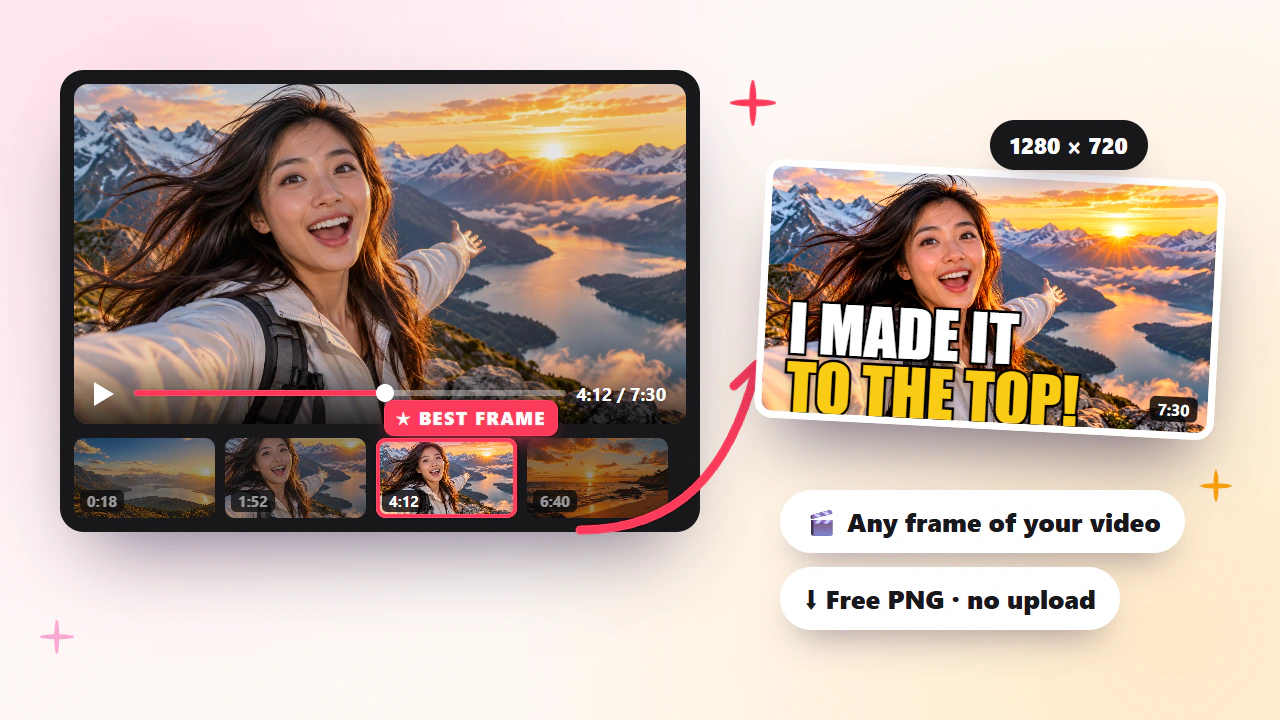
Video Thumbnail
Turn a frame of your video into a thumbnail: best frames picked for you, a bold title and free download.
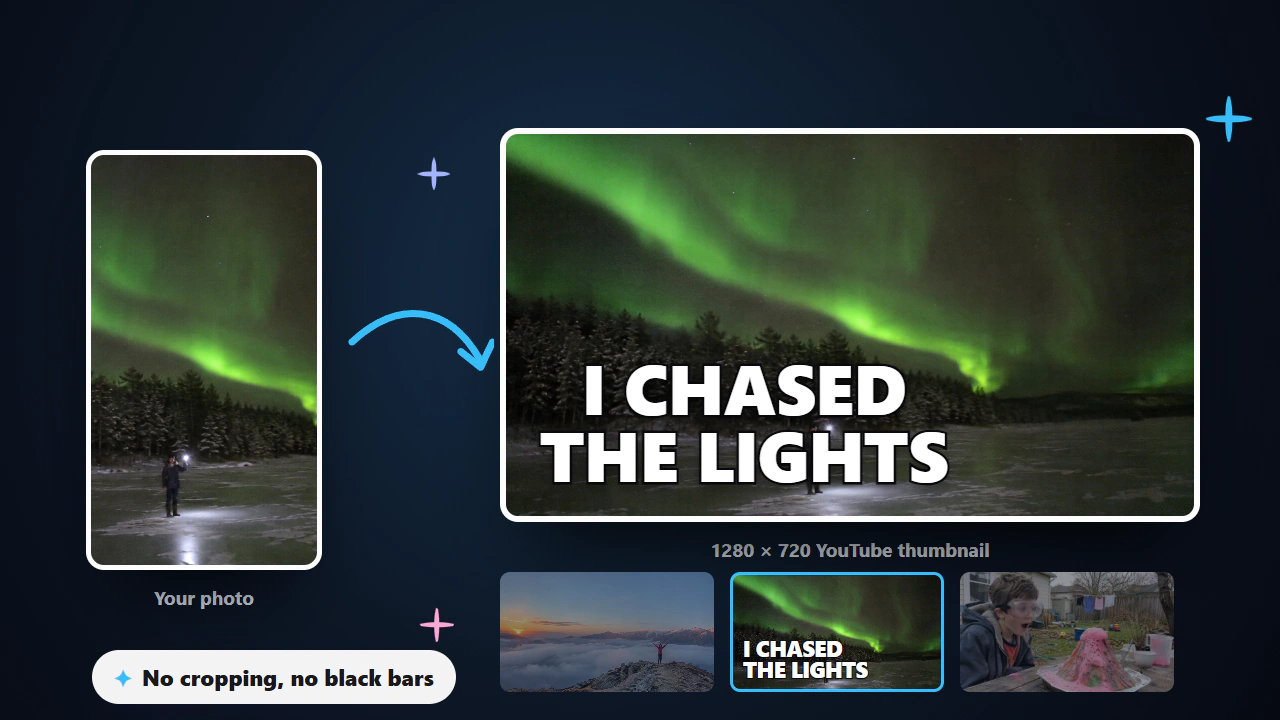
Image to YouTube Thumbnail
Upload any photo or screenshot and AI turns it into a ready-to-upload 16:9 YouTube thumbnail.
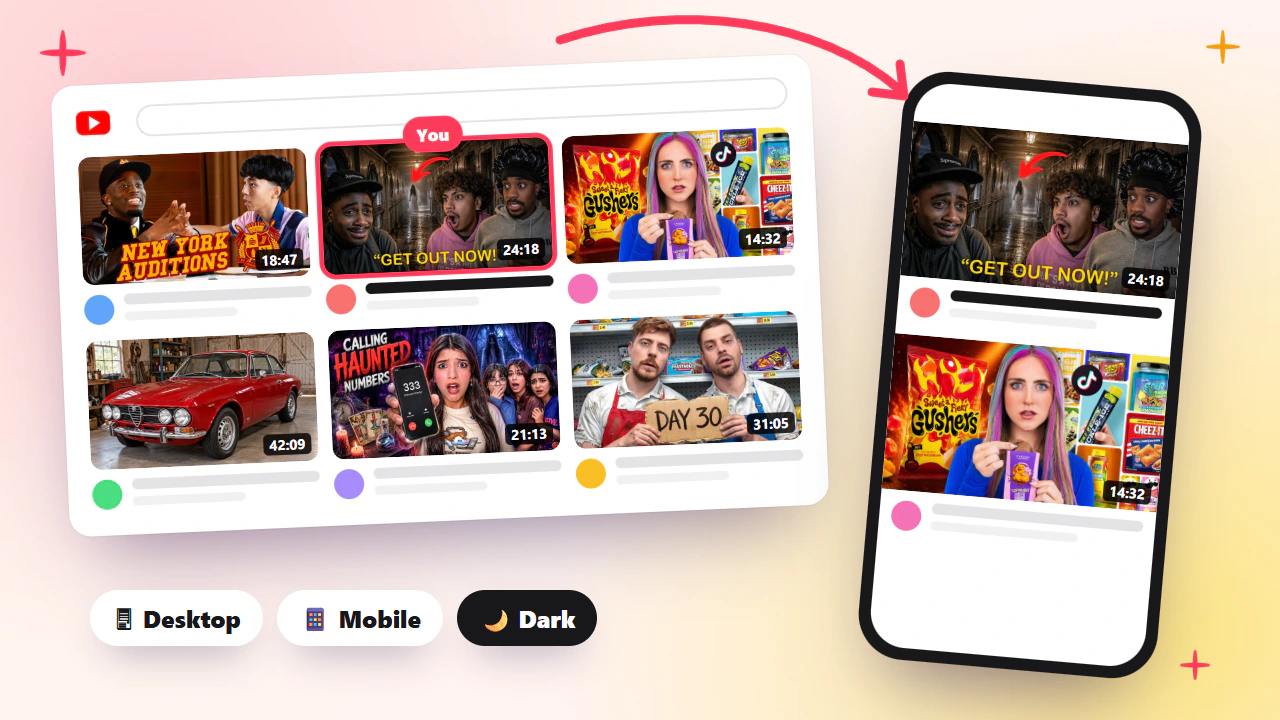
Thumbnail Tester
Preview thumbnails in a realistic YouTube feed and compare up to 4 versions before you upload.

Thumbnail Design
Design click-worthy thumbnails with niche templates, one-click cutouts, bold text and stickers.
How it works
How to Generate a Thumbnail from a YouTube Link
- 01
Paste the video link
The AI thumbnail generator reads the YouTube link and loads the video title, the current thumbnail and three frames from the video. This step is free.
- 02
Pick the picture to use
The sharpest, best-lit frame is selected for you. Pick another one, or upload your own screenshot if you have a better moment in mind.
- 03
Let the AI design it
The AI builds a finished 1280 × 720 thumbnail around that picture and writes the title onto it, or leaves it clean if you prefer no text.
- 04
Compare, then download
See the new thumbnail next to the one your video uses now, in a YouTube feed. Change the words or ask for an edit, then download it with no watermark.
From your own video
What This AI Thumbnail Generator Does with a YouTube Link
Most AI thumbnail tools start from a blank prompt, so the result has nothing to do with your video. This one starts from the video itself: real frames, your real title.
Real frames, not stock art
The thumbnail is built from a picture that is actually in your video, so viewers get what they clicked for.
Your title, written in
The title comes from the link. The AI shortens it into a few words that fit on a thumbnail, or writes exactly what you type.
Old vs new, side by side
Your current thumbnail and the new one sit in the same YouTube feed, at the size people really see them.
Fix it without design software
Change the words, ask for a brighter look or a different background, or generate another version from the same frame.
Loading the video is free
Reading the link, the frames and the title costs nothing. Credits are only used when the AI makes a thumbnail.
Ready to upload
Downloads are 1280 × 720 and under 2 MB, the size YouTube asks for, with no watermark.
Before you swap
What Makes the New Thumbnail Worth Swapping In
A thumbnail is seen about the size of a stamp on a phone. These four things decide whether the new one actually does better than the old one.
One clear subject
A face or a single object close to the camera reads at small sizes. Wide scenes with many small details do not.
Three or four words
The title already sits under the thumbnail, so the words on it should add something, not repeat the whole title.
Bright and high contrast
Dark frames disappear in a feed. If every frame of your video is dark, let the AI redesign it instead of keeping it as it is.
Look at it in the feed
Use the side-by-side feed preview before you swap. If you cannot tell what it shows in a second, neither can your viewers.
FAQ
AI Thumbnail Generator from YouTube Link: FAQ
How do I generate a thumbnail from a YouTube link?
Paste the video link and click Load video. You get the title and four pictures from the video; pick one and click Generate thumbnail. The AI designs a finished 1280 × 720 thumbnail in under a minute.
Which pictures can it take from the video?
The thumbnail the video uses now, plus the three frames YouTube captures automatically from roughly a quarter, half and three quarters of the way through. You can also upload your own screenshot if you want a specific moment.
Can I use a link to someone else’s video?
The tool only reads what YouTube already shows publicly, but you should make thumbnails for videos you own or have permission to use. Private, unlisted and deleted videos cannot be loaded at all.
Will the AI change what is in the frame?
By default it redesigns the picture into a thumbnail: better light, a cleaner background and the title written in. Turn on Keep the frame as it is under More options if you only want it widened to 16:9 and cleaned up.
Can I change the words after it is made?
Yes. Use Change text to type new words, or AI edit to describe any other change. Each one uses credits, just like a new thumbnail.
How much does it cost?
Loading the link, the frames and the title is free. Each generated thumbnail uses a few credits (shown on the button), and so does each edit. If a generation fails, your credits are refunded automatically.
What size is the download?
A 1280 × 720 JPG under 2 MB, which is what YouTube recommends, or 1920 × 1080 if you want a larger file. There is no watermark.
Can I see it next to my current thumbnail?
Yes. The Compare button swaps the preview between the two, and below the tool both sit in a YouTube feed at real viewing size, so you can judge which one earns the click.