Free YouTube Thumbnail Tester Online
Thinking about changing a thumbnail? Paste your YouTube video link, put your current thumbnail next to the new one in a real-looking YouTube feed and see which one earns the click – before you swap.
Drop your thumbnails here
Up to 4 versions · JPG, PNG, WEBP or GIF · 1280 × 720 recommended
Related Tools
View all tools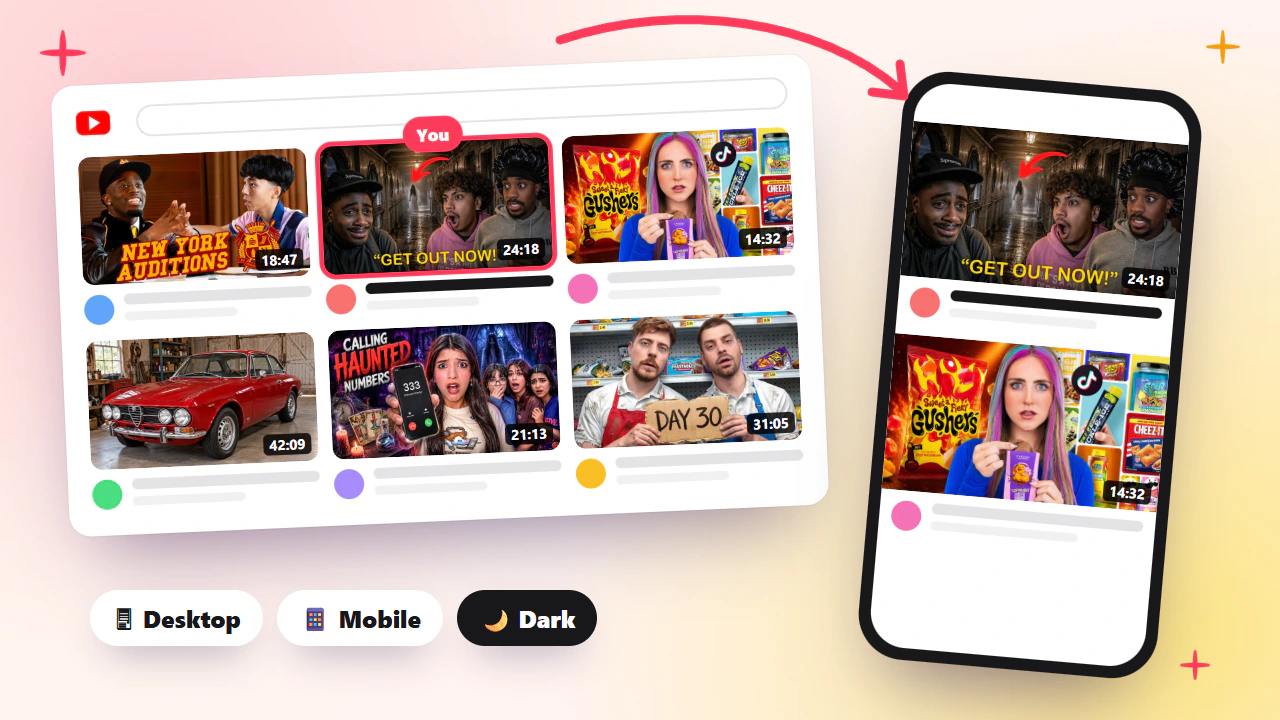
Thumbnail Tester
Preview thumbnails in a realistic YouTube feed and compare up to 4 versions before you upload.

Thumbnail Design
Design click-worthy thumbnails with niche templates, one-click cutouts, bold text and stickers.
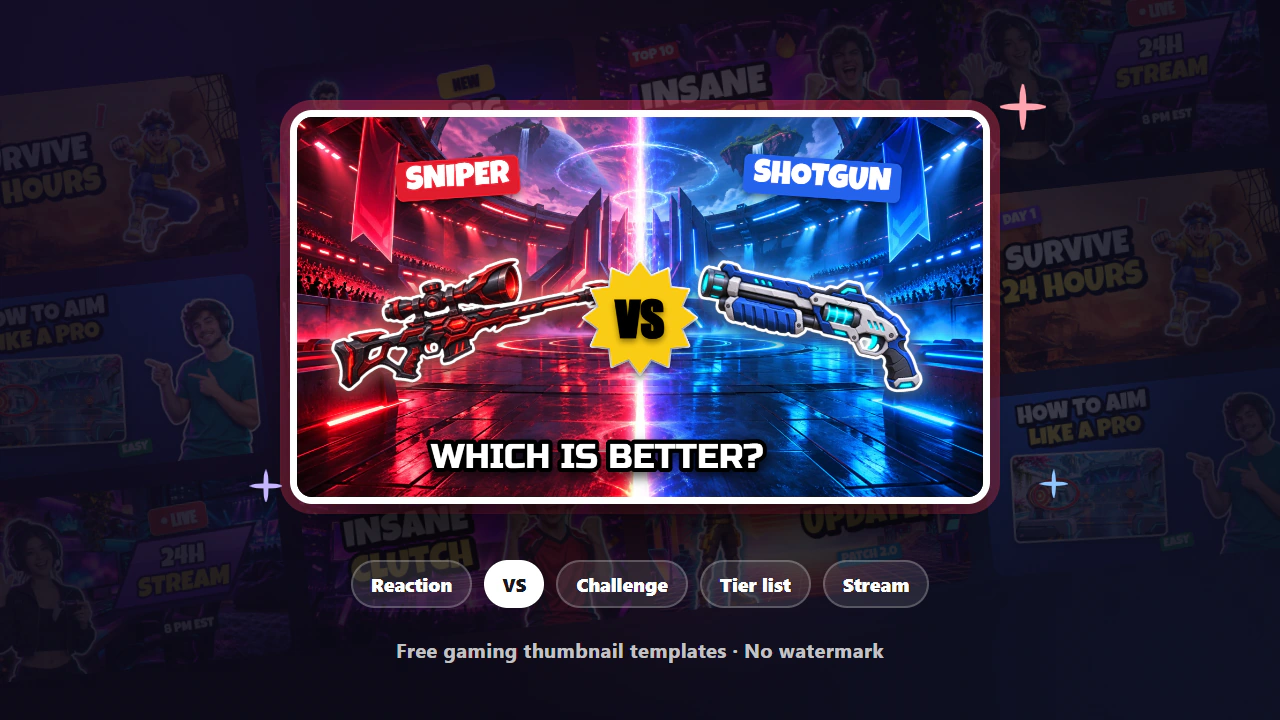
Gaming Thumbnail Maker
Gaming YouTube thumbnails from templates for reactions, VS, challenges, tier lists and streams. Cut out, outline, download.
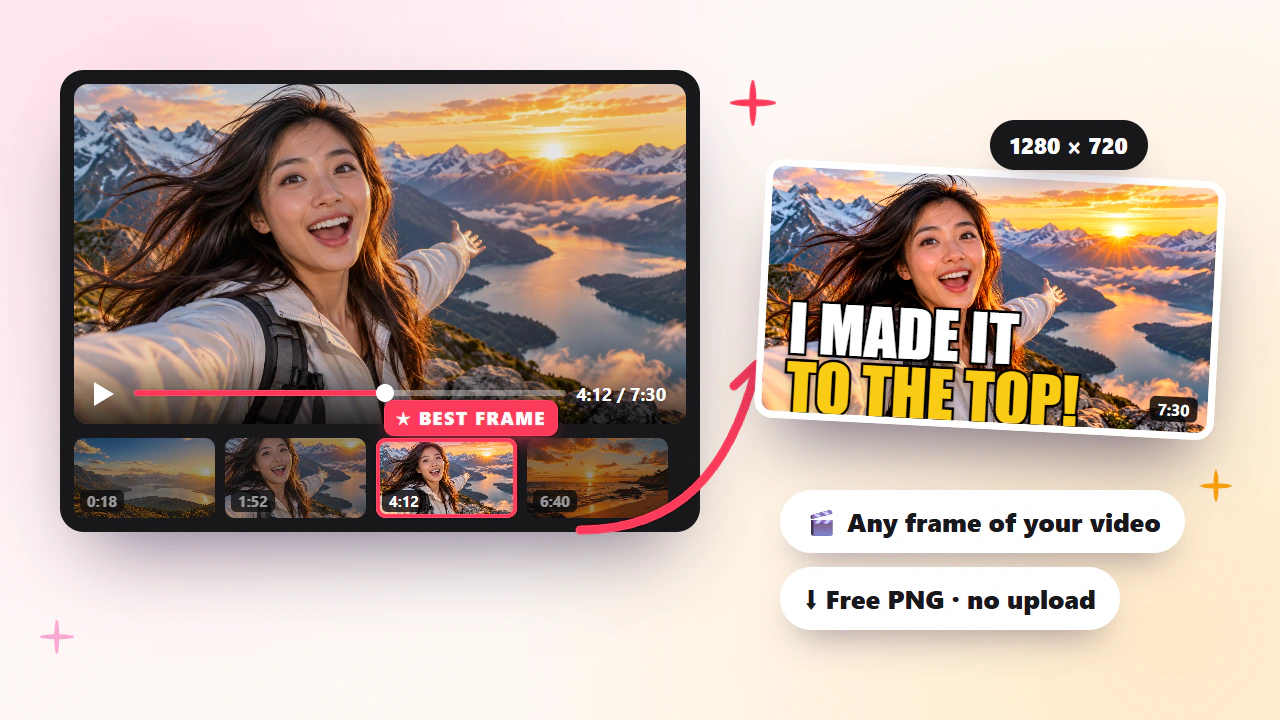
Video Thumbnail
Turn a frame of your video into a thumbnail: best frames picked for you, a bold title and free download.
How it works
How to use the YouTube thumbnail tester
- 01
Paste your video link
The YouTube thumbnail tester imports the thumbnail, title and channel name that viewers see right now.
- 02
Add your new thumbnail
Upload one to three new versions and edit the title for each, if you plan to change the title too.
- 03
Compare, then swap
Switch between home, search, up next, mobile and TV. Only swap when the new thumbnail clearly beats the current one.
When to change a YouTube thumbnail
Four signs your thumbnail needs a test
Changing a thumbnail can revive an older video – or hurt one that already works. Run it through the YouTube thumbnail tester first when you see one of these signs.
Impressions are high, clicks are low
YouTube is showing the video, but viewers scroll past. The thumbnail is the first thing to test.
An evergreen video has gone quiet
Tutorials and reviews keep getting searched for years. A fresher thumbnail can bring them back into recommendations.
You rebranded your channel
New colors, fonts or a new face style? Check that old videos still look like they belong to the same channel.
You changed the title
A new title can clash with the old thumbnail text. Test the new pair together before it goes live.
Works with Test & Compare
From YouTube thumbnail tester to a live A/B test
YouTube Studio can split real traffic between up to three thumbnails. Use the YouTube thumbnail tester to decide which ones deserve that test.
- 1Import your live thumbnail here and add every new idea you have – there is no limit to how many rounds you run.
- 2Drop the ideas that blend into the feed, fail at mobile size or hide text under the length badge. Keep the best two or three.
- 3In YouTube Studio, open the video details and choose Test & compare under the thumbnail, then upload your finalists.
- 4YouTube picks the winner by watch time share, usually within two weeks. Use the result to guide your next thumbnail.
FAQ
YouTube thumbnail tester FAQ
What does this YouTube thumbnail tester do?
It imports the thumbnail and title of a published YouTube video from its link, then lets you compare it with new versions in realistic YouTube layouts – home, search, up next, mobile and TV, in light or dark mode.
Does it change anything on my YouTube channel?
No. The YouTube thumbnail tester only reads the public thumbnail and title. Nothing is posted, and you swap the thumbnail yourself in YouTube Studio when you are ready.
Why does my imported thumbnail look low resolution?
Some videos only have a smaller thumbnail available. The tester then uses the 480×360 version, which is still accurate for judging how it looks in the feed.
Can I test private or unlisted videos?
Private videos cannot be imported. For unlisted or unpublished videos, upload the current thumbnail as an image instead – everything else works the same.
How is it different from the Thumbnail Tester?
The Thumbnail Tester is for checking thumbnails before a video goes live. The YouTube thumbnail tester is built for videos that are already published: it starts from your live thumbnail so every new idea is compared with what viewers see today.
Should I change the title at the same time?
Only if the new thumbnail needs it. Change one thing at a time when you can, so you know what made the difference. Each version in the tester has its own title, so you can try both ways.
Is the YouTube thumbnail tester free?
Yes. Importing, previewing, comparing and exporting previews are free, with no sign-up. Your images are processed in your browser and never uploaded.