Just Chatting
Free Live Stream Thumbnail Generator Online
Make a YouTube live stream thumbnail in minutes: pick a template, add a LIVE badge and your start time, then switch it to a replay cover when the stream ends. Free, no sign up, no watermark.
Examples · pick one to start
Click an example to open it in the editor, then swap in your own photo and text.
12:34
Drag to move · corners to resize · double-click to edit · Delete to remove
Live stream thumbnail templates
Every live stream thumbnail template comes with a LIVE badge and a start time line. Click one to load it into the editor above, then swap in your photo and title.
Gaming
Music
Podcast
Live shopping
Church service
Sports
Class & Q&A
Related Tools
View all tools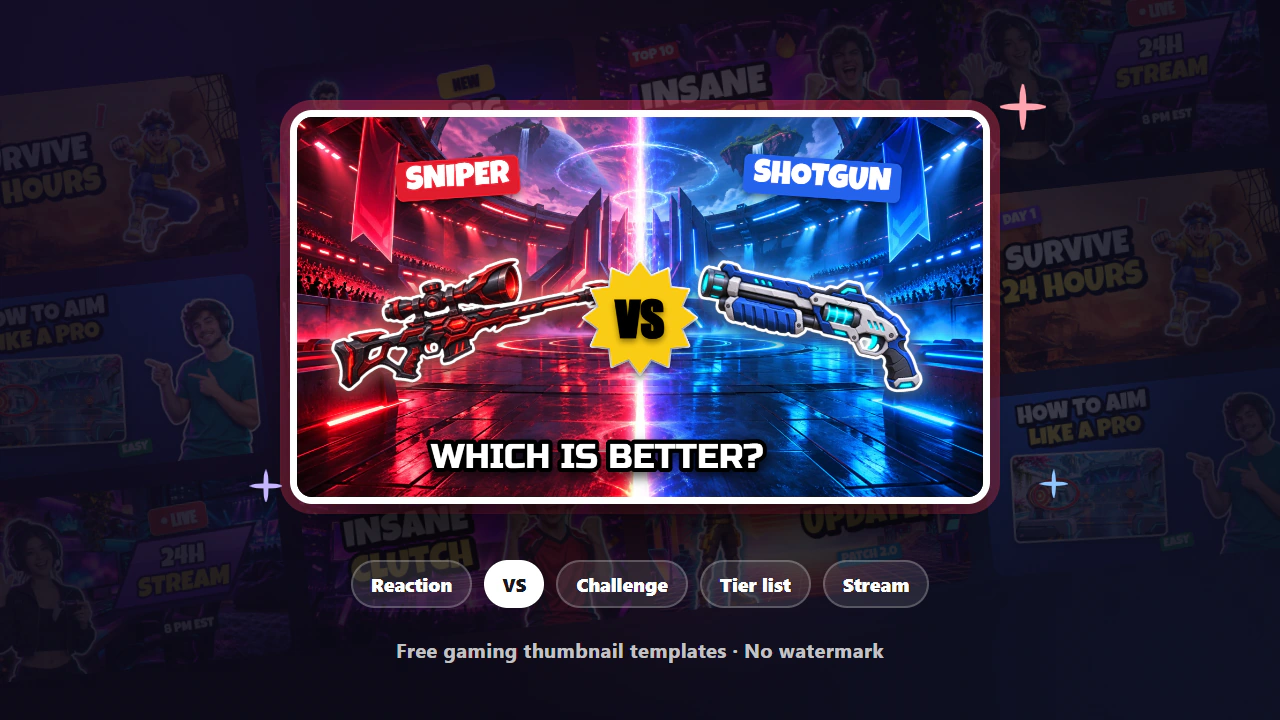
Gaming Thumbnail Maker
Gaming YouTube thumbnails from templates for reactions, VS, challenges, tier lists and streams. Cut out, outline, download.
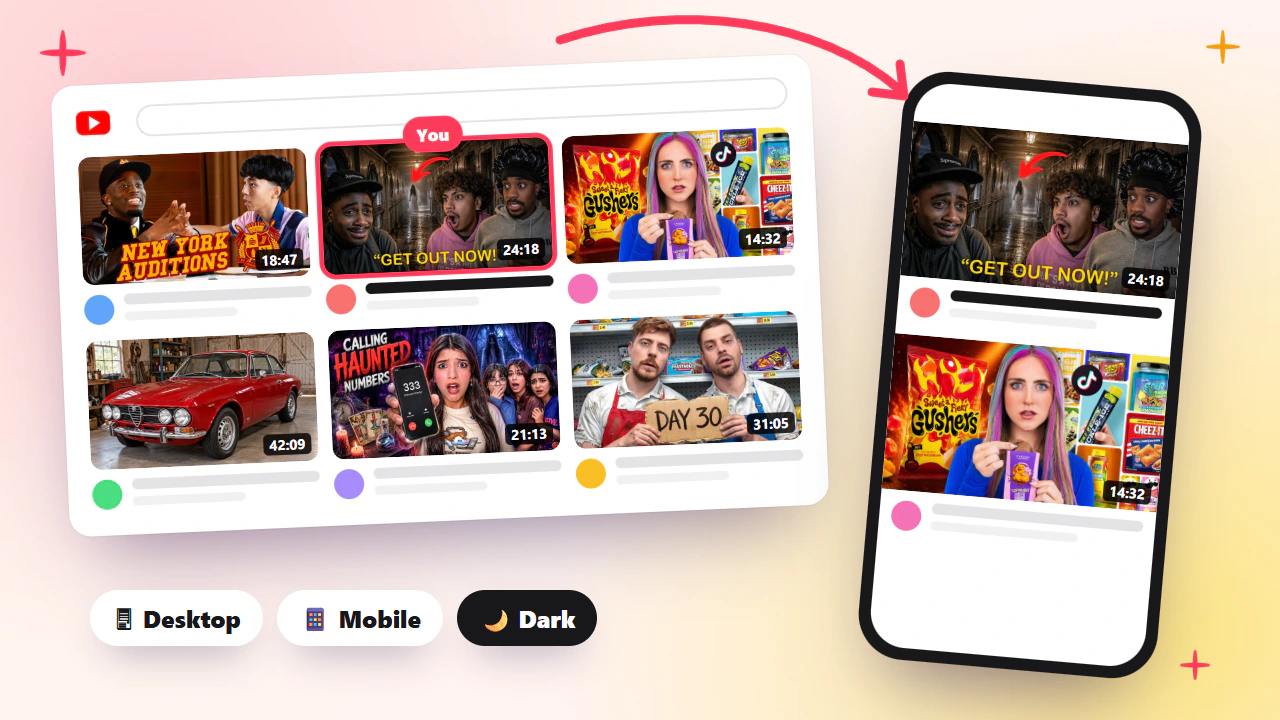
Thumbnail Tester
Preview thumbnails in a realistic YouTube feed and compare up to 4 versions before you upload.
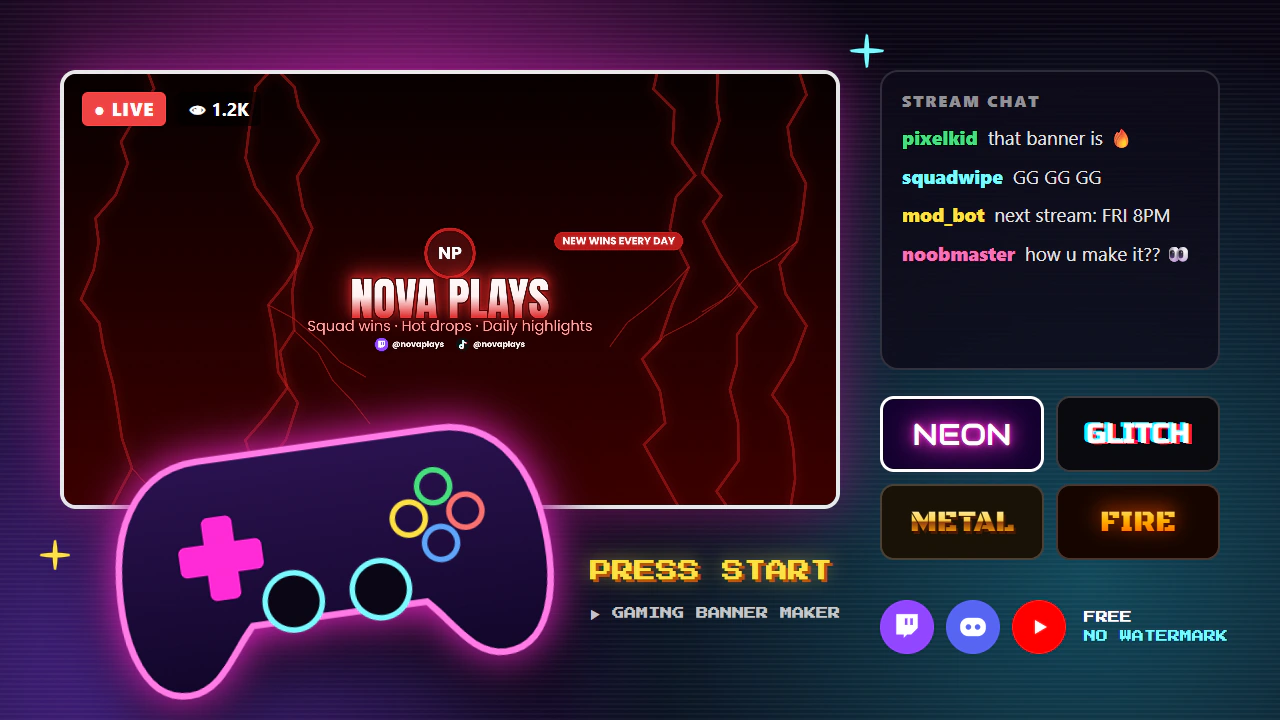
YouTube Gaming Banner Maker
Gaming templates, neon and glitch text effects, your character and stream schedule.

Thumbnail Design
Design click-worthy thumbnails with niche templates, one-click cutouts, bold text and stickers.
How it works
How to make a live stream thumbnail
- 01
Pick a stream template
Start from Just Chatting, gaming, music, podcast, shopping, church, sports or class templates. Each one already has a LIVE badge.
- 02
Add your face and title
Replace the sample photo with yours or a webcam screenshot, remove the background if you like, and type a short title of two to four words.
- 03
Set the start time
Choose the date, time and your time zone. Add viewer time zones and the times are converted automatically.
- 04
Download and upload
Download a 1280×720 PNG and add it to your scheduled stream in YouTube Studio. After the stream, switch to Replay and download the replay cover.
YouTube Studio
How to add a thumbnail to a YouTube live stream
A scheduled stream can have its own thumbnail before you go live, and you can swap it for a replay cover once the stream is saved.
Before the stream (scheduled)
- 1In YouTube Studio, click Create, then Go live.
- 2Open Manage and schedule a new stream, or pick one you already scheduled and edit it.
- 3In the details, find Thumbnail and upload the image you downloaded here.
- 4Save. The thumbnail shows on the upcoming stream in feeds and on your channel.
After the stream (replay)
- 1Here, switch the stream status to Replay and download the new version.
- 2In YouTube Studio, open Content and go to the Live tab.
- 3Open the details of the finished stream and upload the replay thumbnail.
- 4Save. Viewers now see a replay cover instead of an old start time.
Custom thumbnails need a verified YouTube account. Menu names can change, so check YouTube Help if a step looks different.
Tips
What makes a live stream thumbnail get clicks
A live stream thumbnail has one extra job: tell viewers that it is live, or when it will be.
Make LIVE obvious
A red LIVE badge in a top corner is read in a split second. Keep it away from the bottom right, where YouTube puts its own label.
Show the time in their time zone
If your viewers are spread out, show two or three time zones so nobody has to do the math.
Use a big, clear face
A cut-out photo with a white outline stands out on any background, even at phone size.
Two to four words
Put the hook on the thumbnail and the details in the stream title. Short text stays readable on small screens.
Keep a recognisable series look
For weekly streams, keep the same colors and layout and only change the episode number and title.
Update the cover after the stream
A thumbnail that still says 8PM tonight looks stale. Switch to Replay or Full Stream once the stream is saved.
Size guide
YouTube live stream thumbnail size
Live streams use the same thumbnail rules as regular YouTube videos. This tool exports 1280×720 under 2 MB, which uploads from both desktop and mobile.
| Export size | 1280 × 720 pxThe classic HD thumbnail size. YouTube also accepts larger images, up to 3840 × 2160. |
|---|---|
| Aspect ratio | 16:9Same shape as the stream player, so nothing gets cropped. |
| Format | PNG or JPGDownloads as PNG and switches to JPG automatically if the file would be too large. |
| File size | Under 2 MBYouTube allows up to 2 MB from the mobile app and up to 50 MB from a computer. |
| Minimum width | 640 pxAnything smaller is rejected. Bigger images look sharper on TVs. |
FAQ
Live stream thumbnail FAQ
Is this live stream thumbnail maker free?
Yes. Templates, LIVE badges, start times, replay switching and downloads are free with no watermark and no sign up. Only the optional background removal for your photo uses credits.
What size should a YouTube live stream thumbnail be?
Use 1280×720 pixels at 16:9, at least 640 pixels wide. YouTube accepts up to 2 MB from the mobile app and up to 50 MB from a computer. Thumbnails made here are 1280×720 and under 2 MB, so they work everywhere.
Can I add a custom thumbnail to a YouTube live stream?
Yes, if your account is verified. Schedule the stream in YouTube Studio (Create, Go live, Manage) and upload the thumbnail in the stream details. You can also change it on a stream you already scheduled.
How do I change the thumbnail after the stream ends?
Switch the stream status here to Replay or Full Stream and download it. Then in YouTube Studio open Content, go to the Live tab, open the finished stream and upload the new thumbnail.
How does the time zone conversion work?
Enter the start time in your own time zone and pick up to two viewer time zones. The thumbnail shows each converted time, for example SAT 8PM EST · 5PM PST, with daylight saving handled for that date.
What should a live stream thumbnail say?
A LIVE badge, a hook of two to four words and, for upcoming streams, the start time. Save the full details for the stream title and description.
Can I use my webcam screenshot?
Yes. Replace the sample photo with any image. Background removal and an outline help your face stand out, and photos stay in your browser unless you choose to remove the background.
Do you have templates for church services and live shopping?
Yes. Besides Just Chatting and gaming, there are templates for music, podcasts, live shopping, church services, sports watch parties and classes.
Can I make a vertical thumbnail for Shorts too?
This tool makes 16:9 live stream thumbnails. For a vertical 9:16 cover, use our YouTube Shorts Thumbnail Maker.