Free YouTube Gaming Banner Maker Online
Use this gaming banner maker to type your channel name, pick a gaming template and switch on neon, glitch or 3D metal text in one click. Add your character, stream schedule and socials, then download your YouTube gaming banner in 2560×1440 with no watermark.
Related Tools
View all tools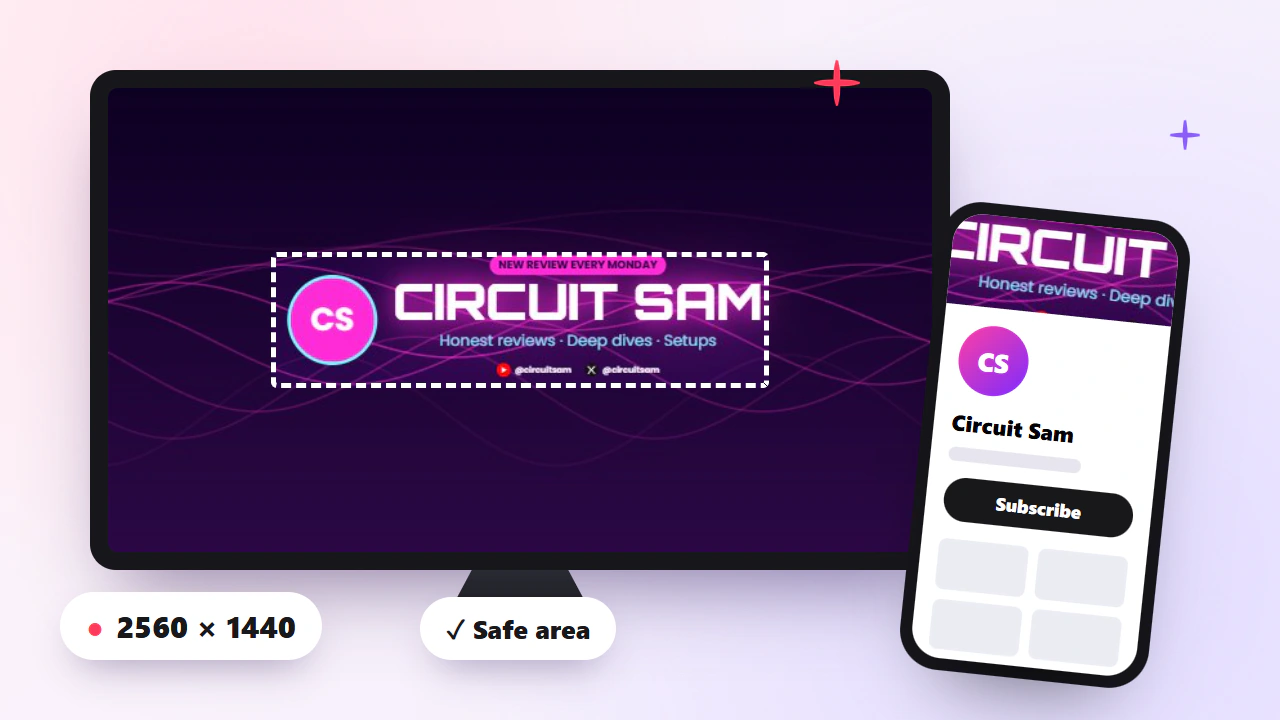
YouTube Banner
Create a 2560×1440 banner with safe-area guides and device previews.
YouTube Banner Template
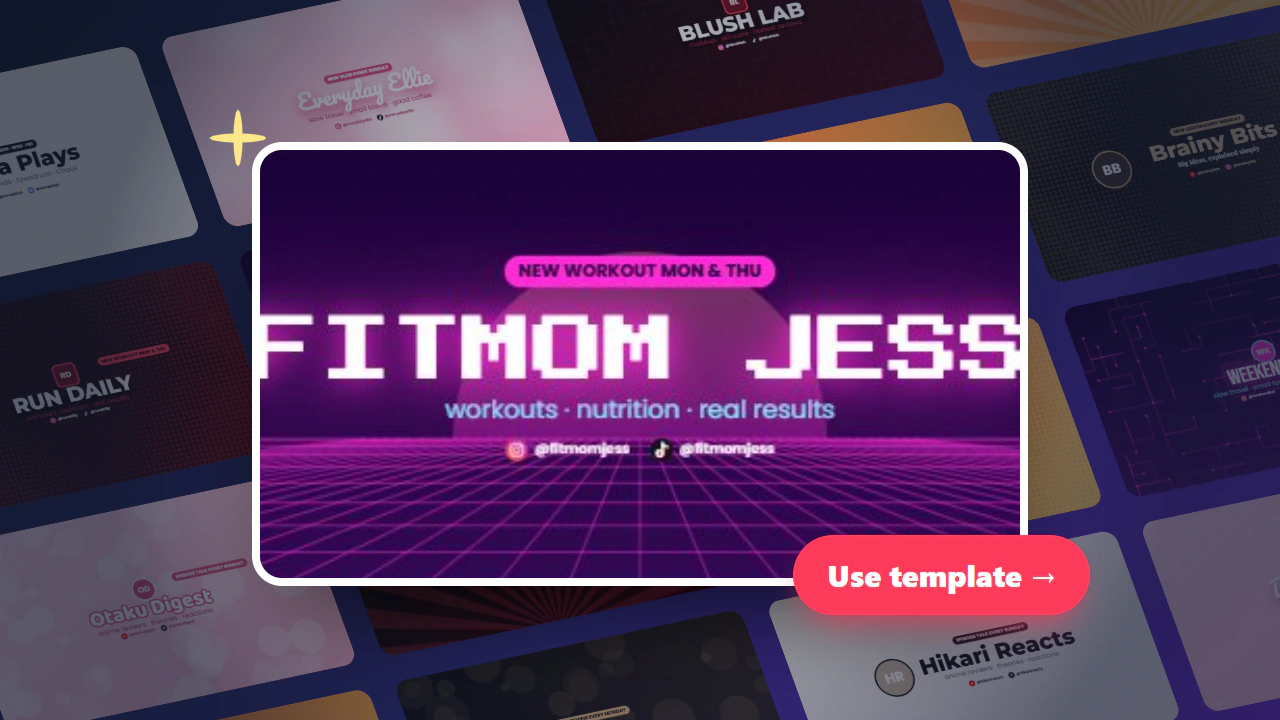
240+ free templates that update live with your channel name.
Thumbnail Design
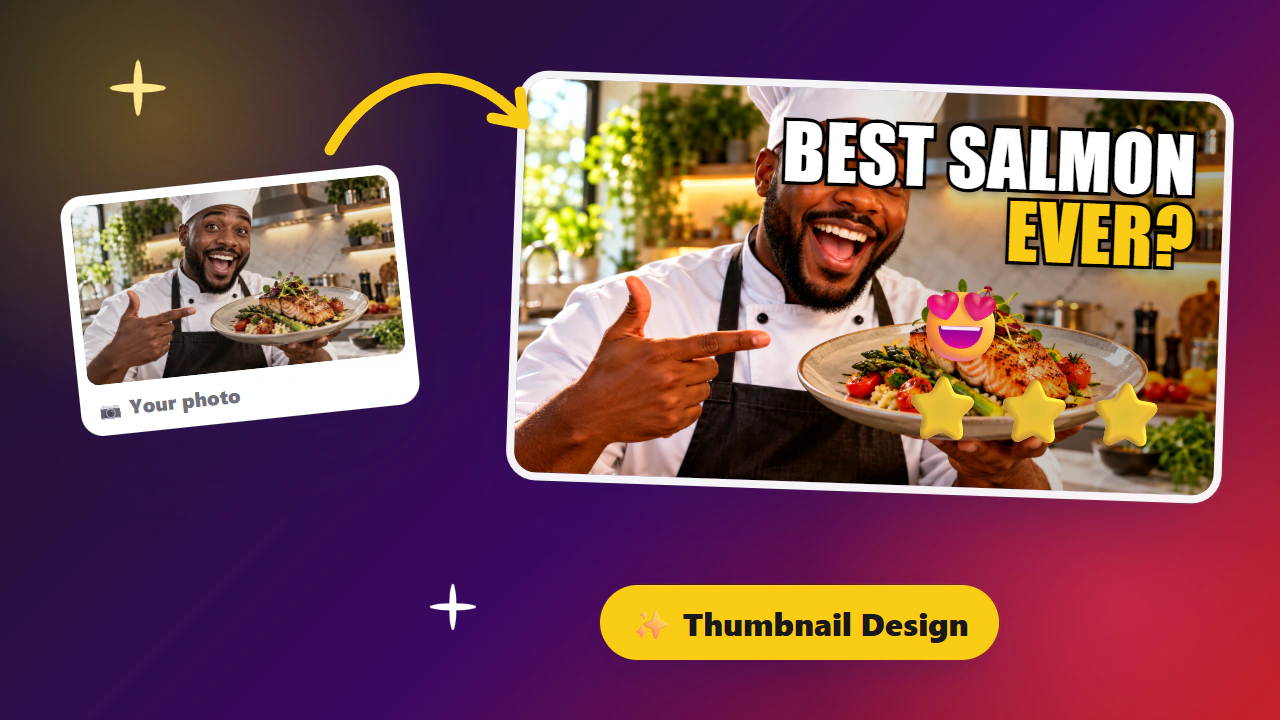
Design click-worthy thumbnails with niche templates, one-click cutouts, bold text and stickers.
YouTube Channel Background
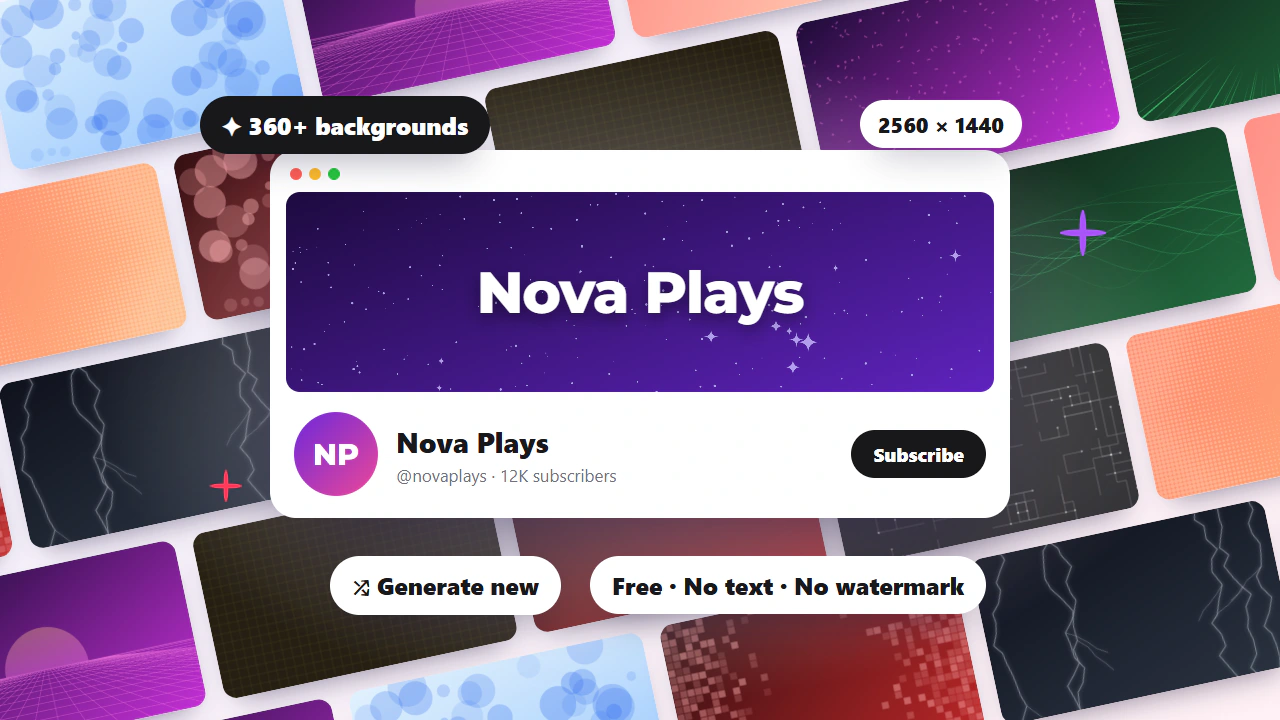
Generate free, text-free 2560×1440 backgrounds for your channel banner.
How it works
Make a YouTube gaming banner in 3 steps
- 01
Start with a gaming template
The gaming banner maker opens with a ready-made banner. Type your gamer tag, or pick another template below by game type or style.
- 02
Add effects and your character
Switch the channel name to neon, glitch, 3D metal or fire. Add your avatar or a gameplay screenshot, your stream schedule and socials.
- 03
Check every screen, then download
Preview the banner on TV, desktop, tablet and phone, fix anything outside the safe area, and download your YouTube gaming banner as a free 2560×1440 PNG.
Text effects
Gaming text effects in one click
Your channel name is the star of a YouTube gaming banner. These effects usually take layer styles and a lot of patience in a photo editor. In this gaming banner maker you pick one, choose a color, and keep editing the text anytime.
Neon sign
A bright tube of light with a soft outer glow. Pick any glow color to match your channel.
3D metal
Chrome or gold lettering with real depth, the classic esports and clan look.
Glitch
RGB split and sliced lines for a broken-screen, high-energy feel.
Fire
Hot gradient letters with rising flames of light, made for horror and action channels.
Templates by game
A gaming banner style for every kind of channel
Each template is an original design inspired by a type of game, so it fits your channel without using anyone else’s logo or characters. Pick a game type to jump to its templates.
Built for gamers and streamers
Everything a YouTube gaming banner needs
This YouTube gaming banner maker is built around what gaming channels actually put on their banners: a loud name, a face or character, and when you go live.
63 gaming templates
Nine game types and seven styles, from neon and glitch to esports, anime, pixel and cute. Switching templates keeps your text and character.
Gaming fonts and effects
Neon, glitch, 3D metal and fire text, plus gaming fonts and backgrounds like lightning, smoke, hexagons and speed lines.
Your character in the banner
Add your avatar, a skin render or a gameplay screenshot. Use it as a framed card, or remove the background with AI and add a colored glow.
Stream schedule and socials
Show when you go live and where to find you, with Twitch, Discord, TikTok, X, Instagram and YouTube icons.
Safe area and device previews
Guides and live previews for TV, desktop, tablet and phone warn you before your name or schedule gets cropped.
Free download, no watermark
Download your gaming banner as a 2560×1440 PNG with no watermark and no sign-up. Large files switch to JPG automatically to stay under 6 MB.
Size guide
YouTube gaming banner size
A YouTube gaming banner uses the same size as any channel banner. Big characters and effects look great on TV, but phones only show the center strip, so keep your name and schedule there.
2560 × 1440
Upload size
Full image shown on TV. Minimum upload is 2048 × 1152.
1546 × 423
Safe area
The center strip every device shows. Put your name and schedule here.
Under 6 MB
File size
PNG or JPG. Downloads are compressed to fit automatically.
Fair play
Use your own art, not official game logos
Game logos, characters and key art belong to their publishers. Banners that copy them can be reported or removed, so our templates use original designs inspired by game types instead. This tool is not affiliated with any game publisher.
Good to use
- Your own gameplay screenshots and clips.
- Your avatar, skin render, face cam photo or logo.
- Art you made or have permission to use.
Better to avoid
- Official game logos and title lettering.
- Official character art, posters and key art.
- Wording that suggests you are an official or partner channel.
FAQ
YouTube gaming banner FAQ
Is this YouTube gaming banner maker free?
Yes. All gaming templates, text effects, the editor and the PNG download are free, with no watermark and no sign-up. Only the optional AI background removal for your character uses credits and needs an account.
What size should a YouTube gaming banner be?
Upload 2560 × 1440 pixels (at least 2048 × 1152) under 6 MB. Keep your channel name and schedule inside the 1546 × 423 safe area in the center, because phones crop everything else. The gaming banner maker exports at the exact size and compresses the file for you.
Can I use characters or logos from my favorite game?
Official logos, characters and key art are owned by game publishers, and using them can get your banner reported. Our templates are original designs inspired by game types. Your own gameplay screenshots and your own avatar are a safer choice, and you can check each publisher’s content policy for details.
How do I add my character or a gameplay screenshot?
In the gaming banner maker, choose a template, open the Character tab and upload your image. It appears as a framed card next to your name. Click Remove background to cut out your character with AI (uses credits), then drag, resize, flip it or add a glow.
Will my gaming banner look right on phones and TVs?
Yes. Safe-area guides and live previews show the banner on TV, desktop, tablet and phone. If text or icons fall outside the safe area, the YouTube gaming banner maker warns you and moves them back with one click.
Can I add my stream schedule, Twitch or Discord?
Yes. In the gaming banner maker's Socials tab you can add a schedule badge like “LIVE MON · WED · FRI 8PM” and up to four accounts with Twitch, Discord, TikTok, X, Instagram or YouTube icons.
Do I need design skills to make a gaming banner?
No. Pick a template, type your name and the gaming banner maker gives you a finished banner right away. Effects, fonts, colors and backgrounds are one click each, and switching templates keeps your text and character.