YouTube · New season
Free Fortnite Thumbnail Maker Online
Free templates for YouTube videos and Creative island thumbnails: cut out your character, add bold outlined titles on banners or wood boards, then download without a watermark.
Examples · pick one to start
Click an example to open it in the editor, then swap in your own photo and text.
12:34
Drag to move · corners to resize · double-click to edit · Delete to remove
Preview on YouTube
Check that the title and character still read at small sizes. Placeholders are hidden, just like in the download.
18:42
I Won With Gray Guns Only (Impossible Challenge)
Your Channel · 58K views · 3 hours ago
I Won With Gray Guns Only (Impossible Challenge)
Your Channel
Fortnite thumbnail templates
Six ready-made Fortnite-style templates for wins, new seasons, challenges, 1v1s, tips and island thumbnails. Pick one to load it into the Fortnite thumbnail maker above, then swap in your own character and background.
YouTube · Victory
YouTube · Challenge
YouTube · 1v1
YouTube · Tips
Island · Parkour
Related Tools
View all tools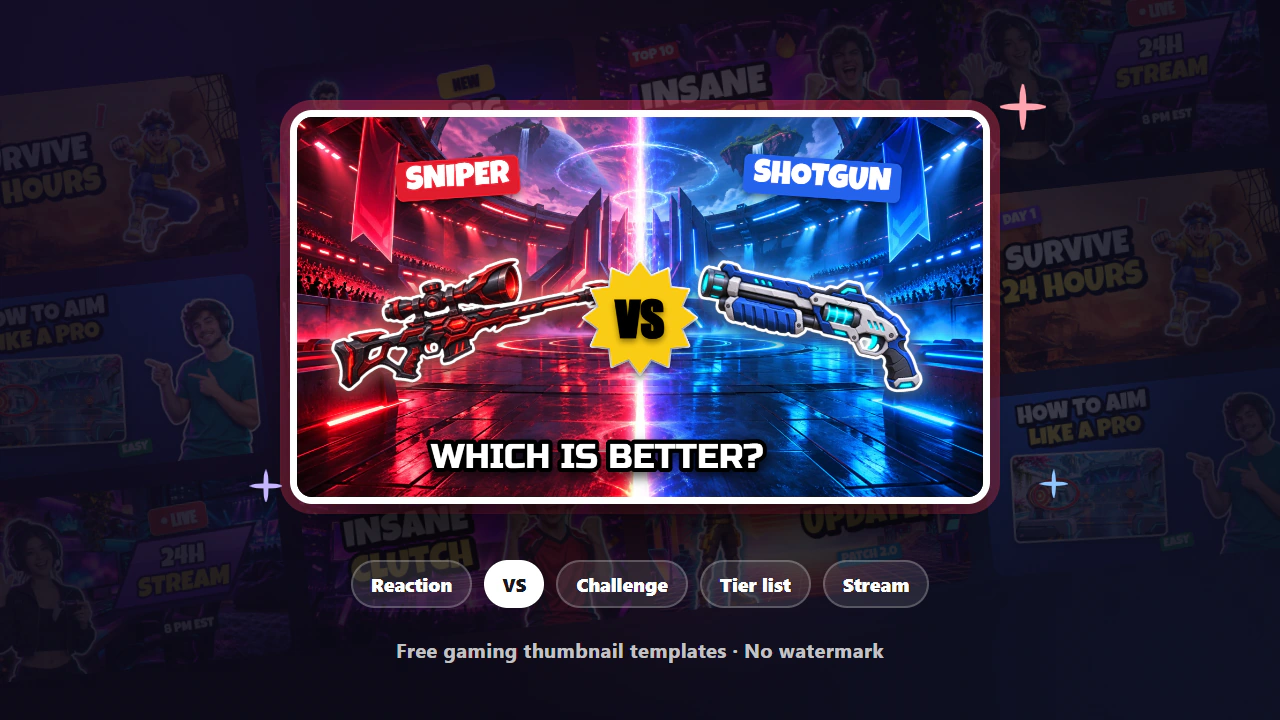
Gaming Thumbnail Maker
Gaming YouTube thumbnails from templates for reactions, VS, challenges, tier lists and streams. Cut out, outline, download.
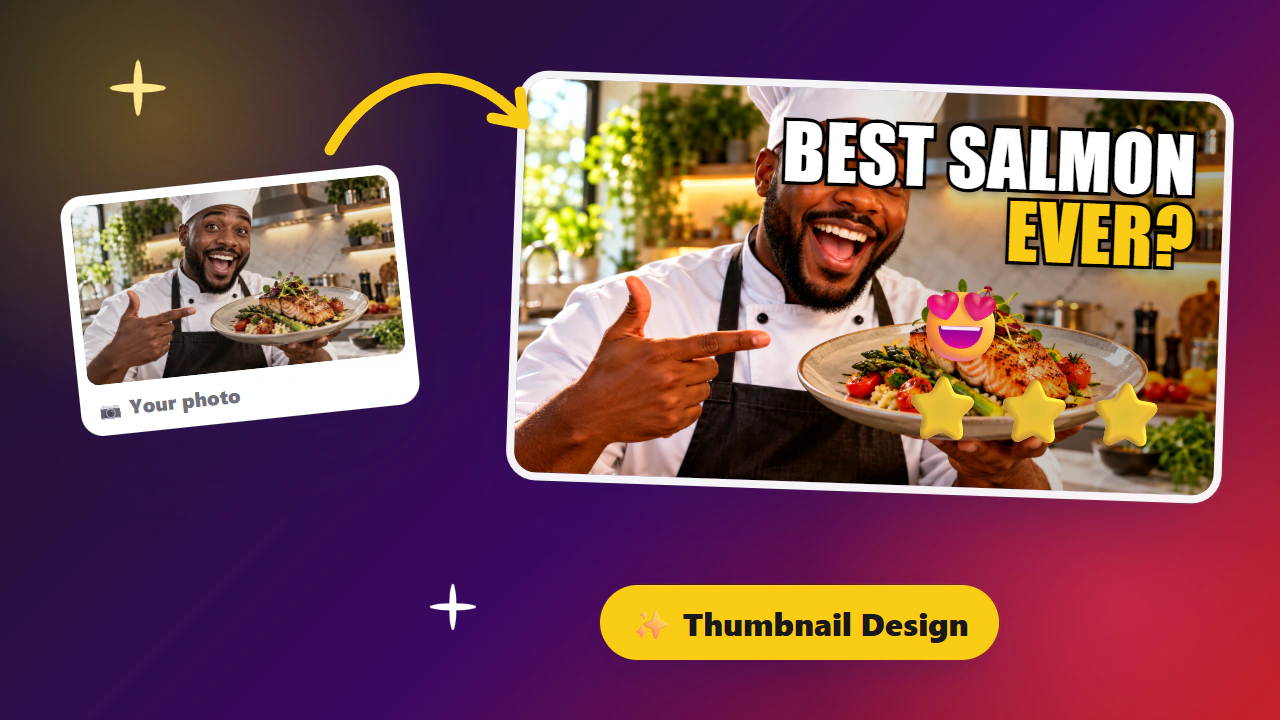
Thumbnail Design
Design click-worthy thumbnails with niche templates, one-click cutouts, bold text and stickers.
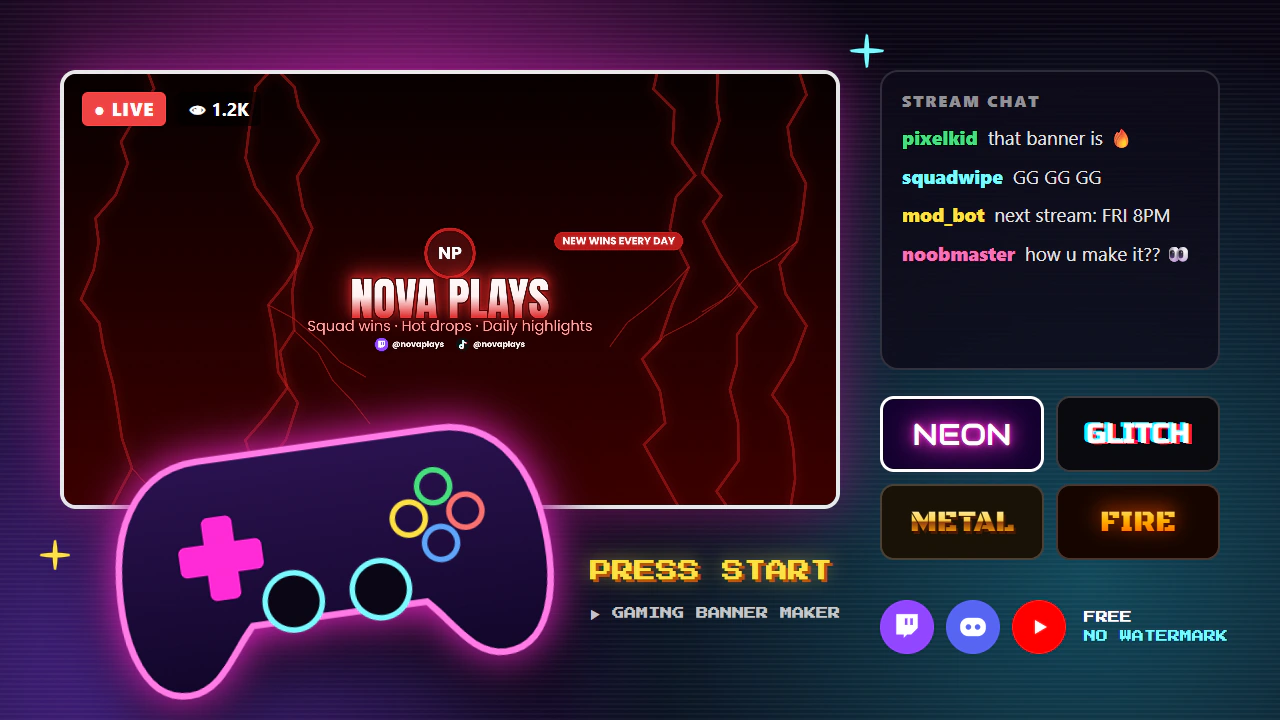
YouTube Gaming Banner Maker
Gaming templates, neon and glitch text effects, your character and stream schedule.
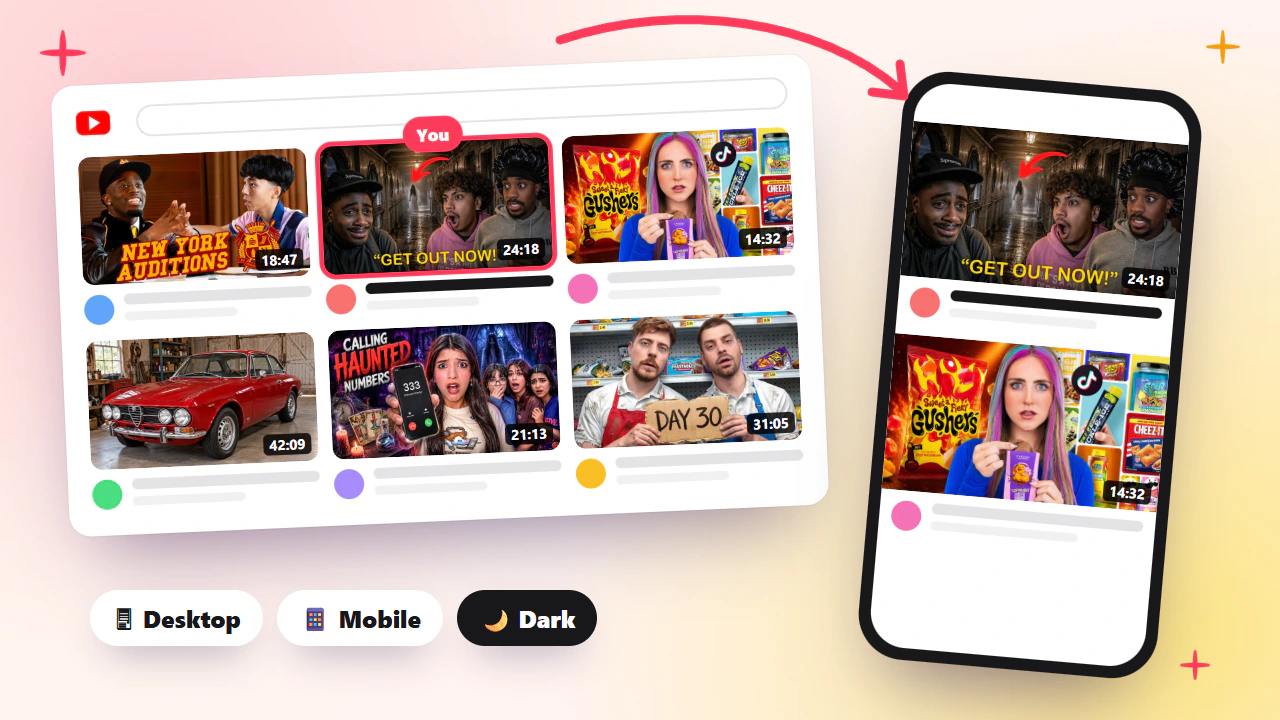
Thumbnail Tester
Preview thumbnails in a realistic YouTube feed and compare up to 4 versions before you upload.
How it works
Make a Fortnite thumbnail in 4 steps
- 01
Pick a template
Choose YouTube or island mode in the Fortnite thumbnail maker, then a template: win, new season, challenge, 1v1, tips or a parkour island thumbnail.
- 02
Add your character
Each template comes with a sample character and background. Click the character and replace it with a screenshot from a match or replay mode, then click Remove background to cut it out with a white outline.
- 03
Make it pop
Edit the bold outlined title in Quick edit and pick a slanted banner or wood board right under it. Add label stickers like EASY or 1V1, crowns and lightning from Add → Sticker.
- 04
Check and download
Preview it in a feed (island mode also checks the island rules), then download a PNG with no watermark: 1280×720 for YouTube or 1920×1080 for your island.
Capture your character
Get a clean character pose with replay mode
Most creators shoot their character in replay mode, where you can stop time and move the camera freely. A clear, well-lit shot cuts out much better in the Fortnite thumbnail maker.
- 1Open a match in replays, pause on a moment with a good pose or emote, and hide the HUD.
- 2Switch to the drone camera and frame your character from the waist up, a little below eye level.
- 3Pick a plain area like sky or a wall behind the character, and raise the exposure if the shot is dark.
- 4Take the screenshot at full resolution, upload it here and click Remove background.
Menu names differ between versions and platforms, so look for the same options in your game settings. Use screenshots of your own gameplay.
Sizes & rules
Fortnite thumbnail size and island thumbnail rules
The Fortnite thumbnail maker exports the right size for each mode. Island thumbnails go through Epic's review, so a few extra rules apply.
Island thumbnails must not:
- Show or mention V-Bucks or real-world money.
- Mention XP, leveling up, AFK, coin farms or coin slides.
- Use Epic Games logos, product names or key art.
- Show weapons or devices that aren't in your island.
- Include photos of real people.
- Show blood, crosshairs on heads, guns aimed at the viewer or platform-specific controls.
This is a summary. Epic updates its rules, so check the latest version before you submit. Read Epic's thumbnail policies
| YouTube video | 1280 × 720 px (16:9)Under 2 MB. Large PNGs are converted to JPG automatically. |
|---|---|
| Island thumbnail | 1920 × 1080 px (16:9)Epic asks for 1920×1080 and no more than 5 MB. Upload it in the Creator Portal. |
| Format | PNG (or JPG)A still image, no animation. |
| Safe area | Keep text off the top and bottom edgesMenus can cover about 200 px at the top and bottom. Turn on Island safe zones to see it. |
| Text | A few big wordsIsland cards are small, so a short title reads best. |
Features
Everything a Fortnite thumbnail needs
This Fortnite thumbnail maker is built around the look Fortnite creators use: a glowing character on one side, a bright background and a huge outlined title.
Templates by video type
Six polished templates for wins, new seasons, challenges, 1v1s and tips, with original 3D-style characters and backgrounds you can swap for your own. More are on the way.
Character cutout
Cut your character out of a screenshot, then add a white outline, outer glow and drop shadow.
Title banners and wood boards
Put a slanted banner or a wood plank behind any title. The board resizes with your text and you can change its colors and slant.
Island thumbnail mode
A parkour island template with the title kept clear of the menu edges, exported at 1920×1080. More map types are on the way.
Built-in checks
Flags text that breaks island rules, text too close to the edges, too many words and leftover placeholders.
Free, no watermark
Templates, effects and downloads in the Fortnite thumbnail maker are free. Only background removal uses credits.
FAQ
Fortnite thumbnail maker FAQ
Is this Fortnite thumbnail maker free?
Yes. Templates, title boards, stickers and PNG downloads are free with no watermark. Removing the background from your character screenshot uses credits and needs an account.
Can I use Fortnite skins in my thumbnail?
This Fortnite thumbnail maker doesn't include official skins, logos or fonts. You can upload screenshots of your own gameplay, and you are responsible for how you use them. Epic's fan content policy explains what it allows for fan-made content, so read it before publishing, especially for commercial use.
What size is a Fortnite thumbnail?
A YouTube Fortnite thumbnail is 1280×720 pixels and must be under 2 MB. A Fortnite island thumbnail is 1920×1080 pixels and no more than 5 MB. The Fortnite thumbnail maker exports the right size for whichever mode you pick.
How do I make a Fortnite island thumbnail?
Switch the Fortnite thumbnail maker to Island mode, pick a map-type template, add your screenshot and a short title, and keep text away from the top and bottom edges. Fix anything the island check flags, download the 1920×1080 PNG and upload it in the Creator Portal.
How do I take a good character picture for my thumbnail?
Use replay mode: pause on a strong pose, hide the HUD, frame your character with the drone camera against a plain background and take a full-resolution screenshot. Clear, bright shots give the cleanest cutout.
Will my thumbnail get my island rejected?
The built-in check catches common text problems like V-Bucks, XP or Epic product names, but it can't see what is in your images or guarantee approval. Read Epic's thumbnail policies and confirm the manual items before you submit.
Is this an official Fortnite tool?
No. This Fortnite thumbnail maker is an independent tool by Thumbs.ai and is not affiliated with, endorsed by or sponsored by Epic Games. All templates and effects are original designs.
Fortnite is a trademark of Epic Games, Inc. This unofficial Fortnite thumbnail maker is not affiliated with, endorsed by or sponsored by Epic Games. Templates use original artwork only.