Zamn Thumbnail Templates
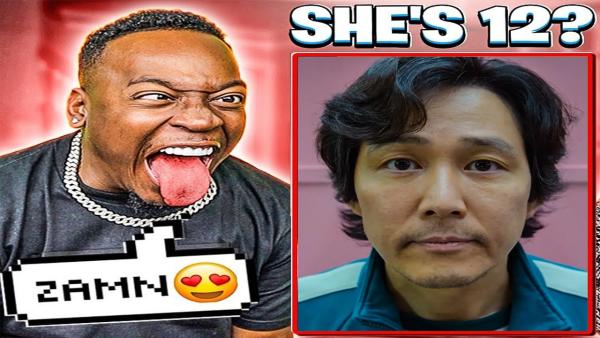
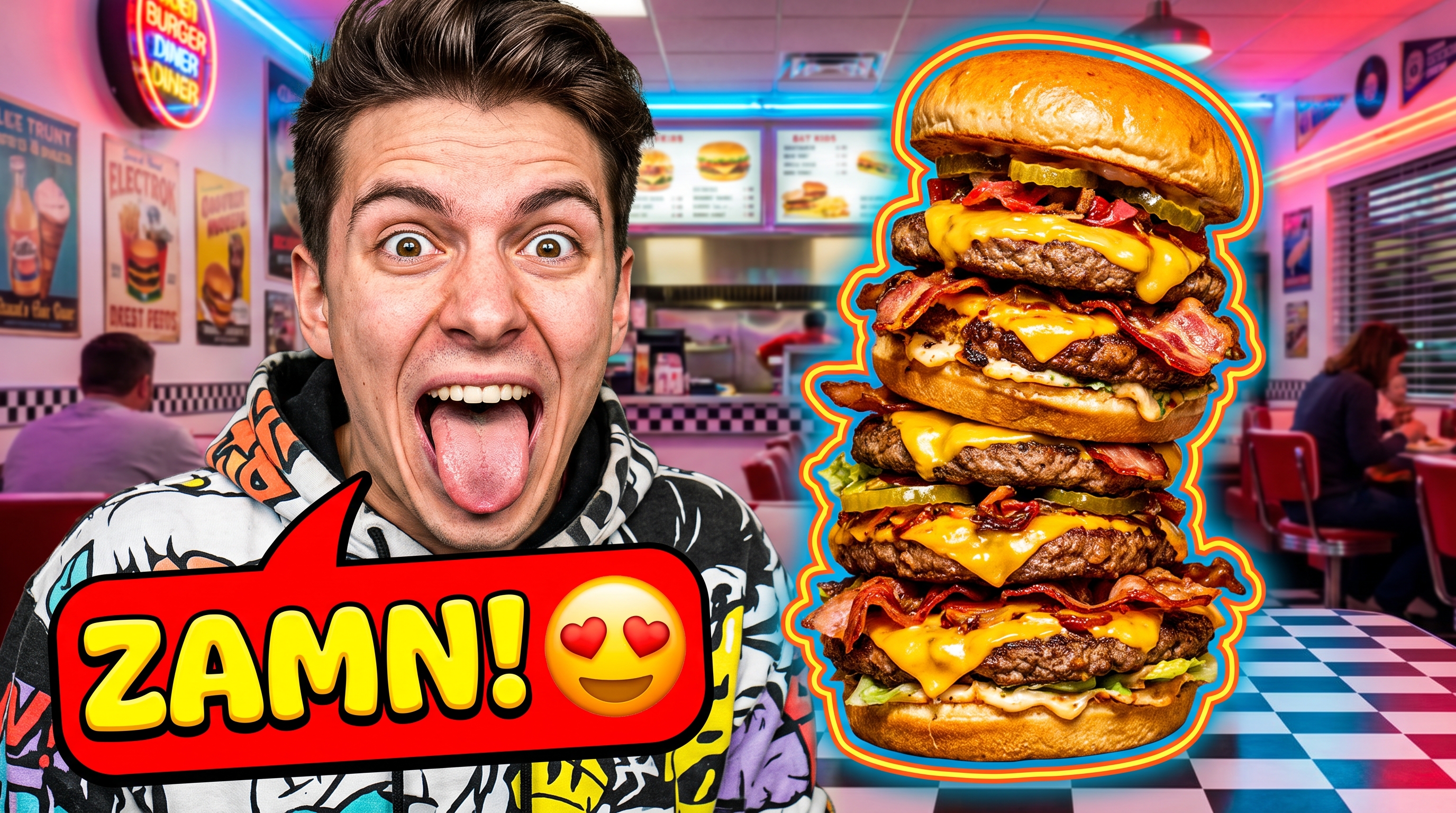
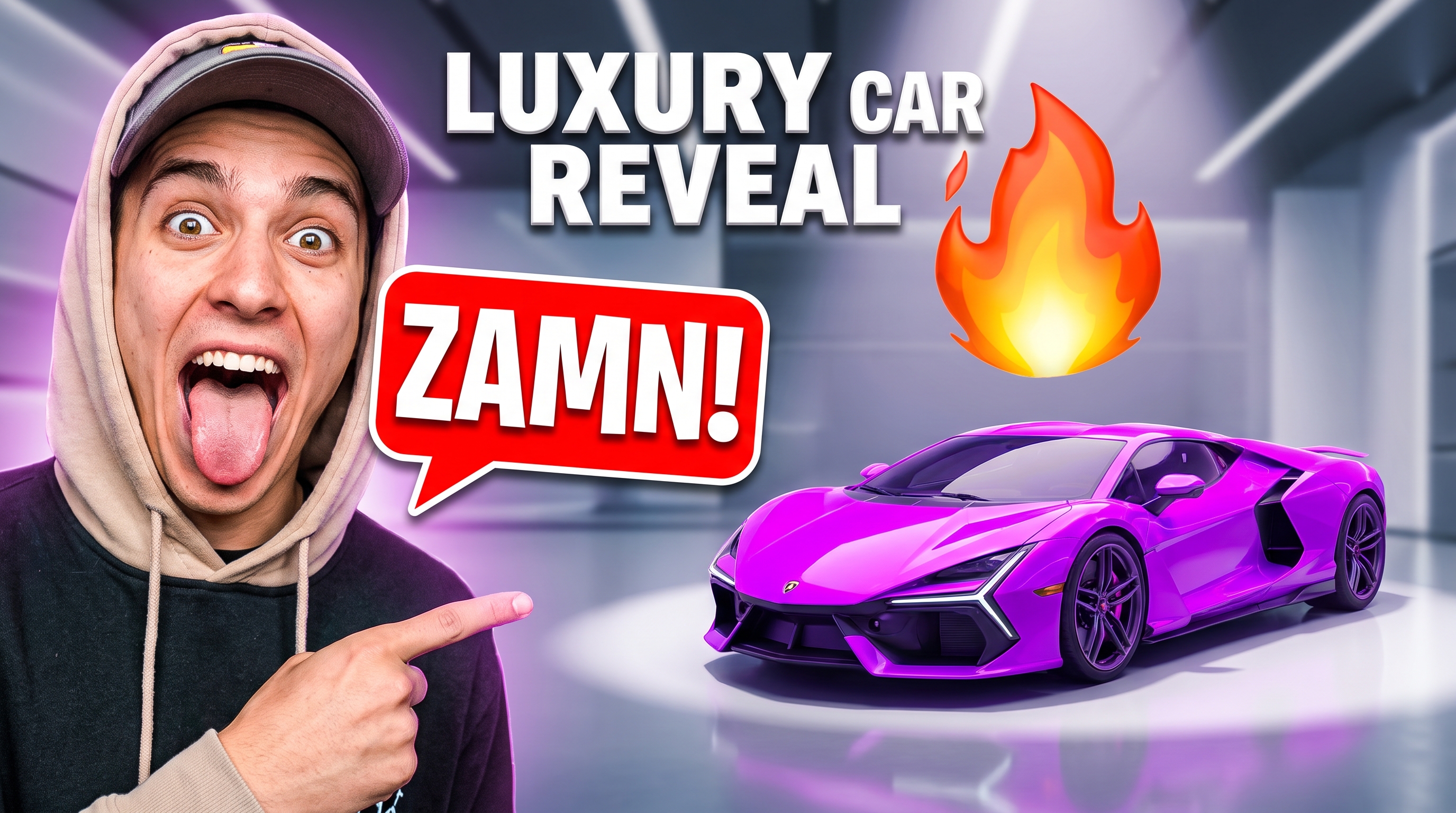
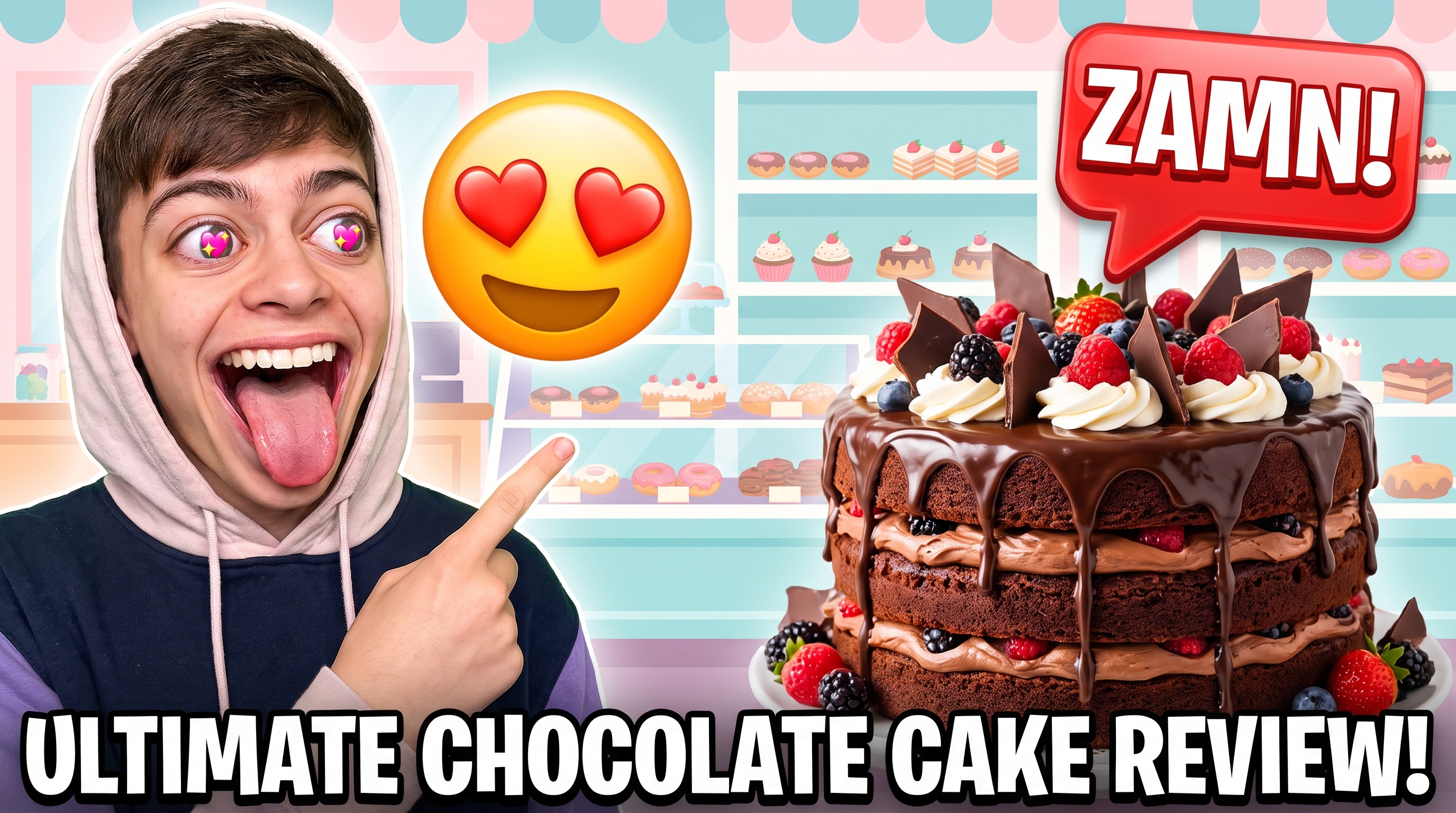
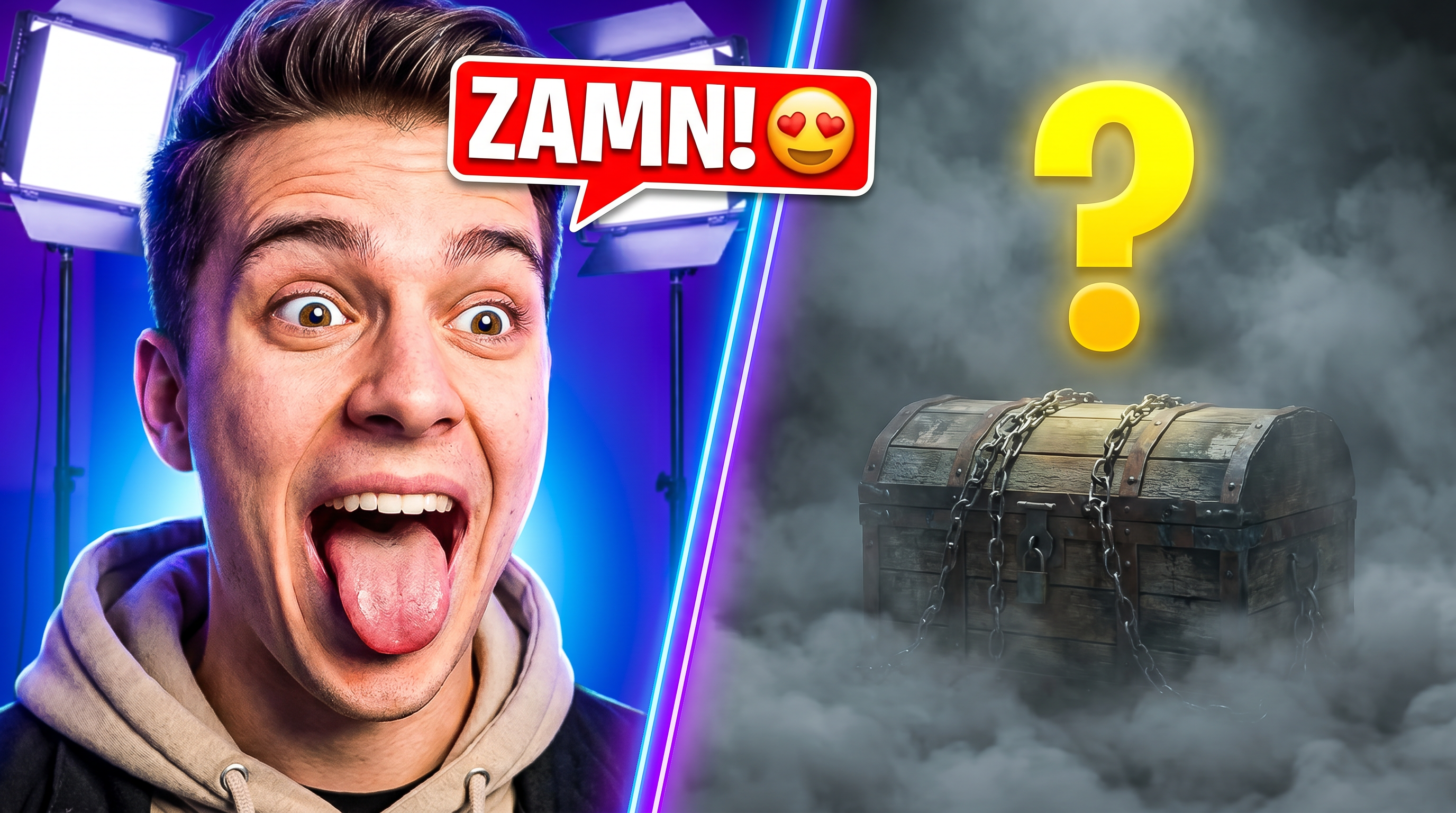
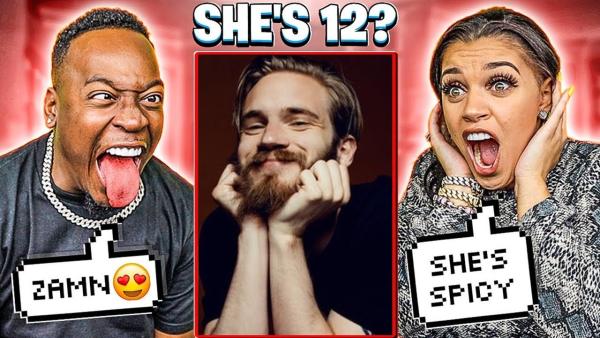
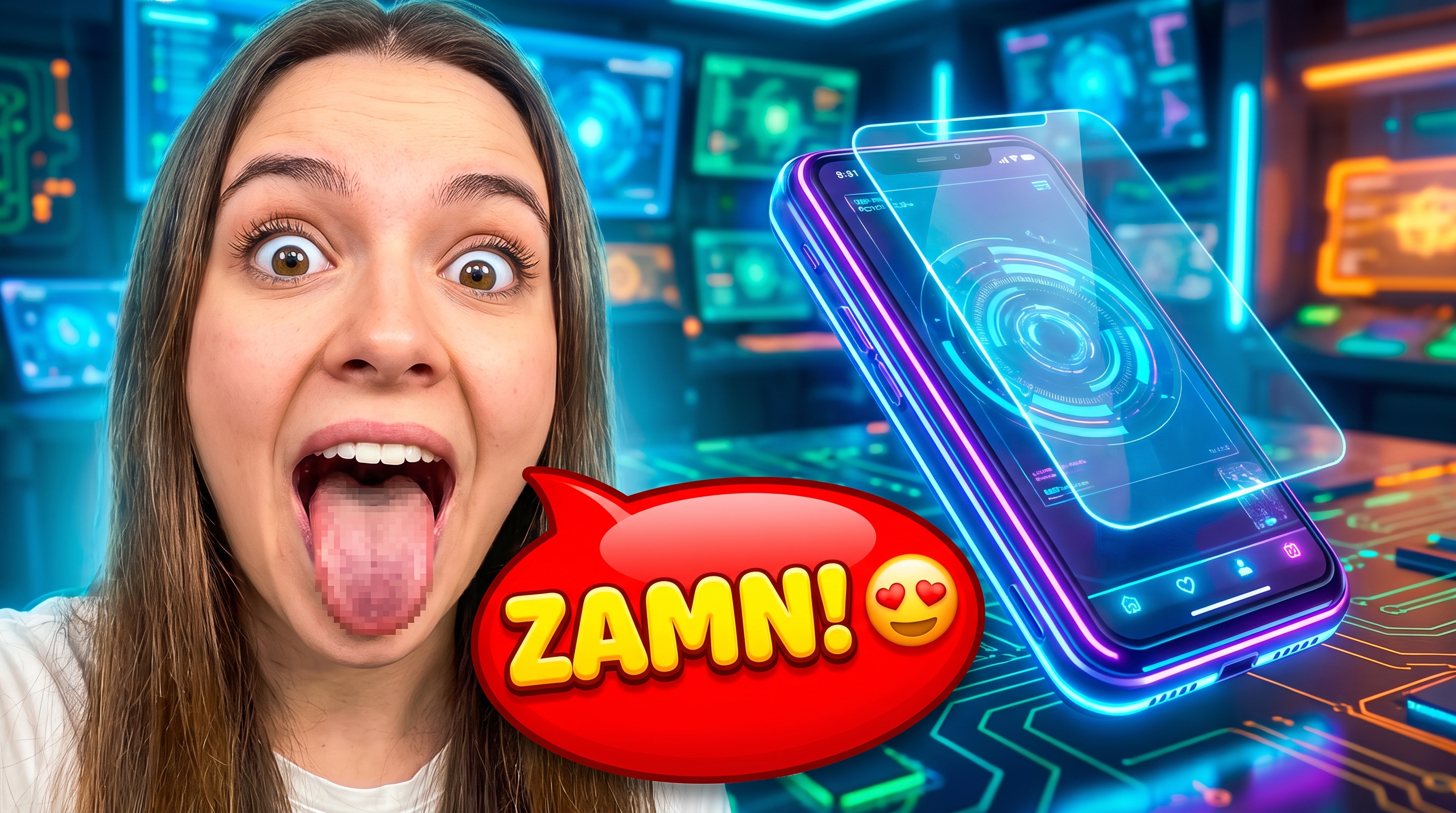
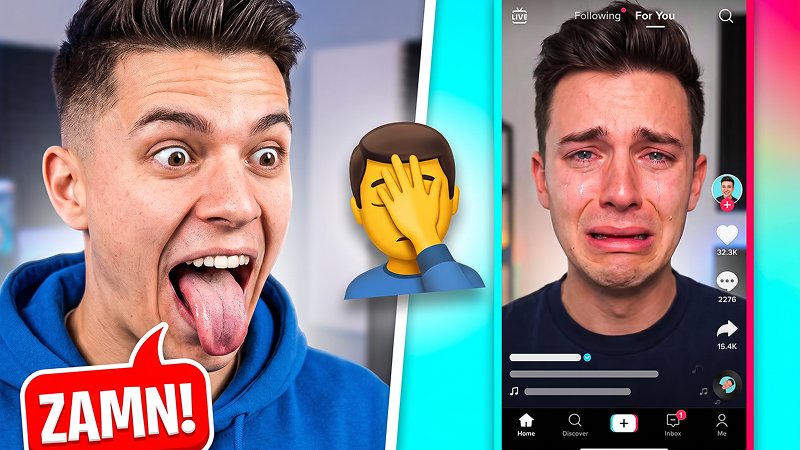
Pick our pre-made clickbait templates to instantly warp faces, add heart eyes stickers, and recreate the iconic "ZAMN!" shock factor. Perfect for commentary, gaming, and shitposting channels looking for the ultimate engagement hack.

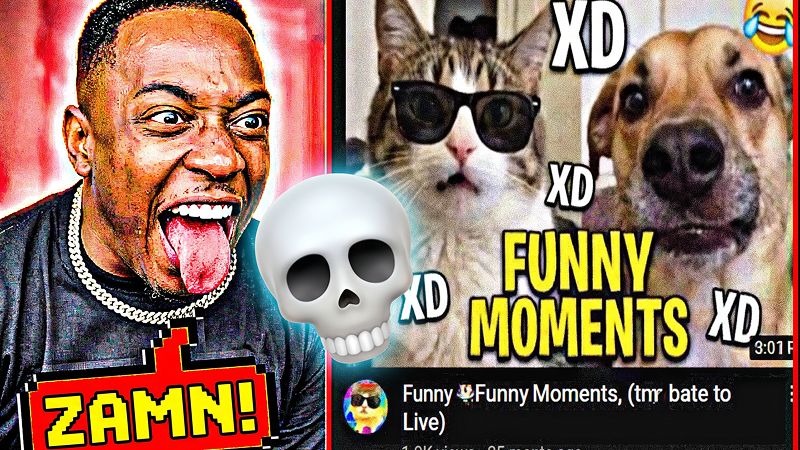
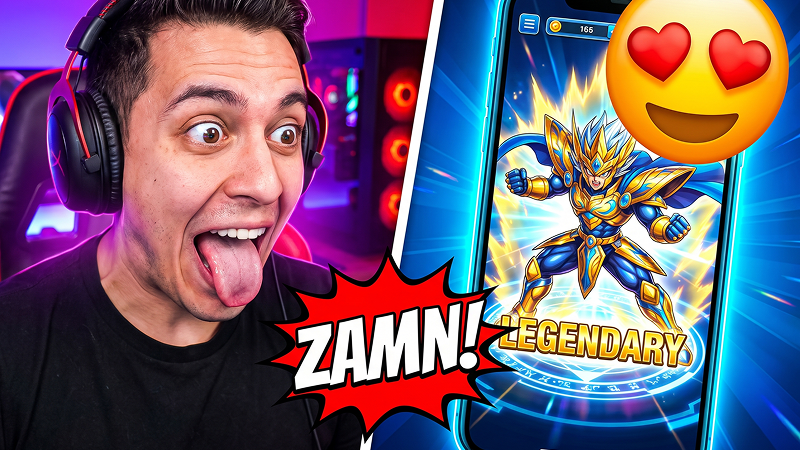
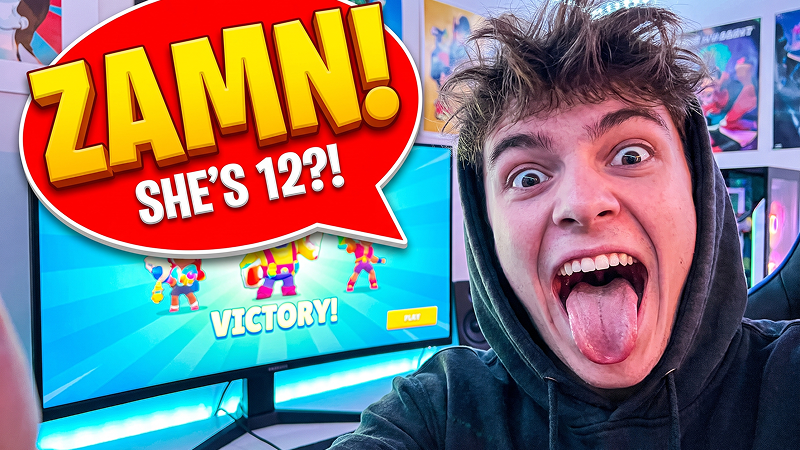
How to Use Zamn Thumbnail Templates in Steps
Get the trending humor thumbnail style in seconds — no design skills needed, just pure viral potential.
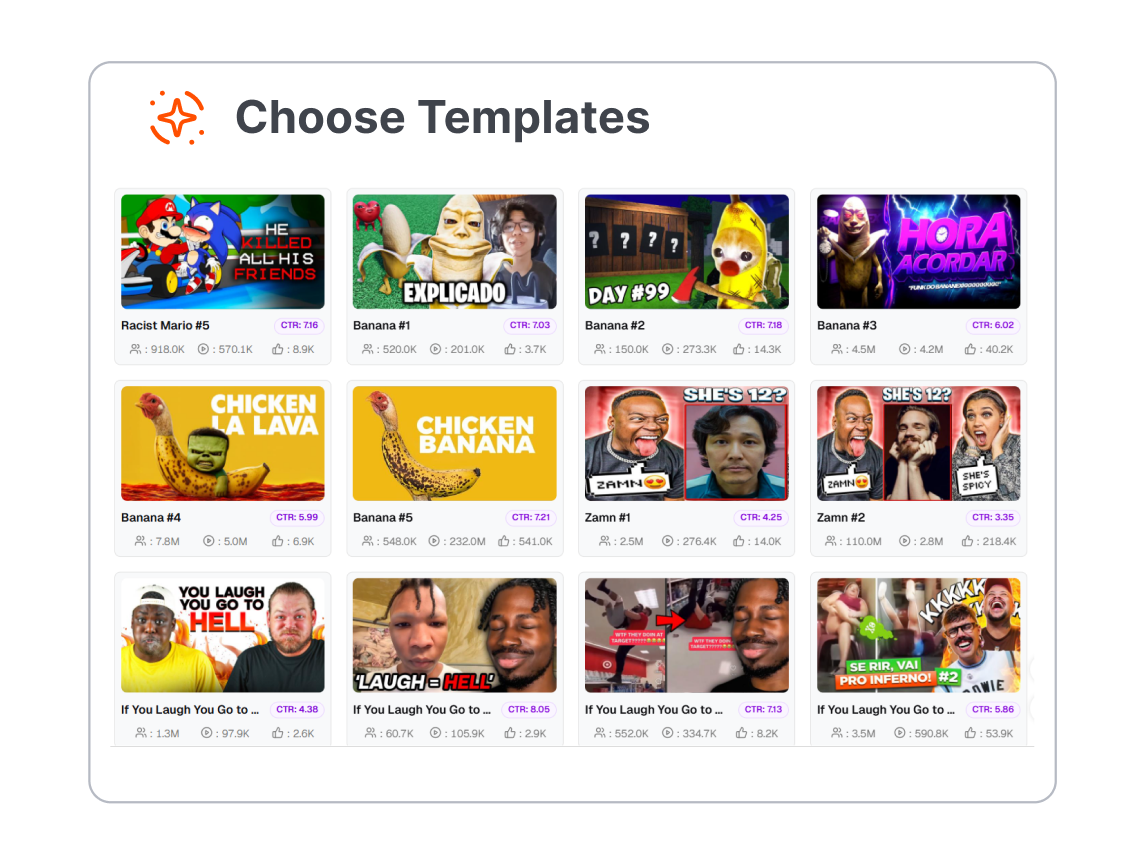
1. Choose a Clickbait Template
Pick from our library of high-impact expression layouts. Whether you want the classic reaction style or an Anime meme thumbnail, we have the template ready.
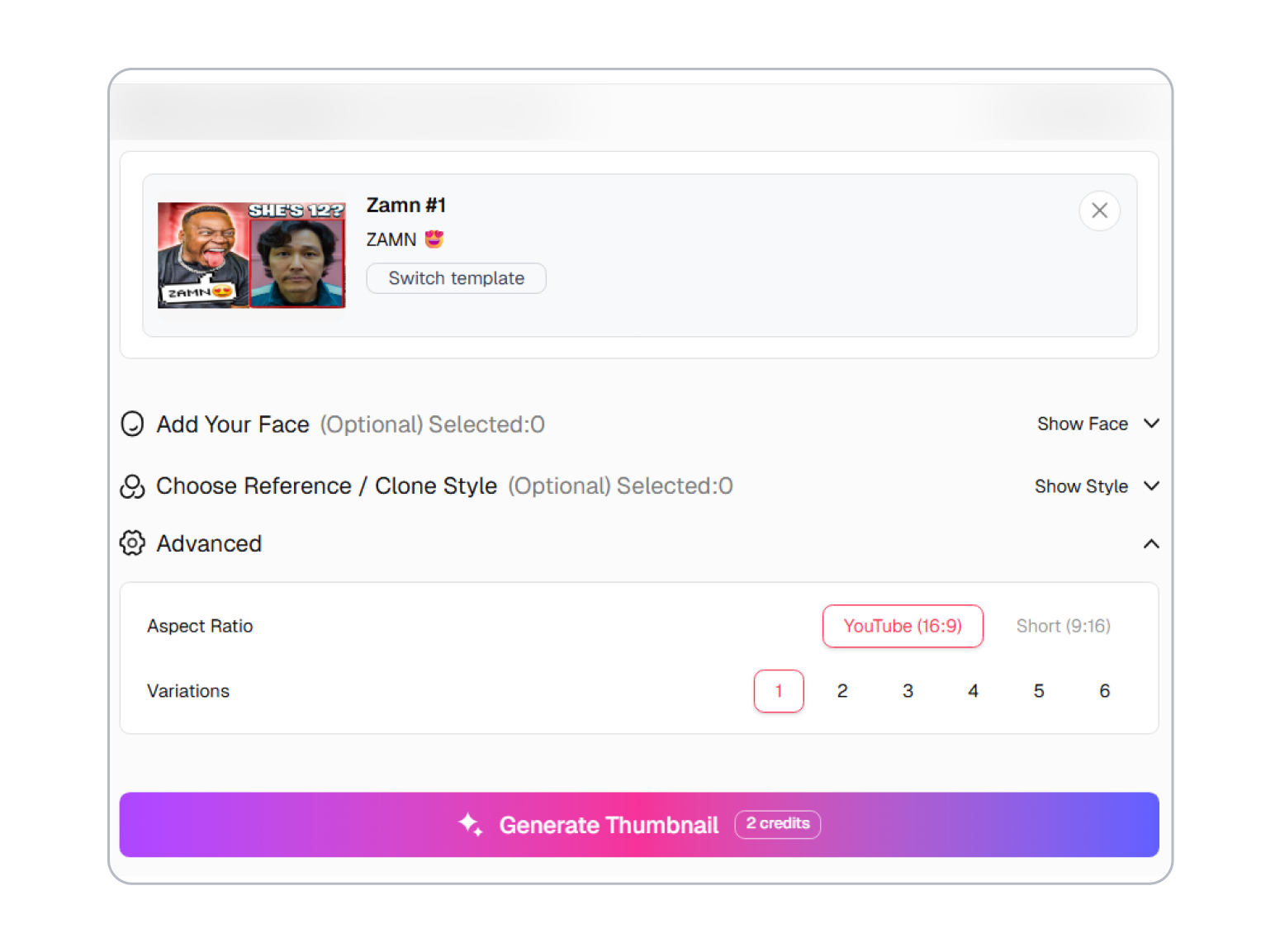
2. Upload & Let AI Morph
Drop your photo in. Our advanced AI automatically isolates your face, removes the background, and applies the instant face morph to create that exaggerated expression.
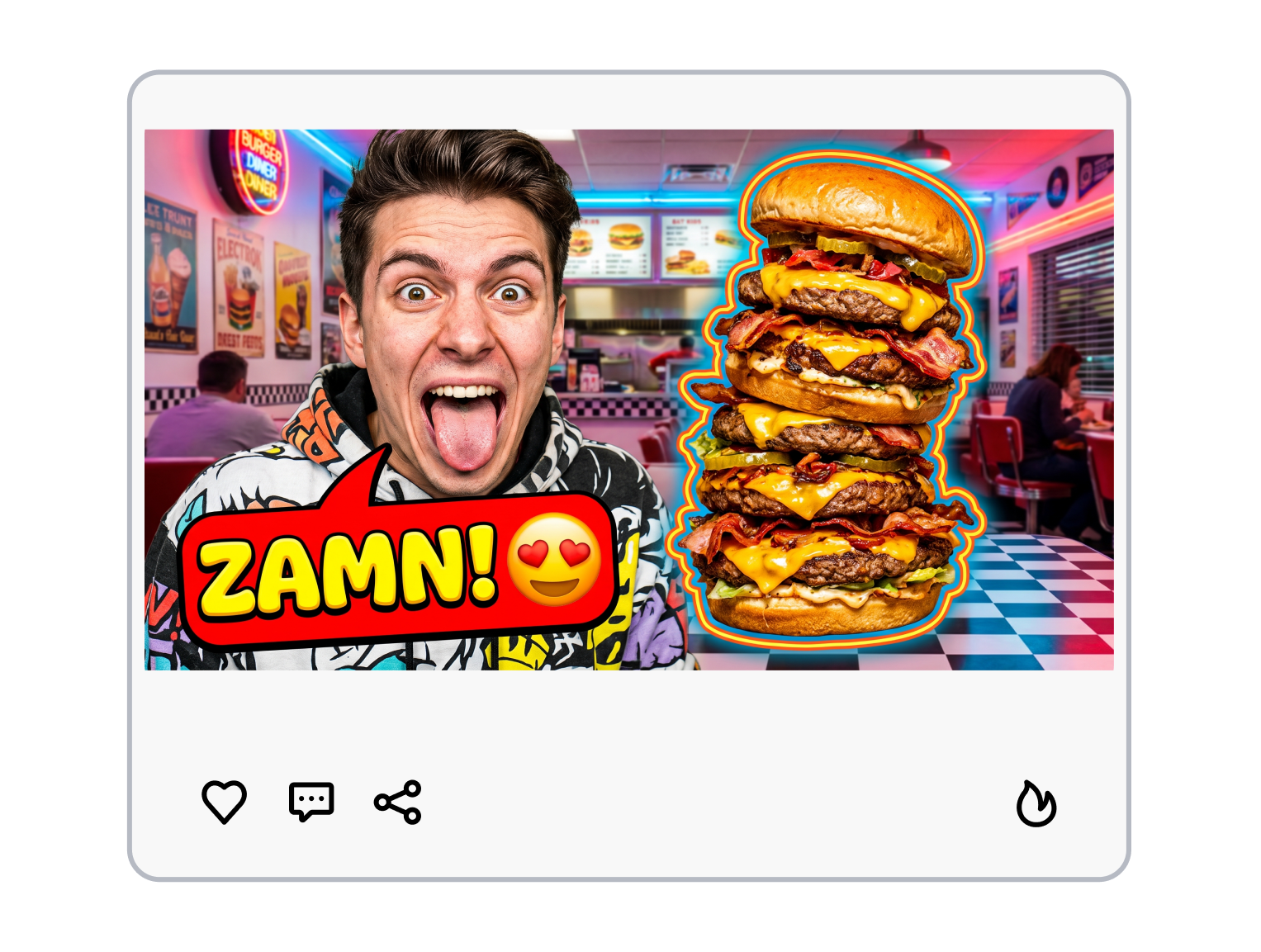
3. Customize Text & Download
Tweak the preset Zamn caption ideas (change it to "WOW!" or "IS SHE/HE...?"), adjust the deep-fried filter, and export your high-saturation graphics instantly.
Unlock Instant Viral CTR with Best Zamn YouTube Thumbnail Templates
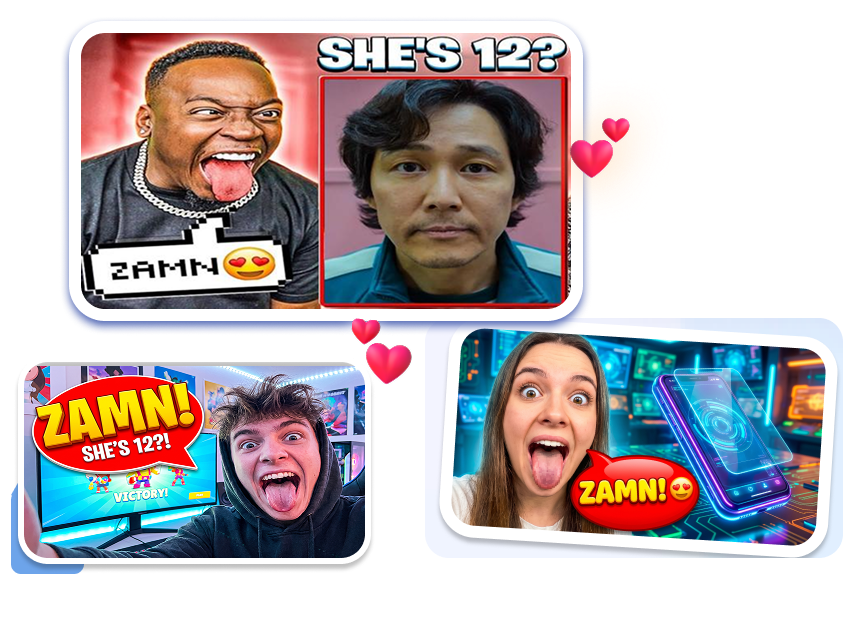
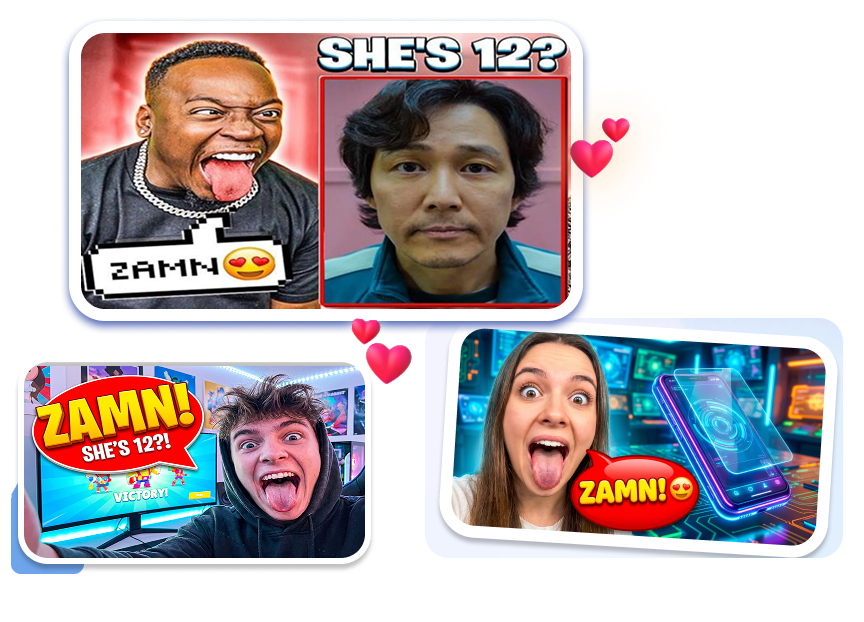
Ready-Made "Zamn Face" Layouts
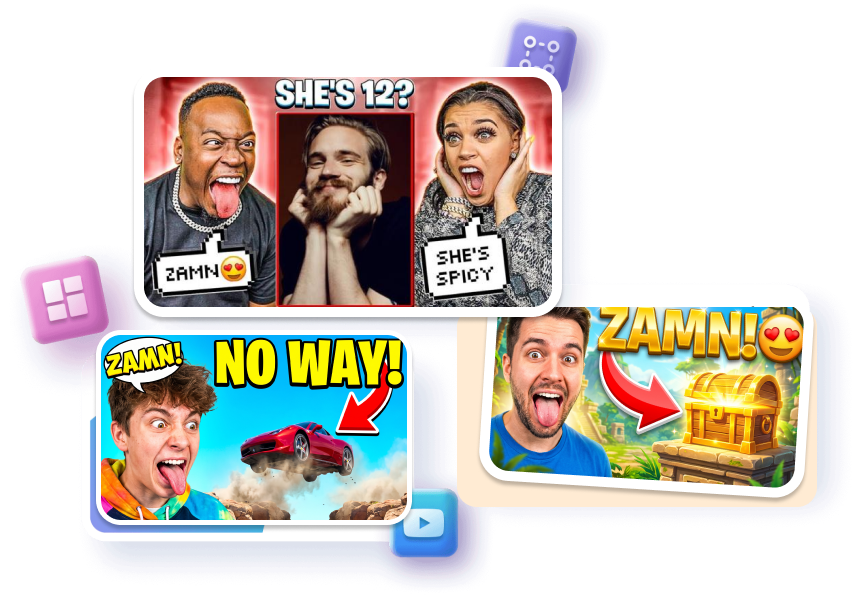
Pick a template and drop in your selfie. Our AI warps your face into that iconic wide-mouthed look — perfect for "mind-blown" news or reaction videos. No Photoshop needed to get that high-energy shock face in seconds.
Locked-in Pro Text & Shock Arrows
Big yellow fonts and giant red arrows are already locked in place. Just swap the placeholder text with phrases like "ZAMN!", "SHE'S...?", or "NO WAY!" Apply pre-set effects like 3D, neon, or gold to maintain the high-impact look that forces clicks.


AI-Powered Emoji Sticker Layers
Forget hunting for transparent PNGs on Google. Just type the emojis you want into the prompt box, like heart eyes 😍, fire 🔥, or sweating faces 🥵, and the AI adds them instantly. Give your thumbnail that funny meme vibe without any manual editing.
Proven Split-Screen Click-Hooks
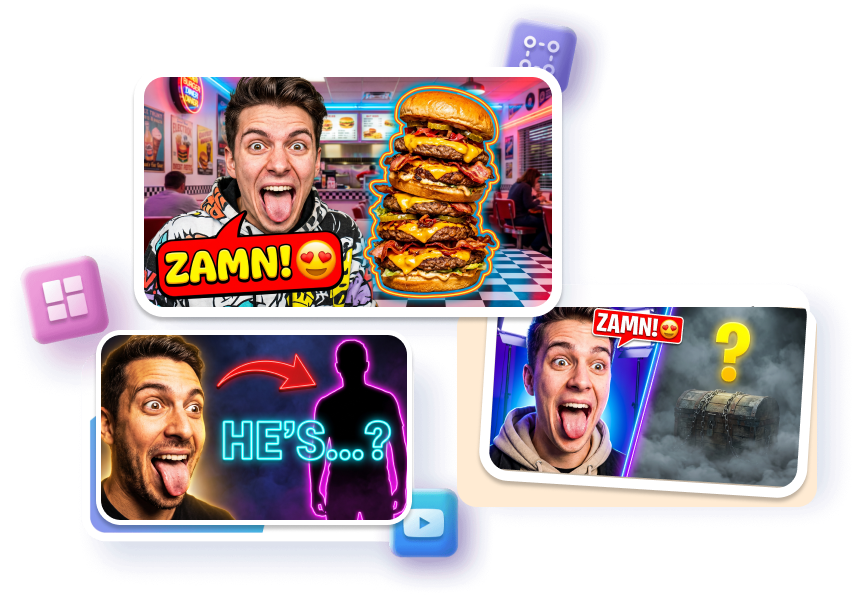
Our templates use a proven split-screen layout: your reaction on the left, and the "mystery" on the right. Add a "secret chest," "blurred character," or "hidden item" to spark extreme curiosity and force a click. Just fill in the slots and watch your views grow.
Ready-to-Use Zamn Thumbnail Templates for Every Niche
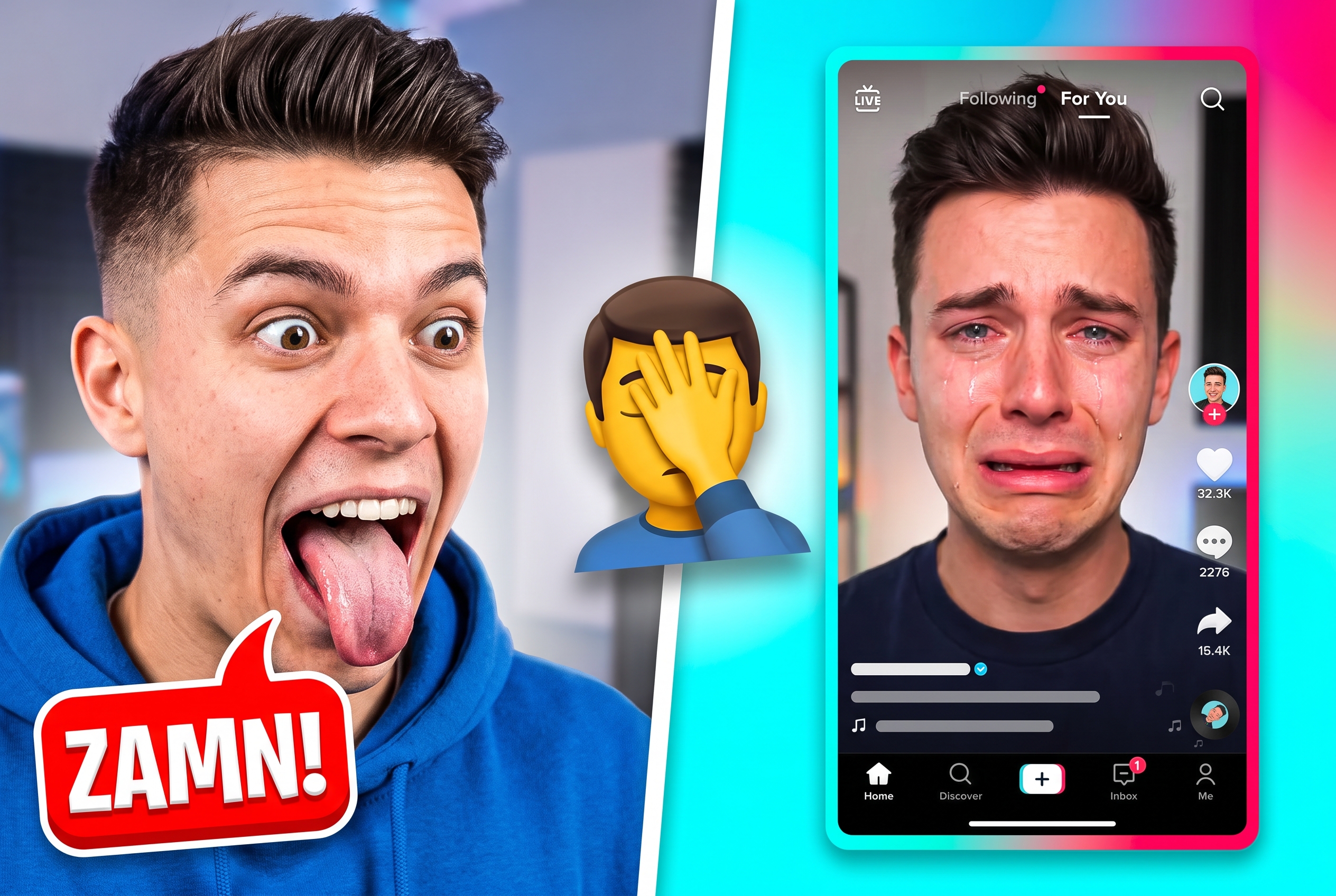
Commentary & Reaction Channels
Use these high-energy shock face templates to roast the latest internet drama, TikTok cringe, or viral news. It’s the perfect meta-ironic touch to make your reaction video the most clickable one in the sidebar.
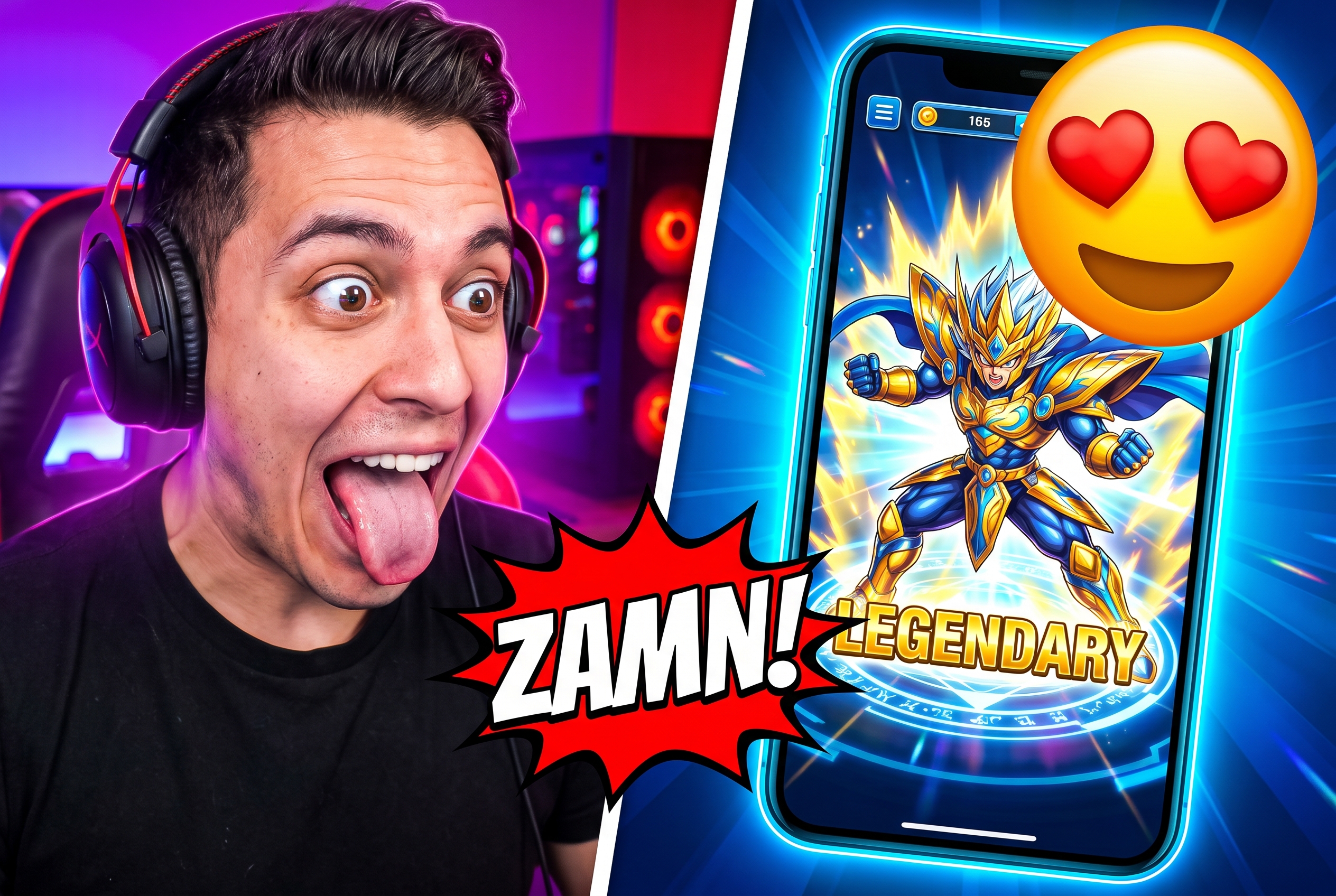
Anime & Gaming Reviews
Create that classic, hilarious contrast between your warped face and your favorite 2D characters. Whether you’re doing spicy anime takes, gacha pulls, or character tier lists, these layouts make your "Zamn!" reaction feel both professional and absurdly funny.
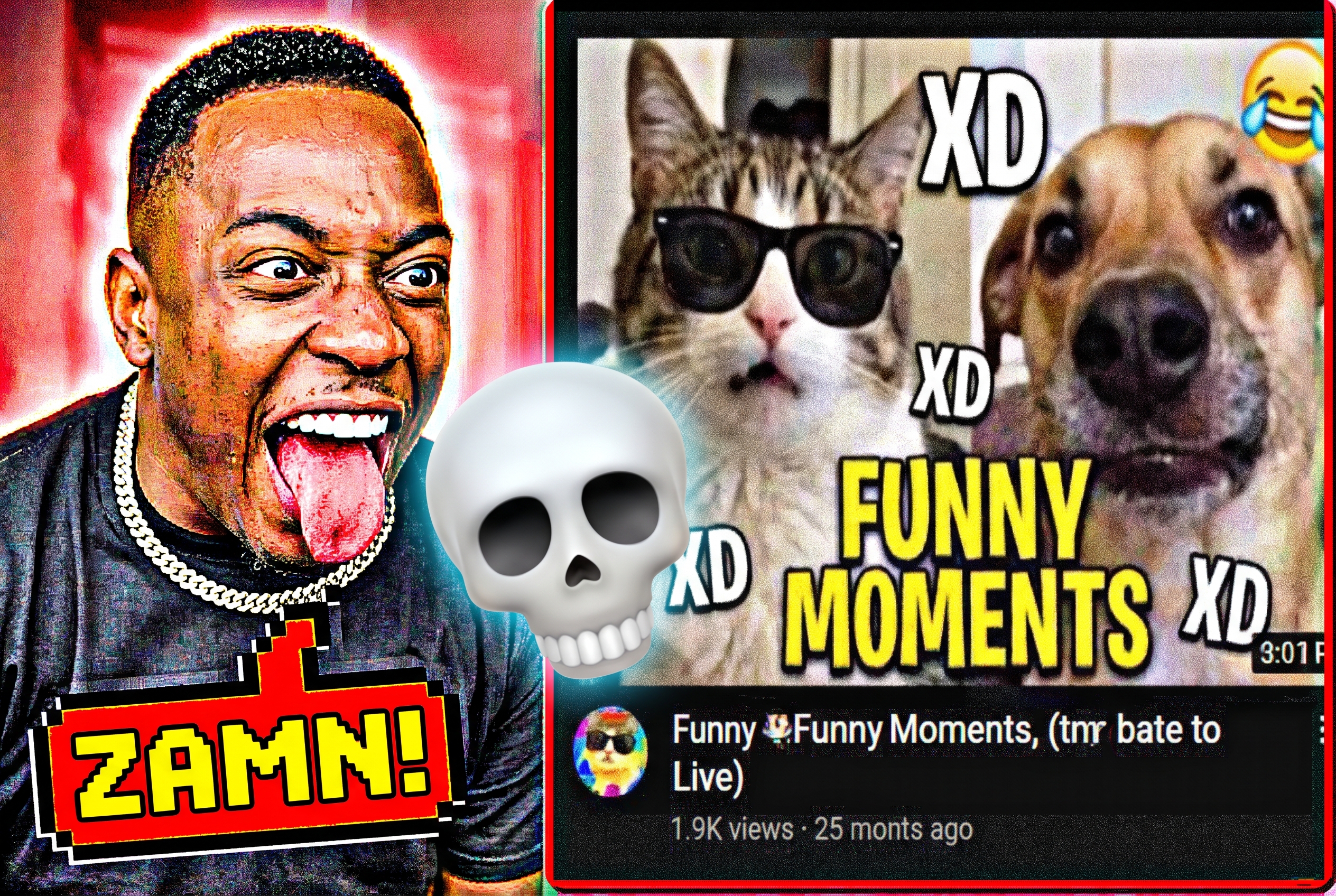
Discord Shitposting & YouTube Shorts
Whip up deep-fried, high-saturation masterpieces in seconds. Our mobile-friendly thumbnail editor lets you churn out pure 21st-century humor that feeds the algorithm and keeps the scrollers coming back for more.
FAQs
How to make the Zamn thumbnail meme without Photoshop?
Where can I find the Zamn face template for free?
What font is used in Zamn YouTube thumbnails?
Why do Zamn Meme thumbnails get so many clicks?
Can I change the "ZAMN!" text to other caption ideas?
Can I use these meme templates for YouTube Shorts thumbnails?
Are there any other meme thumbnail templates included?
Get Your Viral Zamn Thumbnail Templates Today
The algorithm favors eye-popping, high-energy visuals. Stop trying to design from scratch — turn any photo into a viral masterpiece and skyrocket your clicks today.