Rust Thumbnail Templates
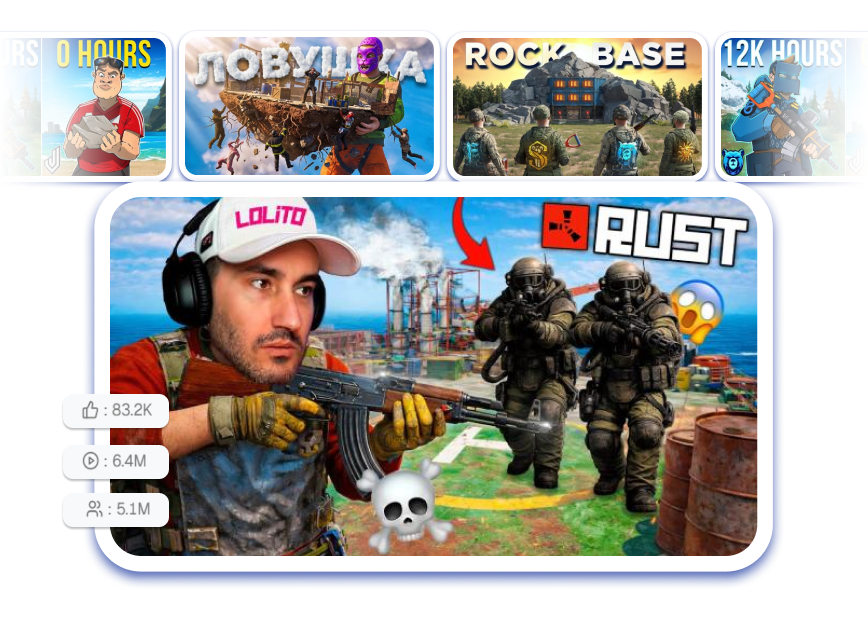
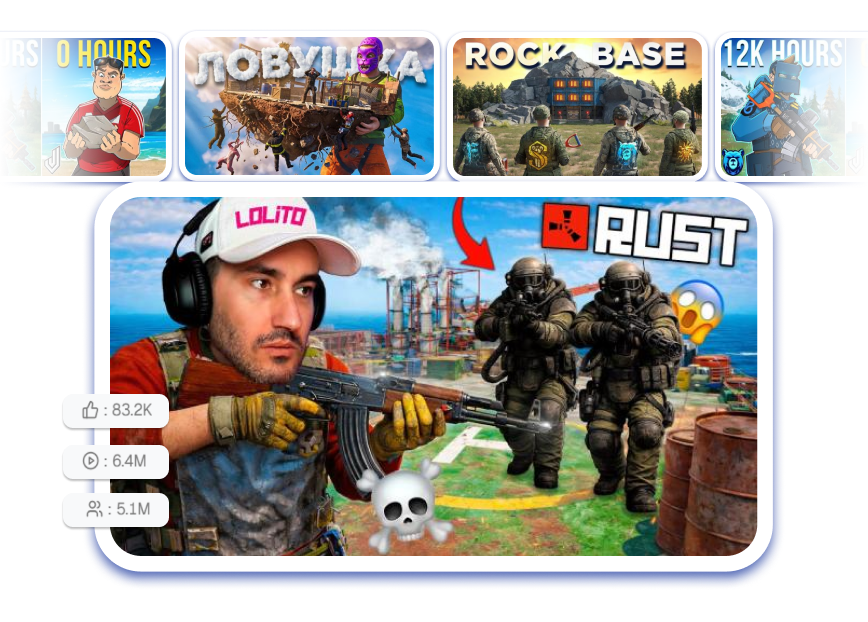
Launch your next wipe video with a high-CTR layout engineered for the algorithm. Choose a template, drop in a cinematic base raid shot, slap a glowing AK in the foreground, tweak your massive loot count text, and export a thumb-stopping design in just 3 clicks.
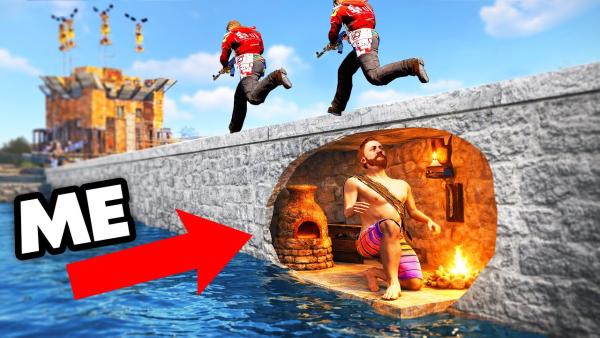
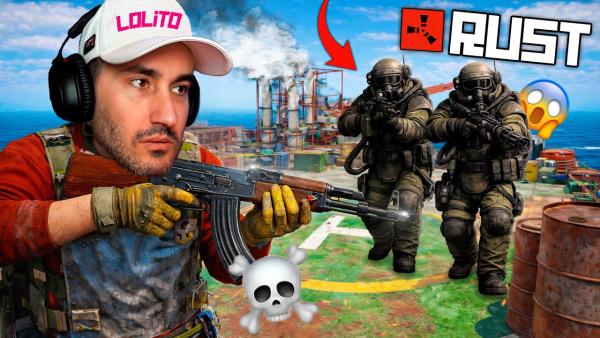
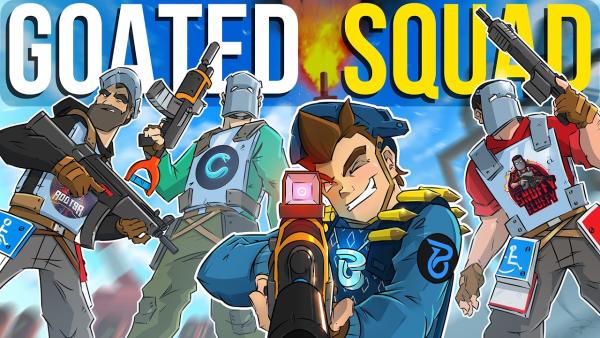
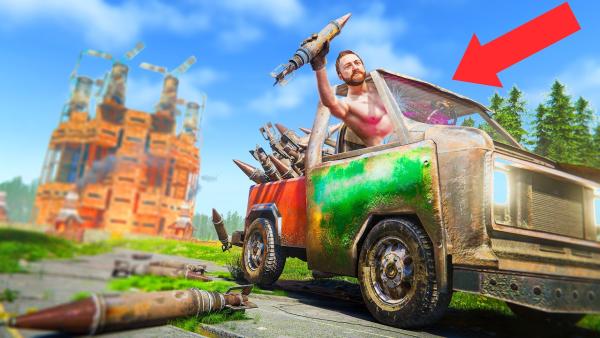
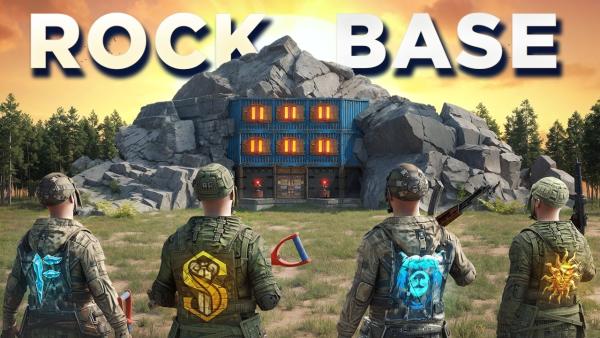

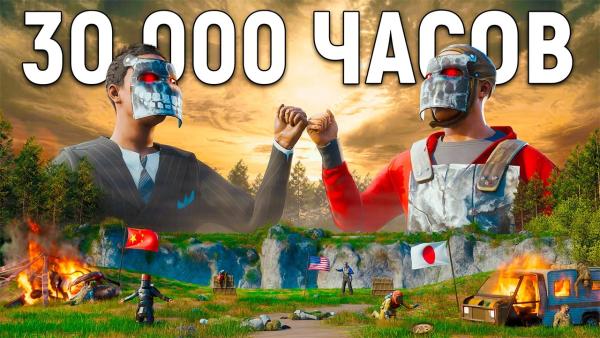
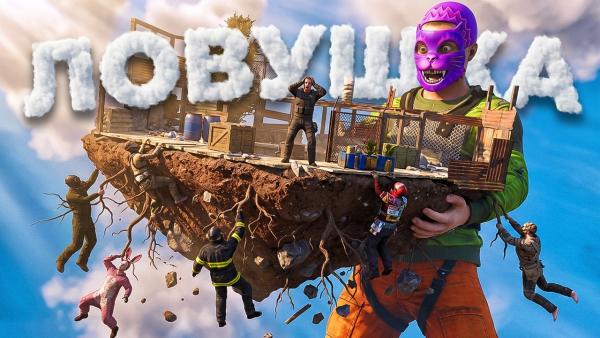
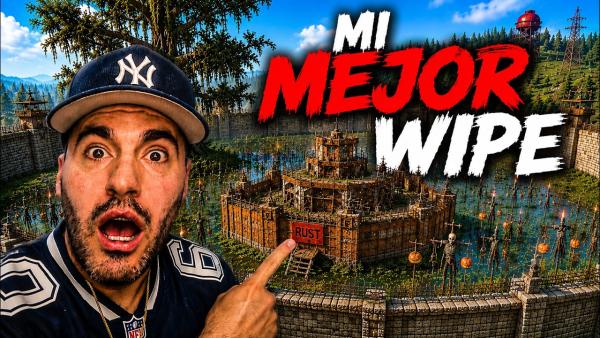
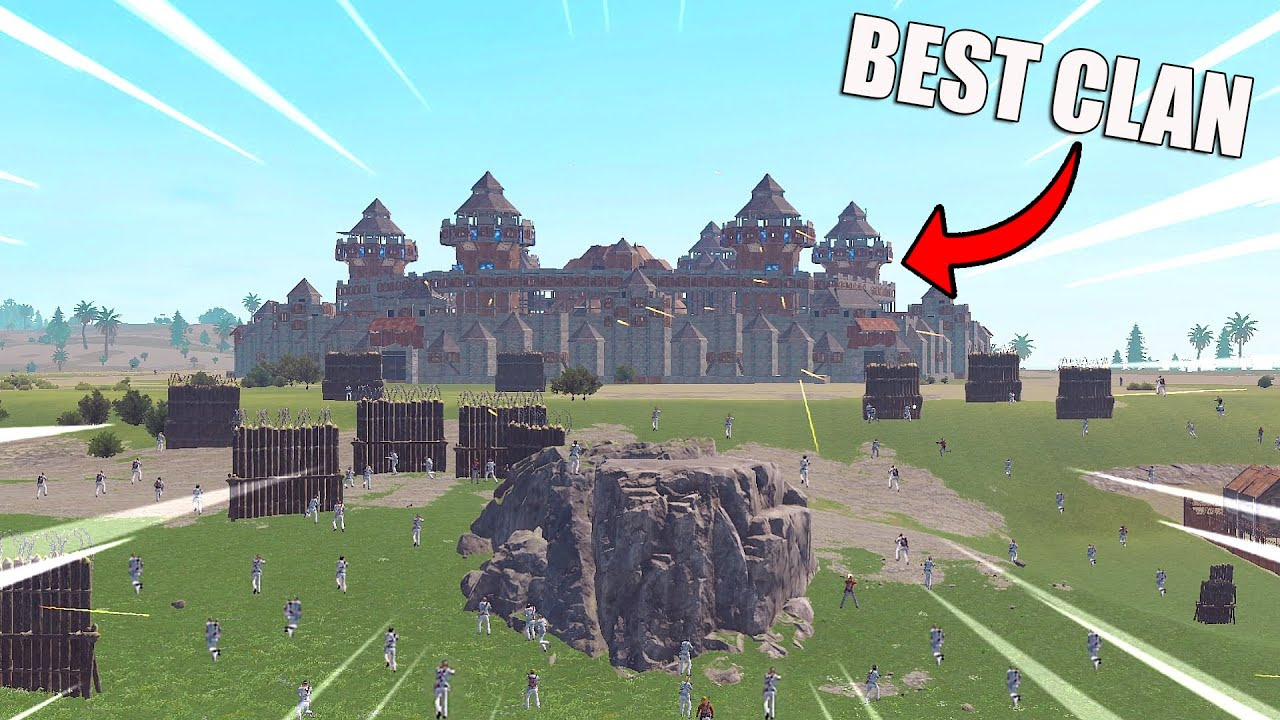
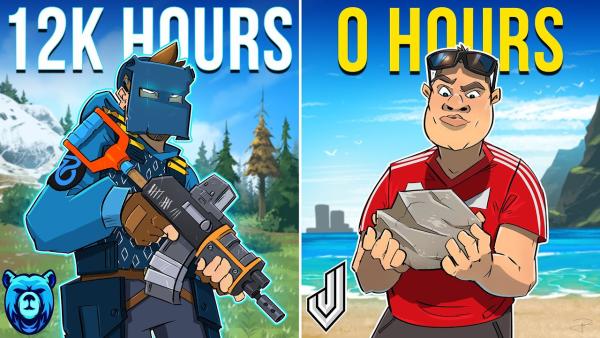
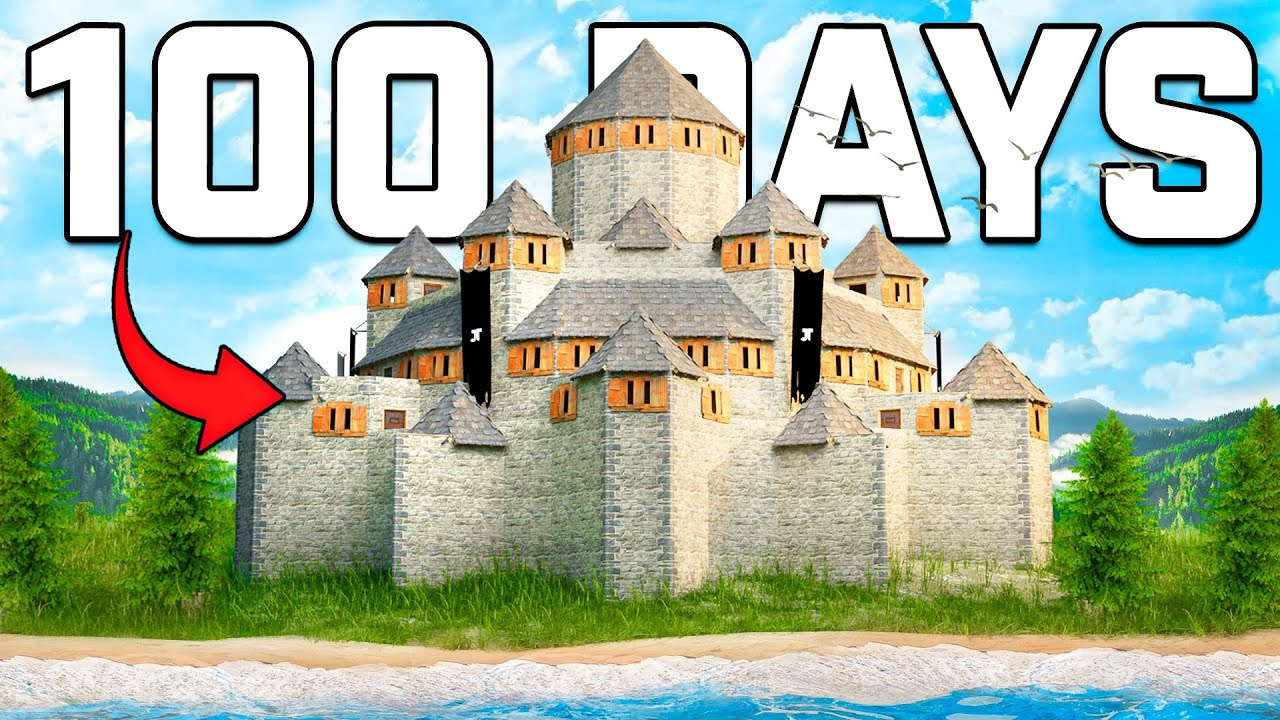
From Wipe Story to Rust Thumbnails in Three Moves
Build around the moment your viewers came to see, then direct the details that make it yours.
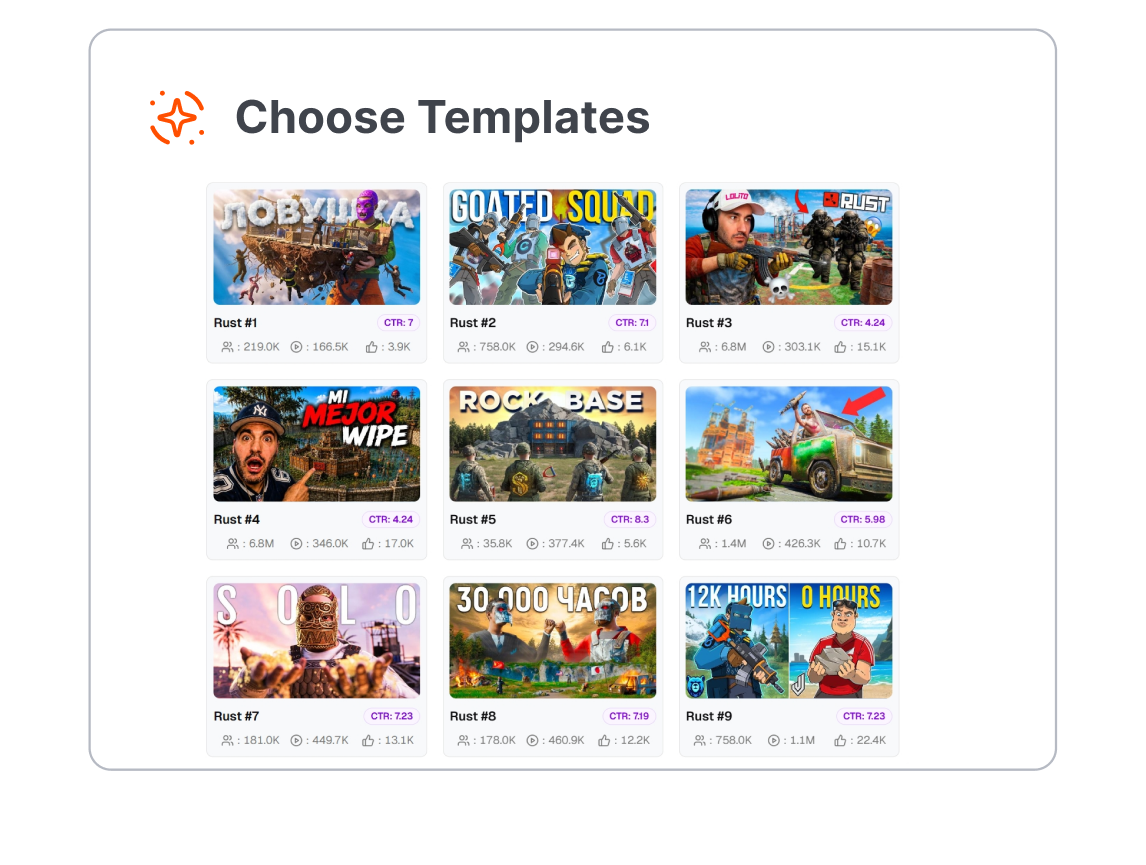
1. Choose the Rust Story
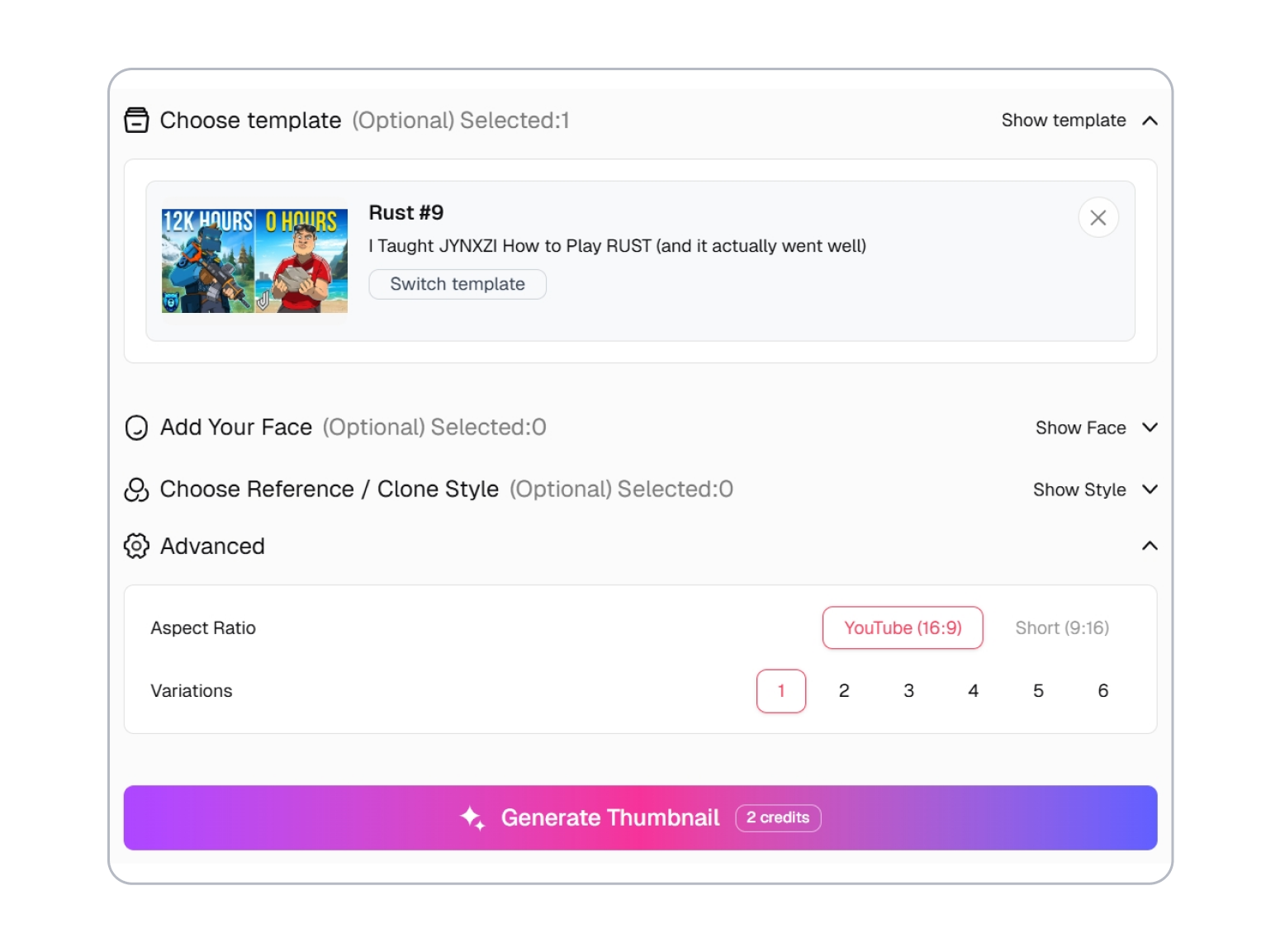
Pick a template for a raid, solo wipe, base reveal, trap, comeback, or survival challenge. Start with the layout closest to the video’s real payoff.
2. Stage the Turning Point
Rewrite the prompt and adjust the player, weapon, loot, base, explosion, text, element style, or creator face. Keep one conflict or discovery at the center.
3. Roll the Right Options
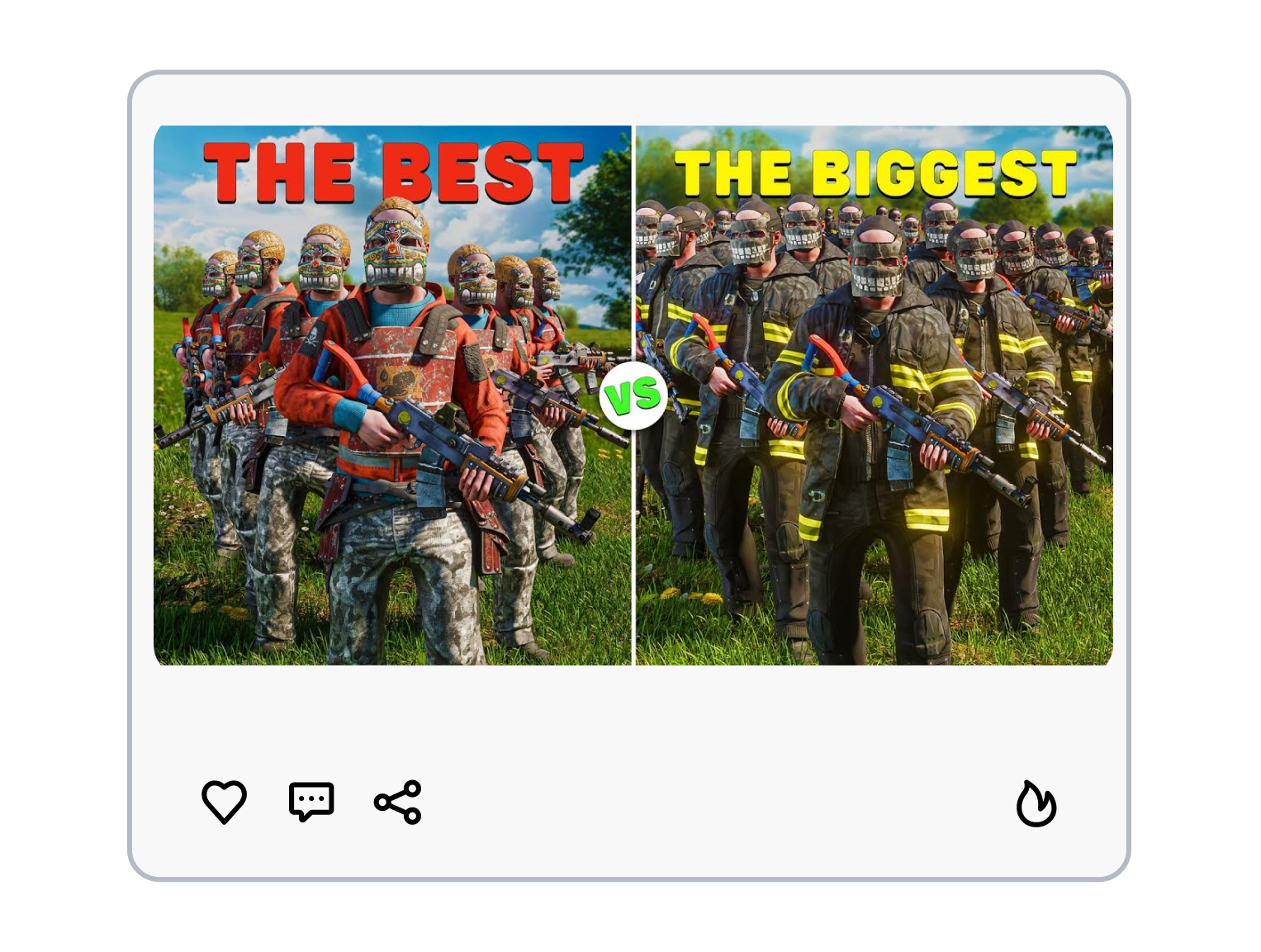
Choose the aspect ratio and number of results, then generate. Compare the options and keep the cover that explains the stakes at a glance.
Rust Thumbnail Templates Built For Max Clicks
Put the Raid Result in Frame
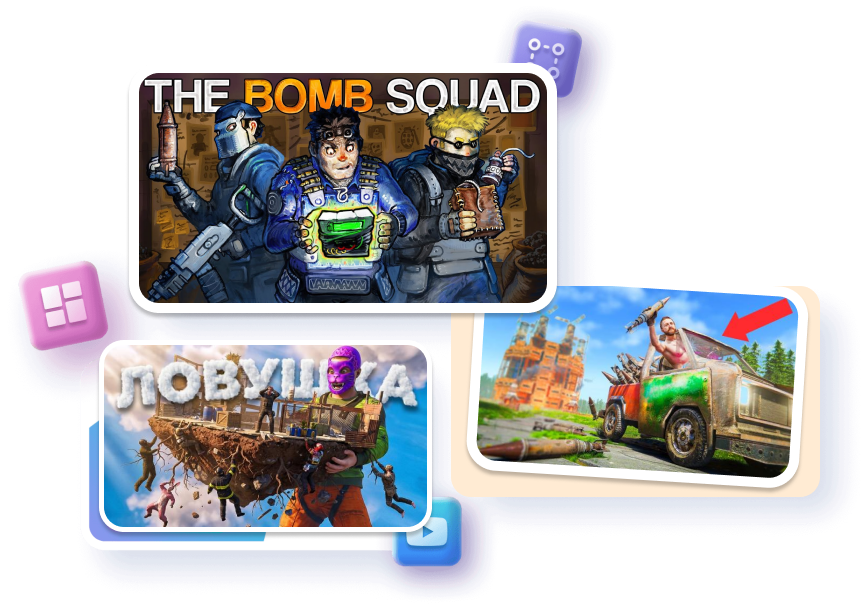
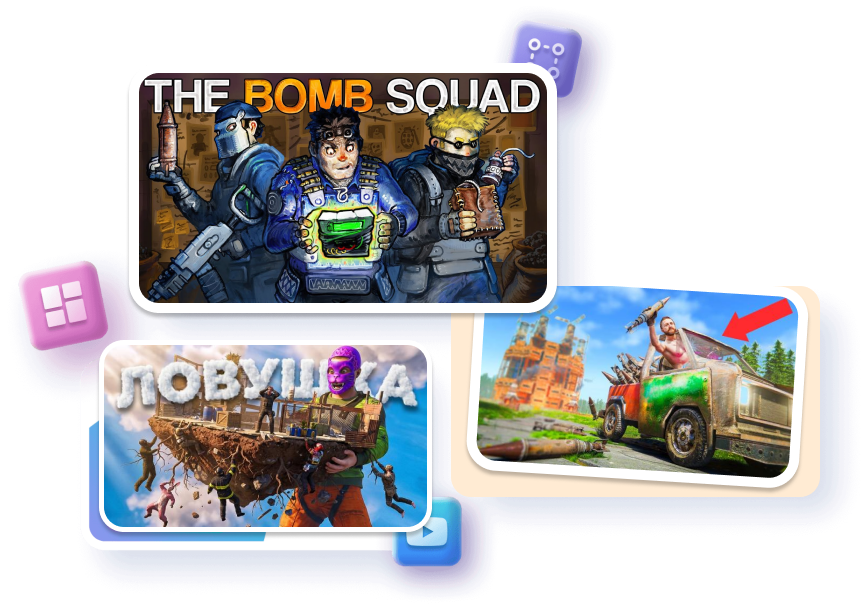
Frame the breach, defense, counter-raid, or loot room as the main event. Build the scene around rockets, doors, and exposed sulfur instead of random combat. Signal the outcome while leaving the final reveal inside the video.
Match the Cover to the Wipe
Choose a setup for a fresh start, snowball, solo run, clan war, or rebuild. Anchor the composition with one base, one threat, and one consequence. Keep each upload recognizable without making every wipe look identical.
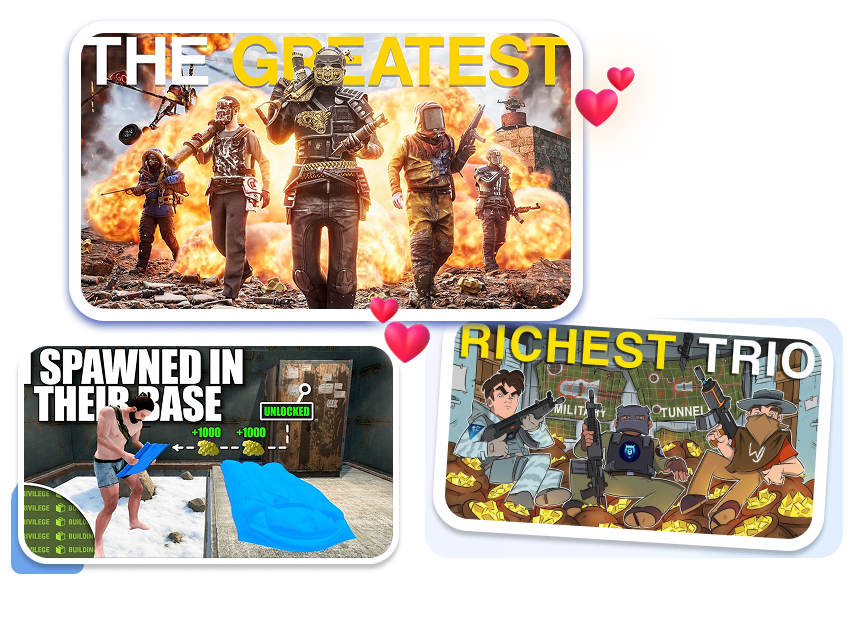
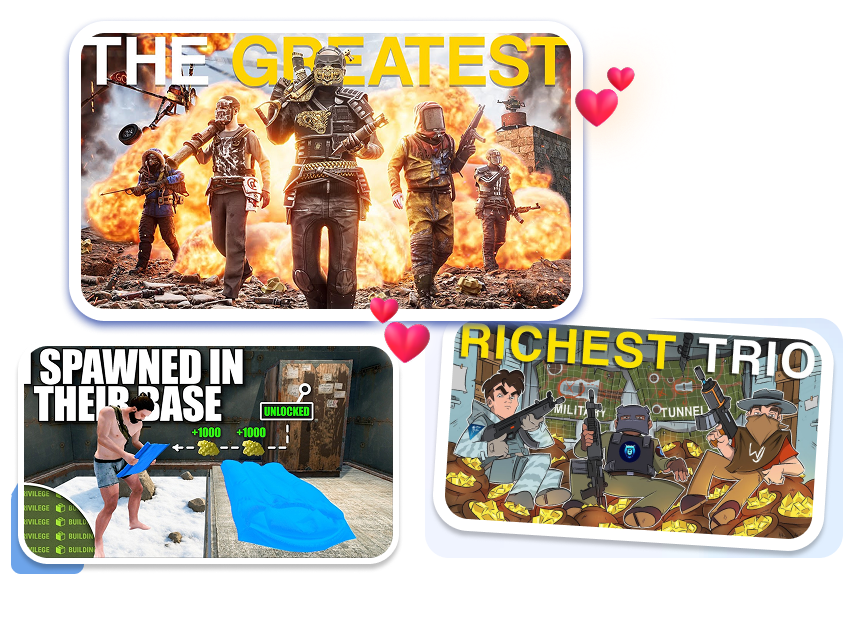
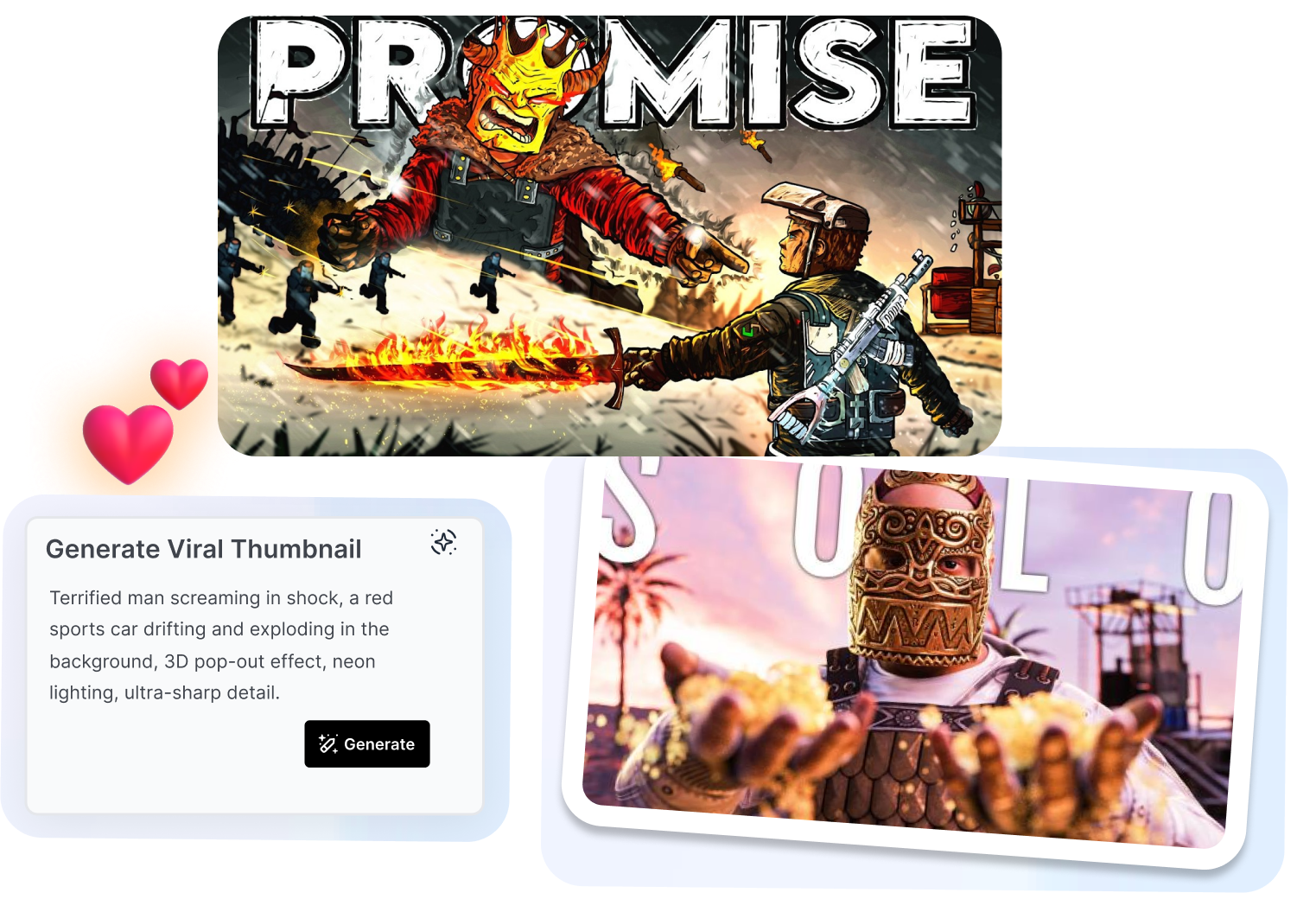
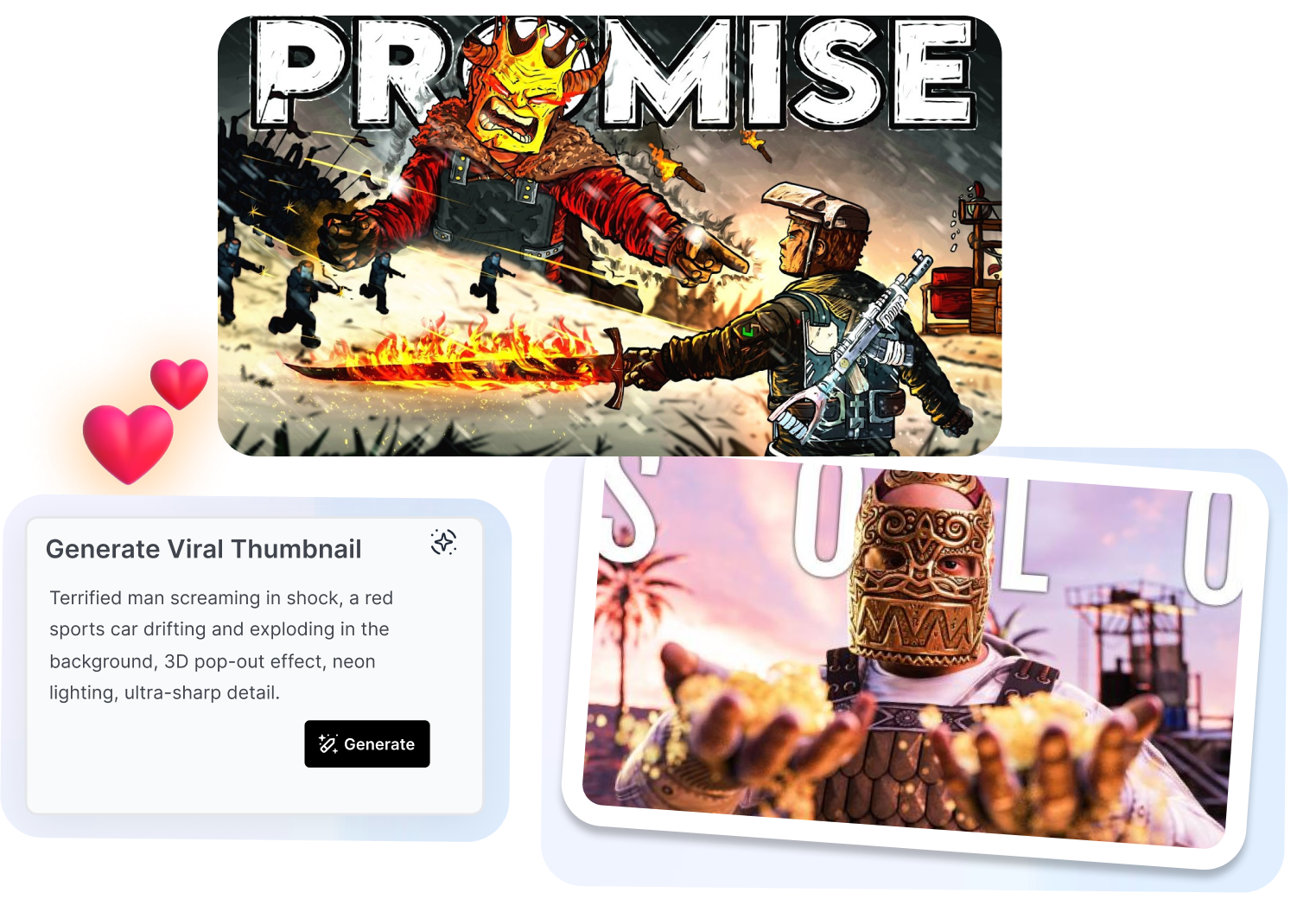
Direct the Scene Without Blender
Customize a template with your prompt, screenshot, text, element style, or face. Shape the focal point with cinematic lighting and clean subject separation instead of assembling a render from scratch. Preserve your story while reducing the setup between editing and upload.
Test More Than One Hook
Generate multiple covers from the same video idea and chosen layout. Shift the crop, color pressure, reaction, or visual emphasis across the set. Compare clearer story angles before committing to one version.
Who Turns a Rust Thumbnail Template Into a Series?
Solo Survival Storytellers
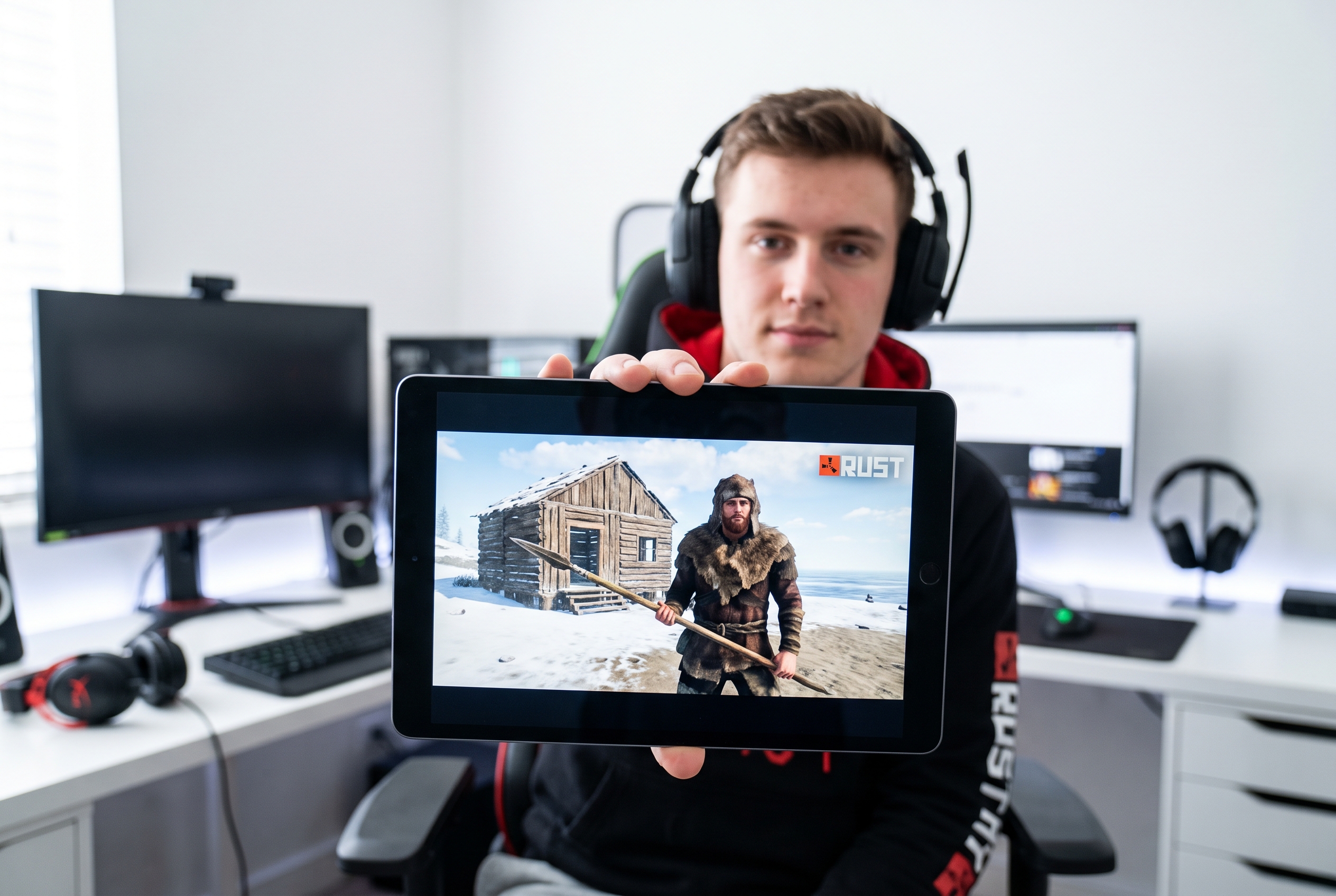
Turn a rough spawn, risky snowball, hidden starter base, or full-wipe comeback into one readable premise. The template keeps the survivor and the cost of failure in view.
Raid and PvP Channels
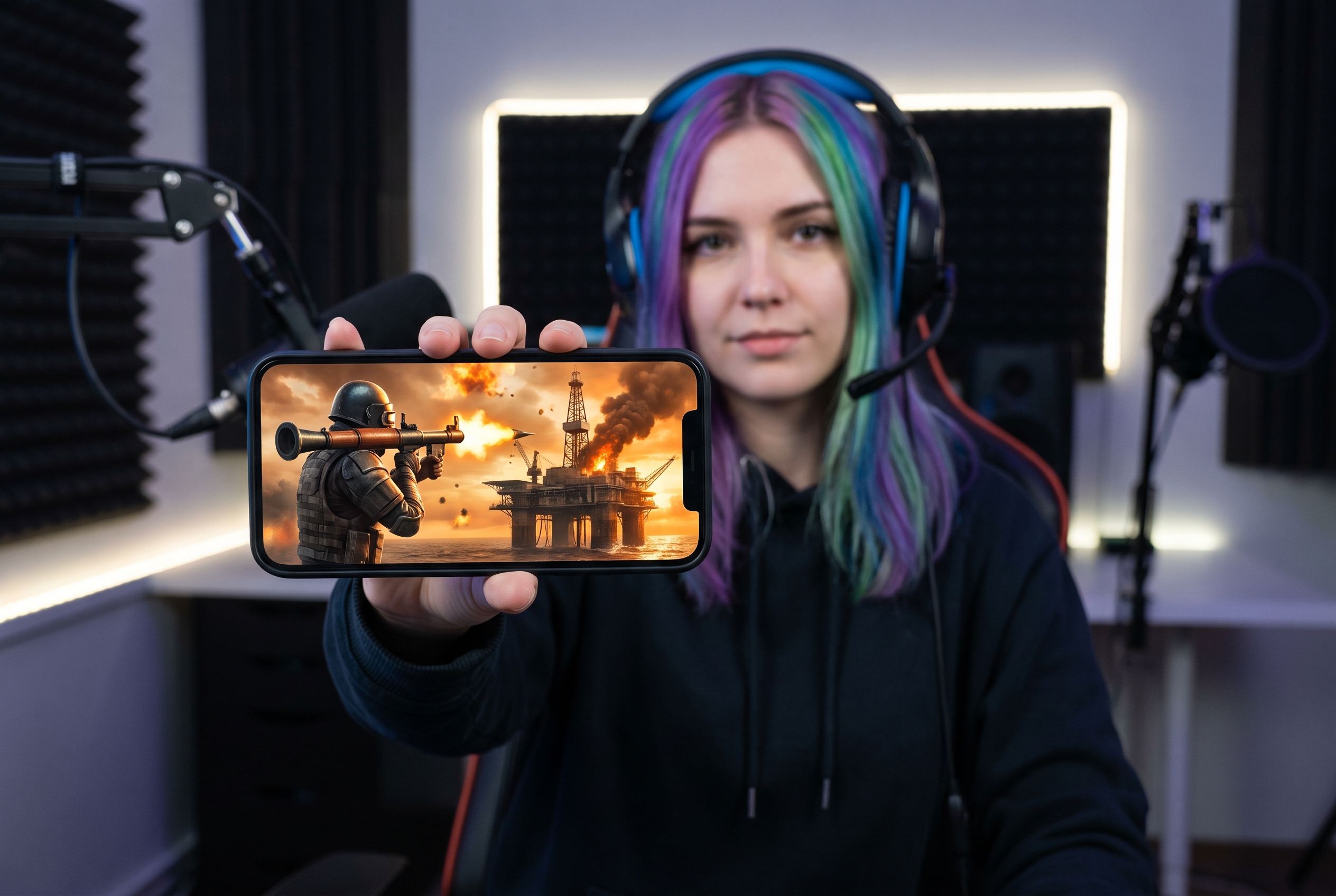
Separate online raids, defenses, revenge runs, oil-rig fights, and clan battles with layouts built around action and consequence—not interchangeable gunfire.
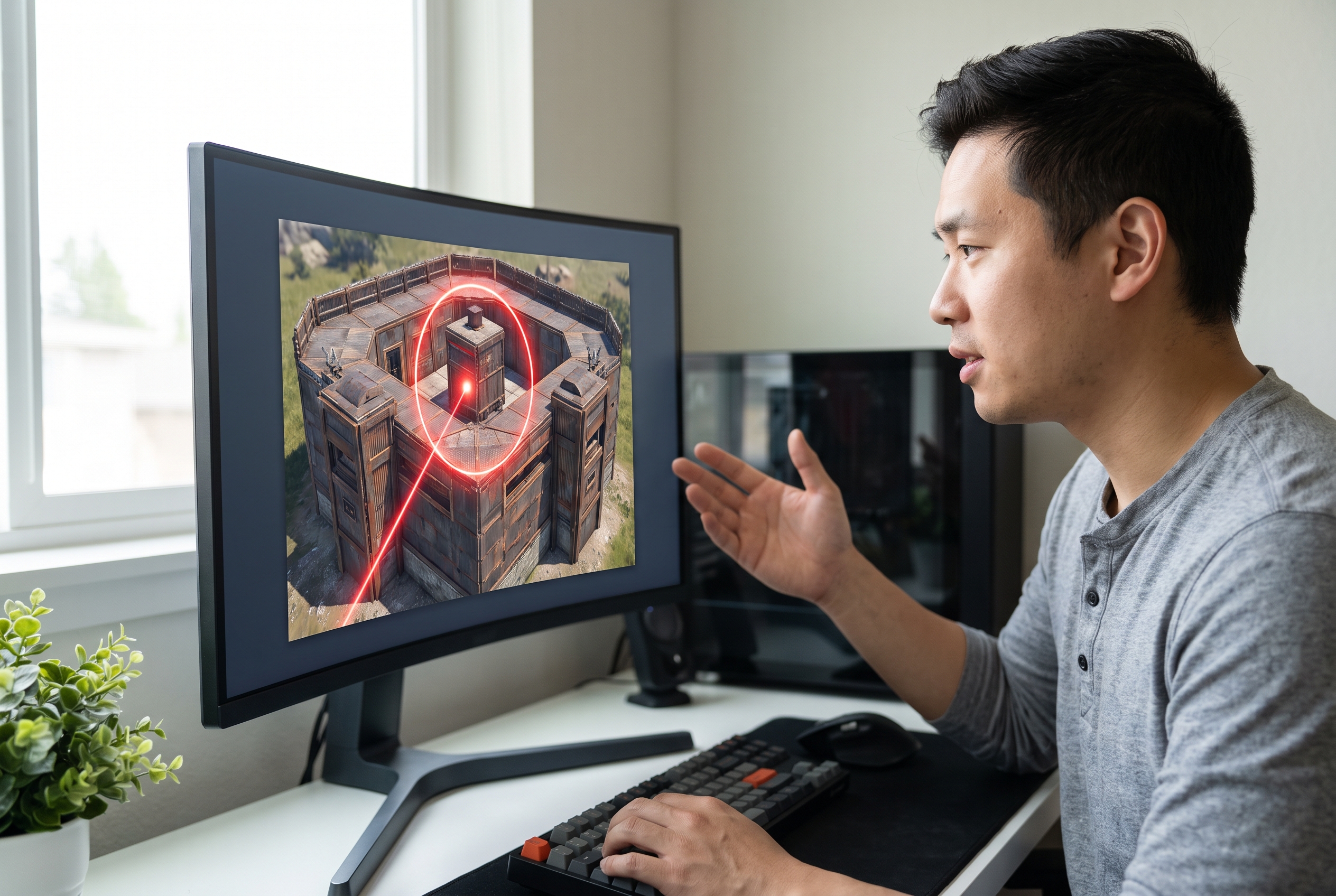
Base Builders and Guide Creators
Make the footprint, bunker, trap, loot route, or defense idea easy to identify before the tutorial begins. Adjust the callout and focal structure for each build.
FAQs
Can I use this online AI Thumbnail Generator to design custom Rust YouTube covers?
How do I make a Rust thumbnail?
Which template works for a raid video?
Can I make free Rust thumbnails?
Do I need Blender for a 3D-style cover?
Can I use my Rust gameplay screenshot?
How much text should I add to the Rust thumbnail?
Can I generate several Rust thumbnail versions?
Your Next Wipe Deserves a Rust Thumbnail With Stakes
The raid already has a turning point. Put it on the cover before the story disappears into another generic gameplay frame.