Netflix Thumbnail Templates
Browse streaming-inspired layouts for movie reviews, episode breakdowns, fan commentary, and original film projects. Choose a template, adjust the subject, genre cues, and title treatment, then generate a viral cover.


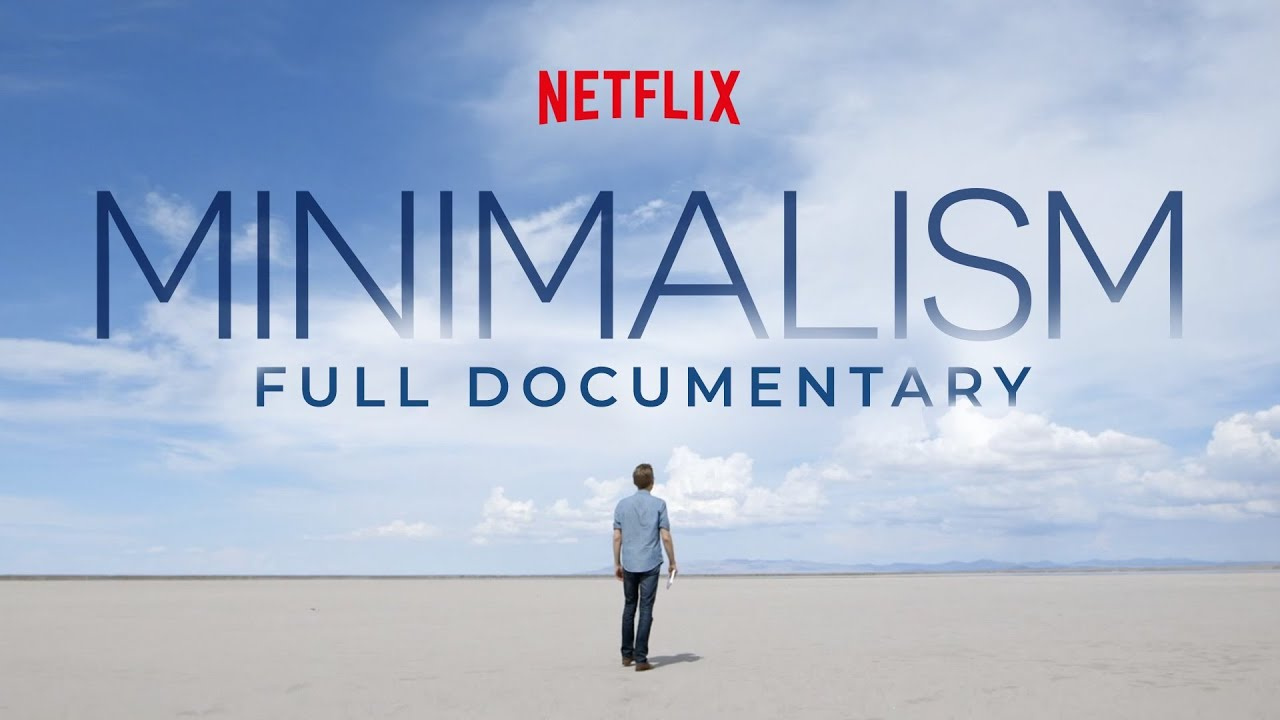

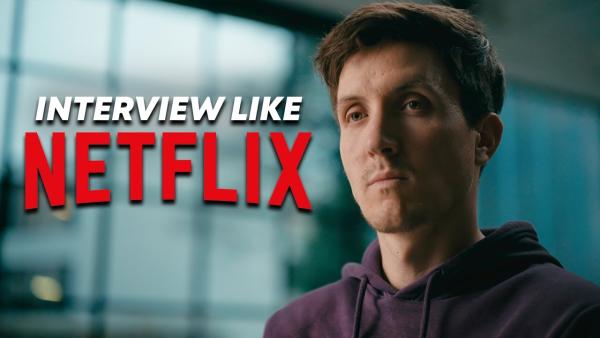
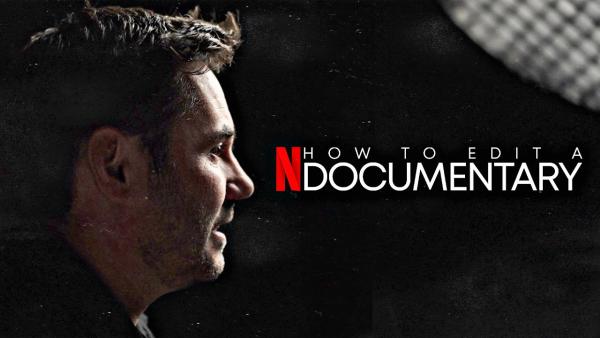
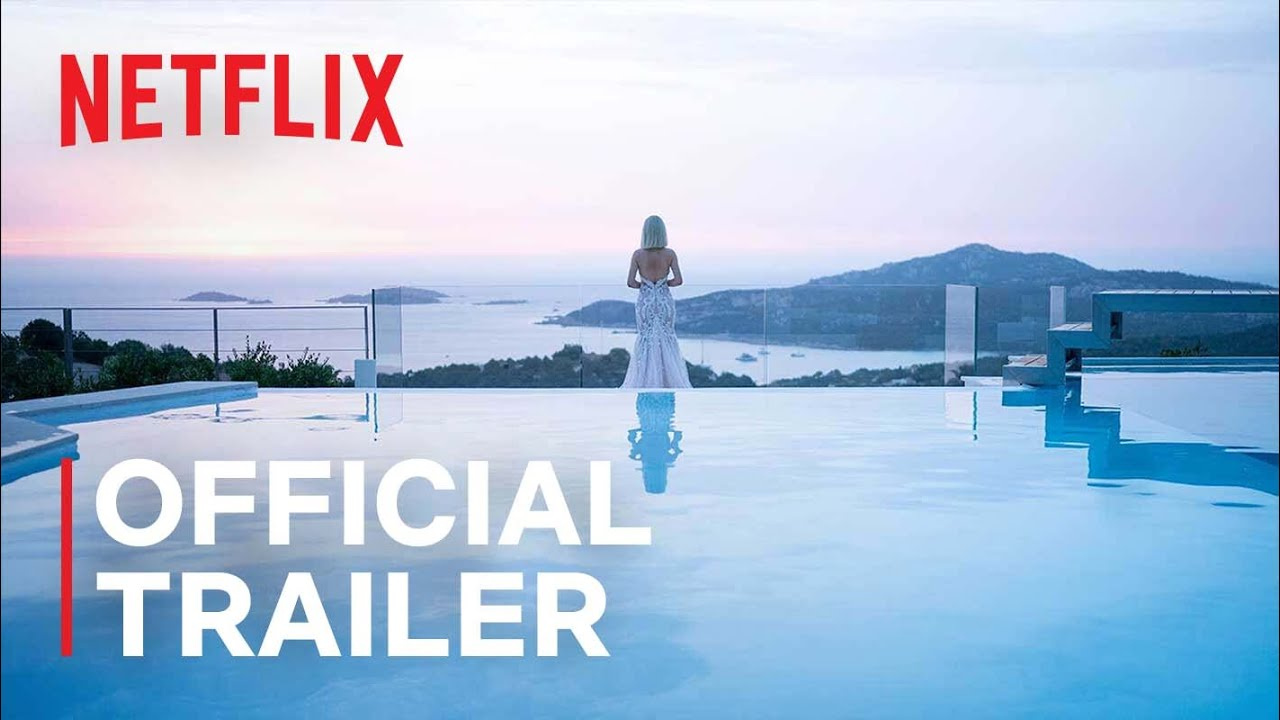



How to Customize Netflix Thumbnails in Steps
Choose a cinematic starting point, adapt it to the story, and generate a cover that fits your video.
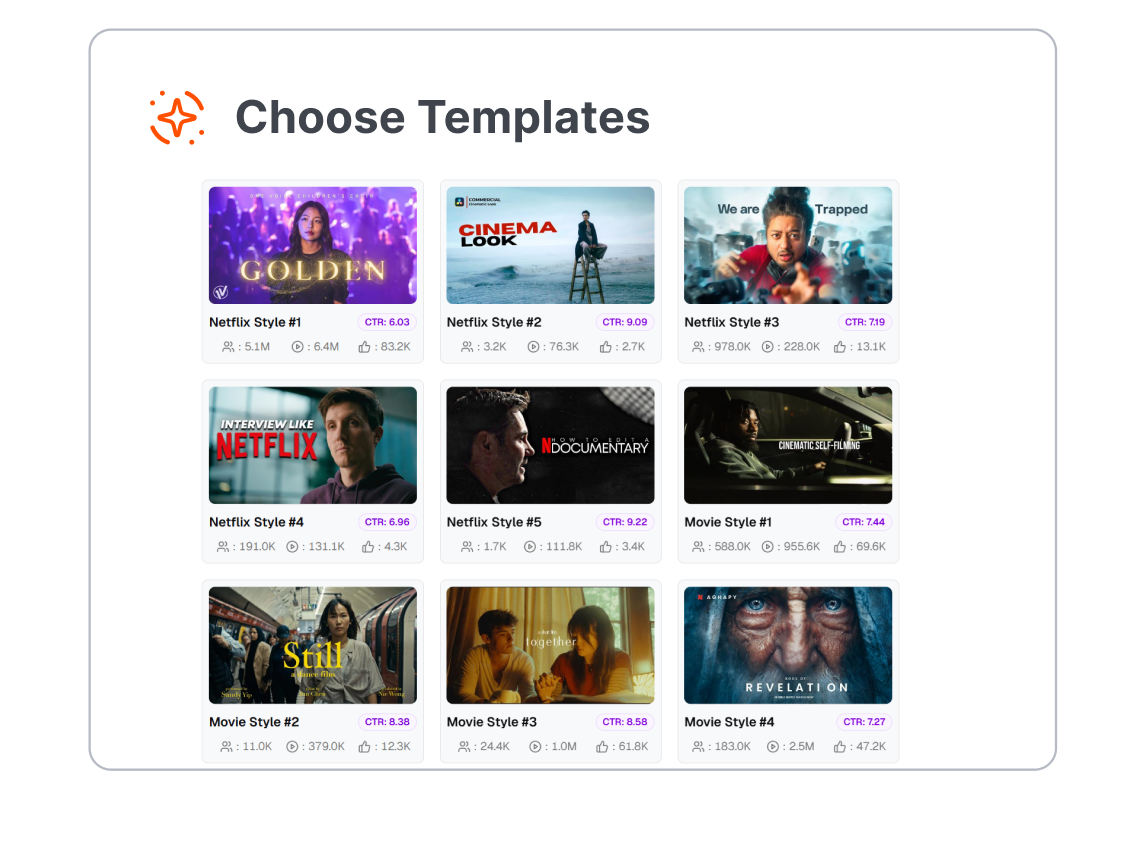
1. Choose a Story Format
Browse templates for movie reviews, series recaps, documentaries, reactions, rankings, and original projects. Pick the layout that matches the kind of story your audience will watch.
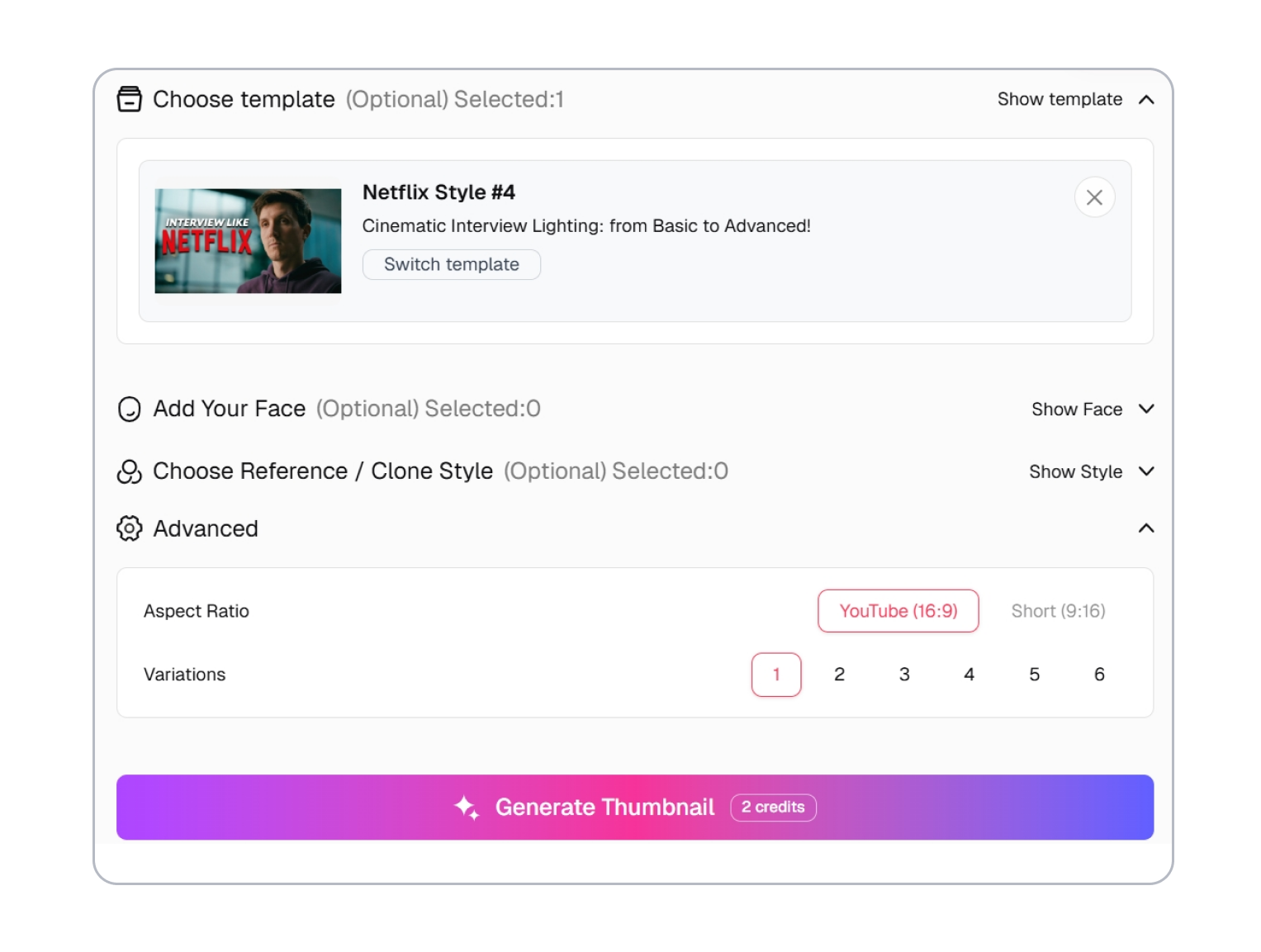
2. Customize the Visual Hook
Adjust the subject, genre mood, short headline, and focal detail around the real promise of your video. Keep one clear story cue instead of copying an entire streaming interface.
3. Generate the New Cover
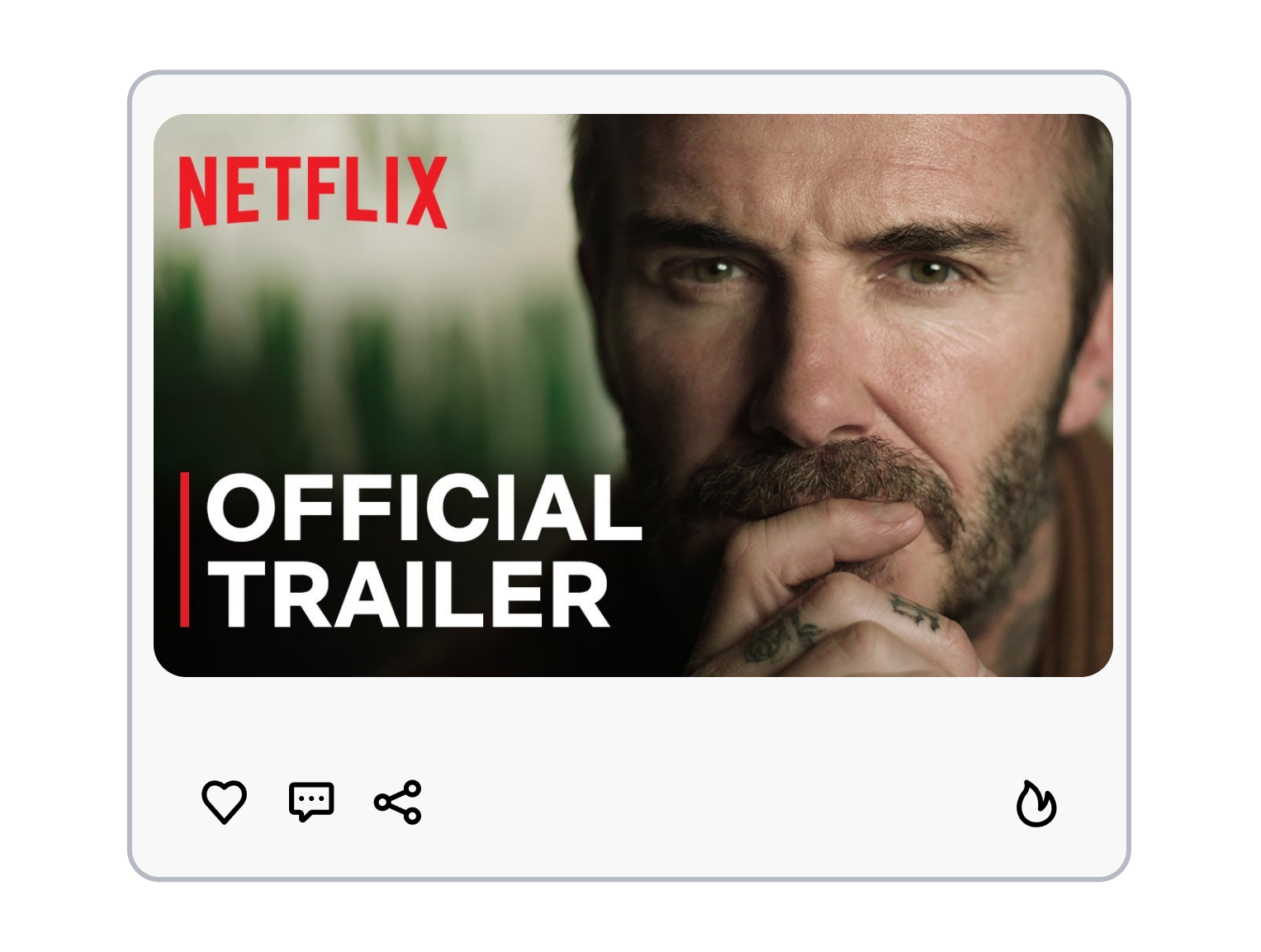
Generate a thumbnail from the customized template. Check whether the genre and topic read at a glance, revise the direction if needed, and create another version.
Build Netflix Thumbnails Around the Story Genre
Make the Genre Legible at a Glance
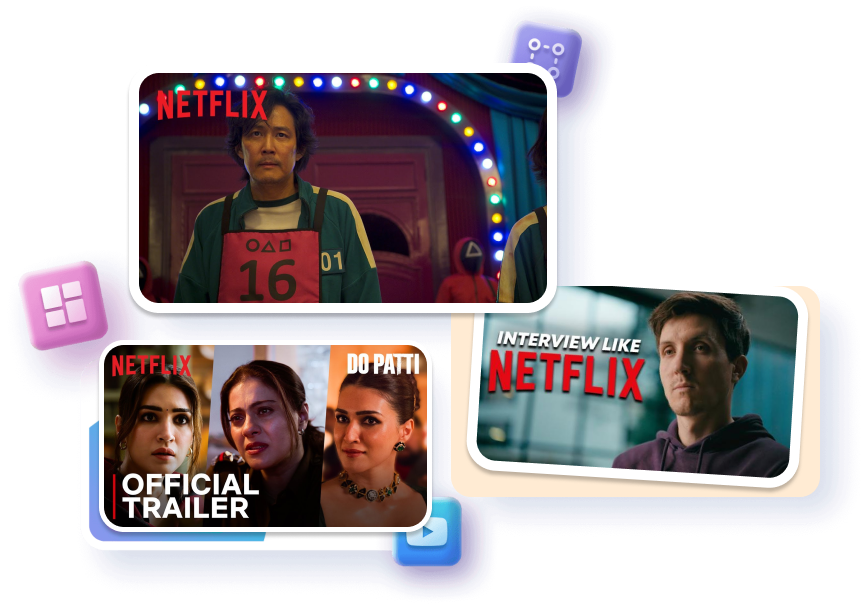
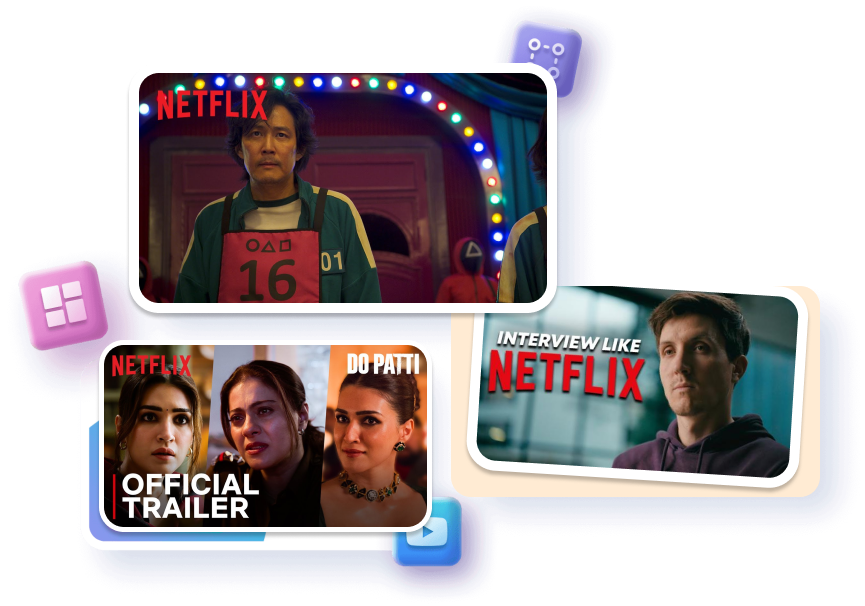
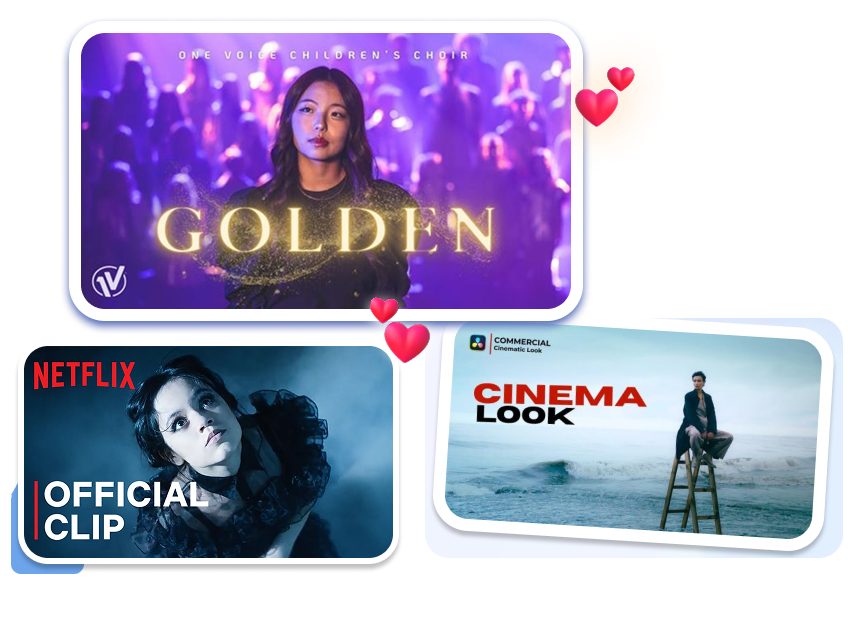
Build the cover around the genre before adding secondary details. Shape genre-coded lighting with cold shadows, warm romance tones, or sharp crime-red accents. Help viewers recognize the story category before they read the title.
Cast One Character as the Story
Choose one character or relationship to carry the episode. Control character hierarchy with a tight crop, clean separation, and restrained supporting faces. Make the central conflict easier to recognize in a crowded feed.
Turn the Evidence Into the Hook
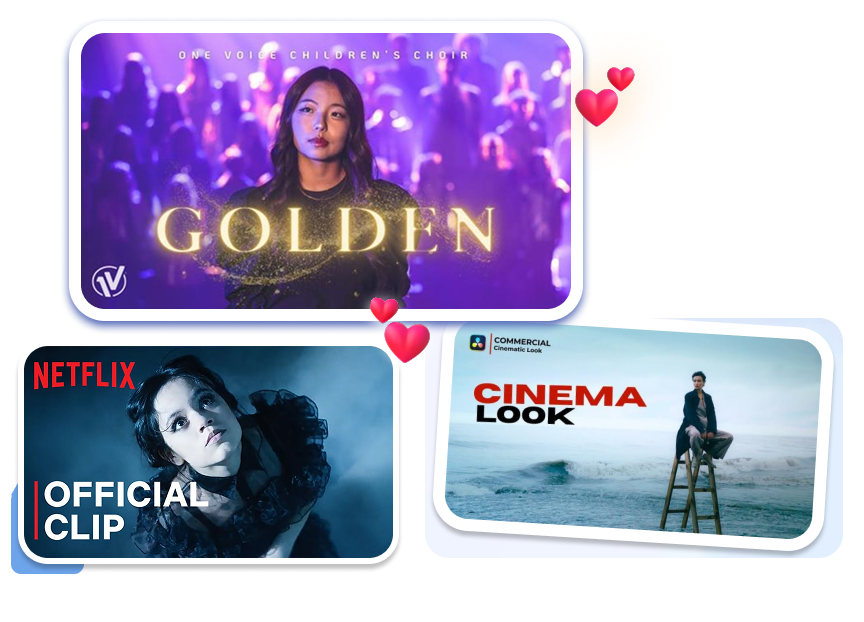
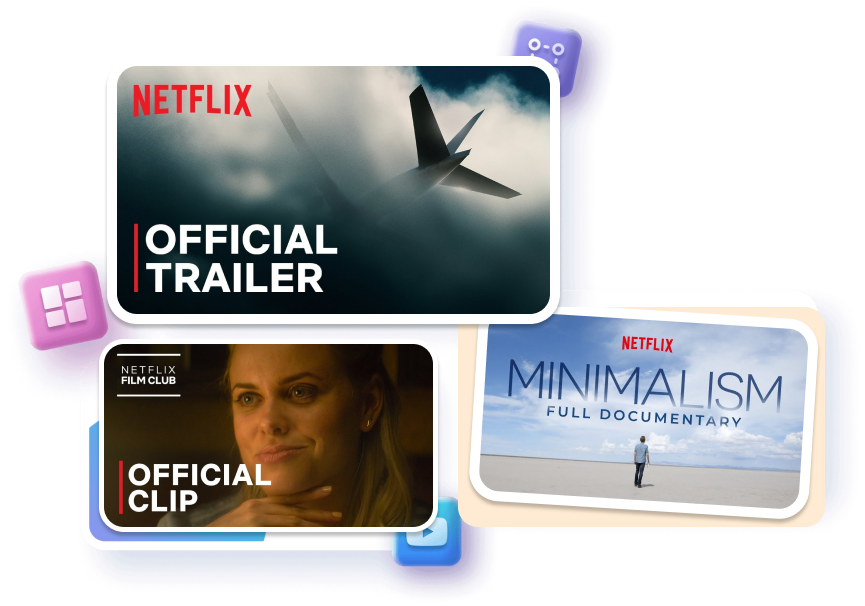
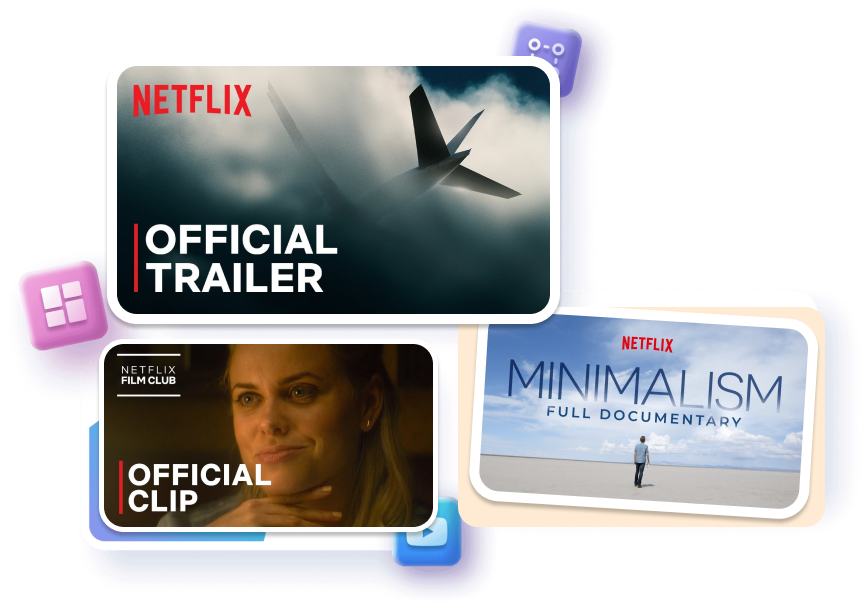
Center the clue that gives your documentary a reason to open. Frame evidence-led key art around a location, document, object, quote, or unanswered question. Turn a broad topic into a specific promise viewers can evaluate.
Build a Visual System Viewers Remember
Connect every episode with a repeatable visual system. Anchor series identity with one frame, title treatment, or color rule while changing the conflict. Reduce redesign work while keeping each release distinct.


Who Need to Create a Netflix-style Thumbnail?

Movie and TV Review Channels
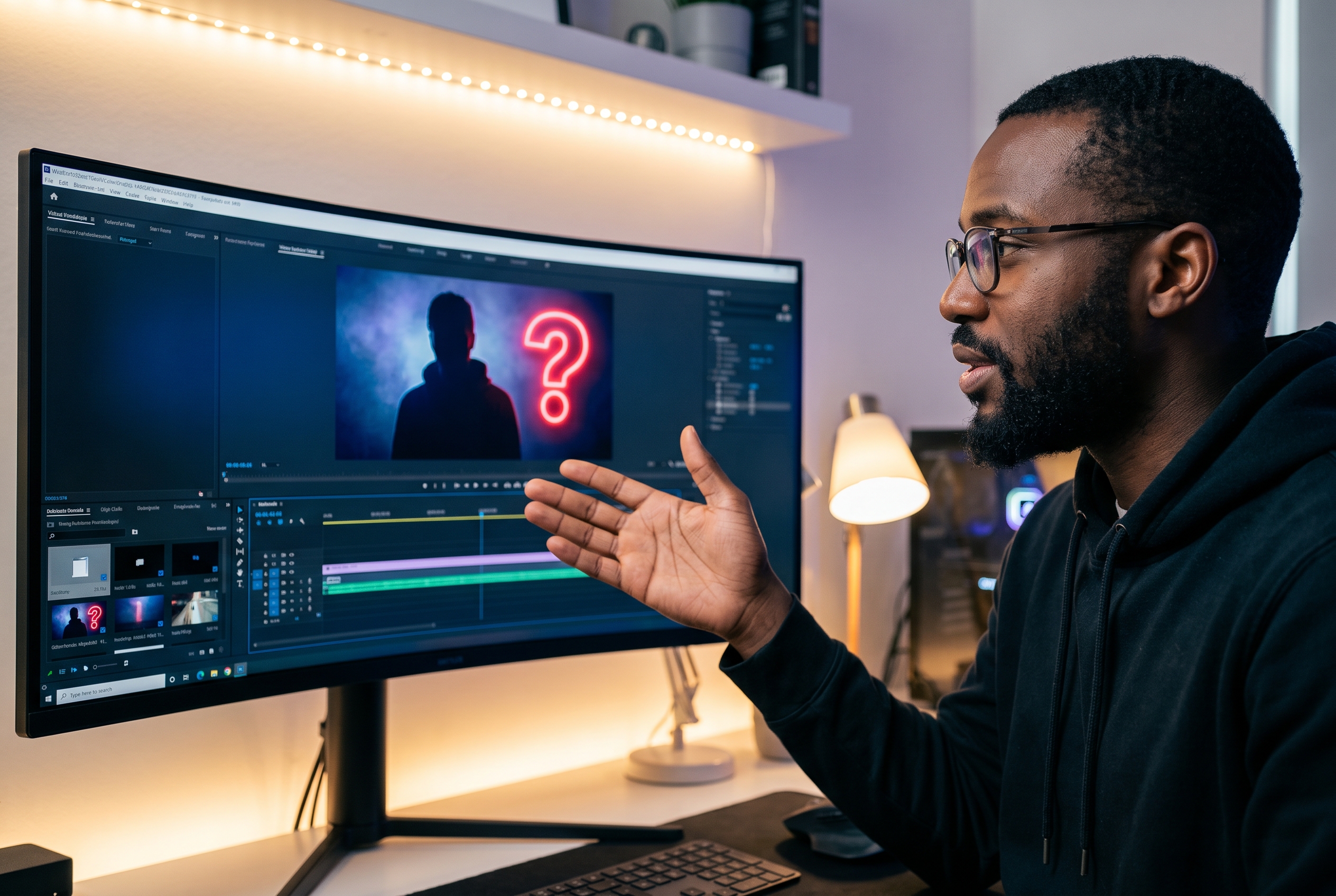
Review creators need to communicate genre, title, and opinion without filling the frame with every cast member. A cinematic template provides a clear starting hierarchy for reviews, rankings, recommendations, and “what to watch” videos.
Recap, Reaction, and Explained Creators
Episode breakdowns compete on one twist, character, or unanswered question. Templates help these channels foreground the moment under discussion while avoiding a generic screenshot grid or an accidental spoiler-heavy collage.

Filmmakers and Storytelling Creators
Short films, web series, trailers, pitches, and student projects need artwork that establishes tone before an audience knows the story. Creators can adapt a streaming-inspired layout around their own characters, imagery, and title treatment.
FAQs
What are Netflix Thumbnails?
What can I create with a Netflix Thumbnail template?
Can I customize the template for a specific genre?
What is the difference between a movie poster and a streaming thumbnail?
Should a series thumbnail show the whole cast?
Can I create several covers for the same video?
How do I create a cinematic Netflix thumbnail for my videos?
Instantly Create Netflix Thumbnails for Your Next Video
Choose a cinematic template, customize it around the real story in your upload, and generate a streaming-inspired cover without rebuilding the layout from scratch.