Music FL Studio Cook Up Thumbnail Templates
Turn a beat-making session into a cover viewers can recognize before they read the title. Choose a template built around producer workflows, adjust it to your video, and regenerate a new thumbnail without rebuilding the whole composition.
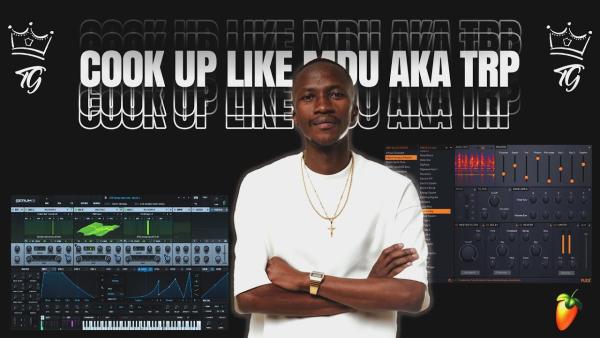
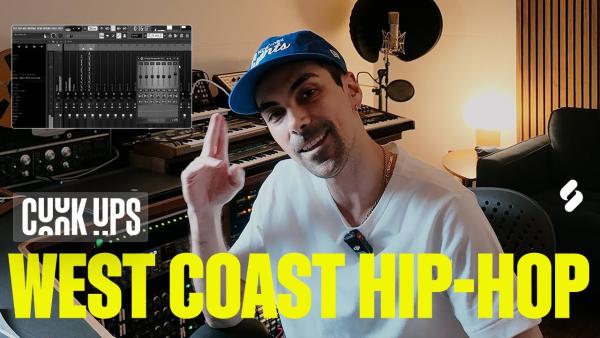
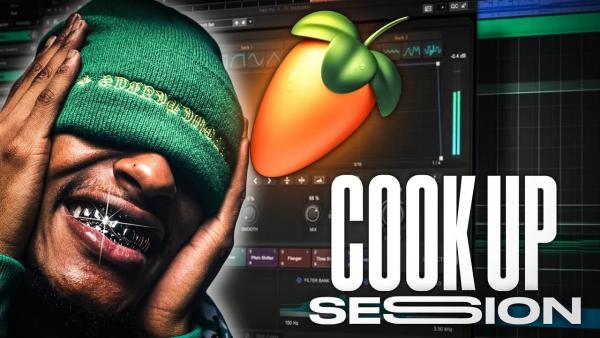
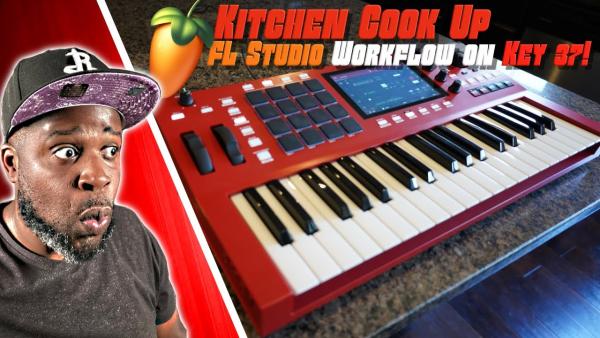
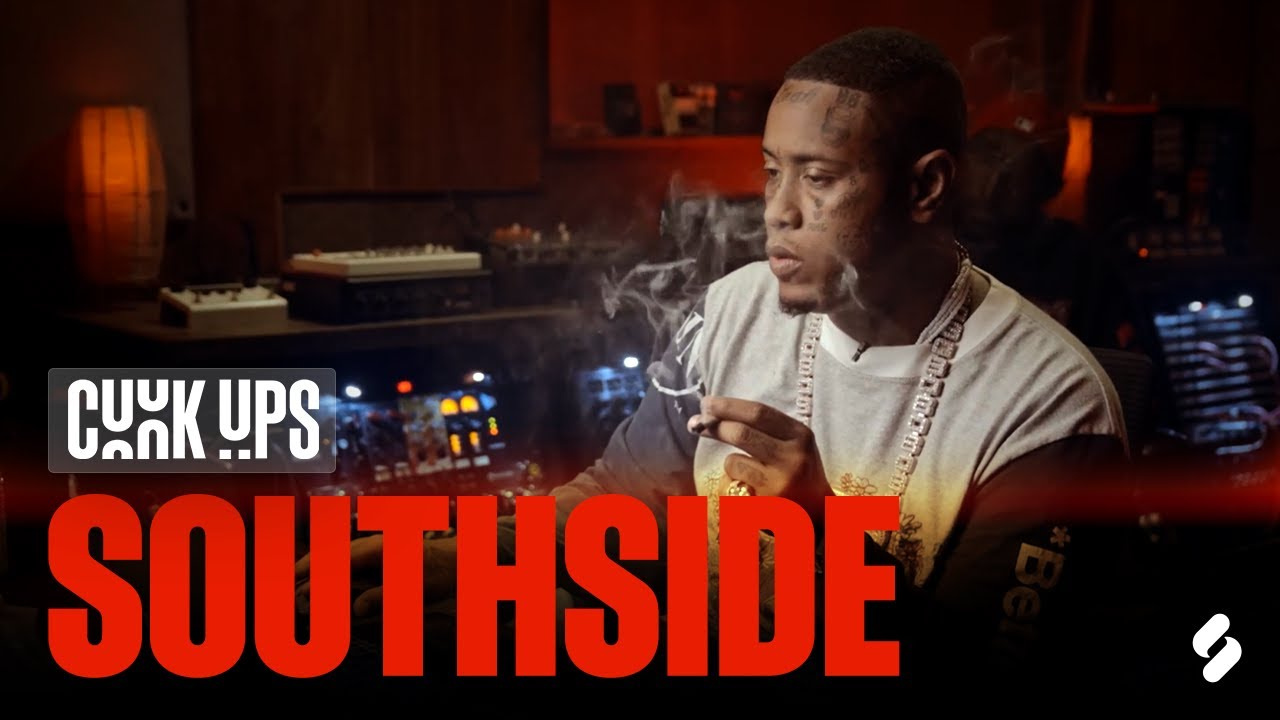
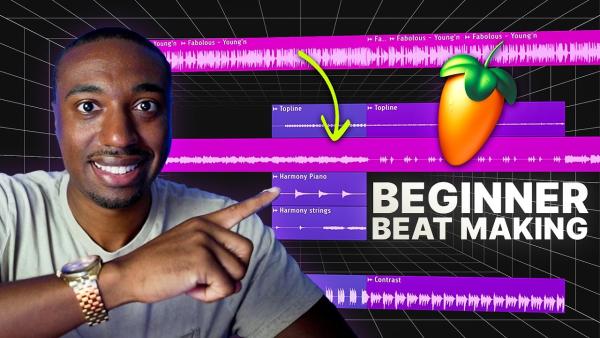
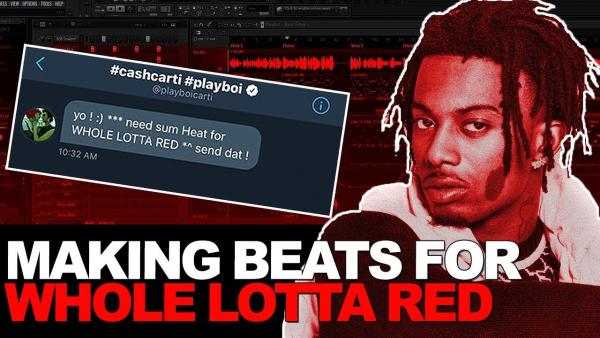
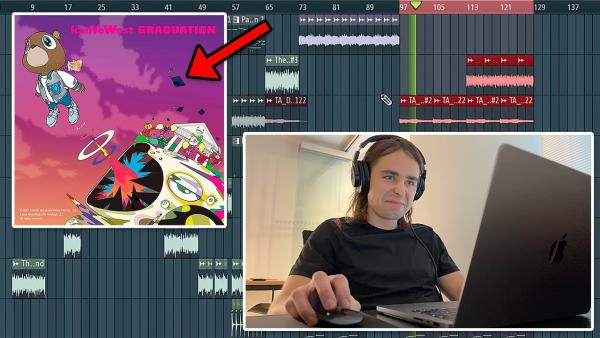
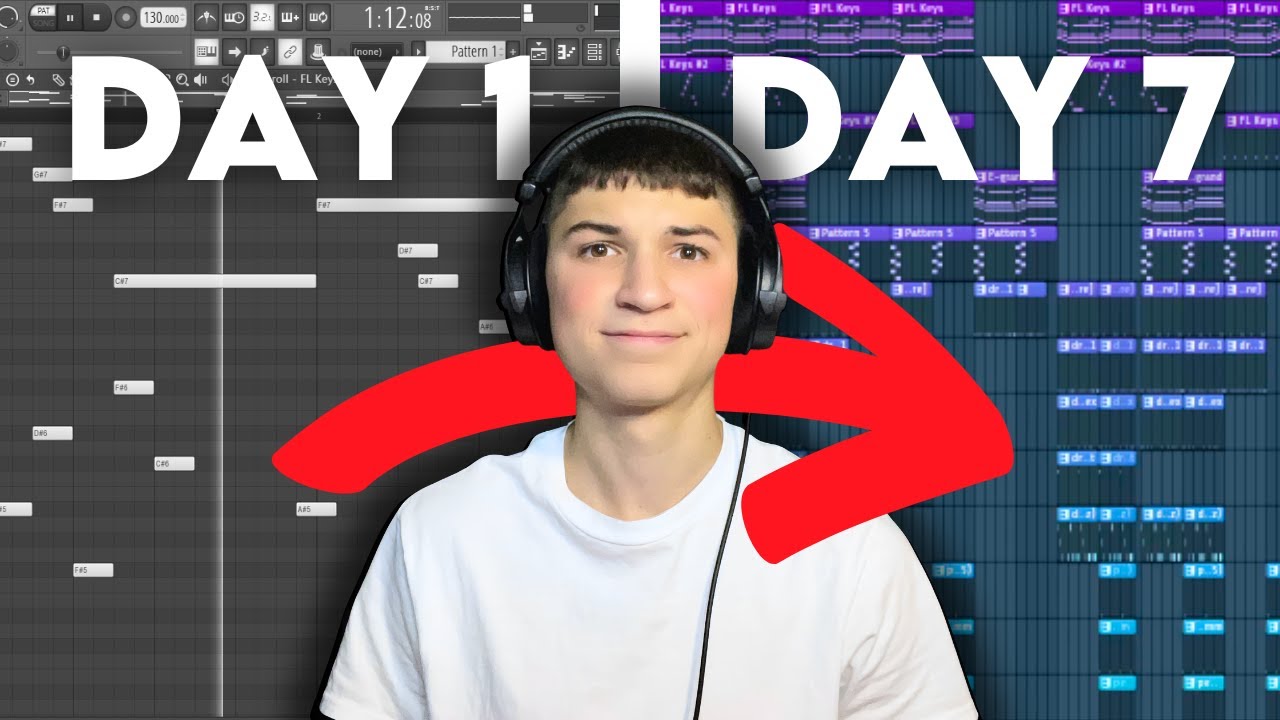
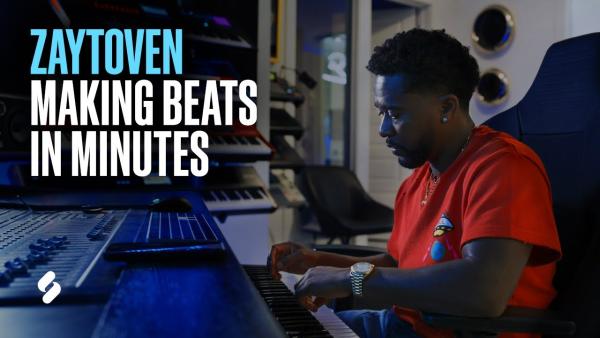
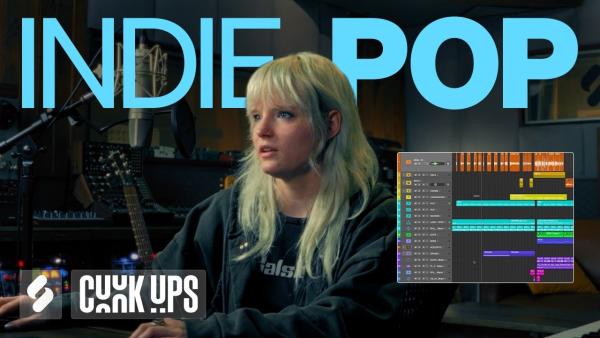
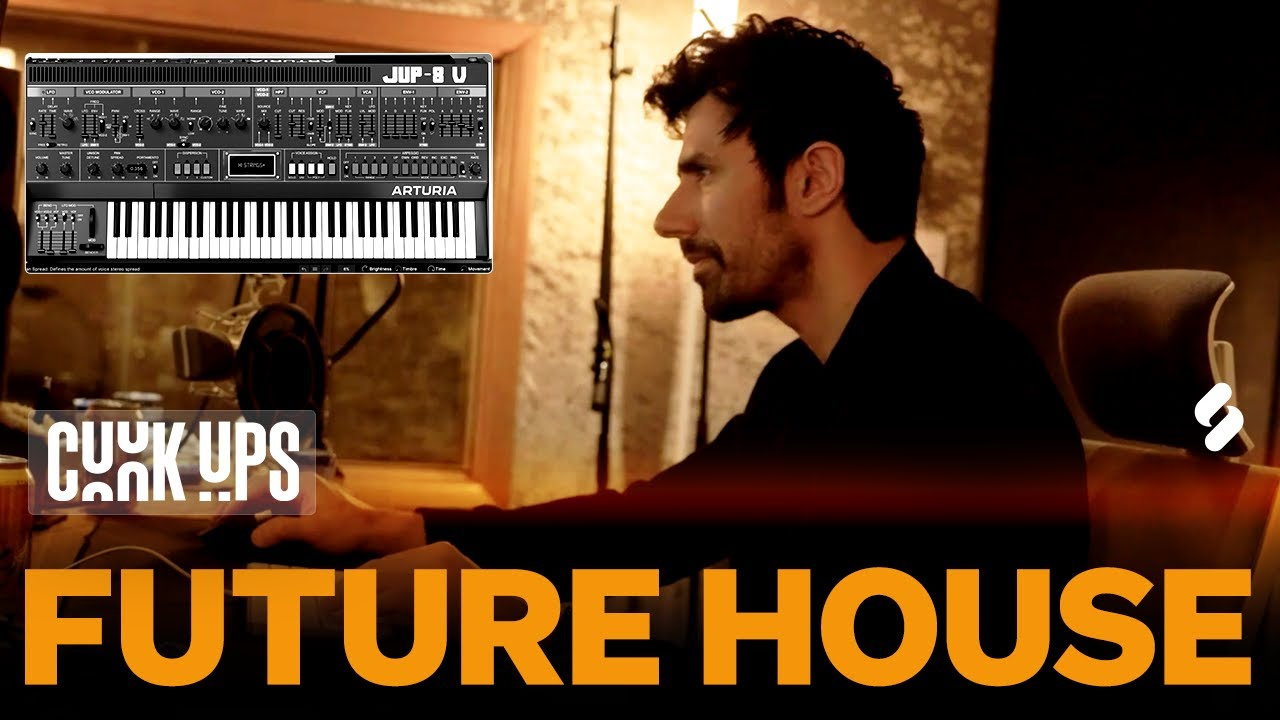
How to Use a Music FL Studio Cook Up Thumbnail Template
Choose a template, adapt it to the session, and regenerate a cover that matches the video.
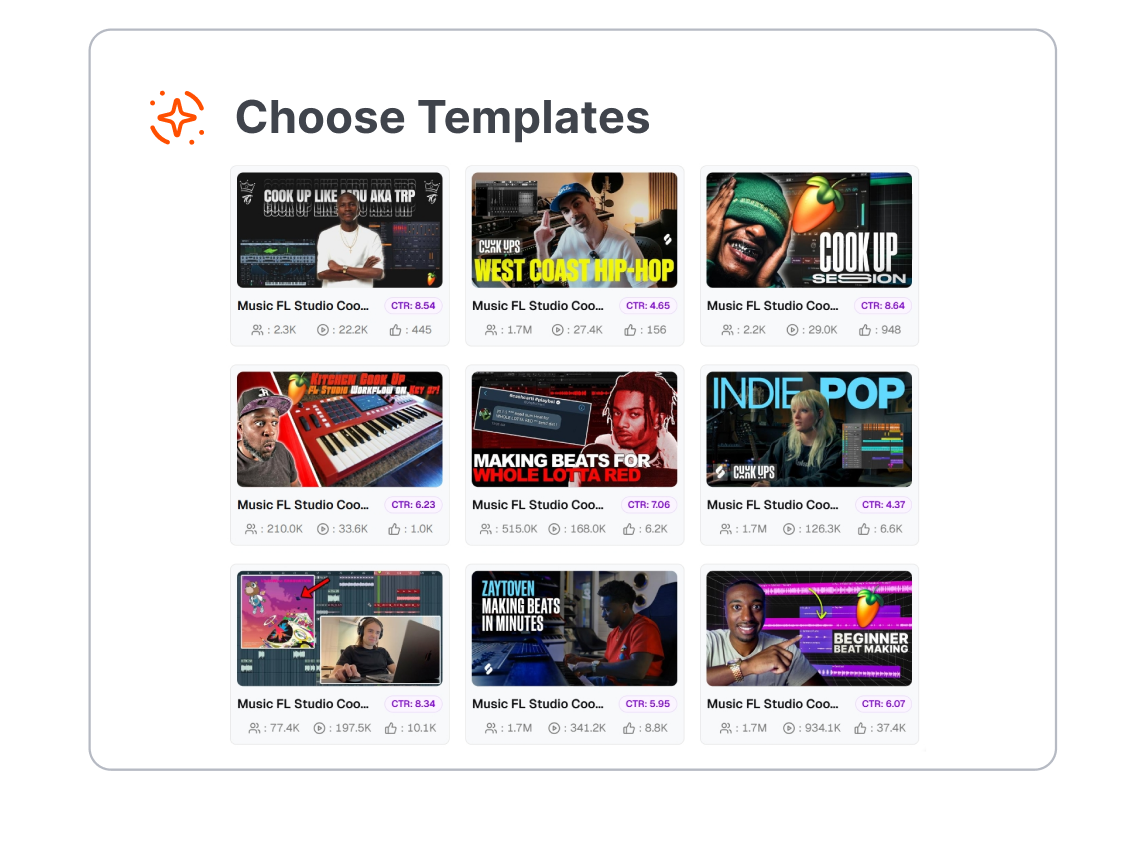
1. Choose a Cook Up Layout
Browse the available styles and select a template that fits the kind of session you recorded, from a full beat cookup to a focused melody, drum, or mixing video.
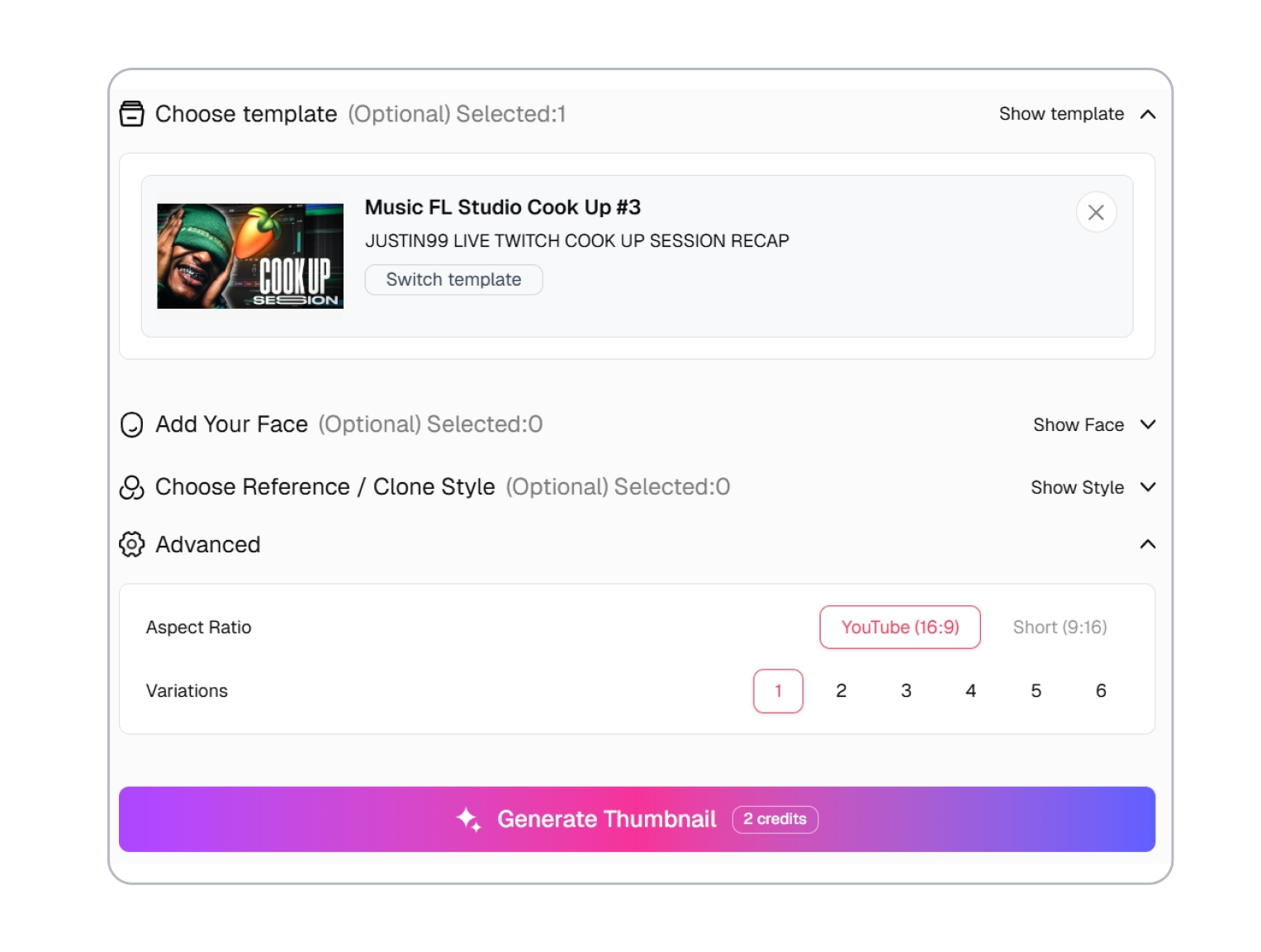
2. Adjust It for the Session
Change the content and visual direction so the cover reflects the genre, production stage, and central idea viewers will see in the video.
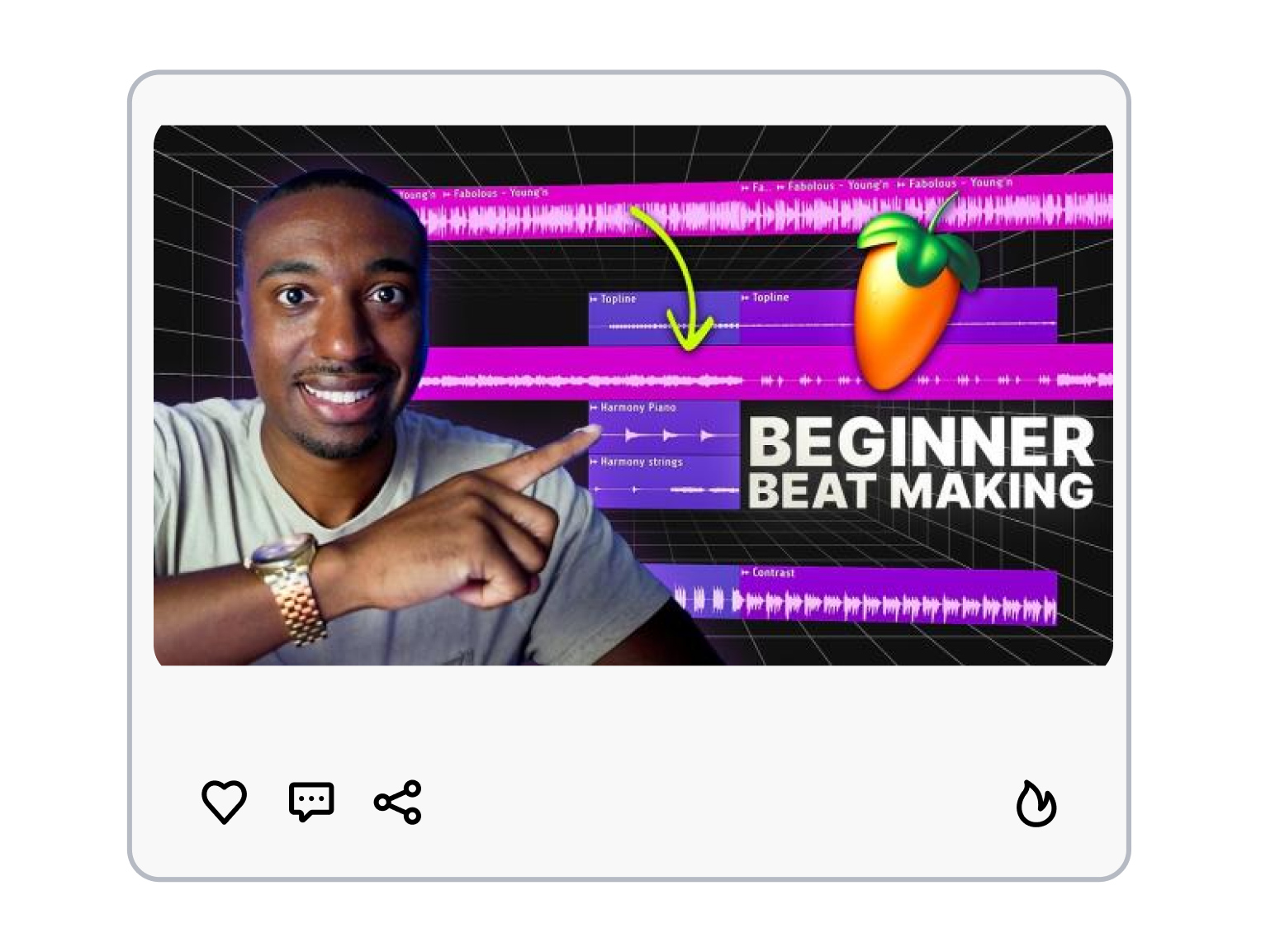
3. Generate the Cover
Generate a new version from the adjusted template. Review the result, refine the direction if needed, and regenerate until the cover matches your upload.
Shape Every Music FL Studio Cook Up Thumbnail Around the Session
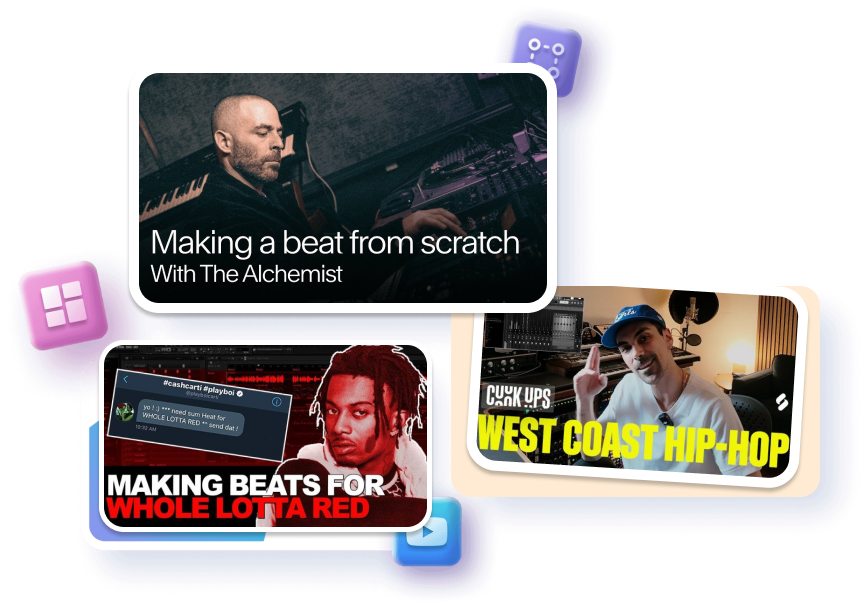
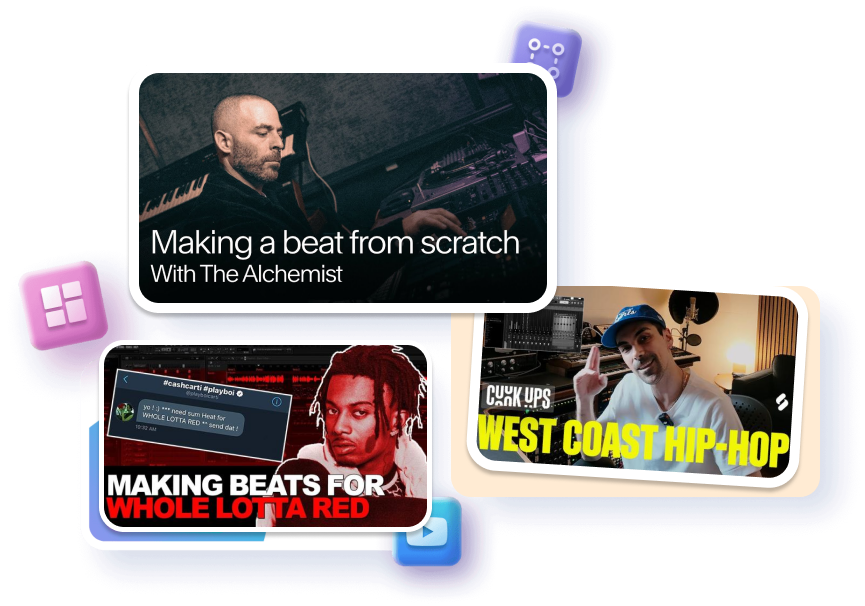
Spotlight the Moment in the DAW
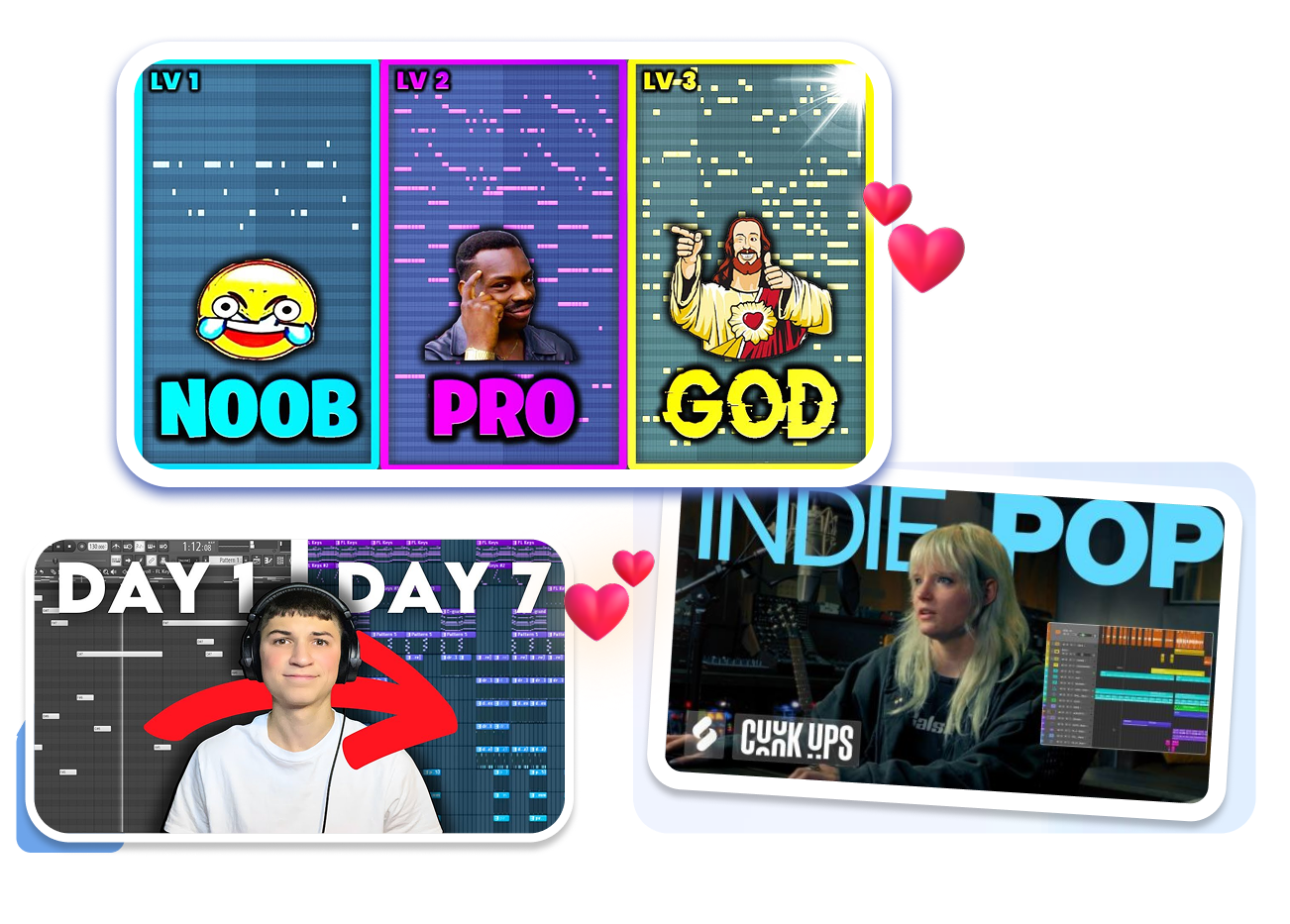
Start with a layout that reads as music production before the title appears. A DAW workspace, producer focal point, or clear beat-making cue gives the session an immediate context. The cover can then focus on the action that makes this cookup worth watching.
Name the Beat-Making Payoff
Adjust the template around the real turning point in your process. Lead with the melody, drum pattern, 808, sample flip, mix decision, or final beat when that is the moment the video delivers. The thumbnail and title can tell the same honest story.
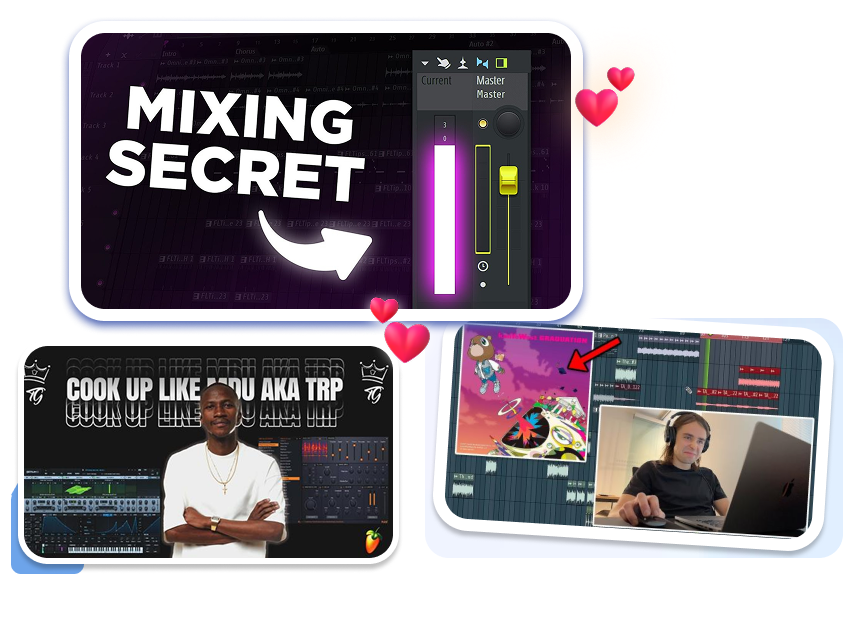
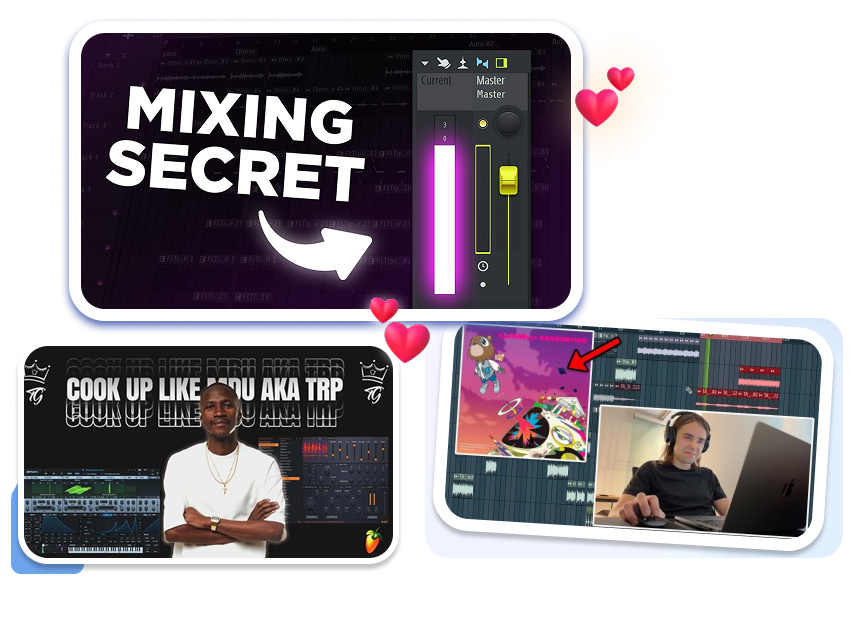
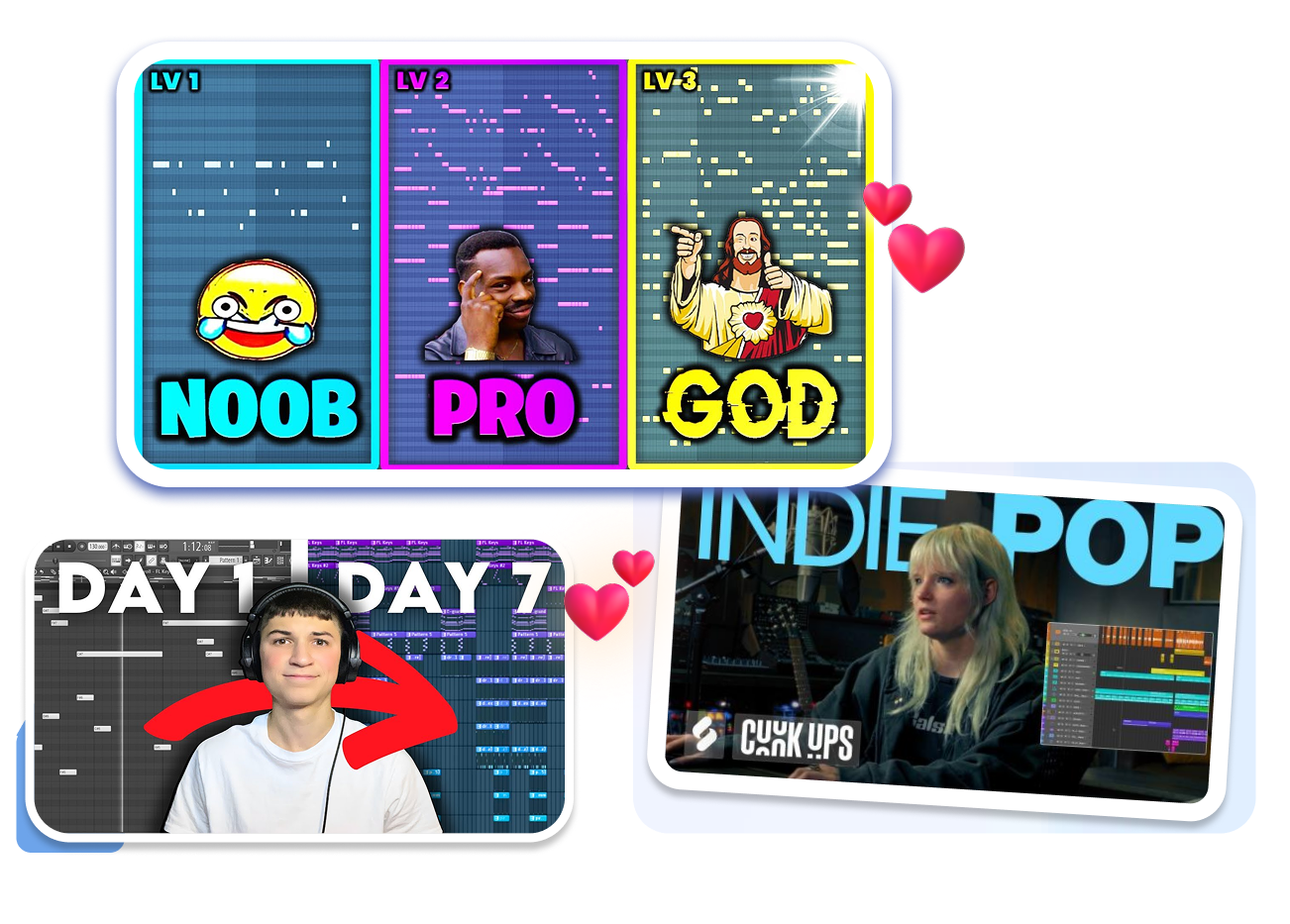
Package Each Cookup Format
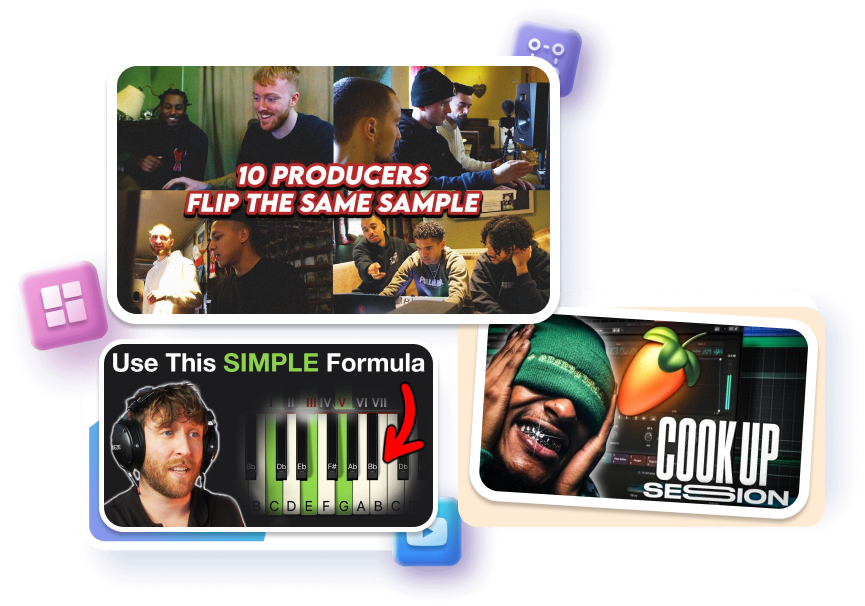
Choose a different style for a silent cookup, narrated tutorial, live session, beat breakdown, or genre experiment. Each format needs a different visual emphasis even when the same producer and software remain on screen. Templates give those uploads a recognizable starting structure.
Rework the Same Session
Keep the part of the template that fits, adjust what does not, and create another version around the same session. This makes it easier to explore a clearer subject, stronger hook, or different visual balance without beginning from a blank canvas.
Who Uses a Music FL Studio Cook Up Thumbnail?
FL Studio Educators
Package beat-from-scratch lessons, plugin walkthroughs, melody tutorials, and mixing breakdowns with a cover that makes the teaching focus visible. Start from a production layout instead of arranging every visual cue again.
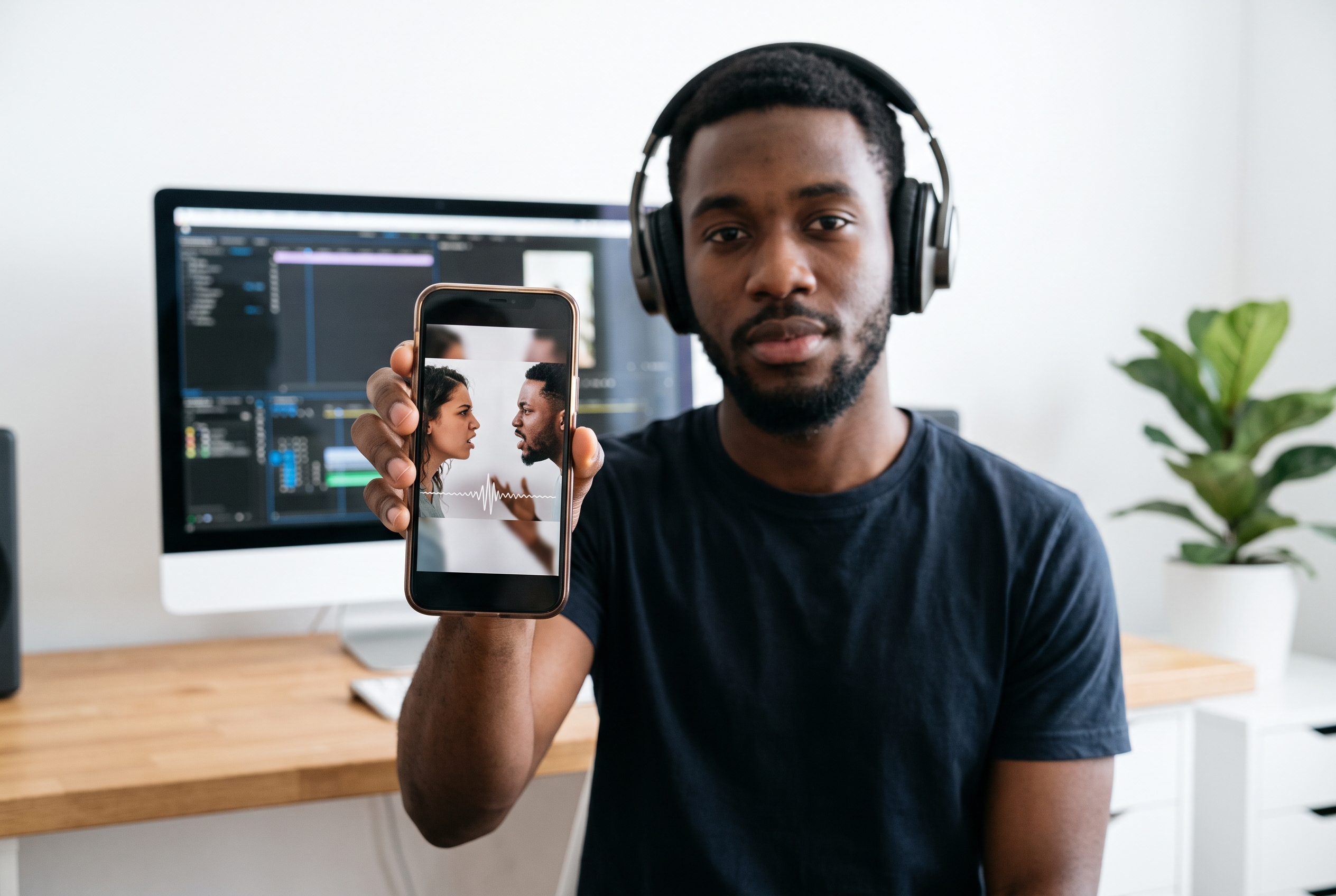
Cookup and Session Creators
Give silent cookups, live producer sessions, studio challenges, and screen-recorded workflows a visual entry point. Adjust the template to the moment that defines the session rather than using a generic music image.

Beatmakers Building a Channel
Create distinct covers for trap, drill, boom bap, R&B, and experimental uploads while keeping a repeatable producer identity. Regenerate each template around the new beat, genre, or production hook.
FAQs
What is a Music FL Studio Cook Up thumbnail?
Is this an FL Studio project template?
How do I choose the right Cook up thumbnail style?
Can I customize a Music FL Studio Cook-up thumbnail template?
What text works on a beat-making thumbnail?
Should every FL Studio thumbnail show the same screen?
How do I create a professional music FL Studio cook up thumbnail for my beat channel?
Start Your Music FL Studio Cook Up Thumbnail
Choose a producer-focused template, adapt it to the beat-making story in your video, and regenerate a cover built around the session.