Kai Cenat Thumbnail Templates
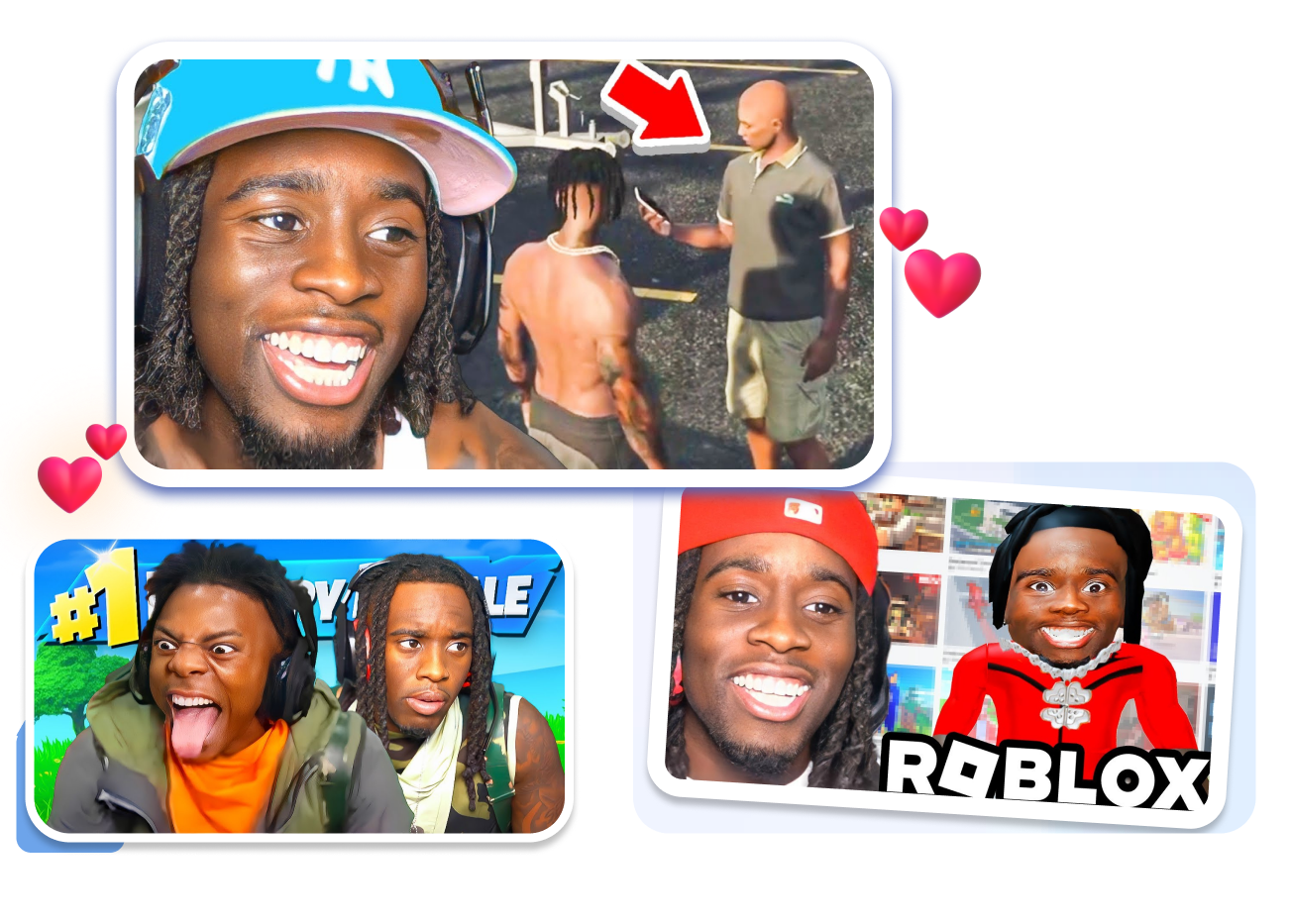
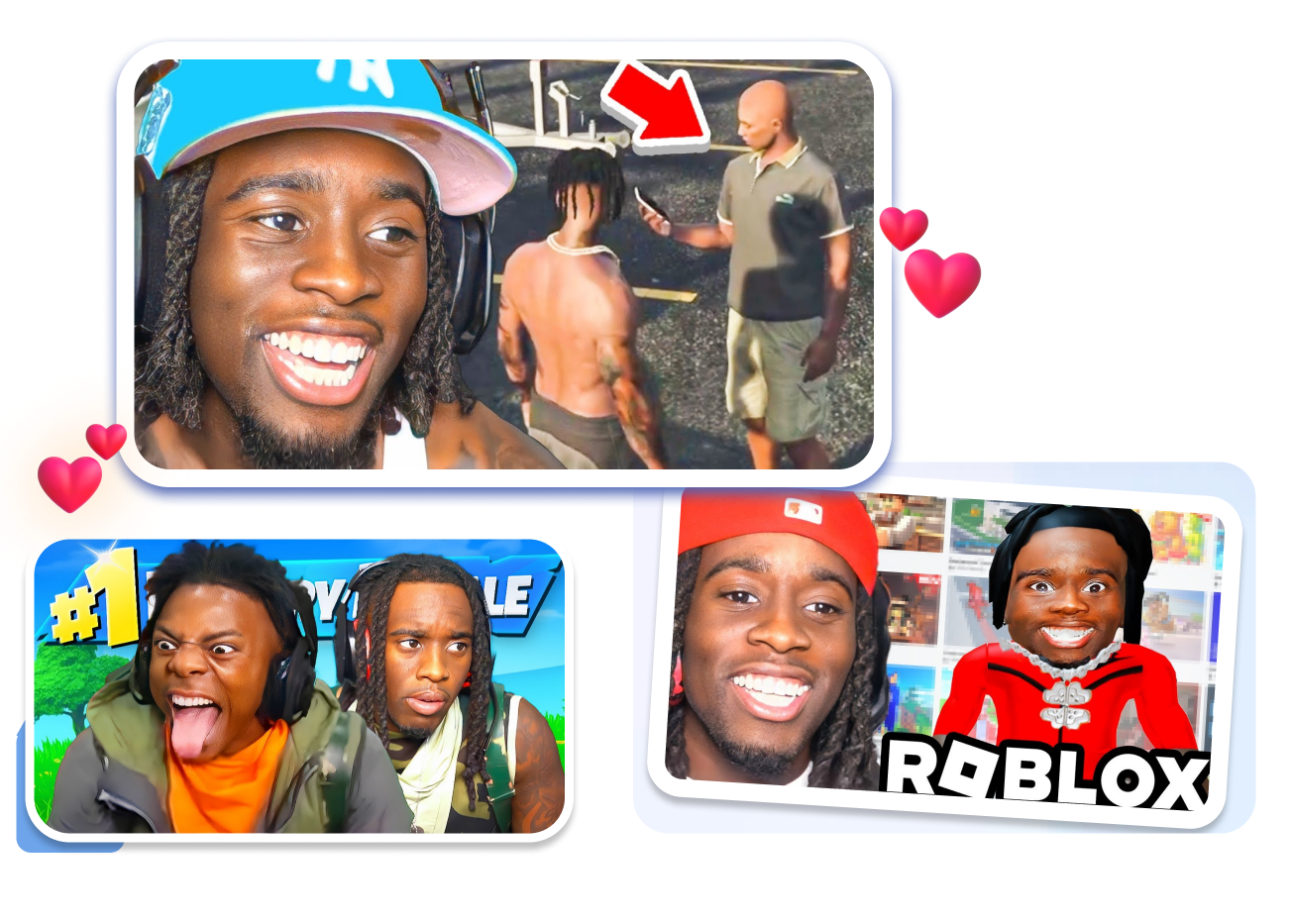
Package your stream clips with the chaotic energy that dominates the algorithm. Grab a high-CTR Kai Cenat thumbnail template, drop in a hyper-saturated reaction face, slap a massive red arrow pointing at the madness, and export a click-magnet cover in just 3 clicks.
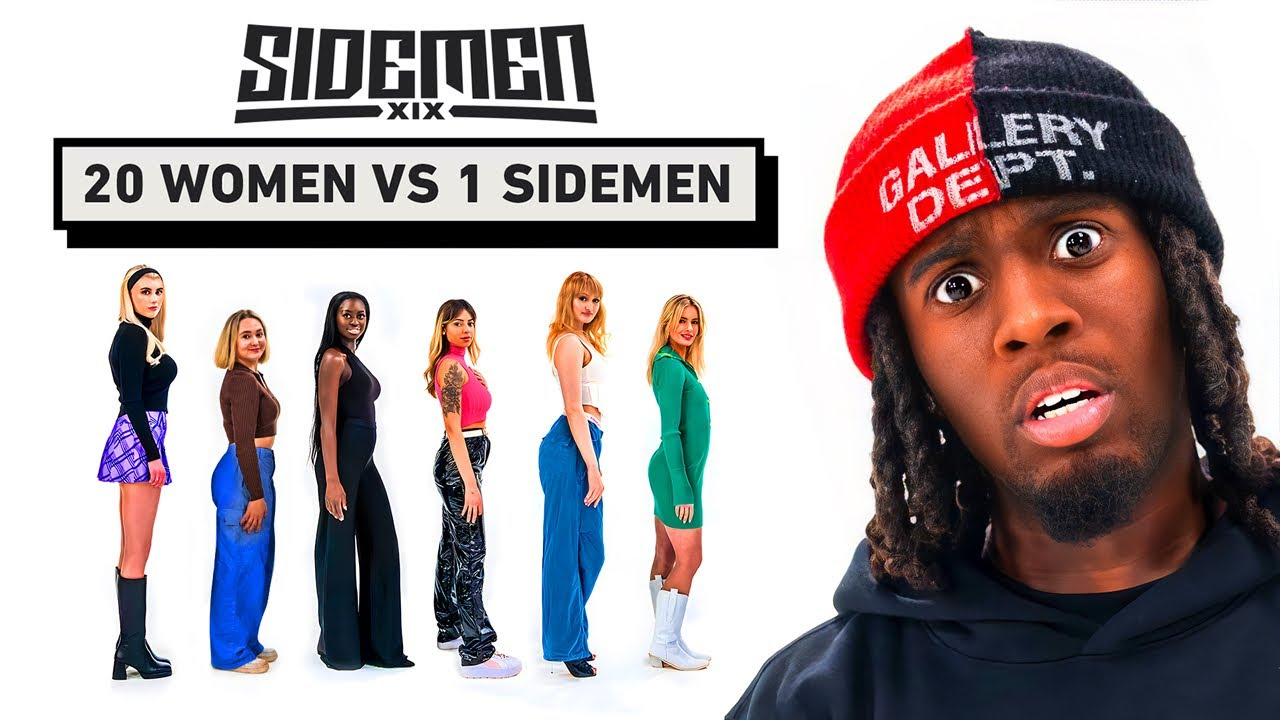
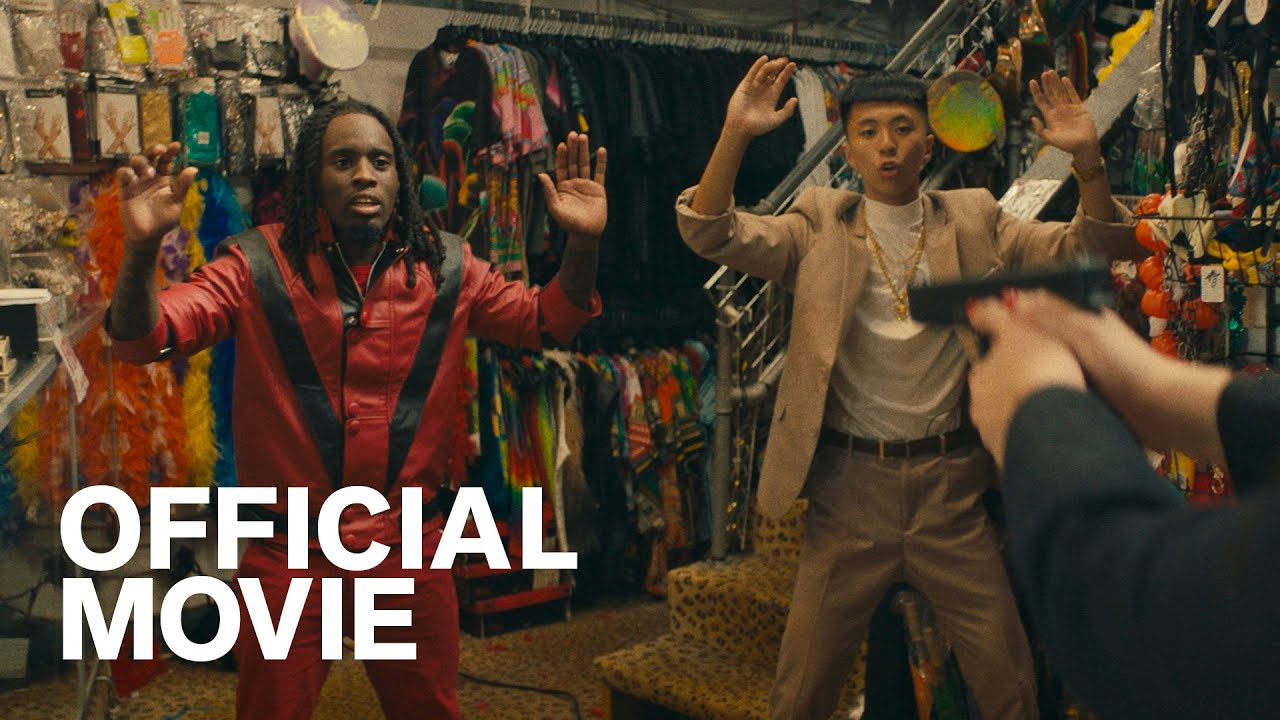

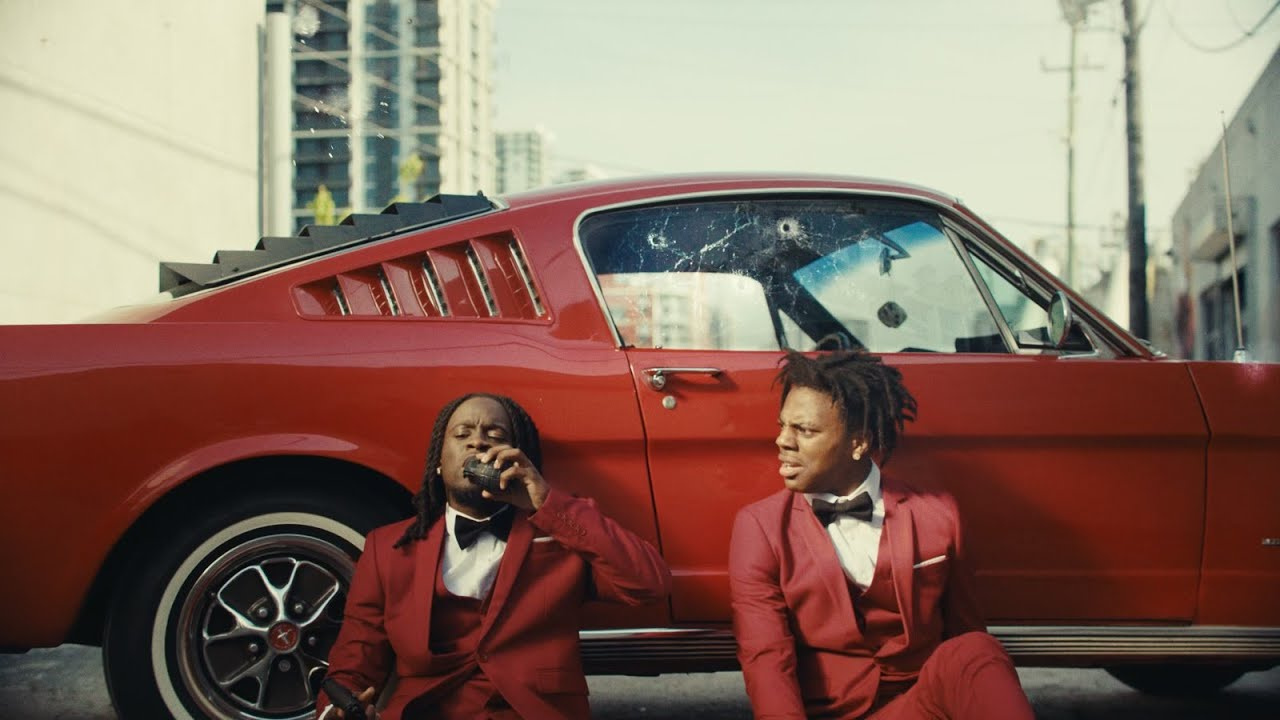
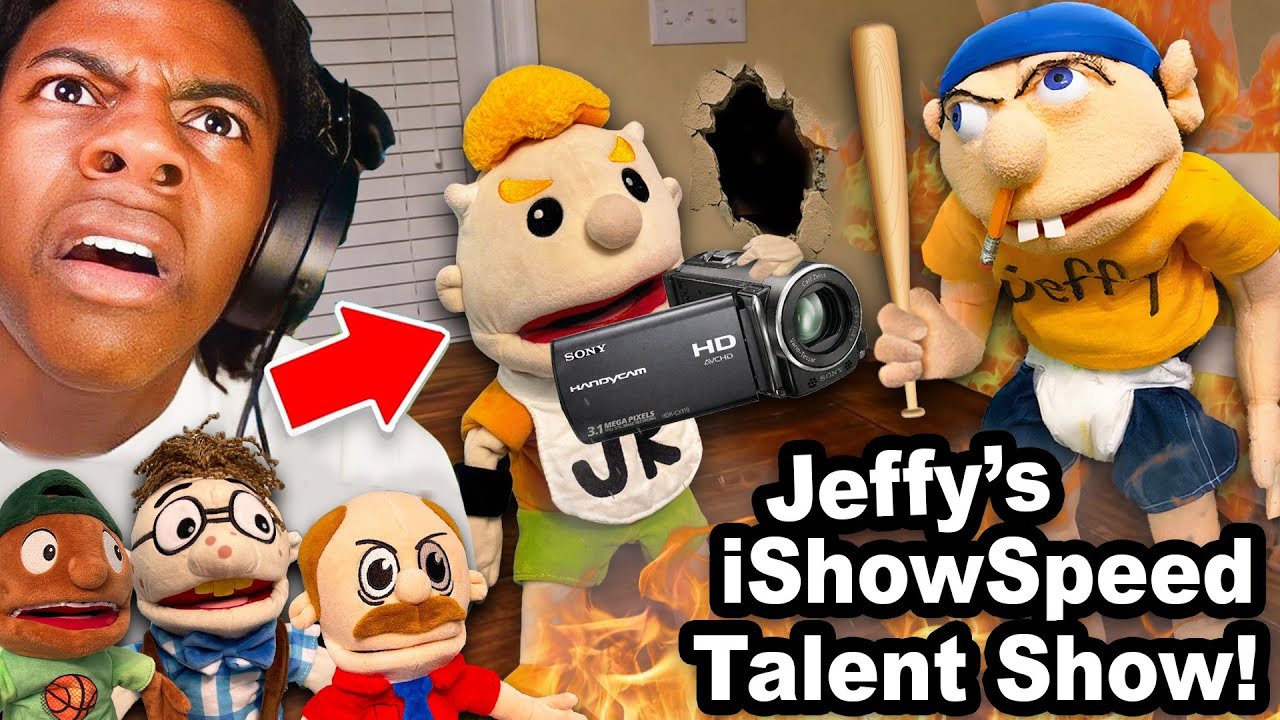
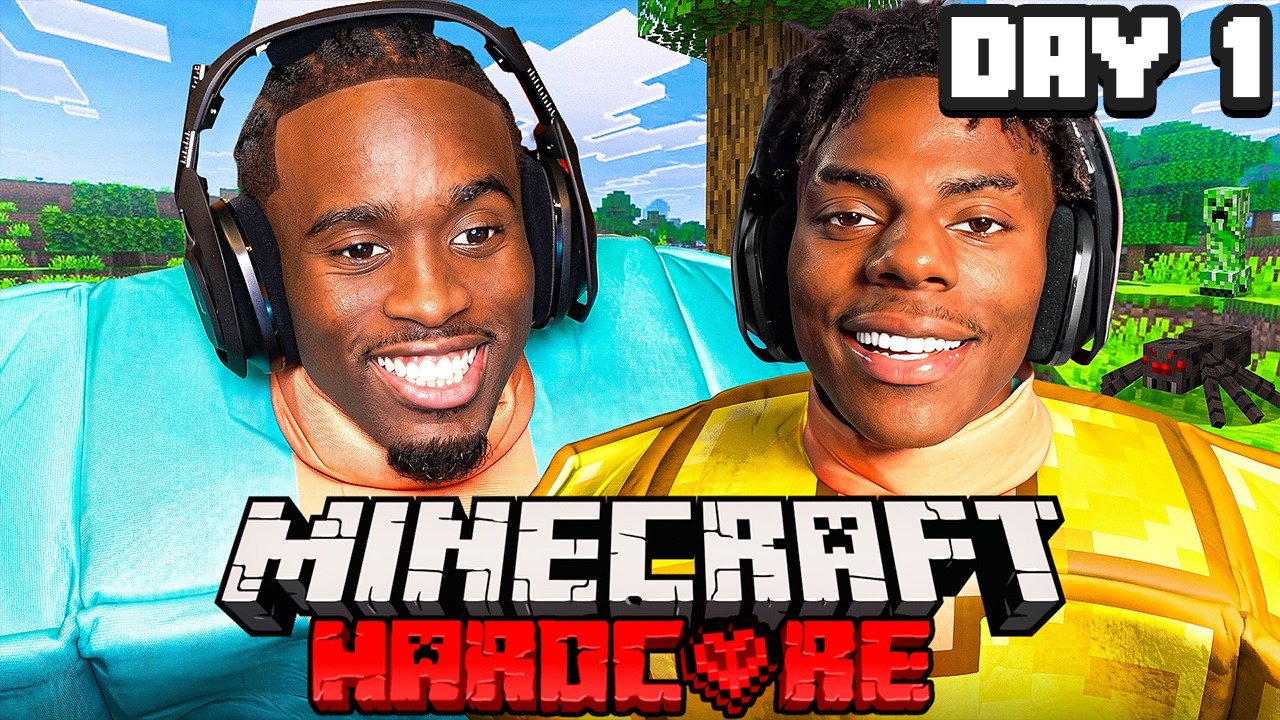


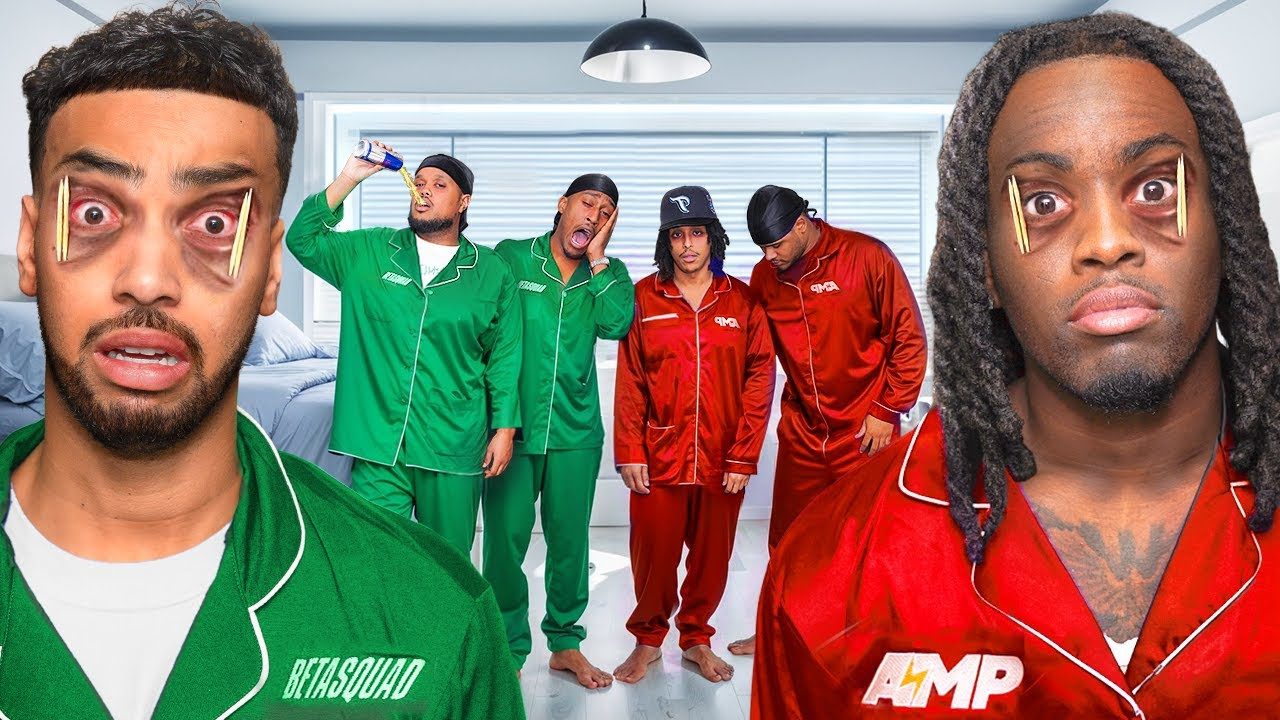
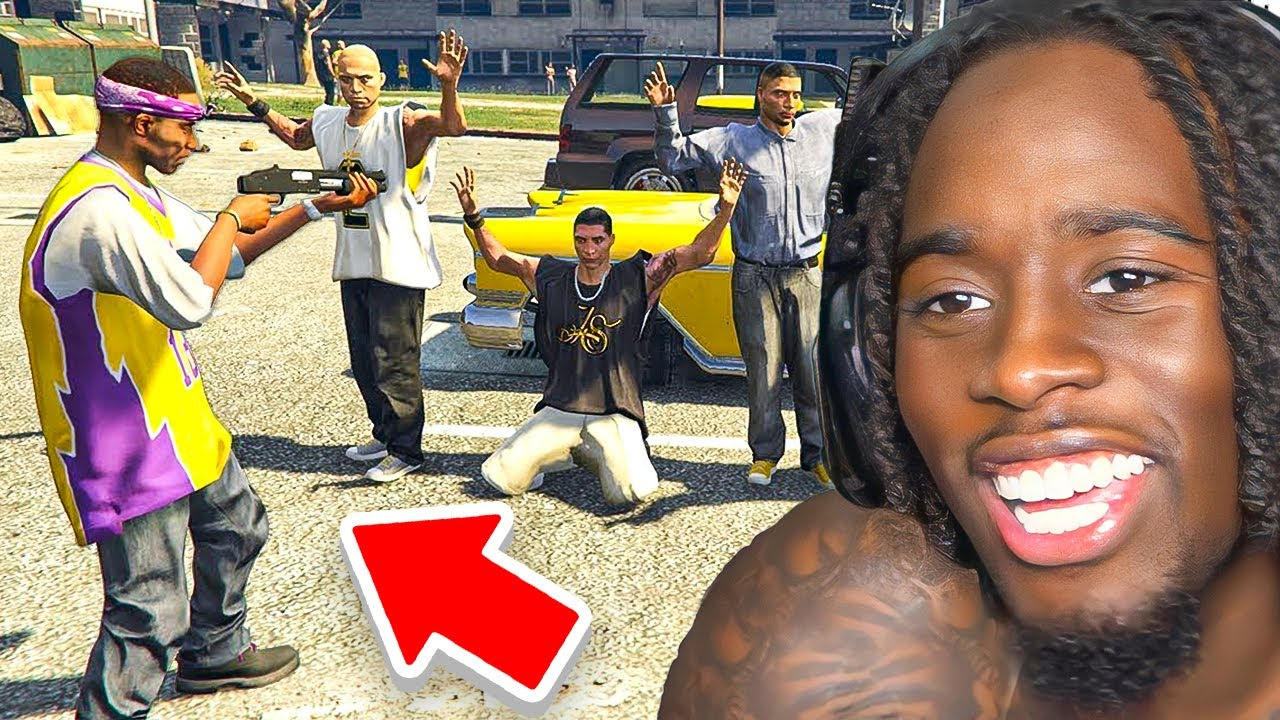
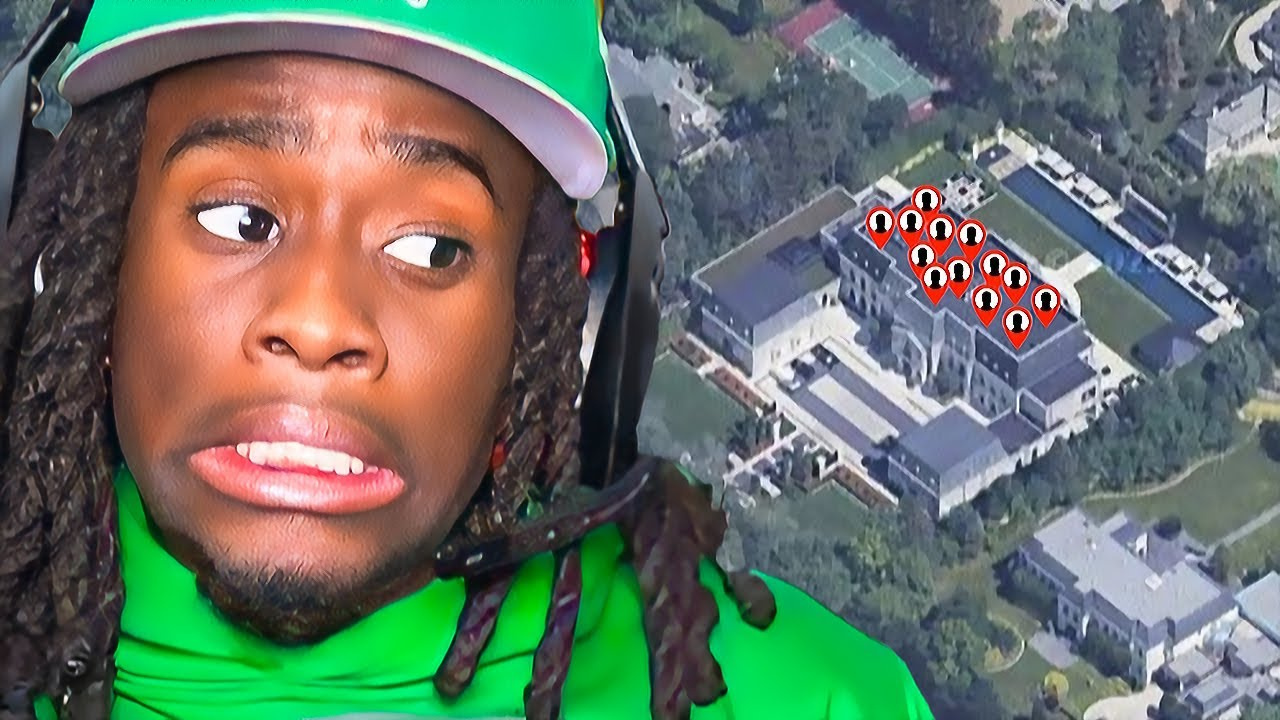
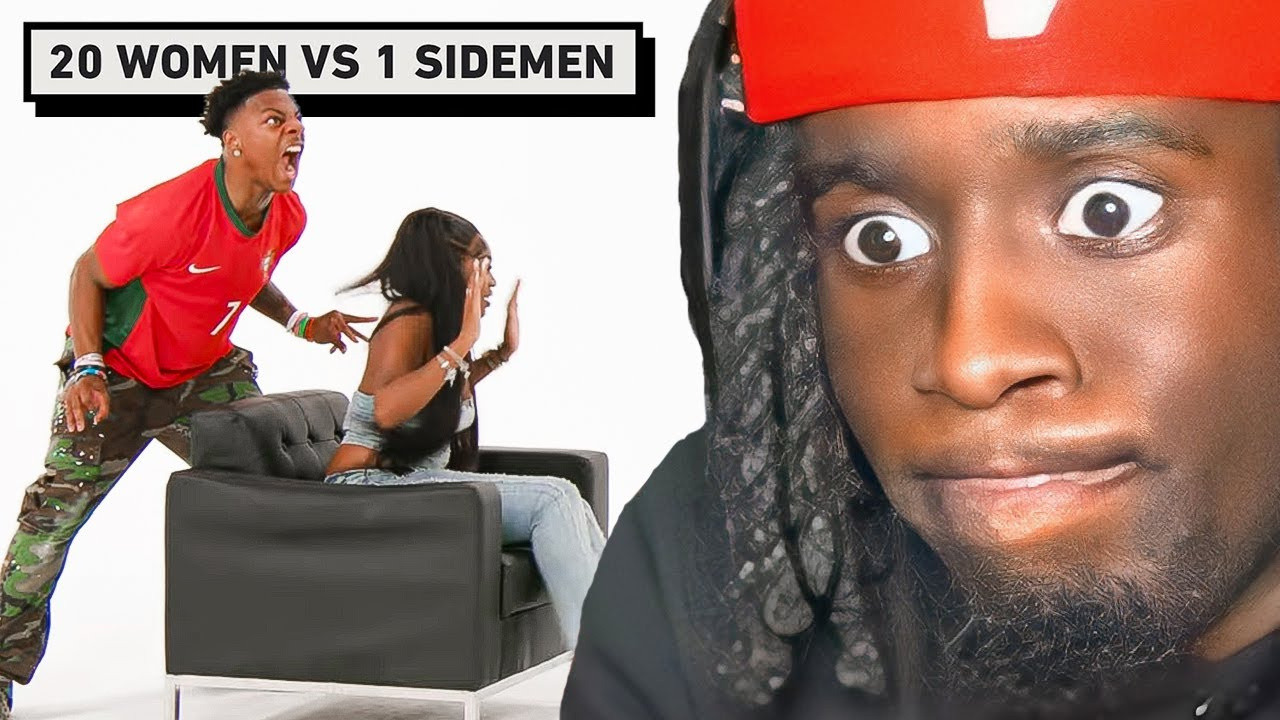
How to Turn One Clip Into a Kai Cenat Thumbnail
Start with the moment viewers will retell, then make the face, guest, and stakes support it.
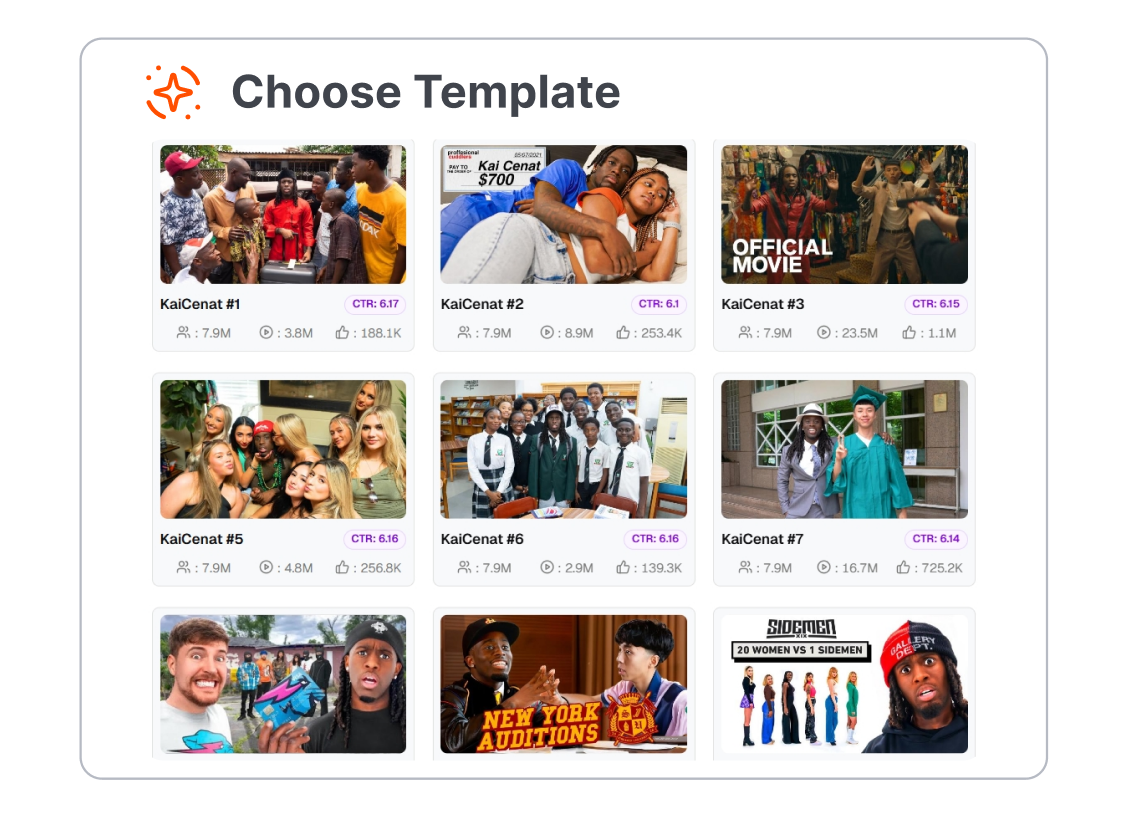
1. Choose the Stream Moment
Pick a Mafiathon guest entrance, AMP challenge, rizz call, gaming fail, or reaction beat that makes sense in one frame.
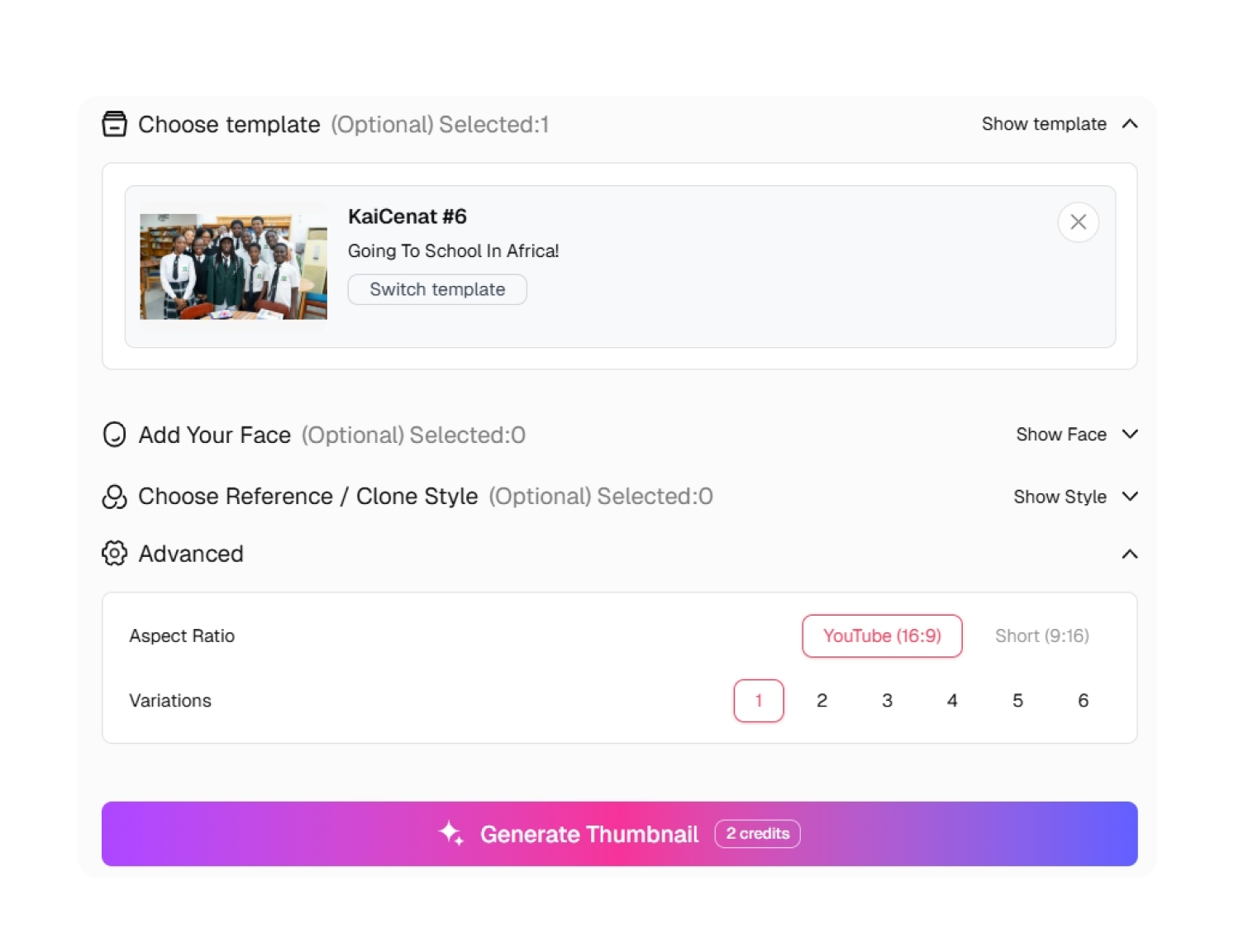
2. Restage the Faces and Stakes
Customize the prompt, face, guest, background, element styles, short caption, score, timer, or prop. Keep the composition focused on one or two subjects.
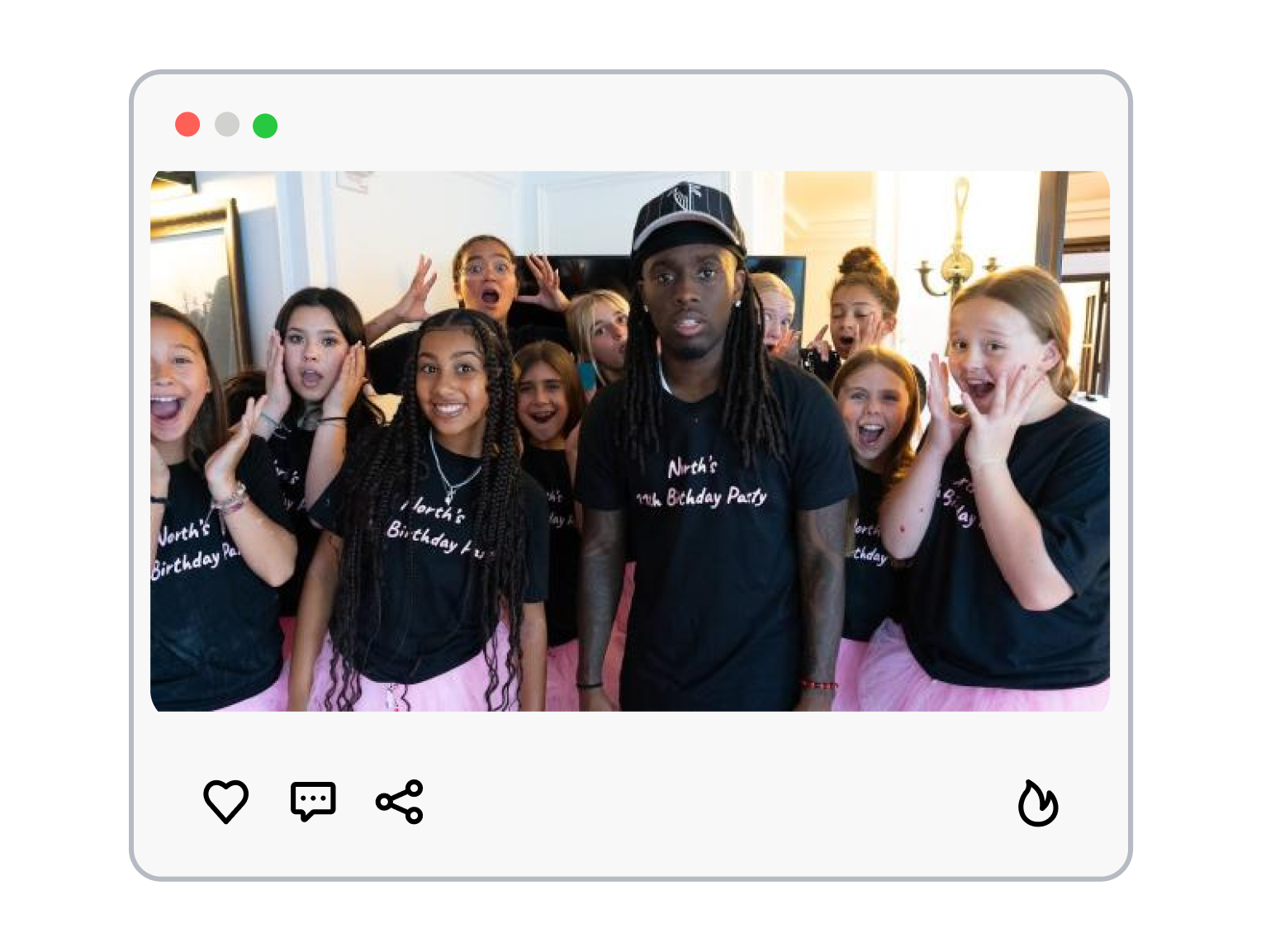
3. Set the Format and Generate
Choose the aspect ratio and number of results, then generate. Compare the face crop, guest recognition, context, and text at feed size.
What Makes a Kai Cenat Thumbnail Feel Like the Stream Is Still Live?
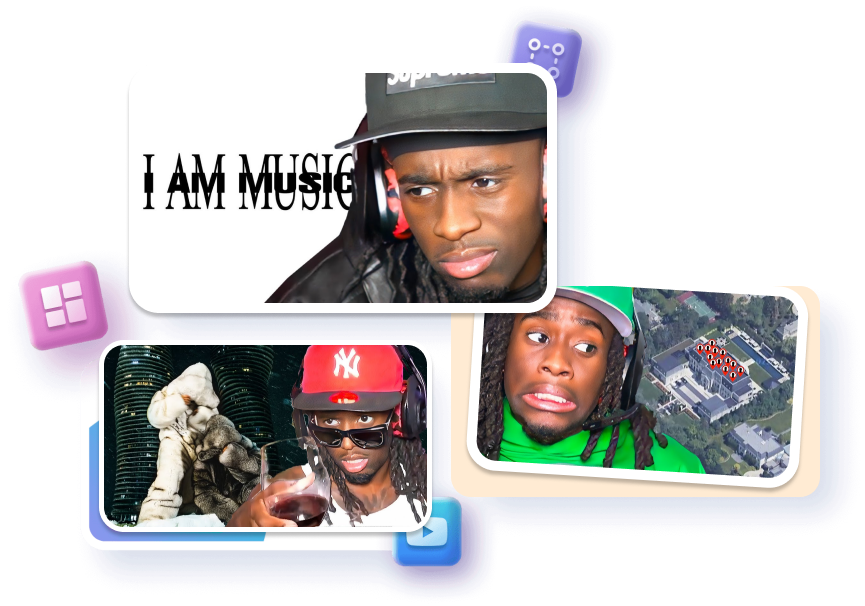
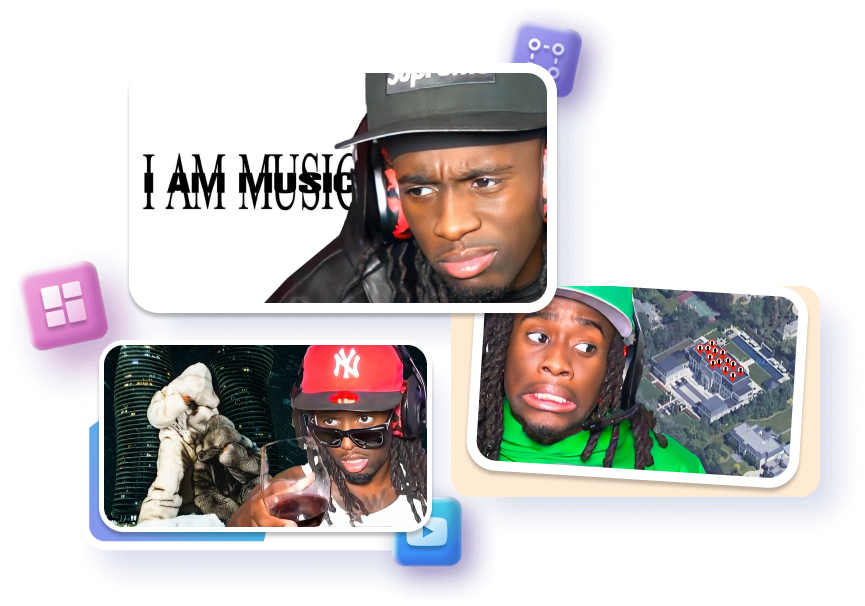
Make the Reaction the Timestamp
Crop the decisive expression so viewers recognize when the stream changed.
Match the face direction toward the guest, message, score, or surprise.
Preserve natural skin texture so the energy never becomes a plastic caricature.
Keep the Guest in the Story
Pair two readable faces to frame the collab before adding extra effects.
Anchor one recognizable prop to explain the challenge without a long caption.
Separate host and guest silhouettes with clean outlines and contrasting light.
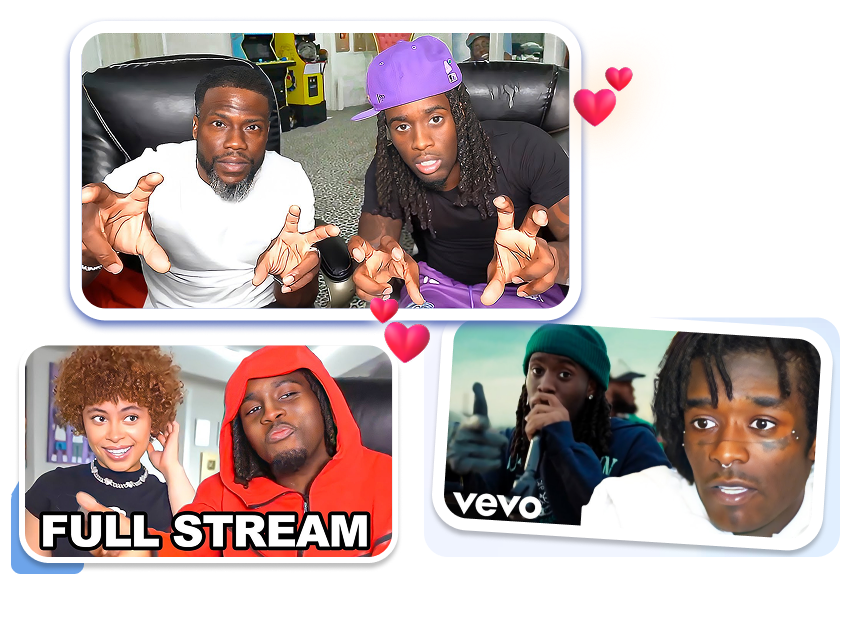
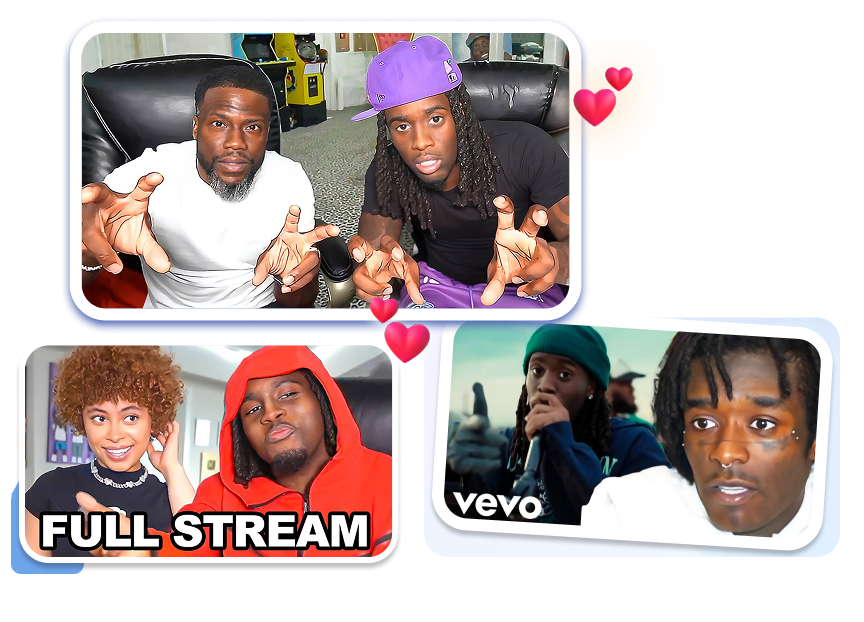


Turn the Setup Into the Joke
Frame the call or message beside the reaction that delivers the punchline.
Use one short caption to name the stakes without explaining the whole clip.
Balance meme energy and context so the joke survives outside the livestream.
Give Each Stream Its Own Event
Highlight one guest arrival instead of repeating the same generic hype face.
Add a timer or goal only when it matters to the clip.
Vary the color and crop while keeping the highlight series recognizable.
Who Uses a Kai Cenat Thumbnail to Package Stream Chaos?
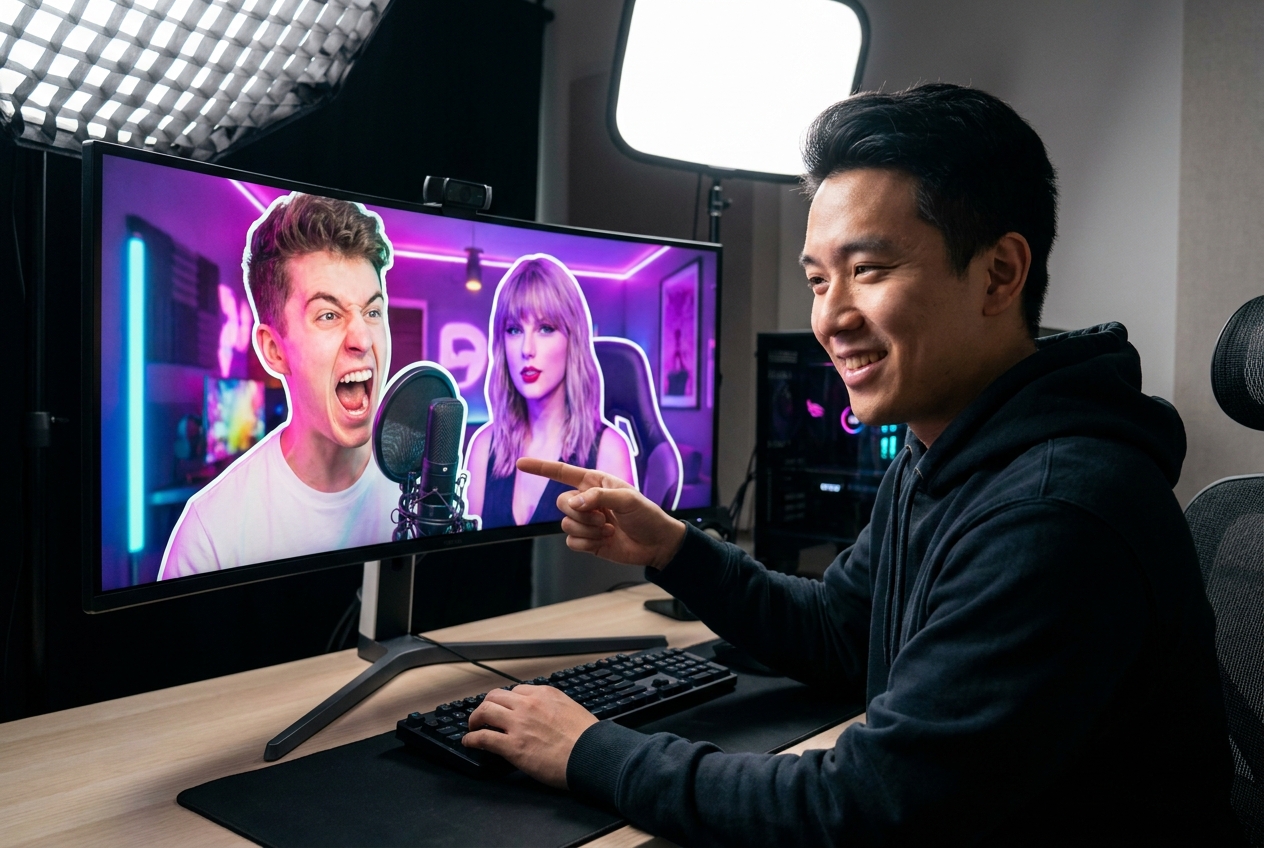
Stream Highlight and Clip Channels
Turn a fast reaction, surprise guest, or chat-breaking moment into a clear cover that still makes sense after the livestream ends.

AMP, Challenge, and IRL Creators
Frame the people, prop, and consequence in one shot so viewers understand the setup before reading the title.
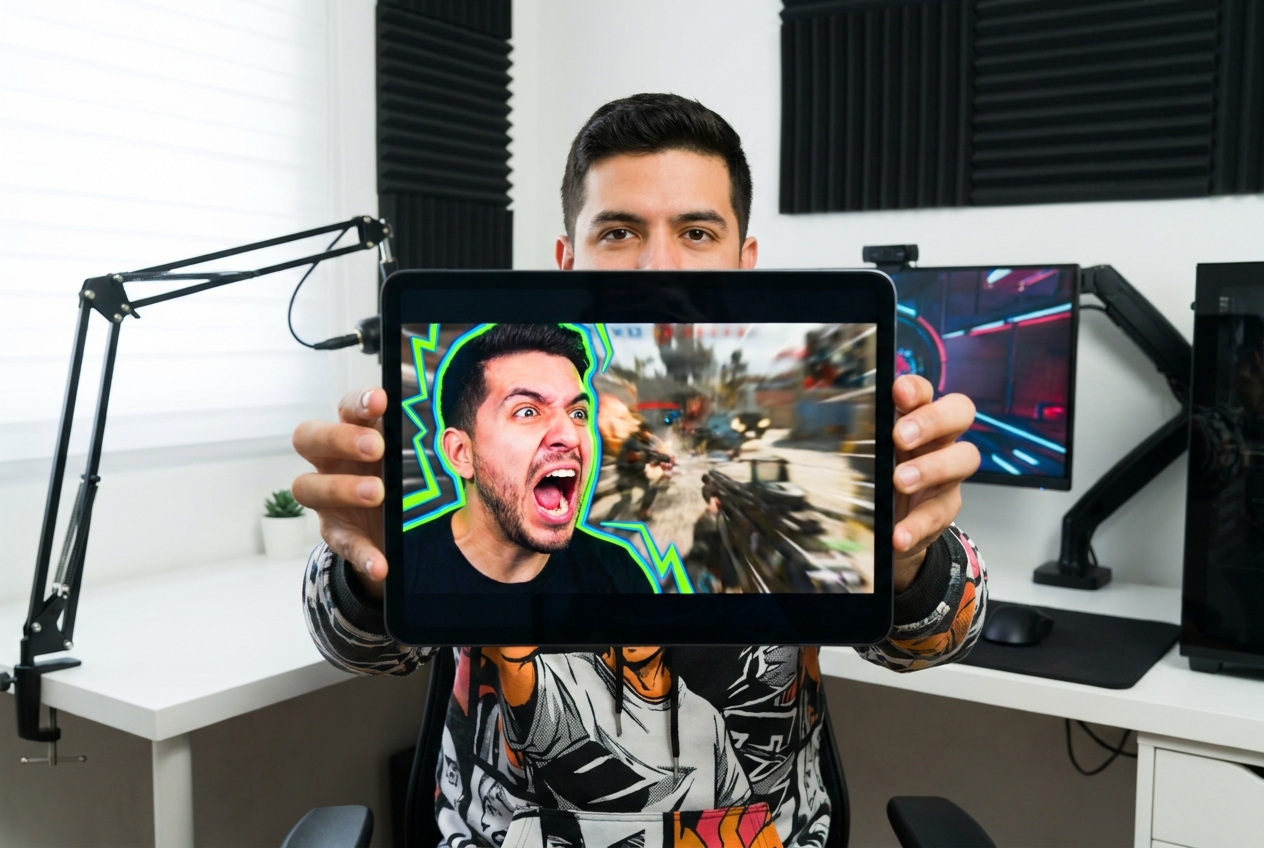
Reaction, Gaming, and Meme Channels
Adapt the expressive face-and-context rhythm for commentary, gameplay, rizz moments, and meme edits without copying an existing thumbnail.
FAQs
How do I make a Kai Cenat thumbnail?
What makes the face recognizable?
Which template fits a Mafiathon clip?
How do I make a rizz thumbnail?
Can I replace Kai's face?
How many people should I show?
How do I create a viral Kai Cenat thumbnail for my stream clips?
Make the Kai Cenat Thumbnail Hit Before the Clip Replays
The best stream clips already have a before and an after. Capture the face between them, lock the guest or challenge beside it, and make viewers wonder what happened next.