Drawing Thumbnails for Art Videos
Create a YouTube cover for a drawing video that makes the subject, process, and creative payoff easy to recognize. Browse art-led templates, adapt one to your upload, and regenerate a thumbnail without rebuilding the composition from scratch.
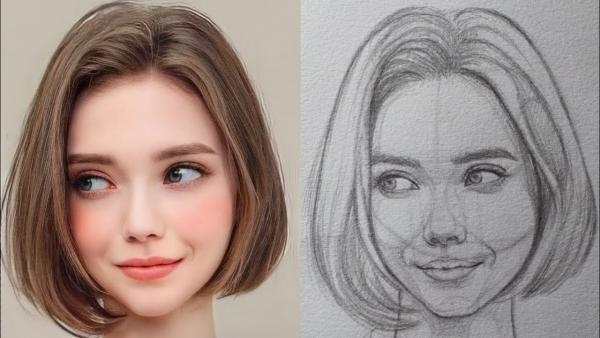
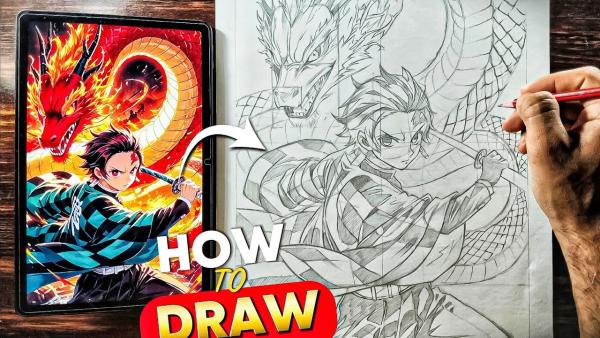
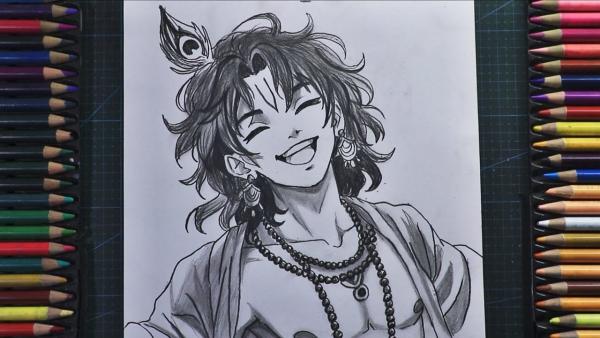
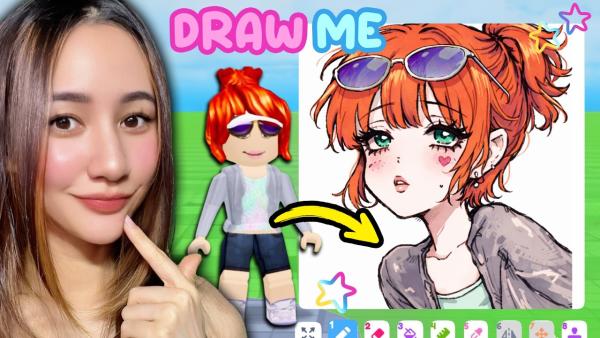
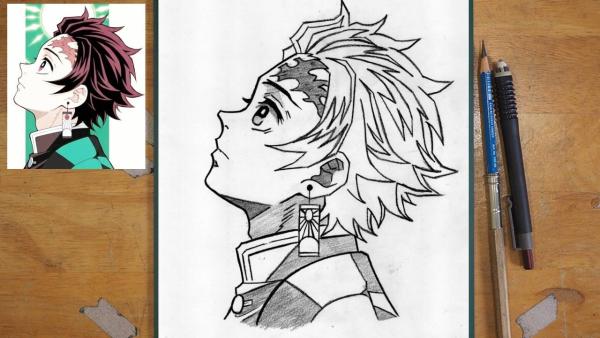
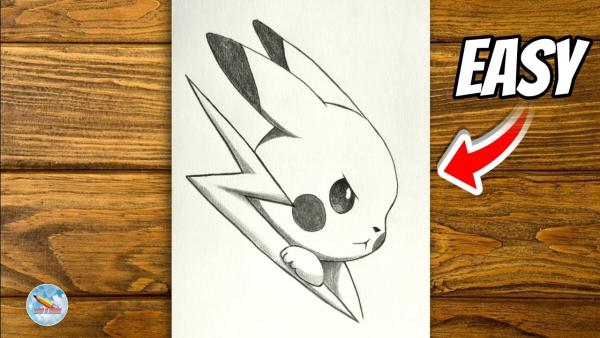
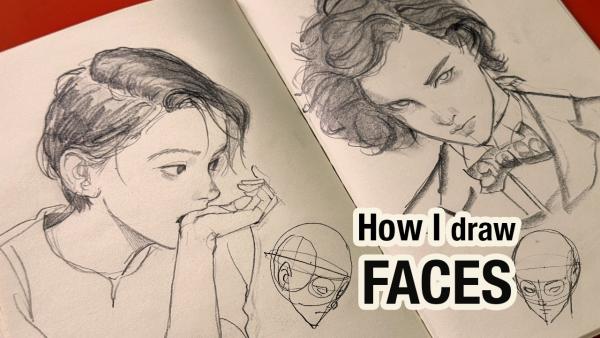
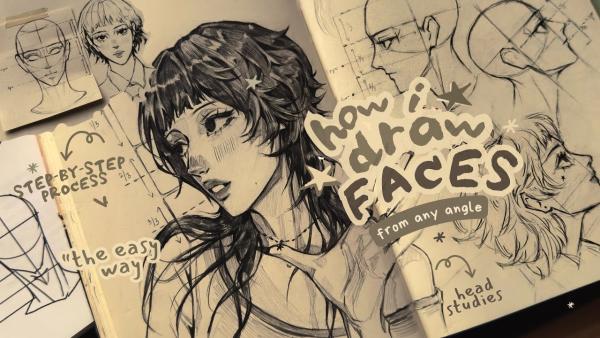
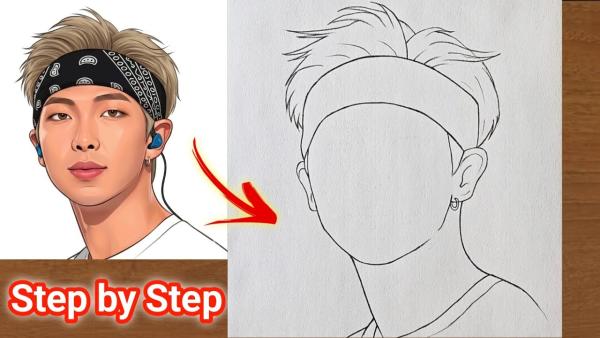
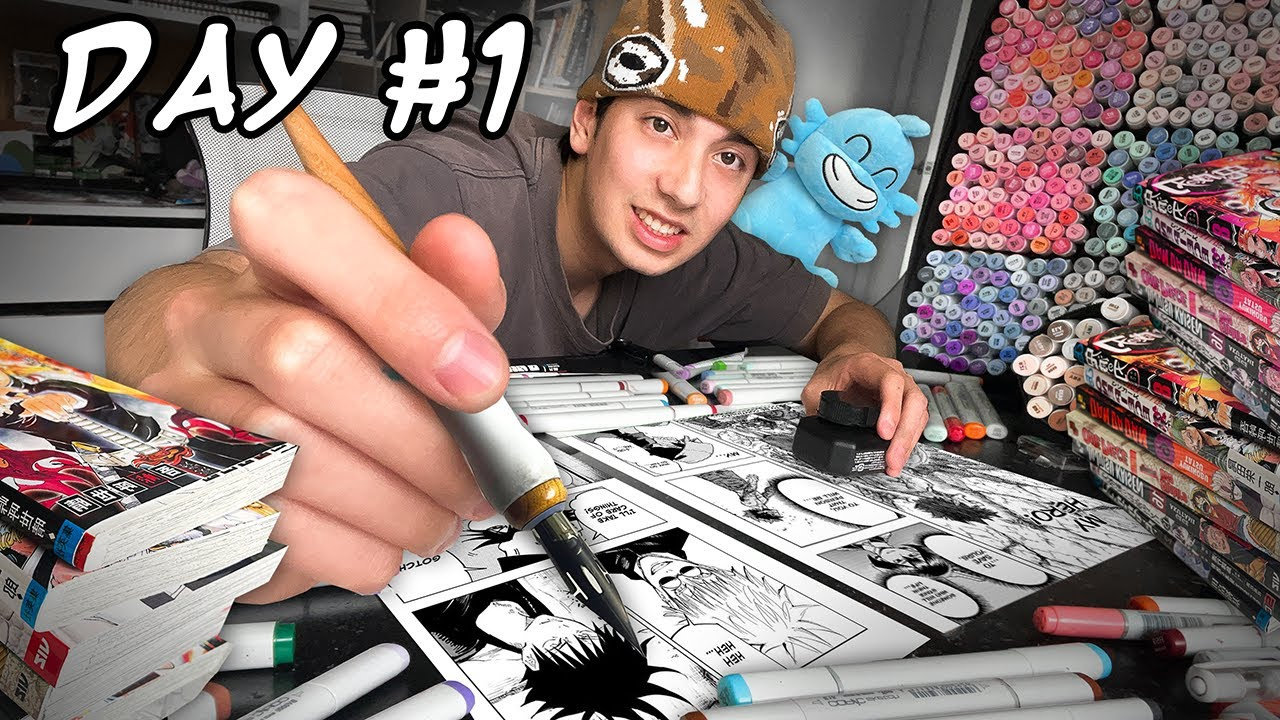
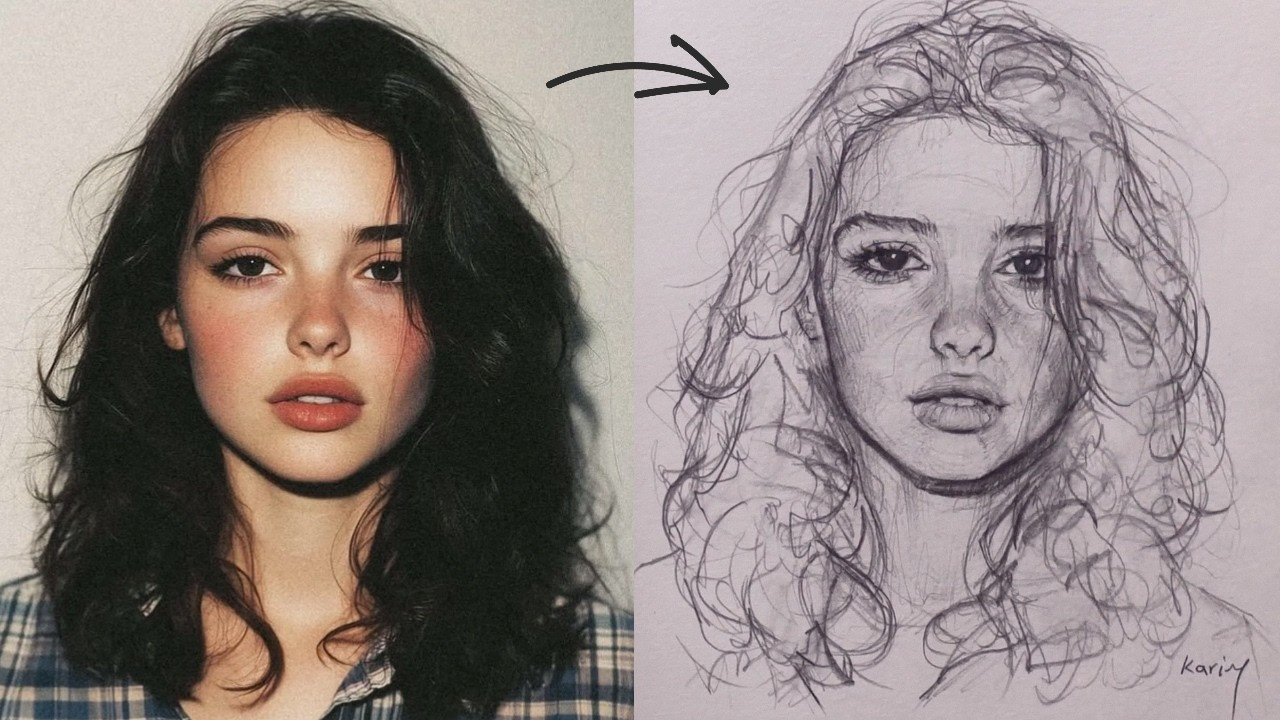
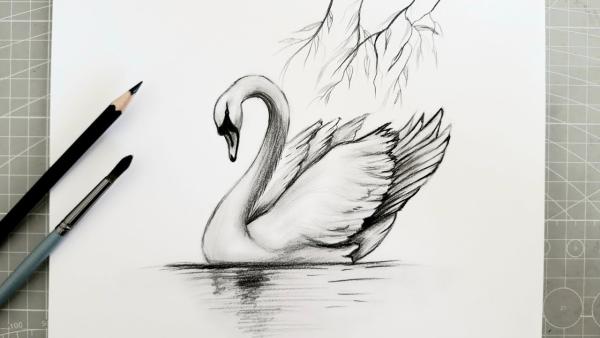
How to Customize Drawing Thumbnails in 3 Steps
Choose an art-led layout, adapt it to the video, and regenerate a cover that fits the creative story.
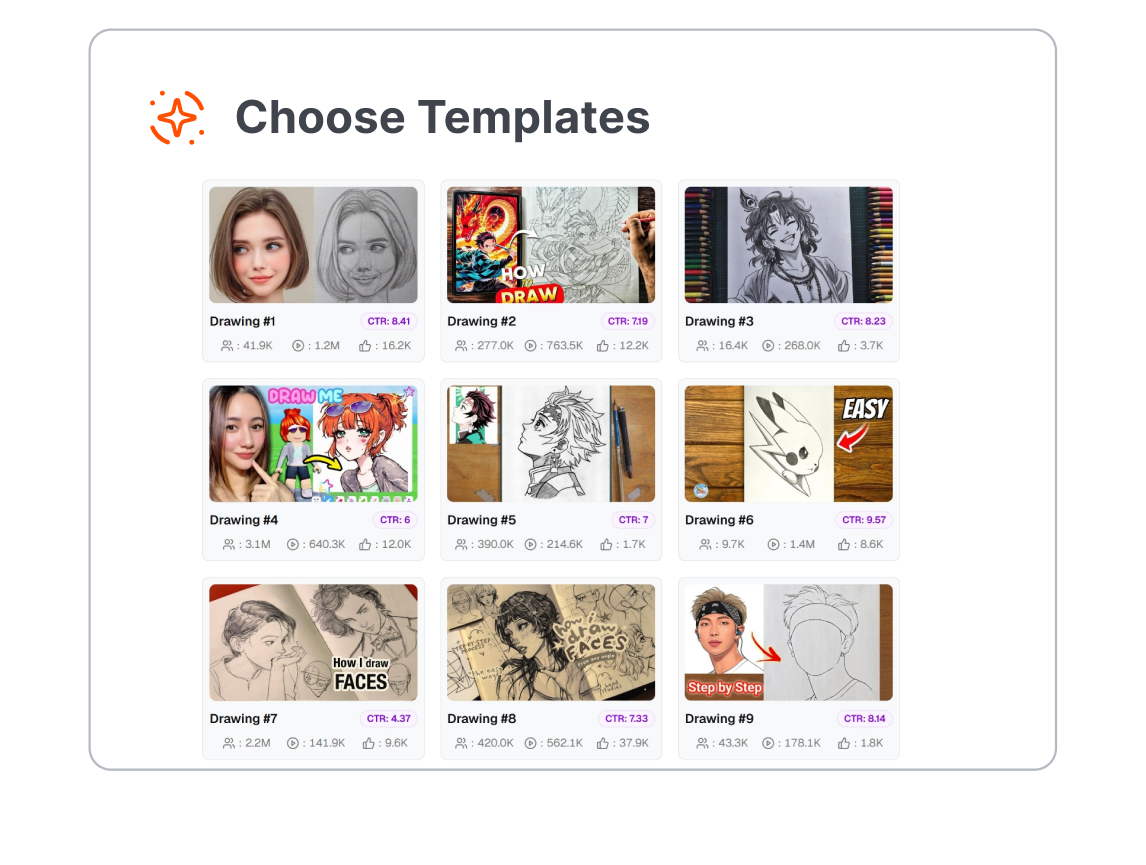
1. Choose the Visual Story
Browse templates for tutorials, speedpaints, challenges, sketchbook tours, digital painting, and other drawing formats. Pick the layout that best matches what viewers will watch.
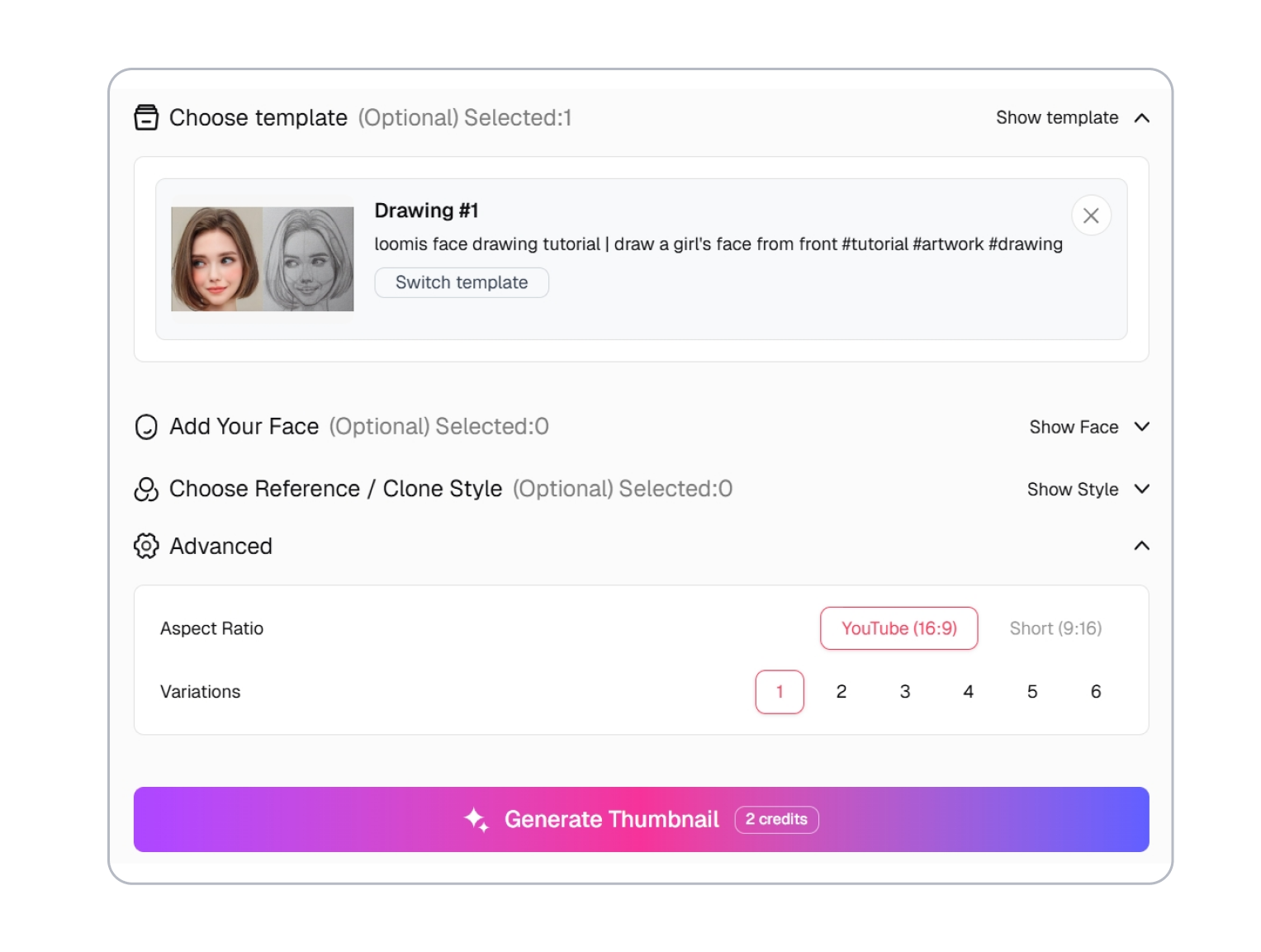
2. Adjust the Art Direction
Refine the subject, wording, color direction, and emphasis around the real focus of your video. Keep the artwork or process cue clear instead of crowding the frame with unrelated details.
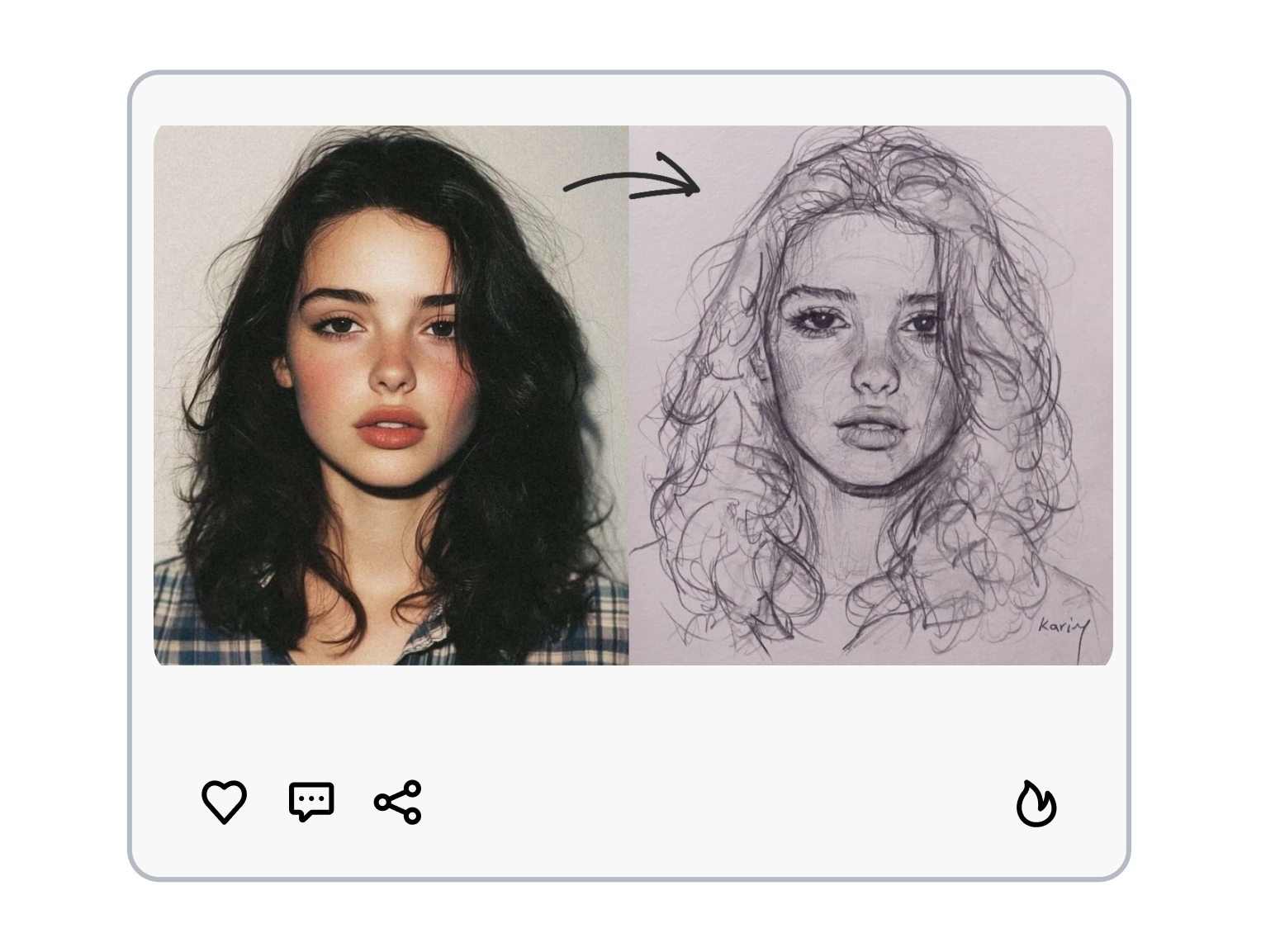
3. Regenerate the Cover
Generate a new thumbnail from the adjusted template. Compare the result with your video promise, revise the direction if needed, and regenerate another version.
Shape Drawing Thumbnails Around the Creative Payoff
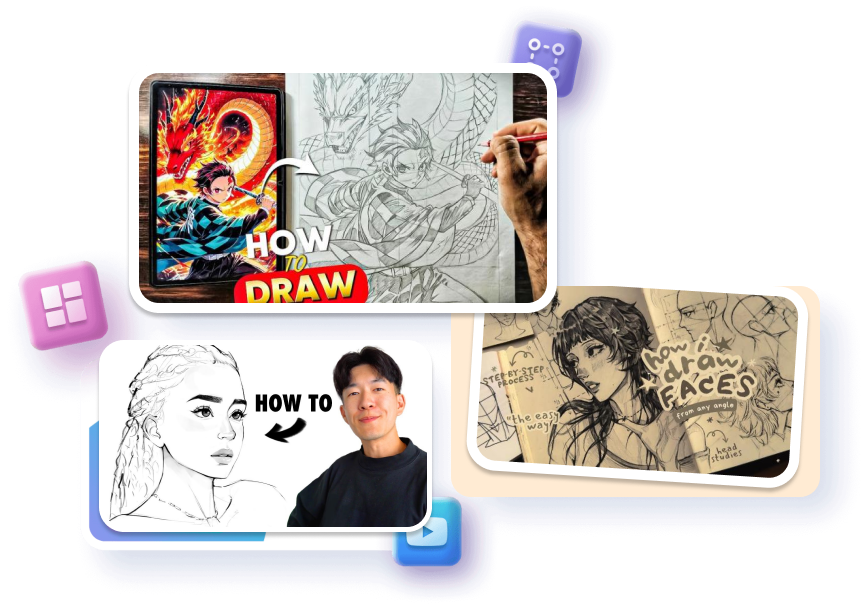
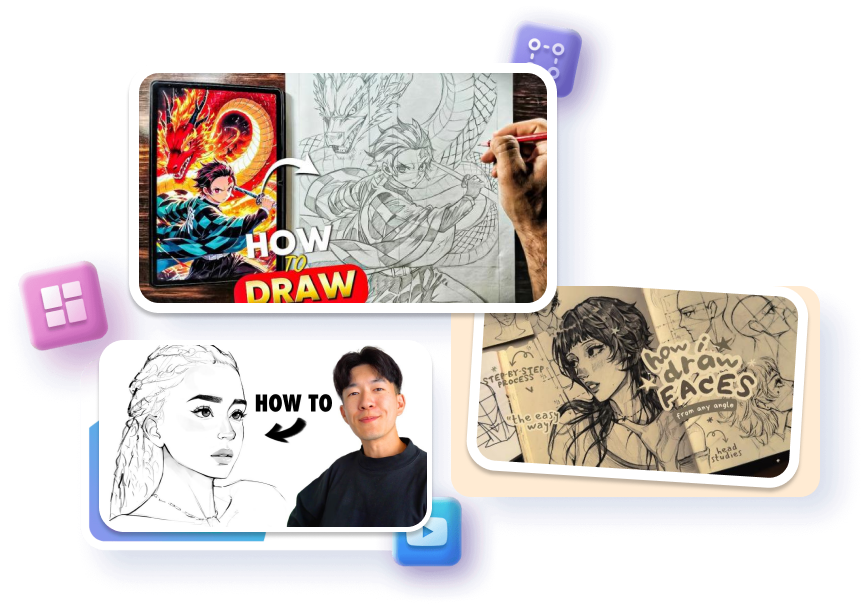
Show the Payoff Without Spoiling the Process
A finished piece can attract attention, but a complete reveal may remove the reason to watch a transformation video. Frame the artwork, an unfinished stage, or a selective close-up according to the story. The template becomes a preview of the journey rather than a substitute for it.
Separate the Subject From the Sketchbook
Detailed art can turn into visual noise when it is reduced to thumbnail size. Use one recognizable subject, a controlled background, and a clear focal area so the drawing still reads at a glance. This gives linework, color, and texture enough room to carry the cover.
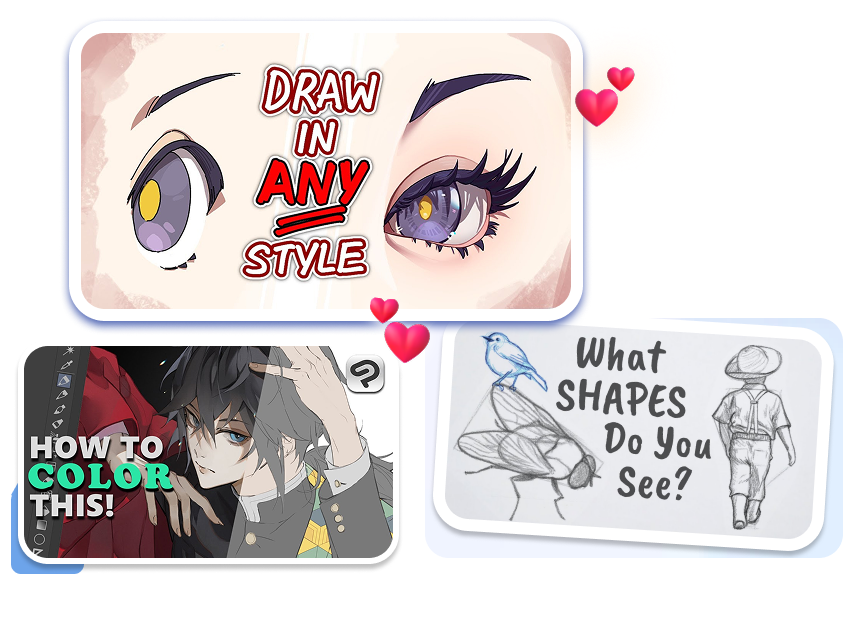
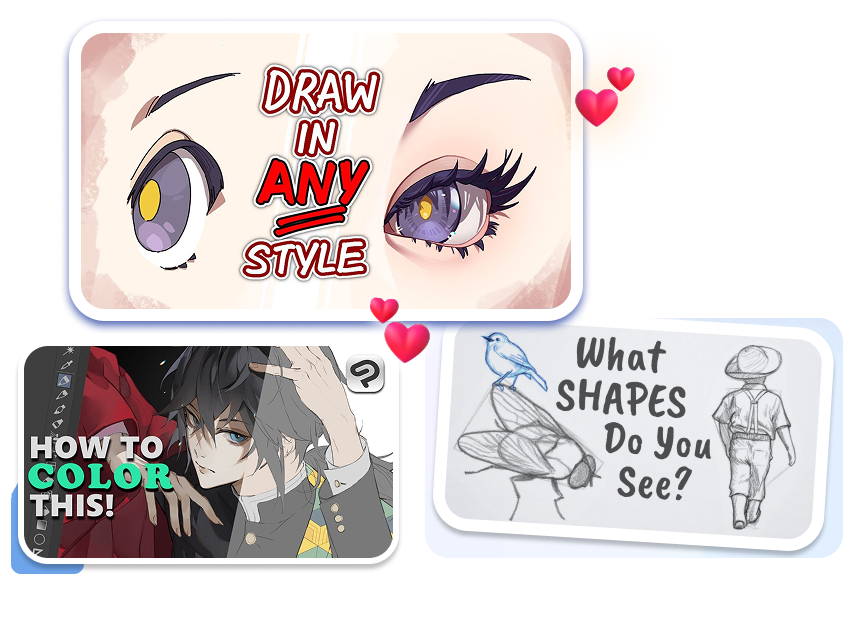
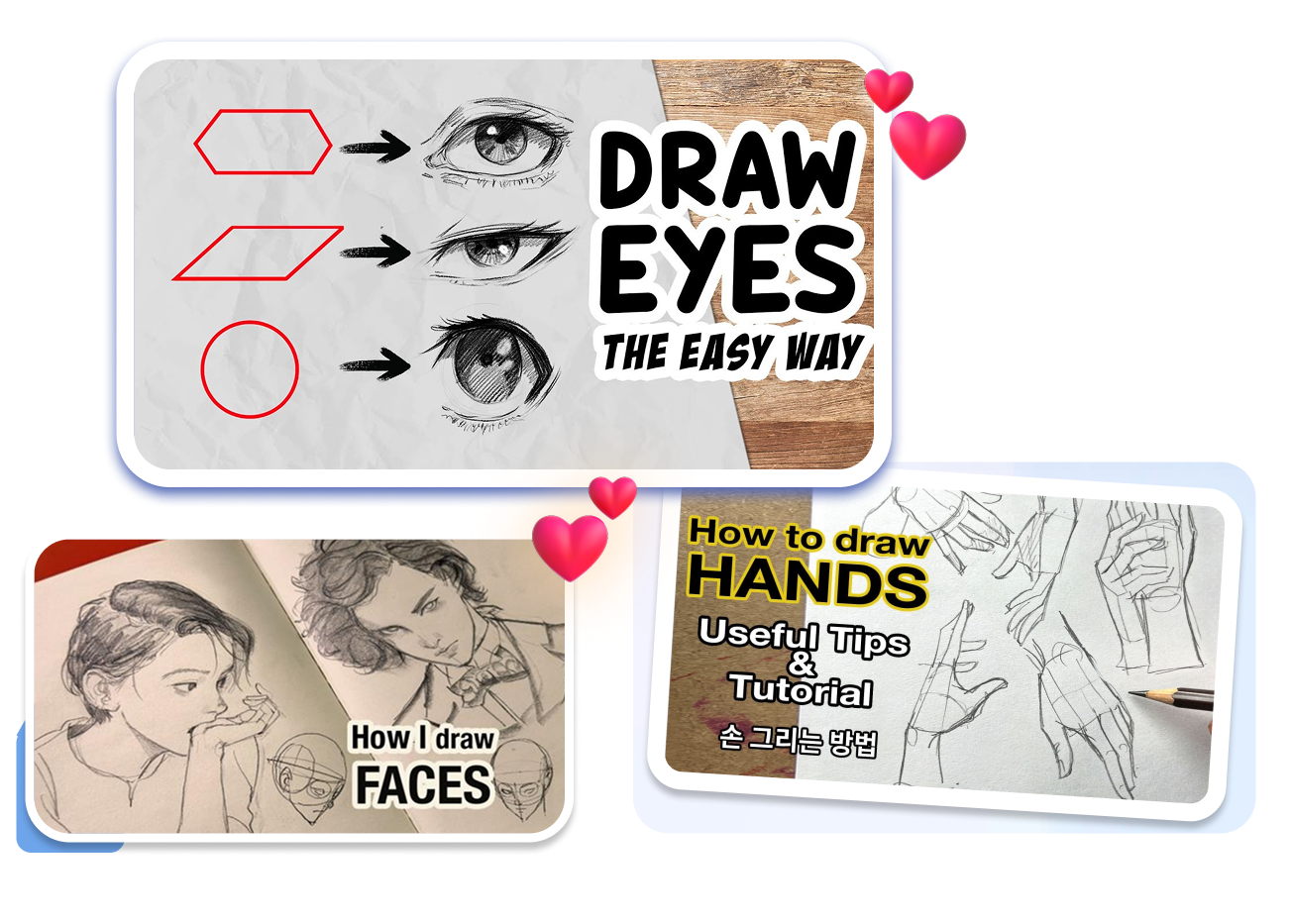
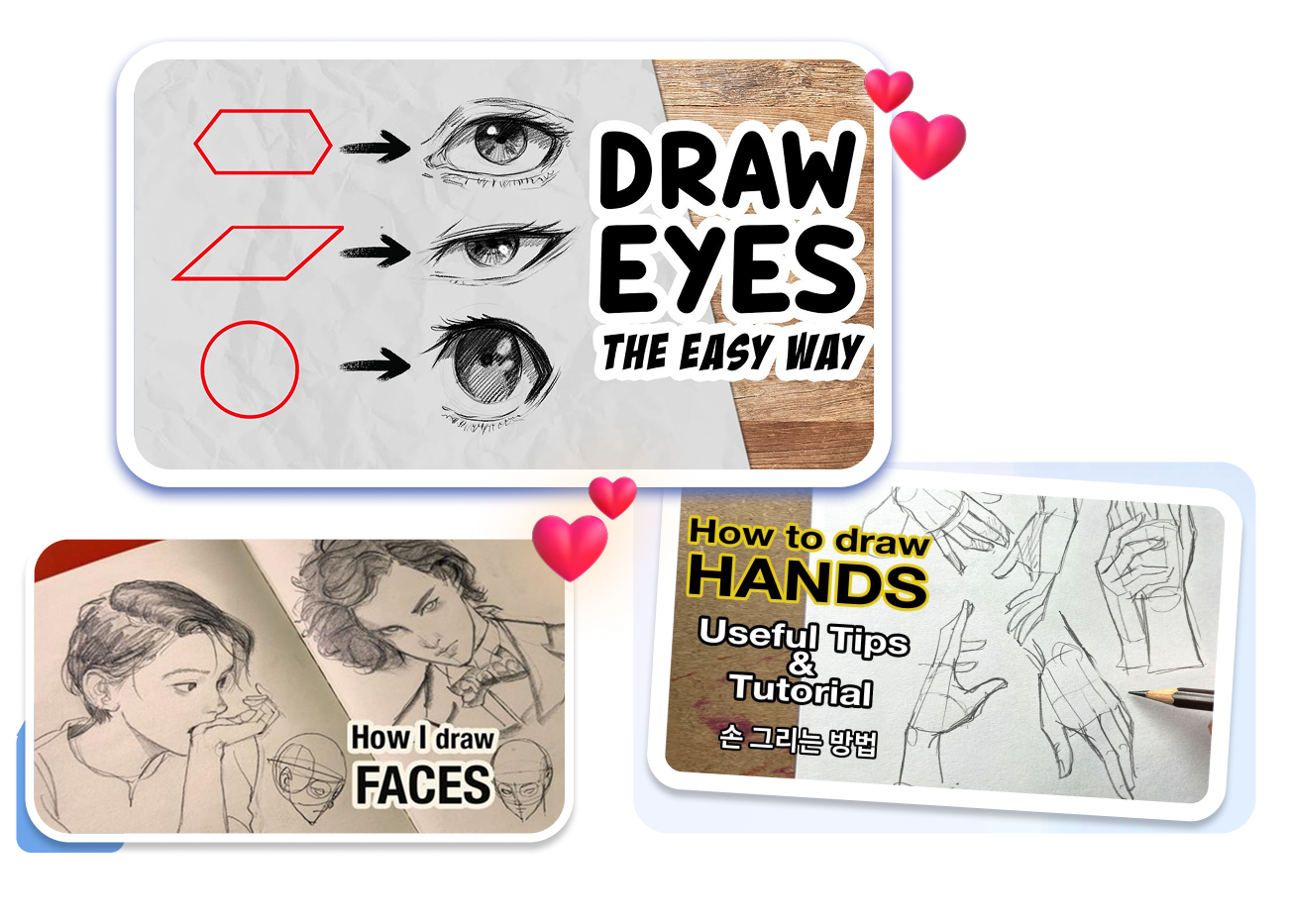
Signal the Lesson Before Viewers Read
Tutorial viewers look for the skill, tool, or subject they will learn. Center the eye, hand, portrait, brush, tablet, anatomy study, or painting technique that defines the lesson. A precise visual cue distinguishes a useful tutorial from a general art upload.
Carry One Art Style Across a Series
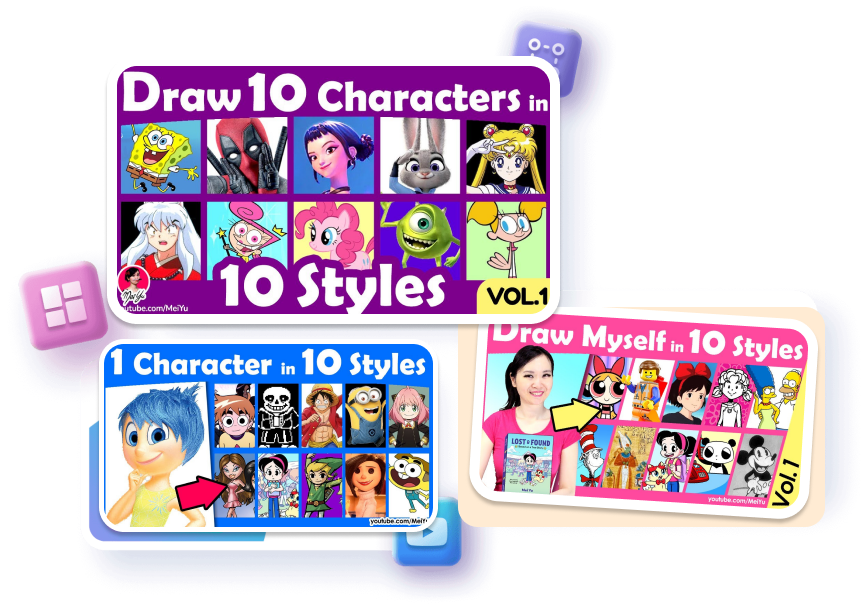
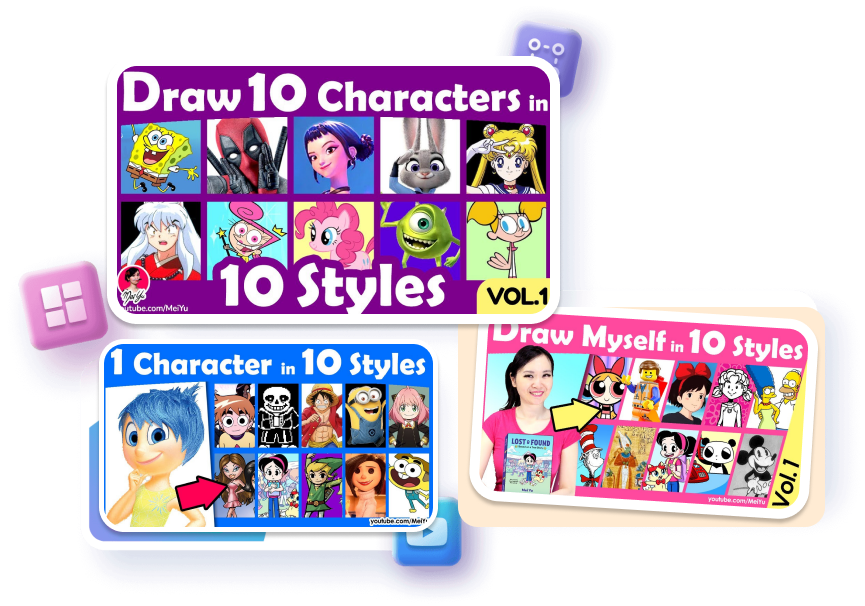
A recurring layout can connect sketchbook episodes, weekly challenges, or a sequence of beginner lessons. Keep the recognizable structure while changing the featured artwork and episode hook. Regenerate from that direction when the next video needs a related but distinct cover.
Who Creates Drawing Thumbnails with Thumbs.ai?
Drawing and Painting Educators
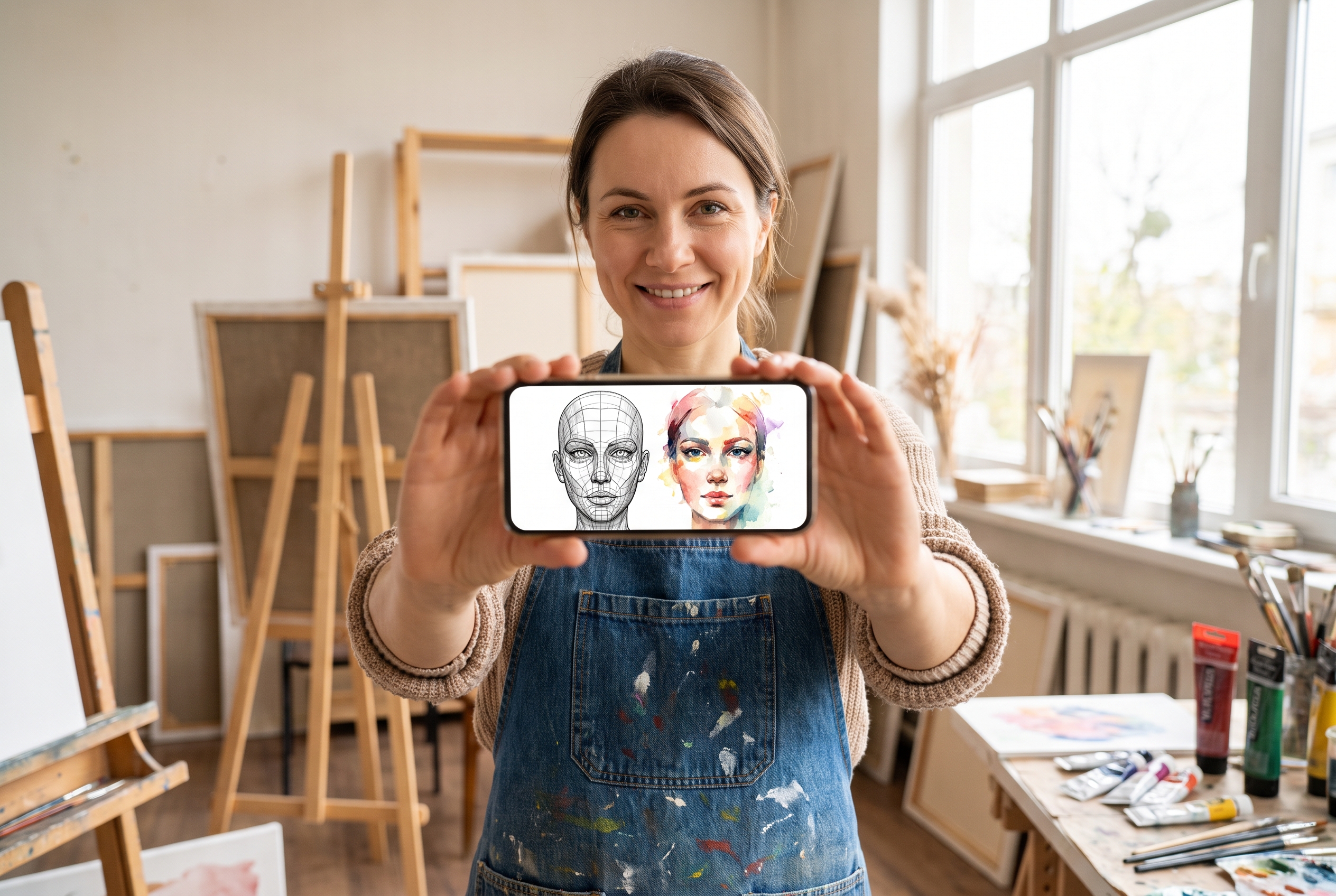
Teachers need covers that identify the exact lesson without turning every upload into the same generic “how to draw” image. Templates help separate anatomy, portrait, watercolor, perspective, shading, and tool-focused lessons through clearer visual cues.
Speedpaint and Process Creators
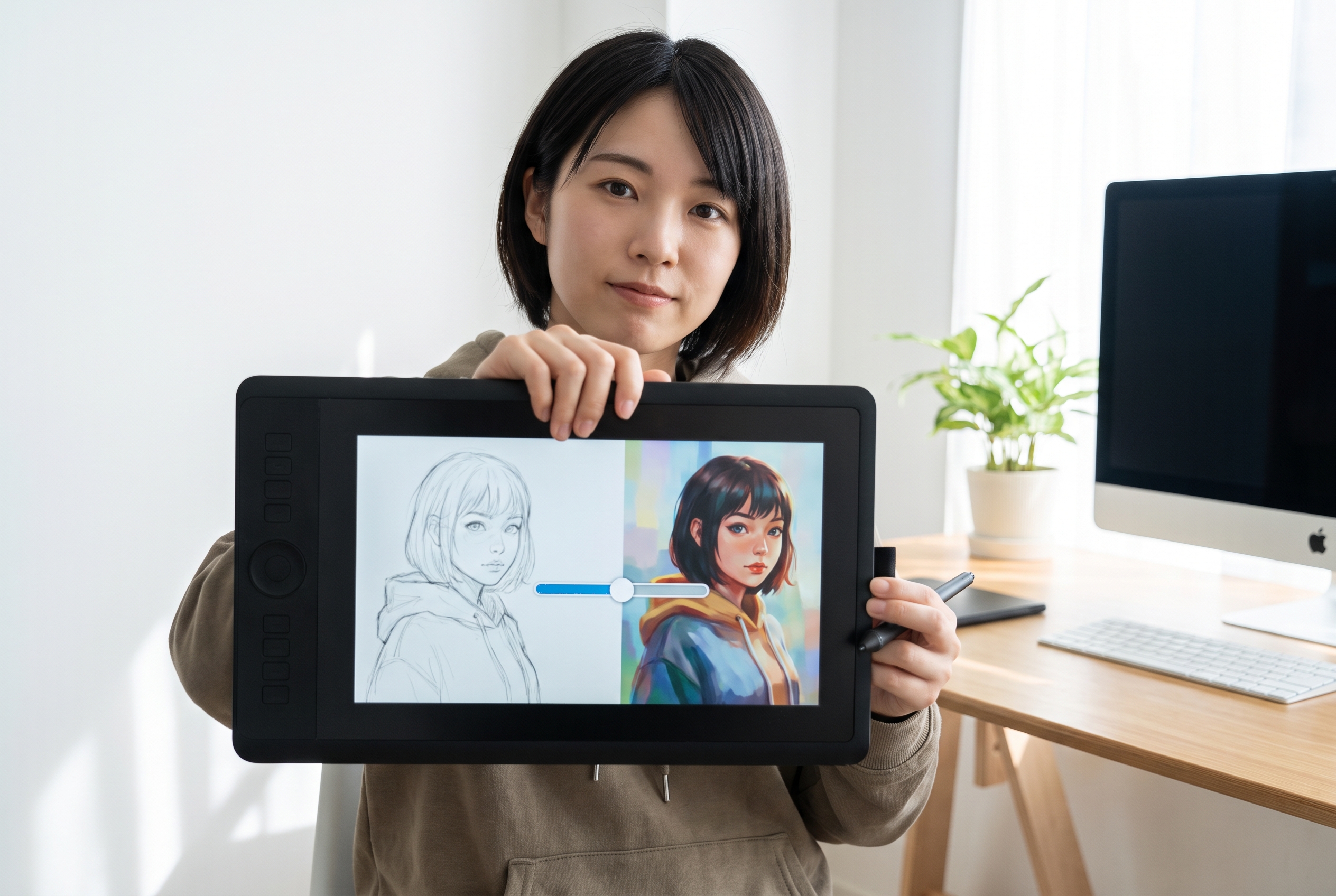
These channels need to balance the final artwork with the reason to watch the process. A drawing-led template can frame the transformation, time-lapse, sketch-to-final progression, or studio workflow without revealing every beat at once.
Art Challenge and Entertainment Channels
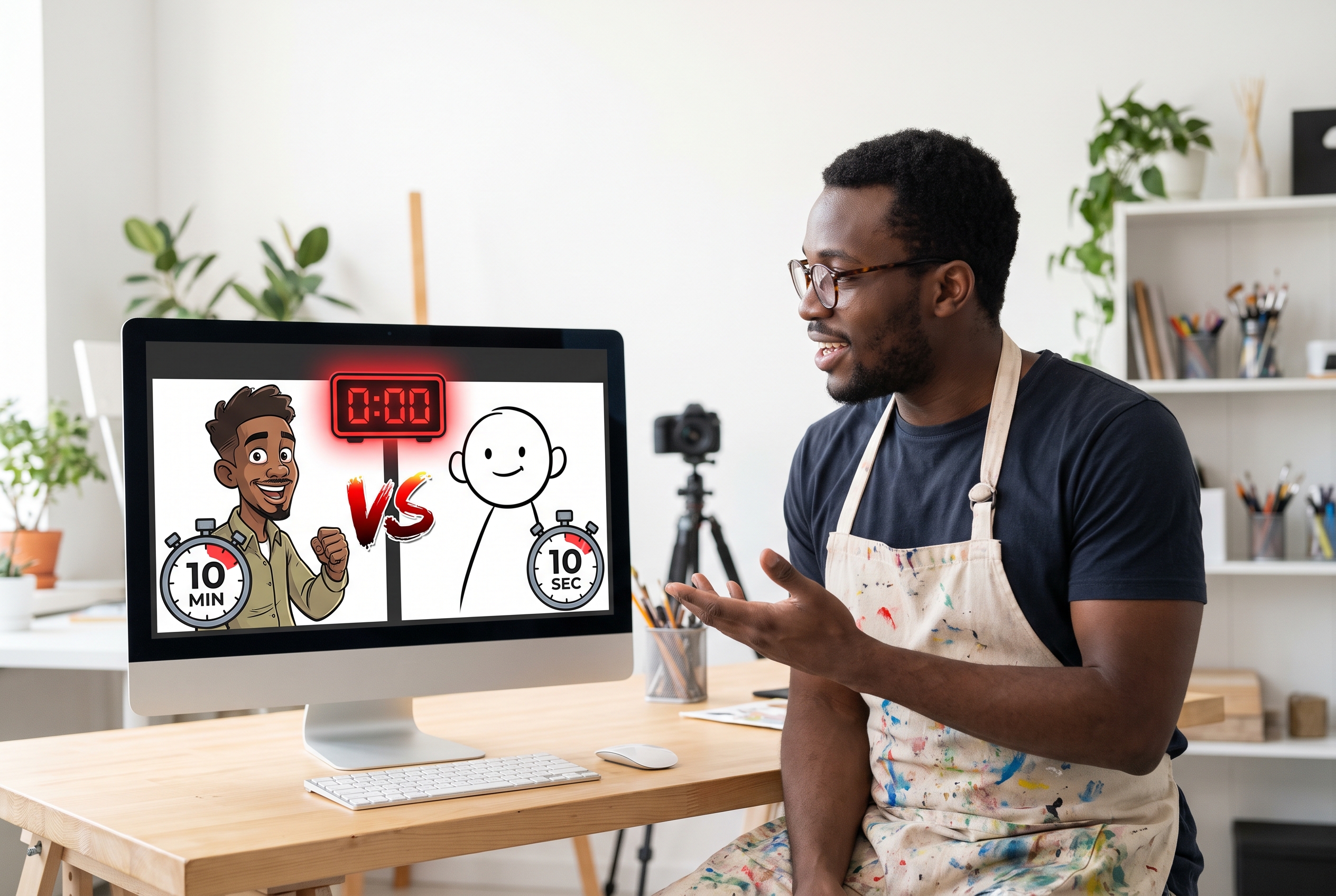
Challenge videos, redraws, style experiments, and drawing comedy rely on a premise as much as the artwork. Creators can adapt a template around the constraint, surprise, comparison, or character at the center of the episode.
FAQs
Are these templates for planning a painting composition?
What should a drawing YouTube thumbnail show?
Can I customize a drawing thumbnail template?
Do drawing thumbnails work for tutorials and speedpaints?
Should an art thumbnail reveal the finished drawing?
How much text should an art thumbnail use?
How do I create a captivating drawing thumbnail for my art channel?
Create Drawing Thumbnails for Your Next Art Video
Start with a layout built for art content, shape it around the real subject of your video, and regenerate a cover that fits your channel.