CoD Thumbnail Templates
Choose a Call of Duty template for your loadout, ranked win, Zombies run, montage, or update. Change the hook and visuals, then generate a cover that fits the story viewers will get.
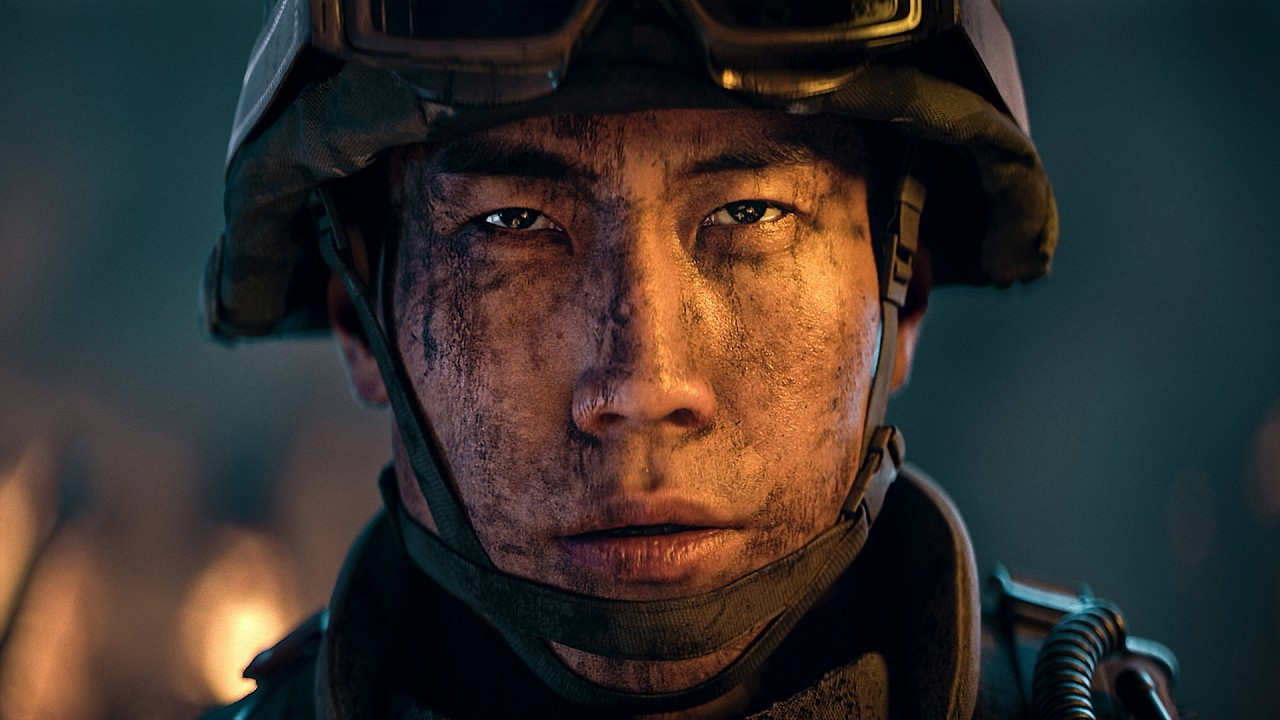
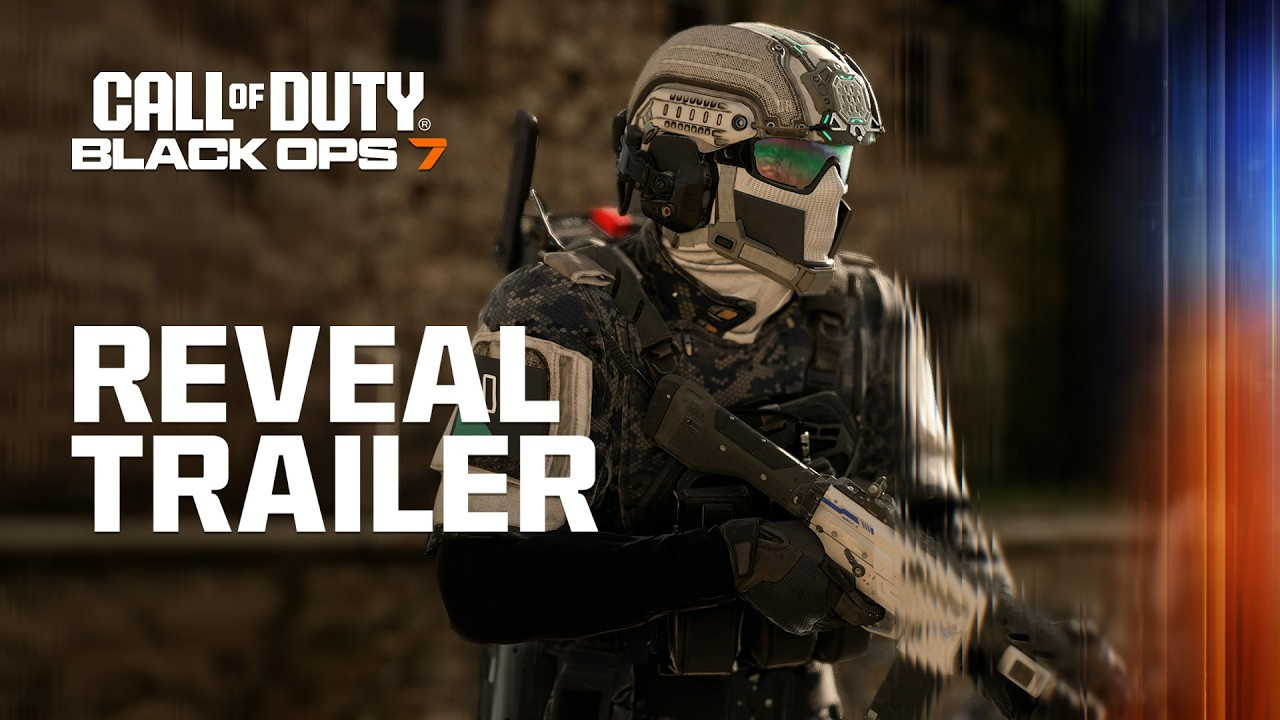
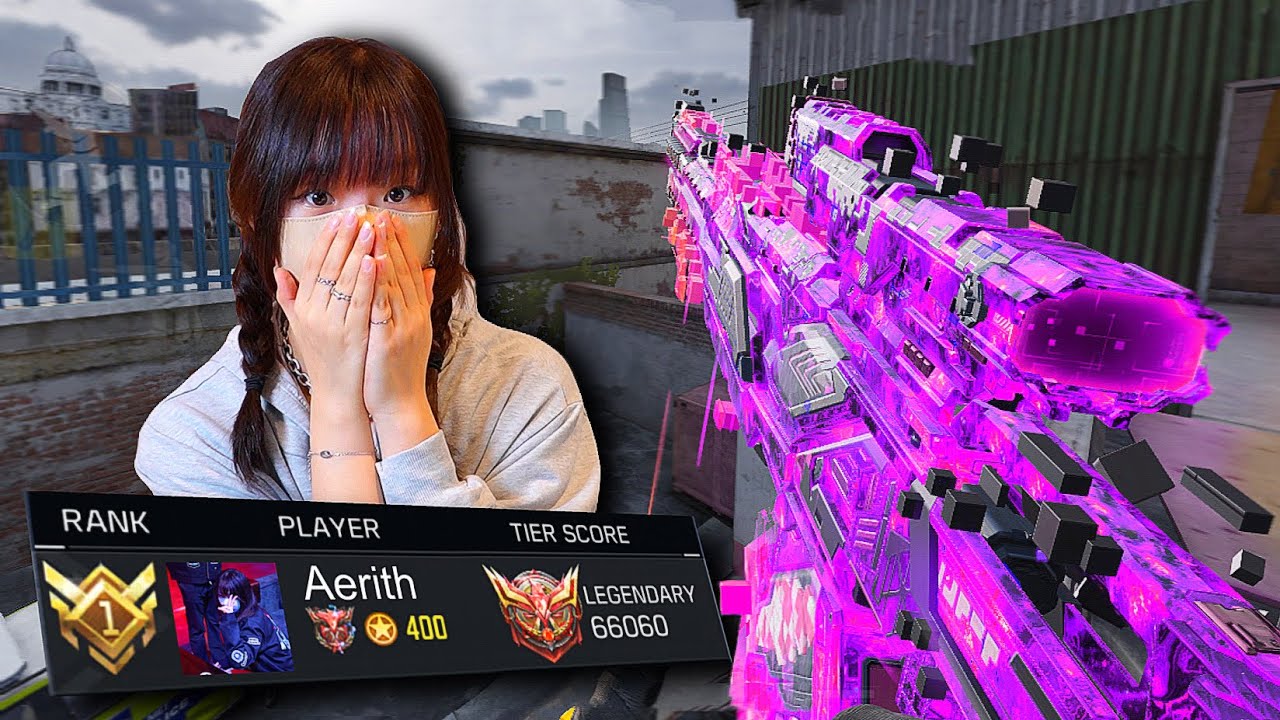

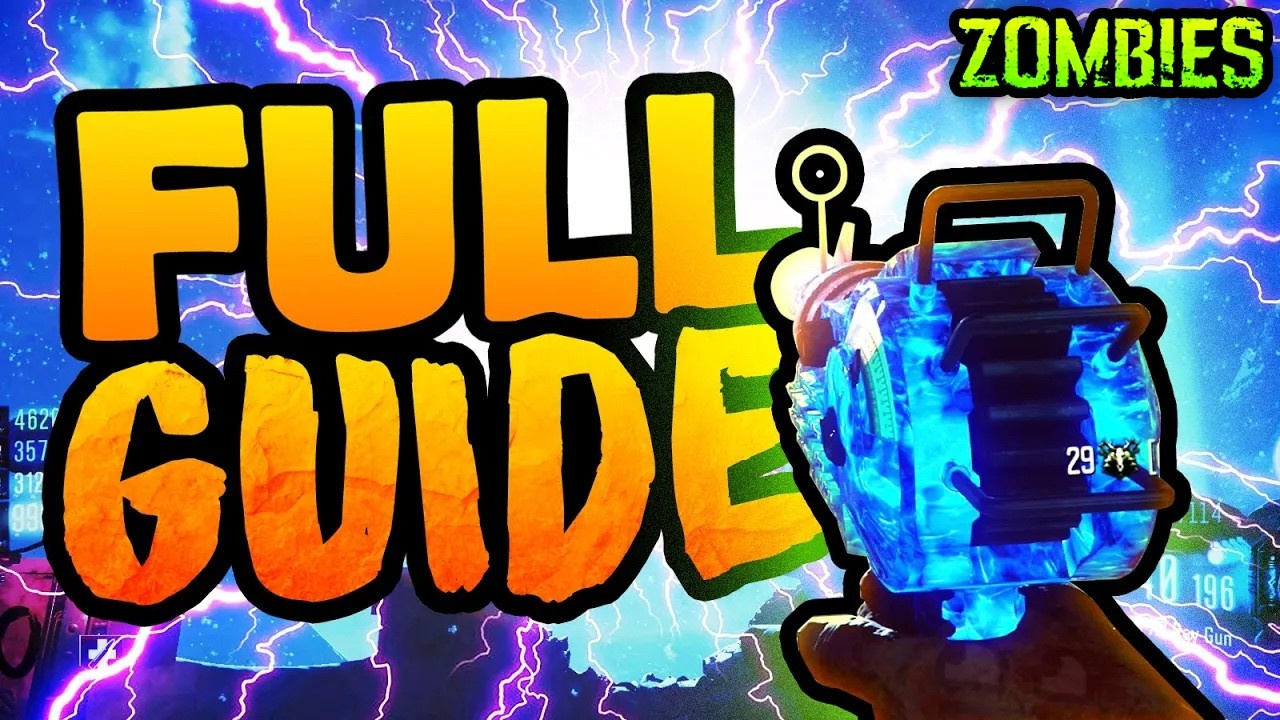
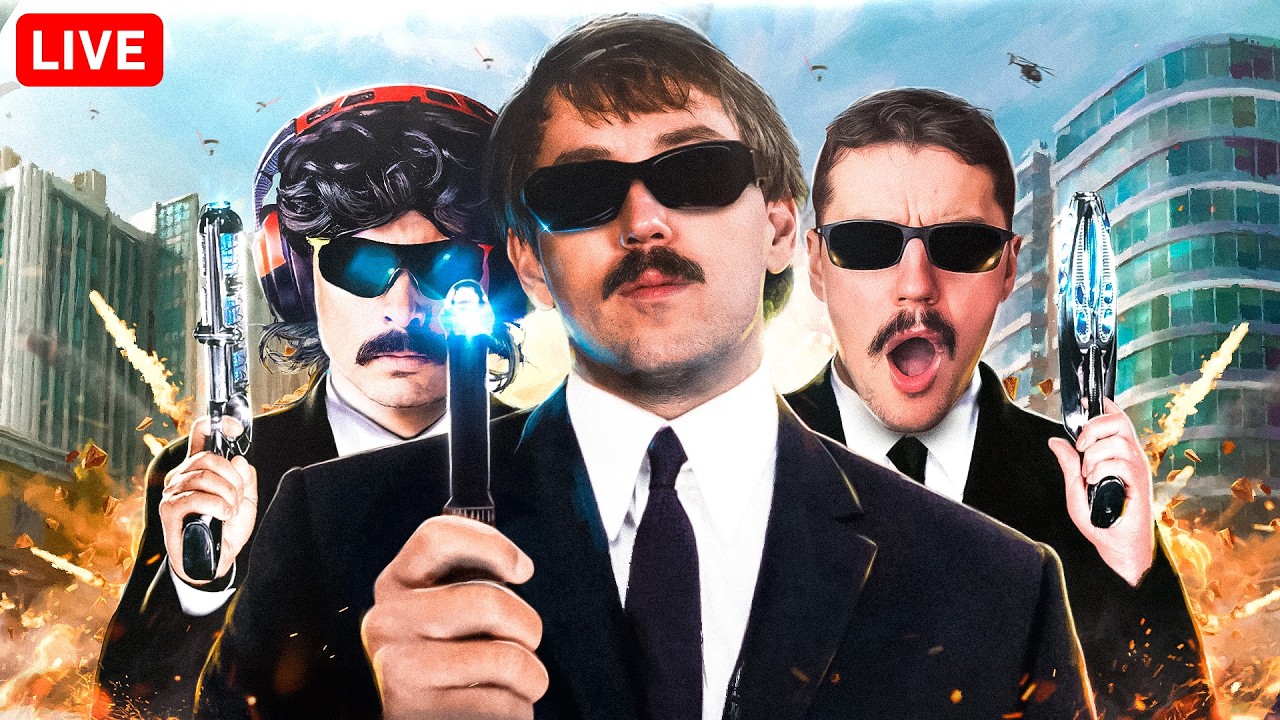
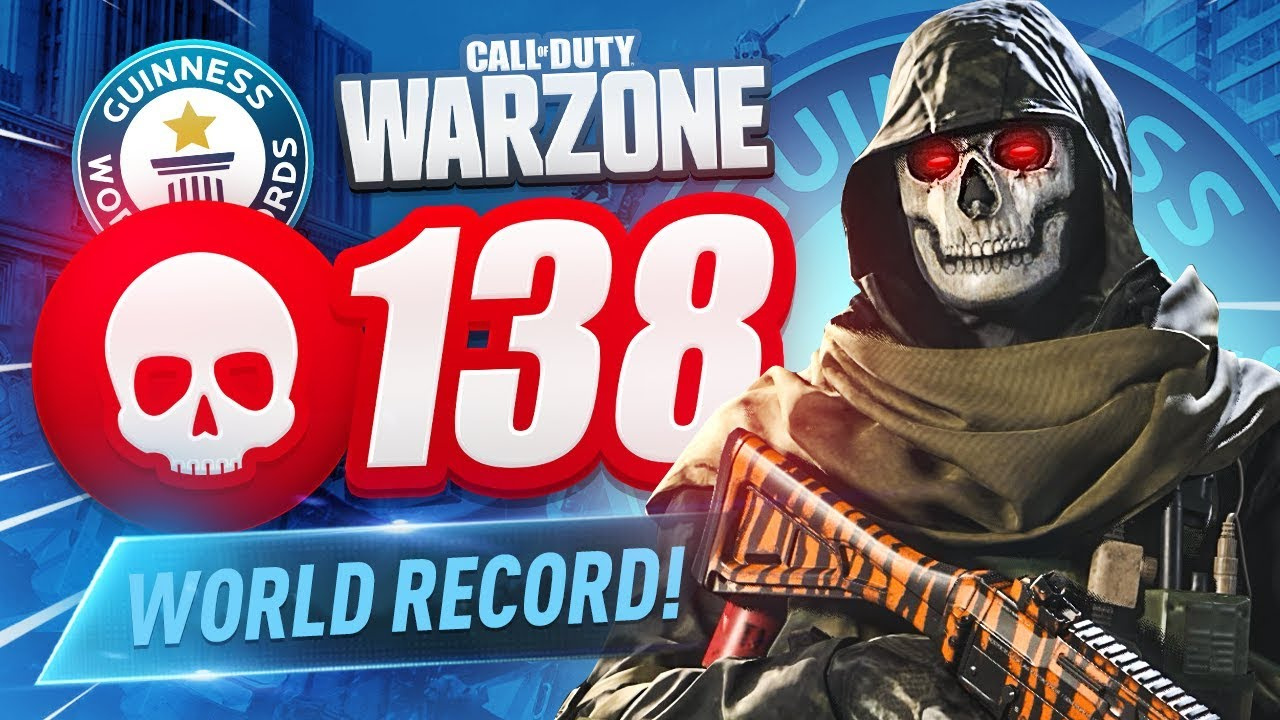

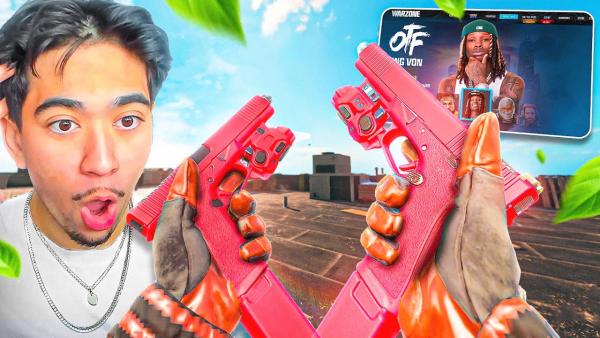
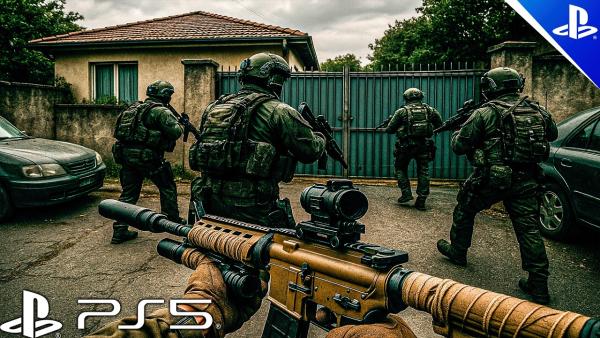
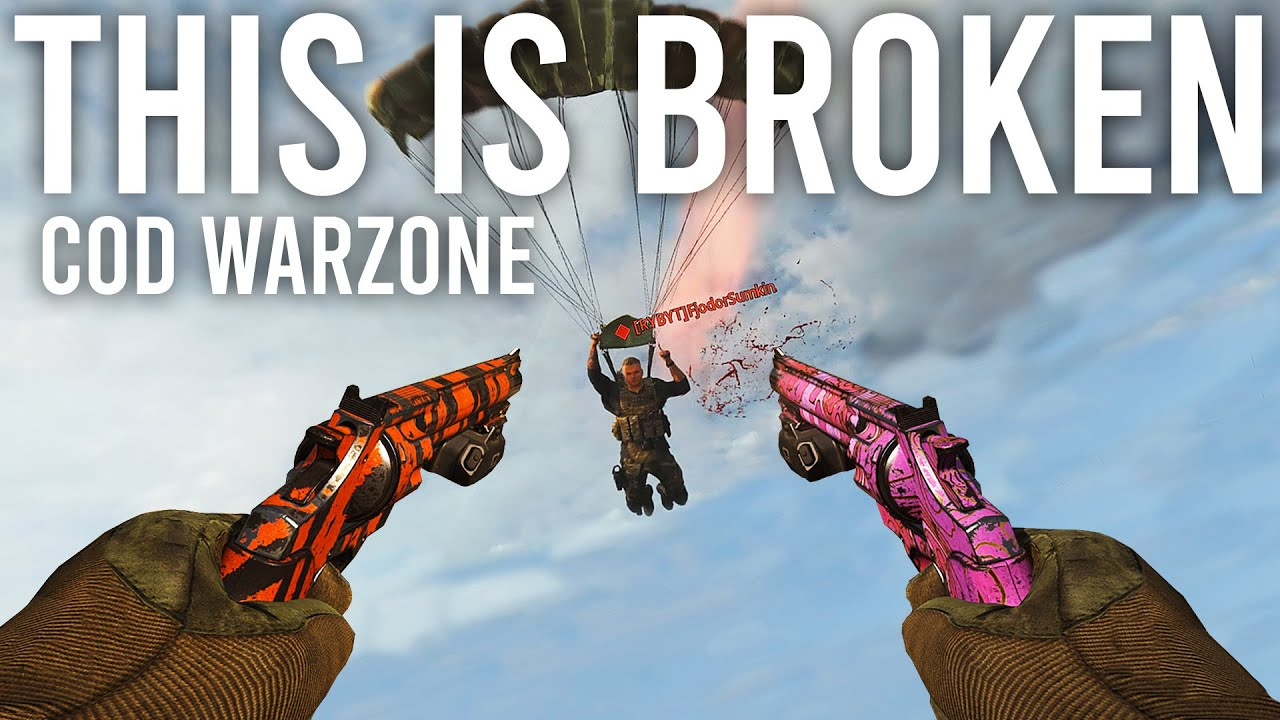
Build Click-Pulling CoD Thumbnails in 3 Steps
Build a sweaty CoD cover that grabs attention and spikes your CTR in under a minute.
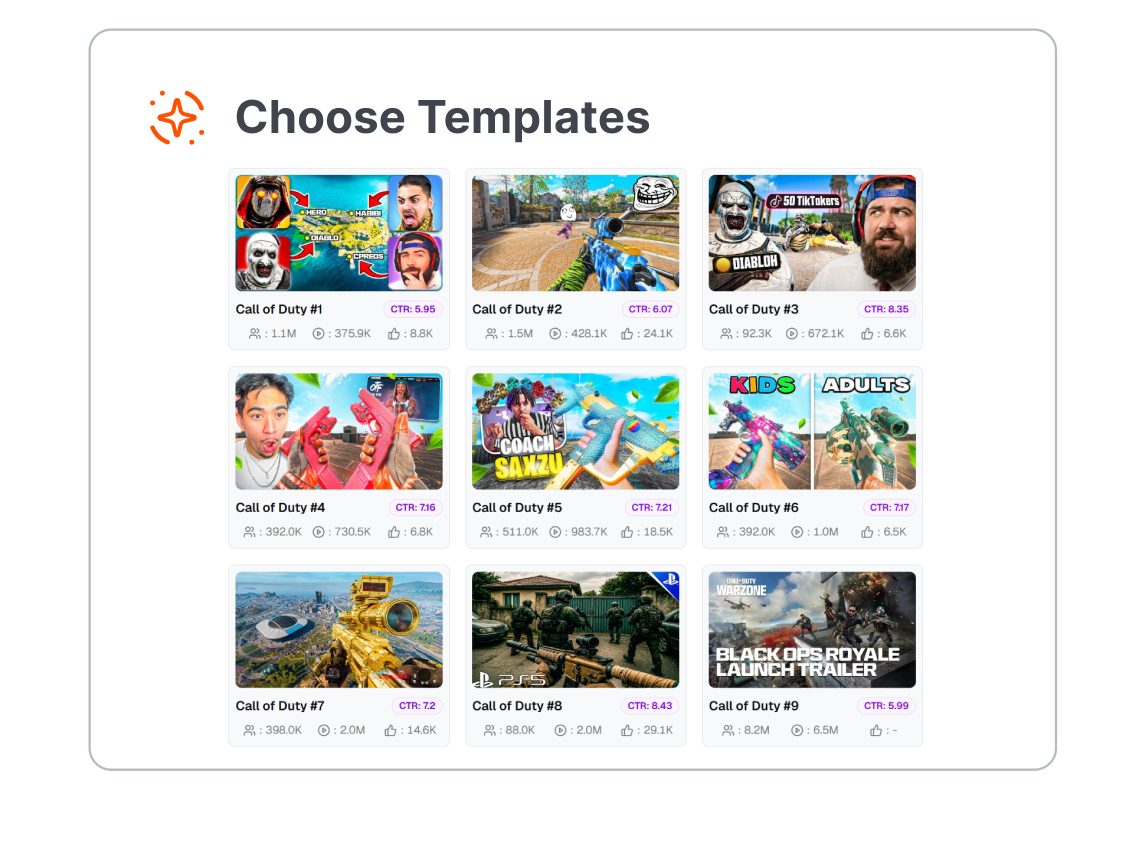
1. Lock in a Base Layout
Scroll through our vault of proven CoD layouts. Whether you're flexing a fresh Mastery Camo, dropping a Ranked Play nuke, or surviving high-round Zombies, grab a template that fits the vibe.
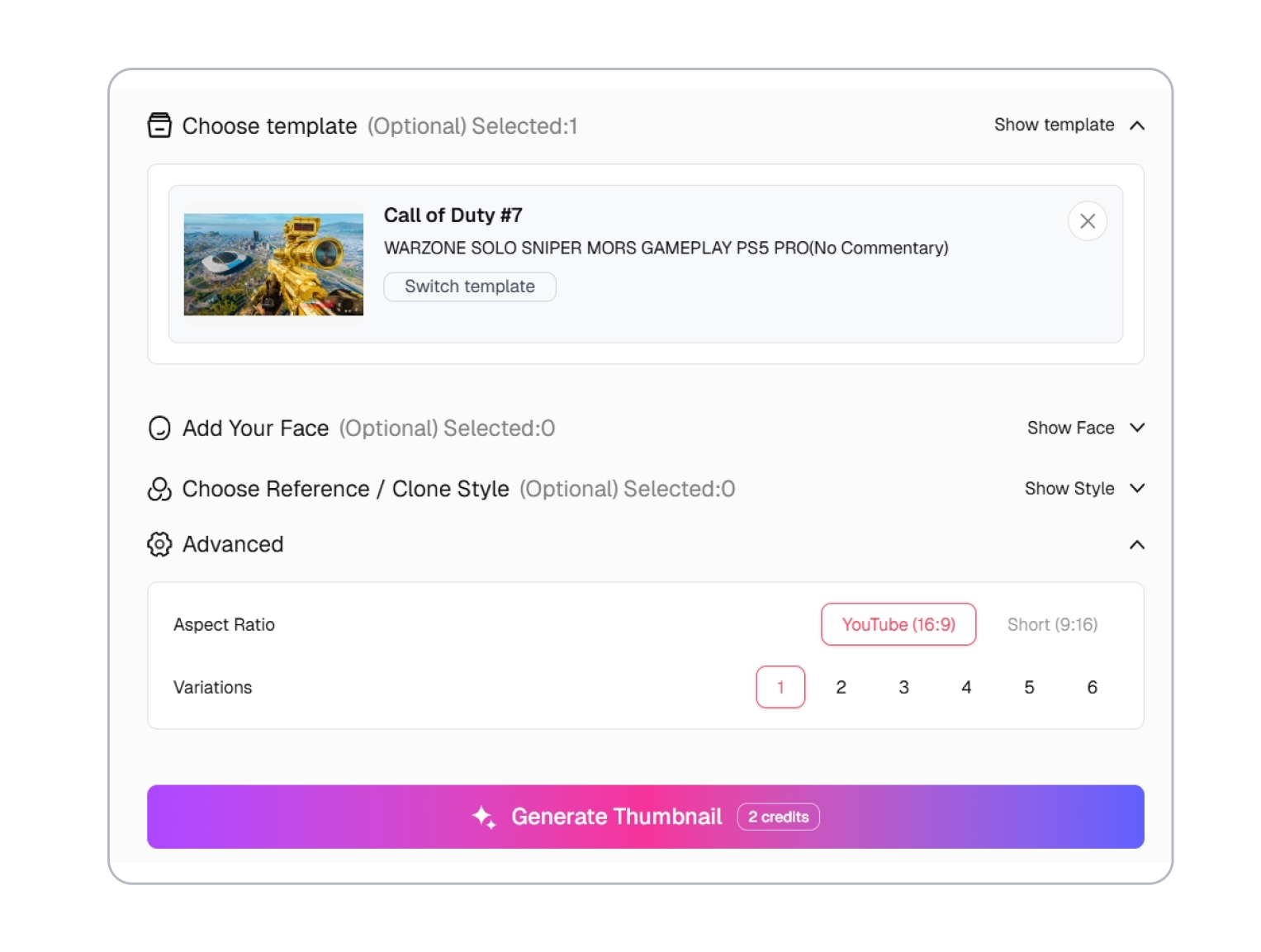
2. Kit Out Your Scene
Make it pop with zero friction. Swap the operator, drop in your exact weapon blueprint, and crank up the glowing text. Tweak the killfeed and background to match your actual gameplay.
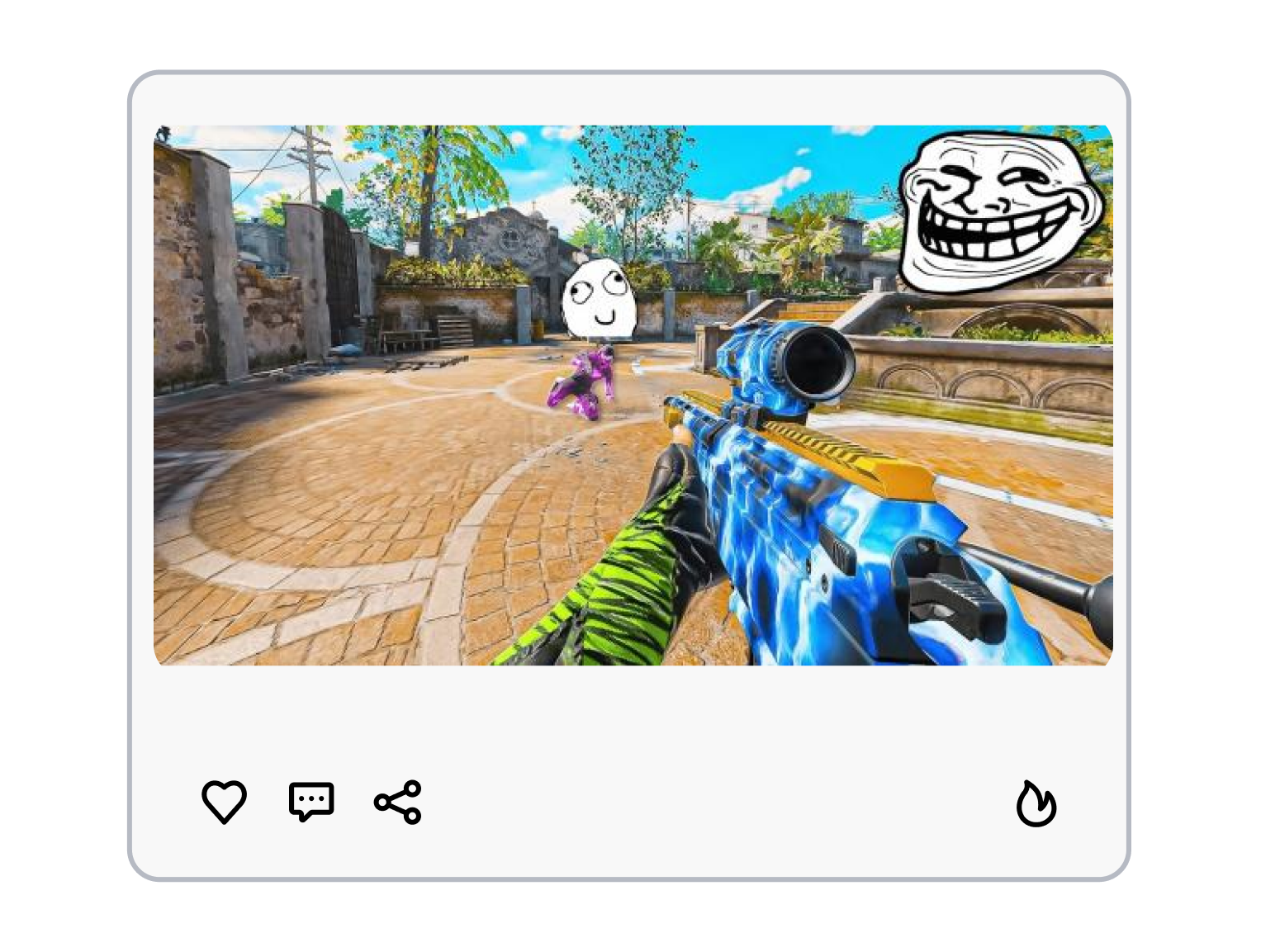
3. Generate & Dominate
Hit generate. Thumbs.ai bakes your custom 4K image instantly. Grab your fresh cover, upload it to YouTube, and let the algorithm push your video to the top.
Try The Best CoD Thumbnail Template on Thumbs.ai
Show Off Crazy Multiplayer Killstreaks
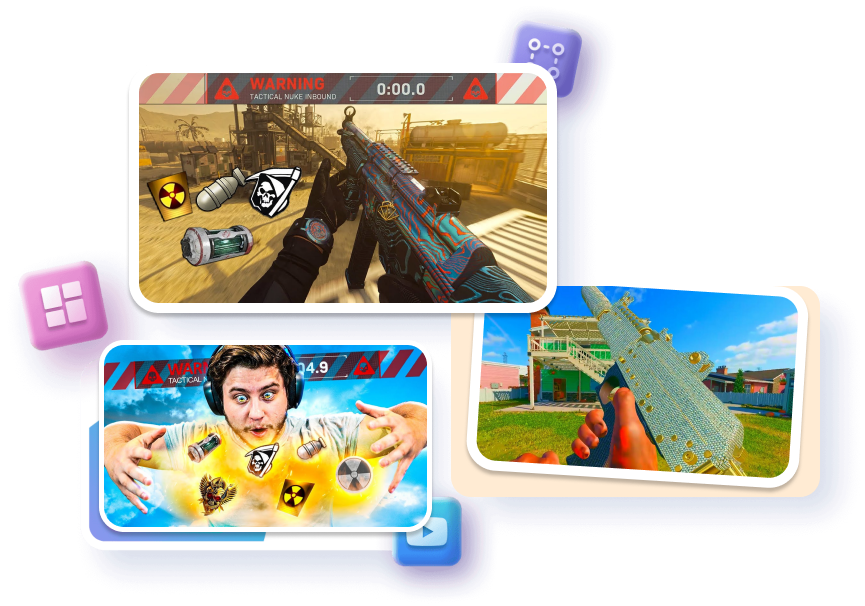
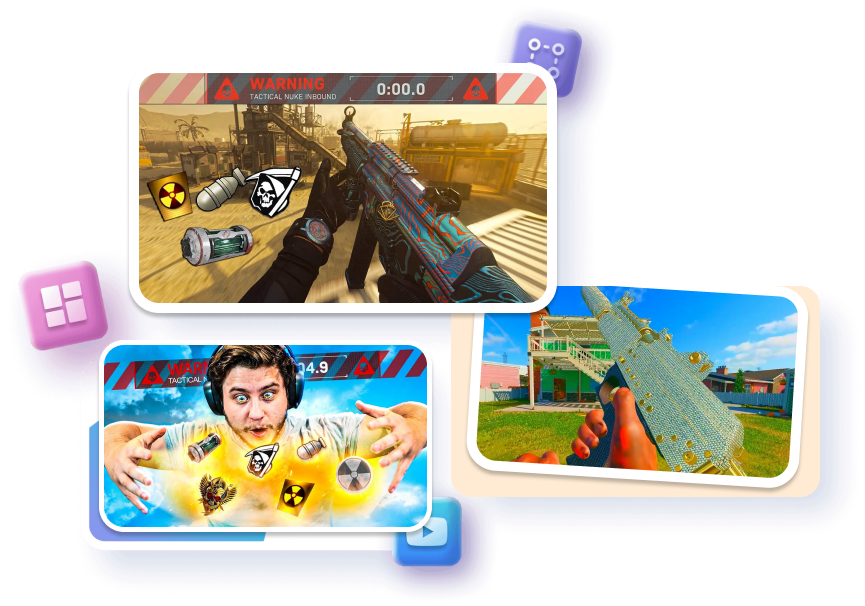
Turn your chaotic 6v6 multiplayer highlights into clean, clickable masterpieces that scream high skill and dominate the feed.
Add glowing tactical nuke icons.
Isolate operators with thick neon outlines.
Apply vibrant color correction filters.
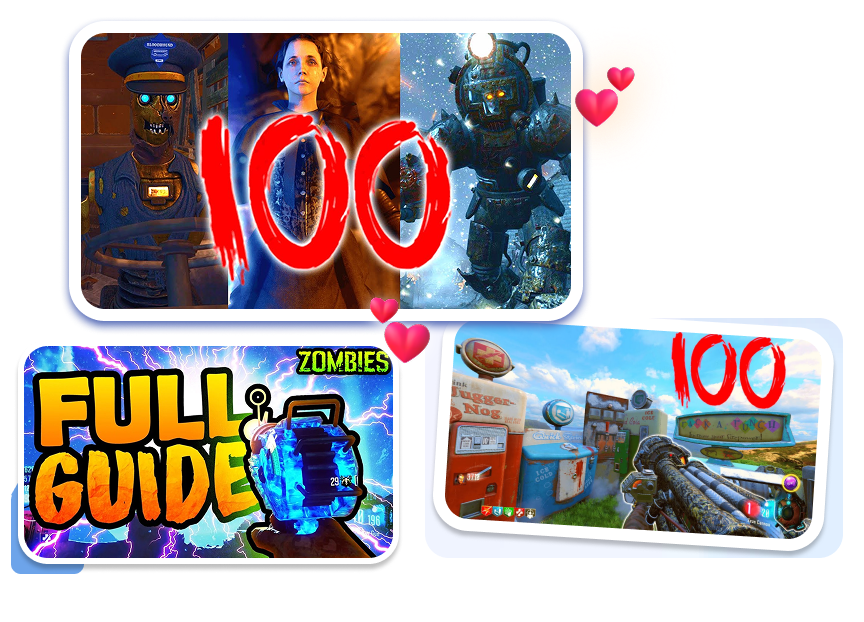
Hype Up Round 100 Zombies Guides
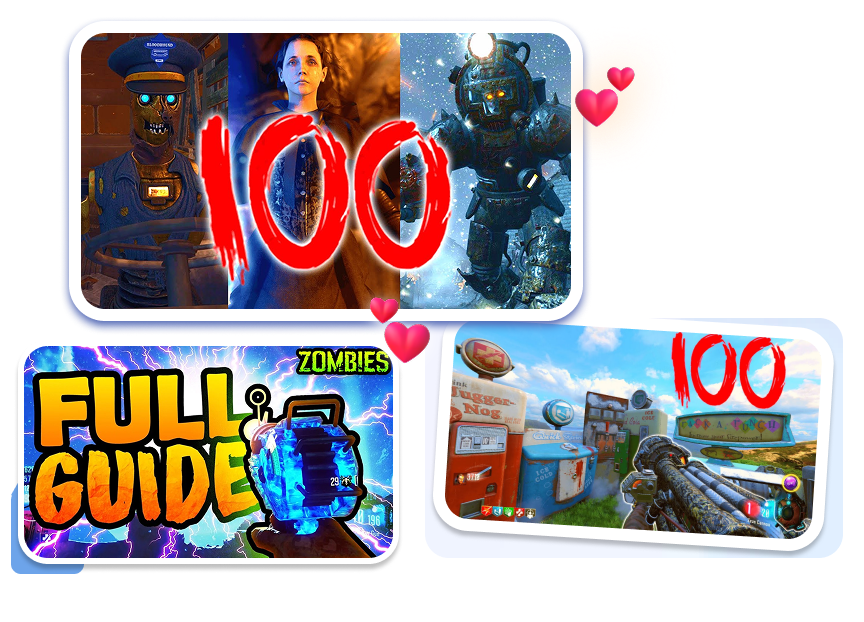
Stop using dark, muddy screenshots for your Easter Egg runs. Hook hardcore zombie fans with bright, terrifying visuals instantly.
Layer massive bloody round numbers.
Highlight glowing Ray Gun models.
Add creepy glowing zombie eyes.
Highlight Rare Weapon Camo Unlocks
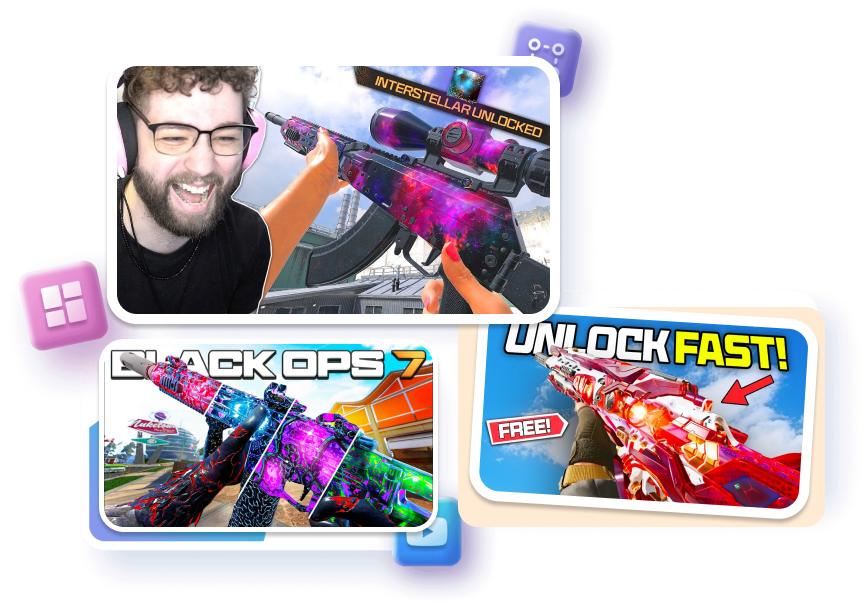
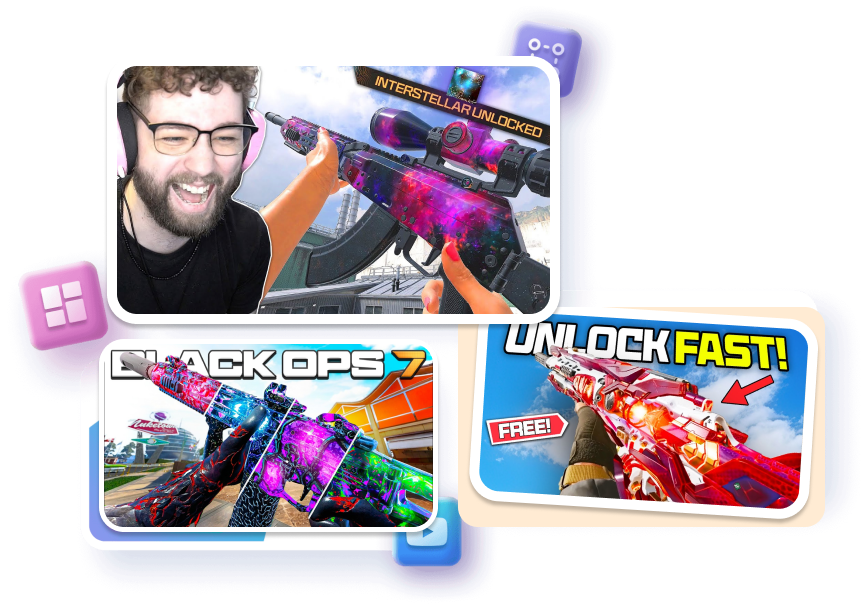
Don't let your 100-hour weapon grind flop. Make your rare weapon skins pop on mobile screens to attract jealous players.
Enhance Interstellar and Dark Matter textures.
Drop in giant "UNLOCKED" text boxes.
Apply heavy background motion blur.
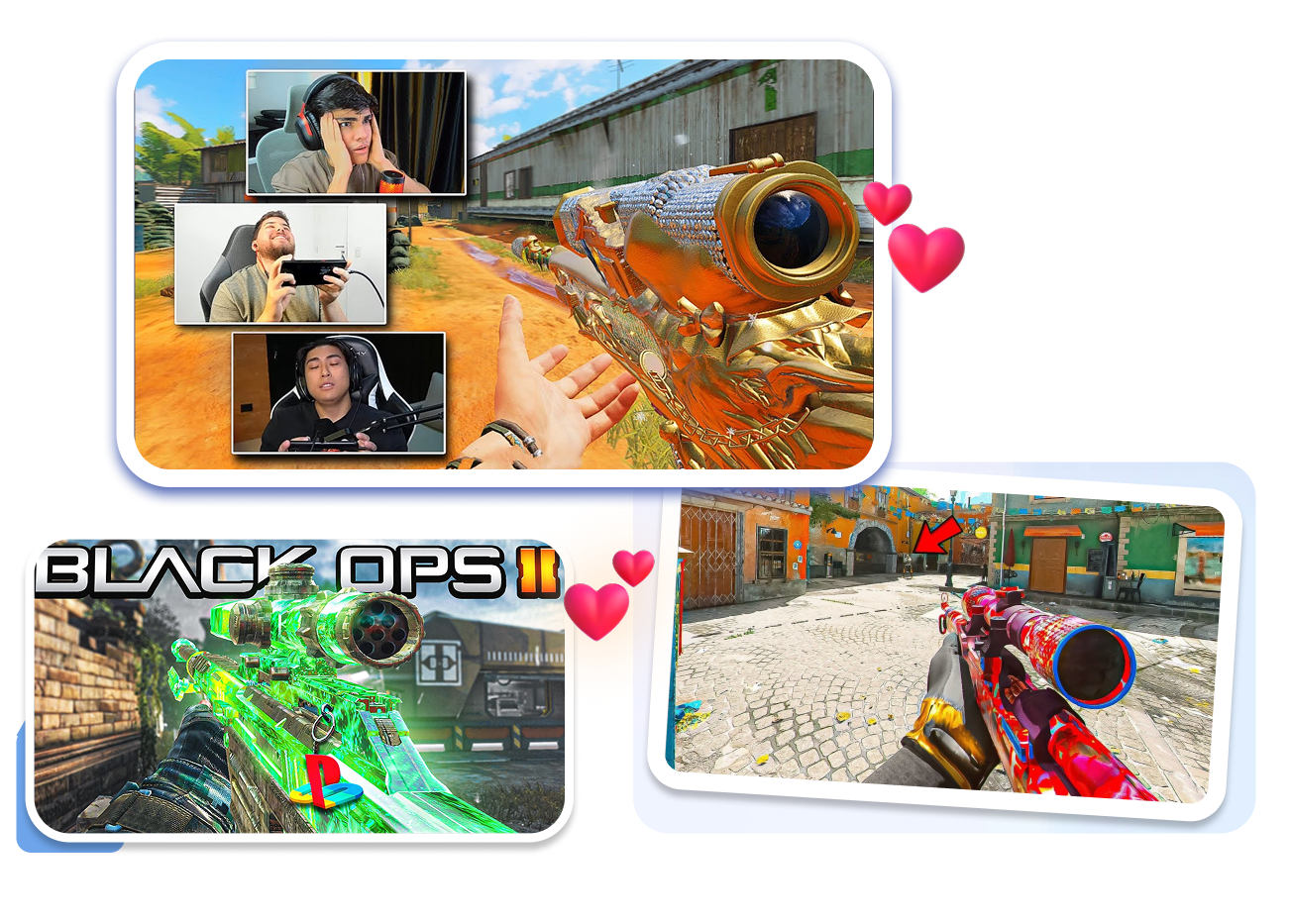
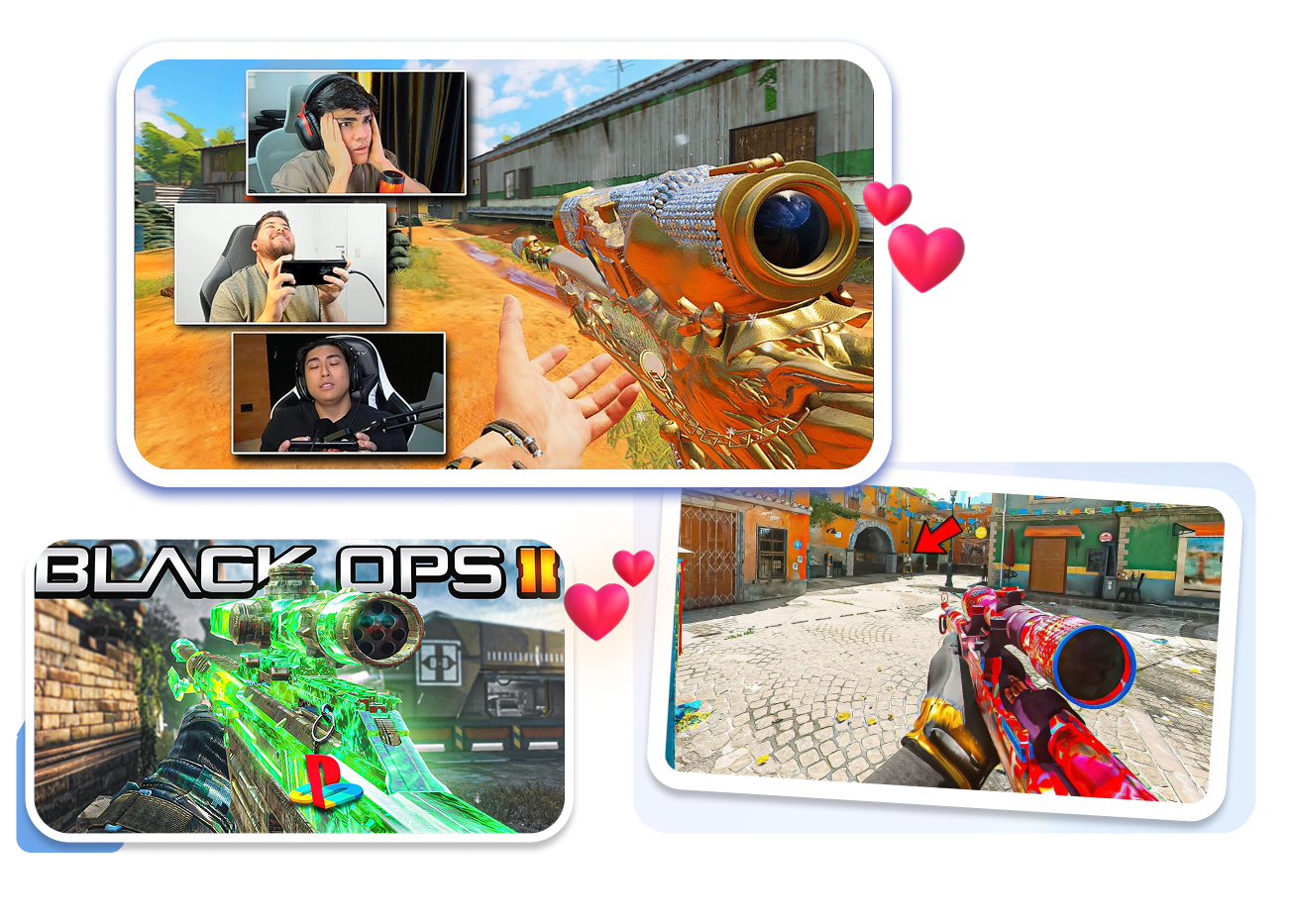
Spotlight Insane Sniper Montages
Build FaZe-style sniper montages that demand attention without spending hours in complicated 3D rendering software.
Add shattered sniper scope overlays.
Insert bright red hitmarker graphics.
Layer shocked face cam reactions.
Free Call of Duty Templates for Every Upload Rhythm
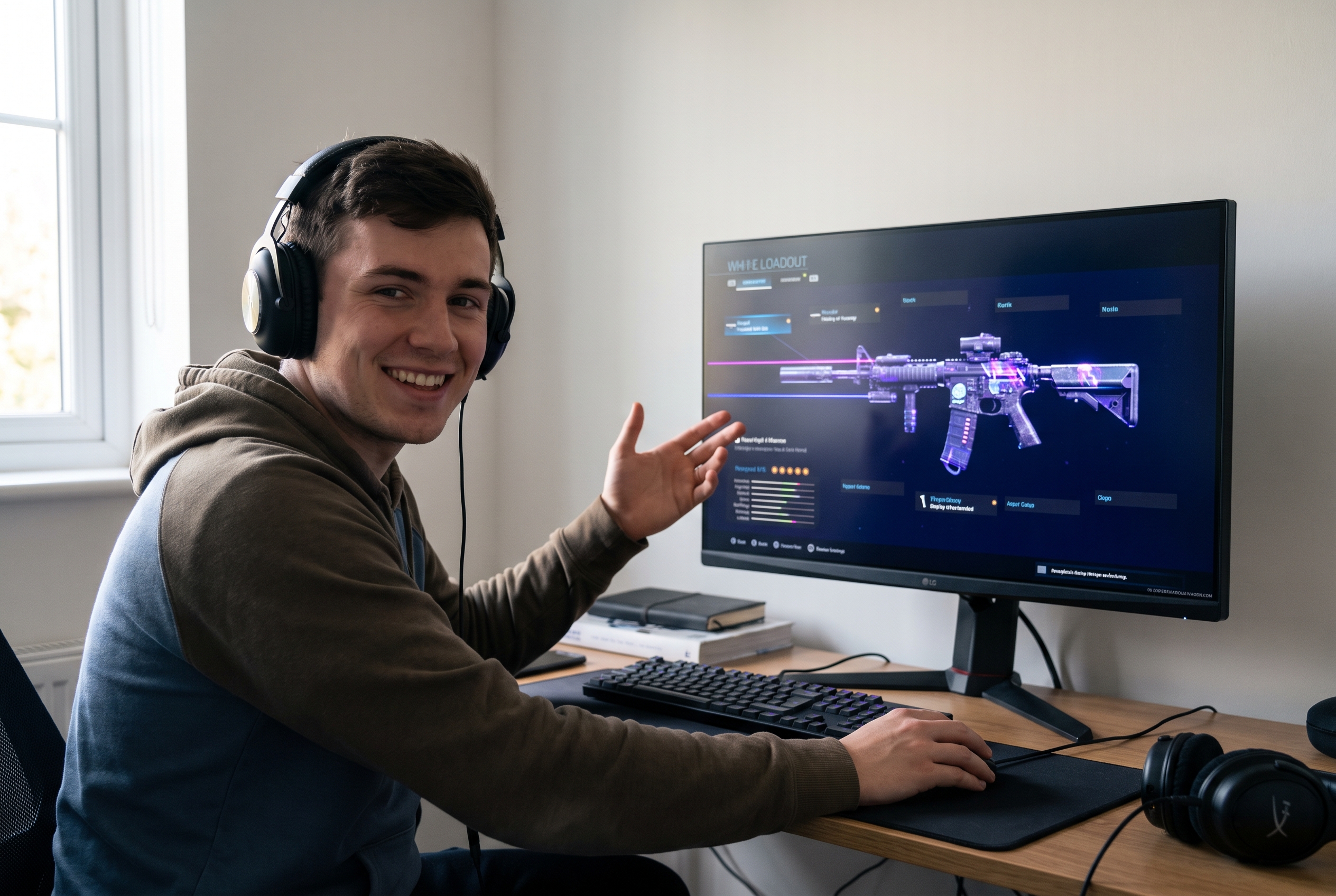
Loadout and Guide Channels
Turn weapon builds, class setups, patch notes, and “new meta” breakdowns into one readable promise. Use a weapon-first layout so attachments, stats, and bold text do not fight for the same space.
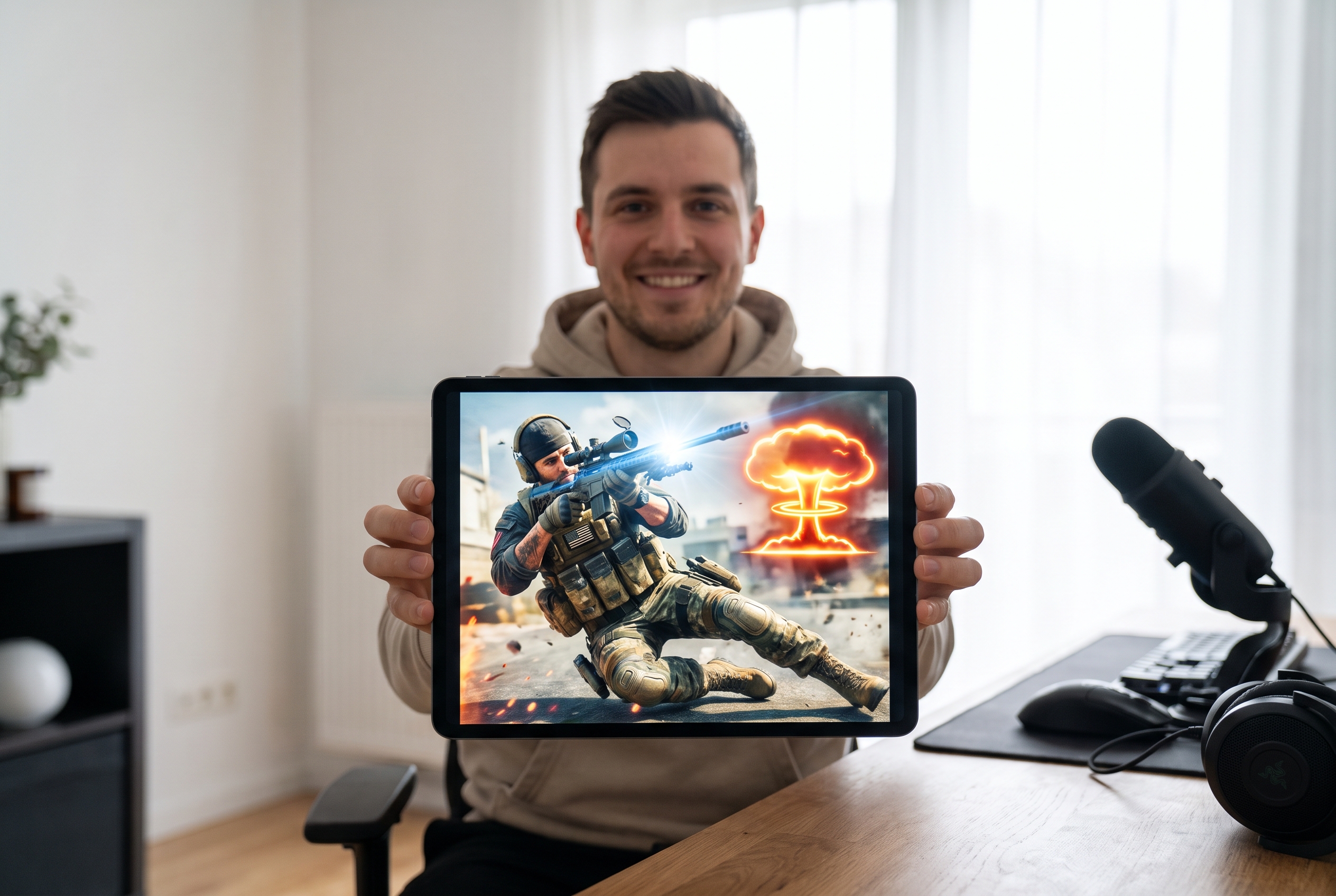
Gameplay and Montage Creators
Frame the exact moment behind a nuke, clutch, win streak, sniper montage, or funny fail. Shape the lighting and crop around the action while keeping the thumbnail honest to the footage.
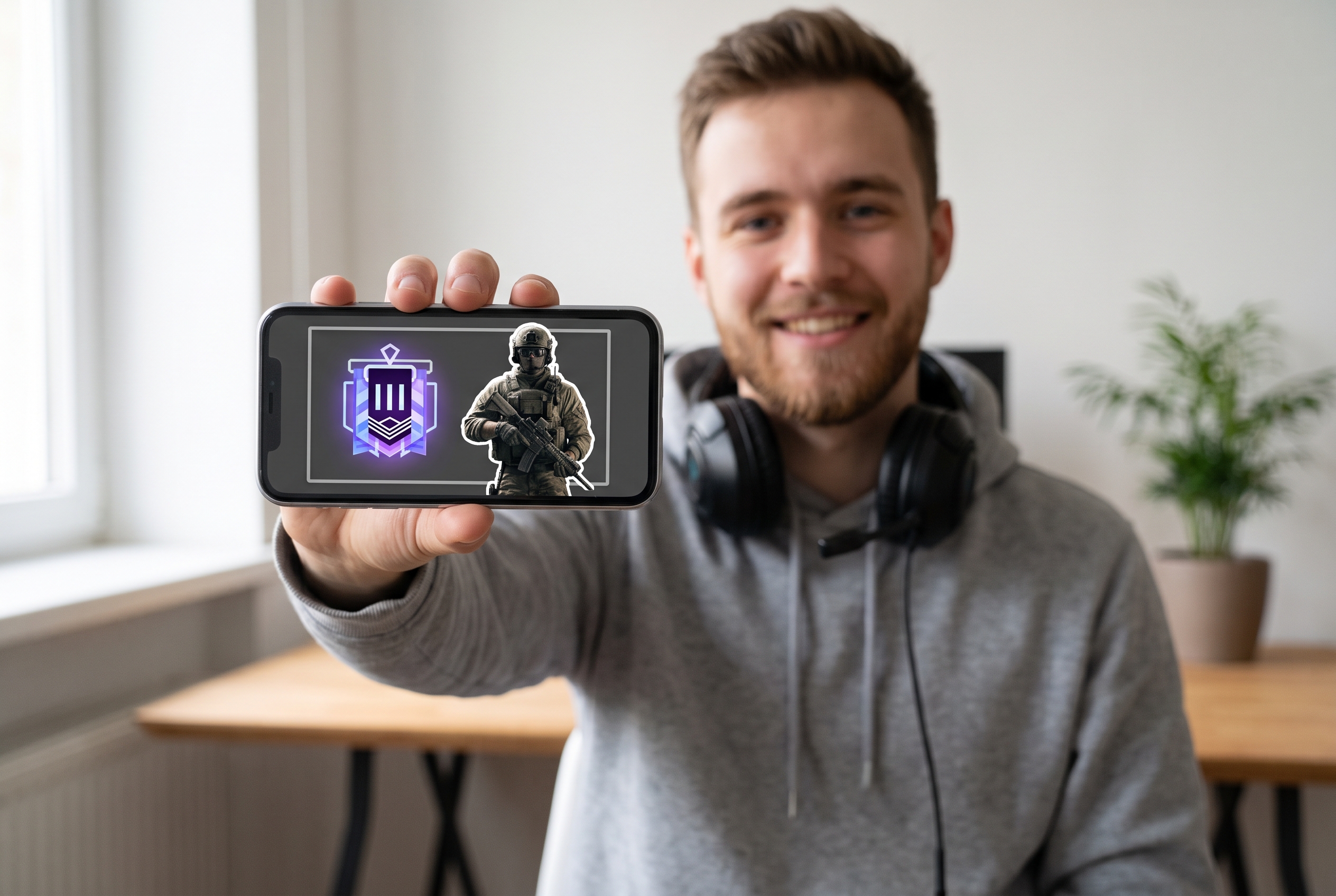
Streamers and Series Publishers
Give streams, VODs, and recurring ranked series a recognizable visual system. Reuse a layout family, then change the episode hook, subject, and accent color so the channel feels consistent without looking copied.
FAQs
How can I create a professional CoD thumbnail fast?
Do you have templates for the latest Call of Duty games?
Are there options for mobile gaming creators?
Can I use these templates for my Twitch or YouTube streams?
What if I want to make a highly clickable gaming video?
Can I use this for specific video types like sniper montages?
What kind of fonts are used in these templates?
Can I try the tool and get a free CoD thumbnail?
Build Your Next CoD Thumbnail From a Better Starting Point
Choose a template that fits the video, shape the visual hook, and generate a cover your audience can understand at a glance.