YouTube Thumbnail Grabber
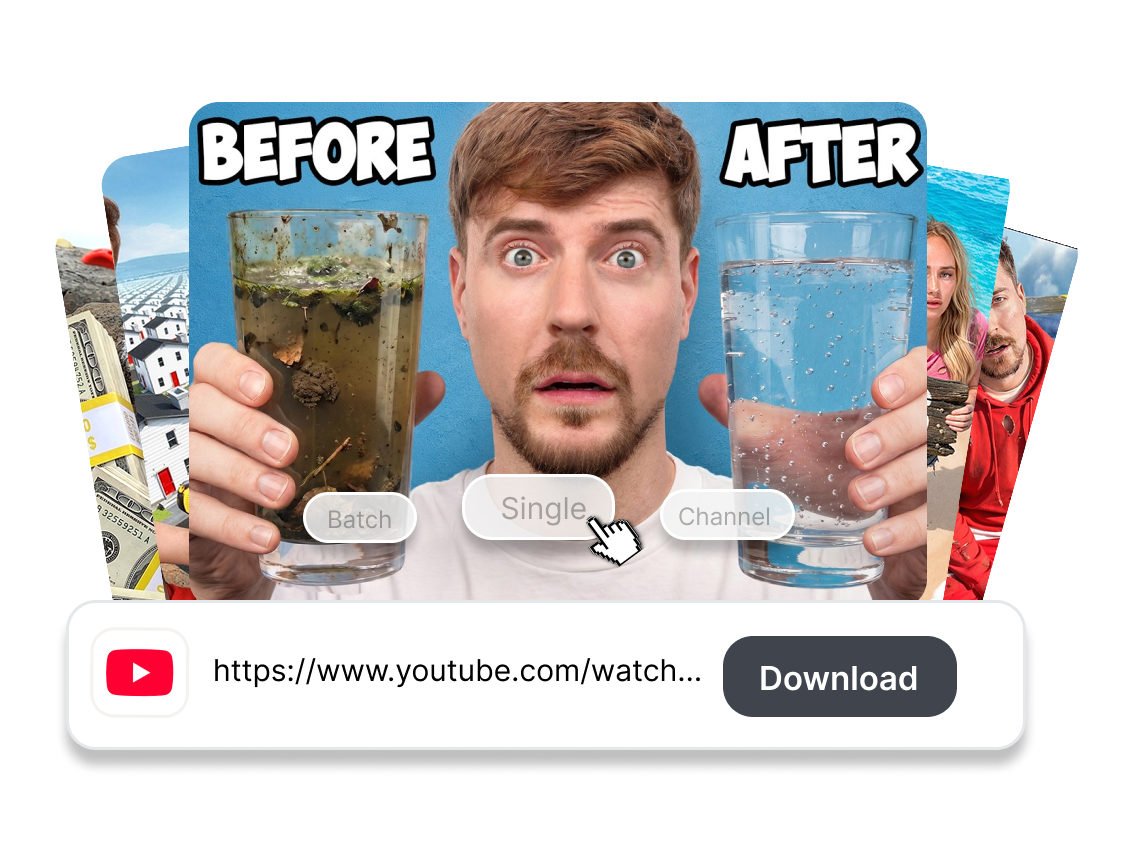
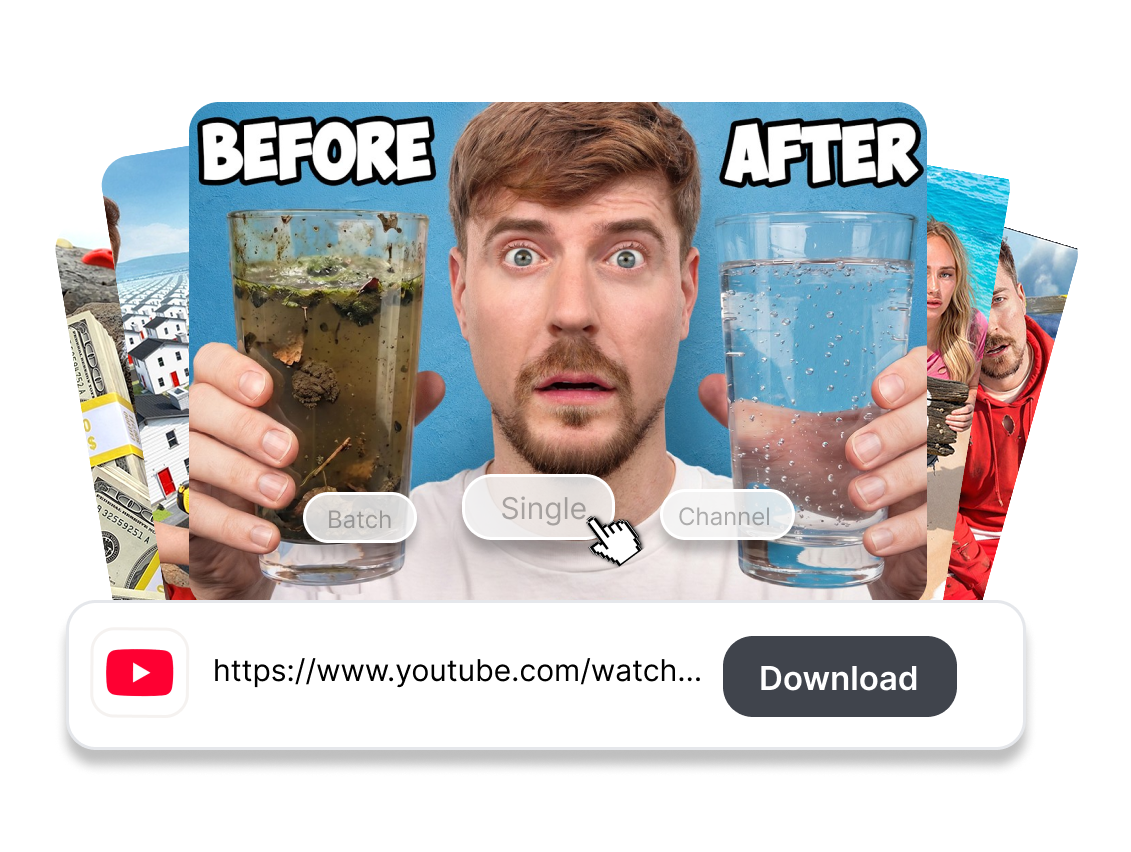
Drop a YouTube video URL and let our thumbnail grabber instantly bypass the player to fetch the crystal-clear lossless image. 100% secure, fast, and no watermarks — just the raw HD asset in seconds.


Paste the full URL of the YouTube video to extract its thumbnail.
Extract ThumbnailUse Our YouTube Thumbnail Grabber in 3 Steps
Forget Inspect Element or messy screenshots. Here is how you retrieve the original quality in 3 clicks.
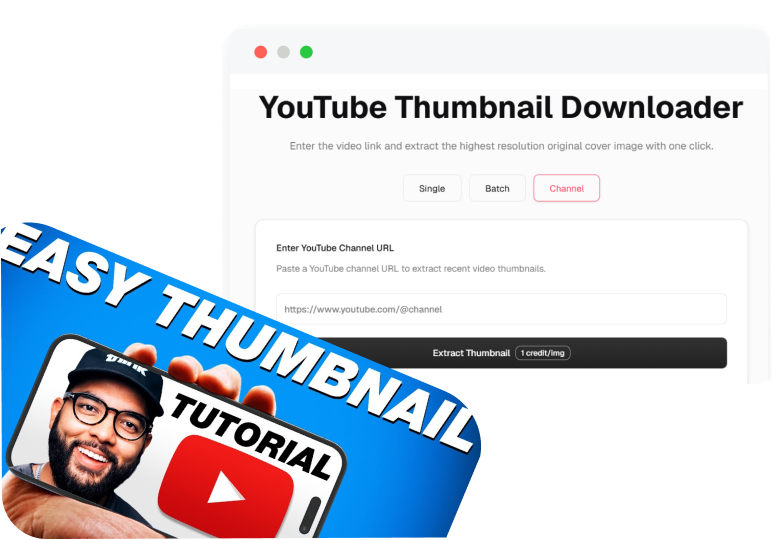
1. Drop the Video URL
Copy any YouTube Video URL (or YouTube Shorts link) and paste it into our search bar.
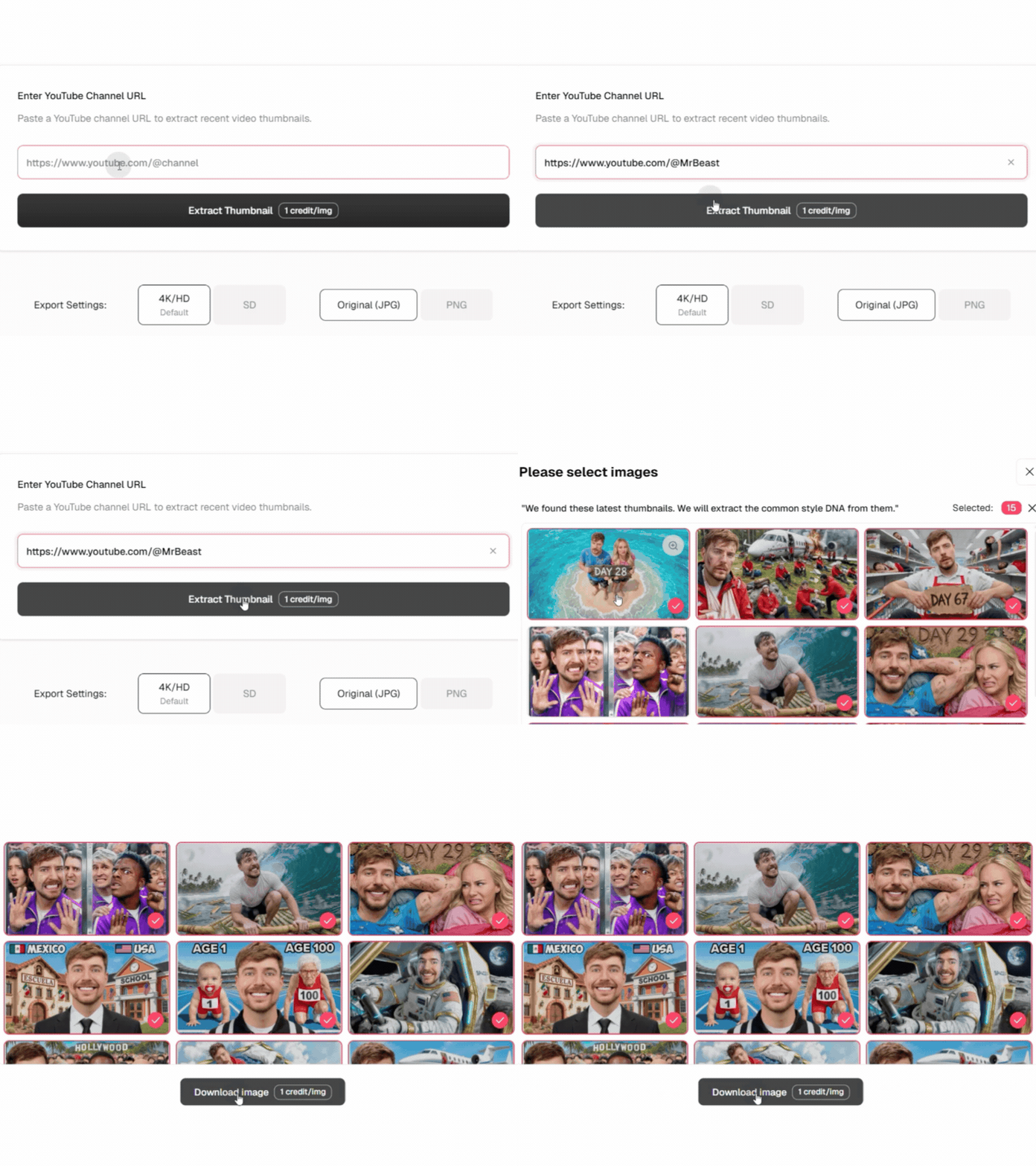
2. Grab Thumbnails
Our engine bypasses the player UI to extract the hidden maxresdefault file, ensuring you get a clean, watermark-free image every time.

3. Save the Raw Asset
Hit the fetch button to instantly save the high-res 4K JPG directly to your device. One click, zero fluff, total quality.
What Makes This YouTube Thumbnail Grabber Different
Free YouTube Thumbnail Grabber
One-Click Grab the MaxResDefault
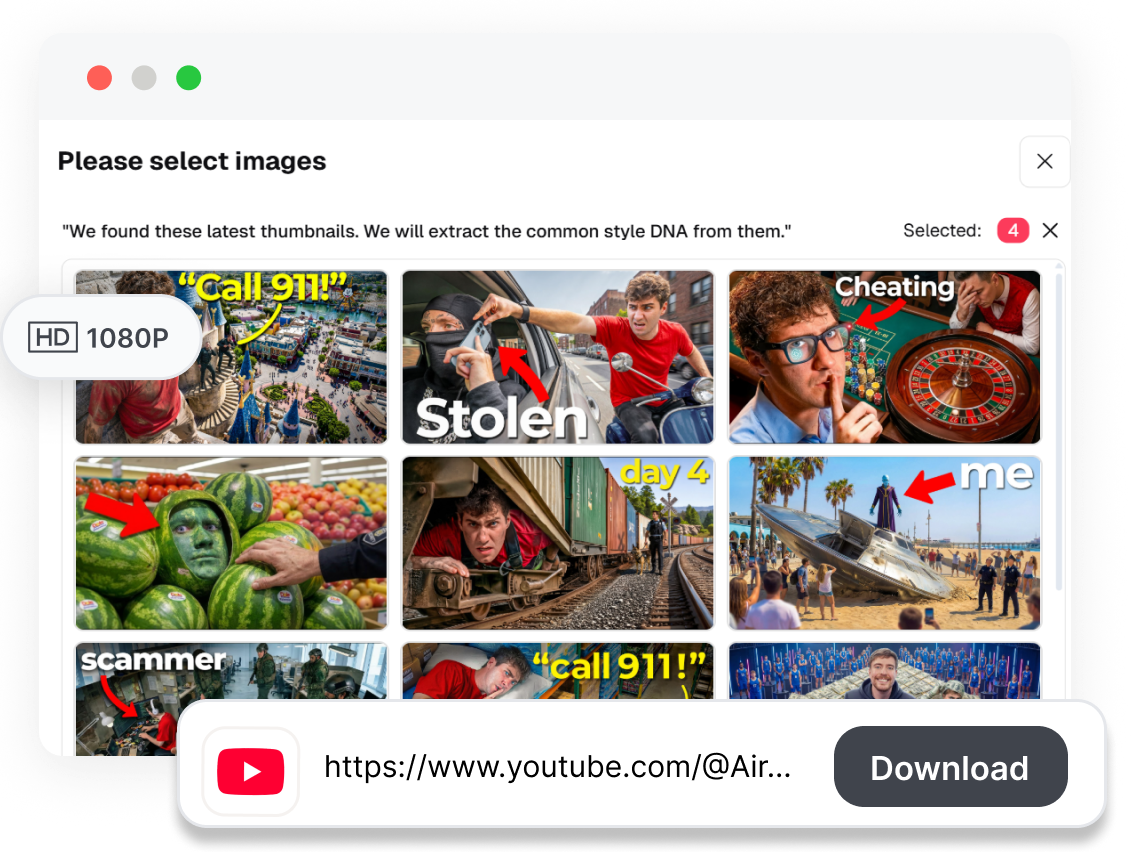
Our grabber completely bypasses the UI, extracting the 100% lossless, original quality background image exactly as the creator uploaded it. No timeline, no watermark, and no annoying red play button.
Best YouTube Video Thumbnail Grabber
Instant Extraction, Zero Waiting
No software to install. Just paste the YouTube URL, and our YouTube thumbnail getter fetches the high-resolution JPG in milliseconds. Built for fast-paced creators who want the file, not the fuss.
YouTube Shorts Thumbnail Grabber
AI Upscaling for Blurry Finds
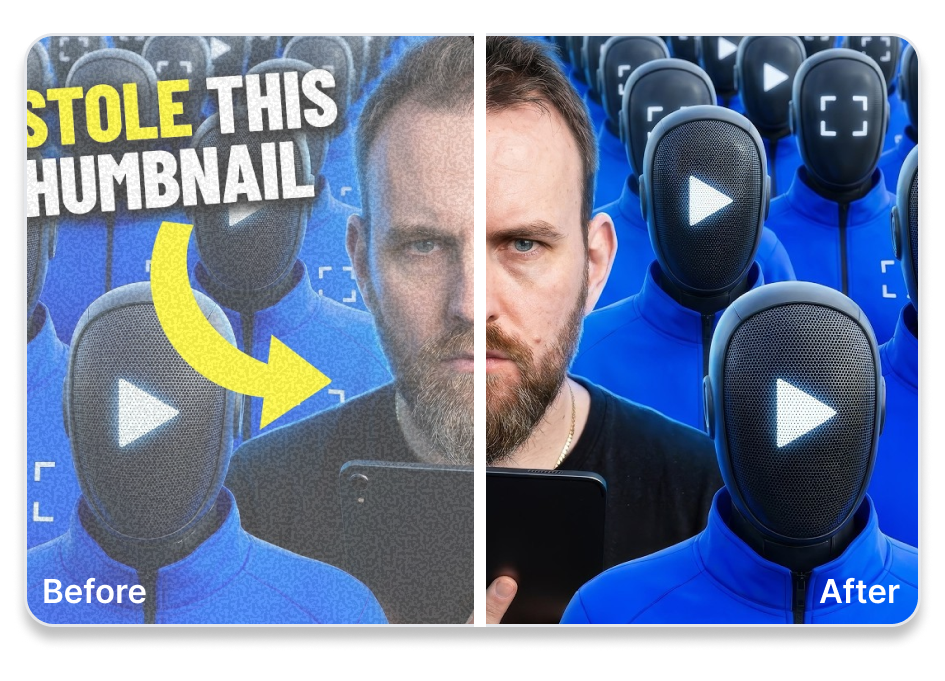
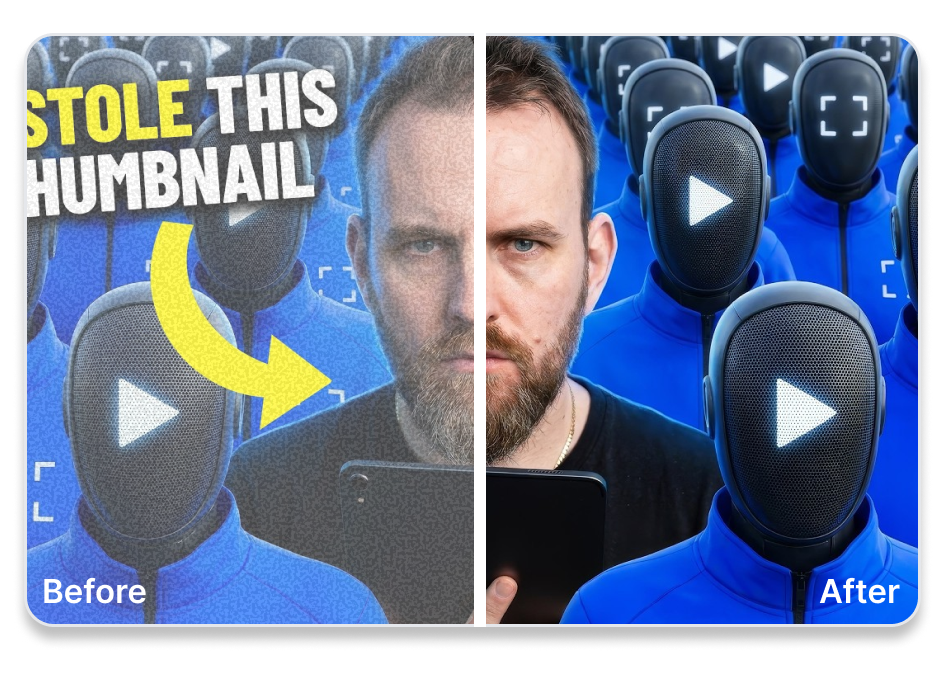
Not every creator uploads in HD. If you fetch a low-res or outdated thumbnail, our AI instantly upscales the image, removing pixelation and restoring it to crystal-clear 4K quality, ready for your next project.
Online YT Thumbnail Grabber AI
Rip the Background, Steal the Layout
Grabbed a MrBeast thumbnail? Don't just save it—hack it. Send the fetched image to our AI thumbnail maker to instantly swap his face, isolate the high-CTR background, and clone the viral layout for your own channel.
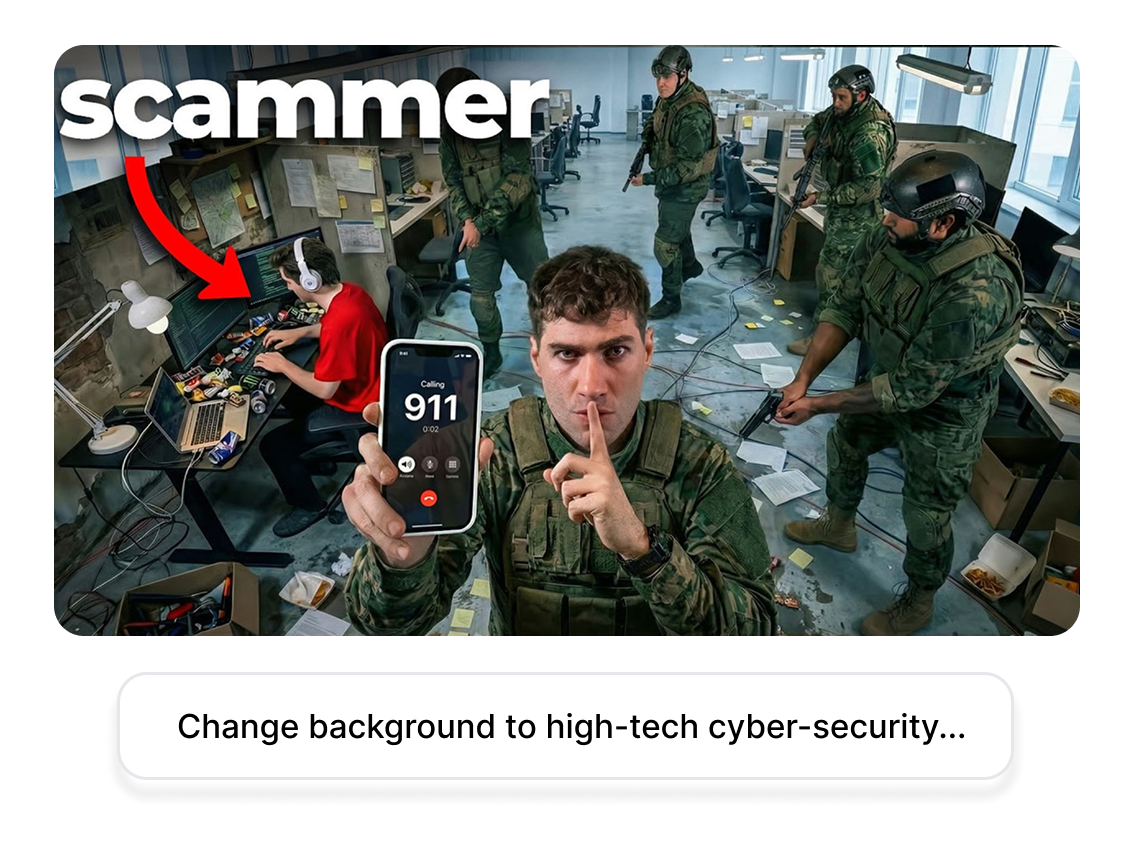
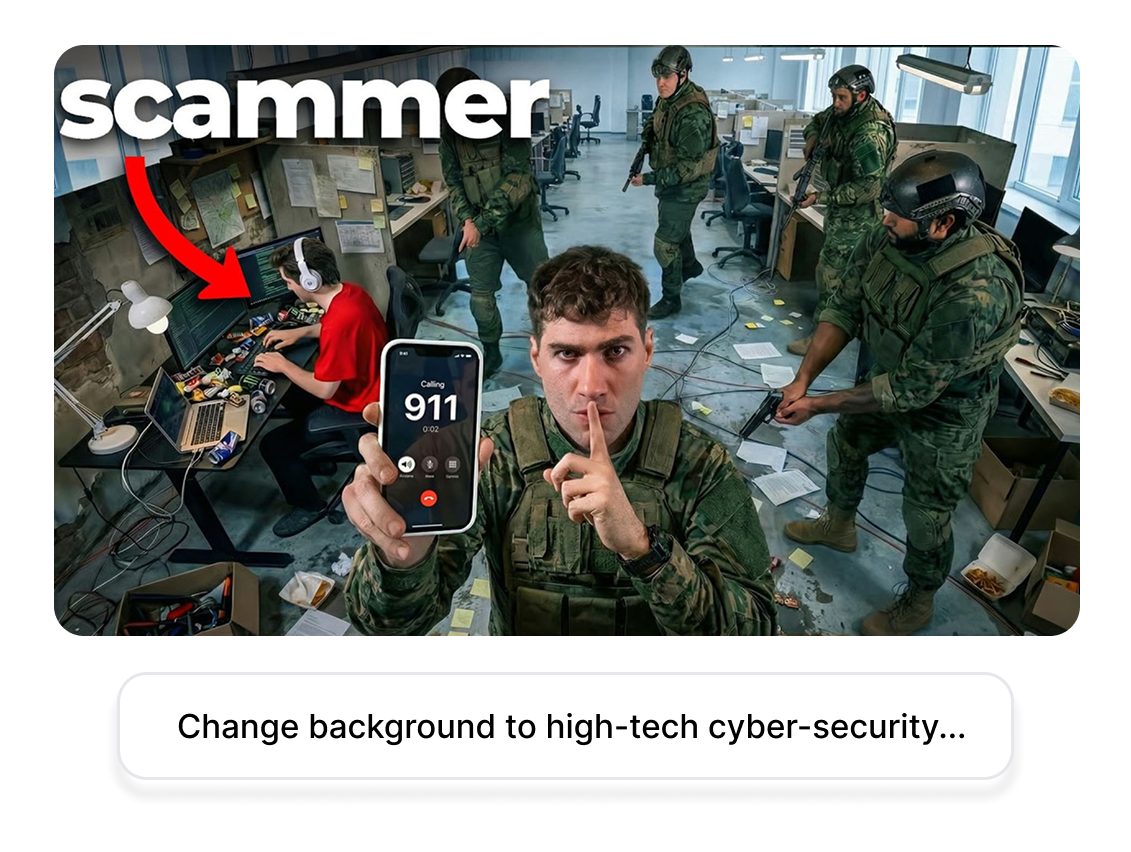
Best YouTube Thumbnail Grabber For Every Creator
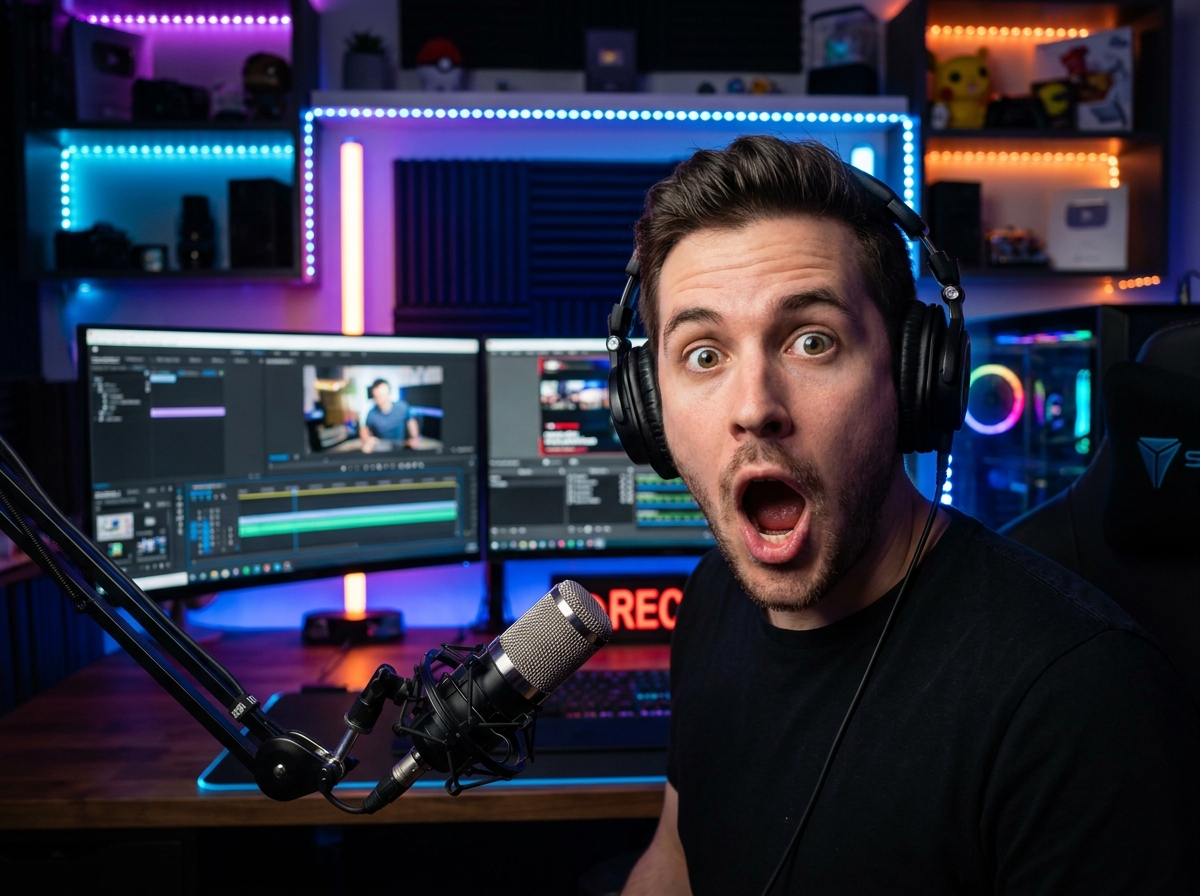
Reaction & Drama Channels
Stop dealing with messy crops. Grab the original, clean hero image of the video you’re reacting to, drop it into your timeline, and keep your production quality flawlessly high
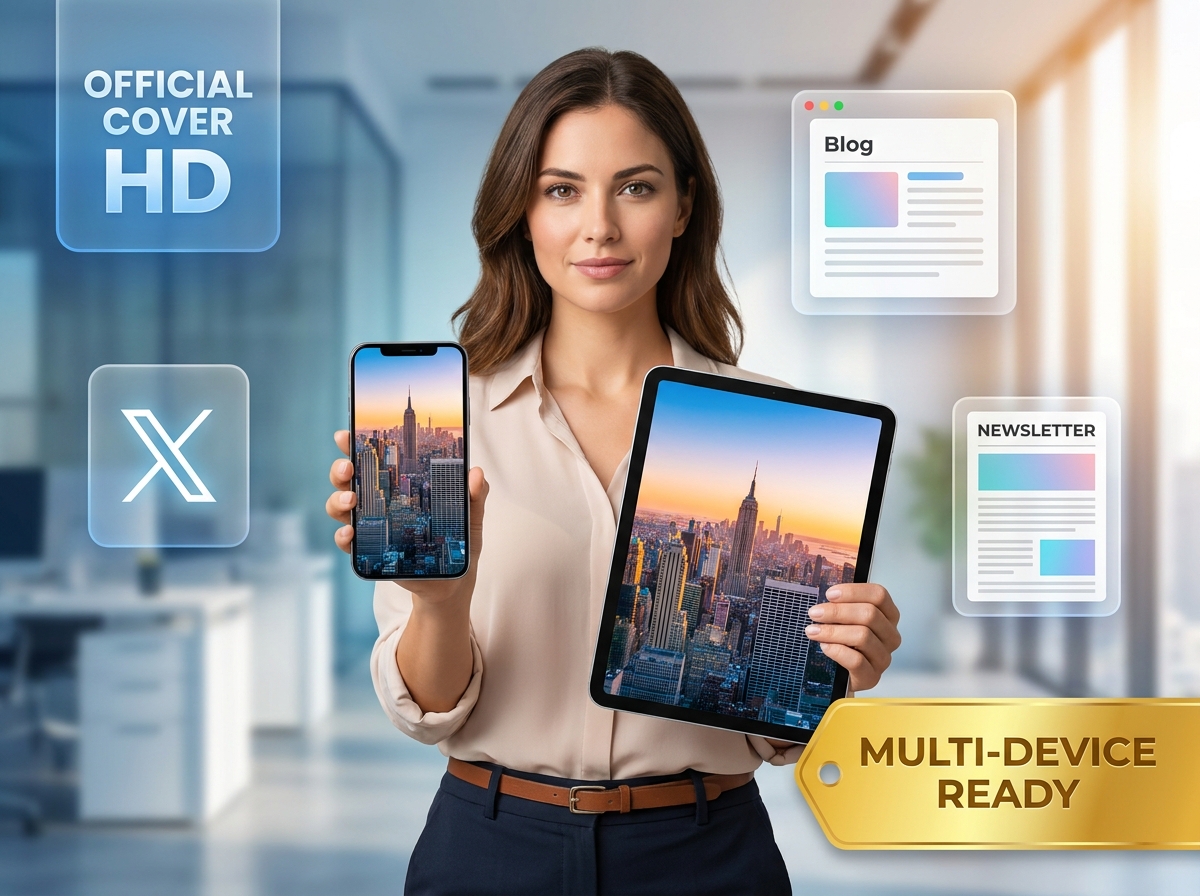
Social Media Managers & Repurposers
Tasked with sharing a YouTube video on a blog, X (Twitter), or newsletter? Use the YouTube thumbnail finder to snag the official cover image instantly. Save to any device and post it everywhere.

UI/UX Designers & Marketers
Build your ultimate swipe file of high-converting visual assets. Fetch thumbnails from trending videos to analyze their color theory, font choices, and layout tactics.
FAQs
1. What is a YouTube Thumbnail Grabber, and how does it work?
2. Can I start with a free YouTube thumbnail grabber?
3. Is it legal to grab YouTube video thumbnails?
4. Do I need to download an app to get the video thumbnail?
5. What if the video doesn't have an HD thumbnail?
6. Can I grab YouTube Shorts thumbnails too?
7. Can I edit the grabbed thumbnail after downloading?
Instantly Try Our Ultimate YouTube Thumbnail Grabber
Stop taking blurry screenshots and start extracting the original quality assets like a pro. Paste your link, snatch the highest resolution, and dominate your niche.