R6 Thumbnail Templates
Start with a Rainbow Six Siege thumbnail template built for ranked plays, montages, guides, and reactions. Replace the gameplay, face, and hook without rebuilding the layout.
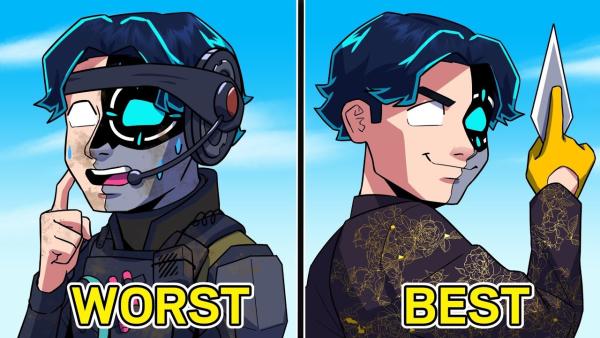
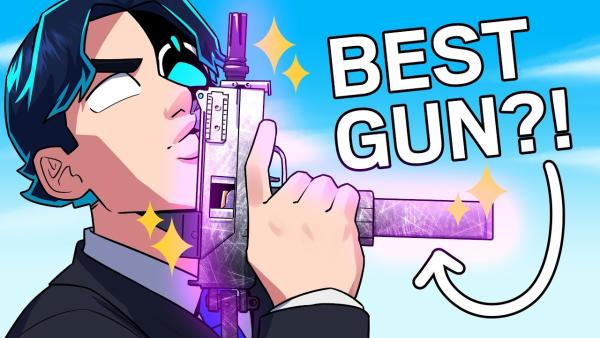
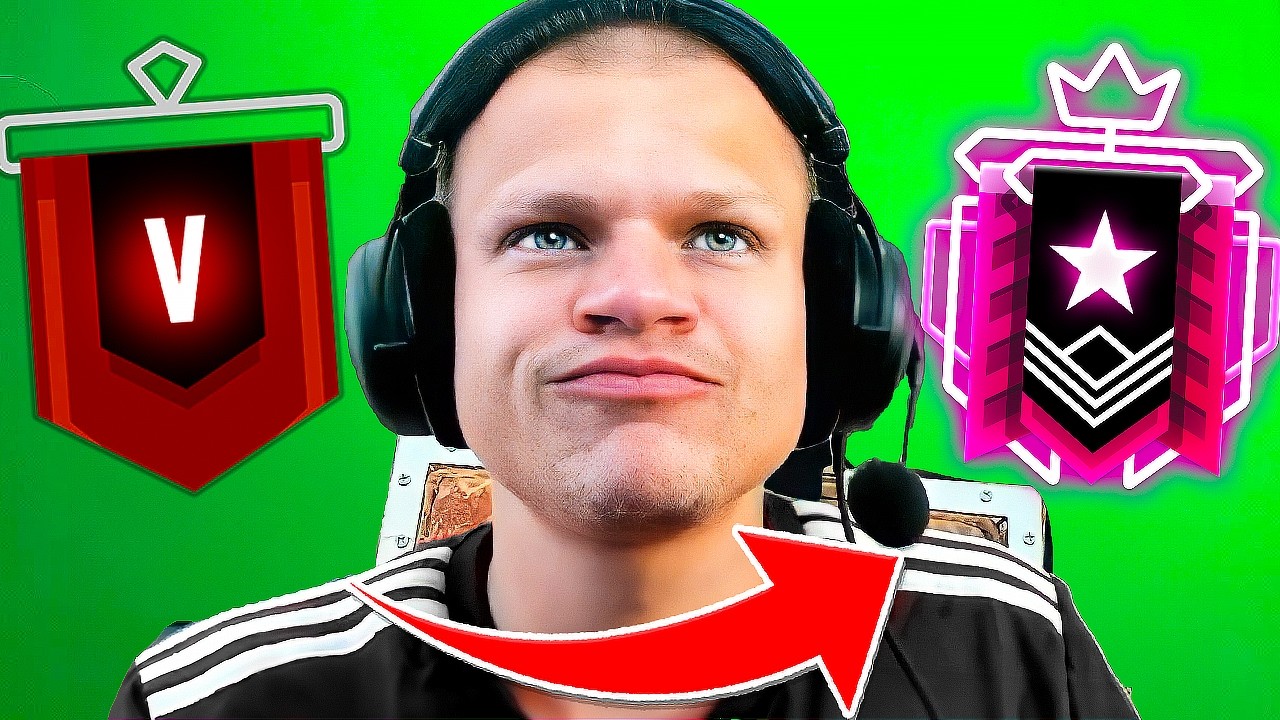
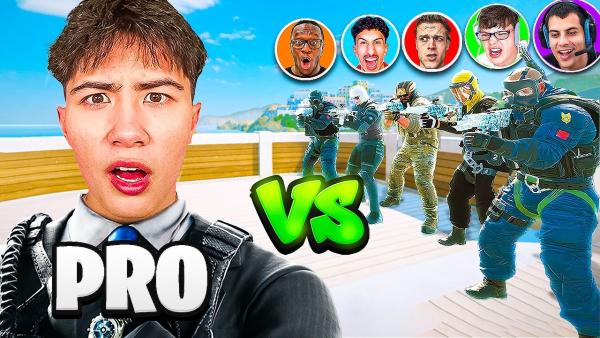
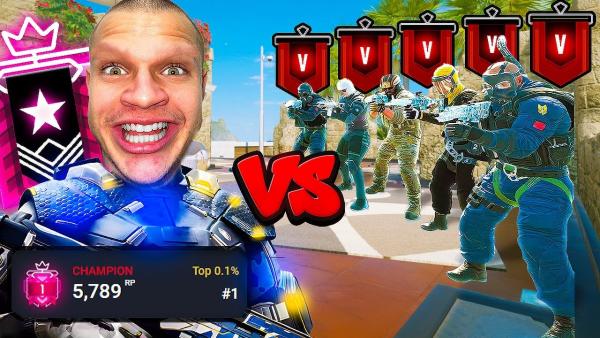
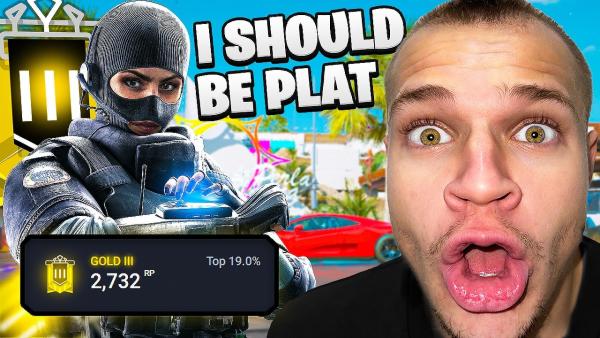
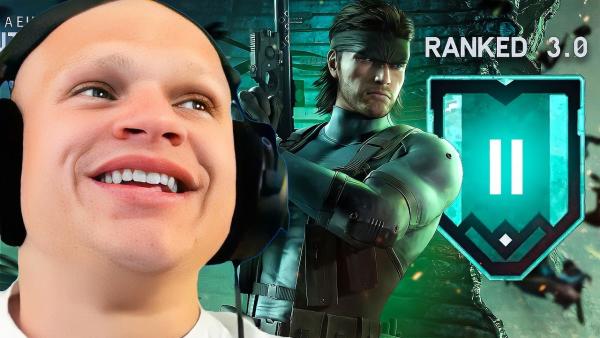
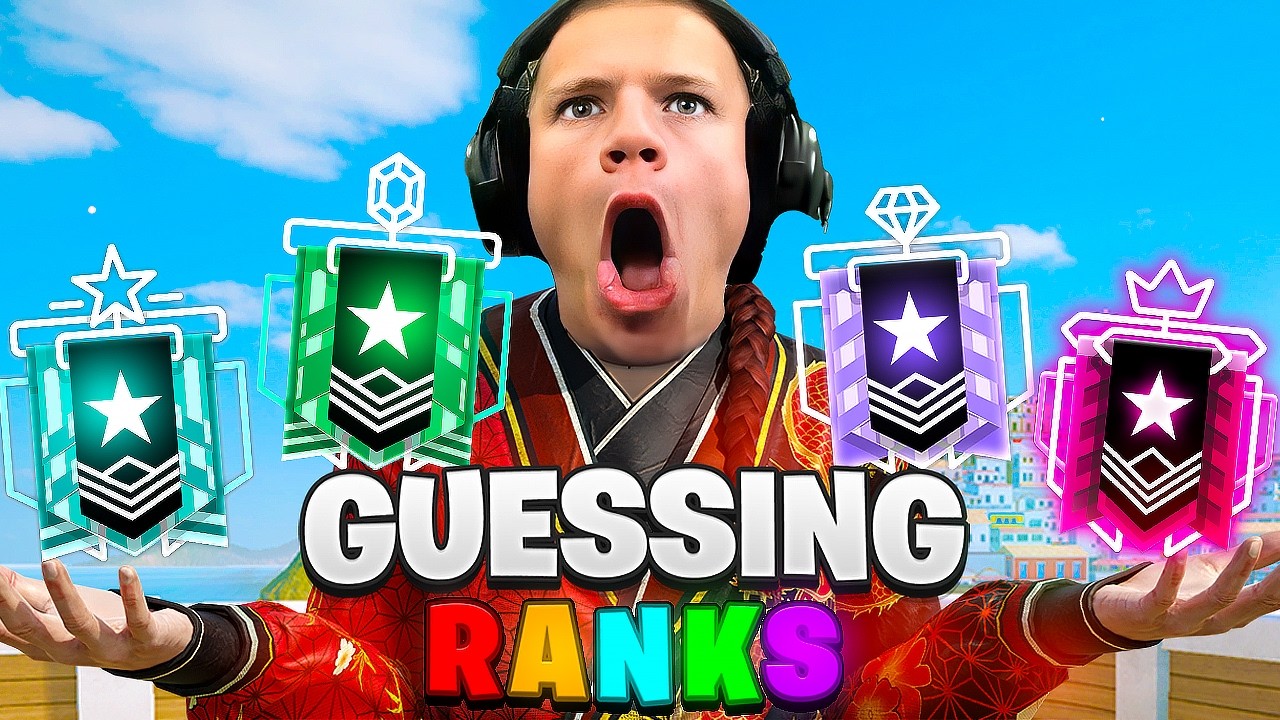
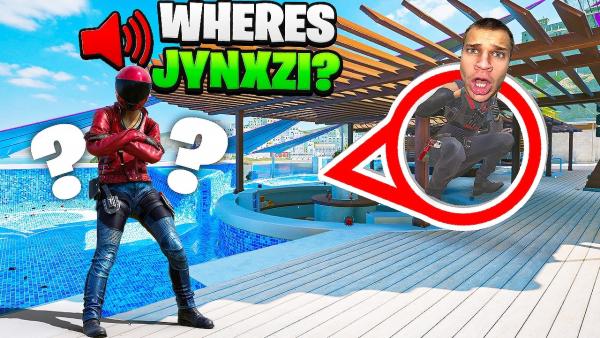
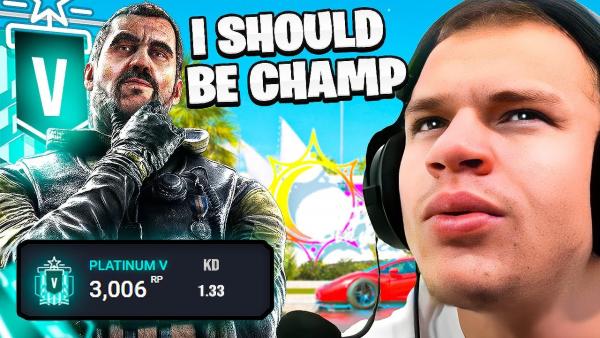
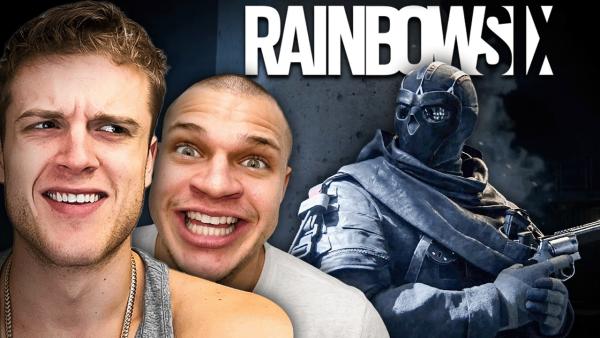
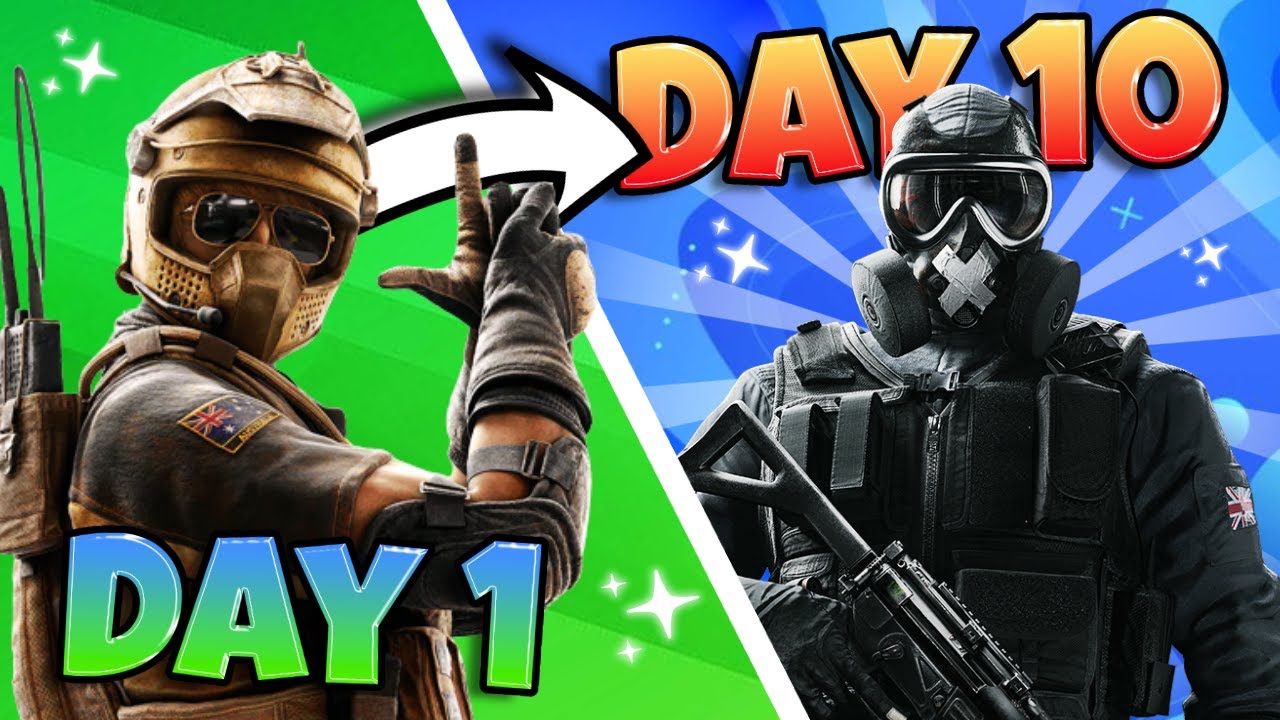
How to Use The Best R6 Thumbnail Maker Online
Start with a ready-made layout, replace the content that matters, and generate the right number of options for your upload.
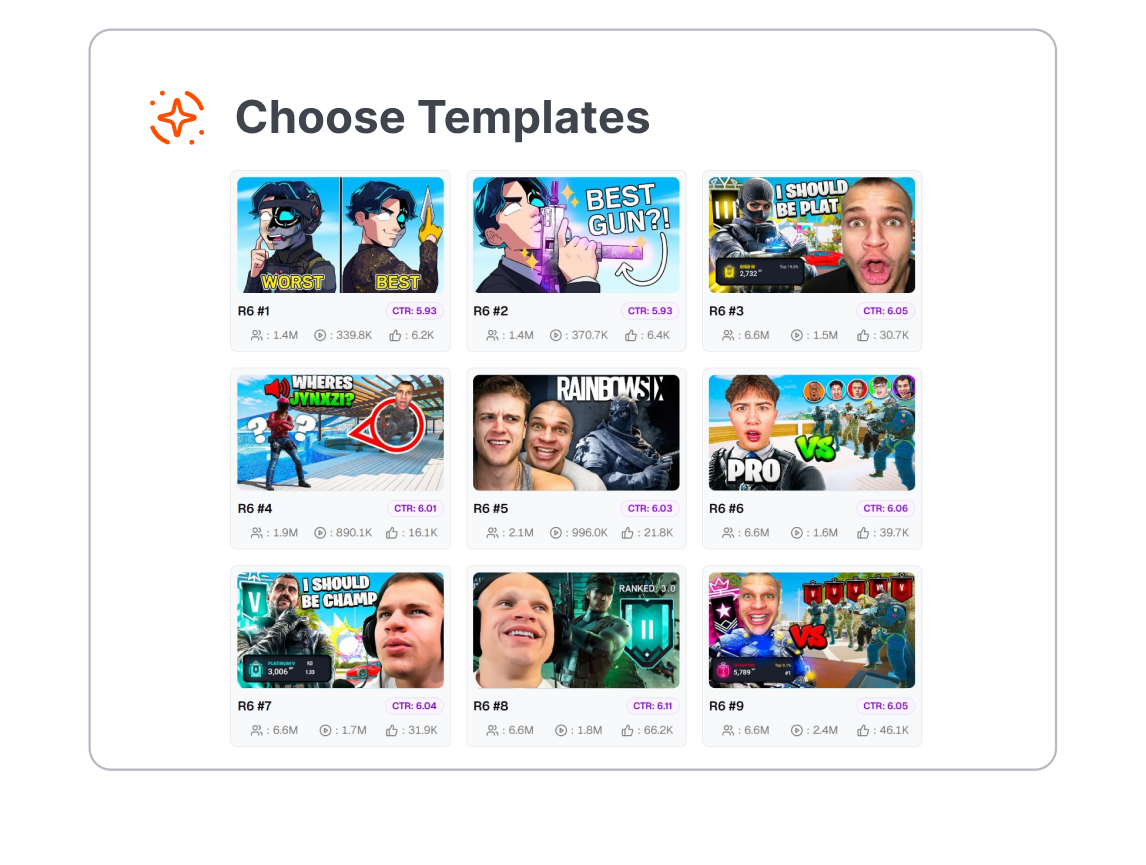
1. Choose an R6 Template
Browse the R6 category and select the layout closest to your video, whether it is a clutch, montage, guide, reaction, or season update.
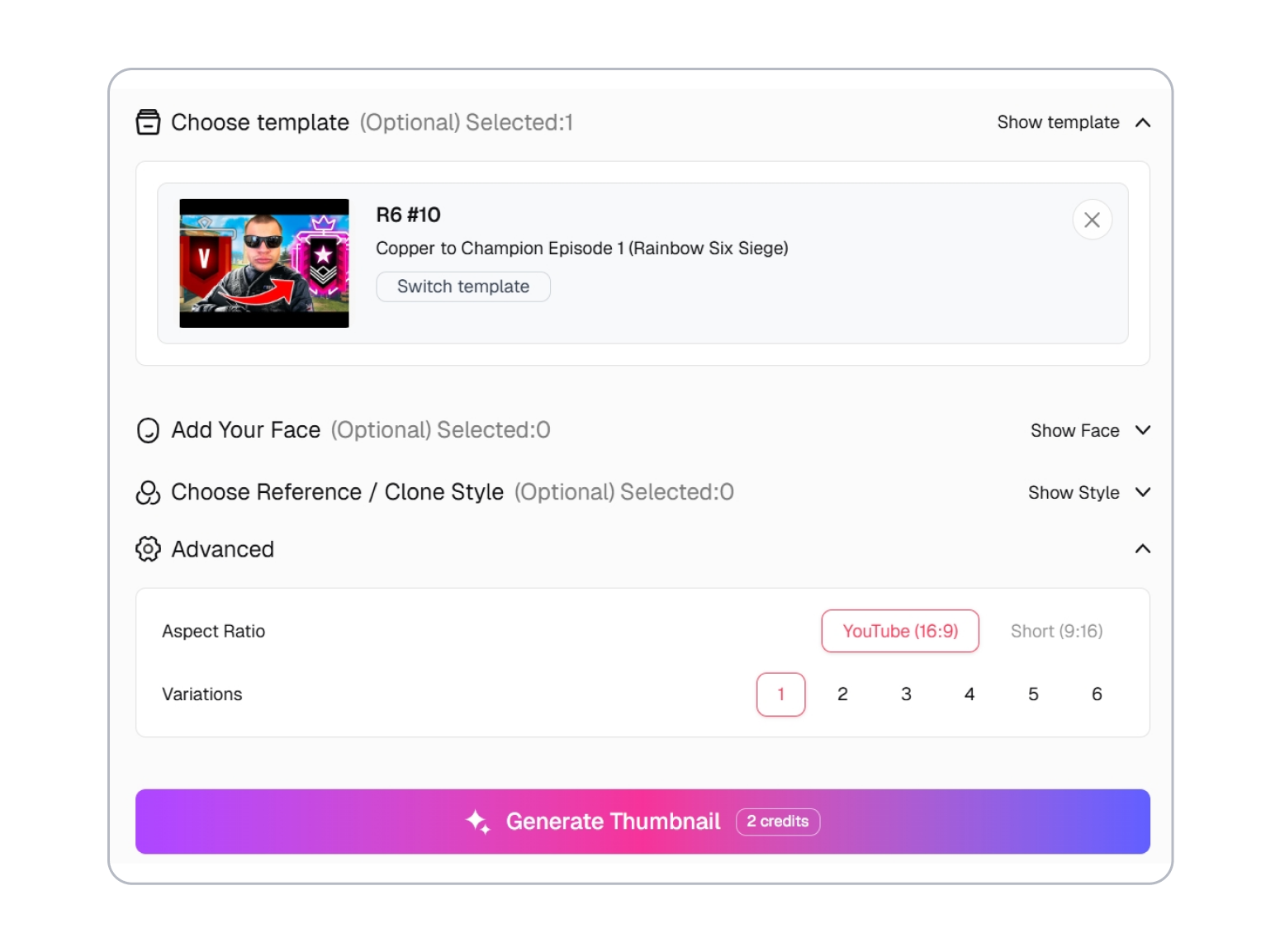
2. Add Your Gameplay and Face
Upload or drag in a screenshot, use a YouTube video link, or choose an available asset. Add a face if needed, then describe the action, hook, and style changes.
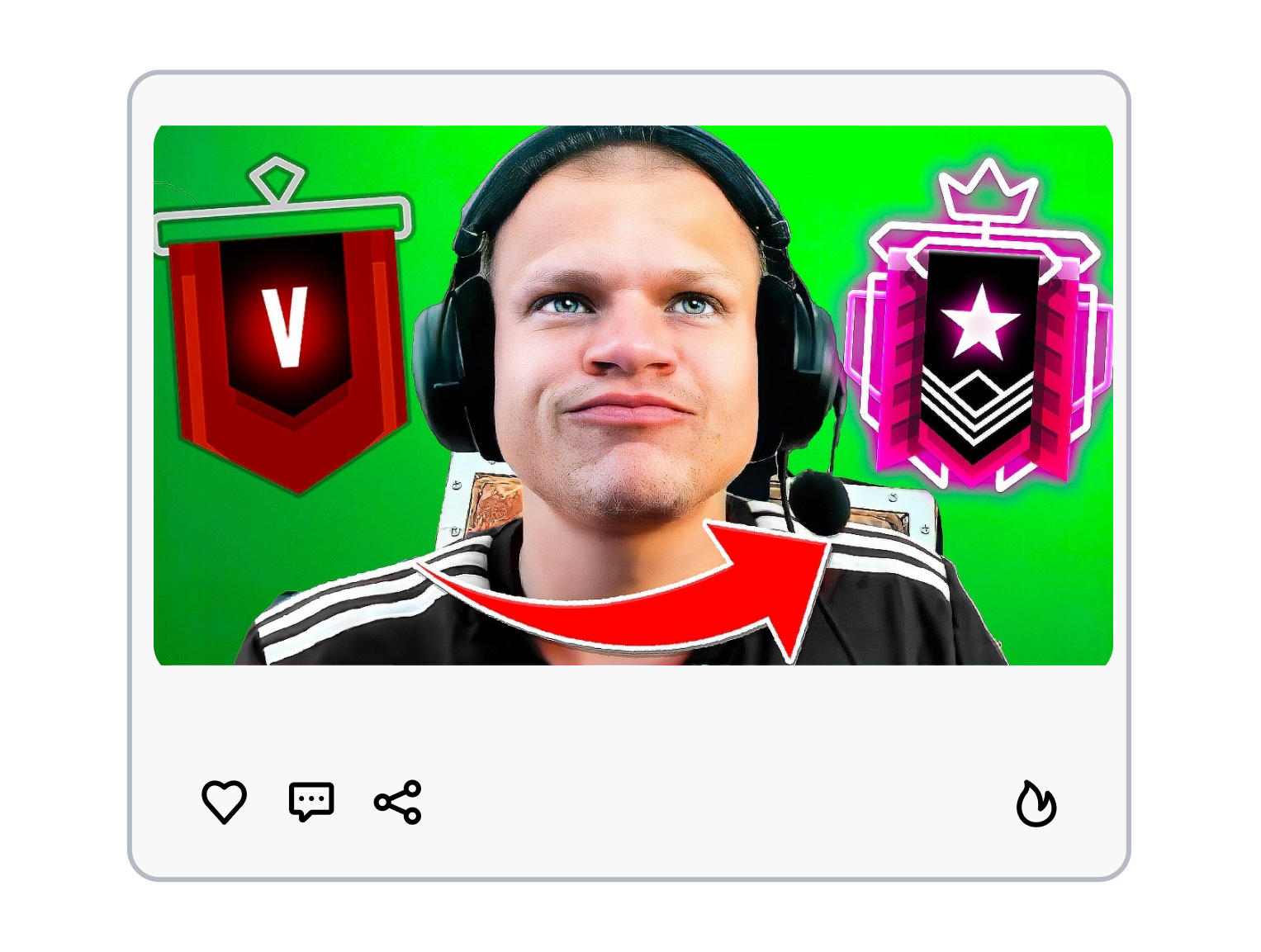
3. Choose the Ratio and Generate
Select YouTube 16:9 or Shorts 9:16, choose from one to six variations, and generate. Compare the results and download the cover that tells the clearest story.
Start With an Free R6 Thumbnail Template, Not a Blank Canvas
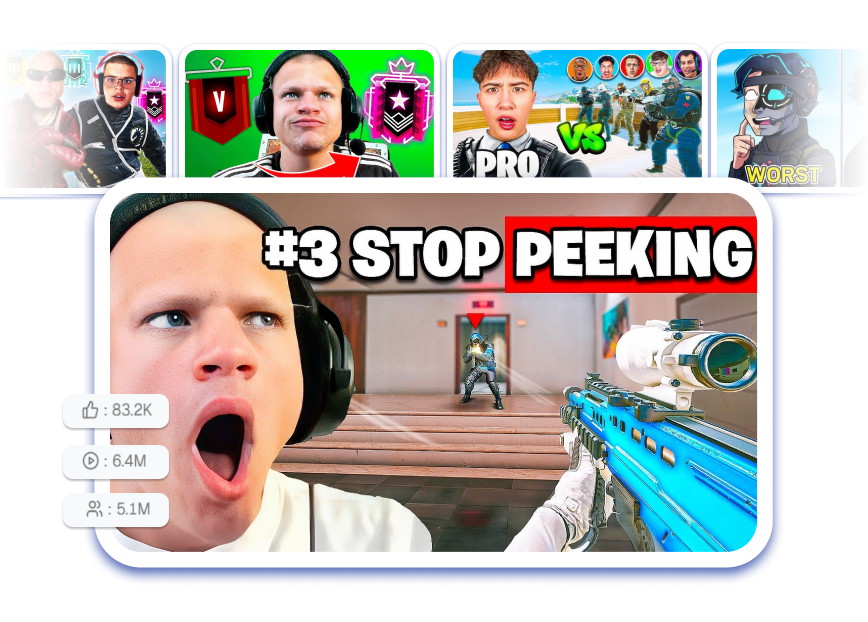
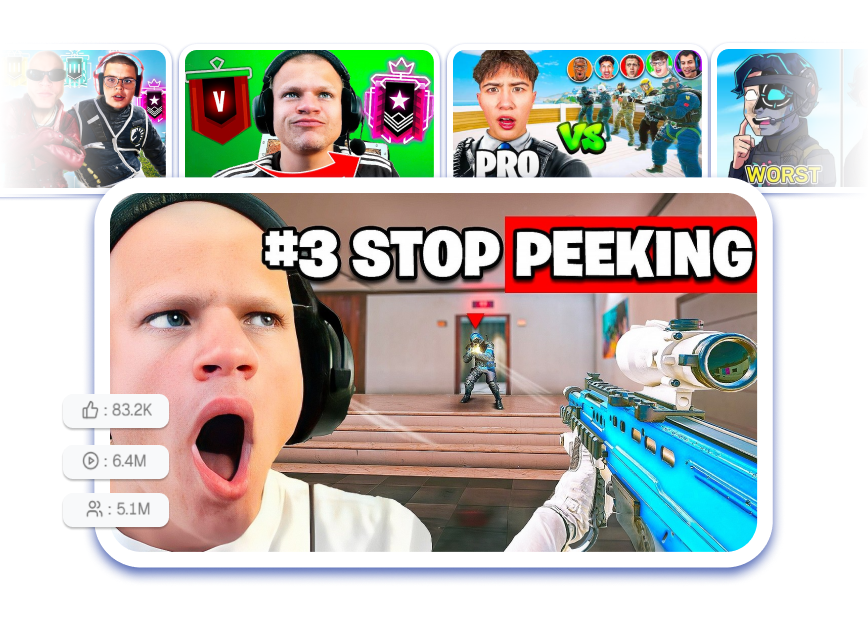
Pick a Layout That Fits the Upload
Start with a composition designed for a ranked climb, clutch, montage, guide, or Siege update. The template gives the operator or player, action, and headline a clear visual order. You spend less time arranging layers and more time matching the cover to the video.
Replace the Gameplay, Face, and Hook
Upload or drag in a gameplay screenshot, pull a thumbnail source from a YouTube video link, or choose an available asset. Add a face when the reaction matters, then describe the text, action, or mood you want to change. The original template keeps the composition focused while your content makes it specific.
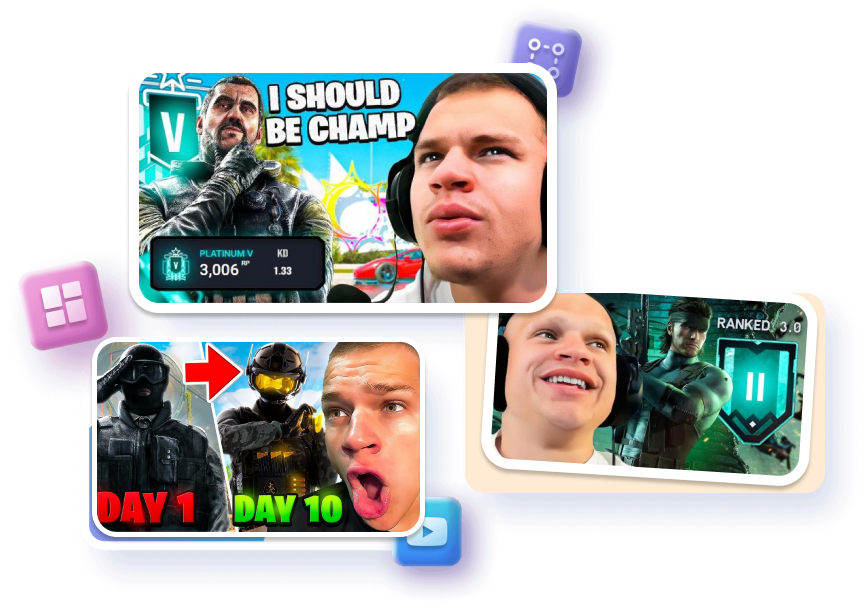
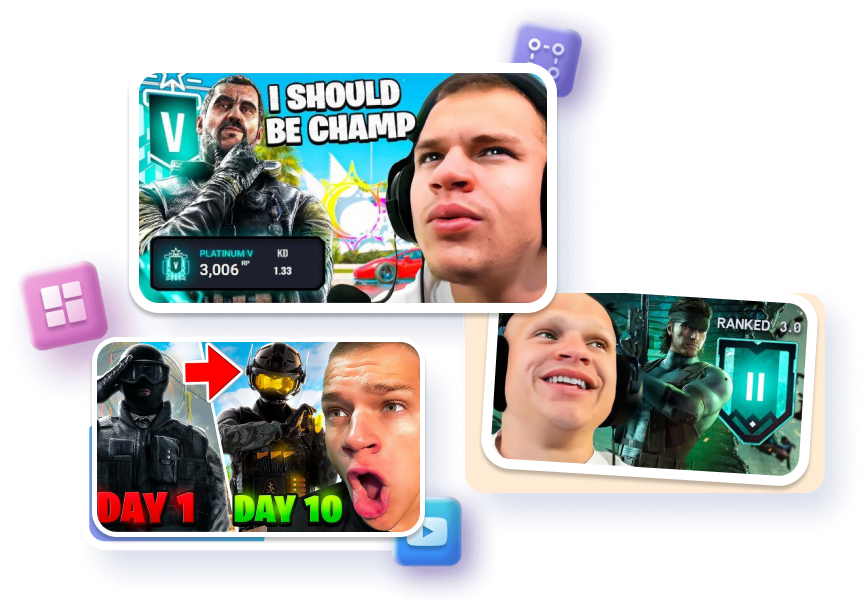
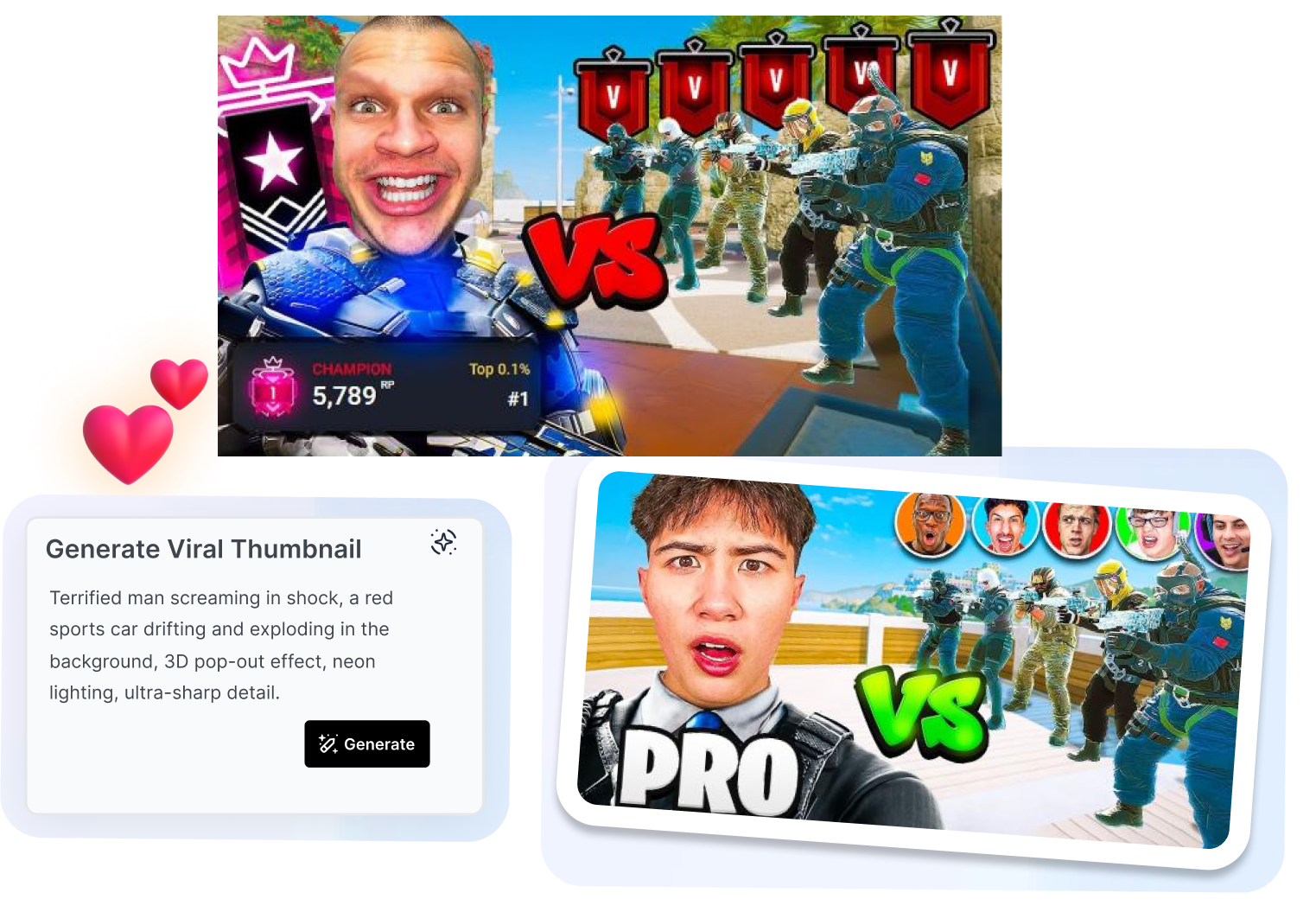
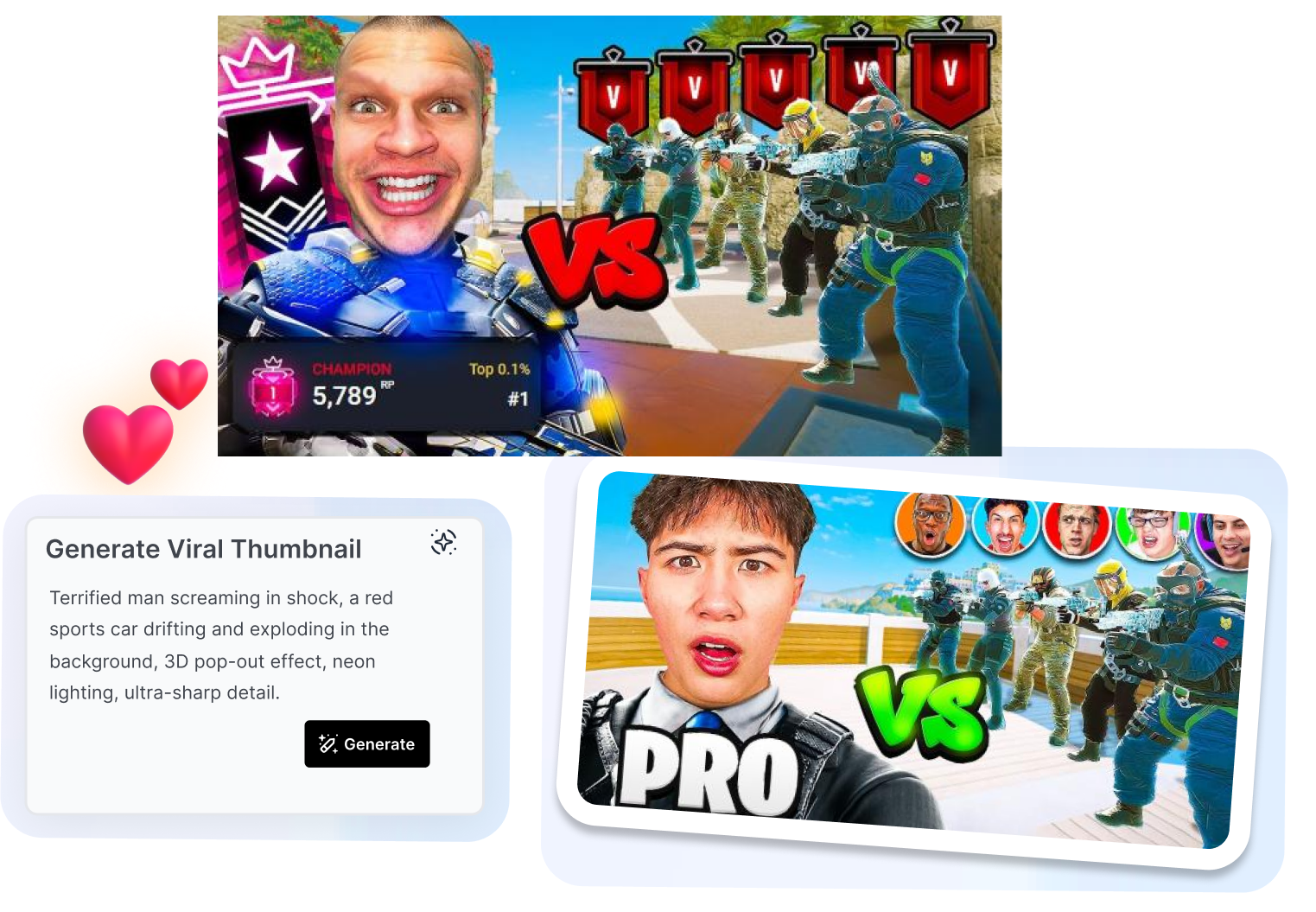
Change the Style Without Rebuilding It
Use the prompt to change the scene, color direction, action, or atmosphere around the same template structure. Choose a reference or clone style when you already have a visual direction in mind. Keep the R6 hook recognizable while giving each series or upload its own look.
Generate Up to Six Variations
Select from one to six outputs before you generate. Use the set to explore different crops, colors, reactions, or visual emphasis without restarting the design. Compare the options and keep the version that communicates the video most clearly.
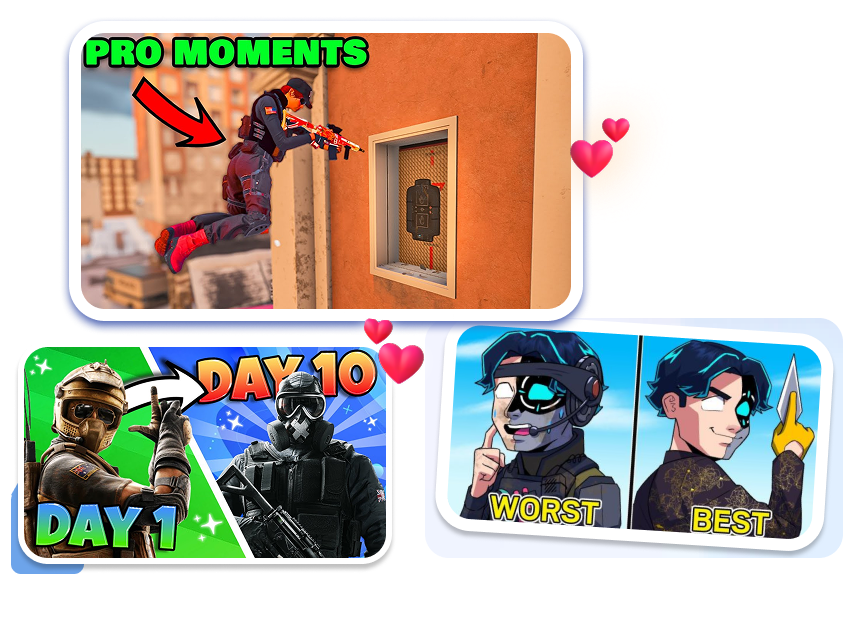
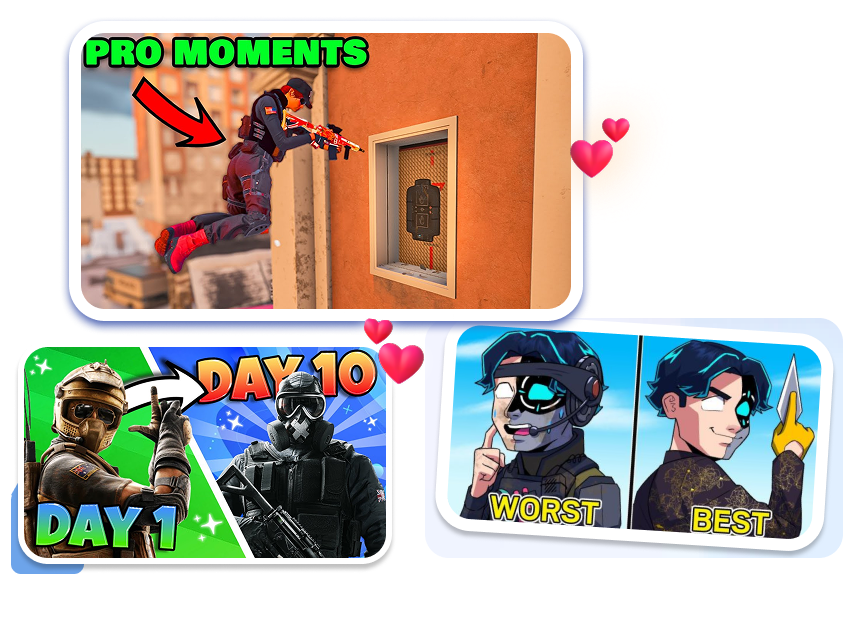
Made for Every Kind of R6 Thumbnail YouTube Creator
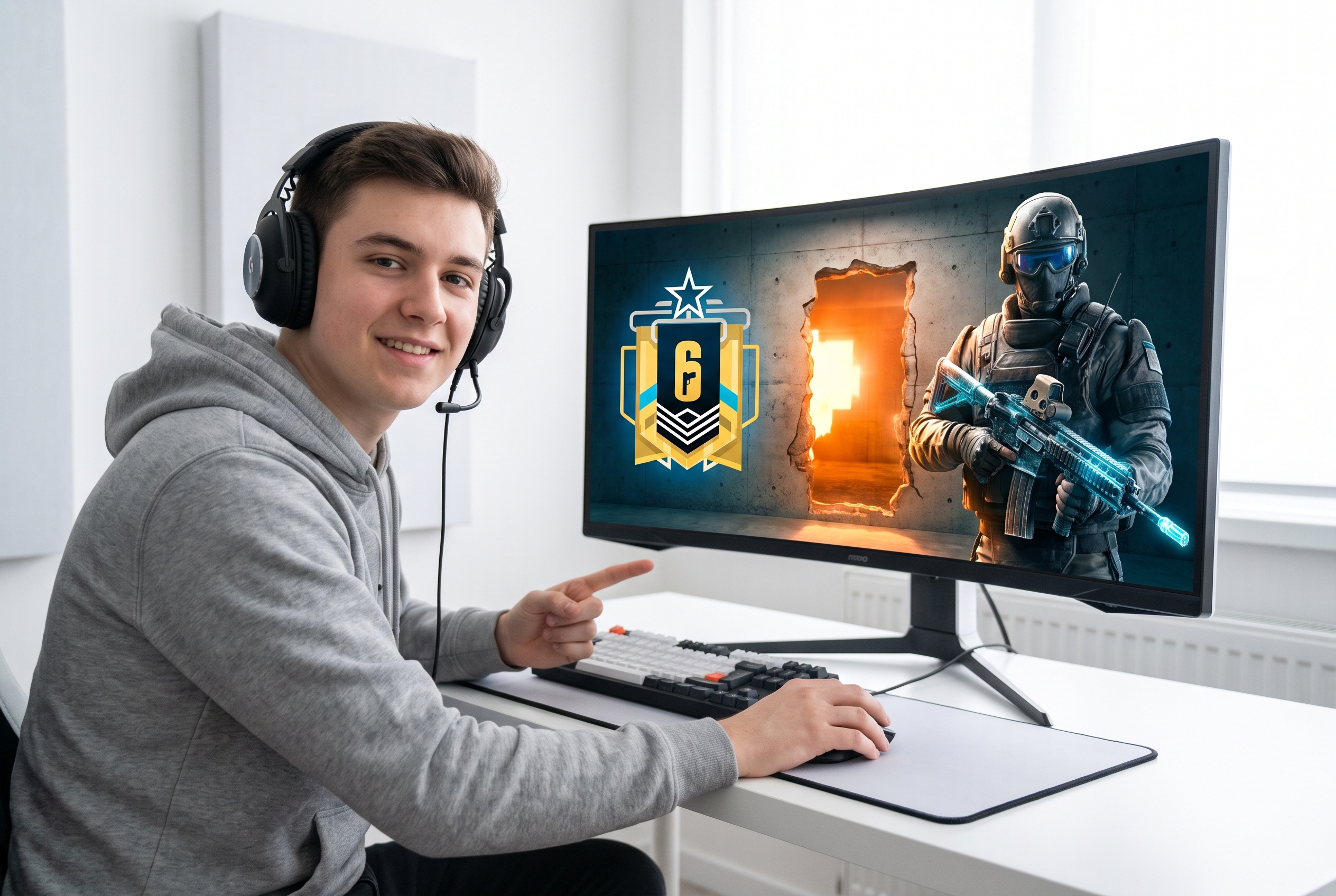
Ranked Grinders and Highlight Channels
Turn aces, clutches, rank-ups, and chaotic squad moments into a recognizable series. Reuse a proven layout while changing the match, face, and hook for every upload.
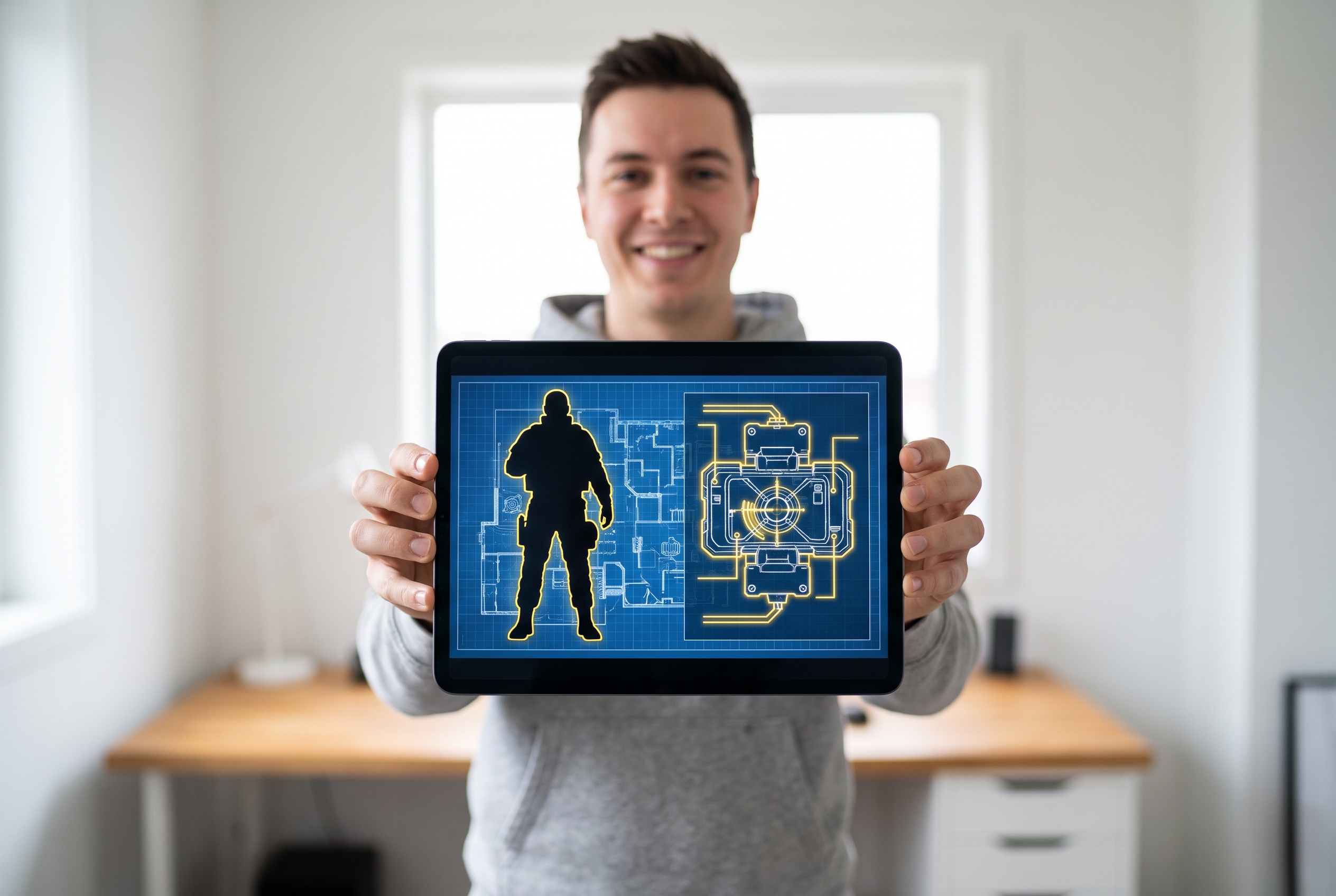
Operator Guides and Strategy Creators
Choose a template that leaves room for one operator, gadget, map cue, or matchup. Replace the content without rebuilding the instructional hierarchy each time.
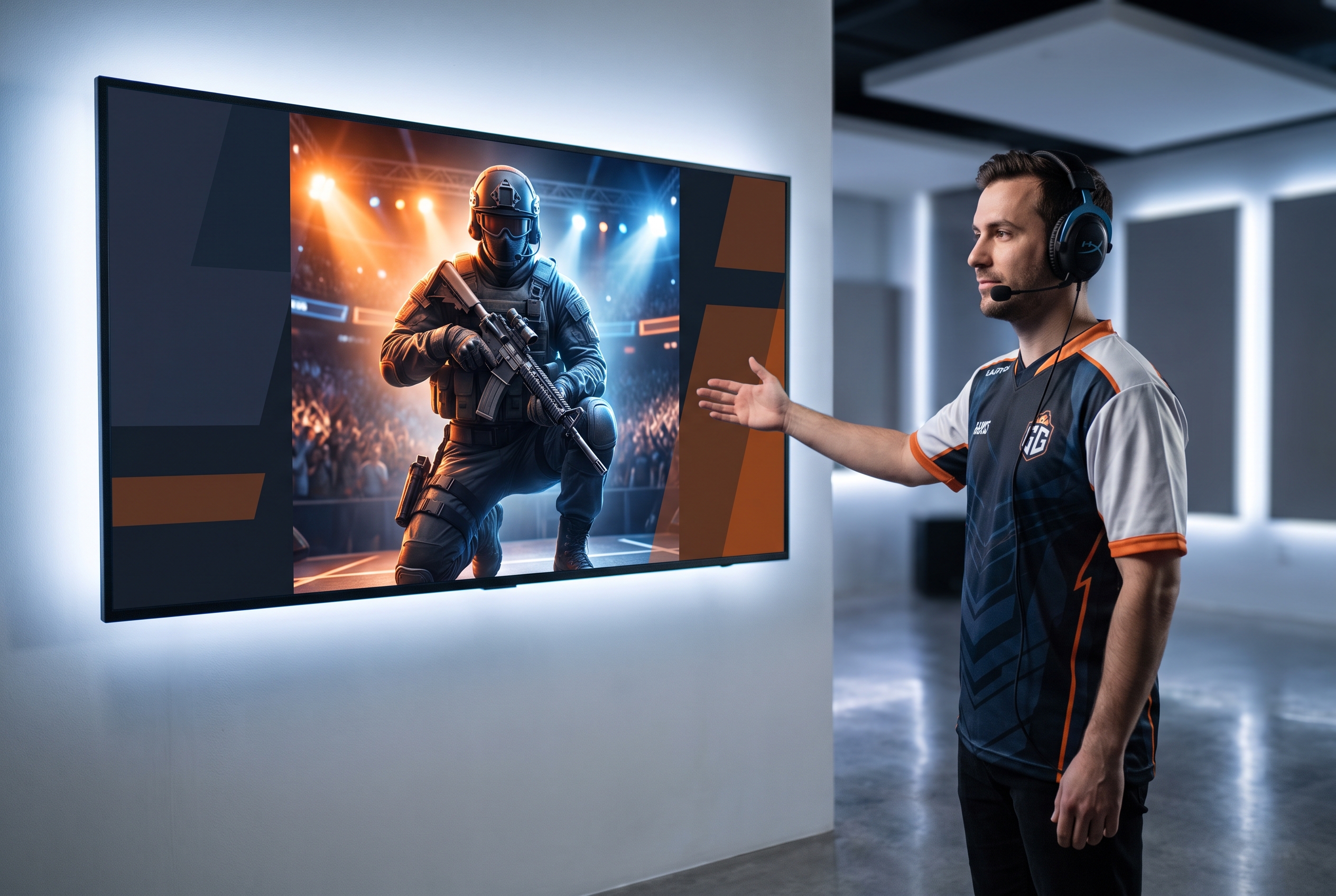
Streamers and Esports Teams
Package VODs, scrims, roster updates, and match recaps with a consistent visual identity. Generate several variations from the same template when the team needs different hooks or formats.
FAQs
What is an R6 thumbnail template?
How do I make R6 thumbnails from a template?
Do I need Photoshop to use this R6 cover maker?
Can I turn my Siege gameplay screenshot into a thumbnail?
Can I add my face to an R6 template?
How many R6 thumbnail variations can I generate?
Does using an R6 template guarantee more clicks?
Your Next R6 Thumbnail Already Has a Starting Point
Choose an R6 template, replace the gameplay and face, and generate up to six variations without rebuilding the design from zero.