Markiplier FNAF Thumbnail Maker
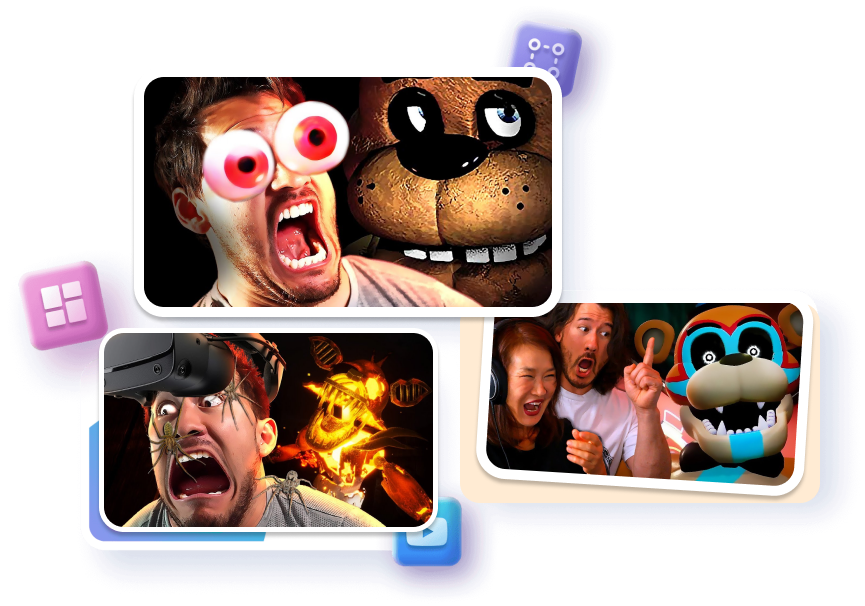
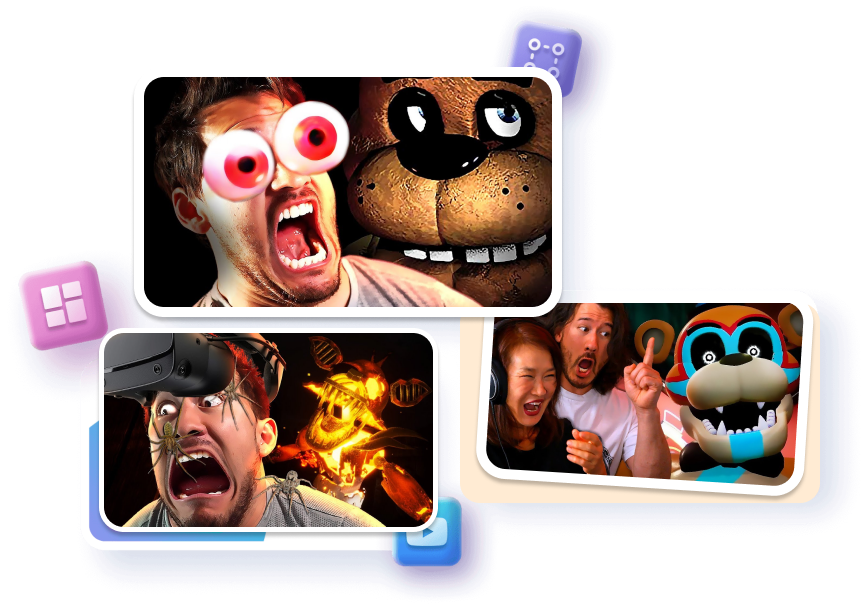
Use our data-backed templates to instantly apply the "King of FNAF" aesthetic to your videos. High-contrast shadows, cursed animatronics, and your extreme reaction face — blended in seconds without Photoshop.
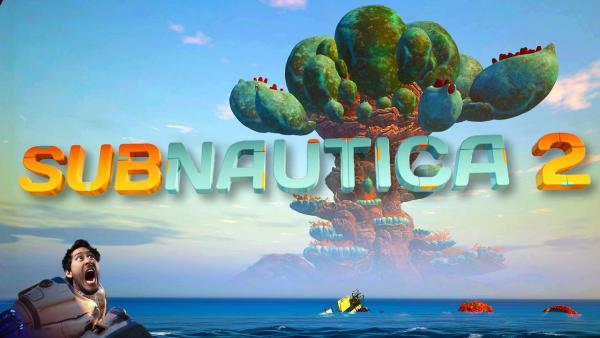
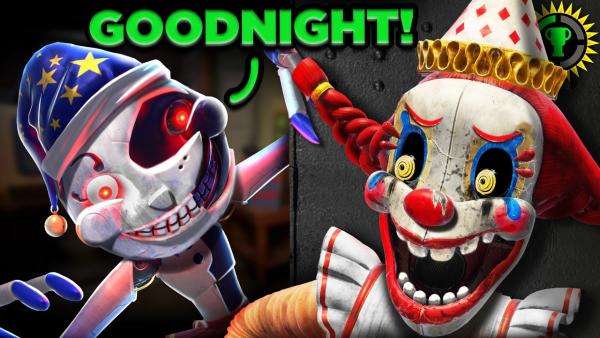
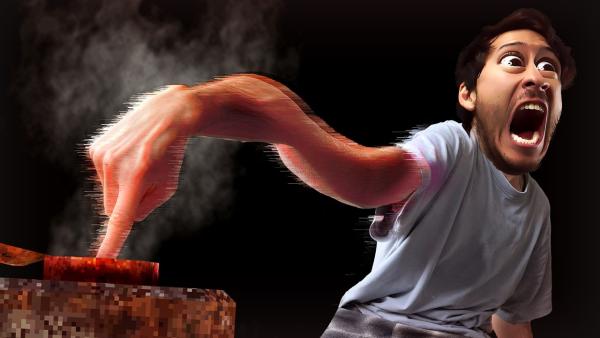
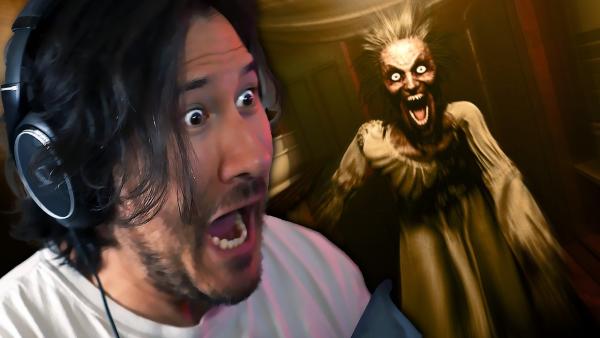
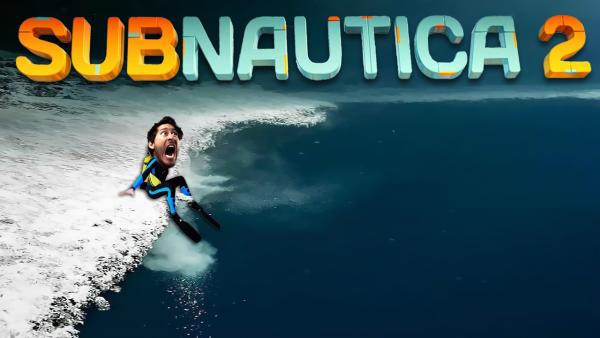
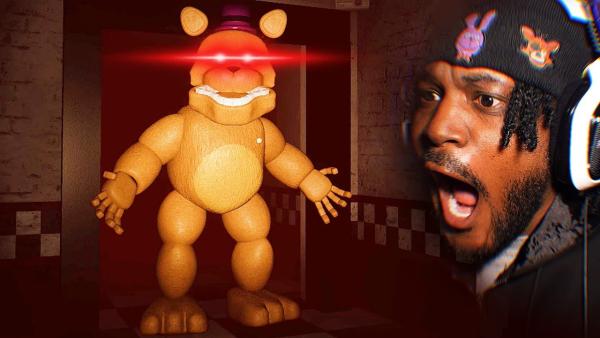

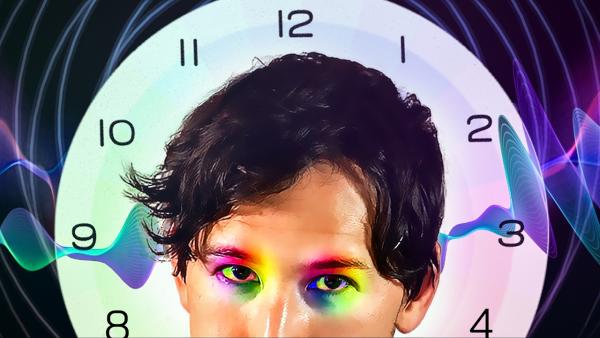
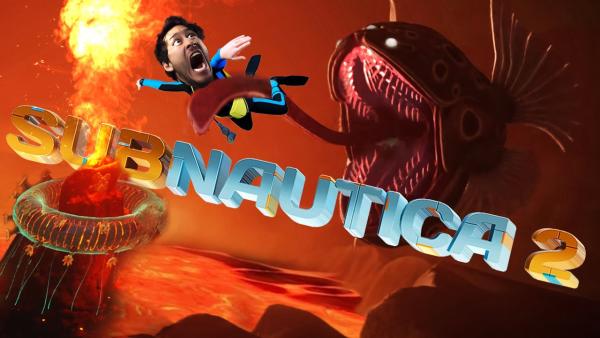
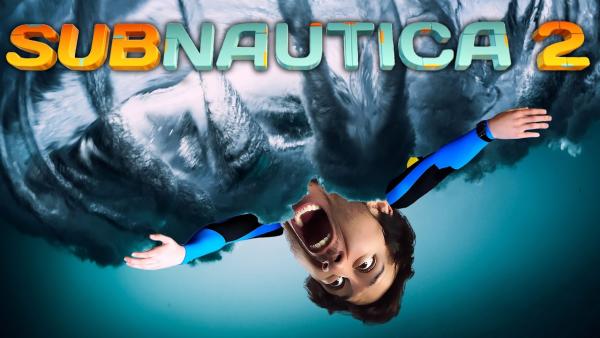
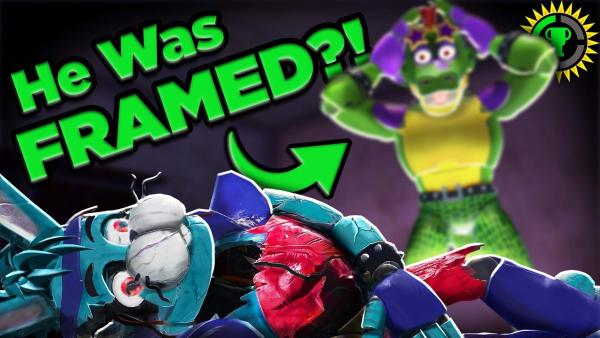
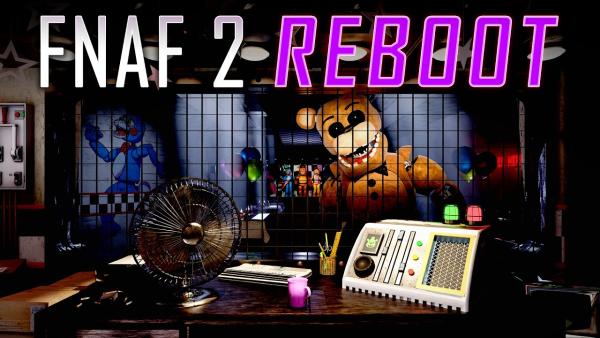
How to Customize Your Markiplier FNAF Thumbnail
Turn any basic gameplay screenshot into a viral horror gaming thumbnail in just 3 simple steps.
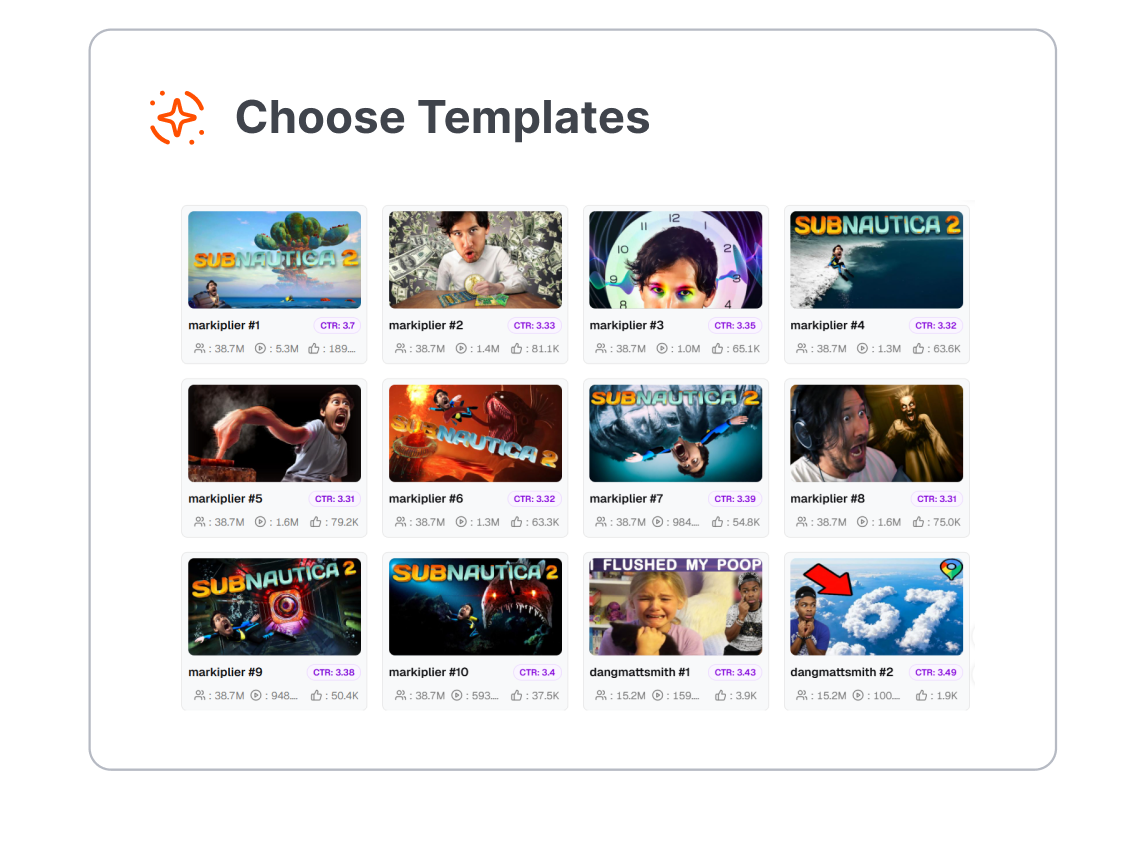
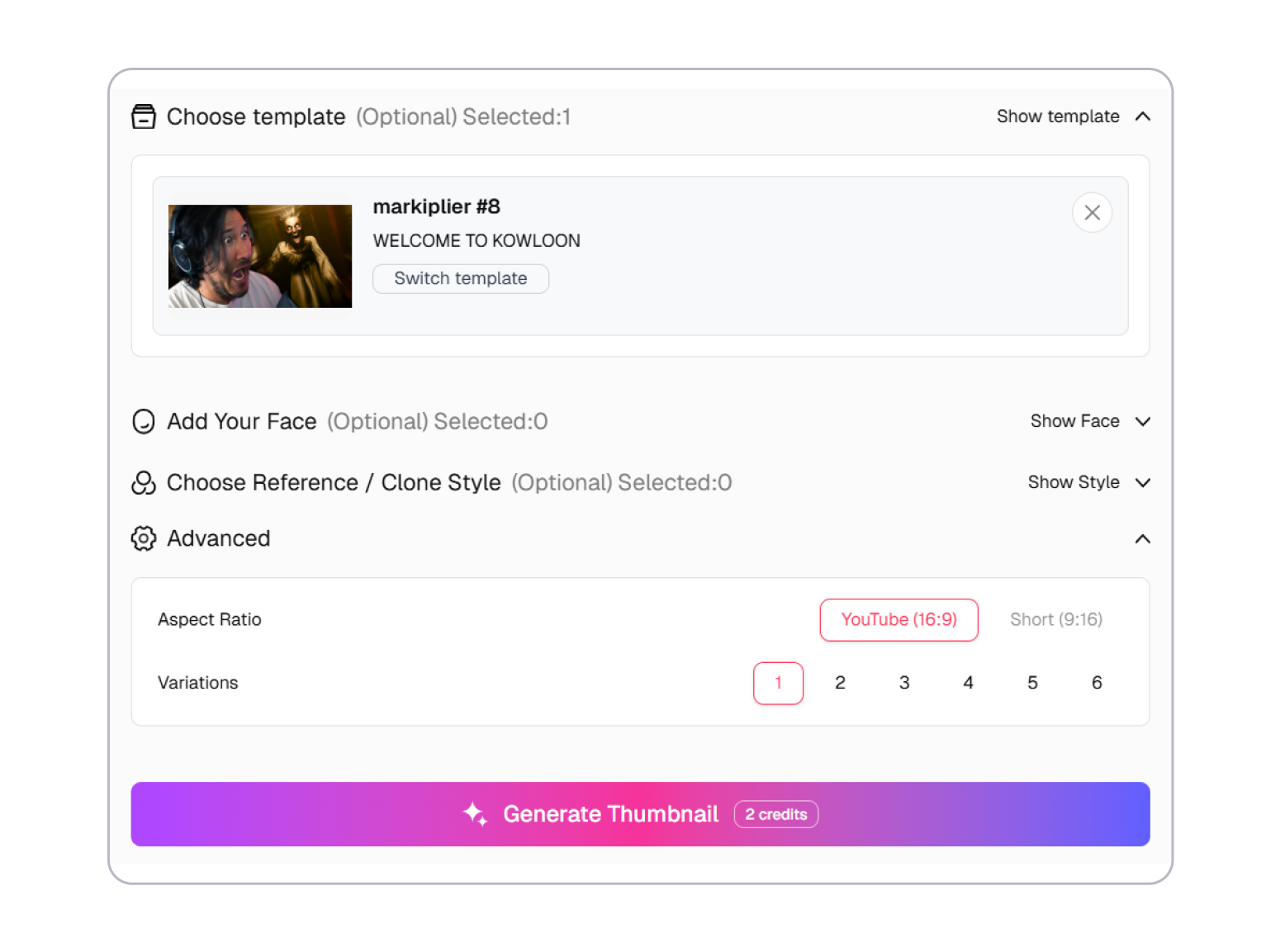
1. Pick a Viral Template
Choose from layouts that are proven to get millions of clicks. Whether you want a shocked reaction face or a full-screen monster jump-scare, we have it ready.
2. Add Your Reaction Face
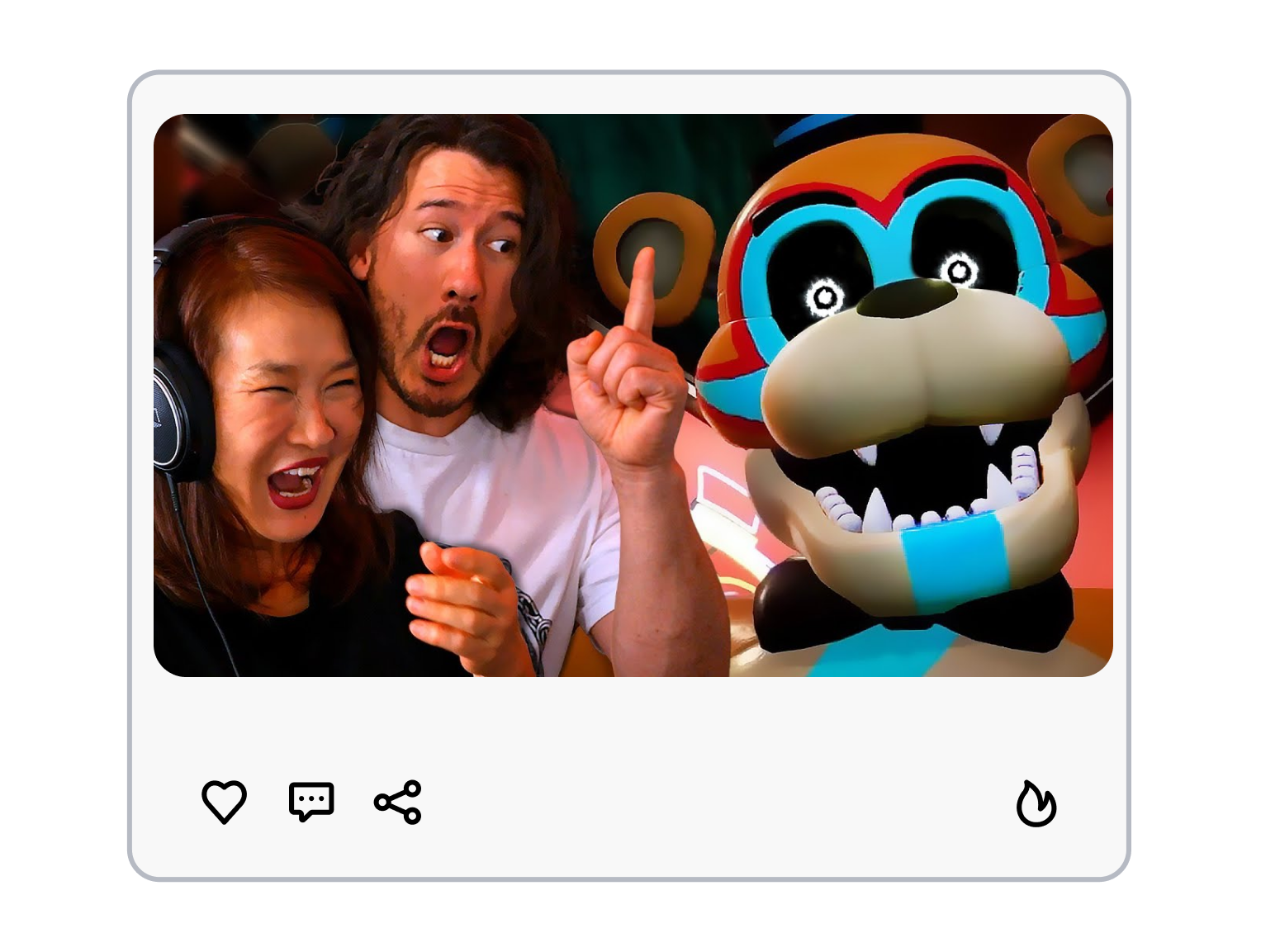
Upload a photo of your shocked face. Our AI instantly removes the background and blends you perfectly into the dark, creepy scene.
3. Add Scary Effects & Text
Make it extra creepy in one click. Turn on glowing eyes for the monsters, apply scary dark filters, and drop in huge, bold text to grab the viewer's attention.
Why Our Markiplier FNAF Thumbnail Maker Dominates
Instant "Cursed" FNAF DNA
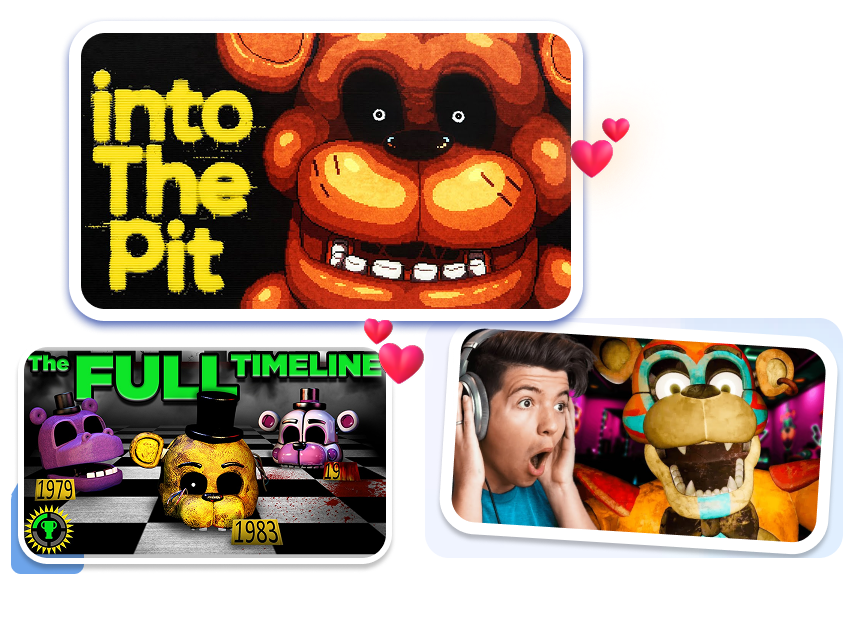
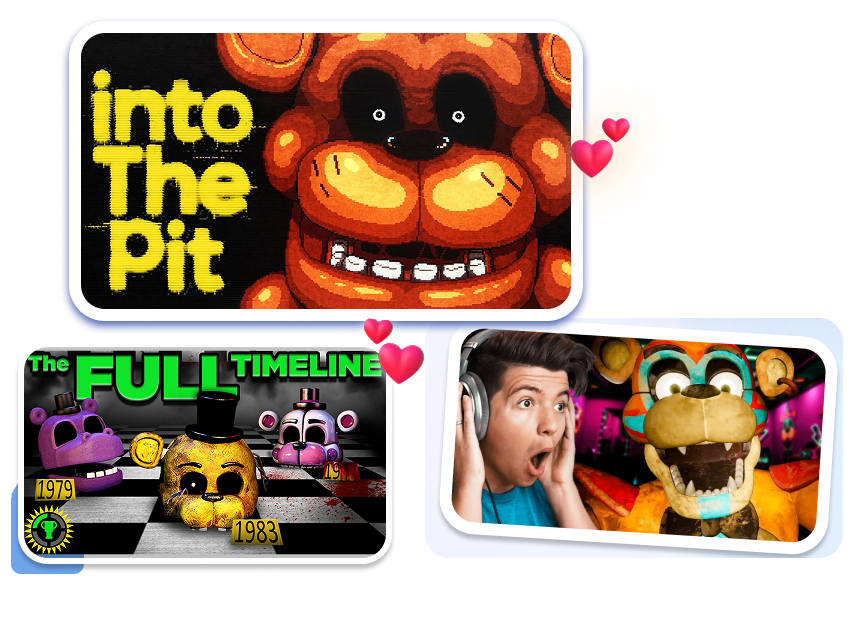
Get the classic Five Nights at Freddy's elements in one click. No editing skills needed.
Make any monster look terrifying with auto-glowing eyes, and add bright white or red dots instantly.
Give normal models a broken, creepy look using the withered texture effect to show rusted metal and wires.
Turn your picture into a creepy security camera feed with a CCTV overlay, adding TV static and a "12:00 AM" timer.
Apply Classic "Markiplier" Style
Get that dark, crazy, and scary look that makes YouTube horror videos go viral.
Darken the background and make colors pop with our deep-fried filter for that signature creepy feeling.
Blend your own shocked face smoothly into the dark background to get the perfect "Markimoo" reaction.
Grab attention fast with huge, bold clickbait text ready for titles like "HE ATE THEM?!"
Proven Layouts That Get Clicks
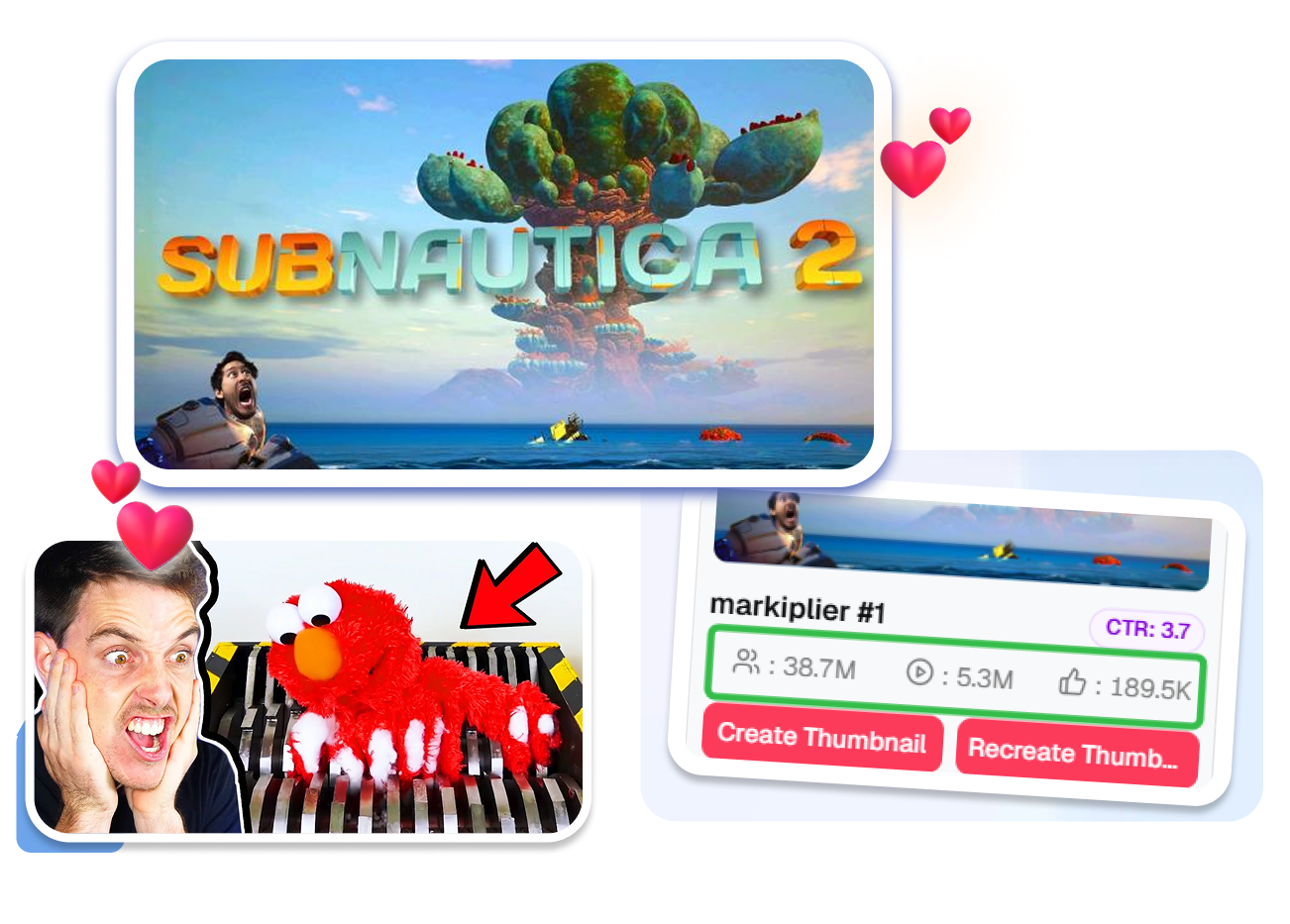
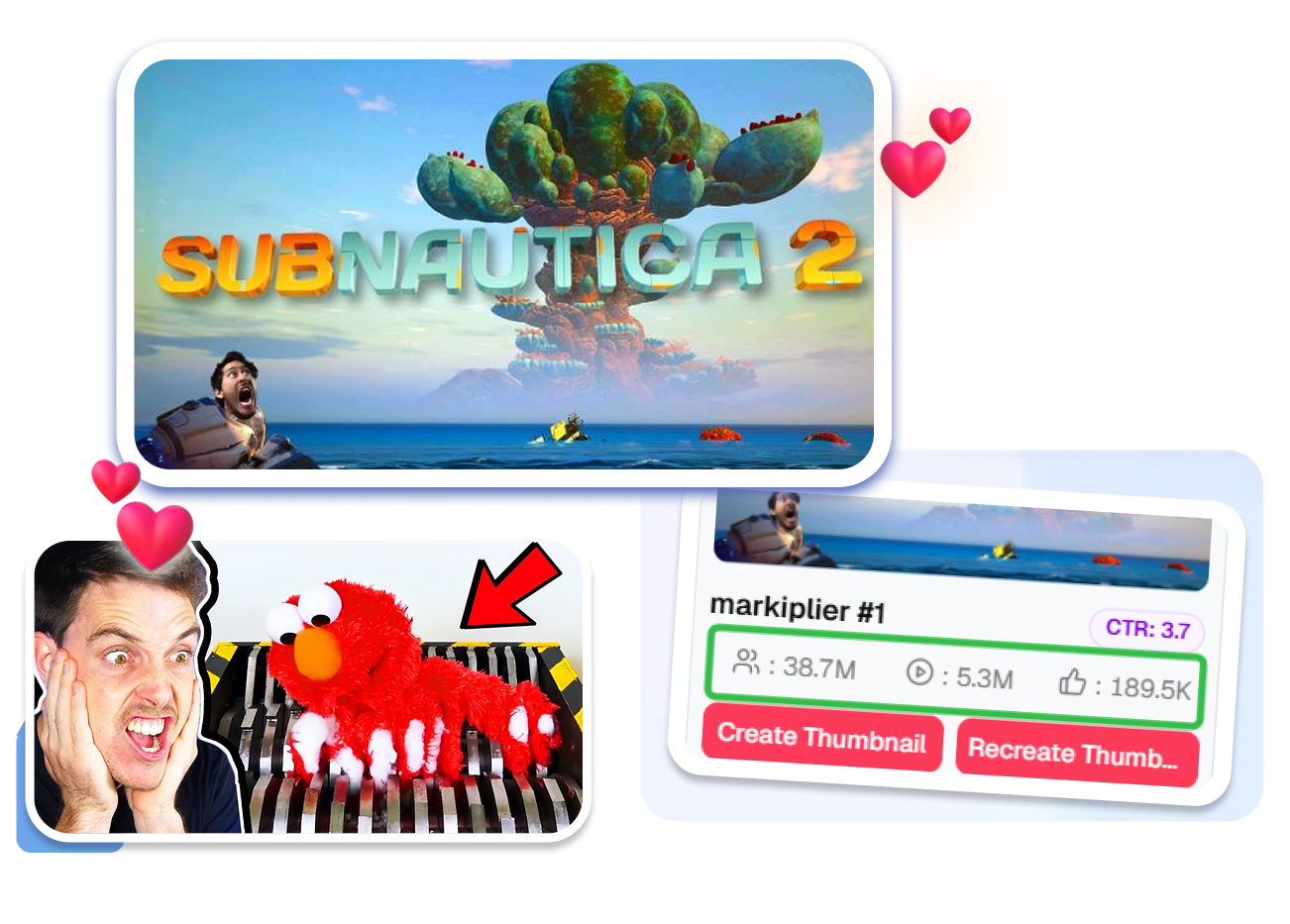
Start with templates that are already proven to bring in millions of views.
Stop guessing and use viral templates backed by real data to easily boost your clicks and views.
Put your face on one side and the jump-scare monster on the other with the perfect left-right layout.
Keep your text and face clearly visible on phones with a mobile-friendly preview — no more getting blocked by YouTube's time stamp.
Super Fast 1-Click Editing
Built for gamers who need to post daily. Zero design skills needed.
Cut out your shocked face in exactly one second with smart AI background removal — no green screen needed.
Point out the scary parts instantly by dropping in red circles and magic arrows to grab the viewer's eye.
Download your image in the perfect YouTube size every time with our automatic 1280x720 resizing.
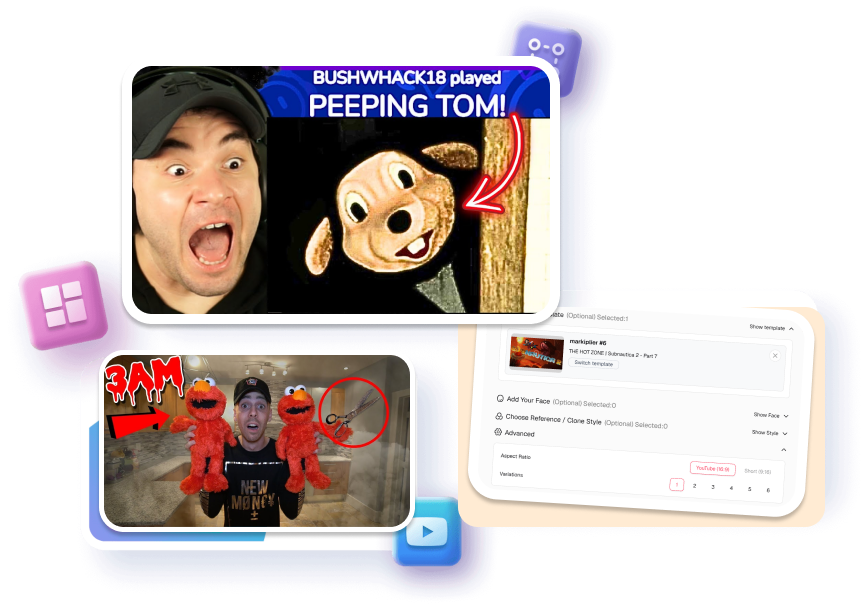
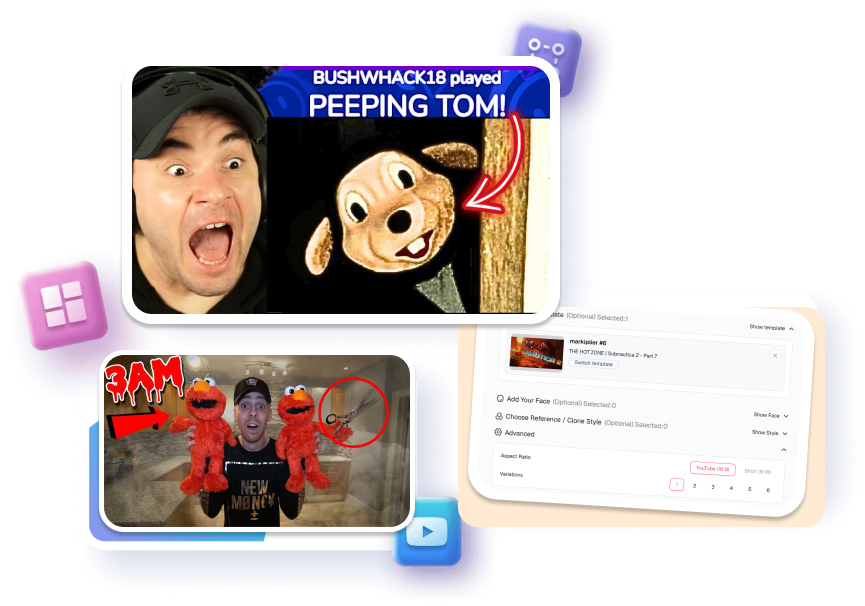
Everyone Wants That Best YouTube FNAF Thumbnails Glow-Up
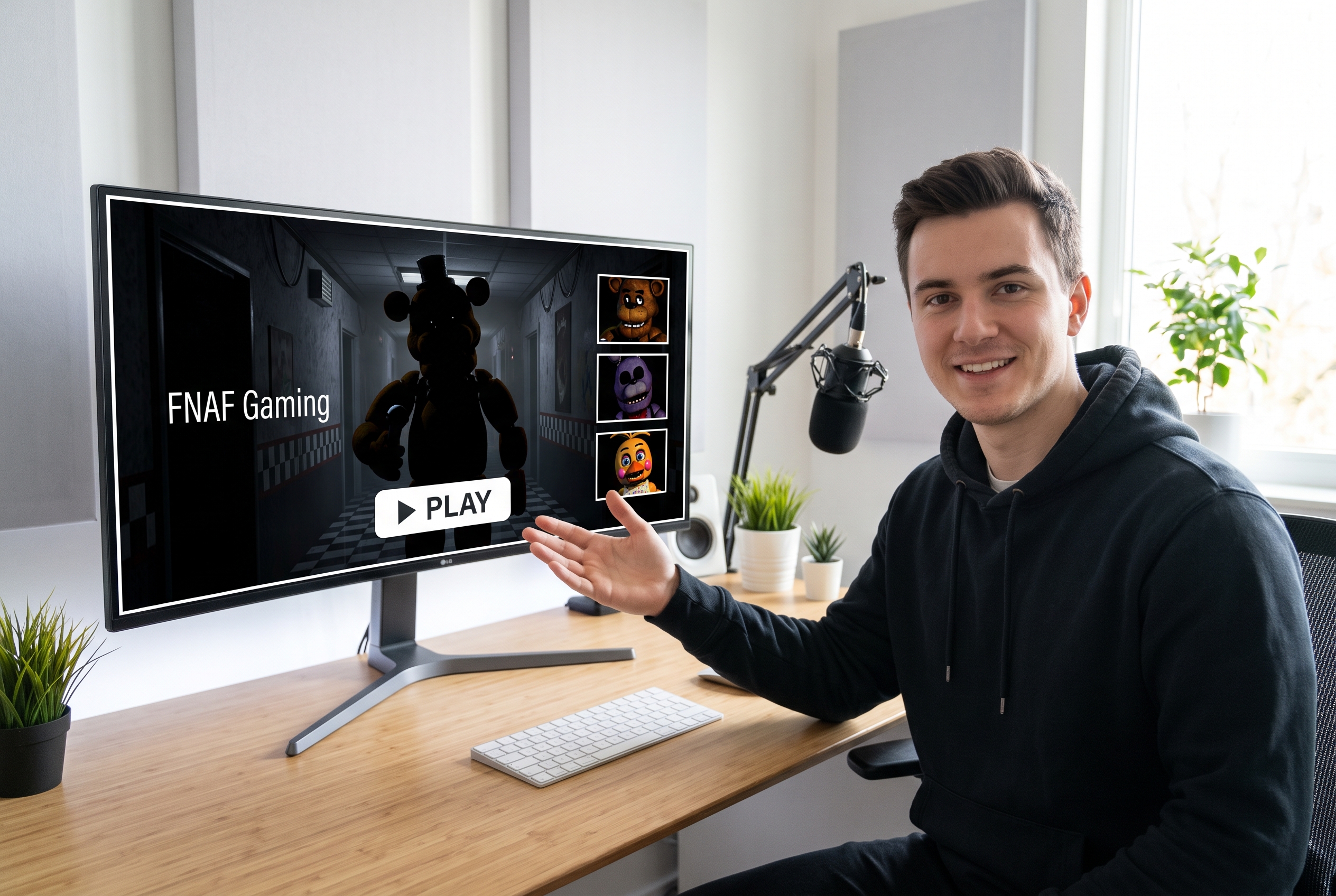
New Gaming YouTubers
Stop getting zero clicks. Use our templates to get a pro YouTube gaming thumbnail without the Photoshop headache.
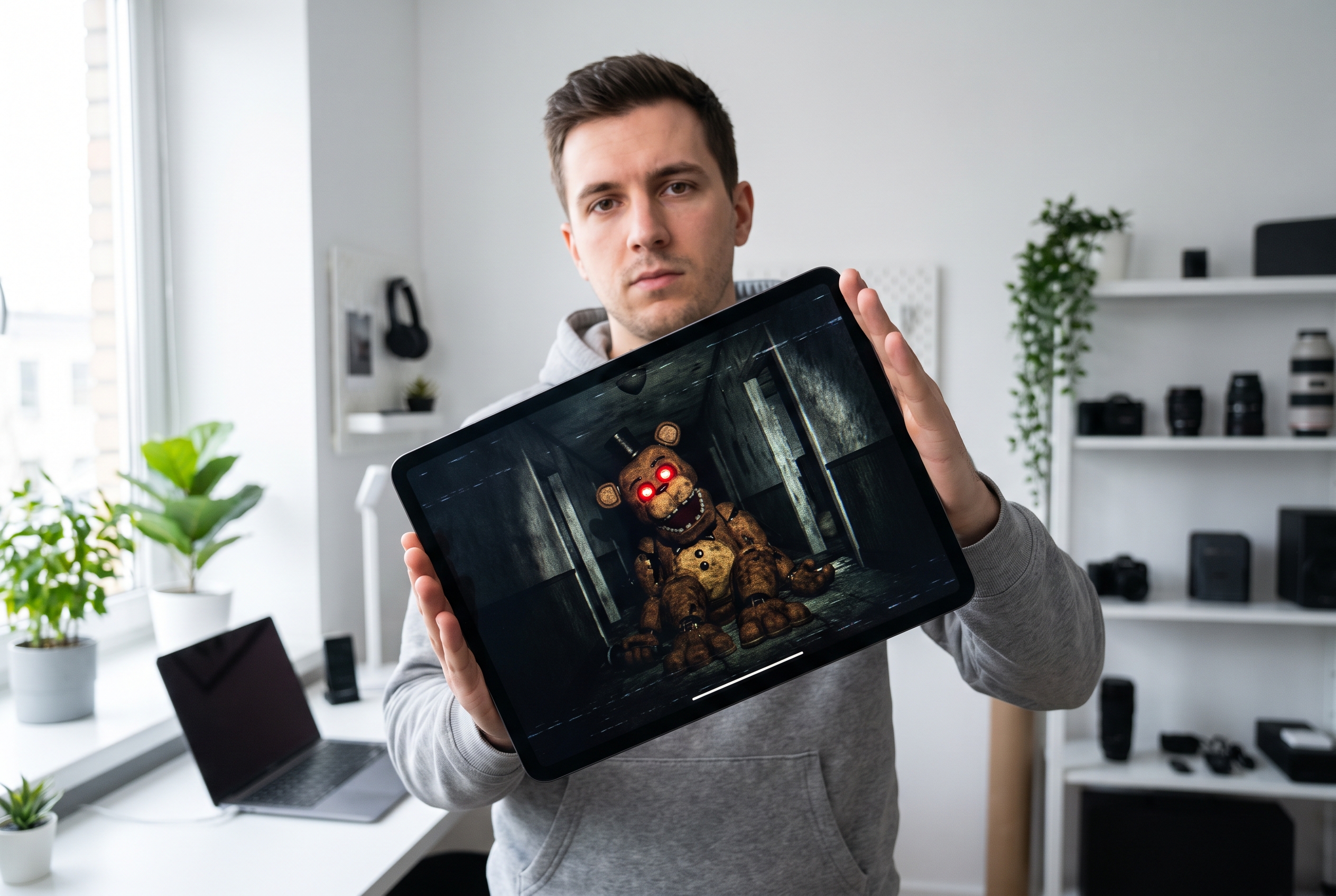
Faceless Horror Channels
No camera? No problem. Use "Cursed" filters to make the animatronics the star of your horror thumbnail for YouTube.
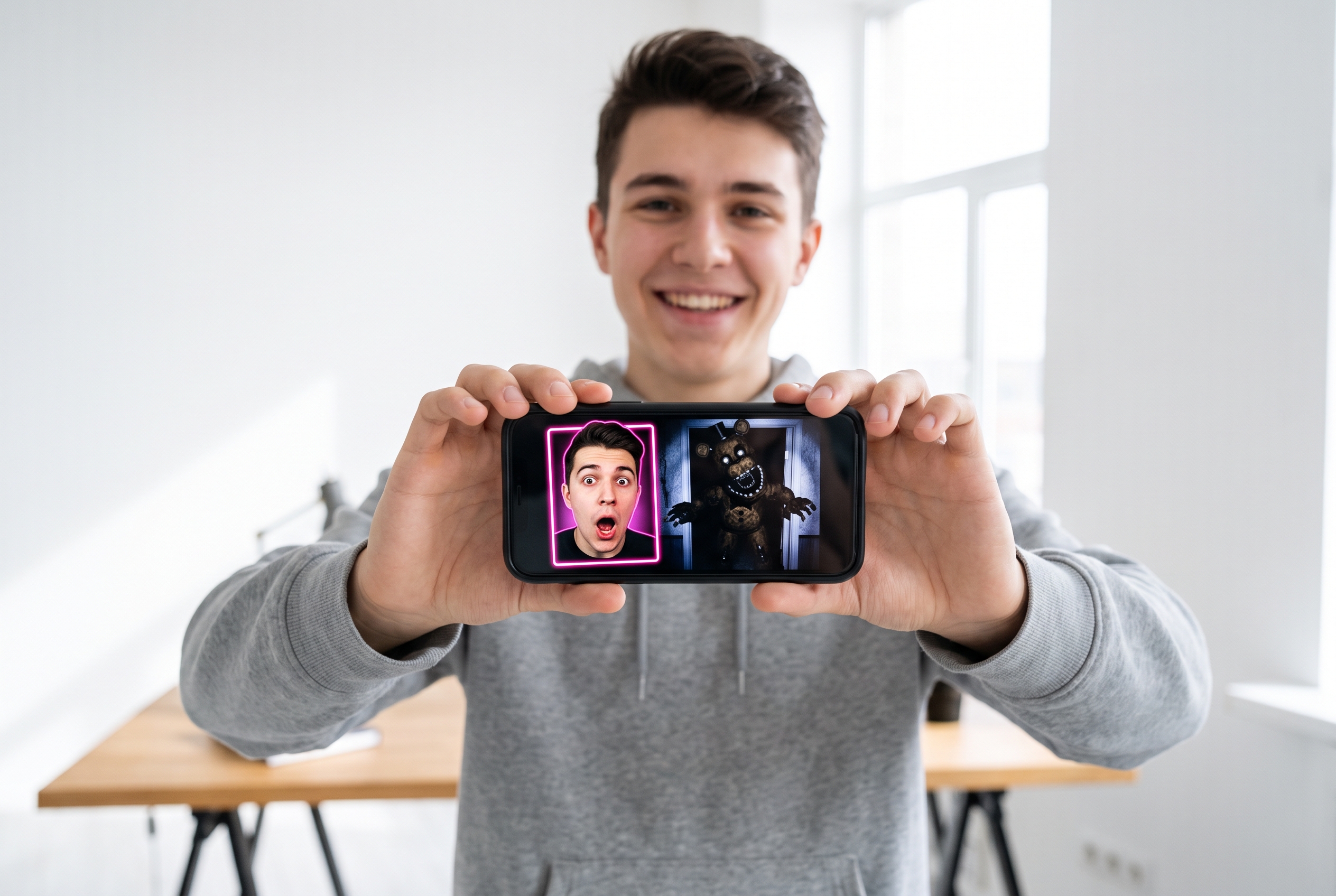
Reaction Channels
Instantly match your scream to the jump-scare. Perfect for making viral Markiplier reaction thumbnails in seconds.
FAQs
Can I legally use a Markiplier FNAF Thumbnail template for my own channel?
Do I need Photoshop to create these cursed FNAF thumbnails?
How does the AI Face Swap work for reaction thumbnails?
Can I get high CTR on FNAF gameplay videos using this?
Is this YouTube thumbnail maker free to try?
Can I use this for other horror games besides Five Nights at Freddy's?
What if I don't want to show my face in the thumbnail?
Explore Markiplier FNAF Thumbnail Generator Today
Stop wasting hours on manual edits — grab the exact Markiplier-style templates and watch your CTR explode today.