Simplified AI Thumbnail Maker
Simplified is an all-in-one content creation platform with an AI Thumbnail Maker for video cover designs. Describe the video, choose a thumbnail format or template, then personalize the generated result with images, text, and brand assets.

Start with your video link / raw image
Support png, jpeg, jpg, bmp, webp format image
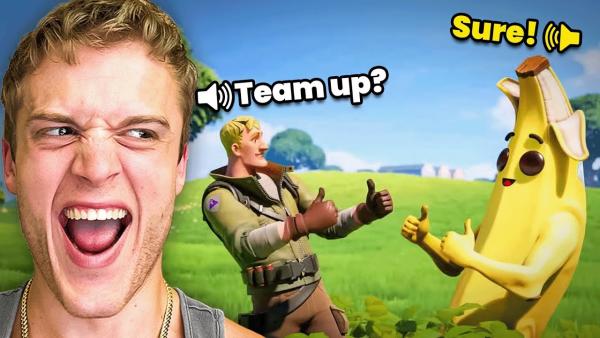
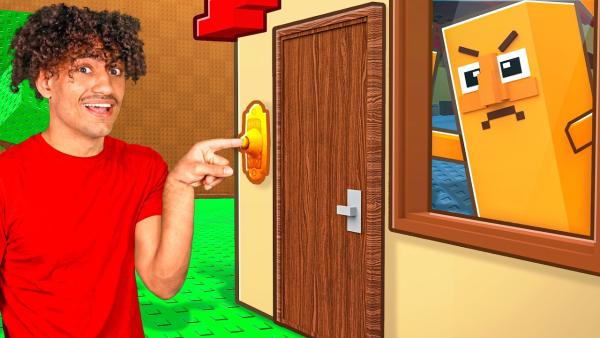
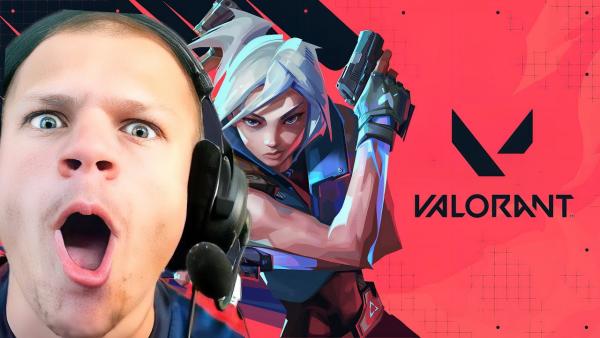
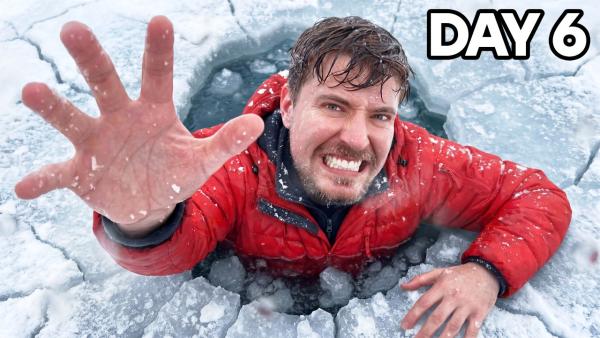
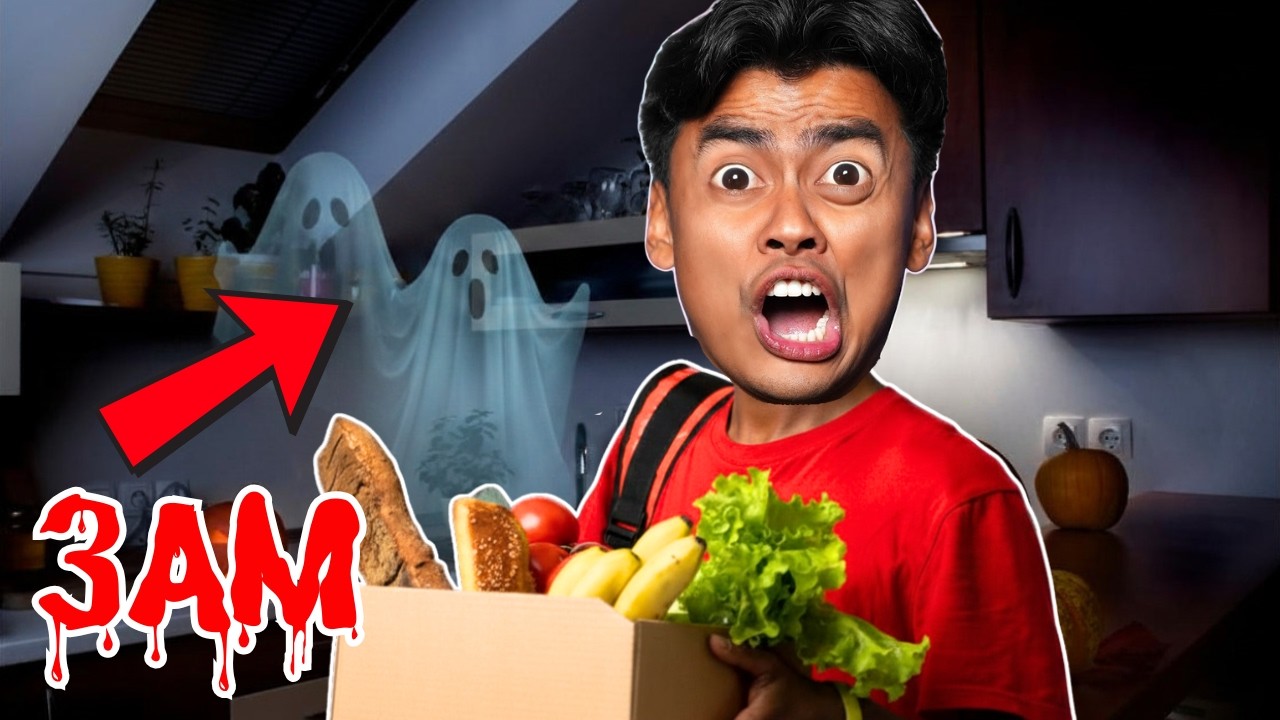
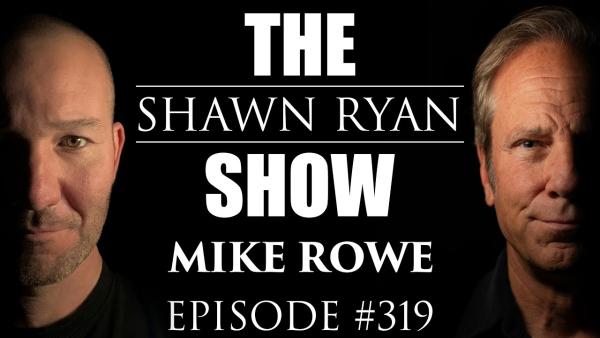
Build Video Covers with Simplified's AI Thumbnail Maker
Simplified combines topic-based generation, template choices, brand assets, and post-generation editing in one design flow.


Start with the Video Topic
Simplified AI thumbnail maker generates thumbnails from a short video description. Choose a YouTube or Shorts format, then set the creative direction and output language. Use a focused topic to give the first designs a clear subject and message.
Choose a Template or Personalize the Design
Simplified offers pre-designed templates as well as a route that skips template selection. Upload a logo or image when the thumbnail needs a recognizable brand or subject. Bring colors, fonts, and logos from Simplified's Brandkit into the design where the account includes access.


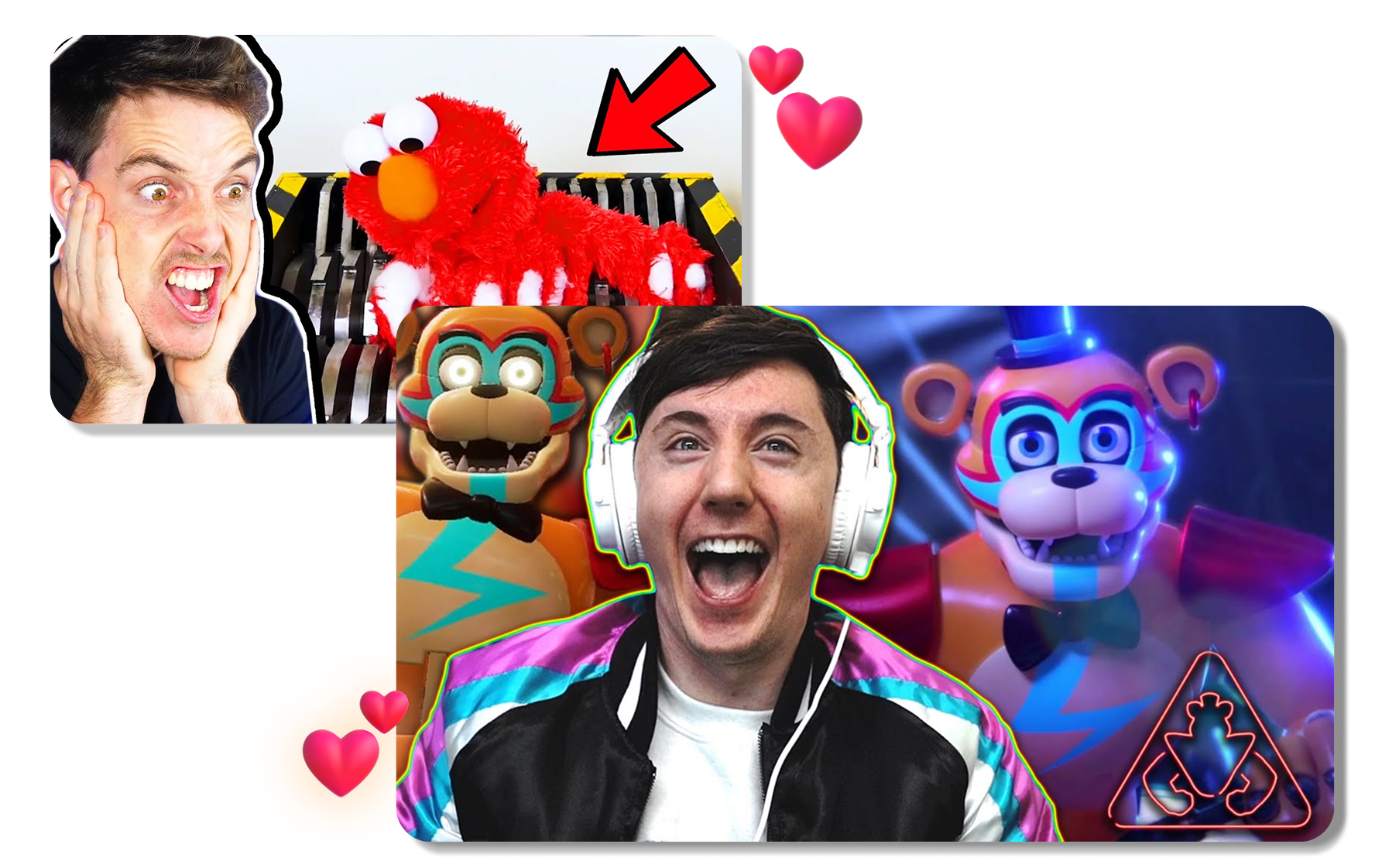
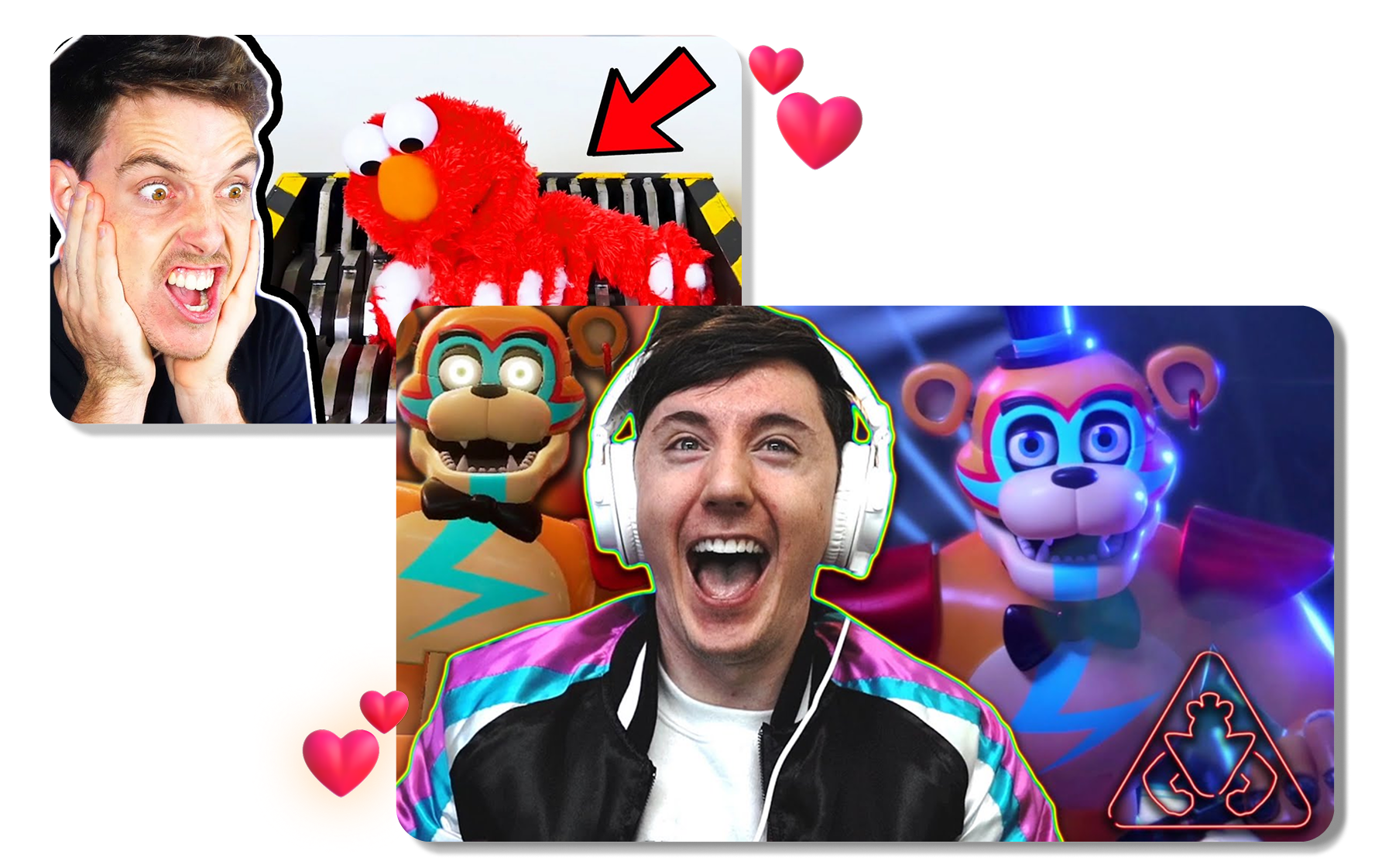
Refine the Result for the Right Format
Simplified includes editor controls for changing text, images, and other design elements after generation. Adjust the layout for the channel, message, or audience before saving the project. Resize the finished direction for YouTube, Shorts, or another supported social format when that option is available.
Use Simplified AI Thumbnail Maker in 3 Steps
Move from a video topic to an editable thumbnail through one guided design workflow.
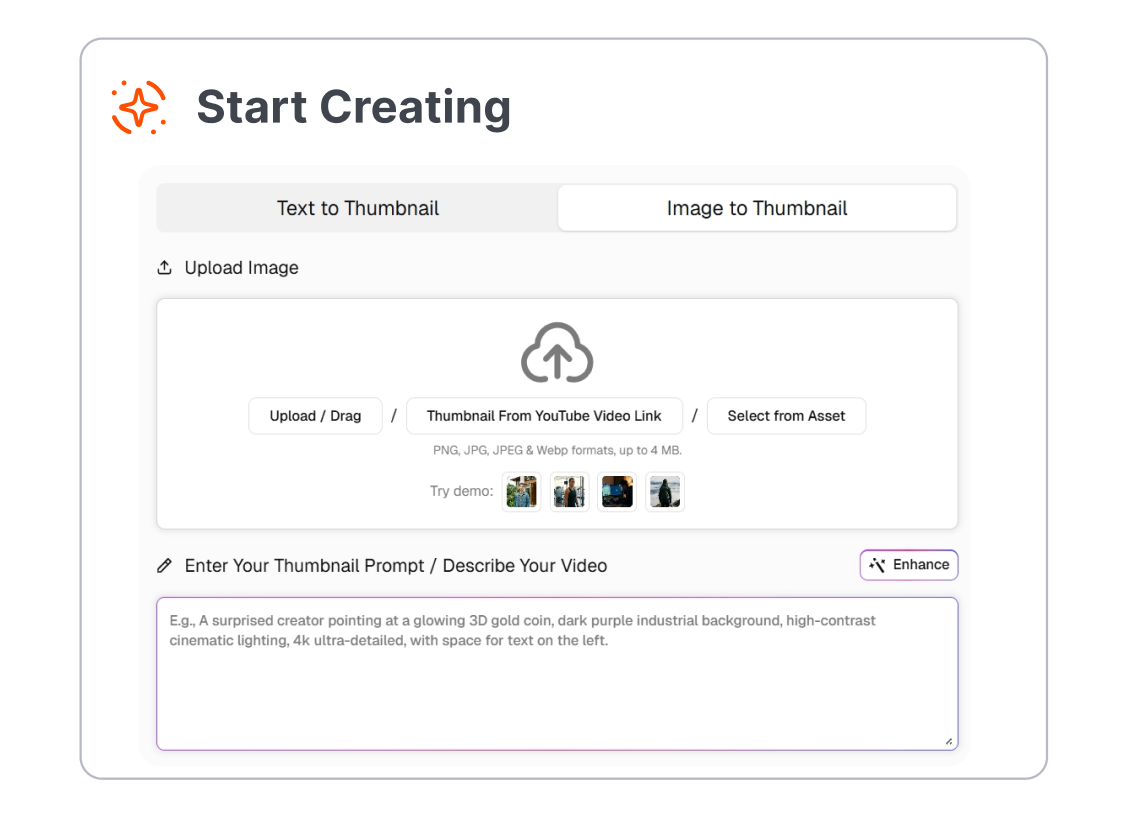
1. Describe the Video
Enter a short description of the video's topic and intended message. Choose the thumbnail format and output language that fit the project.
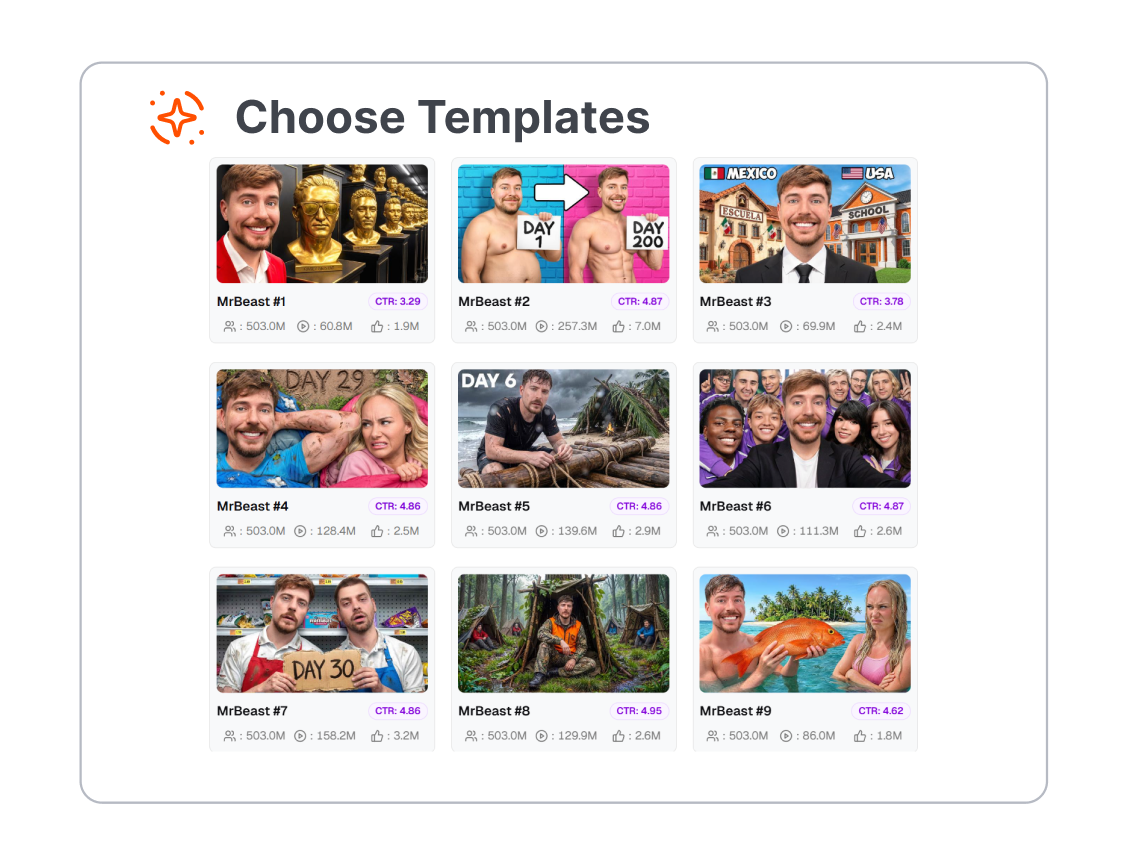
2. Choose a Starting Design
Select a template or skip that step to generate a new direction. Upload a logo or image when the design needs a specific brand or subject.
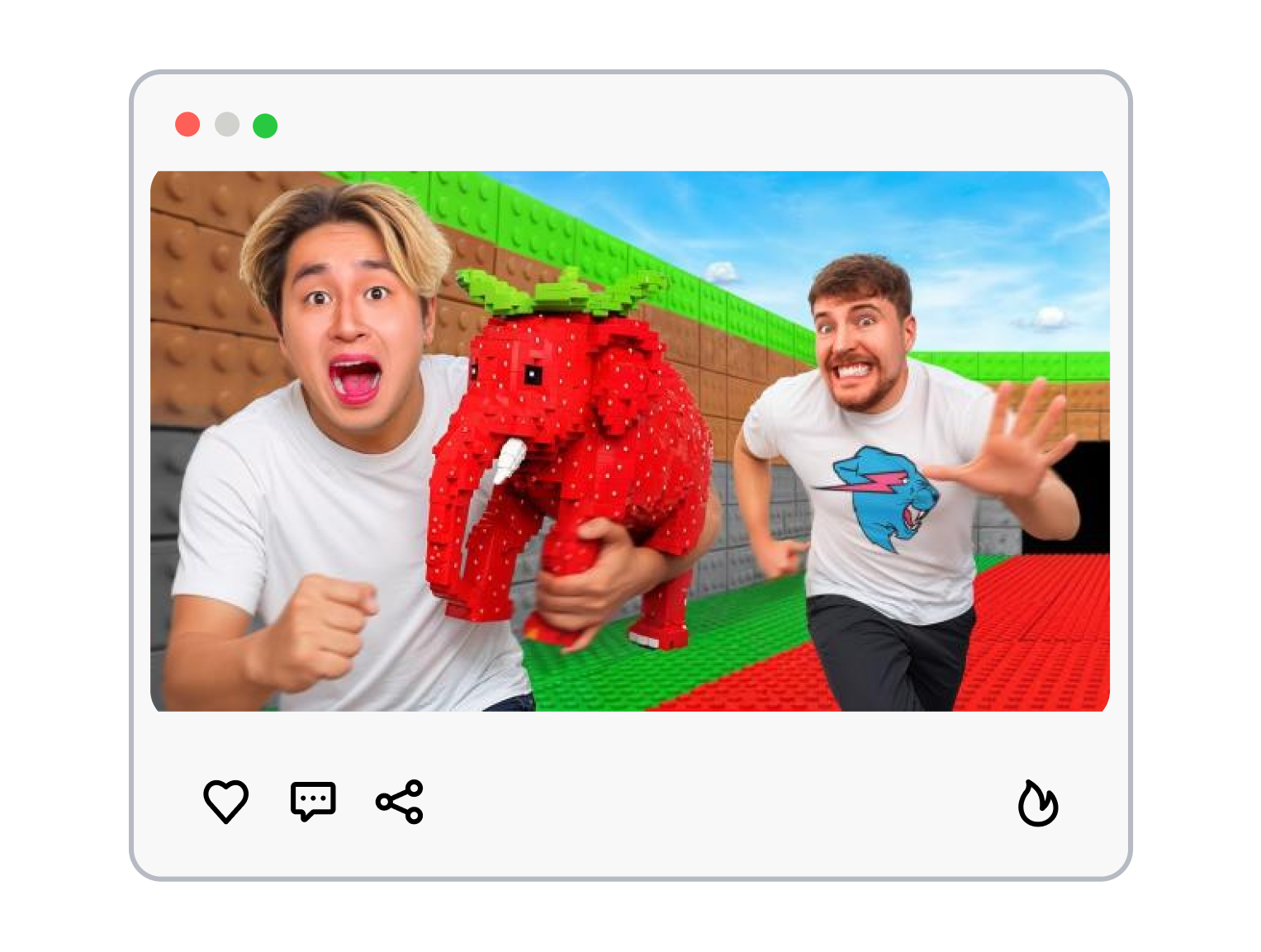
3. Generate and Edit
Generate thumbnail options and open a selected result in the editor. Adjust the text, images, and design elements before saving the project.
Who Uses Simplified AI Thumbnail Maker?
Use Simplified to create and adapt video covers for channels, short-form posts, campaigns, and client projects.
YouTube Creators
Turn a video topic into a starting thumbnail direction. Edit the headline and visual elements to fit the channel before publishing.
Short-Form Creators
Create cover ideas for YouTube Shorts and other vertical video formats. Adjust the layout so the subject and message stay clear at a smaller size.
Marketing Teams
Build thumbnail concepts for product videos, tutorials, and campaign content. Add approved brand assets when the workspace provides Brandkit access.
Agencies and Brand Teams
Create editable starting points for different clients or content series. Use templates and uploaded assets to keep each project visually recognizable.
Frequently Asked Questions
How does Simplified AI Thumbnail Maker work?
Can I use my own images and logo?
Which thumbnail sizes are available?
Can I edit a thumbnail after generation?
Can Simplified create thumbnails in different languages?
Is Simplified's AI thumbnail maker free?
What is a useful alternative to Simplified?
Looking for Another Option? Explore Thumbs.ai as a Simplified Alternative.
Use Thumbs.ai to turn text, uploaded images, or YouTube links into thumbnail directions and reusable variations. Explore templates, references, and face-focused tools in the same workspace.